The package block
gateway.ek9 holds a defines package block: the package's version, description, licence and tags, and under deps two modules it needs, each pinned to a version. Right-click anywhere inside that block and the editor's menu gains the package items - versions, dependencies, capabilities and exclusions - each an edit to this source text, checked and shown before it is applied. Read the block, and notice that the two deps lines are marked as errors (E06263): the compiler checks that each dependency is installed in the library, ~/.ek9/lib, and nothing is installed on this machine yet. Editing the block needs none of it - this lesson only changes the text. To play it in the IDE: Help > Lessons > Security, packages and Git…, or ek9 -ide -lesson package-block.
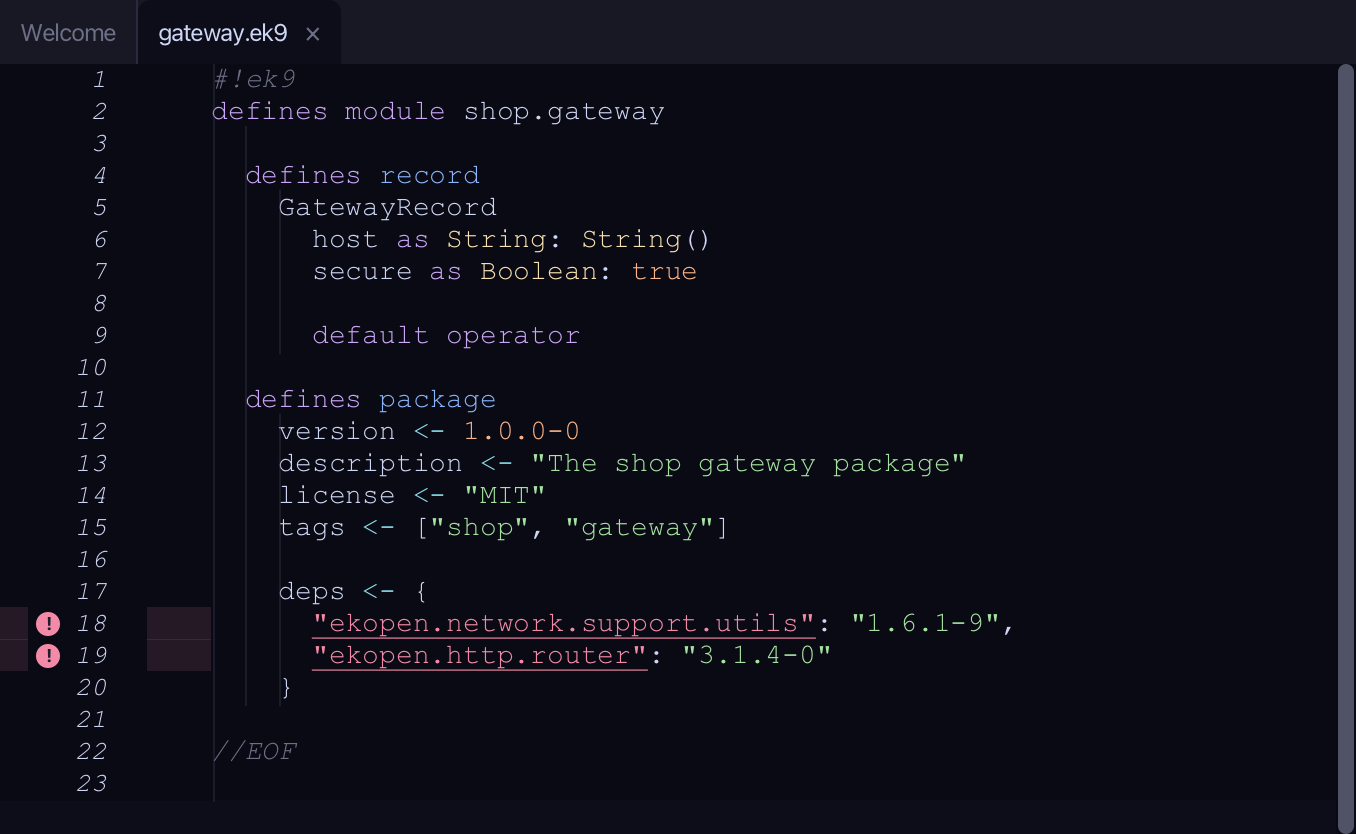
Start from
The code the lesson starts from: copy it into a file of your own and follow the steps.
#!ek9
defines module shop.gateway

  defines record
    GatewayRecord
      host as String: String()
      secure as Boolean: true

      default operator

  defines package
    version <- 1.0.0-0
    description <- "The shop gateway package"
    license <- "MIT"
    tags <- ["shop", "gateway"]

    deps <- {
      "ekopen.network.support.utils": "1.6.1-9",
      "ekopen.http.router": "3.1.4-0"
    }

//EOF
Step 1: Set the version
Right-click inside the package block and choose Set Version…
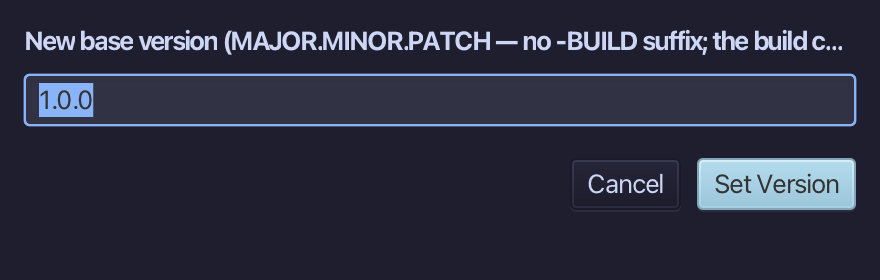
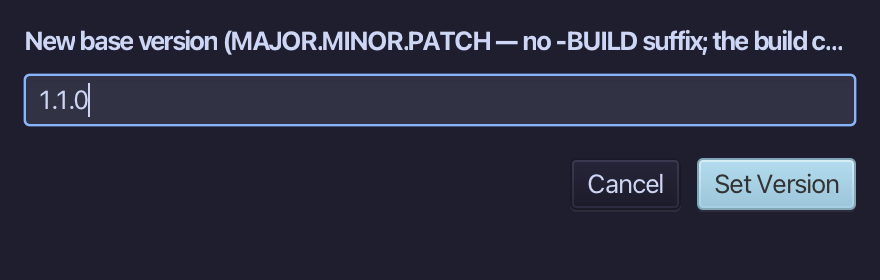
Type 1.1.0 - MAJOR.MINOR.PATCH, with no build counter - and choose Set Version.
ek9 made the change and reports Success, with nothing to say - the editor shows the new version. Choose Close.
Step 2: Increment it
Right-click the version line and choose Increment Patch Version.
On the version line the menu leads with Increment Build, Patch, Minor and Major. Patch went from 1.1.0 to 1.1.1. Choose Close.
Step 3: Add a dependency
Right-click inside the package block and choose Add Dependency…
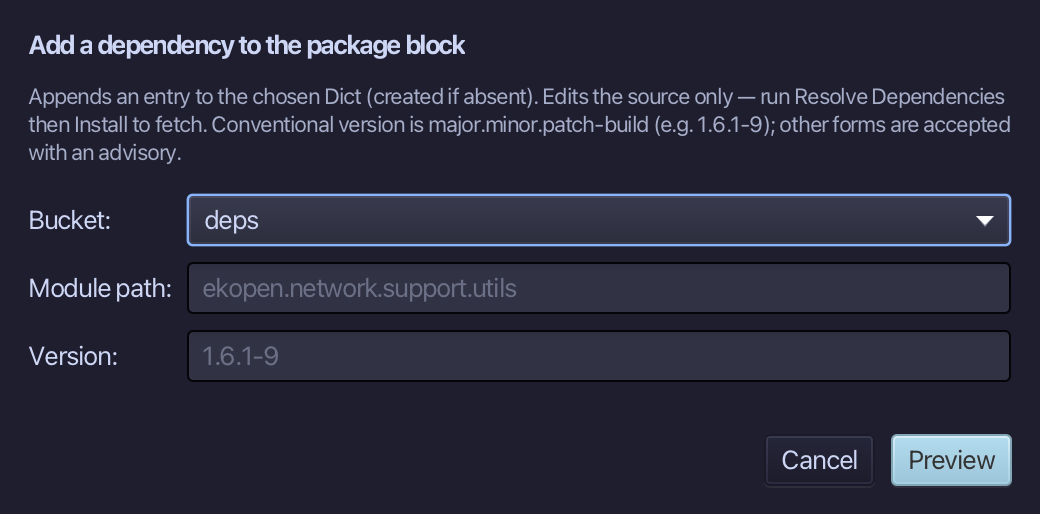
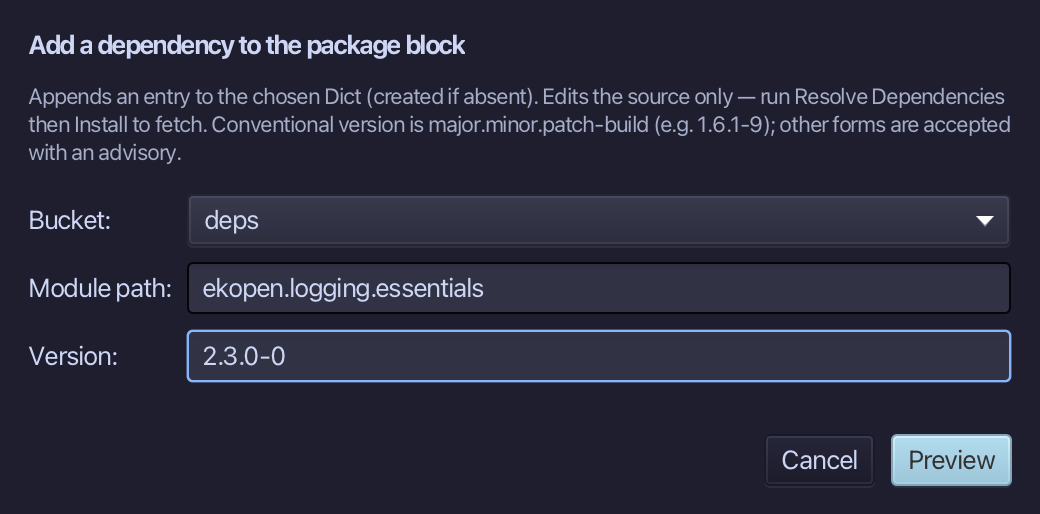
Type ekopen.logging.essentials as the module path and 2.3.0-0 as its version - the bucket stays deps - and choose Preview. The new line will be marked E06263 as well, because that package is not installed either; that is expected, and the edit is applied all the same.
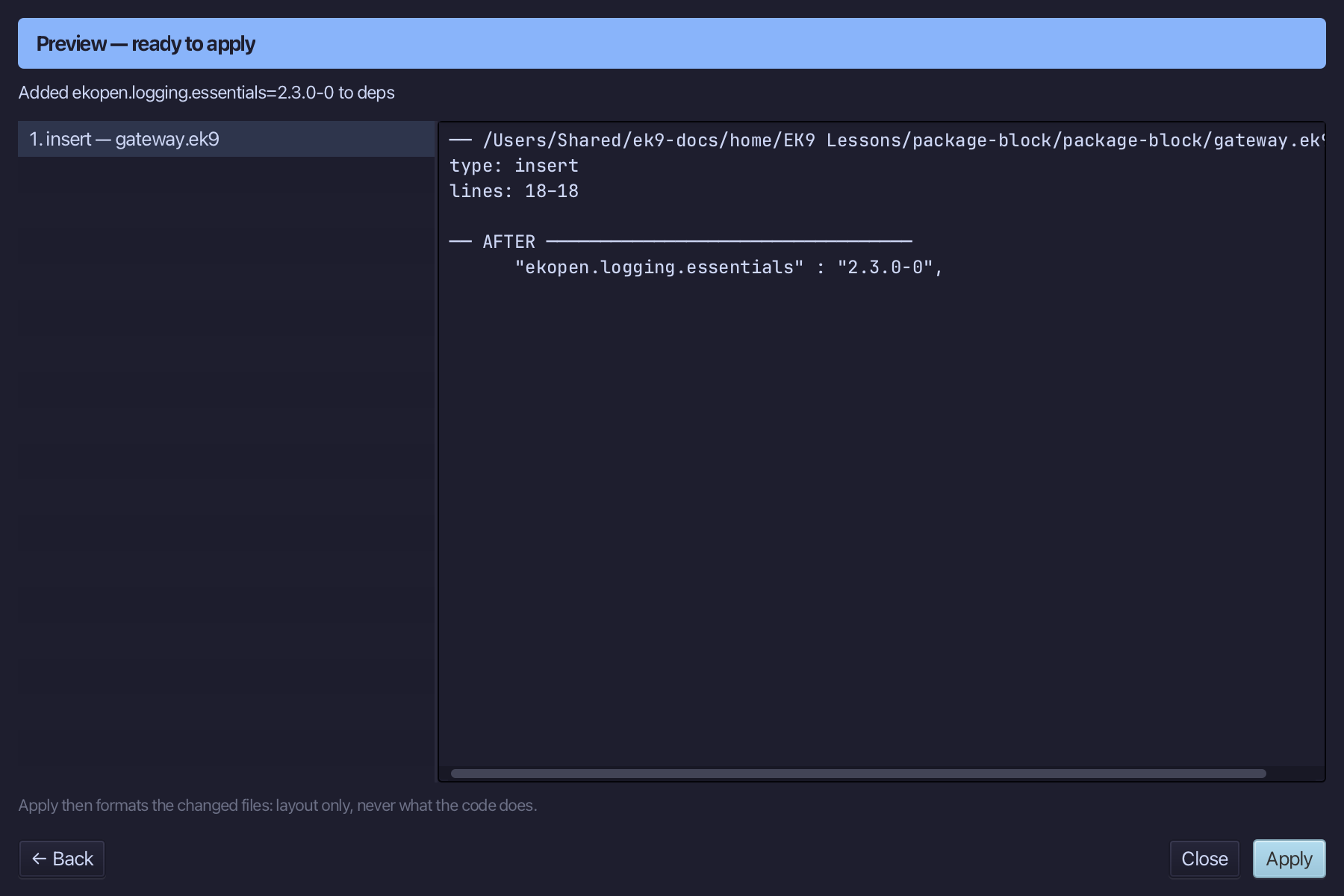
The preview shows the new entry appended to deps in the canonical module-and-version form, and any conflict - a module already pinned, or pinned to another version - that would stop it. Choose Apply.
Step 4: Exclude a transitive dependency
Right-click inside the package block and choose Exclude Transitive Dependency…
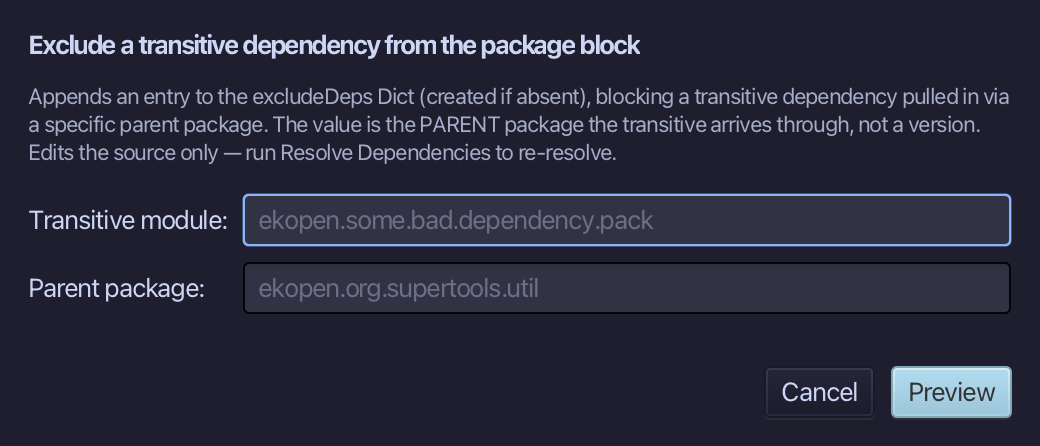
Type ekopen.legacy.slf4j.bridge as the transitive module and ekopen.logging.essentials as the parent package it arrives through, and choose Preview.
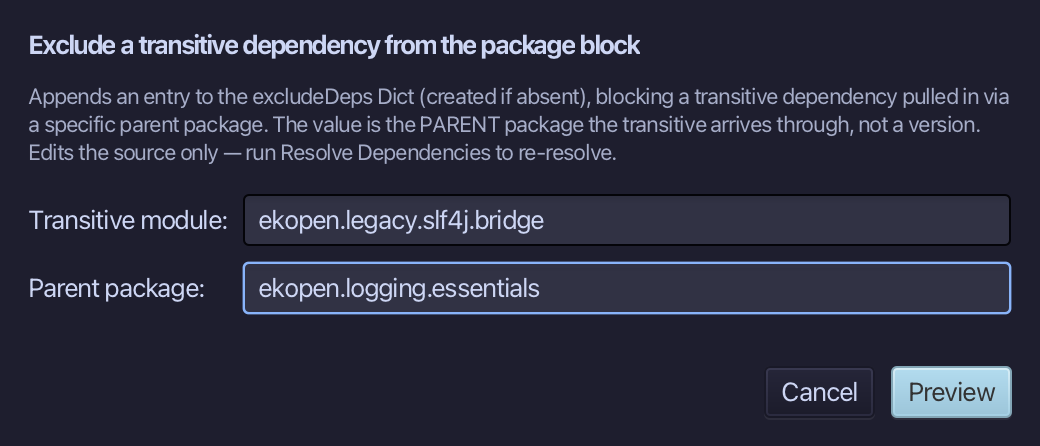
The package had no excludeDeps, so the preview creates one: the excluded module on the left, the parent package it would arrive through on the right. Choose Apply.
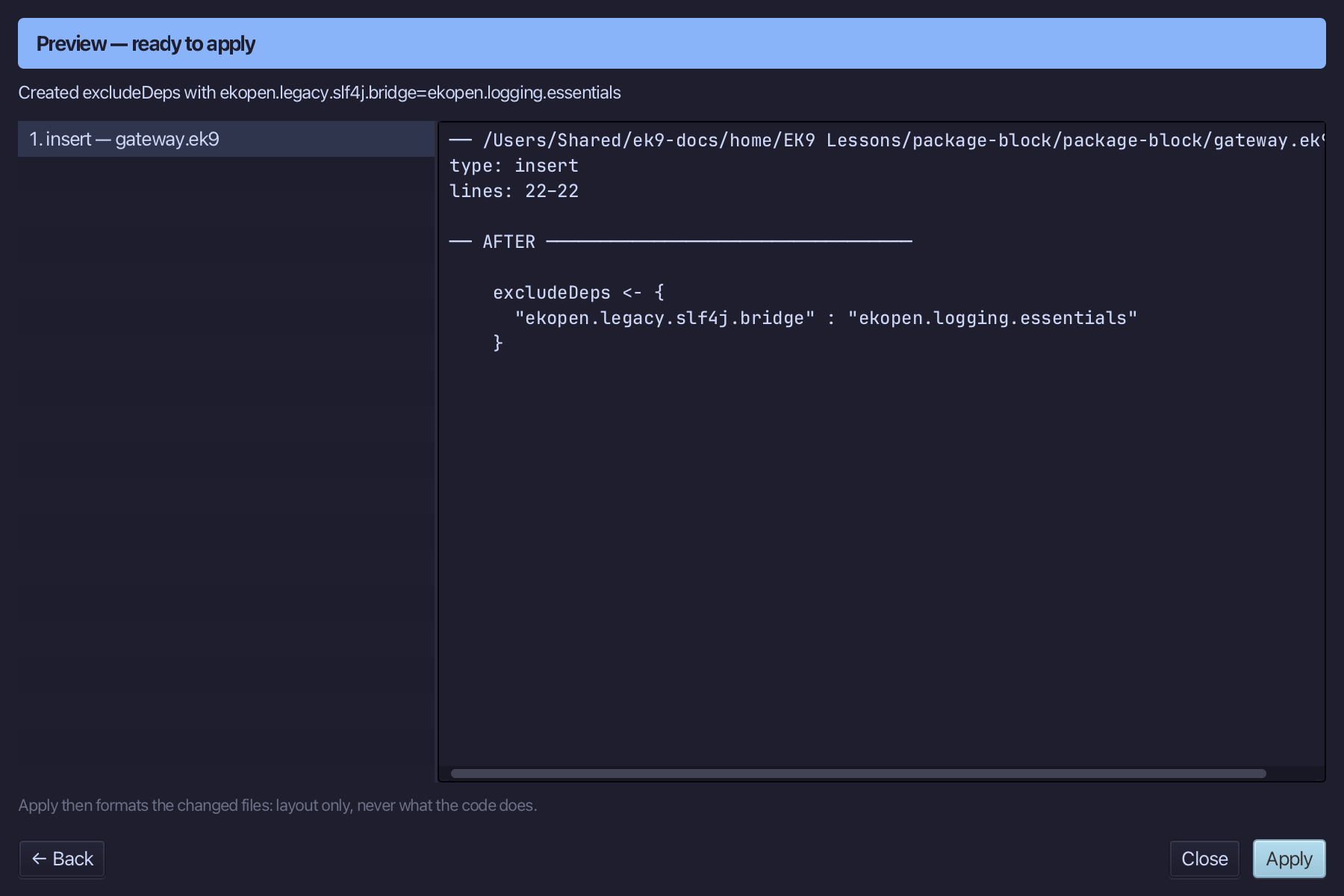
The result
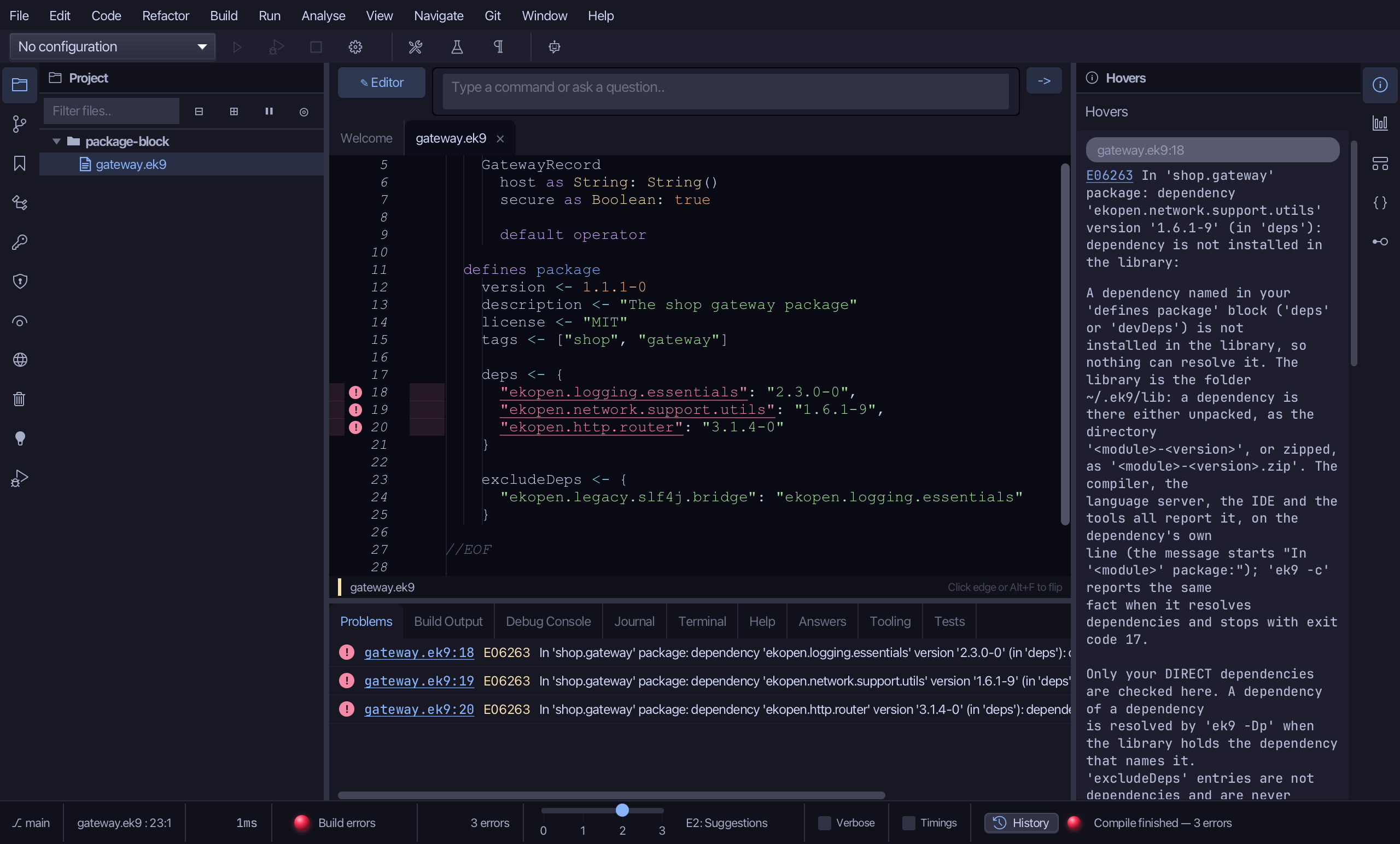
That is the package block's own menu: the version is 1.1.1-0, Add Dependency pinned ekopen.logging.essentials at 2.3.0-0, and the excludeDeps bucket now blocks ekopen.legacy.slf4j.bridge when it arrives through ekopen.logging.essentials. Nothing was fetched or installed, so the three deps lines stay marked E06263 - Resolve Dependencies and Install, under Build, are build-and-deploy's. Right-click the block again and Remove Transitive Exclusion… is offered, because there is one to remove; Set Feature Version… and Remove Dependency… are the same shapes. AI assistants make the same edits with ek9_set_version, ek9_increment_version, ek9_add_dependency and ek9_exclude_transitive_dependency.
Where this lesson comes from
- Answers -
ek9 -qand the IDE's Answers tab: 15, 11, 7. - For AI assistants - the MCP tool
ek9_set_version,ek9_increment_version,ek9_set_feature_version,ek9_add_dependency,ek9_remove_dependency,ek9_exclude_transitive_dependency,ek9_remove_transitive_exclusion.
In the EK9 reference: Packaging in EK9