Sensitive reveals and environment variables
Startup reads three environment variables, one of them a secret: an API key taken with sensitiveGet, so it is a Sensitive value that prints as redacted. Two classes then turn a Sensitive back into text with reveal() - SecureVault, which is Privileged, and LeakyService, which is not. That second one is the project's one error, E11090. Read service.ek9. To play it in the IDE: Help > Lessons > Security, packages and Git…, or ek9 -ide -lesson sensitive-and-environment.
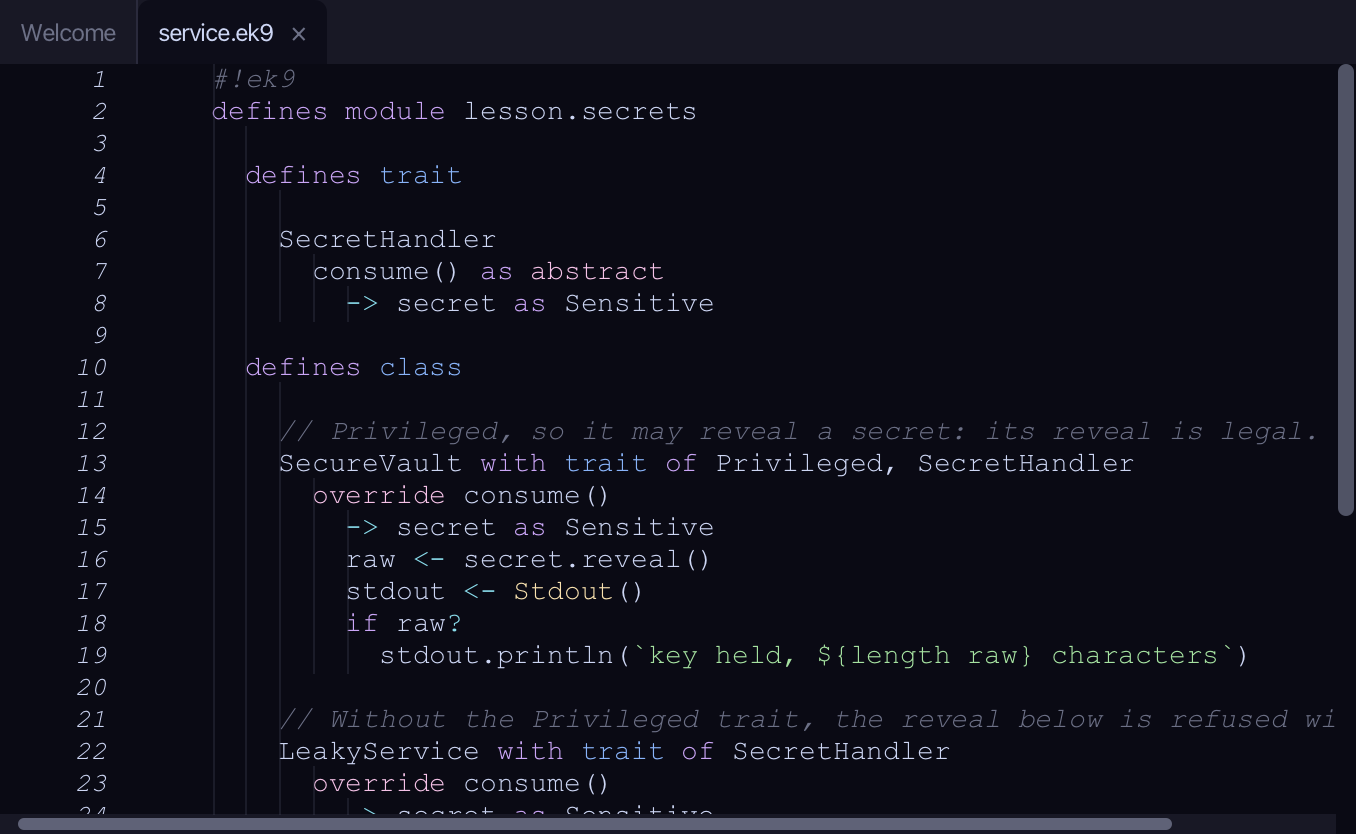
Start from
The code the lesson starts from: copy it into a file of your own and follow the steps.
#!ek9
defines module lesson.secrets

  defines trait

    SecretHandler
      consume() as abstract
        -> secret as Sensitive

  defines class

    // Privileged, so it may reveal a secret: its reveal is legal.
    SecureVault with trait of Privileged, SecretHandler
      override consume()
        -> secret as Sensitive
        raw <- secret.reveal()
        stdout <- Stdout()
        if raw?
          stdout.println(`key held, ${length raw} characters`)

    // Without the Privileged trait, the reveal below is refused with E11090.
    LeakyService with trait of SecretHandler
      override consume()
        -> secret as Sensitive
        raw <- secret.reveal()
        stdout <- Stdout()
        if raw?
          stdout.println(`key held, ${length raw} characters`)

  defines program

    Startup()
      stdout <- Stdout()
      env <- EnvVars()
      apiKey <- env.sensitiveGet("SERVICE_API_KEY")
      region <- env.get("SERVICE_REGION")
      traceFlag <- env.unsanitizedGet("SERVICE_TRACE")
      stdout.println(`key set: ${apiKey?}, region: ${region}, trace: ${traceFlag}`)

//EOF
Step 1: Environment Variables
Choose View > Tool Windows > Environment Variables (⌘7).
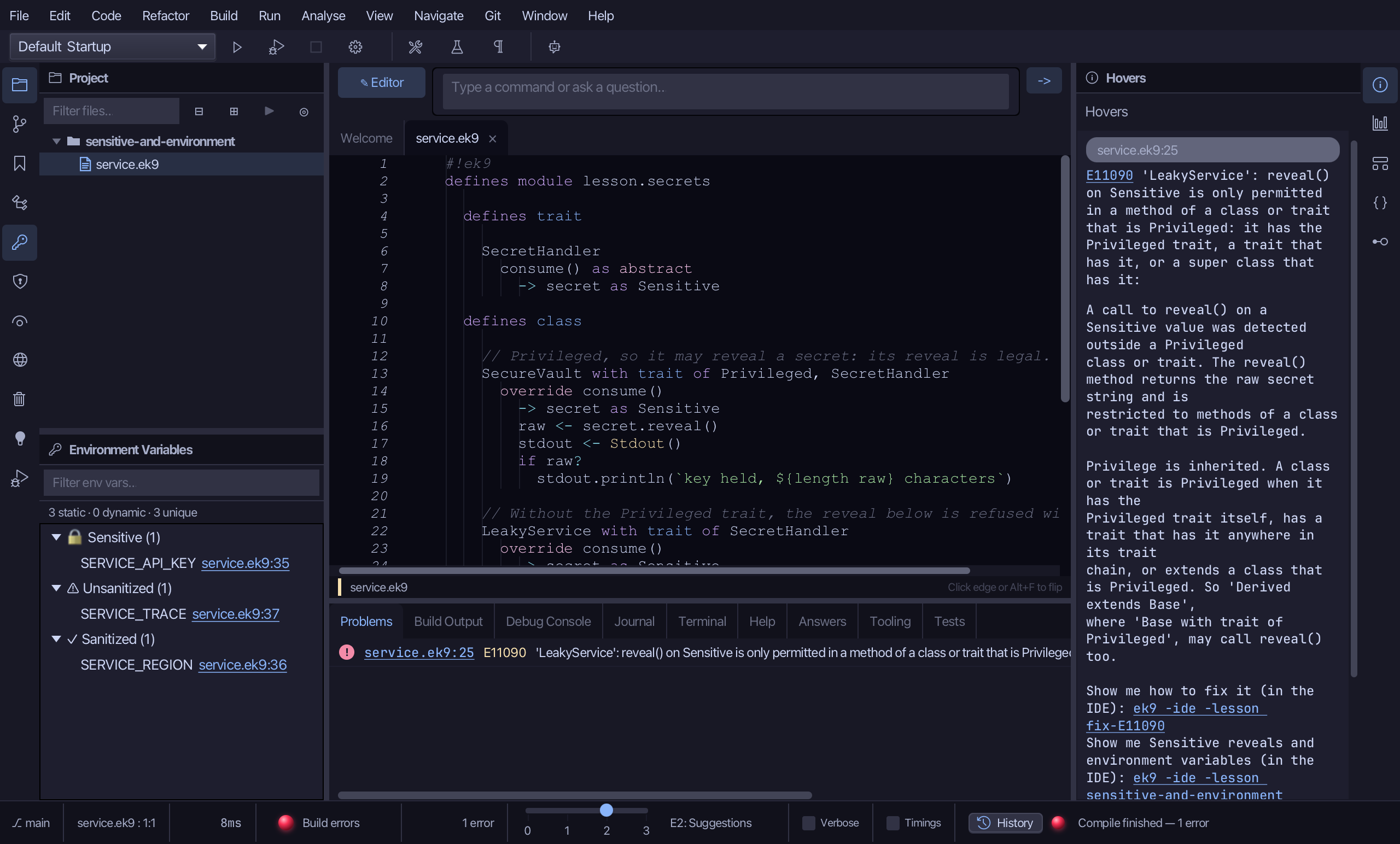
Every EnvVars read in the project, grouped by how its value enters the program, the ones to audit first at the top: 🔒 Sensitive (SERVICE_API_KEY, read with sensitiveGet - a secret that stays redacted), ⚠ Unsanitized (SERVICE_TRACE, unsanitizedGet - raw text that nothing has cleaned) and ✓ Sanitized (SERVICE_REGION, a plain get, cleaned on the way in). Each row is a place in the code, not a value.
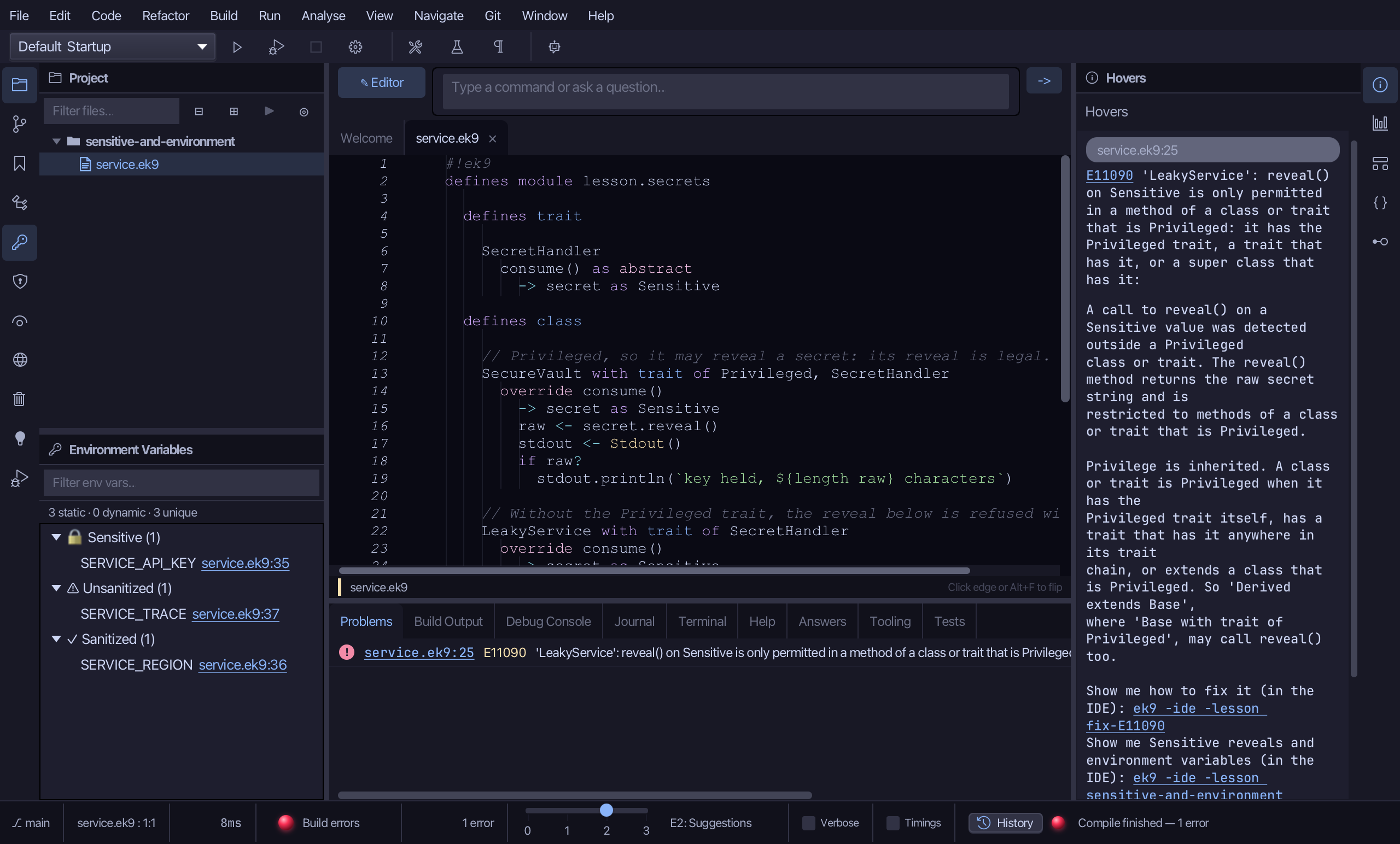
Double-click SERVICE_API_KEY to go to the line that reads it.
Step 2: Sensitive Reveals
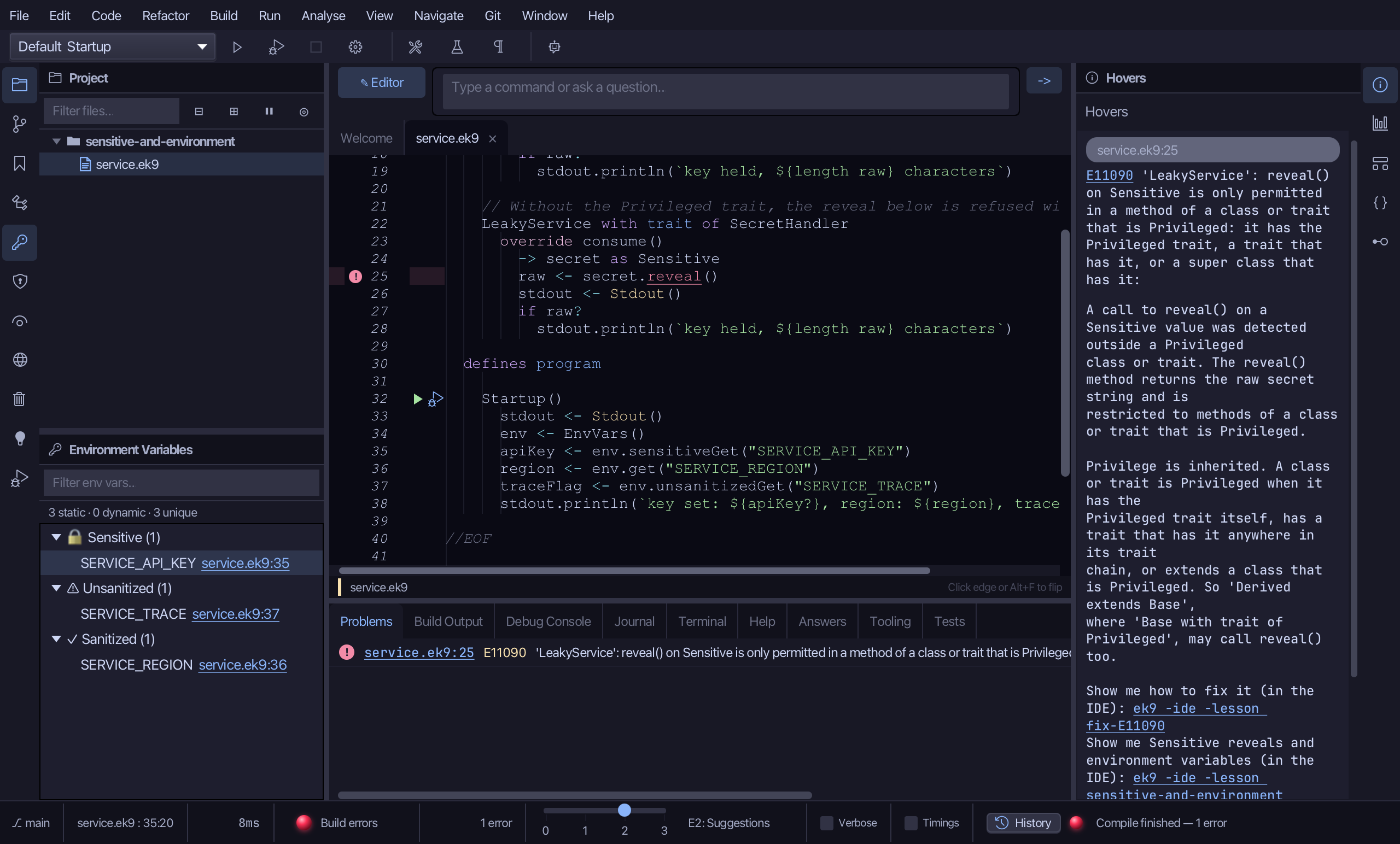
Choose View > Tool Windows > Sensitive Reveals.
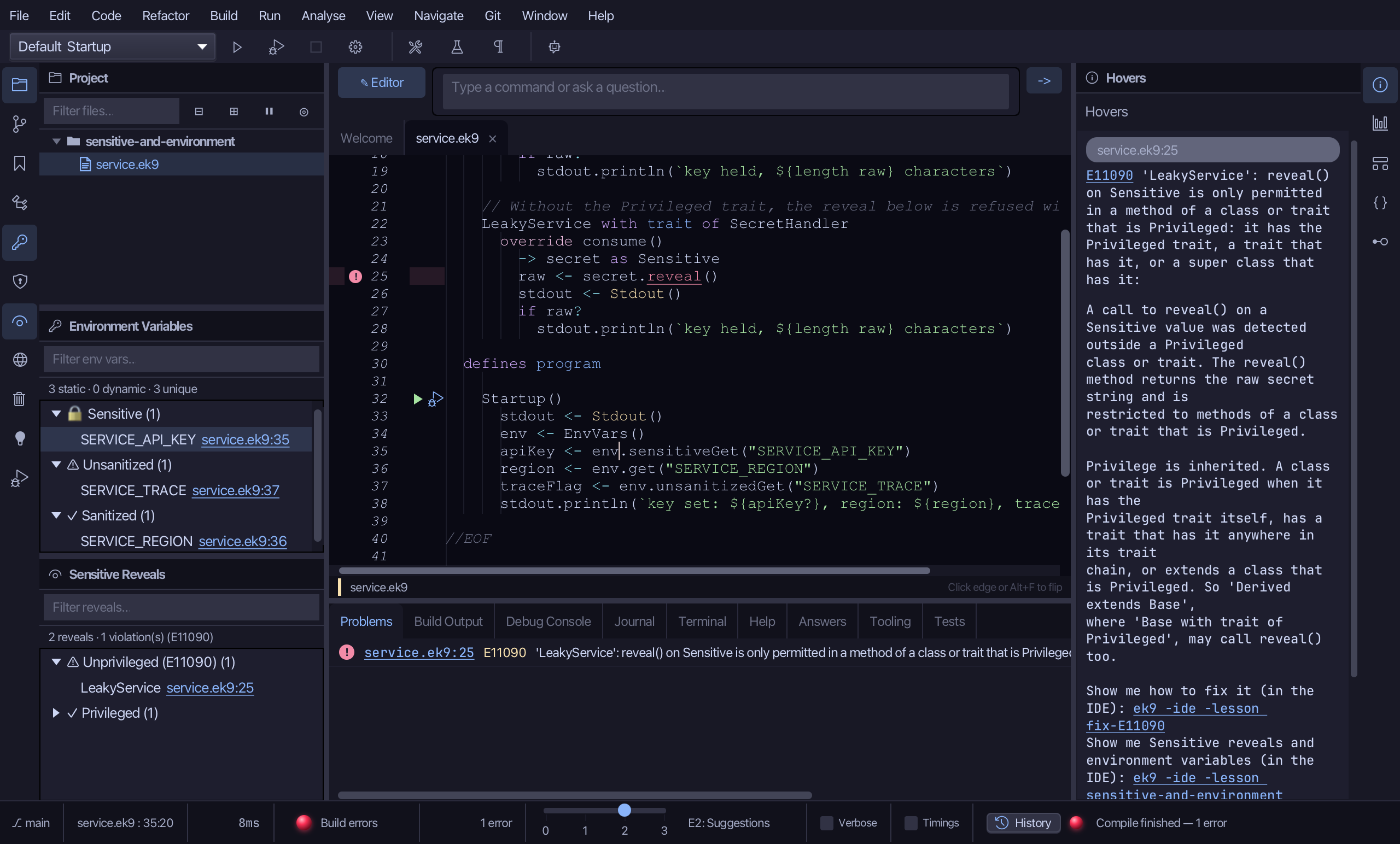
Every reveal() in the project, by legality, the violations first: "2 reveals · 1 violation(s) (E11090)". LeakyService is listed under ⚠ Unprivileged - a class without the Privileged trait may not turn a secret back into text. SecureVault's reveal is under ✓ Privileged, folded away because it needs no attention. A reveal in a free function would be under ⚡ In function, and could never be made legal.
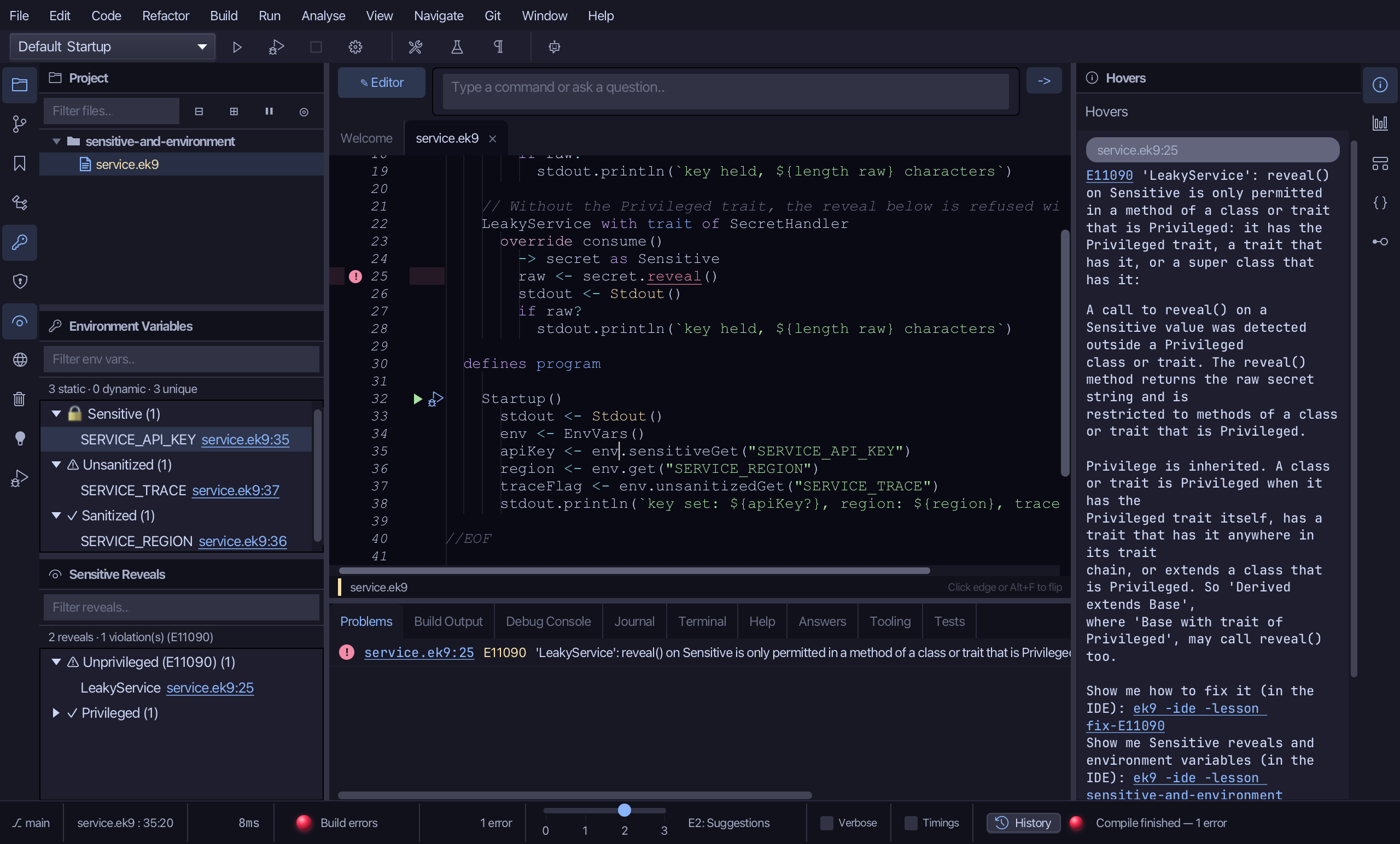
Double-click LeakyService to go to its reveal().
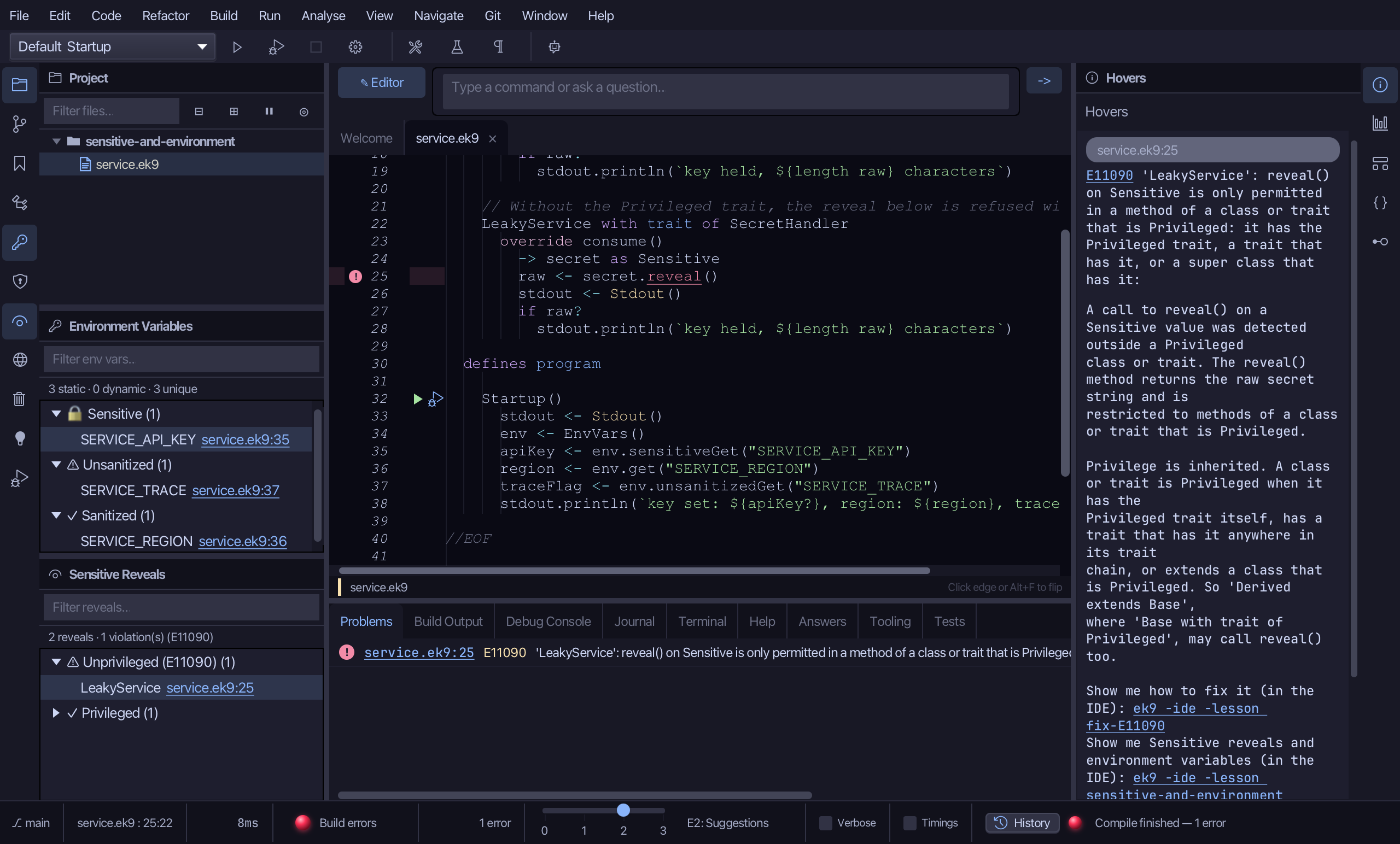
Step 3: Make it Privileged
A class that handles raw secrets must say so. Select LeakyService's declaration line and type it with Privileged added to its traits: LeakyService with trait of Privileged, SecretHandler. Saves when typed.
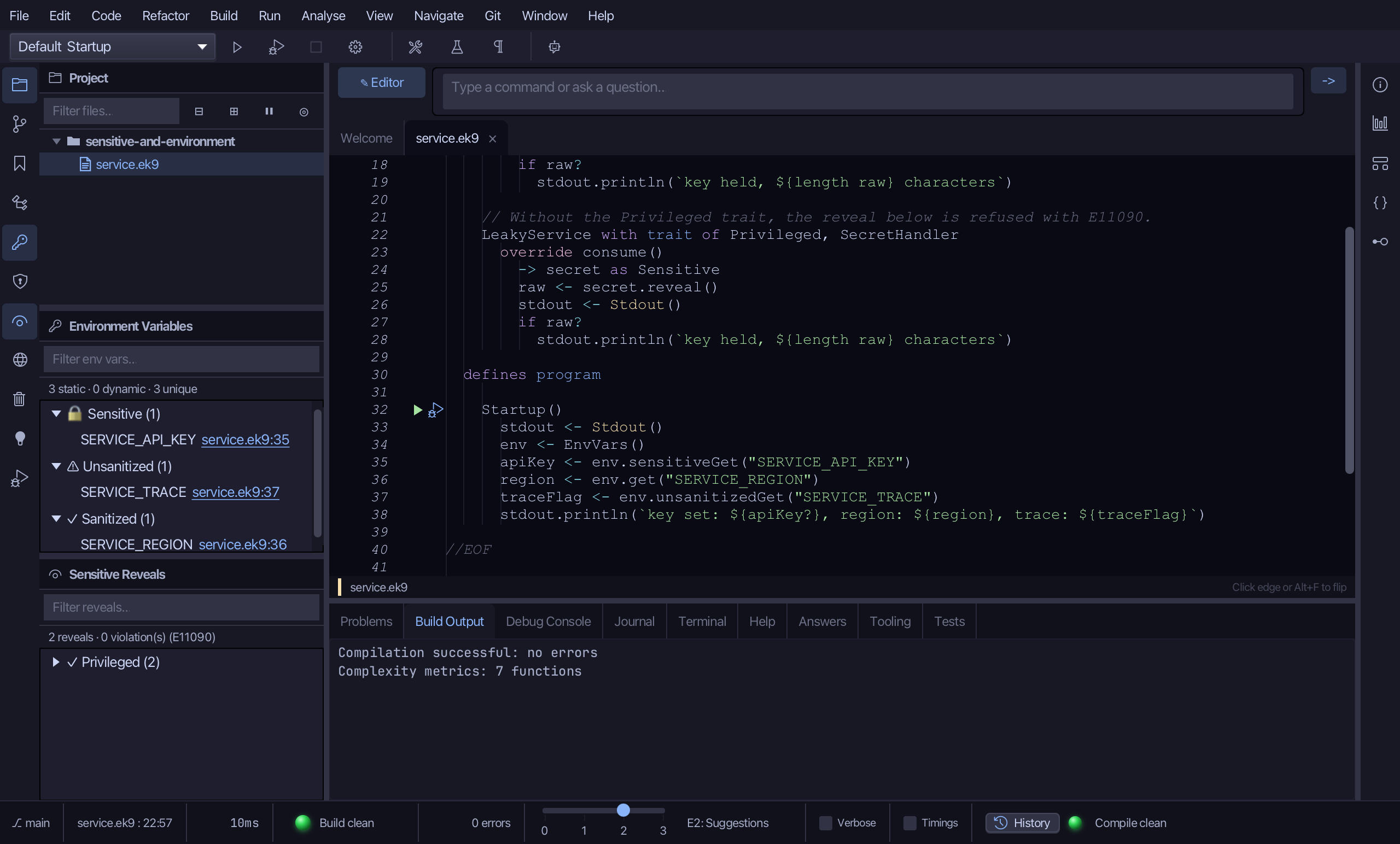
The project compiles clean now, and Sensitive Reveals followed it: "2 reveals · 0 violation(s) (E11090)", both under ✓ Privileged. The window is the audit of every place a secret becomes text - and it stays right as the code changes.
The result
That is the audit of a program's secrets, kept up to date by the compiler: Environment Variables says where each value comes in and how clean it is - Sensitive first, then Unsanitized - and Sensitive Reveals says where a secret is turned back into text, and whether that place is Privileged. Both show WHERE, never a value, so they are safe to leave open and to screenshot. A reveal outside a Privileged class - or in a free function, which can never be one - is E11090, and the compiler refuses it. Right-click a row for its call graph: who can reach that read or reveal. AI assistants read the same audits with ek9_query_env_vars and ek9_query_sensitive_reveals.
Where this lesson comes from
- The errors it fixes - each one's explanation offers this lesson: E11090.
- Answers -
ek9 -qand the IDE's Answers tab: 701, 271, 1016. - For AI assistants - the MCP tool
ek9_query_env_vars,ek9_query_sensitive_reveals.
In the EK9 reference: Design note: software development versus solution deployment, EK9 Security: Input Sanitization and Sensitive Data