Inline Function
Inline Function puts a function's body in place of every call to it, and removes the function - the reverse of Extract Method. Here welcome does nothing but call greeting: a name between the caller and the work that adds nothing. To play it in the IDE: Help > Lessons > Refactoring…, or ek9 -ide -lesson inline-function.
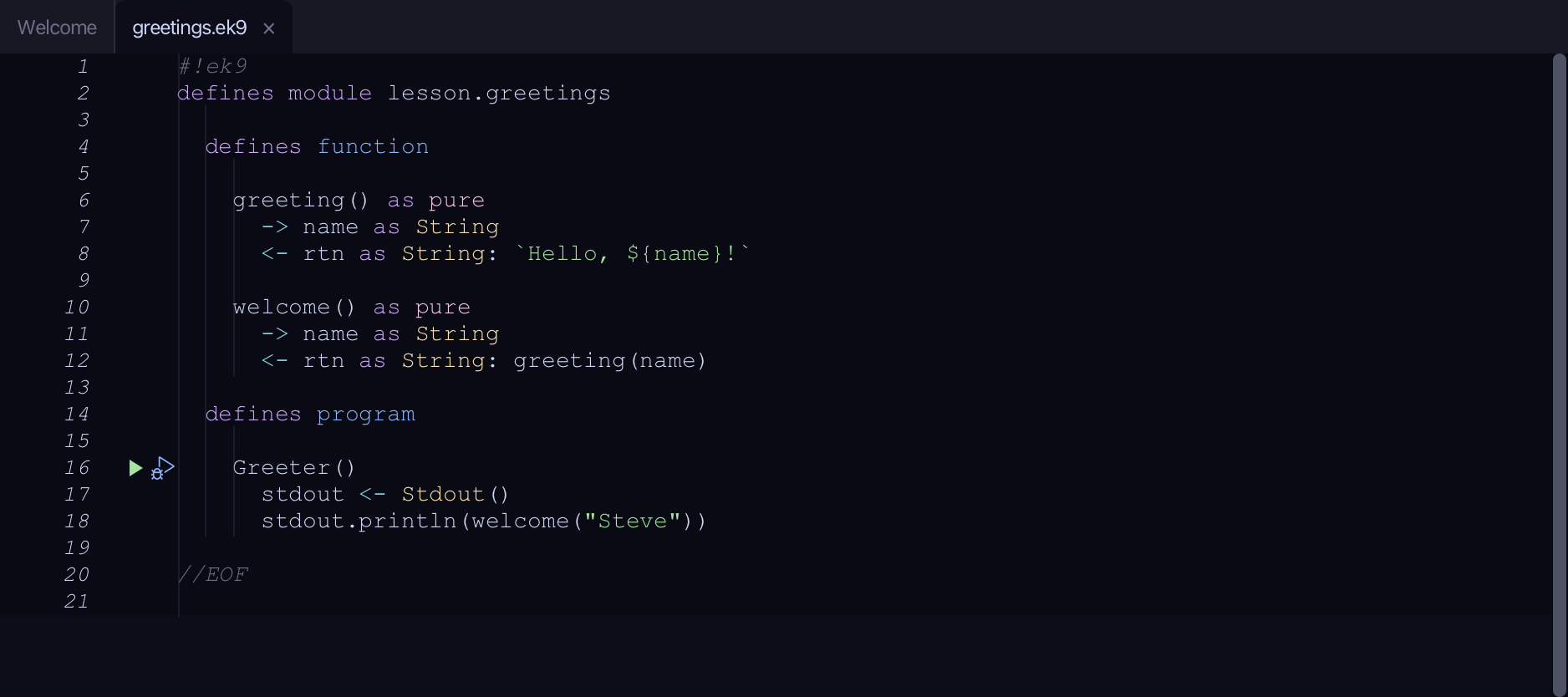
Start from
The code the lesson starts from: copy it into a file of your own and follow the steps.
#!ek9
defines module lesson.greetings

  defines function

    greeting() as pure
      -> name as String
      <- rtn as String: `Hello, ${name}!`

    welcome() as pure
      -> name as String
      <- rtn as String: greeting(name)

  defines program

    Greeter()
      stdout <- Stdout()
      stdout.println(welcome("Steve"))

//EOF
Step 1: Where it is
Put the caret on welcome, on line 10.
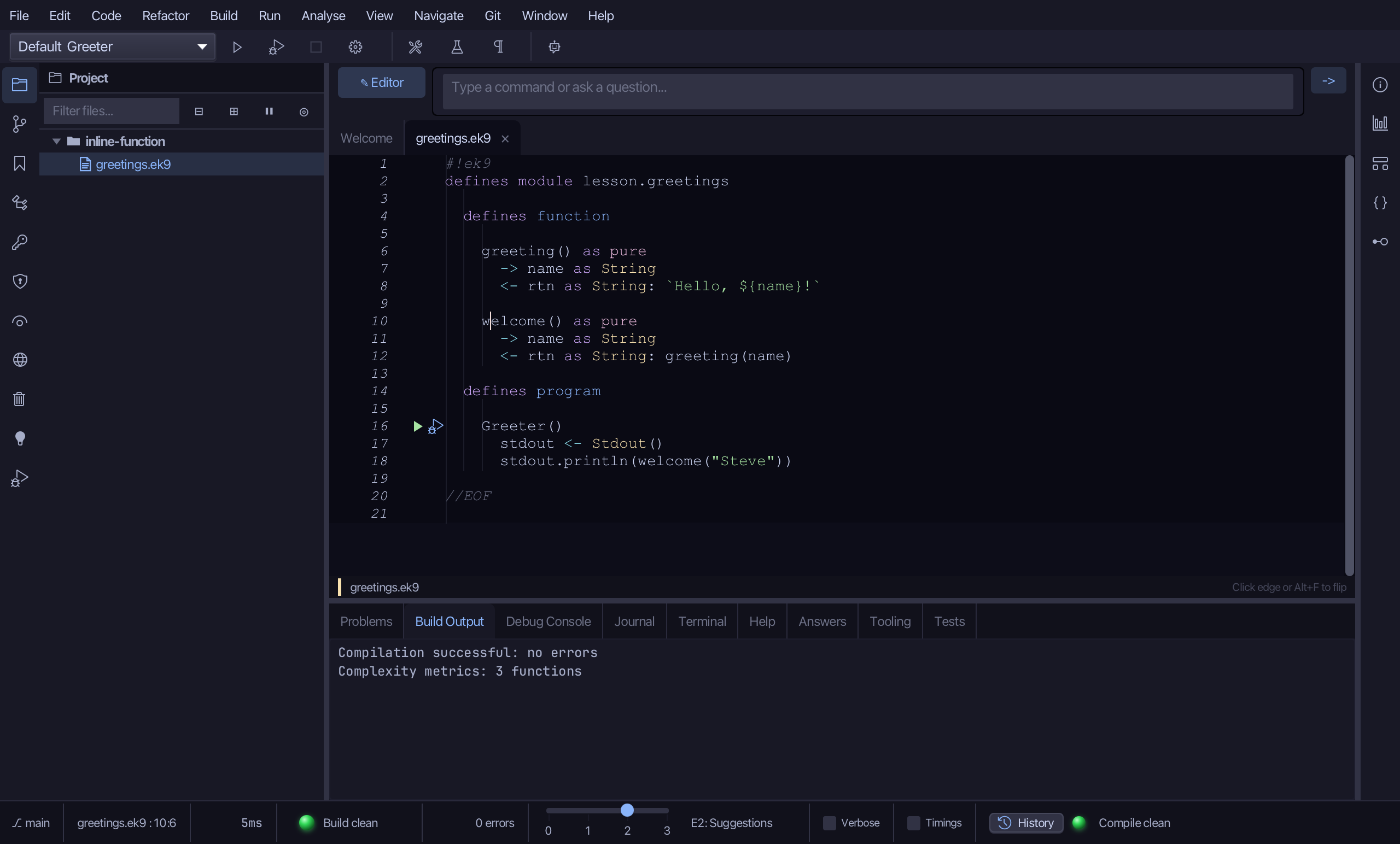
Step 2: Inline Function
Choose Refactor > Inline Function…
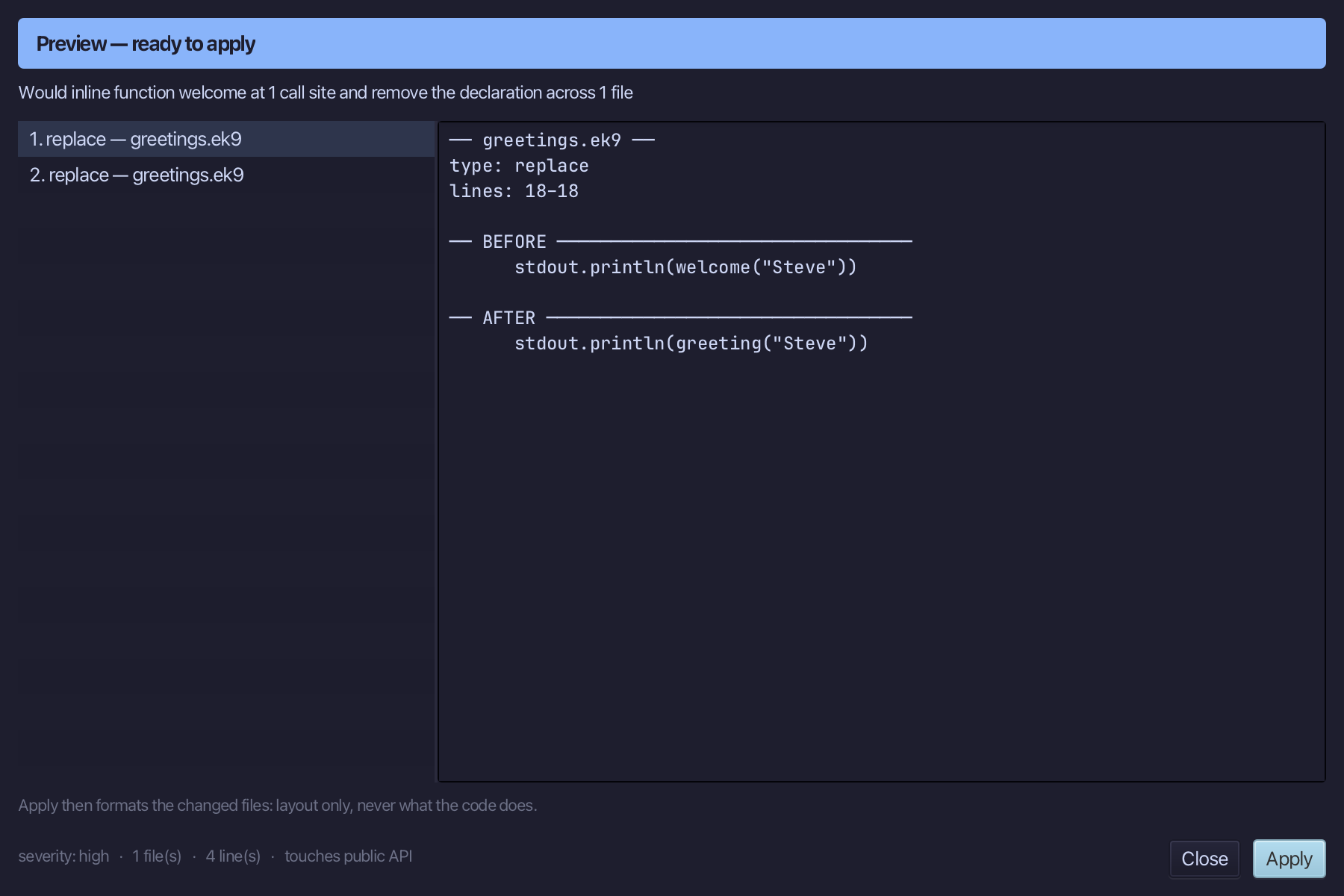
Step 3: Preview and apply
The preview shows every change the refactoring makes; then the IDE formats each file it changed. Choose Apply.
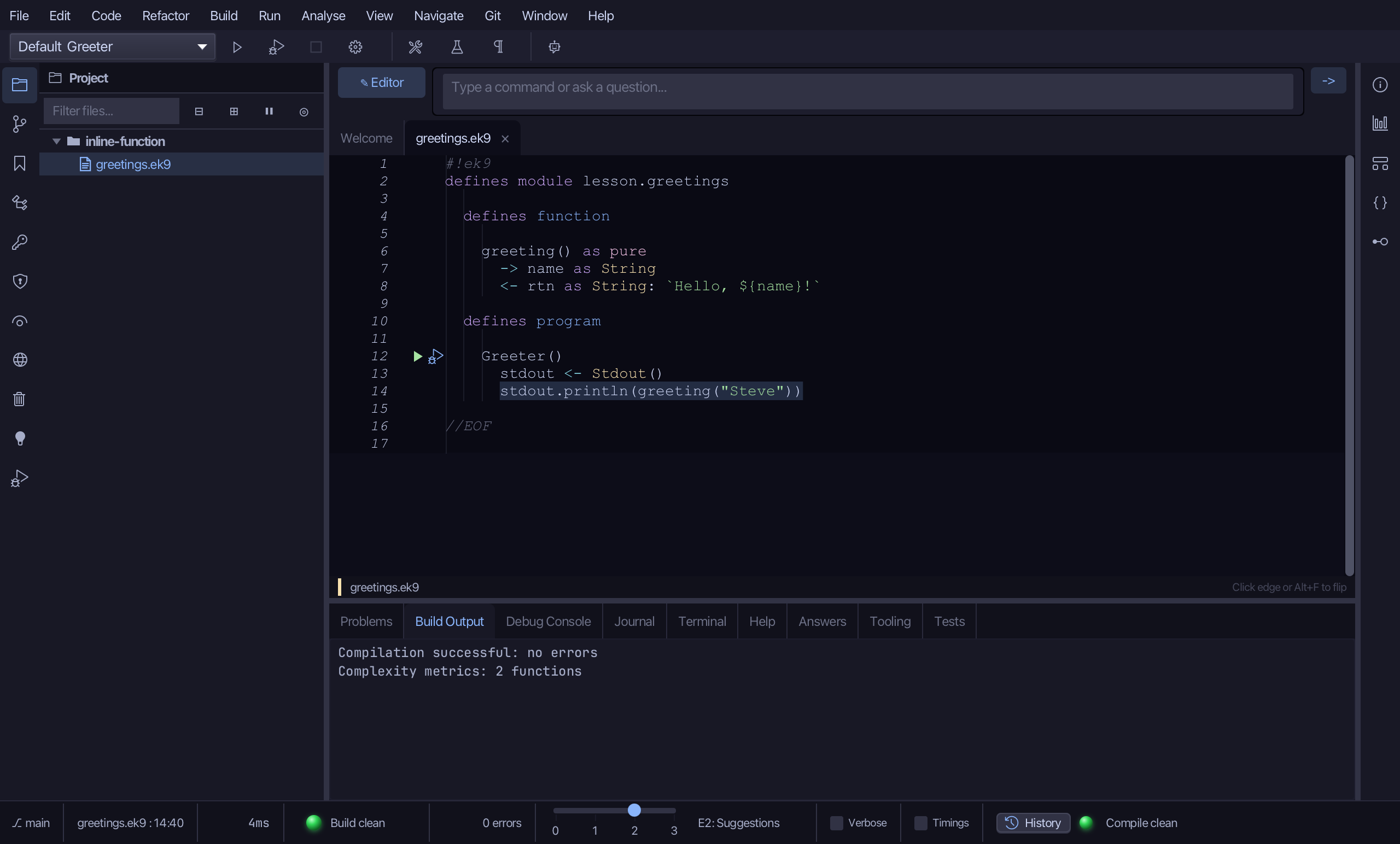
The result
That is Inline Function: Greeter calls greeting itself, and welcome is gone. Where the function's own locals would clash with names at a call, the preview says which to rename first instead of offering Apply. Cmd+Option+I opens it (Ctrl+Alt+I elsewhere); AI assistants use the ek9_inline_function tool.
Where this lesson comes from
- For AI assistants - the MCP tool
ek9_inline_function.