Chapter 9: how a collection's type is worked out
You never wrote 'List of String' in chapter 9's first example: EK9 looked at the values and found the one type they all fit. This small program shows that for strings, whole numbers and decimals, then the one time you MUST name the type - an empty list, which has no values to look at - and what a Dict gives you when you loop over it. The IDE makes the program's shell; you type the three sections. To play it in the IDE: Help > Lessons > Getting Started with EK9…, or ek9 -ide -lesson book-inference.
What you'll build
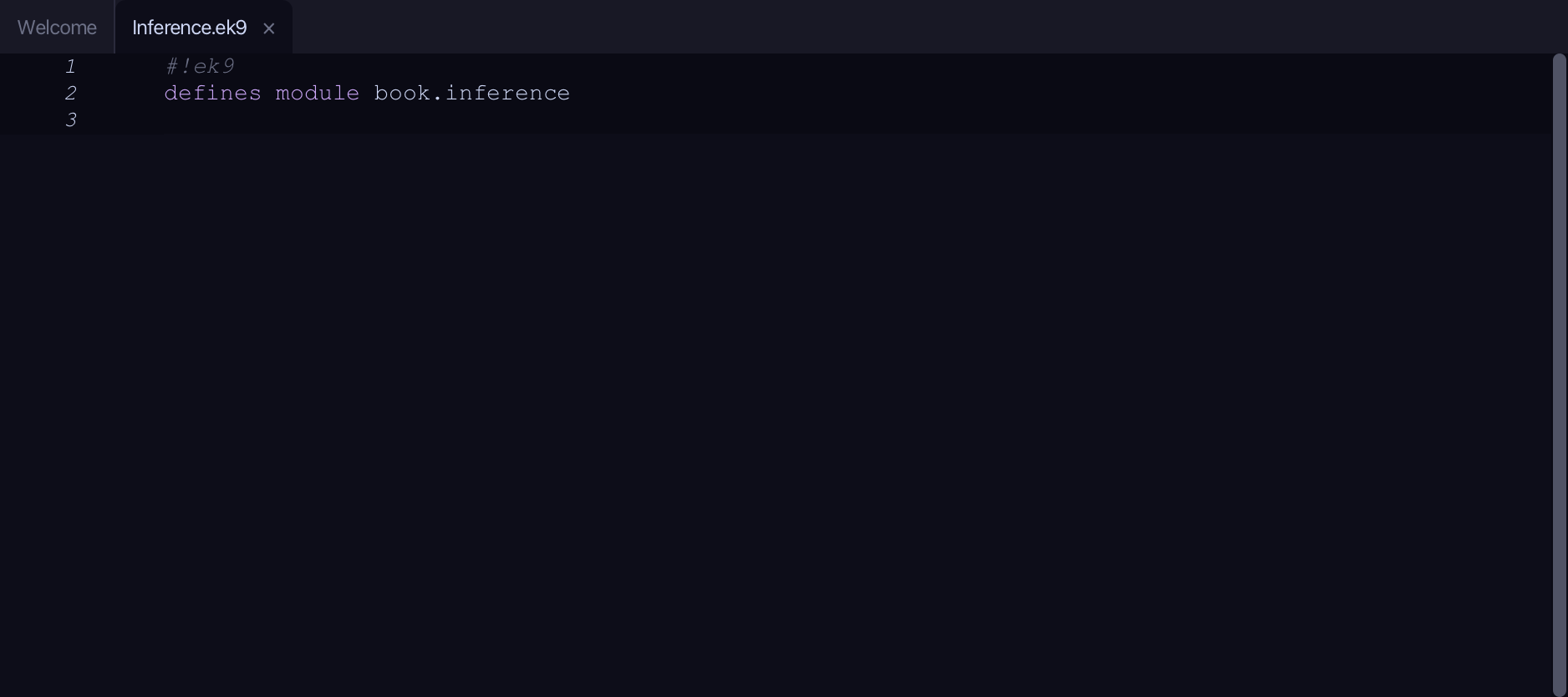
The lesson builds this program from a file holding only its module line - the finished file, as the book prints it.
#!ek9
defines module book.inference

  defines program
    Inference()
      stdout <- Stdout()

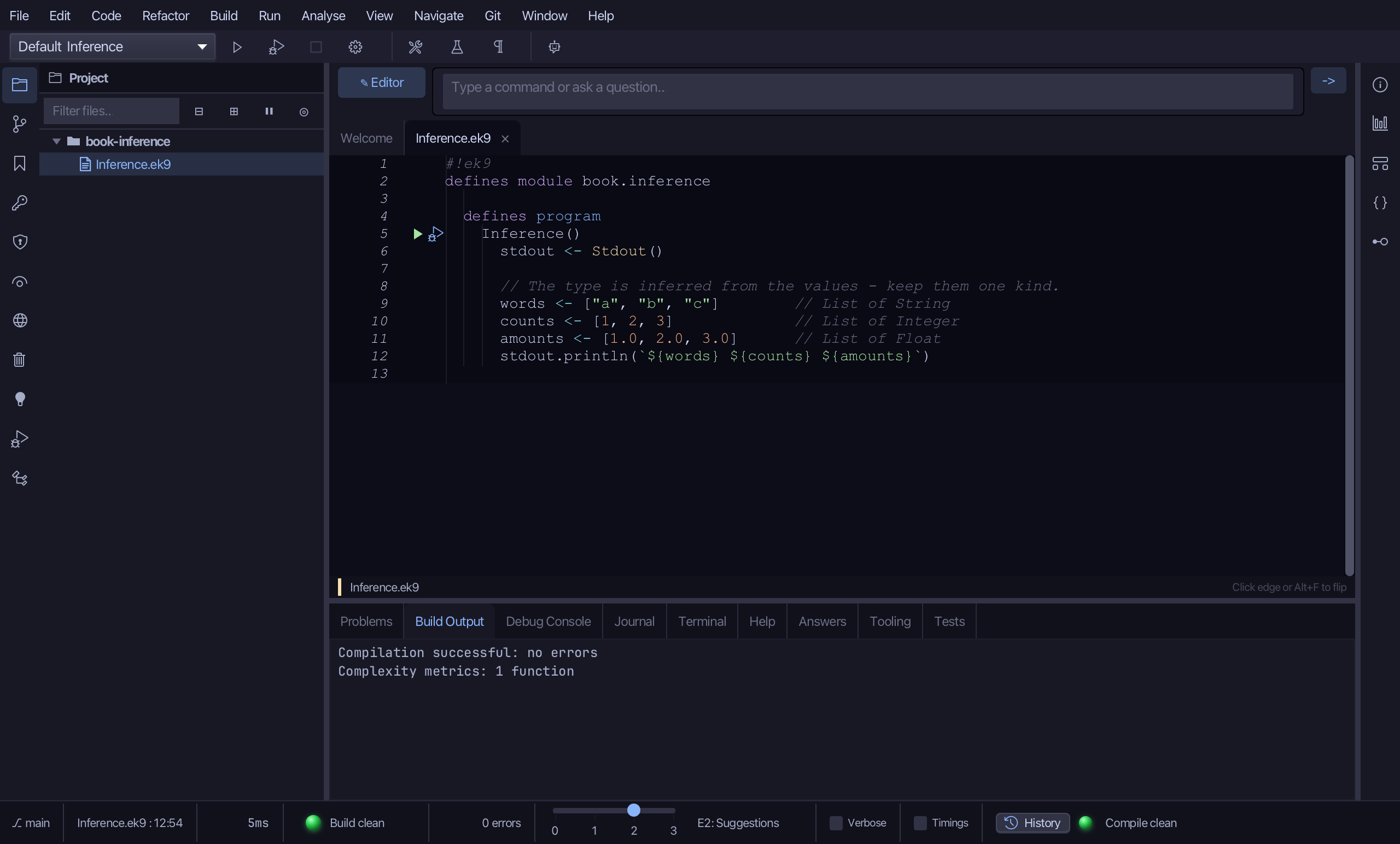
      // The type is inferred from the values - keep them one kind.
      words <- ["a", "b", "c"]        // List of String
      counts <- [1, 2, 3]             // List of Integer
      amounts <- [1.0, 2.0, 3.0]      // List of Float
      stdout.println(`${words} ${counts} ${amounts}`)

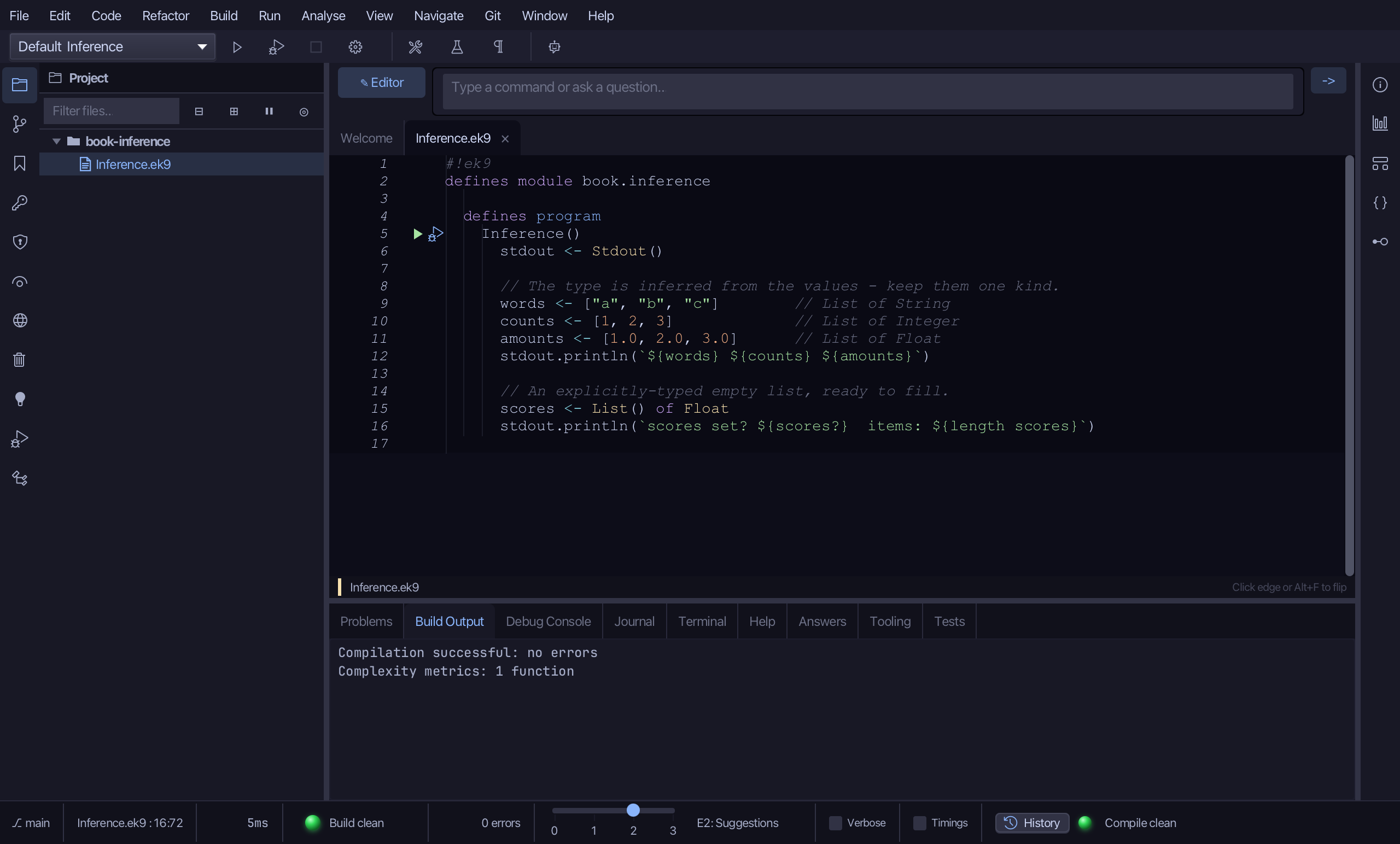
      // An explicitly-typed empty list, ready to fill.
      scores <- List() of Float
      stdout.println(`scores set? ${scores?}  items: ${length scores}`)

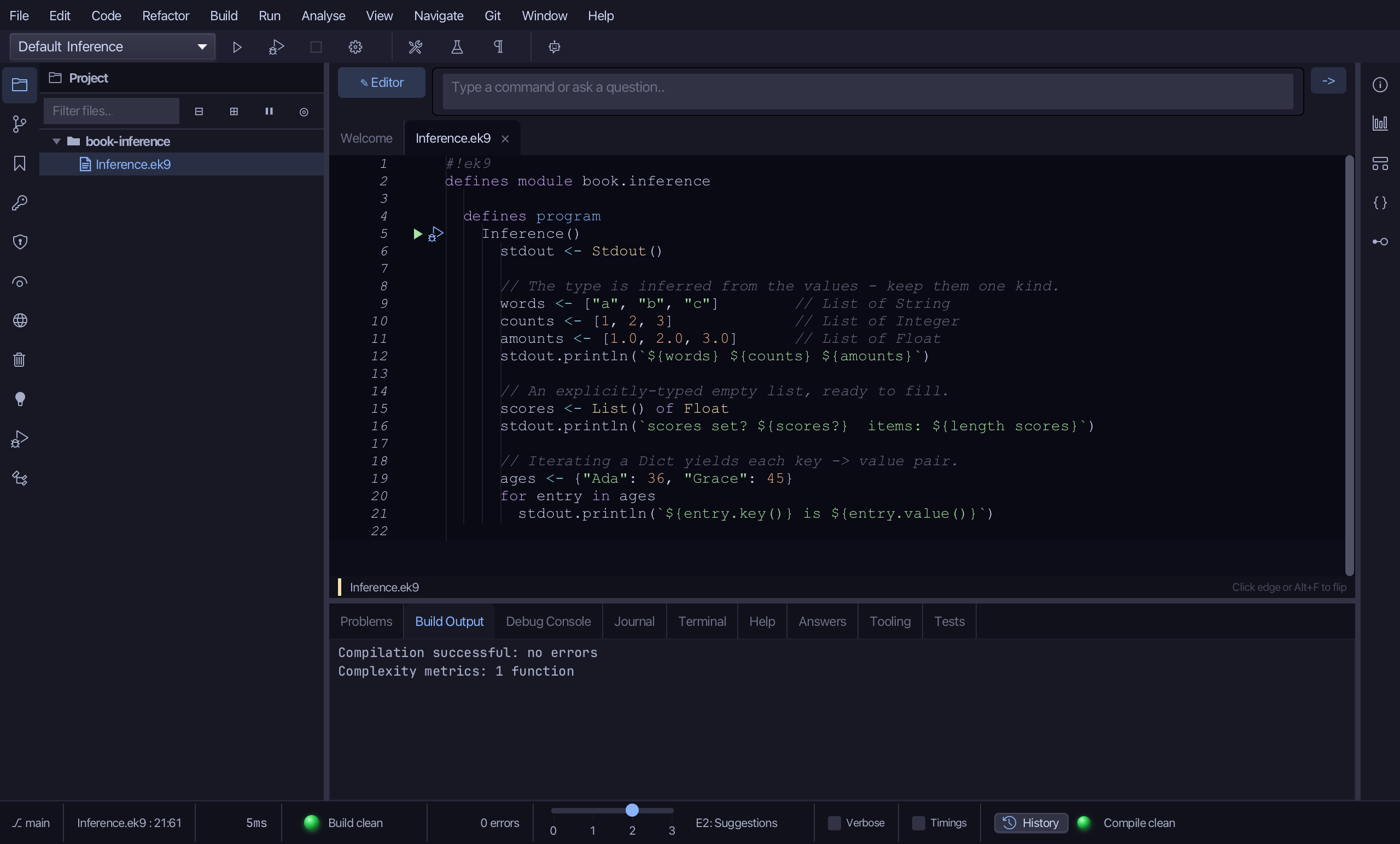
      // Iterating a Dict yields each key -> value pair.
      ages <- {"Ada": 36, "Grace": 45}
      for entry in ages
        stdout.println(`${entry.key()} is ${entry.value()}`)
Step 1: The program, and three inferred lists
Choose Code > New Construct > Program…
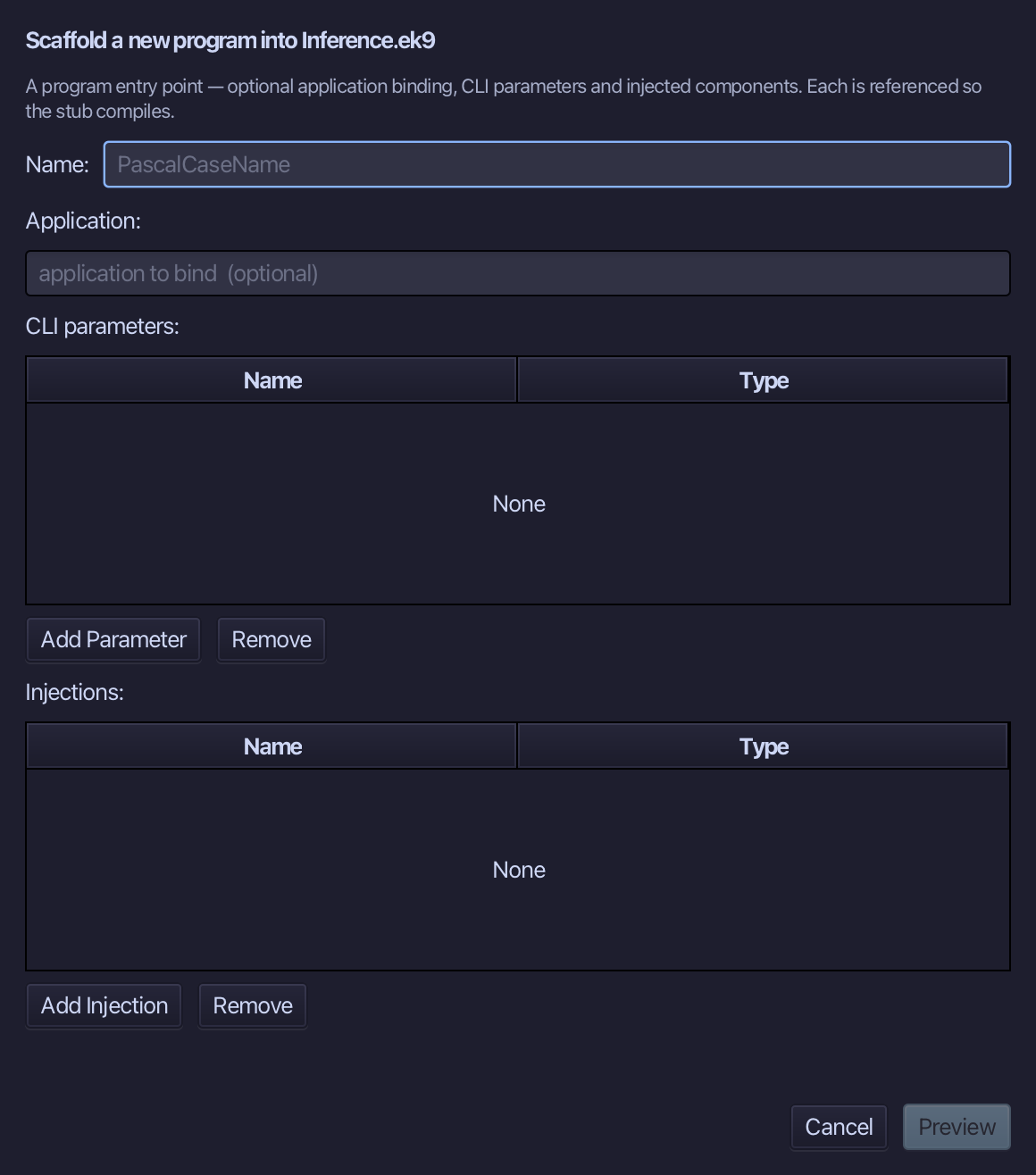
Inference is the program's name - no application to bind, no parameters, nothing injected. Type Inference and choose Preview.
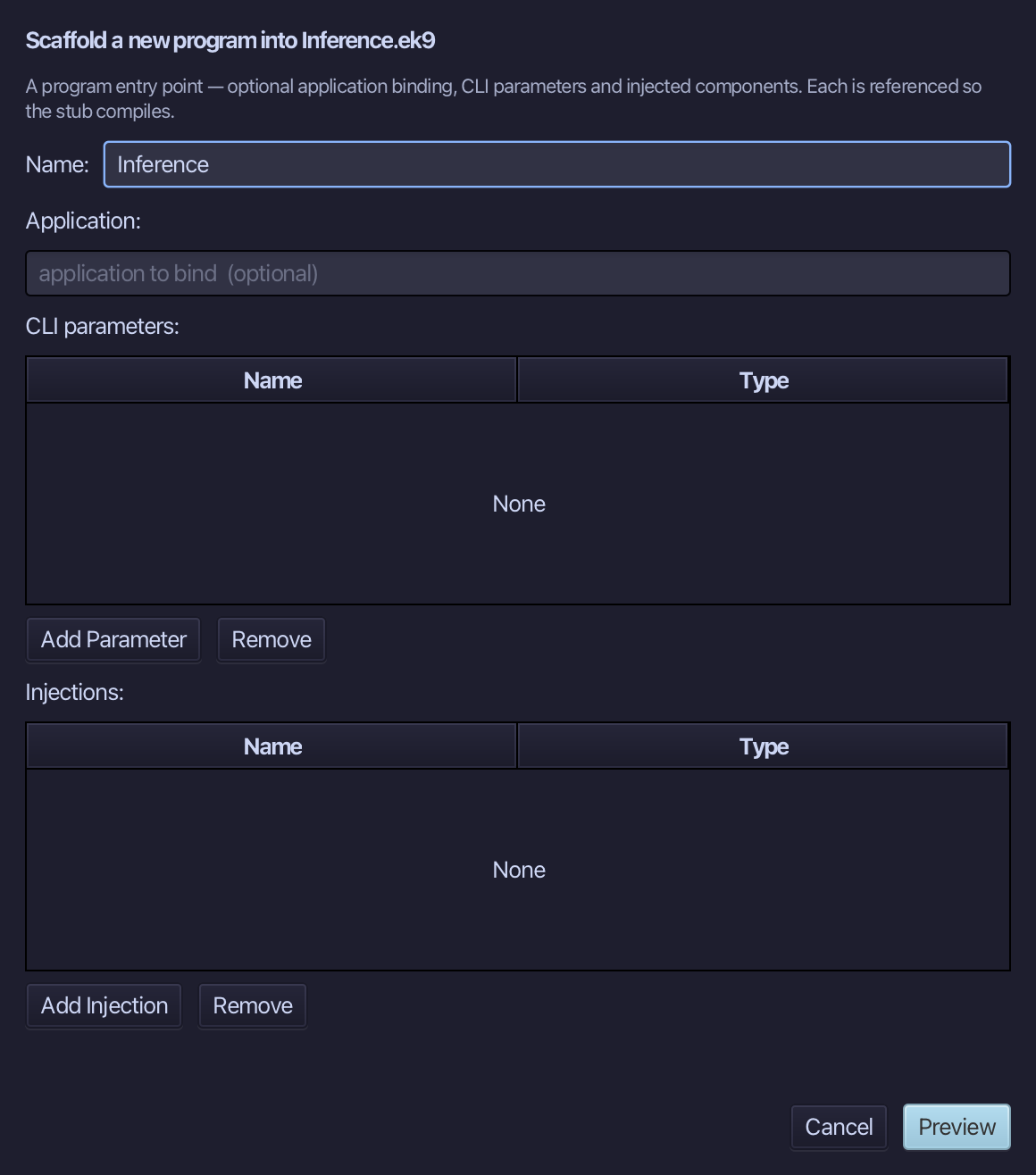
The preview shows Inference about to be written. Choose Apply.
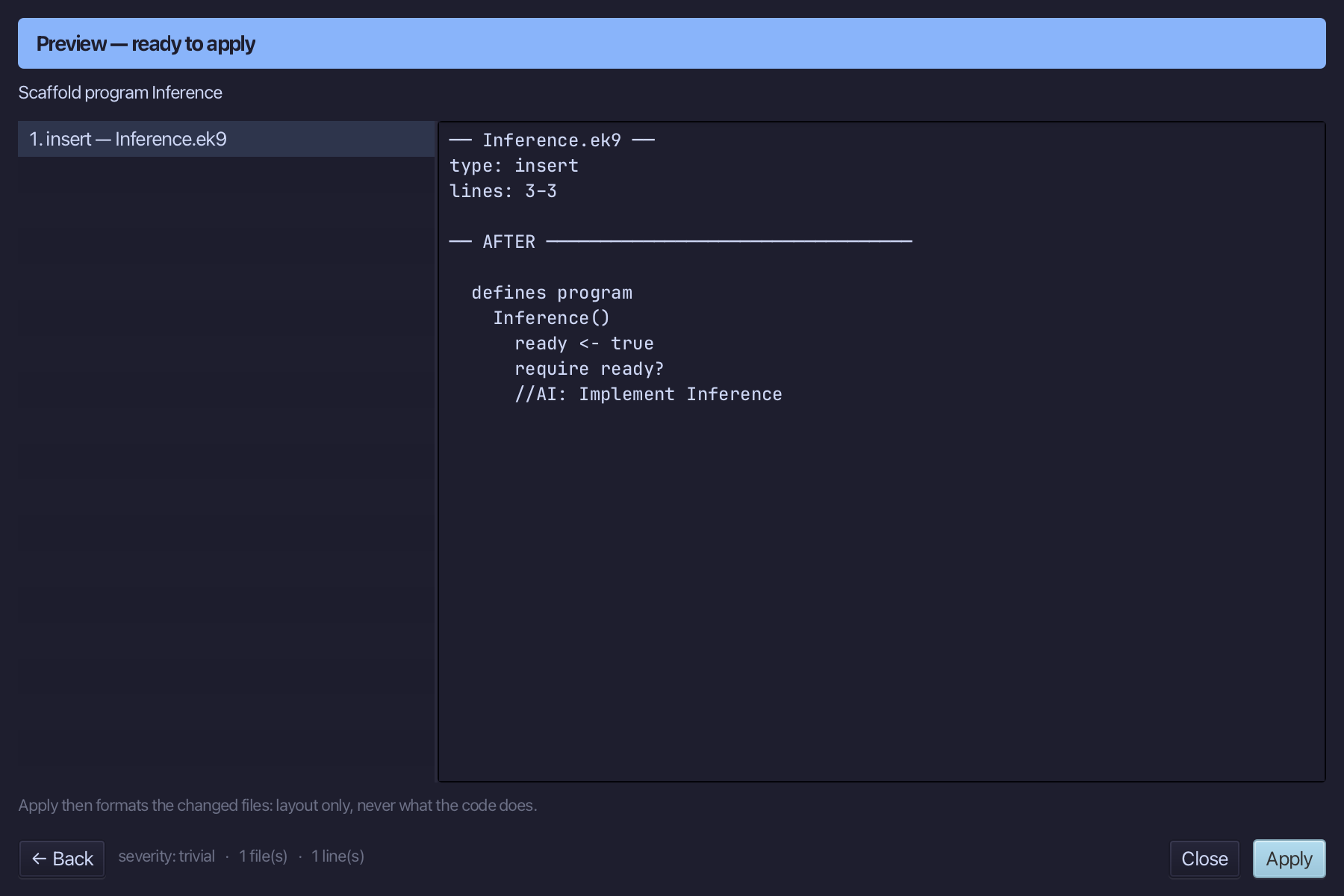
Select the stub, from ready <- true down to its //AI line, and type the first section: a Stdout and three lists, each of one kind of value, then one line printing them. Saves when typed.
Step 2: An empty list must say its type
Select the last println and type the empty list after it: nothing in it to infer from, so List() of Float says the type.
Step 3: Walking a Dict
Select the last println and type the Dict after it: a loop over a Dict gives each entry, with a key() and a value().
Step 4: Run it
Choose Run > Run Program…
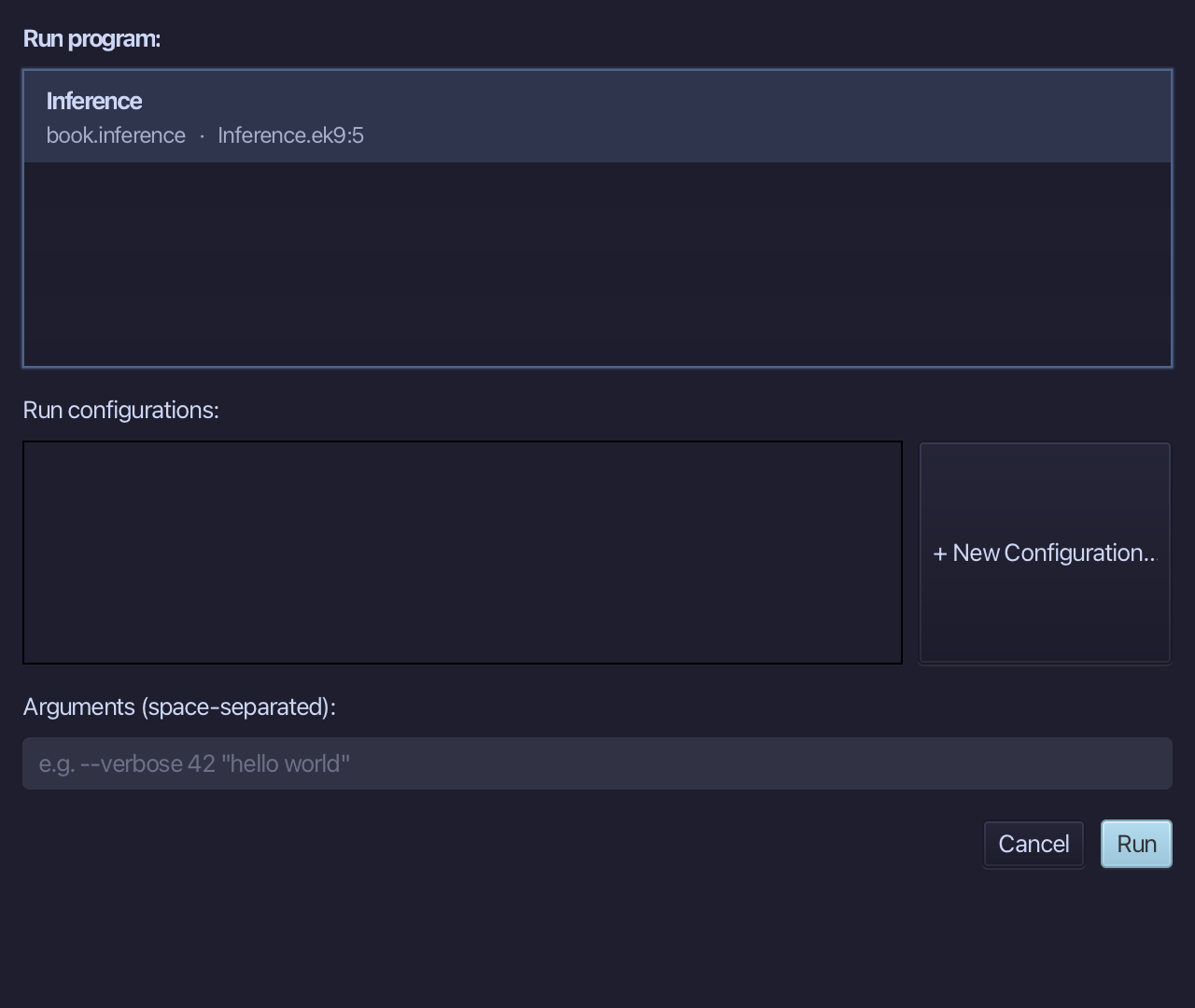
The project's only program is already chosen. Choose Run.
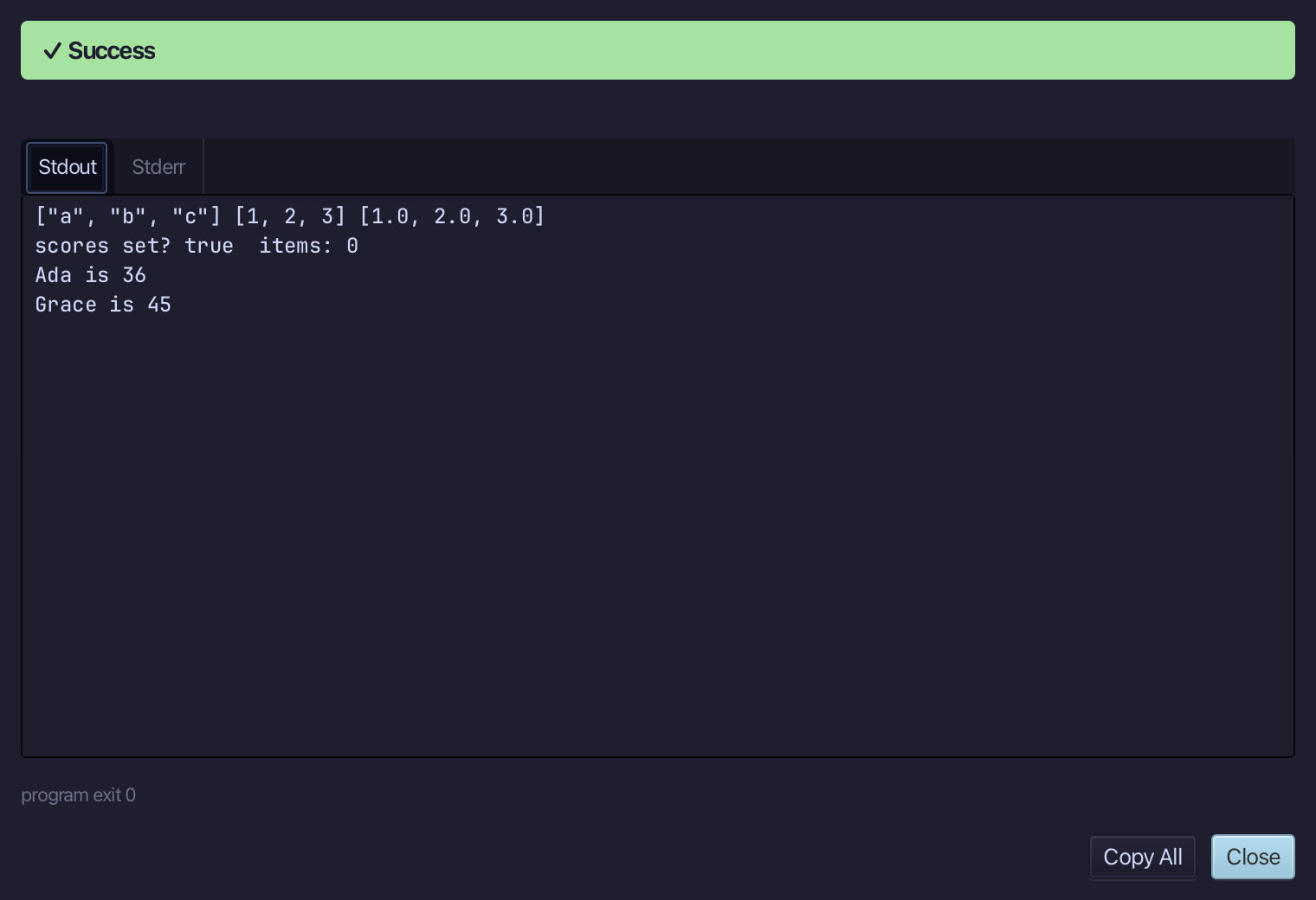
The three lists, then scores set? true items: 0, then Ada is 36 and Grace is 45. Choose Close.
Step 5: Ask: /q 127
Type /q 127 into the input bar above the editor and choose -> to send it - a direct lookup, by the question's own number, into the Answers tab.
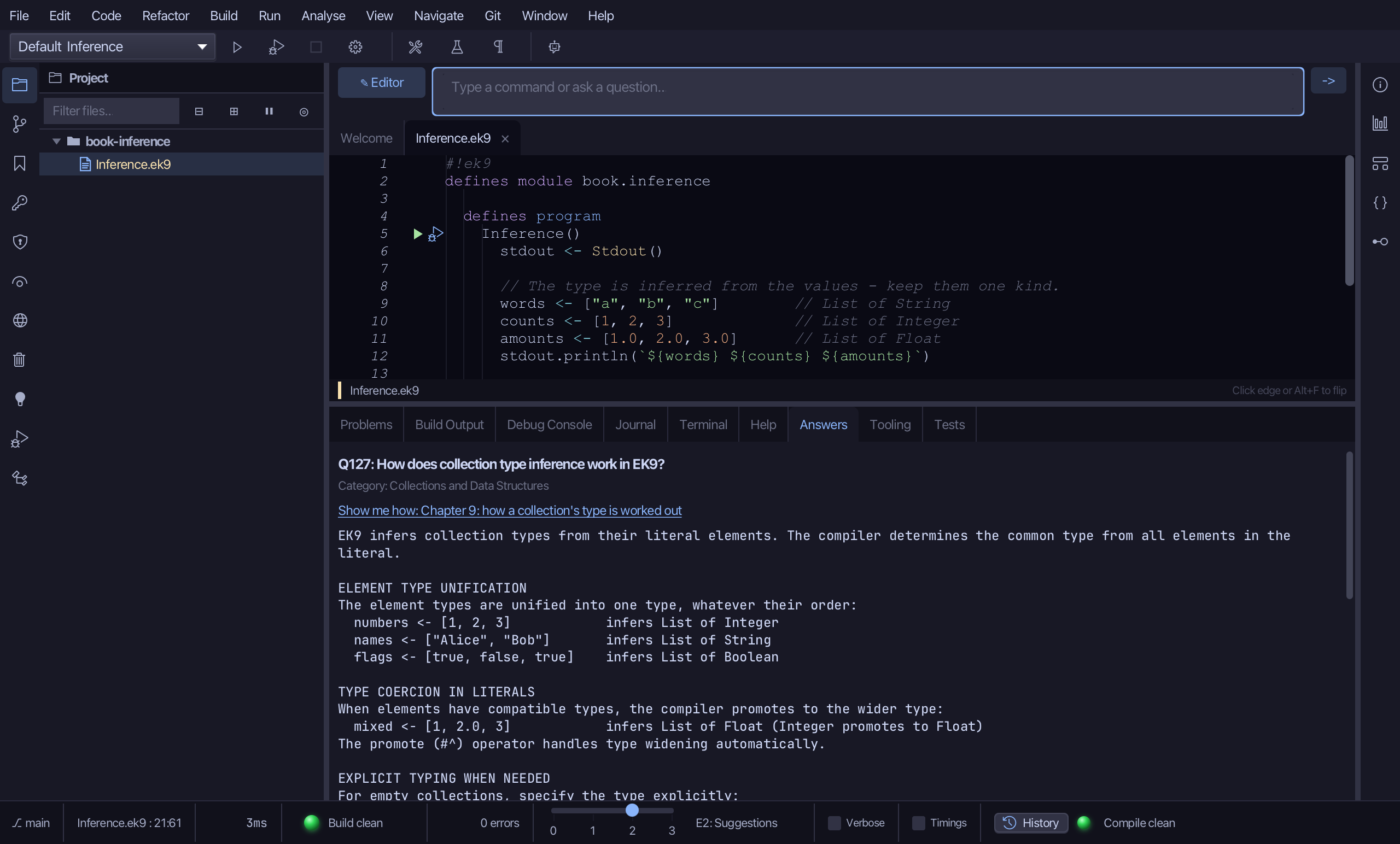
The Answers tab shows Q127: EK9 infers a collection's type from its literal elements, finding the common type of all of them - and an EMPTY list or Dict has no elements to look at, so it is written with its type, List() of String or Dict() of (String, Integer).
The result
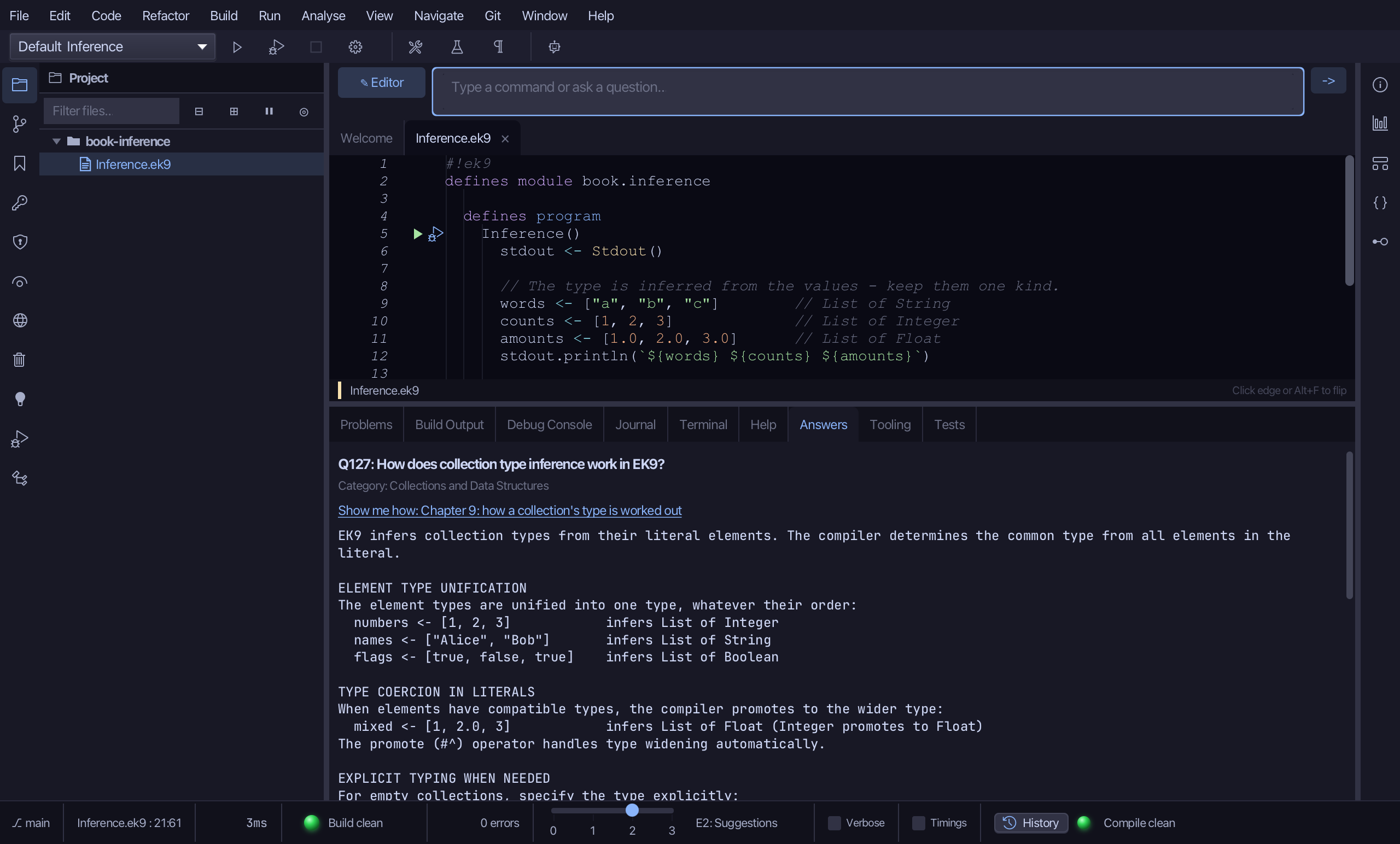
Inference.ek9 now reads exactly as chapter 9 of Getting Started with EK9 shows it: three lists whose types EK9 worked out from their values, an empty list that had to say its type, and a Dict walked key by key. The IDE's tool made the program; the three sections were typed and run together. /q 127 then answered the inference question from the Q&A corpus.
Where this lesson comes from
- Answers -
ek9 -qand the IDE's Answers tab: 127. - For AI assistants - the MCP tool
ek9_add_program,ek9_ask.
In the EK9 reference: Collection Types