Chapter 32: the Panic a catch cannot see, built
A third kind of failure, beside the Exception you catch and the Result you read: the Panic. A failed require raises one, and it is not an Exception, so no catch can name it - Java's catch (Throwable) has no counterpart. This program averages a list, then hands averageOf an empty one. The IDE writes the function's signature and the program's shell; you type the precondition, the sum and the try with its catch and finally. The run is MEANT to end in a Panic. To play it in the IDE: Help > Lessons > EK9 in Depth…, or ek9 -ide -lesson depth-require-exit.
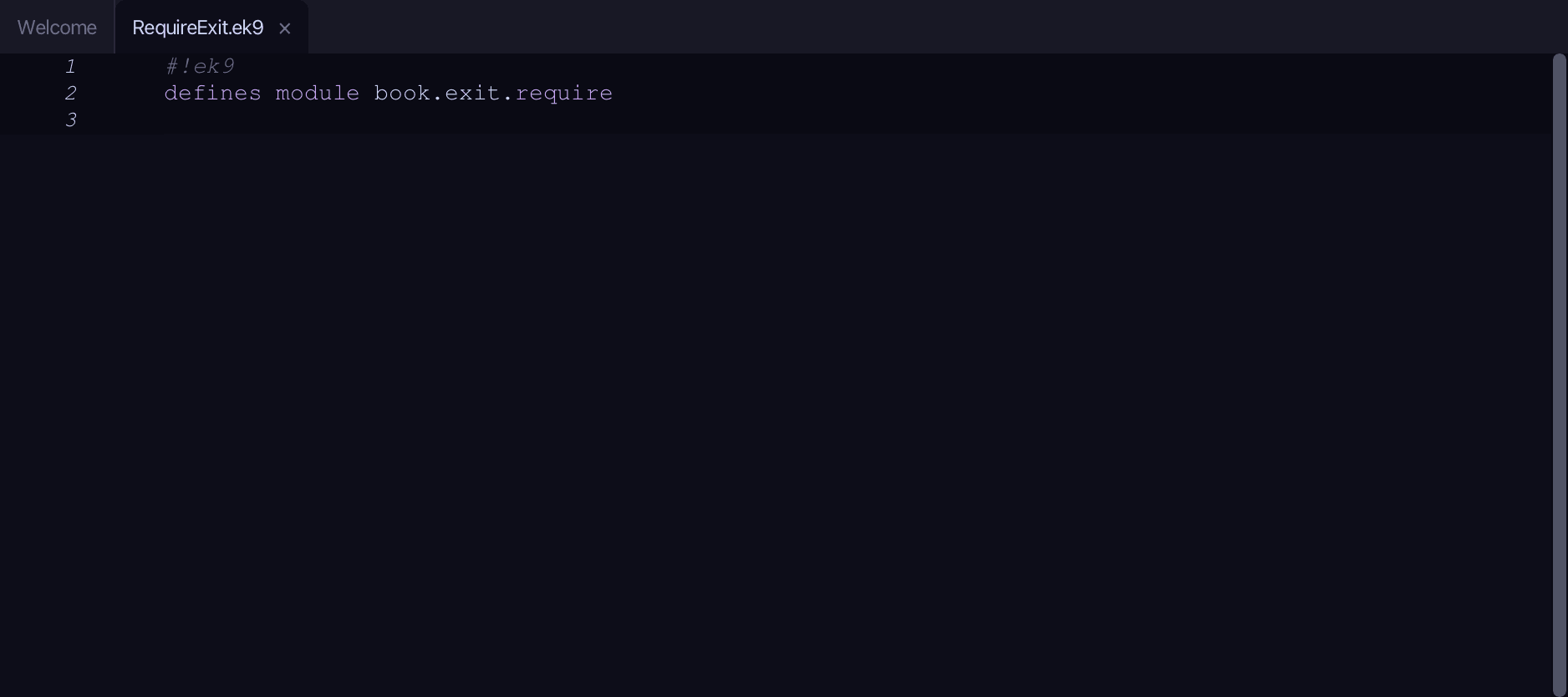
What you'll build
The lesson builds this program from a file holding only its module line - the finished file, as the book prints it.
#!ek9
defines module book.exit.require

  defines function

    averageOf()
      -> scores as List of Integer
      <- rtn as Integer?
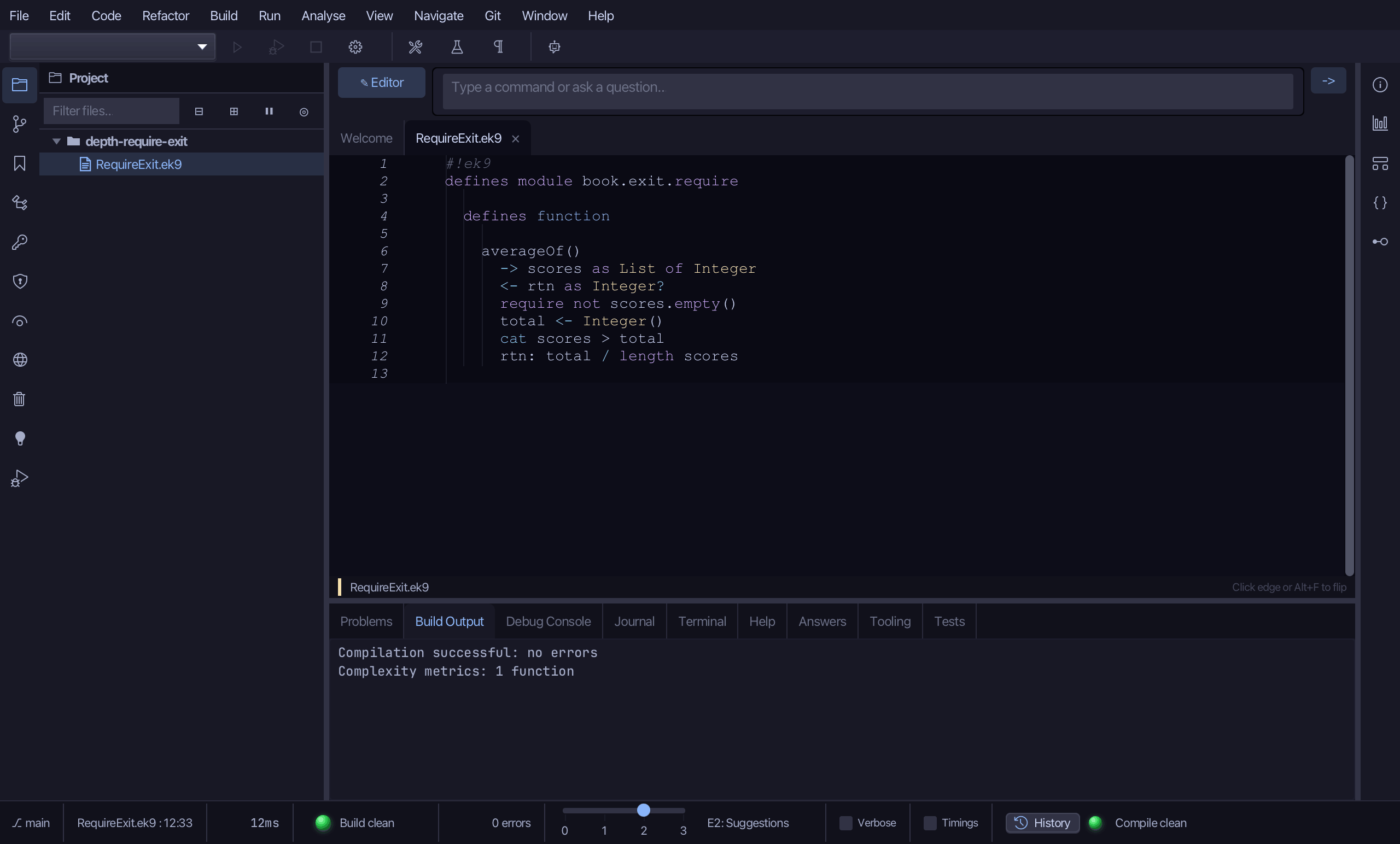
      require not scores.empty()
      total <- Integer()
      cat scores > total
      rtn: total / length scores

  defines program

    RequireExit()
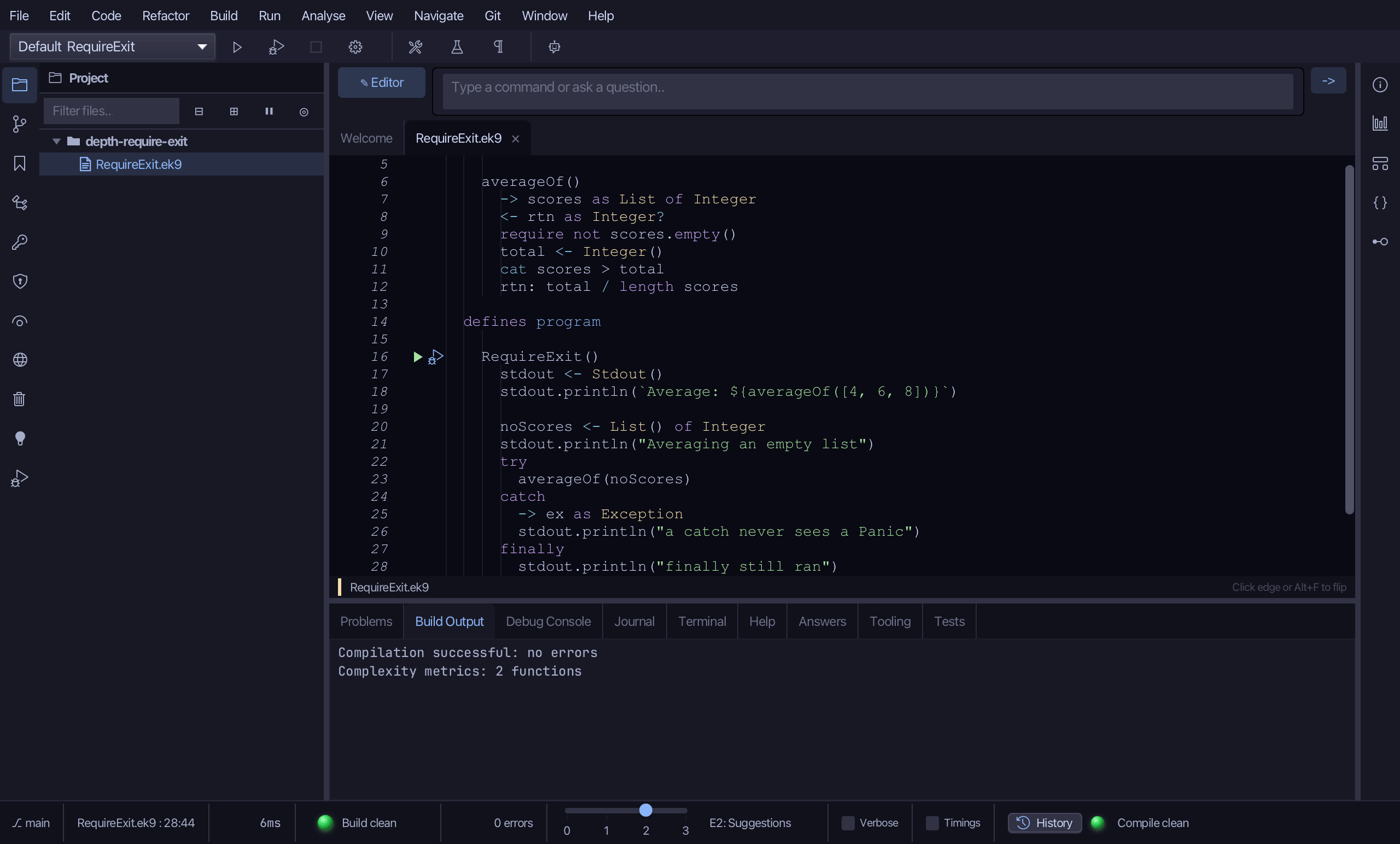
      stdout <- Stdout()
      stdout.println(`Average: ${averageOf([4, 6, 8])}`)

      noScores <- List() of Integer
      stdout.println("Averaging an empty list")
      try
        averageOf(noScores)
      catch
        -> ex as Exception
        stdout.println("a catch never sees a Panic")
      finally
        stdout.println("finally still ran")
Step 1: averageOf — a function
Choose Code > New Construct > Function…
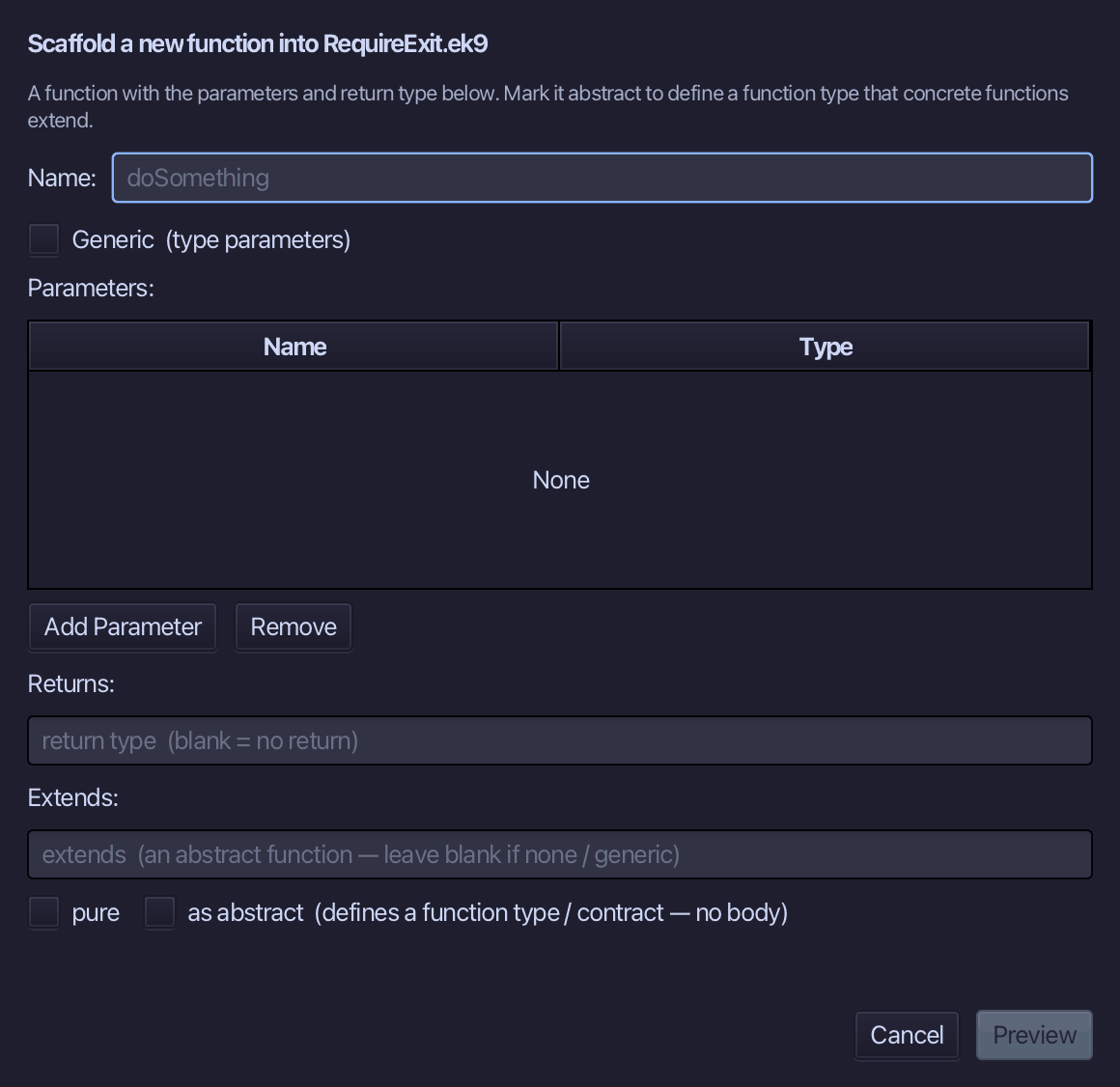
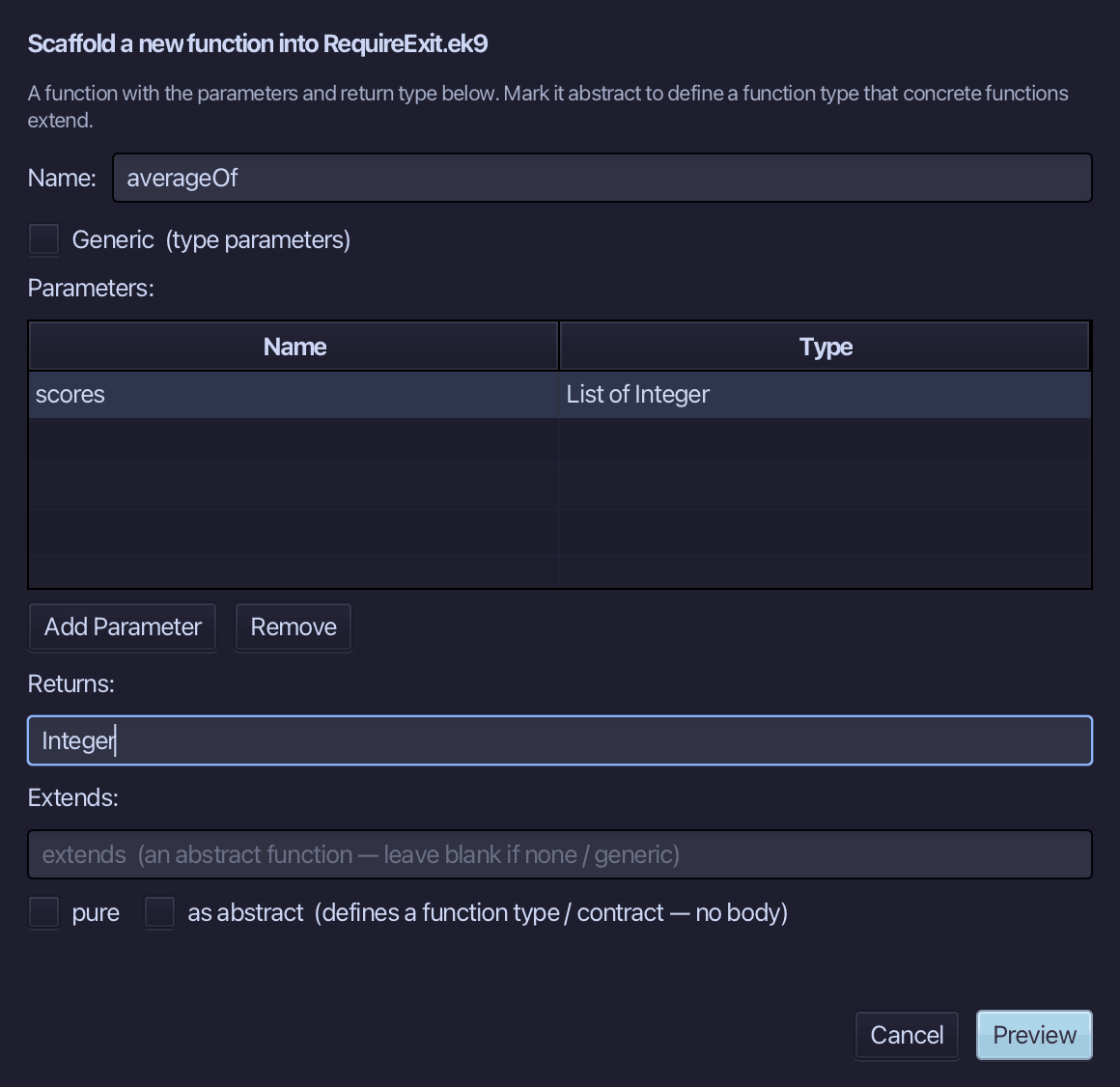
averageOf is the function's name. Add one parameter, scores of type List of Integer, set Returns to Integer. Choose Preview.
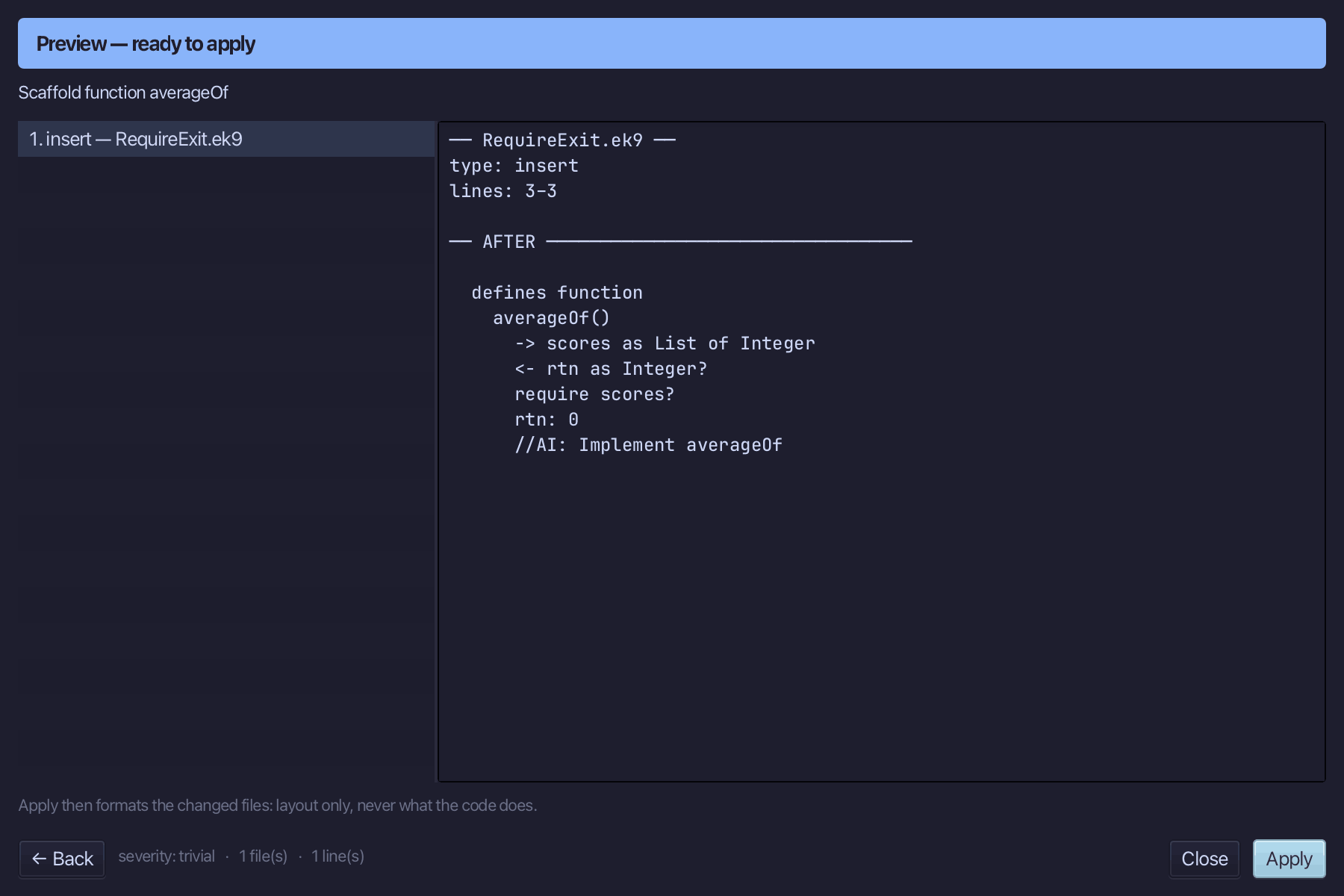
The preview shows averageOf about to be written. Choose Apply.
Select the averageOf() line and, above it, type the blank line the book opens its first function with. Saves when typed.
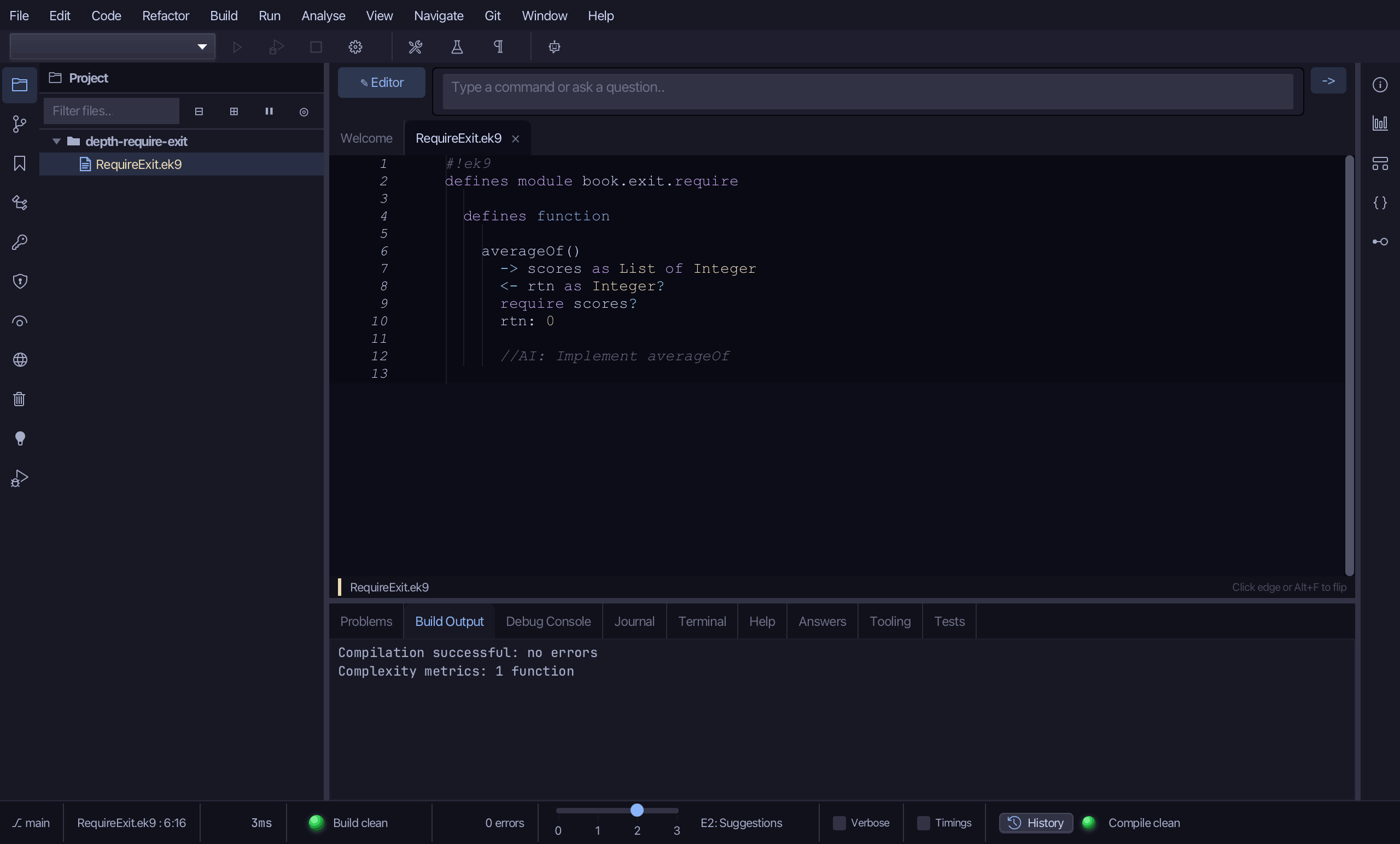
Select the stub, from <- rtn as Integer? down to its //AI line, and type averageOf's own return and work, as the book writes them. Saves when typed.
Step 2: The program
Choose Code > New Construct > Program…
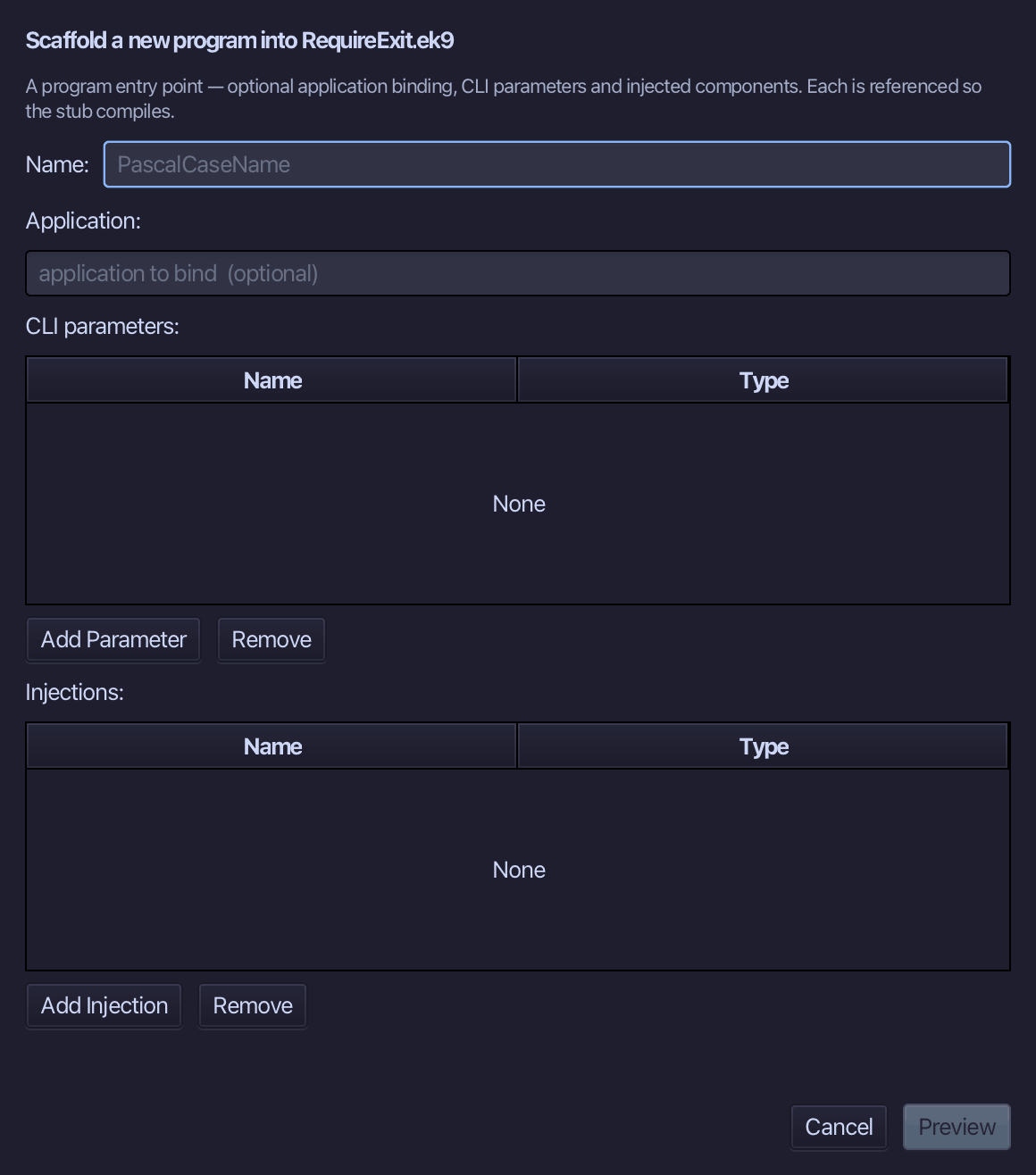
RequireExit is the program's name. Choose Preview.
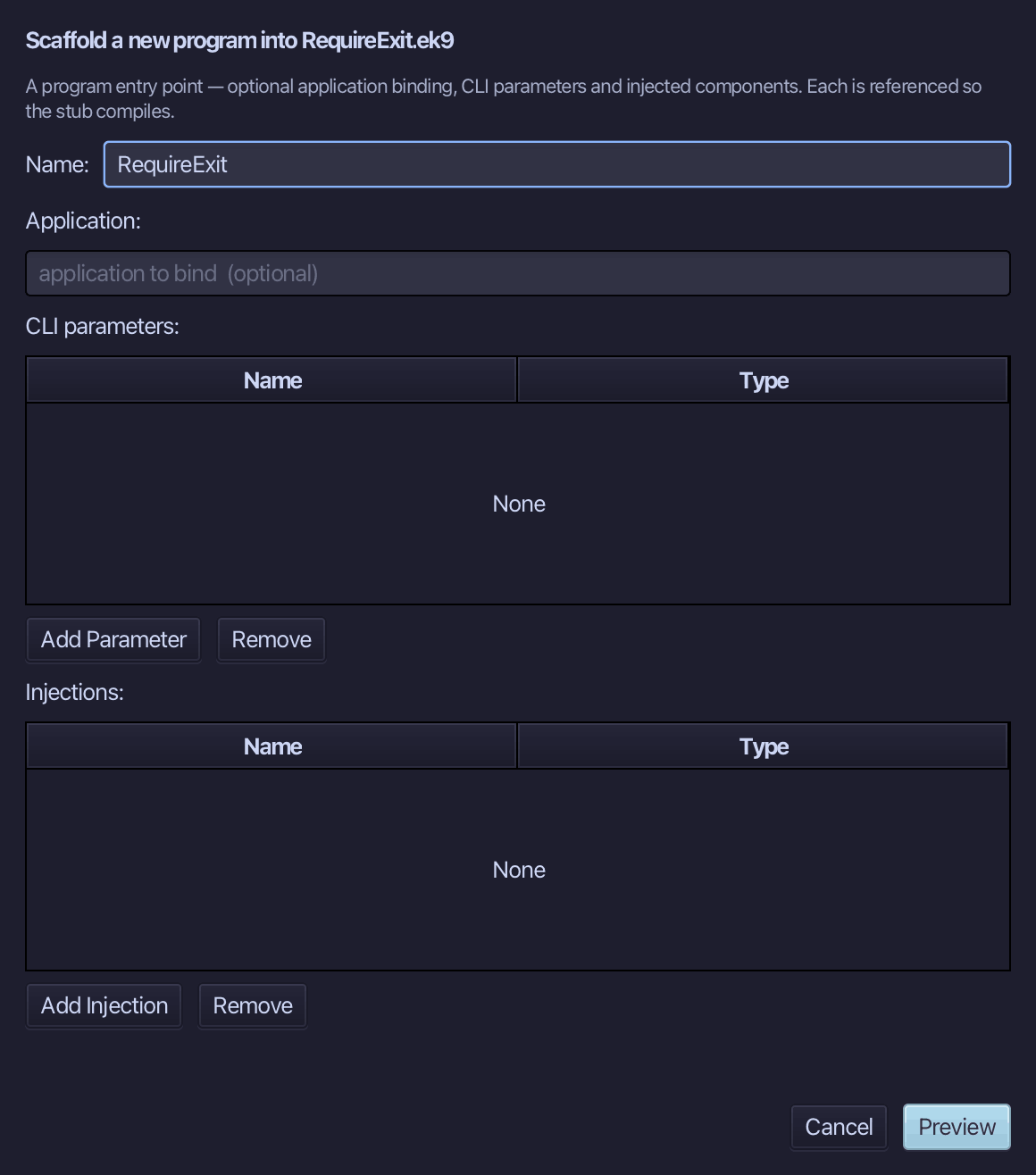
The preview shows RequireExit about to be written. Choose Apply.
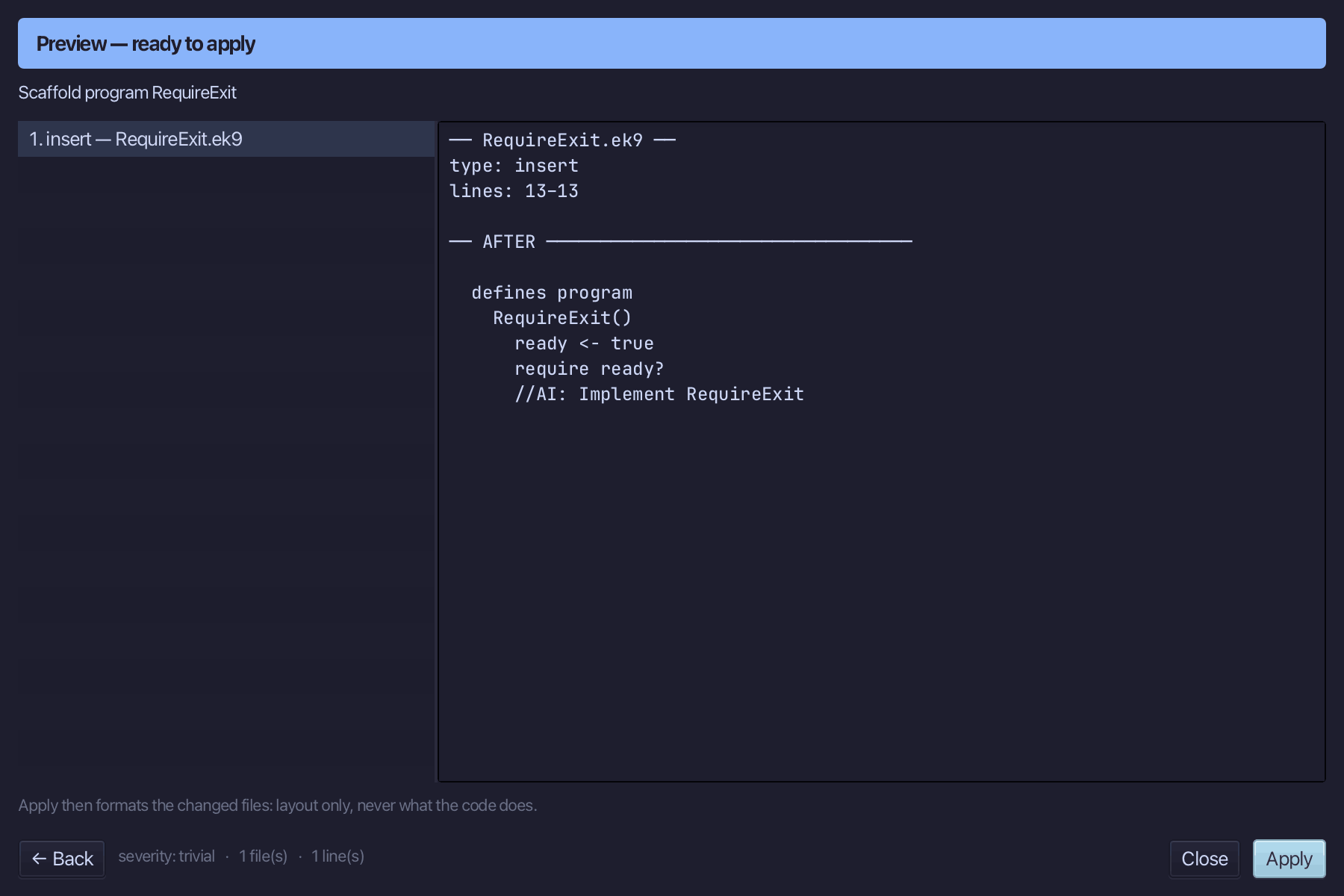
Select the RequireExit() line and, above it, type the blank line the book opens the program with. Saves when typed.
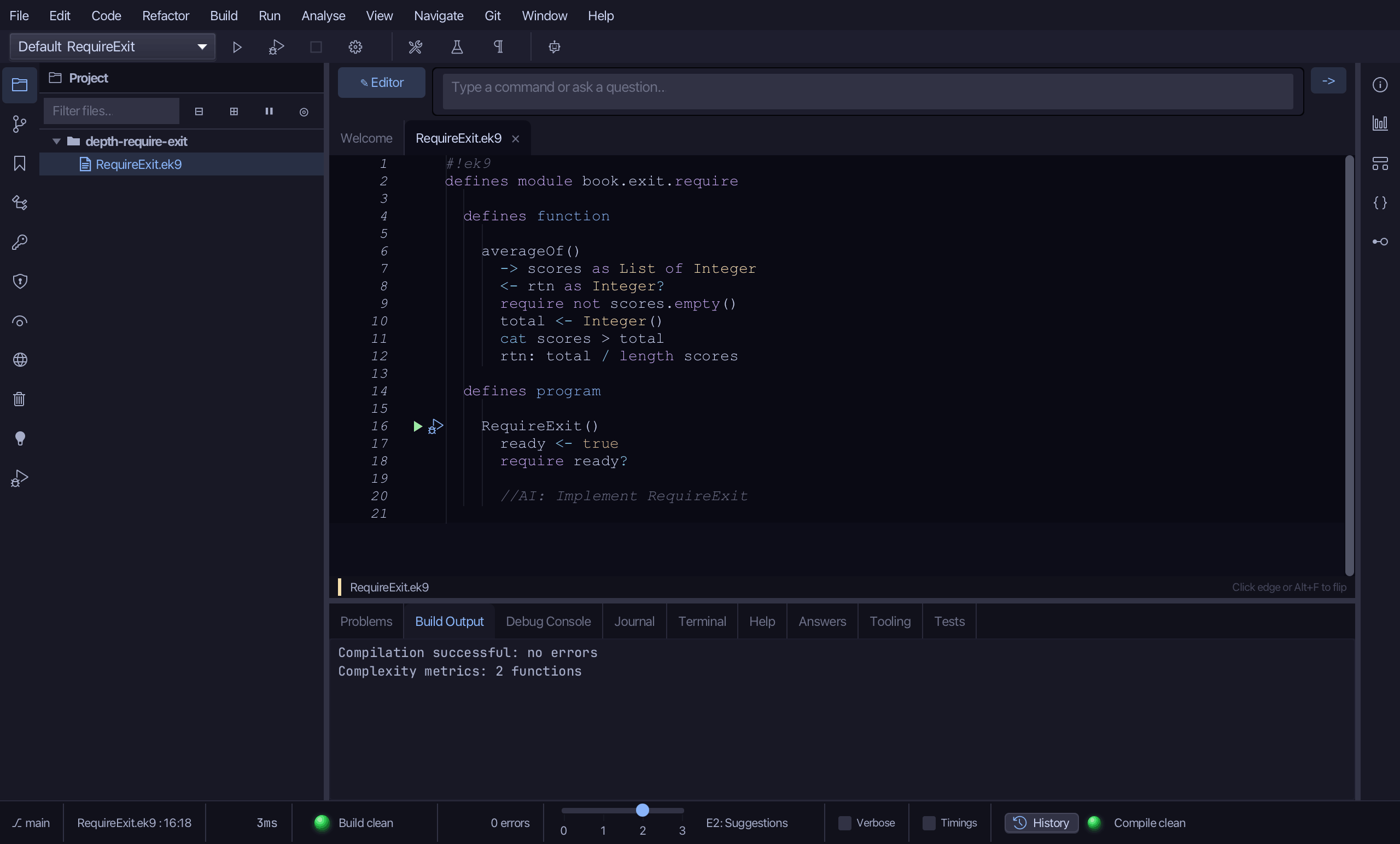
Select the stub, from ready <- true down to its //AI line, and type RequireExit's body exactly as the chapter shows it. Saves when typed.
Step 3: Run it
Choose Run > Run Program…
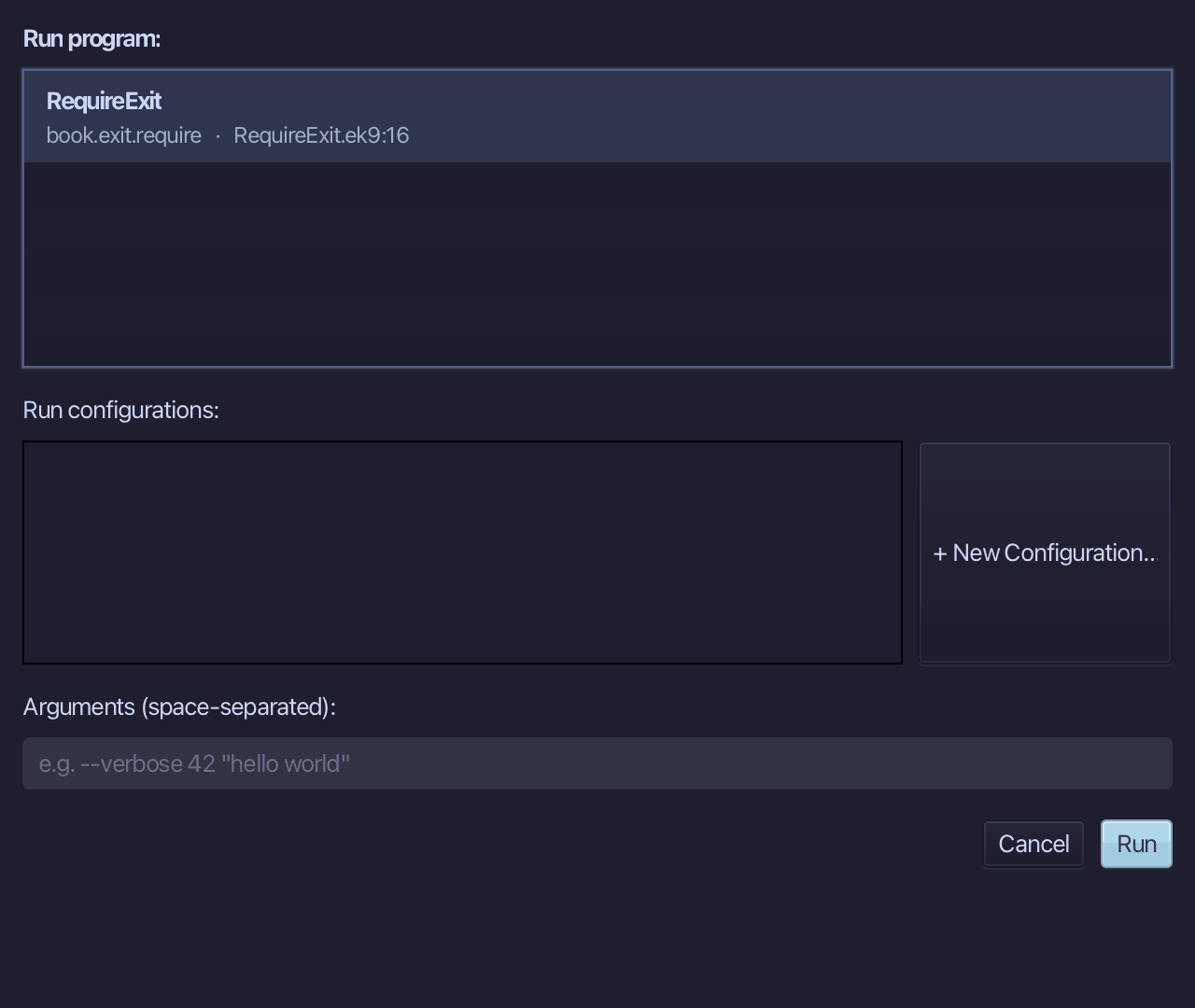
The project's only program is already chosen. Choose Run.
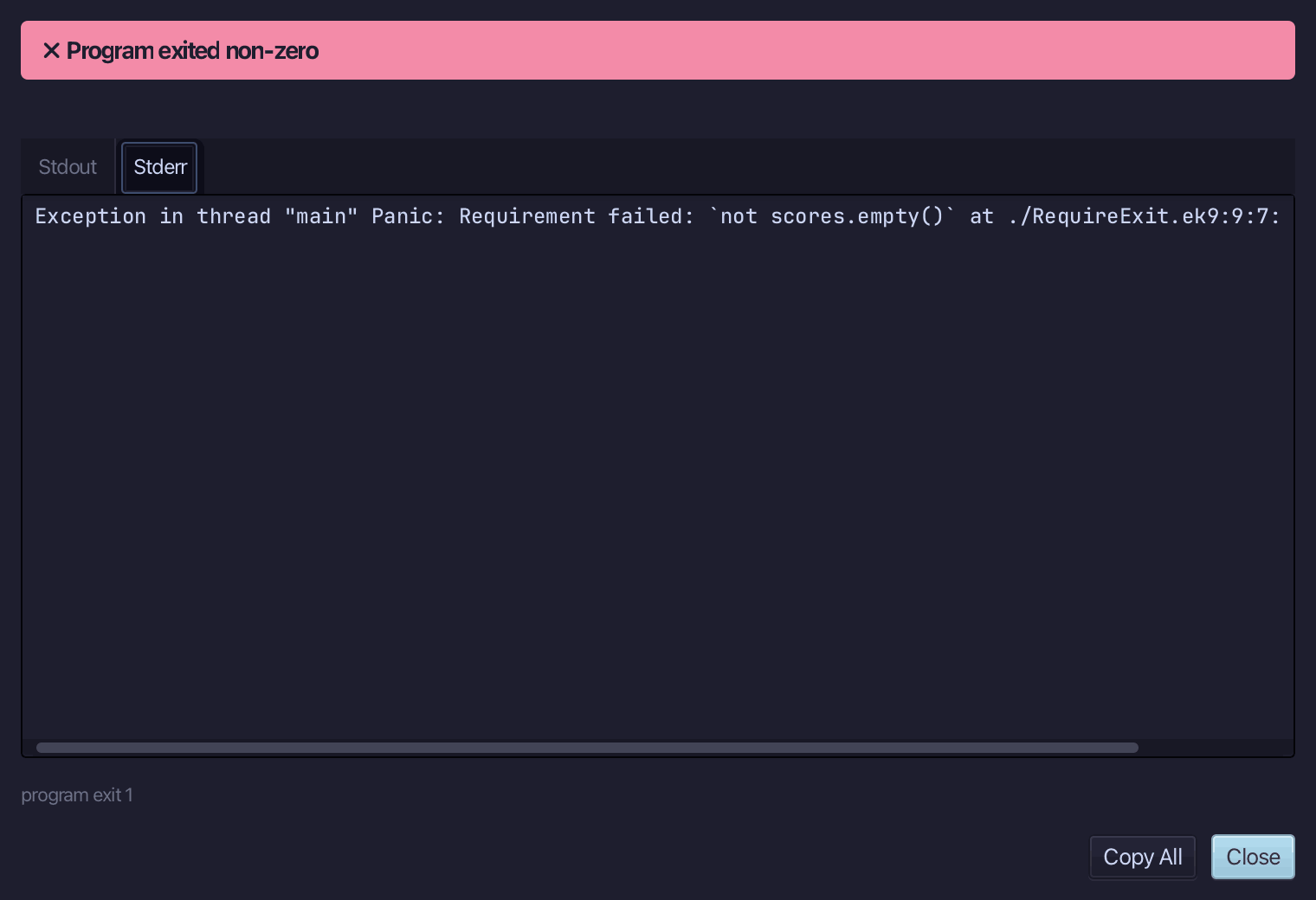
Average: 6, Averaging an empty list, finally still ran - and then a Panic: Requirement failed, not scores.empty(). The catch's own line never printed. Choose Close.
The result
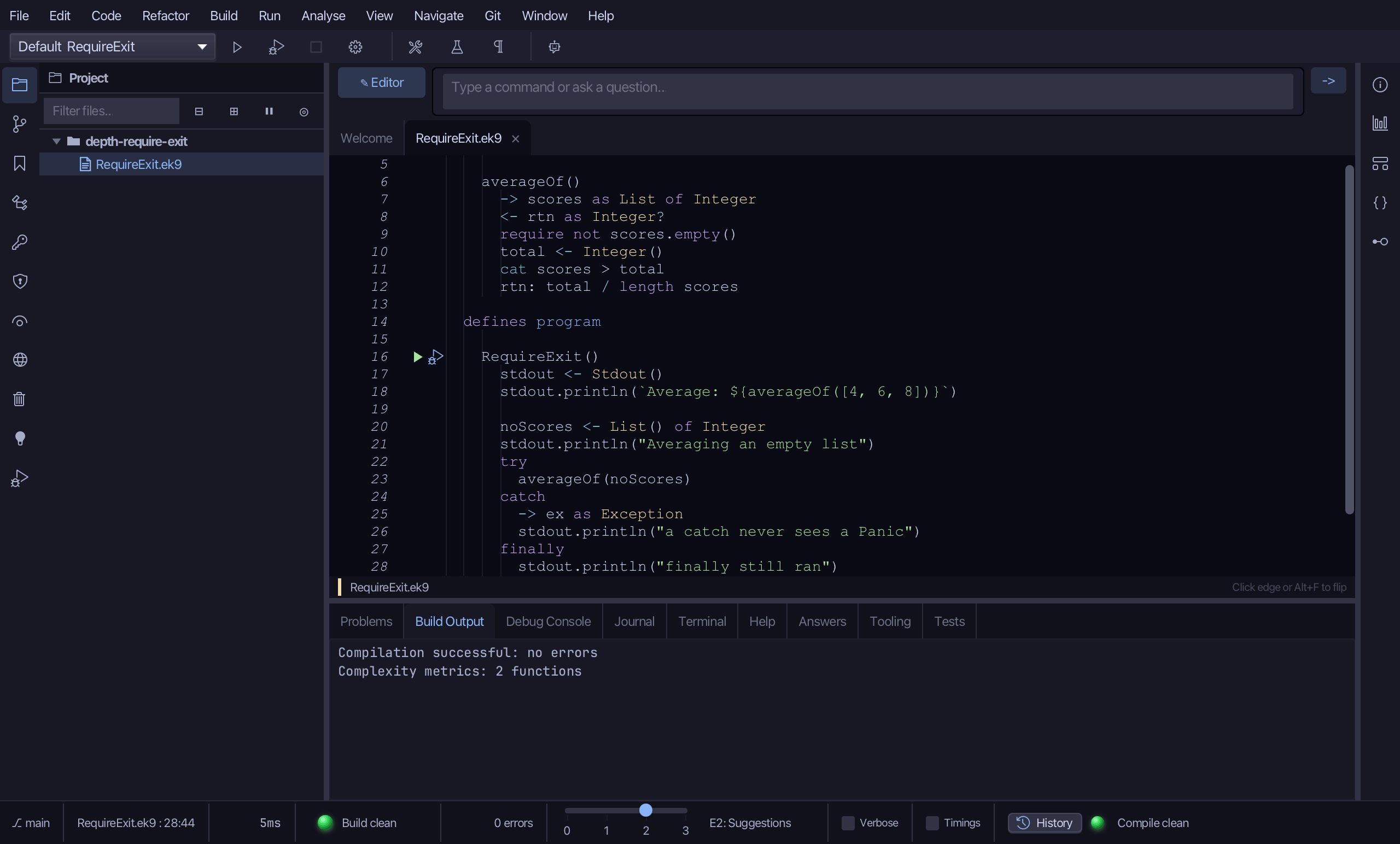
RequireExit.ek9 now reads exactly as chapter 32 of EK9 in Depth shows it, and the run ended where the chapter says: the finally ran, the catch did not, and the process stopped with a Panic naming the require, its file, line and column.
Where this lesson comes from
- Answers -
ek9 -qand the IDE's Answers tab: 136. - For AI assistants - the MCP tool
ek9_new_construct,ek9_add_program.