Chapter 3: do ... while, typed
Chapter 3's Countup uses do ... while: the block runs once, then again while the test holds. Surround With has no do ... while, so the IDE writes only the program's shell, its parameter included, and you type the loop. To play it in the IDE: Help > Lessons > Getting Started with EK9…, or ek9 -ide -lesson book-countup.
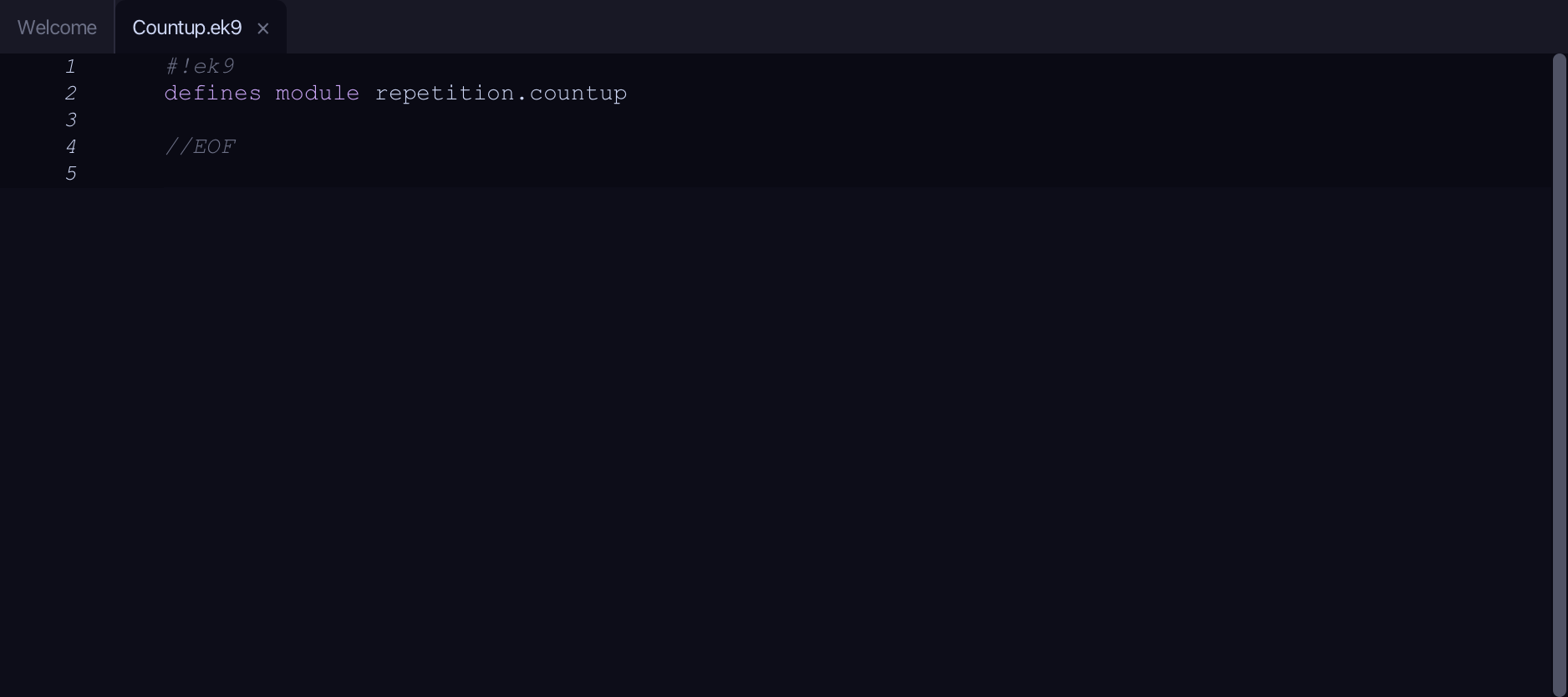
What you'll build
The lesson builds this program from a file holding only its module line - the finished file, as the book prints it.
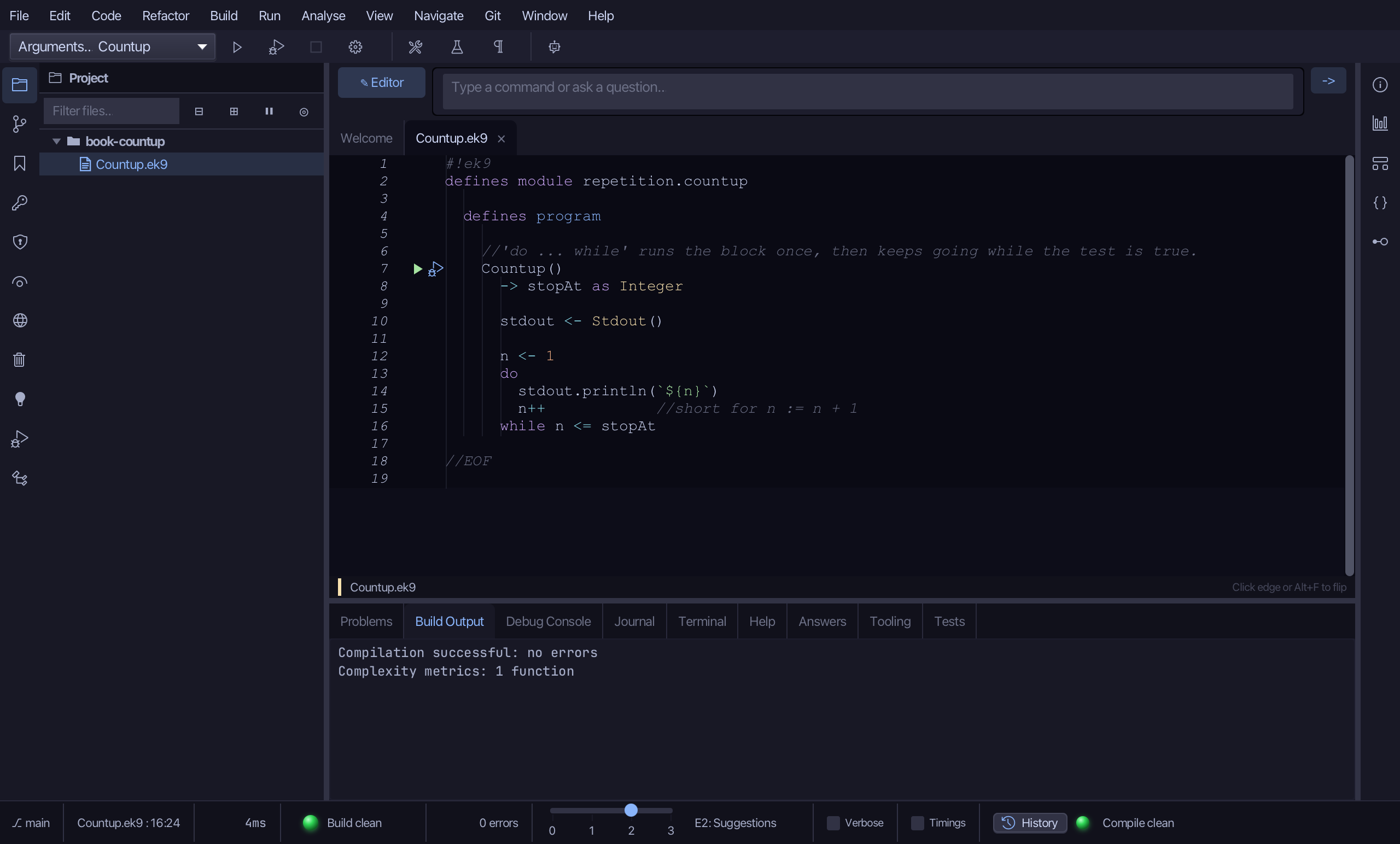
#!ek9
defines module repetition.countup

  defines program

    //'do ... while' runs the block once, then keeps going while the test is true.
    Countup()
      -> stopAt as Integer

      stdout <- Stdout()

      n <- 1
      do
        stdout.println(`${n}`)
        n++            //short for n := n + 1
      while n <= stopAt

//EOF
Step 1: The program's shell
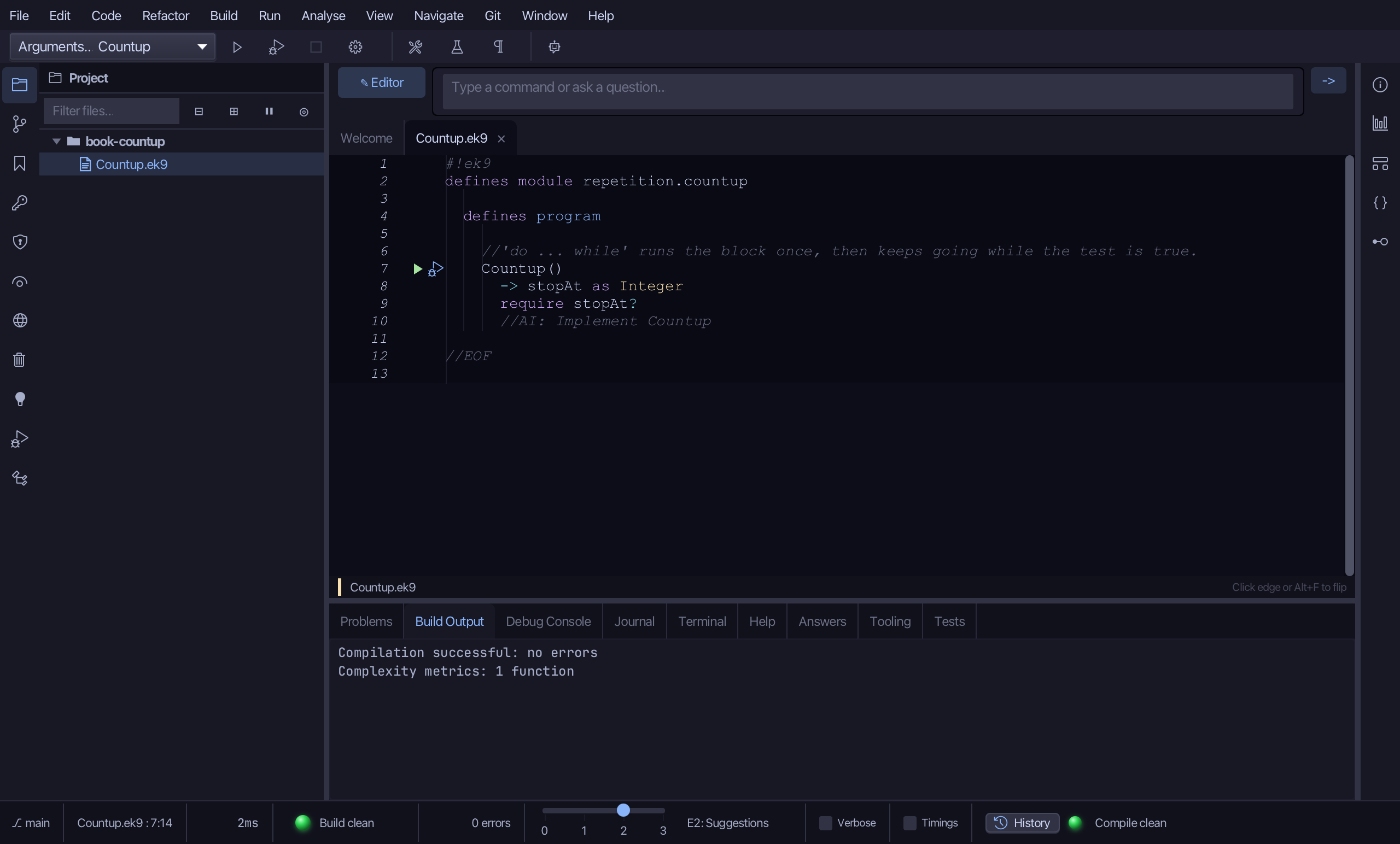
Choose Code > New Construct > Program…
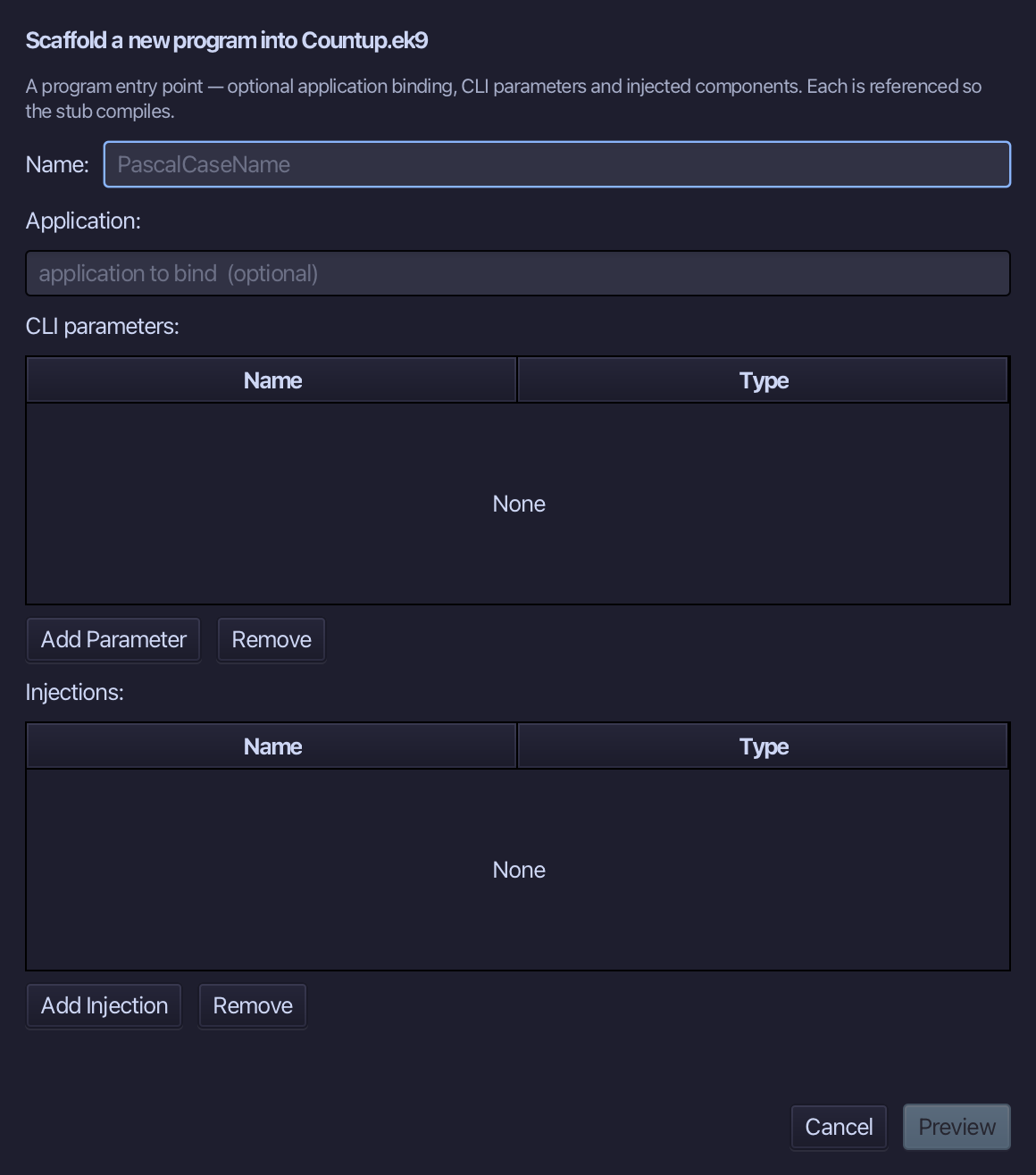
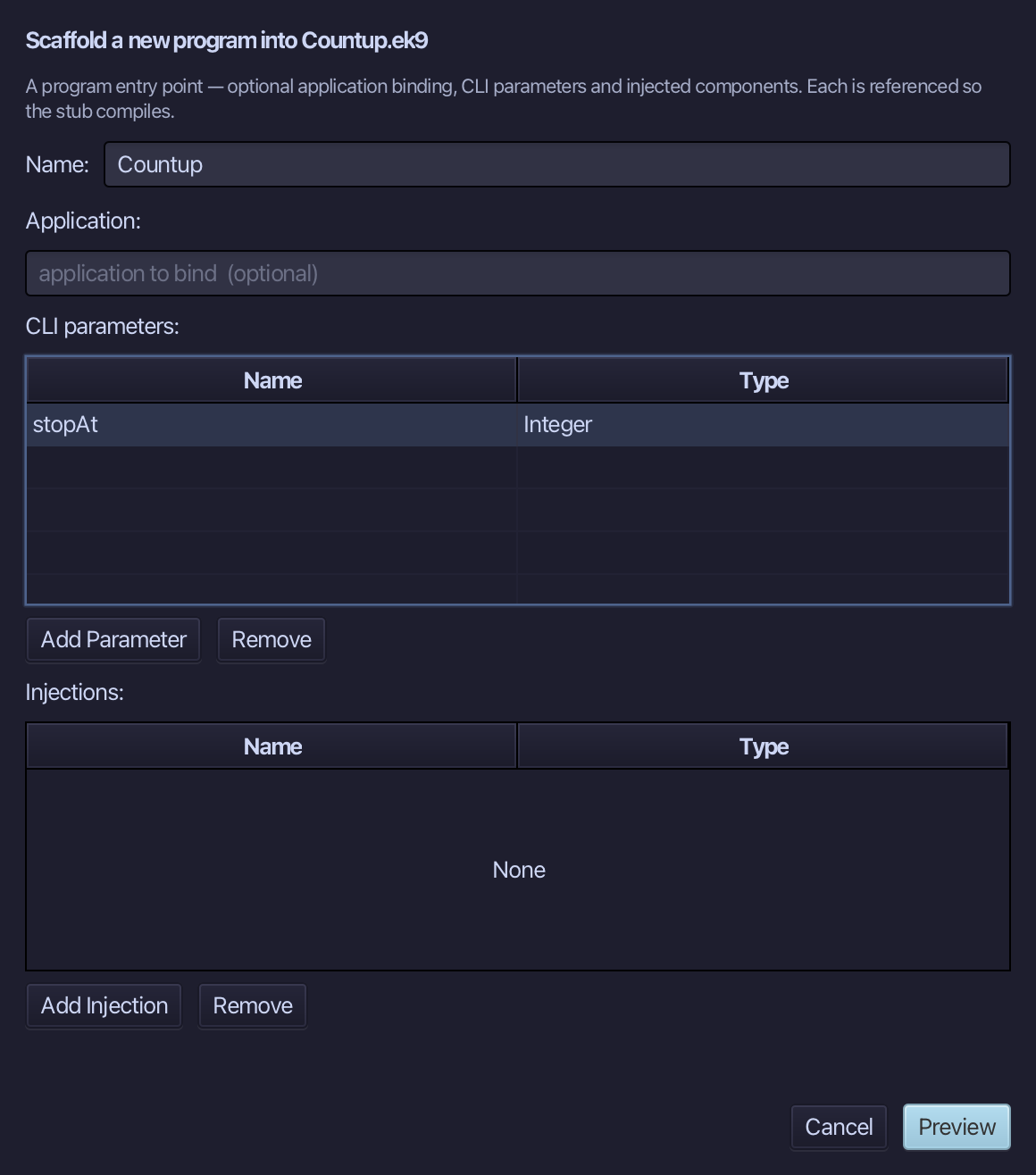
Countup is the program's name. Type it, add one parameter, stopAt of type Integer, and choose Preview.
The preview shows Countup about to be written. Choose Apply.
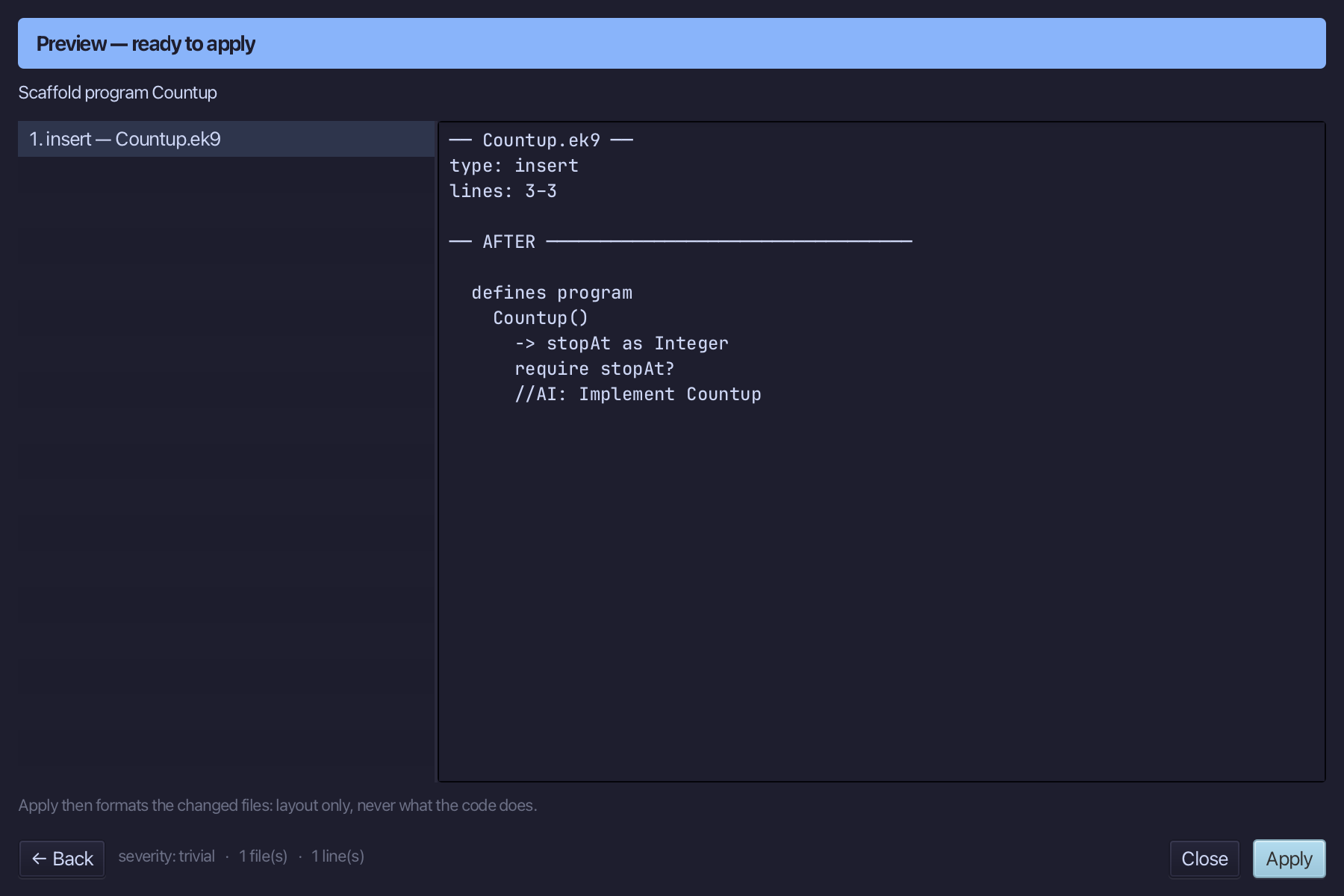
The tool leaves no blank line before the program: select the Countup() line and, above it, type the one the book opens with. Saves when typed.
Step 2: The body, typed
Select the stub, from require stopAt? down to its //AI line, and type the body exactly as the chapter shows it. Saves when typed.
Step 3: Run it
Choose Run > Run Program…
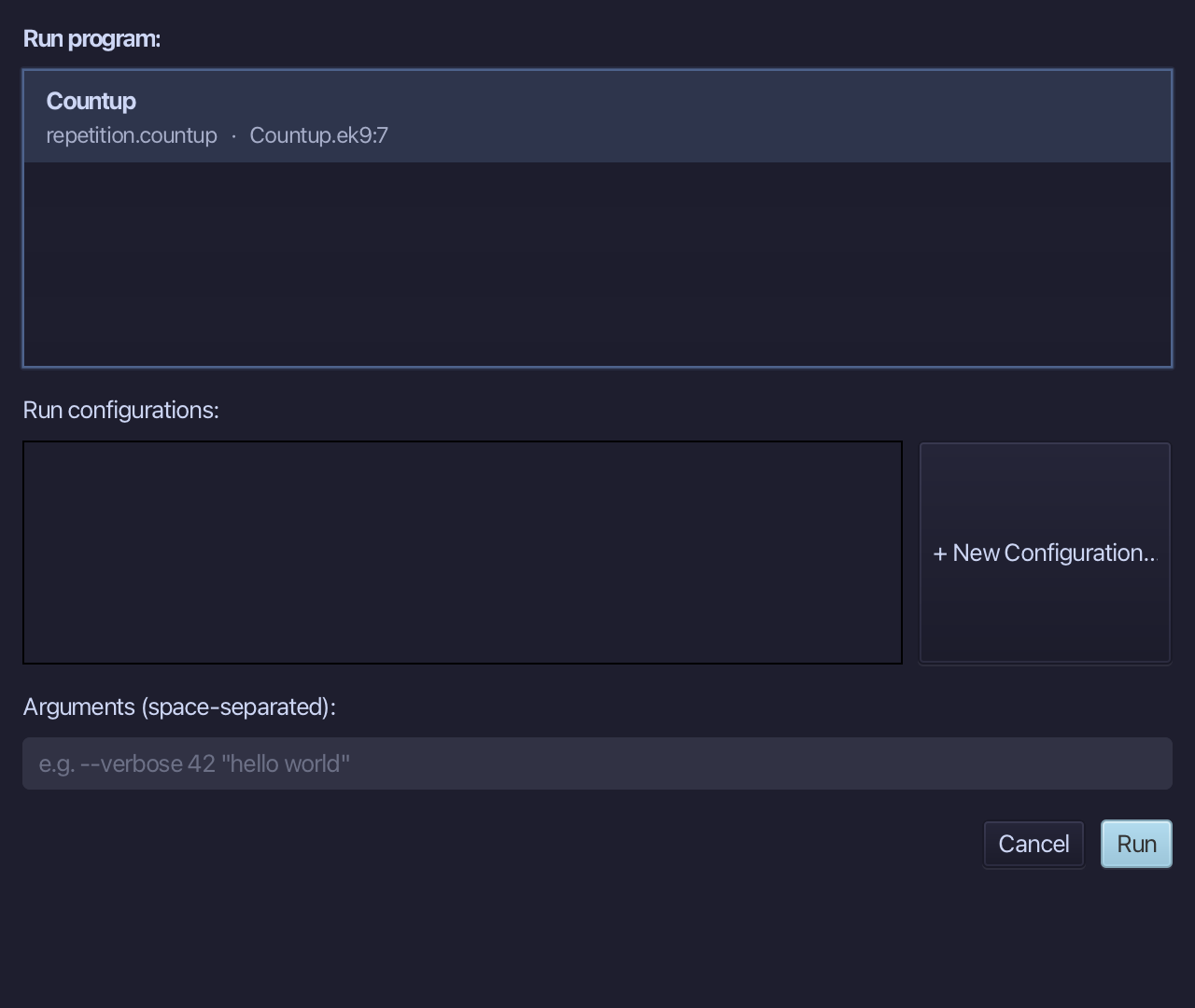
Type 3 into Arguments (space-separated), then choose Run.
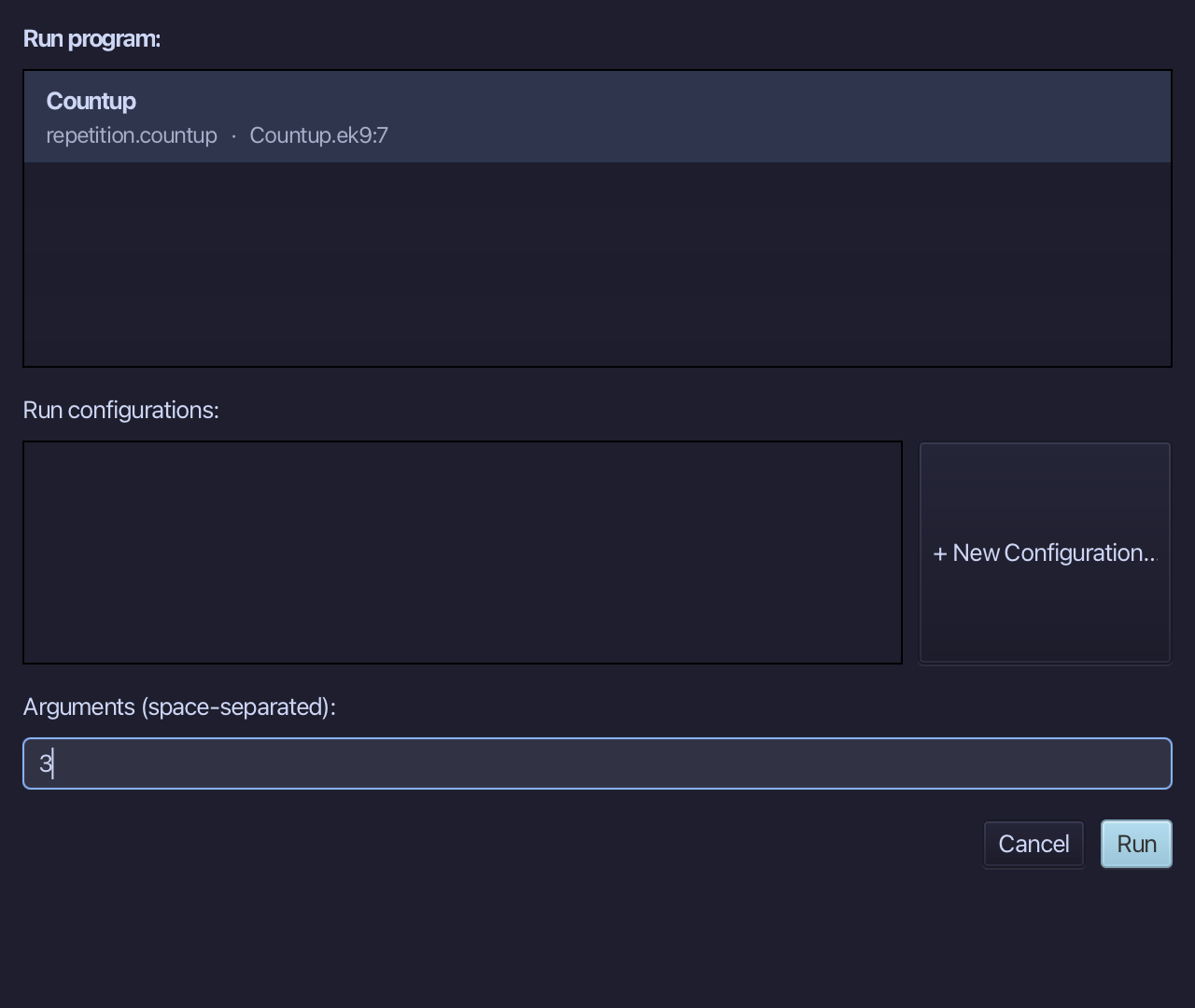
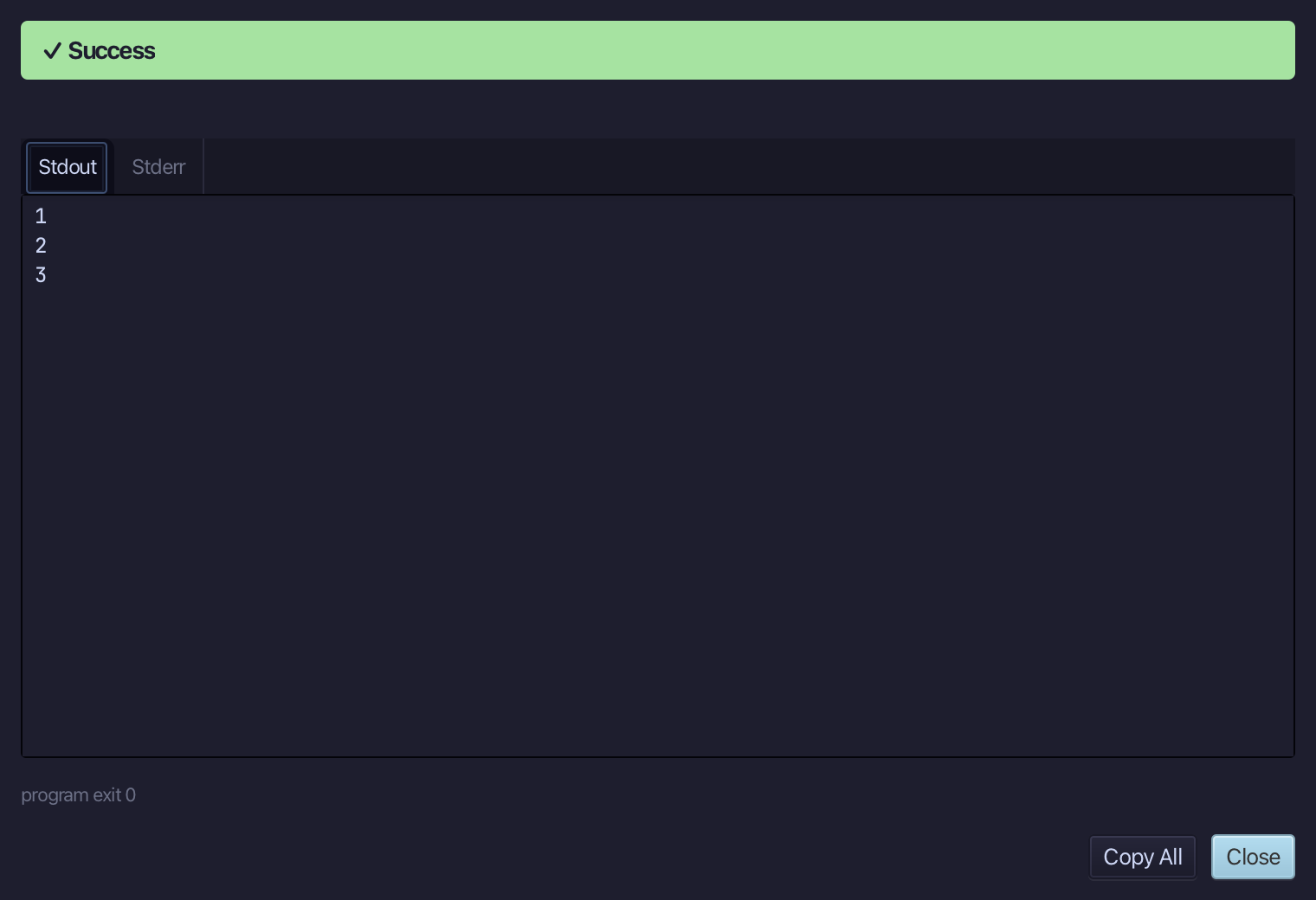
1, 2, 3 - the block ran once before the test was ever asked, then while n was at most the argument. Choose Close.
The result
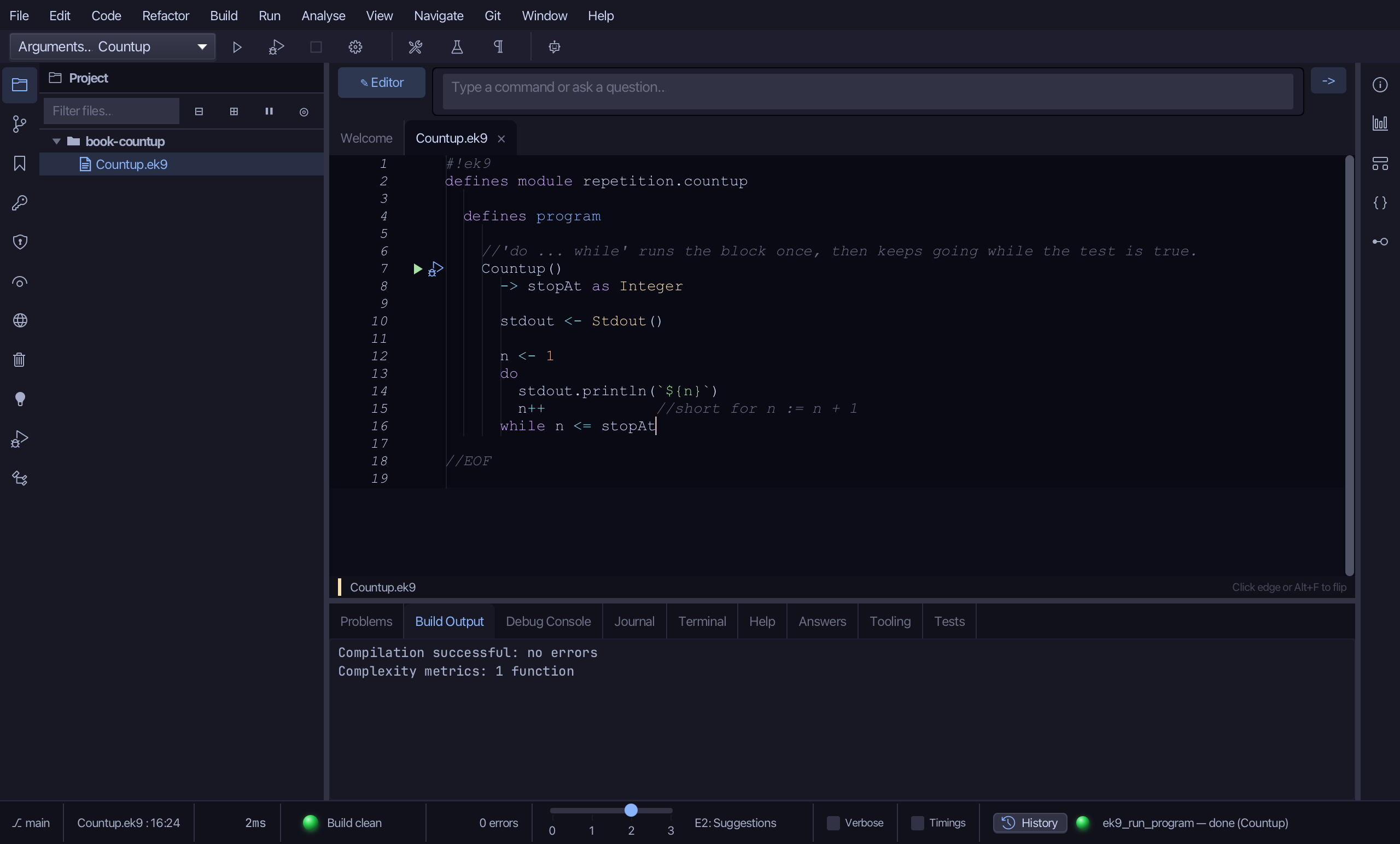
Countup.ek9 now reads exactly as chapter 3 of Getting Started with EK9 shows it: a loop that always runs at least once. Surround With offers if, try, for range, while and switch; do ... while is typed.
Where this lesson comes from
- For AI assistants - the MCP tool
ek9_add_program.
In the EK9 reference: Flow Control in EK9