Chapter 24: what keeps the proof, built
The compiler lets a read stand where a check in the same block has proved it - and chapter 24 lists what keeps that proof: the right-hand side of an and, a nested if, a call that cannot reach the checked object, a parenthesised group. These are the shapes that compile; the chapter's error listings are the ones that do not. The IDE writes the constant, the five function signatures and the program's shell; you type the checks and the reads. To play it in the IDE: Help > Lessons > EK9 in Depth…, or ek9 -ide -lesson depth-safe-shapes.
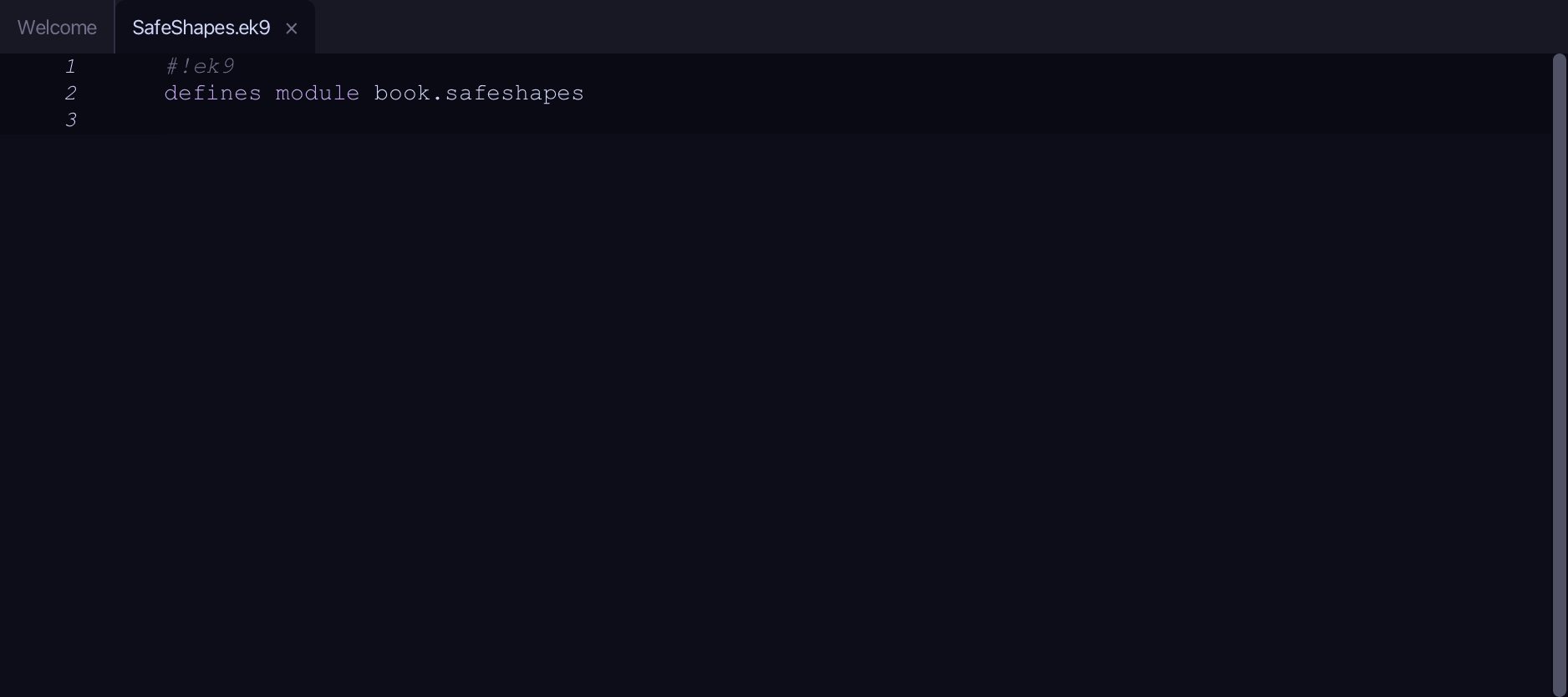
What you'll build
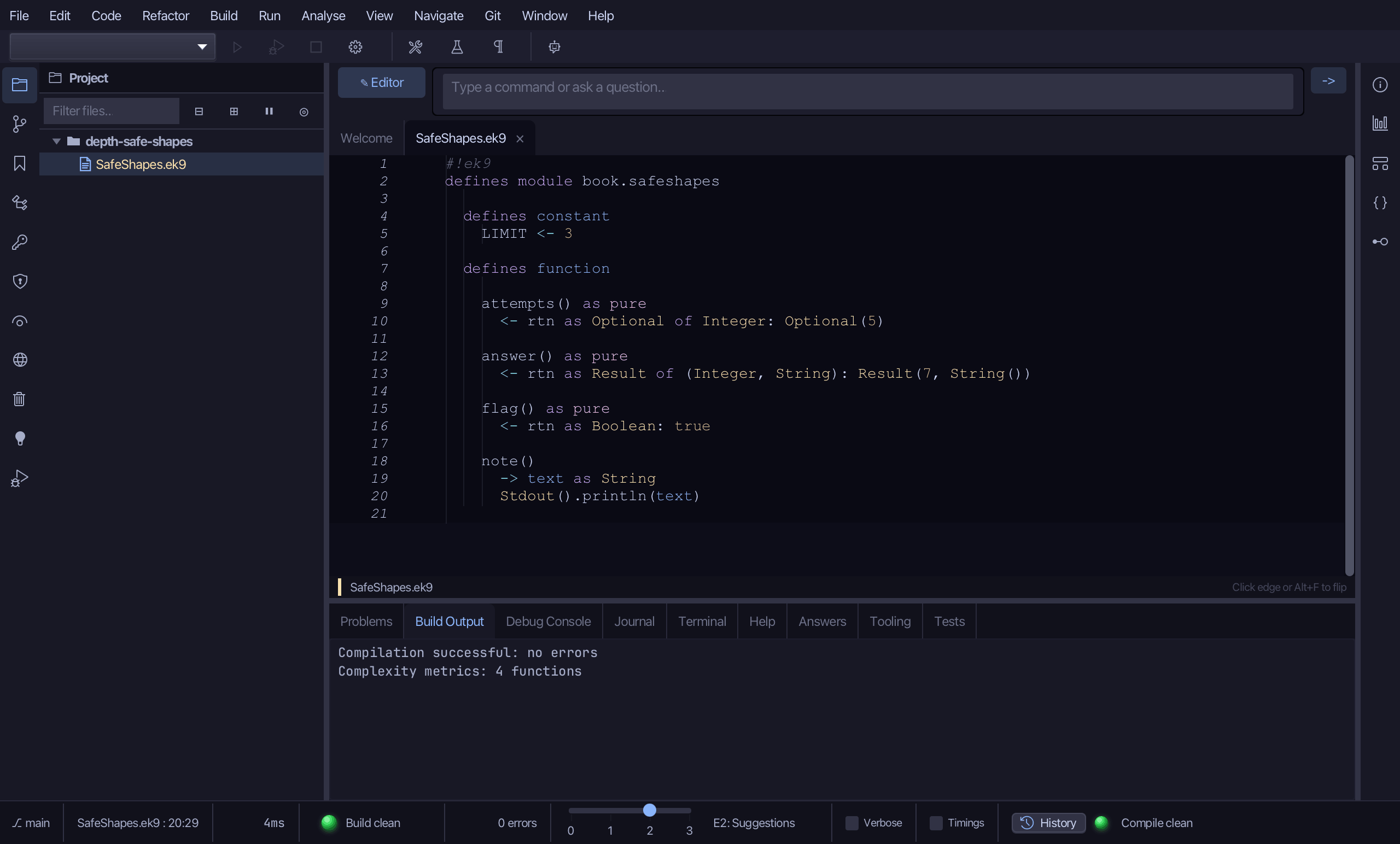
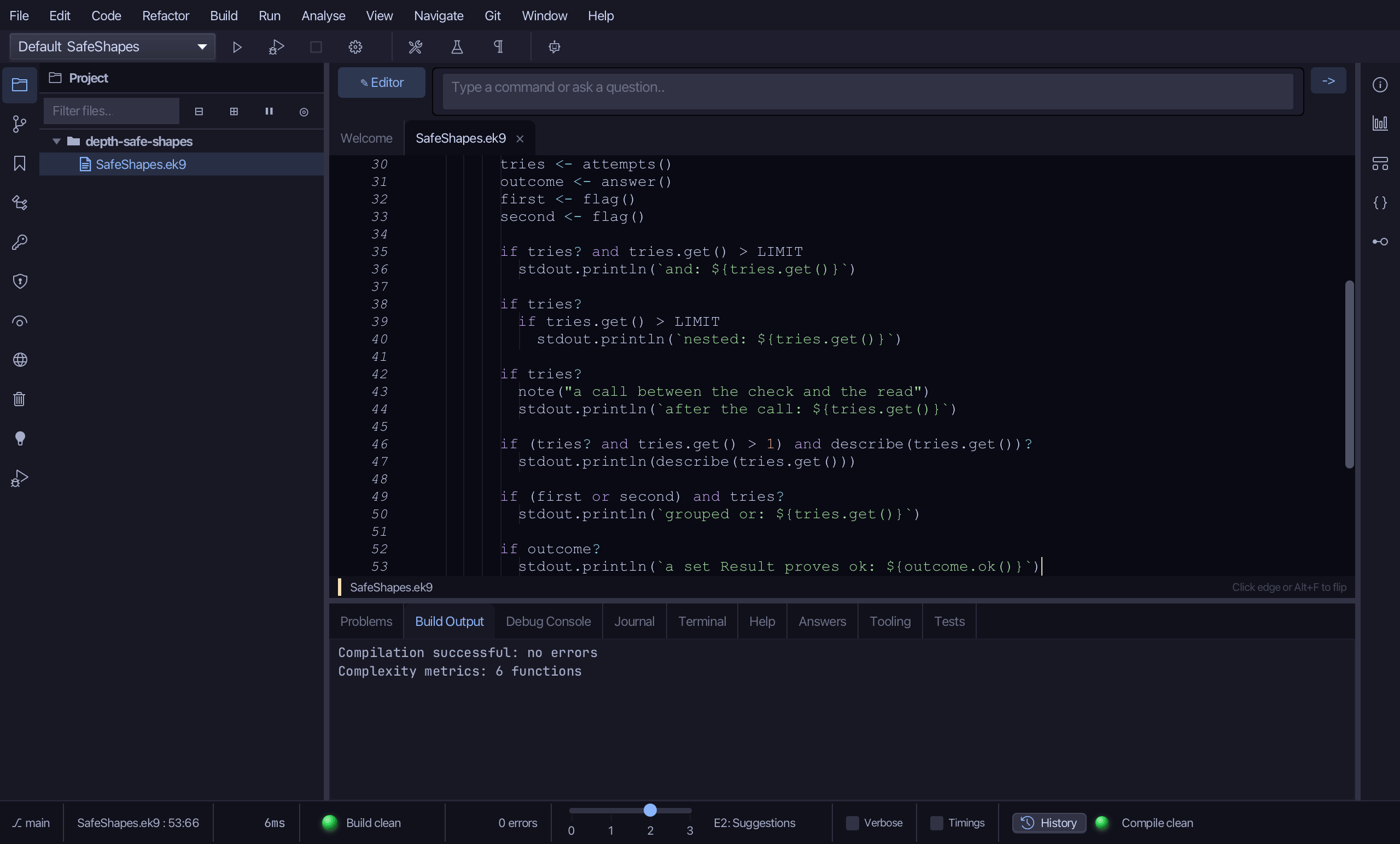
The lesson builds this program from a file holding only its module line - the finished file, as the book prints it.
#!ek9
defines module book.safeshapes

  defines constant
    LIMIT <- 3

  defines function

    attempts() as pure
      <- rtn as Optional of Integer: Optional(5)

    answer() as pure
      <- rtn as Result of (Integer, String): Result(7, String())

    flag() as pure
      <- rtn as Boolean: true

    note()
      -> text as String
      Stdout().println(text)

    describe() as pure
      -> candidate as Integer
      <- rtn as String: `attempt ${candidate}`

  defines program

    SafeShapes()
      stdout <- Stdout()
      tries <- attempts()
      outcome <- answer()
      first <- flag()
      second <- flag()

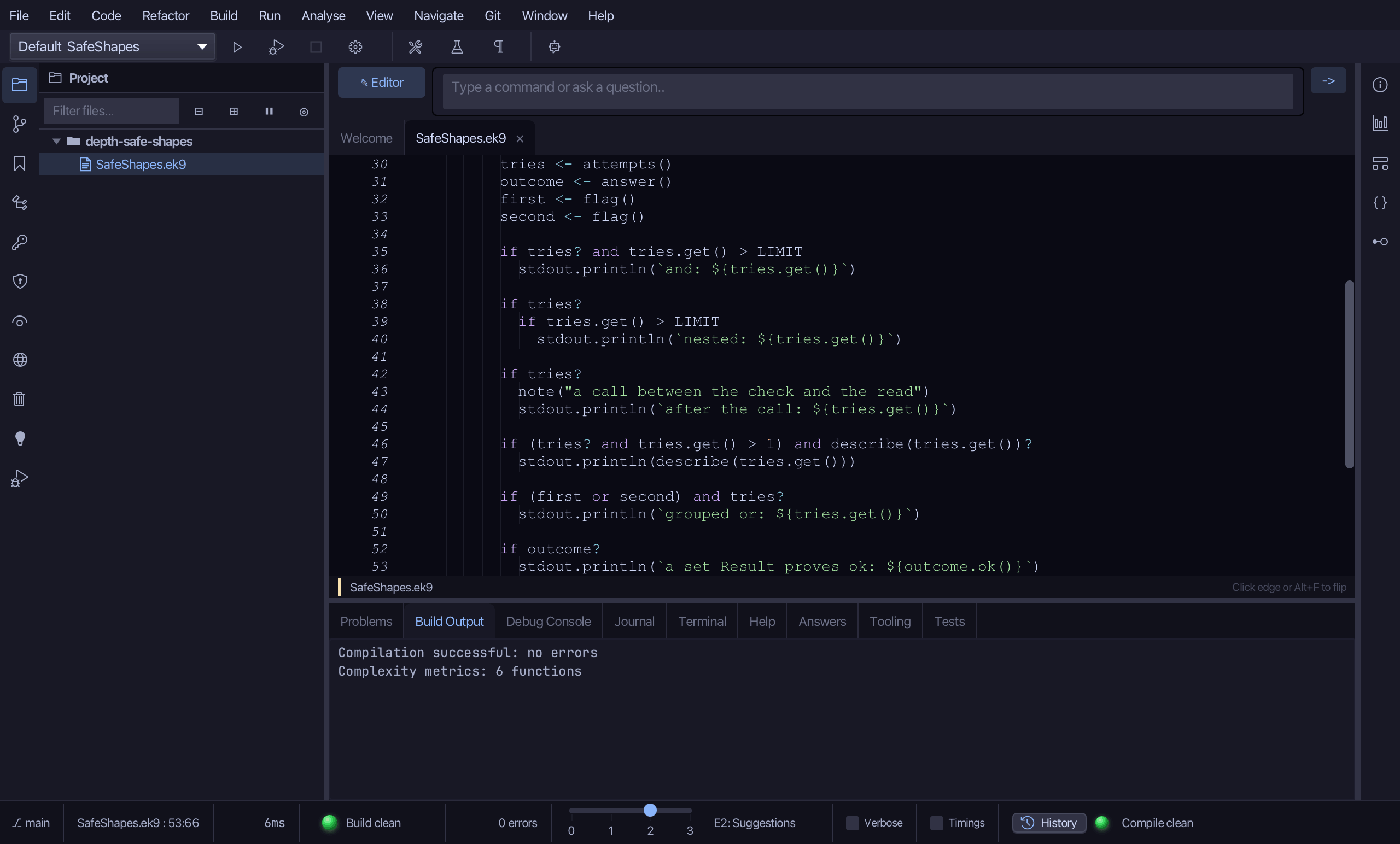
      if tries? and tries.get() > LIMIT
        stdout.println(`and: ${tries.get()}`)

      if tries?
        if tries.get() > LIMIT
          stdout.println(`nested: ${tries.get()}`)

      if tries?
        note("a call between the check and the read")
        stdout.println(`after the call: ${tries.get()}`)

      if (tries? and tries.get() > 1) and describe(tries.get())?
        stdout.println(describe(tries.get()))

      if (first or second) and tries?
        stdout.println(`grouped or: ${tries.get()}`)

      if outcome?
        stdout.println(`a set Result proves ok: ${outcome.ok()}`)
Step 1: A constant
Choose Code > New Construct > Constant…
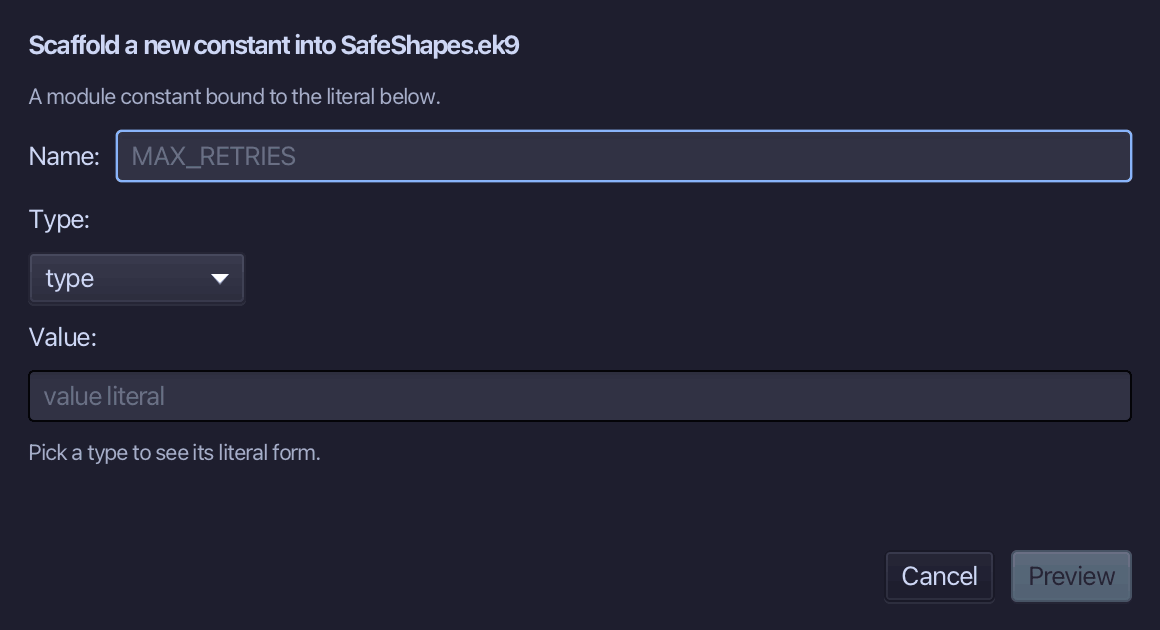
LIMIT is the constant's name and 3 its value - a literal in the Value field, from which the type is inferred. Type both and choose Preview.
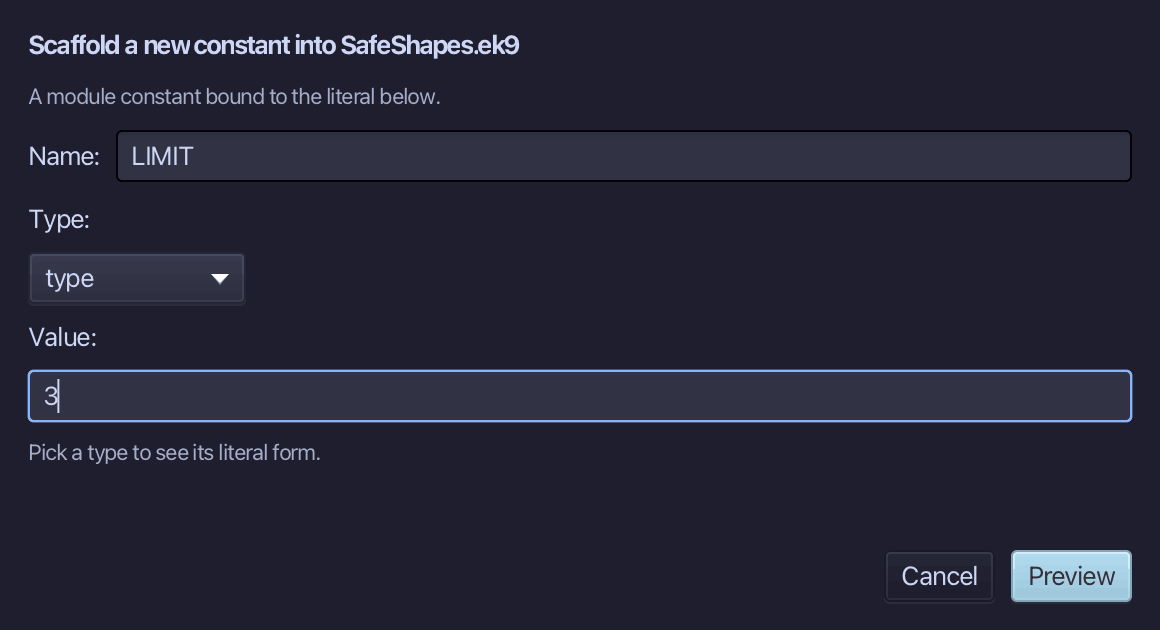
The preview shows LIMIT about to be written. Choose Apply.
Step 2: attempts — a pure function
Choose Code > New Construct > Function…
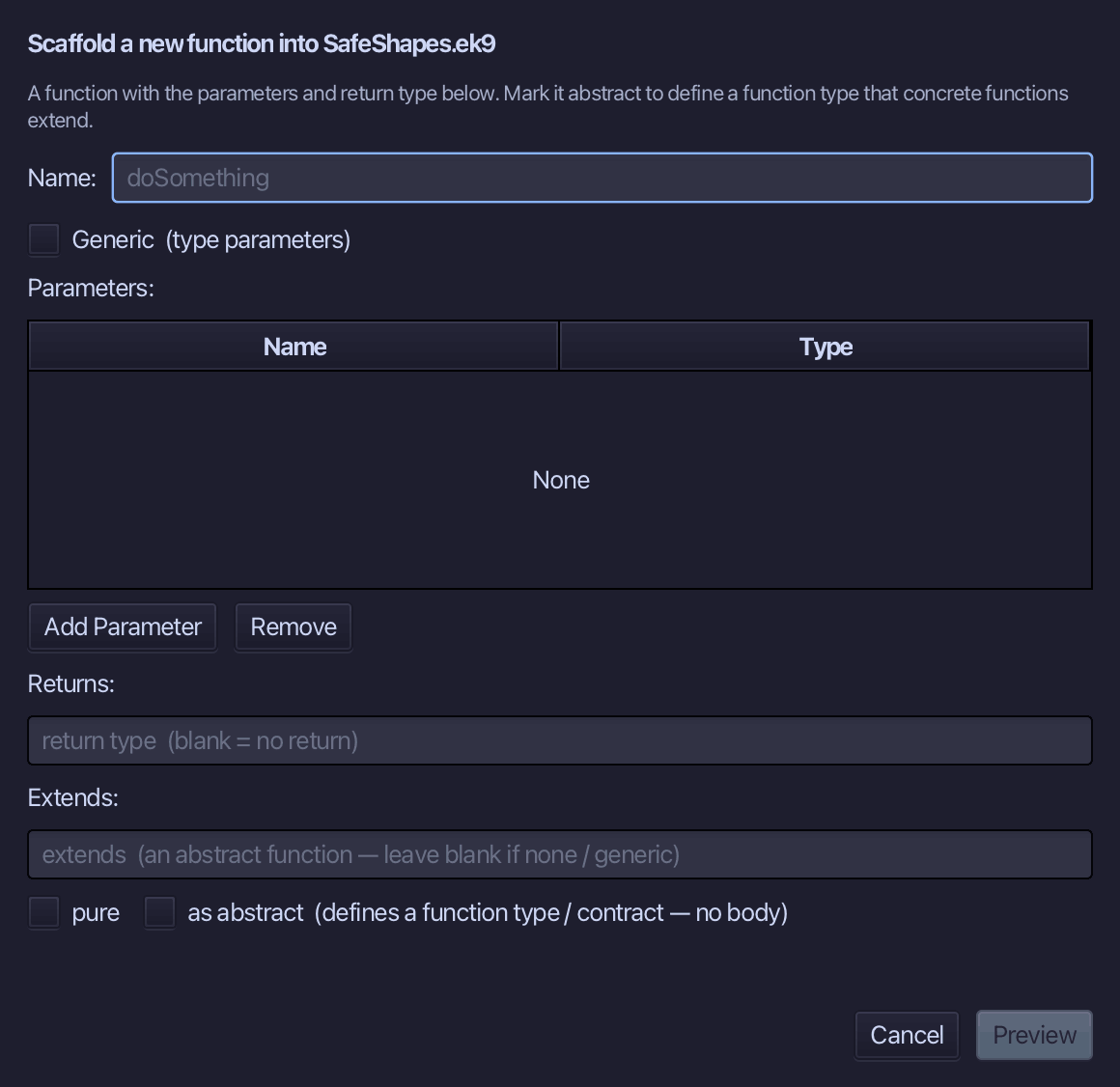
attempts is the function's name. Set Returns to Optional of Integer and tick pure. Choose Preview.
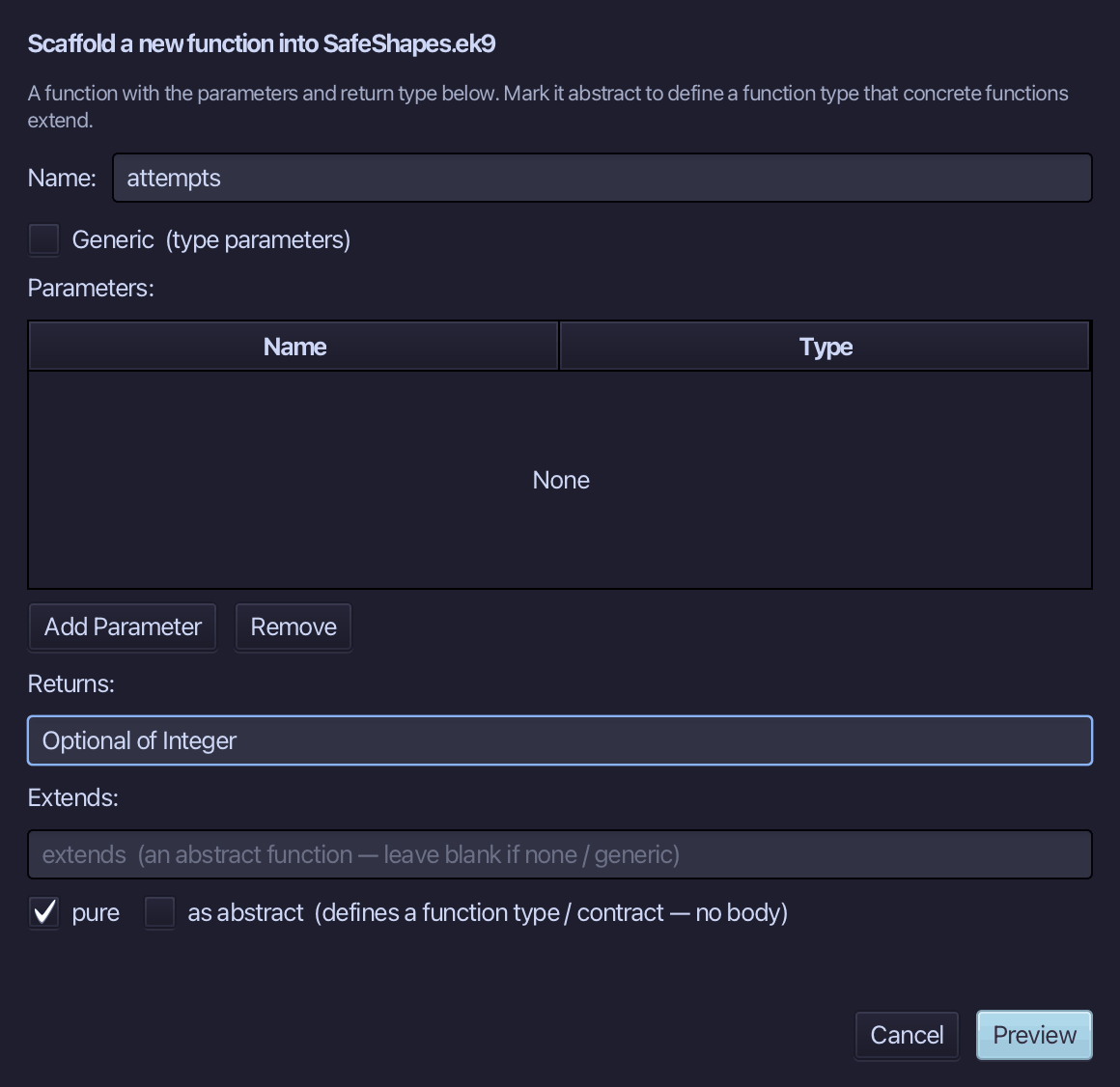
The preview shows attempts about to be written. Choose Apply.
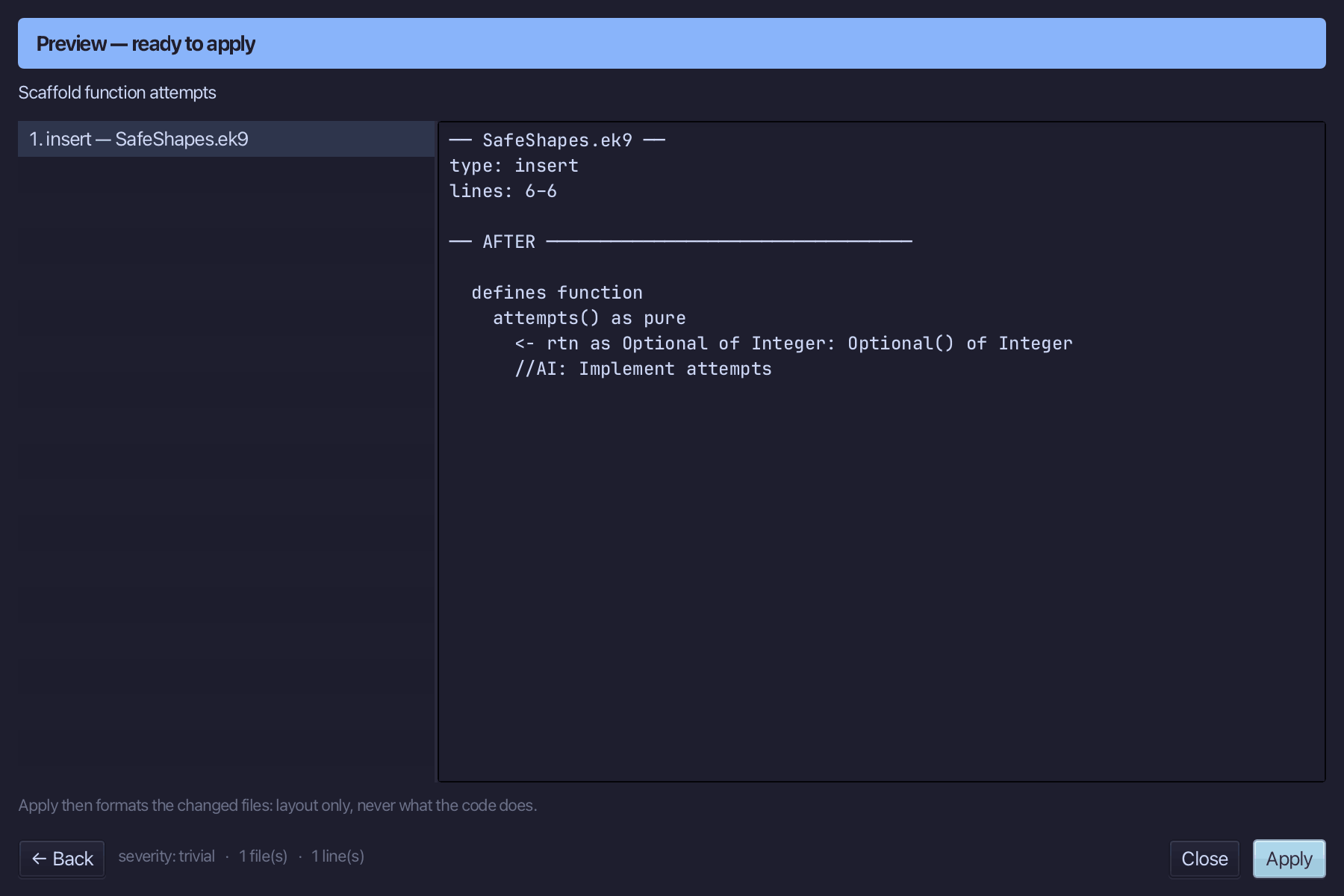
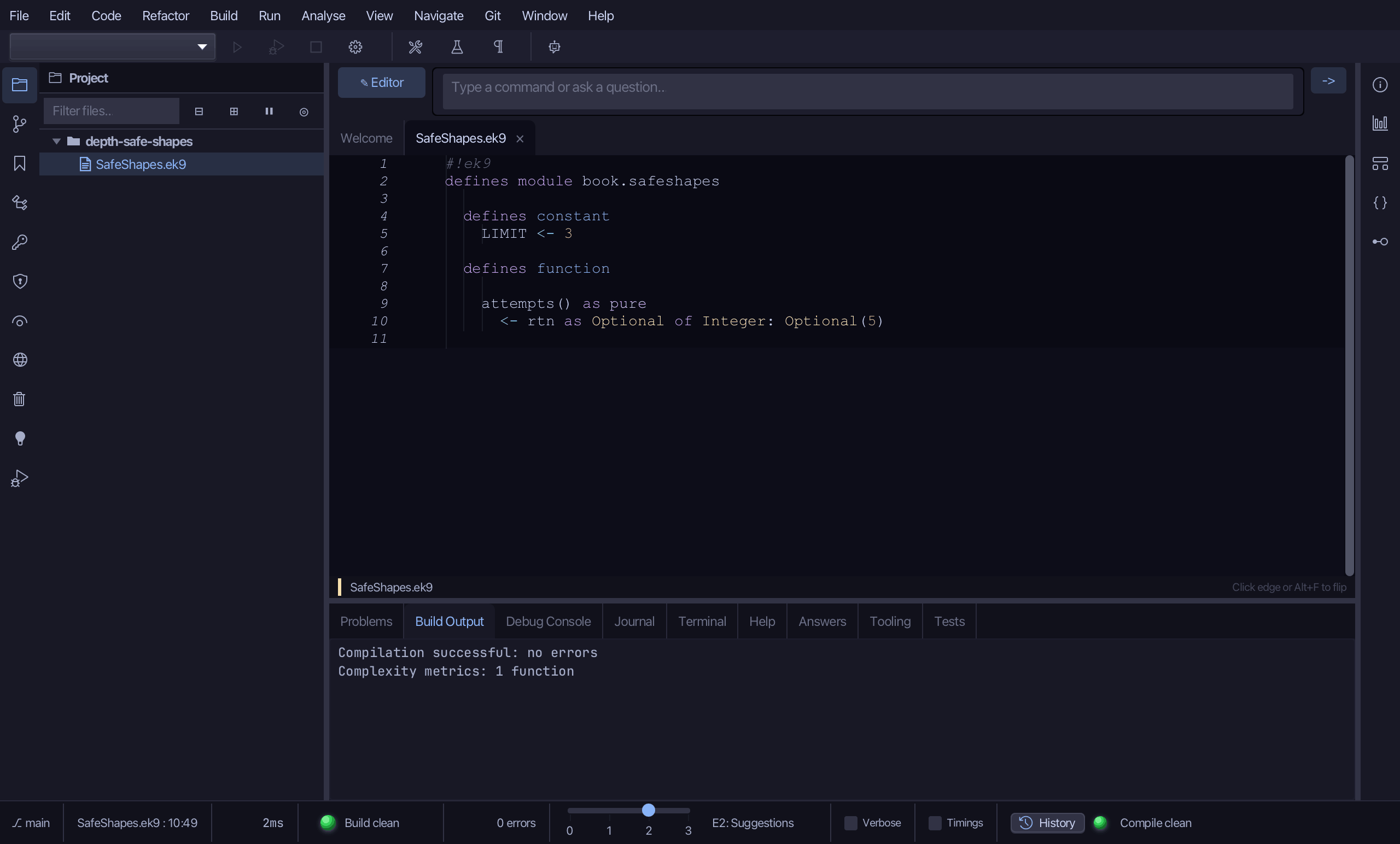
Select the attempts() as pure line and, above it, type the blank line the book opens its first function with. Saves when typed.
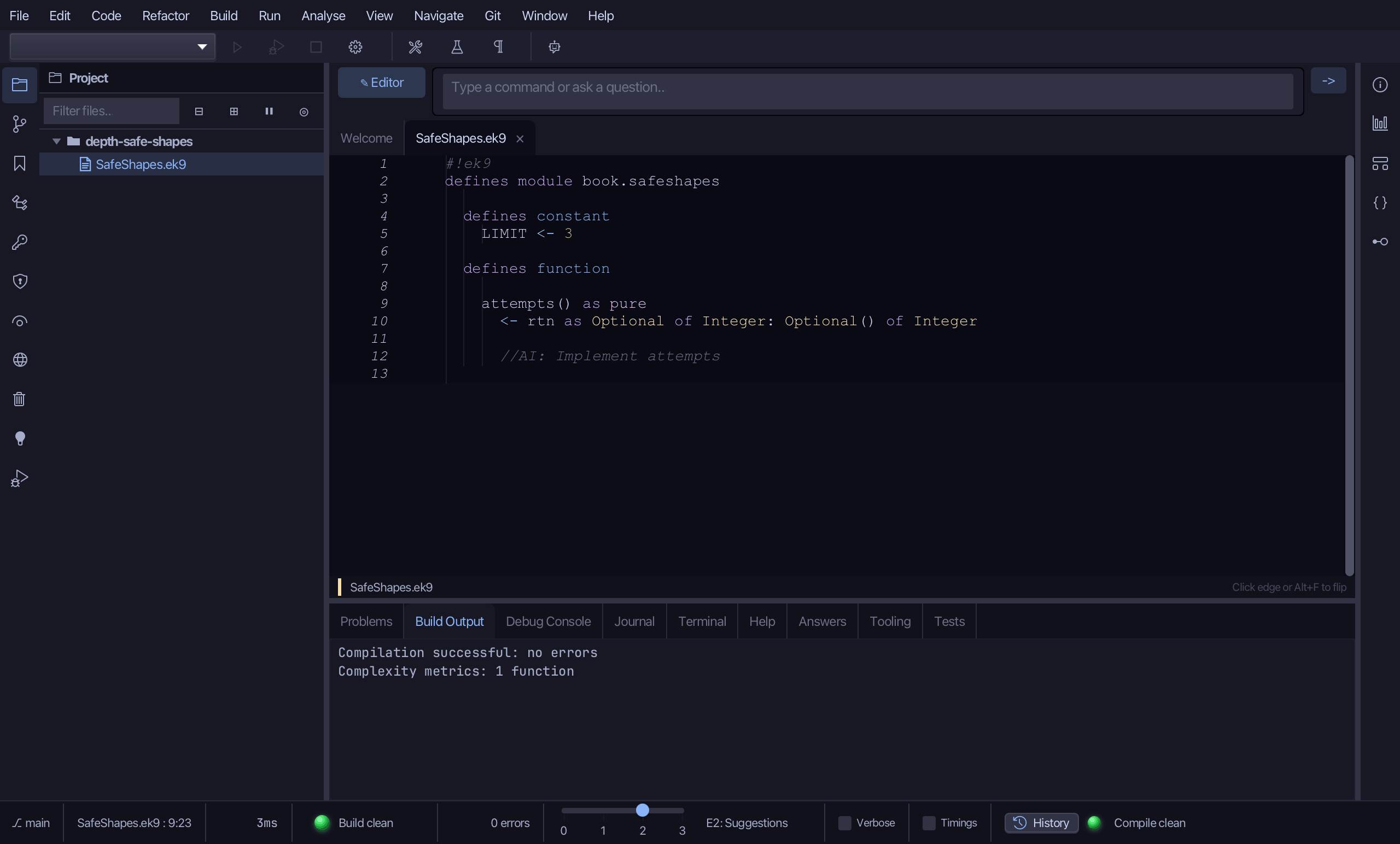
Select the stub, from <- rtn as Optional of Integer: Optional() of Integer down to its //AI line, and type attempts's own return and work, as the book writes them. Saves when typed.
Step 3: answer — a pure function
Choose Code > New Construct > Function…
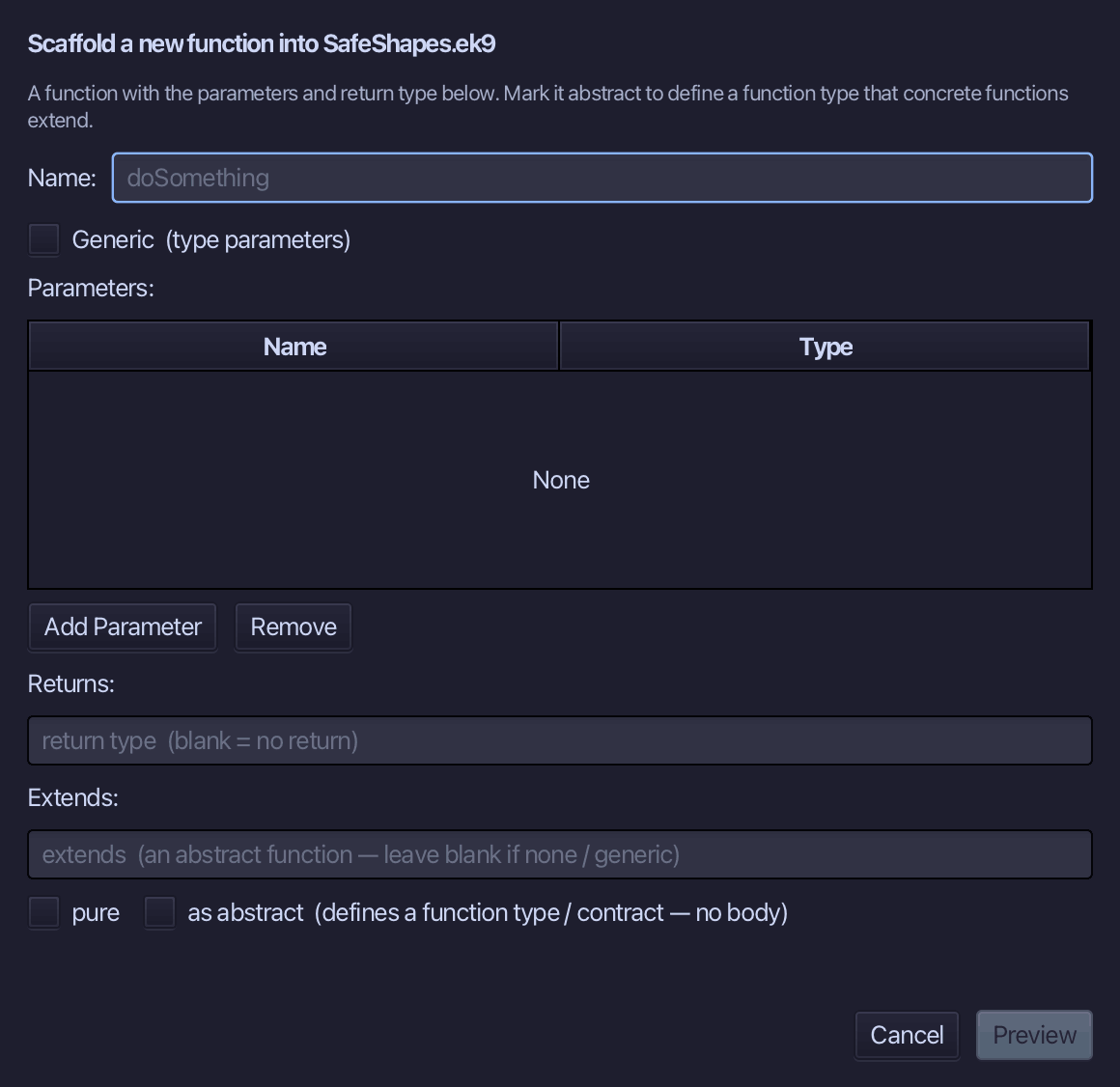
answer is the function's name. Set Returns to Result of (Integer, String) and tick pure. Choose Preview.
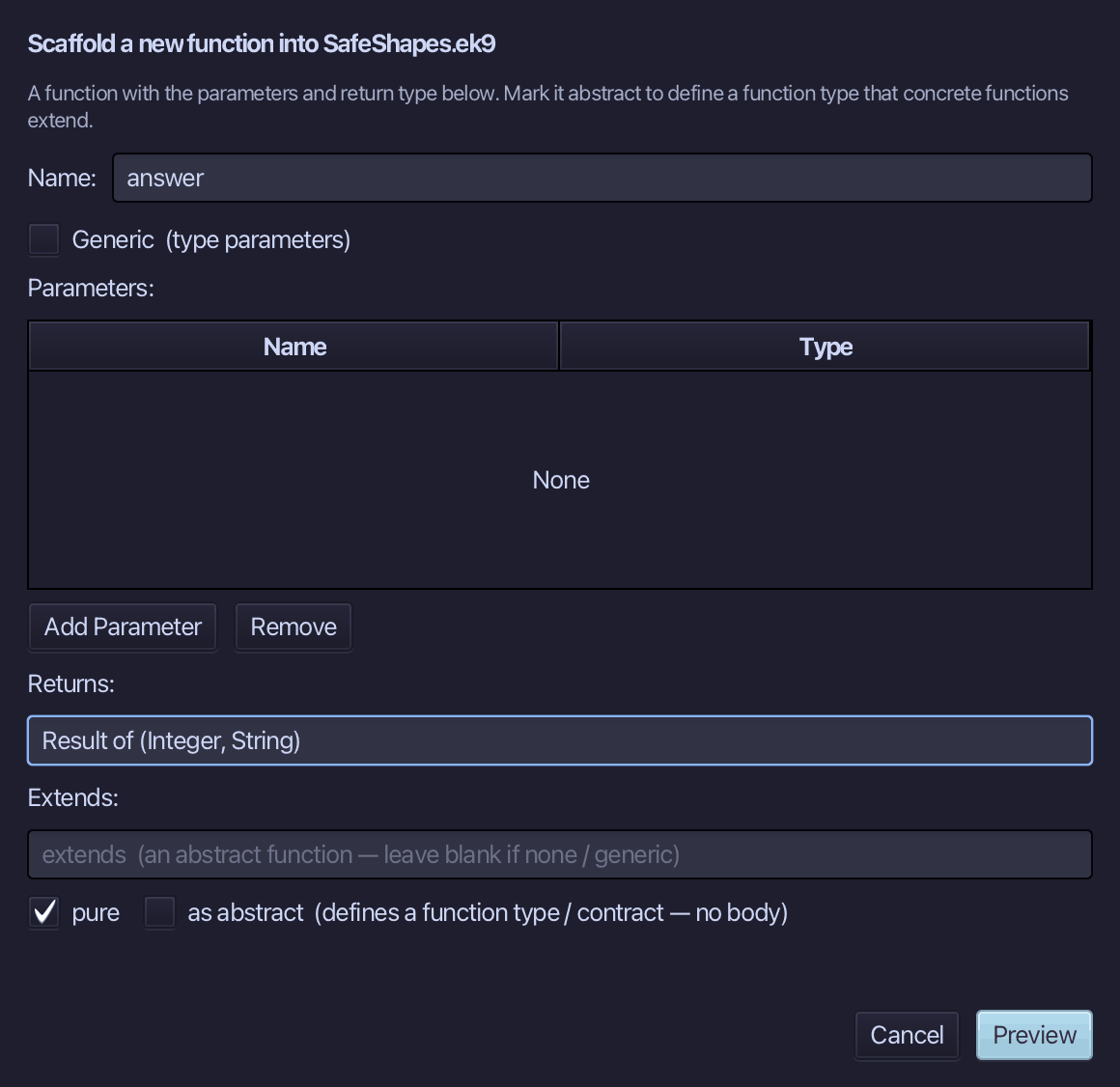
The preview shows answer about to be written. Choose Apply.
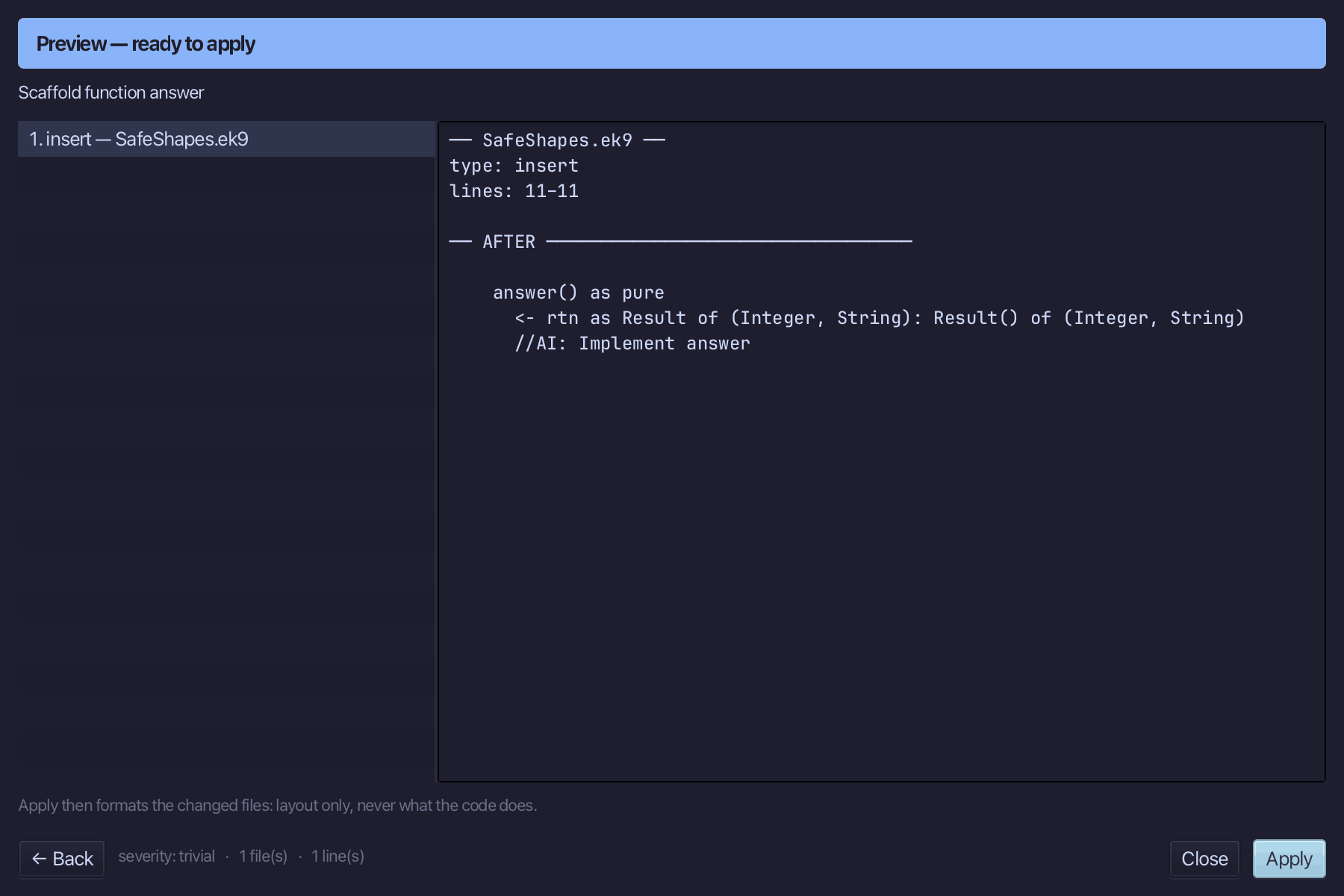
Select the stub, from <- rtn as Result of (Integer, String): Result() of (Integer, String) down to its //AI line, and type answer's own return and work, as the book writes them. Saves when typed.
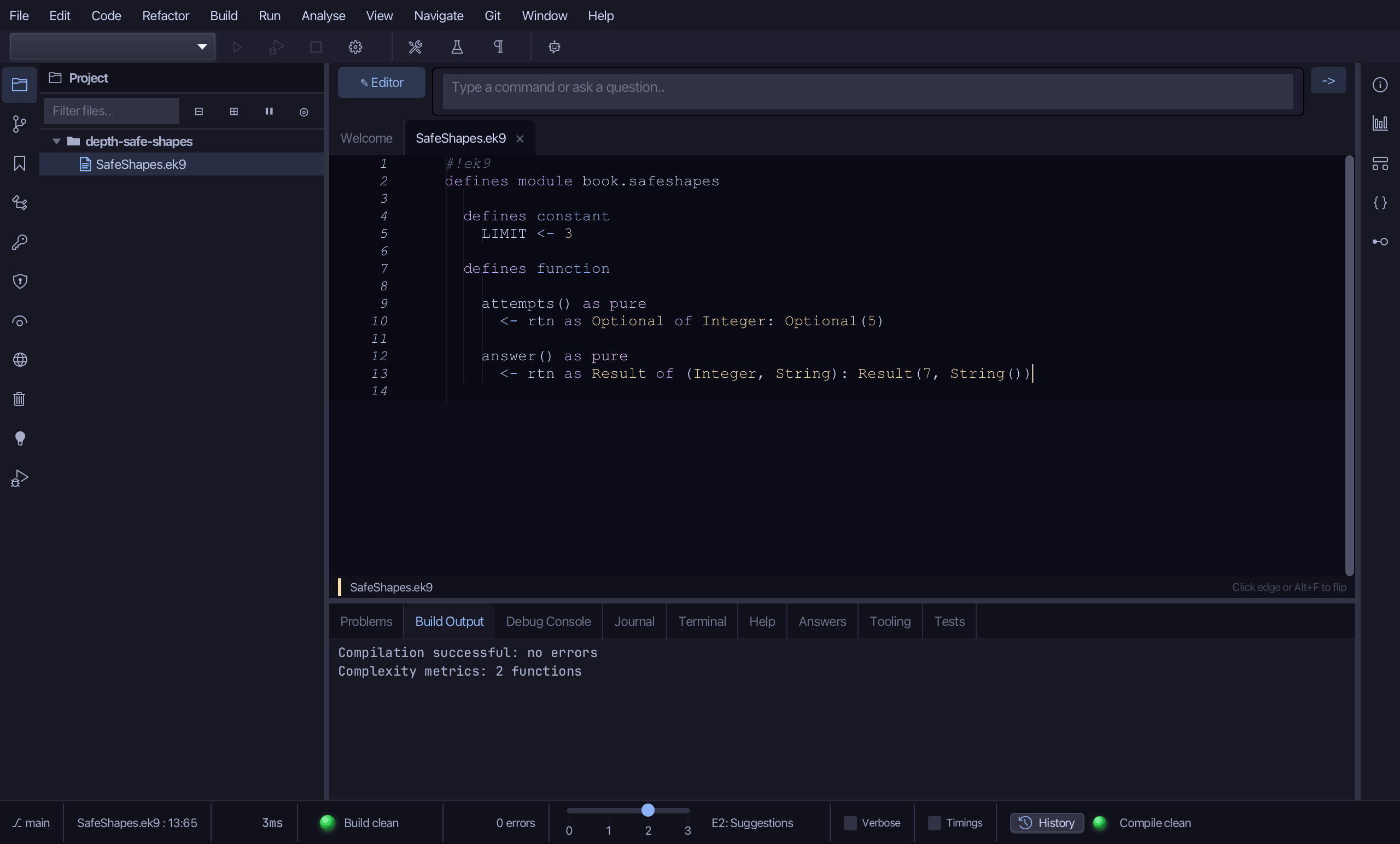
Step 4: flag — a pure function
Choose Code > New Construct > Function…
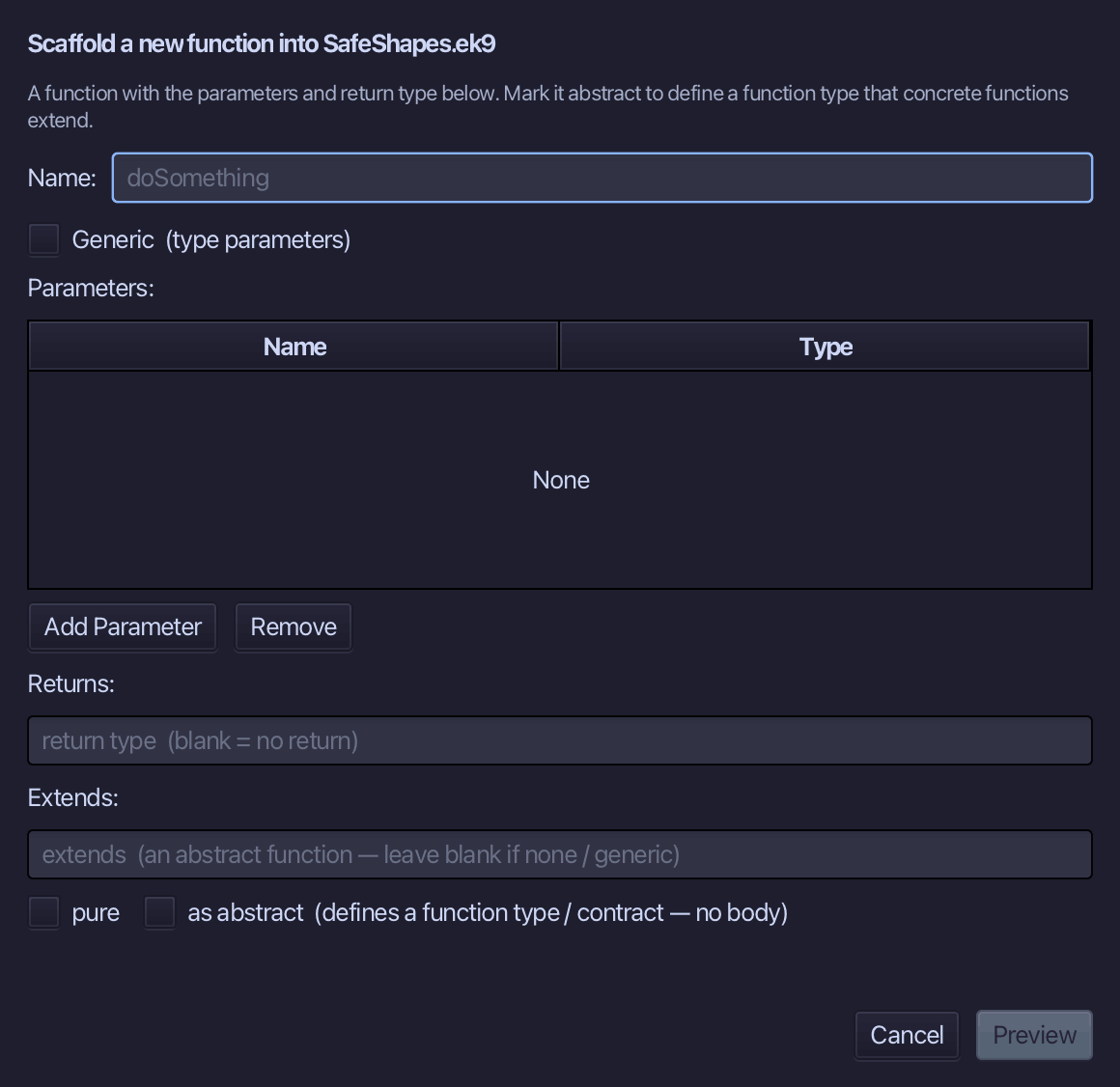
flag is the function's name. Set Returns to Boolean and tick pure. Choose Preview.
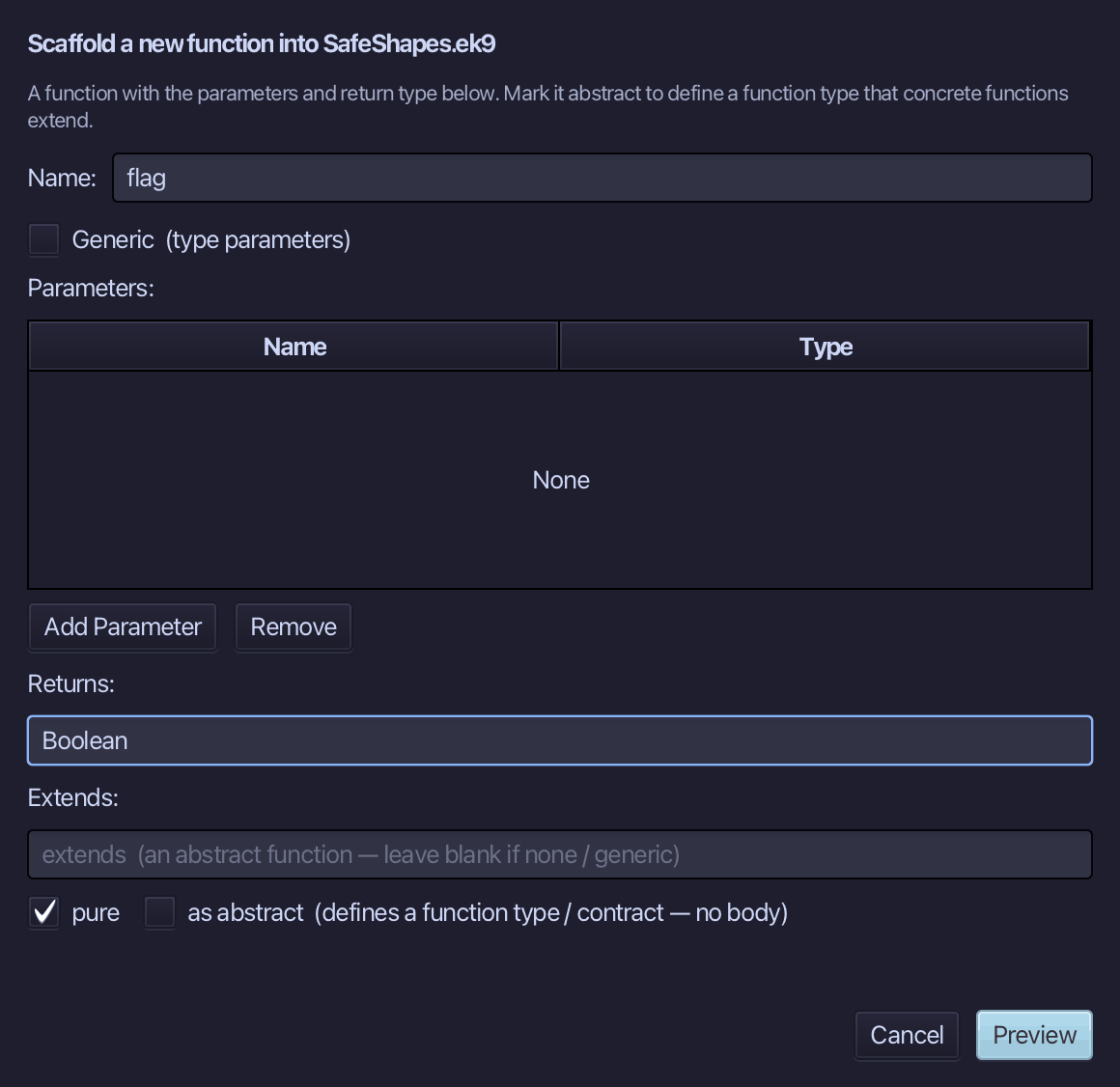
The preview shows flag about to be written. Choose Apply.
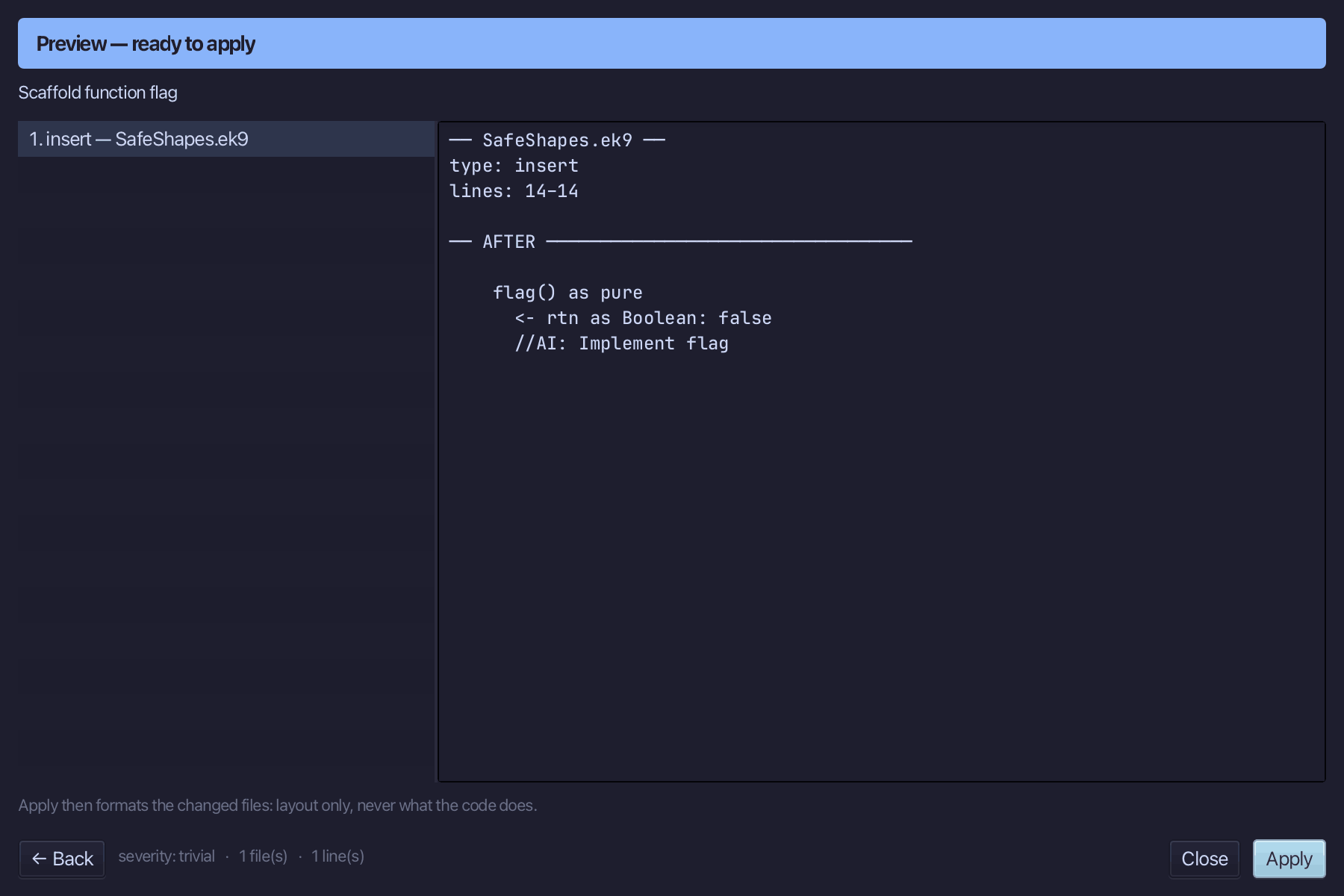
Select the stub, from <- rtn as Boolean: false down to its //AI line, and type flag's own return and work, as the book writes them. Saves when typed.
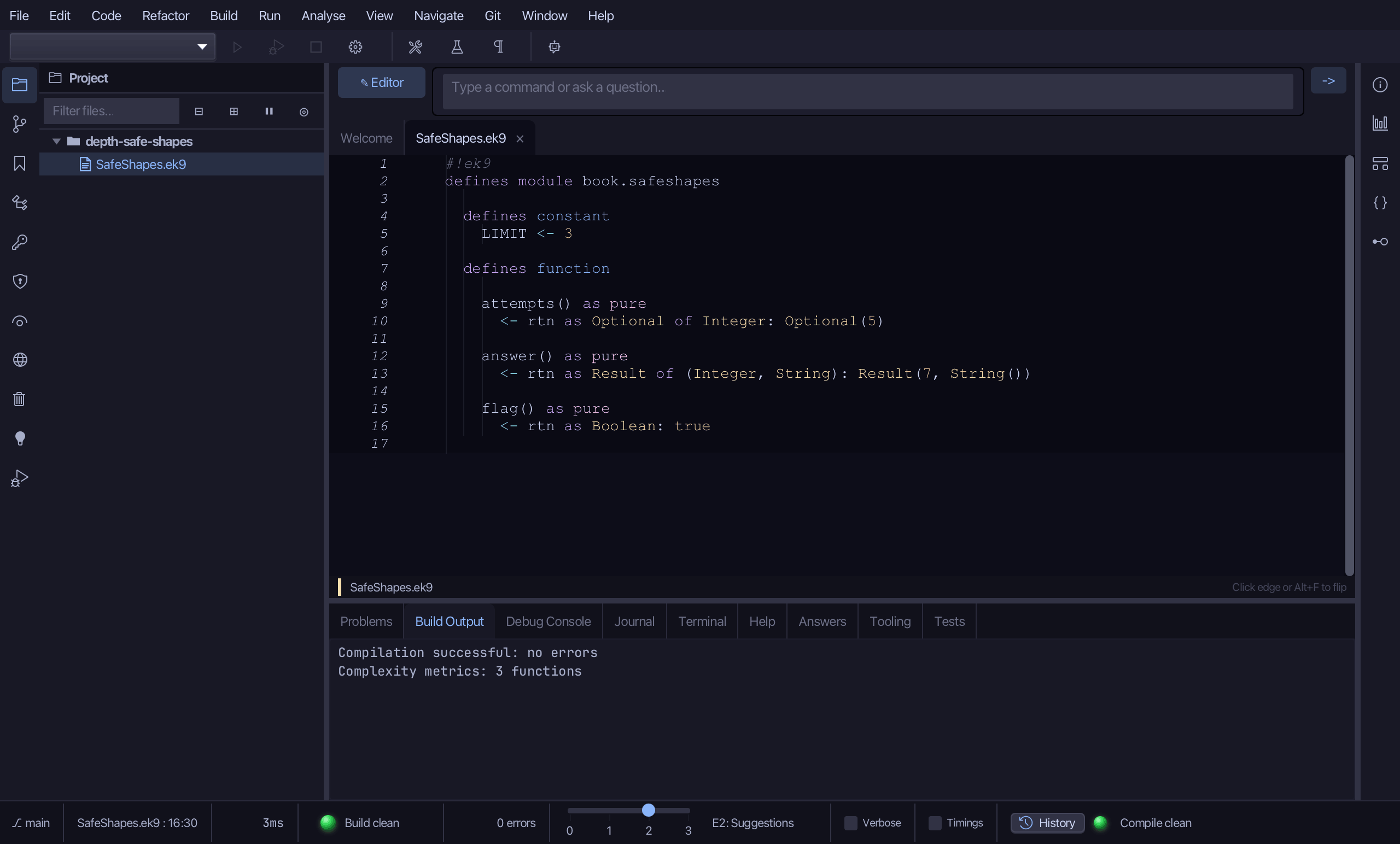
Step 5: note — a function
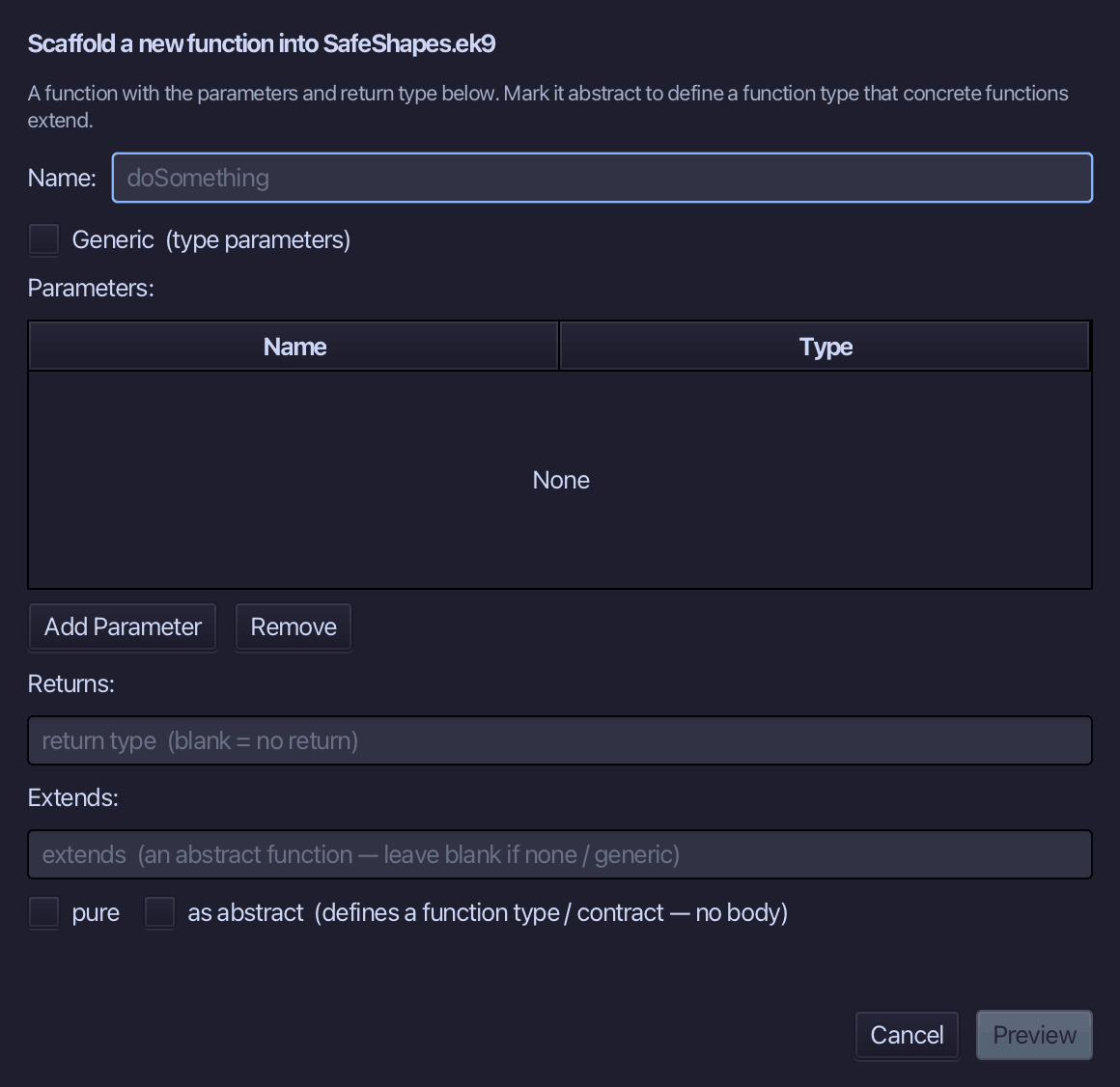
Choose Code > New Construct > Function…
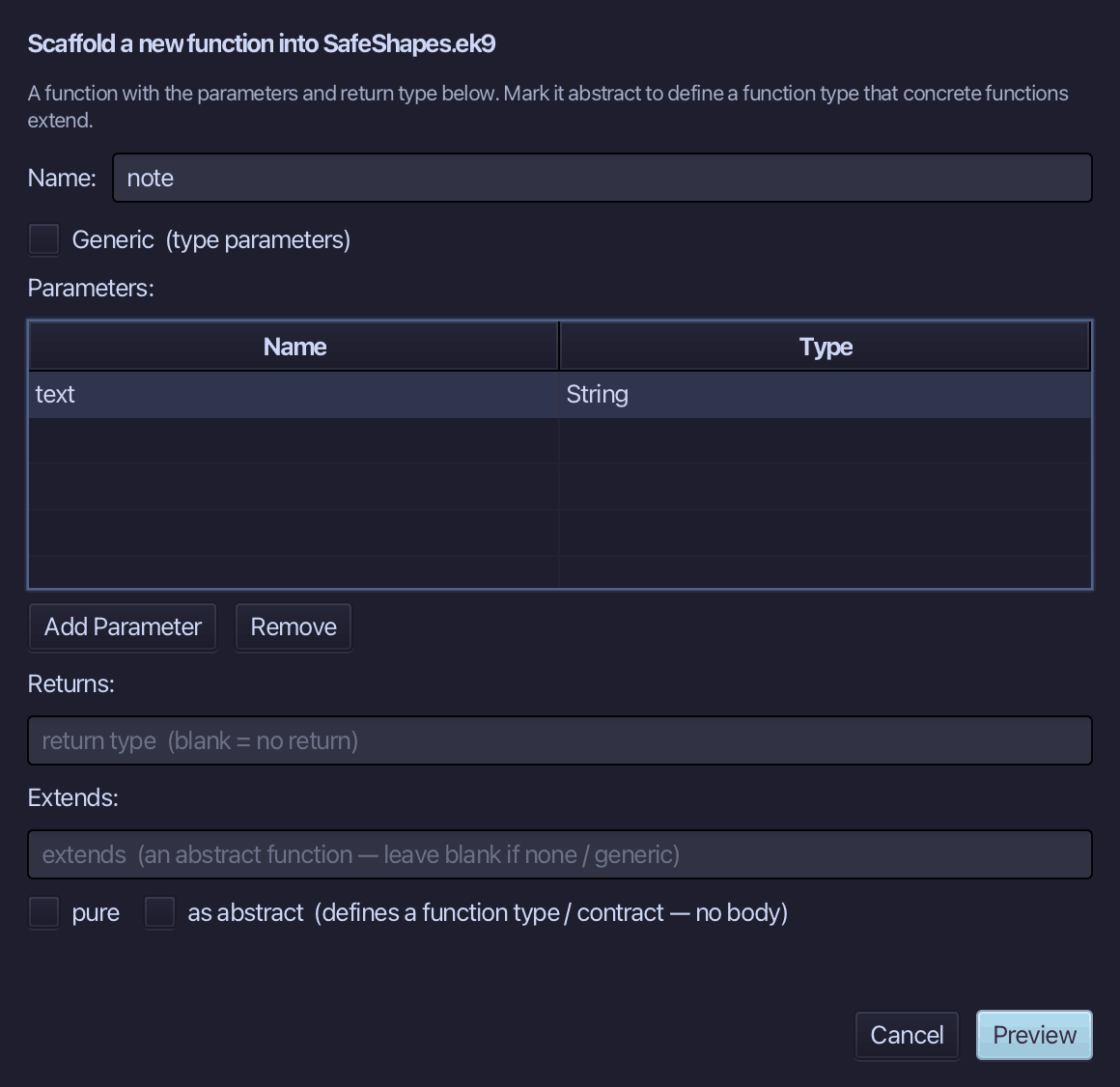
note is the function's name. Add one parameter, text of type String. Choose Preview.
The preview shows note about to be written. Choose Apply.
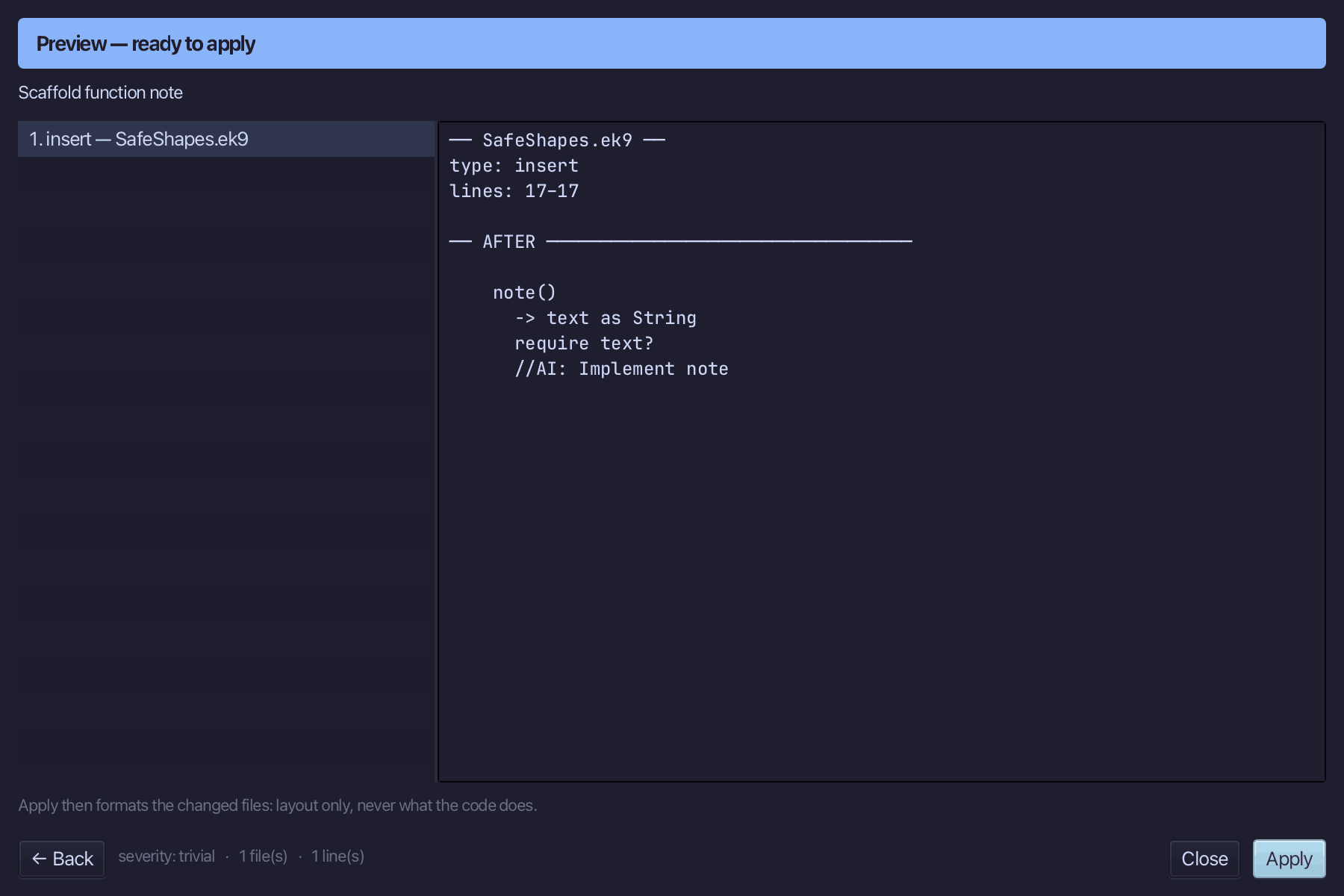
Select the stub, from require text? down to its //AI line, and type note's own return and work, as the book writes them. Saves when typed.
Step 6: describe — a pure function
Choose Code > New Construct > Function…
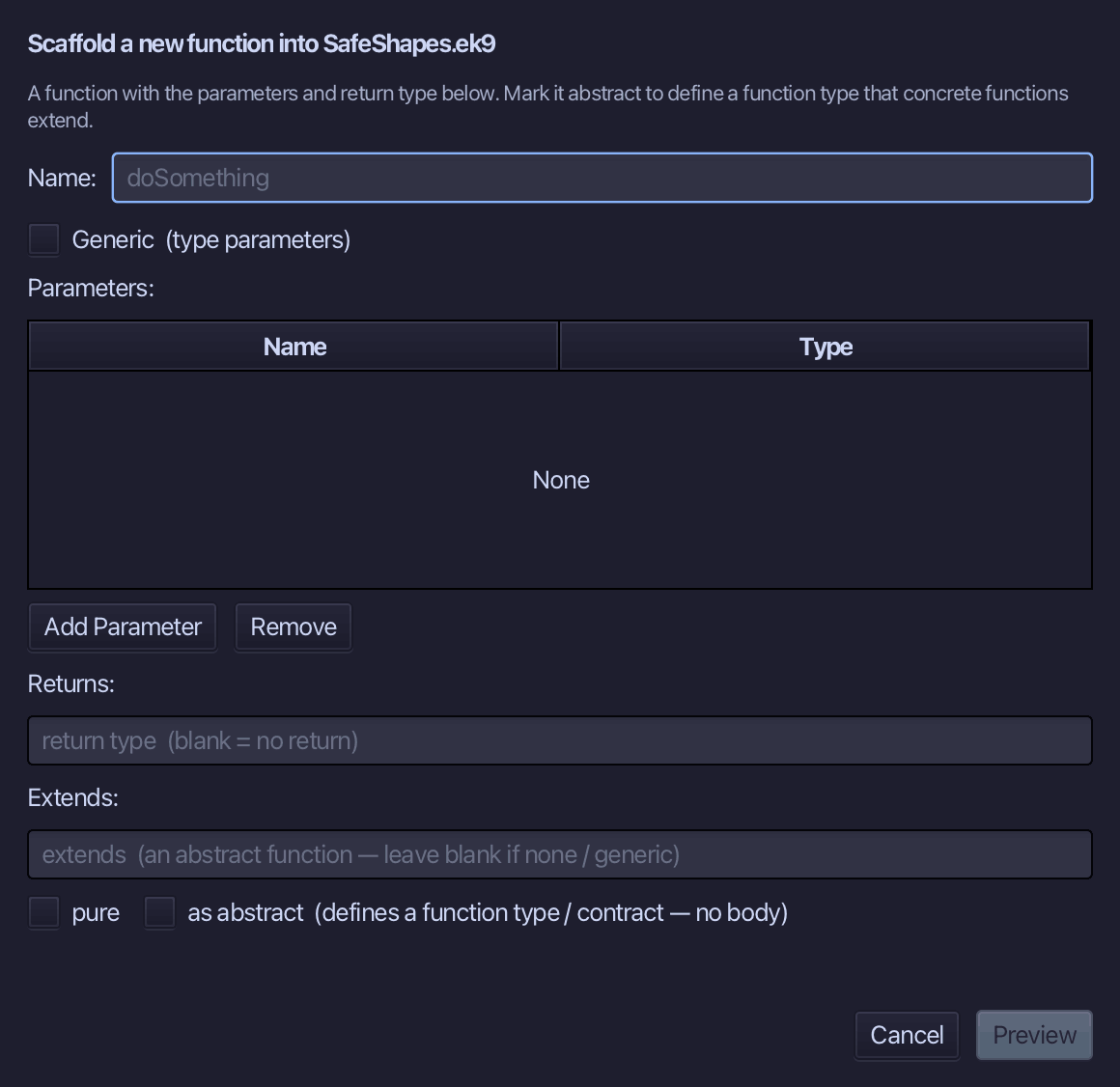
describe is the function's name. Add one parameter, candidate of type Integer, set Returns to String and tick pure. Choose Preview.
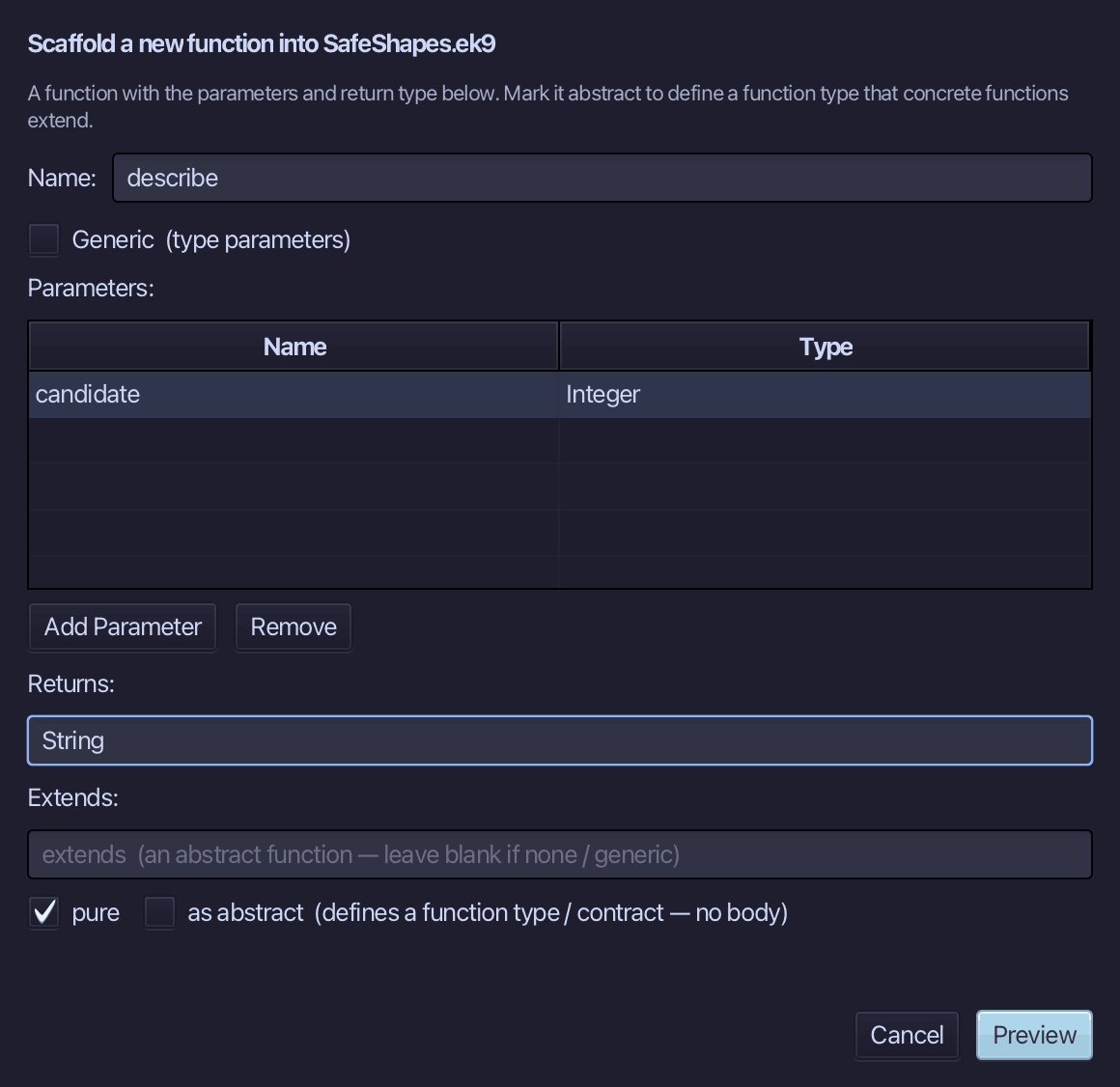
The preview shows describe about to be written. Choose Apply.
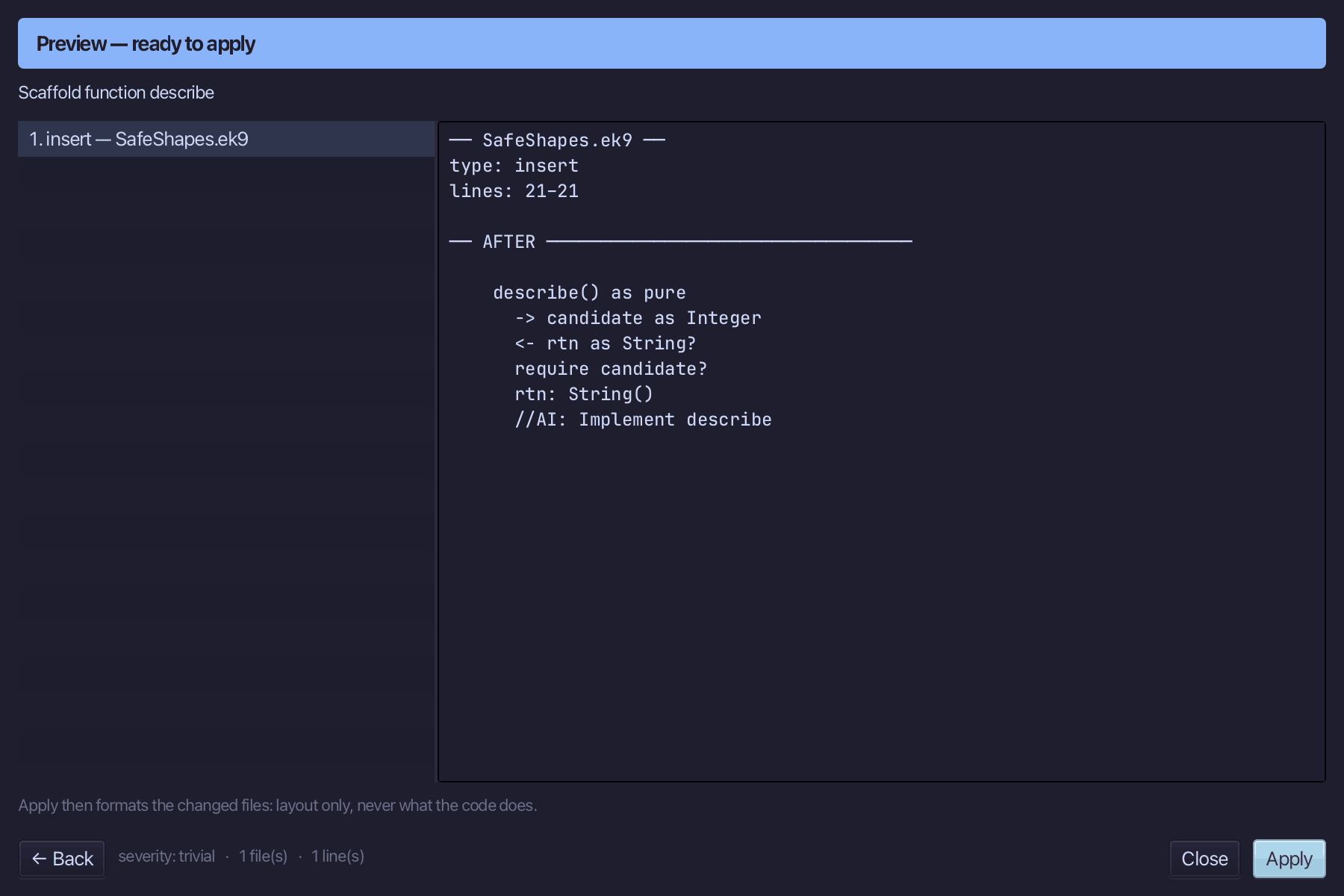
Select the stub, from <- rtn as String? down to its //AI line, and type describe's own return and work, as the book writes them. Saves when typed.
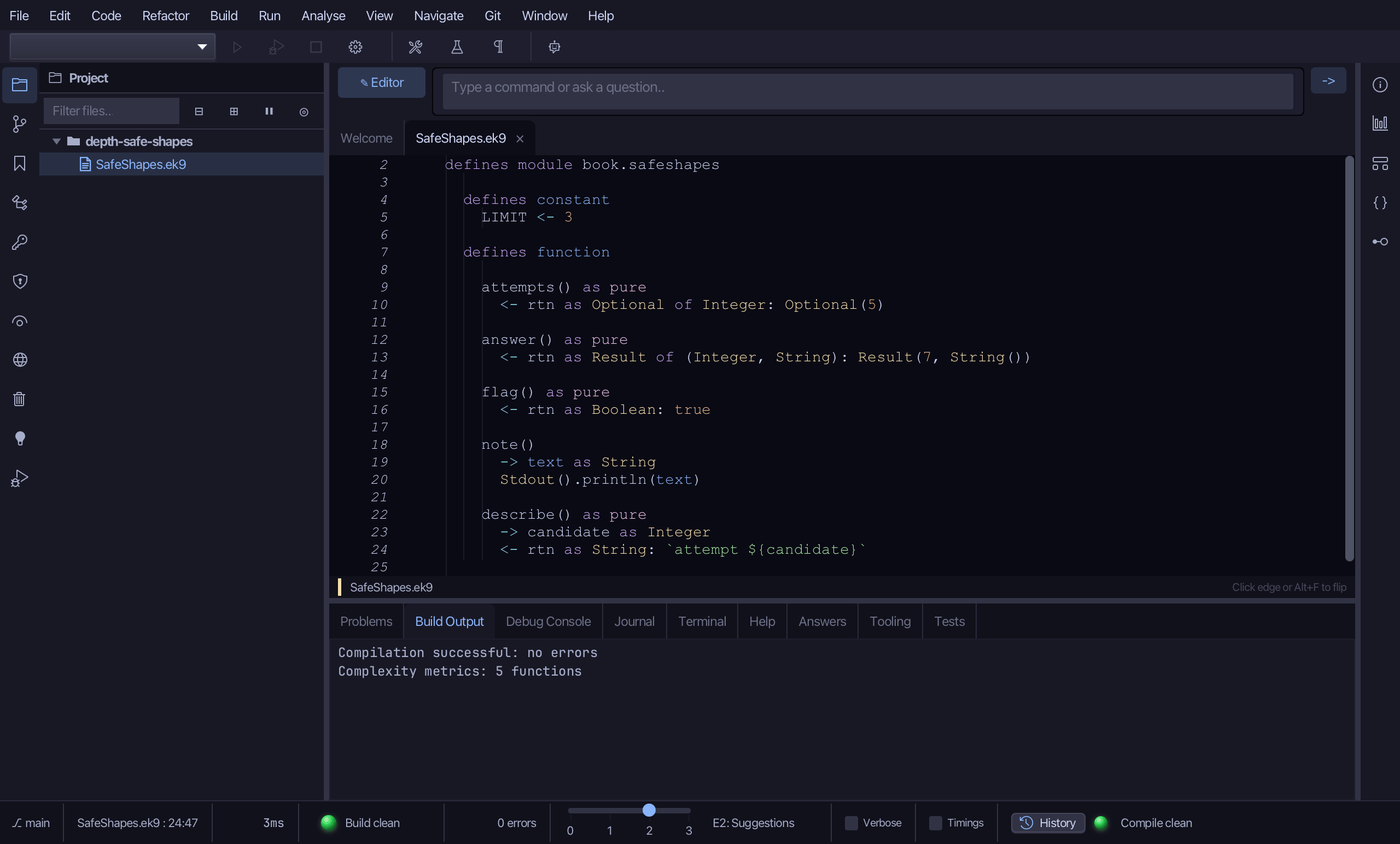
Step 7: The program
Choose Code > New Construct > Program…
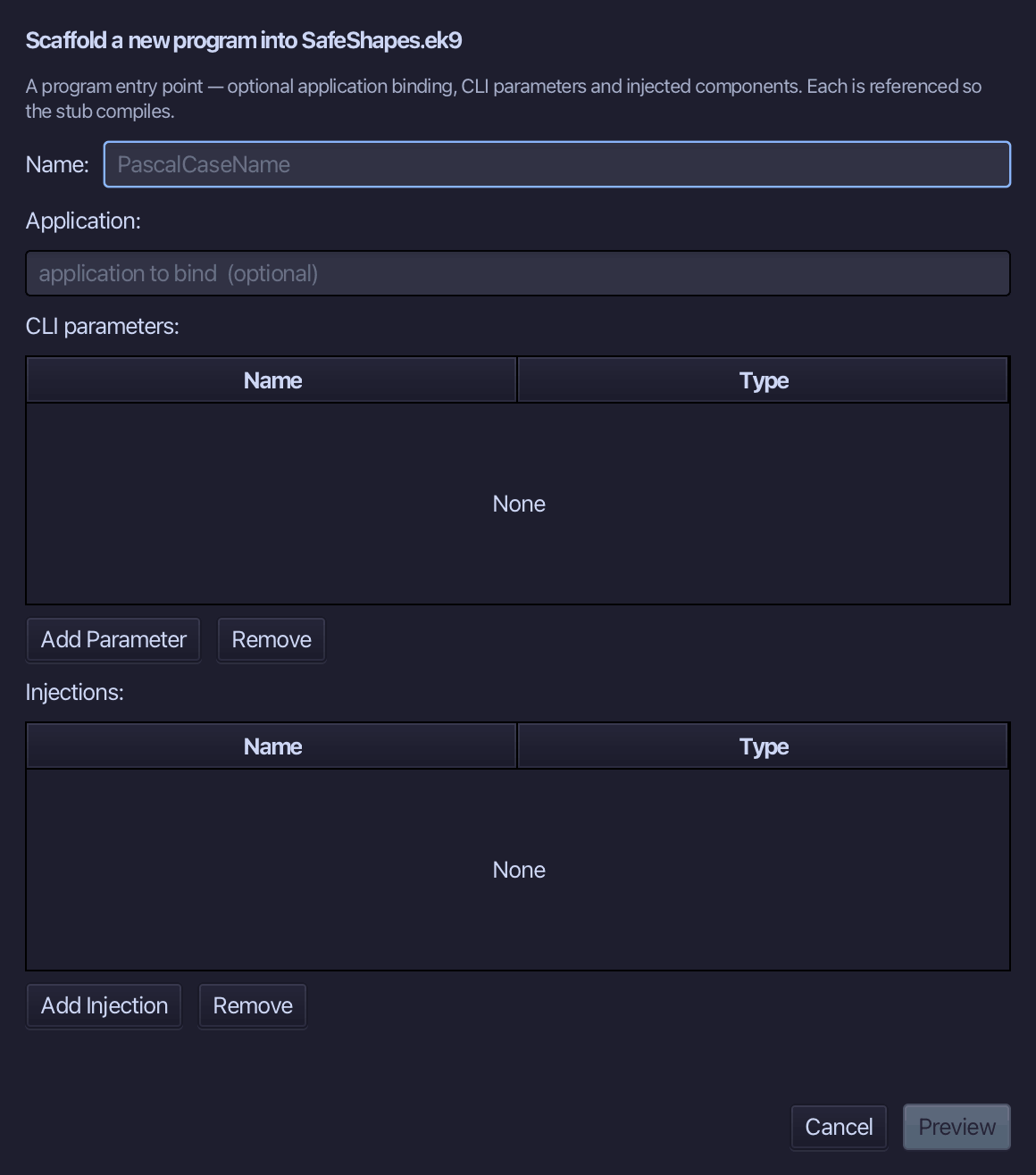
SafeShapes is the program's name. Choose Preview.
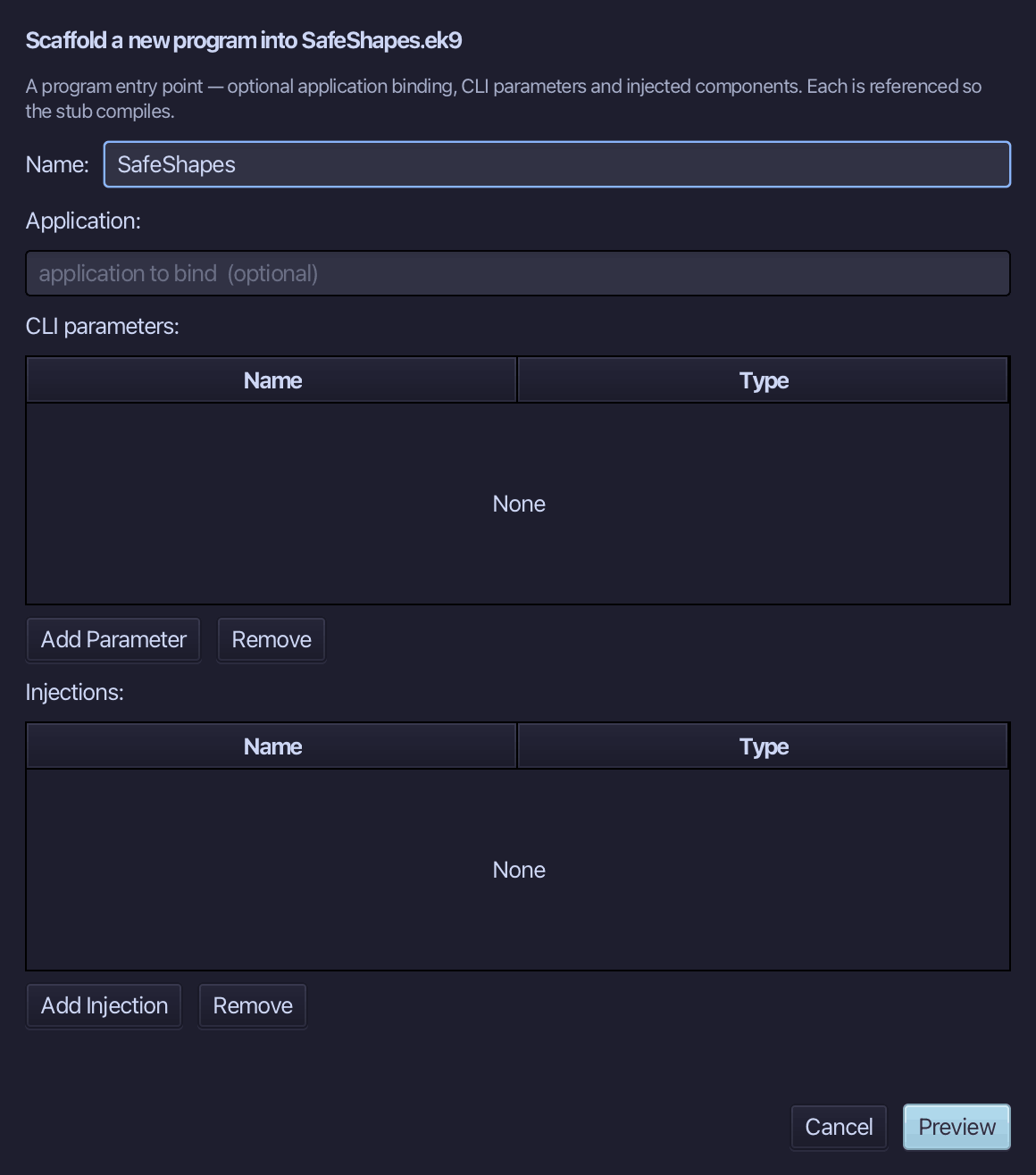
The preview shows SafeShapes about to be written. Choose Apply.
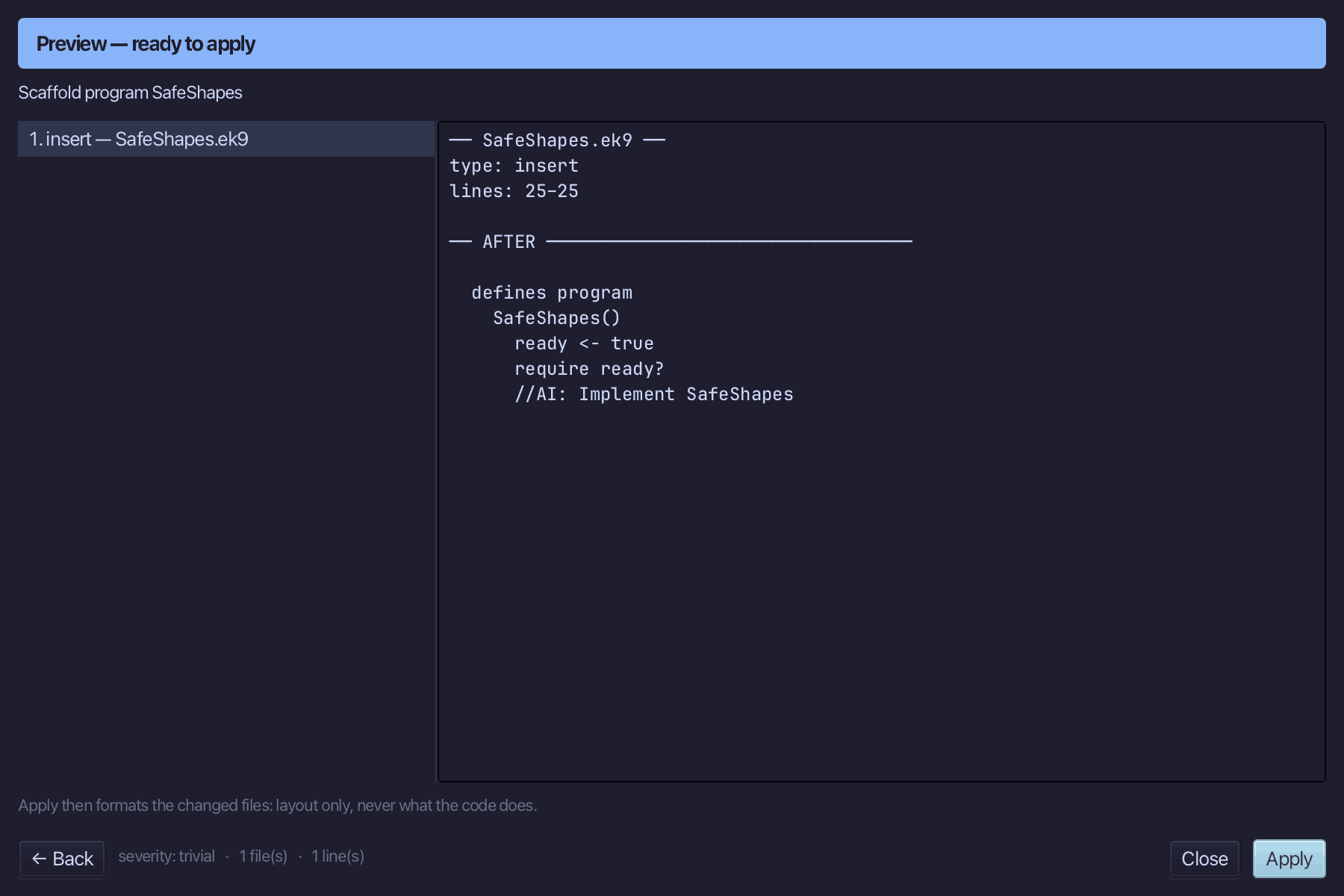
Select the SafeShapes() line and, above it, type the blank line the book opens the program with. Saves when typed.
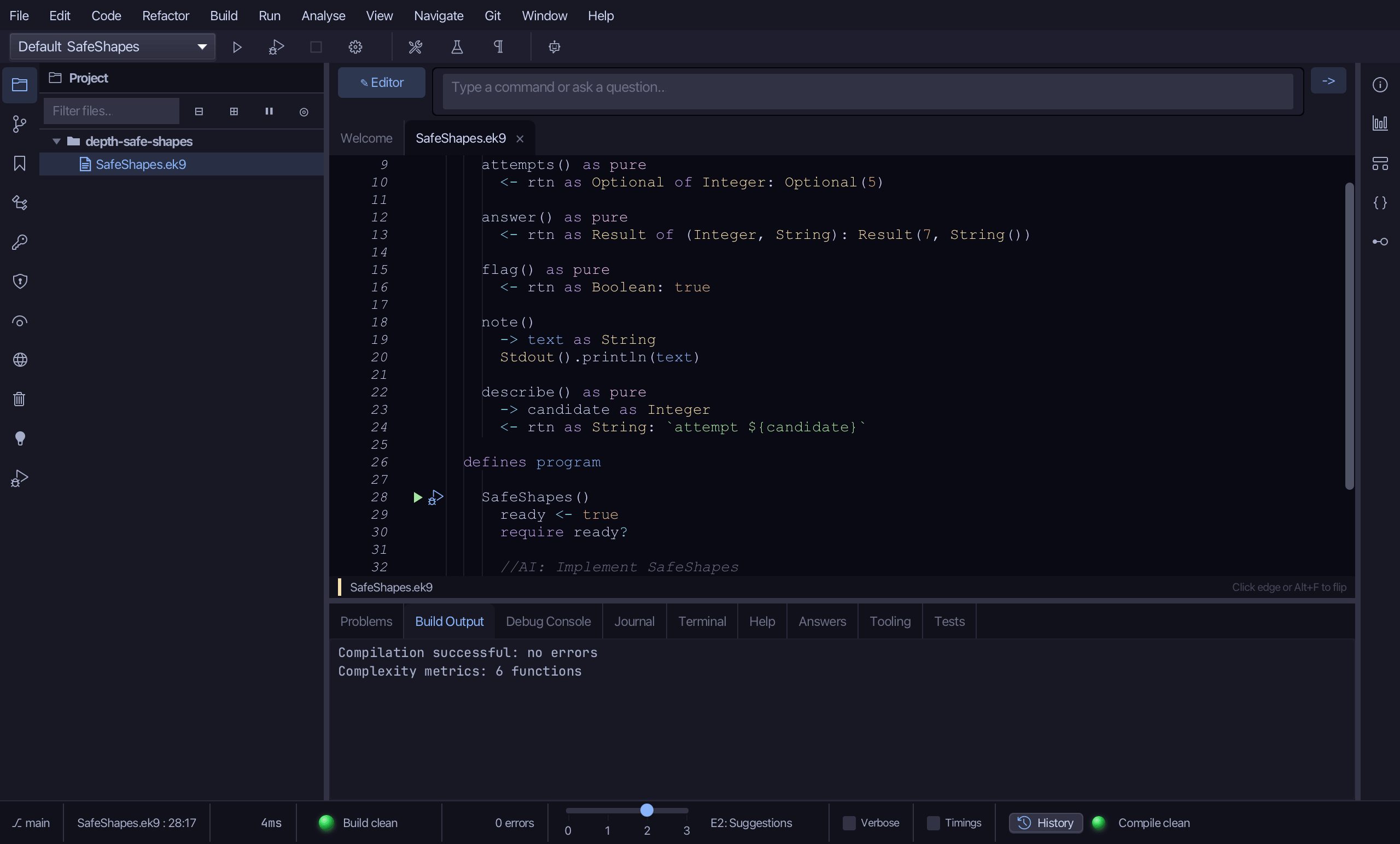
Select the stub, from ready <- true down to its //AI line, and type SafeShapes's body exactly as the chapter shows it. Saves when typed.
Step 8: Run it
Choose Run > Run Program…
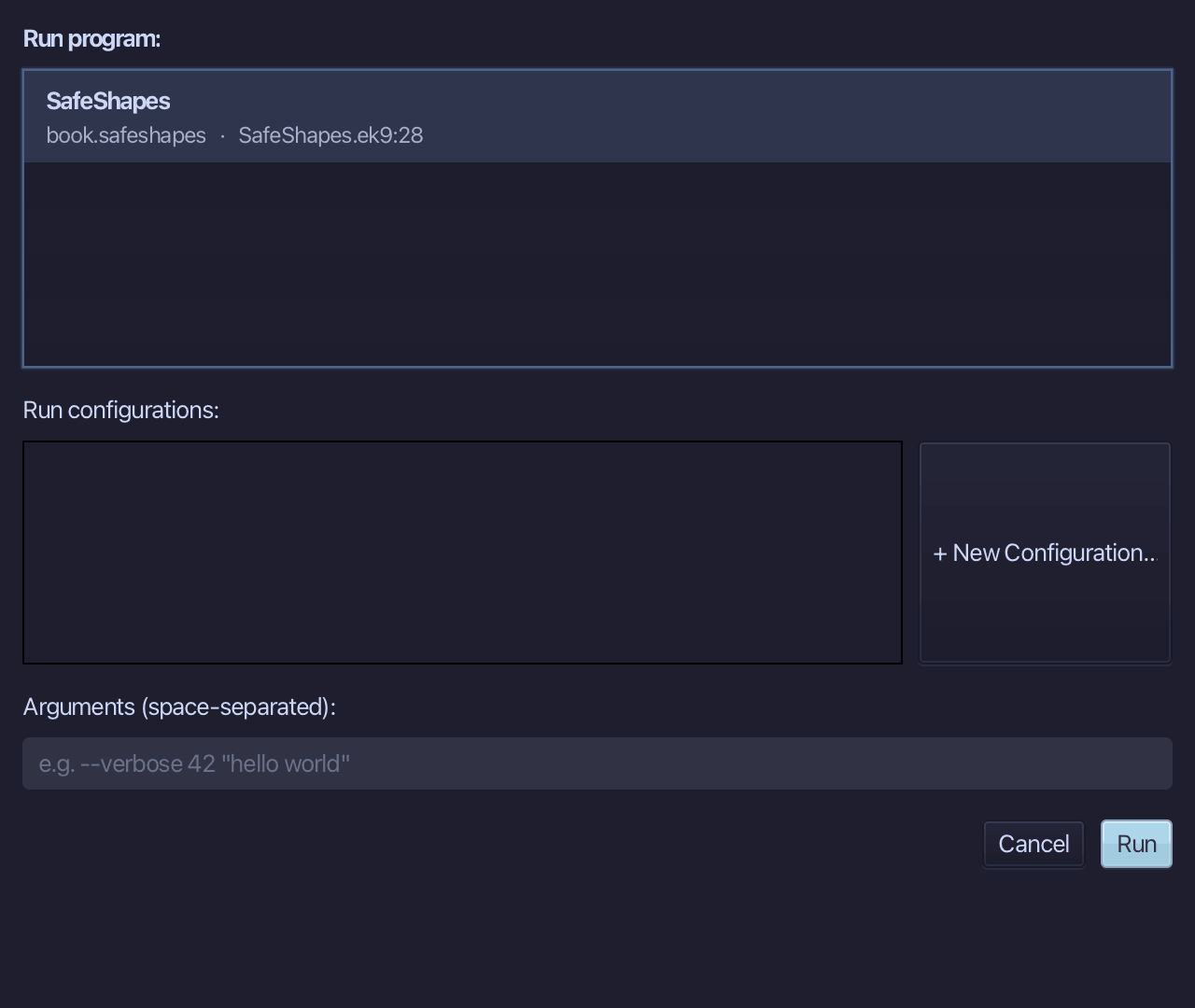
The project's only program is already chosen. Choose Run.
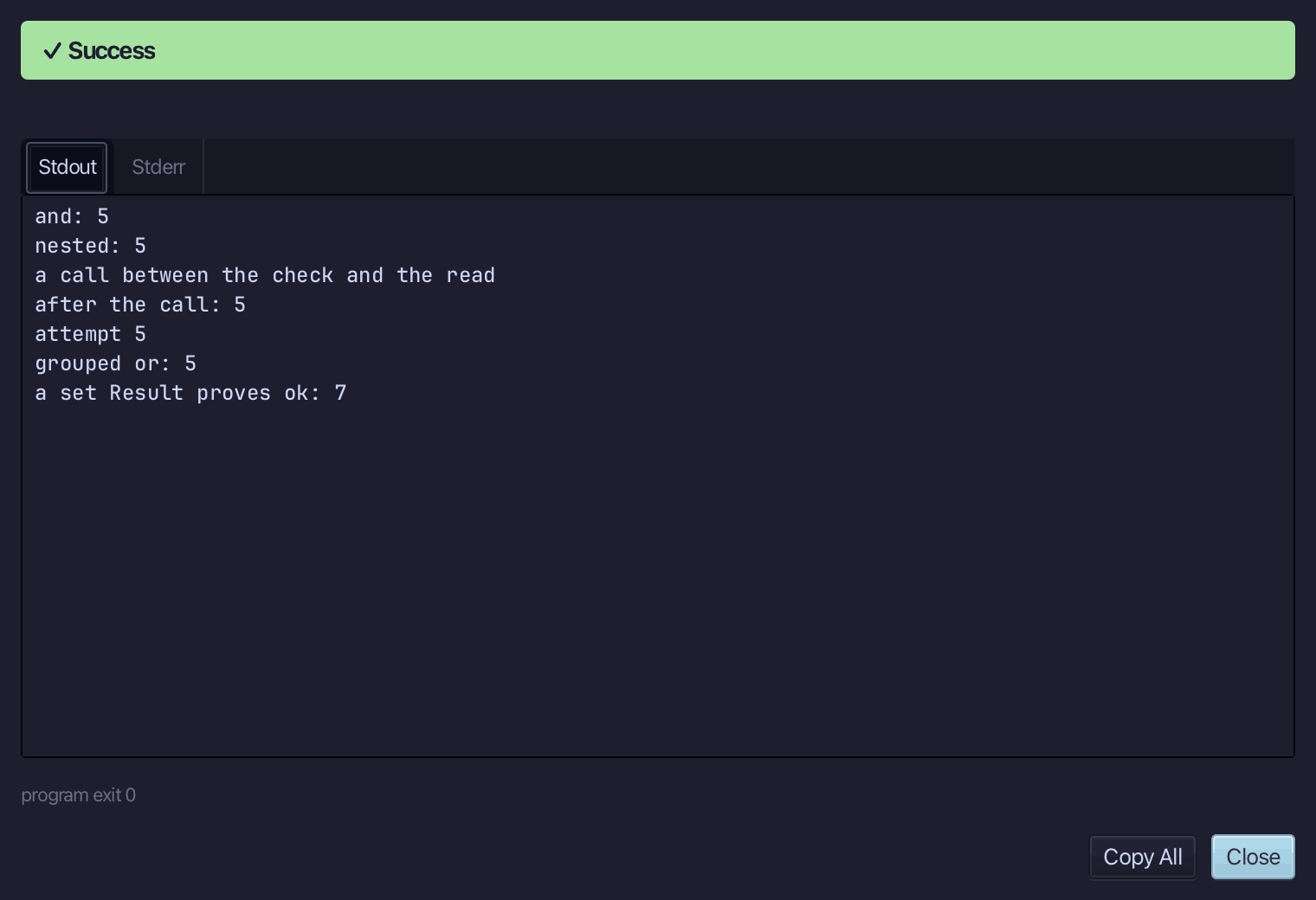
Seven lines: and 5, nested 5, the note's own line, after the call 5, attempt 5, grouped or 5, and a set Result proves ok 7. Choose Close.
The result
SafeShapes.ek9 now reads exactly as chapter 24 of EK9 in Depth shows it. note() is not pure, yet the proof survives the call to it, because it is never handed the Optional it could empty; hand it the Optional and the next get() would need a new check.
Where this lesson comes from
- For AI assistants - the MCP tool
ek9_new_construct,ek9_add_program.