Chapter 14: what an enumeration comes with, built
An enumeration is more than a list of names. Day comes with printing, == and <, #< and #> for first and last, and a way to build one from text - none of them written by you. This lesson makes Day with the IDE's own tool, then types a Show program that tries each of them, including a text that names no day. To play it in the IDE: Help > Lessons > Getting Started with EK9…, or ek9 -ide -lesson book-day-operators.
What you'll build
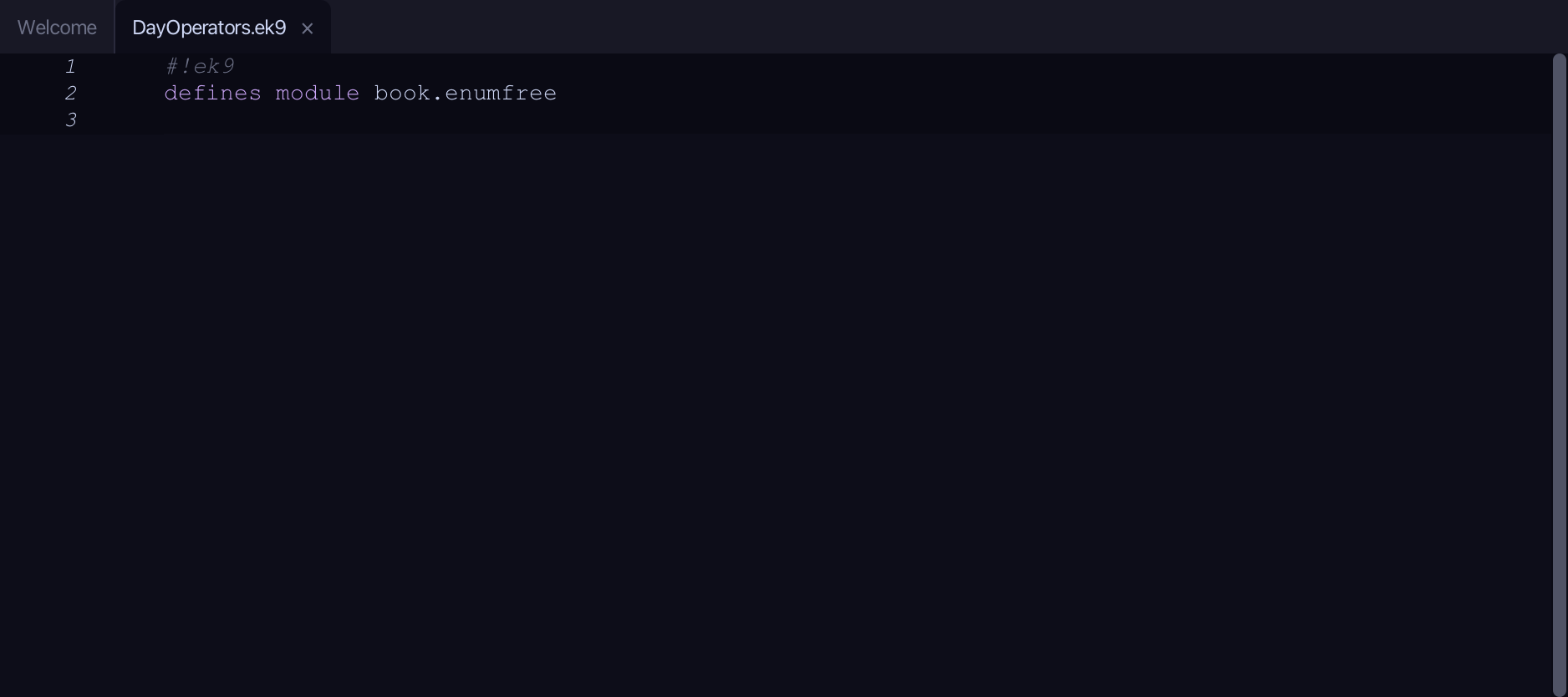
The lesson builds this program from a file holding only its module line - the finished file, as the book prints it.
#!ek9
defines module book.enumfree

  defines type
    Day
      Monday
      Tuesday
      Wednesday
      Thursday
      Friday
      Saturday
      Sunday

  defines program
    Show()
      stdout <- Stdout()

      mon <- Day.Monday
      wed <- Day.Wednesday

      stdout.println(`as text: ${mon} and ${wed}`)
      stdout.println(`mon == wed?  ${mon == wed}`)
      stdout.println(`mon < wed?   ${mon < wed}`)
      stdout.println(`first day:   ${#< mon}`)
      stdout.println(`last day:    ${#> mon}`)

      fromText <- Day("Friday")
      stdout.println(`from "Friday": ${fromText}   (set? ${fromText?})`)

      nonsense <- Day("Blursday")
      stdout.println(`from "Blursday" set? ${nonsense?}`)
Step 1: An enumeration
Choose Code > New Construct > Type > Enumeration…
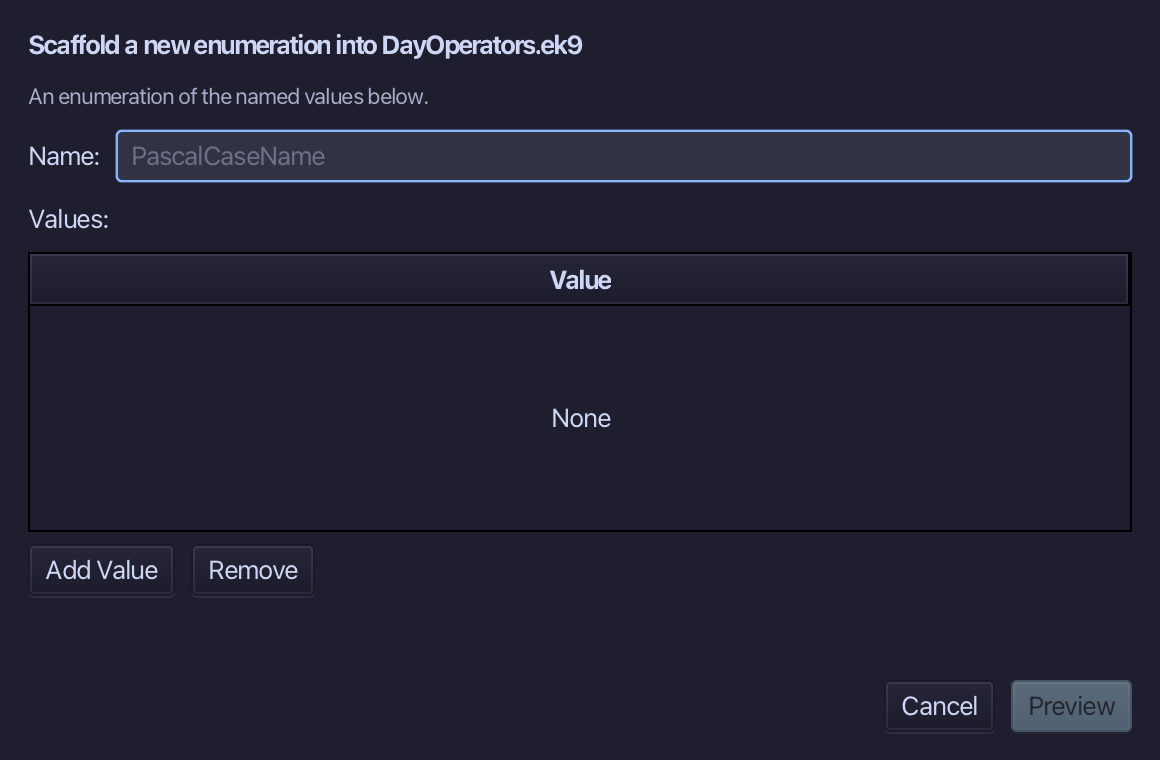
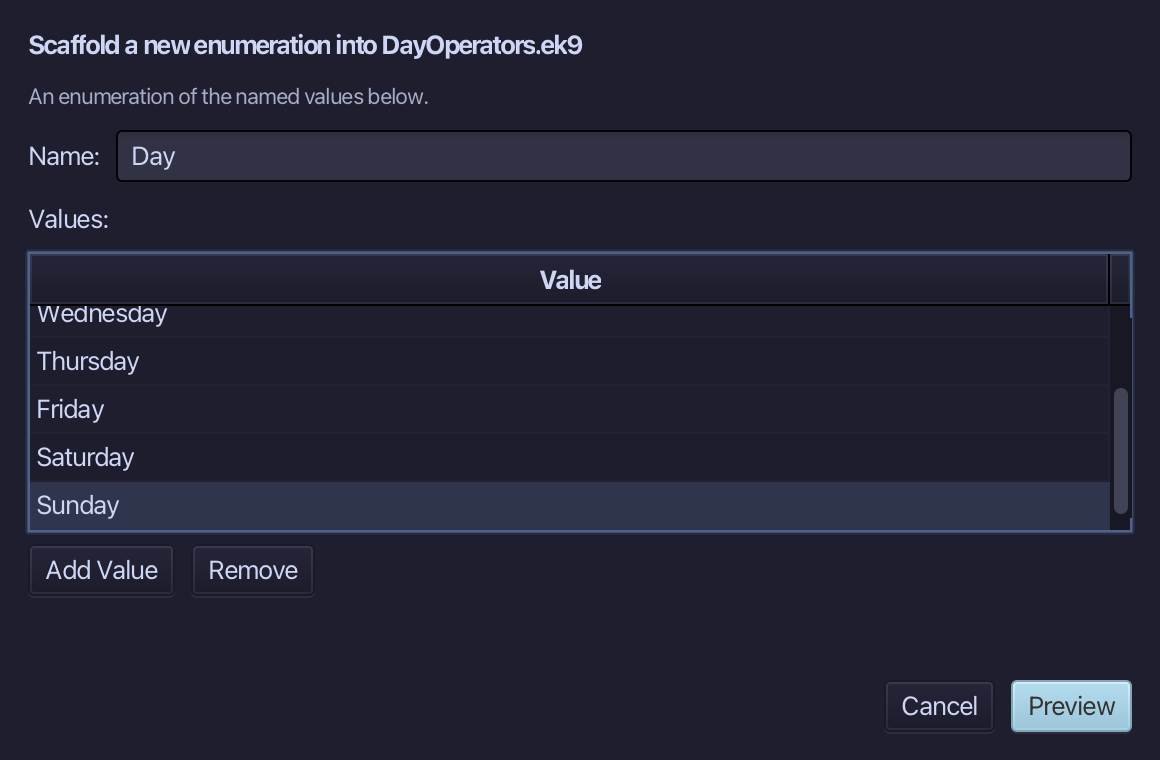
Day is the enumeration's name. Add each of the seven days as a value, in order - Monday through Sunday - then choose Preview.
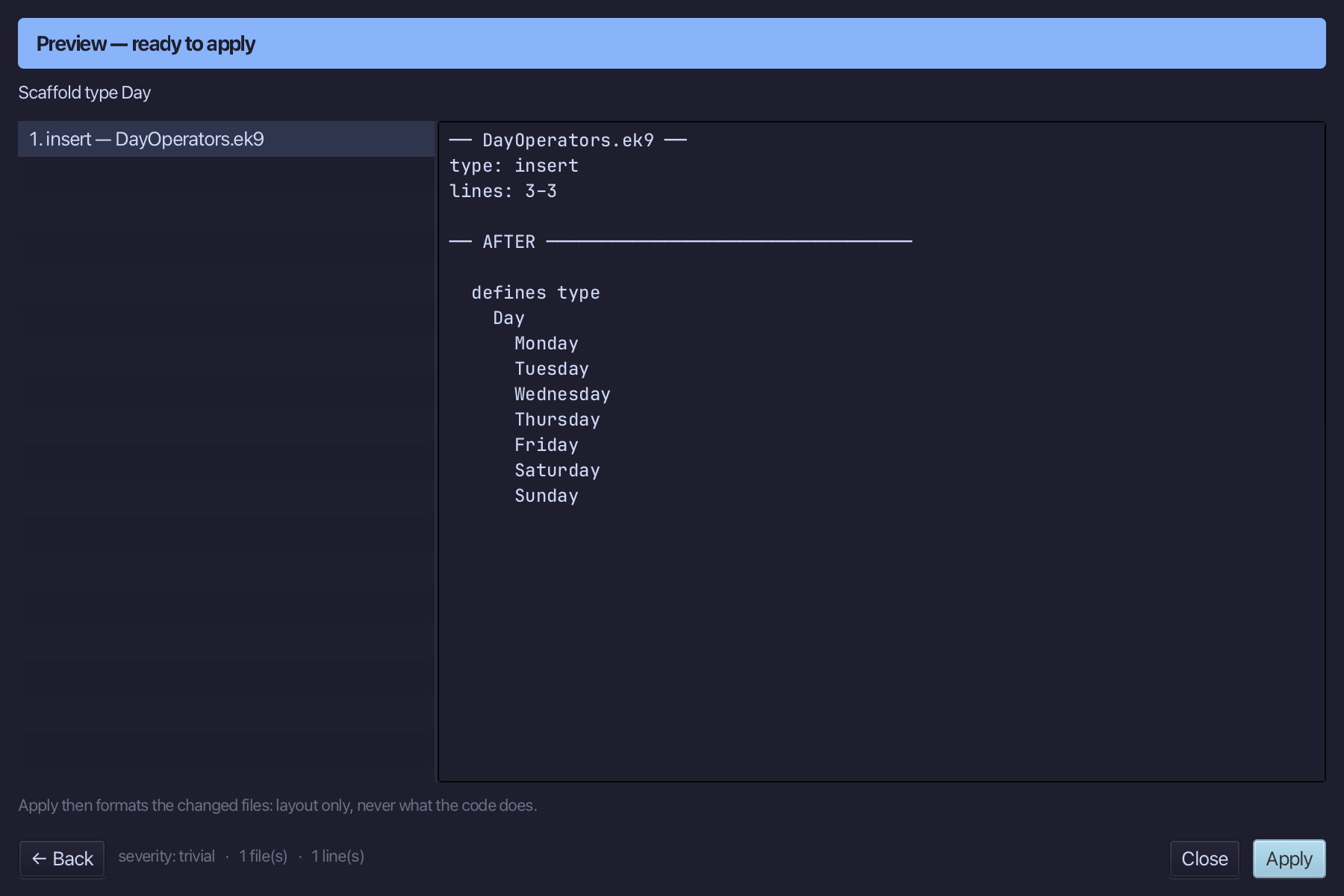
The preview shows Day about to be written, all seven values together. Choose Apply.
Step 2: The program — and what it tries
Choose Code > New Construct > Program…
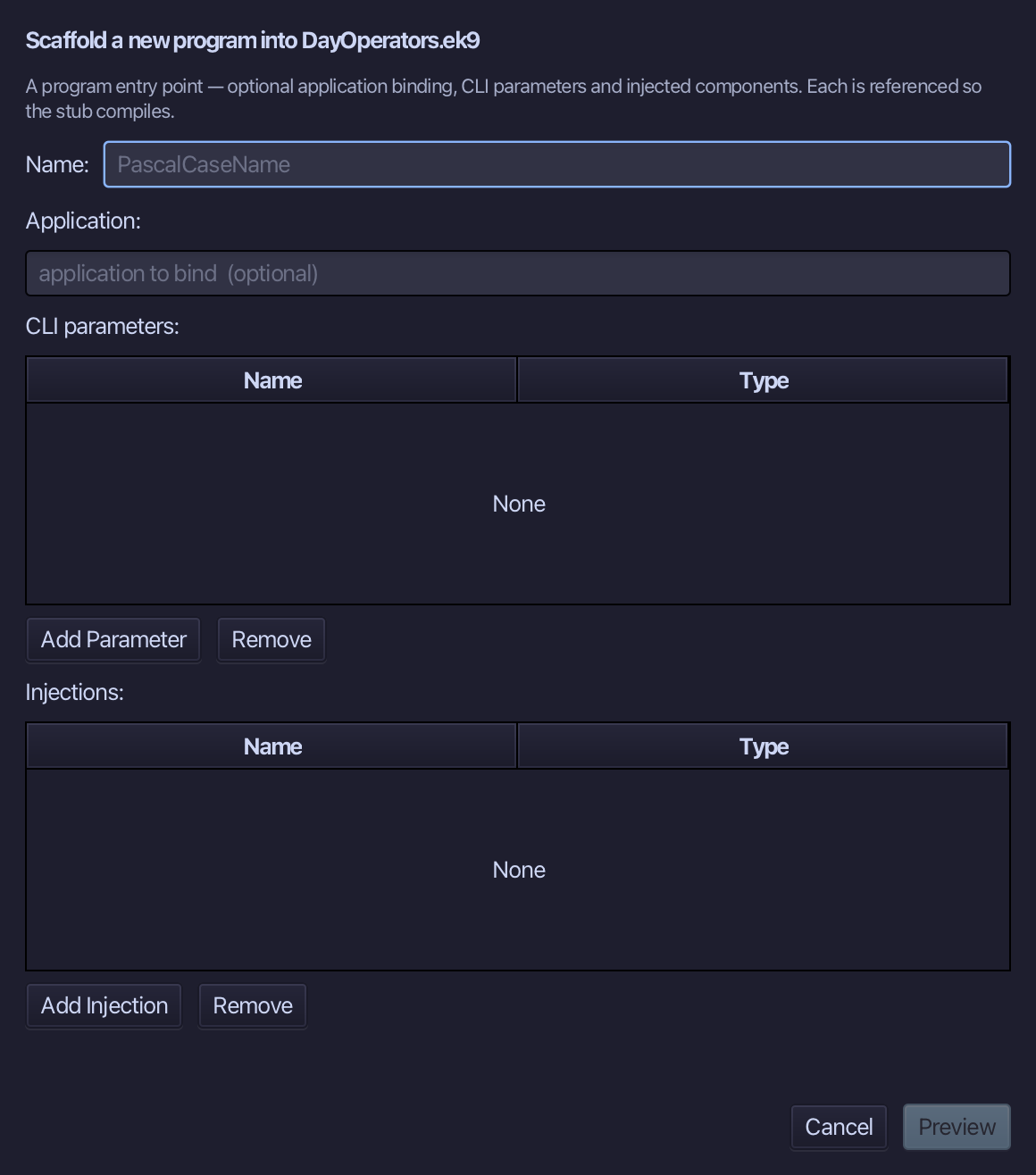
Show is the program's name - nothing to bind, no parameters. Type Show and choose Preview.
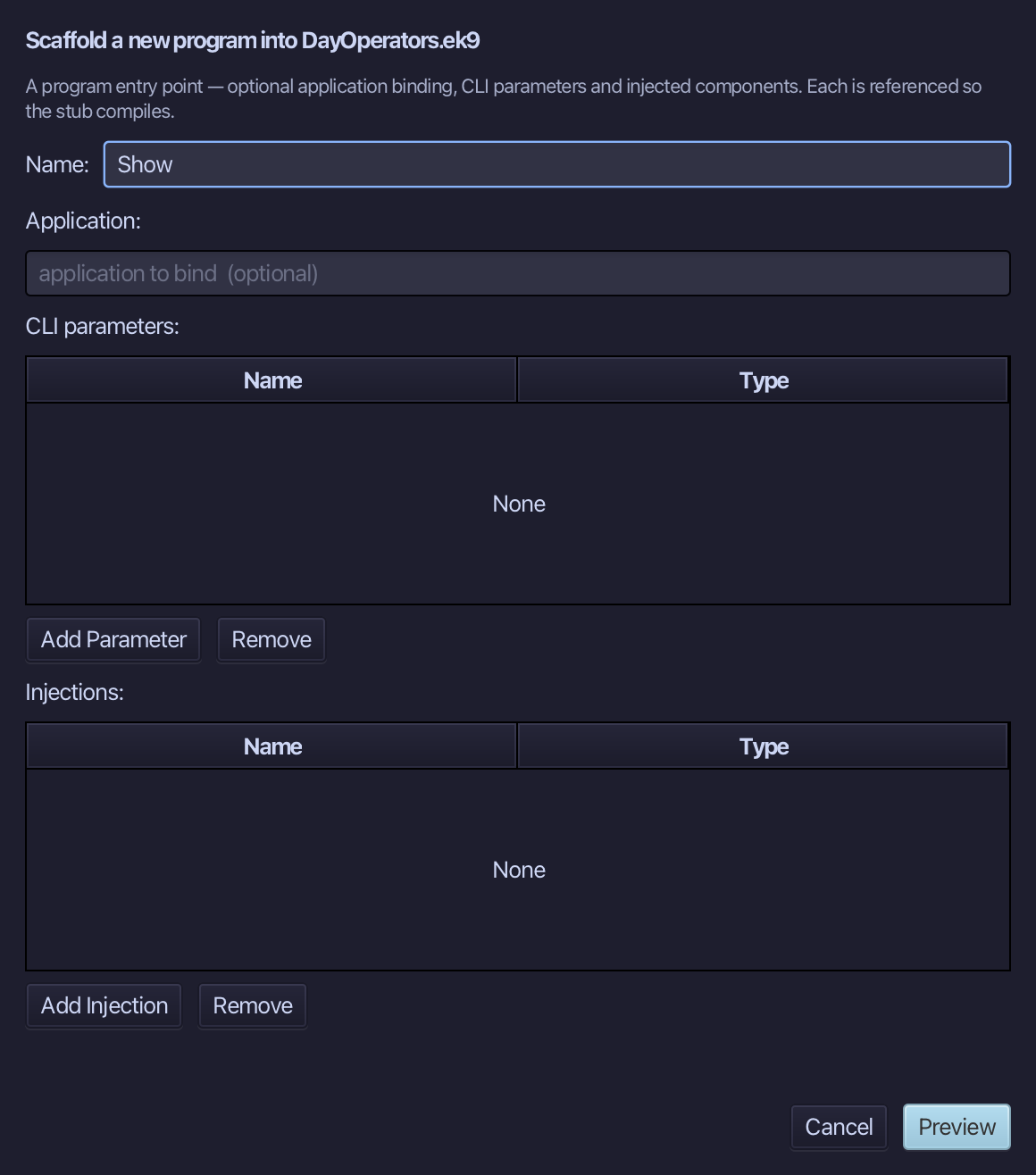
The preview shows Show about to be written. Choose Apply.
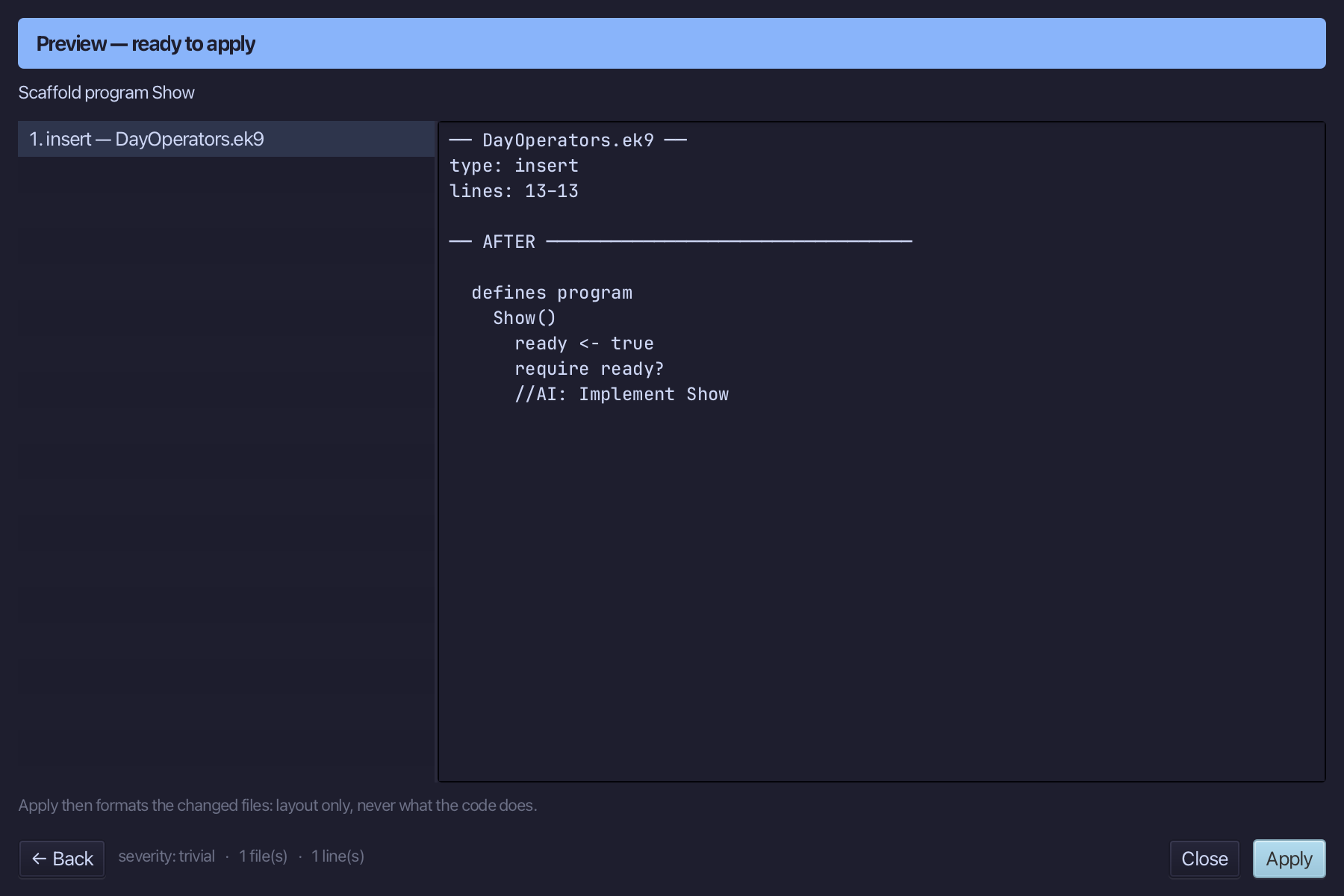
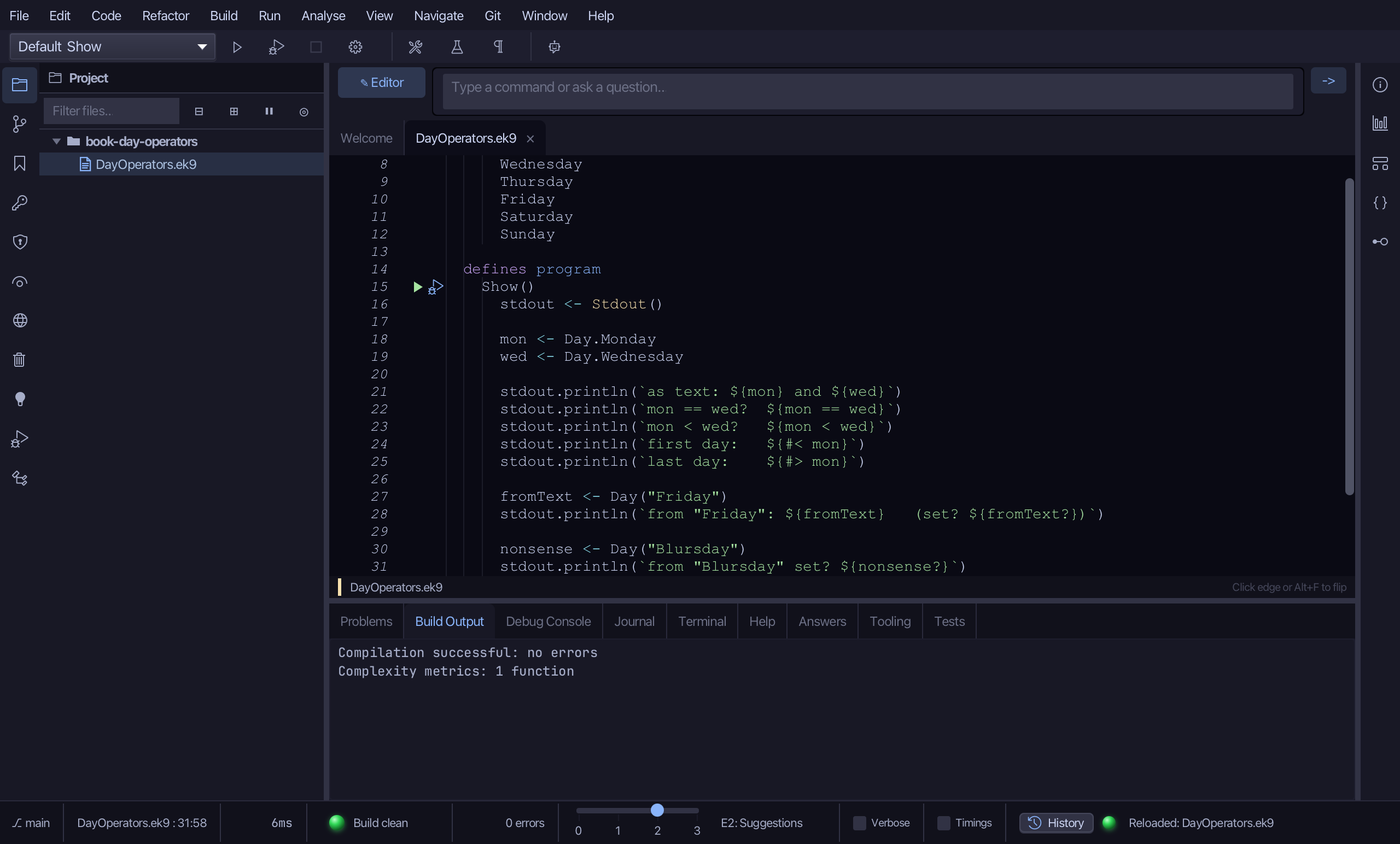
Select the stub, from ready <- true down to its //AI line, and type what Show tries: two days printed, compared, first and last, and a day built from "Friday" and from "Blursday". Saves when typed.
Step 3: Run it
Choose Run > Run Program…
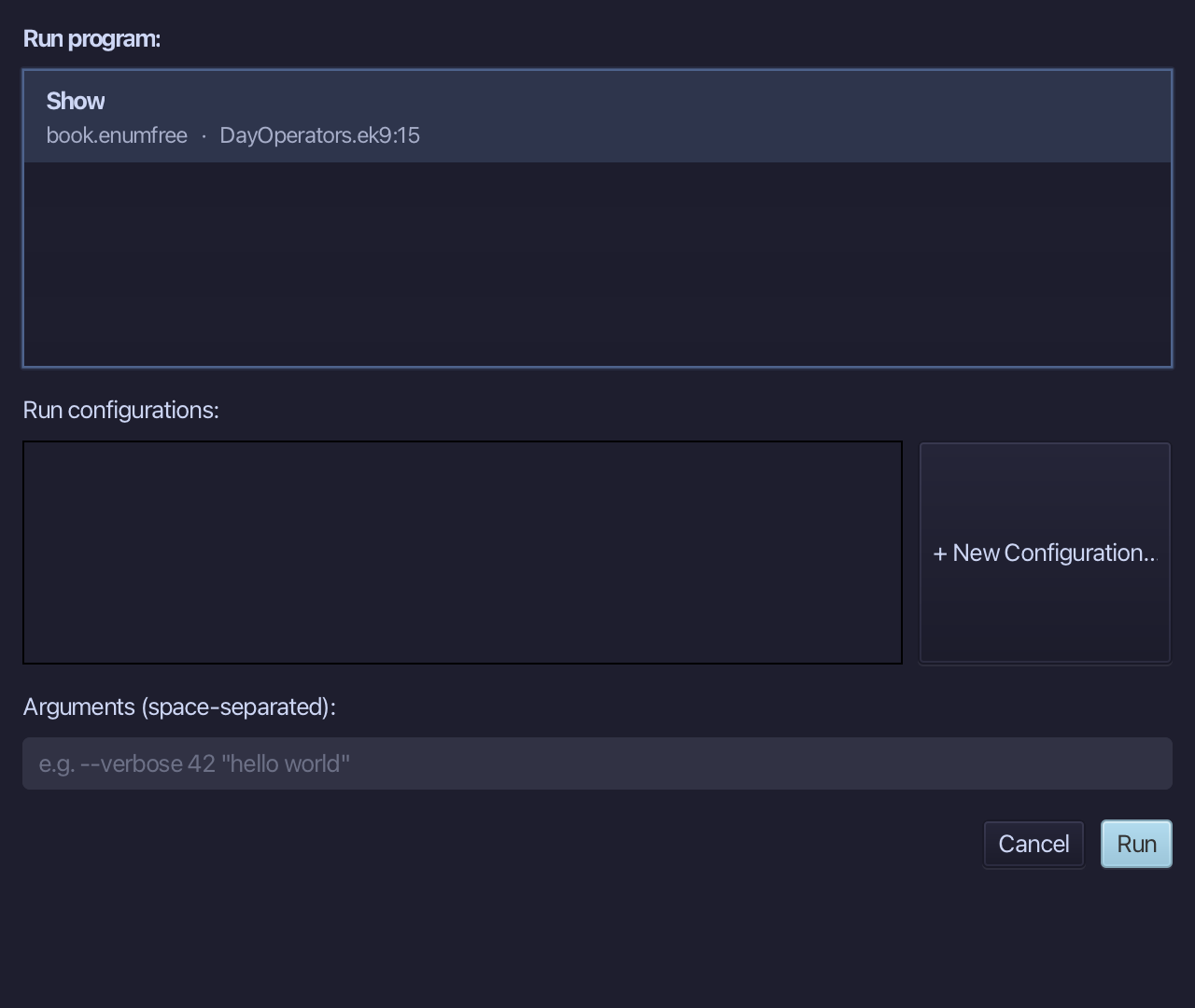
The project's only program is already chosen. Choose Run.
as text: Monday and Wednesday, equality false, Monday before Wednesday, first day Monday and last day Sunday, Friday built from text and set - and "Blursday" unset, because it names no day. Choose Close.
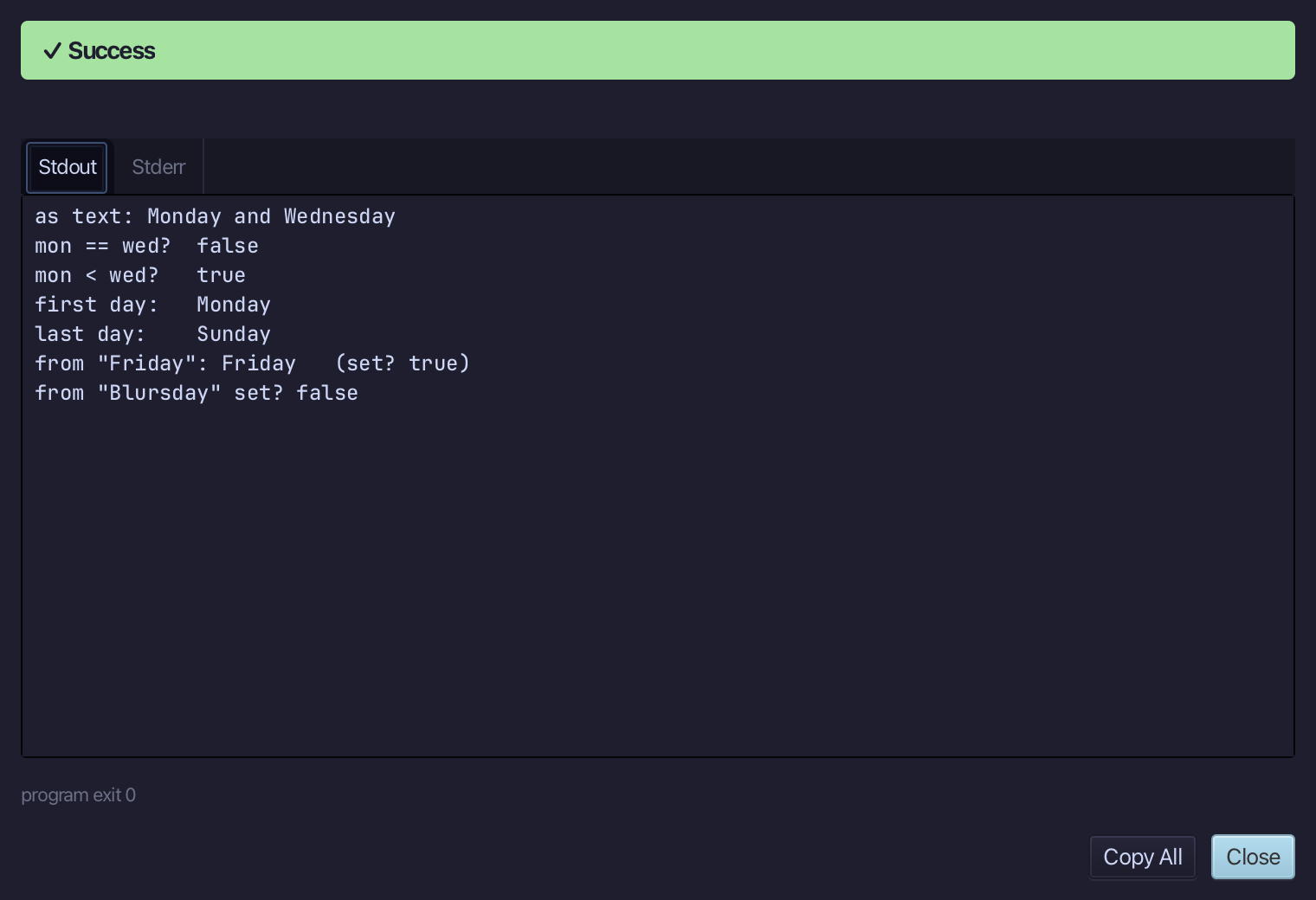
The result
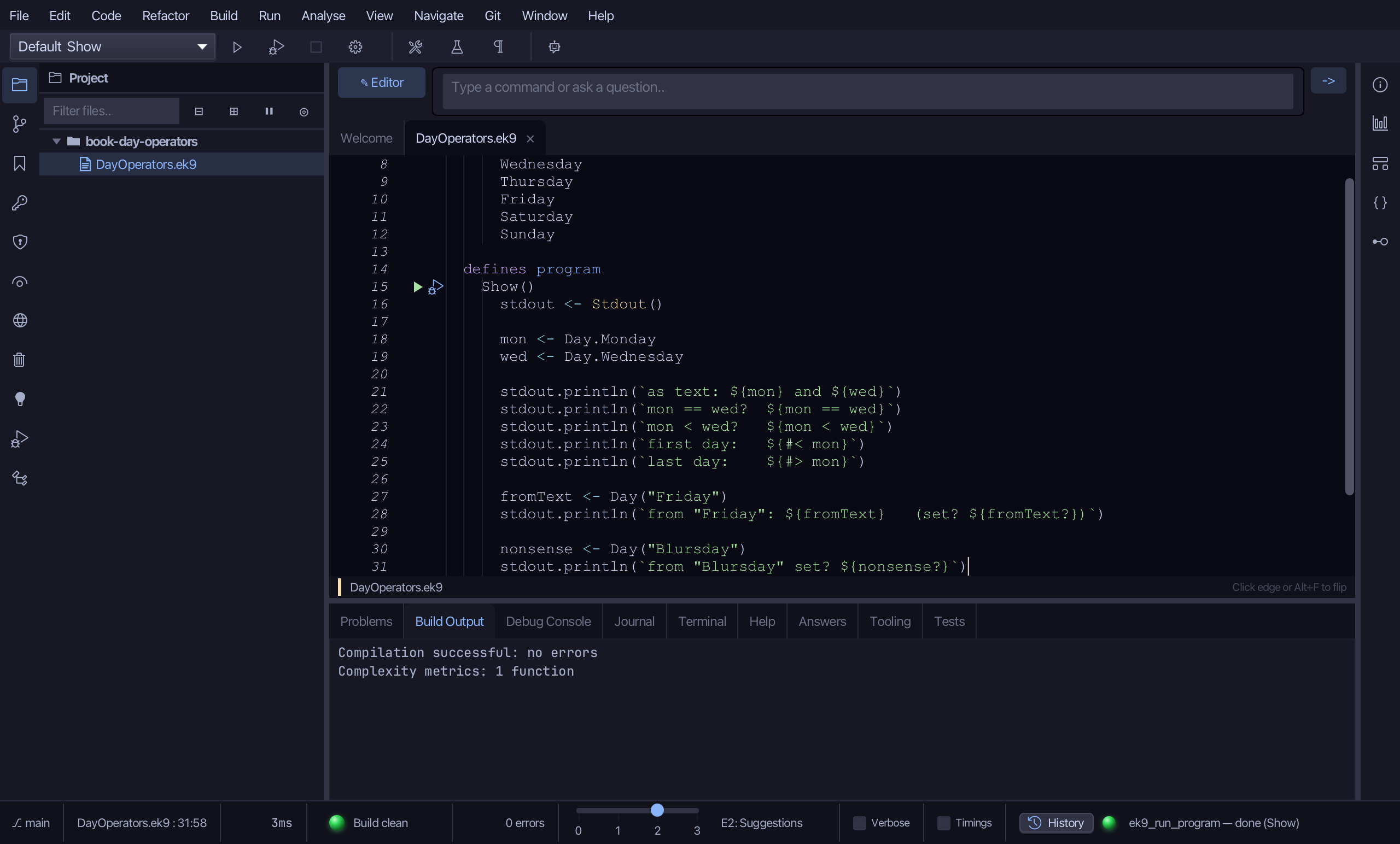
DayOperators.ek9 now reads exactly as chapter 14 of Getting Started with EK9 shows it: an enumeration the tool built in one call, and a program that tries everything an enumeration brings without a line written for it - a string form, equality, order, first and last, and a day built from text that is unset when the text names no day.
Where this lesson comes from
- For AI assistants - the MCP tool
ek9_new_construct,ek9_add_program.
In the EK9 reference: Enumerations in EK9