Chapter 25: a copy that shares, built
If you come from Java you expect primitives to copy and objects to share. EK9 has one case: every value is an object, and a copy copies what each field holds - so a field that holds a List holds the SAME List afterwards. Chapter 25's ShallowCopy shows it on a Team and then on a plain List. The IDE writes the record, its constructor (the tool writes the whole thing here) and the defaulted $ and :=:; you type only the program. To play it in the IDE: Help > Lessons > EK9 in Depth…, or ek9 -ide -lesson depth-shallow-copy.
What you'll build
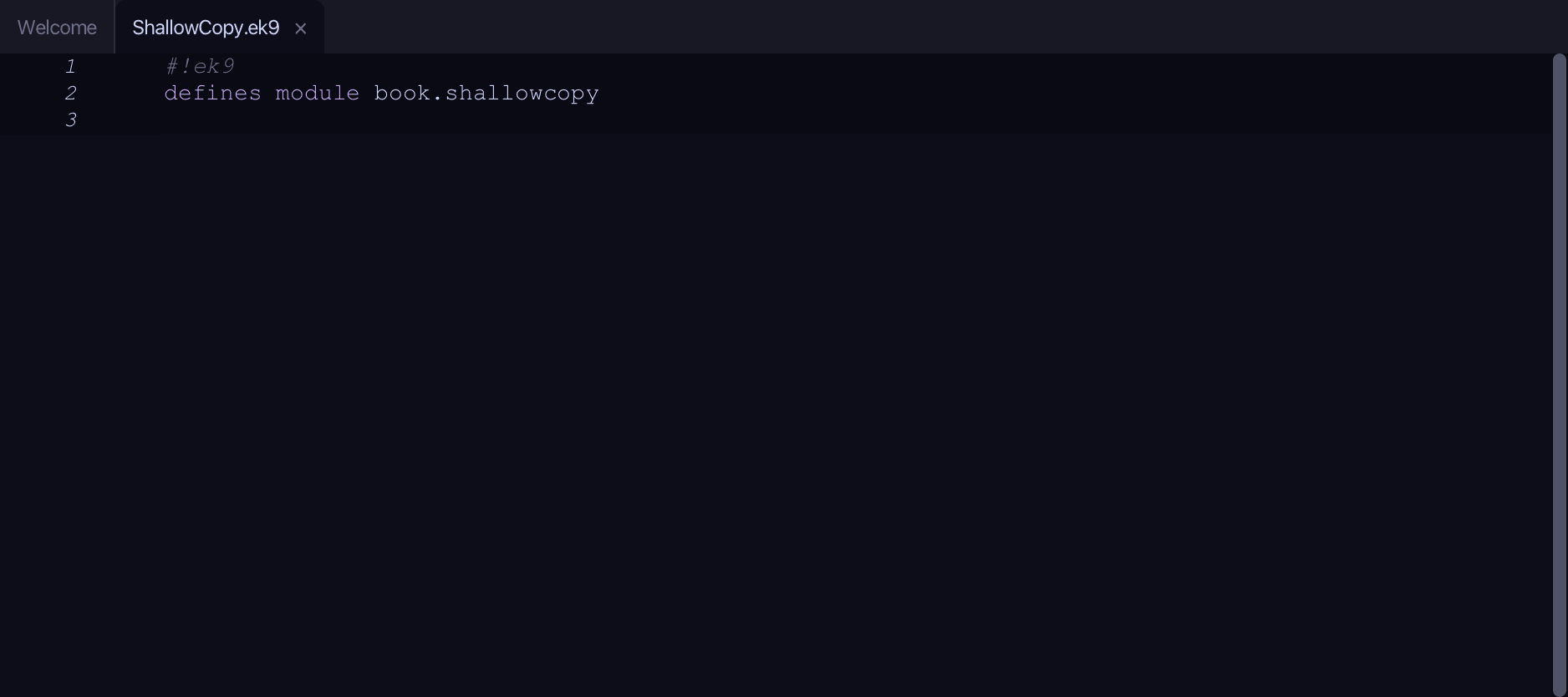
The lesson builds this program from a file holding only its module line - the finished file, as the book prints it.
#!ek9
defines module book.shallowcopy

  defines record

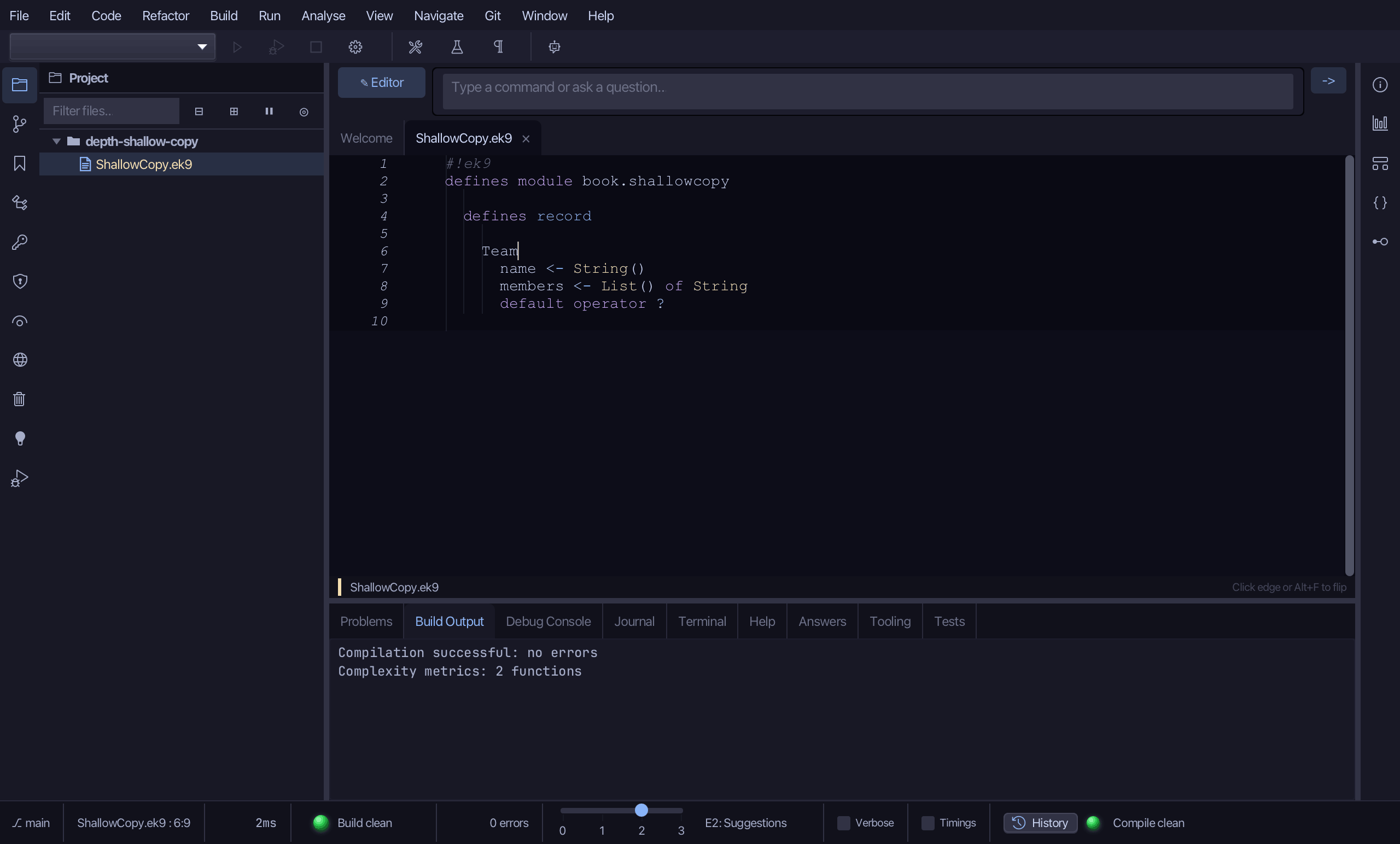
    Team
      name <- String()
      members <- List() of String

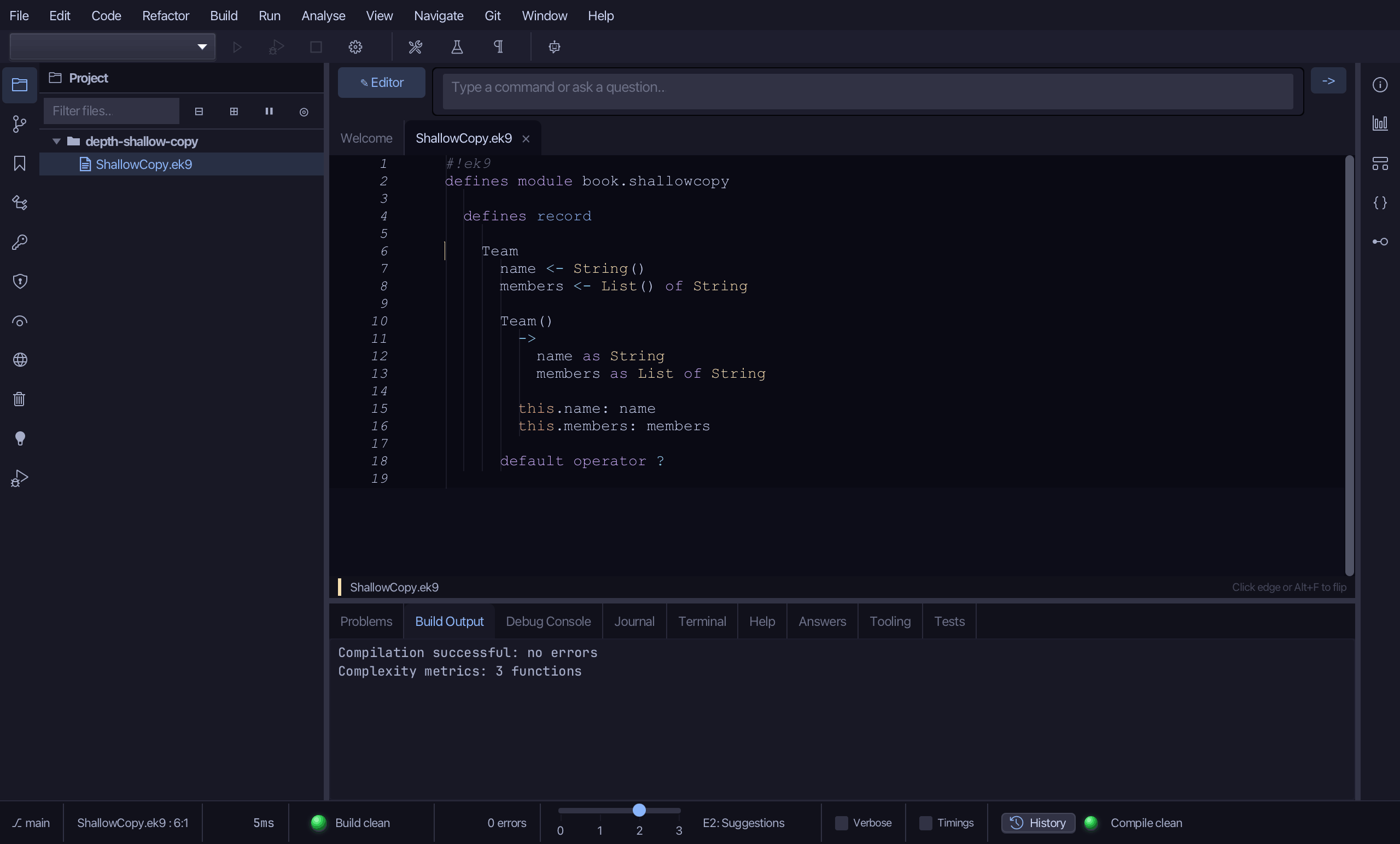
      Team()
        ->
          name as String
          members as List of String

        this.name: name
        this.members: members

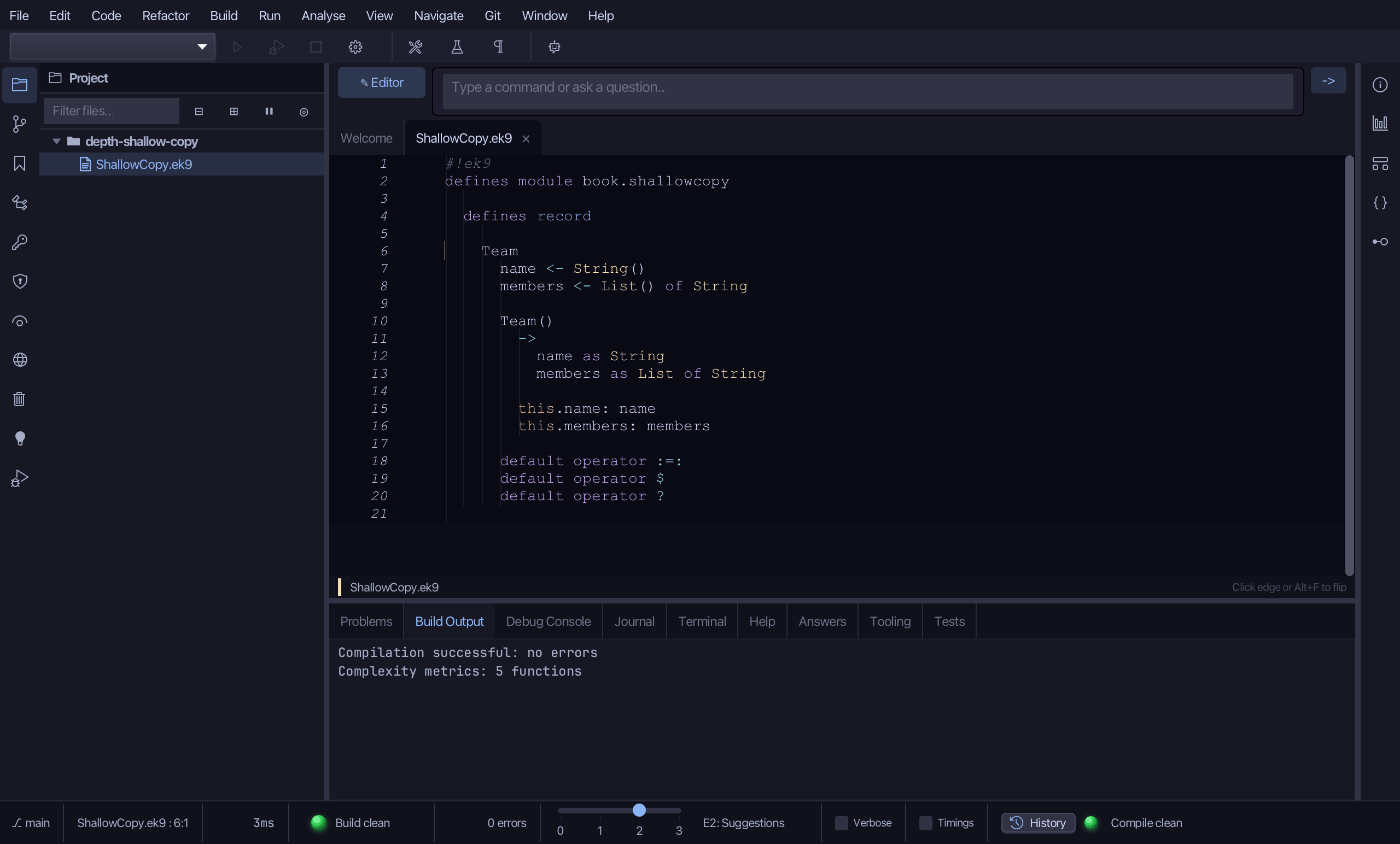
      default operator :=:
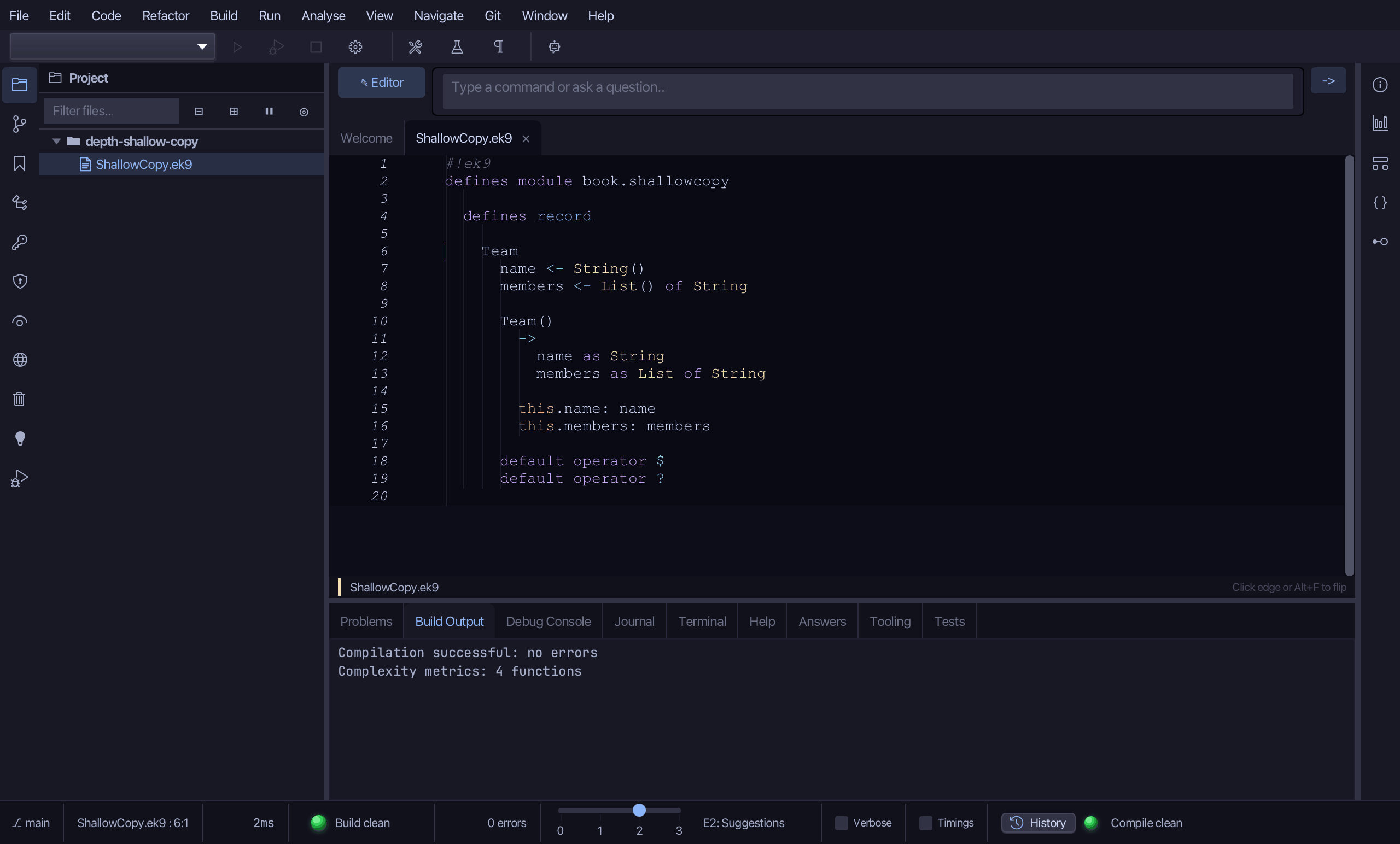
      default operator $
      default operator ?

  defines program

    ShallowCopy()
      stdout <- Stdout()

      original <- Team("core", ["Ann", "Bo"])
      copy <- Team()
      copy :=: original
      original.members += "Cy"
      stdout.println(`original ${original}`)
      stdout.println(`copy     ${copy}`)

      roster <- ["Di", "Ed"]
      duplicate <- List() of String
      duplicate :=: roster
      roster += "Flo"
      stdout.println(`roster ${roster} duplicate ${duplicate}`)
Step 1: Team — a record
Choose Code > New Construct > Record…
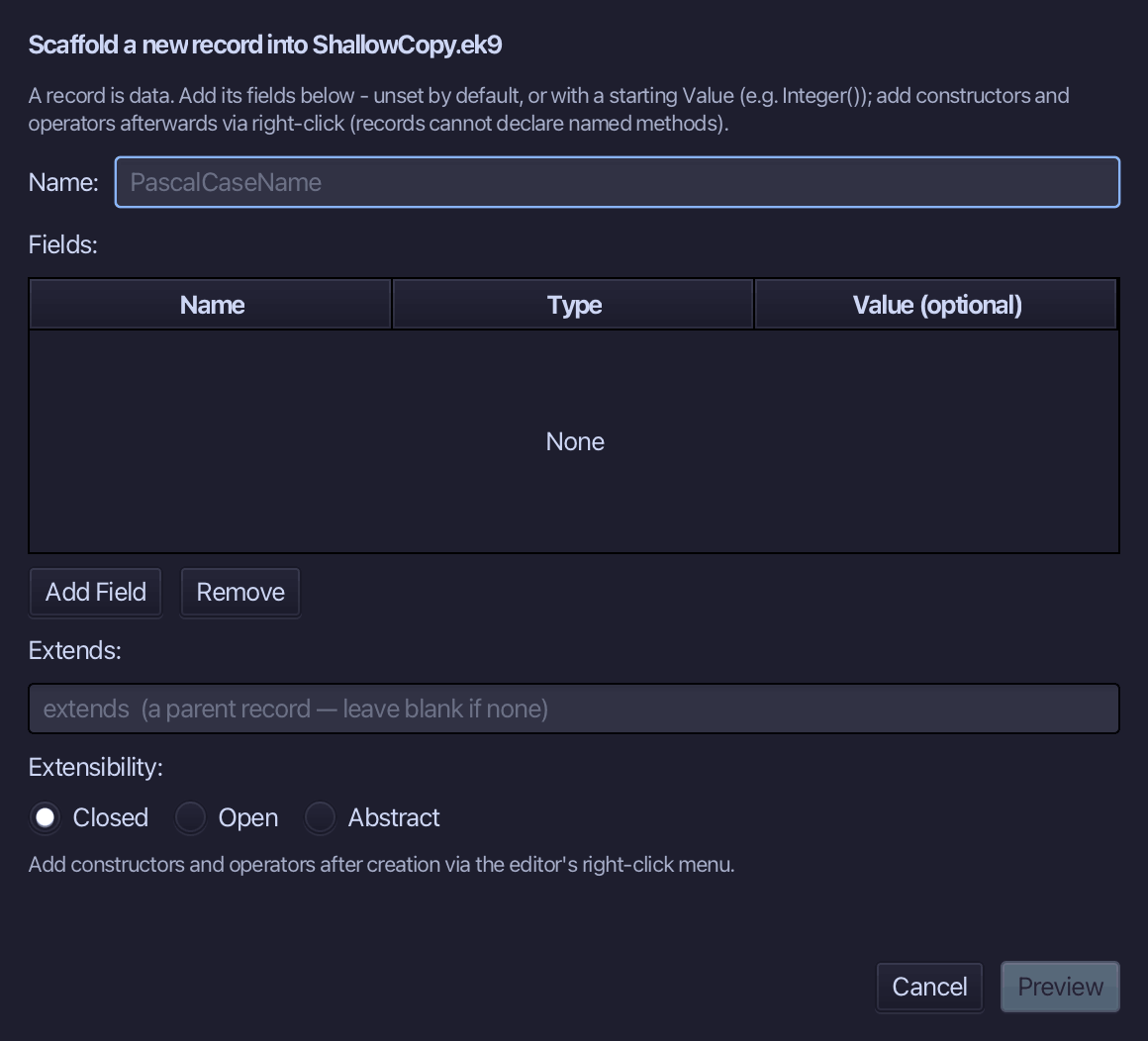
Team is the record's name. The Fields table holds name, starting at String(); members, starting at List() of String. A Type left blank is taken from the value. Choose Preview.
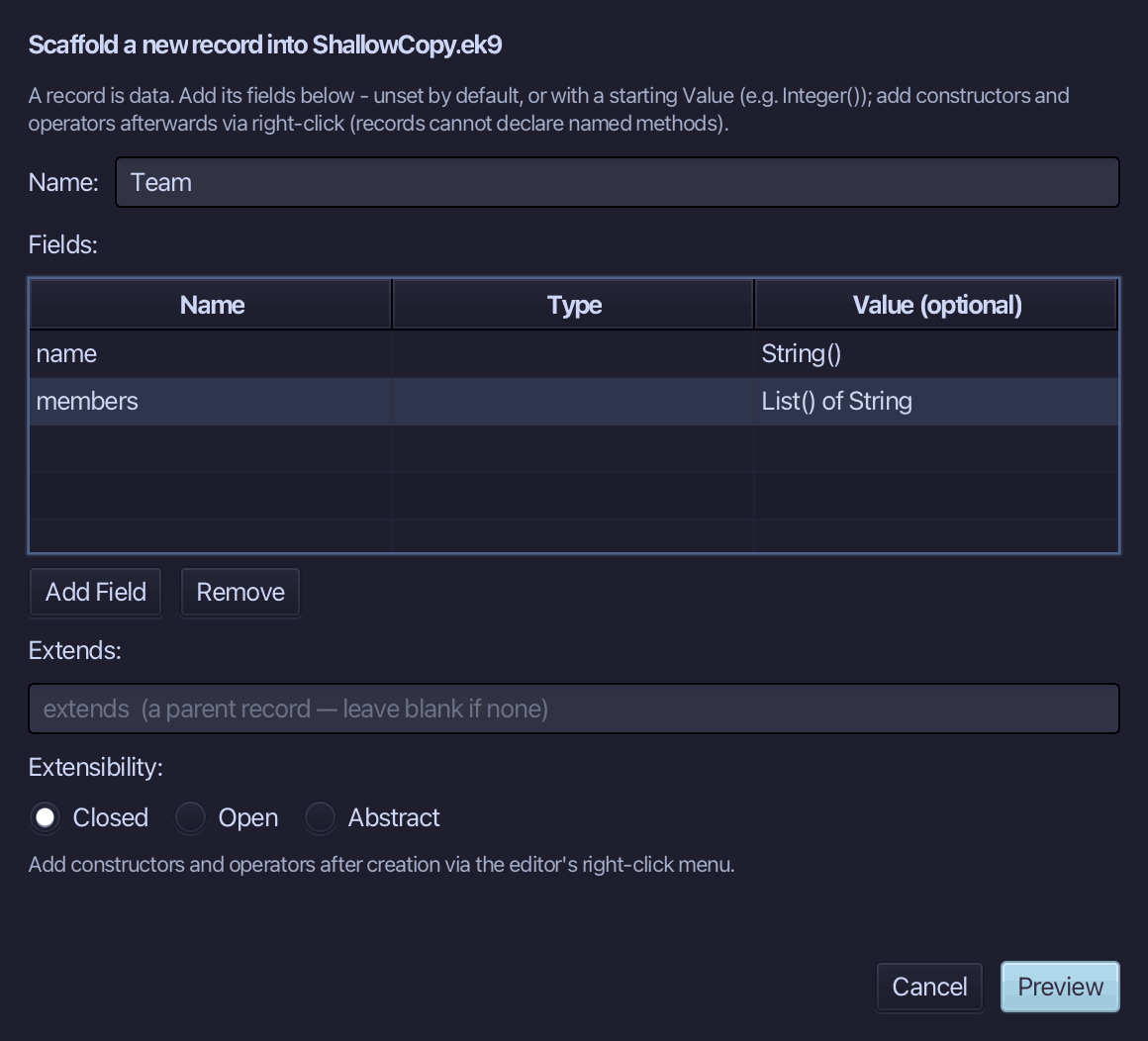
The preview shows Team about to be written - and default operator ? with them: a record that holds fields must say when it counts as set. Choose Apply.
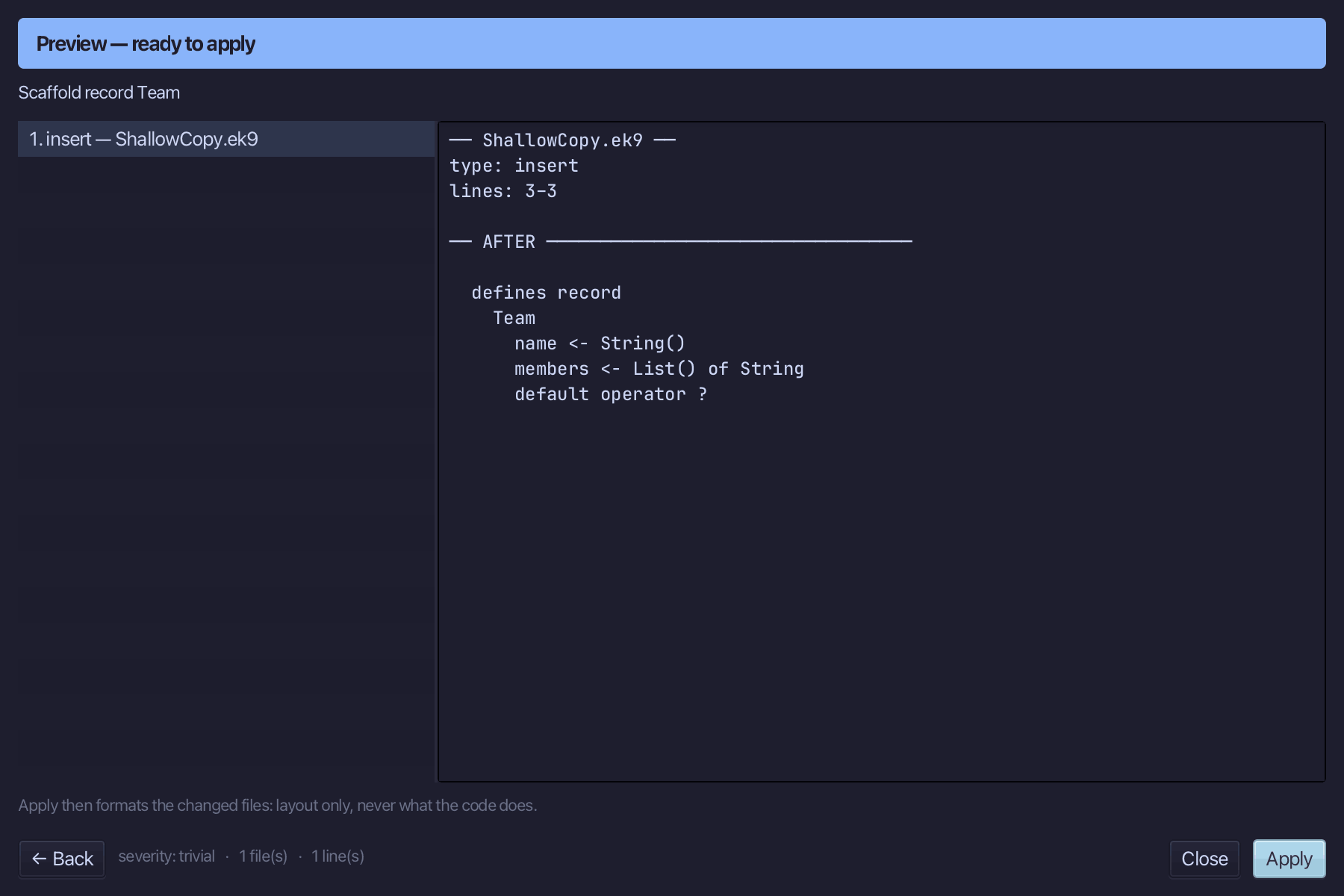
Select the Team line and, above it, type the blank line the book opens its records with. Saves when typed.
Right-click the Team line and choose Add Constructor > From All Fields - a constructor that takes every field.
Right-click the Team line and choose Add Operator > $ (string) > default - the compiler writes the operator from the fields.
Right-click the Team line and choose Add Operator > :=: (copy) > default - the compiler writes the operator from the fields.
Step 2: The program
Choose Code > New Construct > Program…
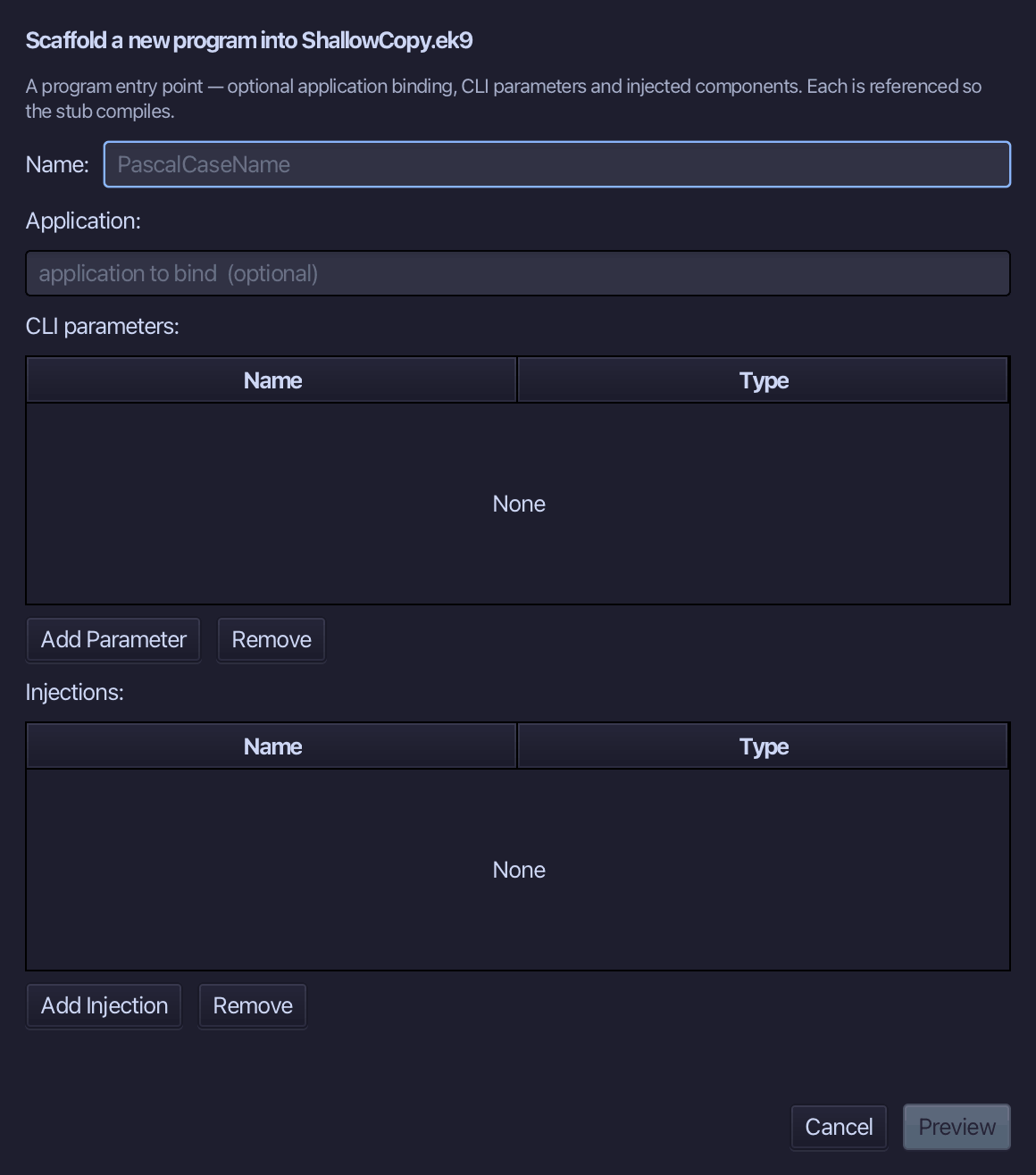
ShallowCopy is the program's name. Choose Preview.
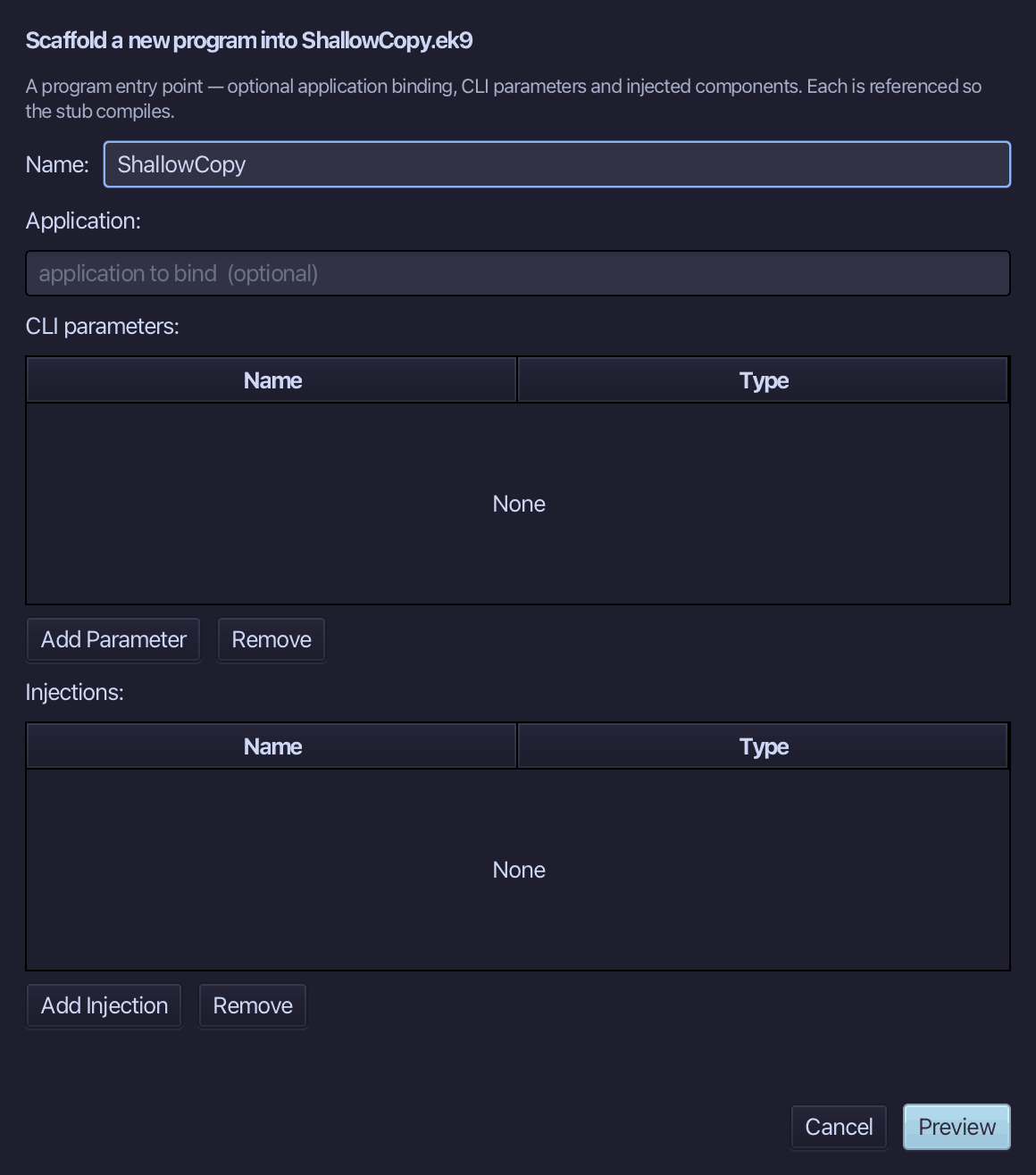
The preview shows ShallowCopy about to be written. Choose Apply.
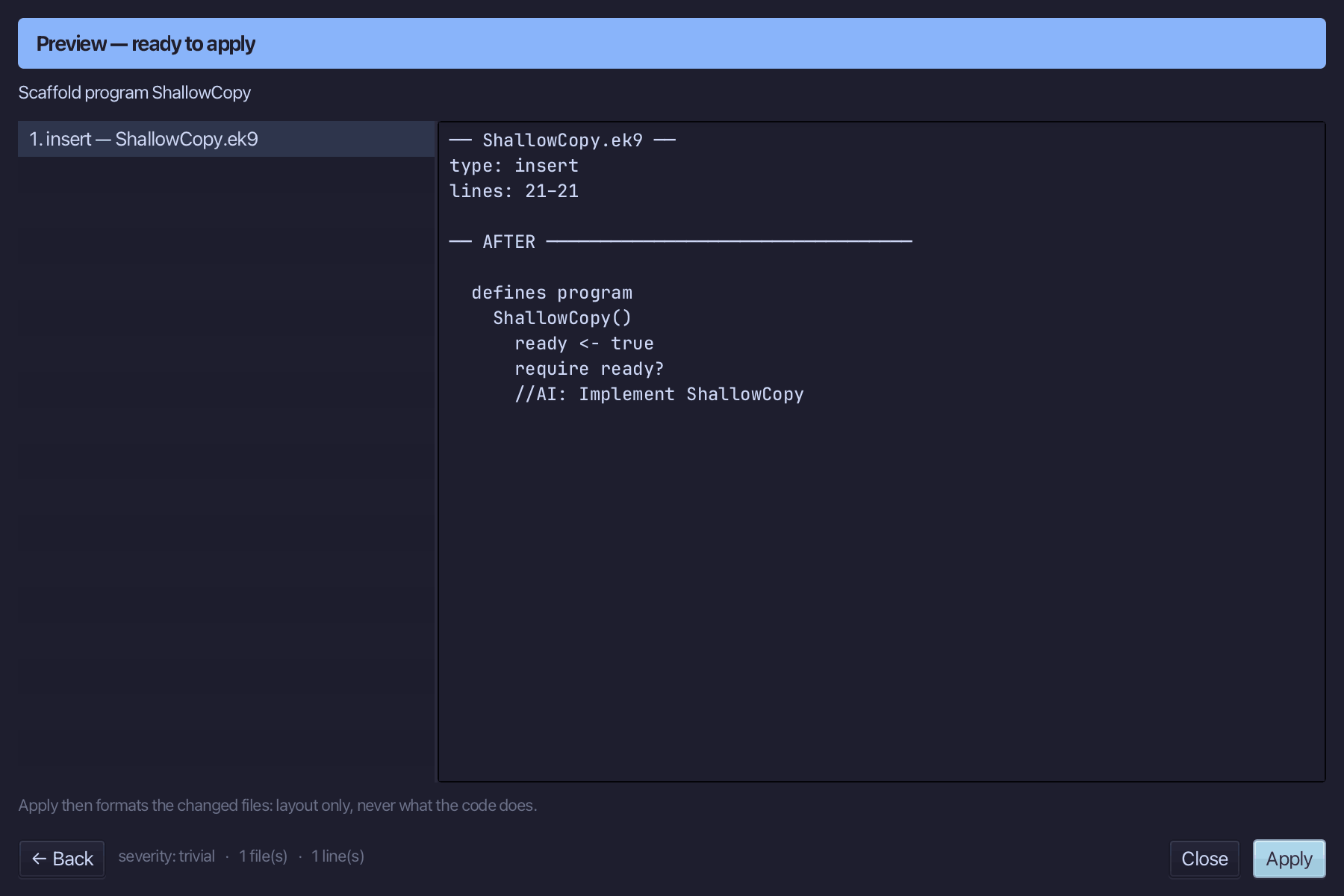
Select the ShallowCopy() line and, above it, type the blank line the book opens the program with. Saves when typed.
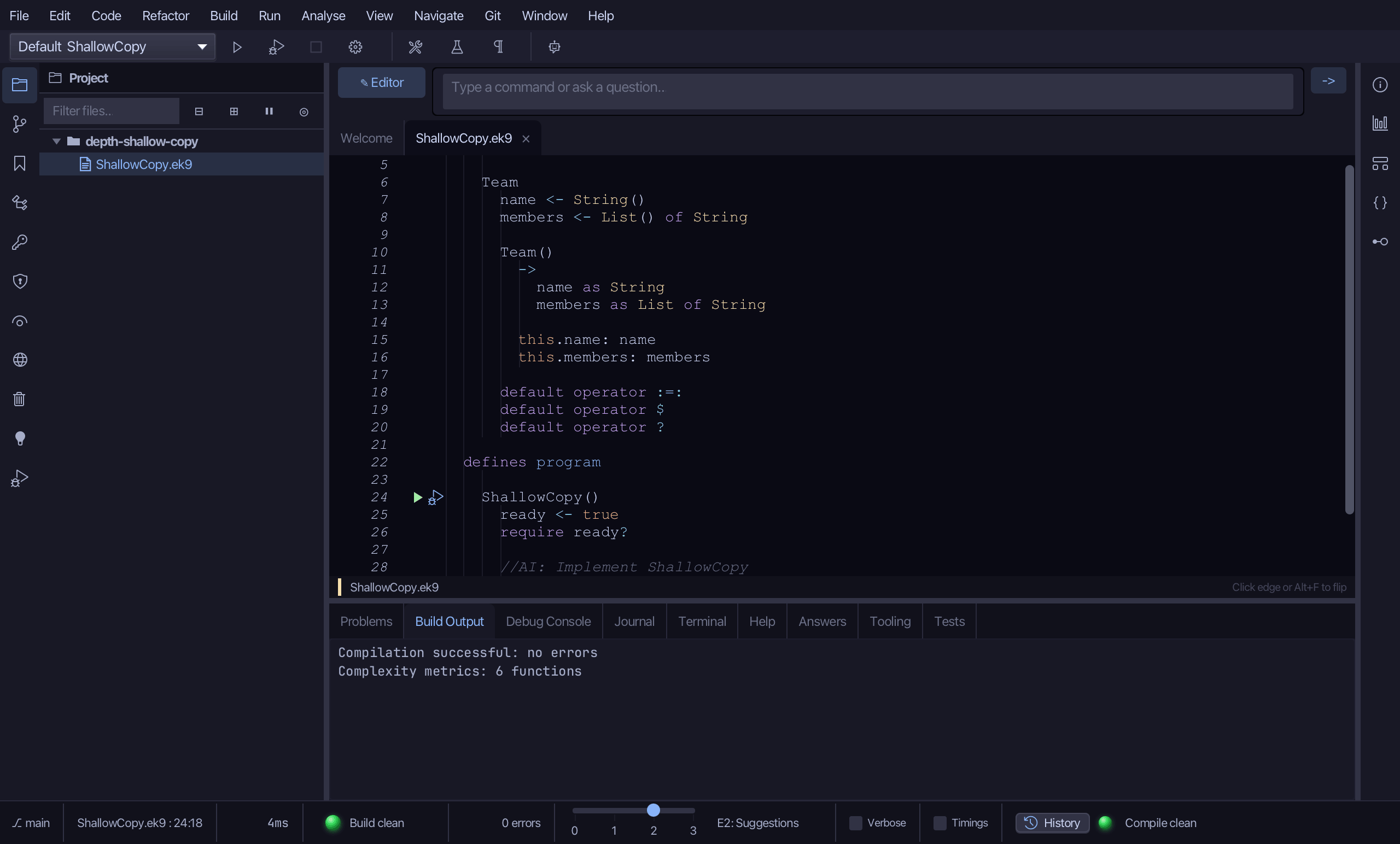
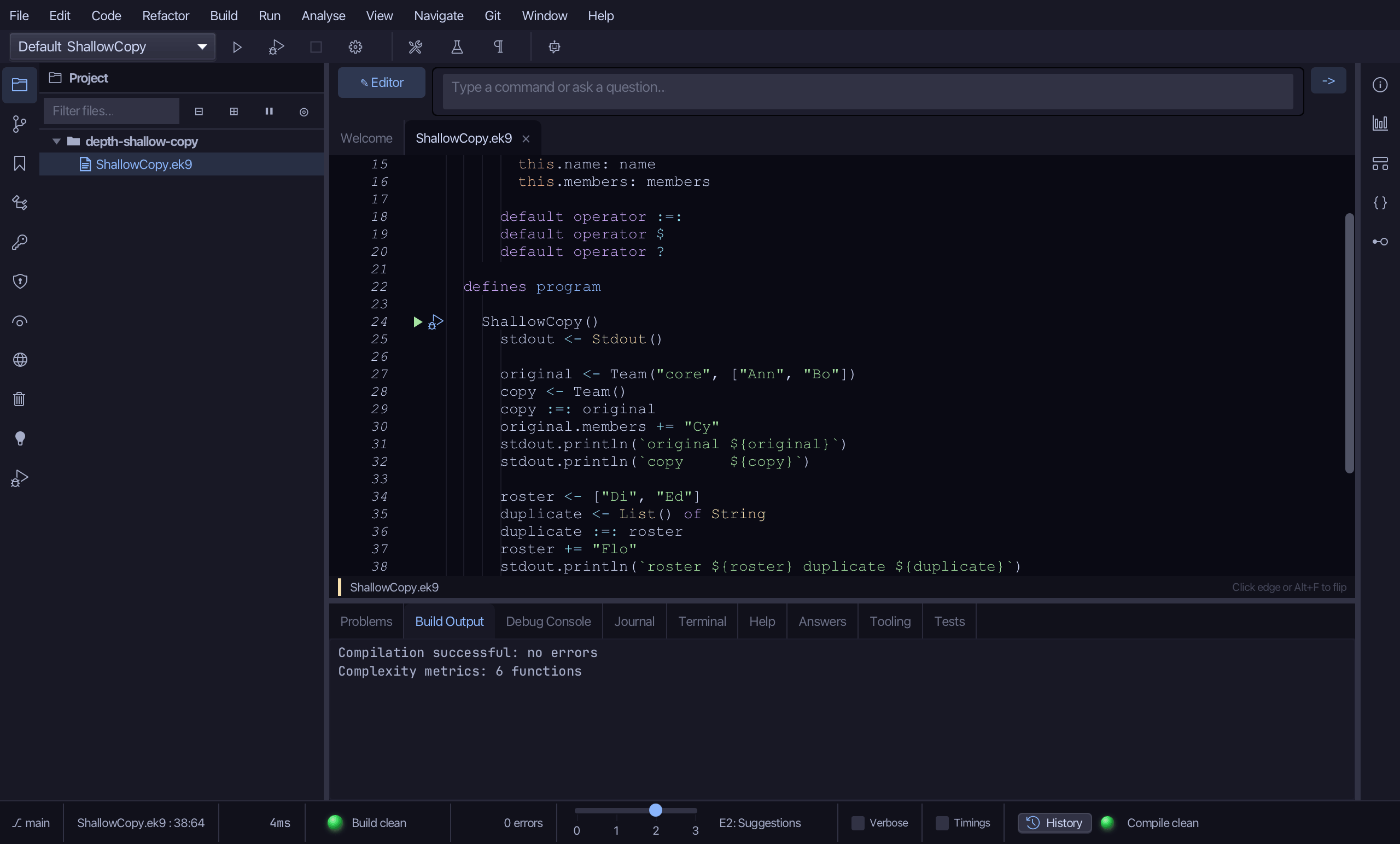
Select the stub, from ready <- true down to its //AI line, and type ShallowCopy's body exactly as the chapter shows it. Saves when typed.
Step 3: Run it
Choose Run > Run Program…
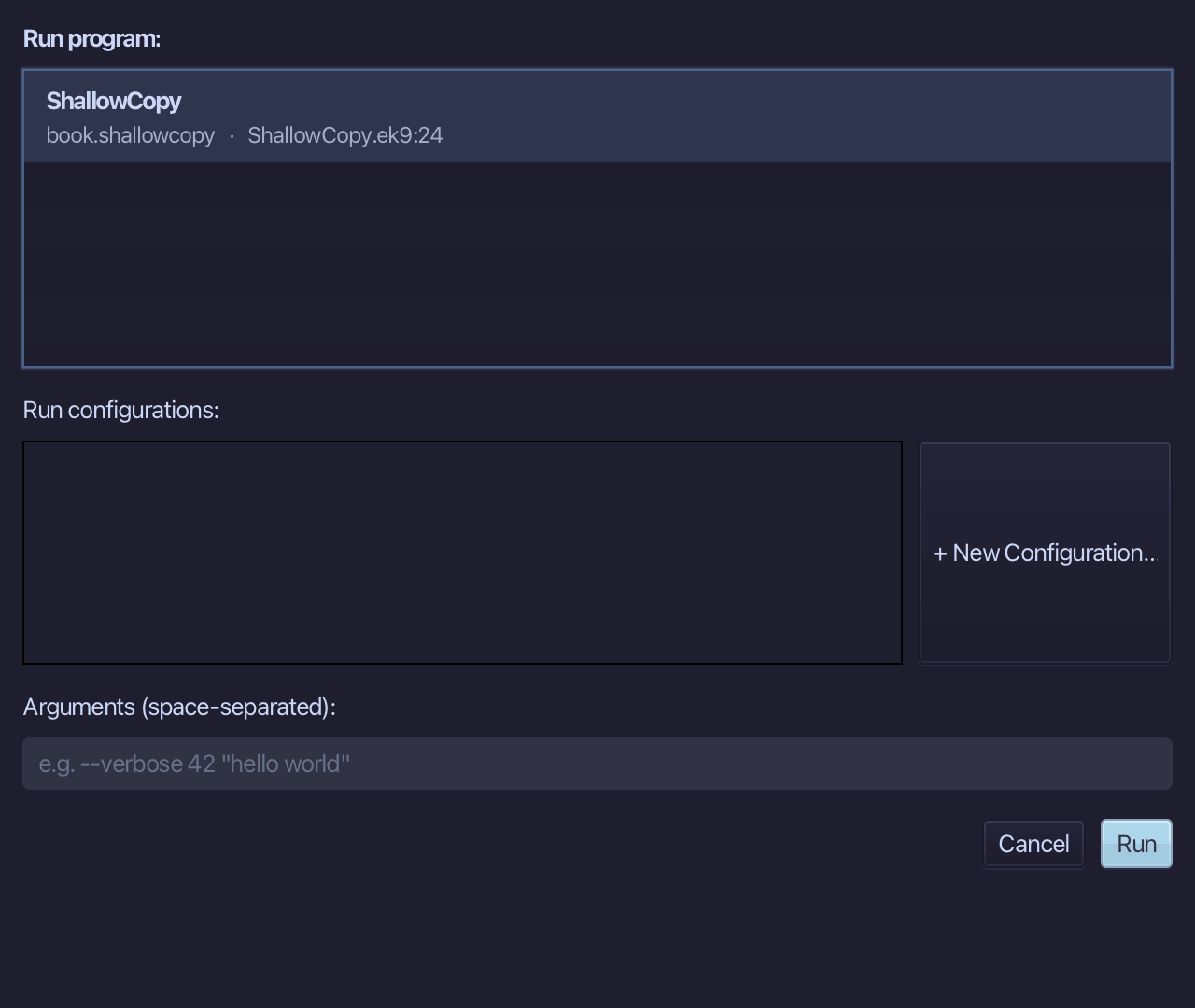
The project's only program is already chosen. Choose Run.
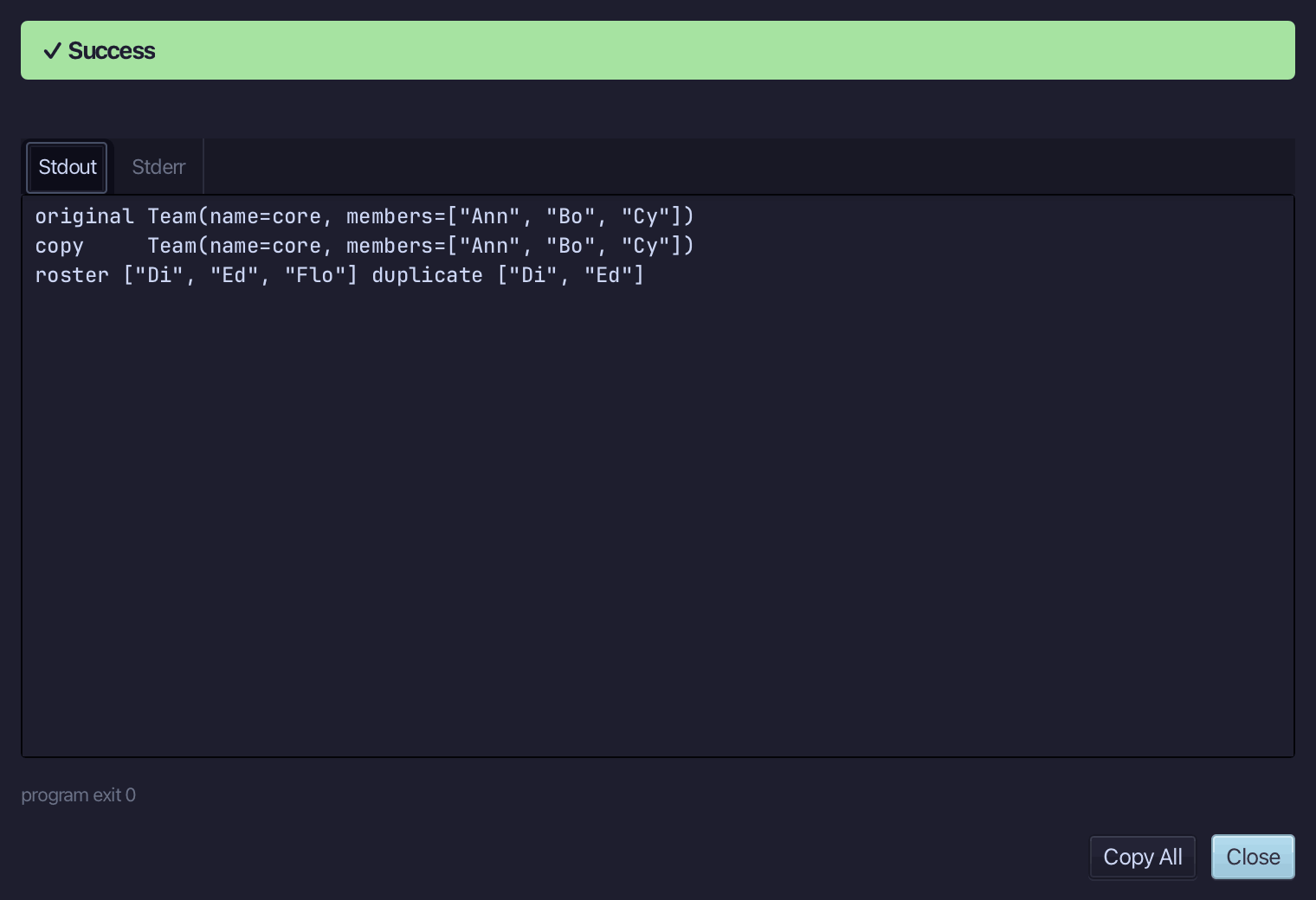
original and copy both show Ann, Bo and Cy - they share the members List - while the plain List copy stayed at Di and Ed when the roster gained Flo. Choose Close.
The result
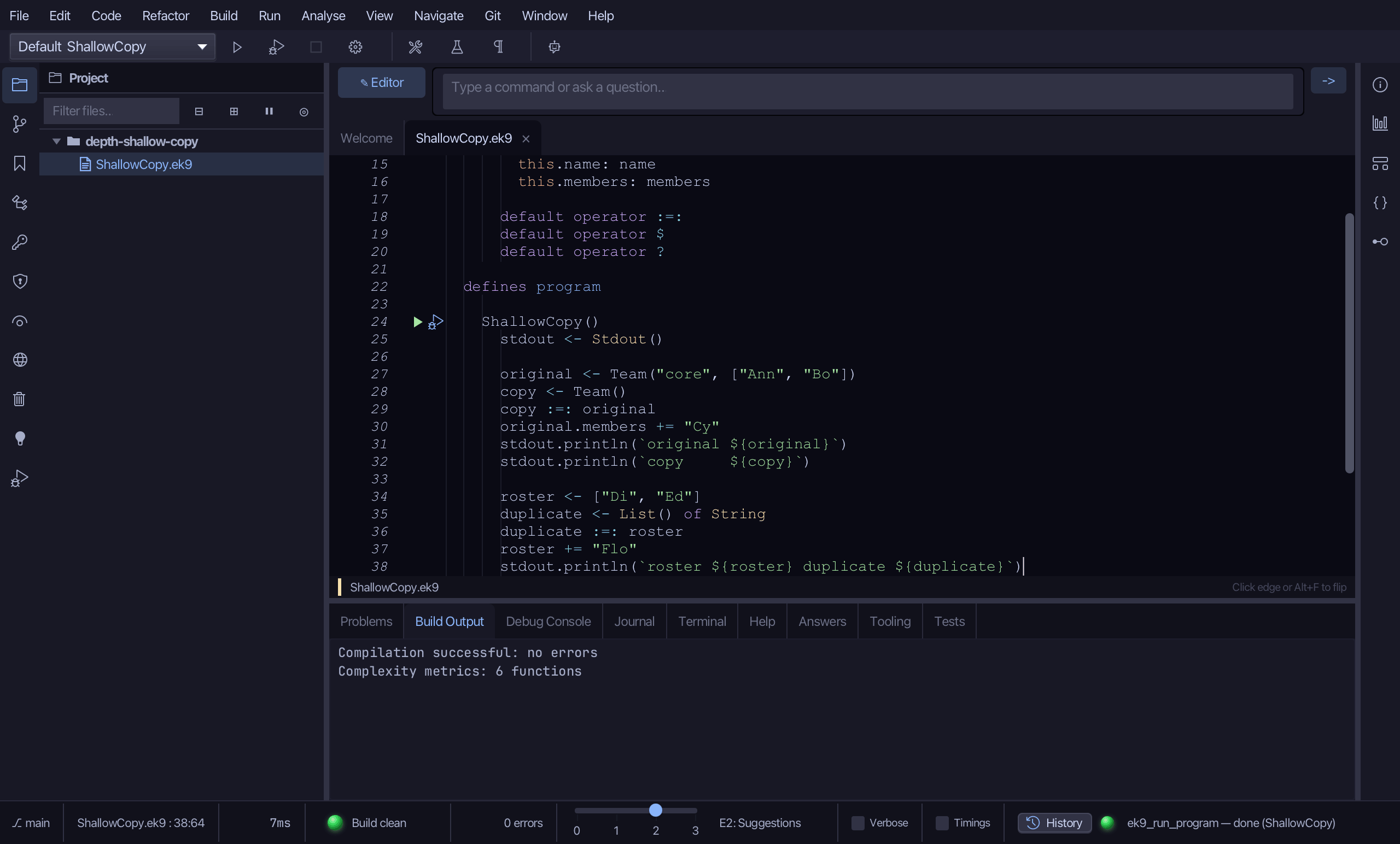
ShallowCopy.ek9 now reads exactly as chapter 25 of EK9 in Depth shows it. No operator or constructor needed a typed line: the constructor and both defaults came whole from the tools. The copy of the Team grew with the original, because its members field refers to the same List; the copy of the List itself did not.
Where this lesson comes from
- For AI assistants - the MCP tool
ek9_new_construct,ek9_add_constructor,ek9_add_operator,ek9_add_program.