Unseal Type / Add to Allowlist
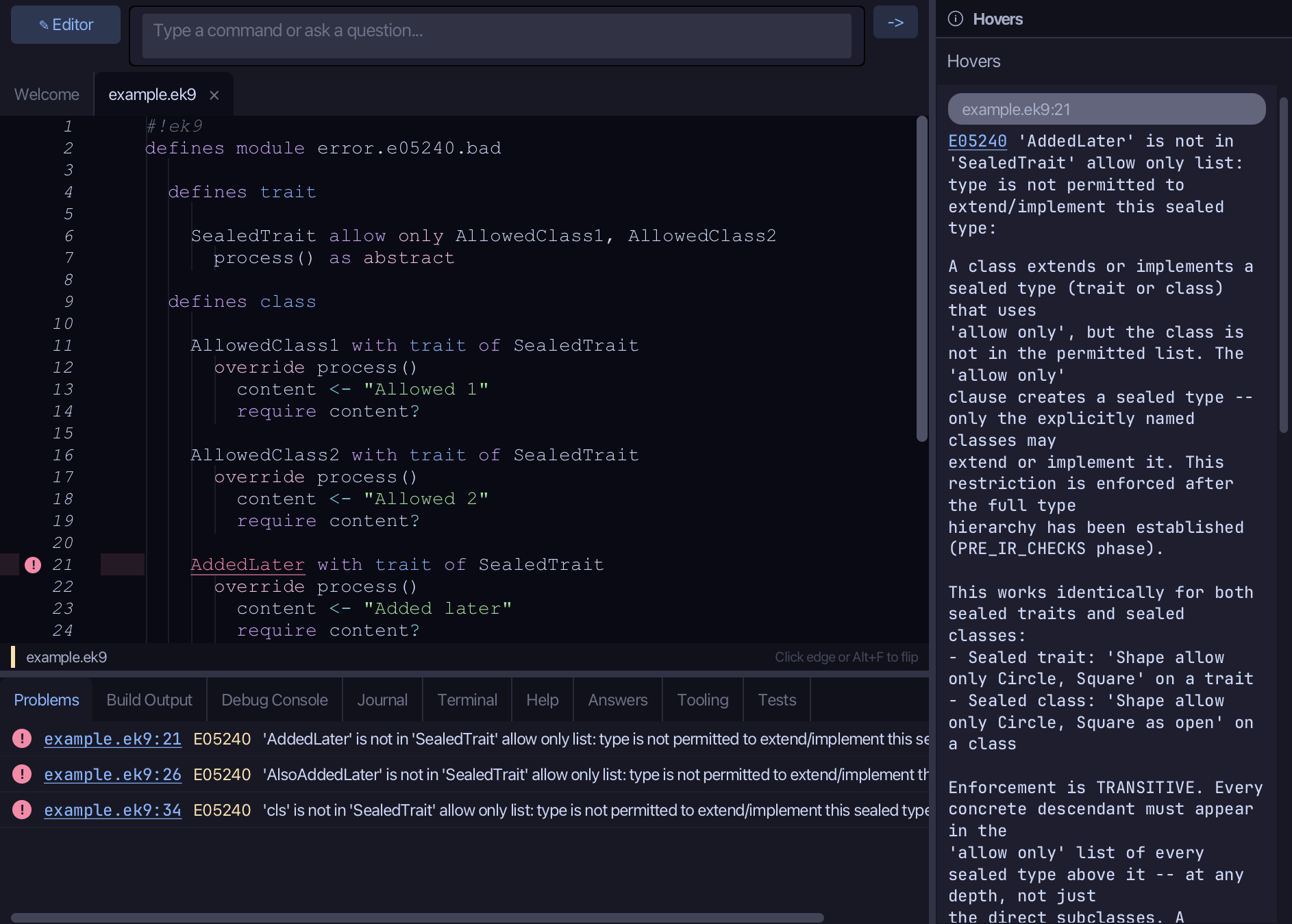
Add to Allowlist widens an existing 'allow only' list without starting over; Unseal Type removes the restriction entirely. Here SealedTrait's 'allow only AllowedClass1, AllowedClass2' refuses AddedLater and AlsoAddedLater - each its own E05240, explained in the Hovers panel - and a dynamic class, which no allowlist edit can ever admit. To play it in the IDE: Help > Lessons > Refactoring…, or ek9 -ide -lesson unseal-type.
Start from
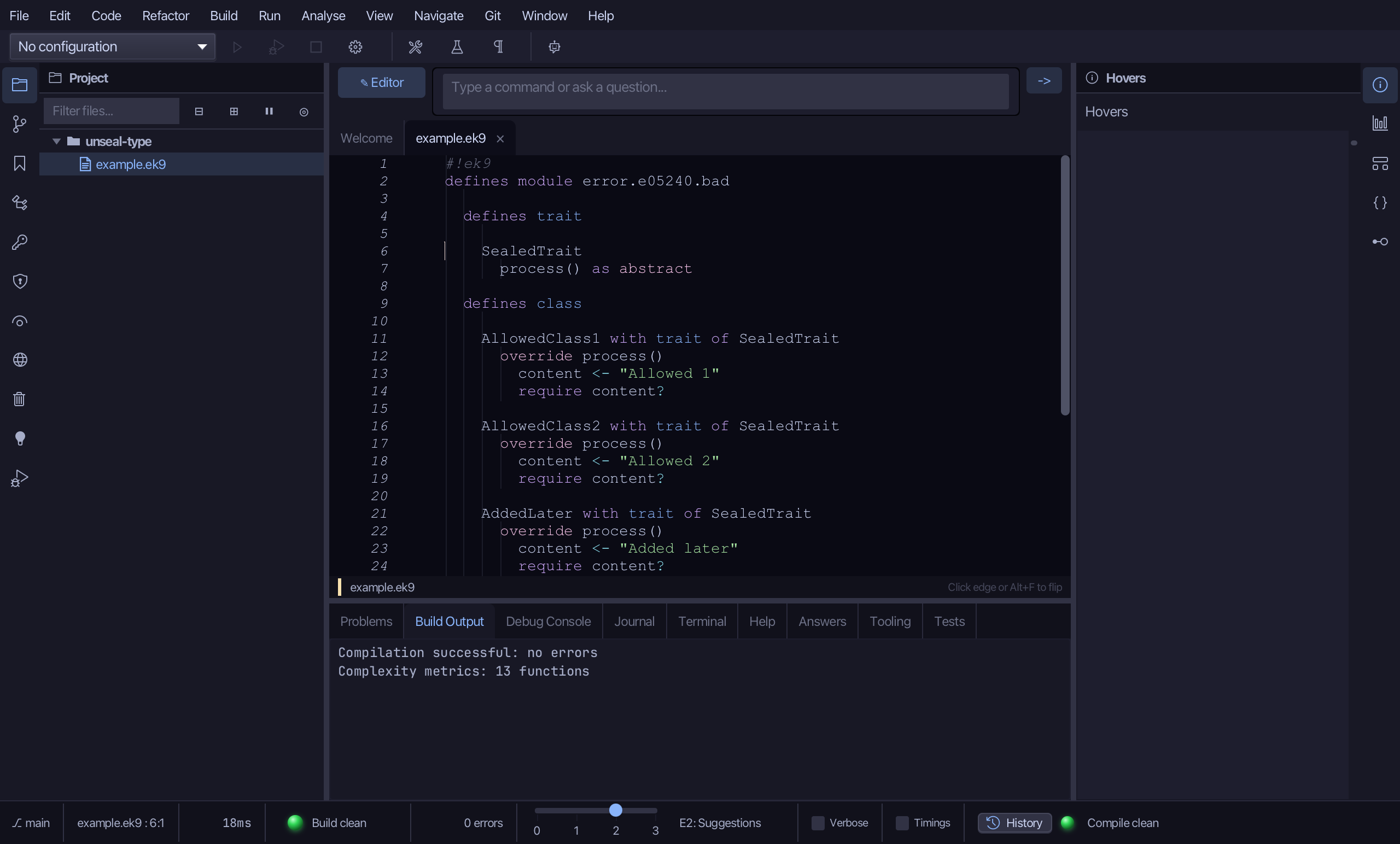
The code the lesson starts from: copy it into a file of your own and follow the steps.
Fails with E05240: type is not permitted to extend/implement this sealed type
#!ek9
defines module error.e05240.bad

  defines trait

    SealedTrait allow only AllowedClass1, AllowedClass2
      process() as abstract

  defines class

    AllowedClass1 with trait of SealedTrait
      override process()
        content <- "Allowed 1"
        require content?

    AllowedClass2 with trait of SealedTrait
      override process()
        content <- "Allowed 2"
        require content?

    AddedLater with trait of SealedTrait
      override process()
        content <- "Added later"
        require content?

    AlsoAddedLater with trait of SealedTrait
      override process()
        content <- "Also added later"
        require content?

  defines function

    testDynamic()
      processor <- () trait of SealedTrait as class
        override process()
          content <- "Dynamic"
          require content?
      require processor?
Step 1: Add to Allowlist
Right-click the AddedLater line and choose Add to 'SealedTrait' allow only list…
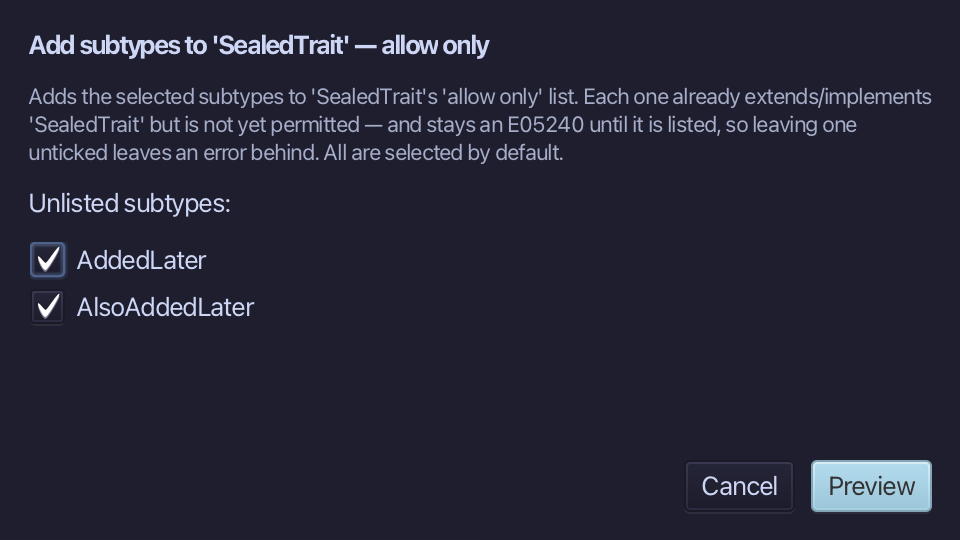
AddedLater and AlsoAddedLater are already ticked - every unlisted subtype of SealedTrait, so one edit admits both. Choose Preview.
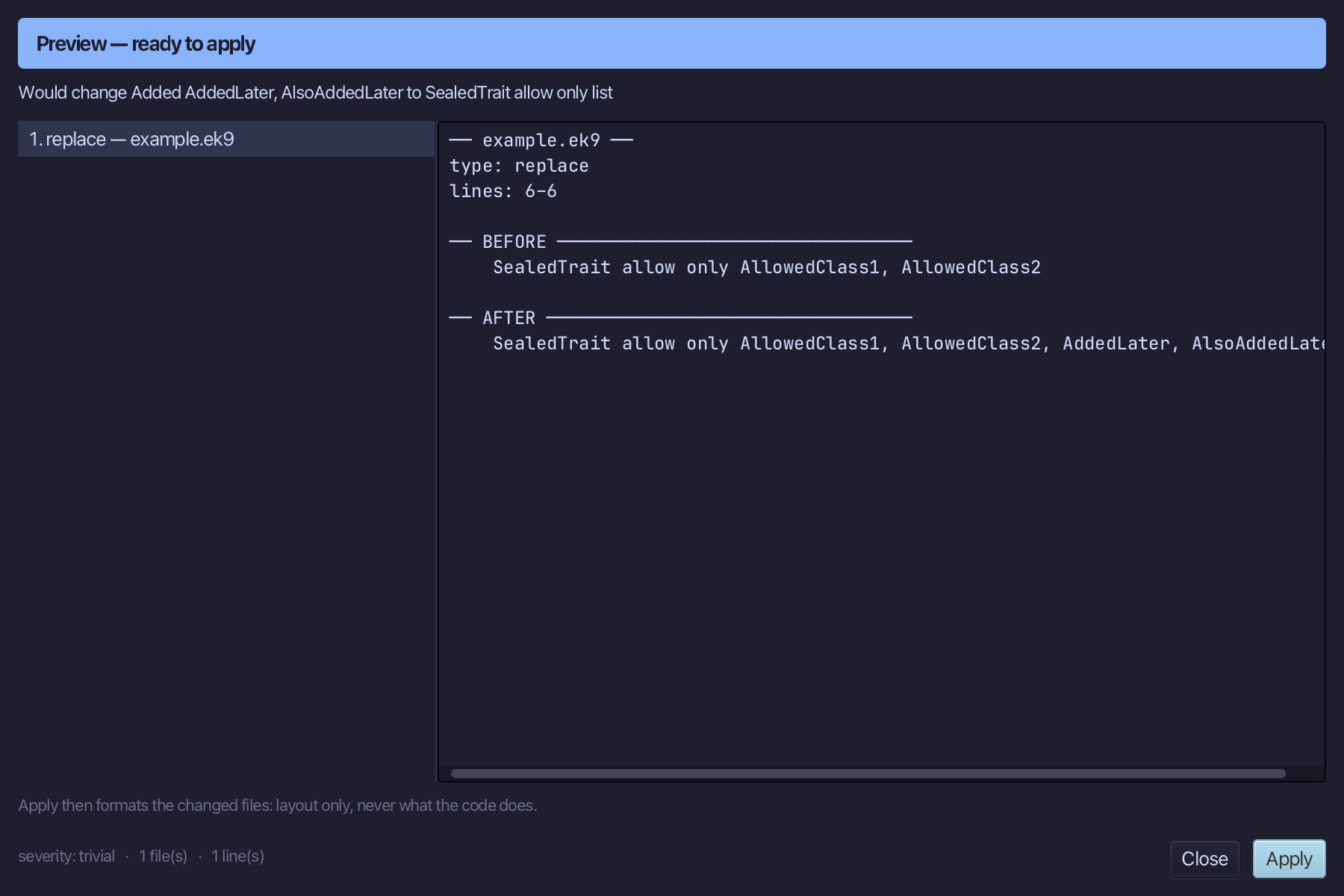
Step 2: Preview and apply
The preview shows both names added to SealedTrait's allow only list; then the IDE formats the file. Choose Apply.
Step 3: Unseal Type
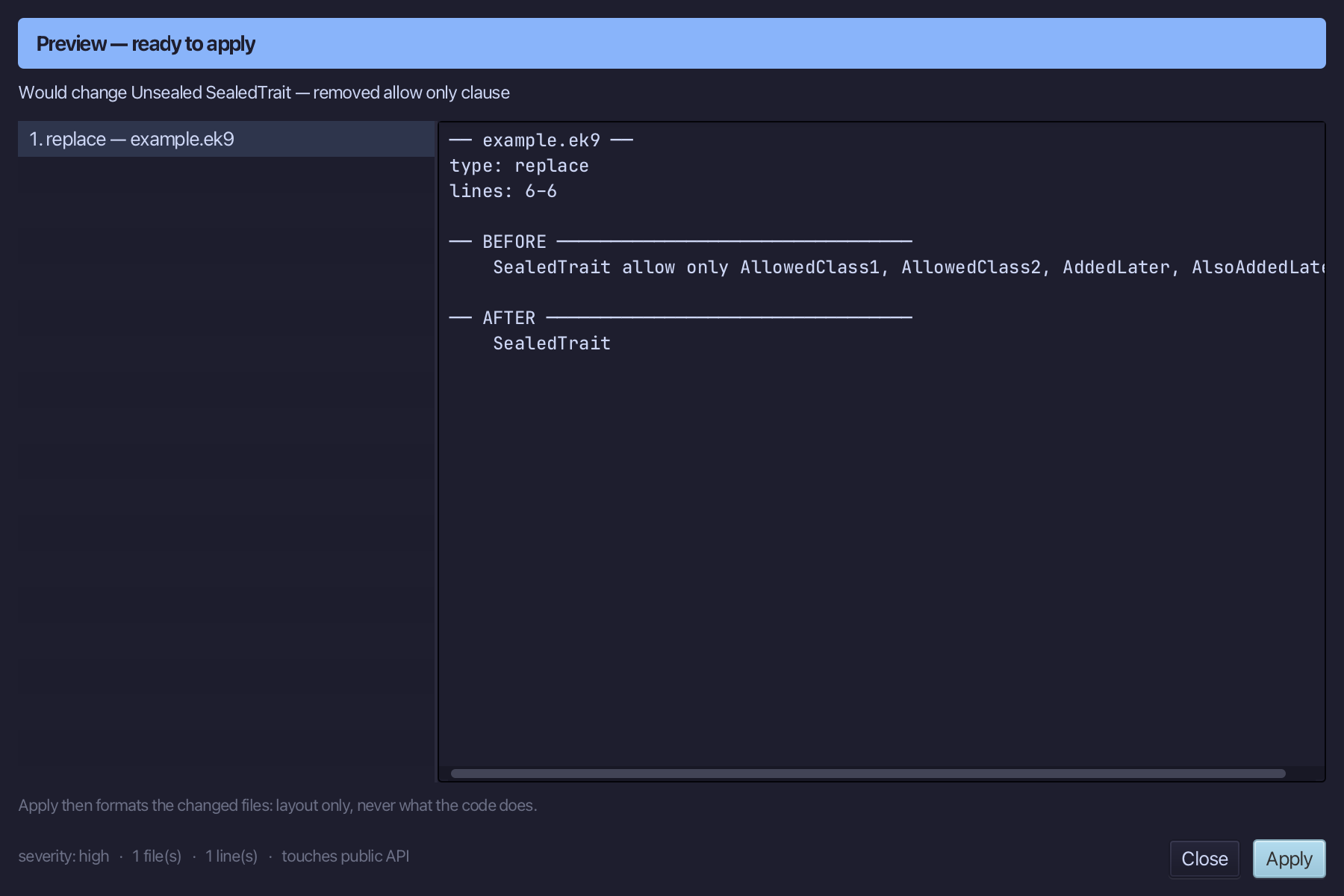
Right-click the SealedTrait line and choose Change Modifier > Unseal Type
Step 4: Preview and apply
The preview shows the allow only clause removed entirely; then the IDE formats the file. Choose Apply.
The result
That is Add to Allowlist and Unseal Type: AddedLater and AlsoAddedLater are both in SealedTrait's allow only list - one edit admitted both, since each was its own E05240 - and the dynamic class's error, which no allowlist edit could ever fix, is gone only once SealedTrait is unsealed entirely. Add to Allowlist… is also on the Change Modifier submenu of an already-sealed type's own declaration, prompting for a name there instead of reaching from the error site; AI assistants use the ek9_add_to_sealed_allowlist and ek9_unseal_type tools.
Where this lesson comes from
- The errors it fixes - each one's explanation offers this lesson: E05240.
- Answers -
ek9 -qand the IDE's Answers tab: 301, 608, 303. - For AI assistants - the MCP tool
ek9_add_to_sealed_allowlist,ek9_unseal_type.