Chapter 15: a constrained type, built
Chapter 15 makes a constrained type: DrivingAge, an Integer narrowed to values 16 to 100 - not any Integer, but one the rule holds to, the same 'illegal states unrepresentable' idea an enumeration gives a fixed set of names. Then a verdict function that takes a DrivingAge, and a Show program that builds one directly (DrivingAge(17)) and, from raw numbers that might be out of range, safely with .of and a ? check. The IDE's own tools make the structure - the constrained type's base and rule in one call, each function's whole signature - so what is left to type is only the logic no tool can write. To play it in the IDE: Help > Lessons > Writing code…, or ek9 -ide -lesson book-constrained.
What you'll build
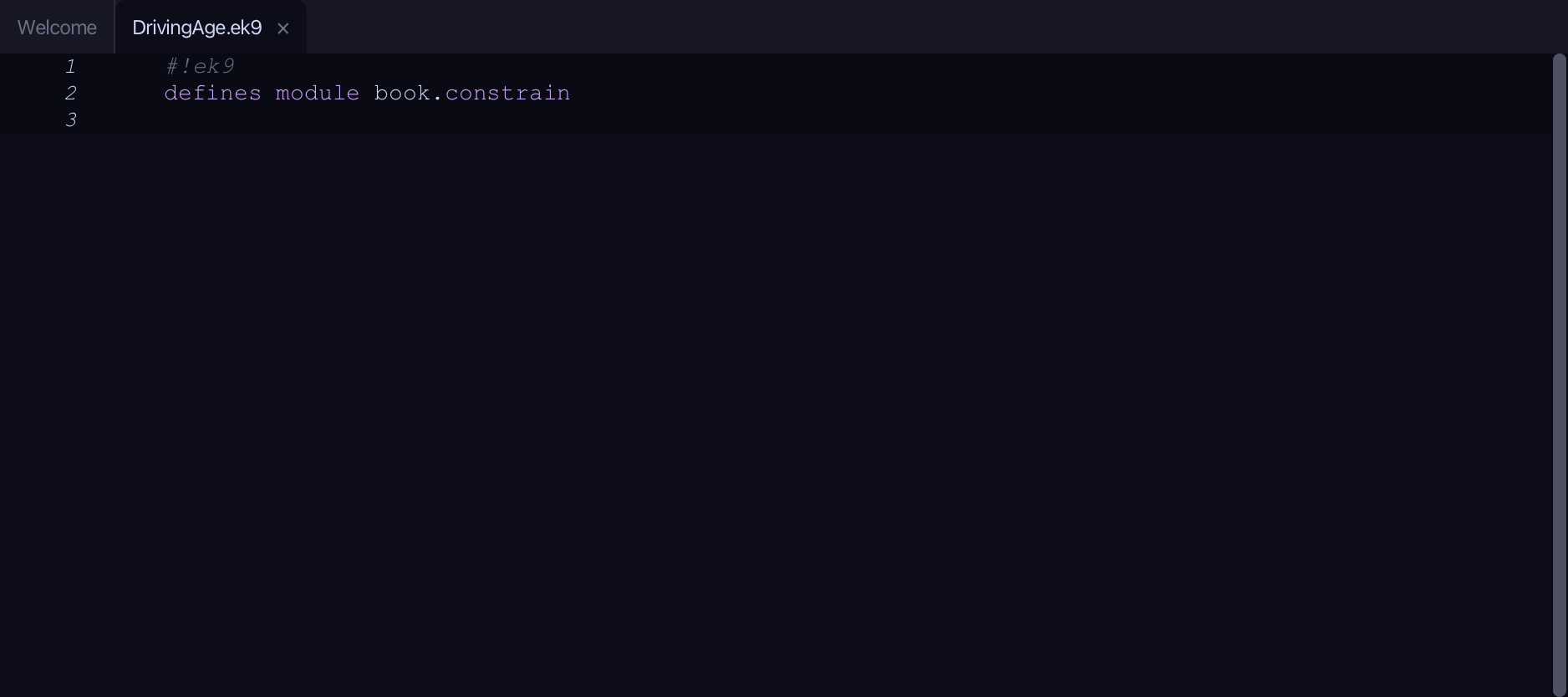
The lesson builds this program from a file holding only its module line - the finished file, as the book prints it.
#!ek9
defines module book.constrain

  defines type
    DrivingAge as Integer constrain as
      >= 16 and <= 100

  defines function
    verdict()
      -> age as DrivingAge
      <- rtn as String: `${age} is a valid driving age`

  defines program
    Show()
      stdout <- Stdout()

      // Direct construction, in range — behaves like the Integer underneath
      age <- DrivingAge(17)
      stdout.println(`age = ${age}   (set? ${age?})`)
      stdout.println(`next year: ${age + 1}`)
      stdout.println(verdict(age))

      // Safe construction from an untrusted value with the .of factory
      for raw in [20, 9, 133]
        candidate <- DrivingAge().of(raw)
        if candidate?
          stdout.println(`${raw}: accepted -> ${candidate}`)
        else
          stdout.println(`${raw}: rejected (out of range)`)
Step 1: A constrained type
Choose Code > New Construct > Type > Constrained…
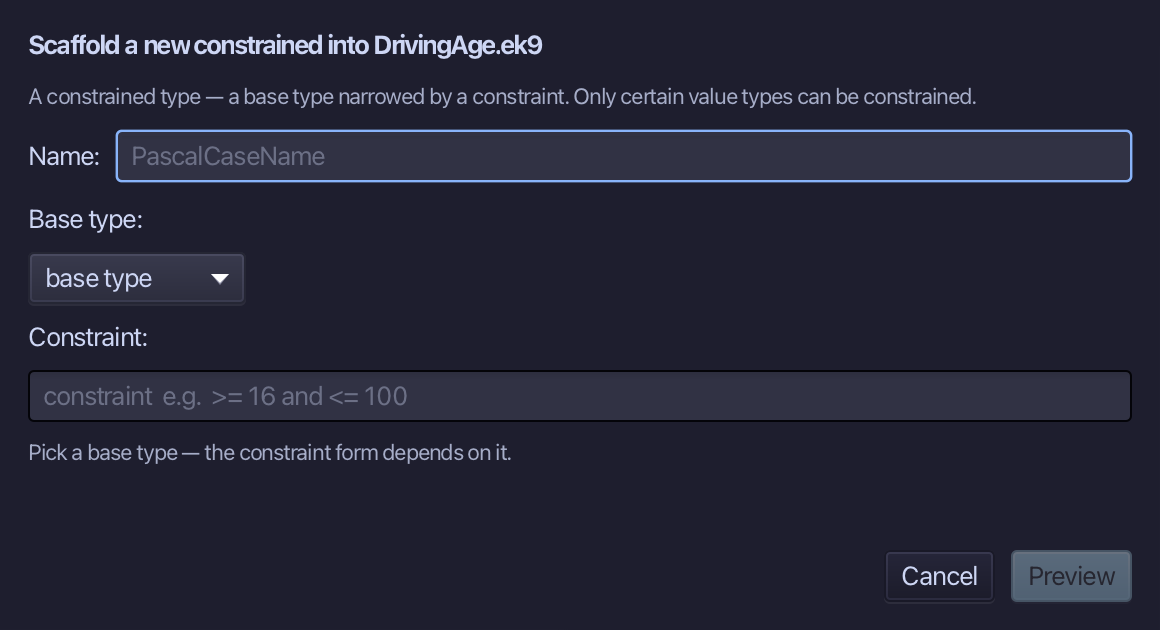
DrivingAge is the constrained type's name. Choose Integer as its base type, then type its rule, >= 16 and <= 100, into the Constraint field. Choose Preview.
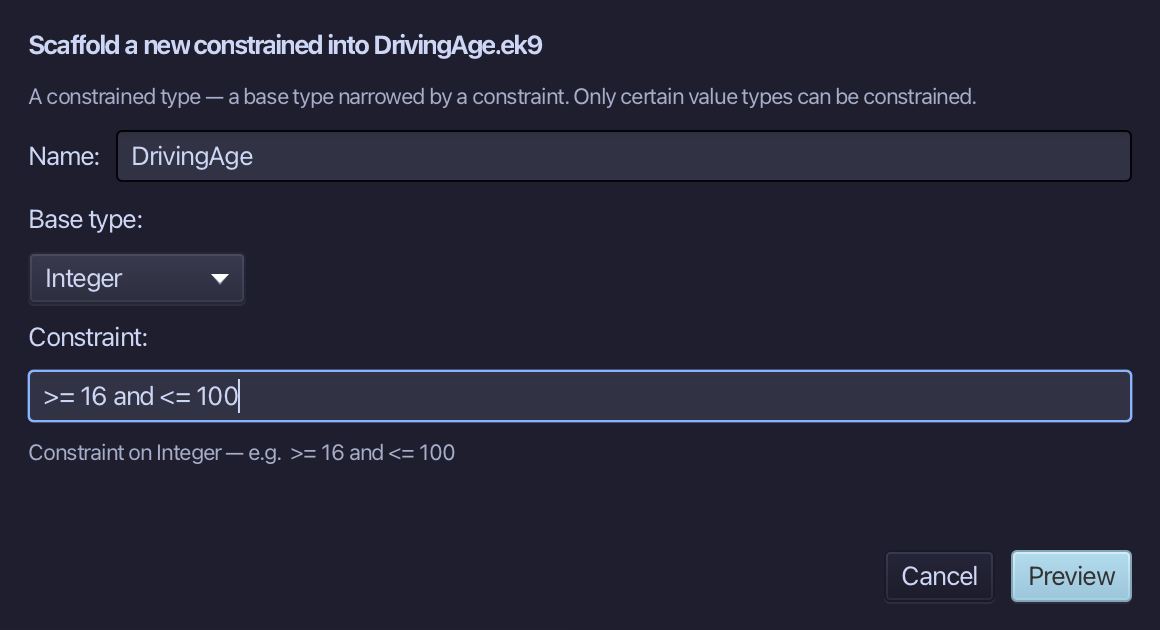
The preview shows DrivingAge about to be written, Integer narrowed by its rule. Choose Apply.
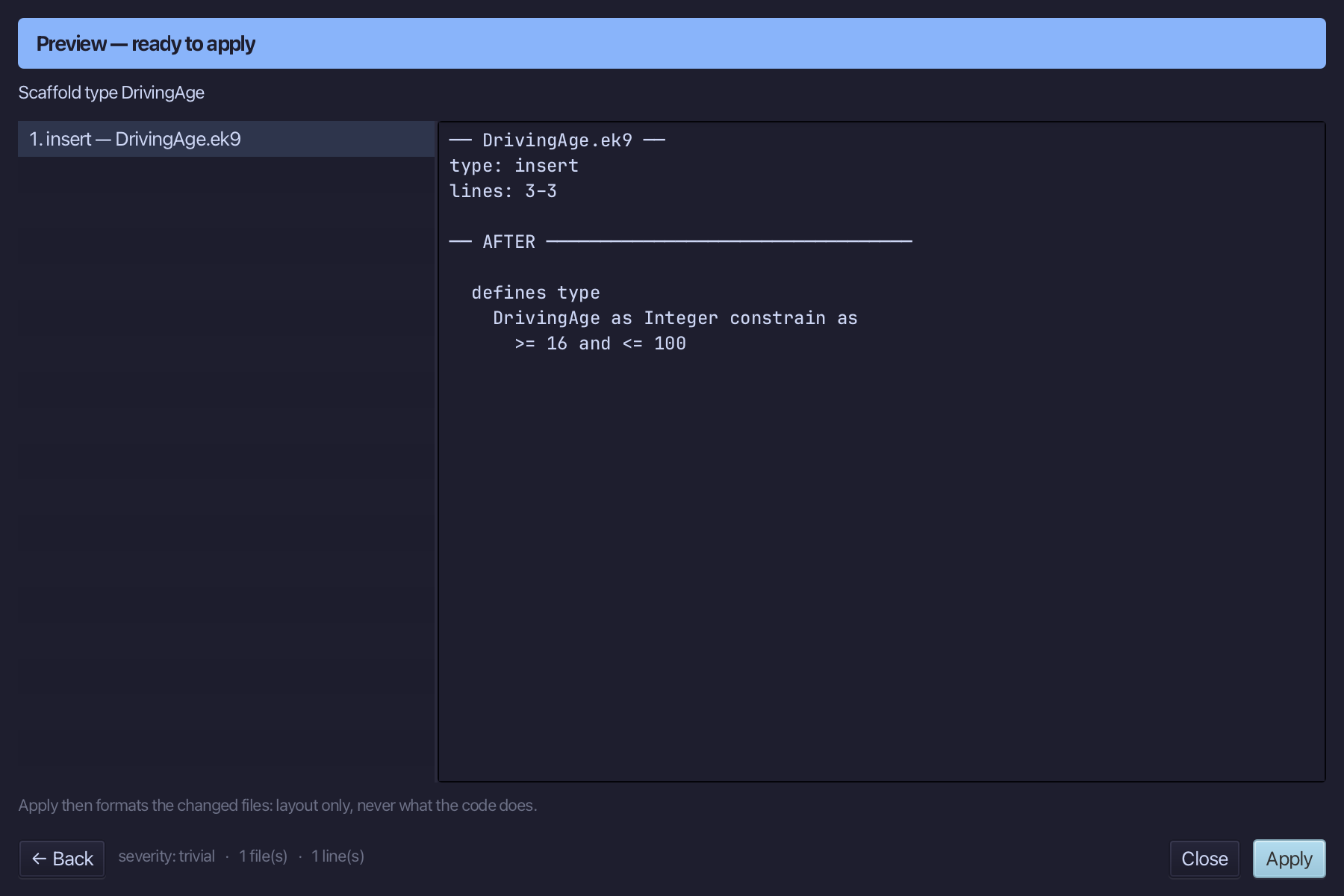
Step 2: verdict — and its logic
Choose Code > New Construct > Function…
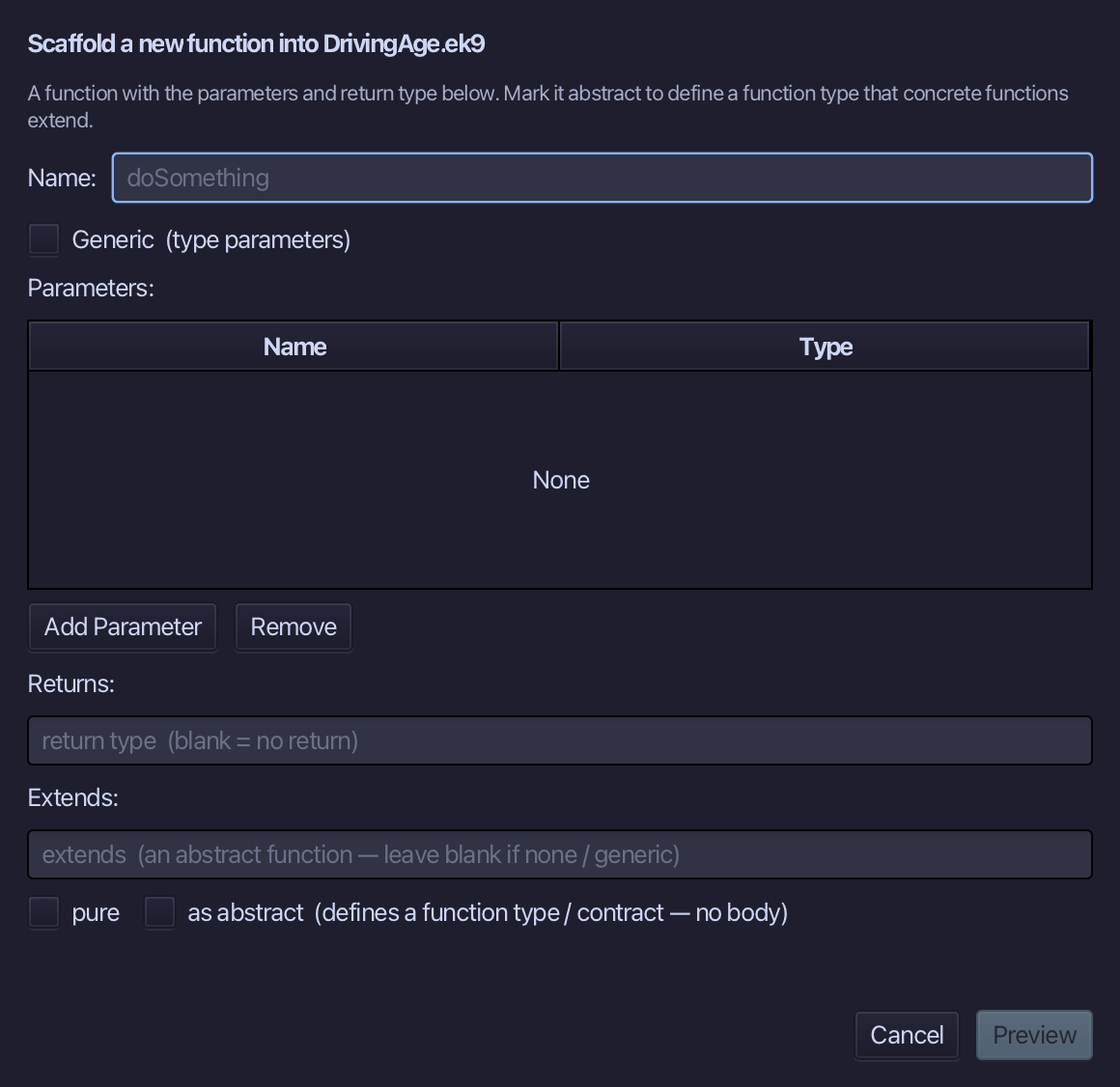
verdict is the function's name. Add one parameter, age of type DrivingAge, and set Returns to String. Choose Preview.
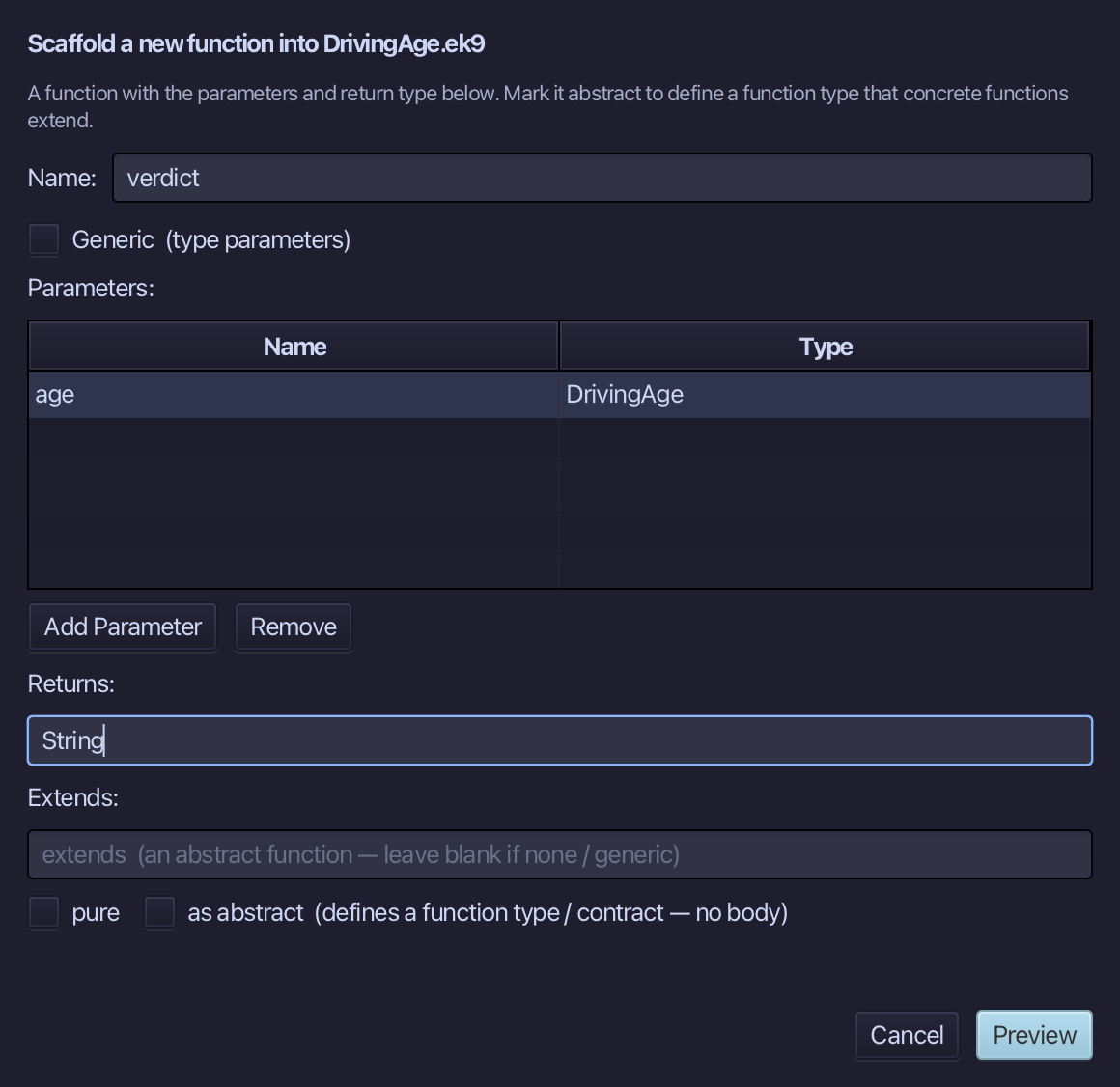
The preview shows verdict about to be written, age in and String out. Choose Apply.
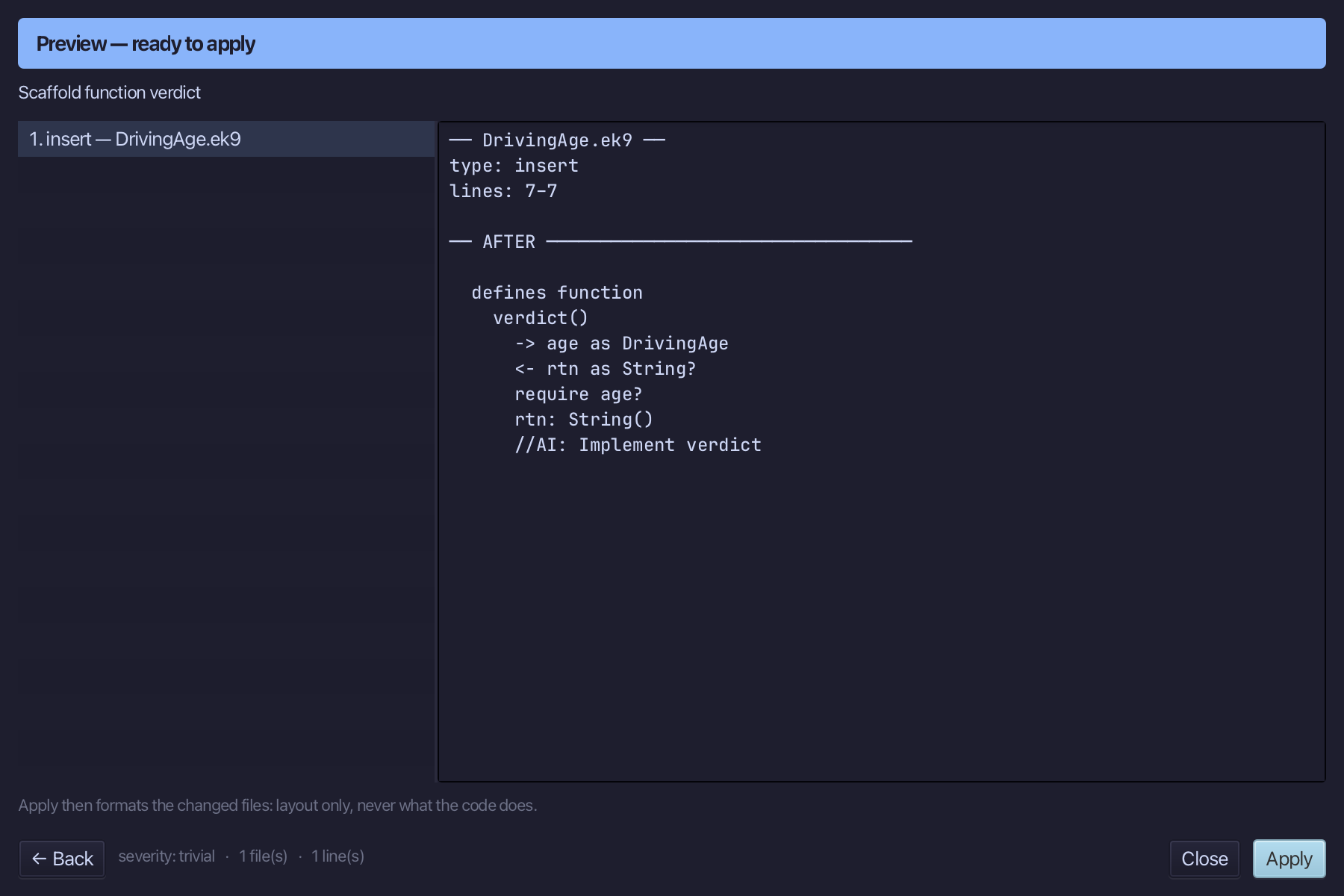
Select the stub, from <- rtn as String? down to its //AI line, and type verdict's whole answer: the backtick line saying age is a valid driving age. Saves when typed.
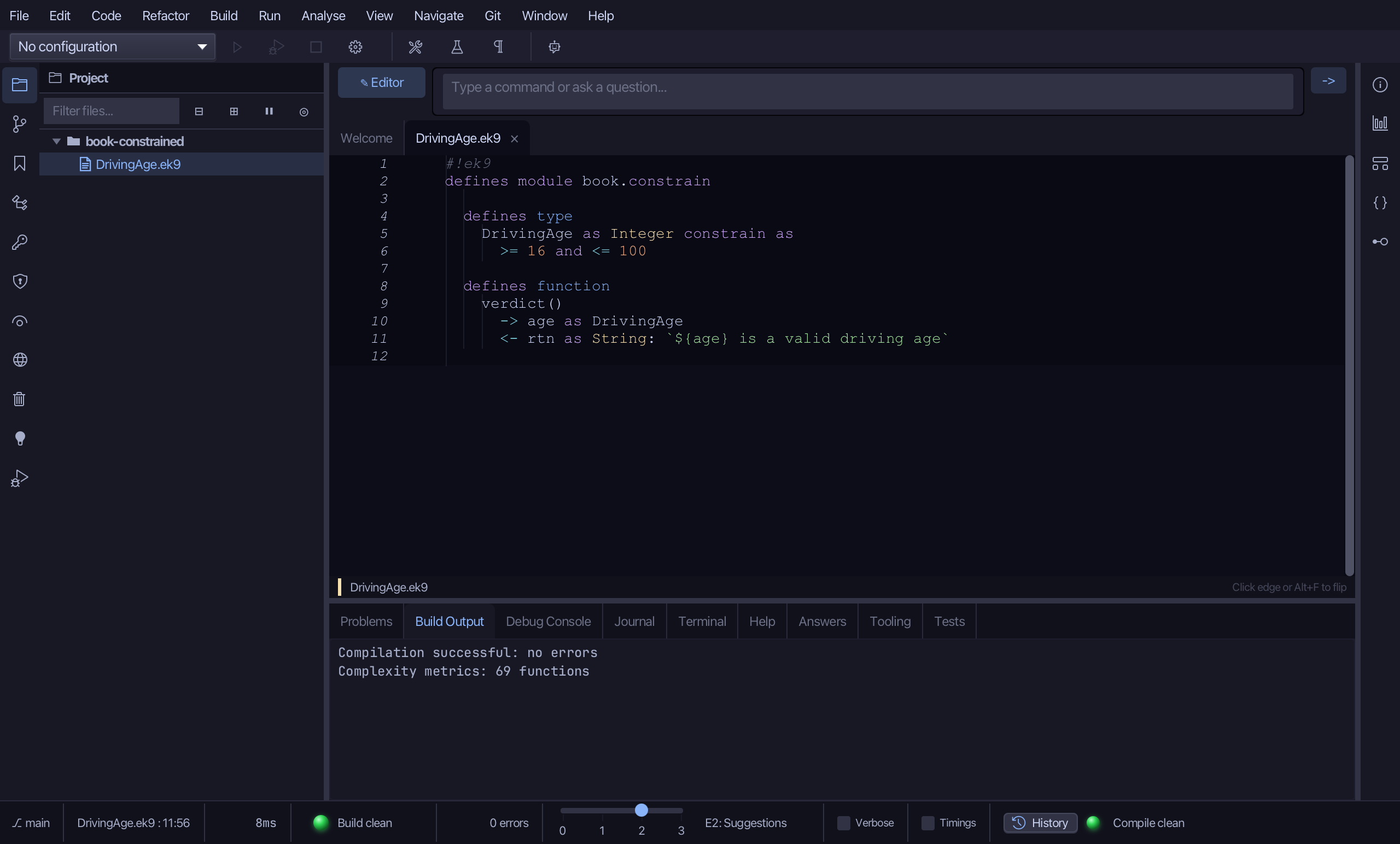
Step 3: The program — and its logic
Choose Code > New Construct > Program…
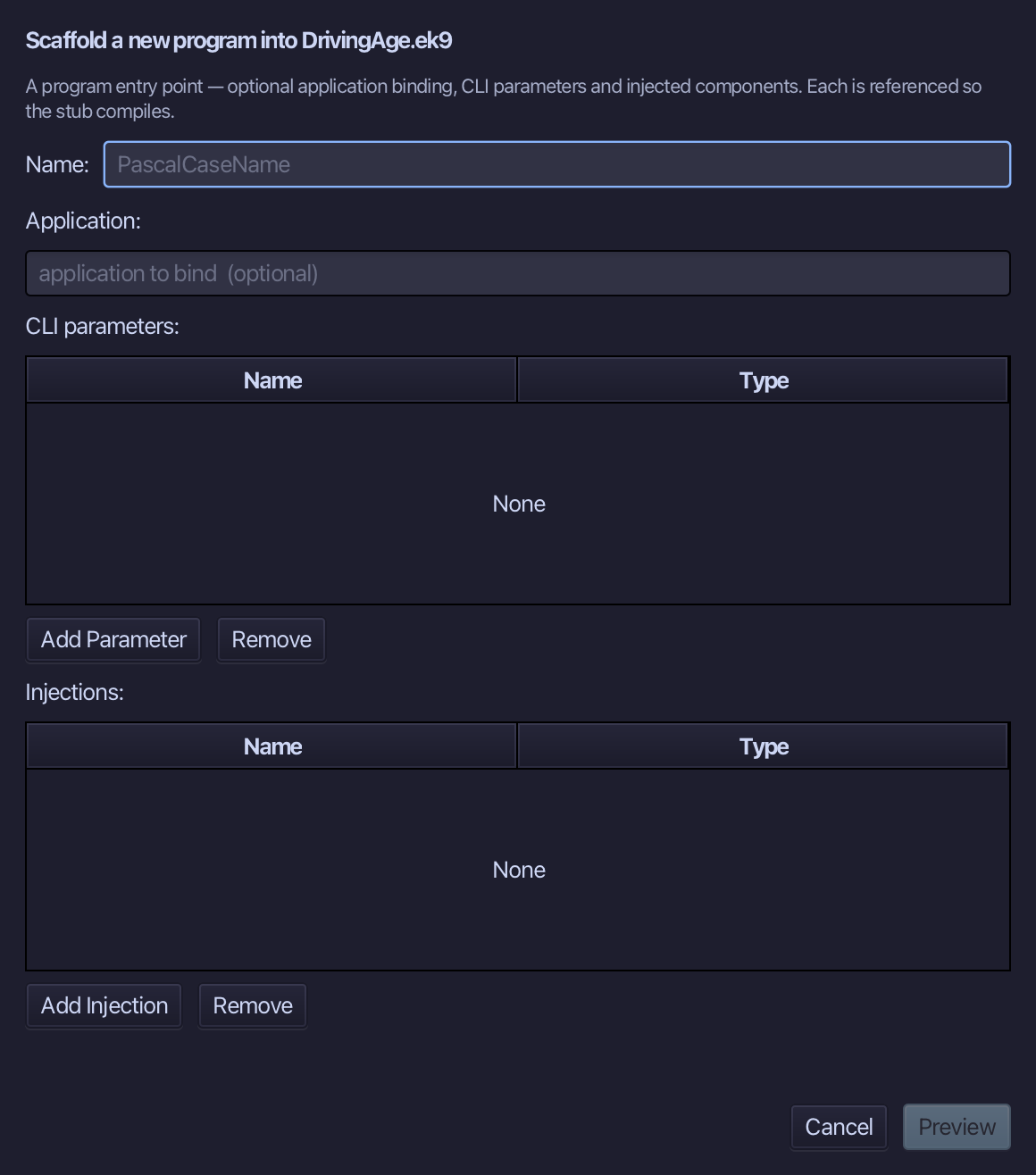
Show is the program's name - no application to bind, no parameters, nothing injected. Type Show and choose Preview.
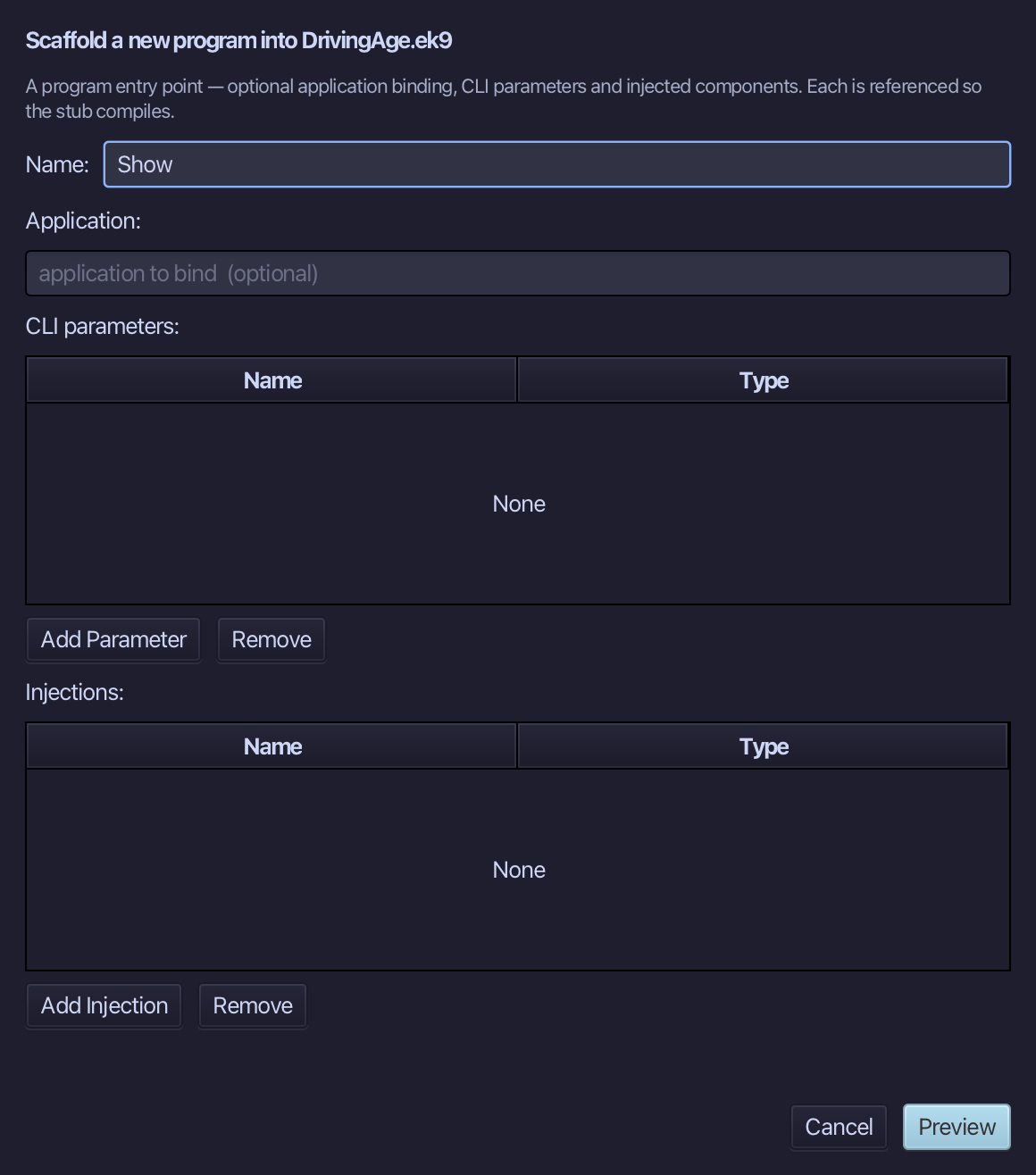
The preview shows Show about to be written. Choose Apply.
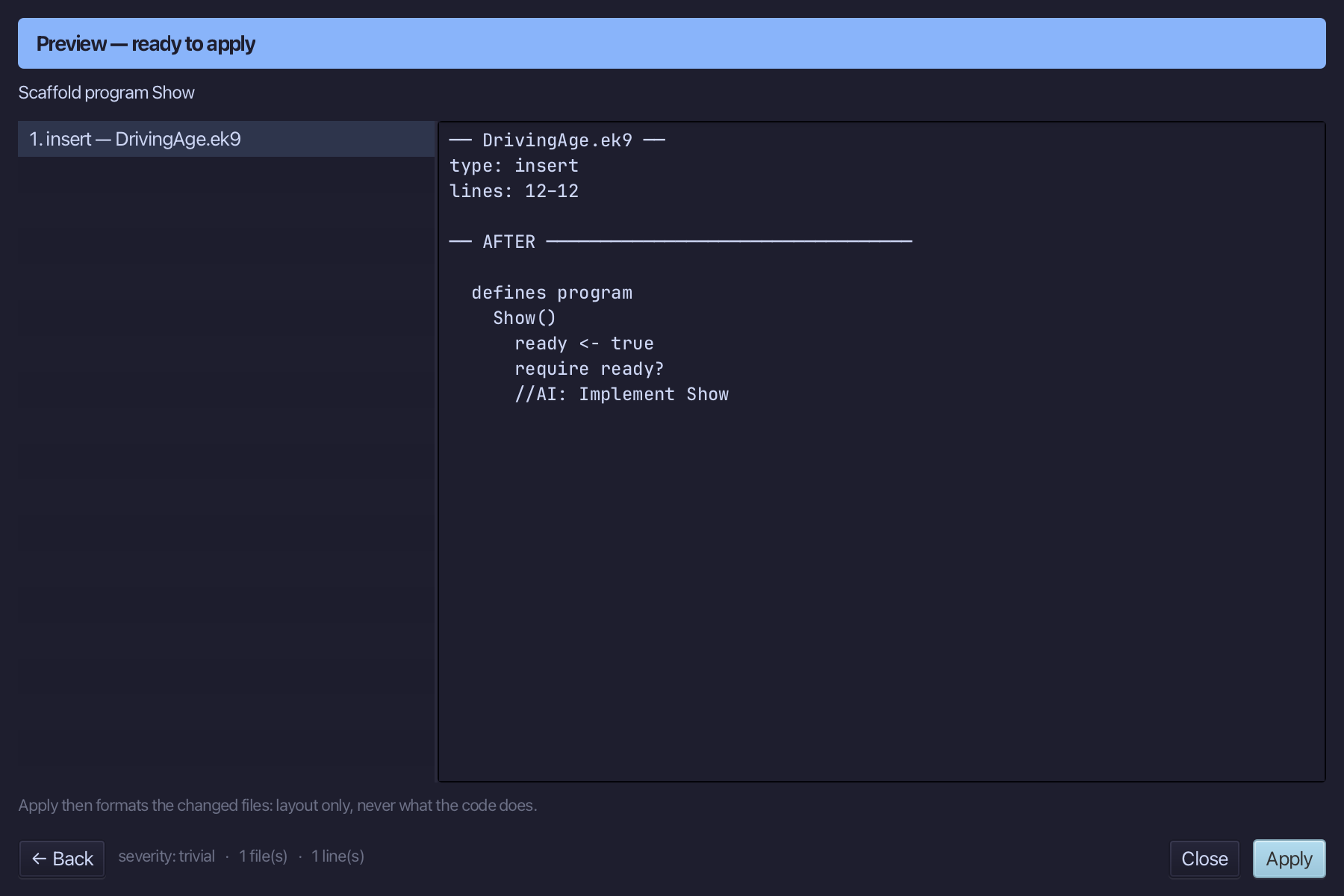
Select the stub, from ready <- true down to its //AI line, and type Show's whole job: a Stdout, a DrivingAge built directly and printed three ways, then a loop that builds one safely from each of three raw numbers and checks it with ?. Saves when typed.
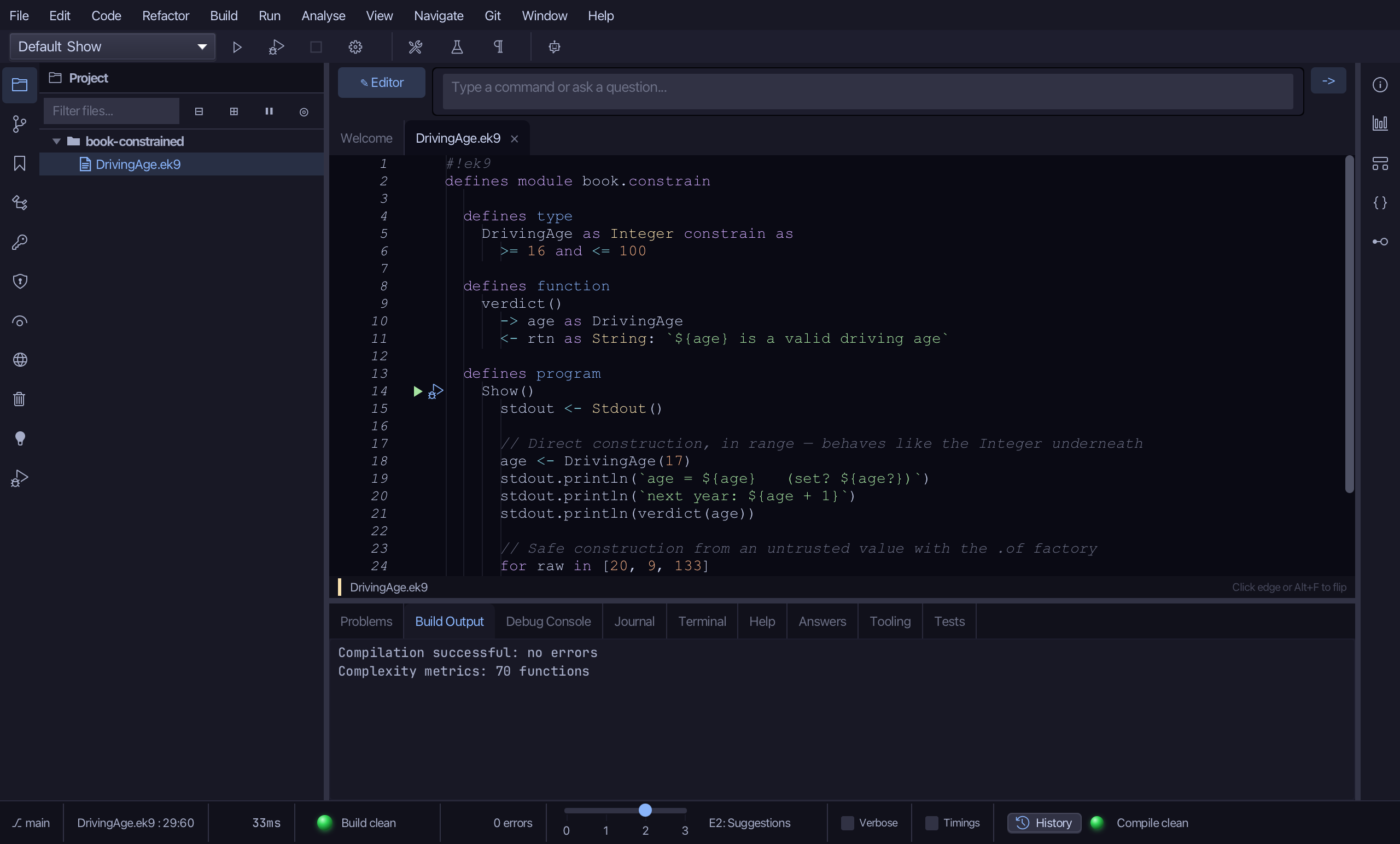
Step 4: Run it
Choose Run > Run Program…
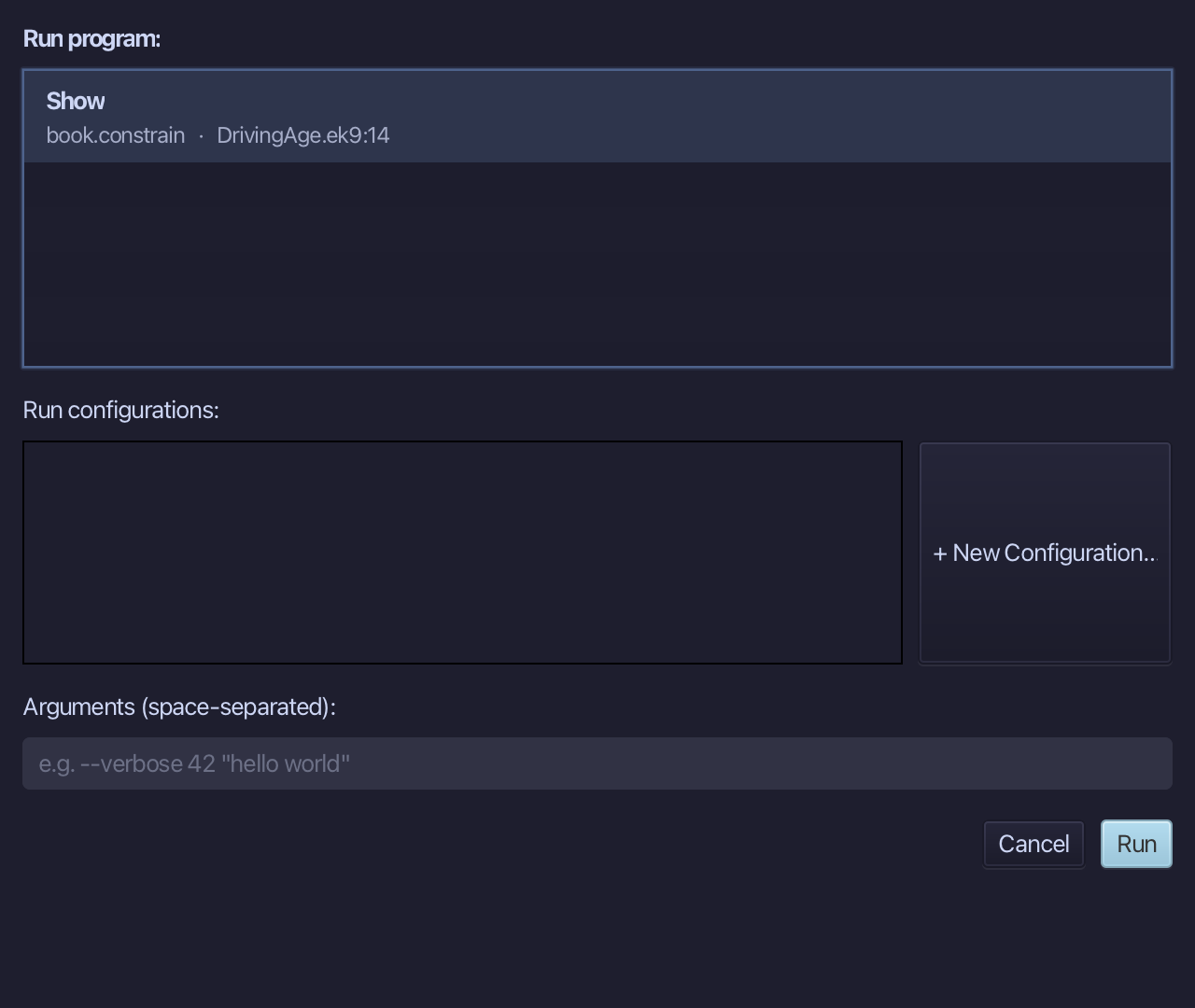
The project's only program is already chosen. Choose Run.
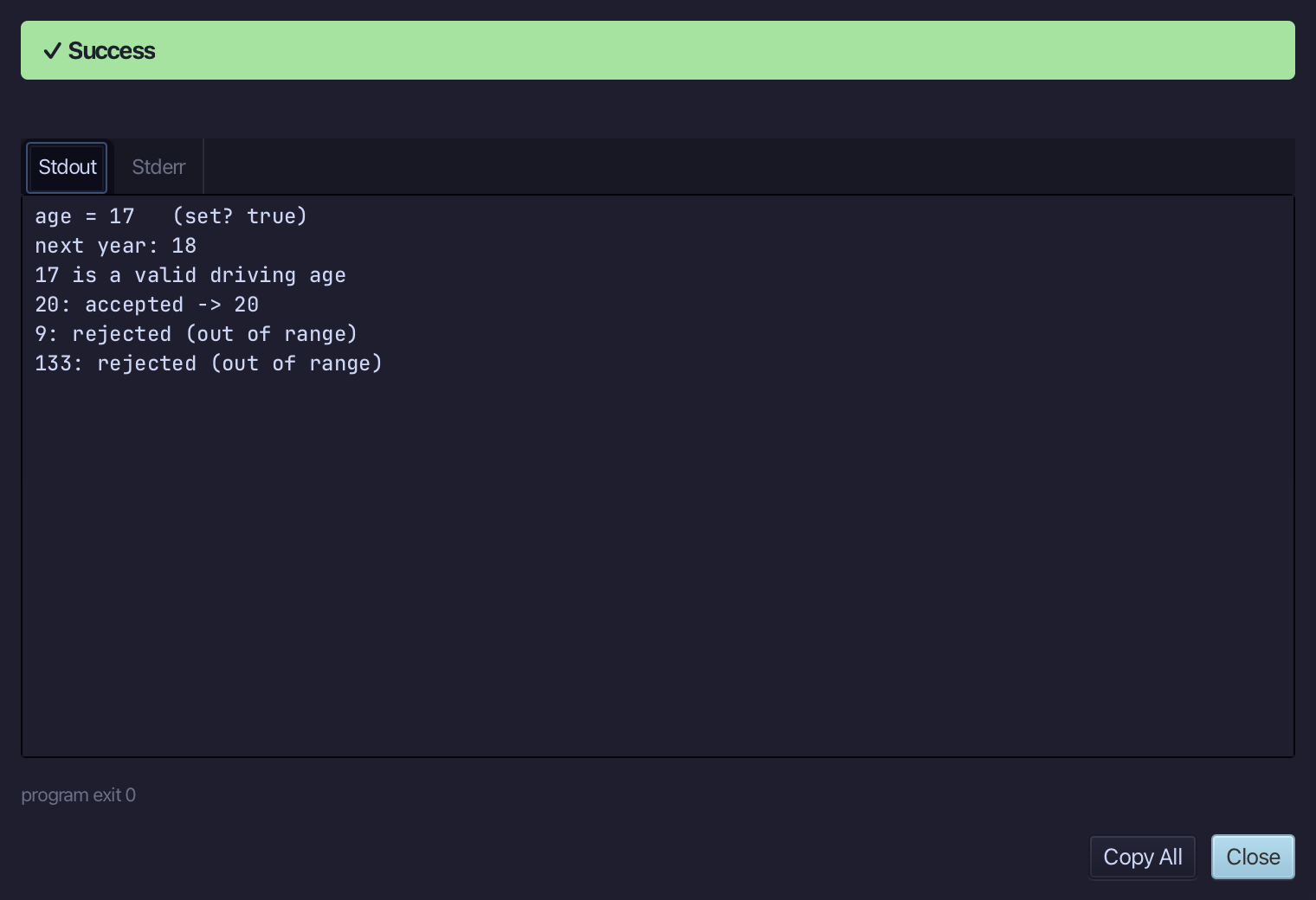
17 is a valid driving age, with next year printing 18 - then 20 is accepted, but 9 and 133 are both rejected as out of range. Choose Close.
The result
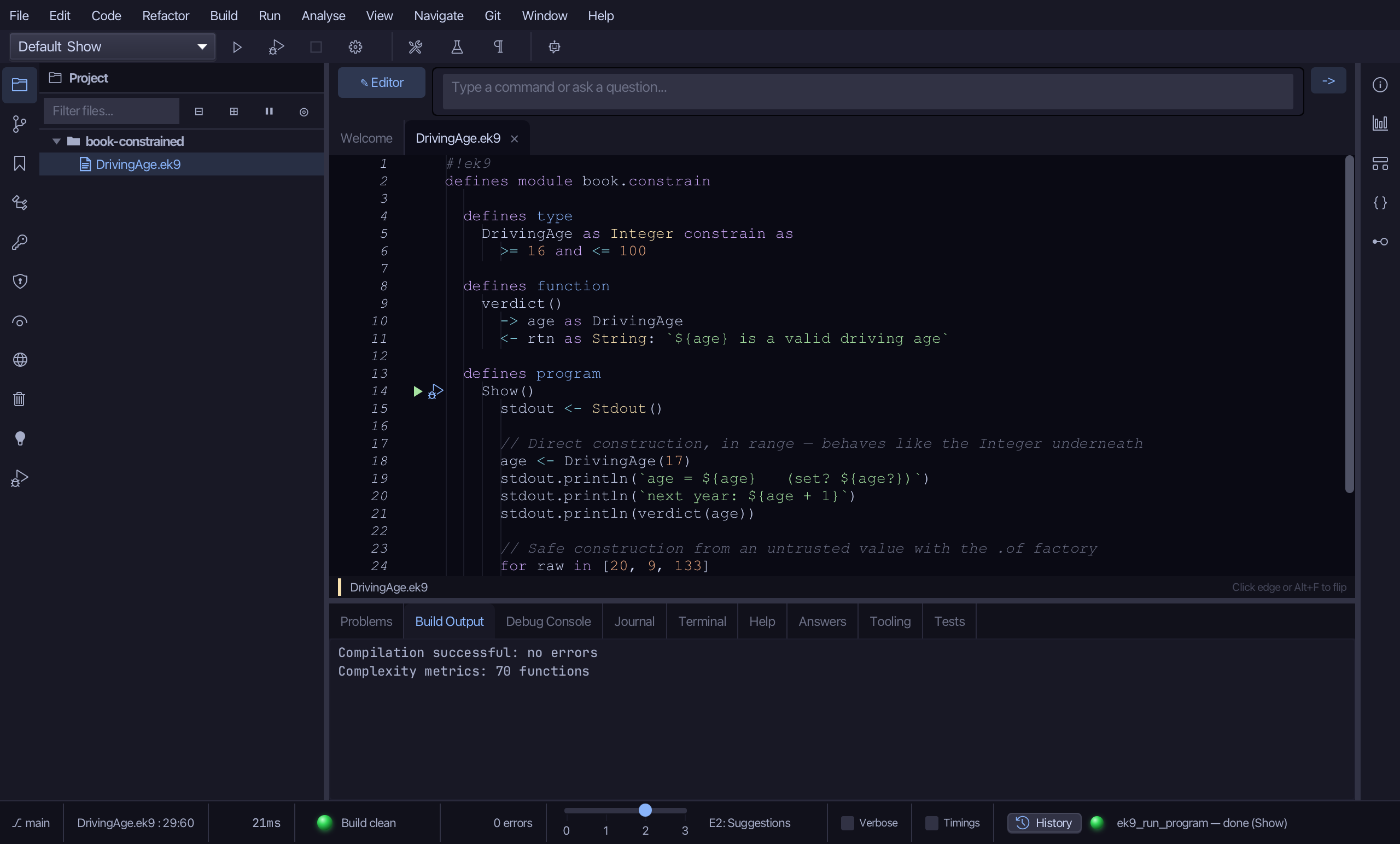
DrivingAge.ek9 now reads exactly as chapter 15 of Getting Started with EK9 shows it: a constrained type the tool built in one call - a base type and a range rule - with the function and program that use it, logic you typed. The same three tools - ek9_new_construct (twice: 'type'/'constrained' and 'function') and ek9_add_program - are what an AI assistant calls to do the same thing.
Where this lesson comes from
- For AI assistants - the MCP tool
ek9_new_construct,ek9_add_program.