Chapter 26: the impure twins, built
Purity forks the hierarchy. Chapter 26's ImpureTwins writes the same shapes as PureShapes but leaves 'pure' off, and the compiler gives them a second family of types - Producer, Acceptor, Assessor, Routine and their Bi- forms - which Java has no equivalent of. The IDE writes the nine signatures with pure left unticked; you type the work and the program that holds each as its impure type. To play it in the IDE: Help > Lessons > EK9 in Depth…, or ek9 -ide -lesson depth-impure-twins.
What you'll build
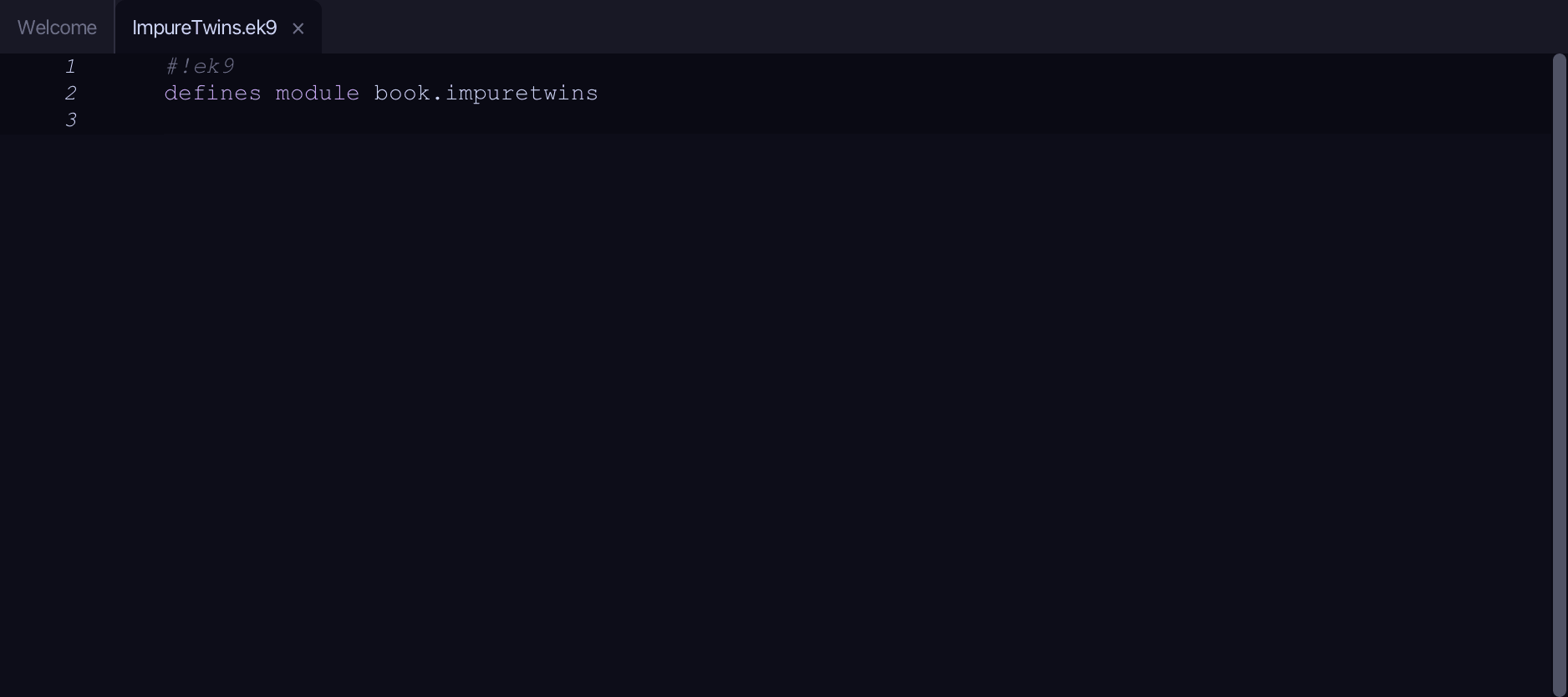
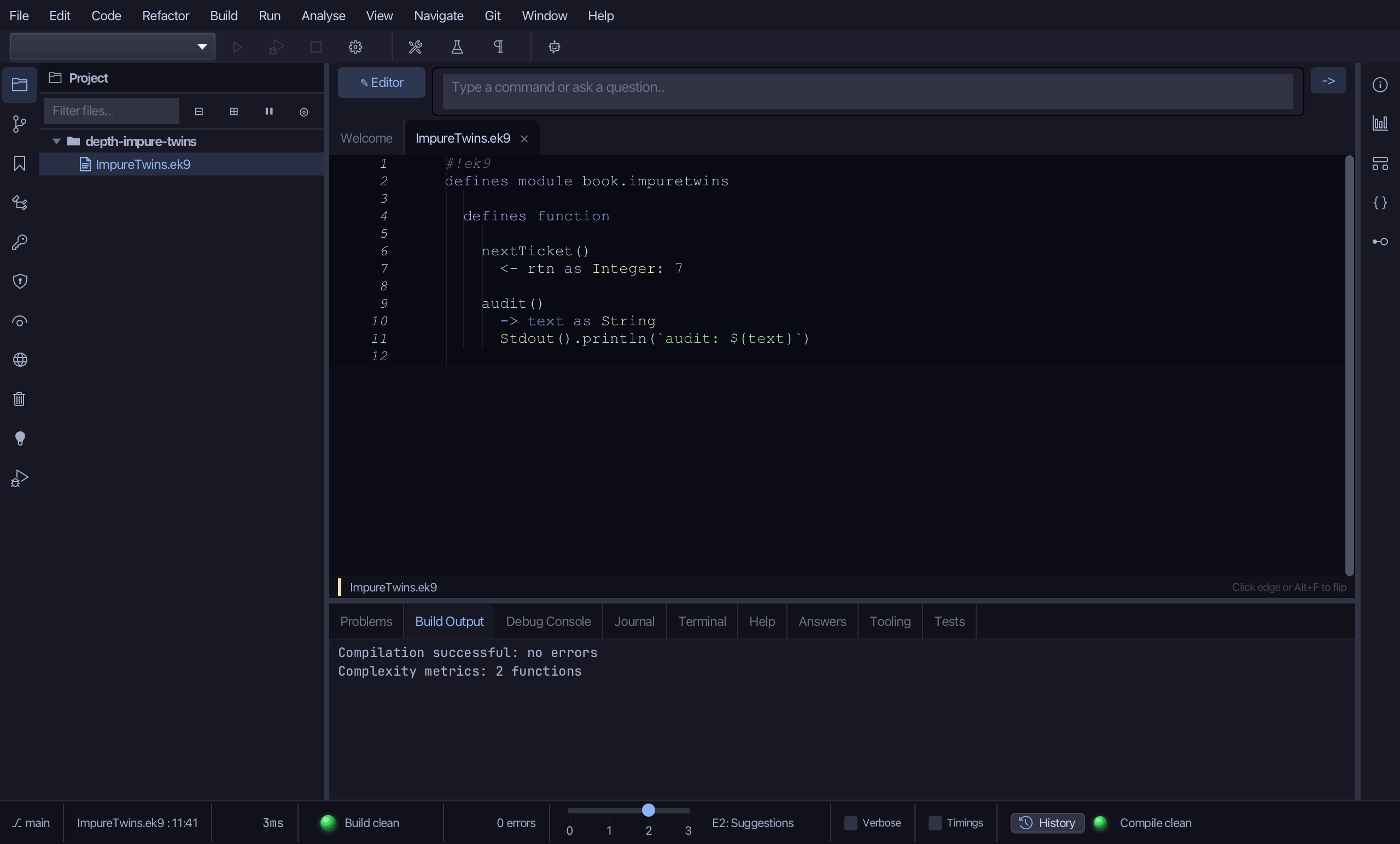
The lesson builds this program from a file holding only its module line - the finished file, as the book prints it.
#!ek9
defines module book.impuretwins

  defines function

    nextTicket()
      <- rtn as Integer: 7

    audit()
      -> text as String
      Stdout().println(`audit: ${text}`)

    auditPair()
      ->
        text as String
        n as Integer

      Stdout().println(`audit ${text}=${n}`)

    looksEven()
      -> n as Integer
      <- rtn as Boolean: n mod 2 == 0

    bump()
      -> n as Integer
      <- rtn as Integer: n + 1

    labelled()
      -> n as Integer
      <- rtn as String: `number ${n}`

    longerThan()
      ->
        text as String
        limit as Integer
      <-
        rtn as Boolean: length text > limit

    tagged()
      ->
        text as String
        n as Integer
      <-
        rtn as String: `${text}#${n}`

    byLength()
      ->
        first as String
        second as String
      <-
        rtn as Integer: length first <=> length second

  defines program

    ImpureTwins()
      stdout <- Stdout()

      ticketing as Producer of Integer: nextTicket
      auditing as Acceptor of String: audit
      pairAuditing as BiAcceptor of (String, Integer): auditPair
      evenGuess as Assessor of Integer: looksEven
      bumping as Routine of (Integer, Integer): bump
      labelling as Routine of (Integer, String): labelled
      longerCheck as BiAssessor of (String, Integer): longerThan
      tagging as BiRoutine of (String, Integer, String): tagged
      ordering as BiRoutine of (String, String, Integer): byLength

      stdout.println($ticketing())
      auditing("accepted")
      pairAuditing("height", 4)
      stdout.println(`looksEven(5) ${evenGuess(5)}`)
      stdout.println(`bump(1) ${bumping(1)}`)
      stdout.println(labelling(4))
      stdout.println(`longerThan ${longerCheck("hello", 3)}`)
      stdout.println(tagging("item", 9))
      stdout.println(`byLength ${ordering("ccc", "a")}`)

      evens <- cat [1, 2, 3, 4] | filter by looksEven | collect as List of Integer
      stdout.println($evens)

      words <- ["ccc", "a", "bb"]
      sorted <- cat words | sort by byLength | collect as List of String
      stdout.println($sorted)
Step 1: nextTicket — a function
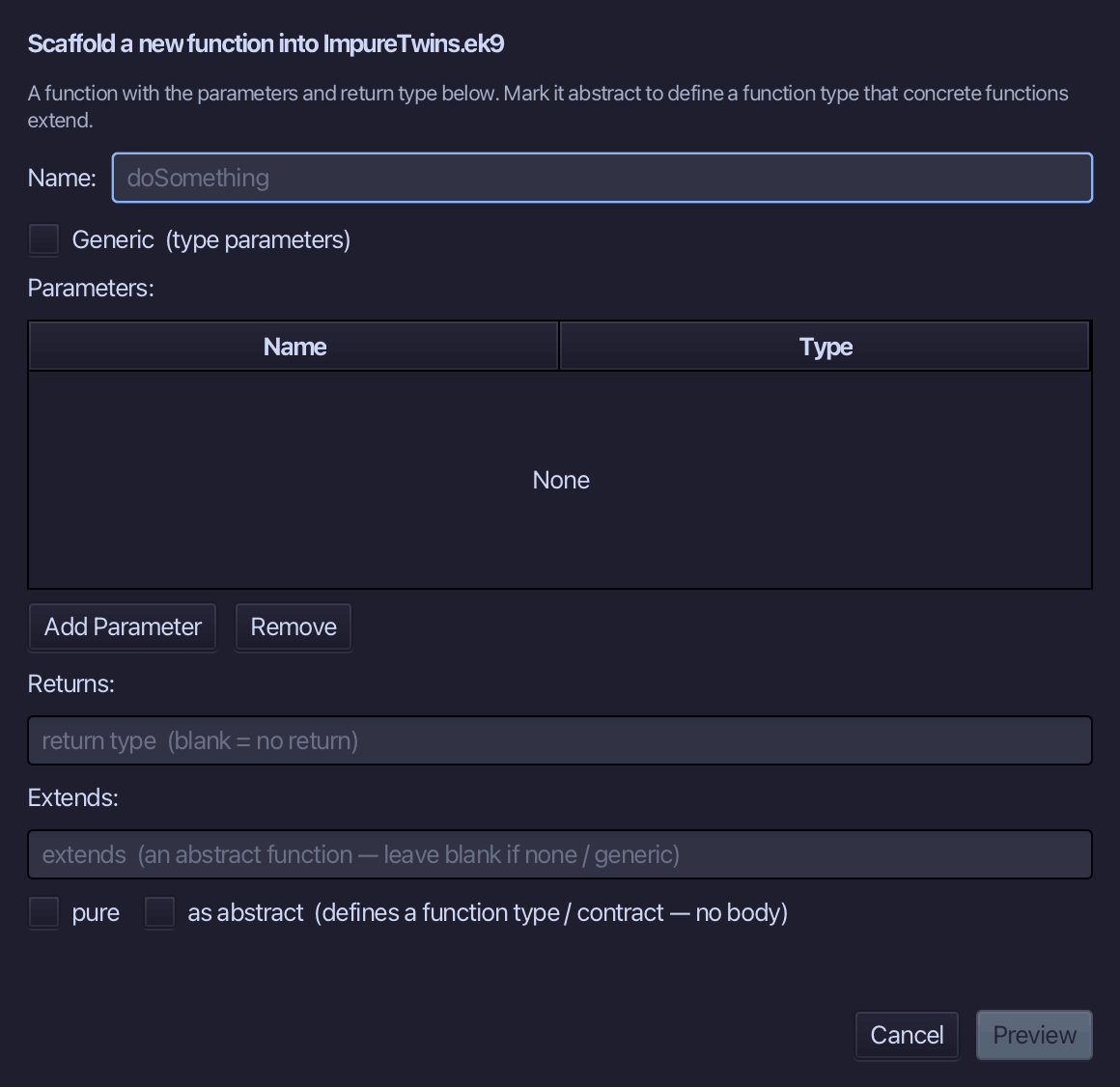
Choose Code > New Construct > Function…
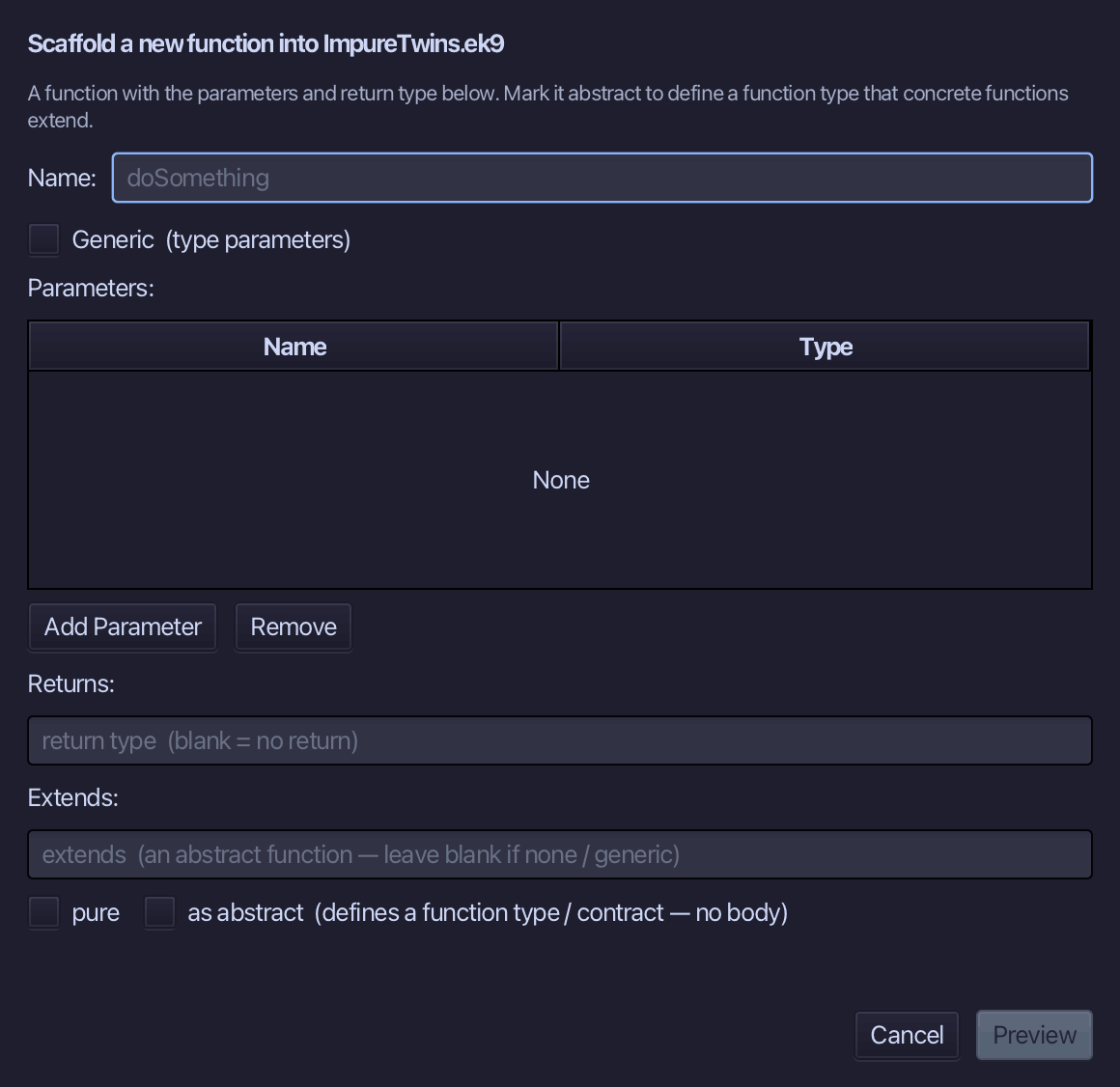
nextTicket is the function's name. Set Returns to Integer. Choose Preview.
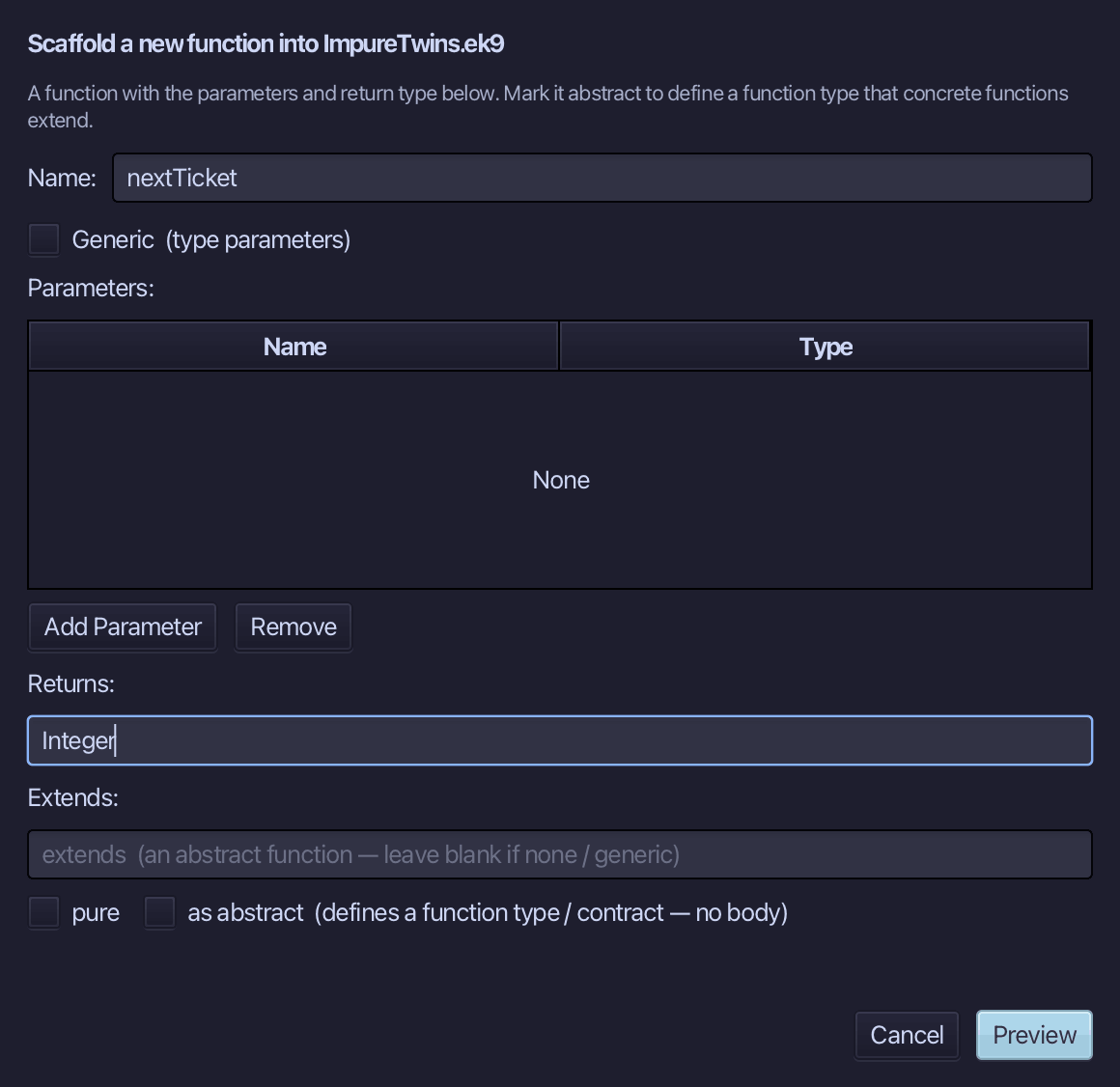
The preview shows nextTicket about to be written. Choose Apply.
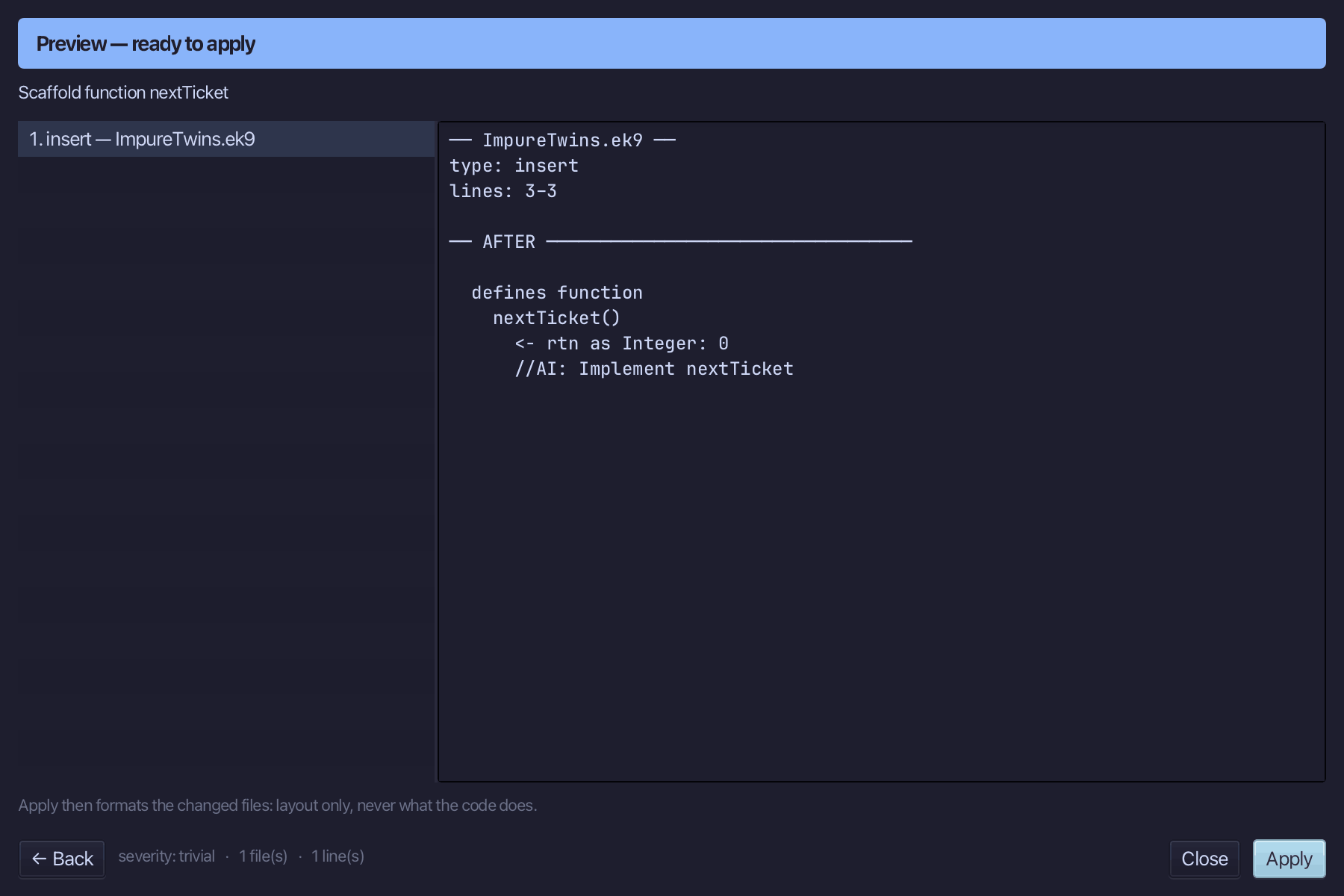
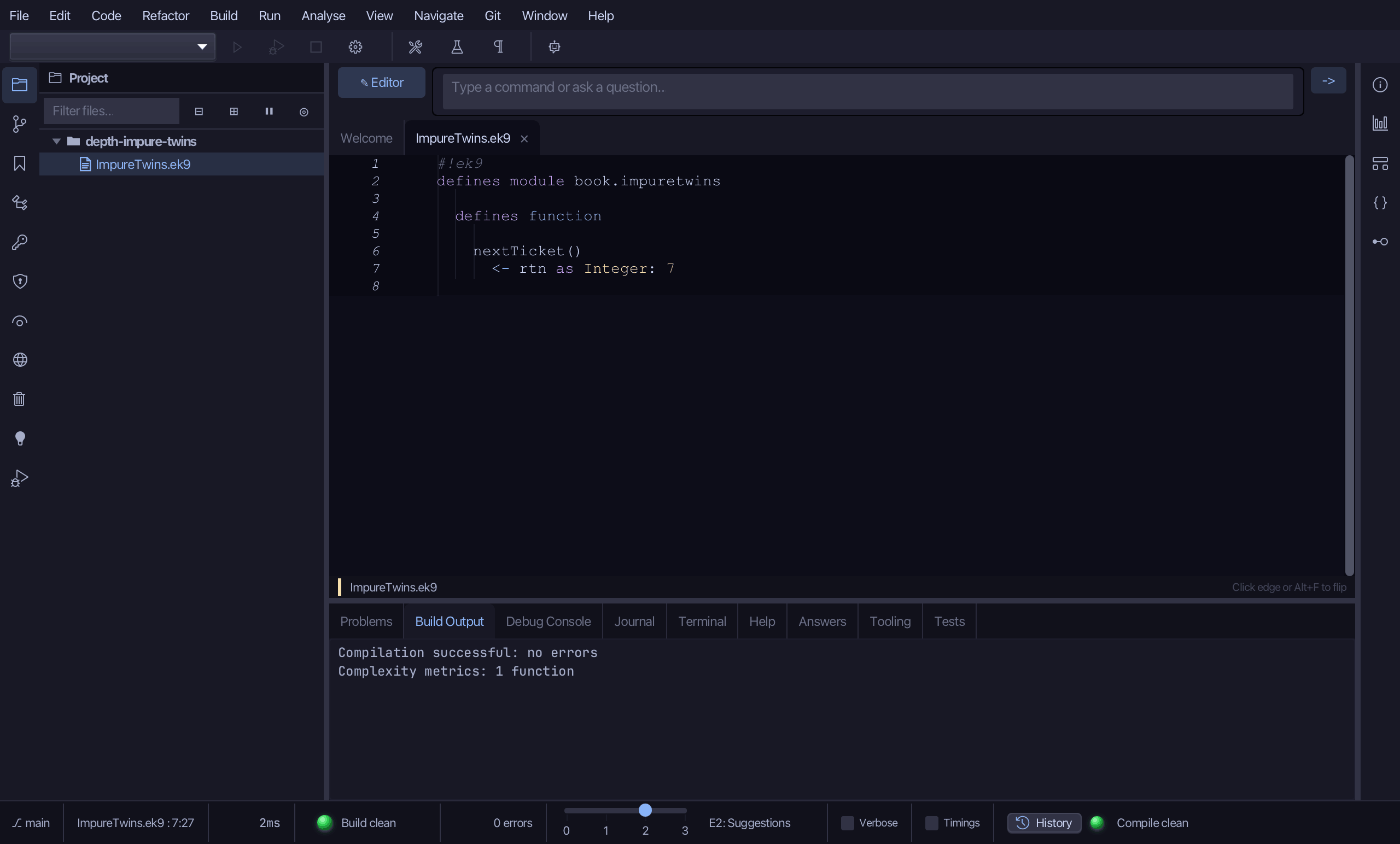
Select the nextTicket() line and, above it, type the blank line the book opens its first function with. Saves when typed.
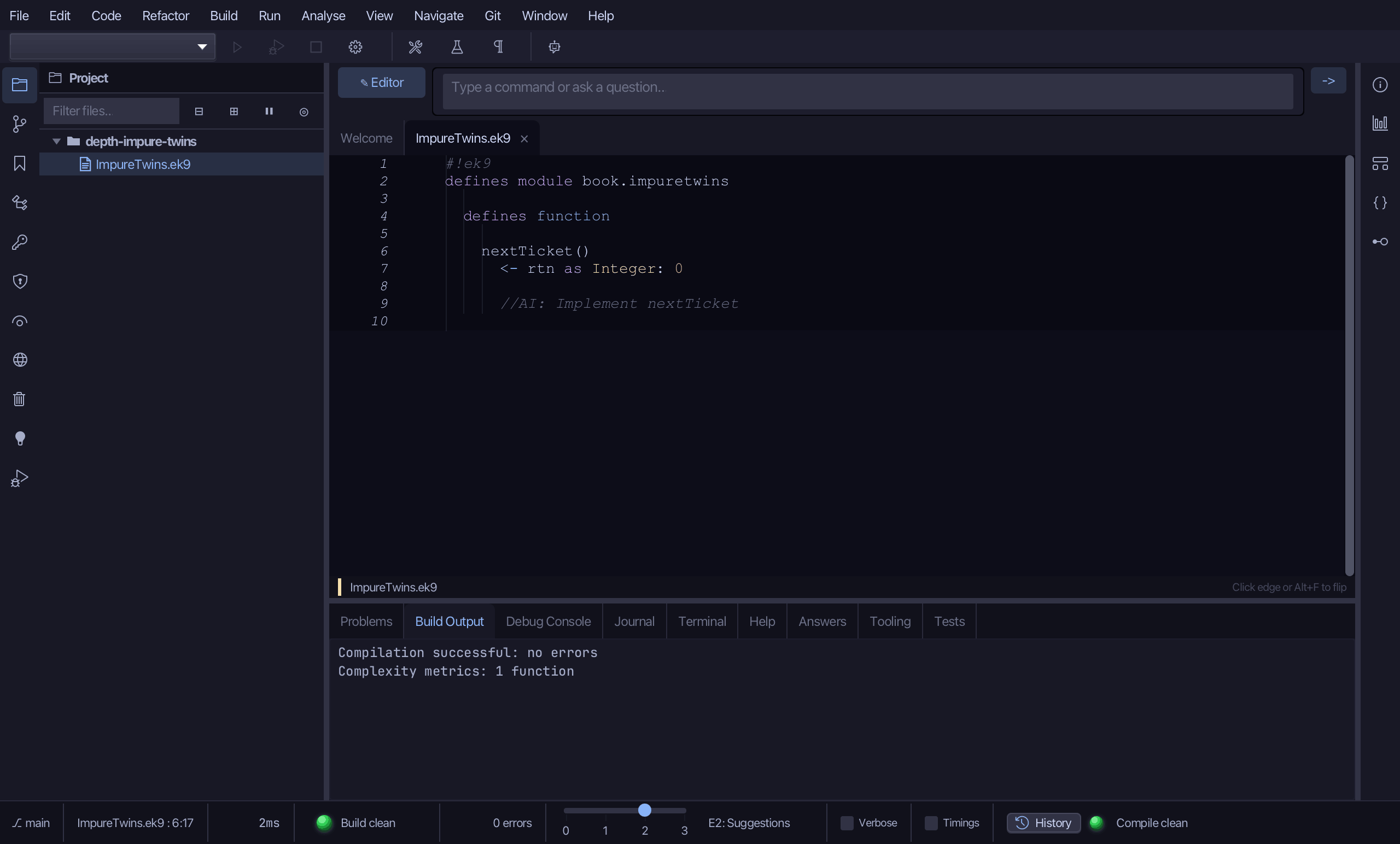
Select the stub, from <- rtn as Integer: 0 down to its //AI line, and type nextTicket's own return and work, as the book writes them. Saves when typed.
Step 2: audit — a function
Choose Code > New Construct > Function…
audit is the function's name. Add one parameter, text of type String. Choose Preview.
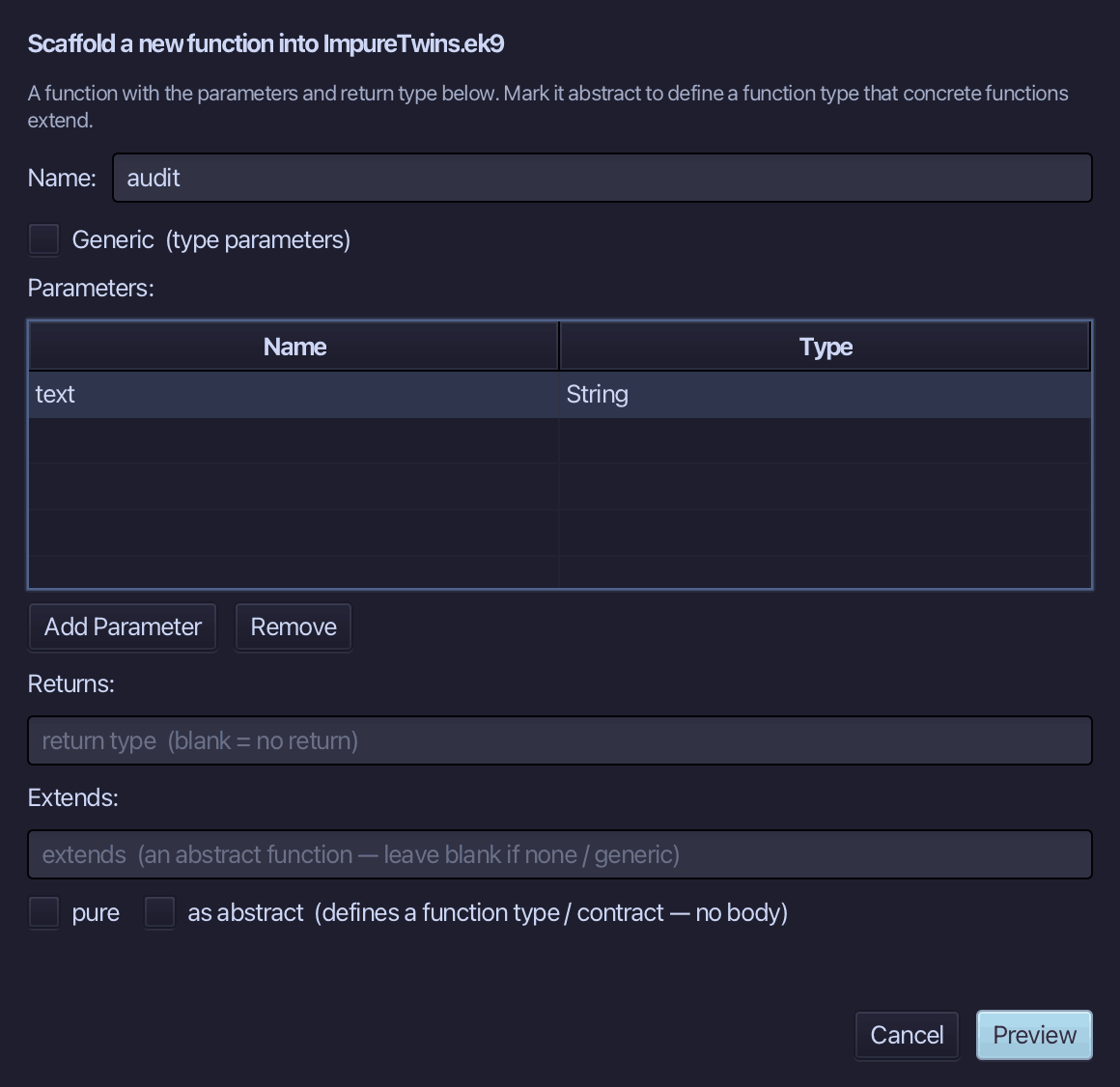
The preview shows audit about to be written. Choose Apply.
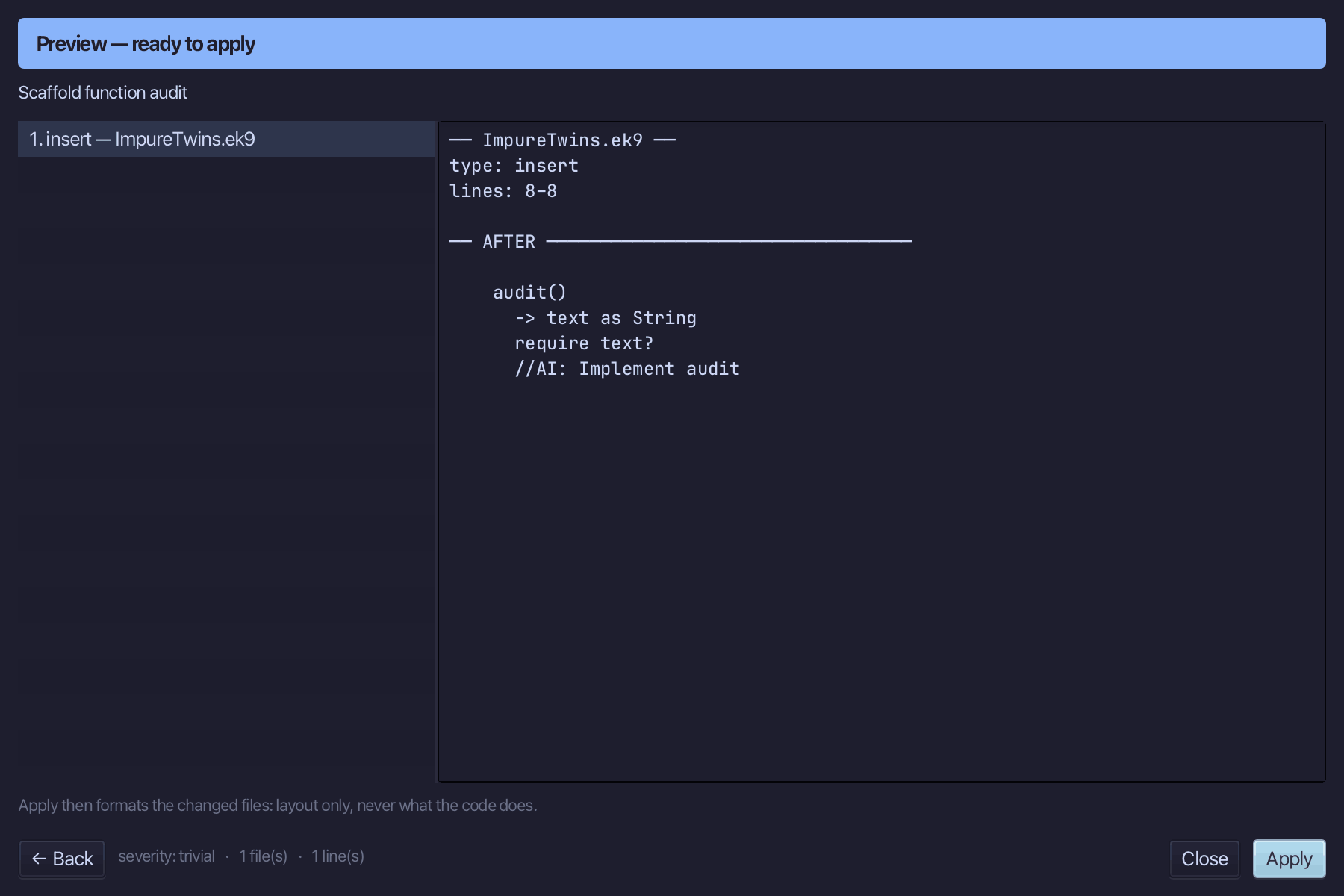
Select the stub, from require text? down to its //AI line, and type audit's own return and work, as the book writes them. Saves when typed.
Step 3: auditPair — a function
Choose Code > New Construct > Function…
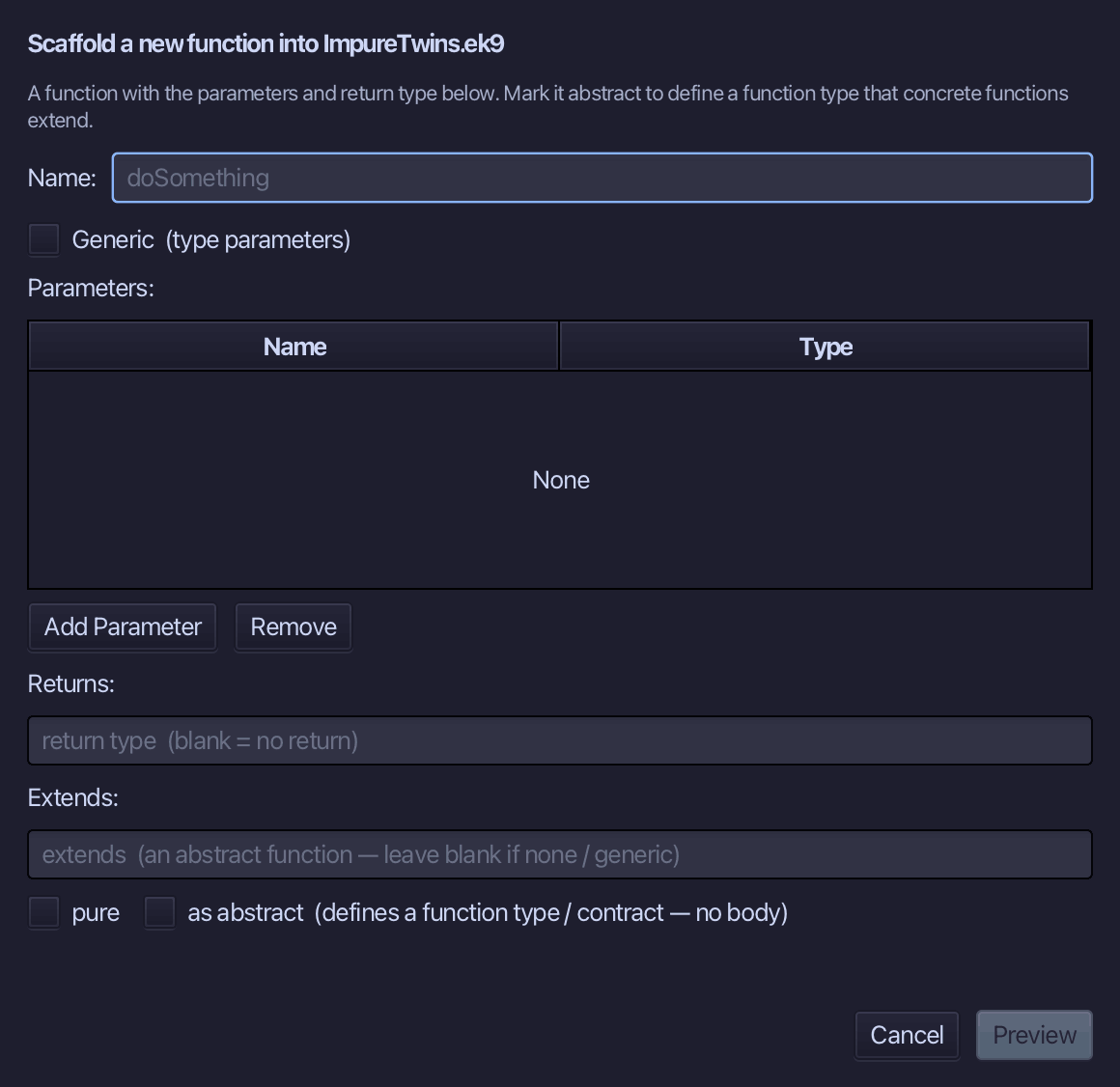
auditPair is the function's name. Add the parameters text of type String and n of type Integer. Choose Preview.
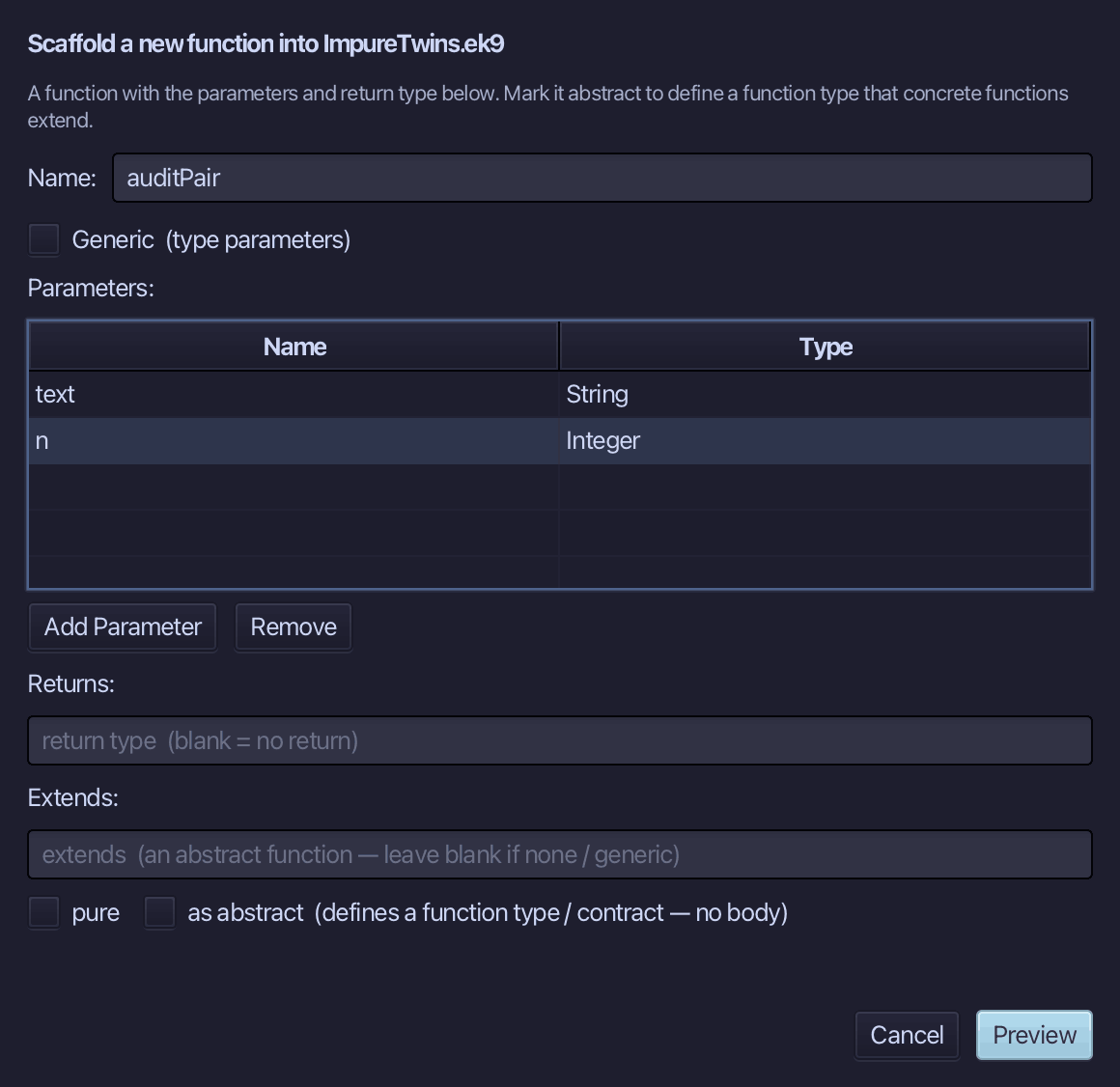
The preview shows auditPair about to be written. Choose Apply.
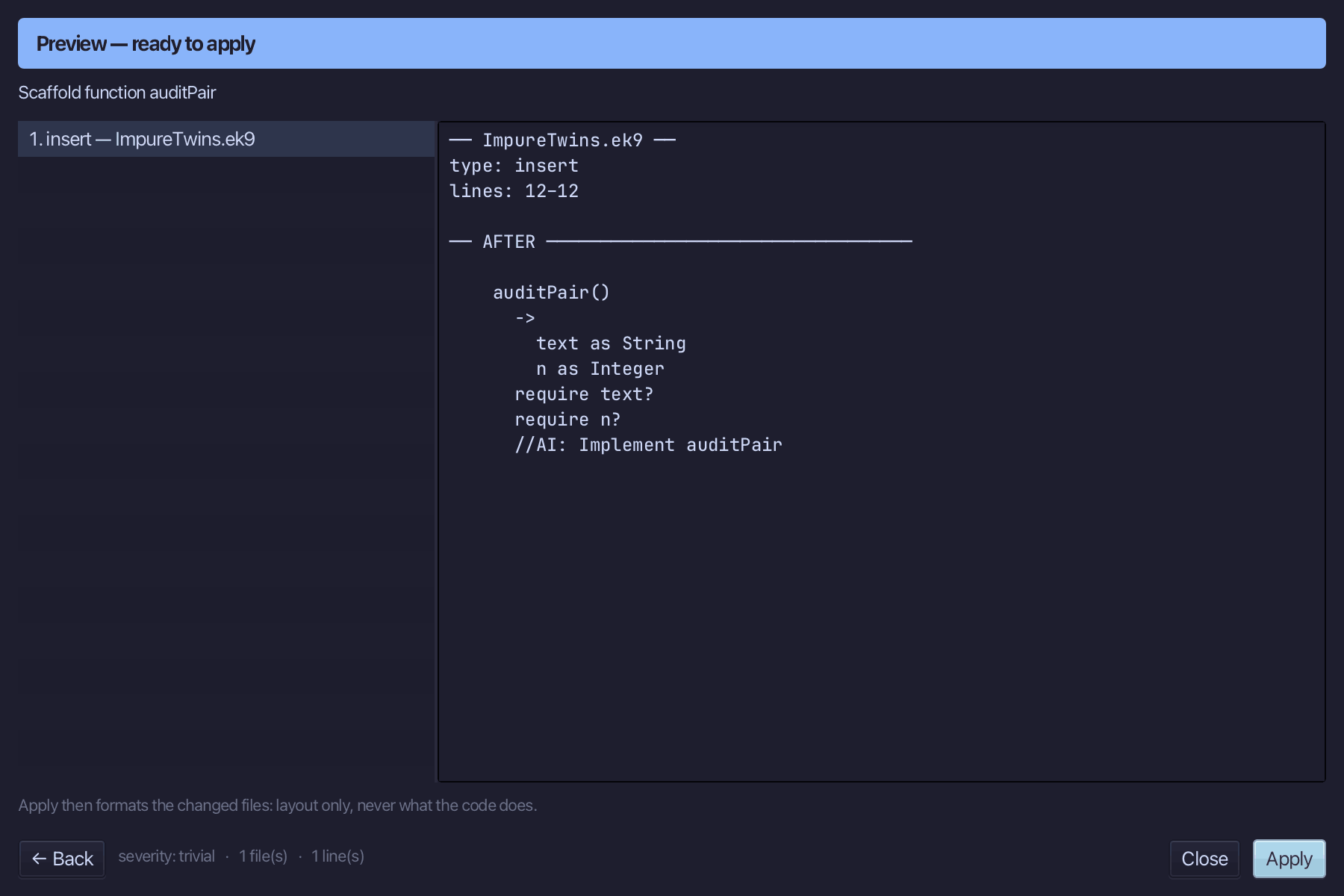
Select the stub, from require text? down to its //AI line, and type auditPair's own return and work, as the book writes them. Saves when typed.
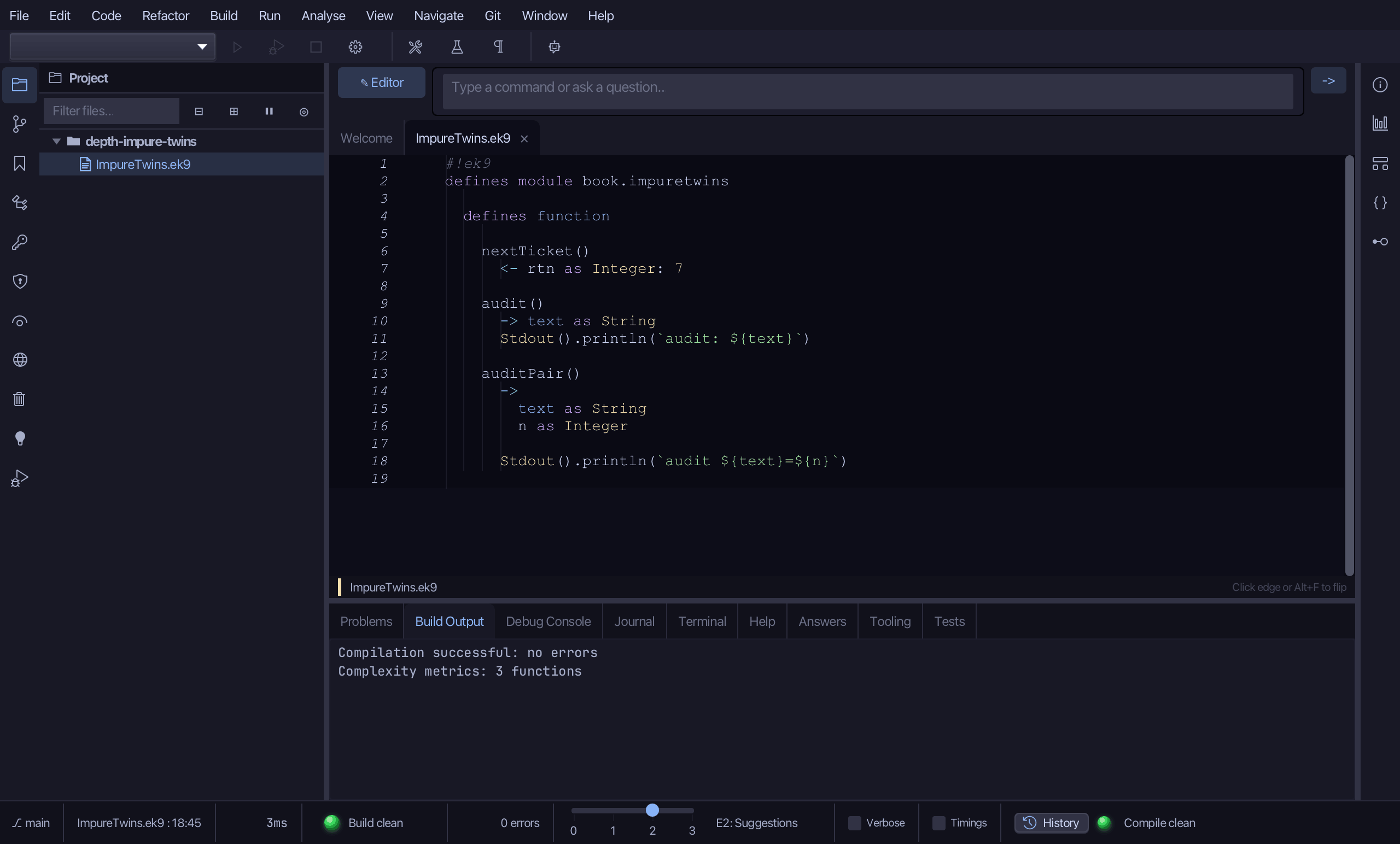
Step 4: looksEven — a function
Choose Code > New Construct > Function…
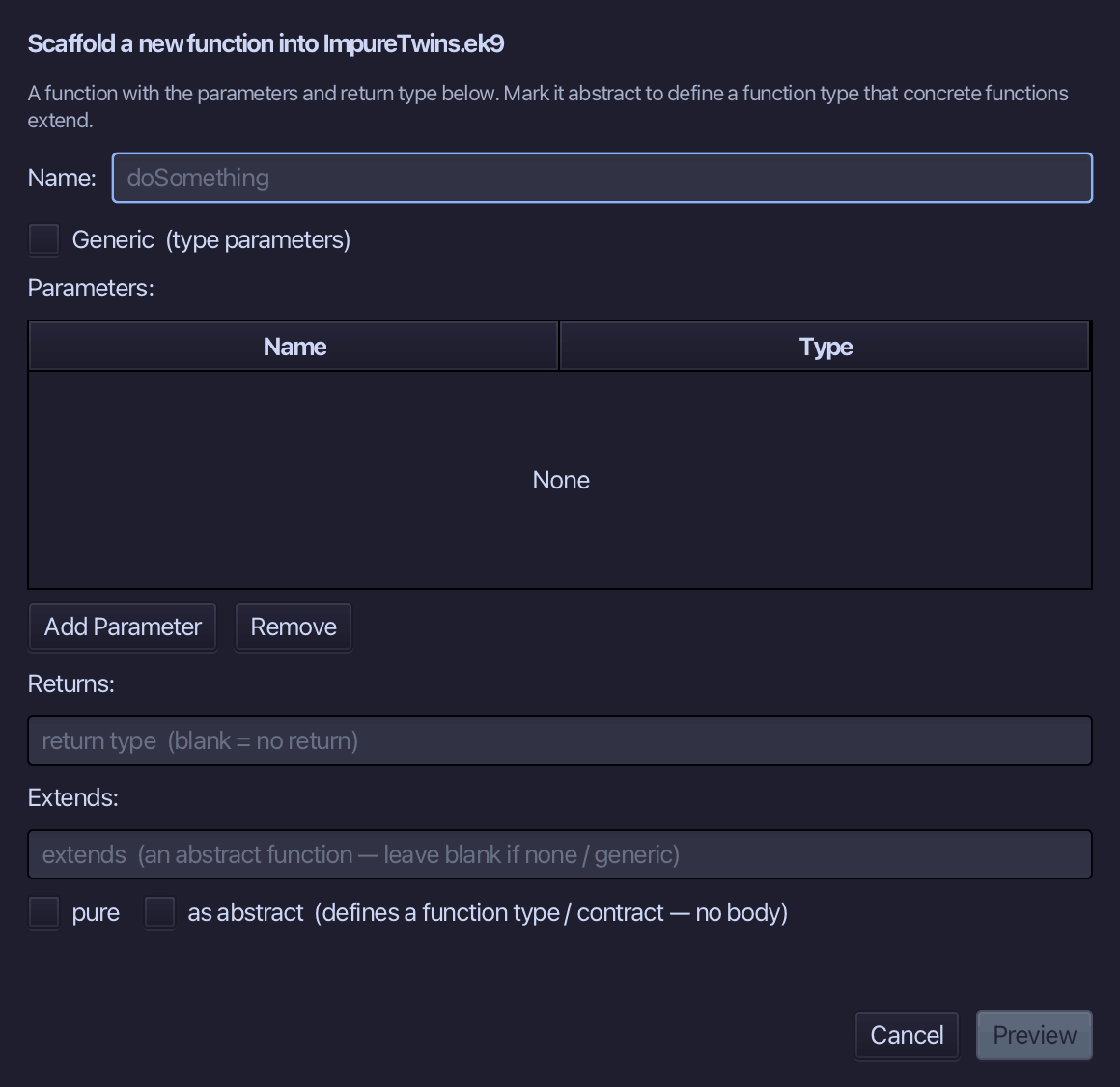
looksEven is the function's name. Add one parameter, n of type Integer, set Returns to Boolean. Choose Preview.
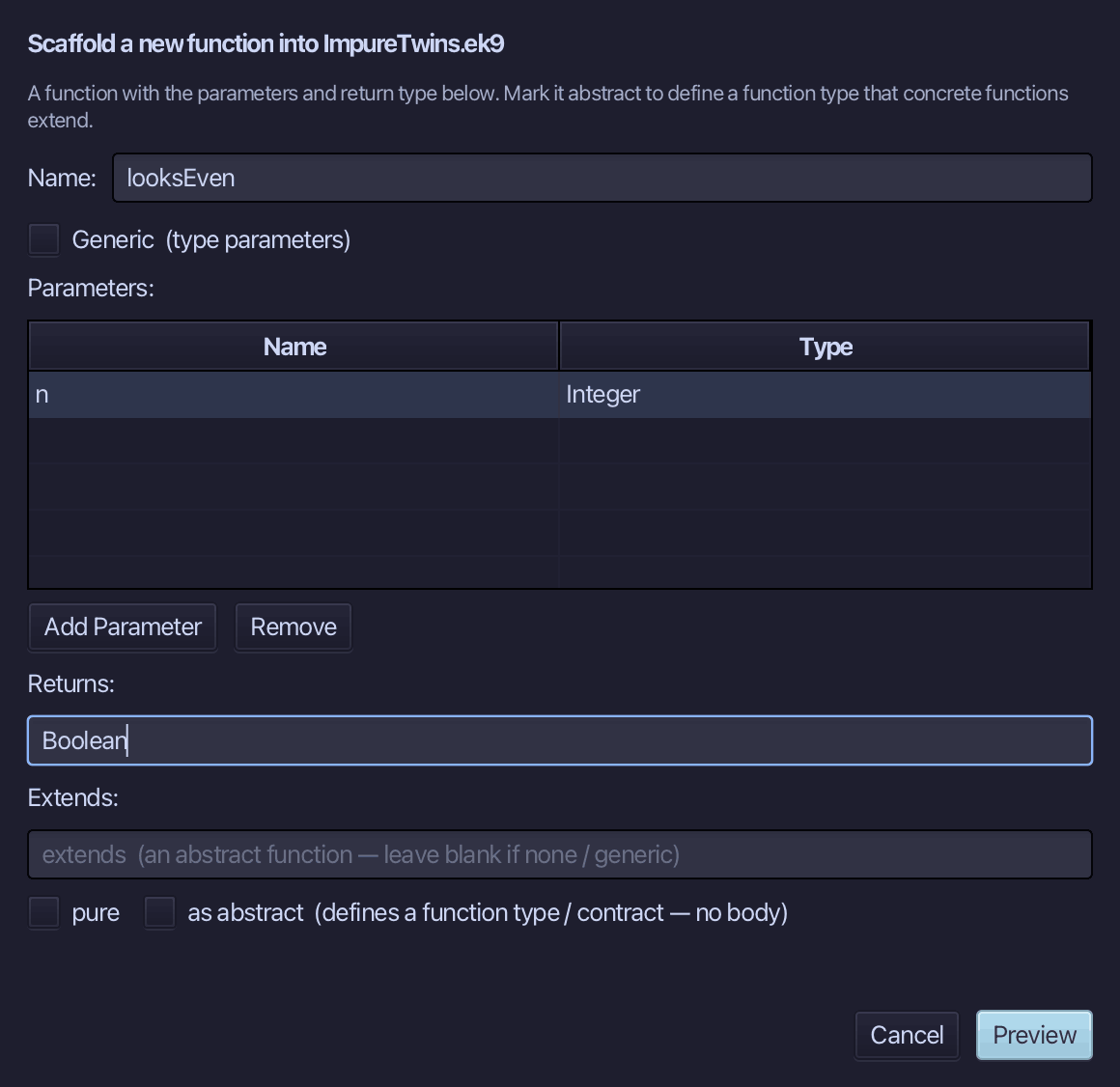
The preview shows looksEven about to be written. Choose Apply.
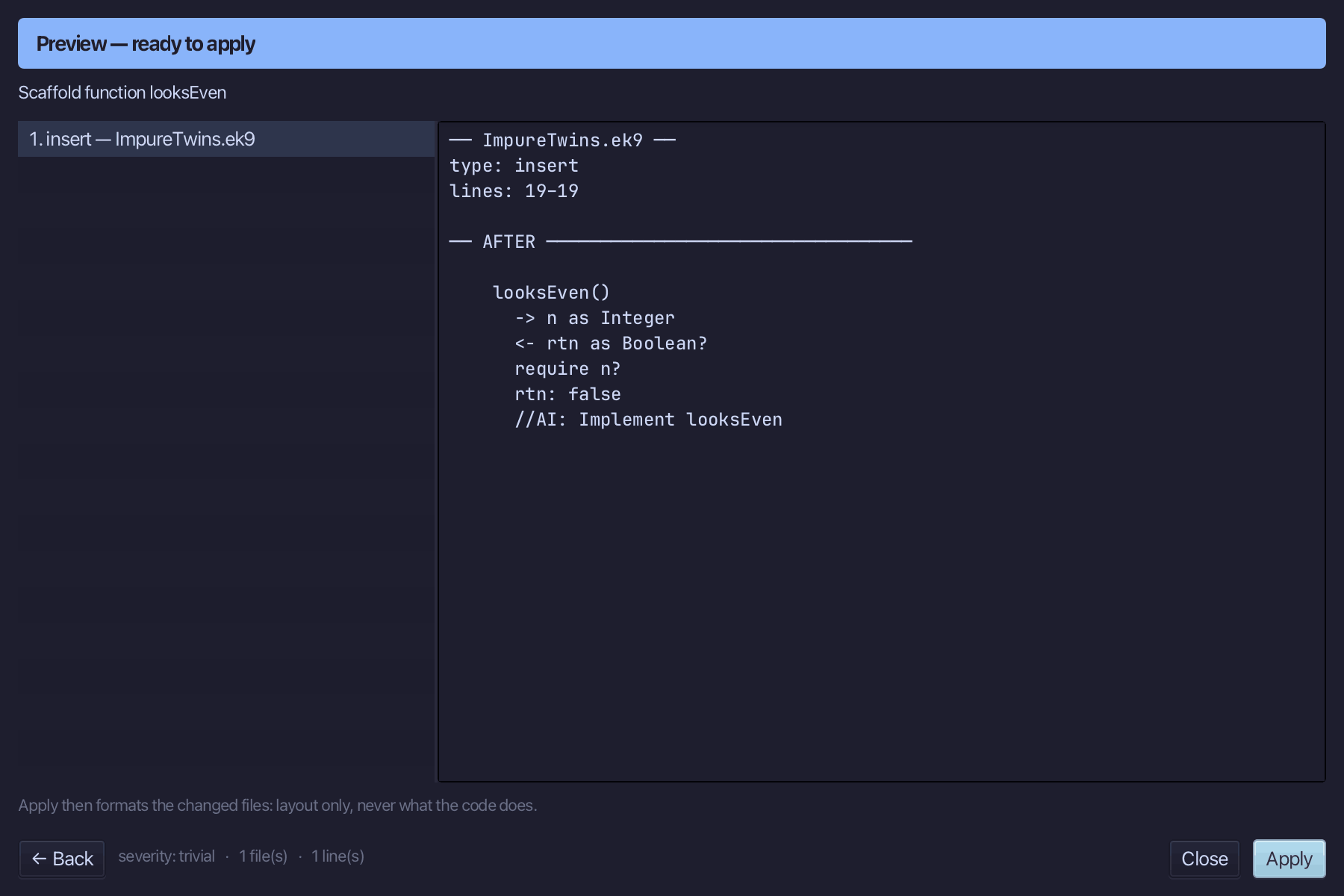
Select the stub, from <- rtn as Boolean? down to its //AI line, and type looksEven's own return and work, as the book writes them. Saves when typed.
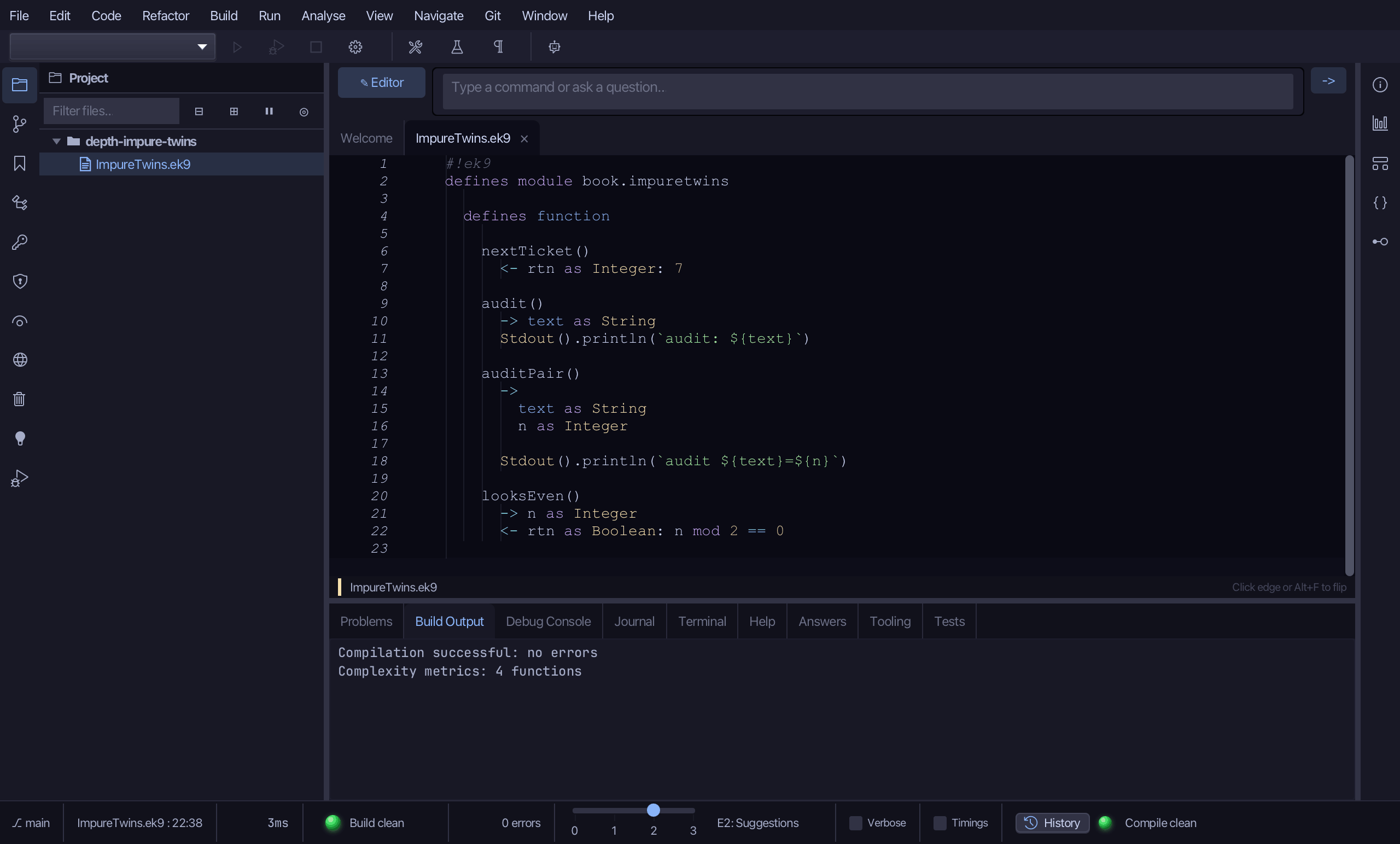
Step 5: bump — a function
Choose Code > New Construct > Function…
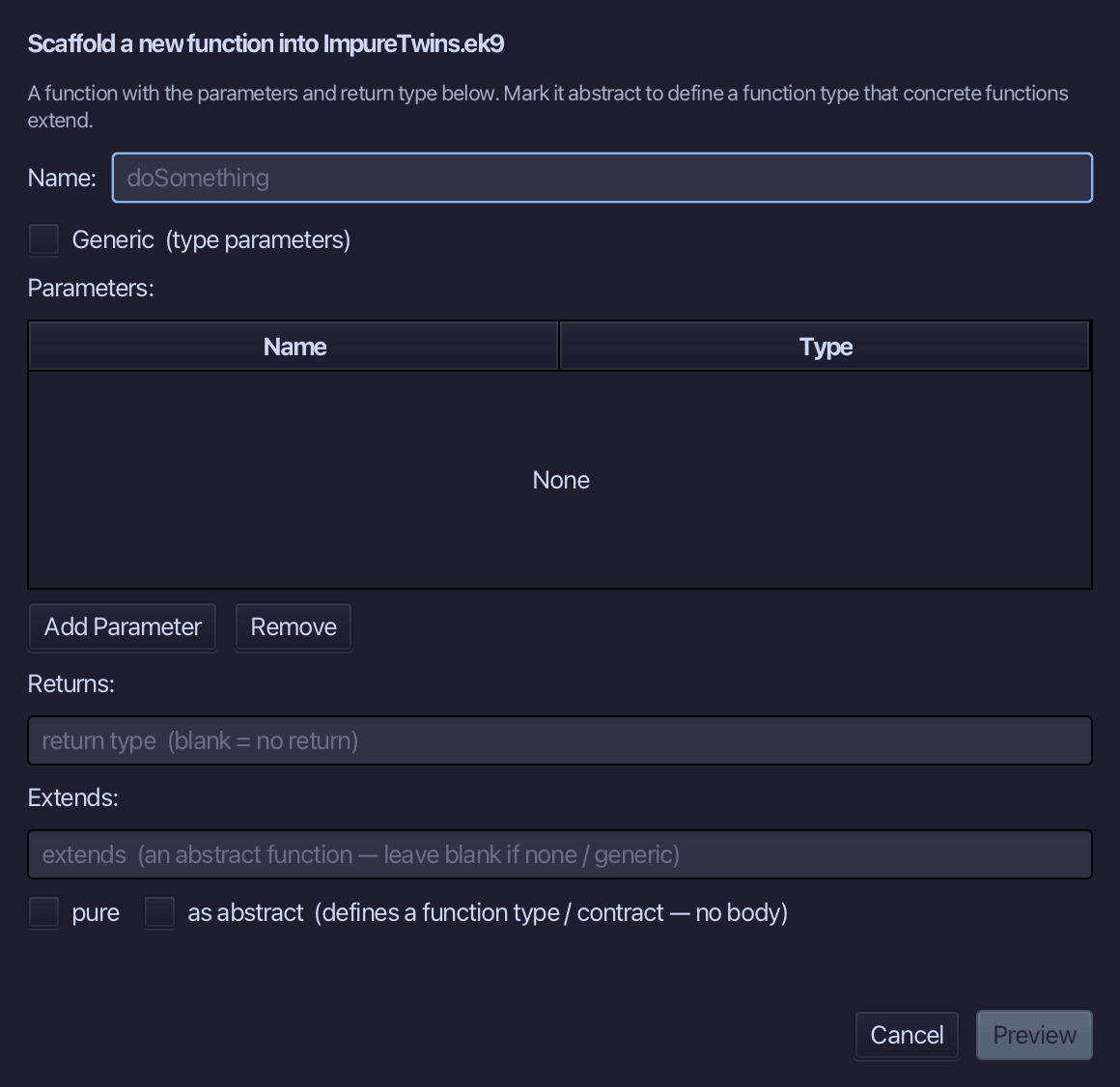
bump is the function's name. Add one parameter, n of type Integer, set Returns to Integer. Choose Preview.
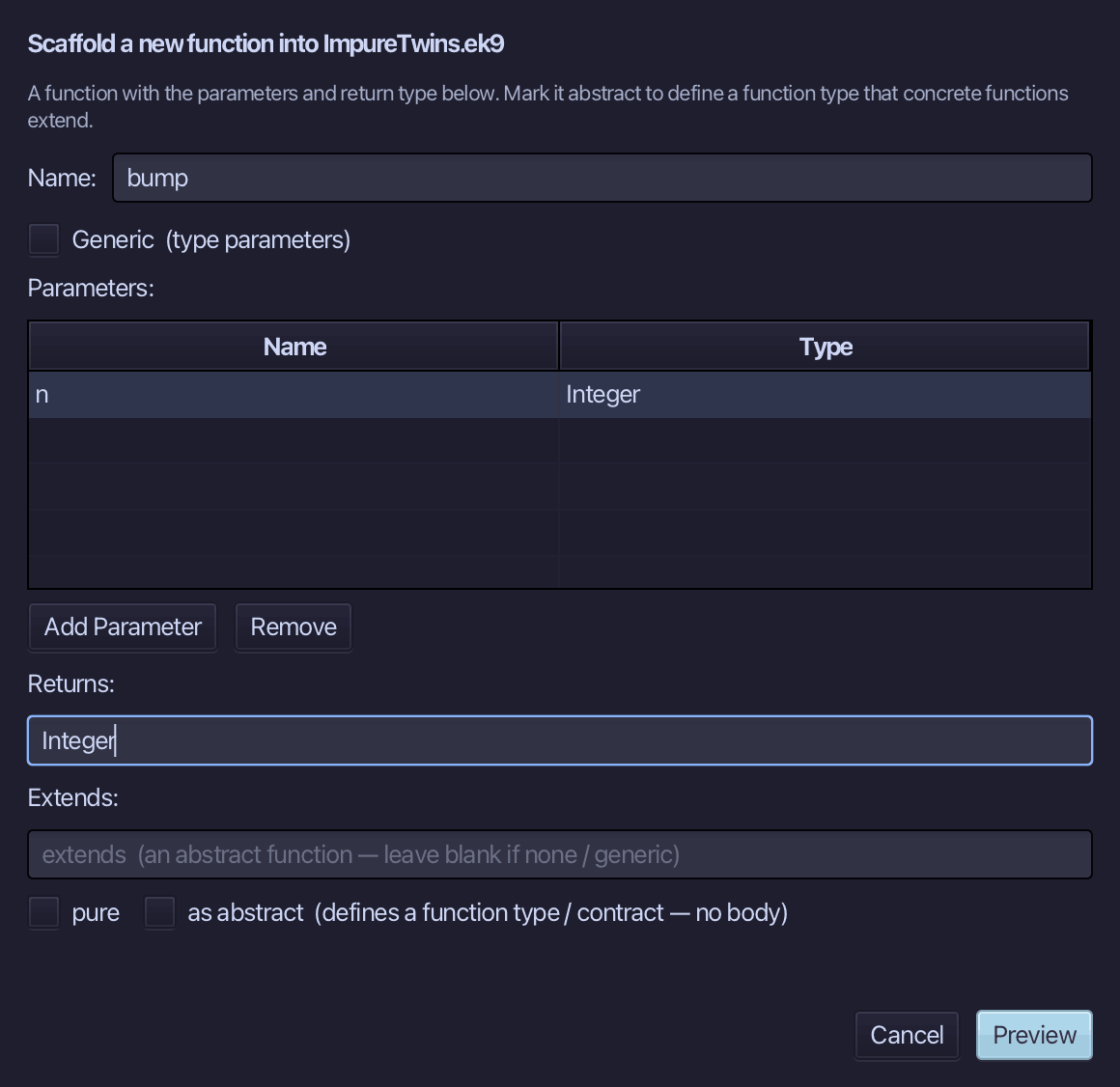
The preview shows bump about to be written. Choose Apply.
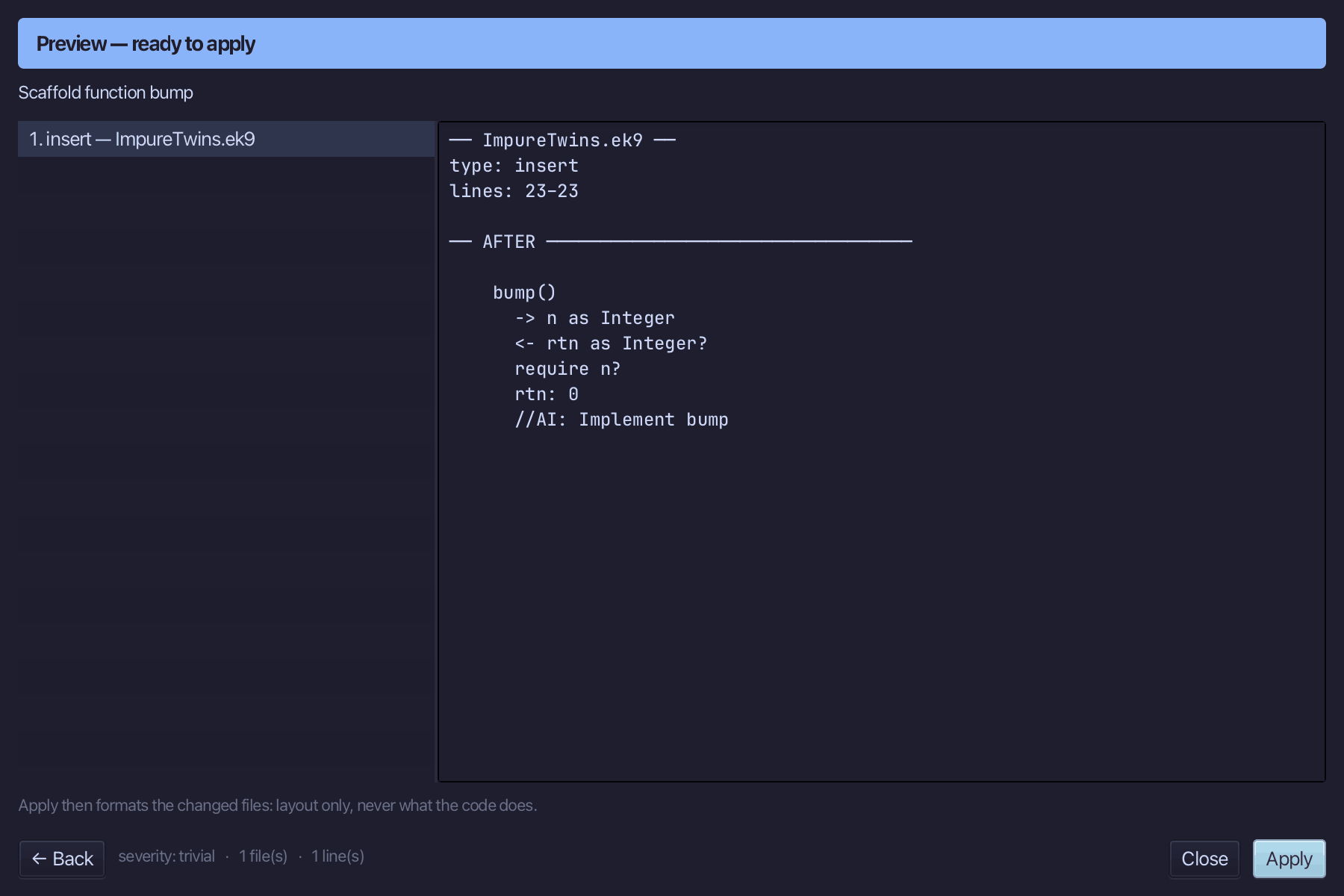
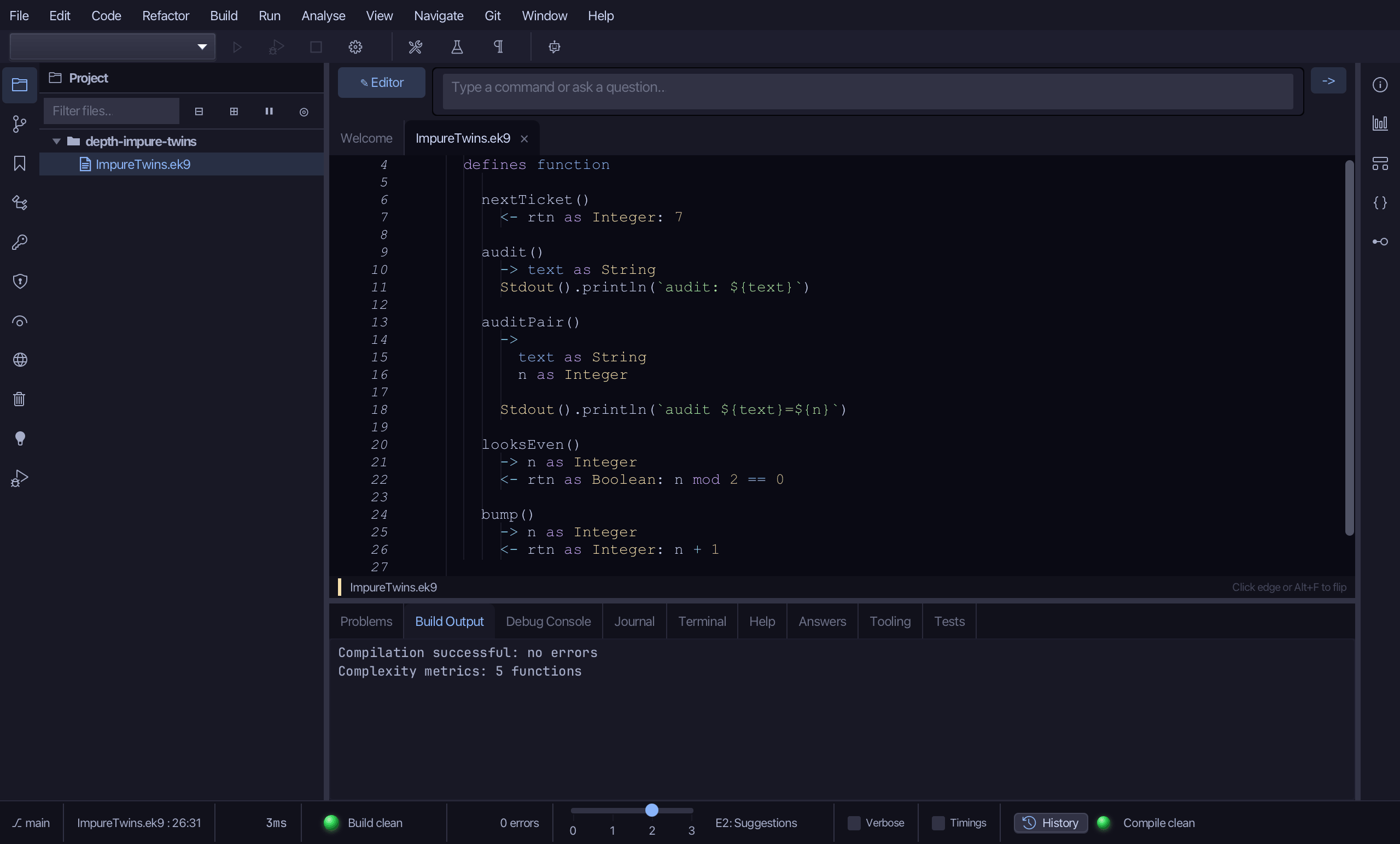
Select the stub, from <- rtn as Integer? down to its //AI line, and type bump's own return and work, as the book writes them. Saves when typed.
Step 6: labelled — a function
Choose Code > New Construct > Function…
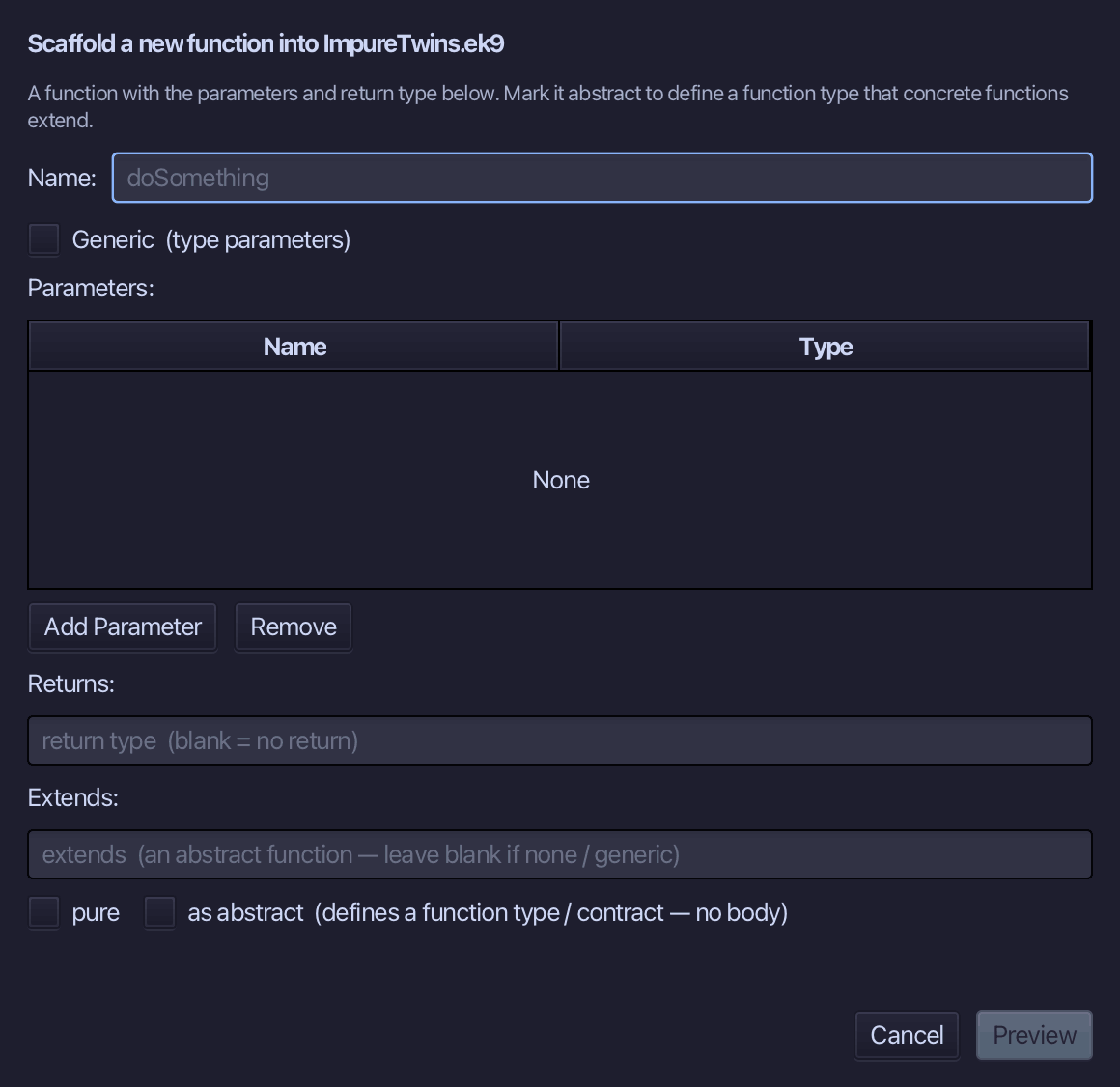
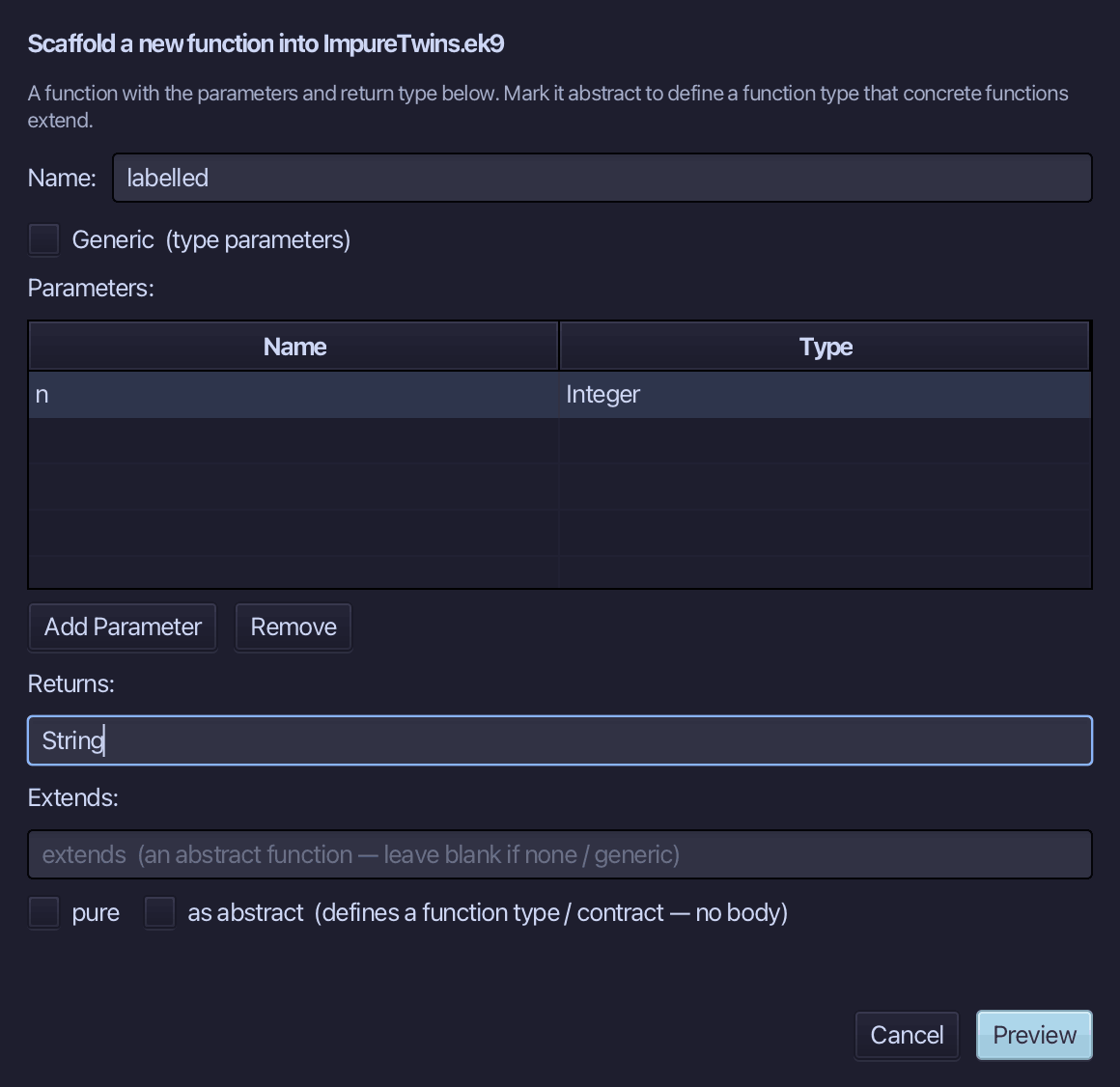
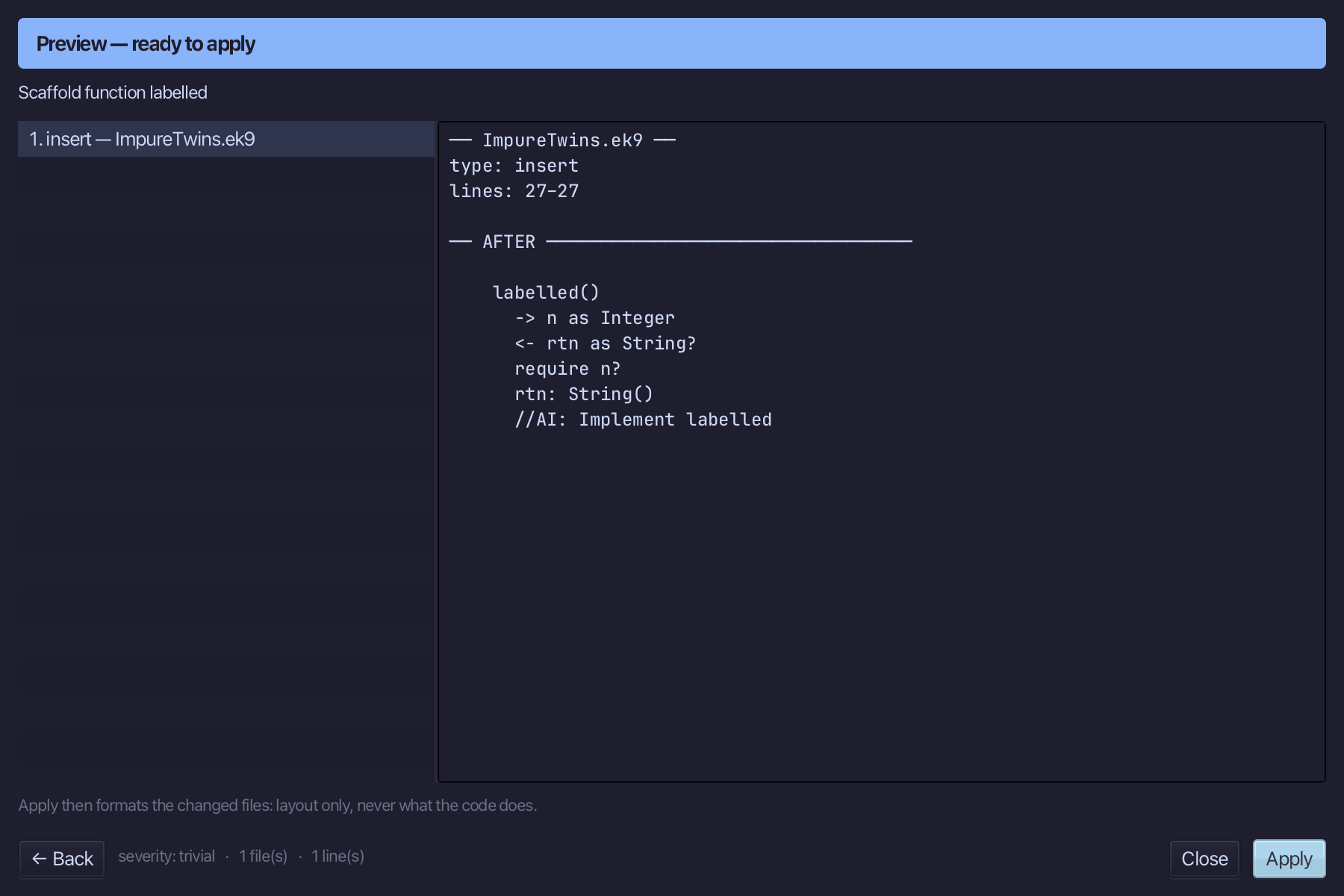
labelled is the function's name. Add one parameter, n of type Integer, set Returns to String. Choose Preview.
The preview shows labelled about to be written. Choose Apply.
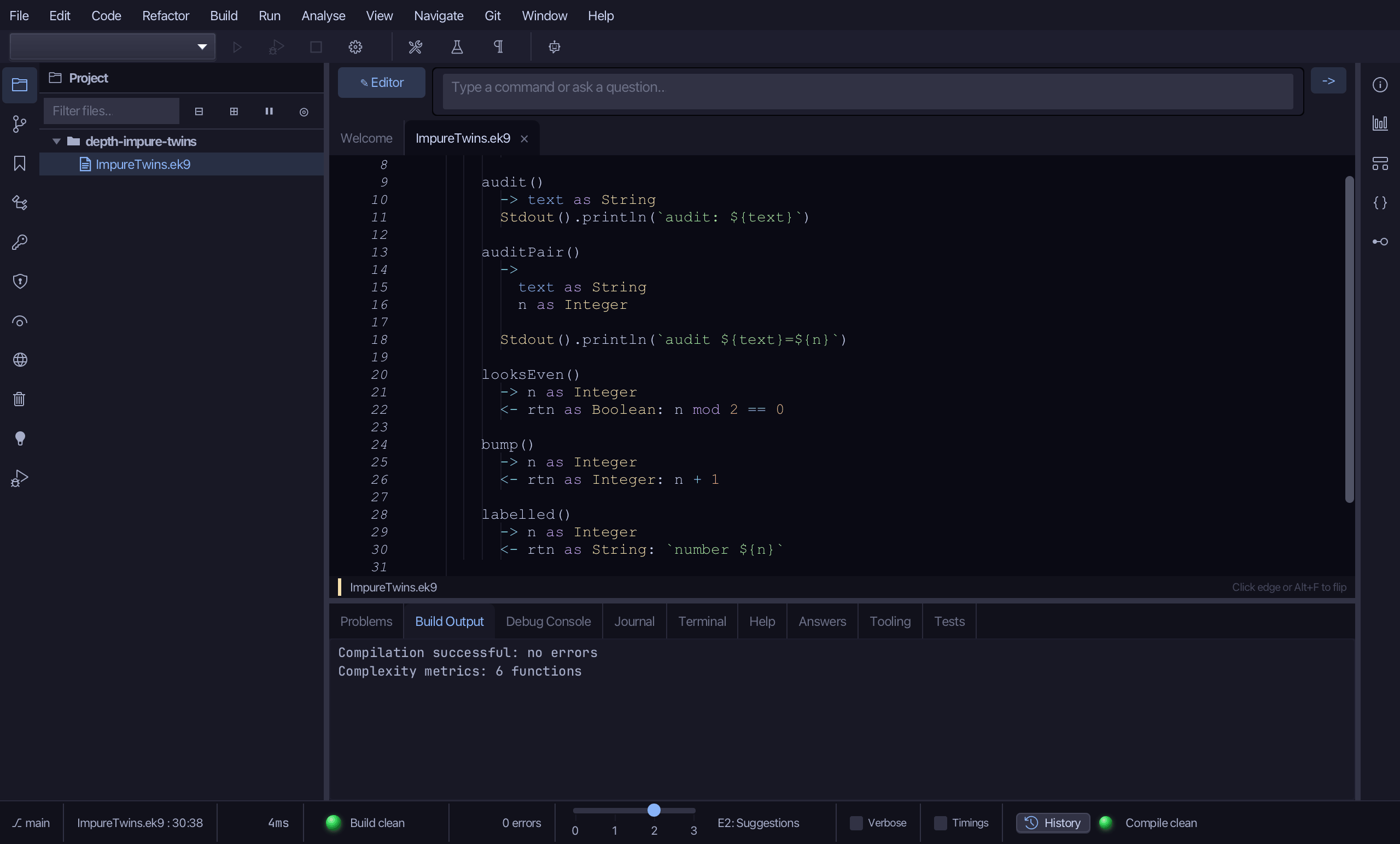
Select the stub, from <- rtn as String? down to its //AI line, and type labelled's own return and work, as the book writes them. Saves when typed.
Step 7: longerThan — a function
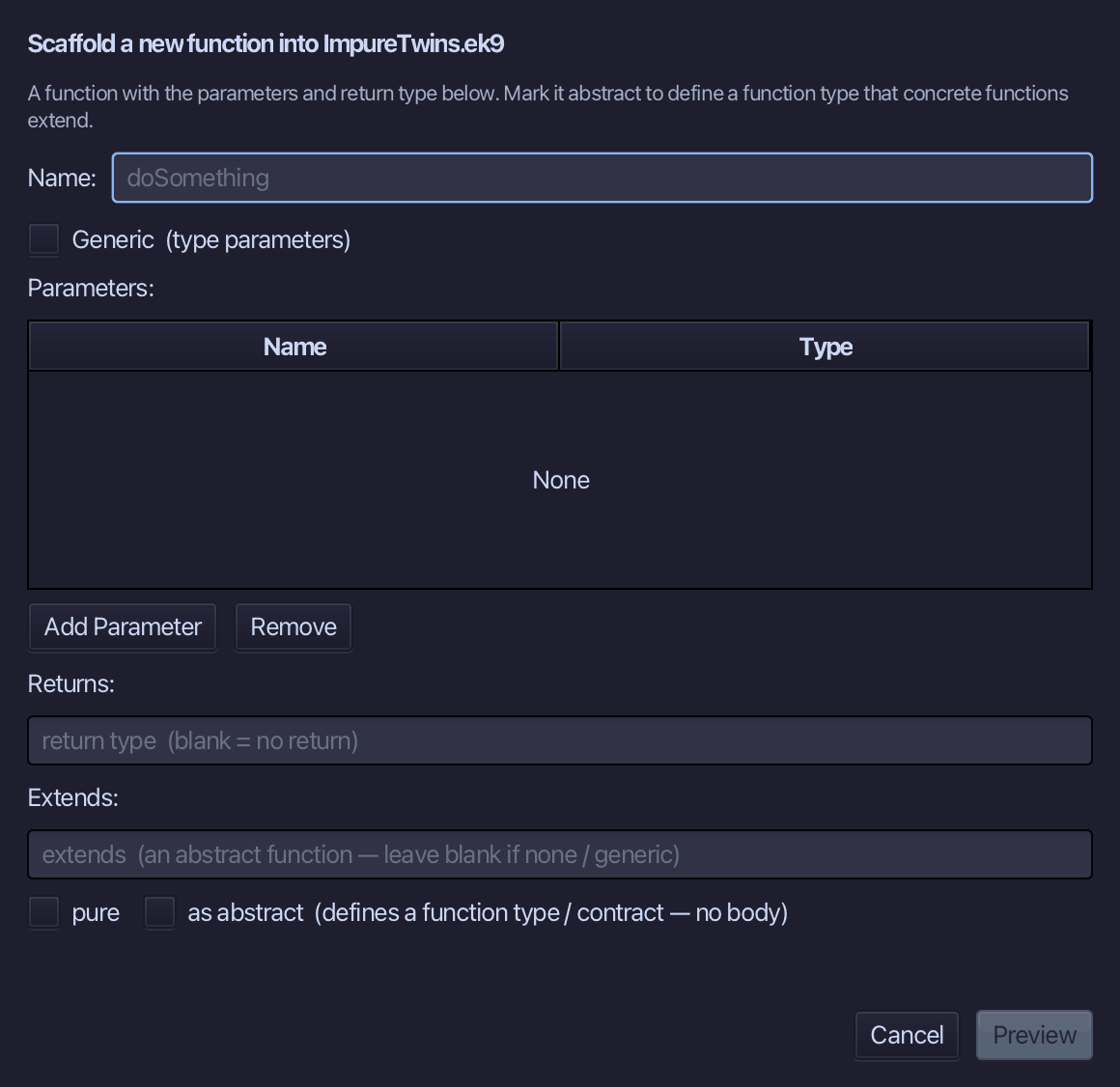
Choose Code > New Construct > Function…
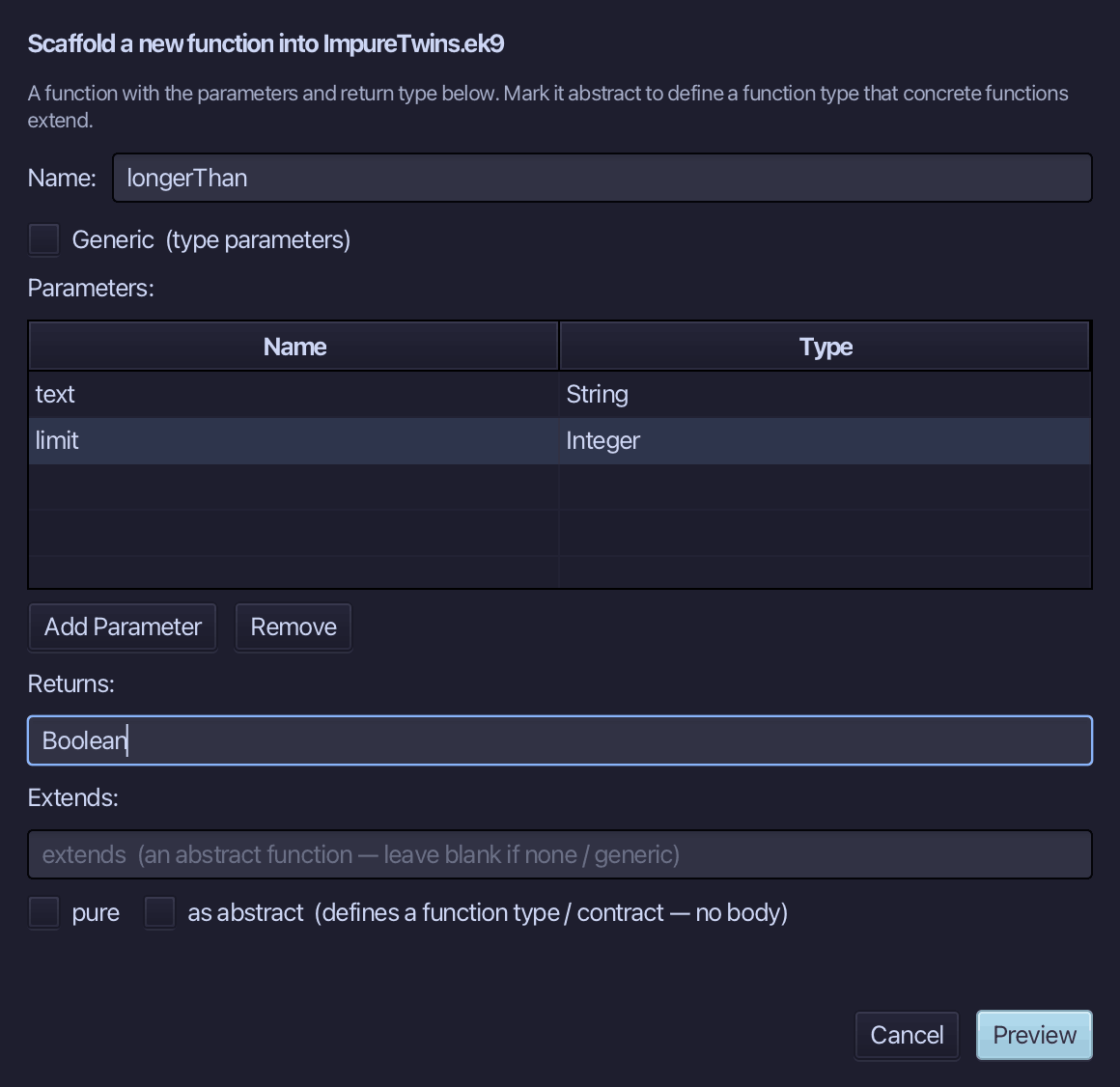
longerThan is the function's name. Add the parameters text of type String and limit of type Integer, set Returns to Boolean. Choose Preview.
The preview shows longerThan about to be written. Choose Apply.
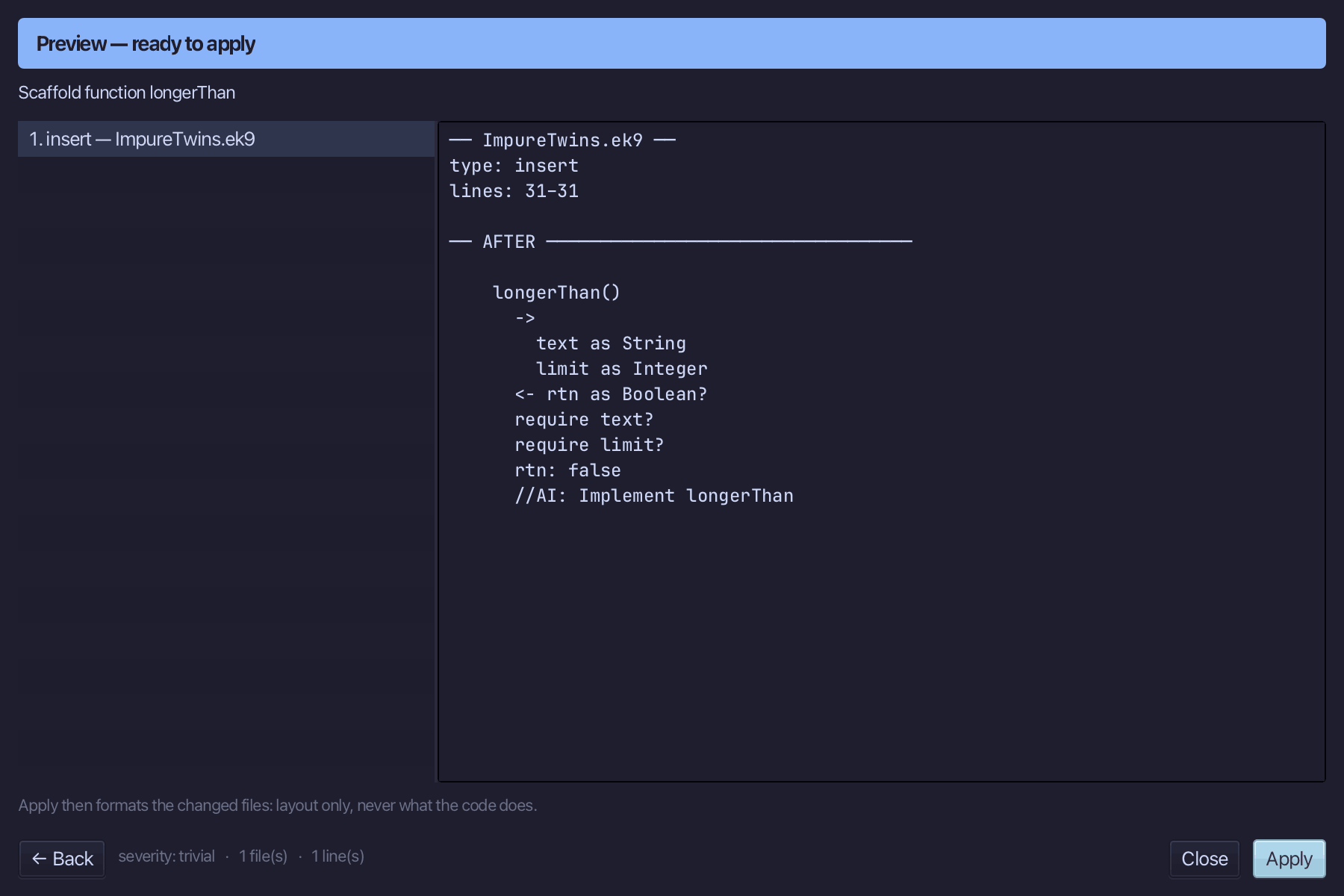
Select the stub, from <- rtn as Boolean? down to its //AI line, and type longerThan's own return and work, as the book writes them. Saves when typed.
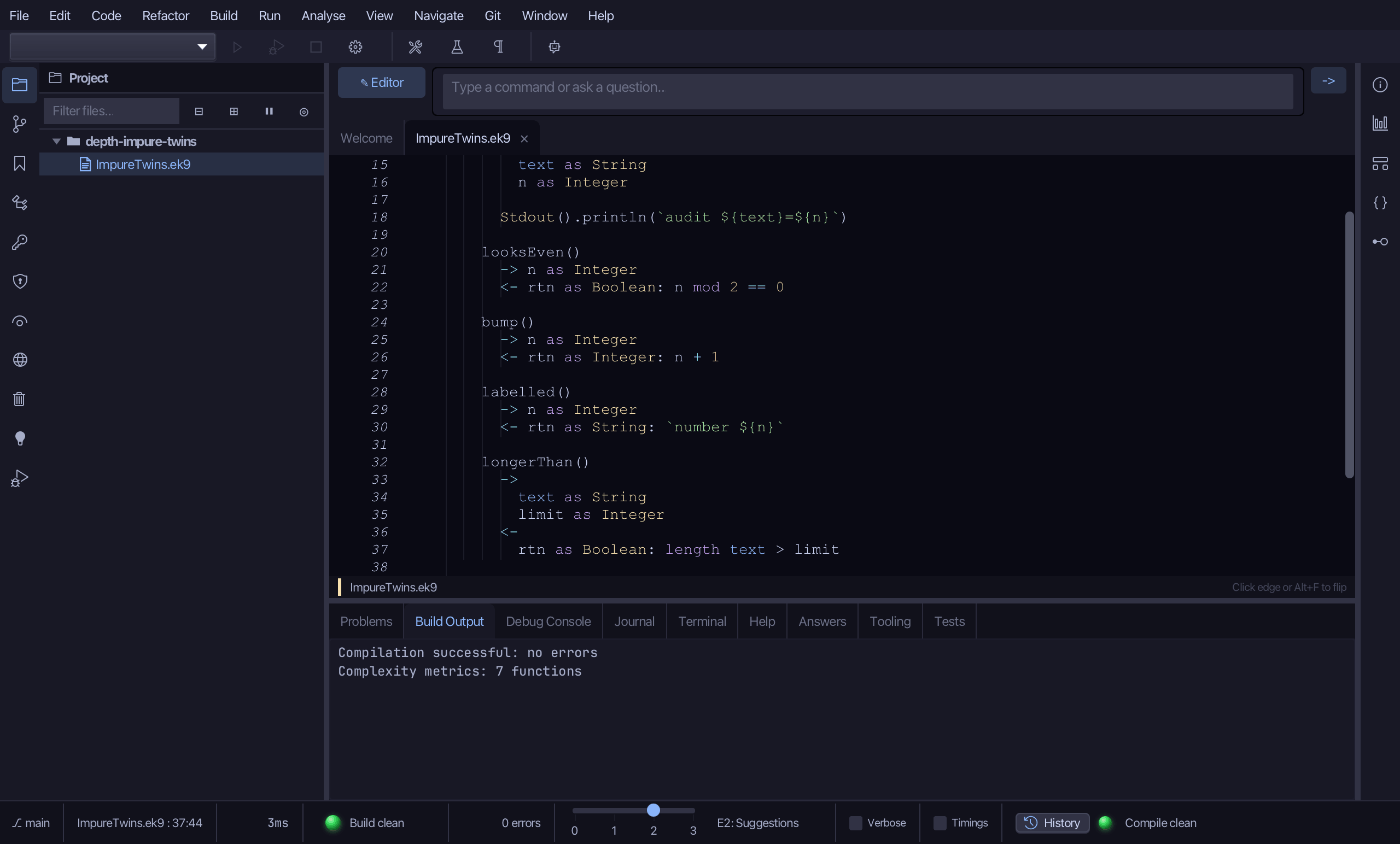
Step 8: tagged — a function
Choose Code > New Construct > Function…
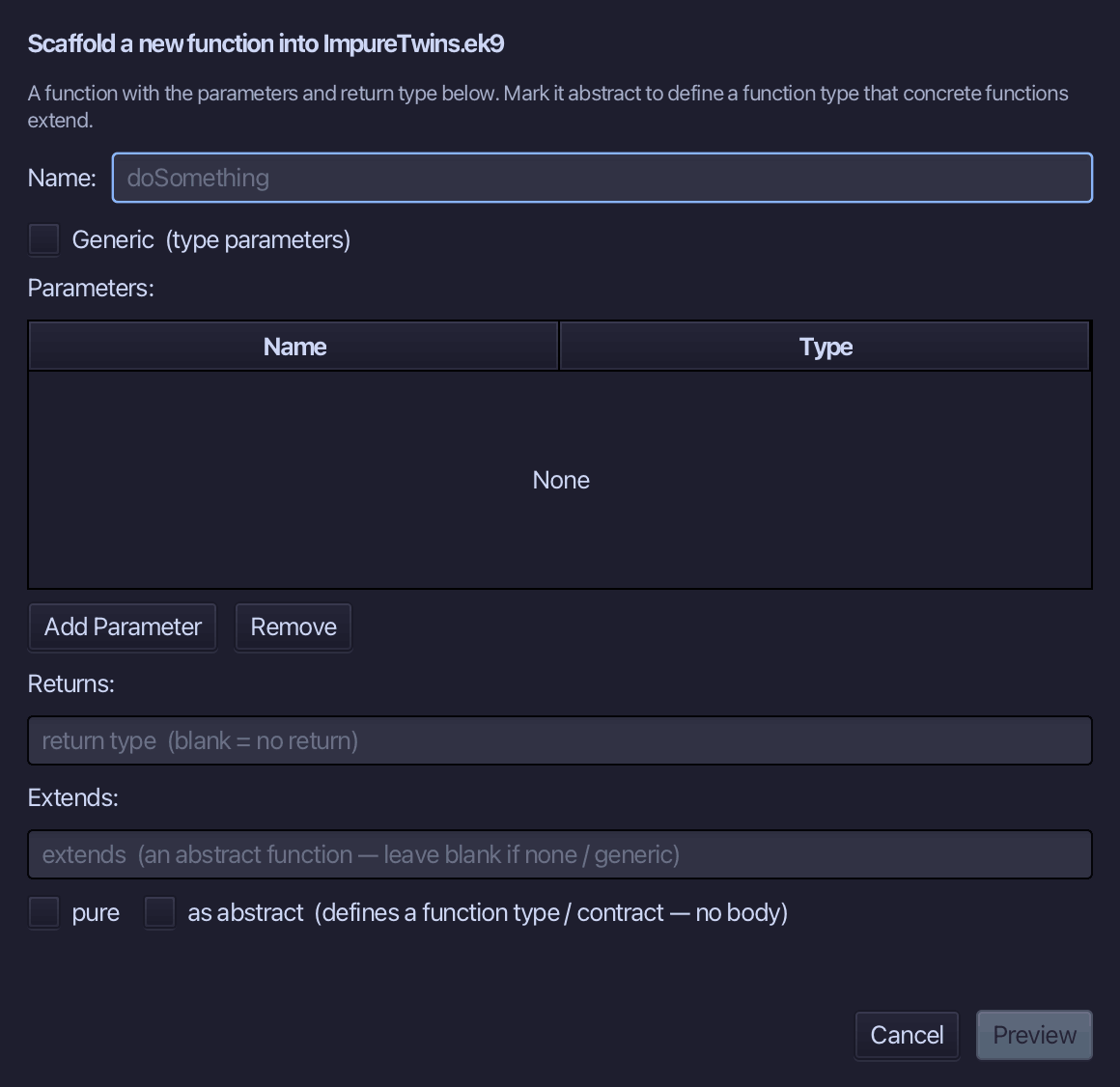
tagged is the function's name. Add the parameters text of type String and n of type Integer, set Returns to String. Choose Preview.
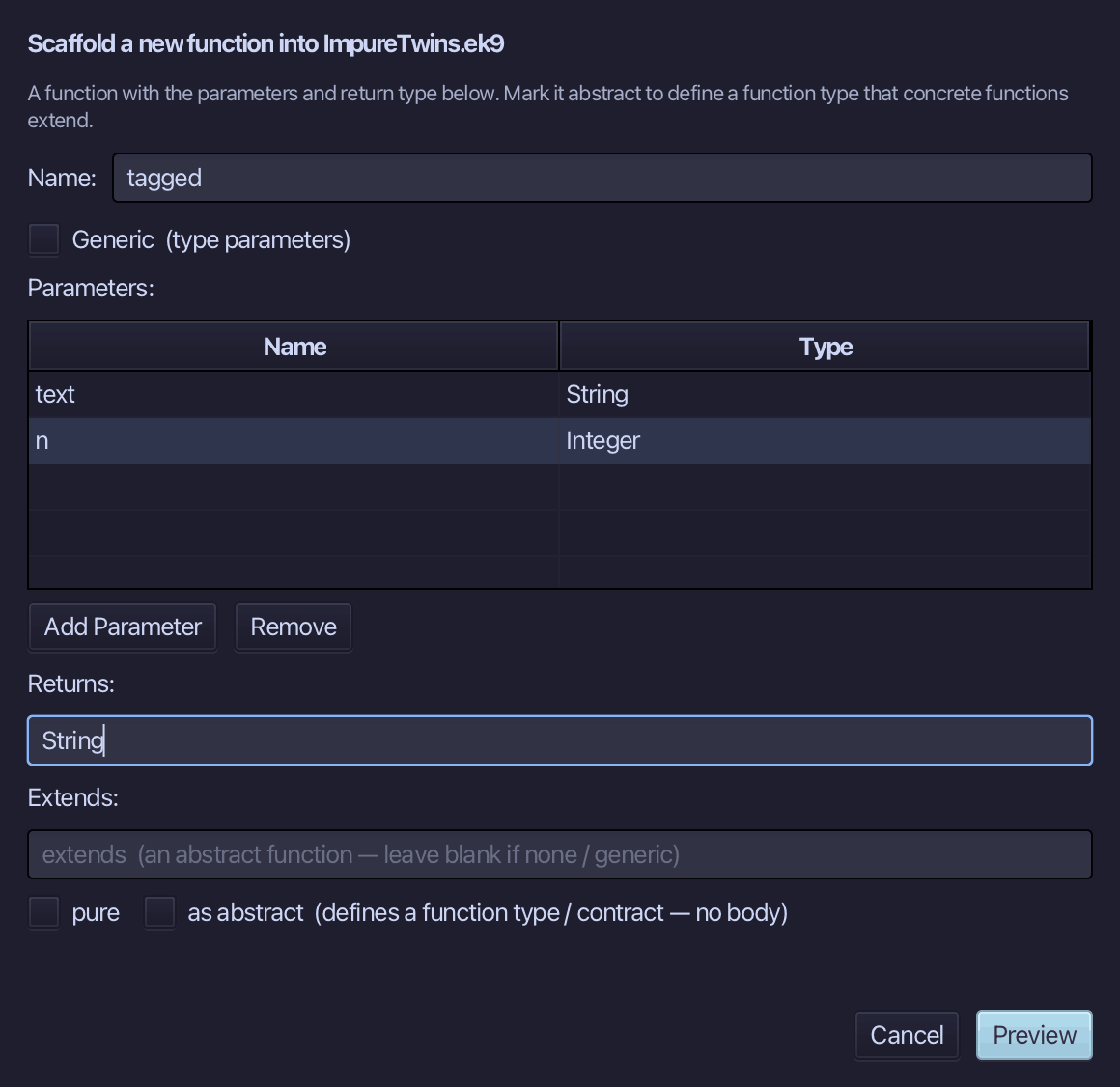
The preview shows tagged about to be written. Choose Apply.
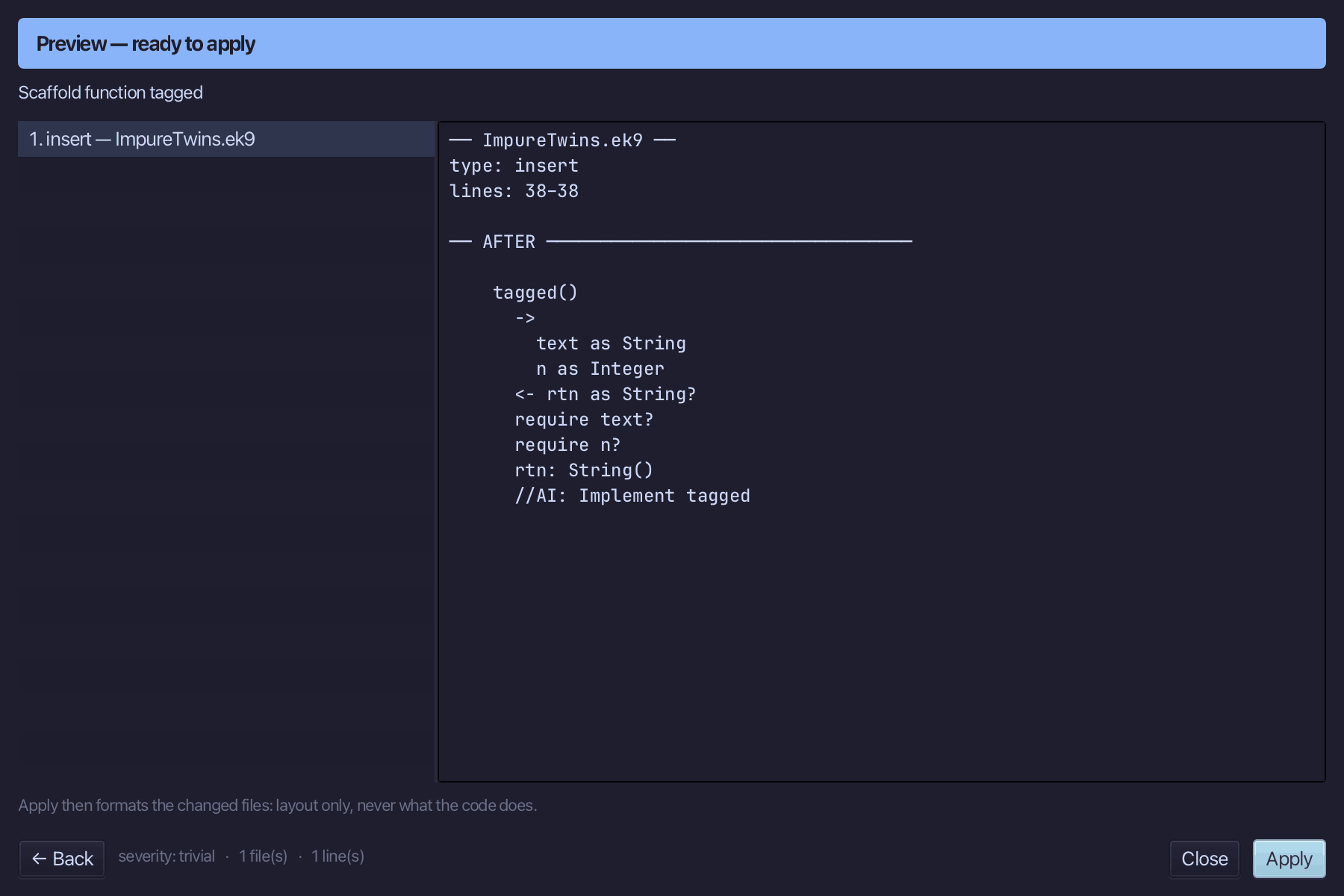
Select the stub, from <- rtn as String? down to its //AI line, and type tagged's own return and work, as the book writes them. Saves when typed.
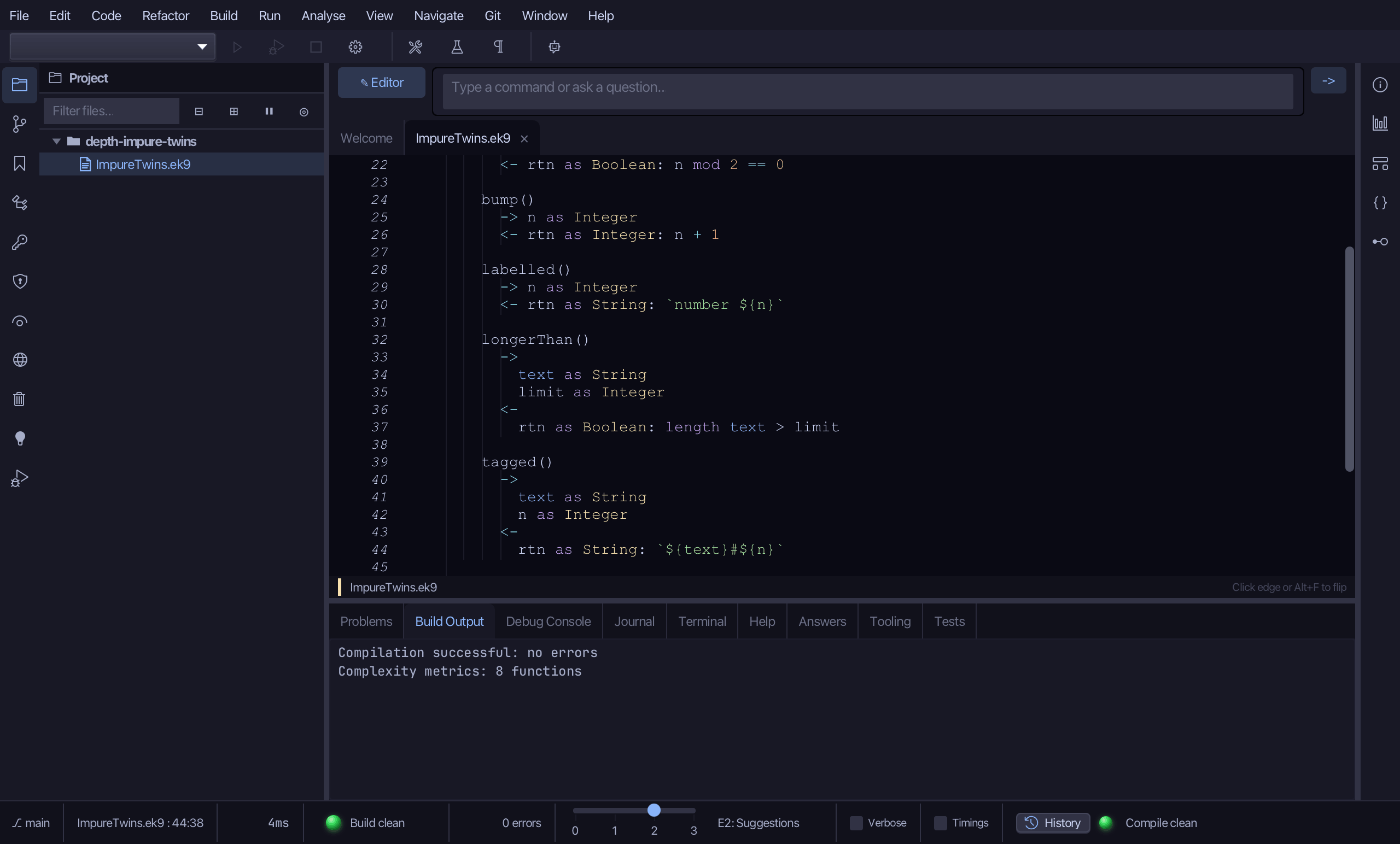
Step 9: byLength — a function
Choose Code > New Construct > Function…
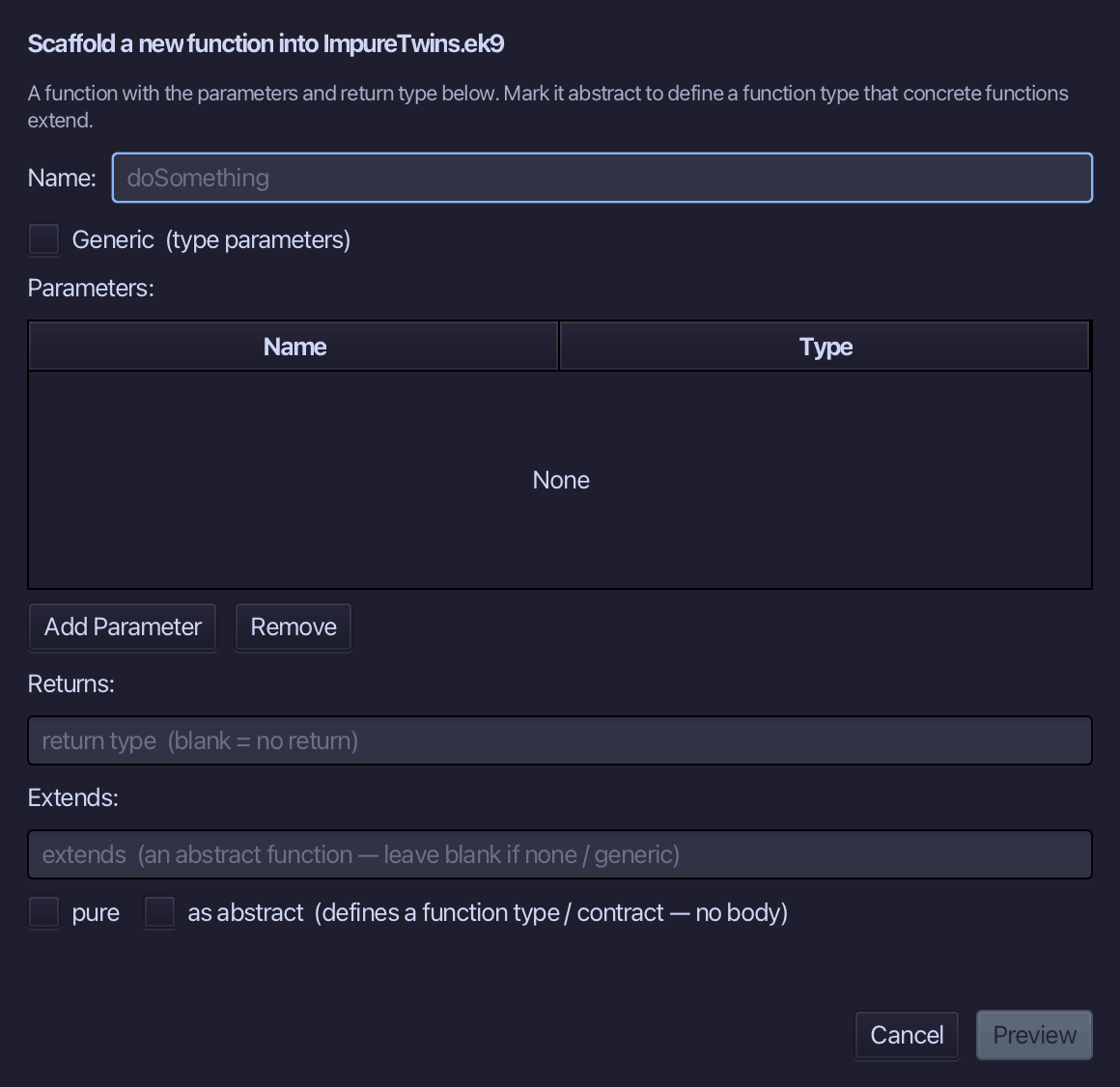
byLength is the function's name. Add the parameters first of type String and second of type String, set Returns to Integer. Choose Preview.
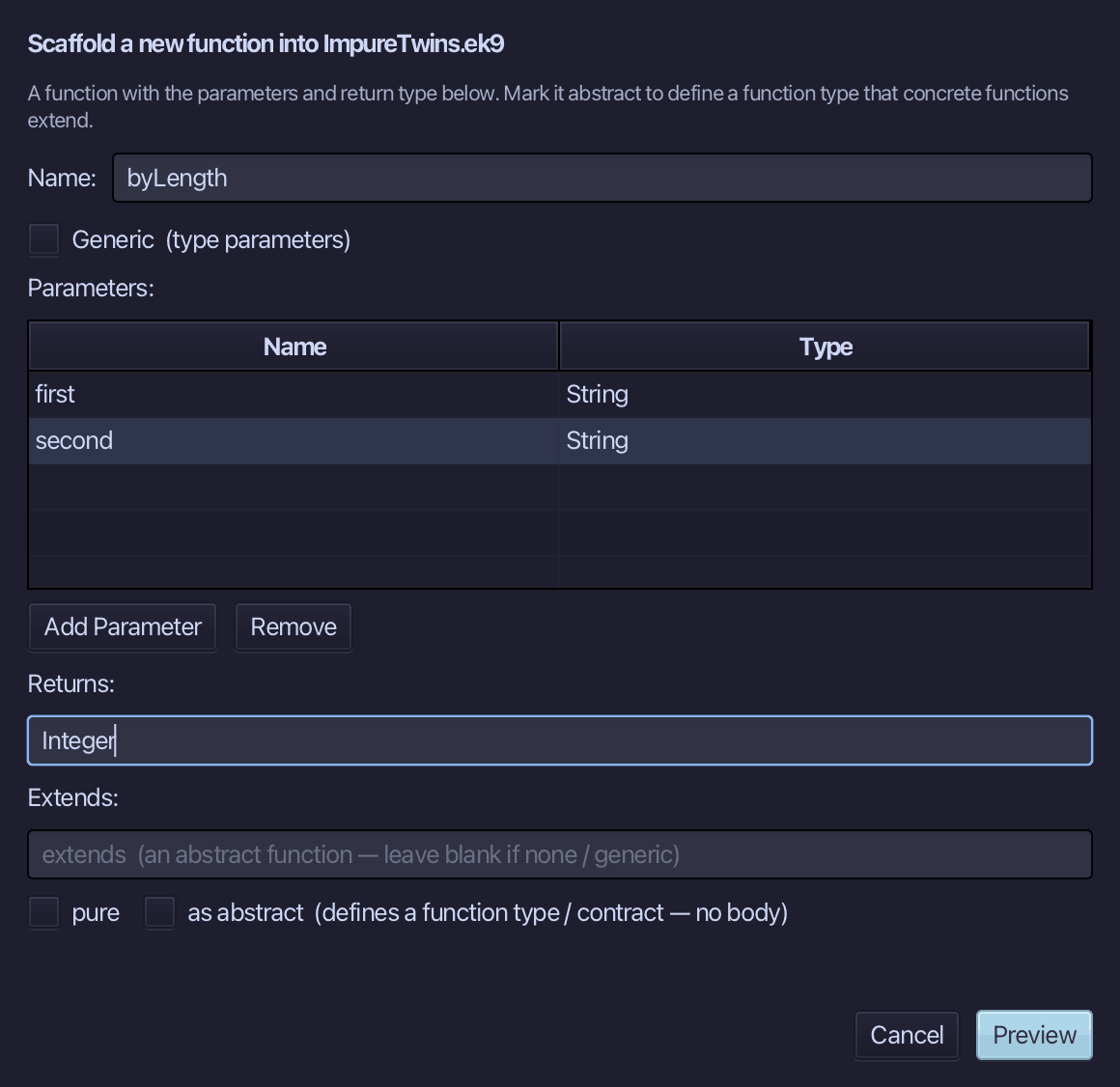
The preview shows byLength about to be written. Choose Apply.
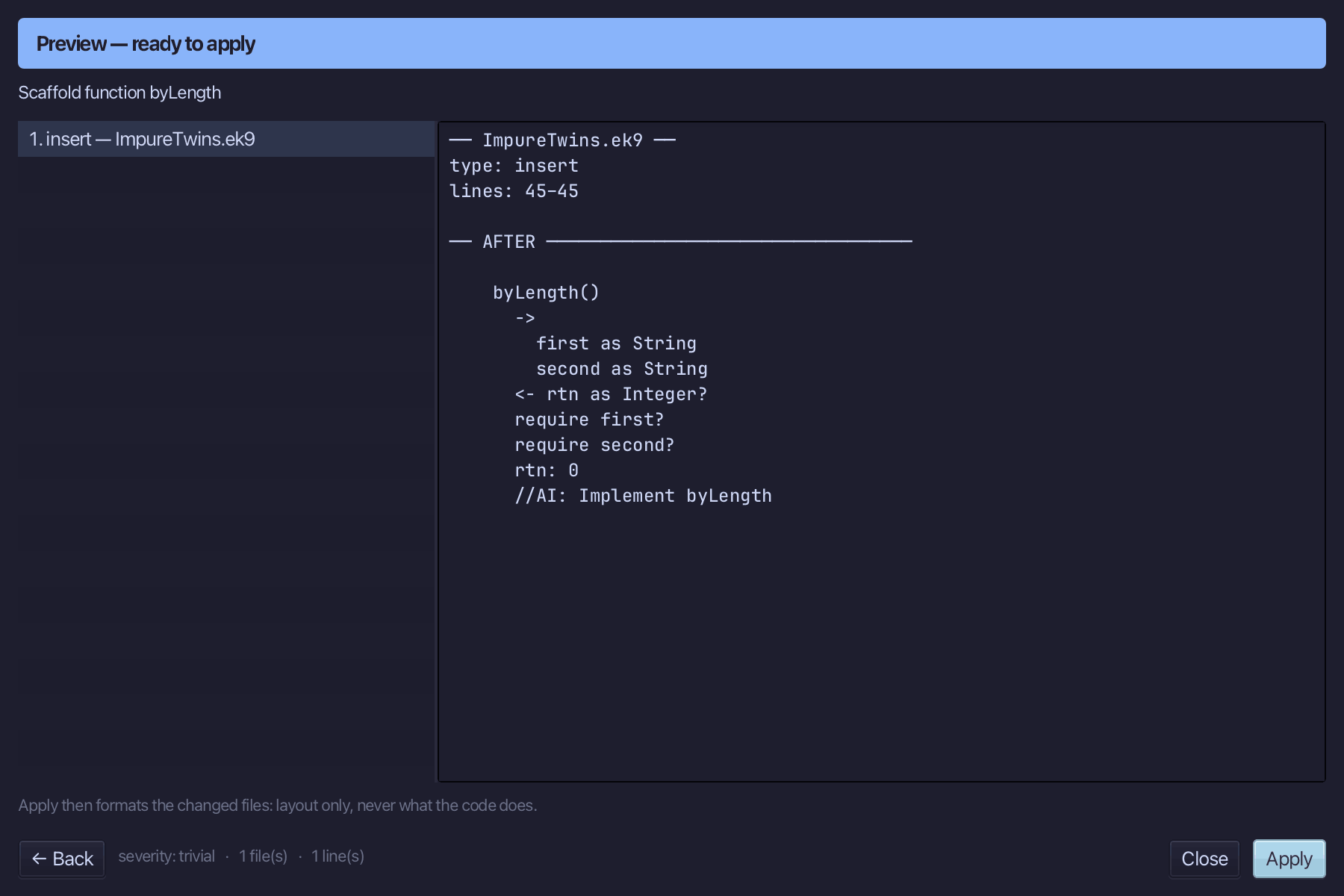
Select the stub, from <- rtn as Integer? down to its //AI line, and type byLength's own return and work, as the book writes them. Saves when typed.
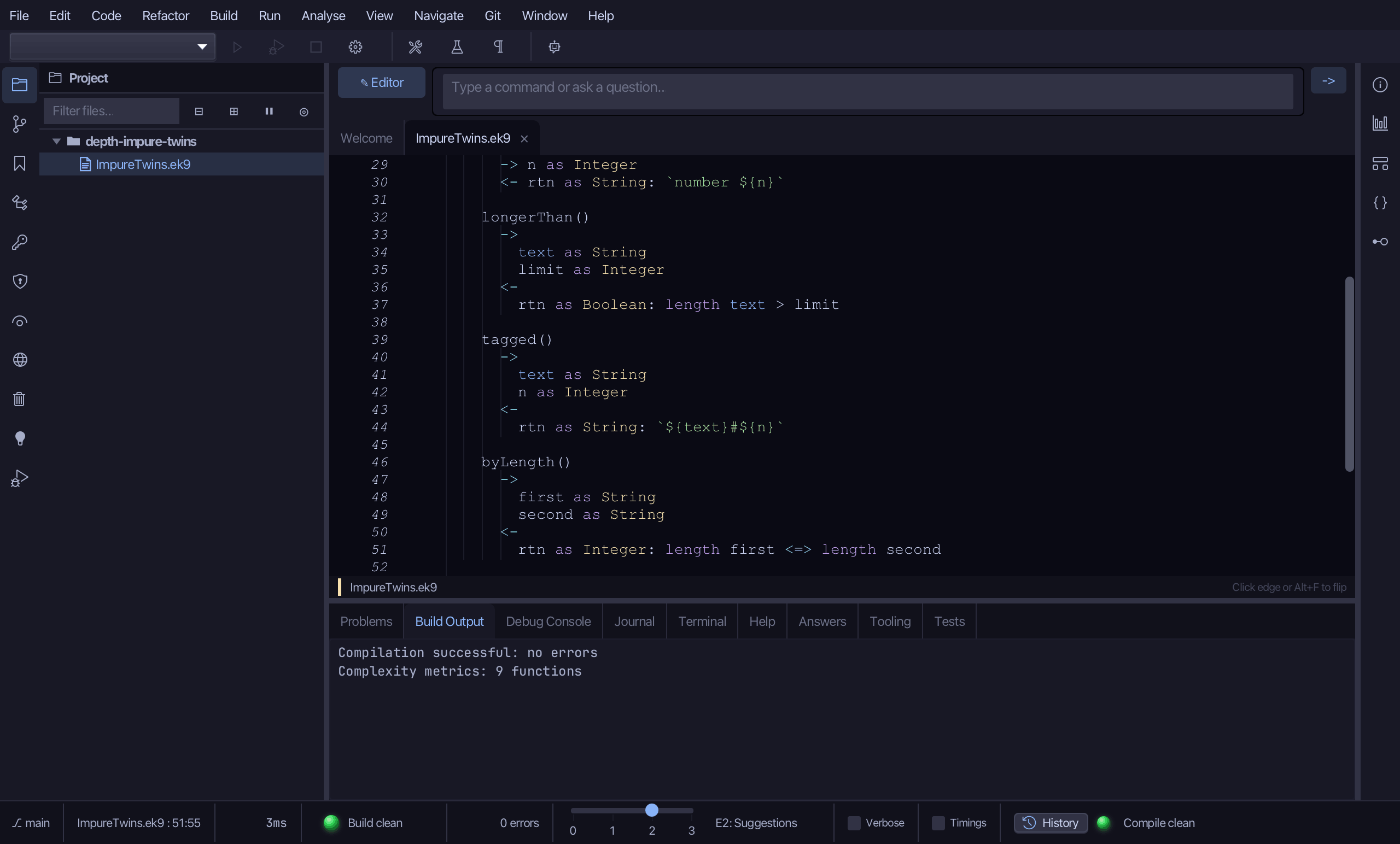
Step 10: The program
Choose Code > New Construct > Program…
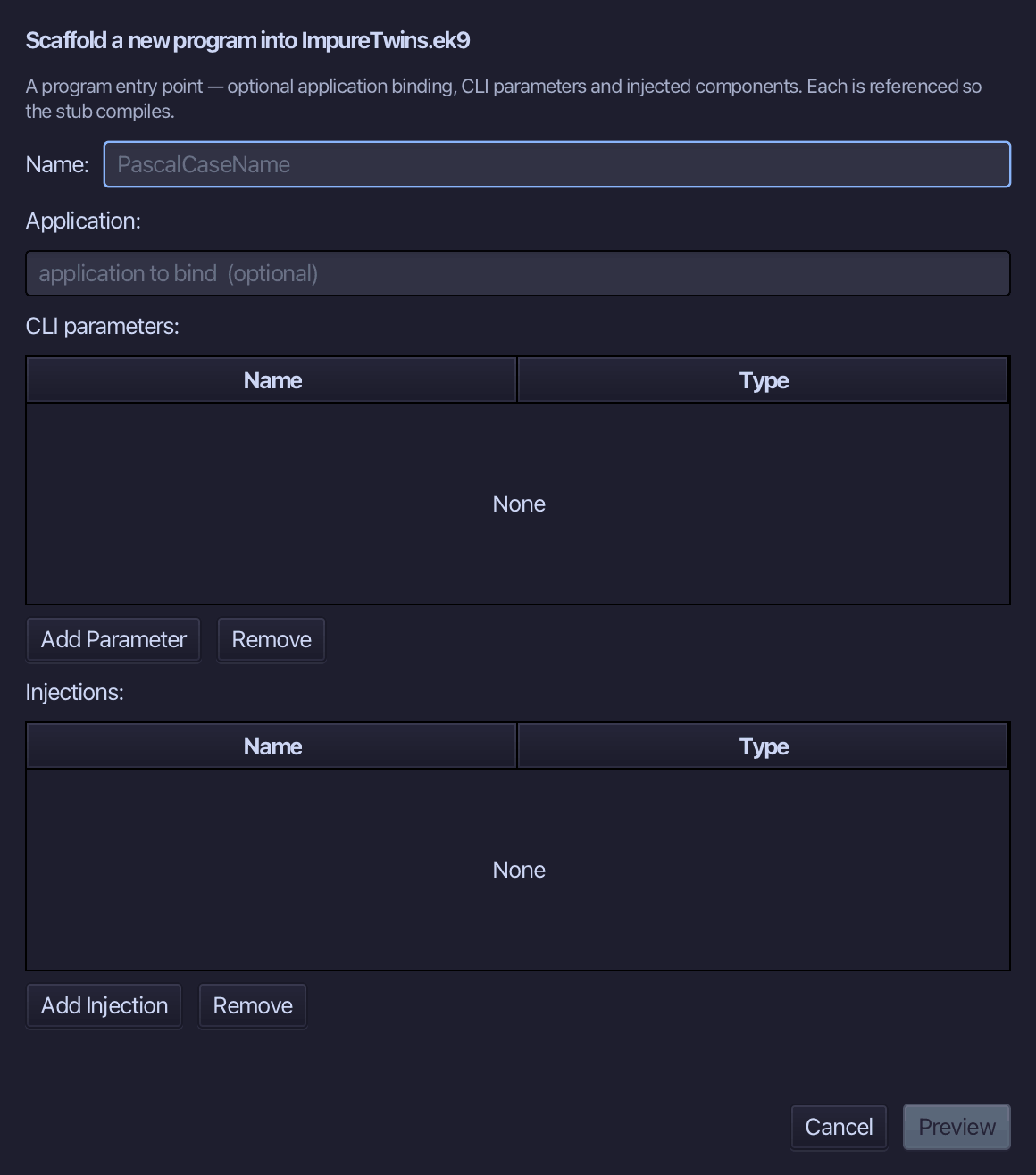
ImpureTwins is the program's name. Choose Preview.
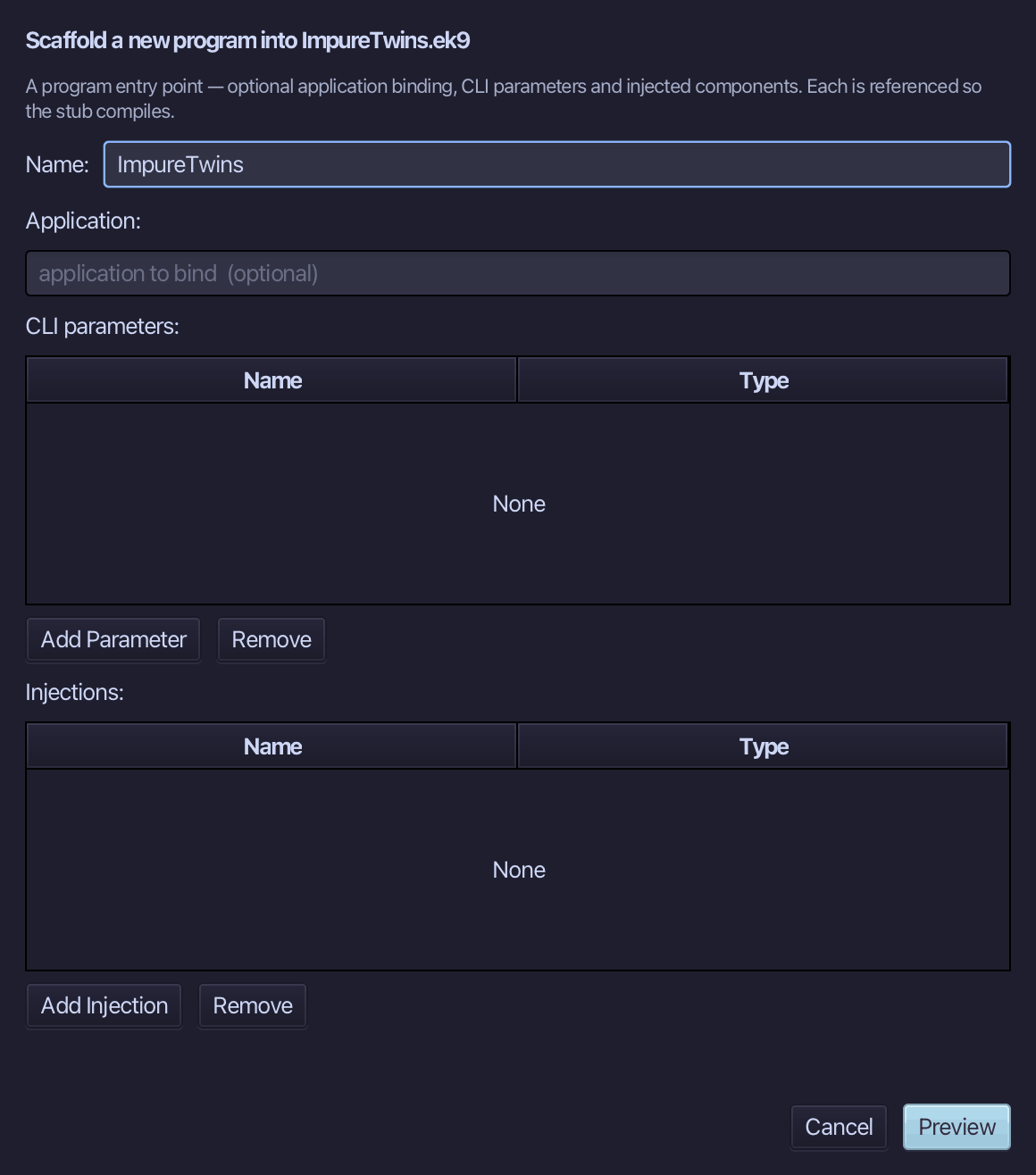
The preview shows ImpureTwins about to be written. Choose Apply.
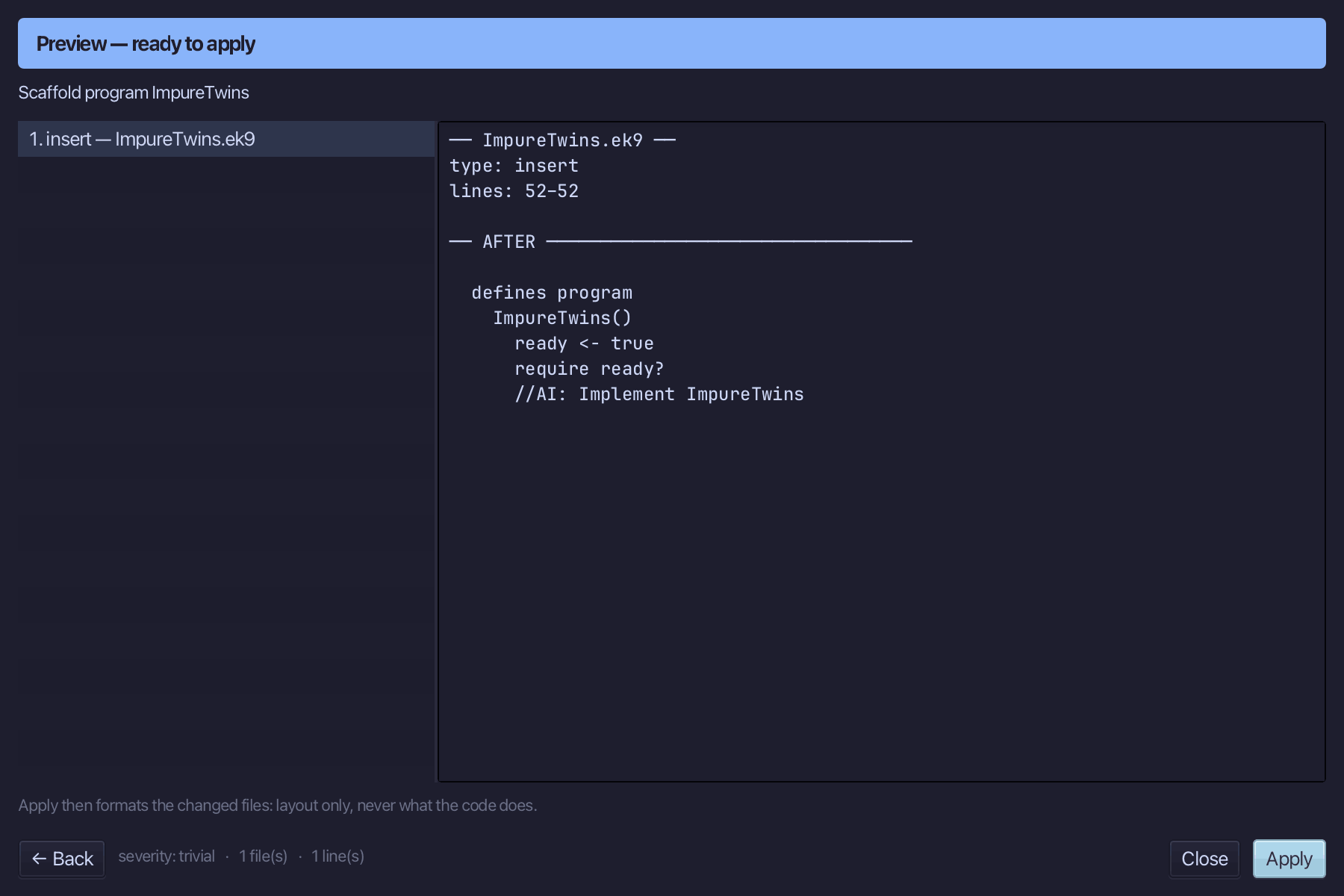
Select the ImpureTwins() line and, above it, type the blank line the book opens the program with. Saves when typed.
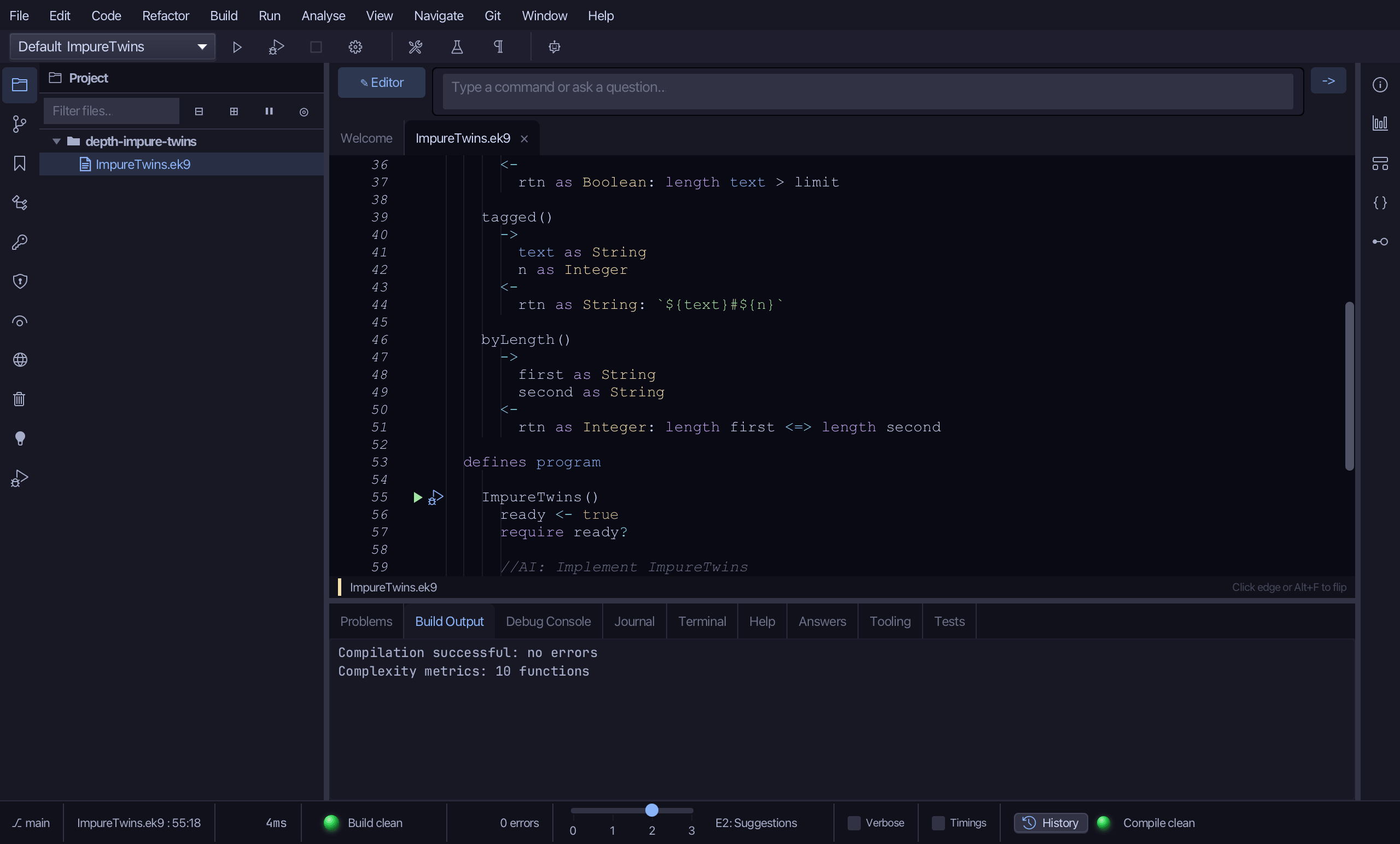
Select the stub, from ready <- true down to its //AI line, and type ImpureTwins's body exactly as the chapter shows it. Saves when typed.
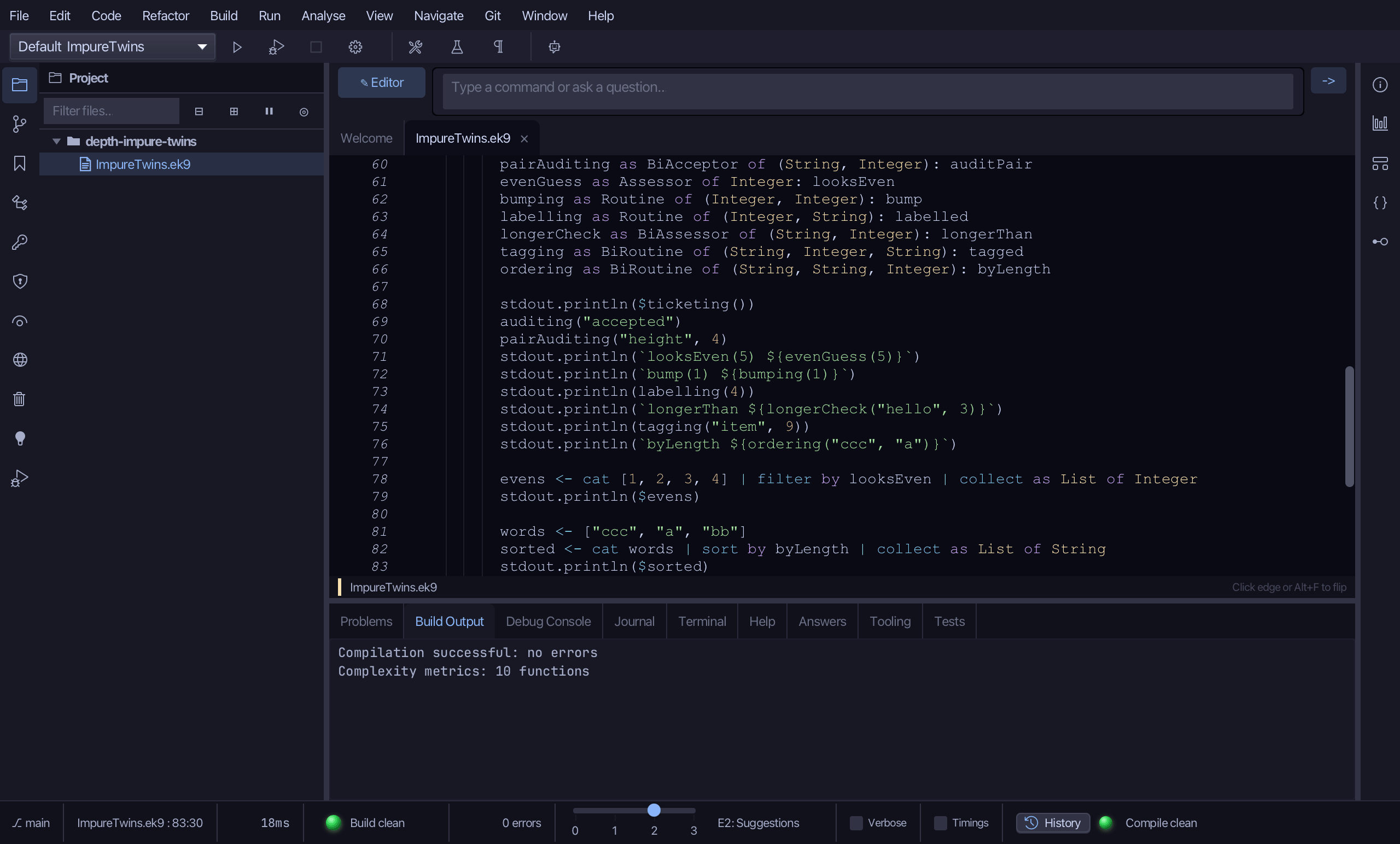
Step 11: Run it
Choose Run > Run Program…
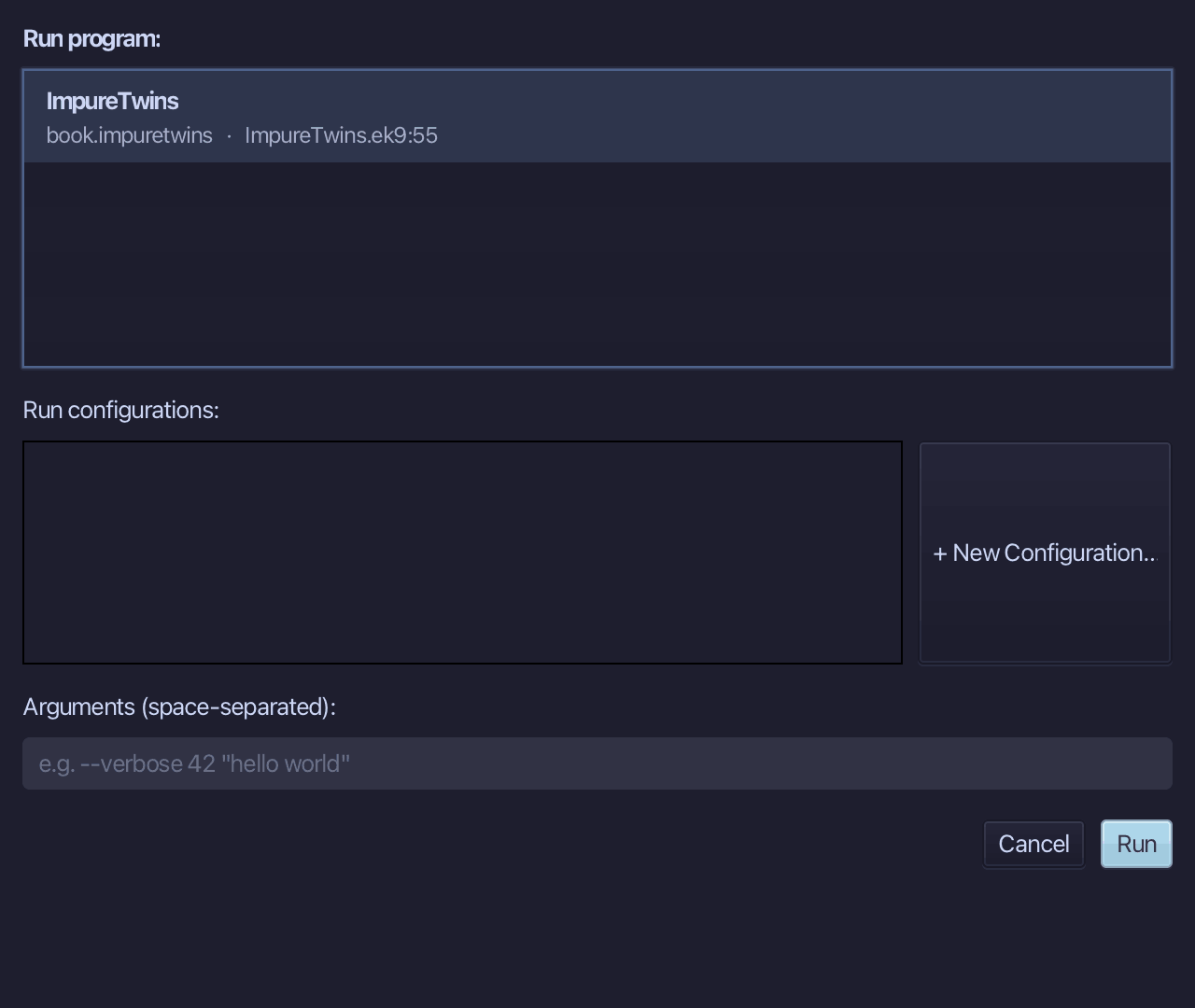
The project's only program is already chosen. Choose Run.
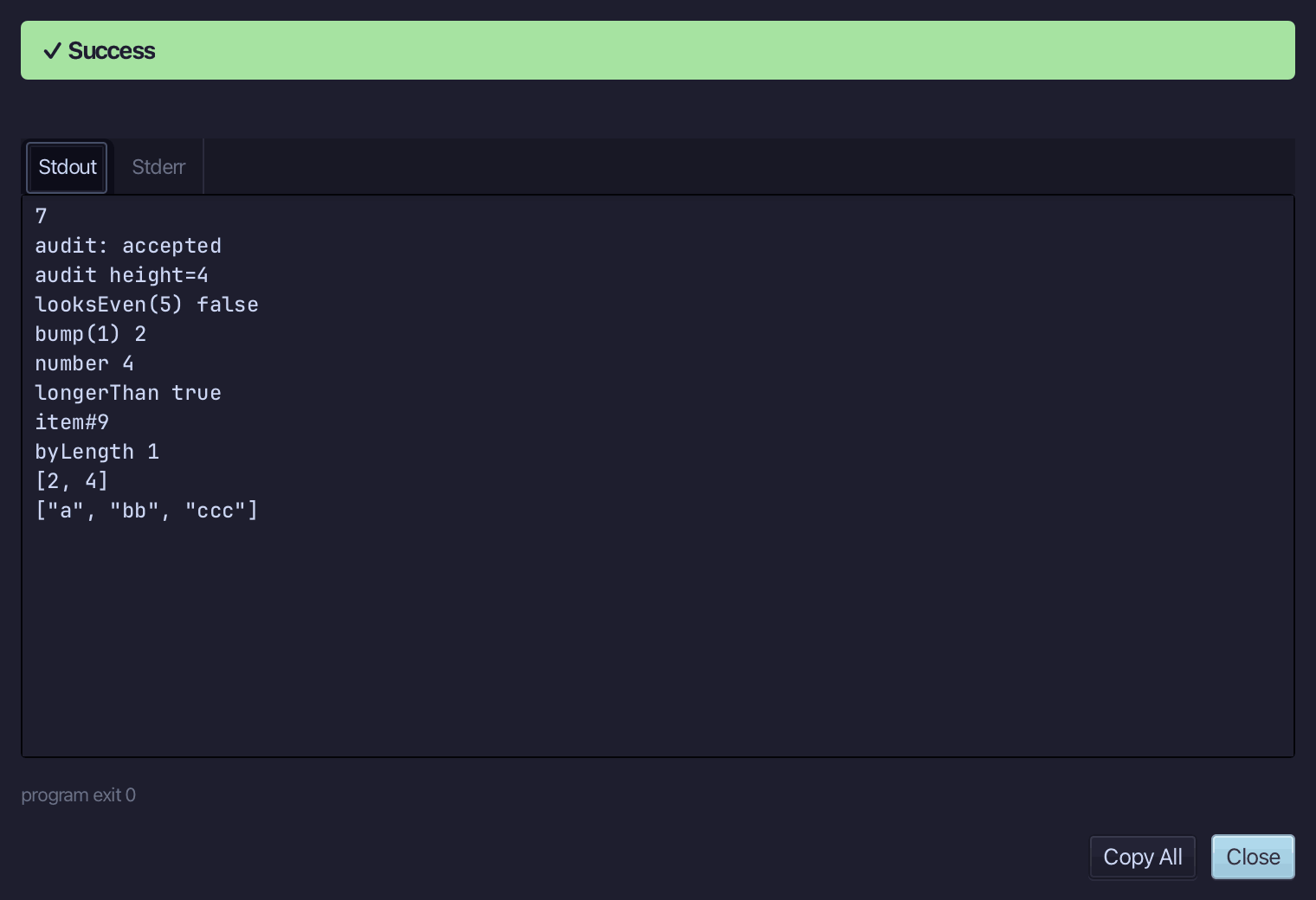
7, audit: accepted, audit height=4, looksEven(5) false, bump(1) 2, number 4, longerThan true, item#9, byLength 1, then the evens [2, 4] and the words sorted by length. Choose Close.
The result
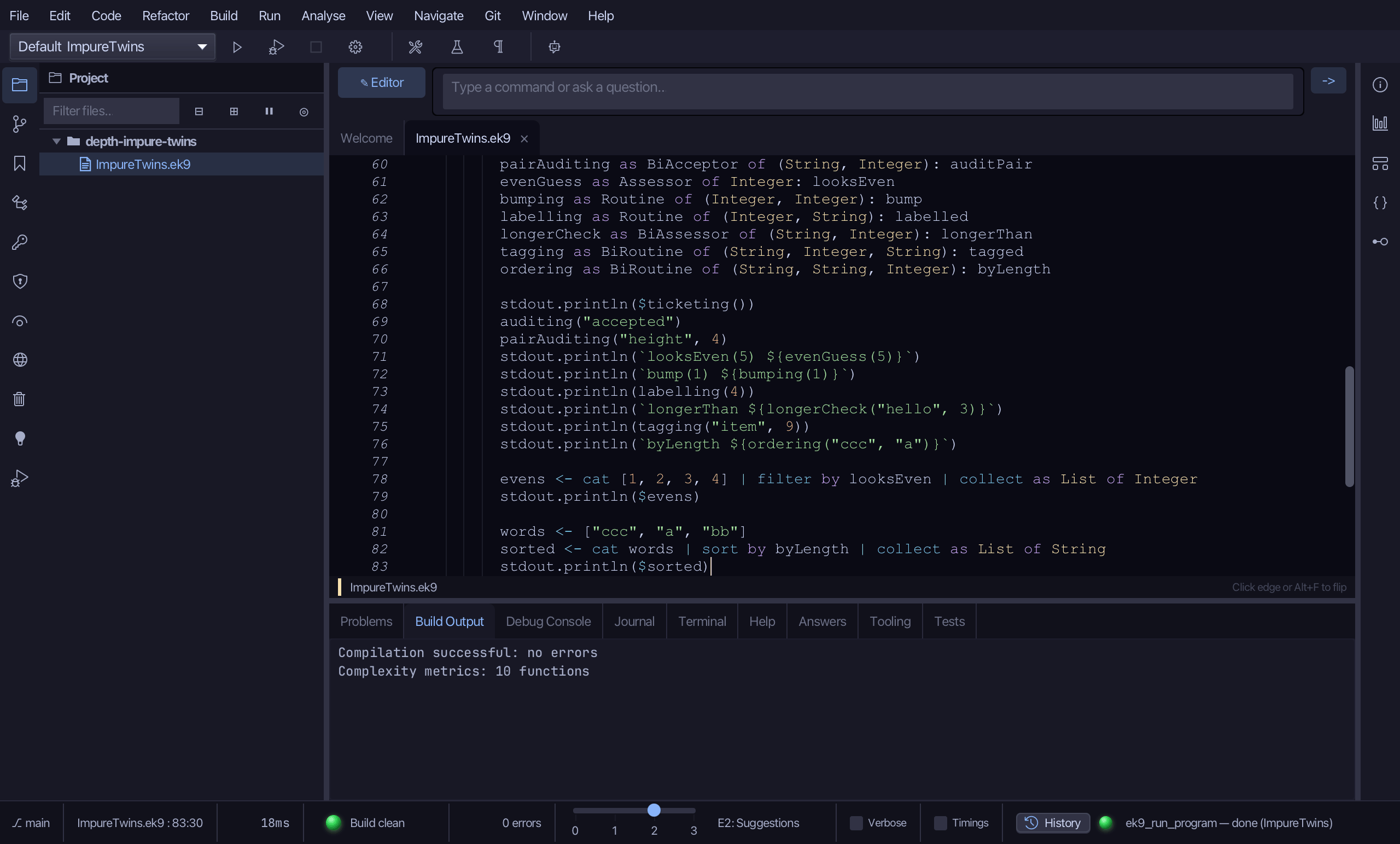
ImpureTwins.ek9 now reads exactly as chapter 26 of EK9 in Depth shows it. Same bodies, no 'as pure', and a different type for every variable: an Assessor is not a Predicate. The two pipelines at the end show the stream verbs filter by and sort by accept the impure twins too.
Where this lesson comes from
- For AI assistants - the MCP tool
ek9_new_construct,ek9_add_program.