Chapter 32: an exception hierarchy and its dispatcher, built
Java has checked and unchecked exceptions and a catch ladder, one catch per type. EK9 has no throws, no checked exceptions and exactly one catch: the catch hands whatever was thrown to a dispatcher, which chooses by the run-time type. This till can fail three ways, and the chapter's exceptions sit one under another: a base you mean to extend says as open, because every type is closed by default. The IDE writes the constants, each class with the operators a subtype that adds a field must declare, the fields, the constructors' shapes and the methods; you type the constructors' super(...) calls, each method's work and the two words that make handleFailure a dispatcher. To play it in the IDE: Help > Lessons > EK9 in Depth…, or ek9 -ide -lesson depth-payment-exceptions.
What you'll build
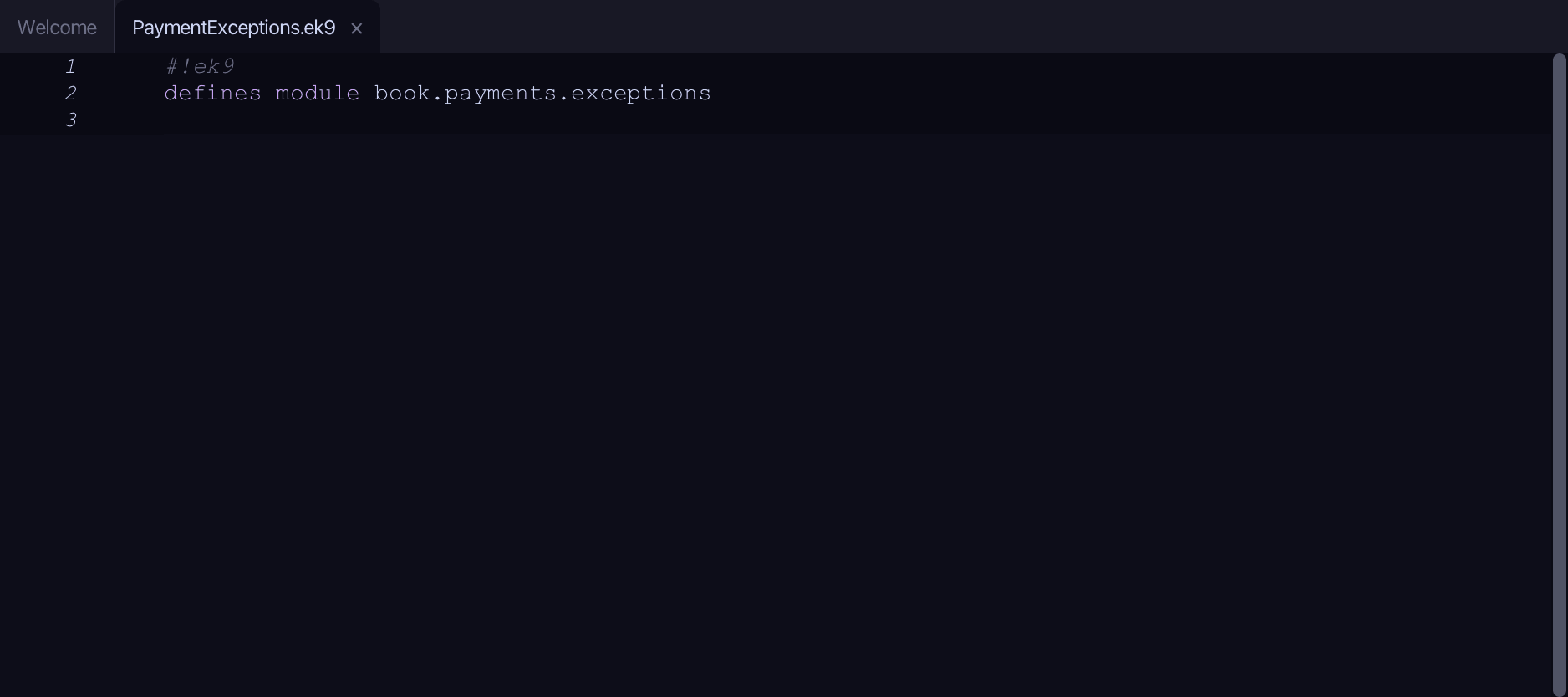
The lesson builds this program from a file holding only its module line - the finished file, as the book prints it.
#!ek9
defines module book.payments.exceptions

  defines constant
    goldCard <- "4111"

    silverCard <- "5500"

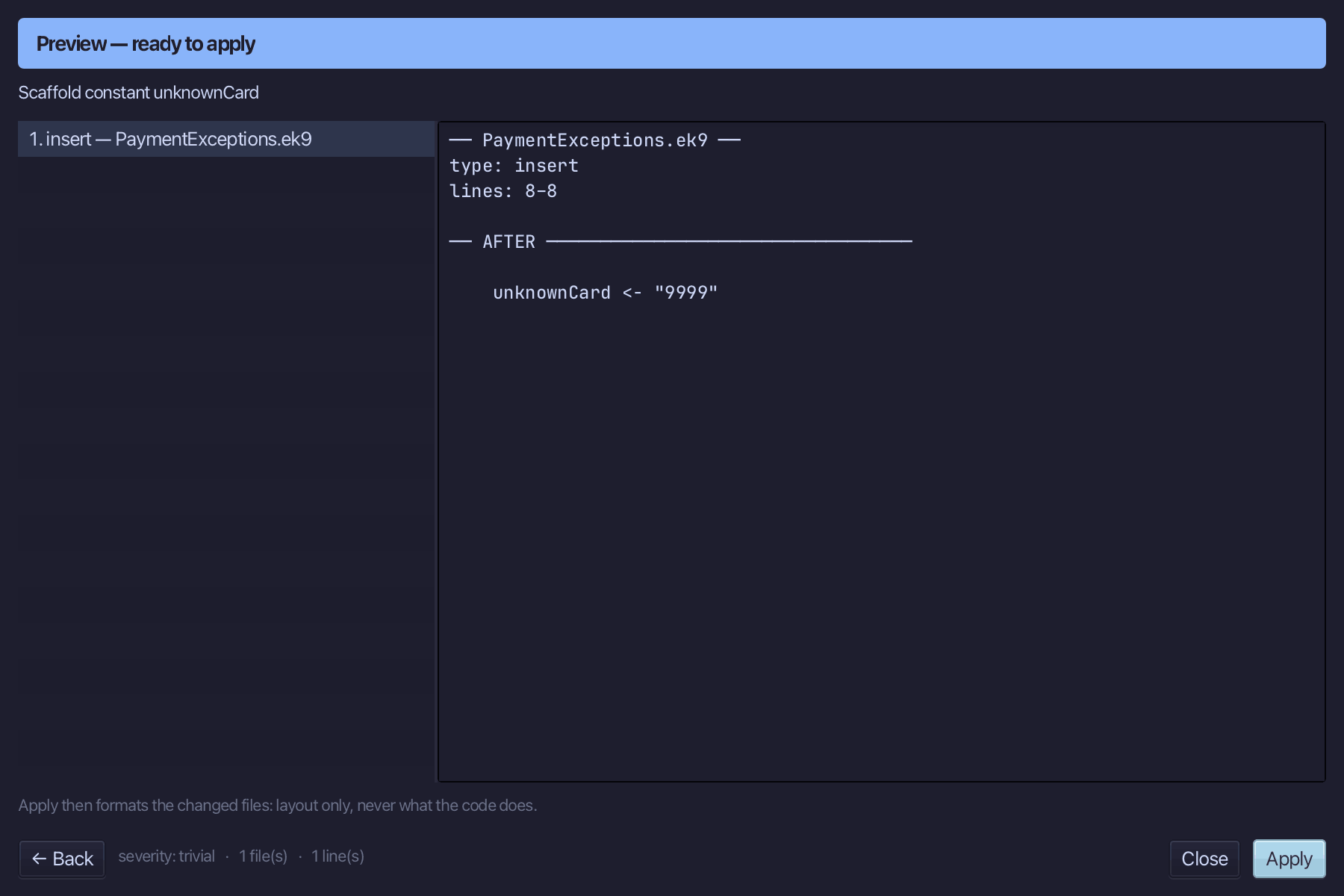
    unknownCard <- "9999"

  defines class

    PaymentException extends Exception as open
      cardNumber <- String()

      PaymentException()
        ->
          reason as String
          cardNumber as String

        super(reason)
        this.cardNumber :=: cardNumber

      cardNumber() as pure
        <- rtn as String: cardNumber

      default operator ?
      default operator $
      default operator $$

    CardDeclined extends PaymentException
      declineCode <- Integer()

      CardDeclined()
        ->
          cardNumber as String
          declineCode as Integer

        super("Card declined", cardNumber)
        this.declineCode :=: declineCode

      declineCode() as pure
        <- rtn as Integer: declineCode

      default operator ?
      default operator $
      default operator $$

    InsufficientFunds extends PaymentException
      shortfall <- Integer()

      InsufficientFunds()
        ->
          cardNumber as String
          shortfall as Integer

        super("Insufficient funds", cardNumber)
        this.shortfall :=: shortfall

      shortfall() as pure
        <- rtn as Integer: shortfall

      default operator ?
      default operator $
      default operator $$

    Till
      balances as Dict of (String, Integer): {goldCard: 300, silverCard: 50}

      pay()
        ->
          cardNumber as String
          amount as Integer
        <- rtn as String: String()

        try
          rtn: charge(cardNumber, amount)
        catch
          -> ex as Exception
          rtn: handleFailure(ex)

      private charge()
        ->
          cardNumber as String
          amount as Integer
        <- rtn as String: `charged ${amount} to card ${cardNumber}`

        if amount <= 0
          throw Exception(`amount must be positive, not ${amount}`)
        balance <- balances.getOrDefault(cardNumber, Integer())
        if not balance?
          throw CardDeclined(cardNumber, 51)
        if balance < amount
          throw InsufficientFunds(cardNumber, amount - balance)
        balances += DictEntry(cardNumber, balance - amount)

      private handleFailure() as dispatcher
        -> ex as Exception
        <- rtn as String: `unexpected: ${ex.reason()}`

      private handleFailure()
        -> ex as PaymentException
        <- rtn as String: `payment failed on card ${ex.cardNumber()}: ${ex.reason()}`

      private handleFailure()
        -> ex as CardDeclined
        <- rtn as String: `card ${ex.cardNumber()} declined with code ${ex.declineCode()}`

      default operator ?

  defines program

    PaymentExceptions()
      stdout <- Stdout()
      till <- Till()

      stdout.println(till.pay(goldCard, 120))
      stdout.println(till.pay(unknownCard, 10))
      stdout.println(till.pay(silverCard, 80))
      stdout.println(till.pay(goldCard, 0))
      stdout.println(till.pay(goldCard, 500))
Step 1: Constants
Choose Code > New Construct > Constant…
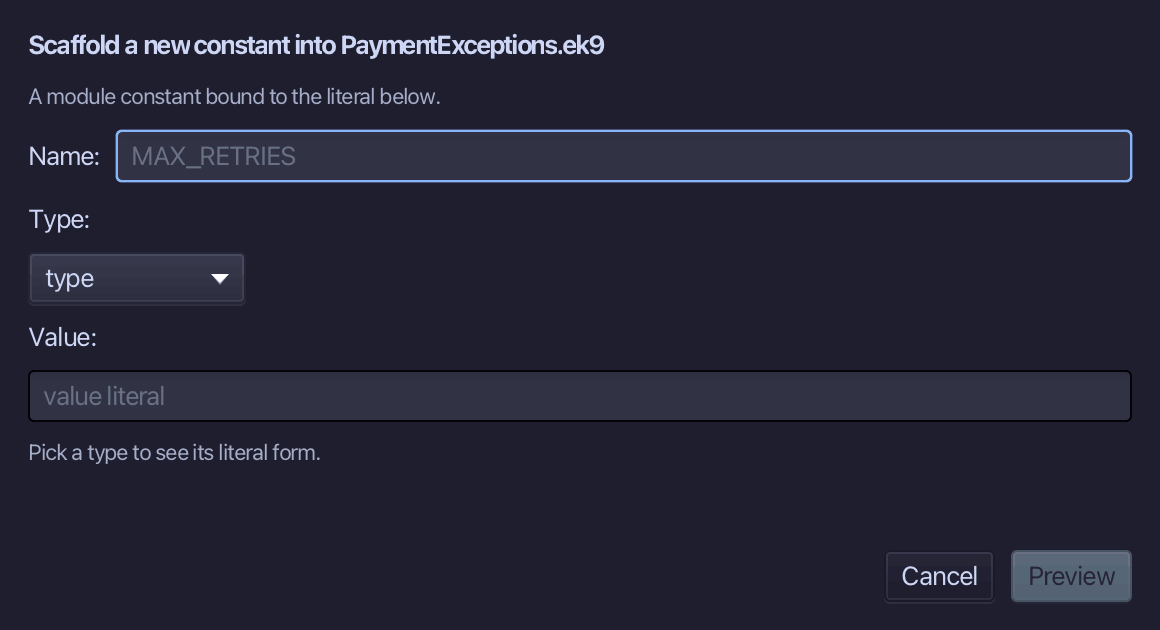
goldCard is the constant's name and "4111" its value - a literal in the Value field, from which the type is inferred. Type both and choose Preview.
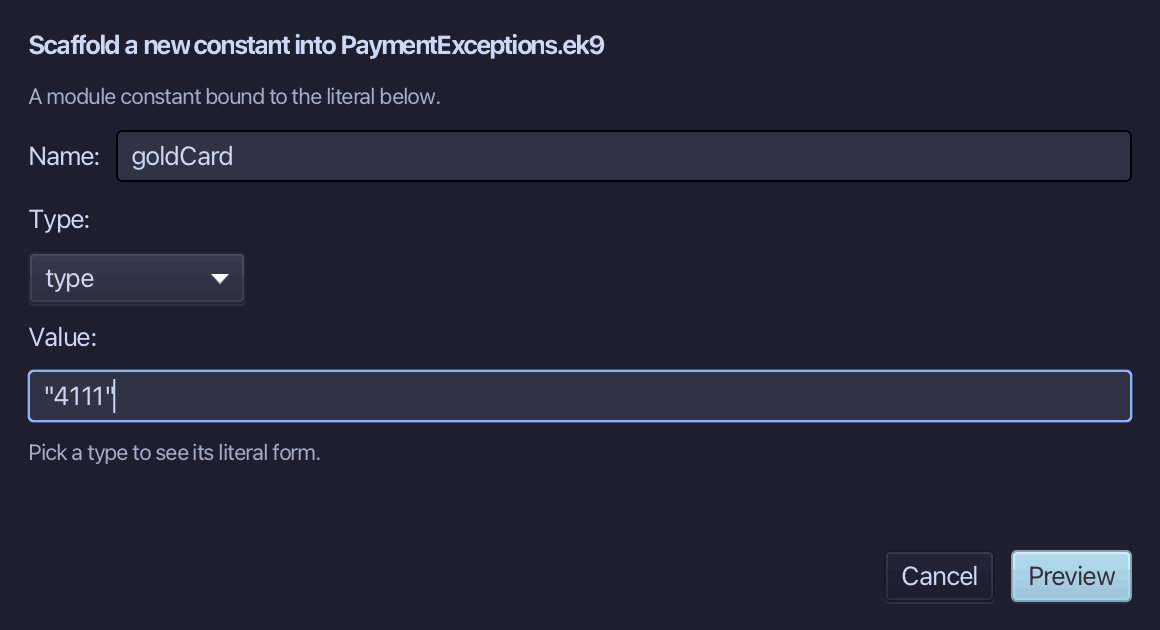
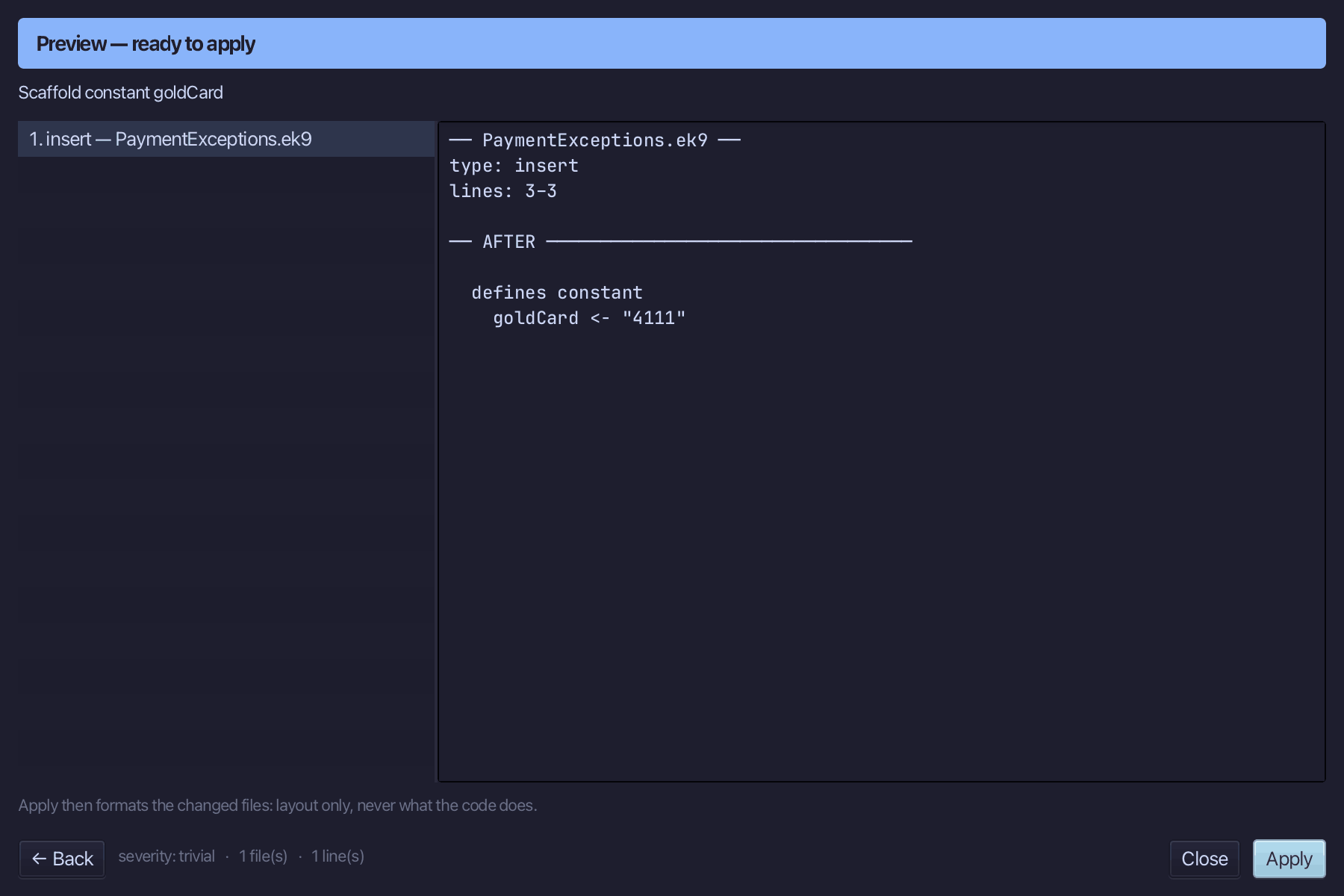
The preview shows goldCard about to be written. Choose Apply.
Step 2: Constants
Choose Code > New Construct > Constant…
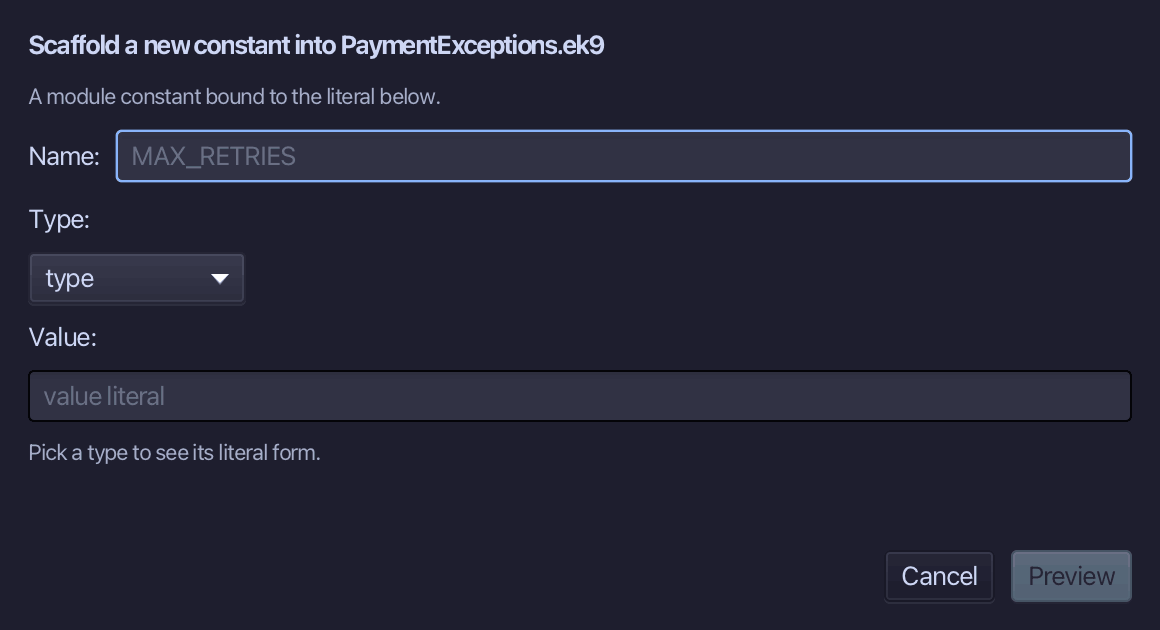
silverCard is the constant's name and "5500" its value - a literal in the Value field, from which the type is inferred. Type both and choose Preview.
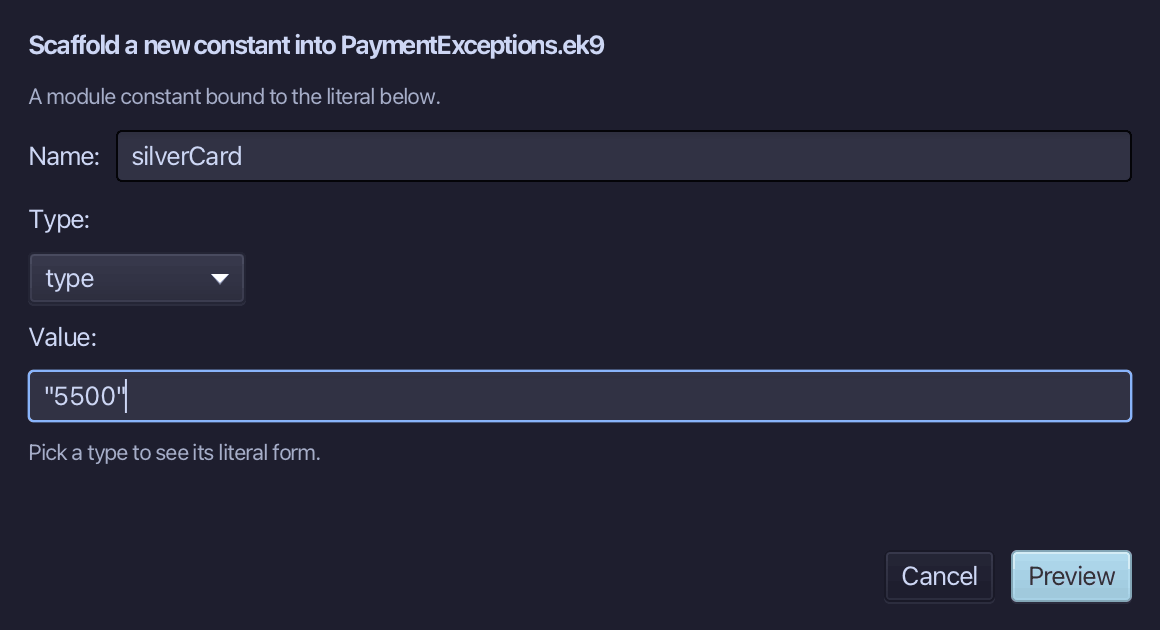
The preview shows silverCard about to be written. Choose Apply.
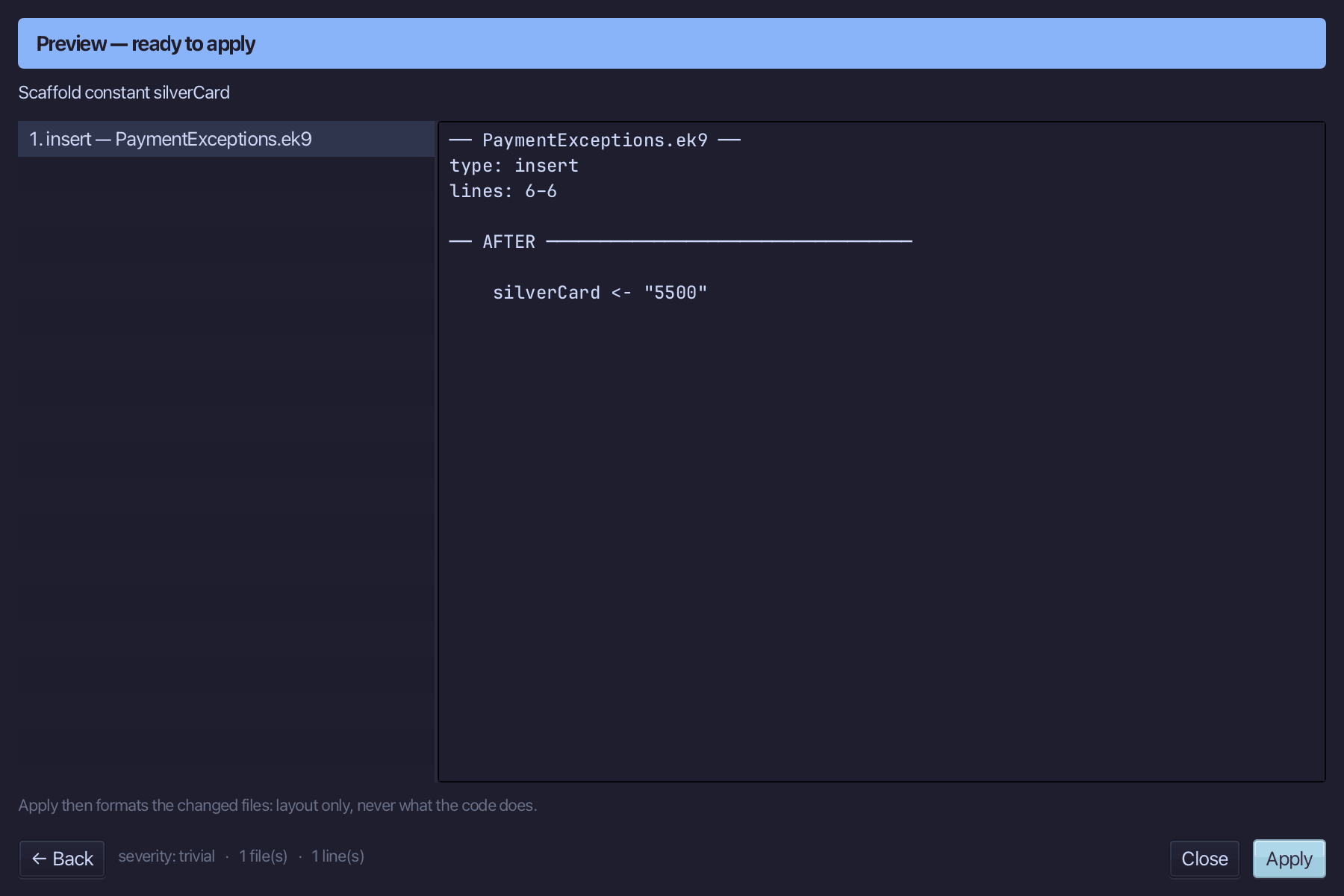
Step 3: Constants
Choose Code > New Construct > Constant…
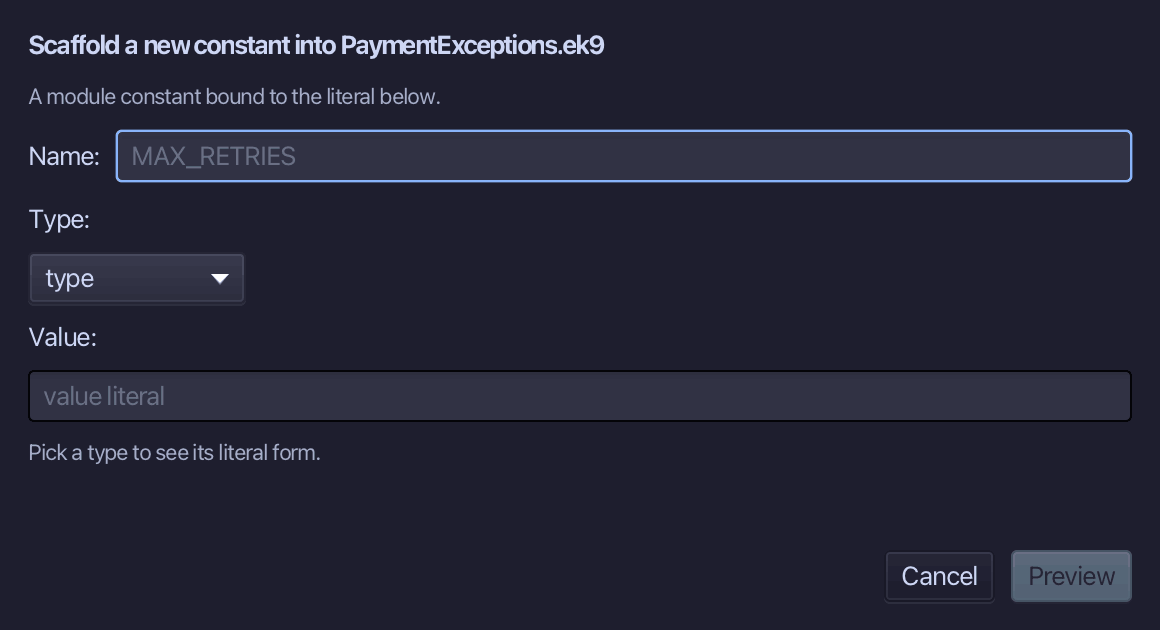
unknownCard is the constant's name and "9999" its value - a literal in the Value field, from which the type is inferred. Type both and choose Preview.
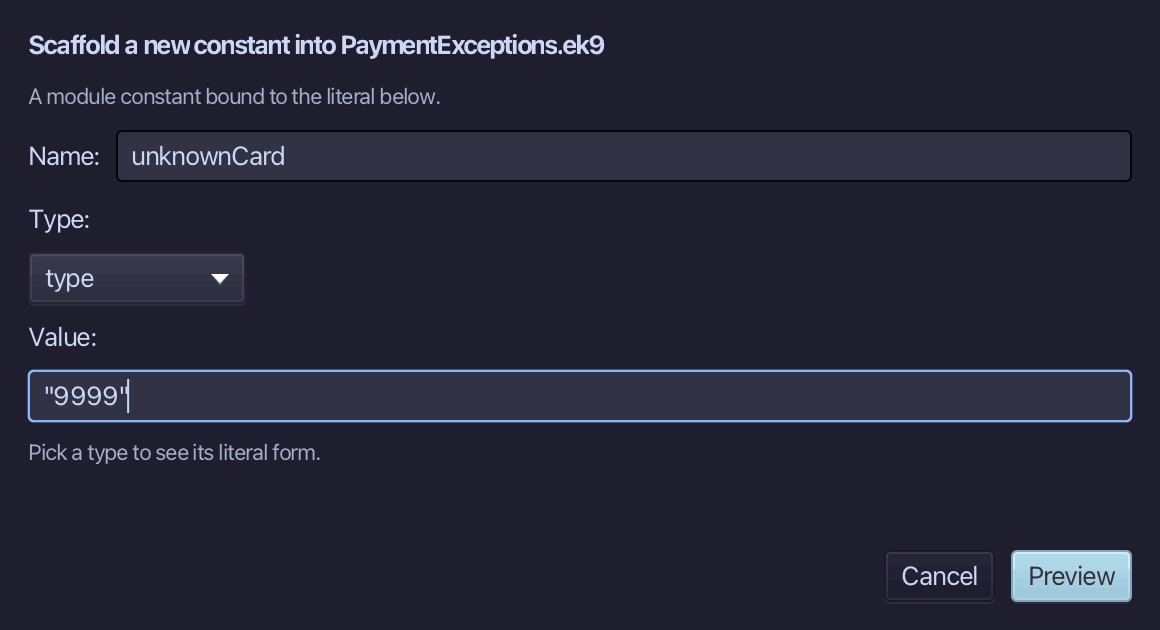
The preview shows unknownCard about to be written. Choose Apply.
Step 4: PaymentException — an exception of our own
Choose Code > New Construct > Class…
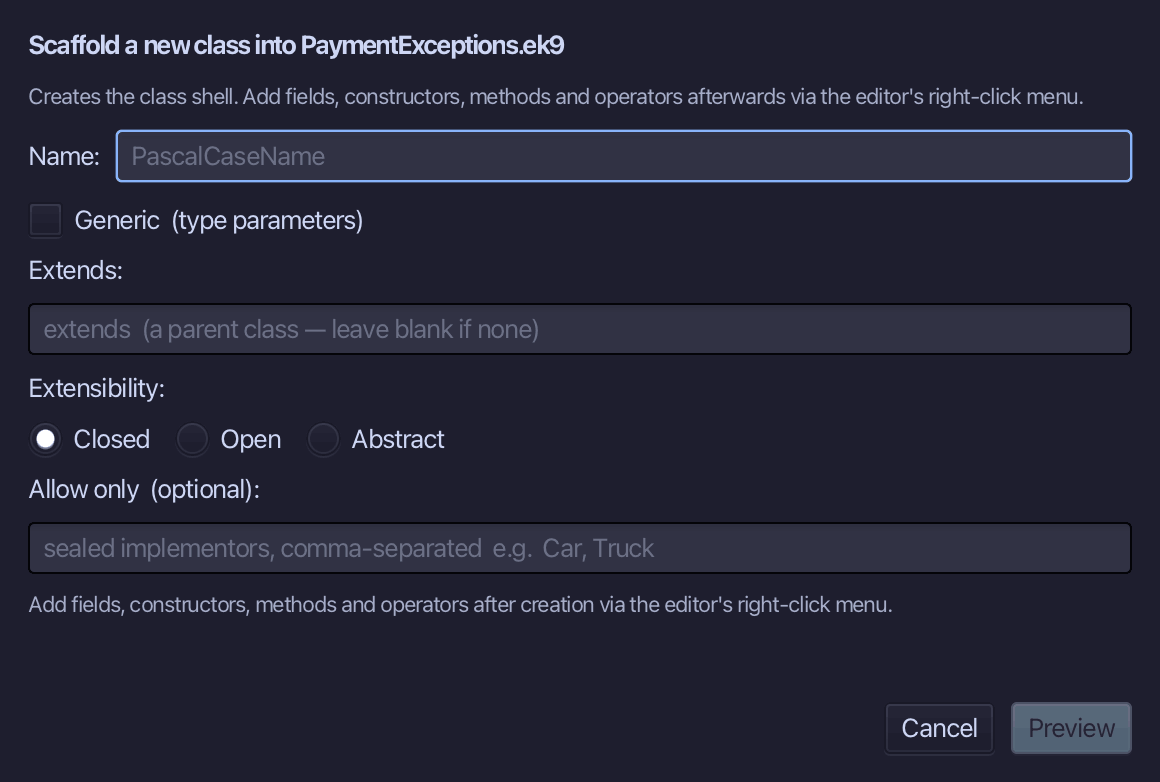
PaymentException is the class's name. Choose Open under Extensibility - a class is closed to extension unless it says so. Type Exception into Extends. Choose Preview.
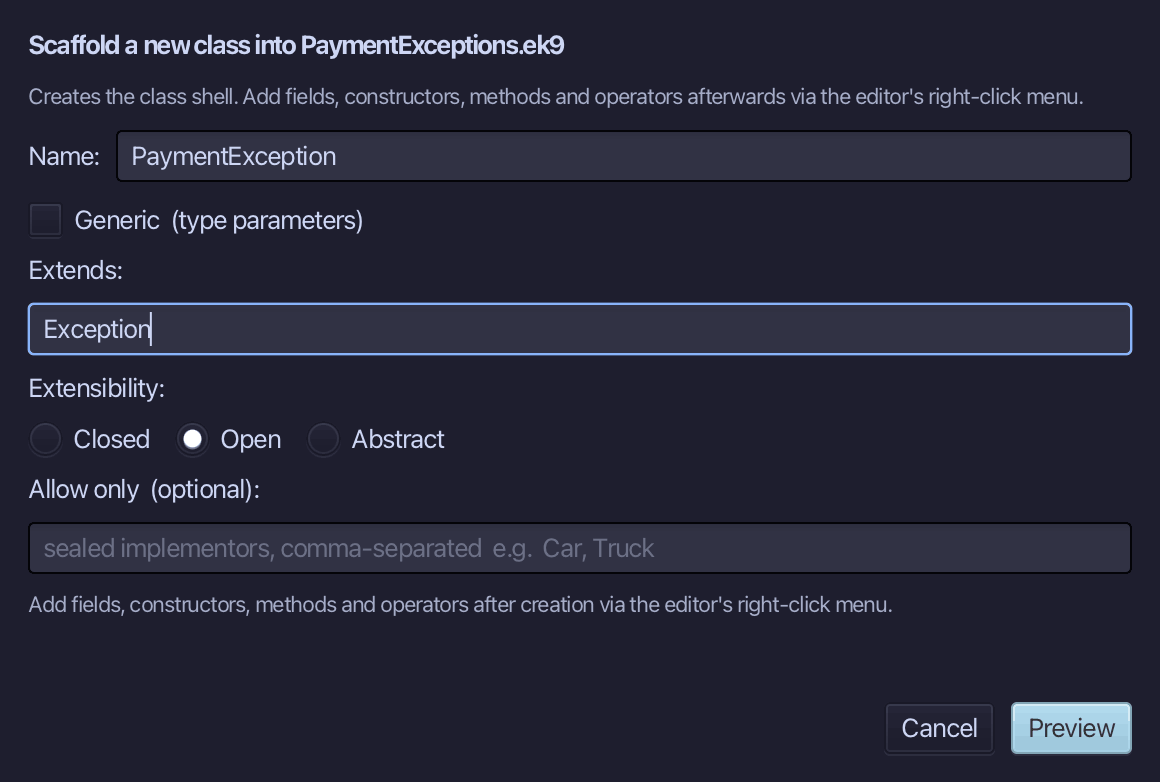
The preview shows PaymentException about to be written - and, if Exception owes any methods, an override stub for each. Choose Apply.
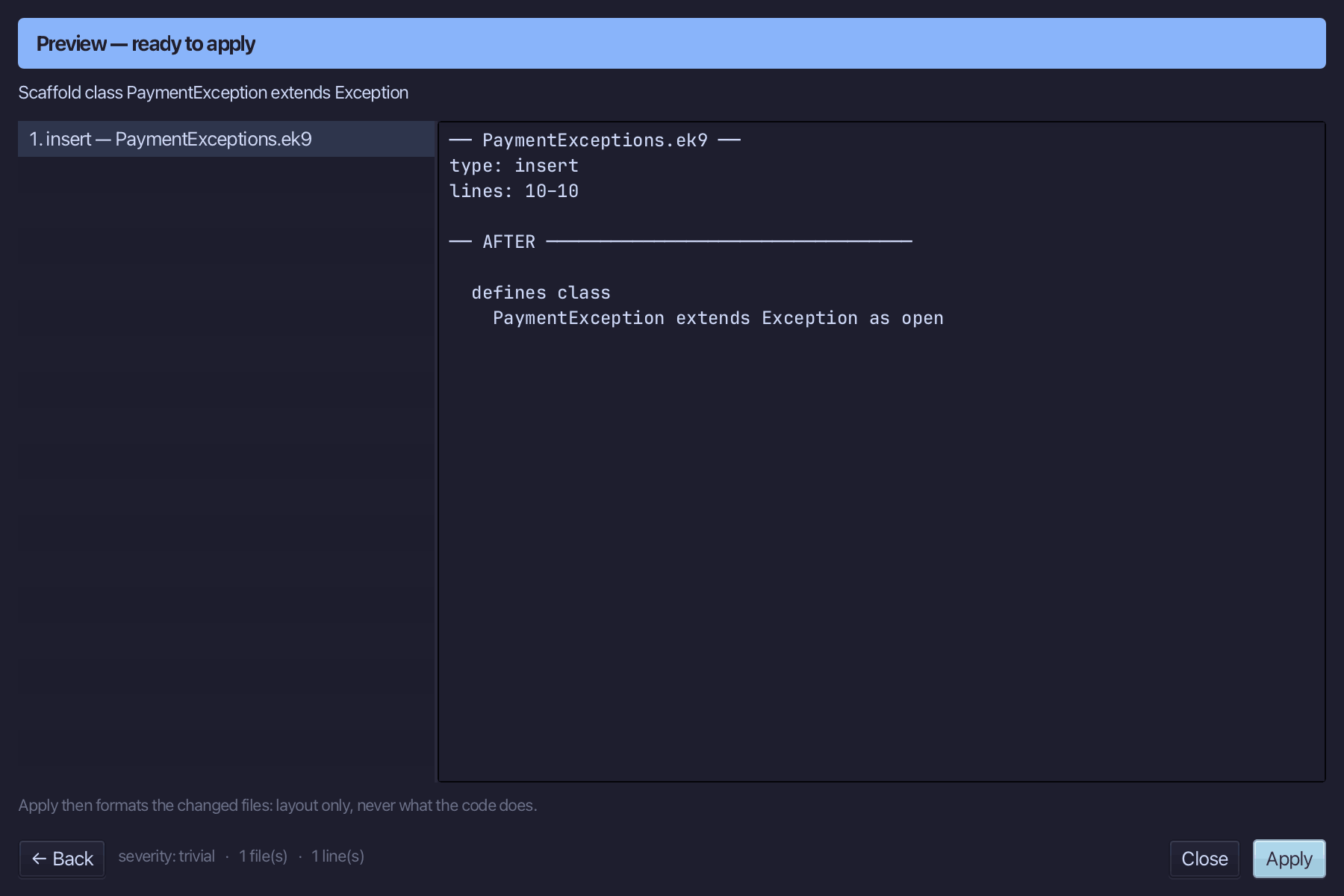
Select the PaymentException line and, above it, type the blank line the book opens its first class with. Saves when typed.
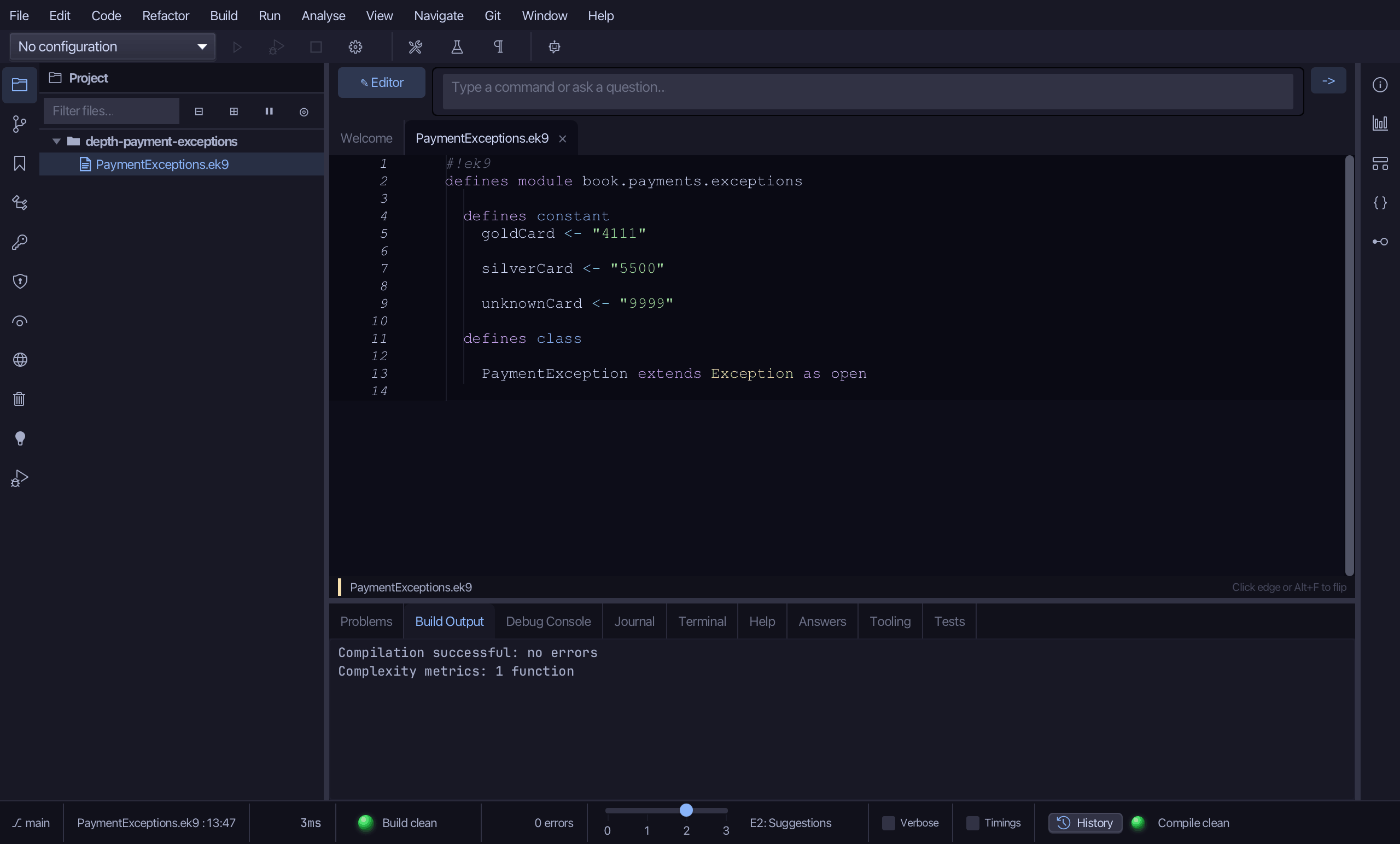
Right-click the PaymentException line and choose Add Operator > $$ (json) > default - the compiler writes the operator from the fields.
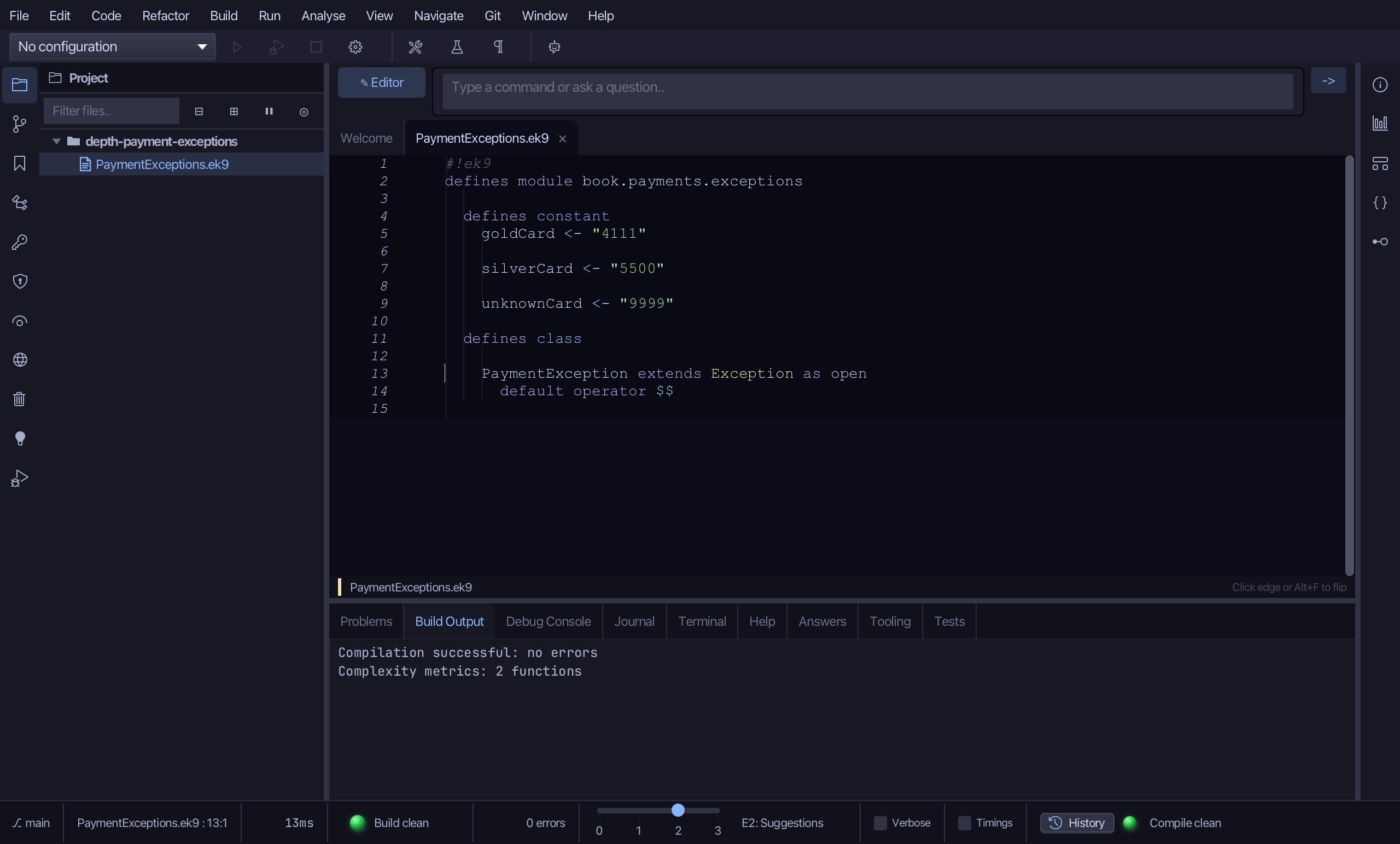
Right-click the PaymentException line and choose Add Operator > $ (string) > default - the compiler writes the operator from the fields.
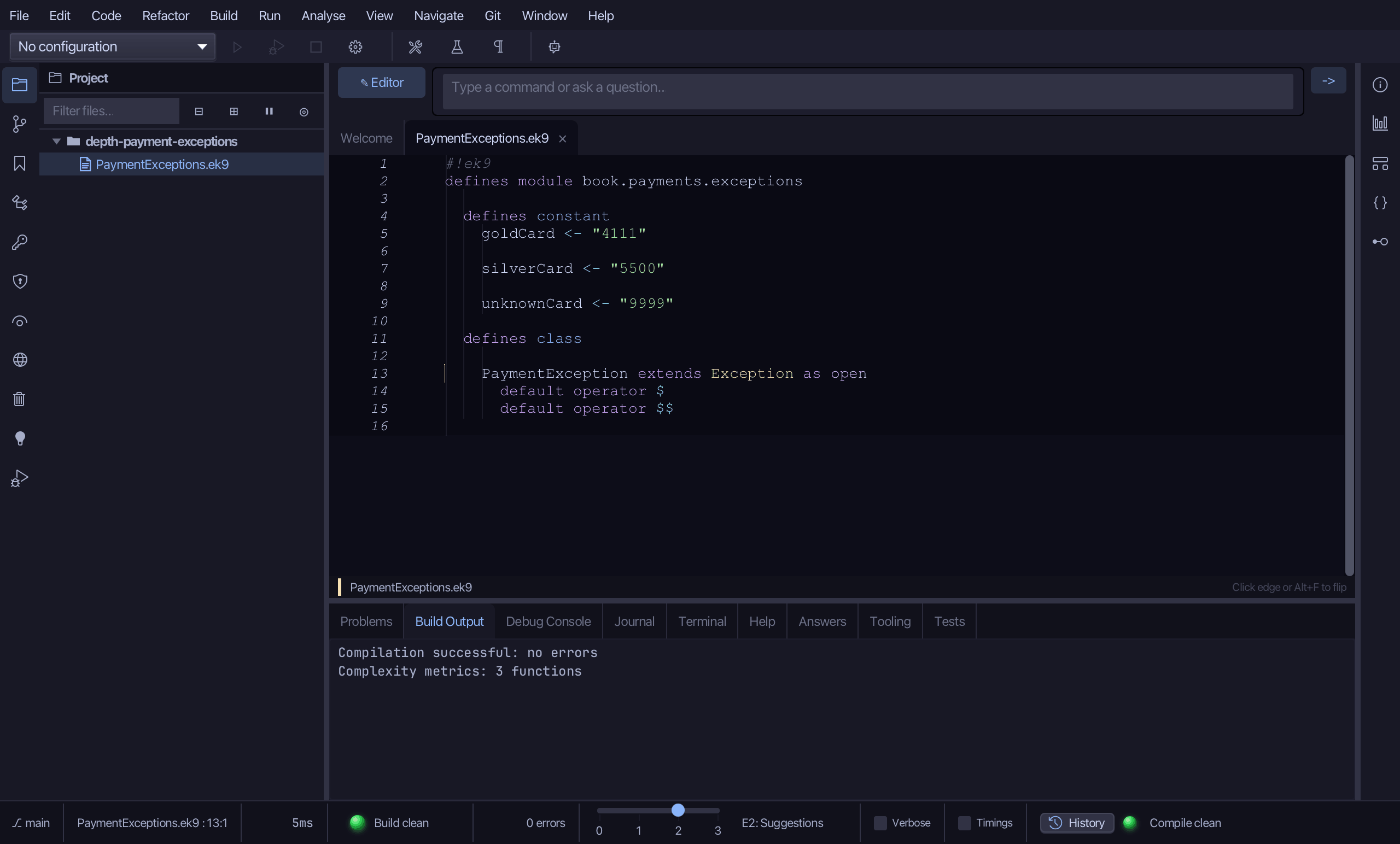
Right-click the PaymentException line and choose Add Field…
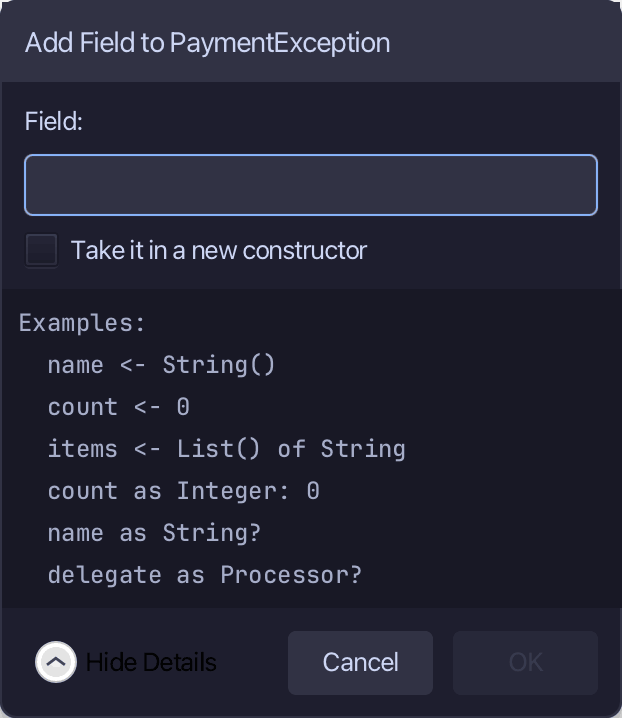
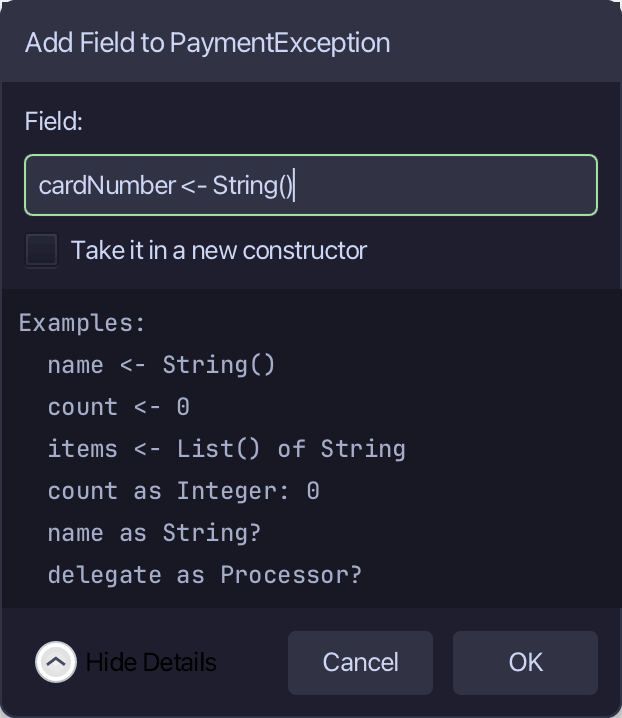
Type cardNumber <- String() - the field and the value it starts with. Choose OK.
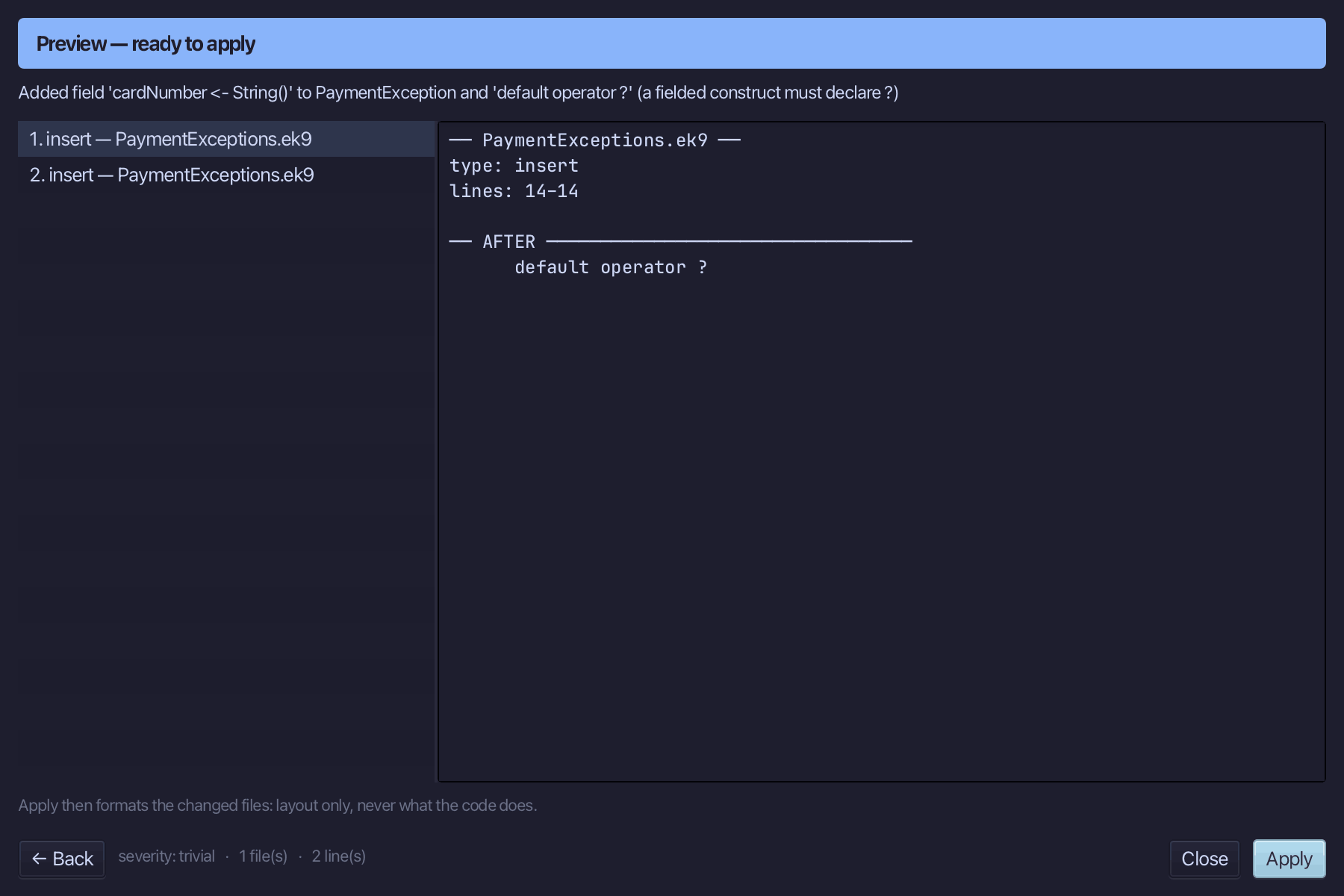
The preview shows cardNumber added - and default operator ? with it, PaymentException's first field. Choose Apply.
Right-click the PaymentException line and choose Add Constructor > From All Fields - a constructor that takes every field.
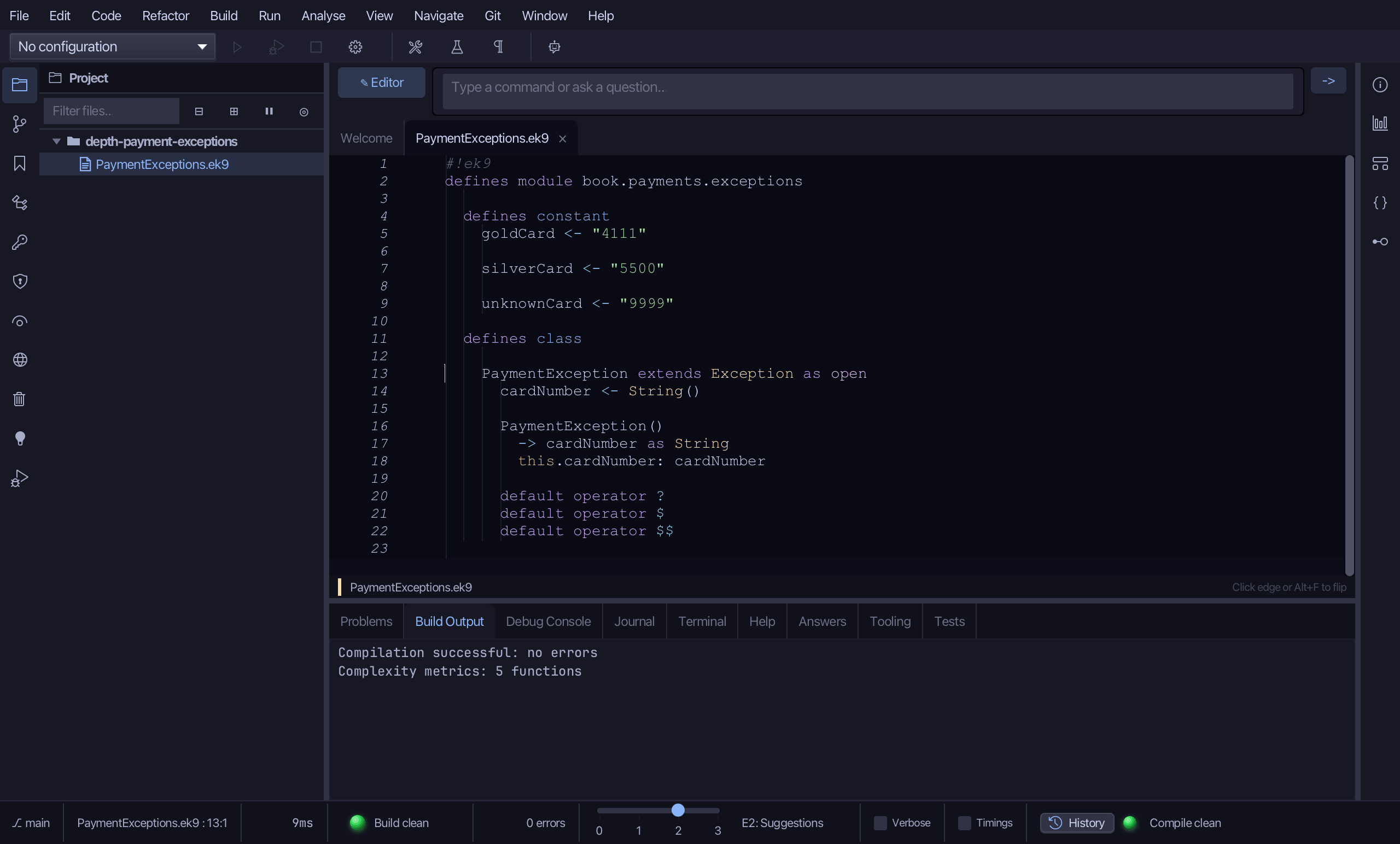
Select the constructor and type the book's: the reason and the card number in, the reason handed to Exception's own constructor with super(...). Saves when typed.
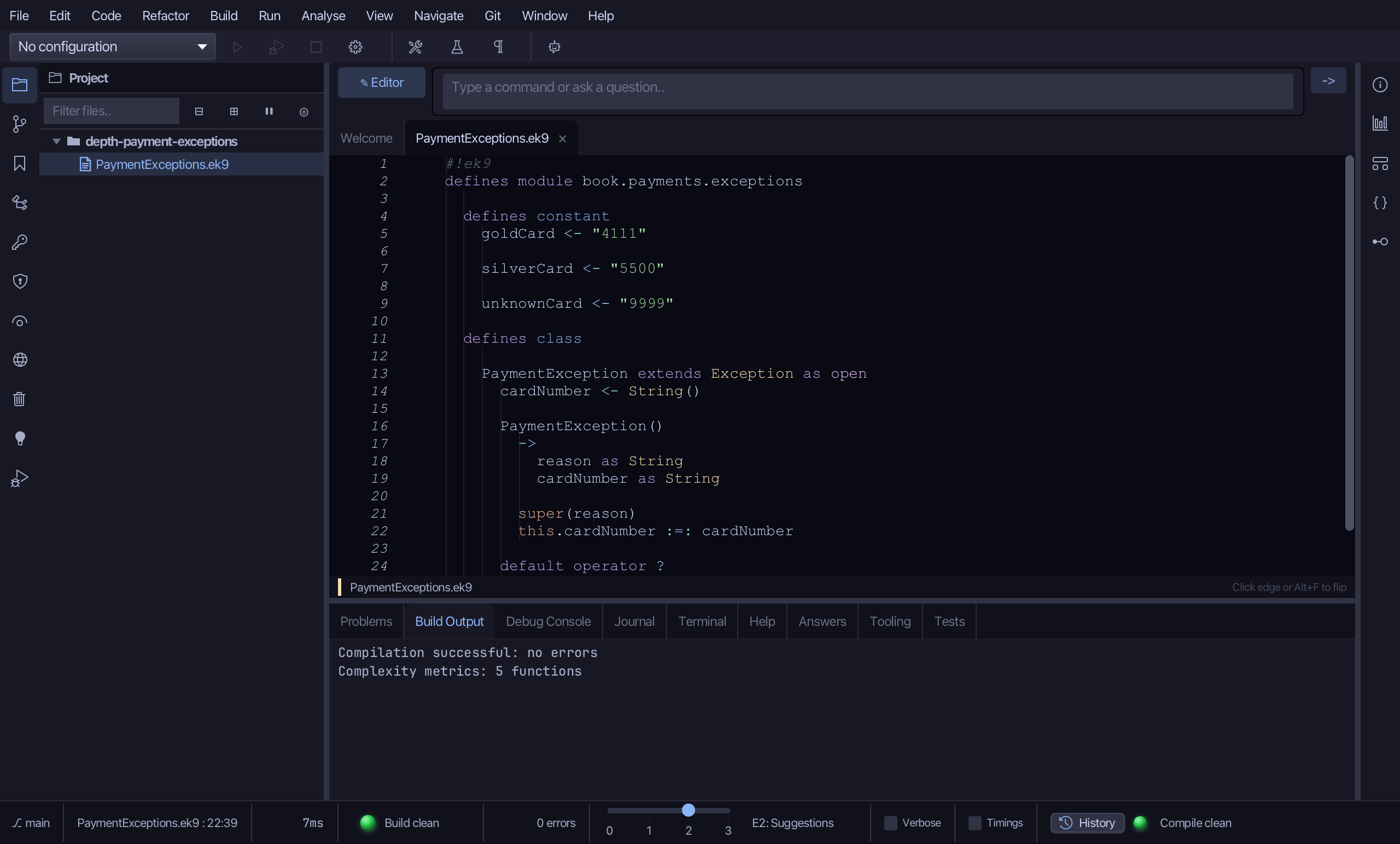
Right-click the PaymentException line and choose Add Method…
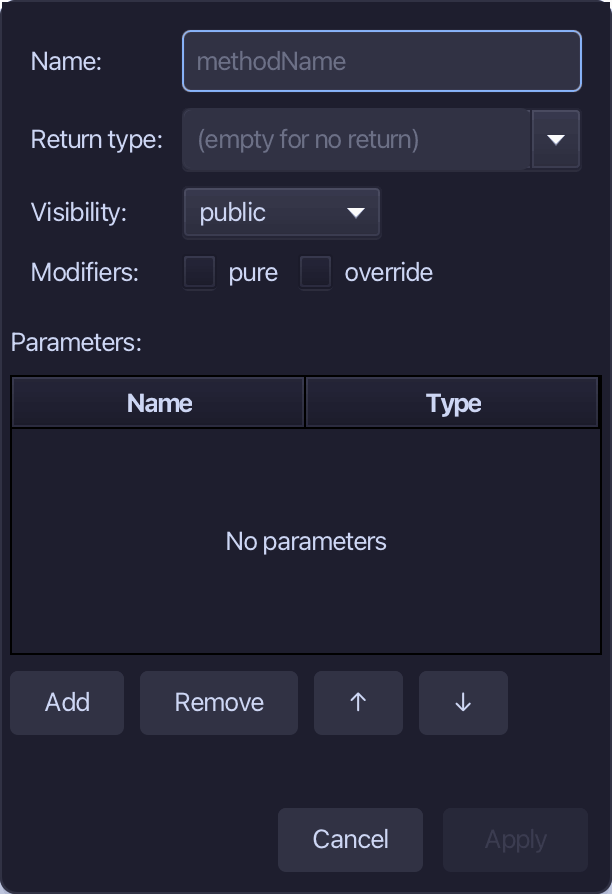
cardNumber is the method's name. Set Return type to String and tick pure. Choose Apply.
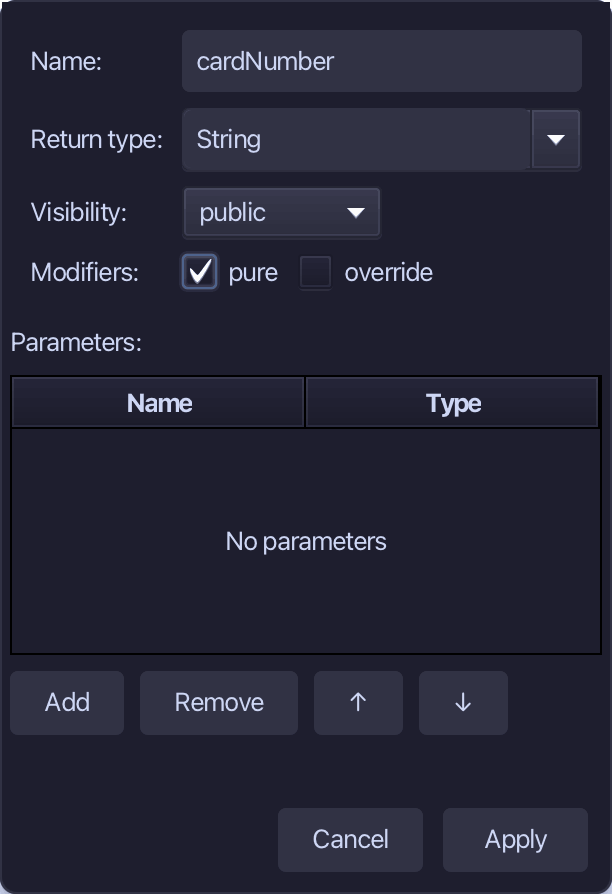
Select the stub and type the answer. Saves when typed.
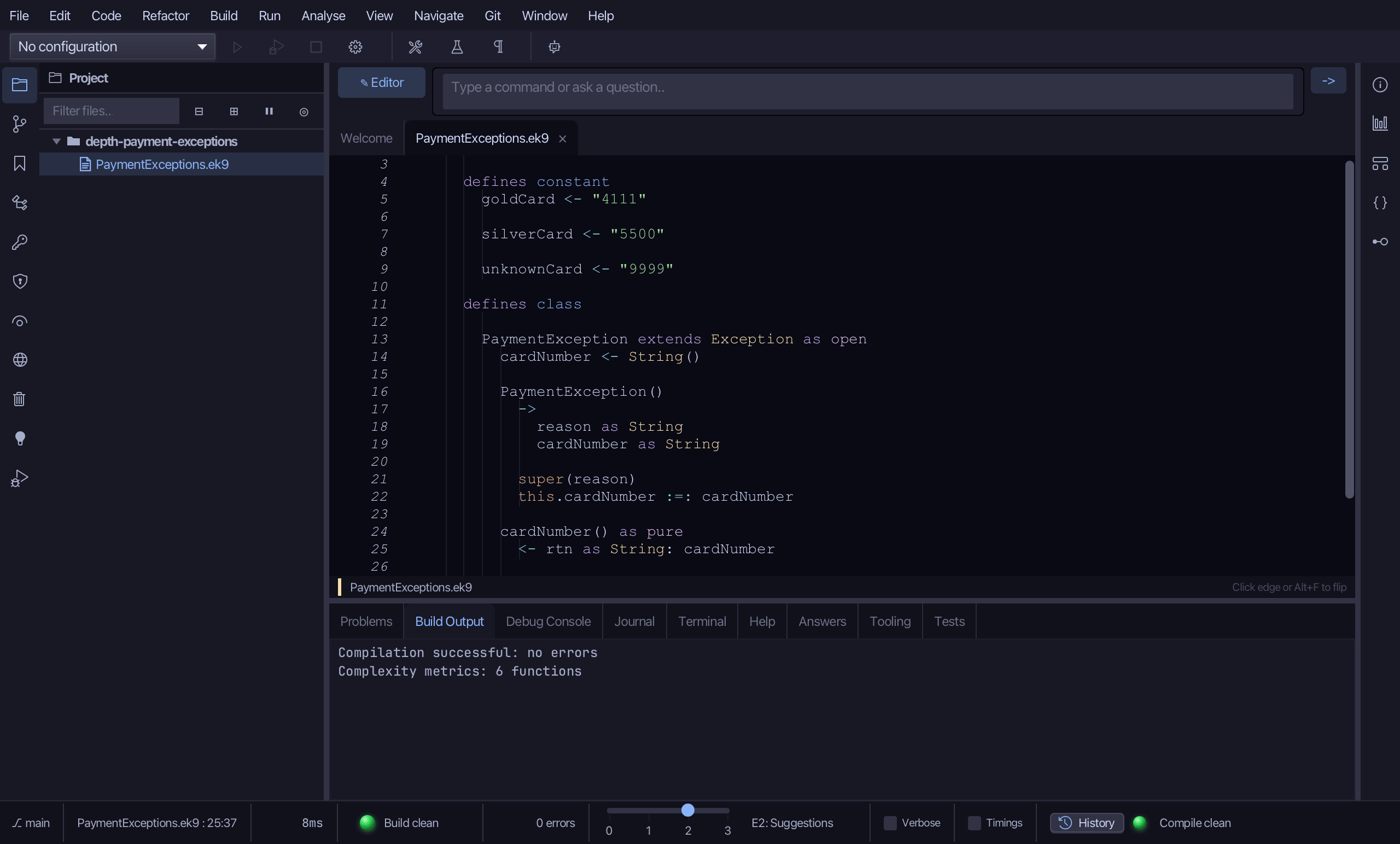
Step 5: CardDeclined — a payment exception
Choose Code > New Construct > Class…
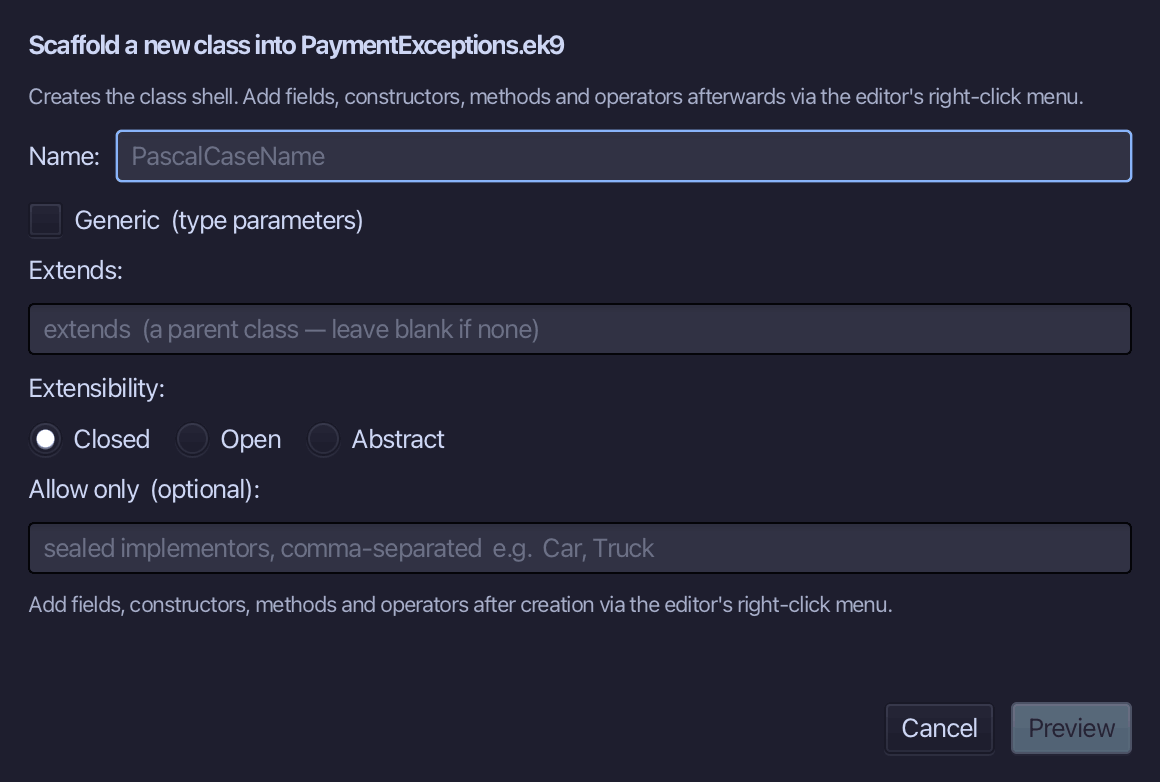
CardDeclined is the class's name. Type PaymentException into Extends. Choose Preview.
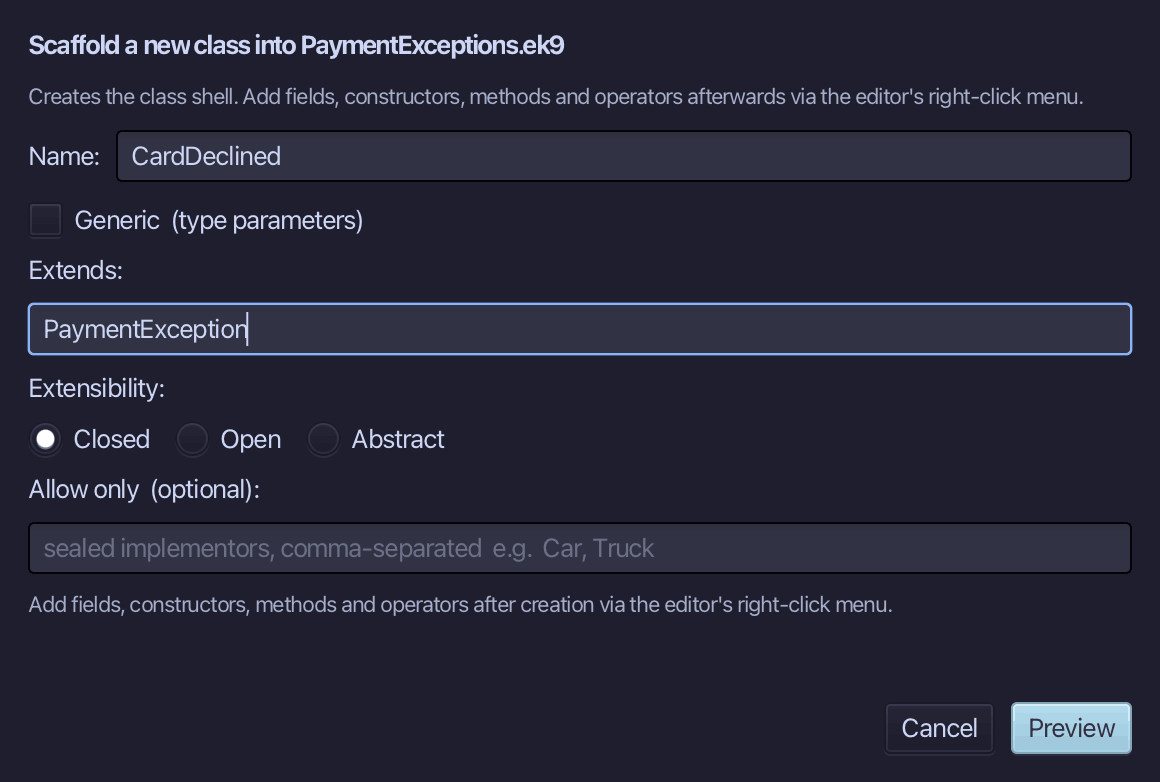
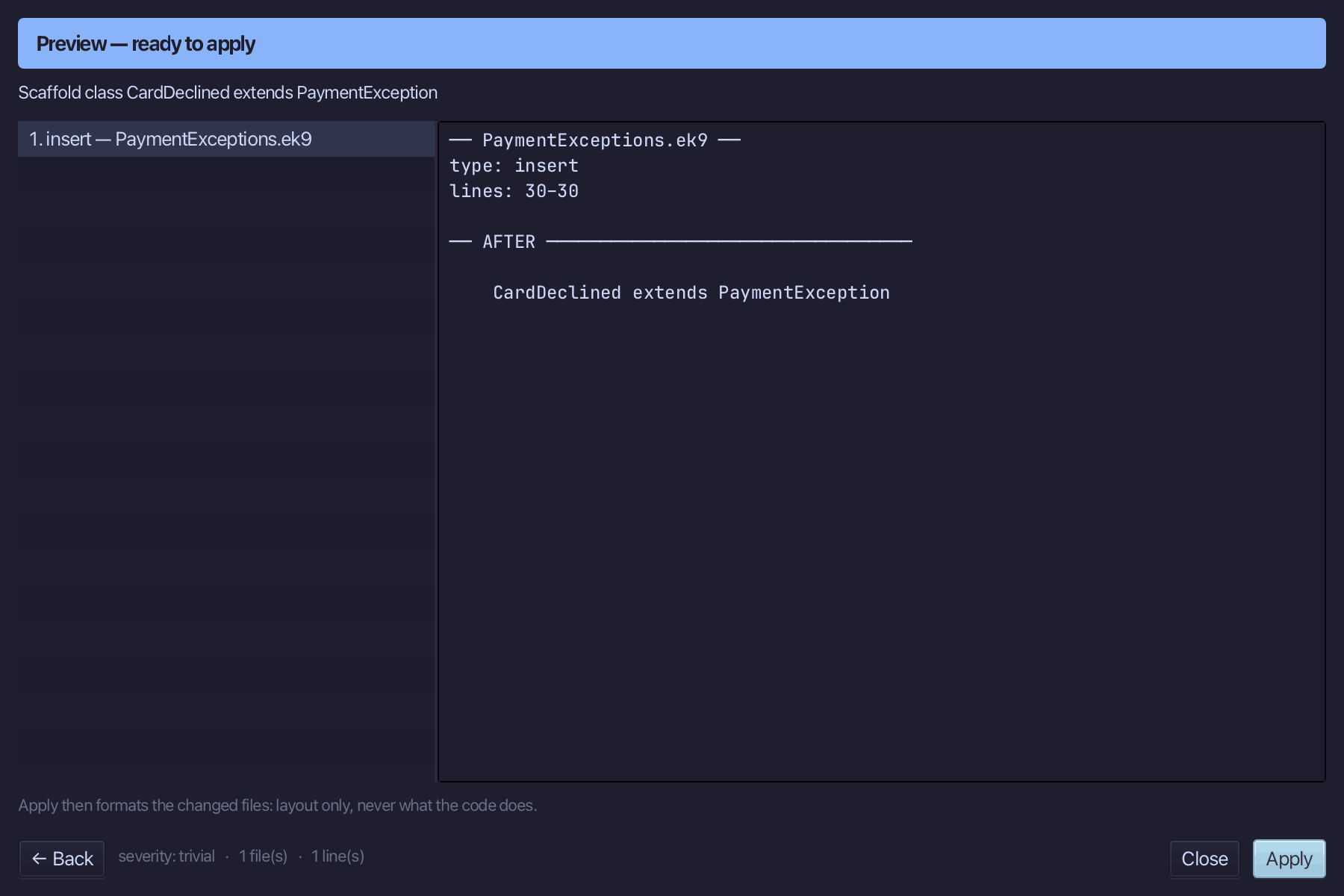
The preview shows CardDeclined about to be written - and, if PaymentException owes any methods, an override stub for each. Choose Apply.
Right-click the CardDeclined line and choose Add Operator > $$ (json) > default - the compiler writes the operator from the fields.
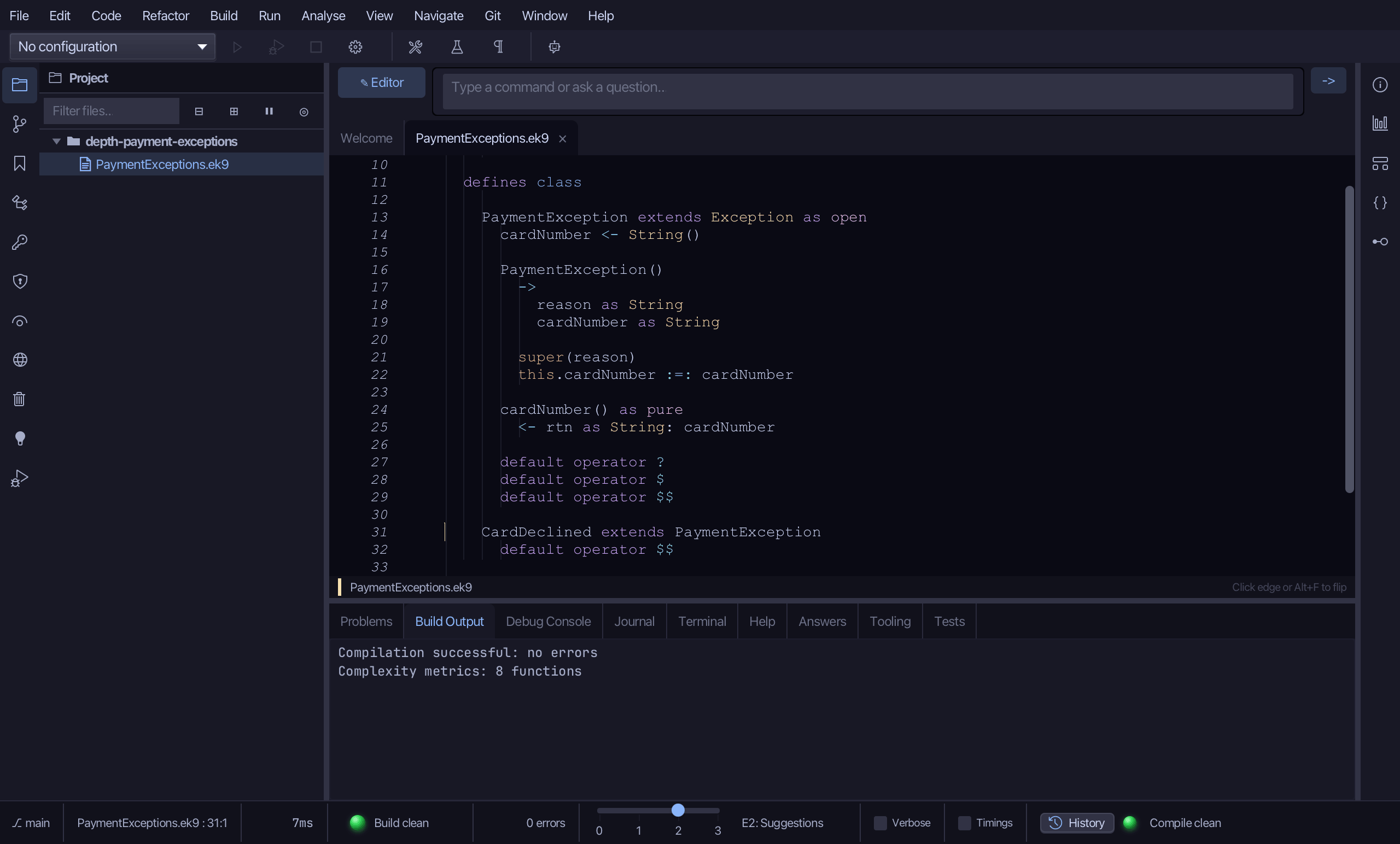
Right-click the CardDeclined line and choose Add Operator > $ (string) > default - the compiler writes the operator from the fields.
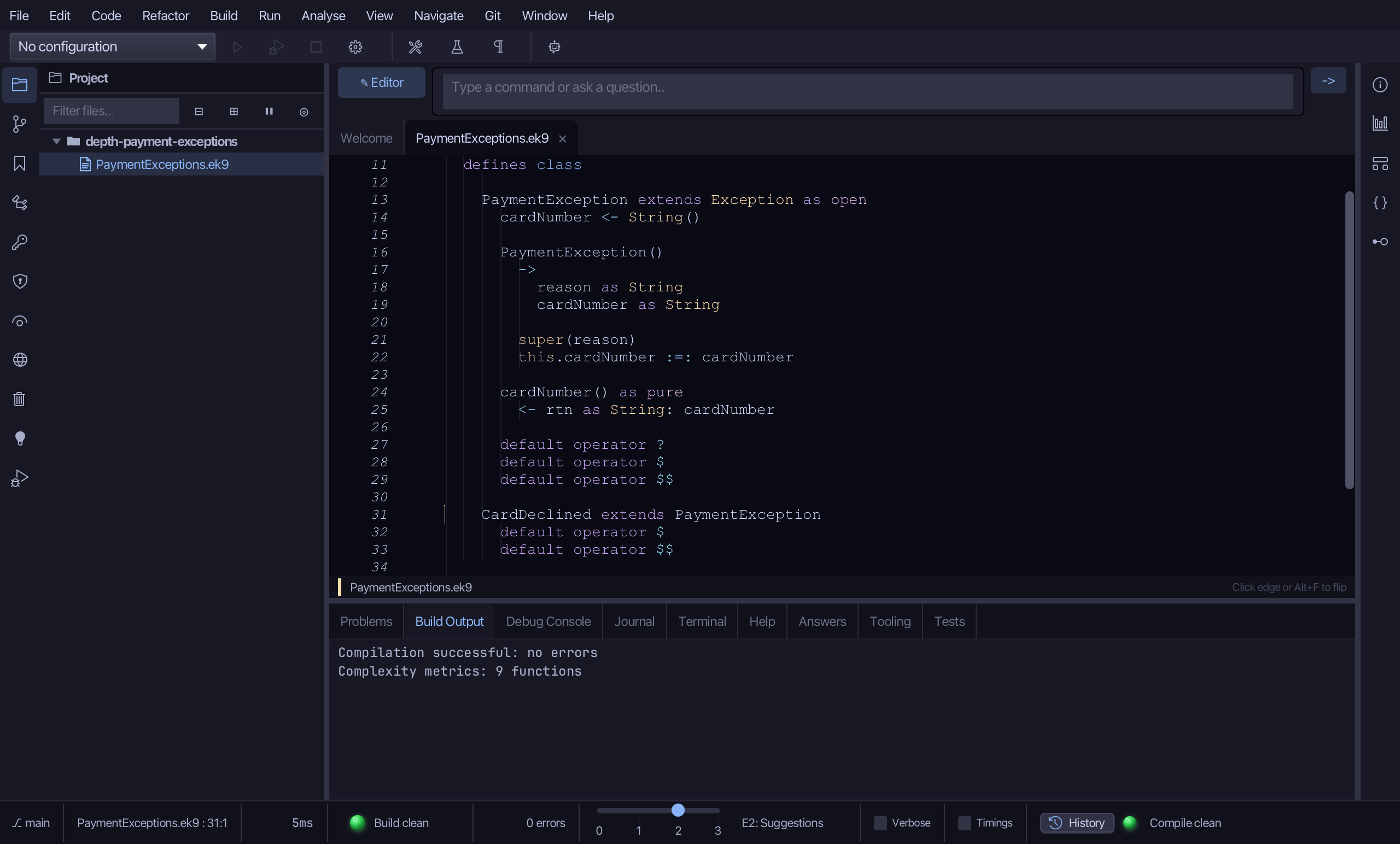
Right-click the CardDeclined line and choose Add Field…
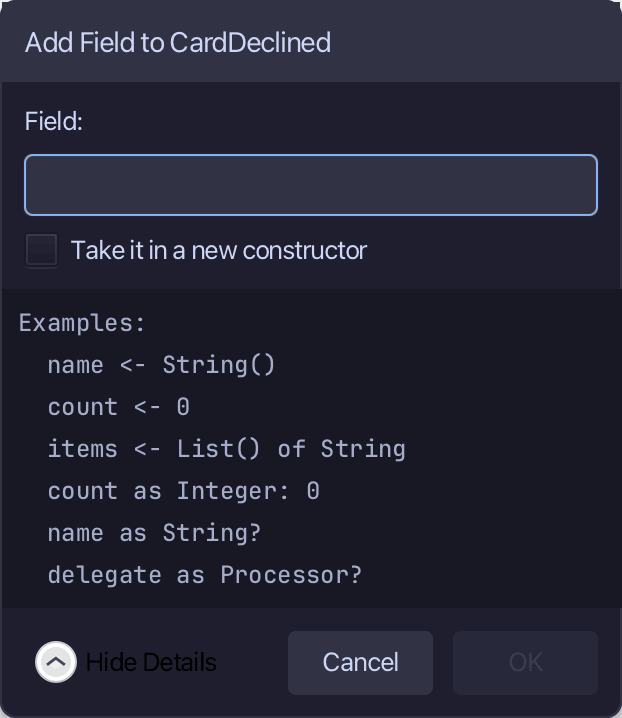
Type declineCode <- Integer() - the field and the value it starts with. Choose OK.
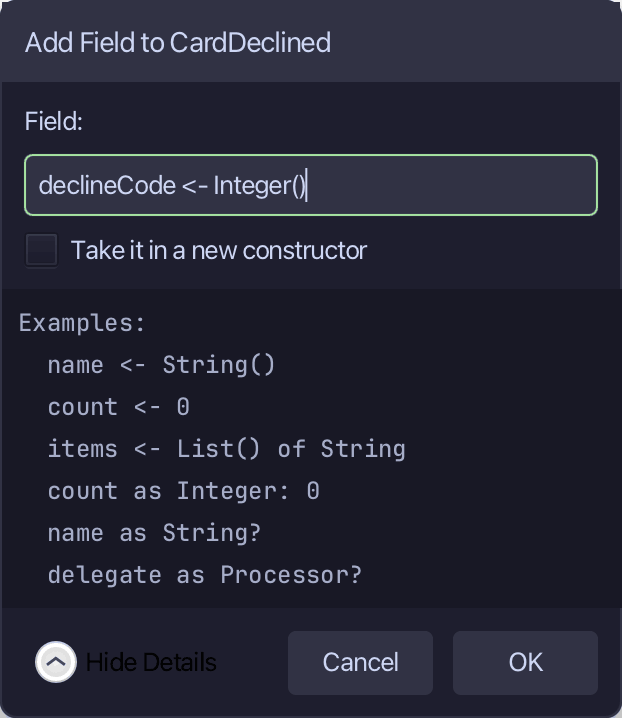
The preview shows declineCode added - and default operator ? with it, CardDeclined's first field. Choose Apply.
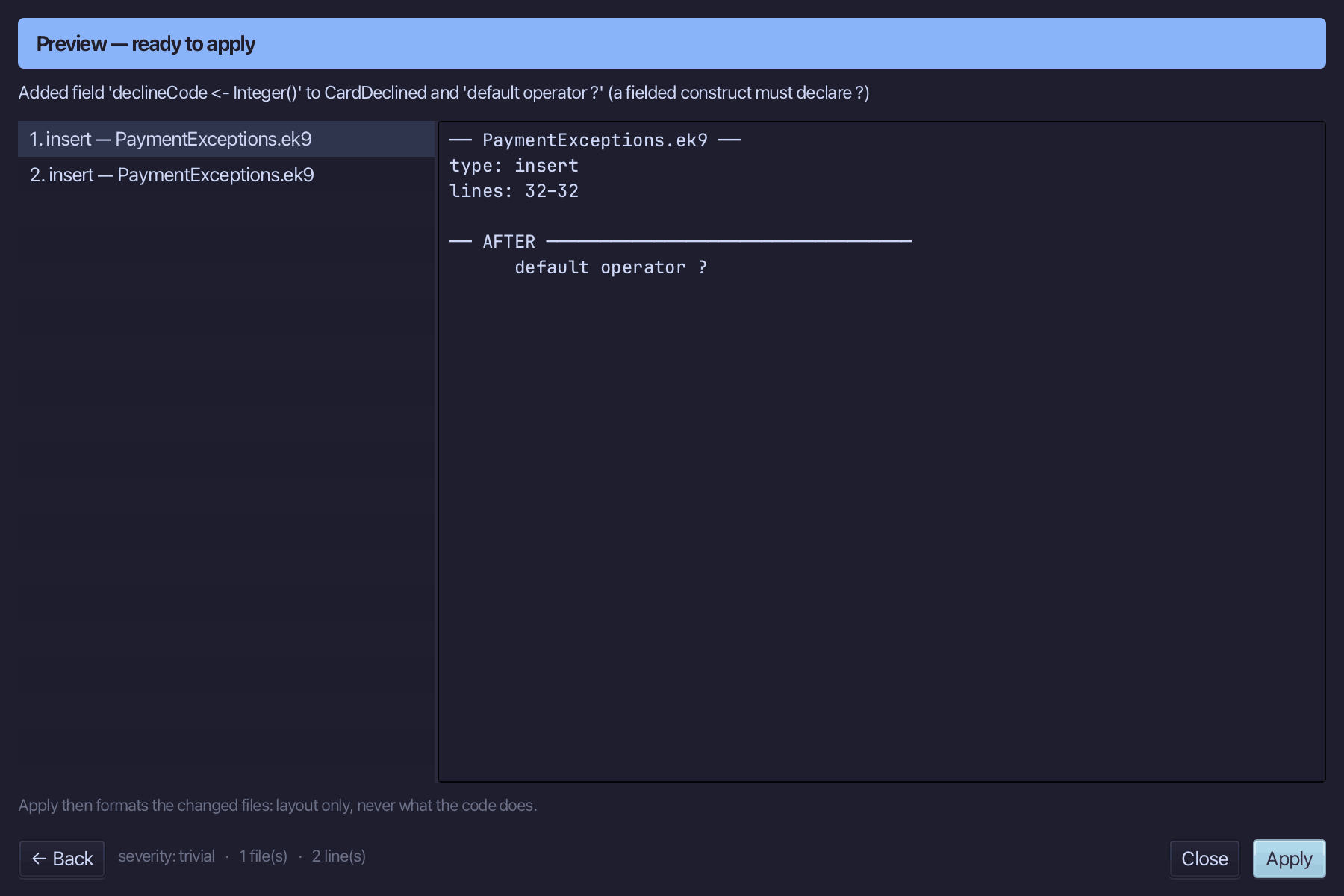
Right-click the CardDeclined line and choose Add Constructor > From All Fields - a constructor that takes every field.
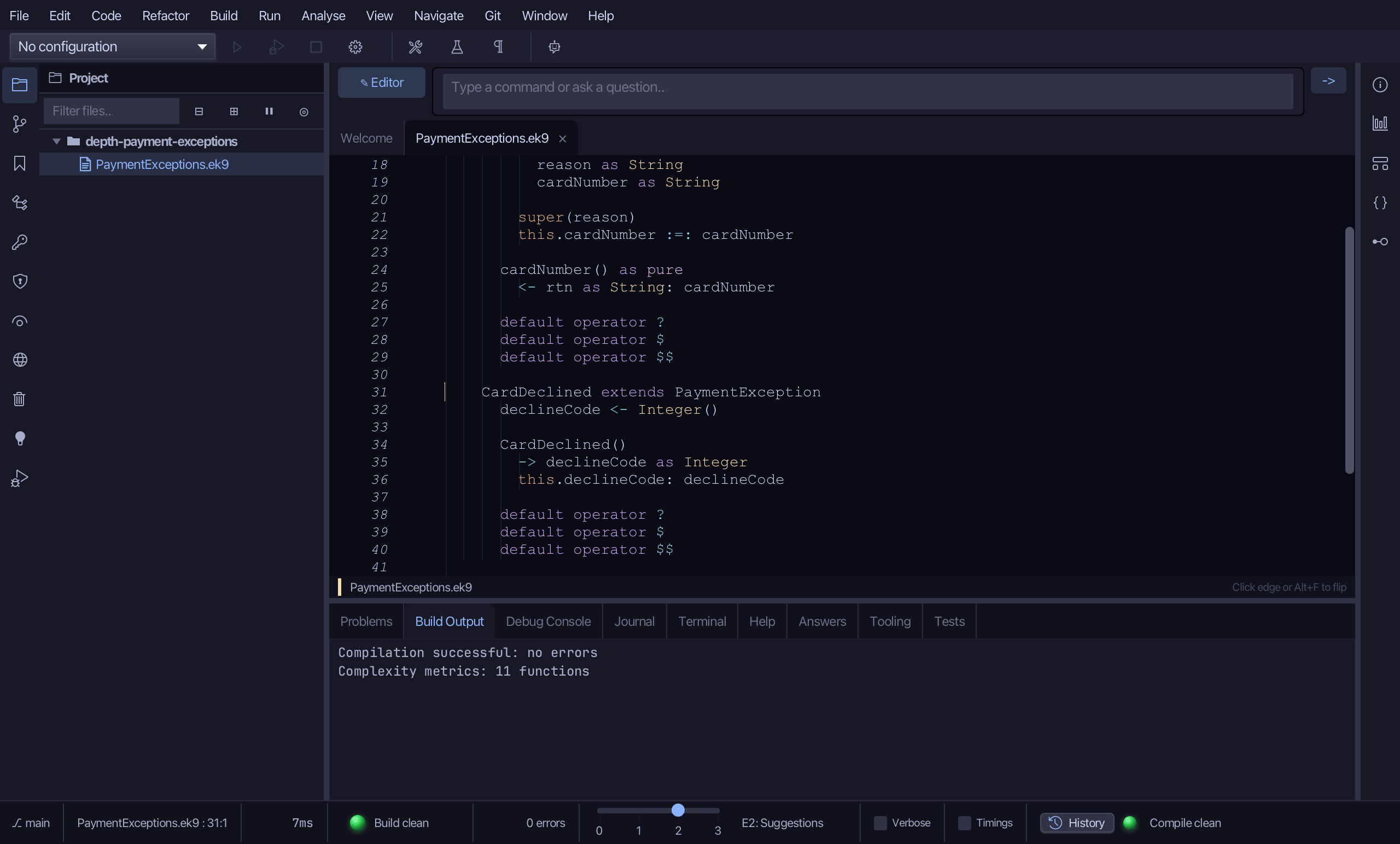
Select the constructor and type the book's: the card number and the code in, and the message is the subtype's own - super("Card declined", cardNumber). Saves when typed.
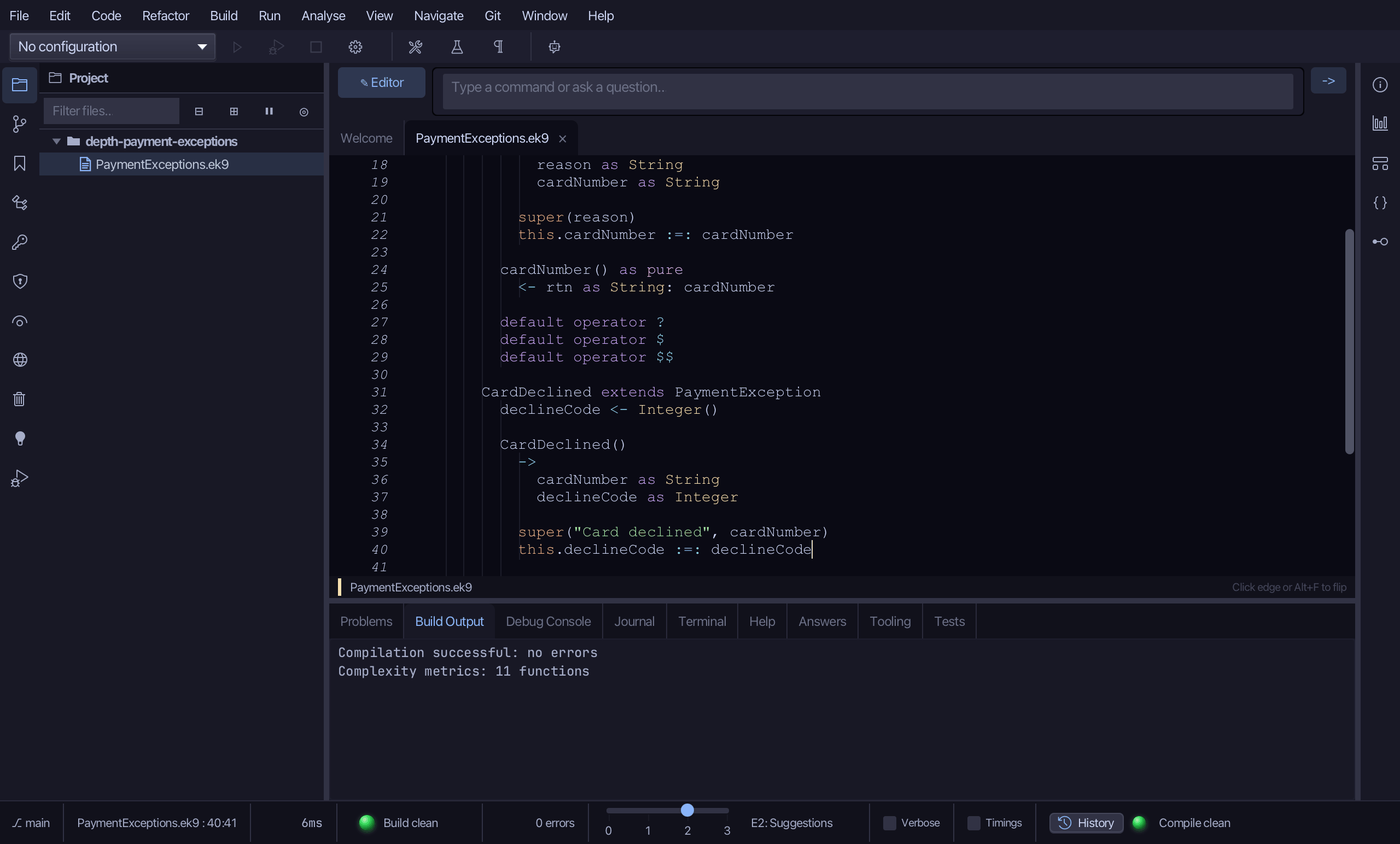
Right-click the CardDeclined line and choose Add Method…
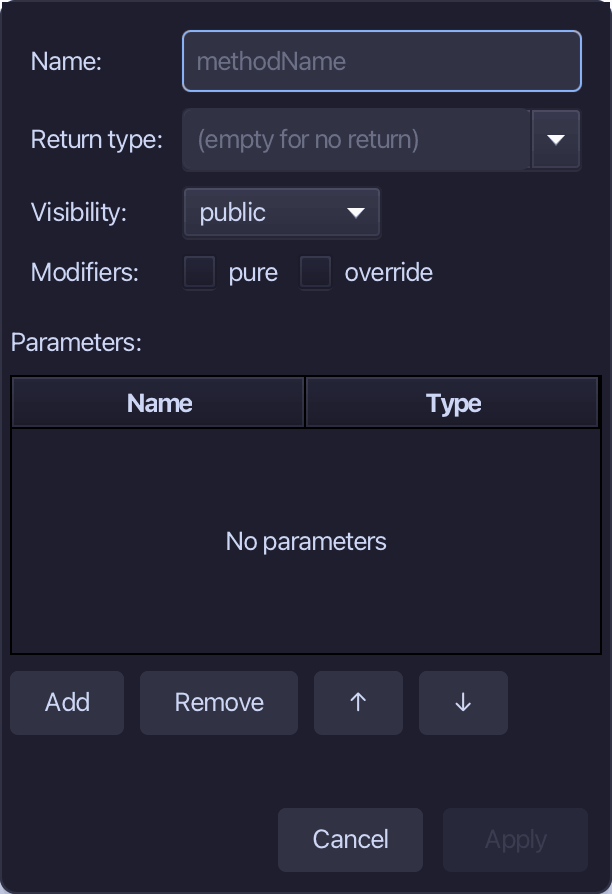
declineCode is the method's name. Set Return type to Integer and tick pure. Choose Apply.
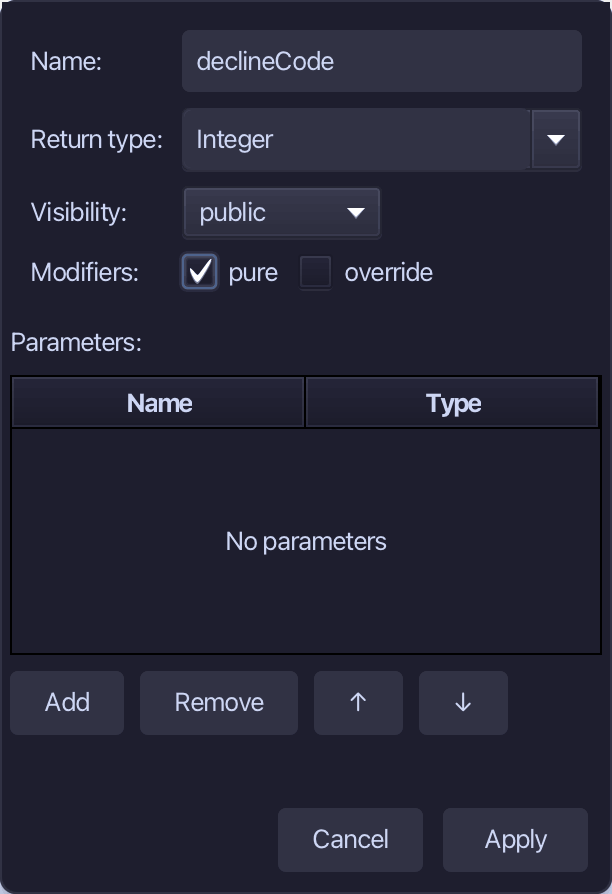
Select the stub and type the answer. Saves when typed.
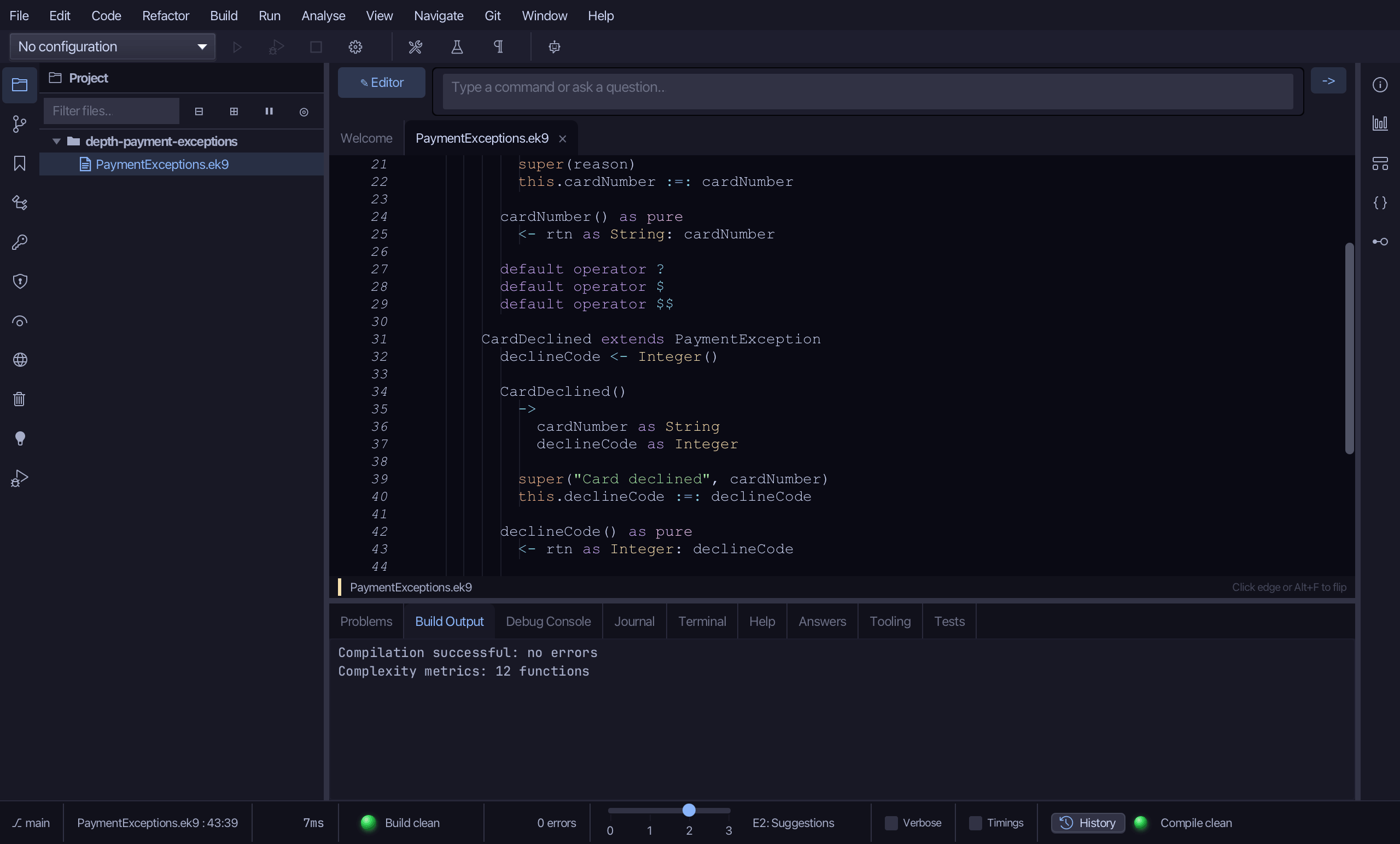
Step 6: InsufficientFunds — another payment exception
Choose Code > New Construct > Class…
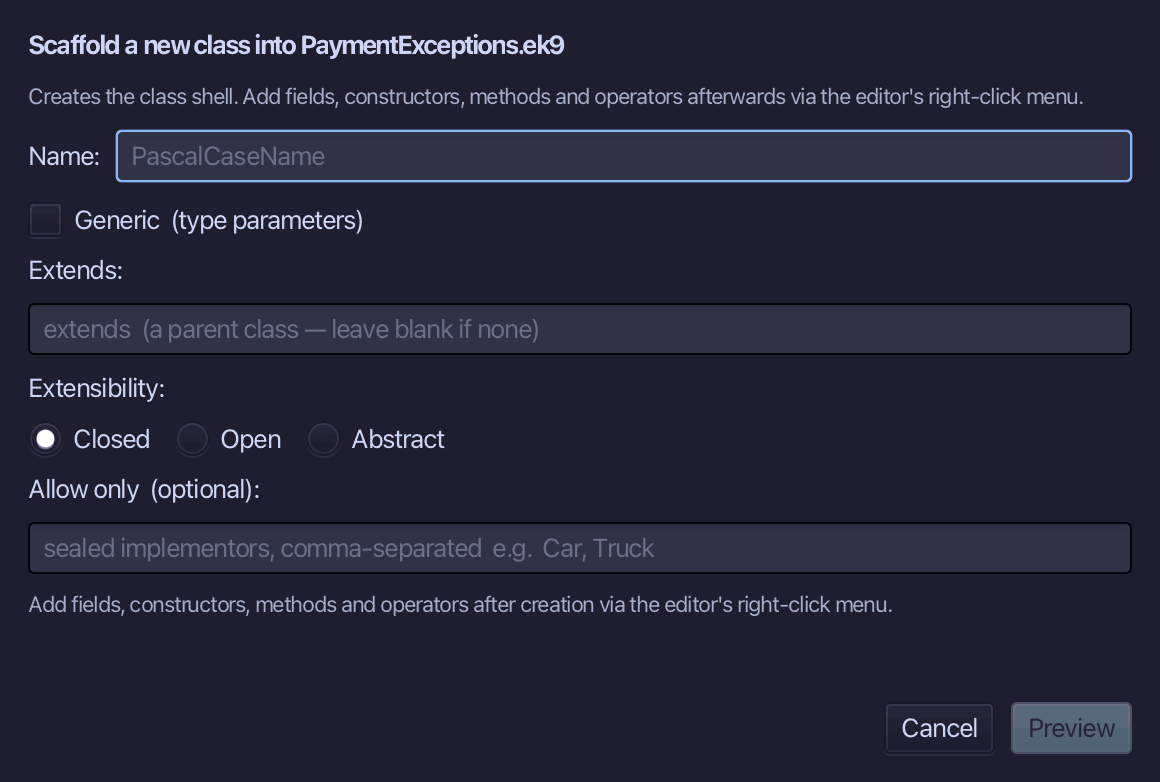
InsufficientFunds is the class's name. Type PaymentException into Extends. Choose Preview.
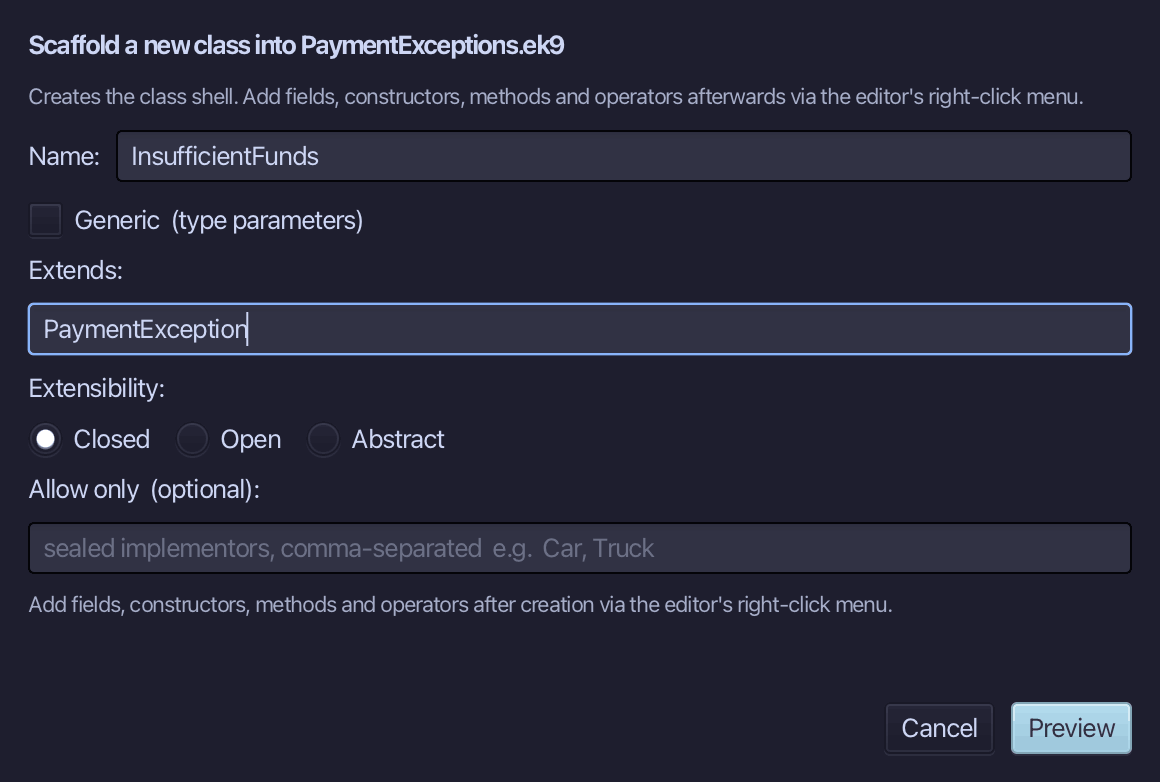
The preview shows InsufficientFunds about to be written - and, if PaymentException owes any methods, an override stub for each. Choose Apply.
Right-click the InsufficientFunds line and choose Add Operator > $$ (json) > default - the compiler writes the operator from the fields.
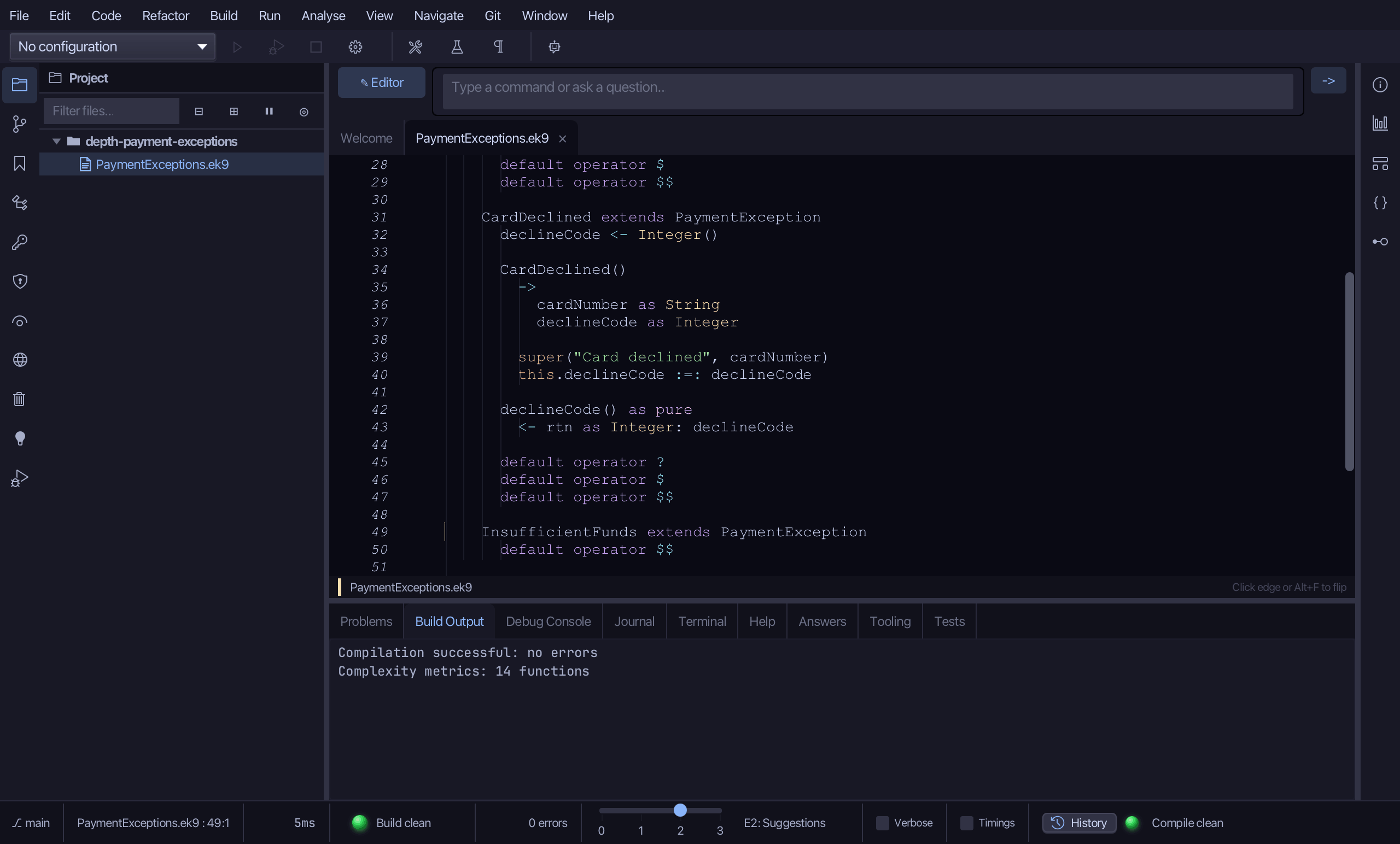
Right-click the InsufficientFunds line and choose Add Operator > $ (string) > default - the compiler writes the operator from the fields.
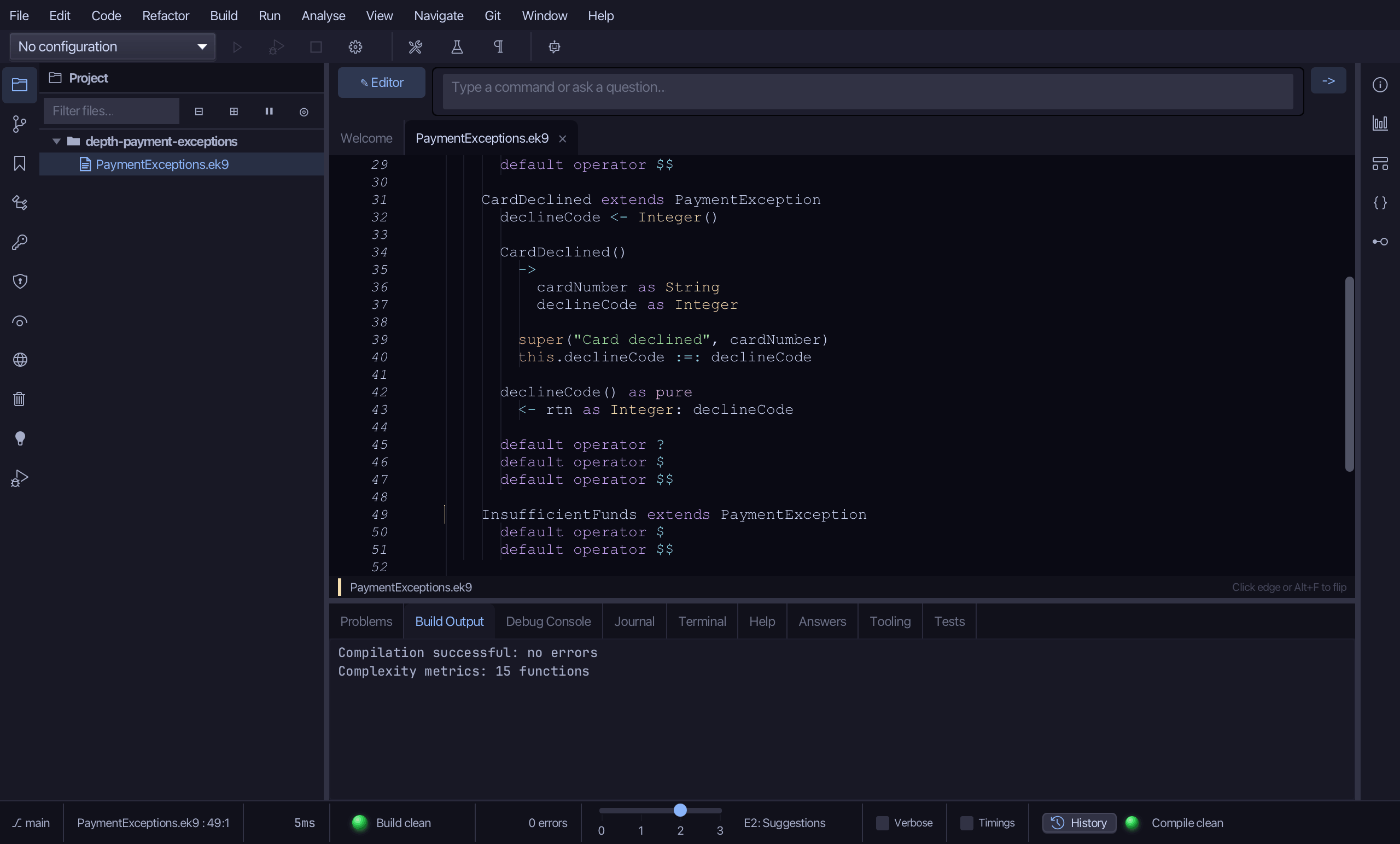
Right-click the InsufficientFunds line and choose Add Field…
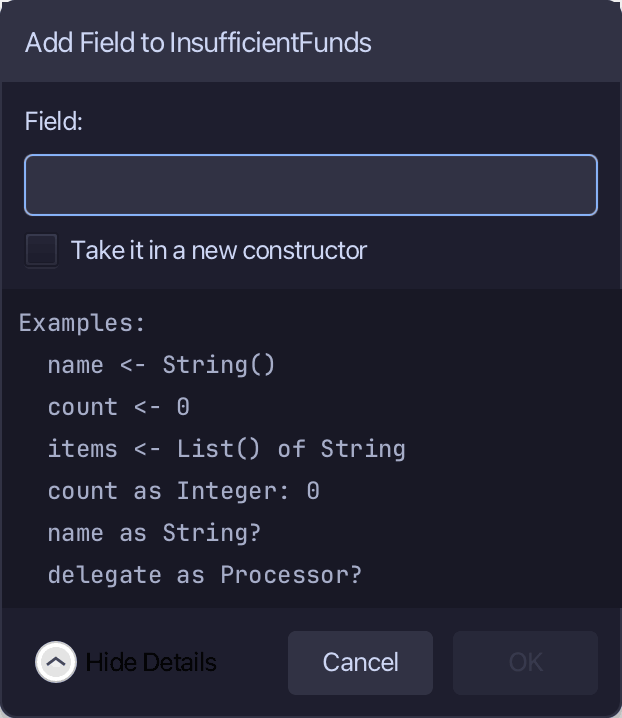
Type shortfall <- Integer() - the field and the value it starts with. Choose OK.
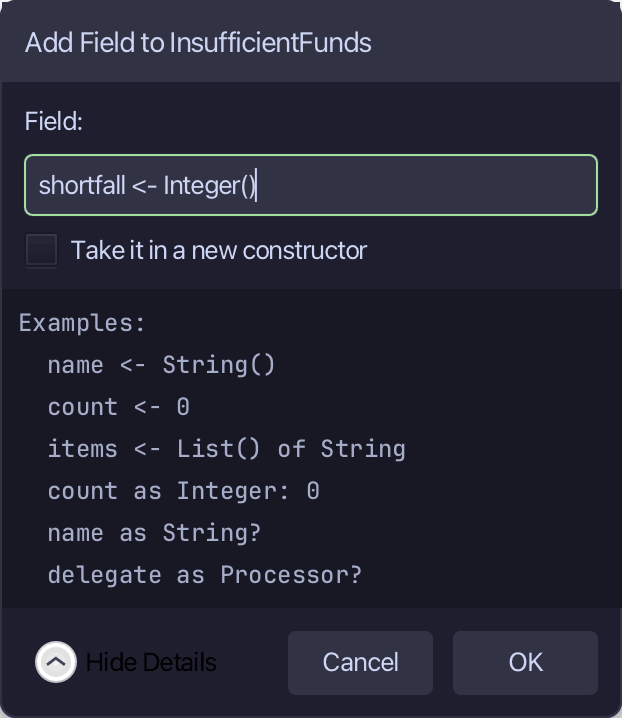
The preview shows shortfall added - and default operator ? with it, InsufficientFunds's first field. Choose Apply.
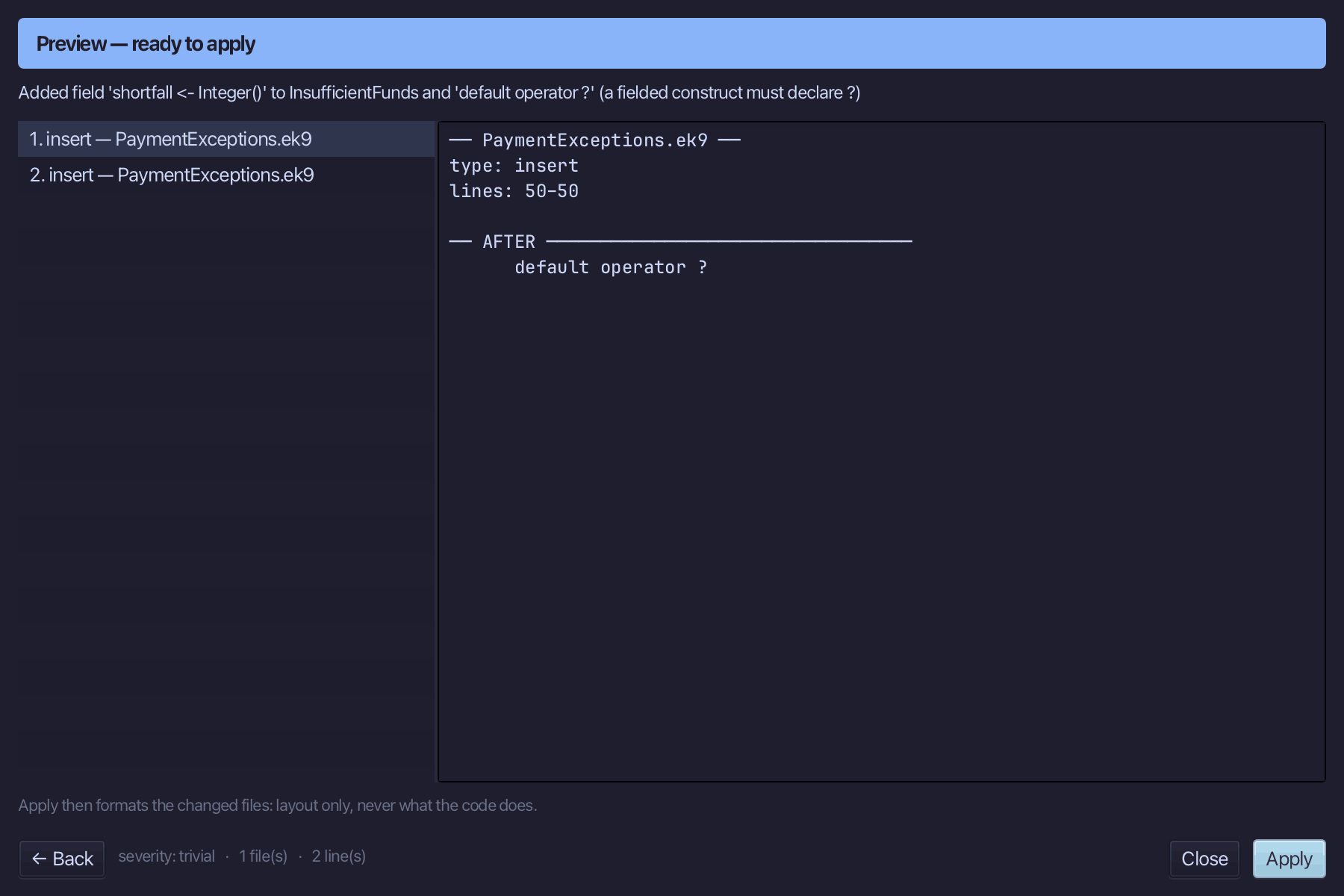
Right-click the InsufficientFunds line and choose Add Constructor > From All Fields - a constructor that takes every field.
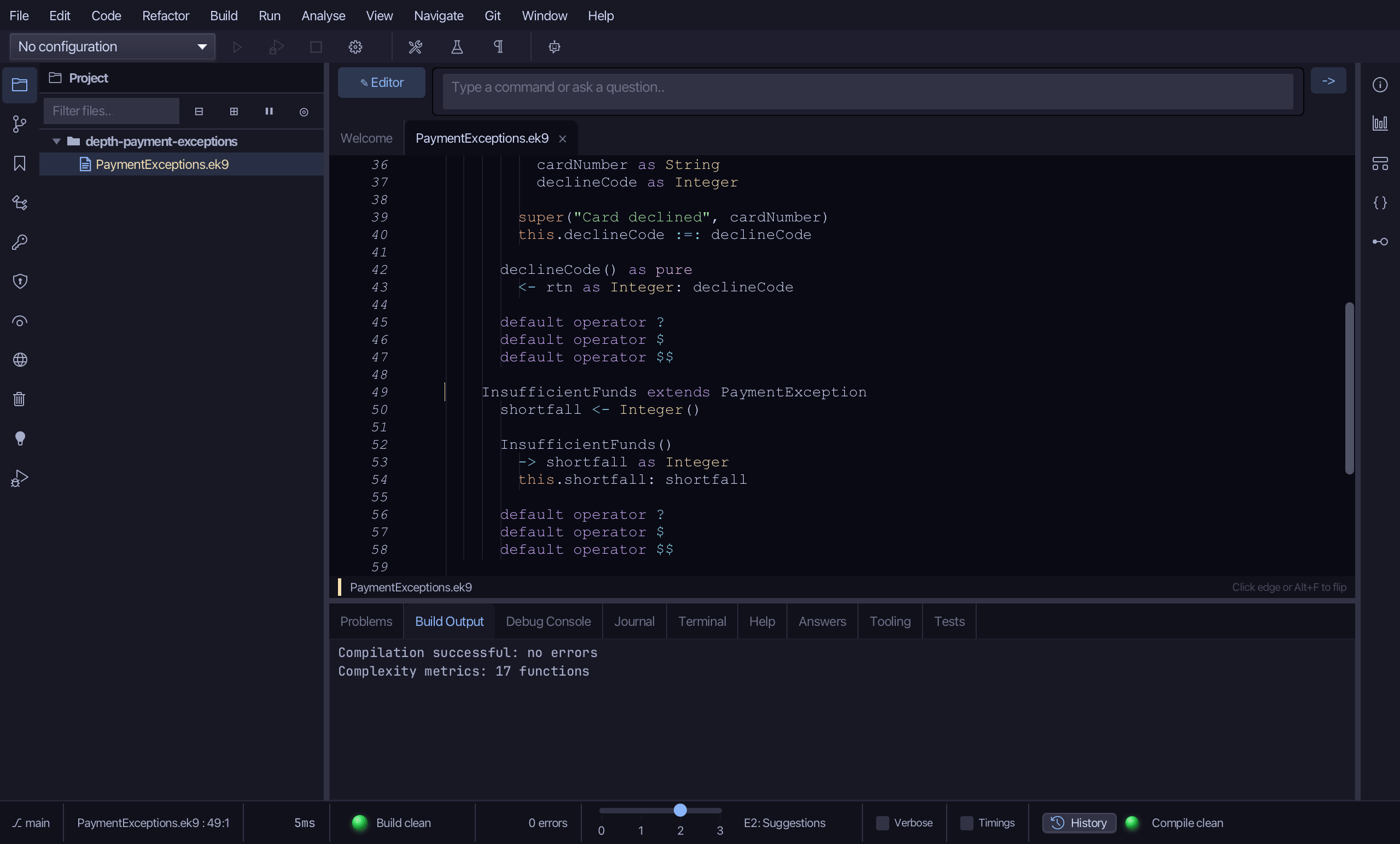
Select the constructor and type the book's, with its own message. Saves when typed.
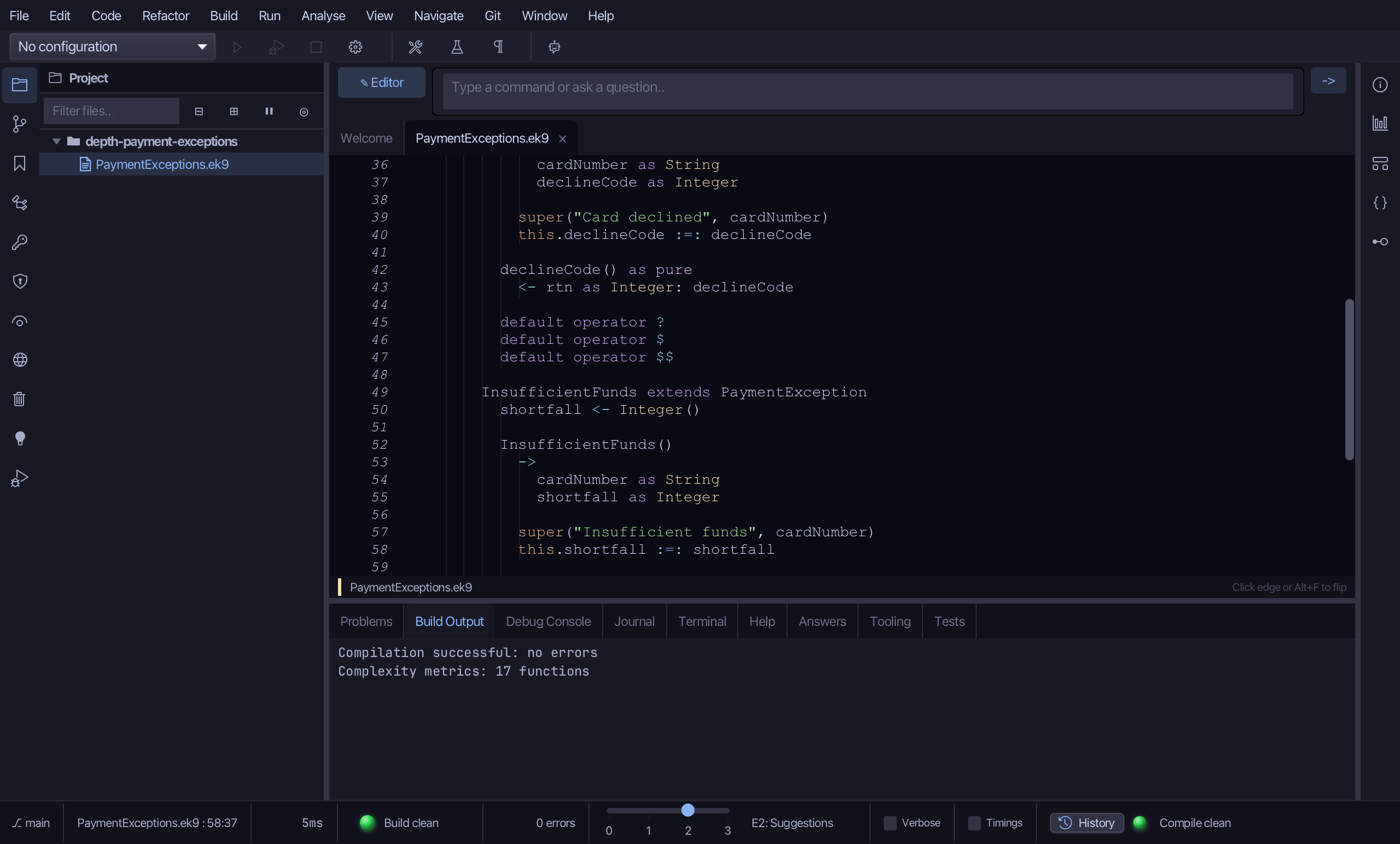
Right-click the InsufficientFunds line and choose Add Method…
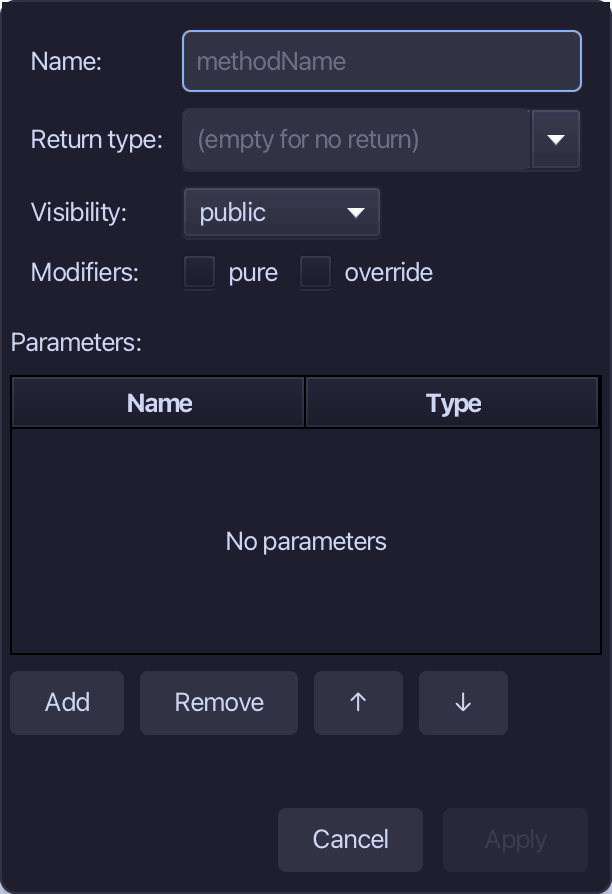
shortfall is the method's name. Set Return type to Integer and tick pure. Choose Apply.
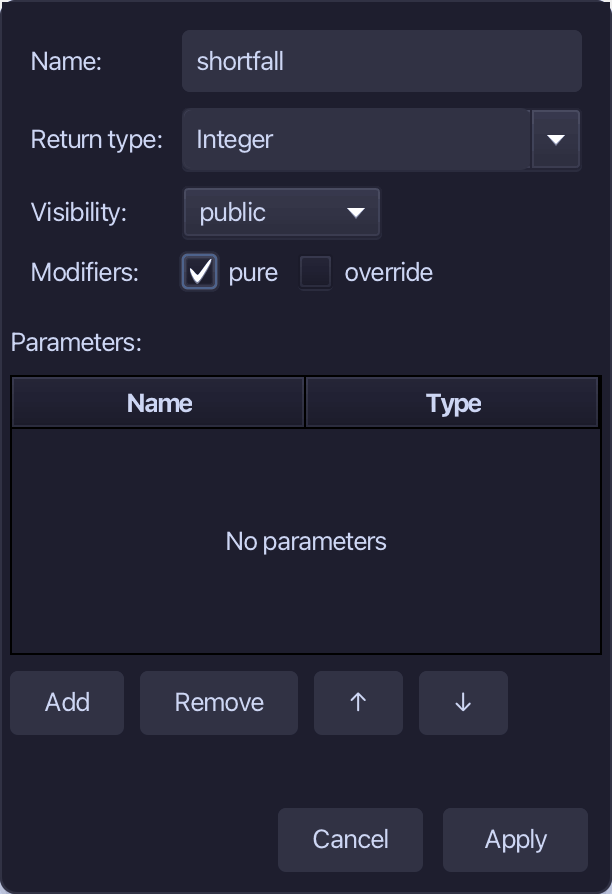
Select the stub and type the answer. Saves when typed.
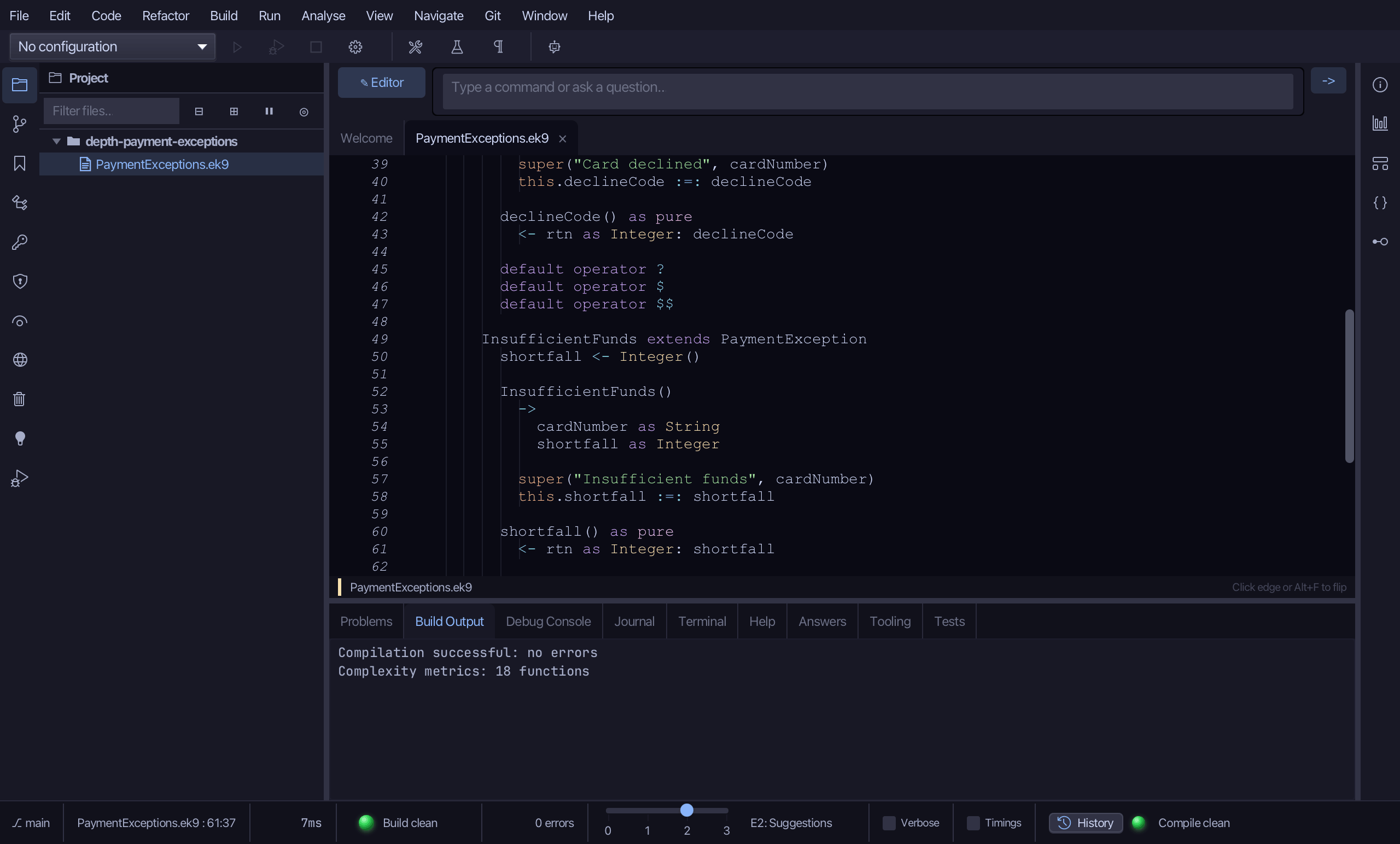
Step 7: Till — it charges, and handles what goes wrong
Choose Code > New Construct > Class…
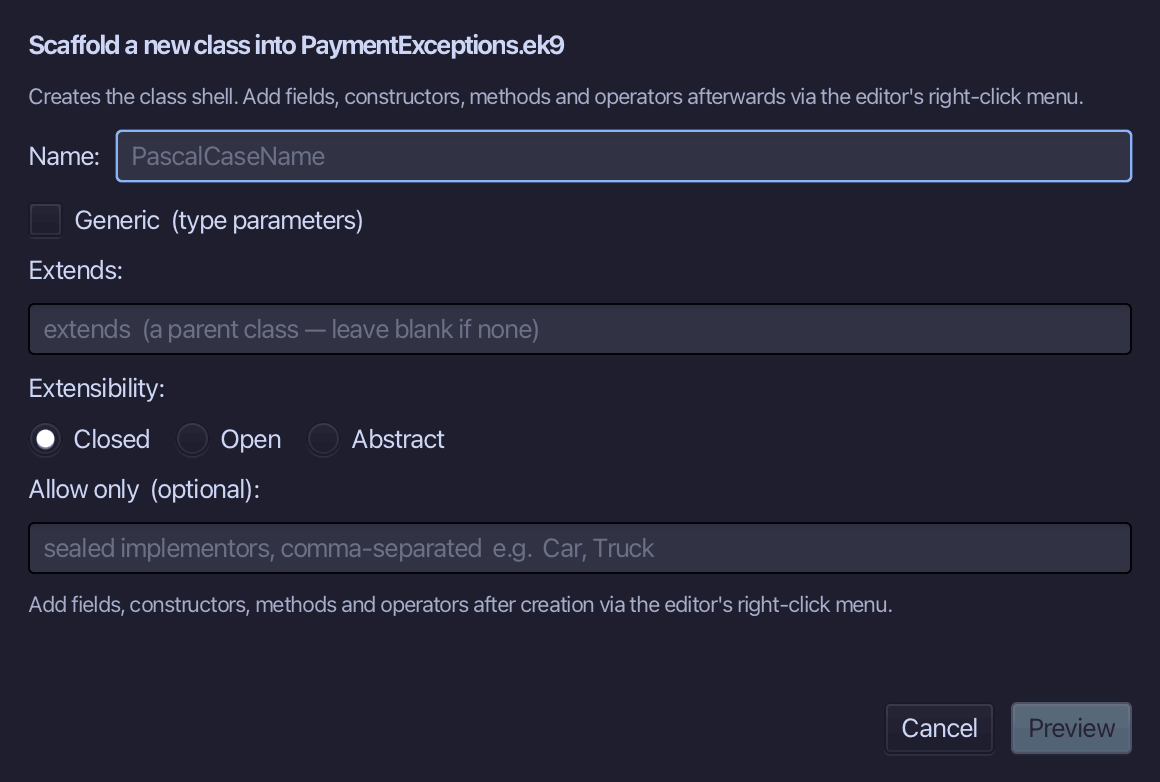
Till is the class's name. Choose Preview.
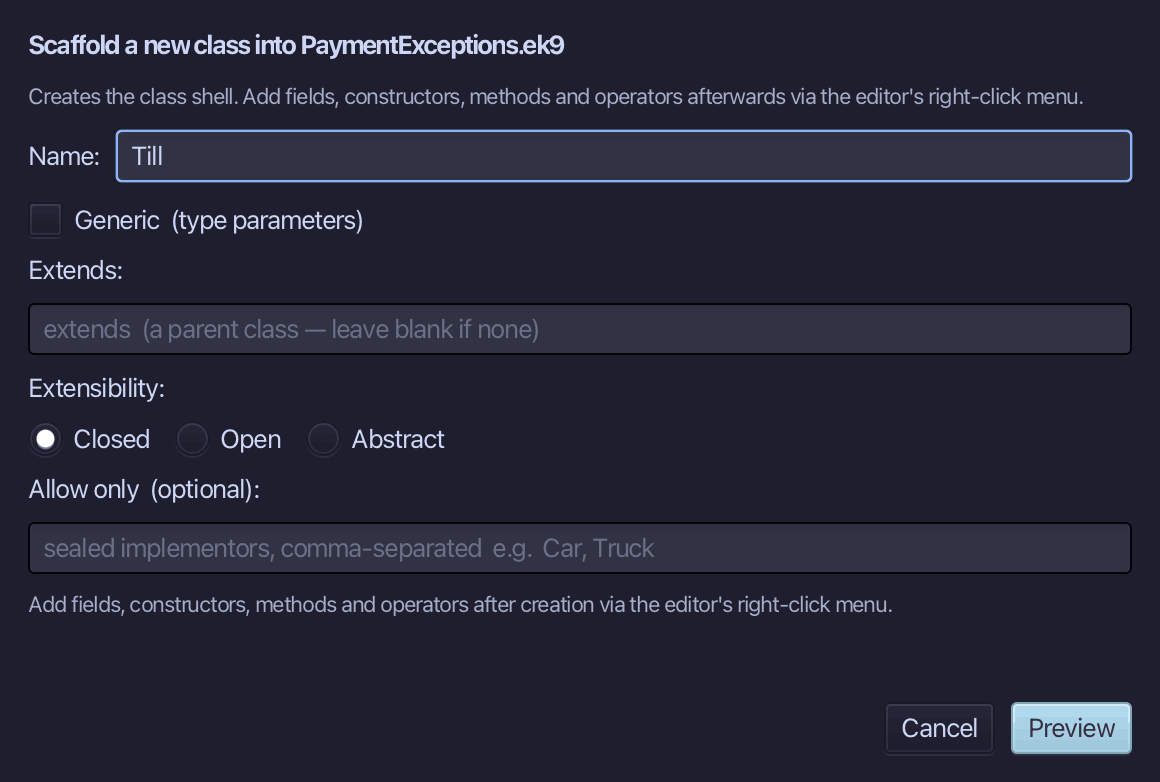
The preview shows Till about to be written. Choose Apply.
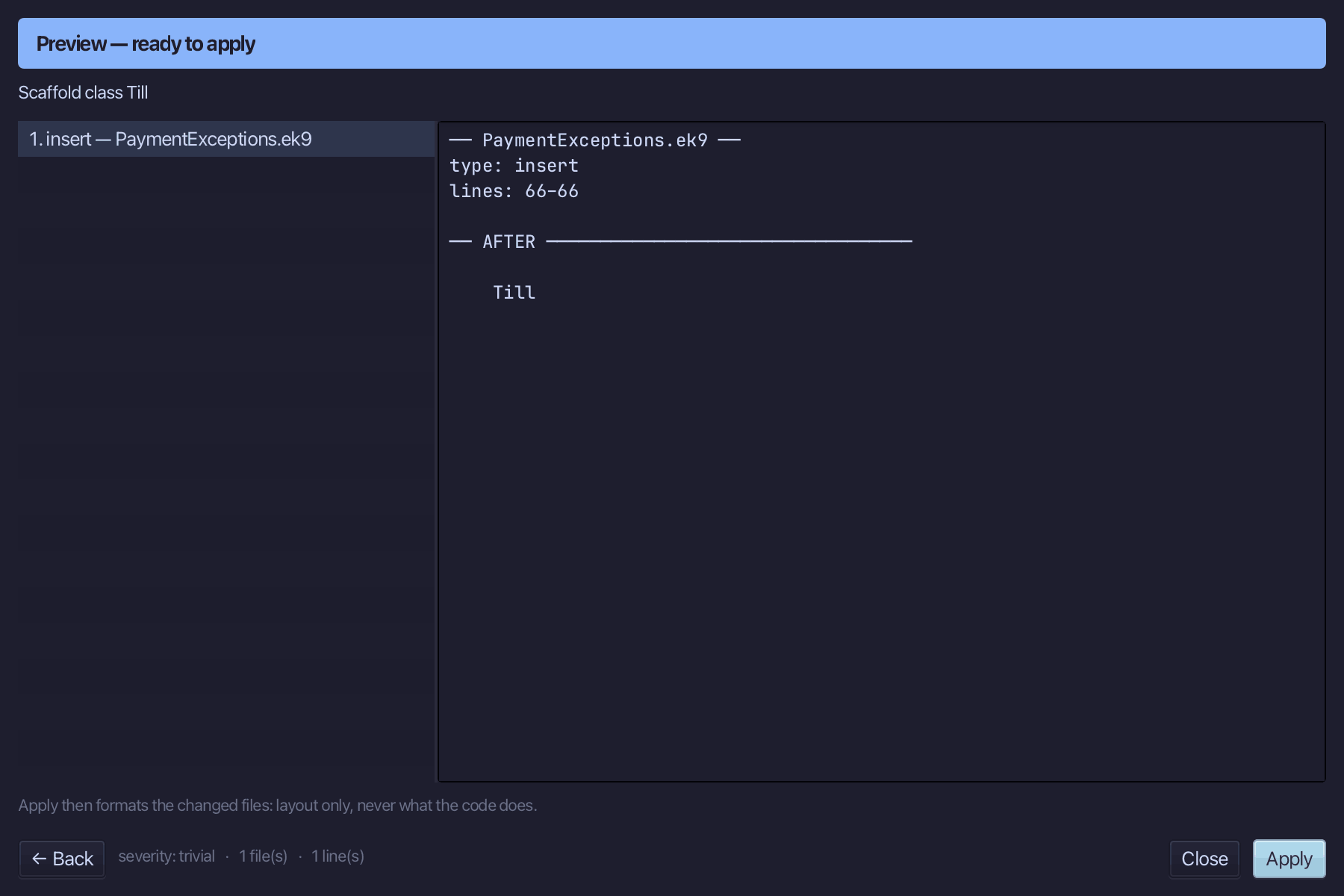
Right-click the Till line and choose Add Field…
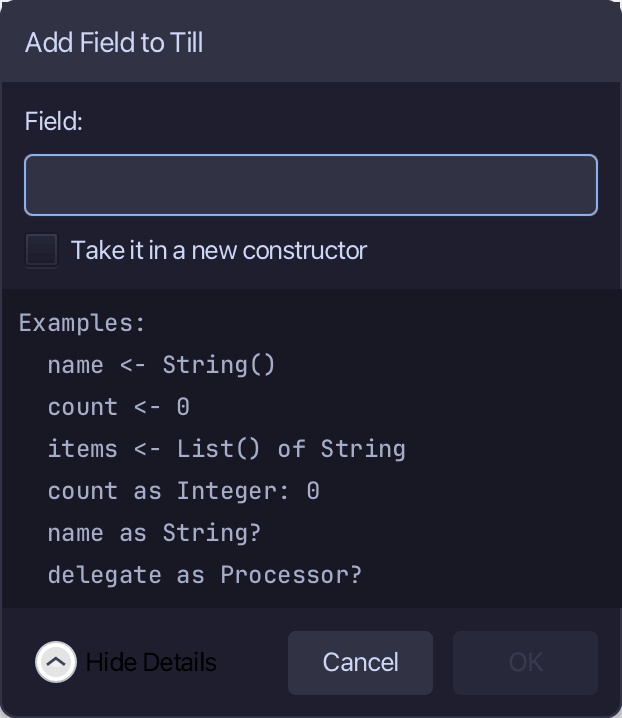
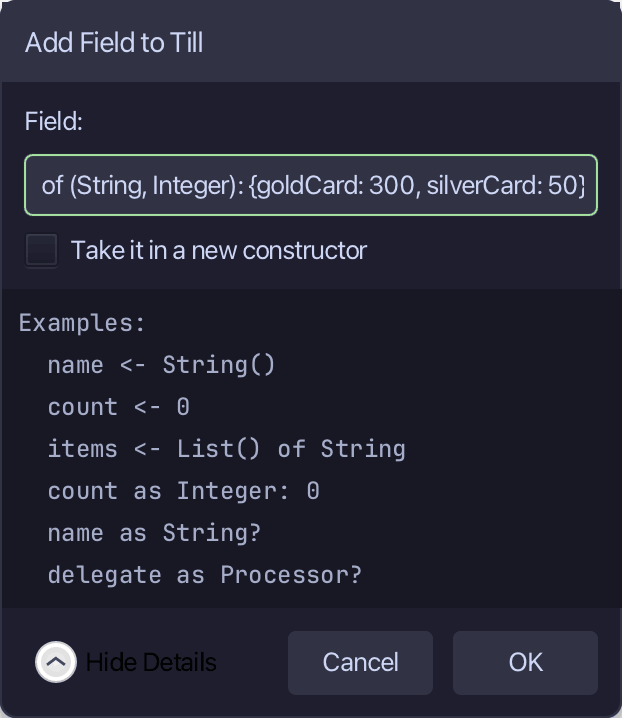
Type balances as Dict of (String, Integer): {goldCard: 300, silverCard: 50} - the field, its type and the value it starts with. Choose OK.
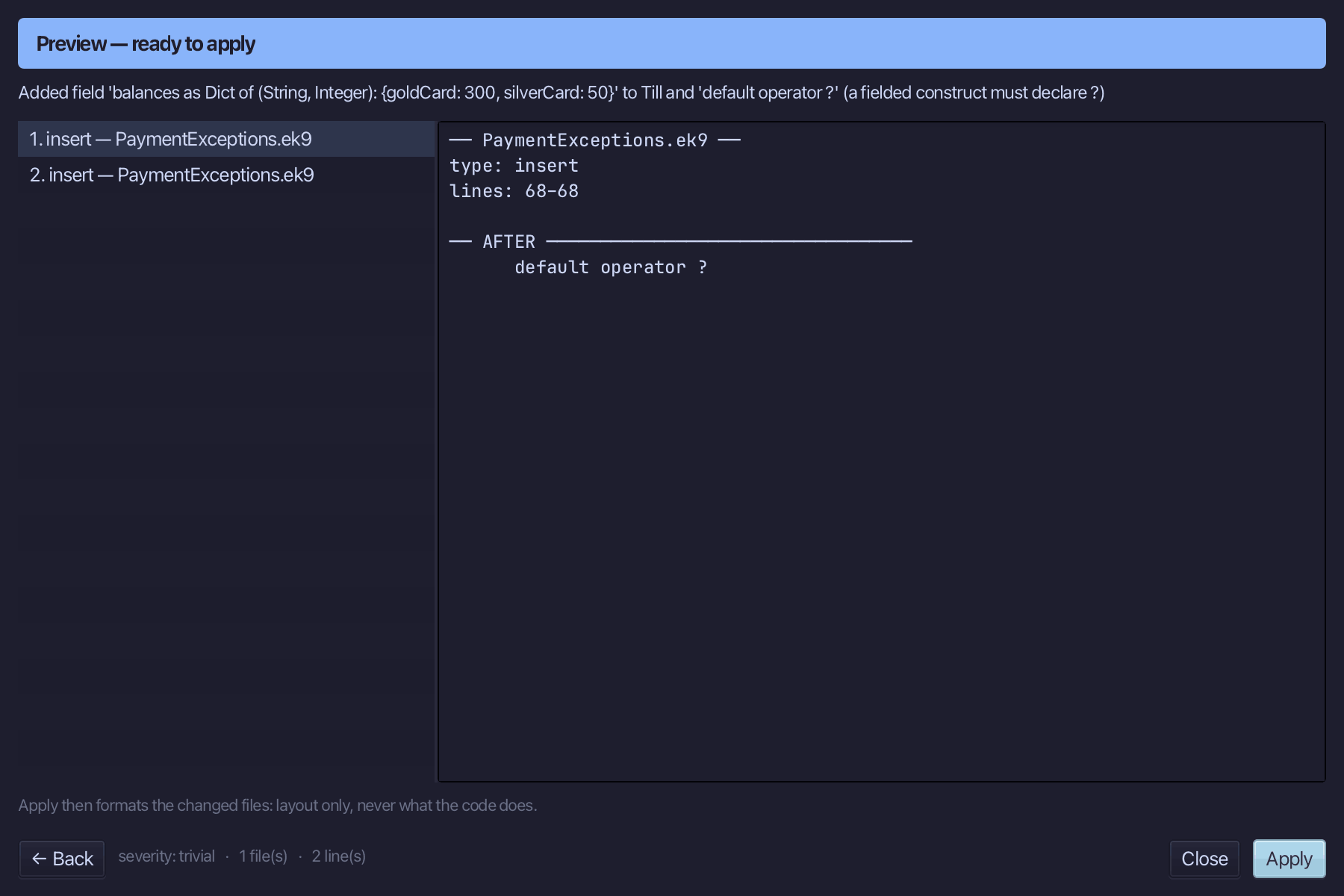
The preview shows balances added - and default operator ? with it, Till's first field. Choose Apply.
Right-click the Till line and choose Add Method…
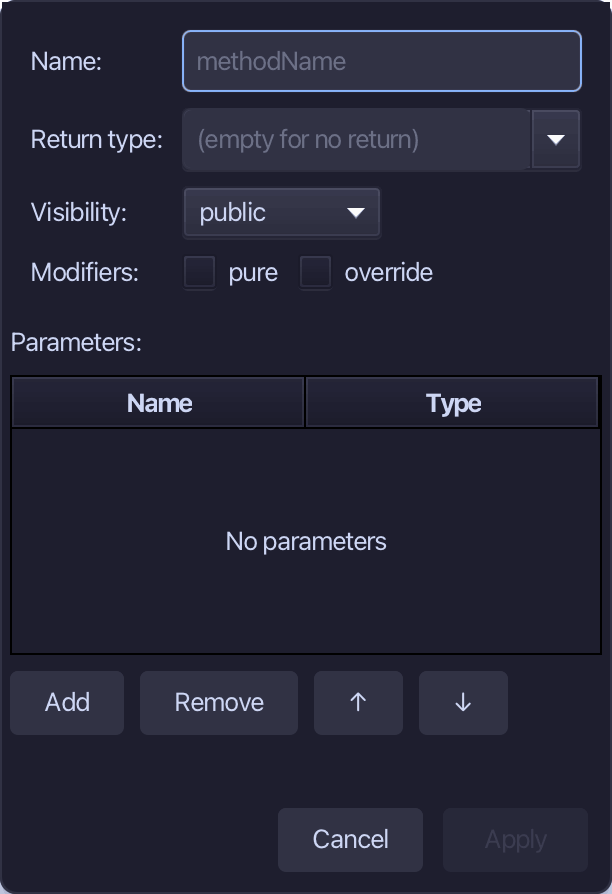
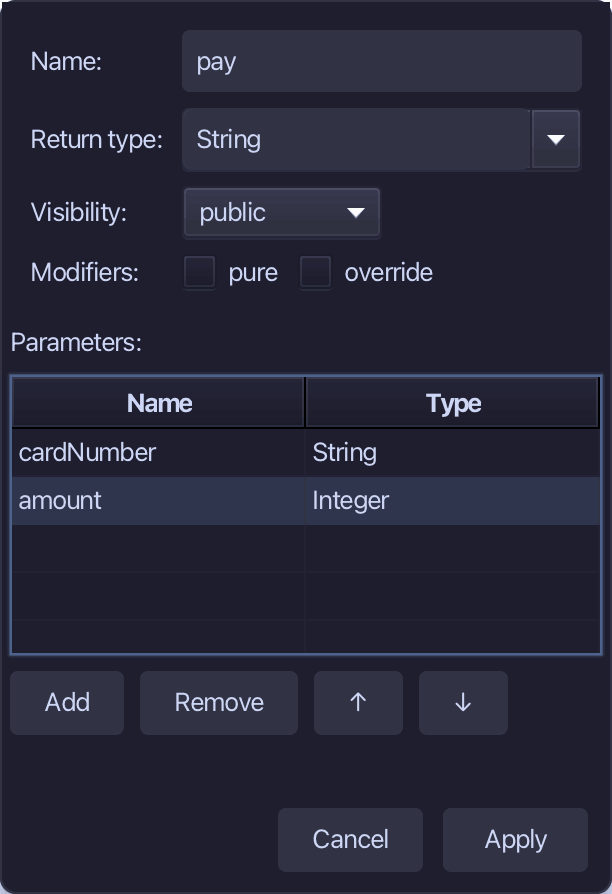
pay is the method's name. Add the parameters cardNumber of type String and amount of type Integer, set Return type to String. Choose Apply.
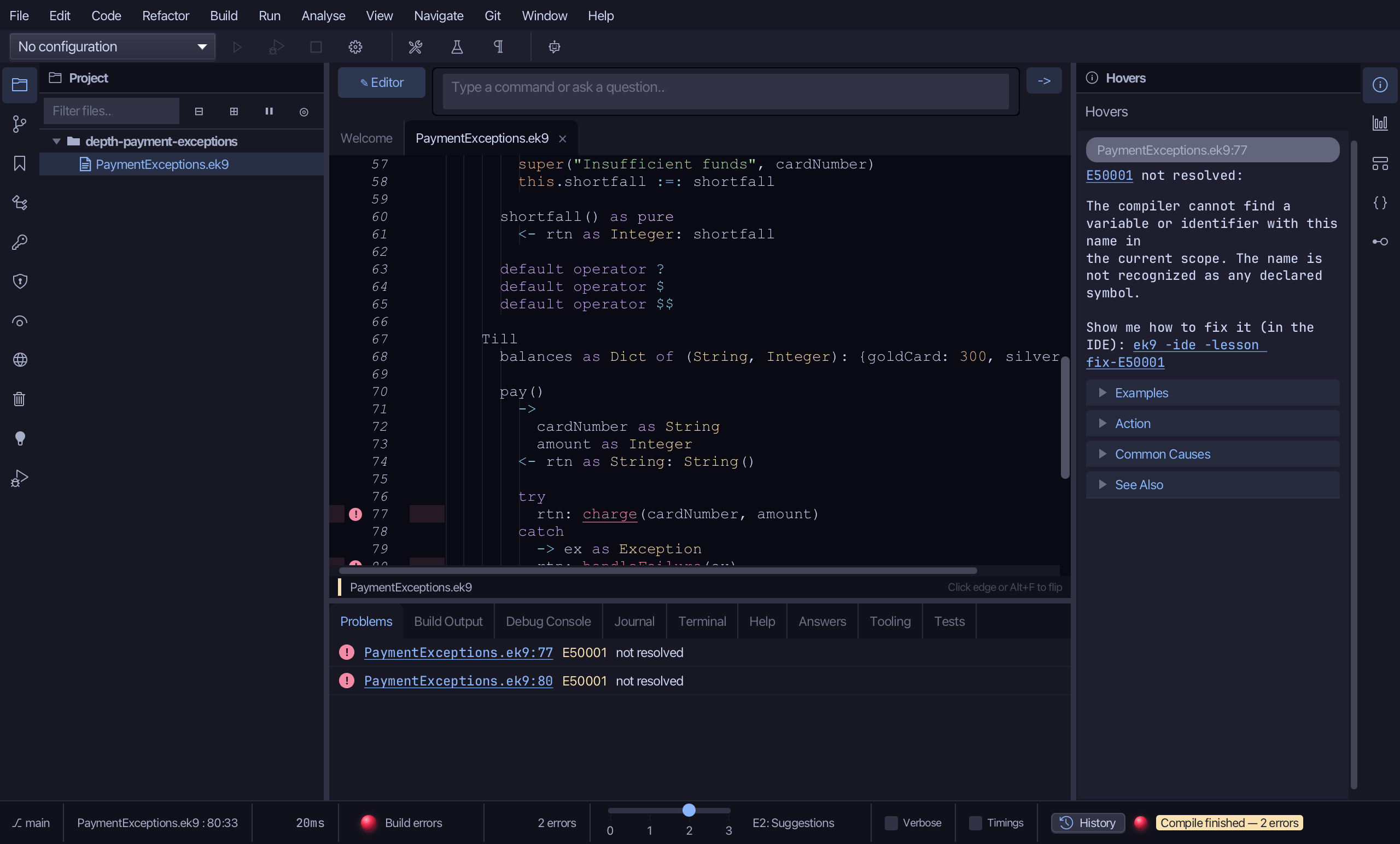
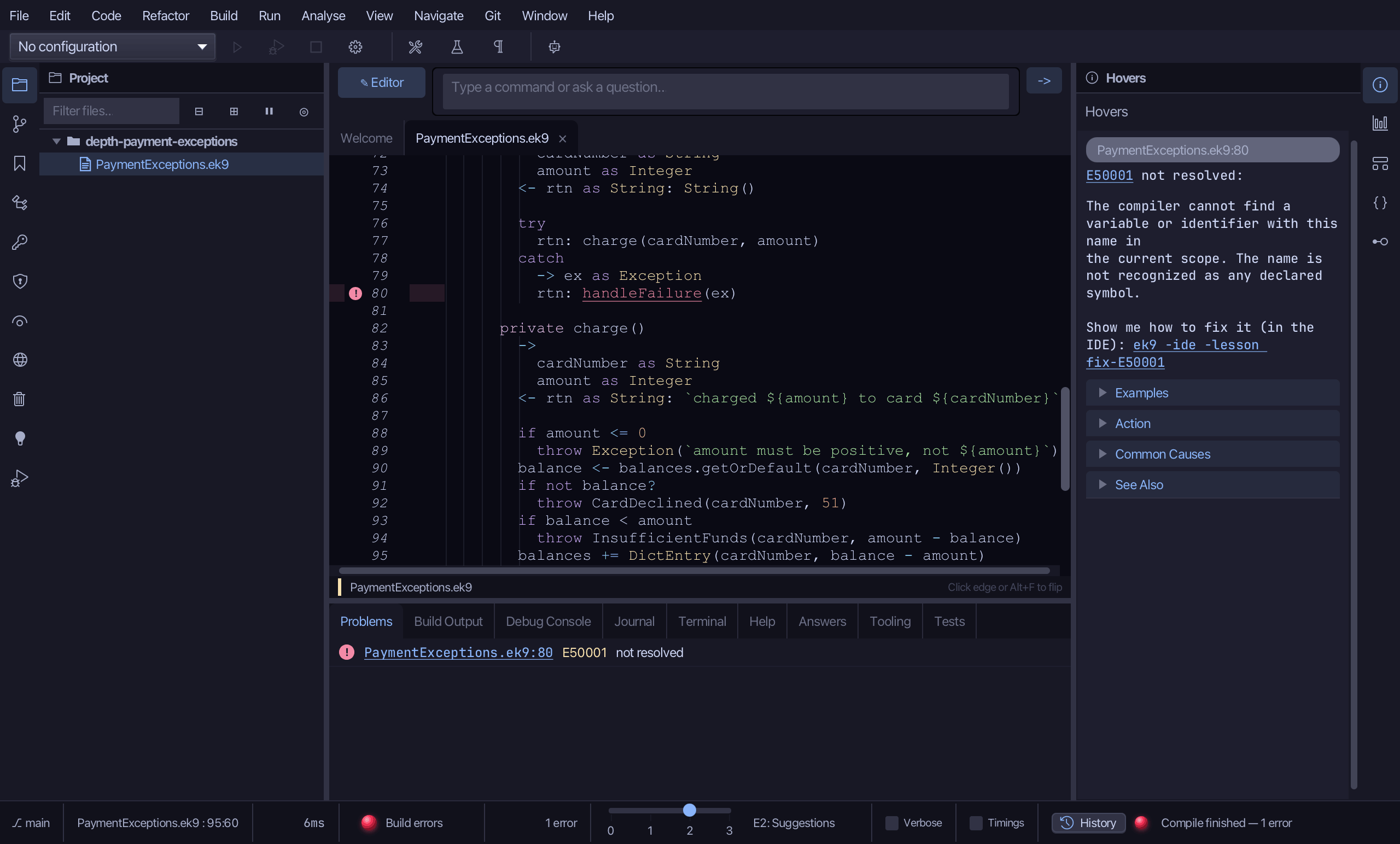
Select the stub and type pay's work: charge inside a try, and the catch hands whatever was thrown to handleFailure. Saves when typed.
Right-click the Till line and choose Add Method…
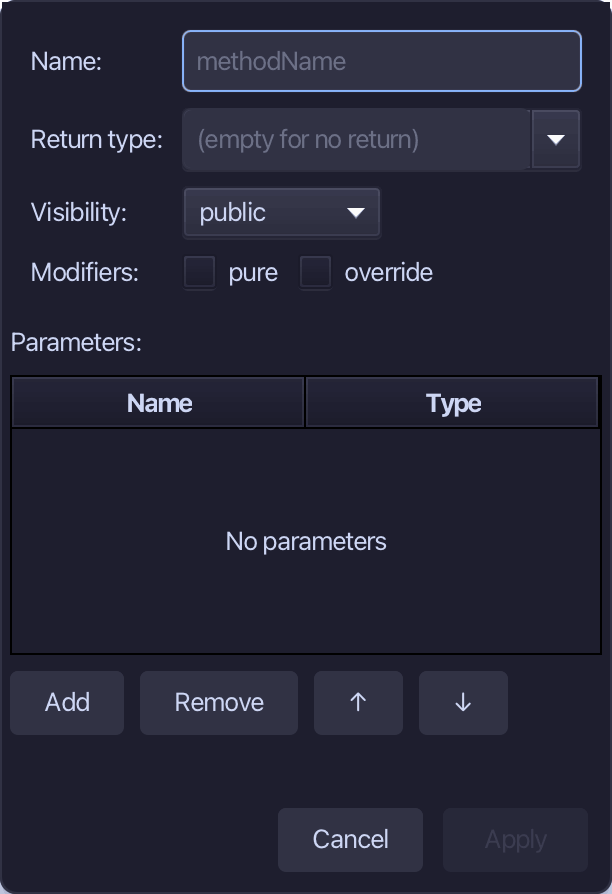
charge is the method's name. Add the parameters cardNumber of type String and amount of type Integer, set Return type to String, set Visibility to private. Choose Apply.
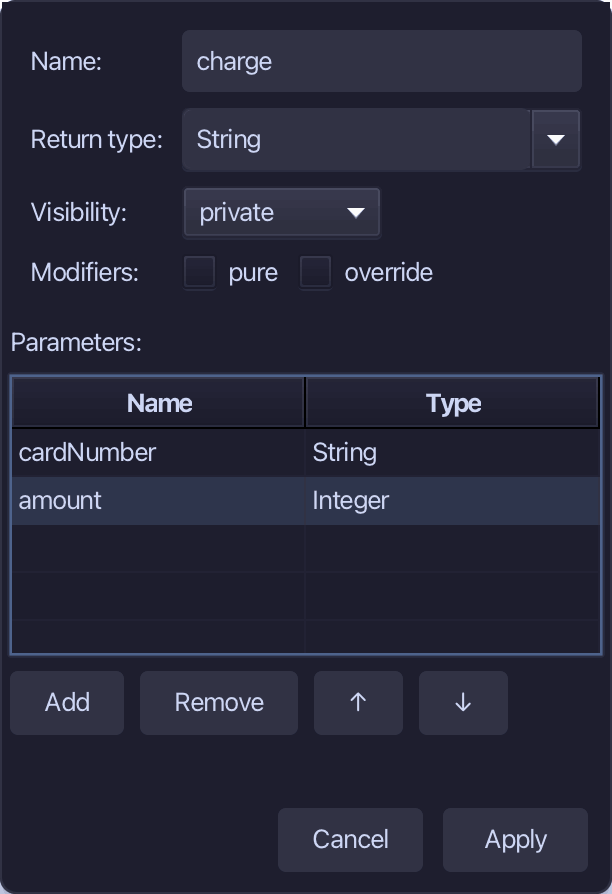
Select the stub and type charge's work: each way a payment can fail throws its own exception. Saves when typed.
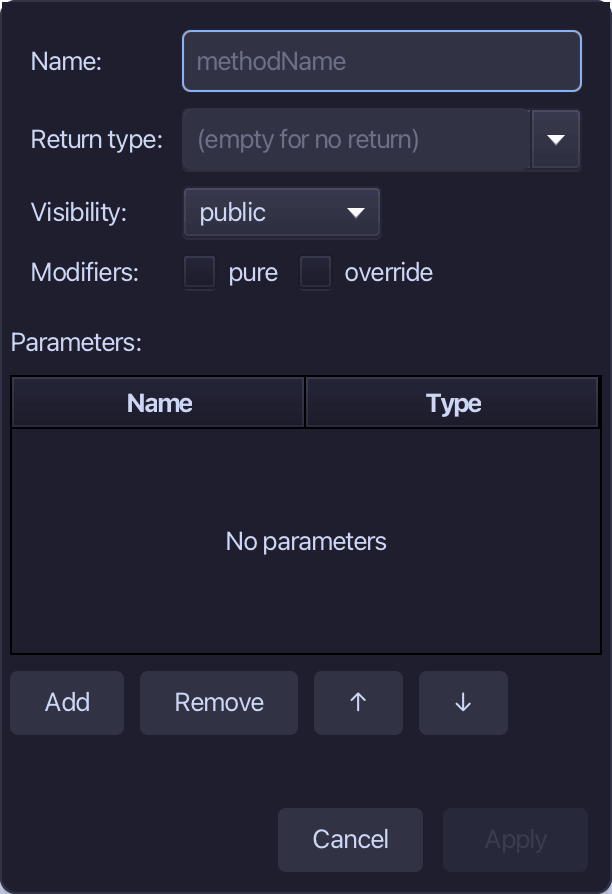
Right-click the Till line and choose Add Method…
handleFailure is the method's name. Add one parameter, ex of type Exception, set Return type to String, set Visibility to private. Choose Apply.
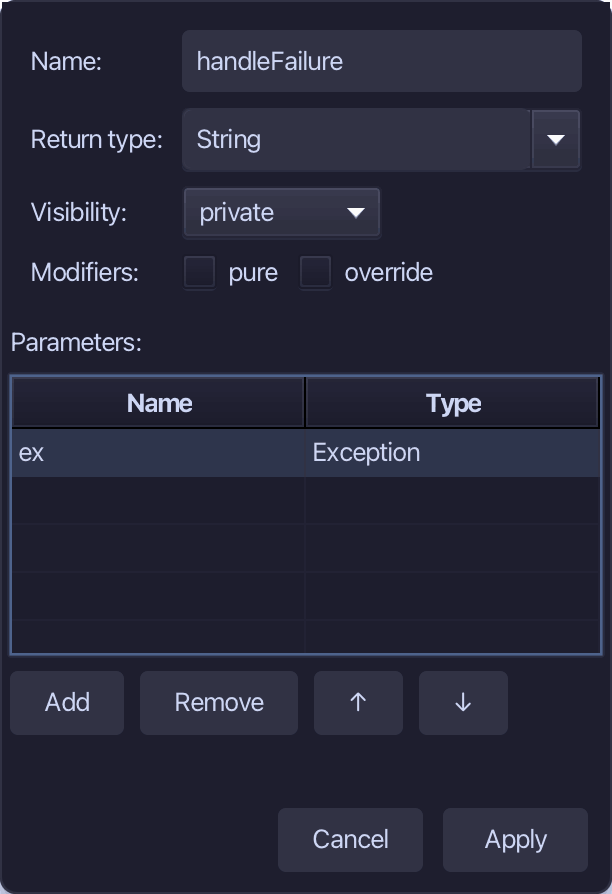
No tool writes the two words that make this the dispatcher: select the line and type as dispatcher after it. The overloads below are what it chooses between, by the type of ex. Saves when typed.
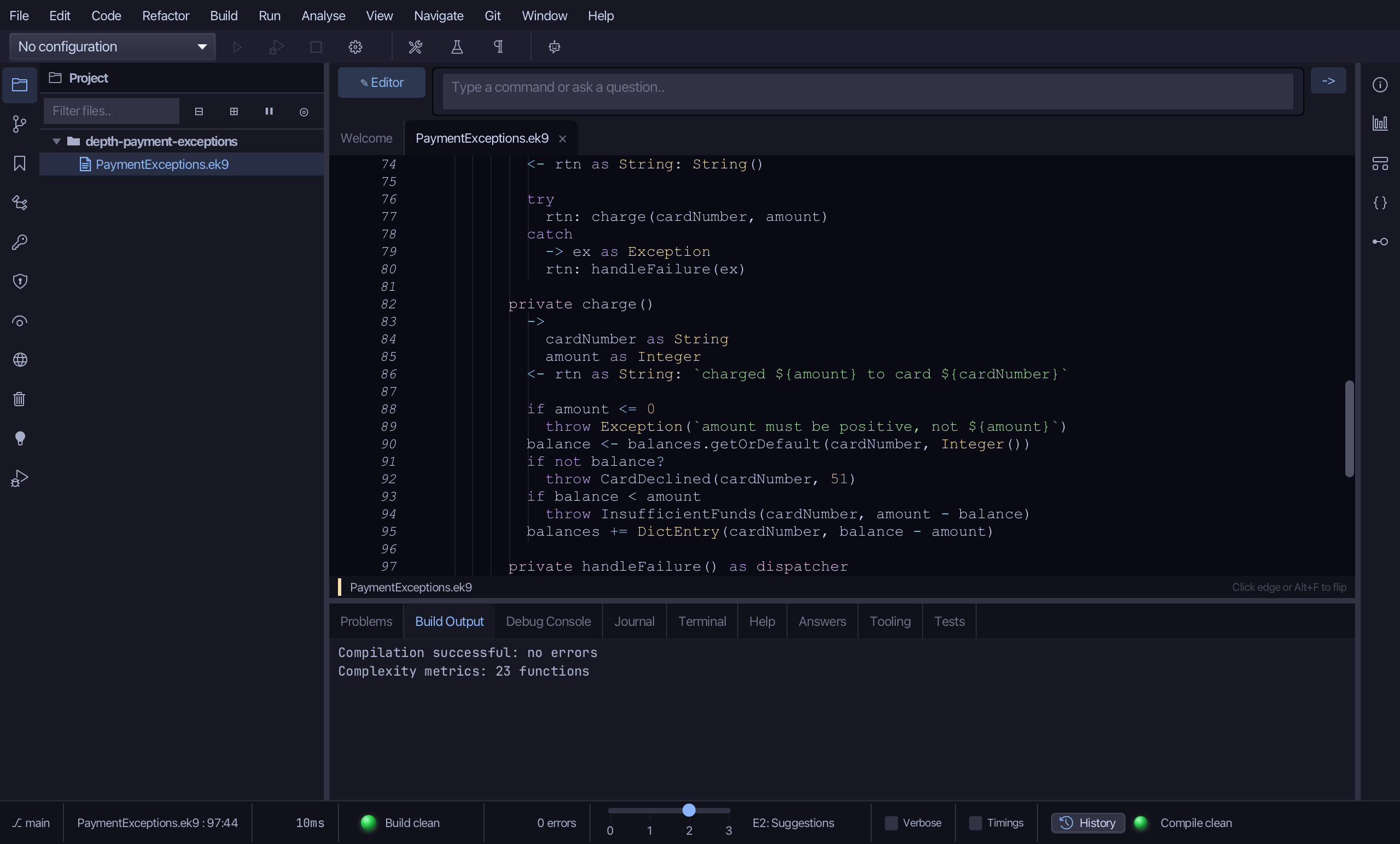
Select the stub and type what an exception nothing else matches gets. Saves when typed.
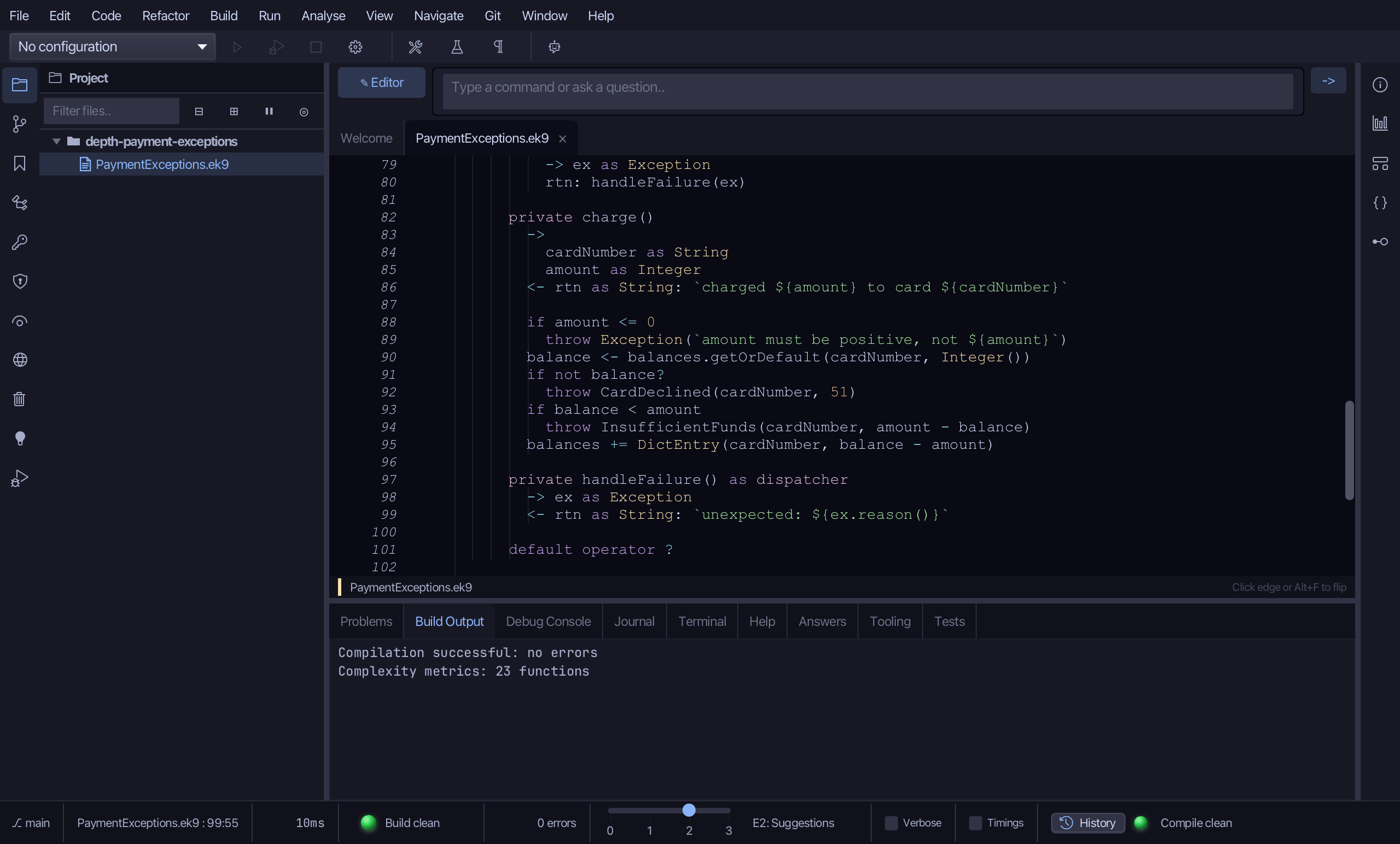
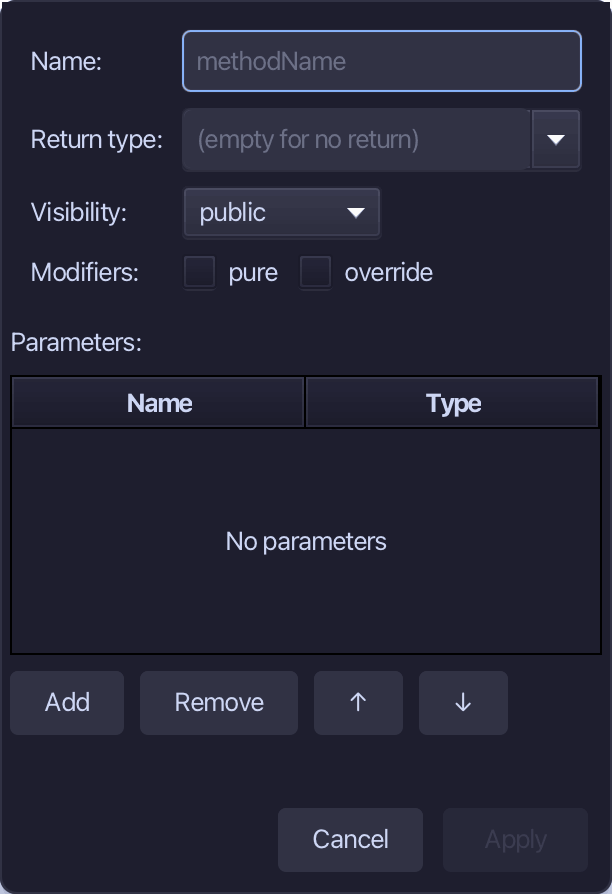
Right-click the Till line and choose Add Method…
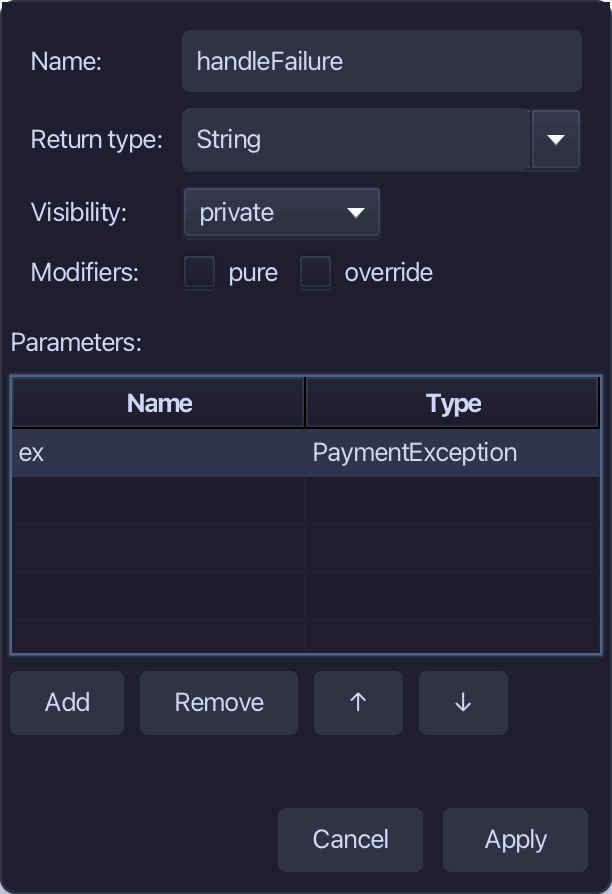
handleFailure is the method's name. Add one parameter, ex of type PaymentException, set Return type to String, set Visibility to private. Choose Apply.
Select the stub and type what any PaymentException gets. Saves when typed.
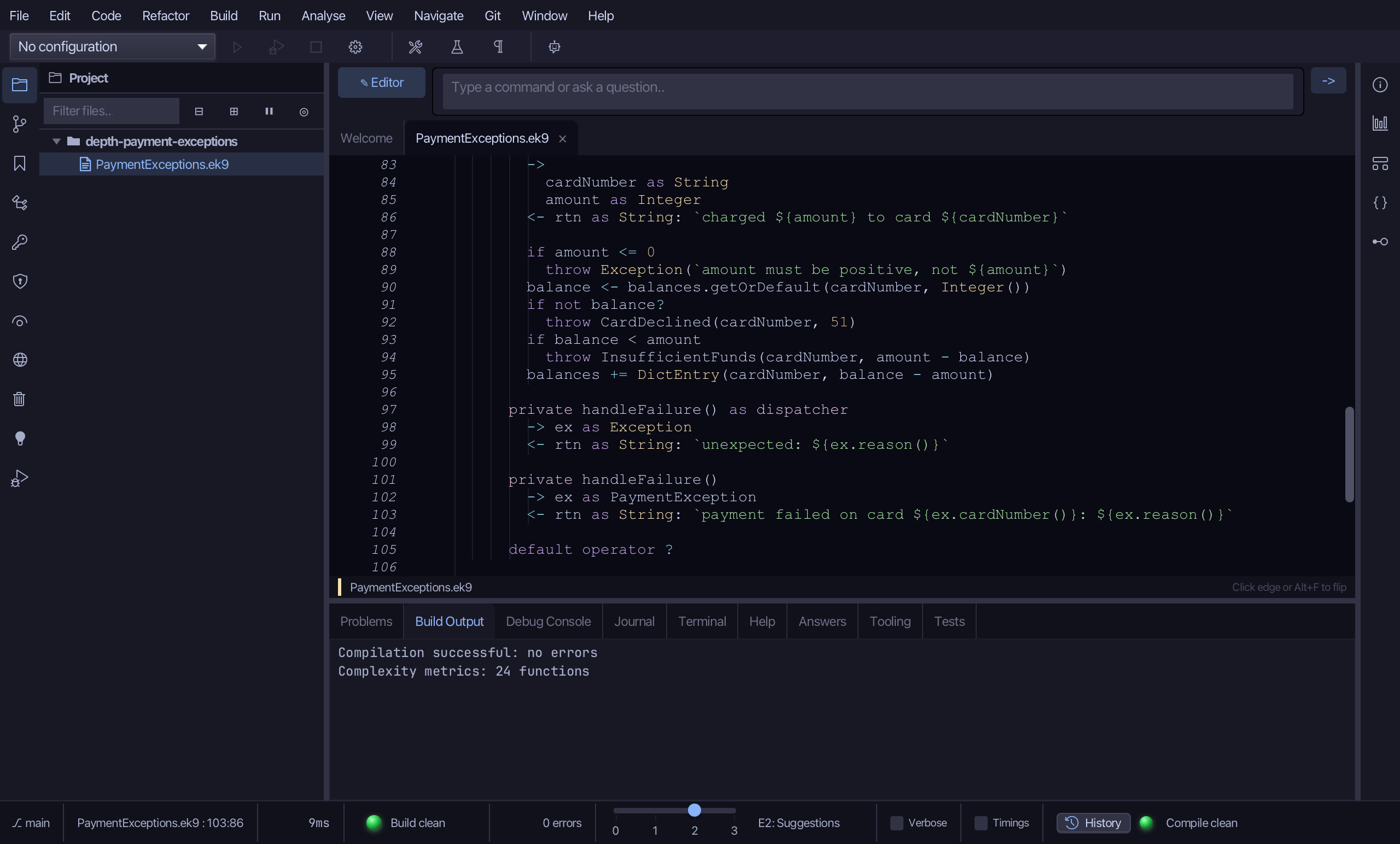
Right-click the Till line and choose Add Method…
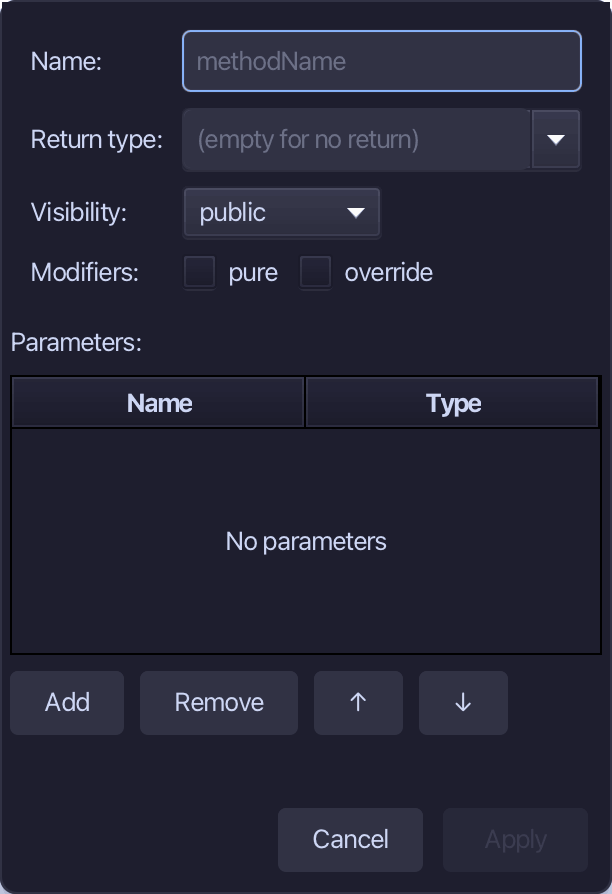
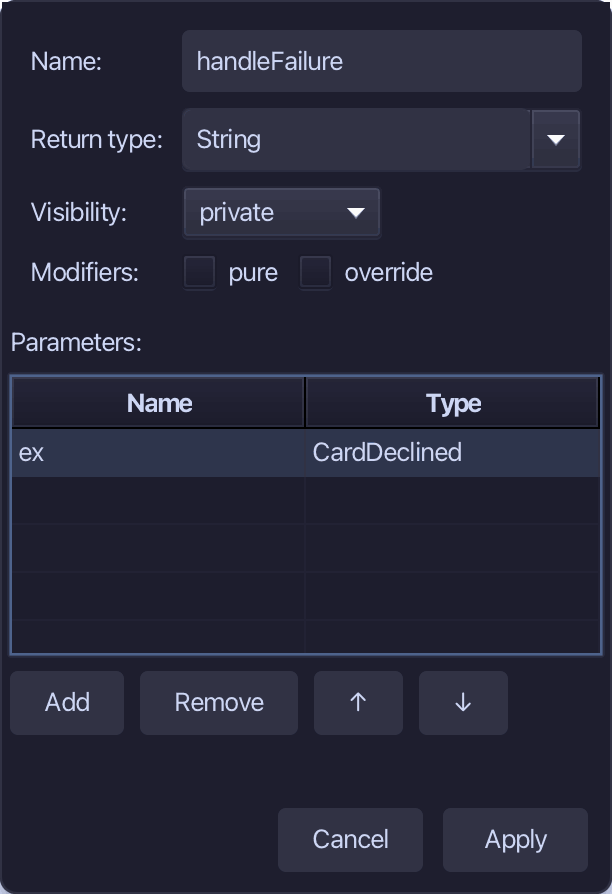
handleFailure is the method's name. Add one parameter, ex of type CardDeclined, set Return type to String, set Visibility to private. Choose Apply.
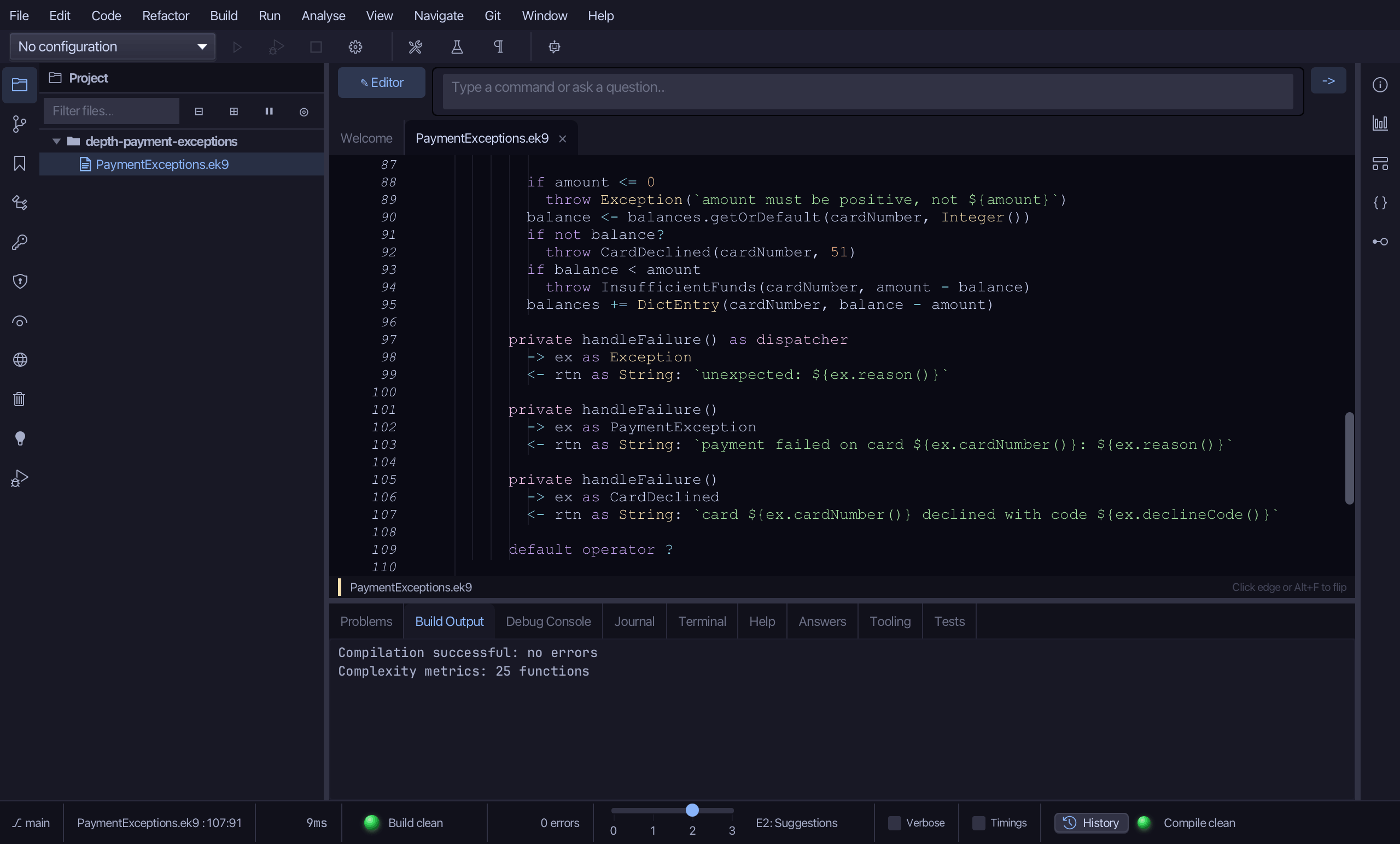
Select the stub and type what a CardDeclined gets - the most specific wins, and InsufficientFunds, which has no handler of its own, falls back to PaymentException's. Saves when typed.
Step 8: The program
Choose Code > New Construct > Program…
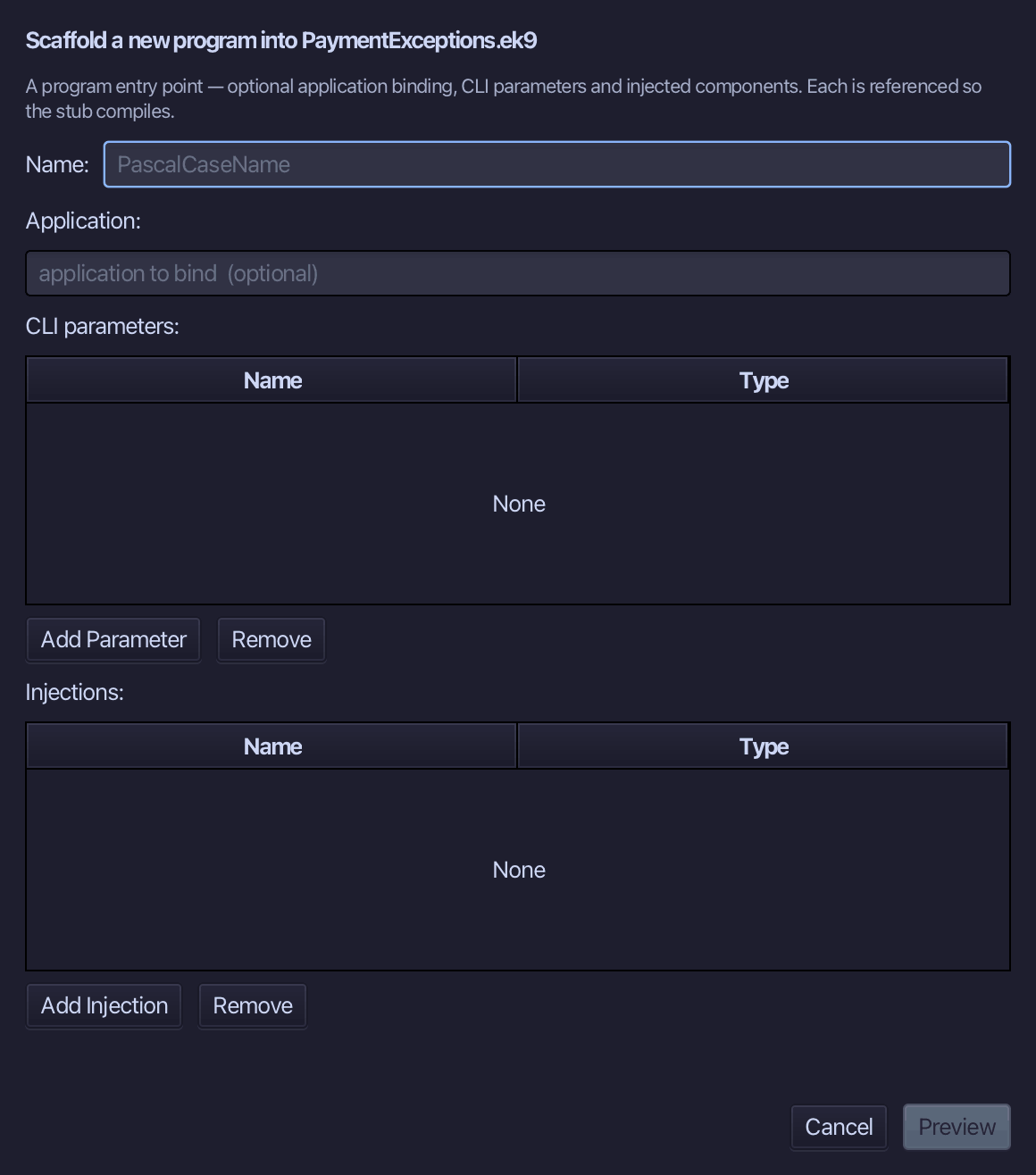
PaymentExceptions is the program's name. Choose Preview.
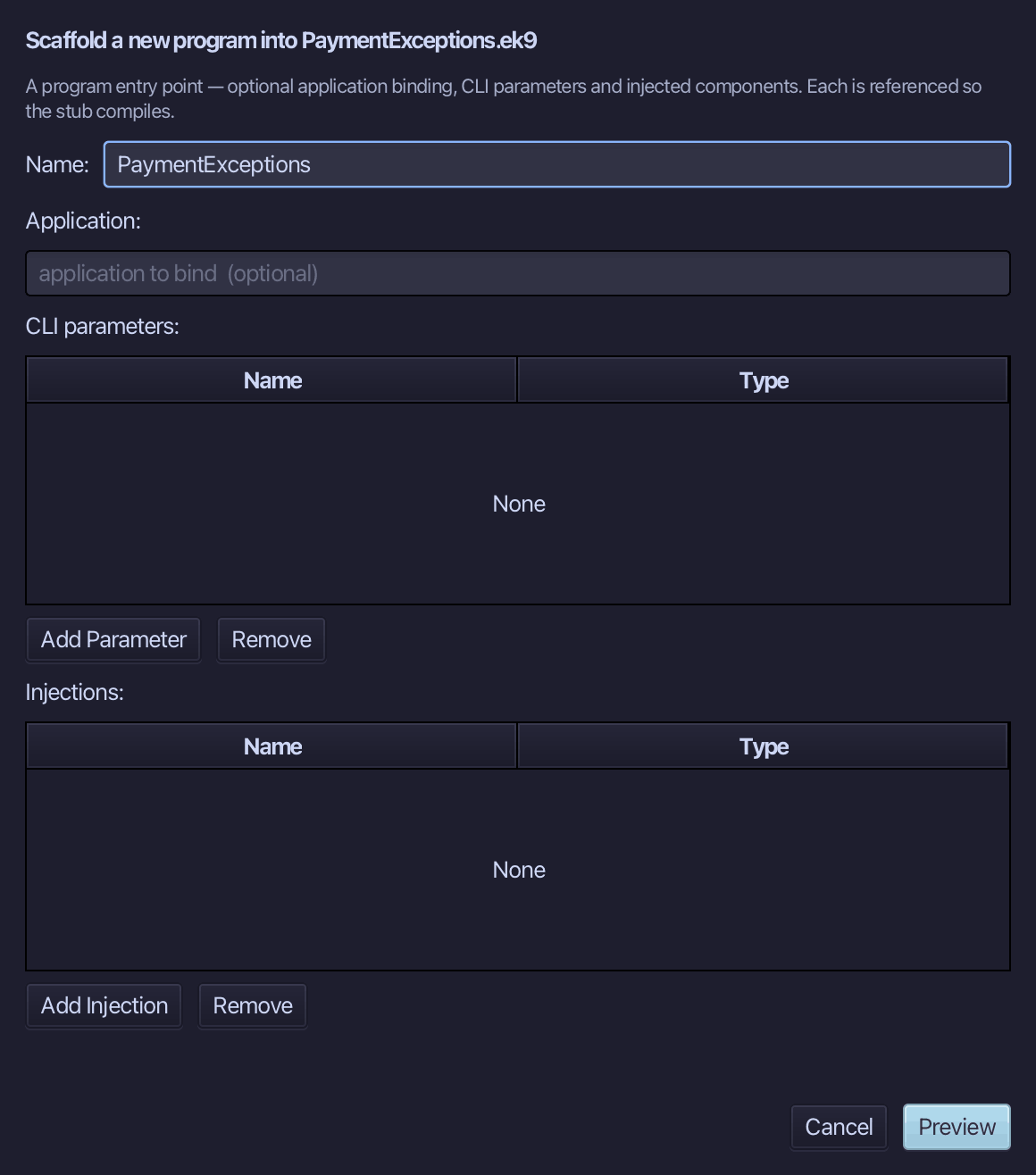
The preview shows PaymentExceptions about to be written. Choose Apply.
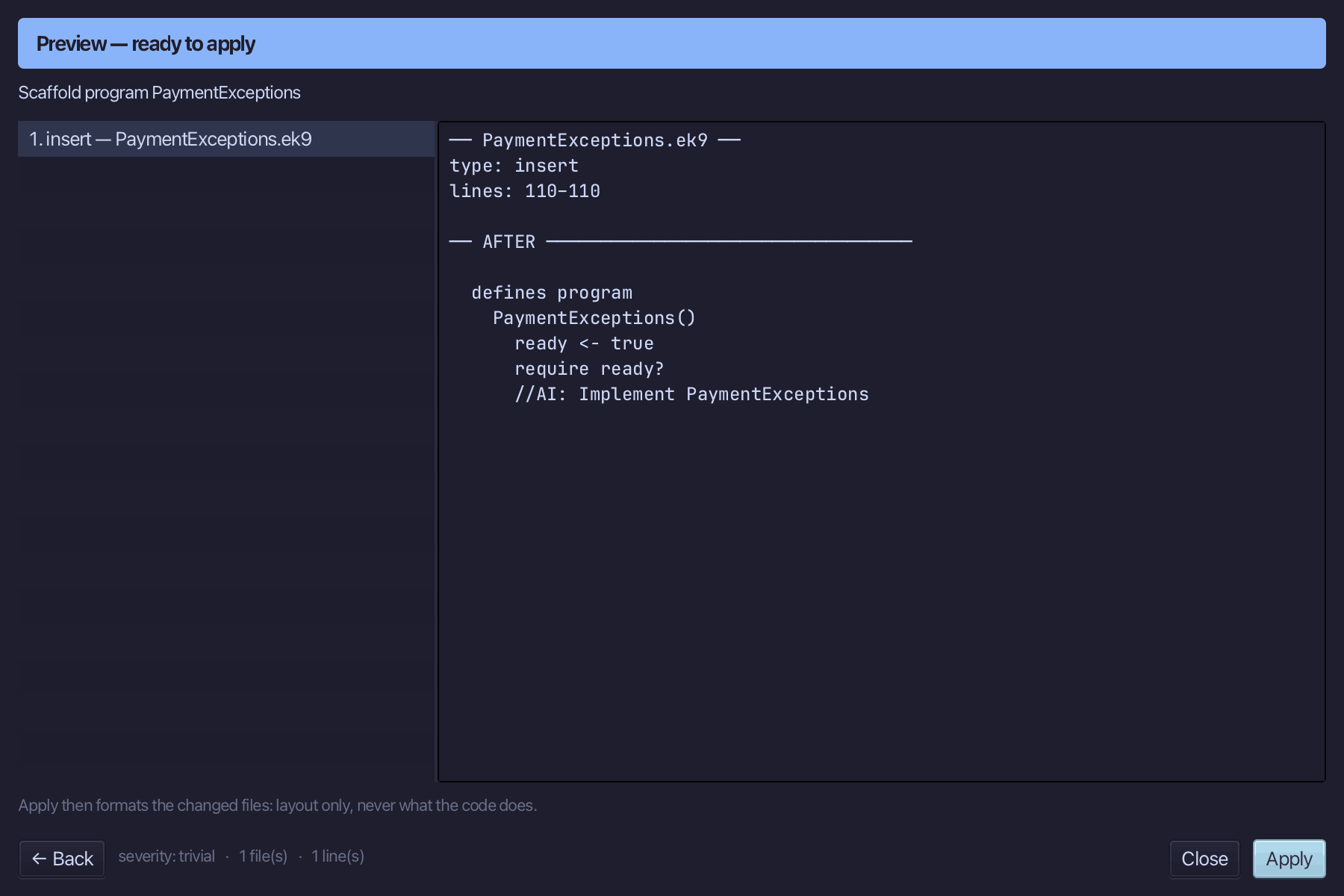
Select the PaymentExceptions() line and, above it, type the blank line the book opens the program with. Saves when typed.
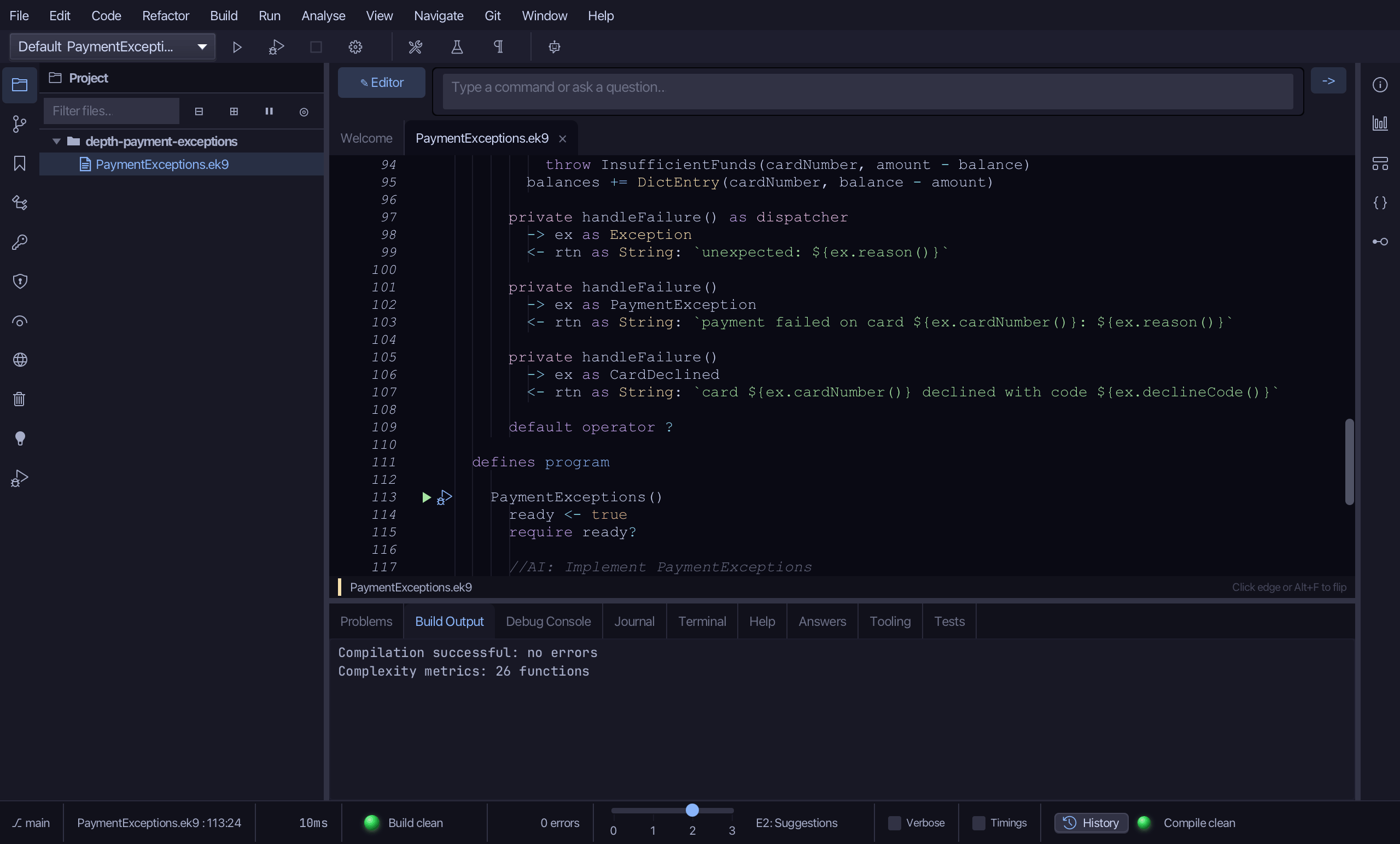
Select the stub, from ready <- true down to its //AI line, and type PaymentExceptions's body exactly as the chapter shows it. Saves when typed.
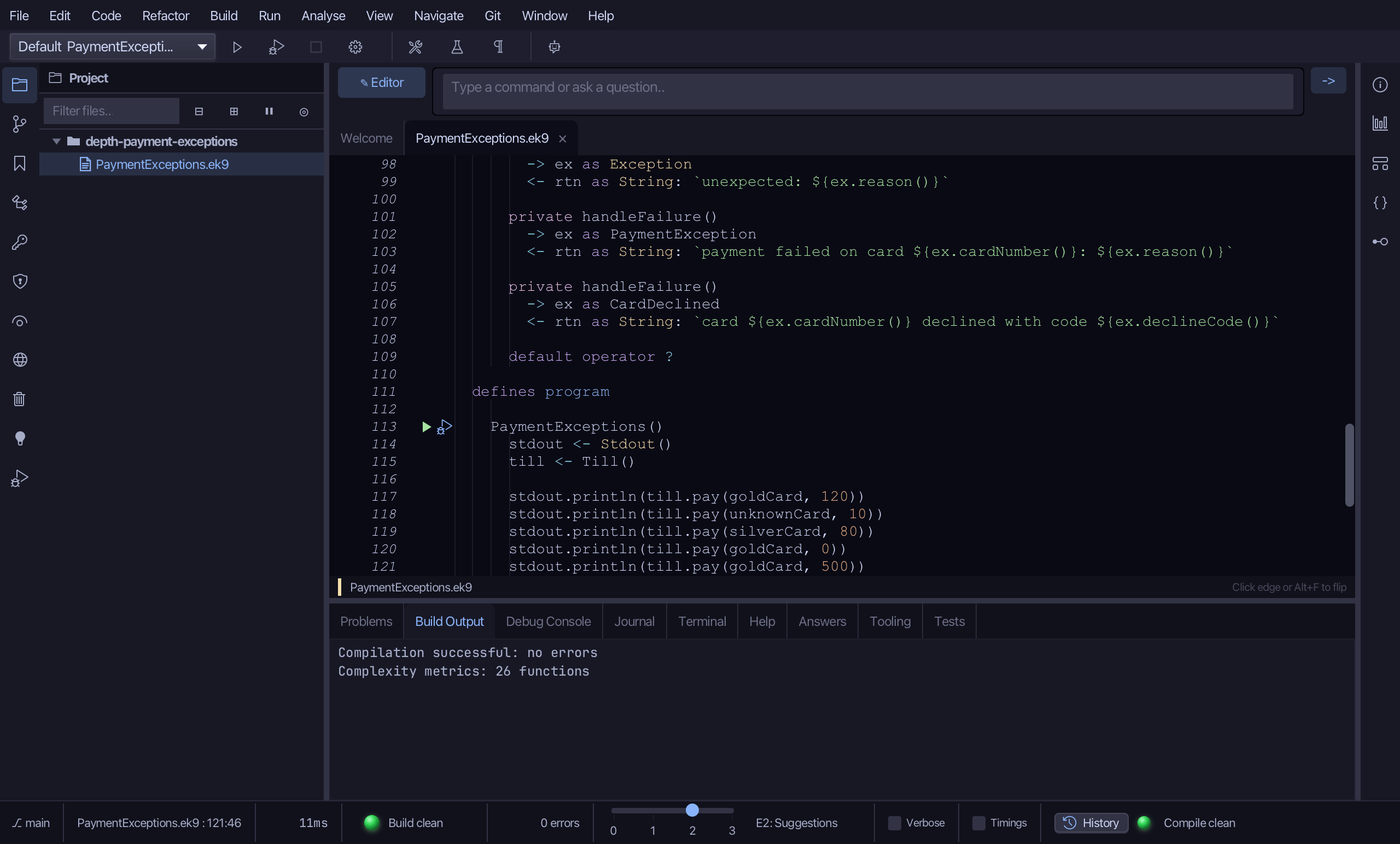
Step 9: Run it
Choose Run > Run Program…
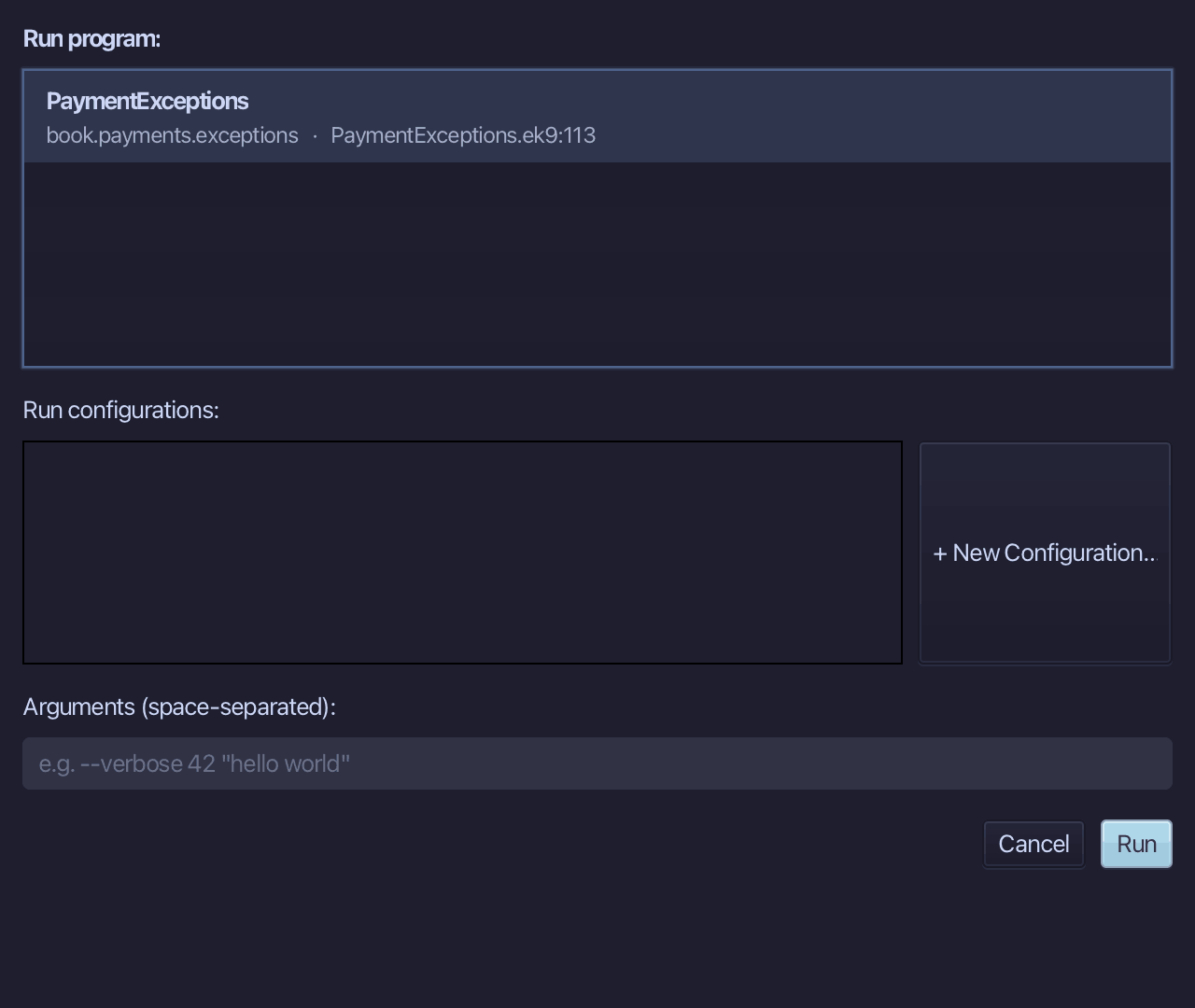
The project's only program is already chosen. Choose Run.
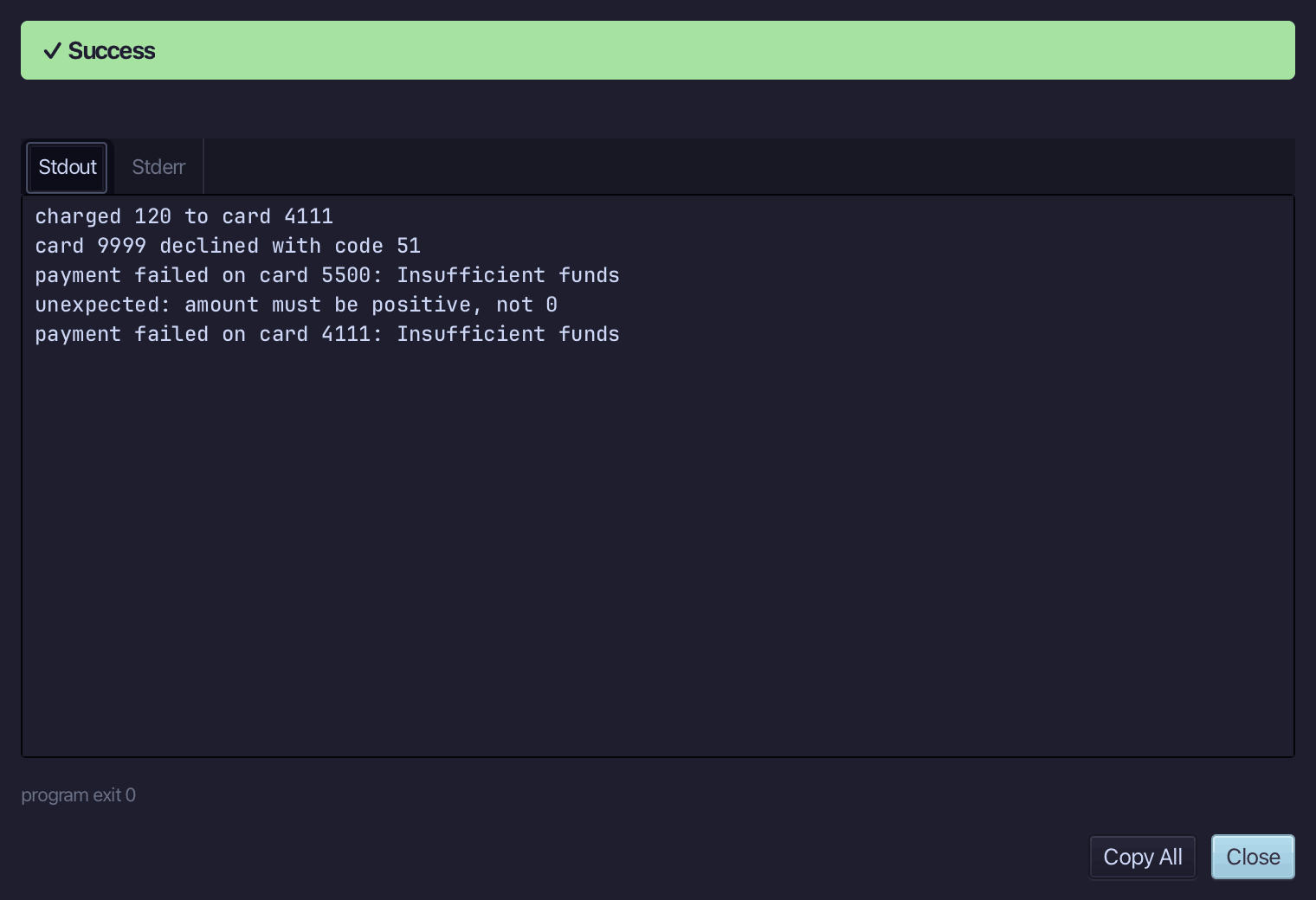
charged 120 to card 4111, card 9999 declined with code 51, payment failed on card 5500: Insufficient funds, unexpected: amount must be positive, not 0, and payment failed on card 4111: Insufficient funds. Choose Close.
The result
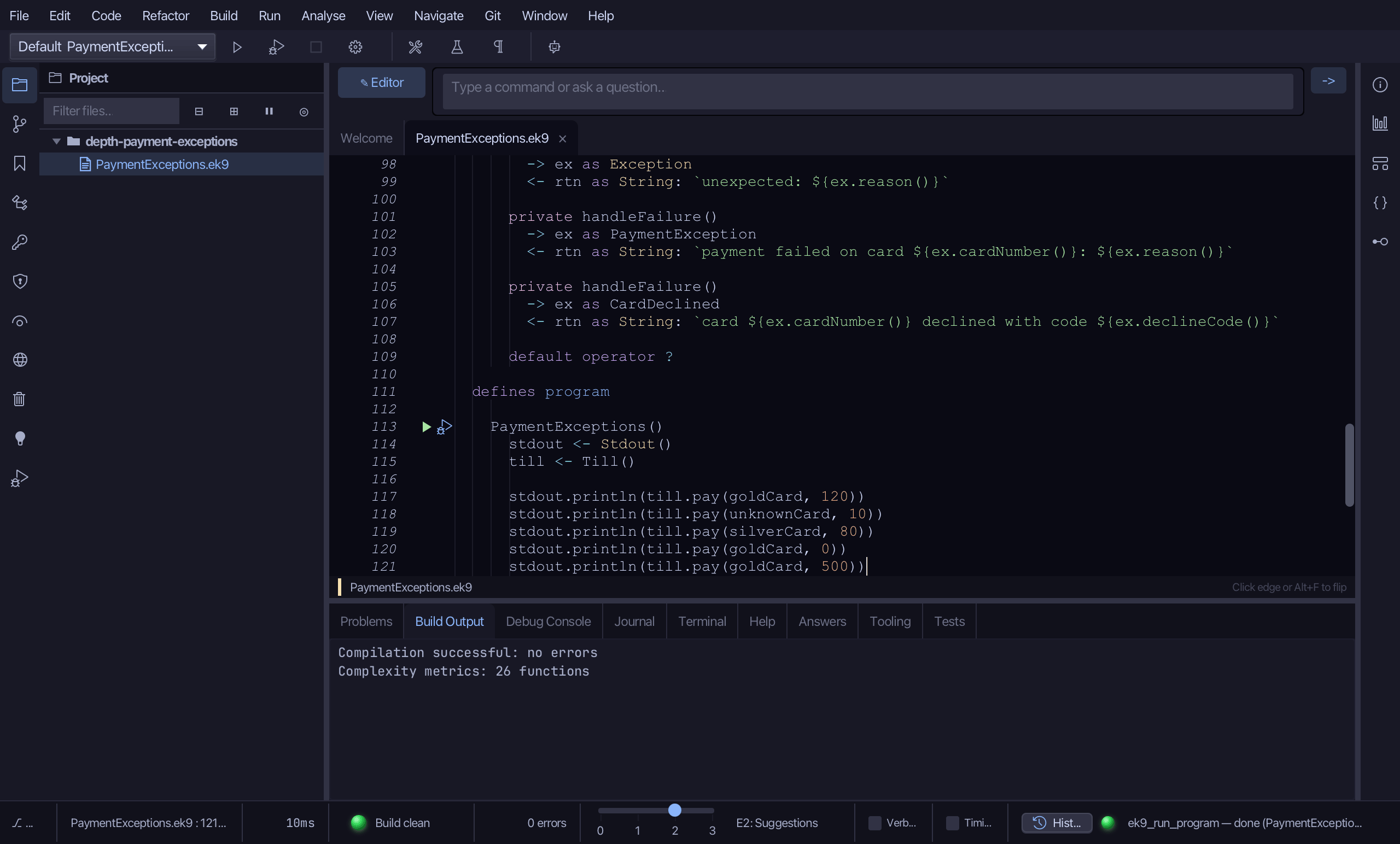
PaymentExceptions.ek9 now reads exactly as chapter 32 of EK9 in Depth shows it. pay has one try and one catch, and handleFailure - declared as dispatcher - routes by the run-time type: CardDeclined to its own overload, InsufficientFunds to the nearest overload above it, a plain Exception to the dispatcher's own body. A new subtype tomorrow needs no change to pay.
Where this lesson comes from
- Answers -
ek9 -qand the IDE's Answers tab: 136, 138. - For AI assistants - the MCP tool
ek9_new_construct,ek9_add_operator,ek9_add_field,ek9_add_constructor,ek9_add_method,ek9_add_program.