Remove Field
Remove Field deletes a field from a class, record or component once it has checked every reference inside that construct's body - the field-scoped sibling of Safe Delete, which reaches across the whole workspace. It classifies each reference it finds and offers a repair for the mechanical kinds, where Safe Delete only blocks. Here spare sits on Greeter unused - nothing reads it, nothing writes it beyond its own declaration. To play it in the IDE: Help > Lessons > Refactoring…, or ek9 -ide -lesson remove-field.
Start from
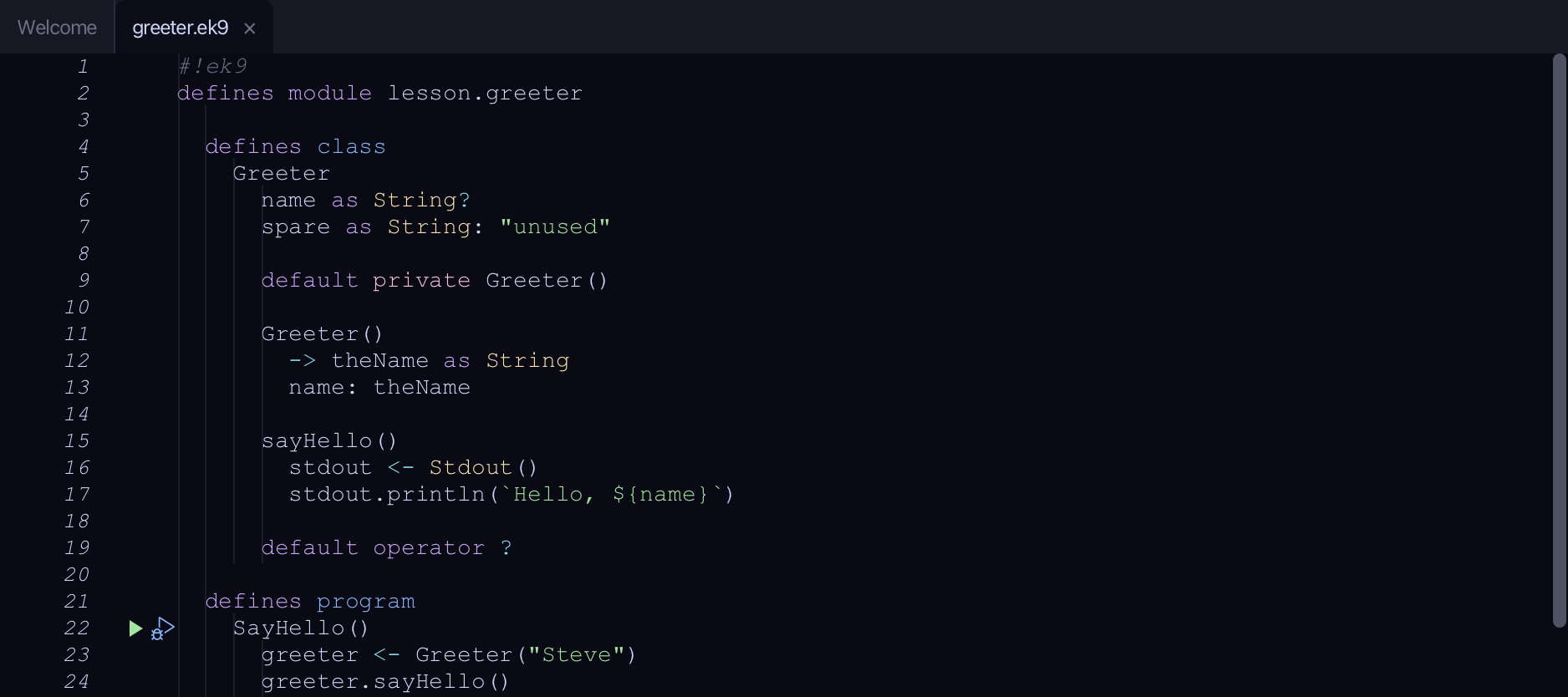
The code the lesson starts from: copy it into a file of your own and follow the steps.
#!ek9
defines module lesson.greeter

  defines class
    Greeter
      name as String?
      spare as String: "unused"

      default private Greeter()

      Greeter()
        -> theName as String
        name: theName

      sayHello()
        stdout <- Stdout()
        stdout.println(`Hello, ${name}`)

      default operator ?

  defines program
    SayHello()
      greeter <- Greeter("Steve")
      greeter.sayHello()

//EOF
Step 1: Where it is
Put the caret on spare, on line 7.
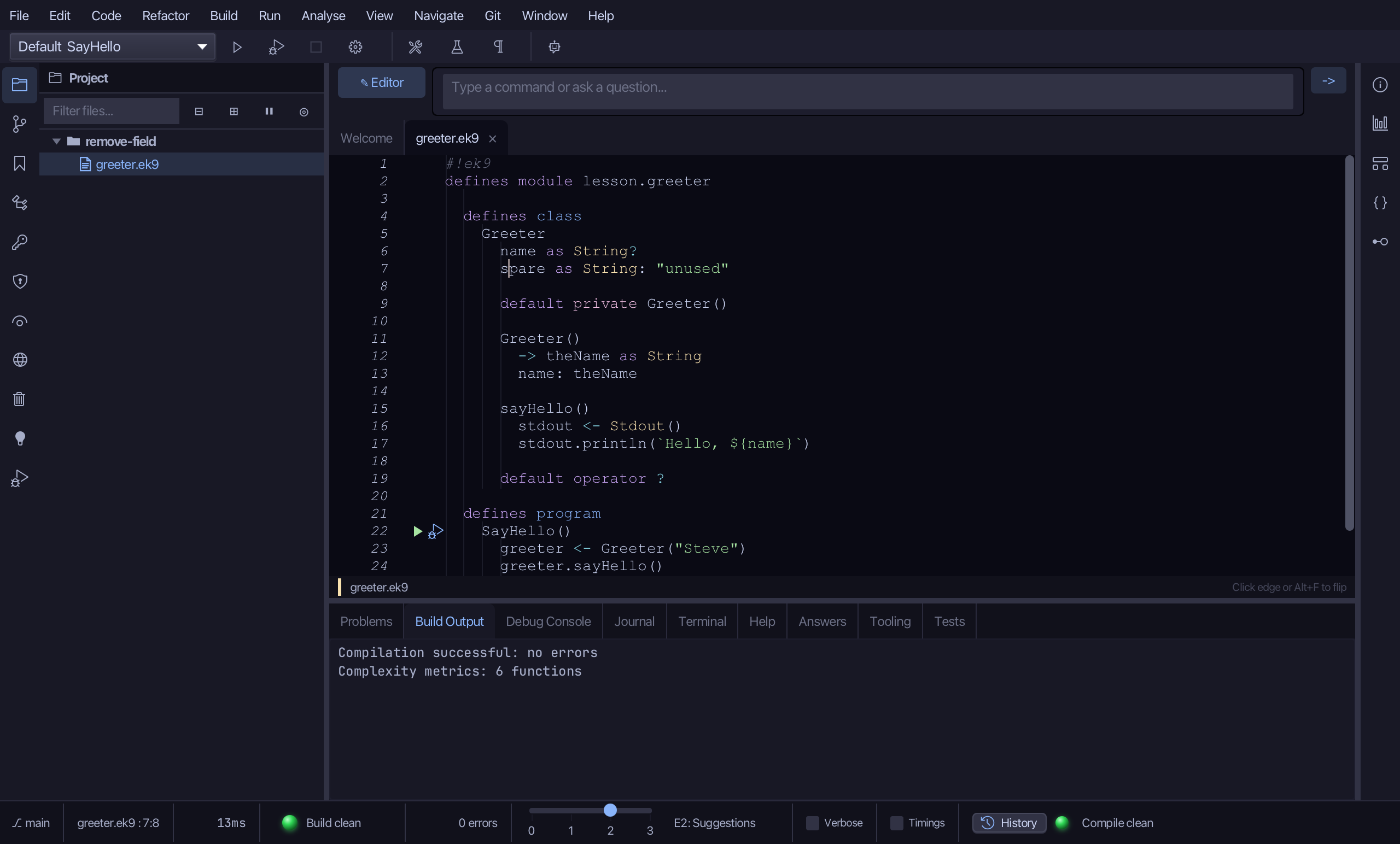
Step 2: Remove Field
Right-click it - or choose Refactor > Refactor This… - and choose Remove Field…
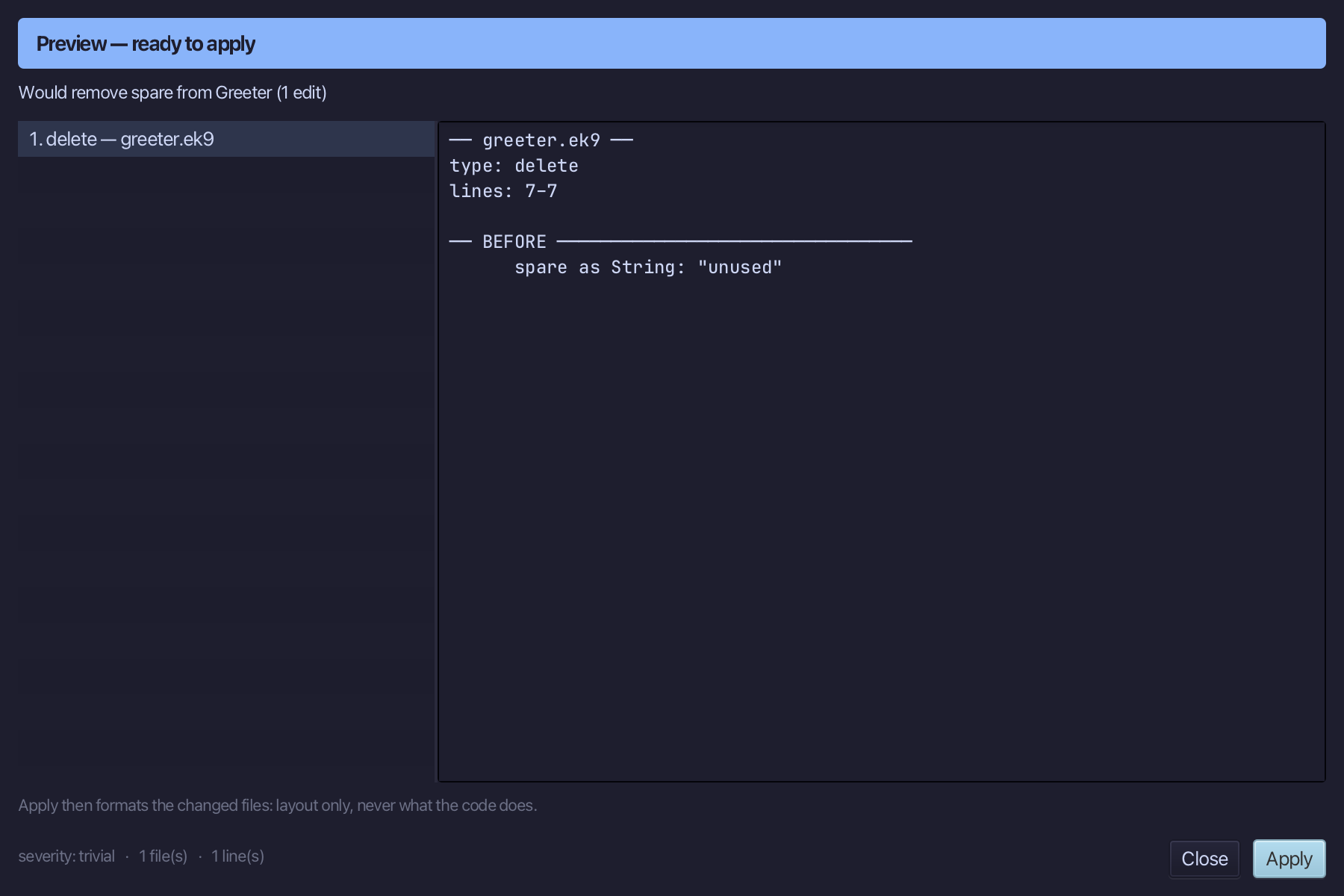
Step 3: Preview and apply
The preview shows every change the refactoring makes; then the IDE formats each file it changed. Choose Apply.
The result
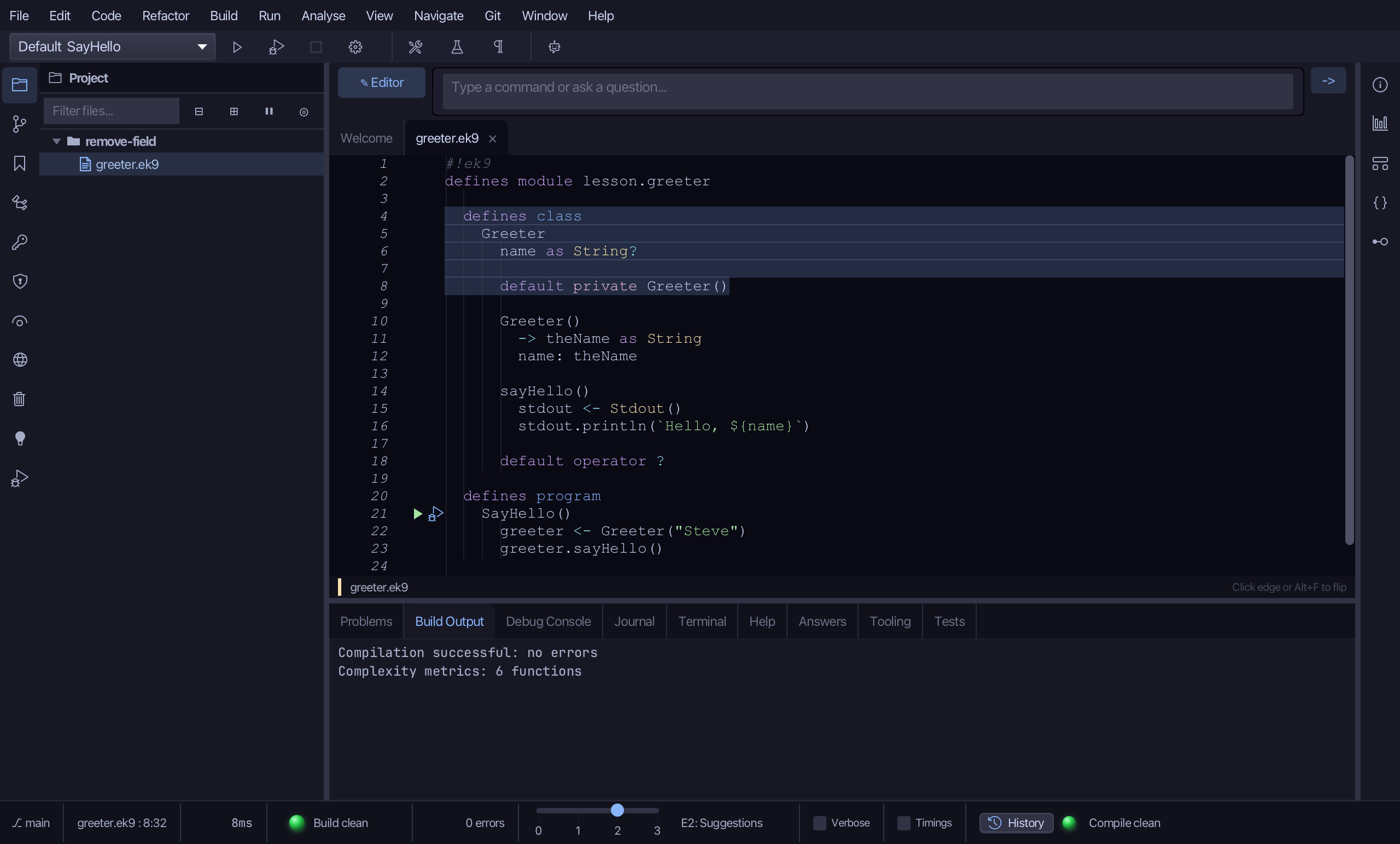
That is Remove Field: spare is gone from Greeter, in one edit - name and the rest of the class unchanged. Had sayHello, or anywhere else inside Greeter, still read spare, the preview would have listed each reference, classified by kind, with a repair for the mechanical ones - a boolean-chain term, a string interpolation, a constructor parameter - instead of offering Apply straight away. It is on the right-click menu wherever the caret is on a field declaration; AI assistants use the ek9_remove_field tool.
Where this lesson comes from
- For AI assistants - the MCP tool
ek9_remove_field.