Appendix: a literal of every type, built
The appendix on types shows that EK9 has a literal for nearly every built-in type - a date, a duration, money, a version, a dimension, a regex, even a JSON path - where Java or C# would reach for a constructor or a library. One program writes them all and prints them. The IDE writes the program's shell; you type the literals and the eight lines that show them. To play it in the IDE: Help > Lessons > EK9 in Depth…, or ek9 -ide -lesson depth-literals.
What you'll build
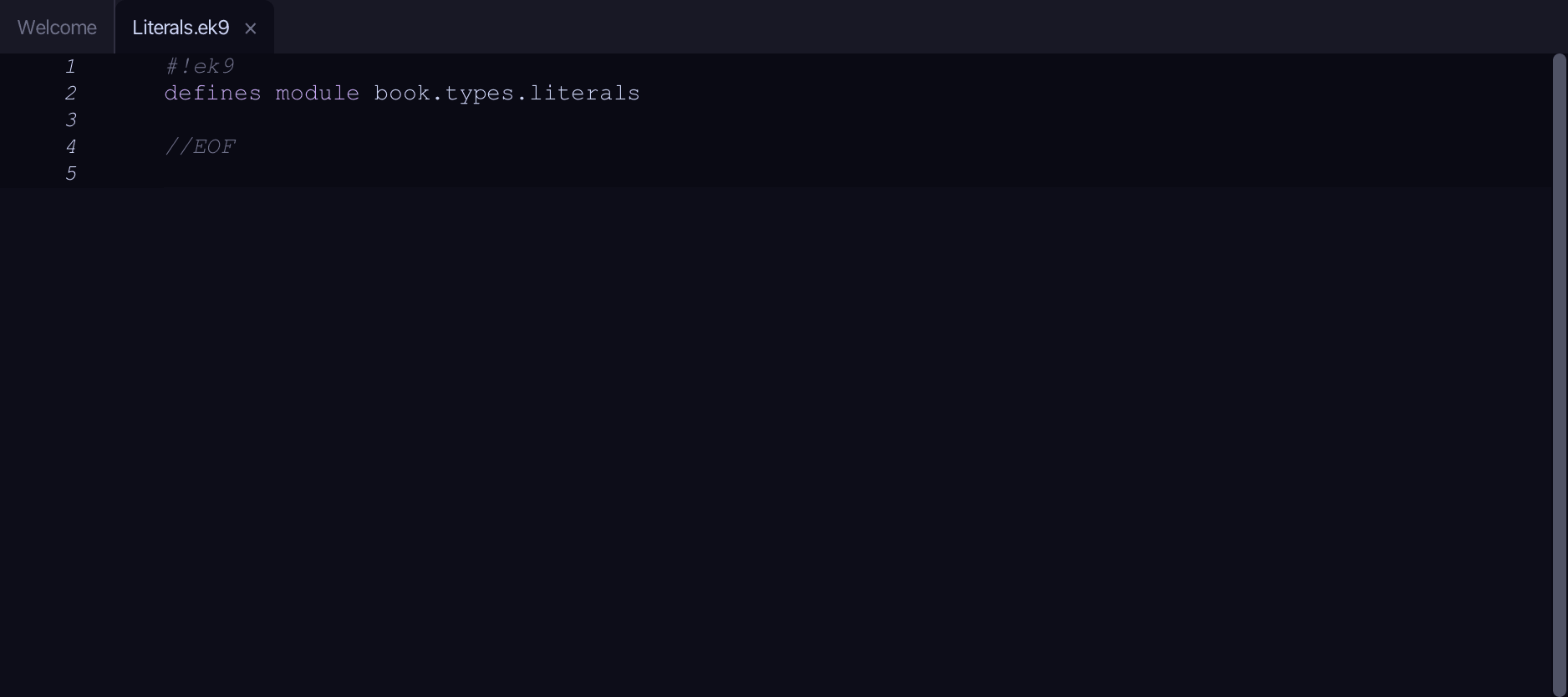
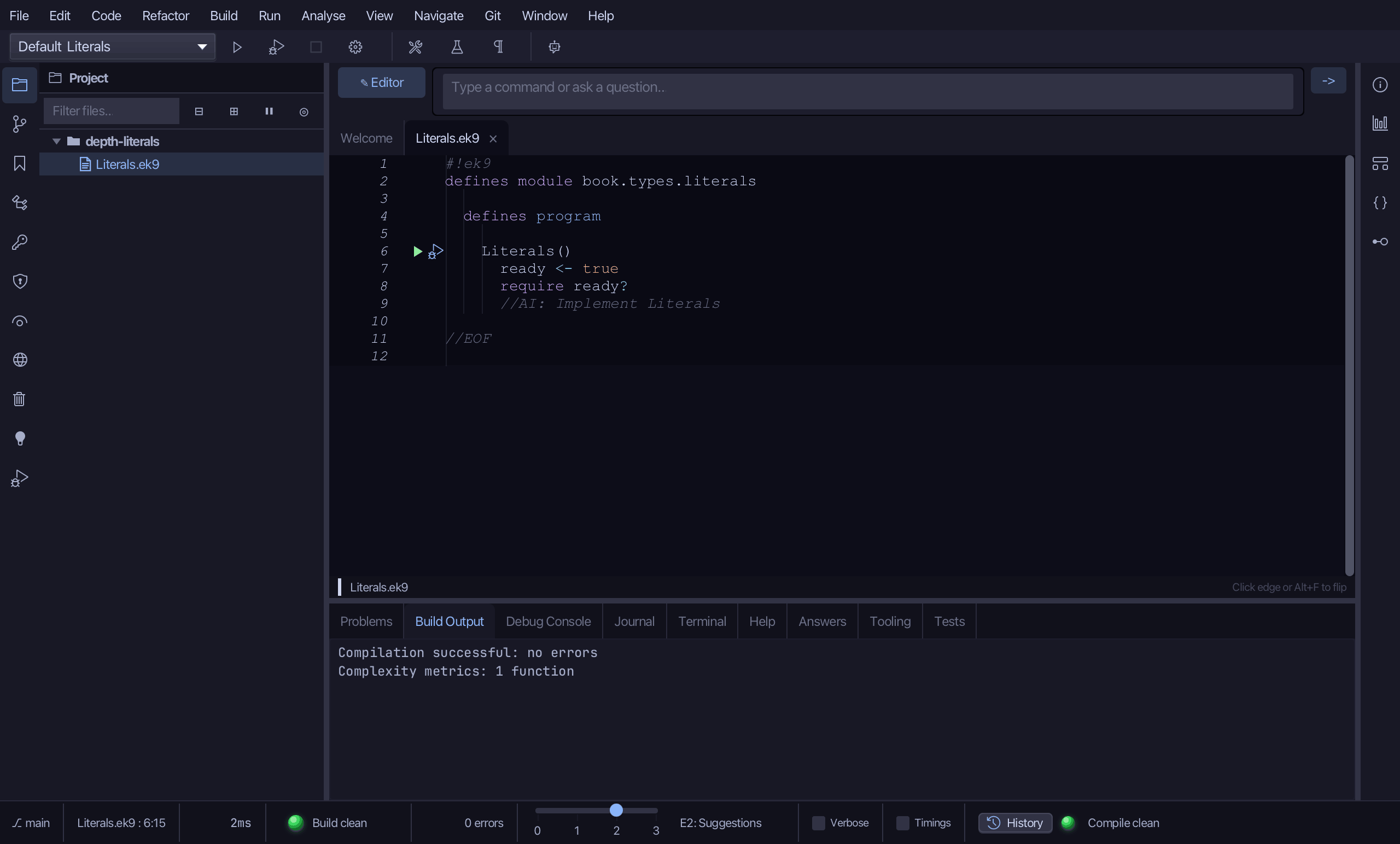
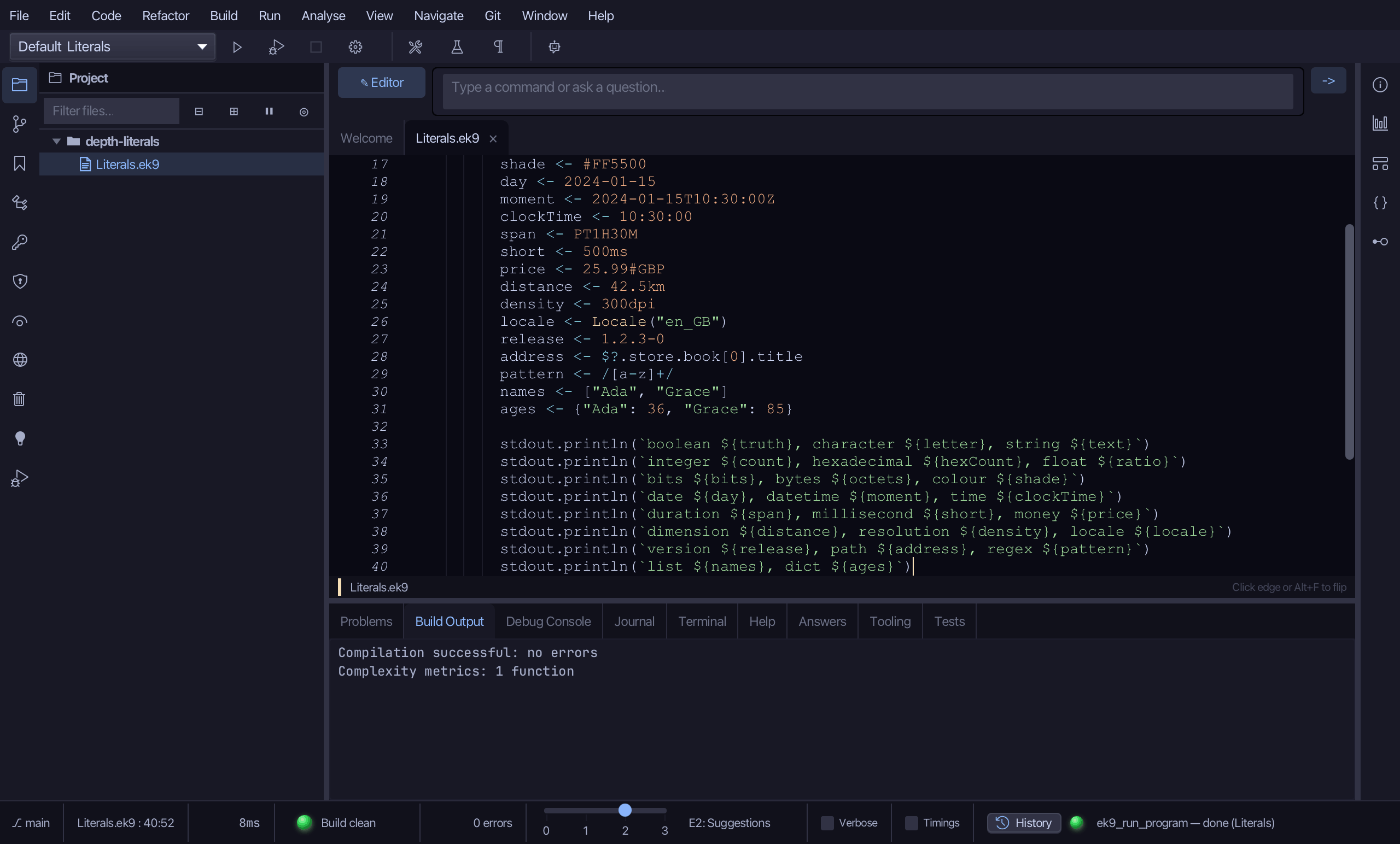
The lesson builds this program from a file holding only its module line - the finished file, as the book prints it.
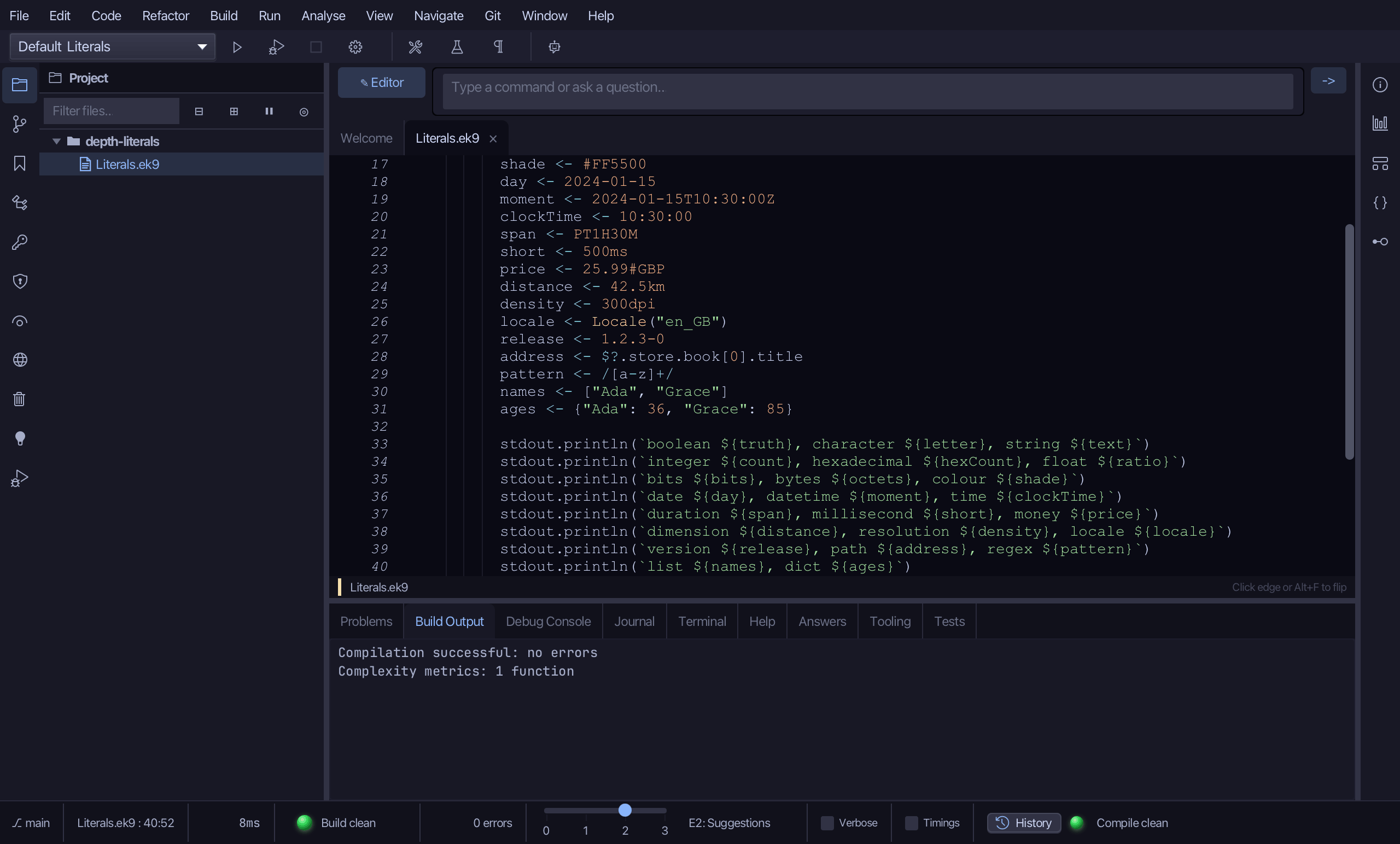
#!ek9
defines module book.types.literals

  defines program

    Literals()
      stdout <- Stdout()

      truth <- true
      letter <- 'A'
      text <- "hello"
      count <- 1_000
      hexCount <- 0x1F
      ratio <- 3.25
      bits <- 0b1010
      octets <- 0yDEADBEEF
      shade <- #FF5500
      day <- 2024-01-15
      moment <- 2024-01-15T10:30:00Z
      clockTime <- 10:30:00
      span <- PT1H30M
      short <- 500ms
      price <- 25.99#GBP
      distance <- 42.5km
      density <- 300dpi
      locale <- Locale("en_GB")
      release <- 1.2.3-0
      address <- $?.store.book[0].title
      pattern <- /[a-z]+/
      names <- ["Ada", "Grace"]
      ages <- {"Ada": 36, "Grace": 85}

      stdout.println(`boolean ${truth}, character ${letter}, string ${text}`)
      stdout.println(`integer ${count}, hexadecimal ${hexCount}, float ${ratio}`)
      stdout.println(`bits ${bits}, bytes ${octets}, colour ${shade}`)
      stdout.println(`date ${day}, datetime ${moment}, time ${clockTime}`)
      stdout.println(`duration ${span}, millisecond ${short}, money ${price}`)
      stdout.println(`dimension ${distance}, resolution ${density}, locale ${locale}`)
      stdout.println(`version ${release}, path ${address}, regex ${pattern}`)
      stdout.println(`list ${names}, dict ${ages}`)

//EOF
Step 1: The program
Choose Code > New Construct > Program…
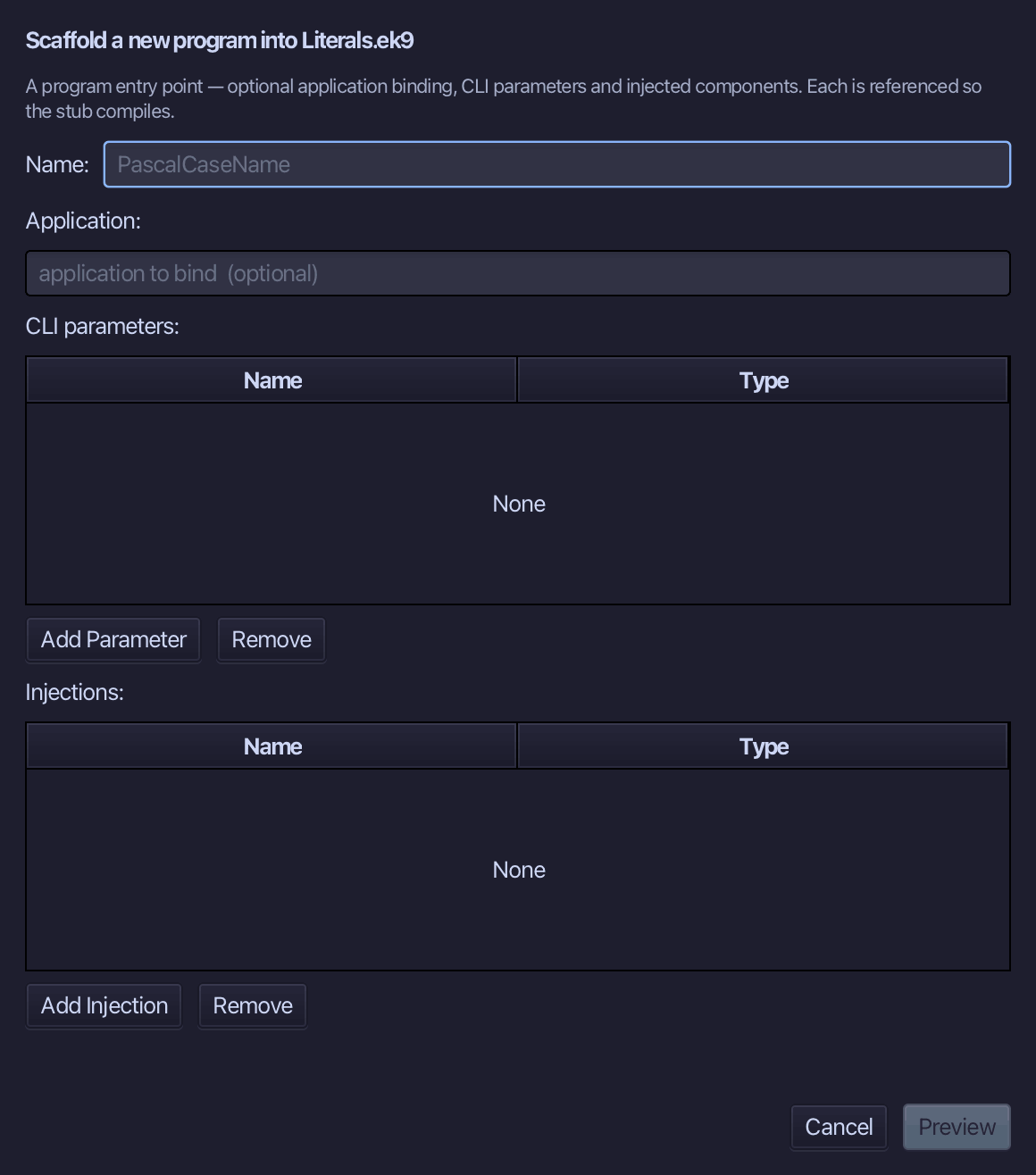
Literals is the program's name. Choose Preview.
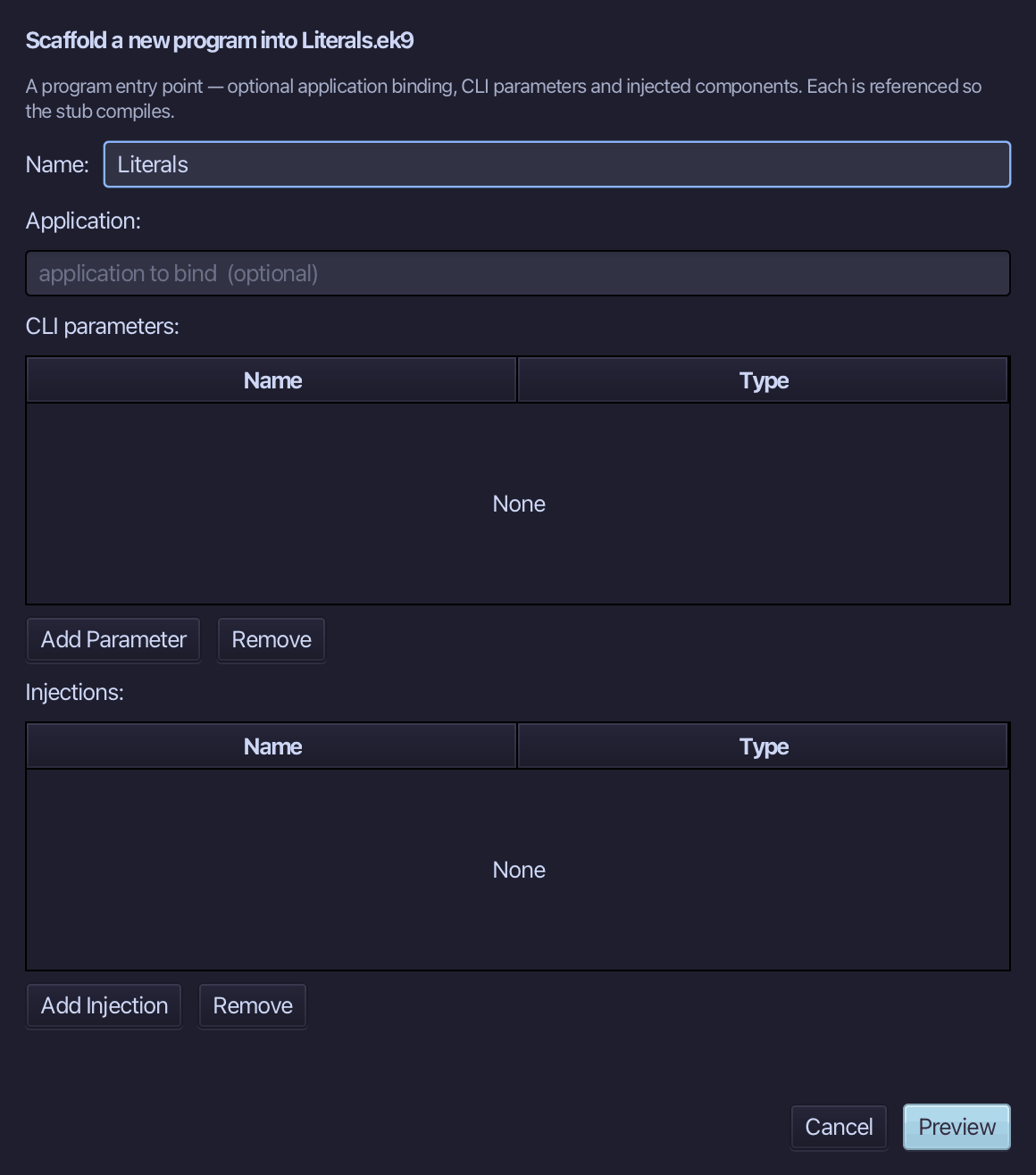
The preview shows Literals about to be written. Choose Apply.
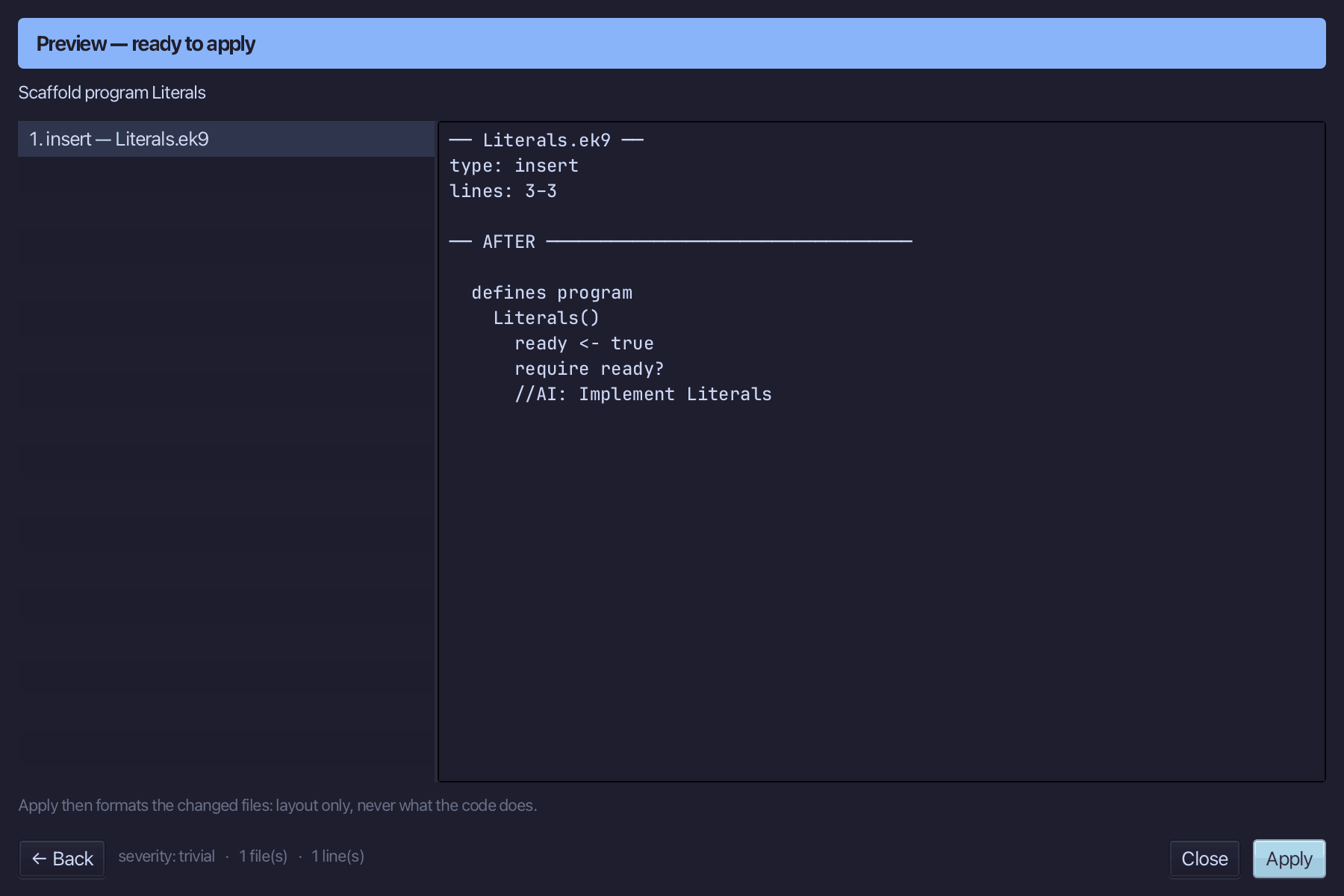
Select the Literals() line and, above it, type the blank line the book opens the program with. Saves when typed.
Select the stub, from ready <- true down to its //AI line, and type Literals's body exactly as the chapter shows it. Saves when typed.
Step 2: Run it
Choose Run > Run Program…
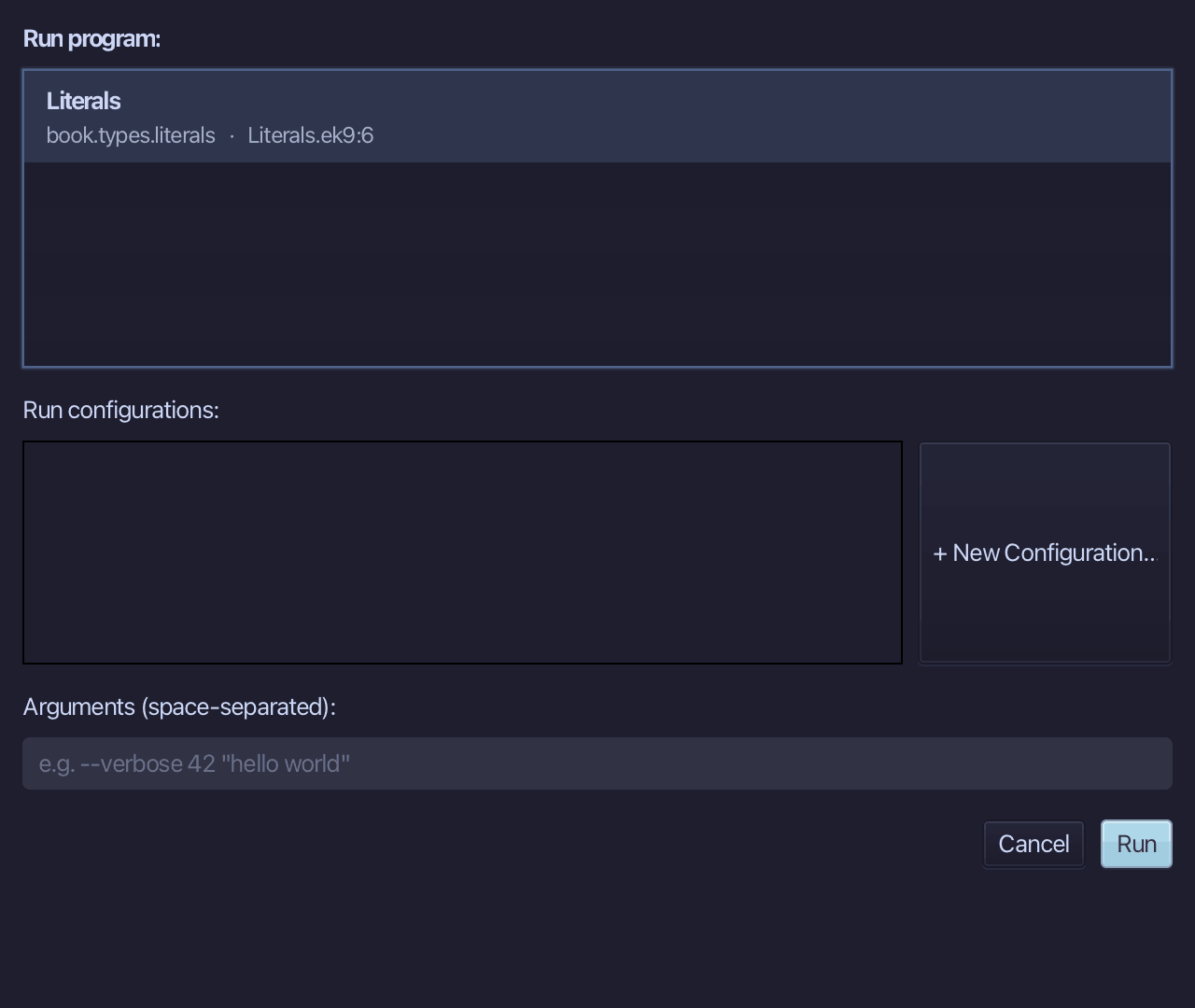
The project's only program is already chosen. Choose Run.
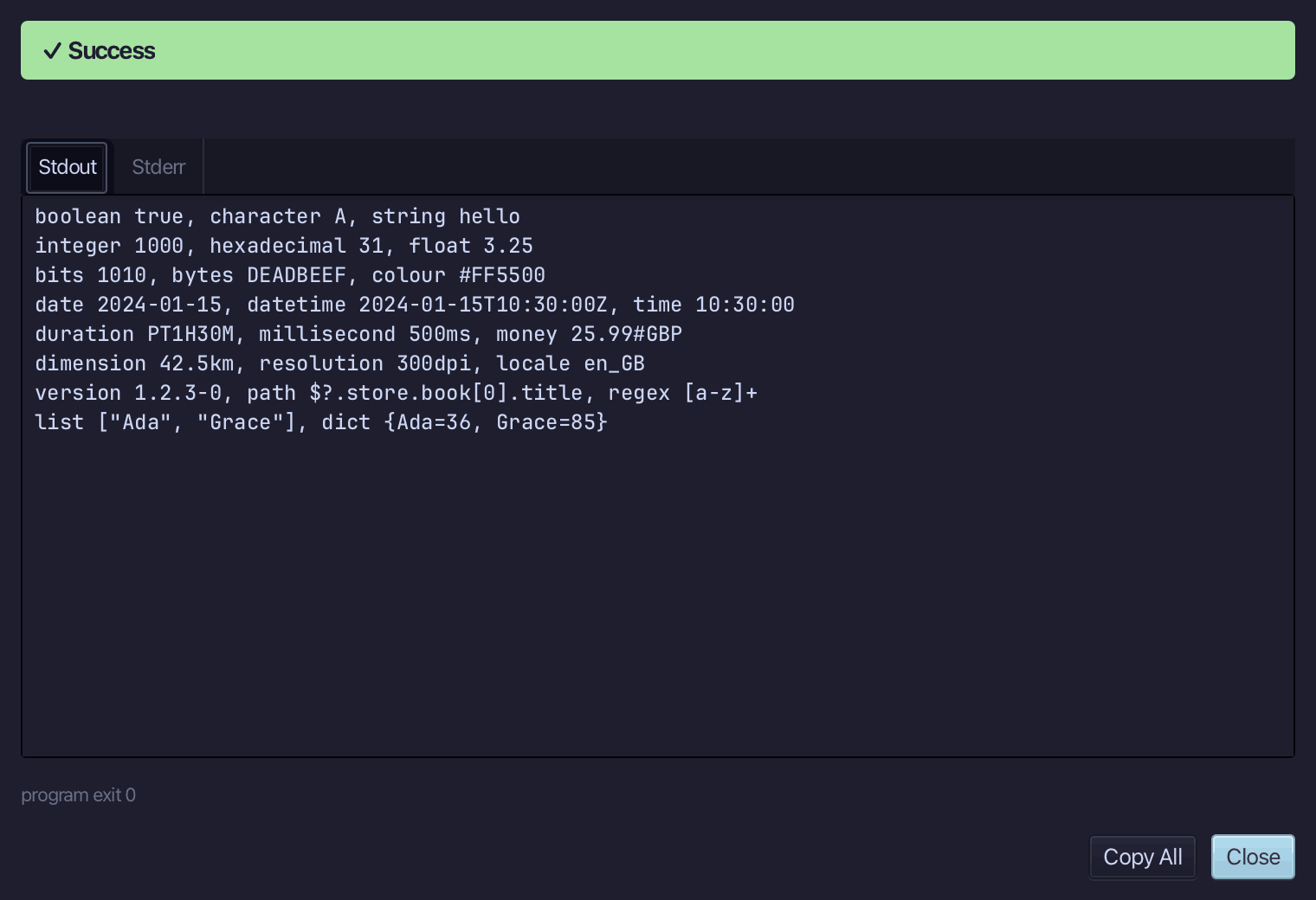
eight lines, one per group of literals: for instance the hexadecimal 0x1F printing as 31, the money as 25.99#GBP and the version as 1.2.3-0. Choose Close.
The result
Literals.ek9 now reads exactly as the appendix shows it. Each variable's type was inferred from its literal alone; the only constructor call is Locale("en_GB"), because a locale has no literal, and a bare 1.2.3 would not parse as a version - the build number is part of the literal.
Where this lesson comes from
- For AI assistants - the MCP tool
ek9_add_program.