Chapter 7: constants, built
Chapter 7's Constants declares four values at module level - an Integer, a String, a Money and a Time - for the whole program to share. New Construct ▸ Constant… writes each one from its literal; the program that prints them is typed. To play it in the IDE: Help > Lessons > Getting Started with EK9…, or ek9 -ide -lesson book-constants.
What you'll build
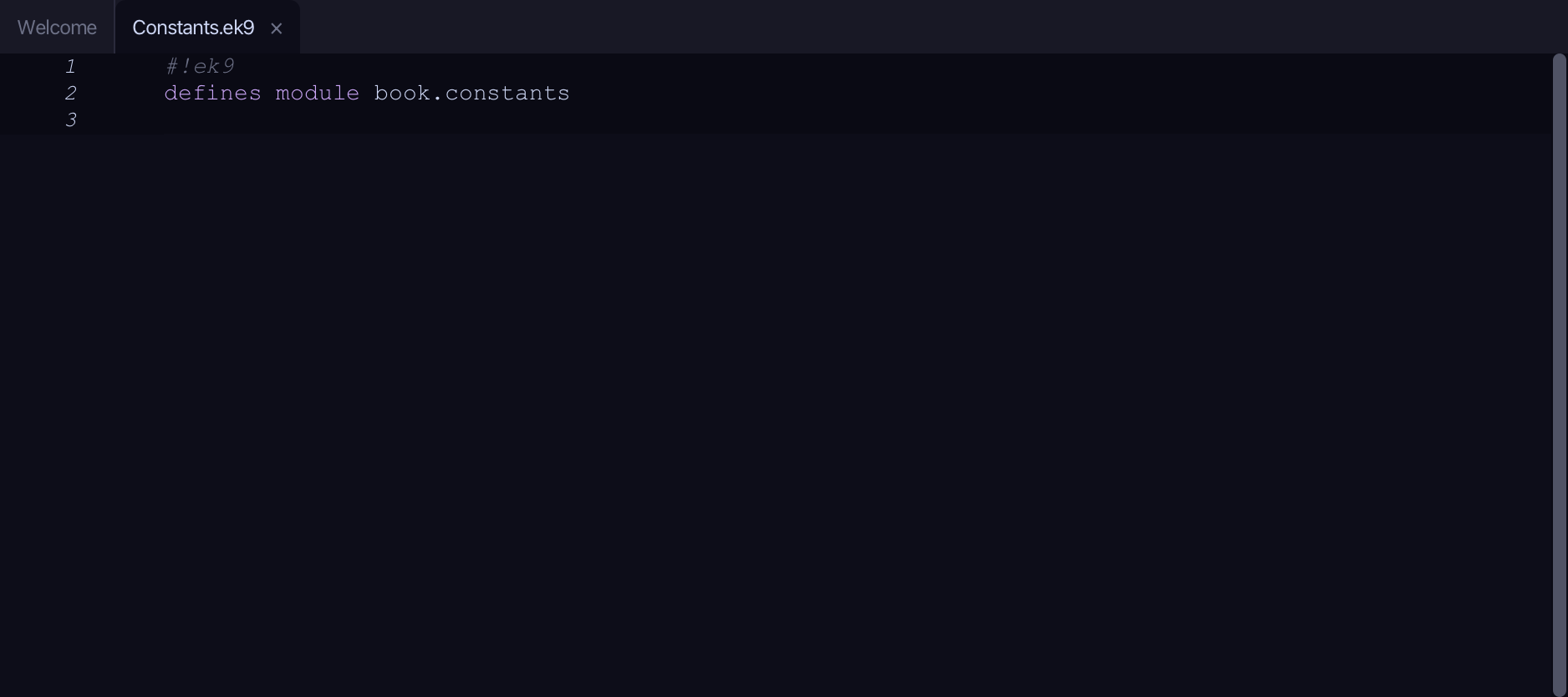
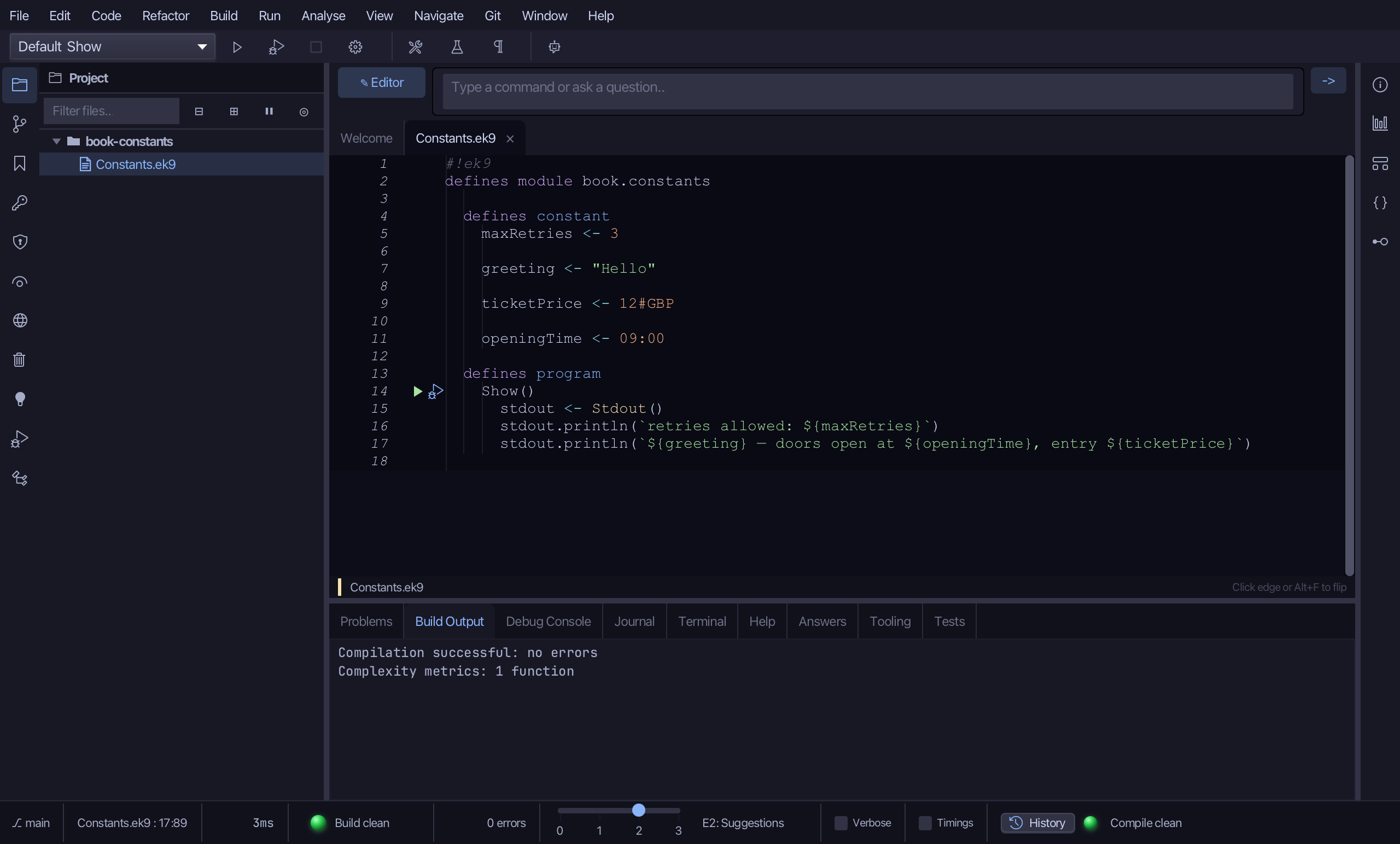
The lesson builds this program from a file holding only its module line - the finished file, as the book prints it.
#!ek9
defines module book.constants

  defines constant
    maxRetries <- 3

    greeting <- "Hello"

    ticketPrice <- 12#GBP

    openingTime <- 09:00

  defines program
    Show()
      stdout <- Stdout()
      stdout.println(`retries allowed: ${maxRetries}`)
      stdout.println(`${greeting} — doors open at ${openingTime}, entry ${ticketPrice}`)
Step 1: Constants
Choose Code > New Construct > Constant…
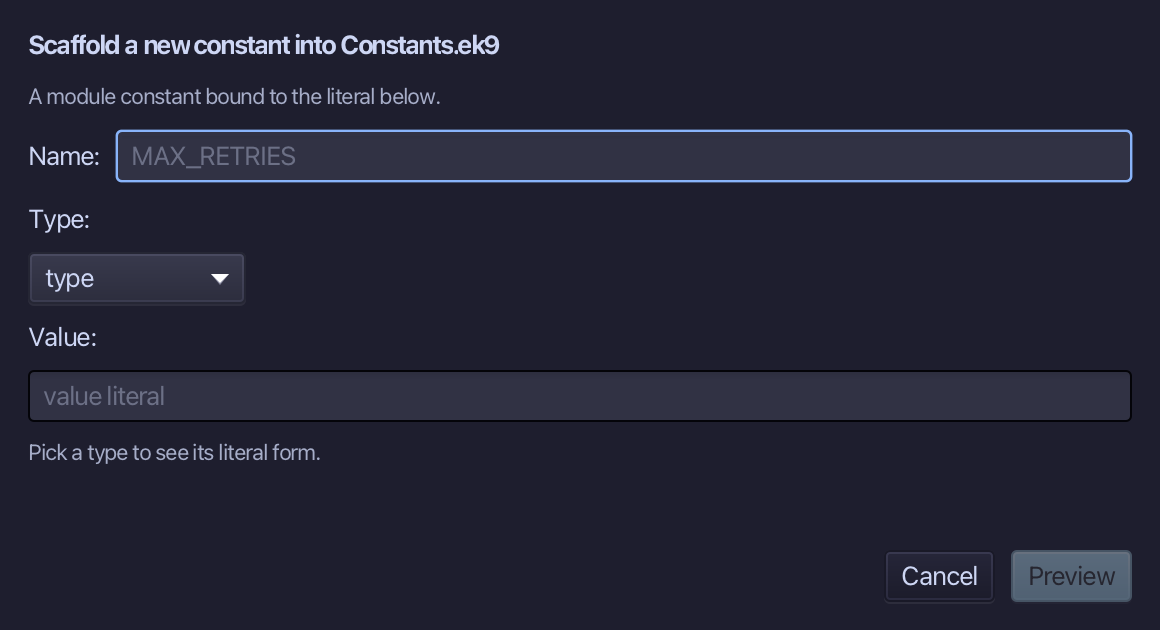
maxRetries is the constant's name and 3 its value - a literal in the Value field, from which the type is inferred. Type both and choose Preview.
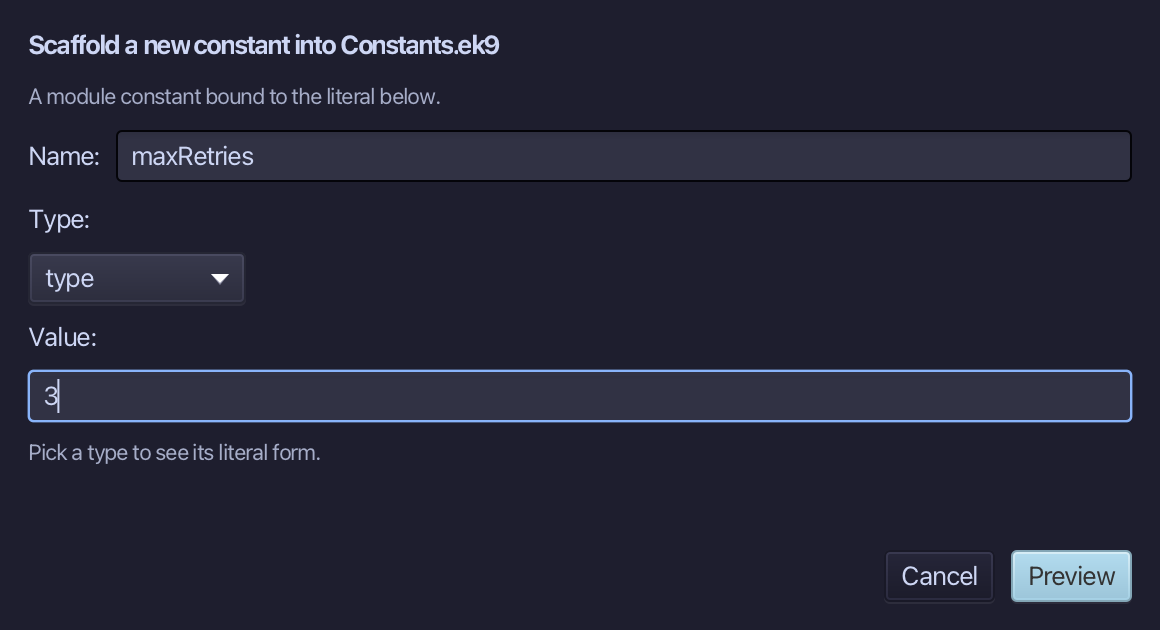
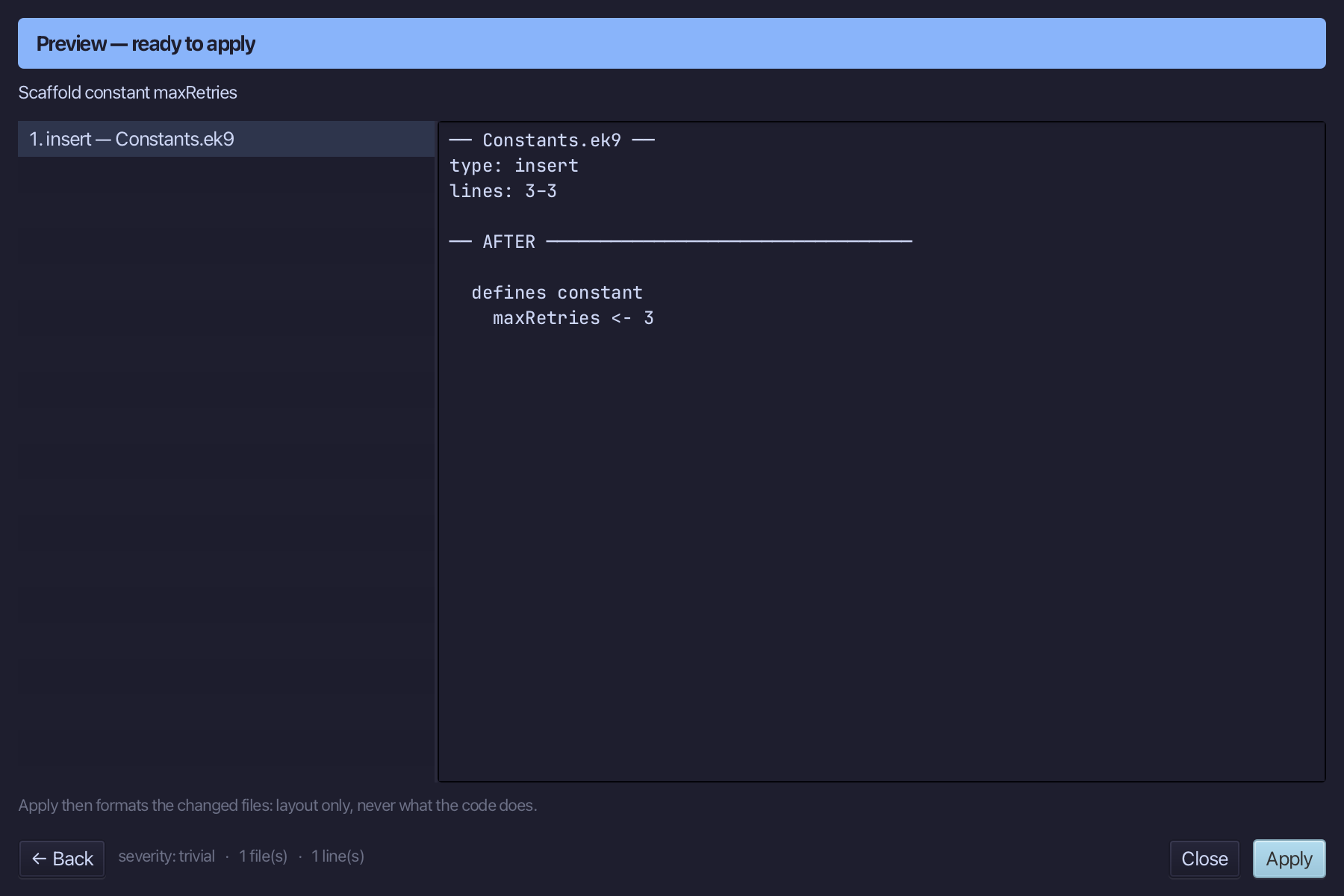
The preview shows maxRetries about to be written. Choose Apply.
Choose Code > New Construct > Constant…
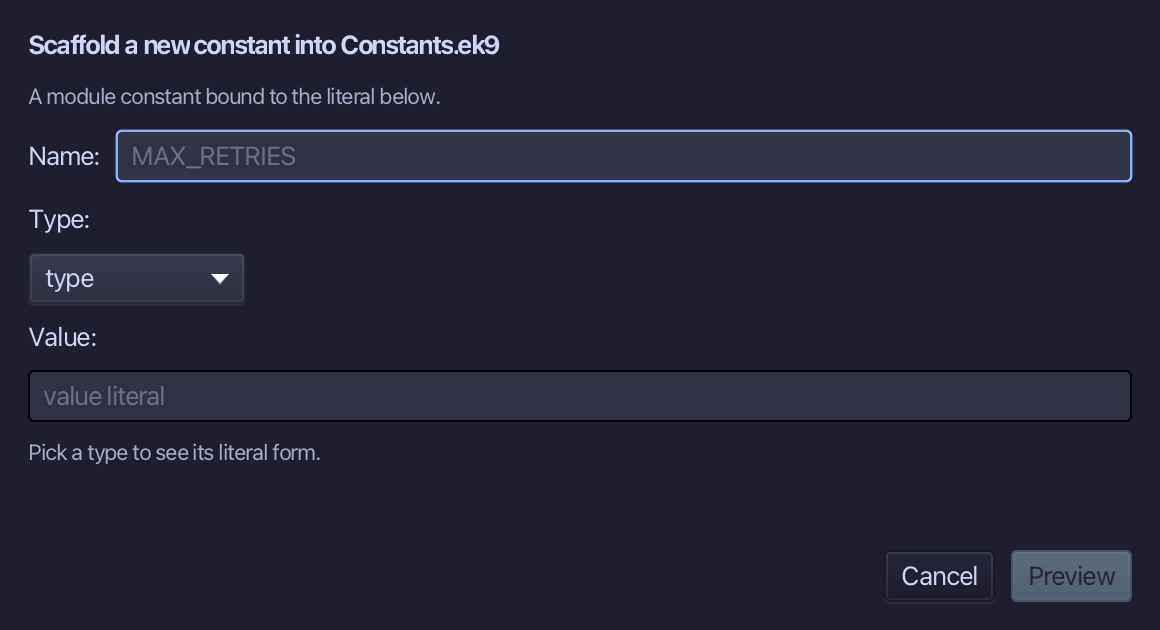
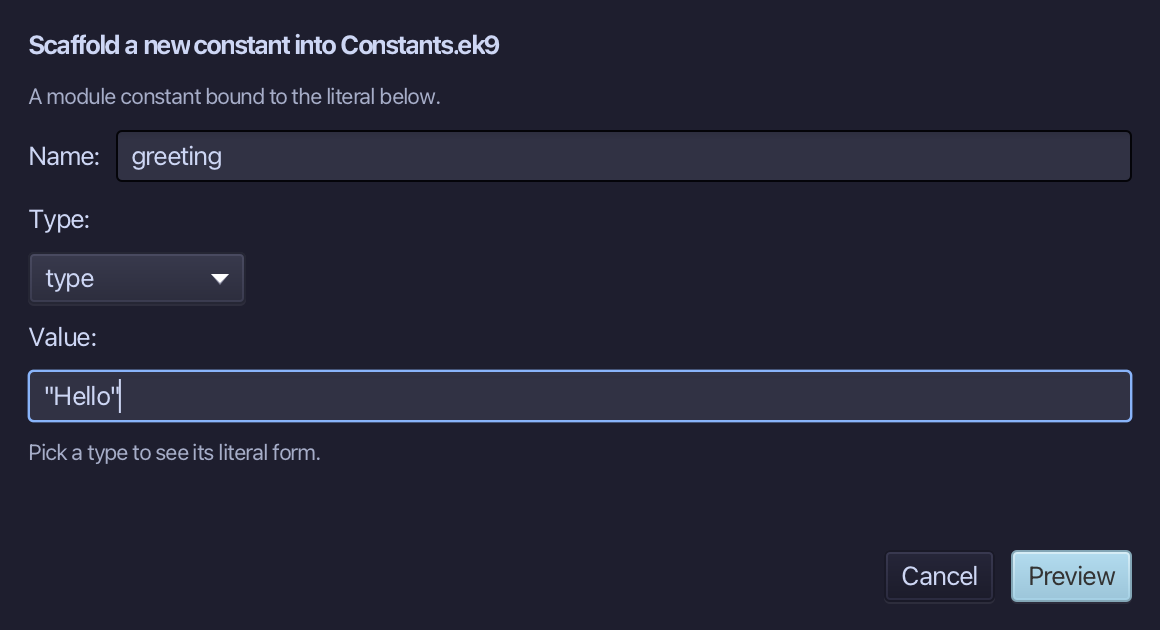
greeting is the constant's name and "Hello" its value - a literal in the Value field, from which the type is inferred. Type both and choose Preview.
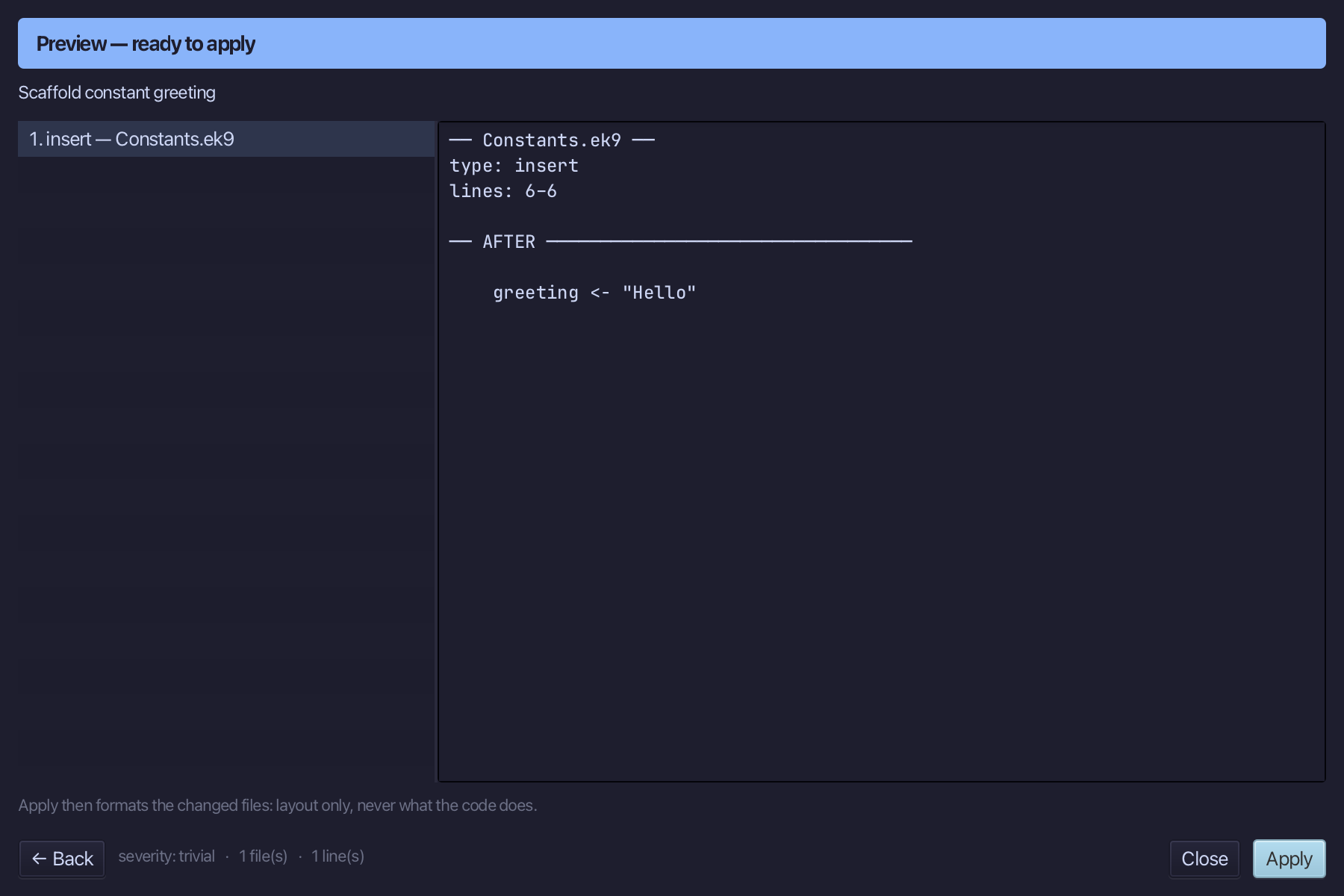
The preview shows greeting about to be written. Choose Apply.
Choose Code > New Construct > Constant…
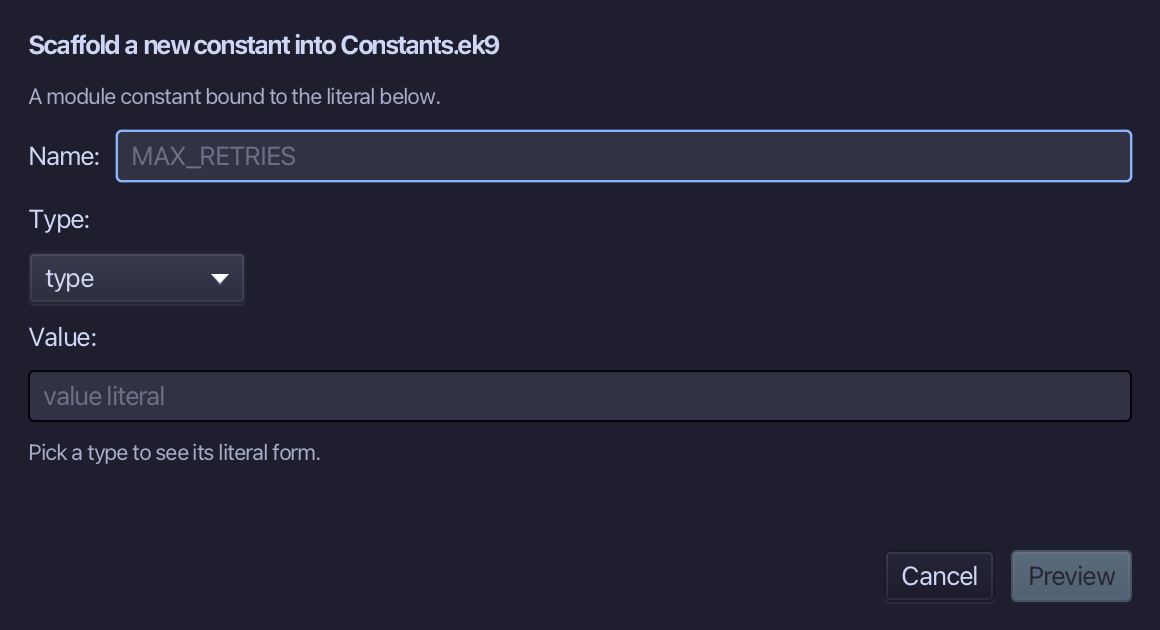
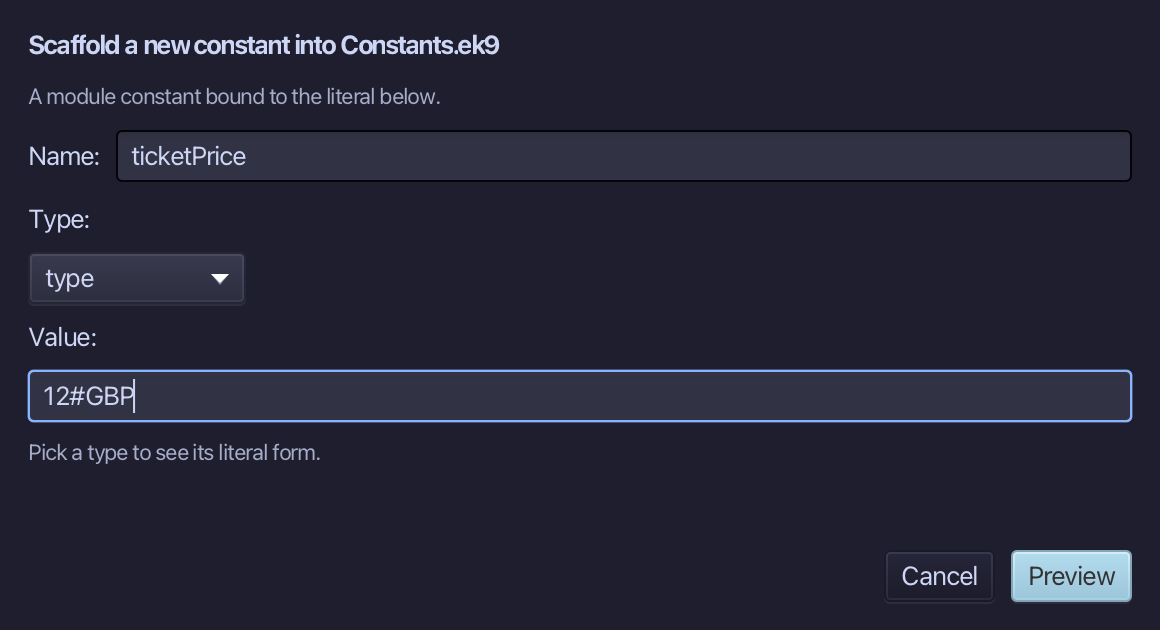
ticketPrice is the constant's name and 12#GBP its value - a literal in the Value field, from which the type is inferred. Type both and choose Preview.
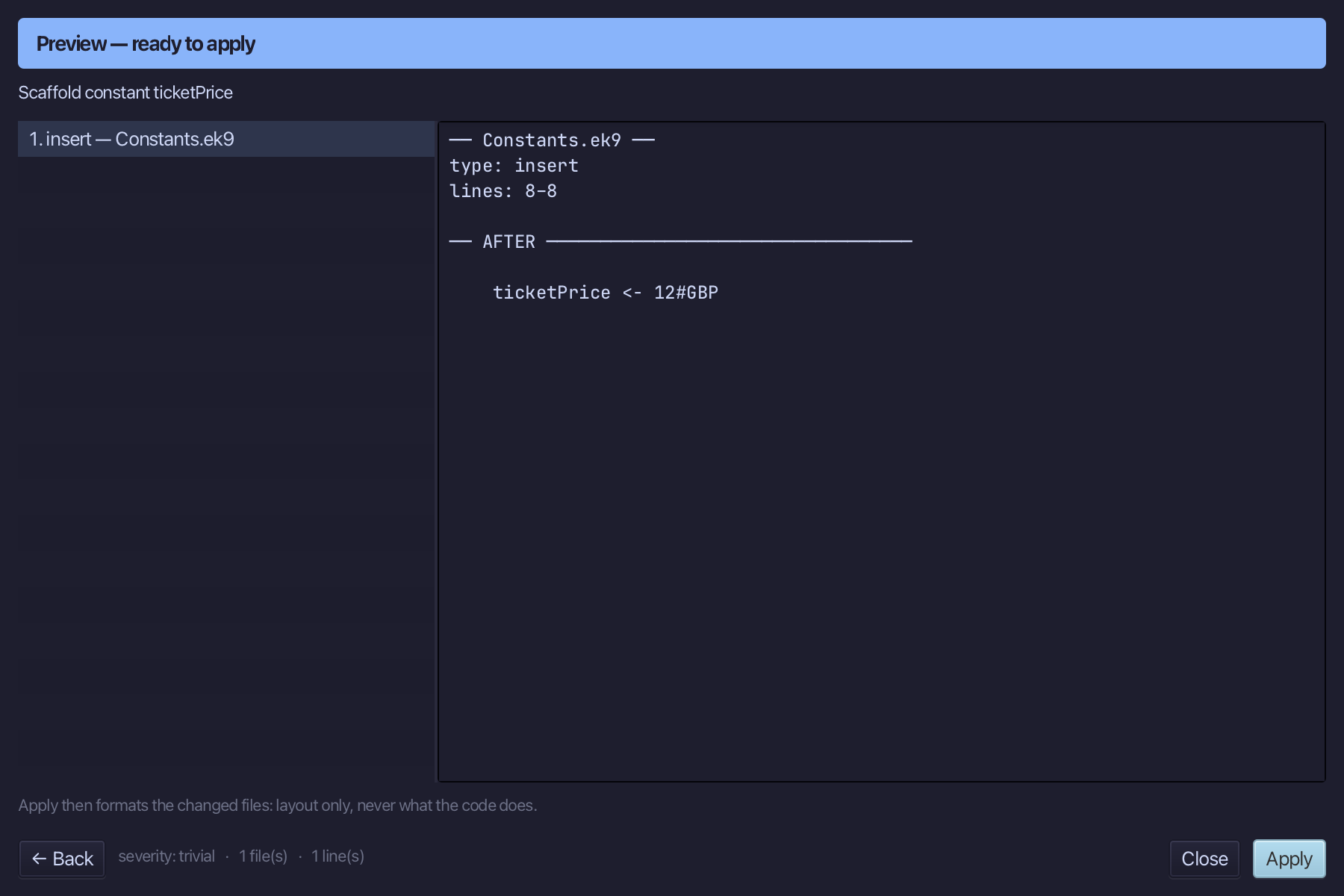
The preview shows ticketPrice about to be written. Choose Apply.
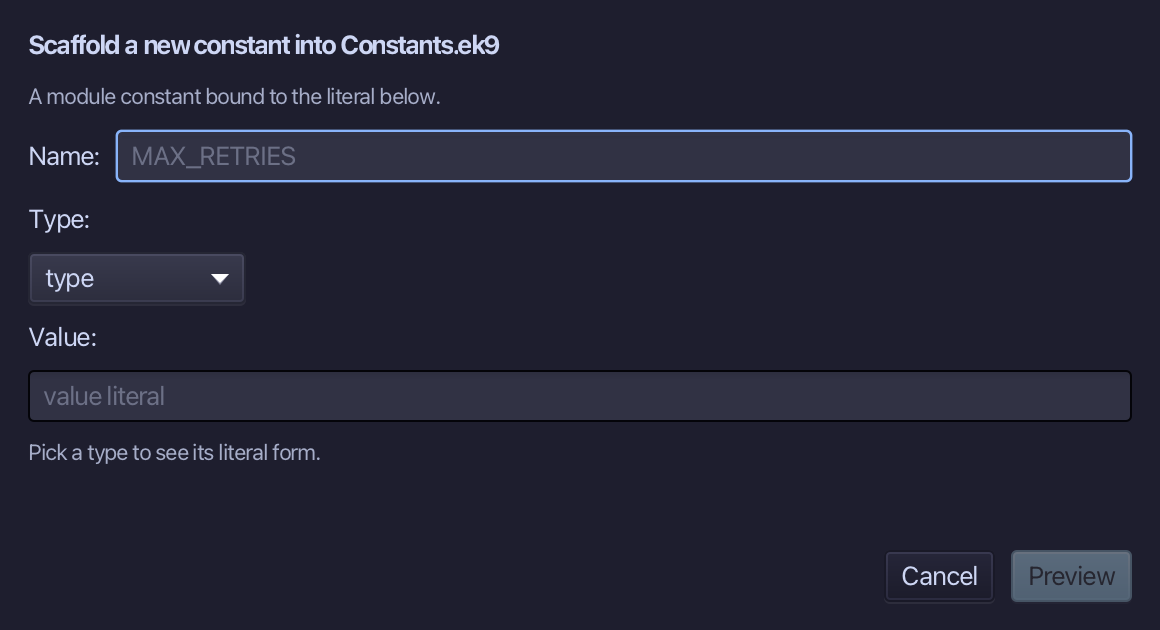
Choose Code > New Construct > Constant…
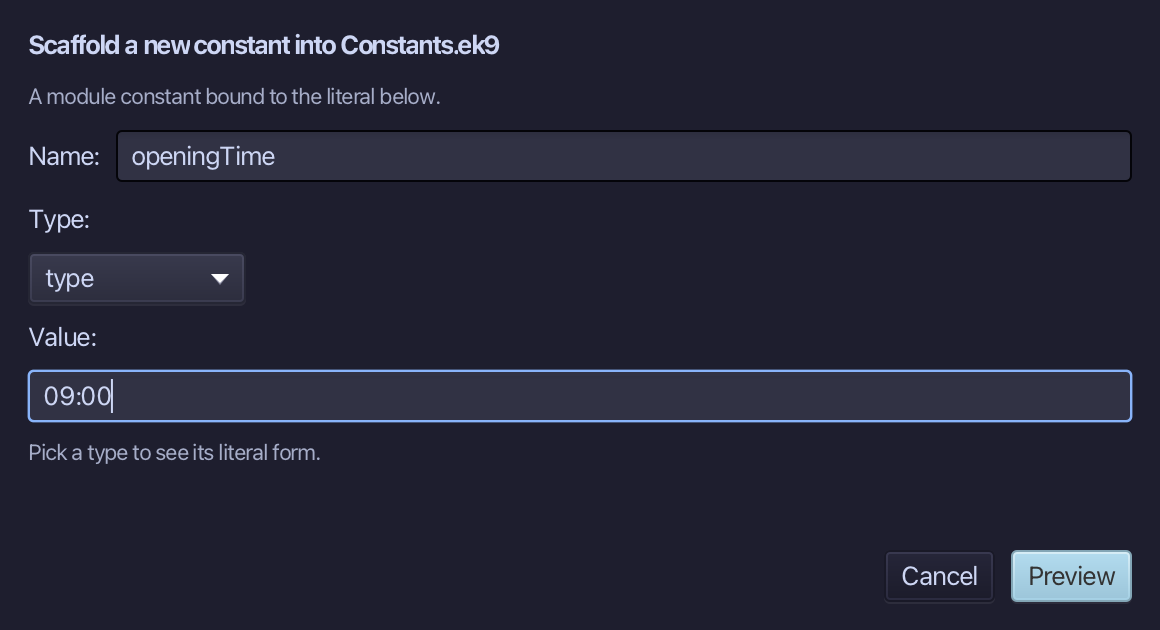
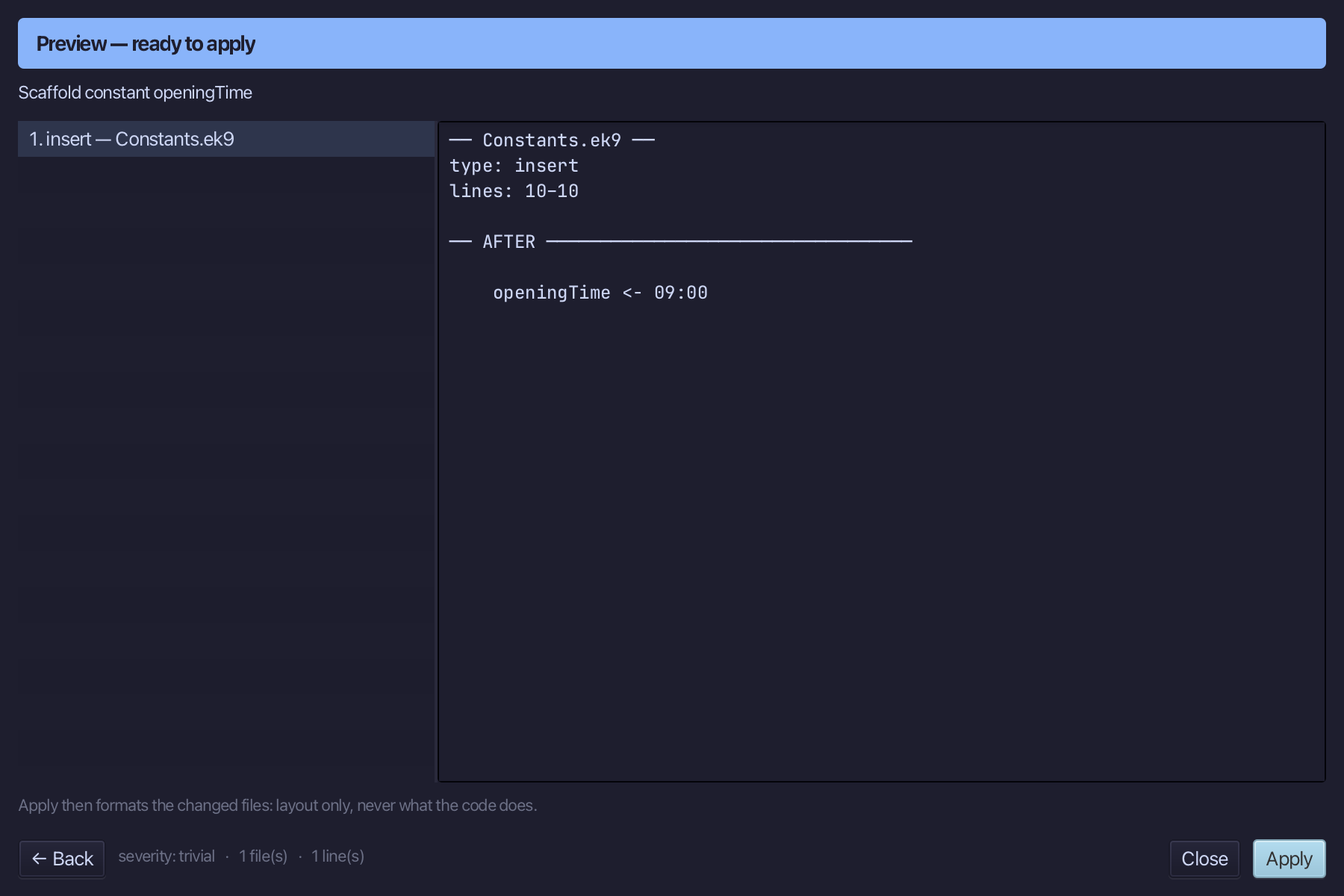
openingTime is the constant's name and 09:00 its value - a literal in the Value field, from which the type is inferred. Type both and choose Preview.
The preview shows openingTime about to be written. Choose Apply.
Step 2: The program
Choose Code > New Construct > Program…
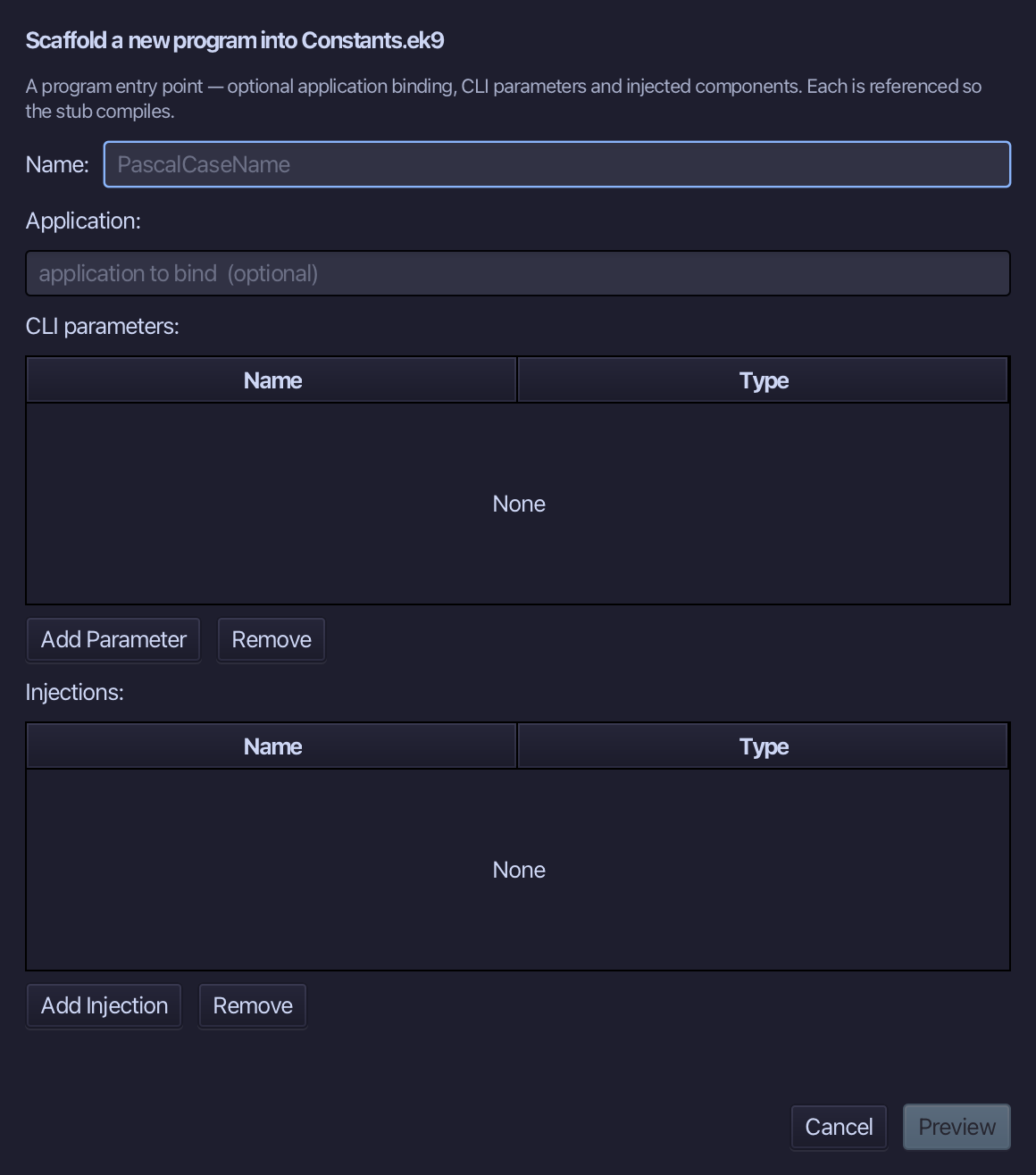
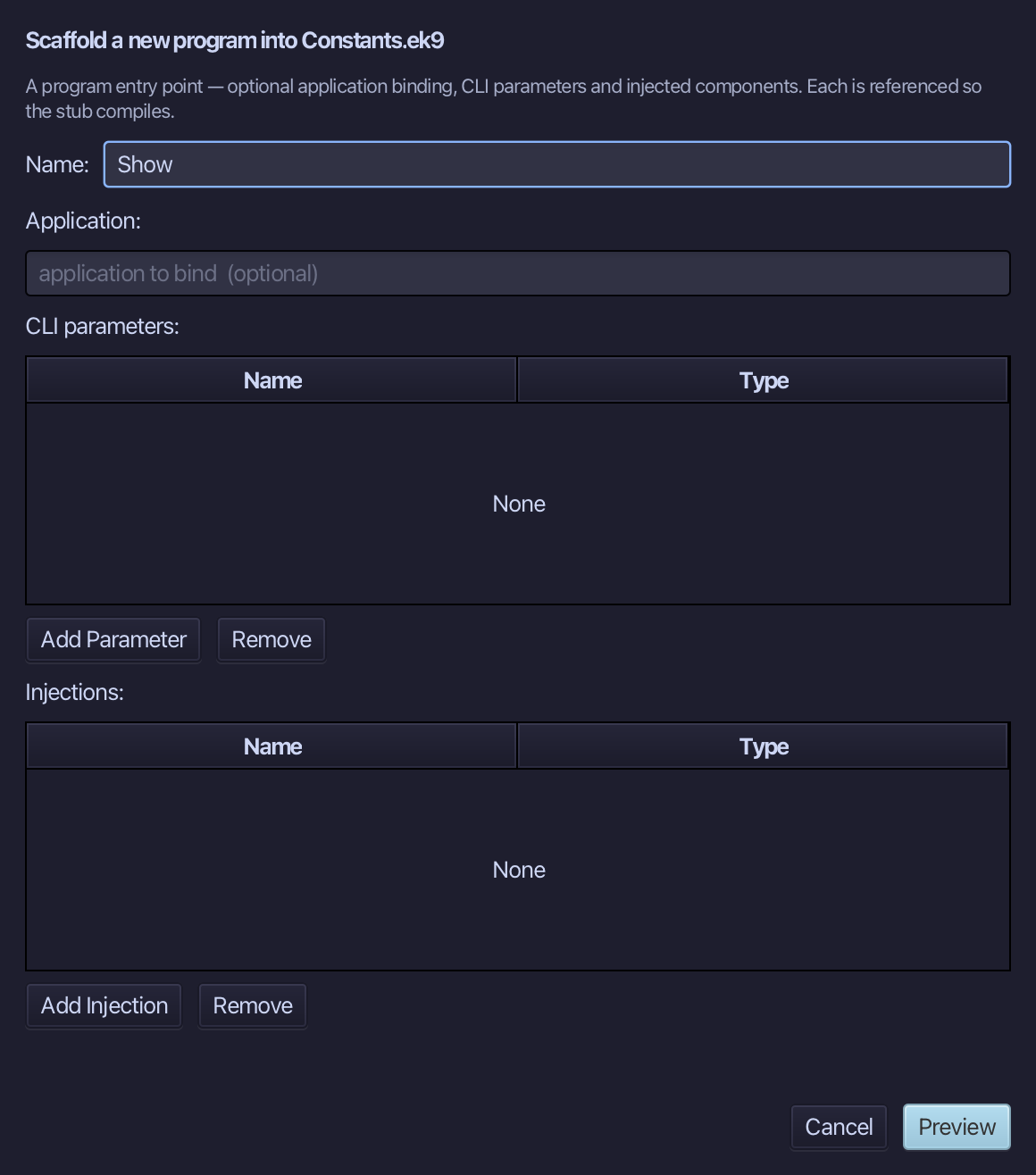
Show is the program's name. Choose Preview.
The preview shows Show about to be written. Choose Apply.
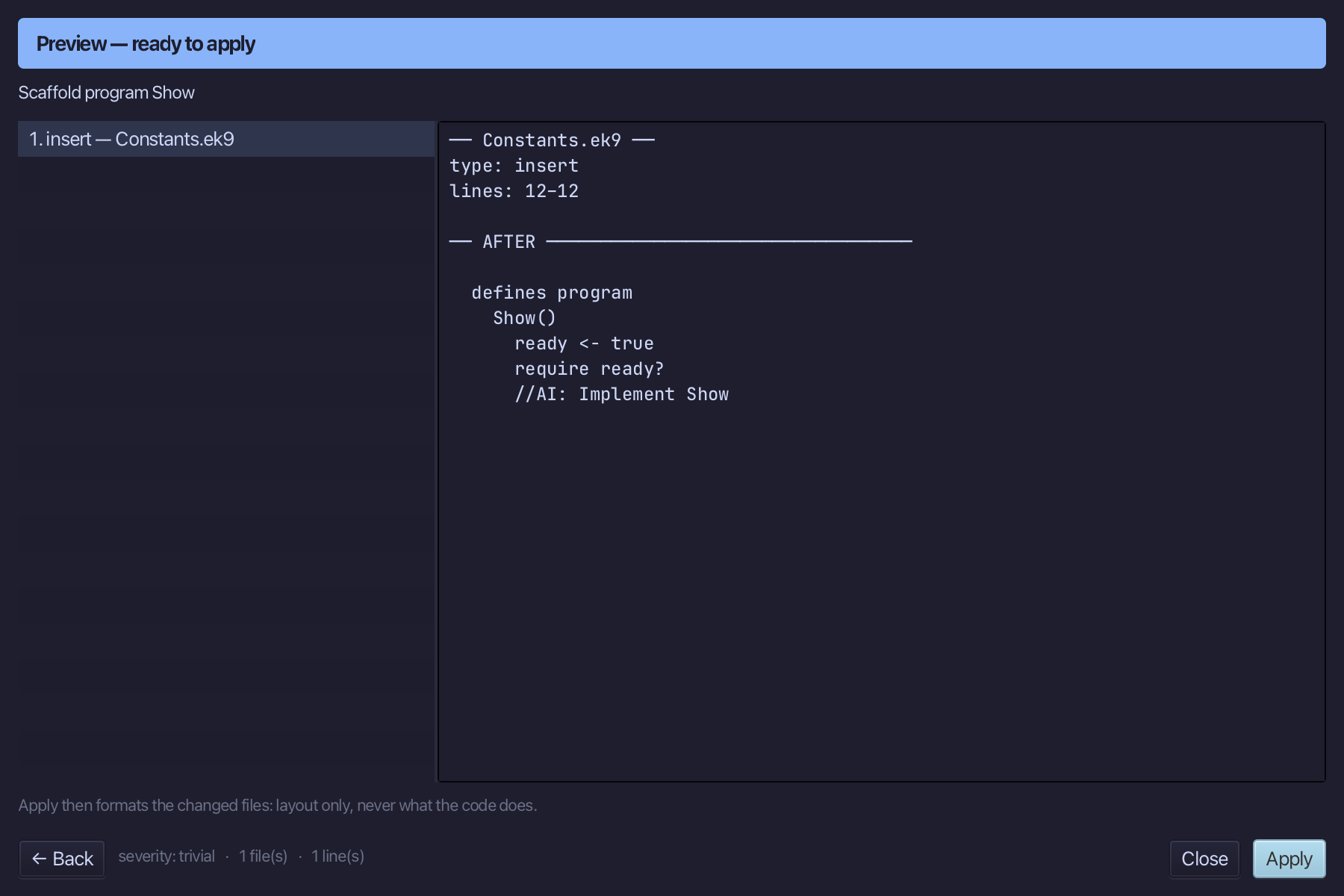
Select the stub, from ready <- true down to its //AI line, and type Show's body exactly as the chapter shows it. Saves when typed.
Step 3: Run it
Choose Run > Run Program…
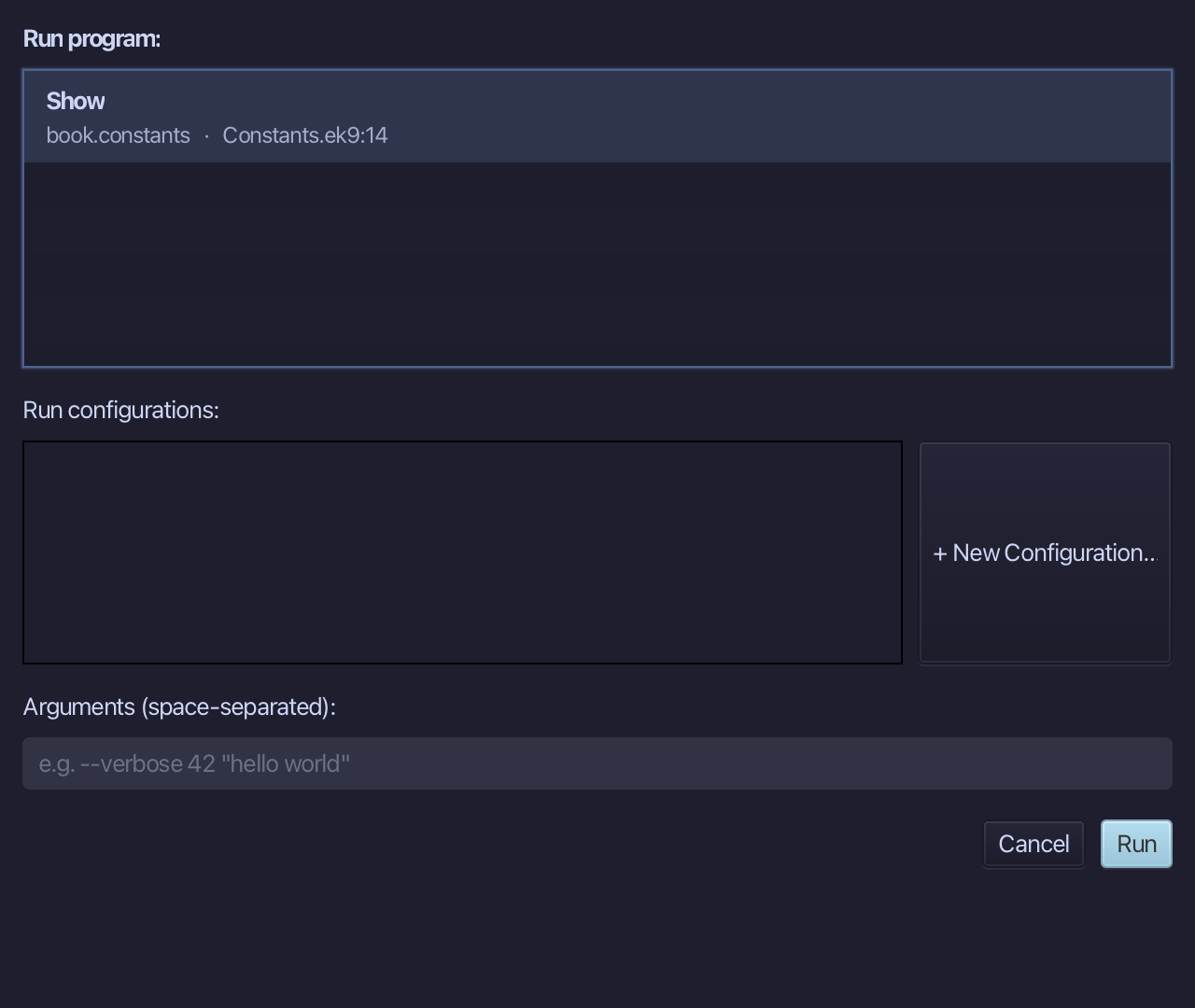
The project's only program is already chosen. Choose Run.
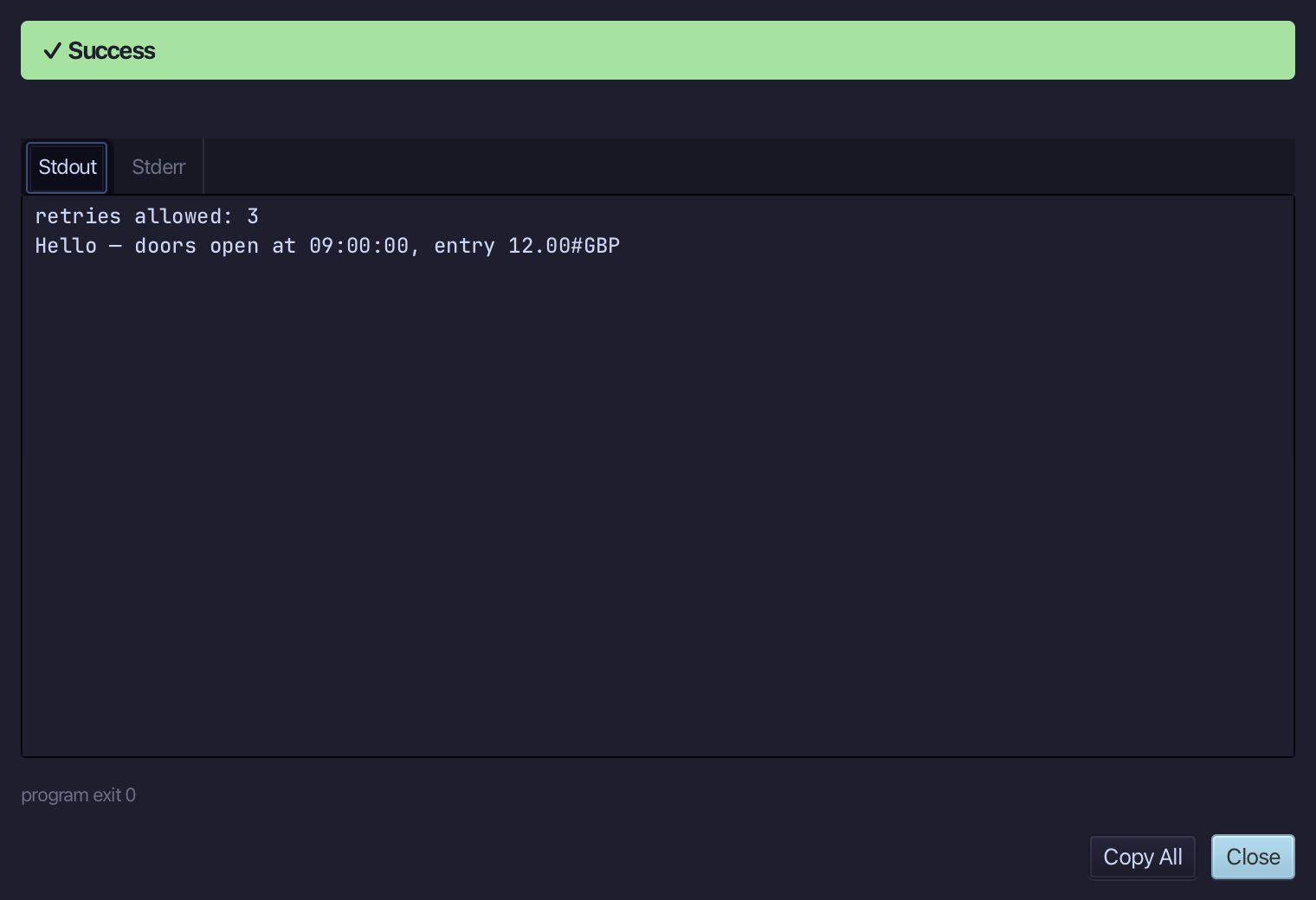
retries allowed: 3, then Hello — doors open at 09:00:00, entry 12.00#GBP. Choose Close.
The result
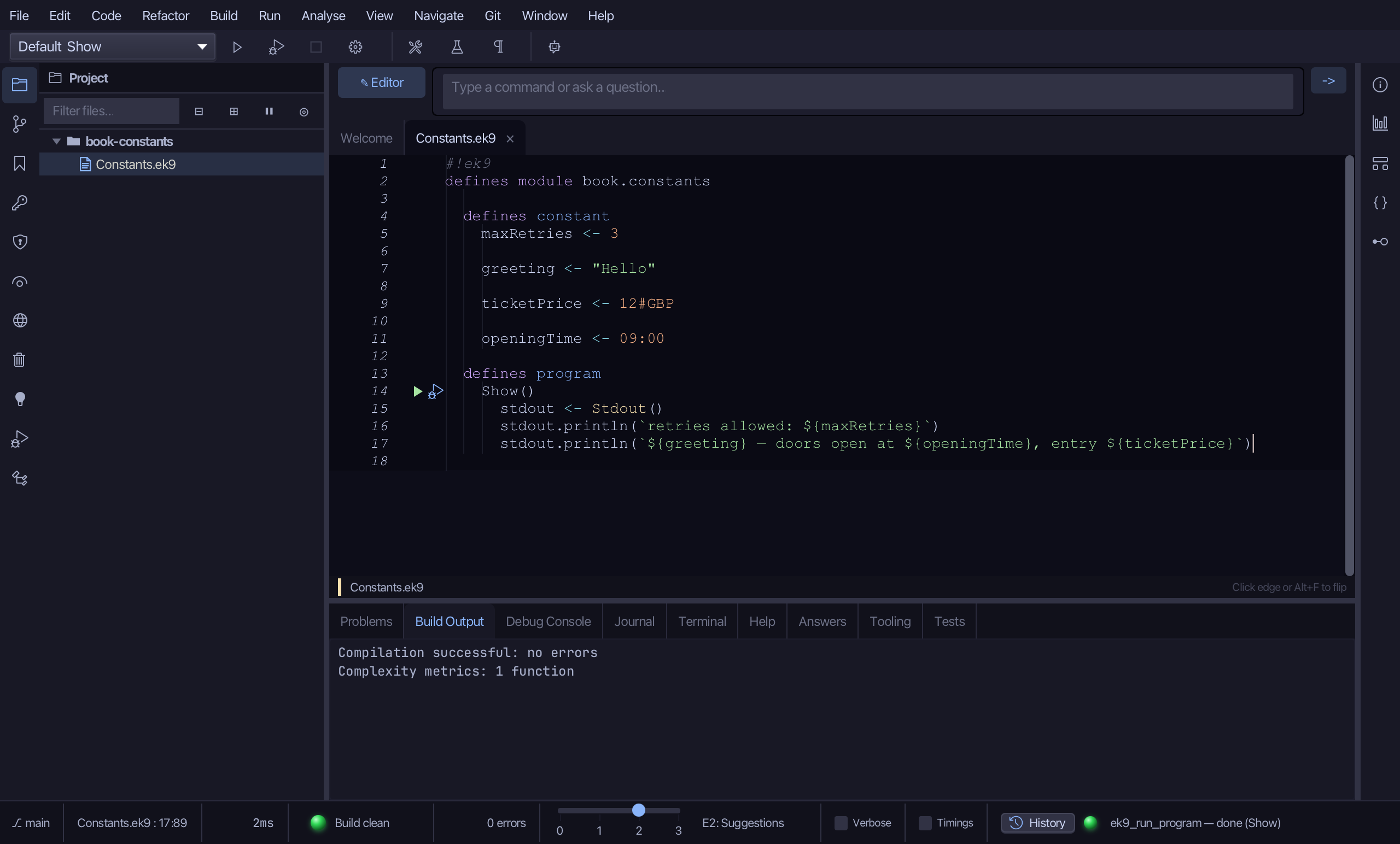
Constants.ek9 now reads exactly as chapter 7 of Getting Started with EK9 shows it: four constants whose types are inferred from their literals, used by a program in the same module.
Where this lesson comes from
- For AI assistants - the MCP tool
ek9_new_construct,ek9_add_program.
In the EK9 reference: Constants in EK9