Chapter 26: an abstract function as a contract, built
The same device writes a family of interchangeable rules. Chapter 26's TaxRules declares taxRule as an abstract function - a net price in, a gross price back - three concrete rules that are taxRule, and ruleFor, a pure function that returns whichever rule a category needs. The IDE writes the constants, the signatures and the program's shell; you type the abstract function's return, each rate, the switch and the till. To play it in the IDE: Help > Lessons > EK9 in Depth…, or ek9 -ide -lesson depth-tax-rules.
What you'll build
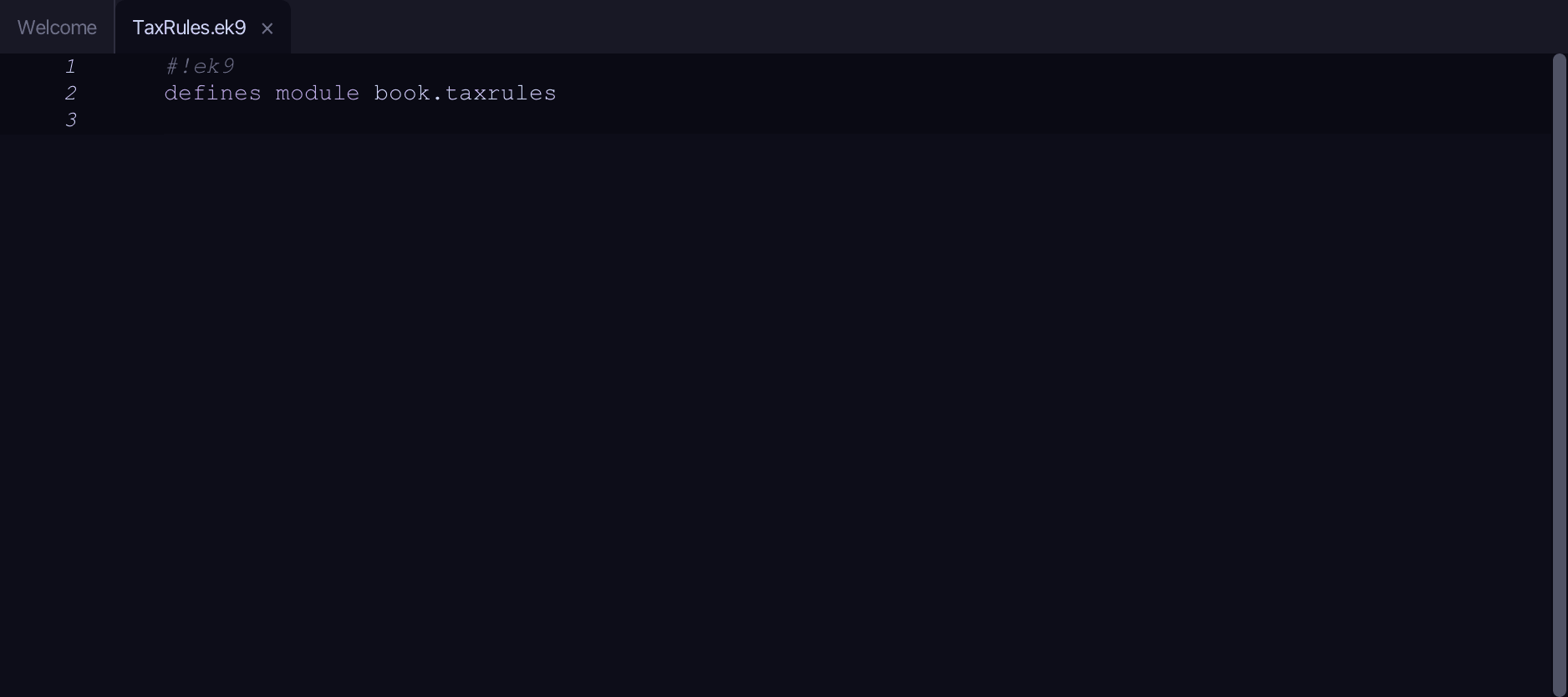
The lesson builds this program from a file holding only its module line - the finished file, as the book prints it.
#!ek9
defines module book.taxrules

  defines constant
    STANDARD_RATE <- 0.2

    REDUCED_RATE <- 0.05

  defines function

    taxRule() as pure abstract
      -> net as Float
      <- gross as Float?

    standardRate() is taxRule as pure
      -> net as Float
      <- gross as Float: net * (1.0 + STANDARD_RATE)

    reducedRate() is taxRule as pure
      -> net as Float
      <- gross as Float: net * (1.0 + REDUCED_RATE)

    zeroRate() is taxRule as pure
      -> net as Float
      <- gross as Float: net

    ruleFor() as pure
      -> category as String
      <- rtn as taxRule?

      switch category
        case "food"
          rtn: reducedRate
        case "book"
          rtn: zeroRate
        default
          rtn: standardRate

  defines program

    ShopTill()
      stdout <- Stdout()

      for category in ["food", "book", "lamp"]
        rule <- ruleFor(category)
        stdout.println(`${category}: ${rule(100.0)}`)

      asOperator as UnaryOperator of Float: reducedRate
      stdout.println(`through UnaryOperator: ${asOperator(100.0)}`)
Step 1: Constants
Choose Code > New Construct > Constant…
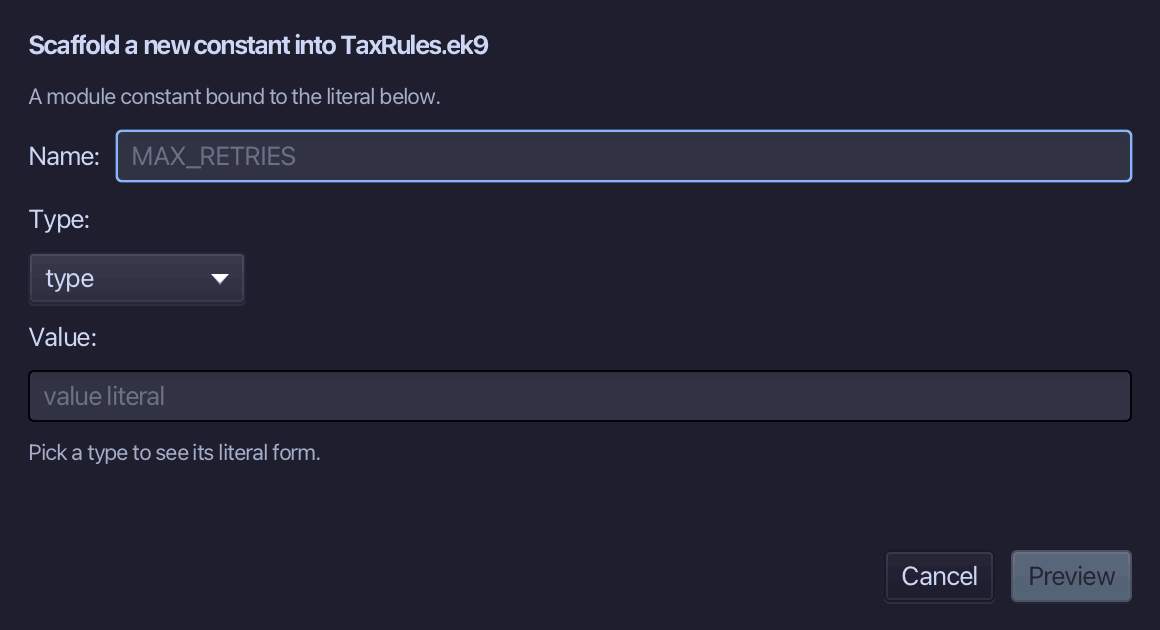
STANDARD_RATE is the constant's name and 0.2 its value - a literal in the Value field, from which the type is inferred. Type both and choose Preview.
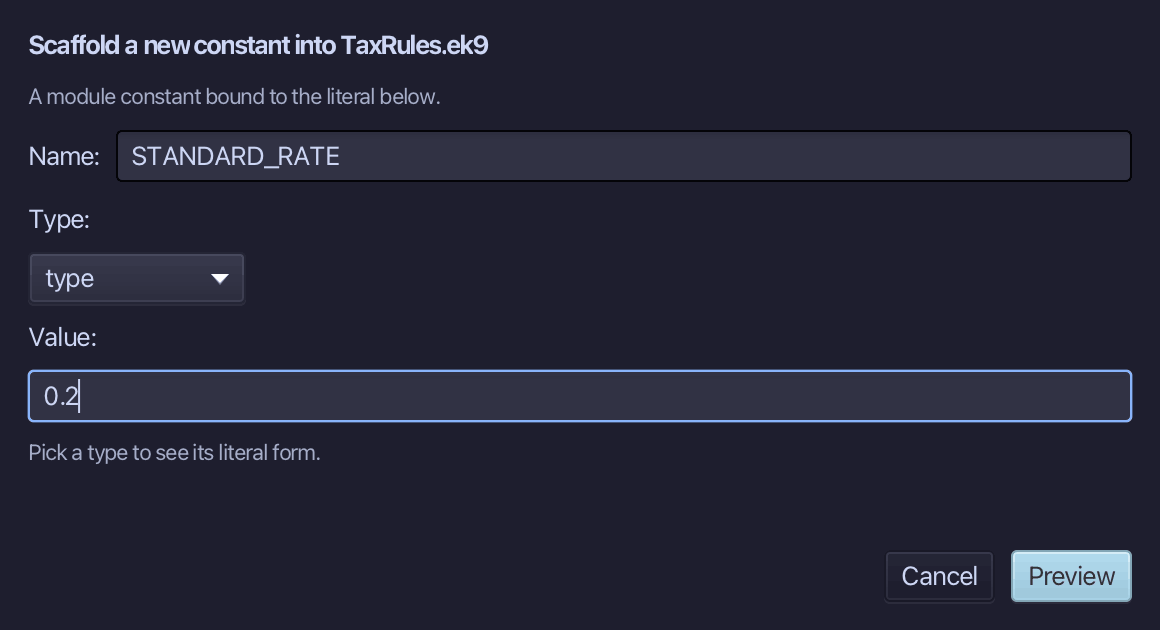
The preview shows STANDARD_RATE about to be written. Choose Apply.
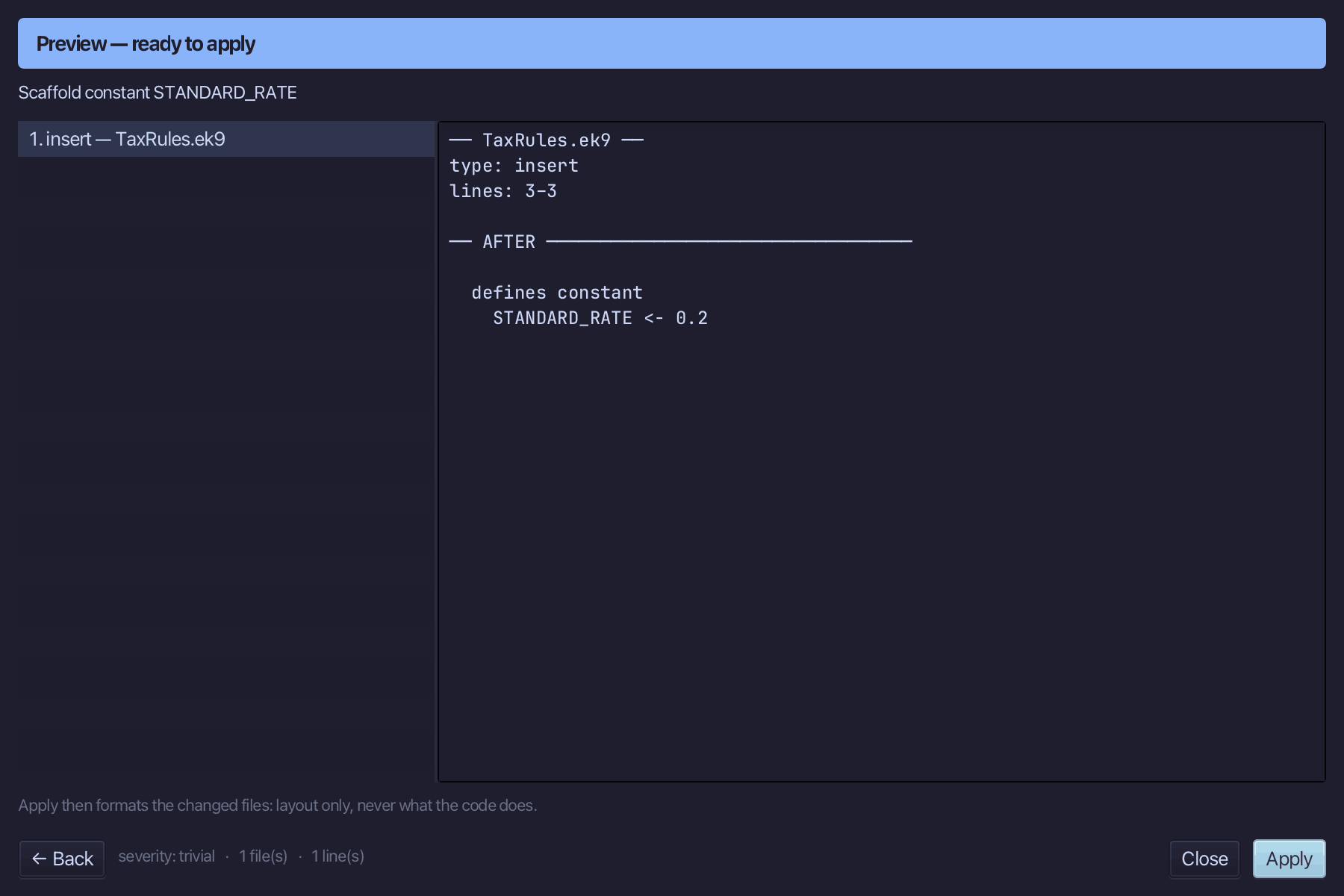
Choose Code > New Construct > Constant…
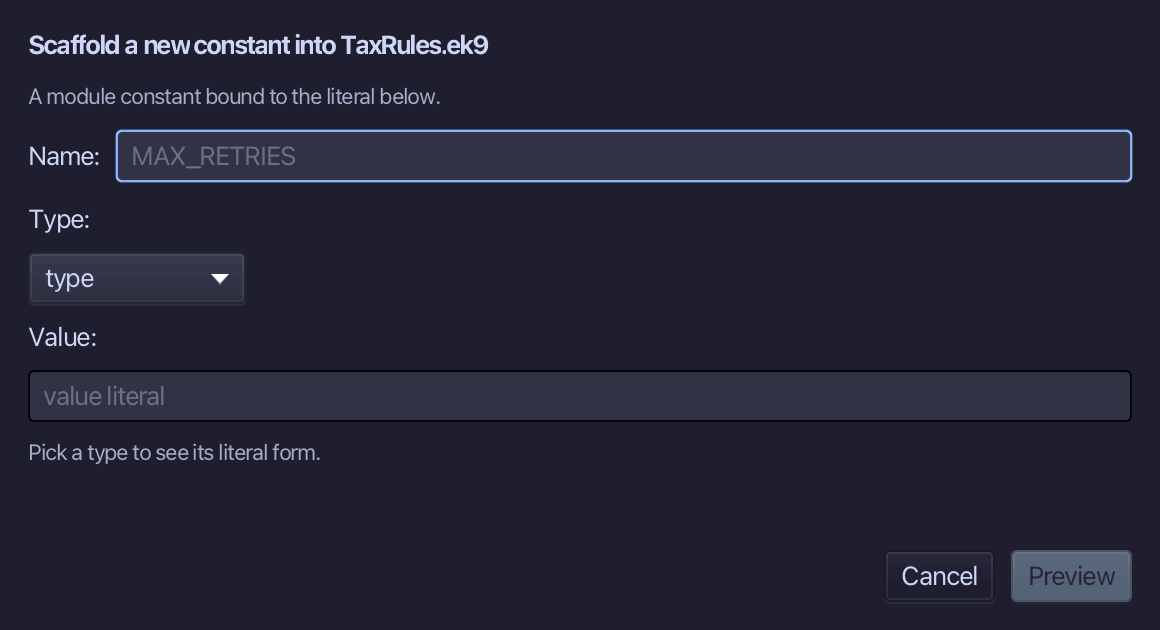
REDUCED_RATE is the constant's name and 0.05 its value - a literal in the Value field, from which the type is inferred. Type both and choose Preview.
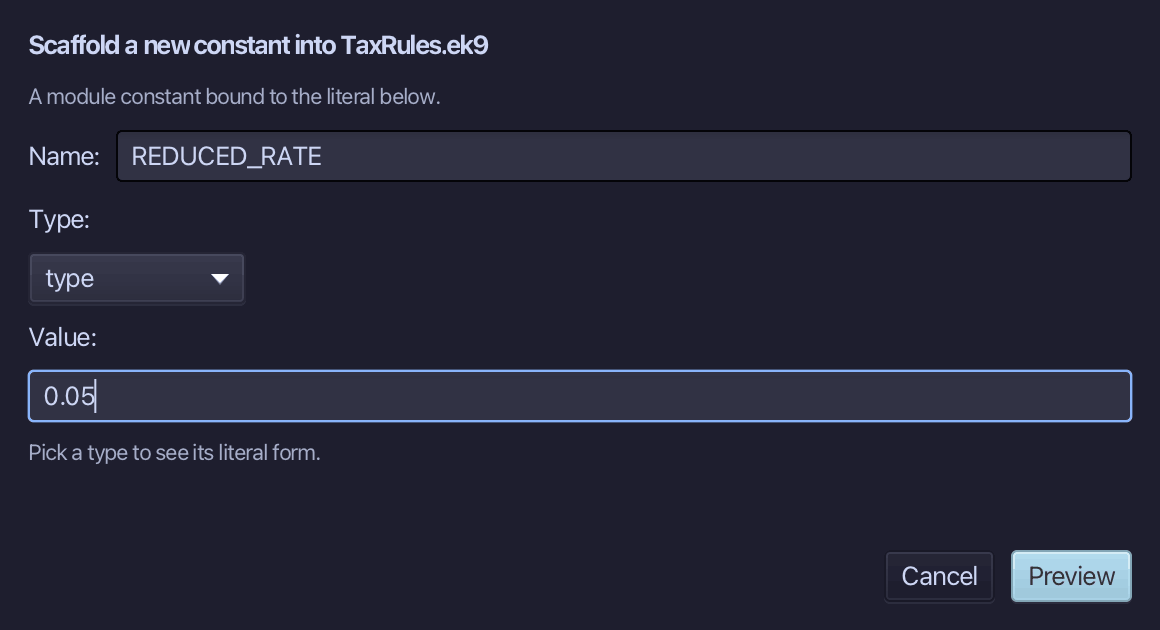
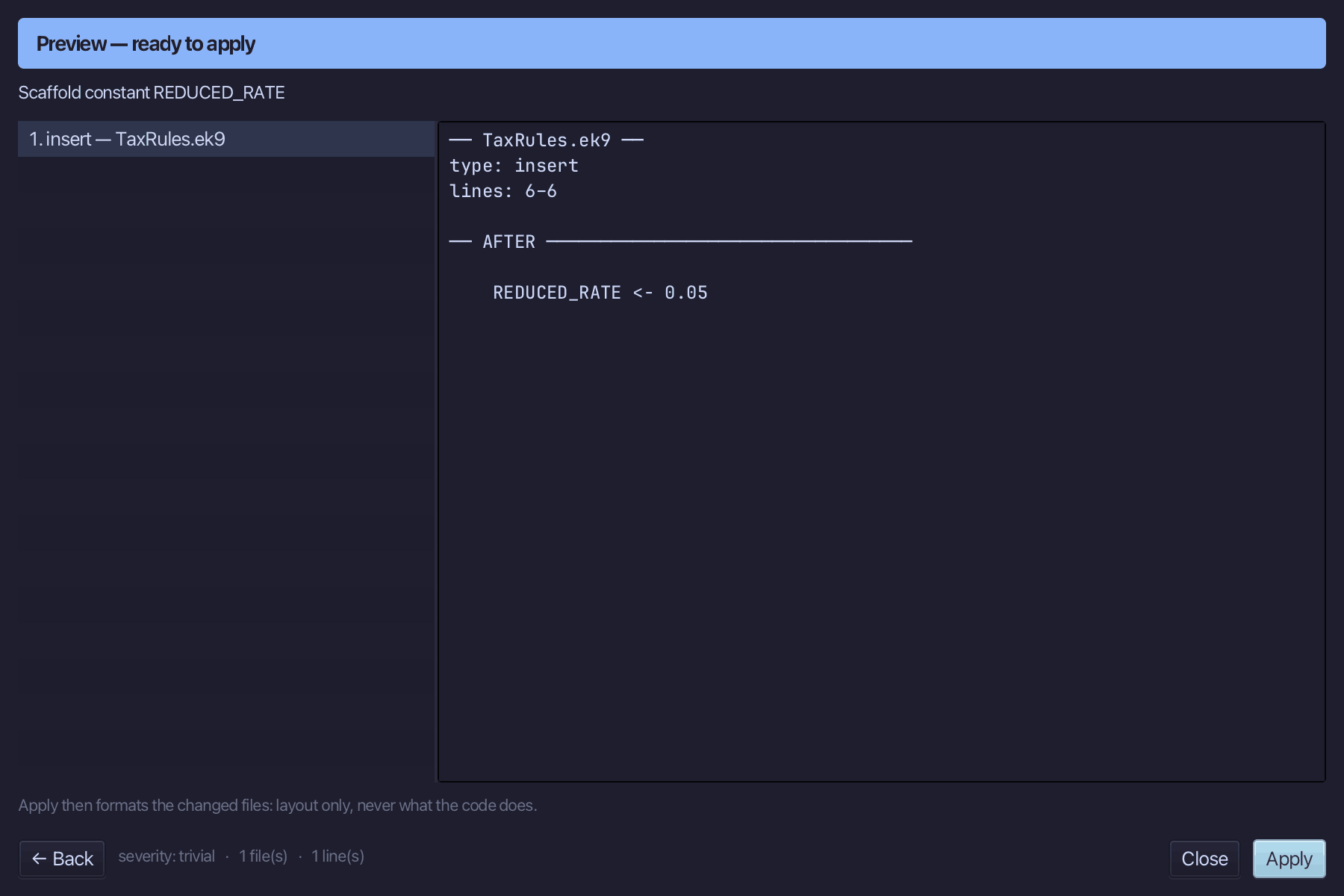
The preview shows REDUCED_RATE about to be written. Choose Apply.
Step 2: taxRule — a pure function
Choose Code > New Construct > Function…
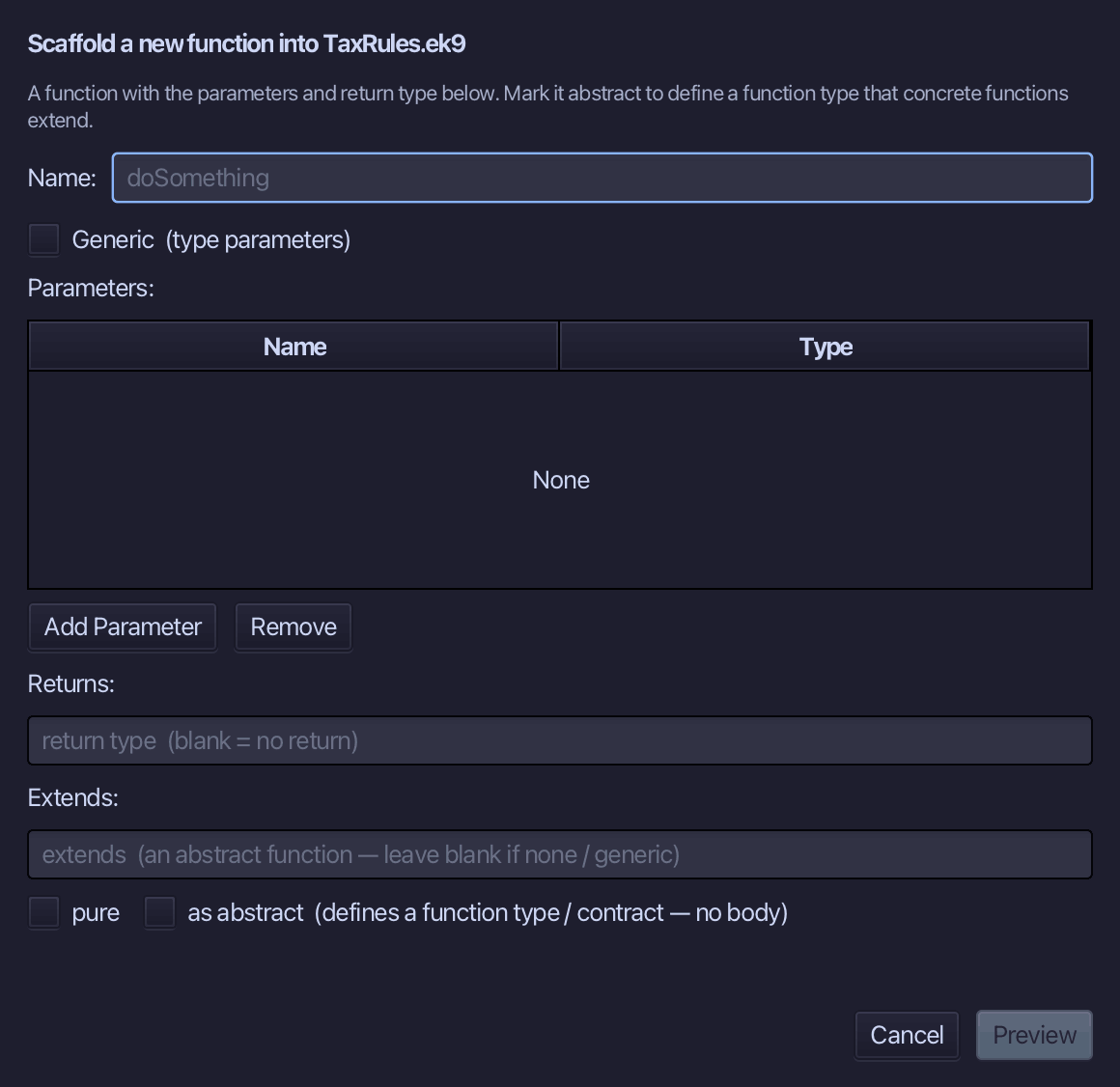
taxRule is the function's name. Add one parameter, net of type Float, tick pure and as abstract - a function type: a contract with no body. An abstract function has no stub: after the signature is written, type the return the book names gross. Choose Preview.
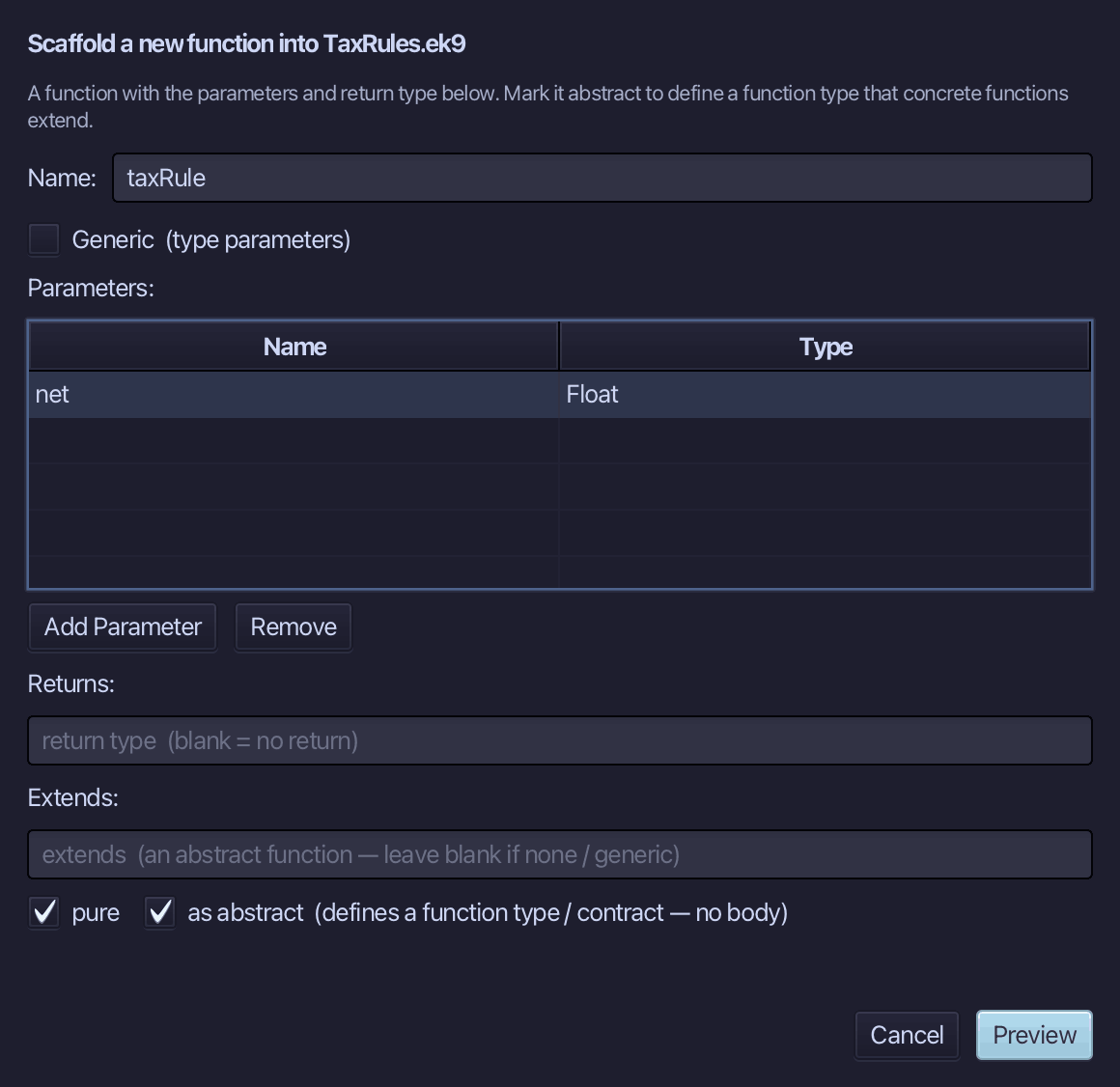
The preview shows taxRule about to be written. Choose Apply.
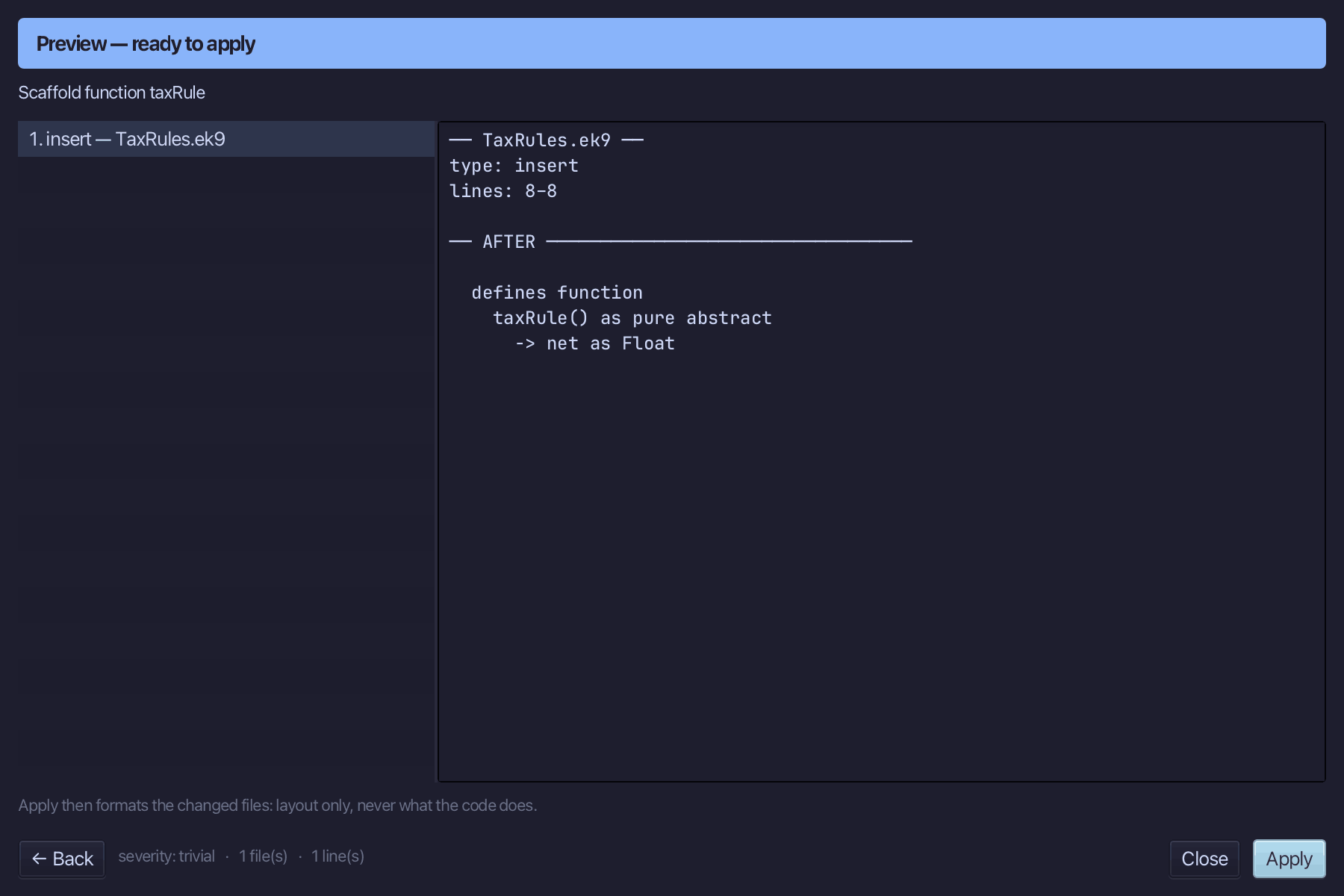
Select the taxRule() as pure abstract line and, above it, type the blank line the book opens its first function with. Saves when typed.
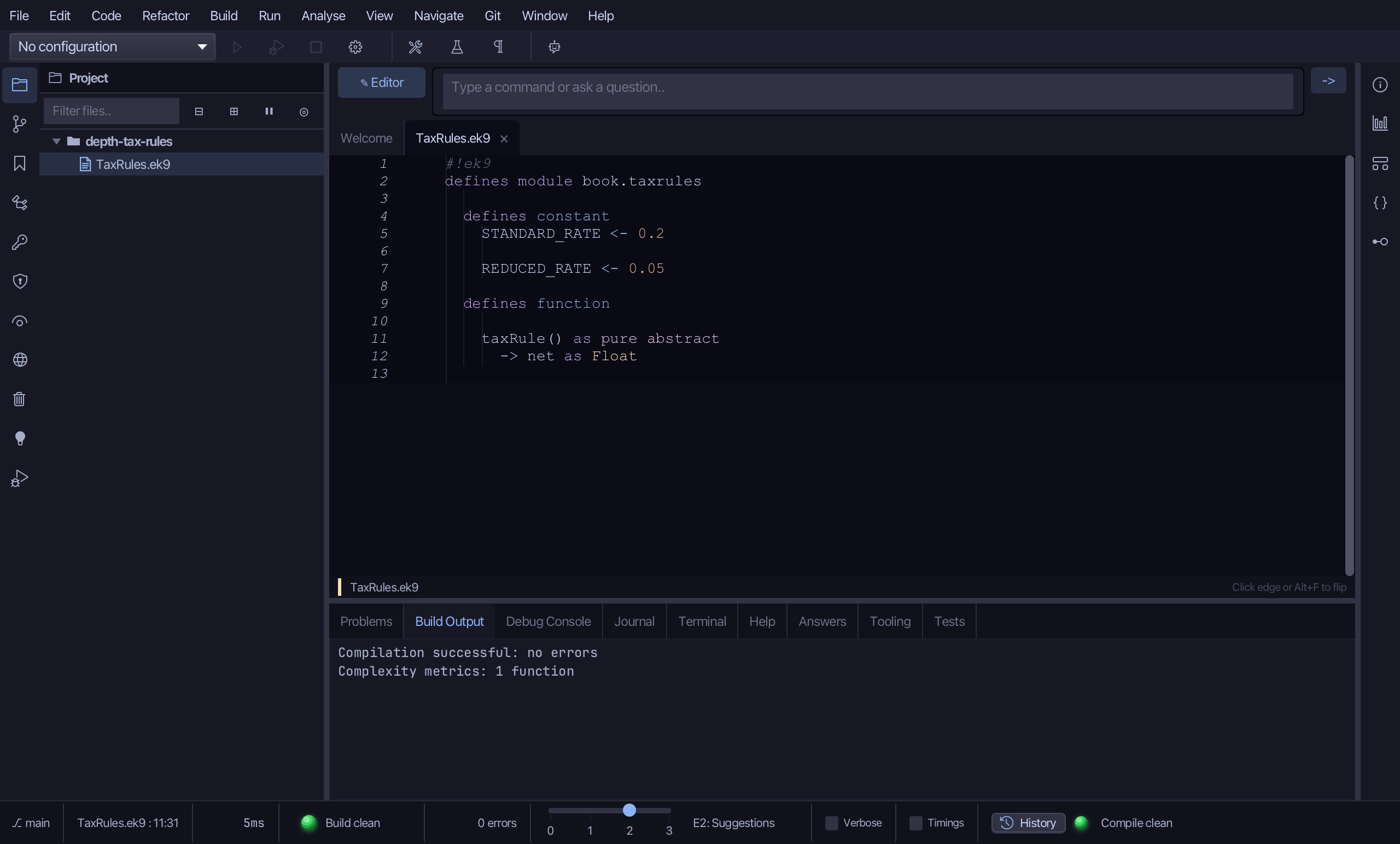
Select the -> net as Float line and, after it, type taxRule's return, as the book writes it. Saves when typed.
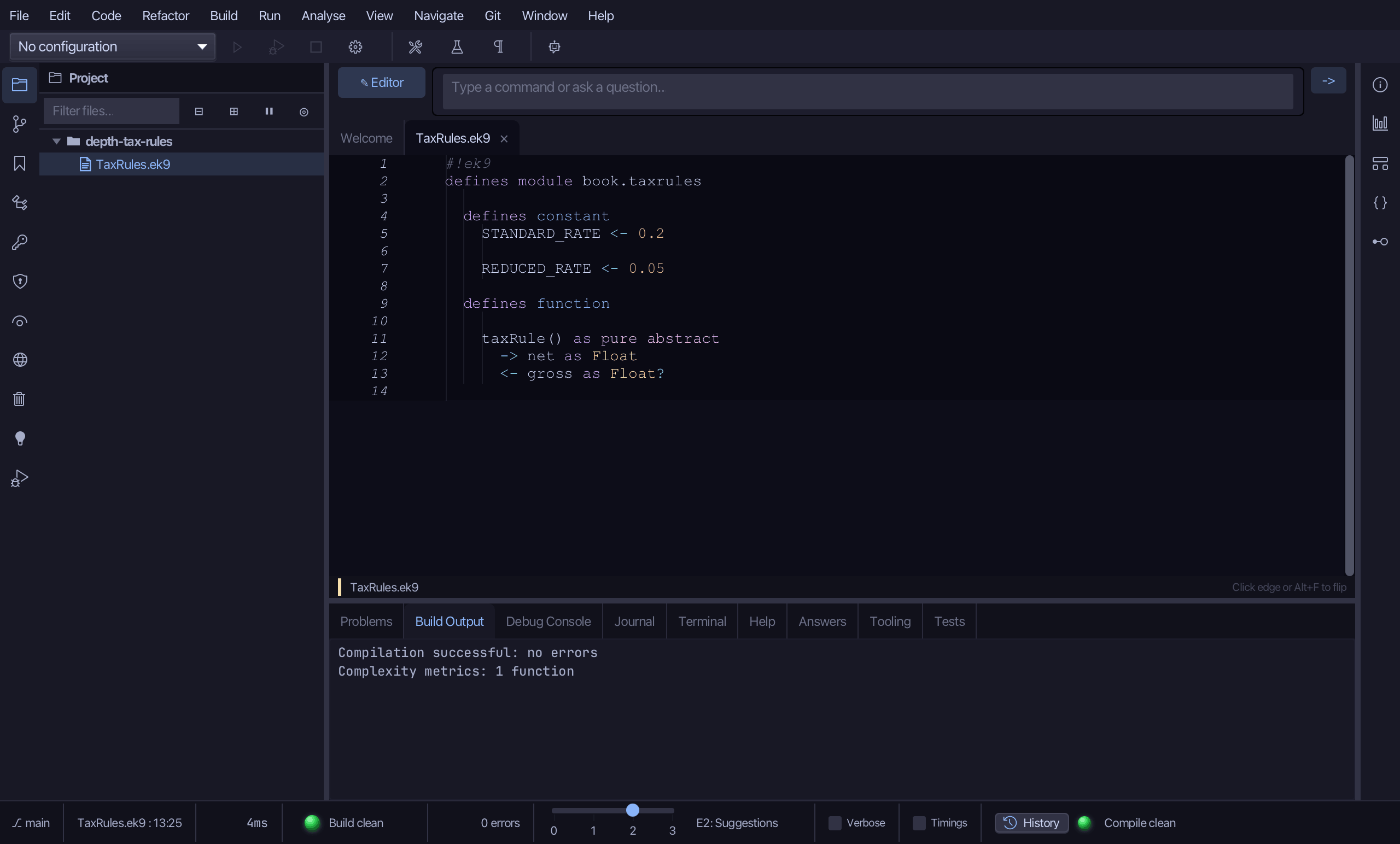
Step 3: standardRate — a pure function
Choose Code > New Construct > Function…
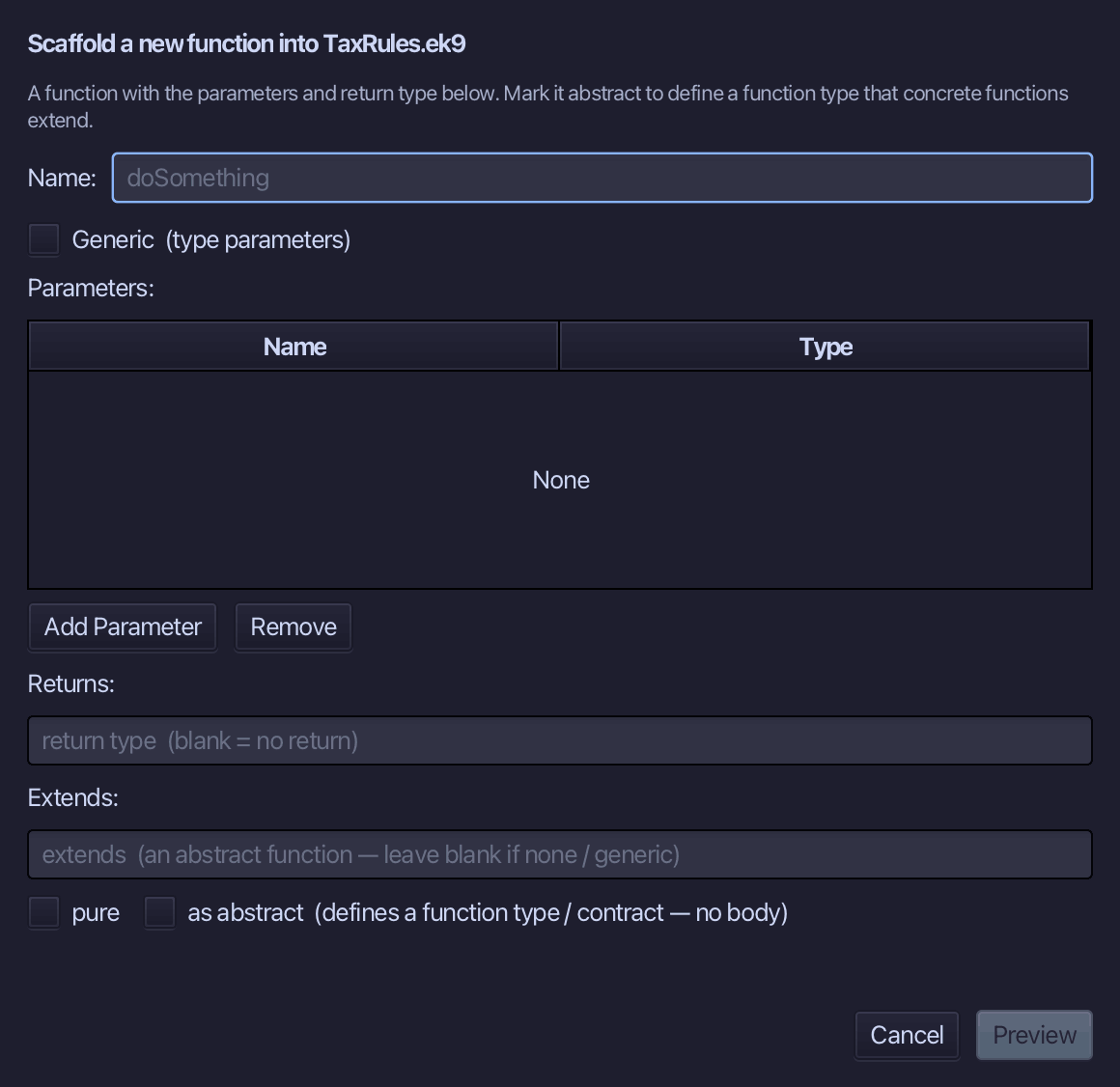
standardRate is the function's name. Add one parameter, net of type Float, set Returns to Float, type taxRule into Extends and tick pure. Choose Preview.
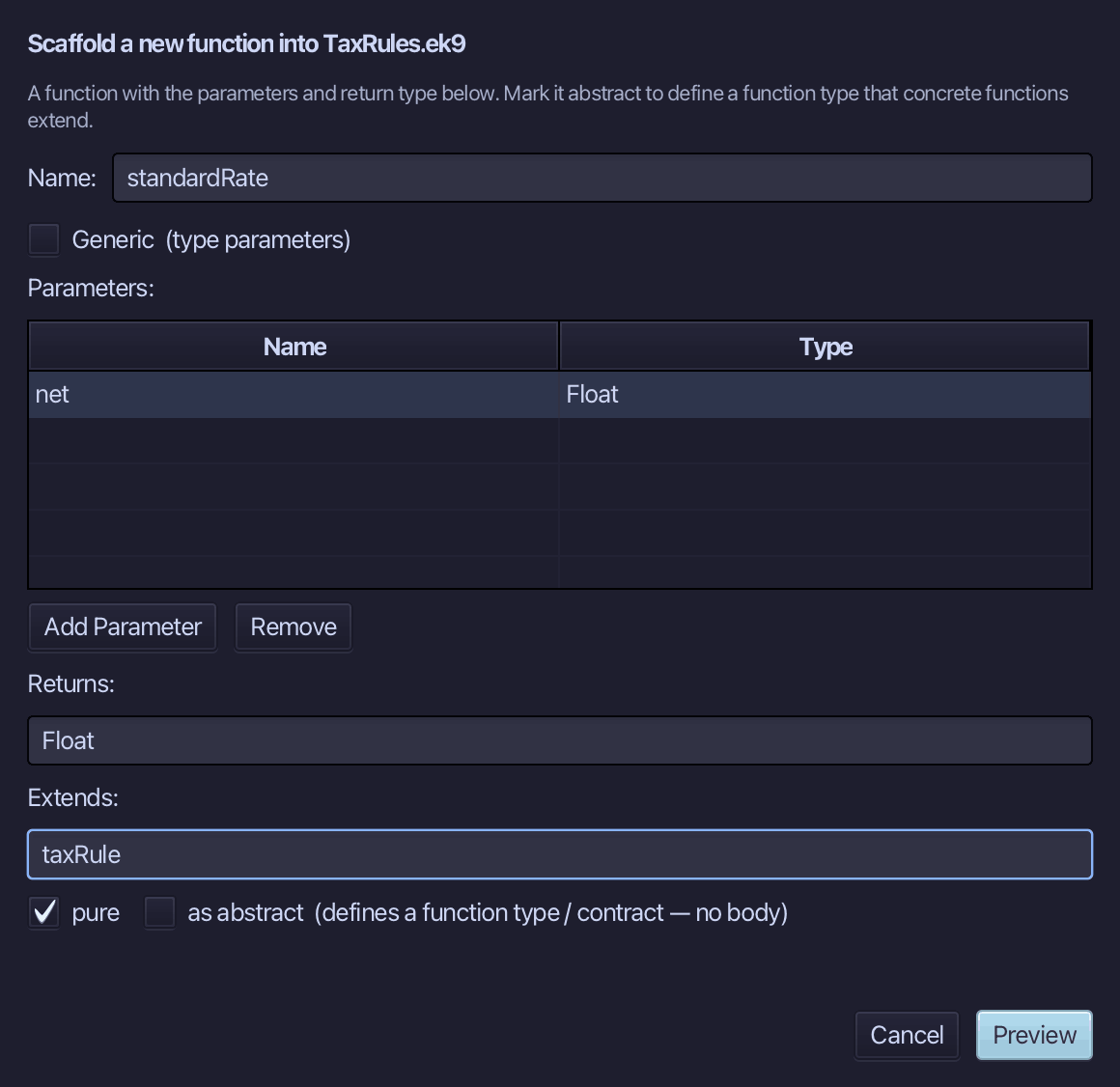
The preview shows standardRate about to be written. Choose Apply.
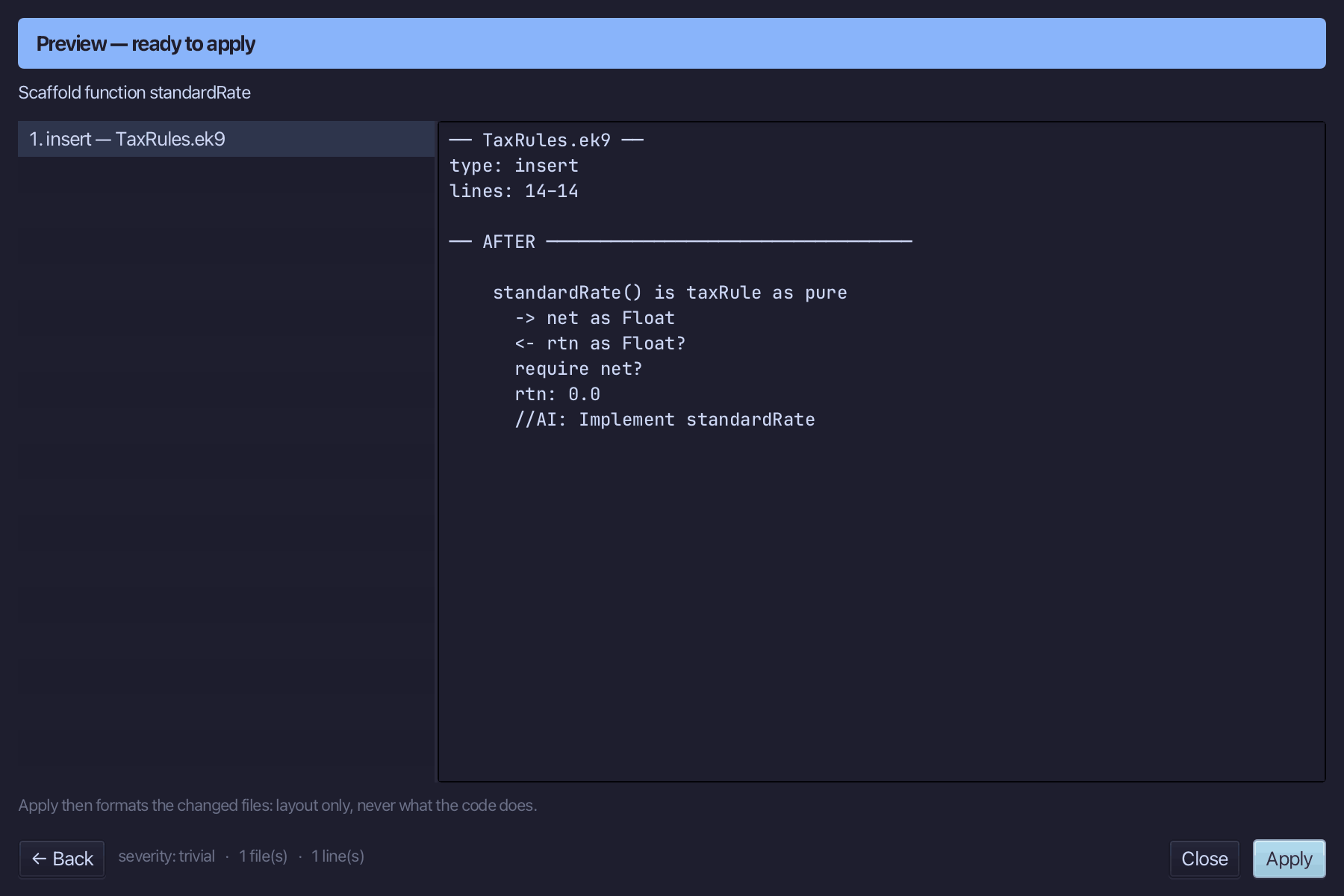
Select the stub, from <- rtn as Float? down to its //AI line, and type standardRate's own return and work, as the book writes them. Saves when typed.
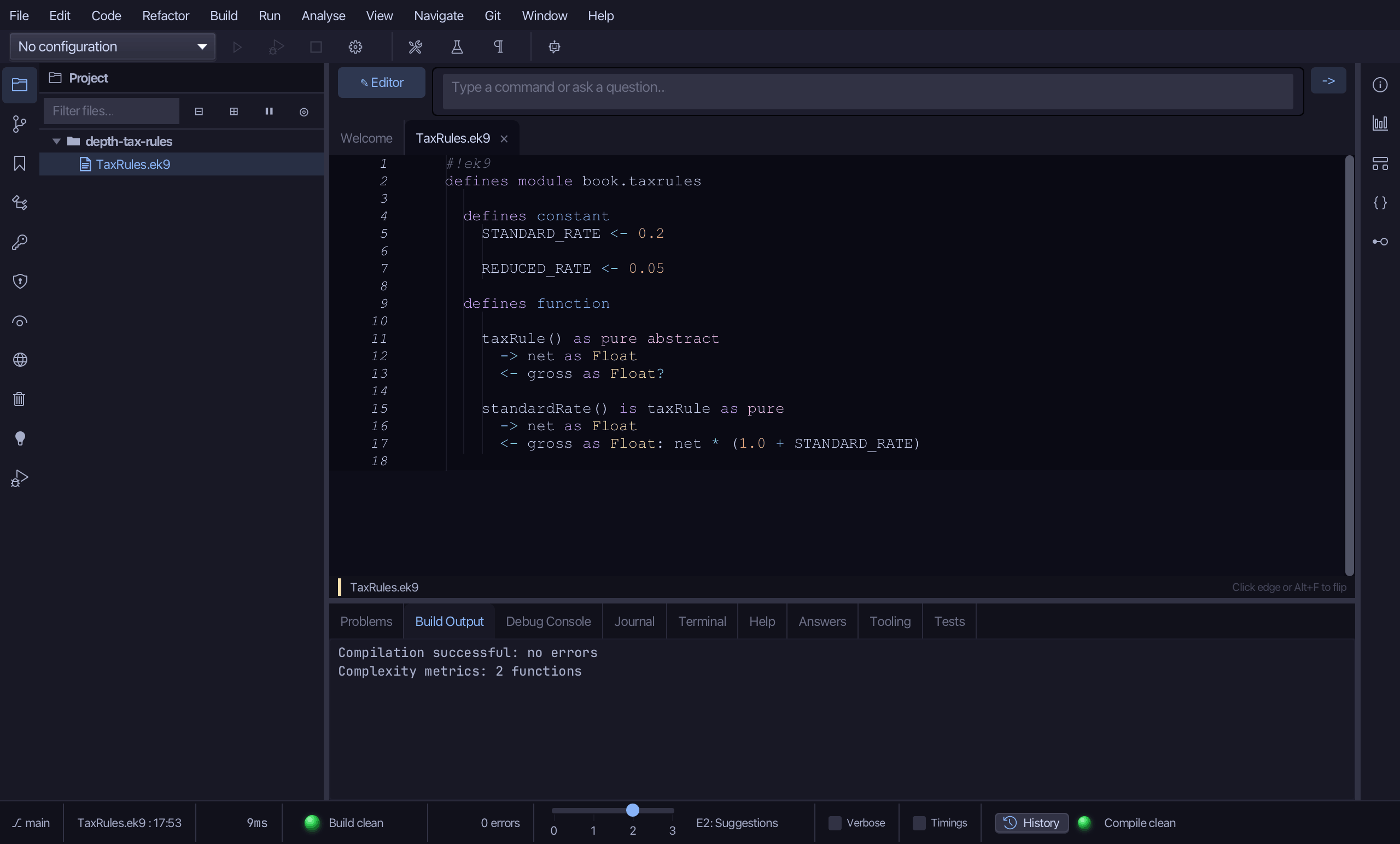
Step 4: reducedRate — a pure function
Choose Code > New Construct > Function…
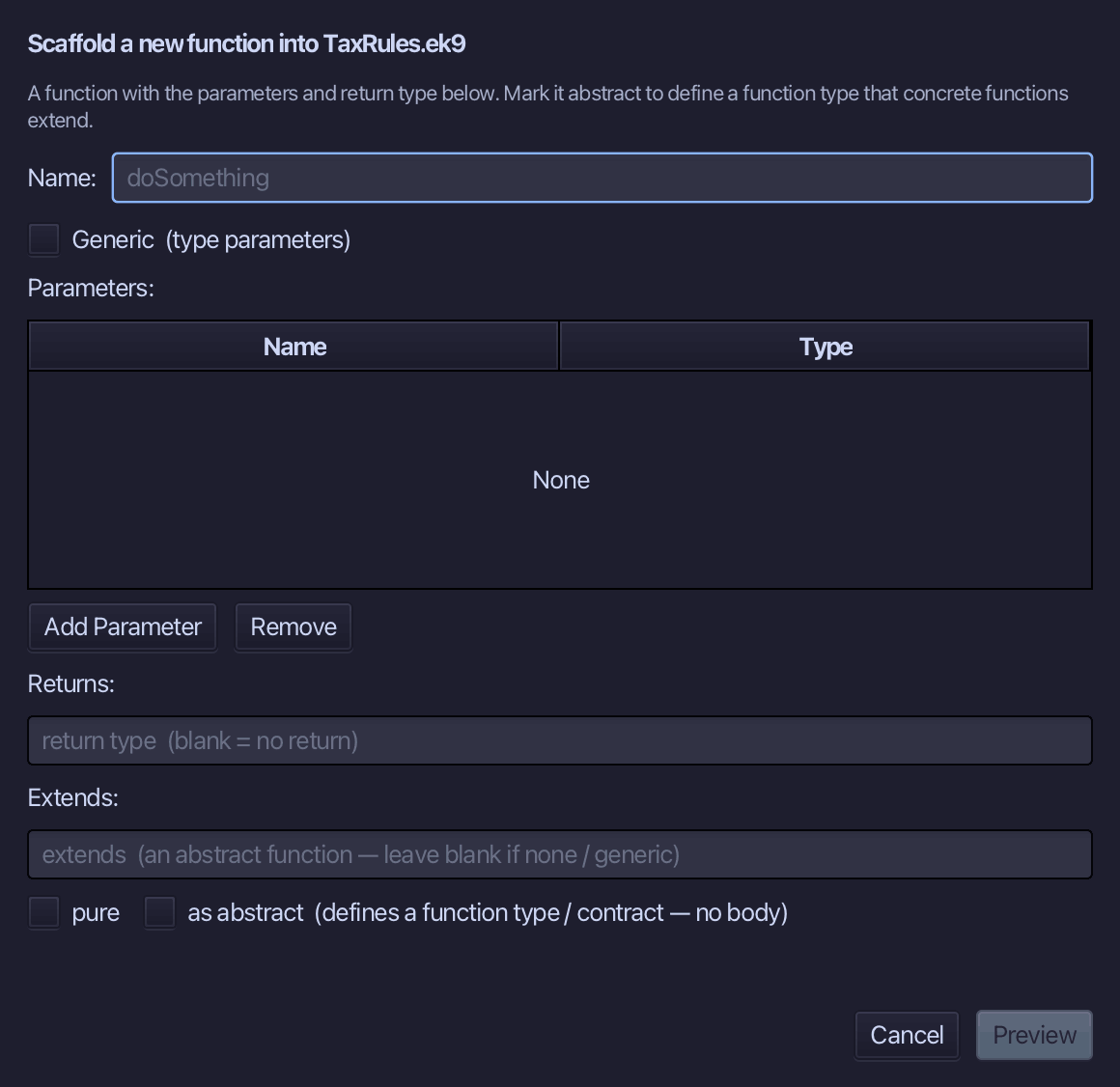
reducedRate is the function's name. Add one parameter, net of type Float, set Returns to Float, type taxRule into Extends and tick pure. Choose Preview.
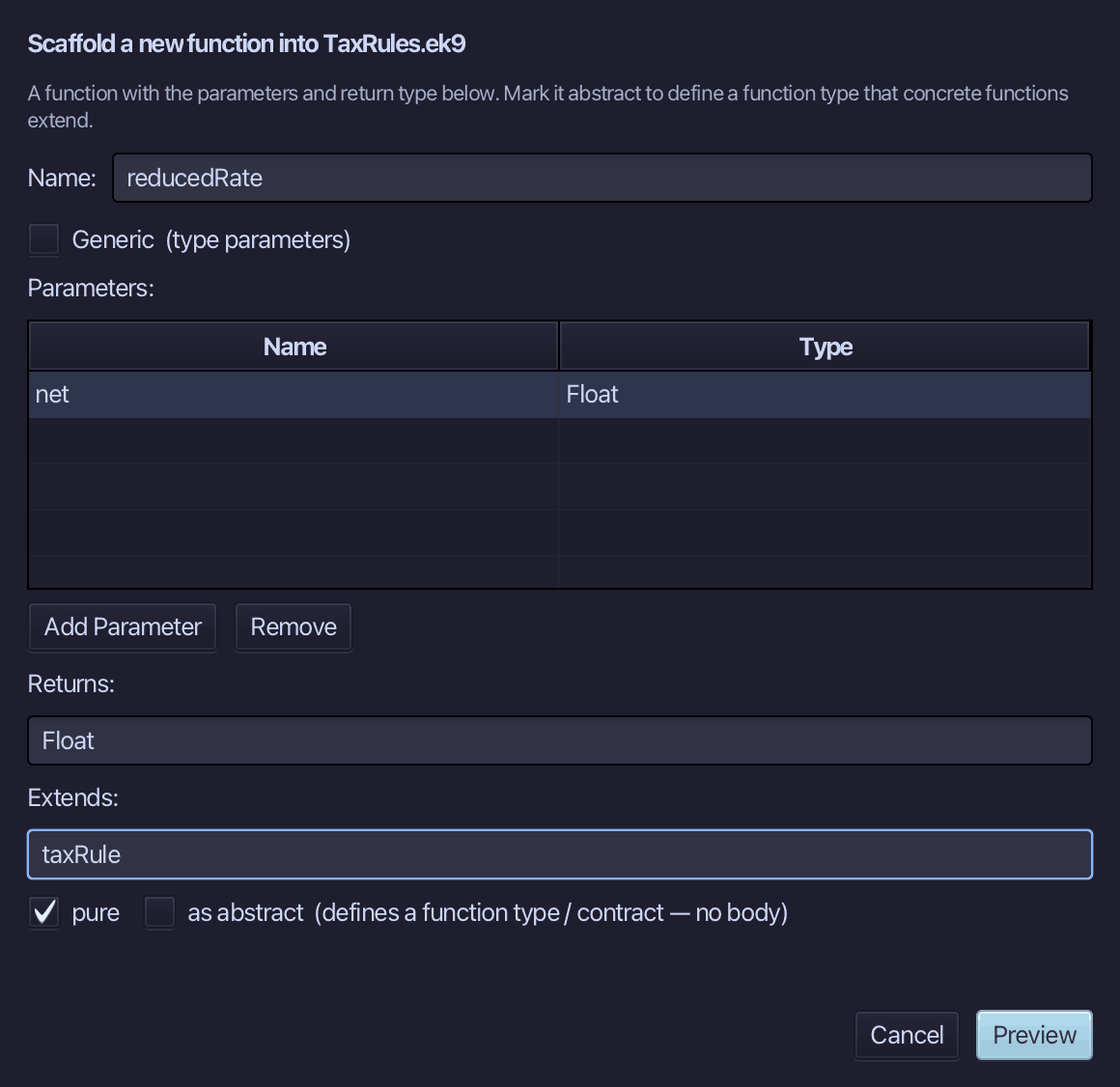
The preview shows reducedRate about to be written. Choose Apply.
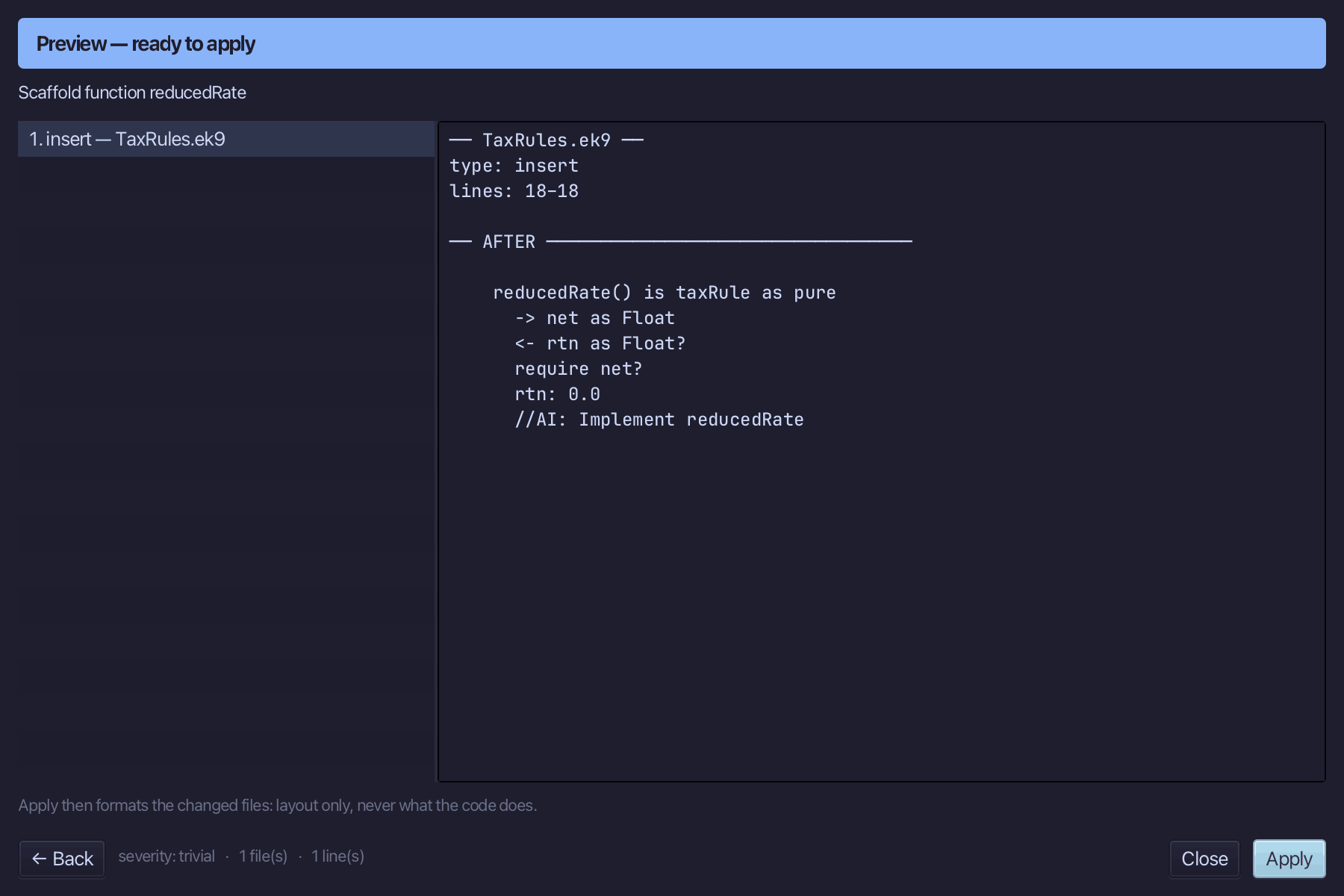
Select the stub, from <- rtn as Float? down to its //AI line, and type reducedRate's own return and work, as the book writes them. Saves when typed.
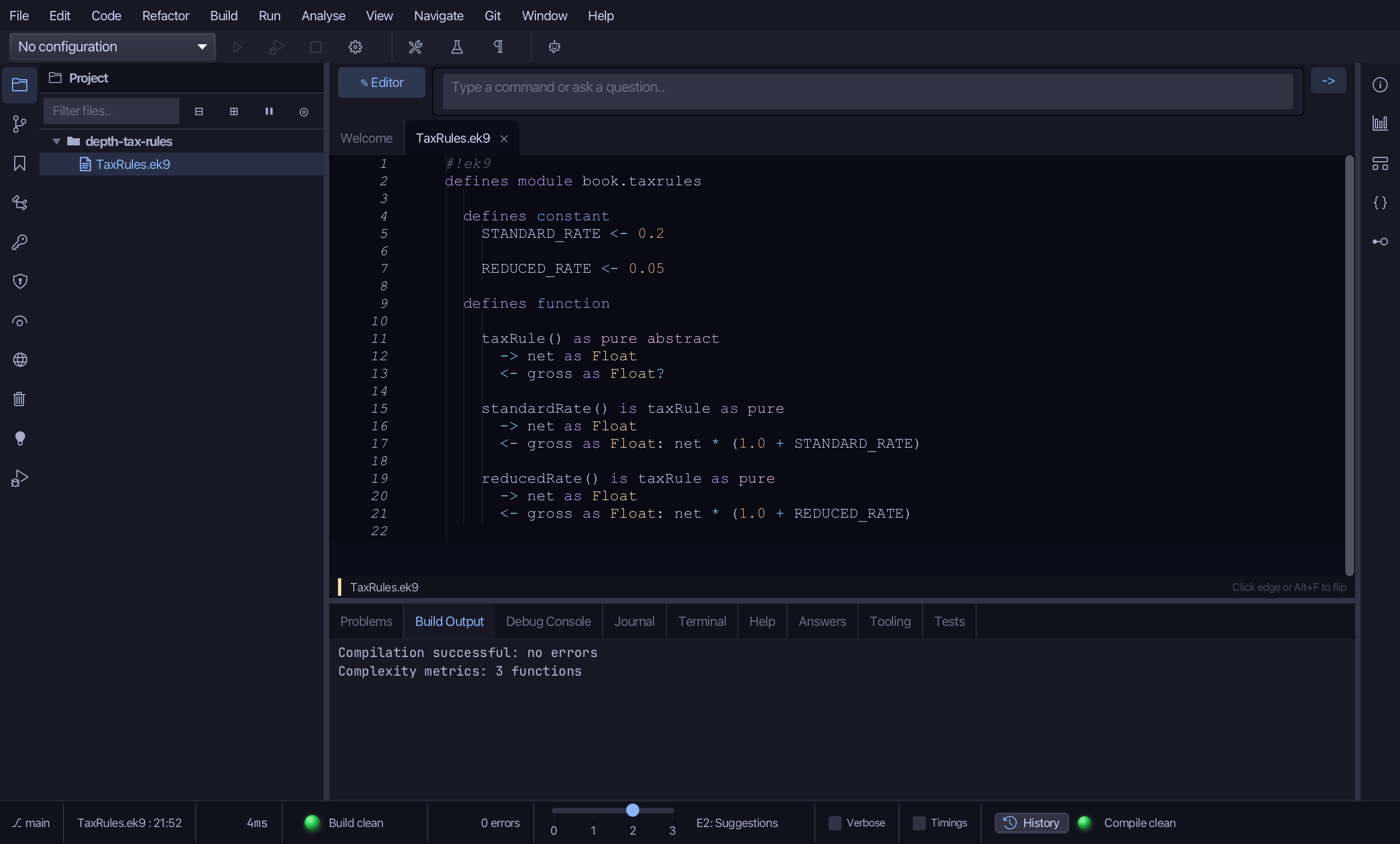
Step 5: zeroRate — a pure function
Choose Code > New Construct > Function…
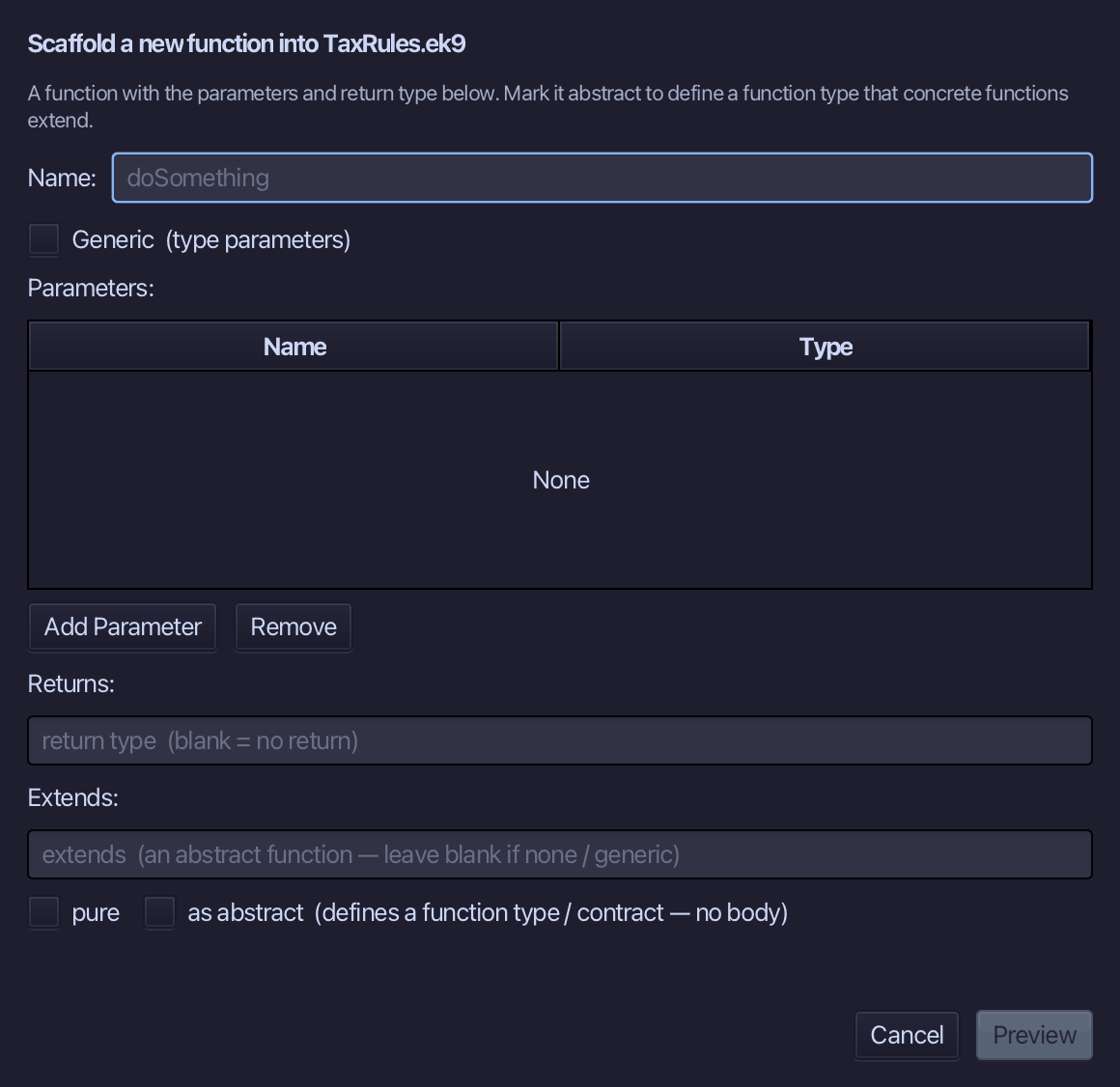
zeroRate is the function's name. Add one parameter, net of type Float, set Returns to Float, type taxRule into Extends and tick pure. Choose Preview.
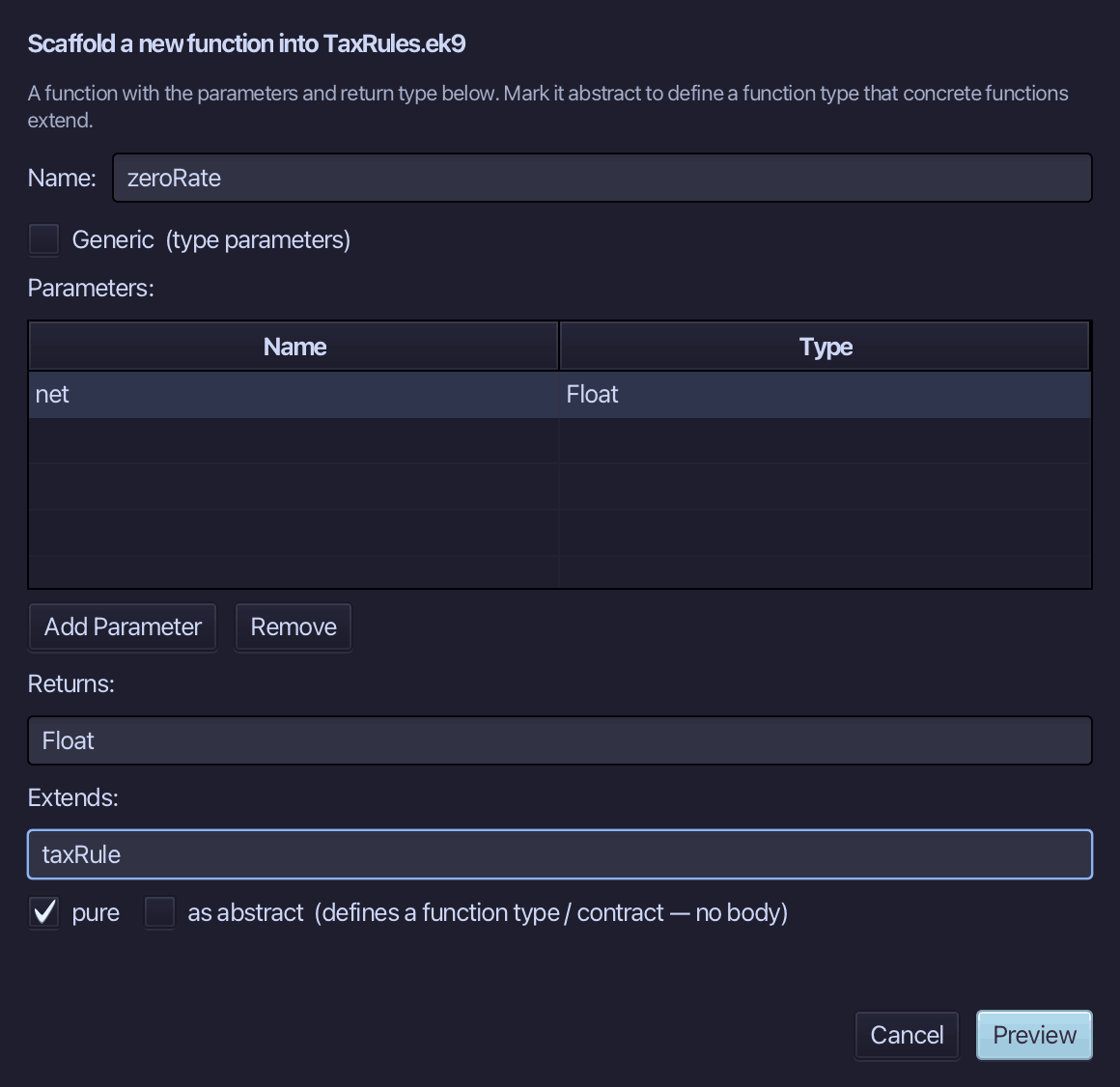
The preview shows zeroRate about to be written. Choose Apply.
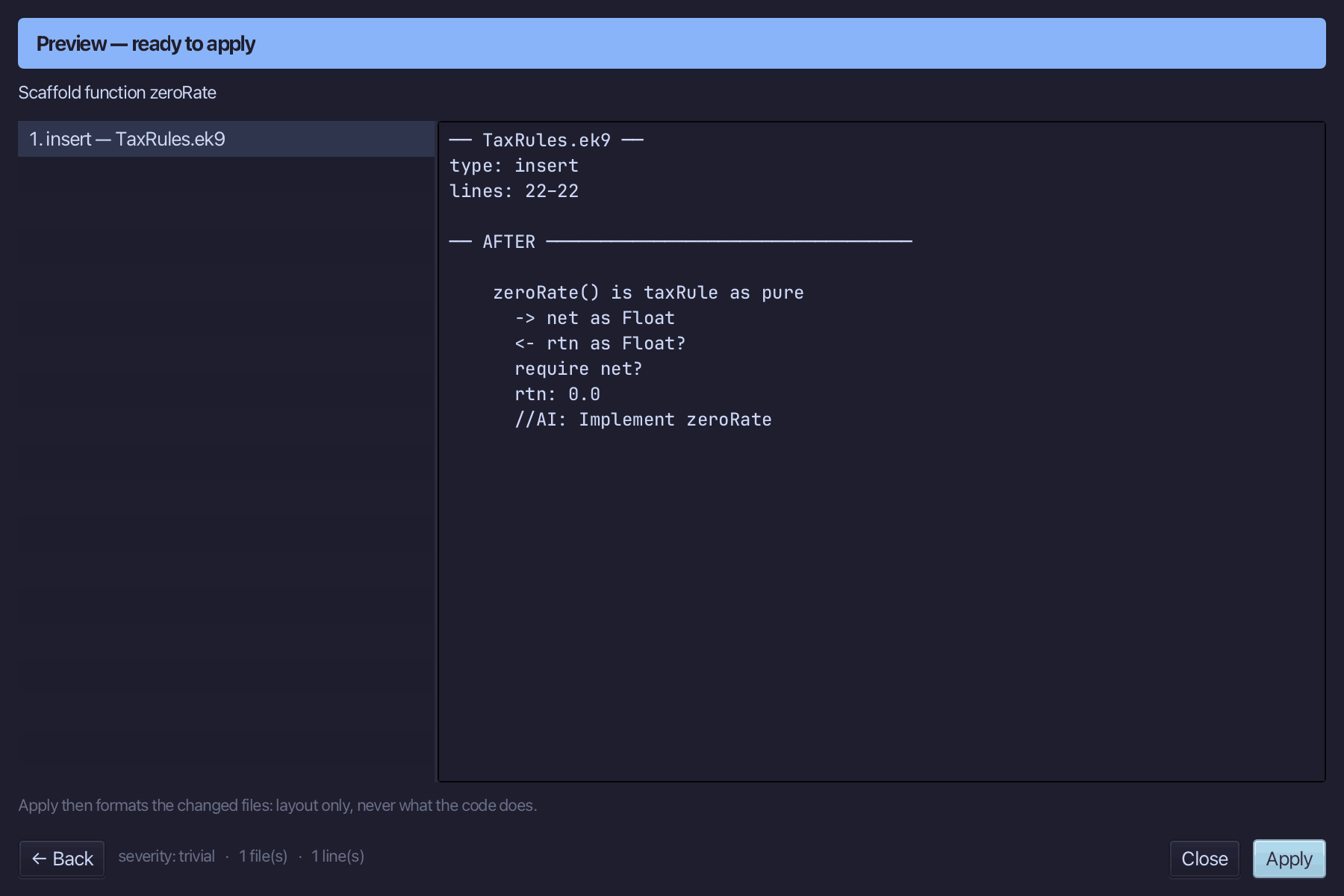
Select the stub, from <- rtn as Float? down to its //AI line, and type zeroRate's own return and work, as the book writes them. Saves when typed.
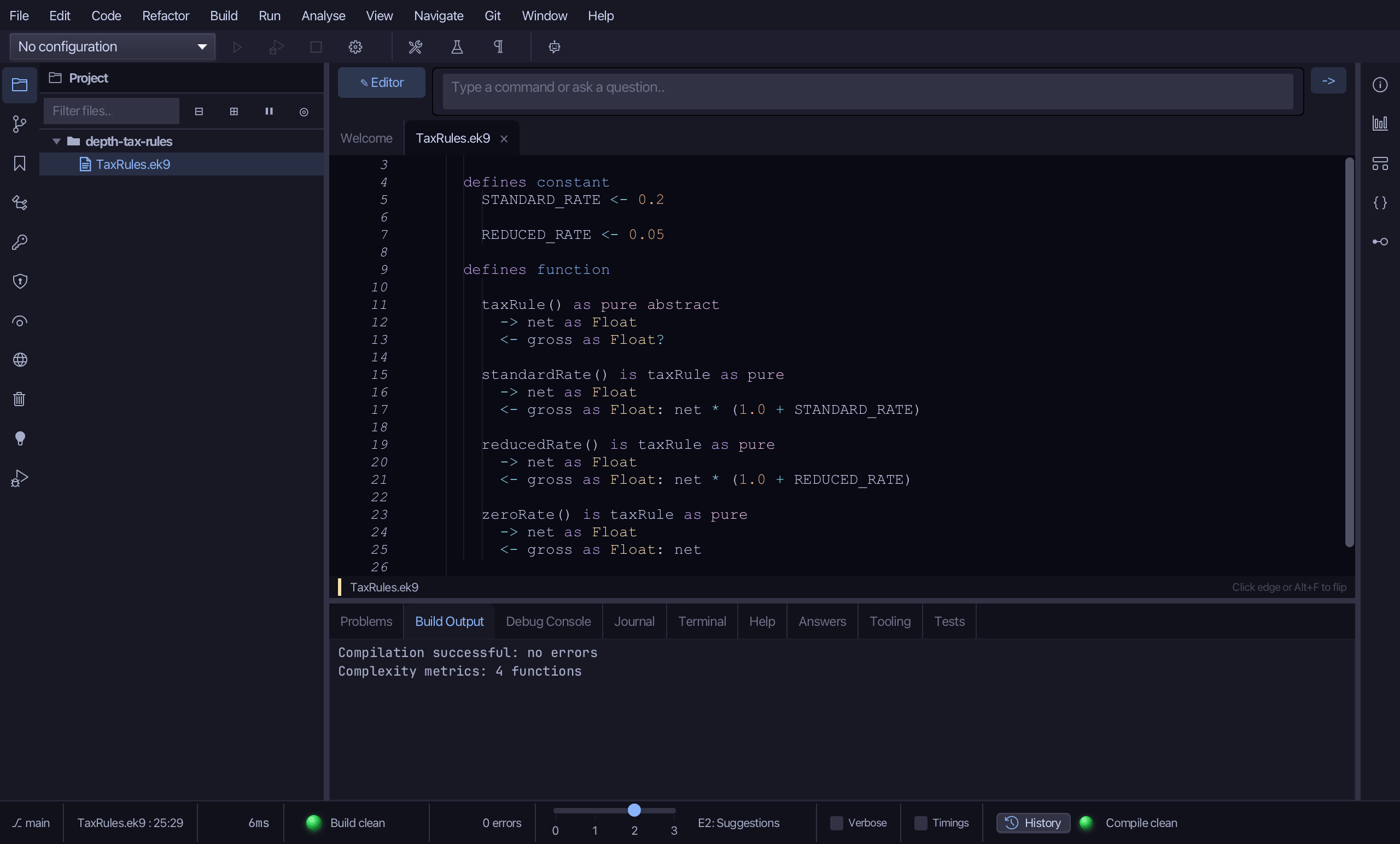
Step 6: ruleFor — a pure function
Choose Code > New Construct > Function…
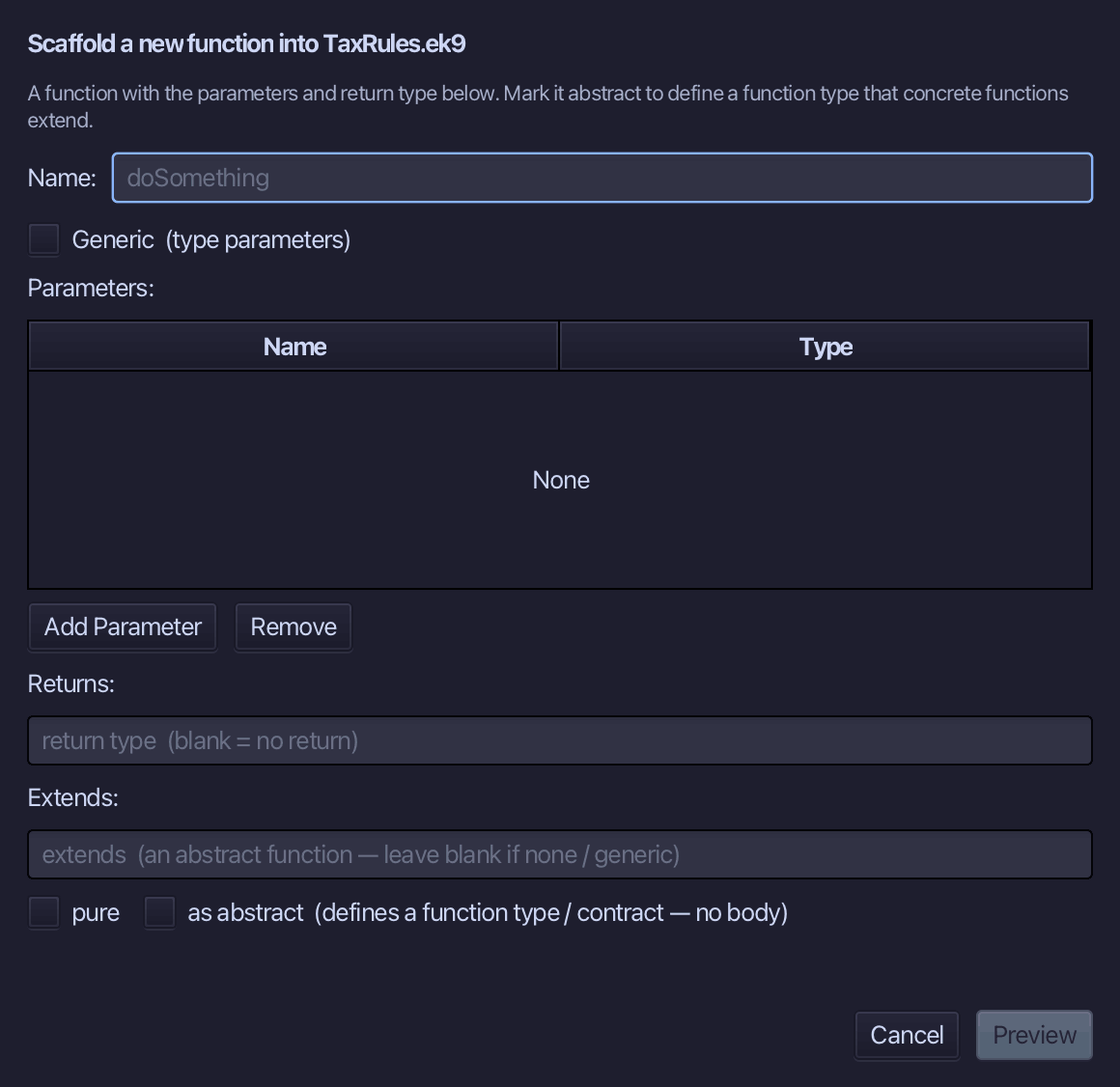
ruleFor is the function's name. Add one parameter, category of type String, set Returns to String and tick pure. The tool cannot start a taxRule return - a function type has no value to begin from - so the stub starts as a String and the typed text below changes it. Choose Preview.
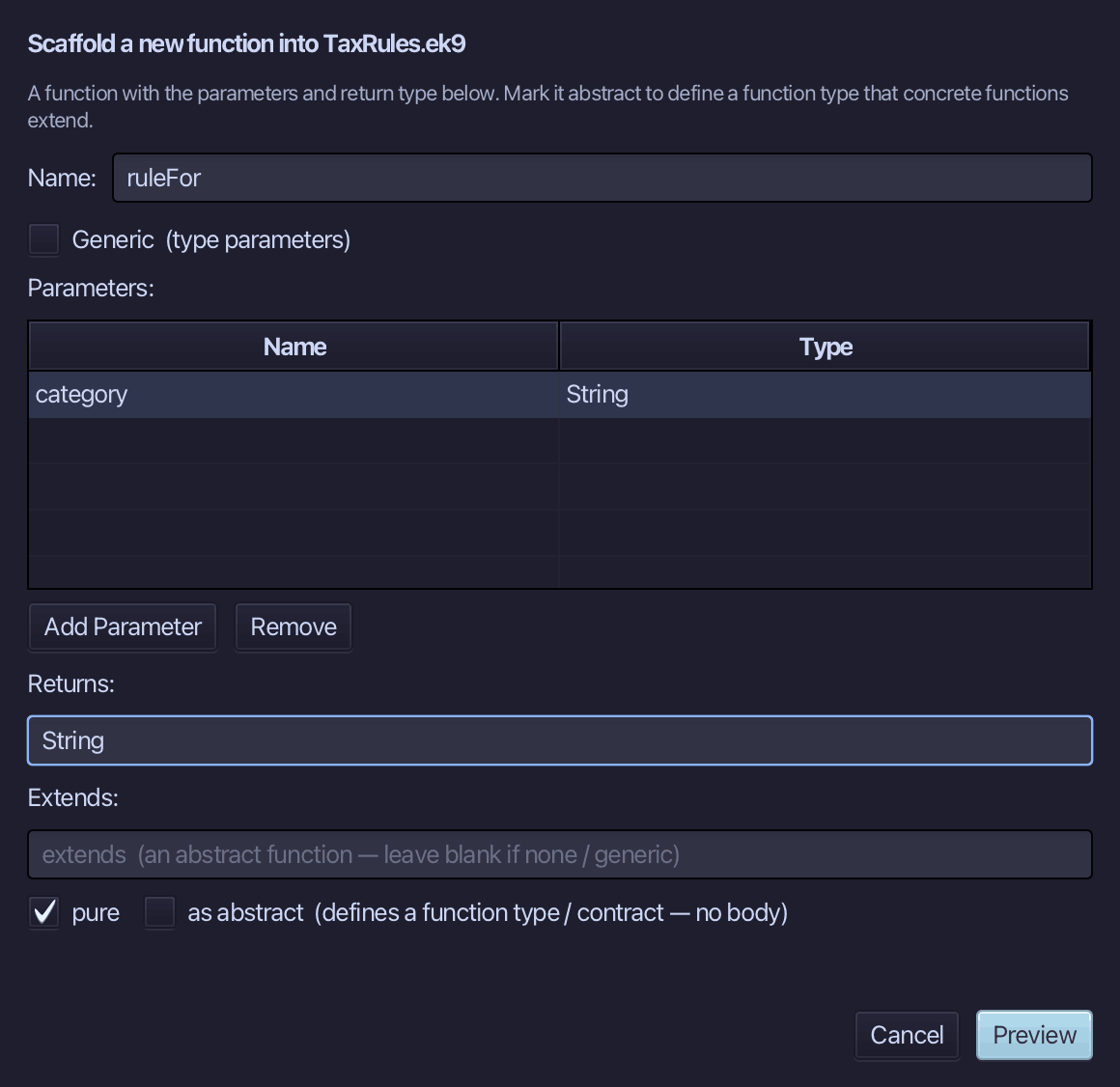
The preview shows ruleFor about to be written. Choose Apply.
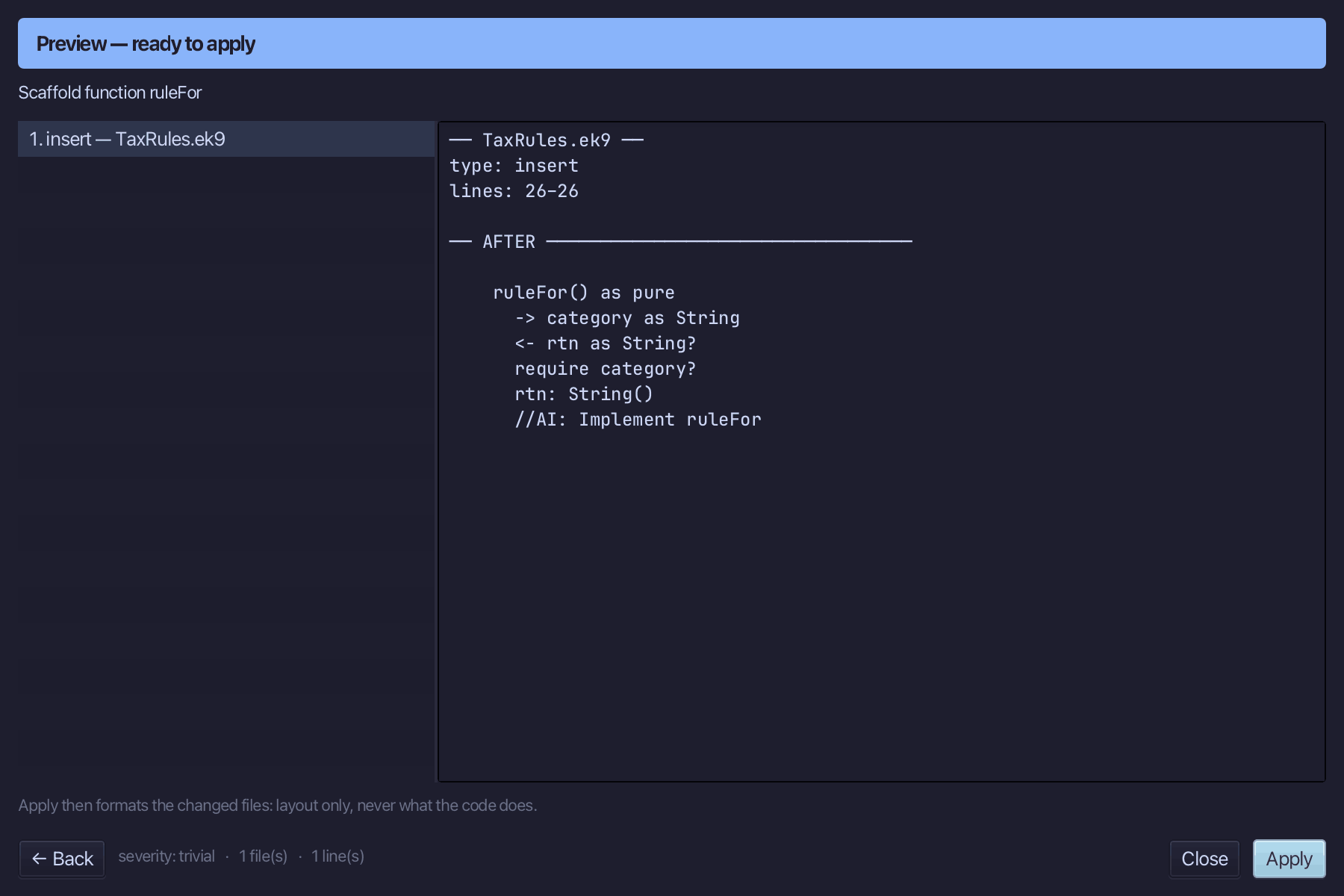
Select the stub, from <- rtn as String? down to its //AI line, and type ruleFor's own return and work, as the book writes them. Saves when typed.
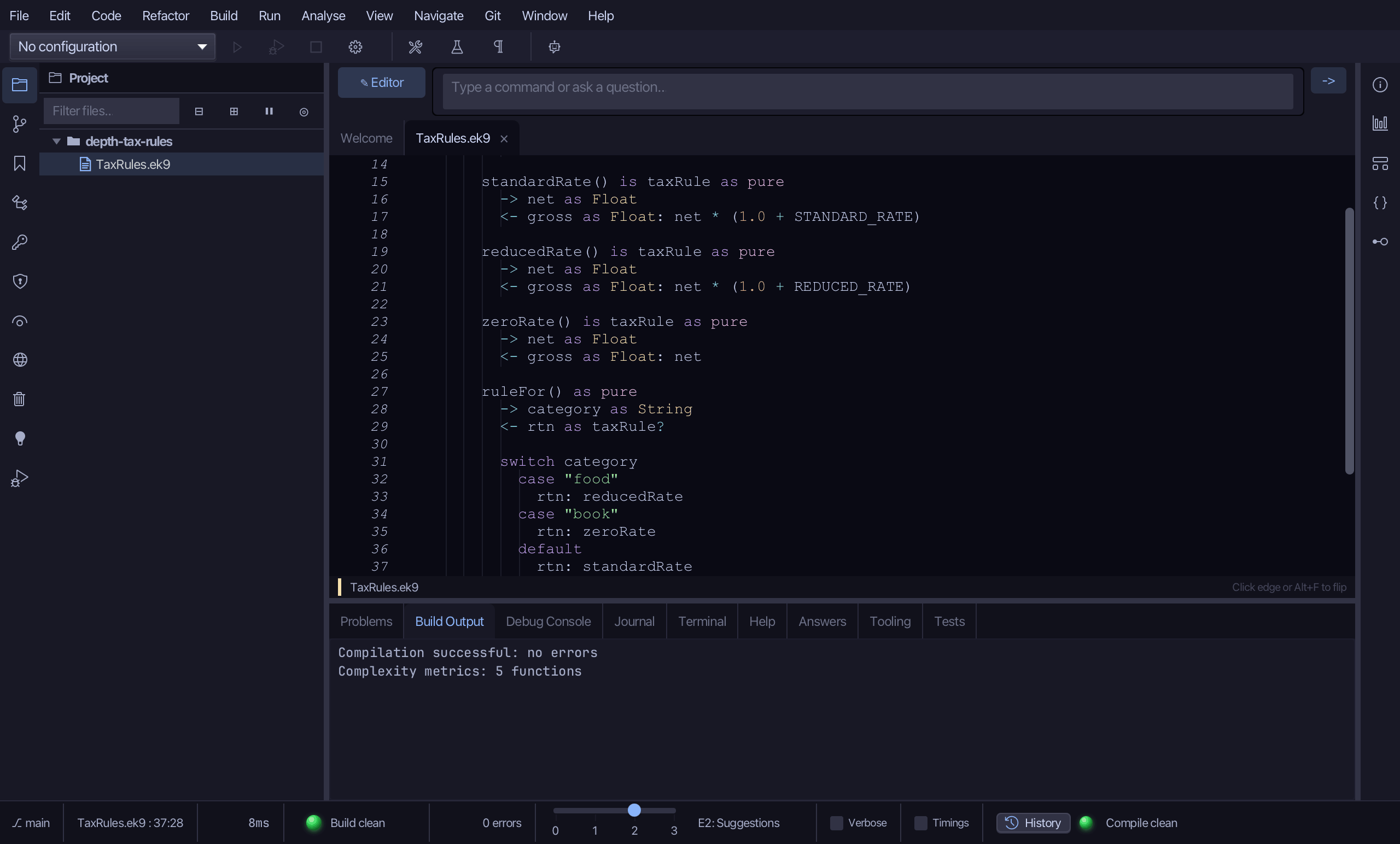
Step 7: The program
Choose Code > New Construct > Program…
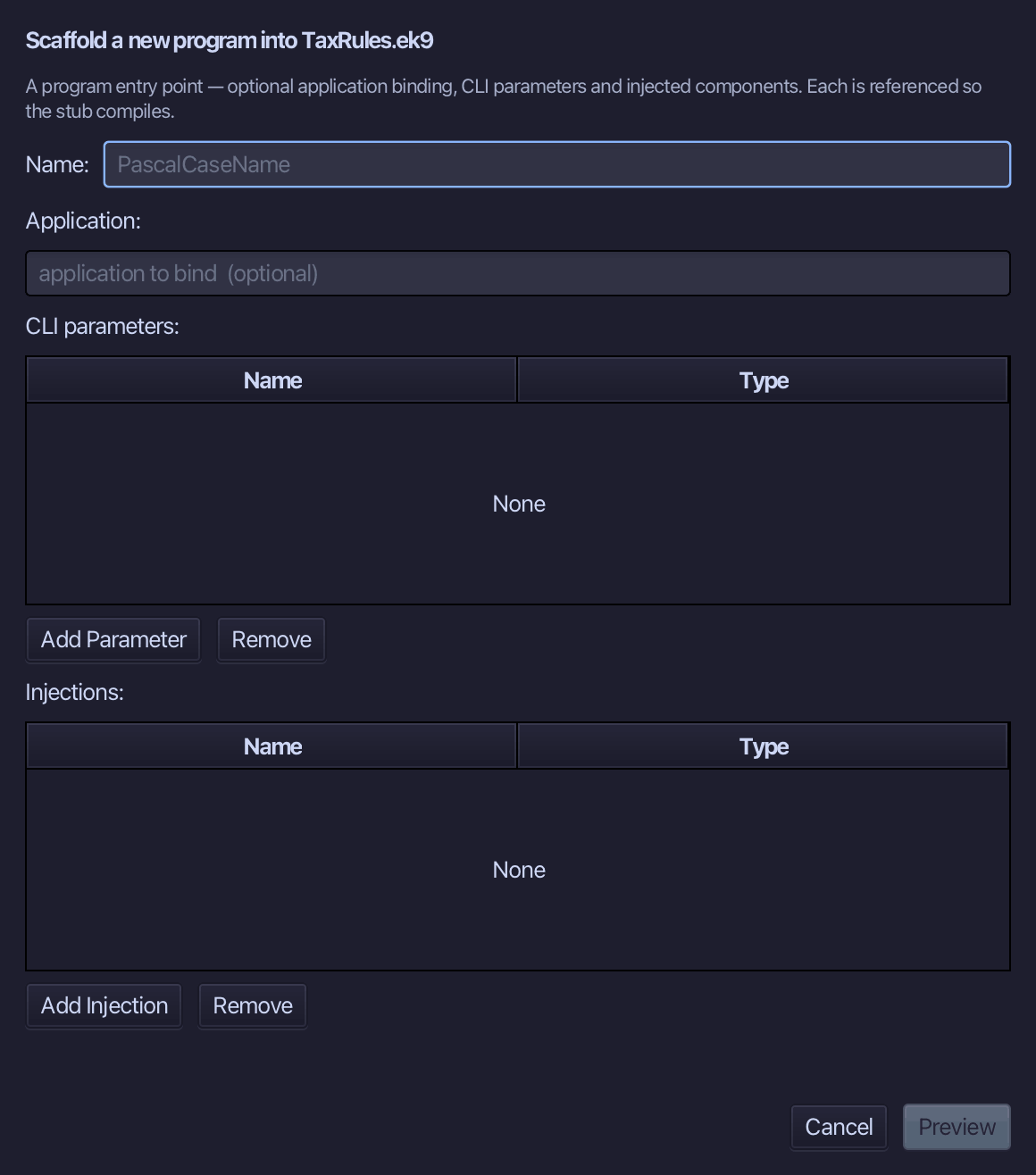
ShopTill is the program's name. Choose Preview.
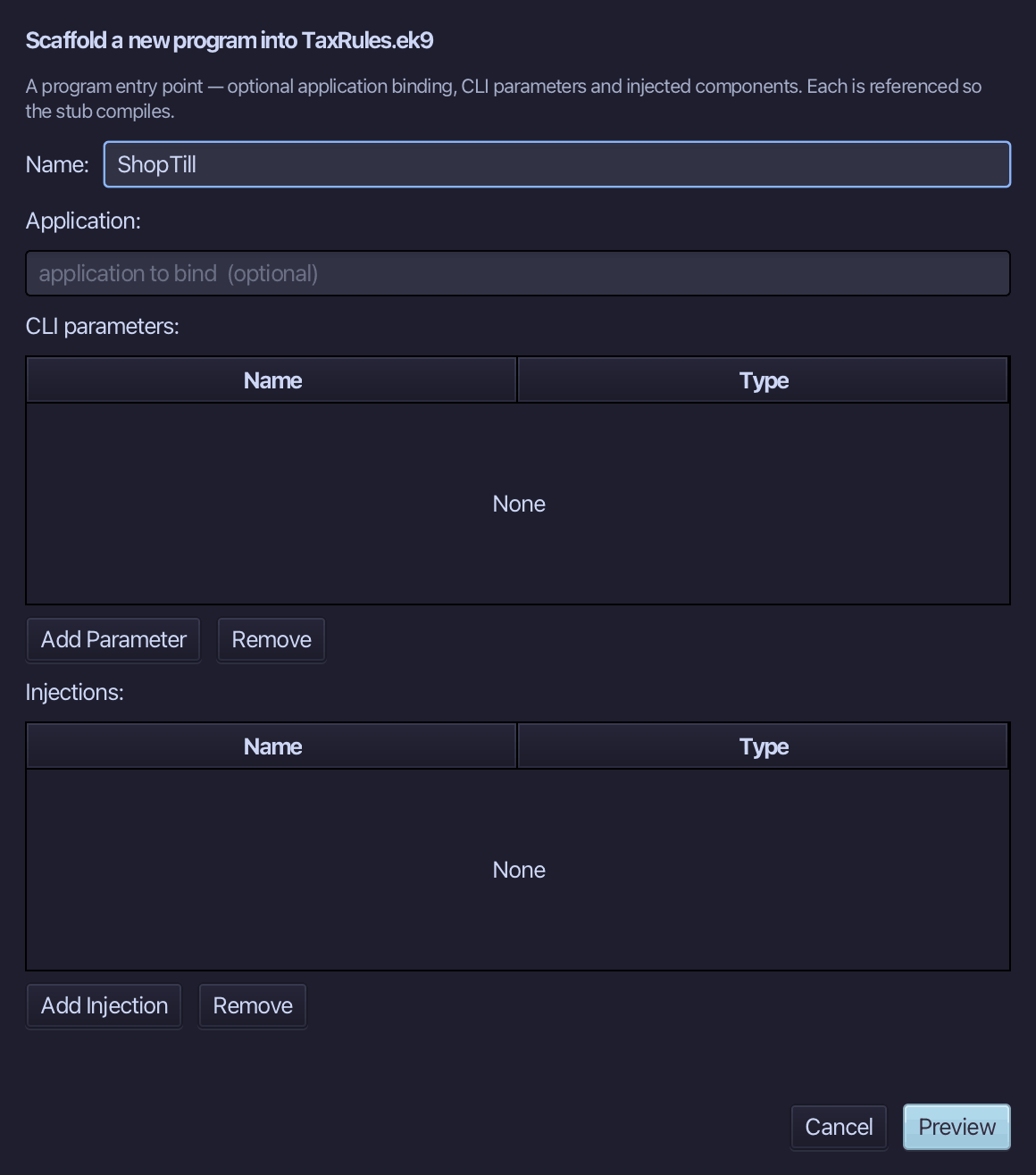
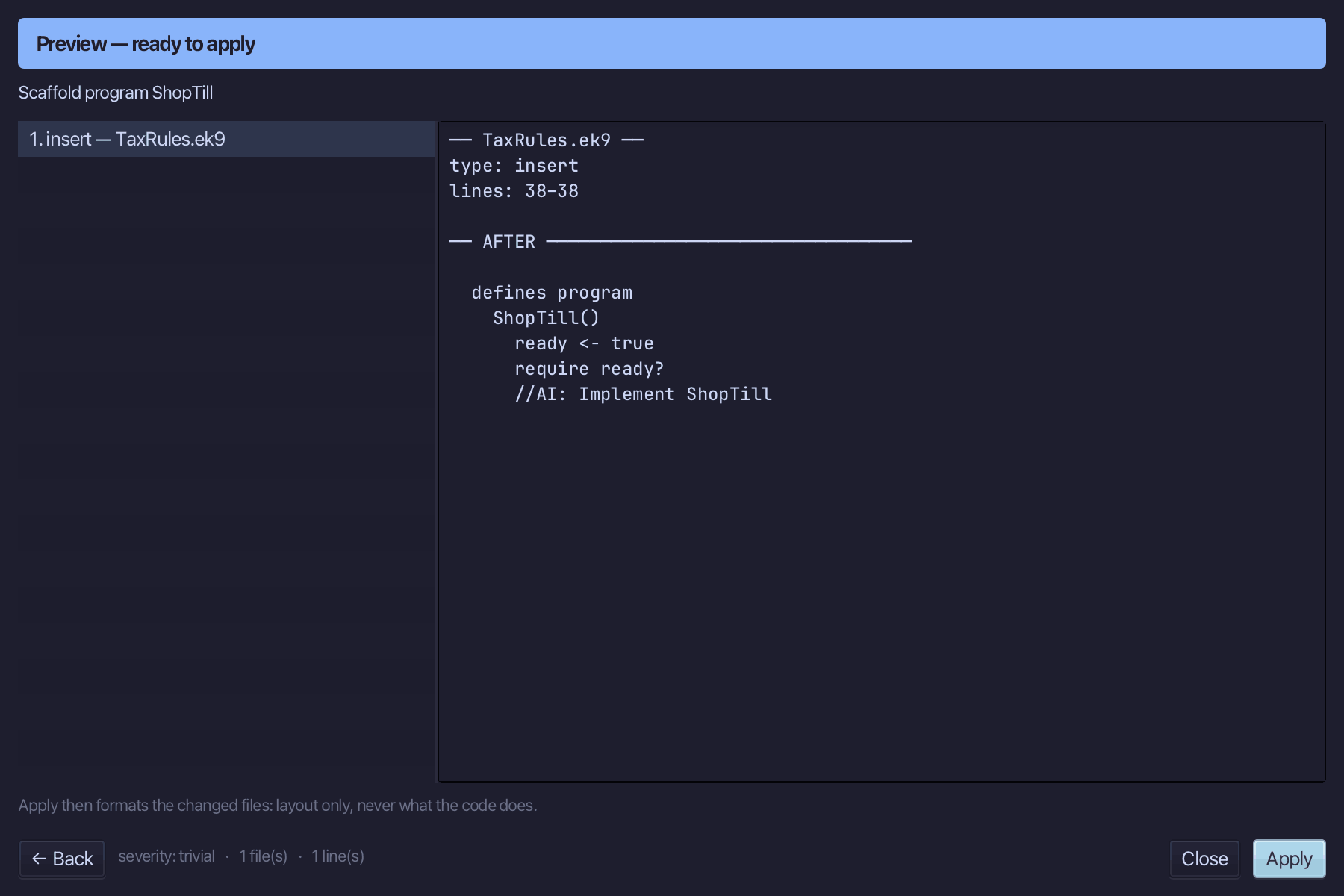
The preview shows ShopTill about to be written. Choose Apply.
Select the ShopTill() line and, above it, type the blank line the book opens the program with. Saves when typed.
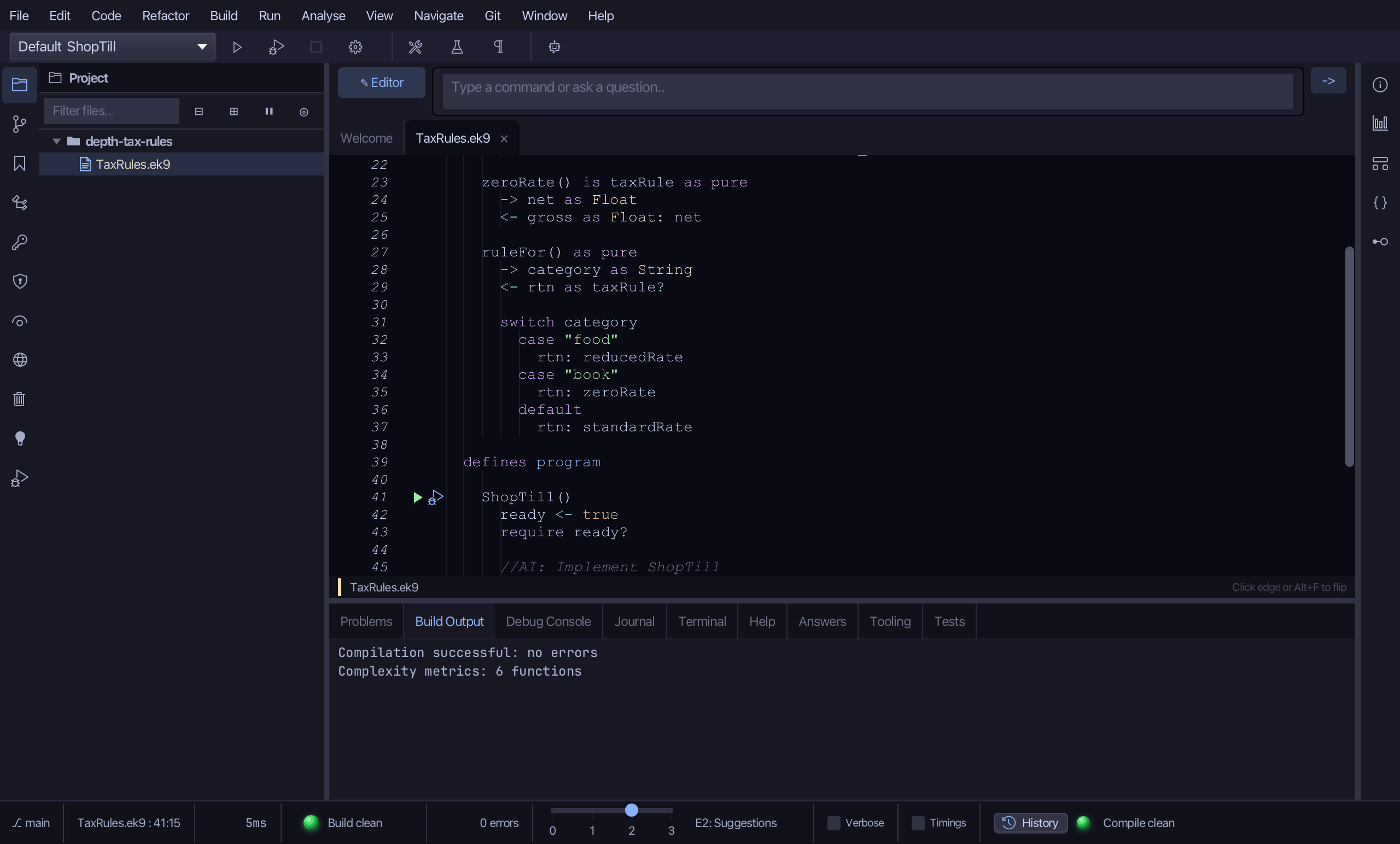
Select the stub, from ready <- true down to its //AI line, and type ShopTill's body exactly as the chapter shows it. Saves when typed.
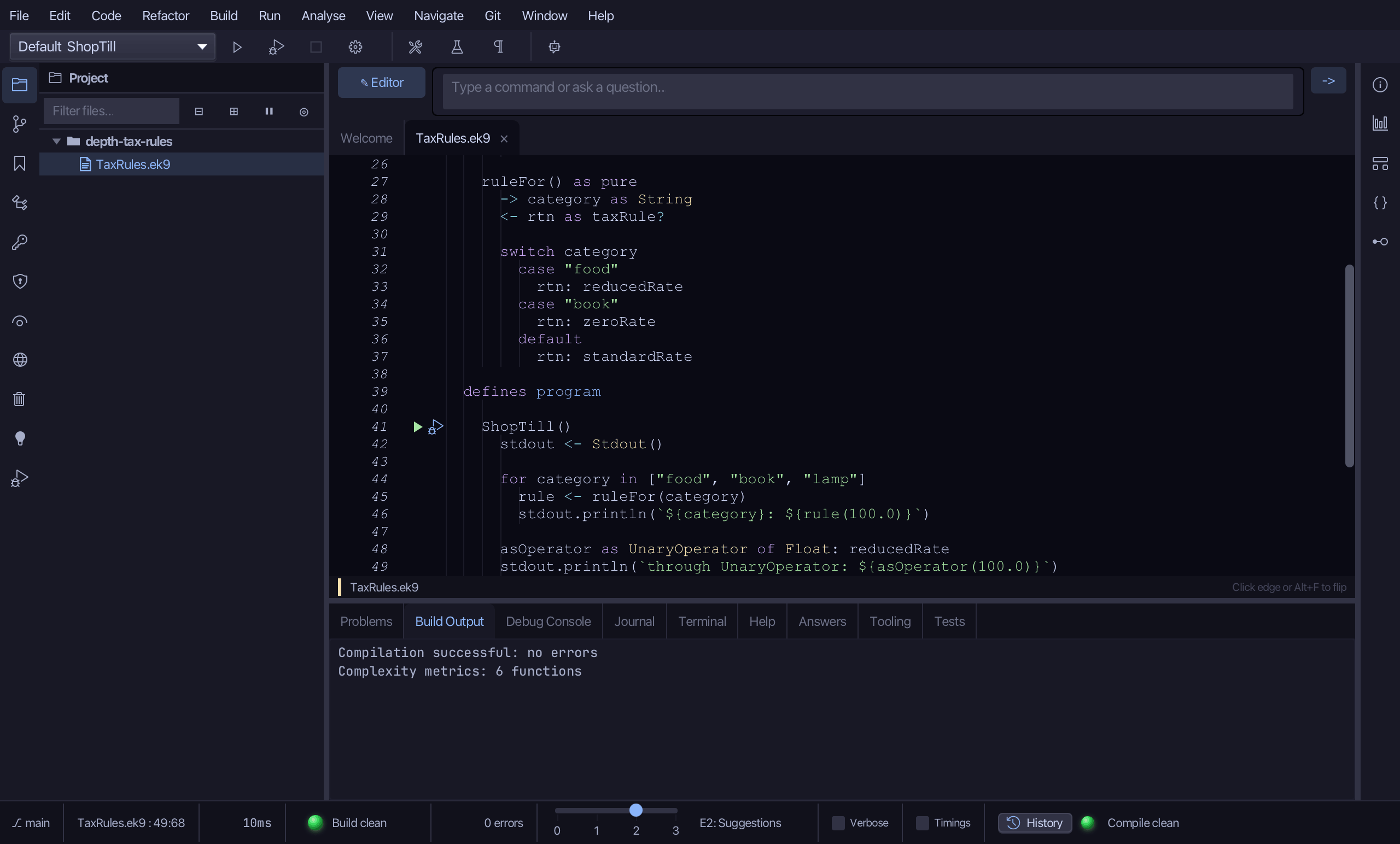
Step 8: Run it
Choose Run > Run Program…
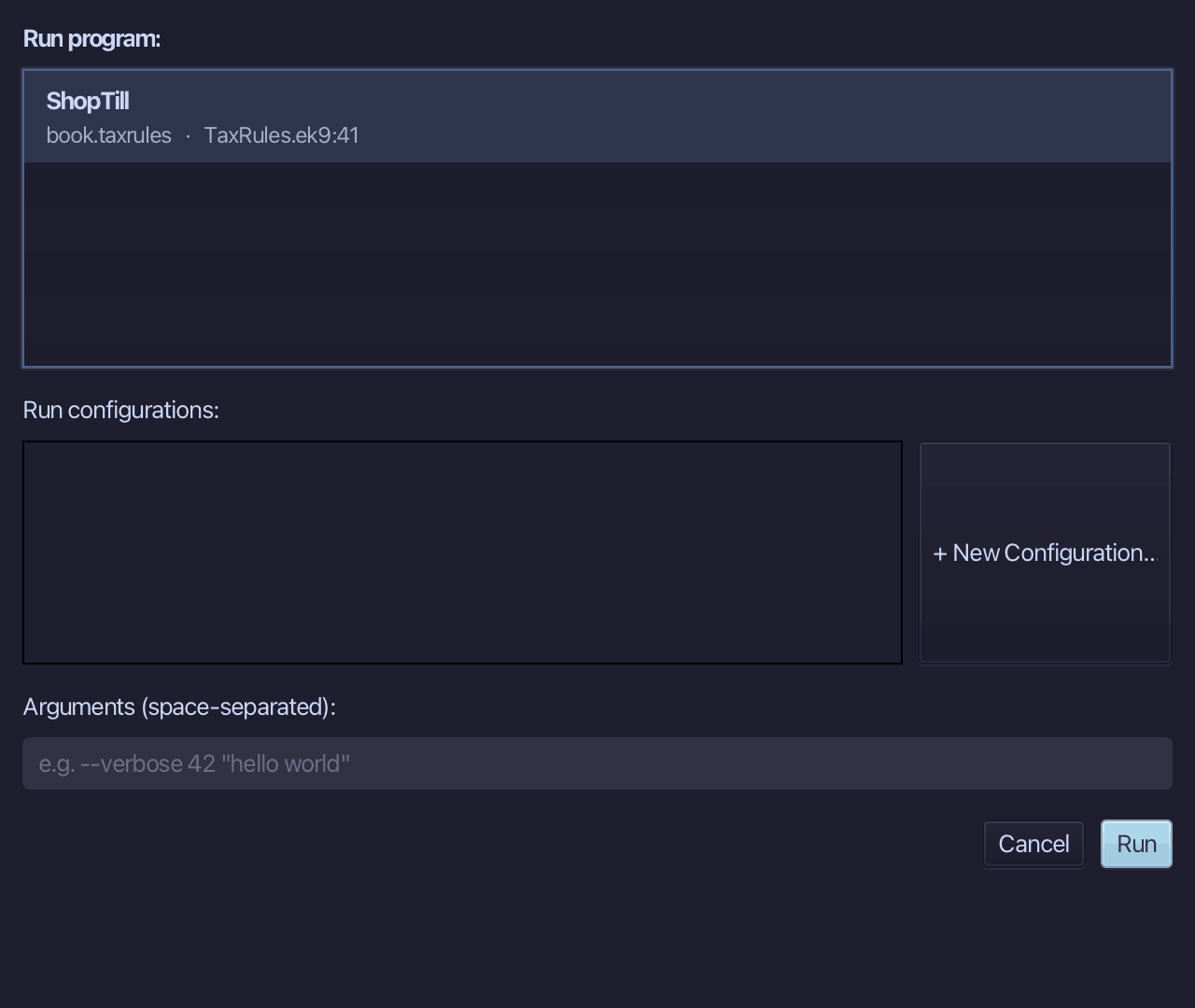
The project's only program is already chosen. Choose Run.
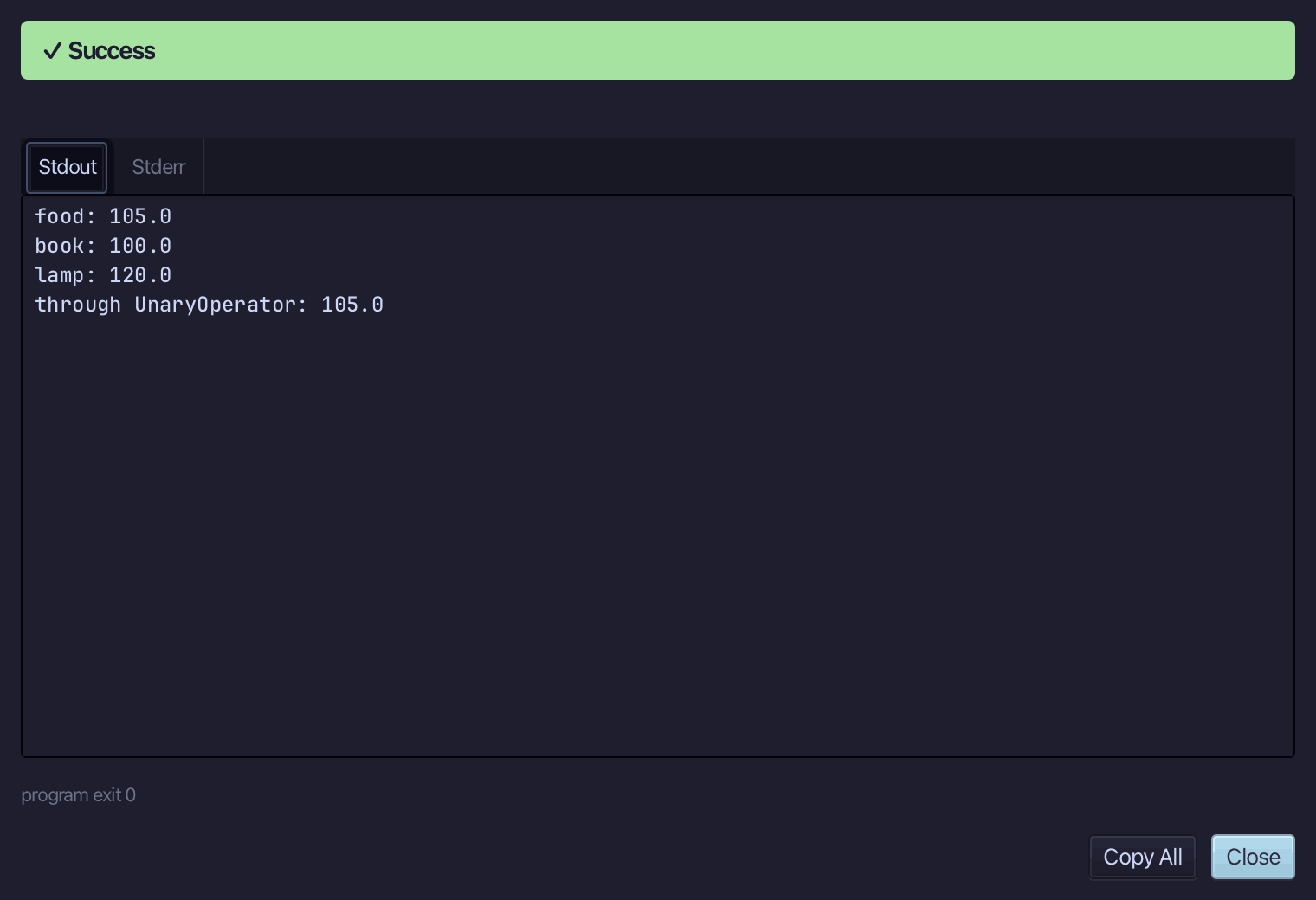
food: 105.0, book: 100.0, lamp: 120.0 - the three rules at work - and through UnaryOperator: 105.0. Choose Close.
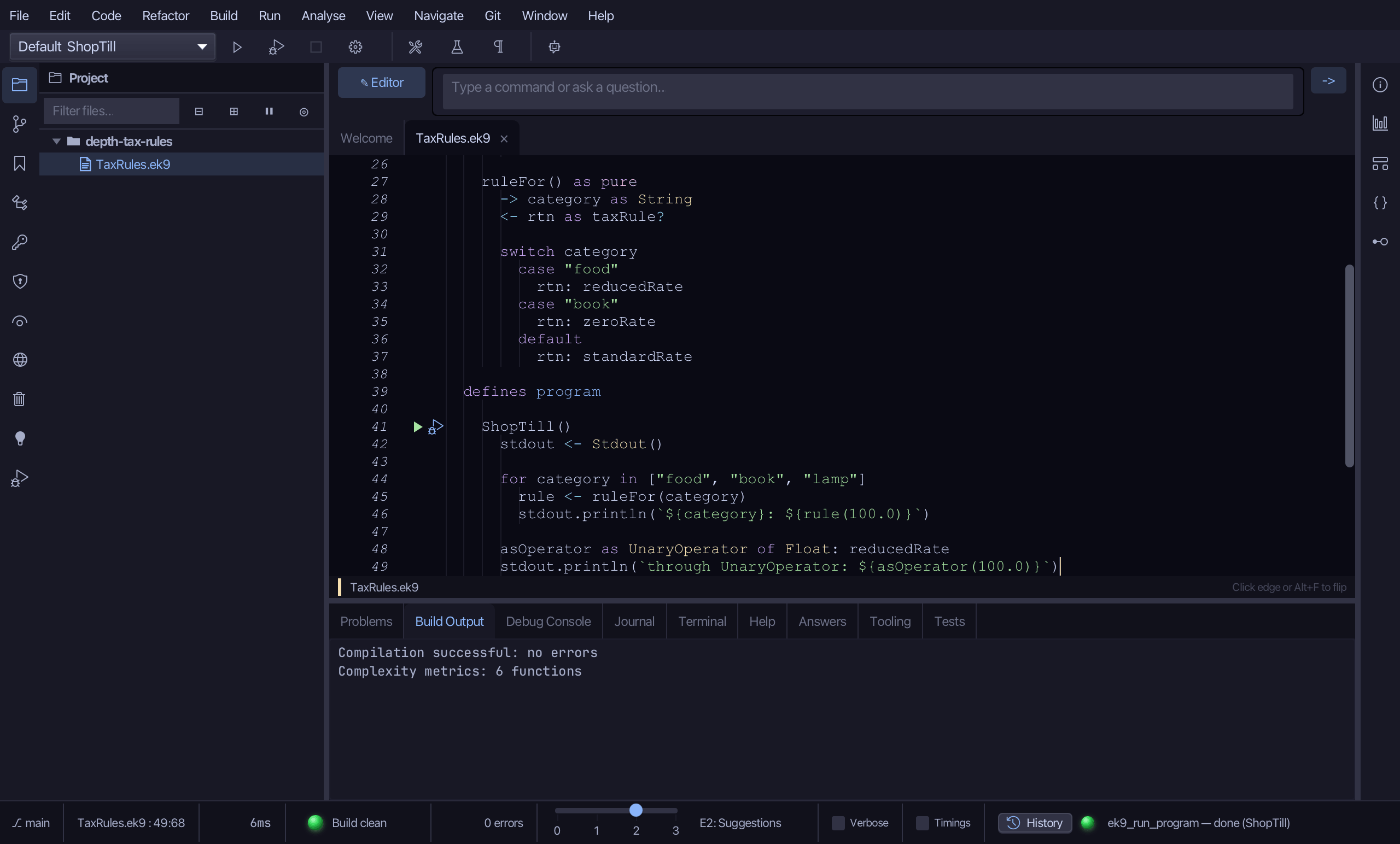
The result
TaxRules.ek9 now reads exactly as chapter 26 of EK9 in Depth shows it. The caller applies whichever rule it was handed - dynamic selection by a function value, with no class involved - and because taxRule is pure with a Float in and a Float out, reducedRate is also accepted as a UnaryOperator of Float.
Where this lesson comes from
- For AI assistants - the MCP tool
ek9_new_construct,ek9_add_program.