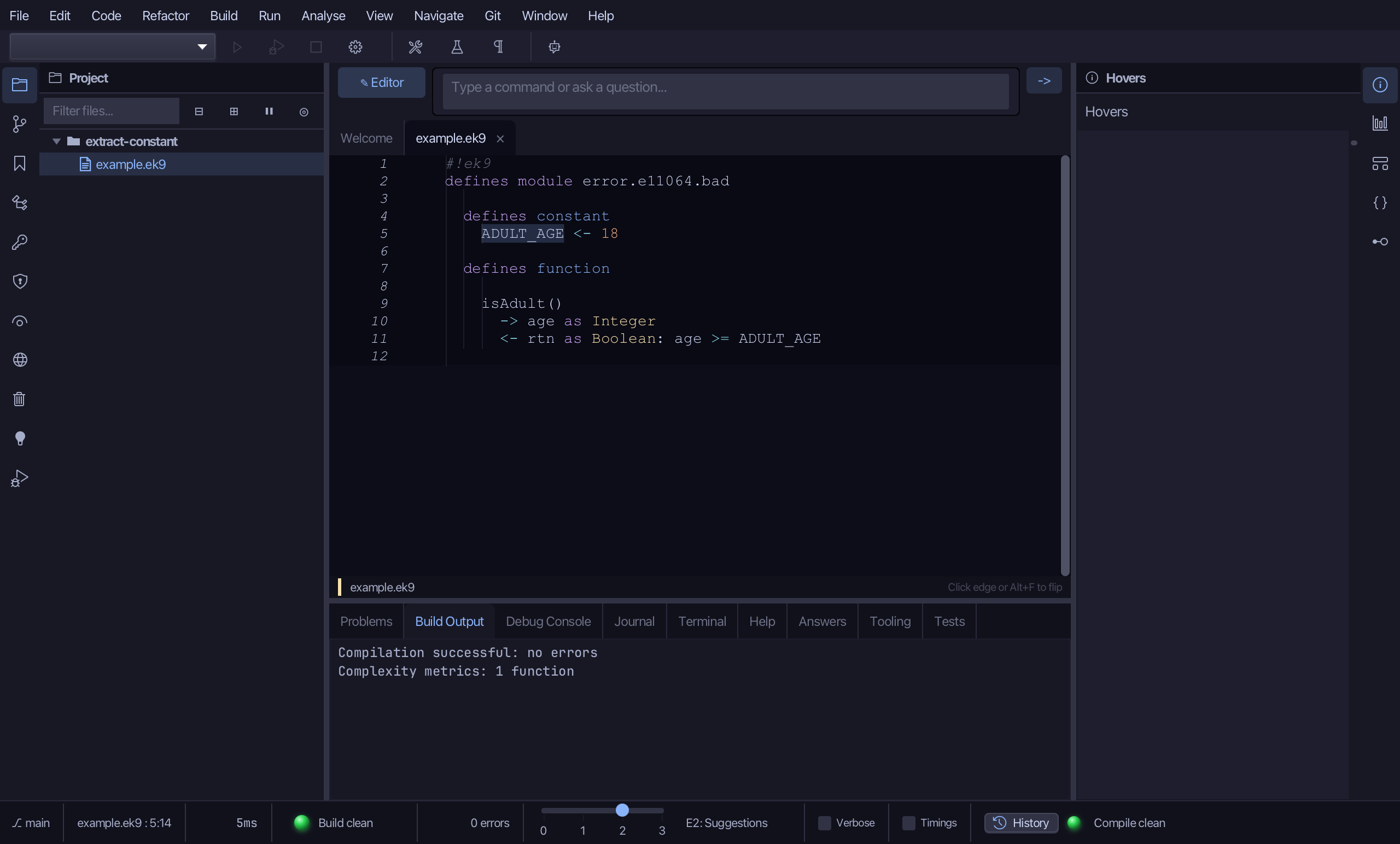
Extract Constant
Extract Constant gives a literal a name: a constant defined once, and every use of the literal in the file replaced by it. Here 18 in a comparison says nothing about what it means, so EK9 refuses it - E11064, explained in the Hovers panel; a literal used three times or more is refused the same way (E11065). To play it in the IDE: Help > Lessons > Refactoring…, or ek9 -ide -lesson extract-constant.
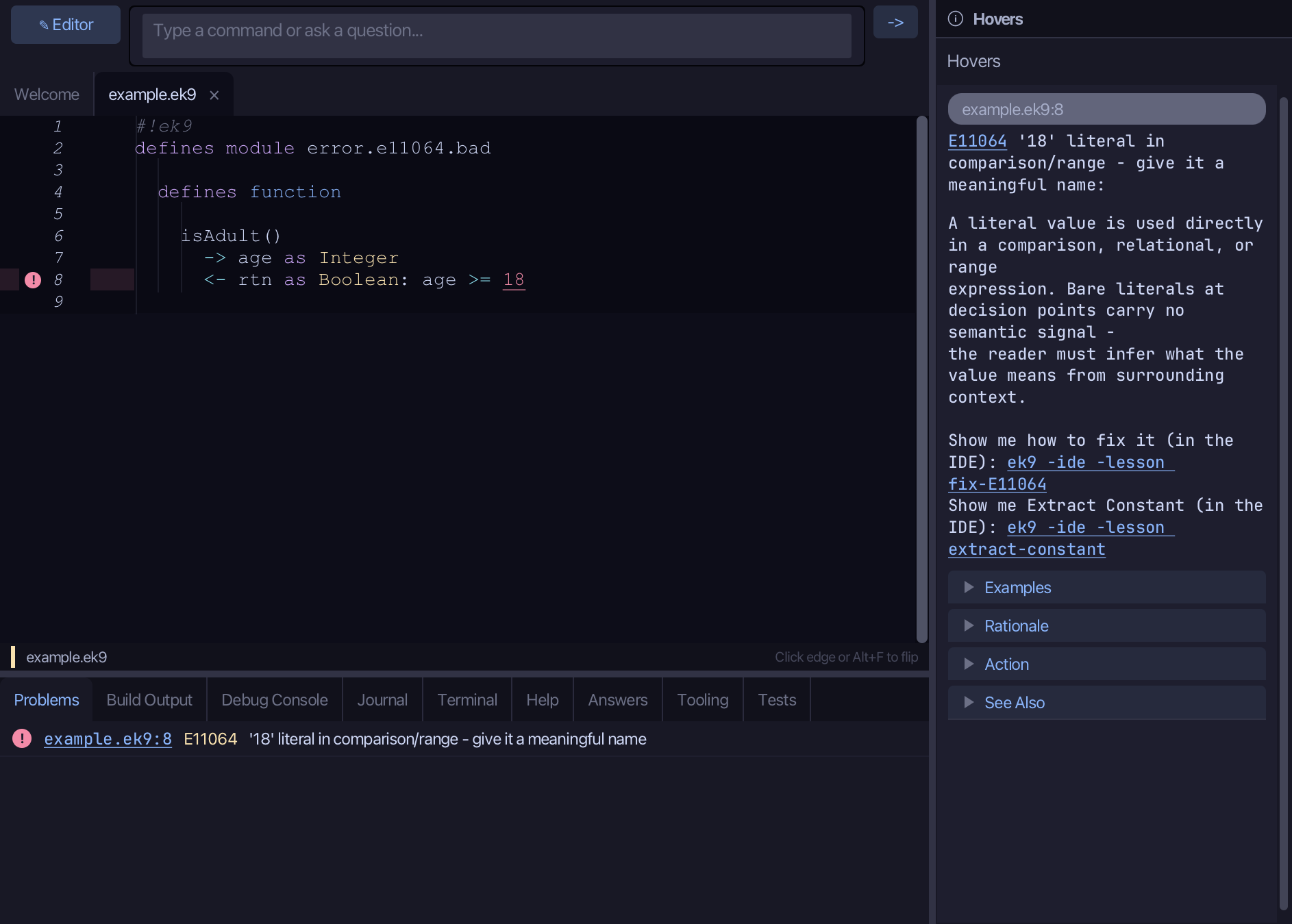
Start from
The code the lesson starts from: copy it into a file of your own and follow the steps.
Fails with E11064: literal in comparison/range - give it a meaningful name
#!ek9
defines module error.e11064.bad

  defines function

    isAdult()
      -> age as Integer
      <- rtn as Boolean: age >= 18
Step 1: Where it is
Put the caret on 18, on line 8.
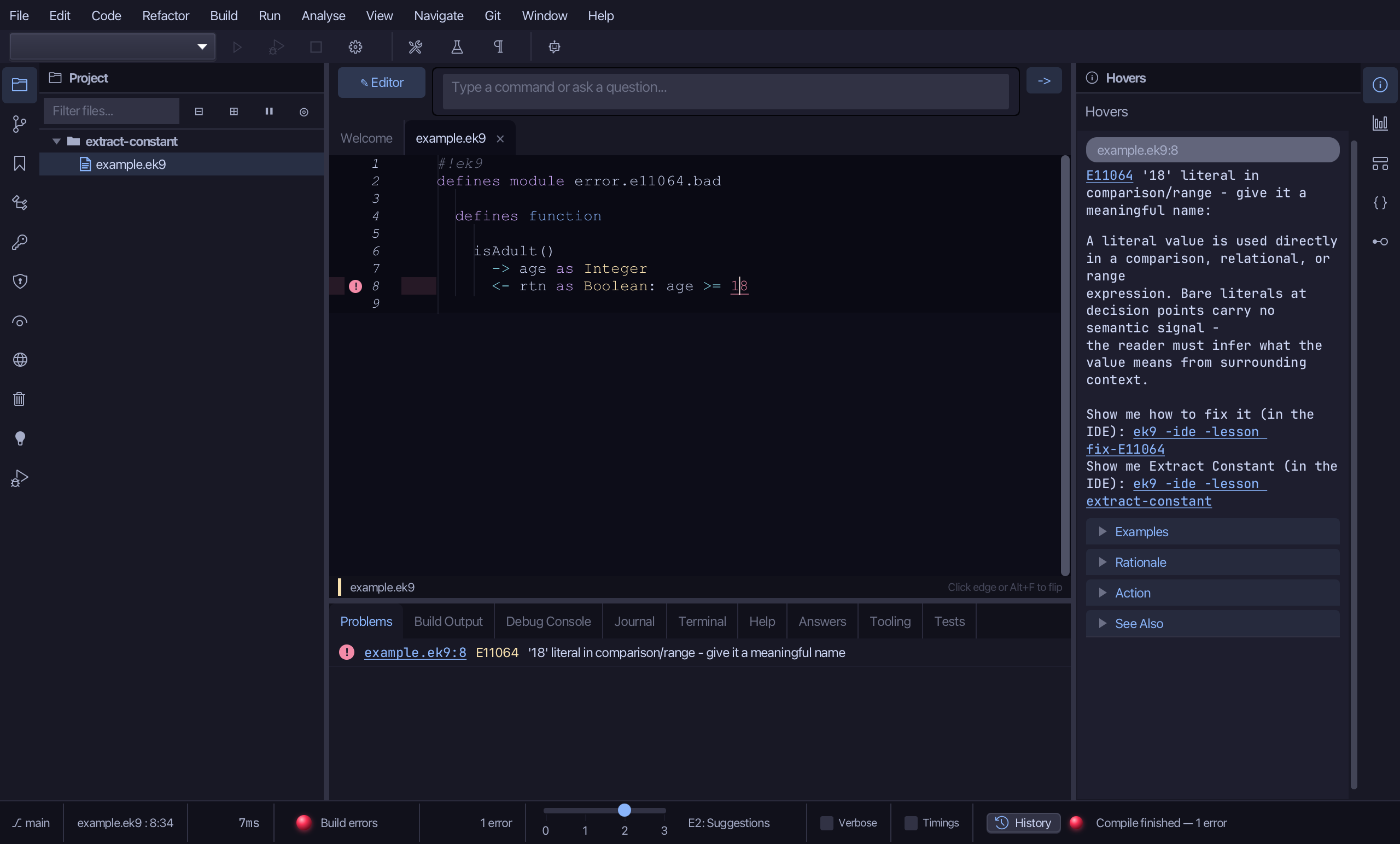
Step 2: Extract Constant
Right-click it - or choose Refactor > Refactor This… - and choose Extract Constant…
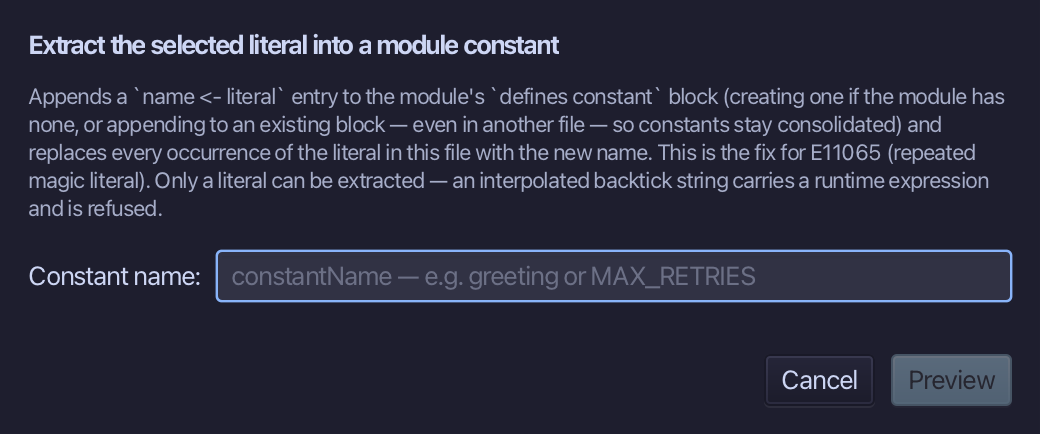
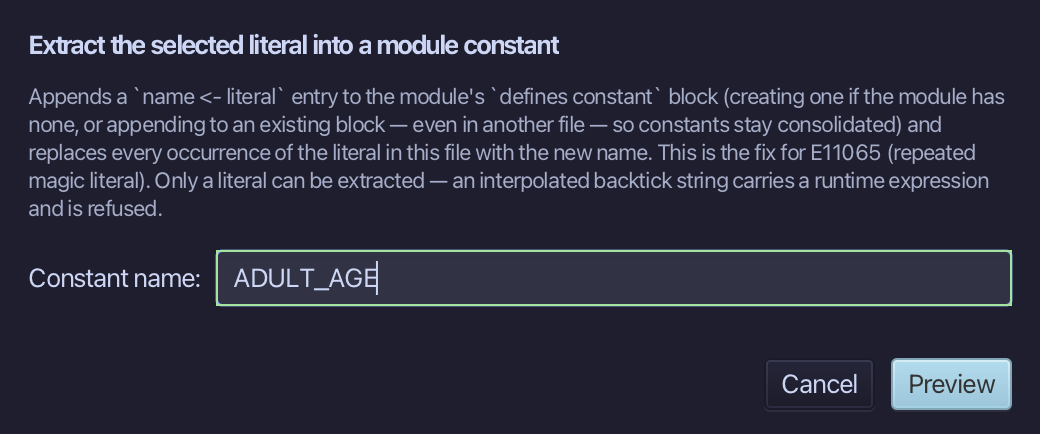
Name it ADULT_AGE - what 18 stands for - and choose Preview.
Step 3: Preview and apply
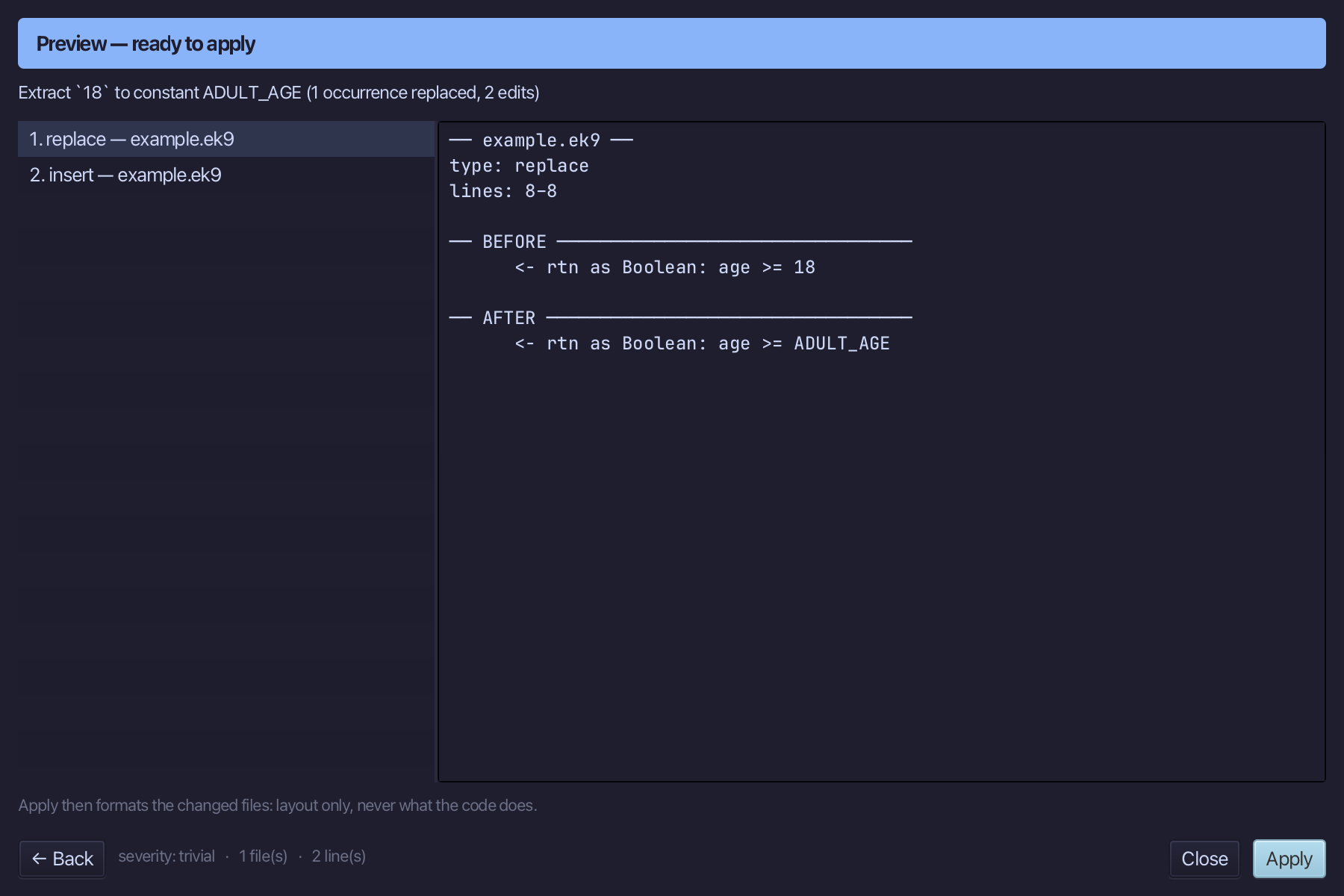
The preview shows every change the refactoring makes; then the IDE formats each file it changed. Choose Apply.
The result
That is Extract Constant: 18 is ADULT_AGE, defined once in a defines constant block, every use in the file replaced - also the fix for E11065, a literal used three times or more. It is on the right-click menu wherever the caret is on a literal; AI assistants use the ek9_extract_constant tool.