Organize References
Organize References deletes the unused entries of one file's references block - usage judged by a scratch compile, so it is never fooled by a name collision. Here workshop.ek9 references both polish and sharpen from toolbox.ek9, but only ever calls sharpen. To play it in the IDE: Help > Lessons > Refactoring…, or ek9 -ide -lesson organize-references.
Start from
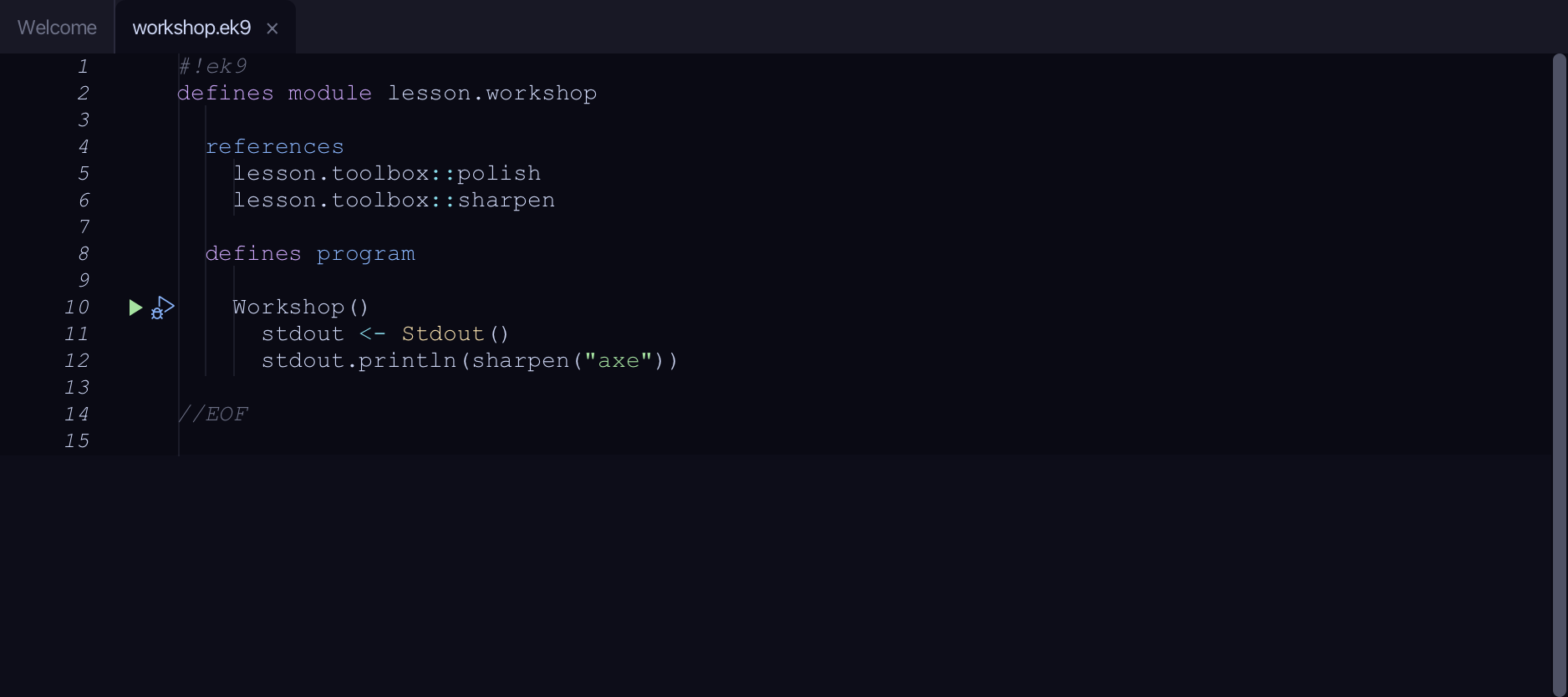
The code the lesson starts from: copy it into a file of your own and follow the steps.
workshop.ek9
#!ek9
defines module lesson.workshop

  references
    lesson.toolbox::polish
    lesson.toolbox::sharpen

  defines program

    Workshop()
      stdout <- Stdout()
      stdout.println(sharpen("axe"))

//EOF
toolbox.ek9
#!ek9
defines module lesson.toolbox

  defines function

    sharpen() as pure
      -> blade as String
      <- rtn as String: `${blade} sharpened`

    polish() as pure
      -> item as String
      <- rtn as String: `${item} polished`

//EOF
Step 1: Where it is
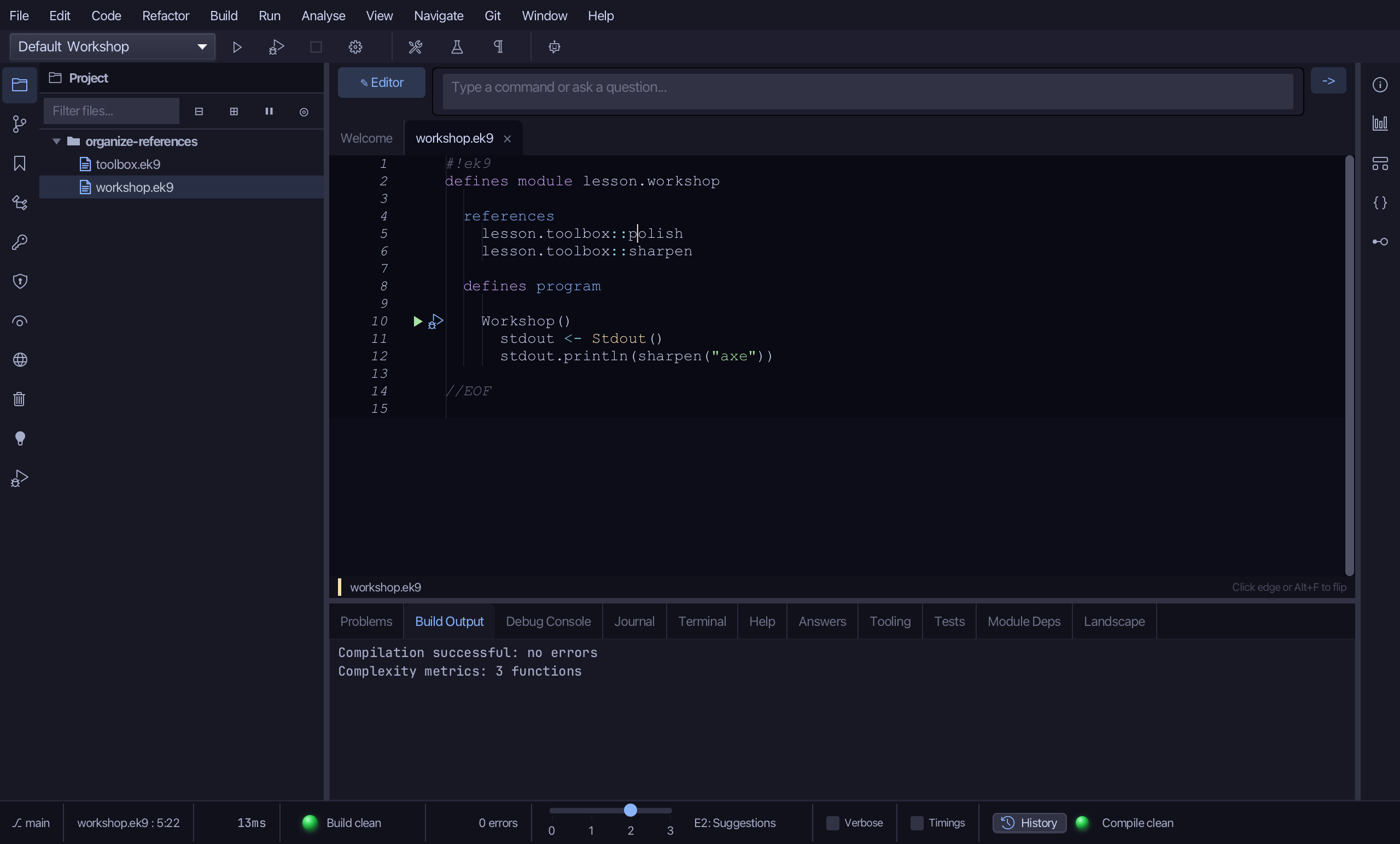
Put the caret on polish, on line 5.
Step 2: Organize References
Right-click it - or choose Refactor > Refactor This… - and choose Organize References.
Step 3: Preview and apply
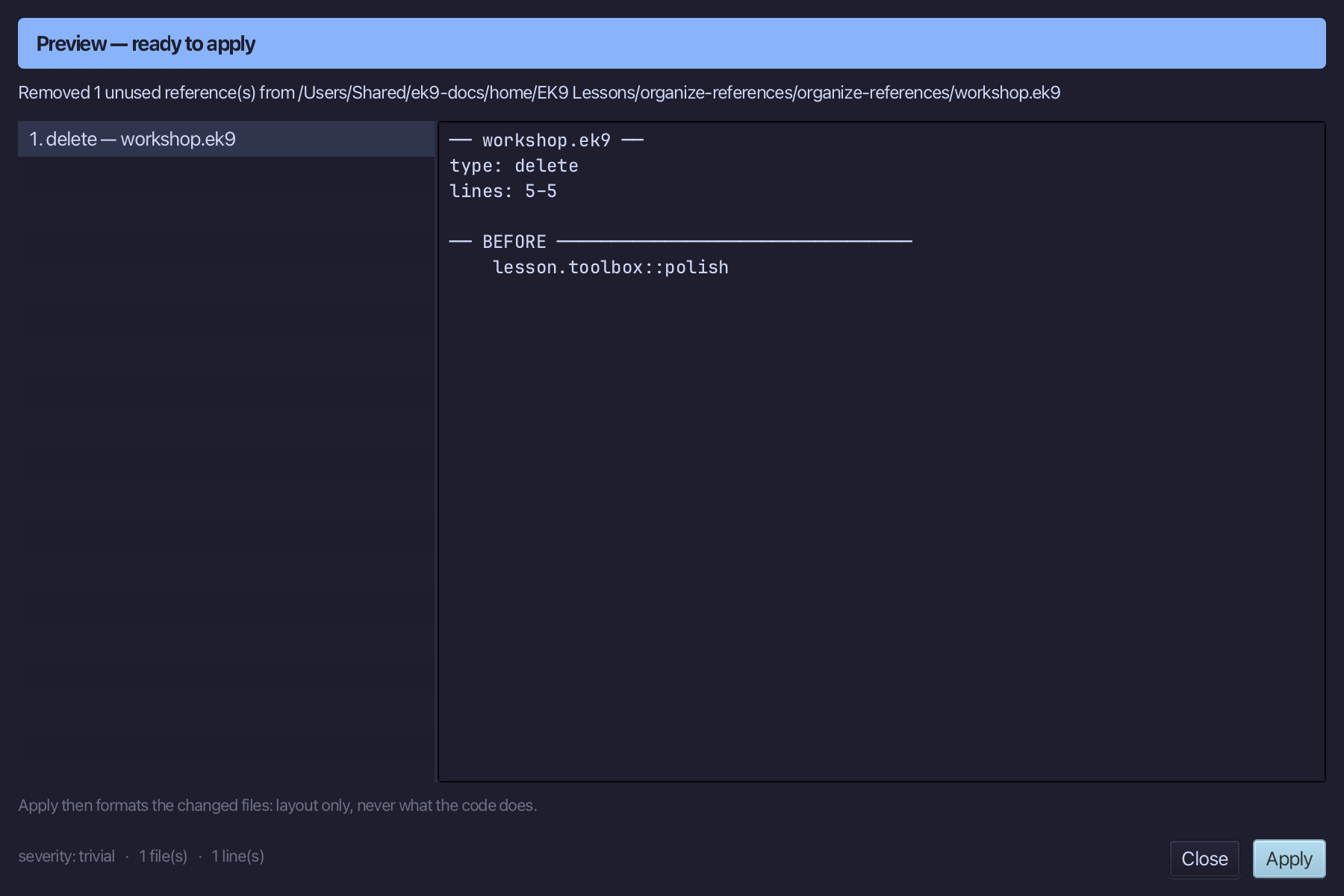
The preview shows every change the refactoring makes; then the IDE formats each file it changed. Choose Apply.
The result
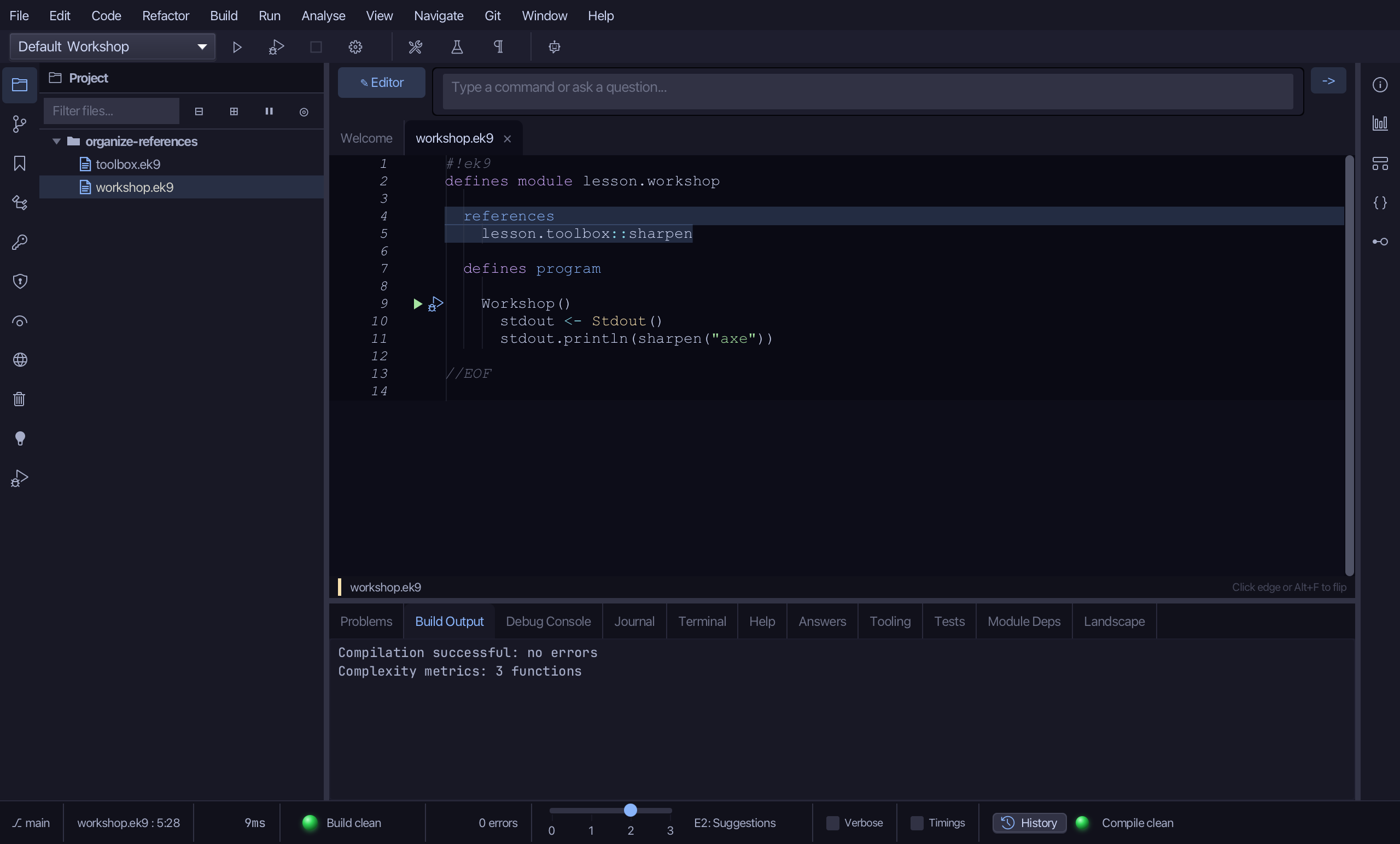
That is Organize References: polish is gone from the references block, and sharpen - the one it actually calls - is untouched. Which functions a file references makes no difference to how fast it runs; it is about the block reading true. It is on the Code menu and the right-click menu whenever the file's references block holds at least one real entry; AI assistants use the ek9_organize_references tool.
Where this lesson comes from
- For AI assistants - the MCP tool
ek9_organize_references.