Make Closed
Change Modifier > Make Closed removes 'as open' from a class, record, component or function, returning it to EK9's closed-by-default. Here Shape says 'as open' but nothing extends it - an openness nobody uses. To play it in the IDE: Help > Lessons > Refactoring…, or ek9 -ide -lesson make-closed.
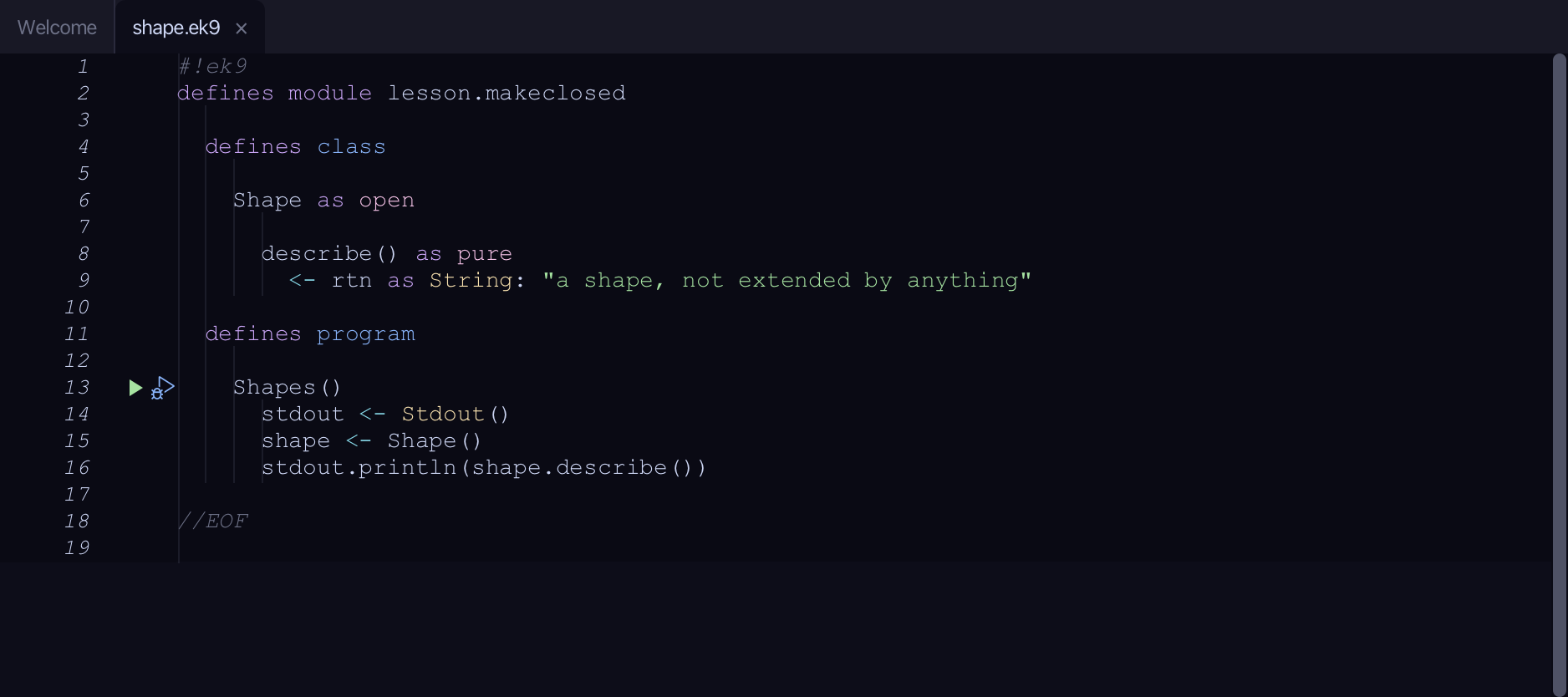
Start from
The code the lesson starts from: copy it into a file of your own and follow the steps.
#!ek9
defines module lesson.makeclosed

  defines class

    Shape as open

      describe() as pure
        <- rtn as String: "a shape, not extended by anything"

  defines program

    Shapes()
      stdout <- Stdout()
      shape <- Shape()
      stdout.println(shape.describe())

//EOF
Step 1: Where it is
Put the caret on Shape, on line 6.
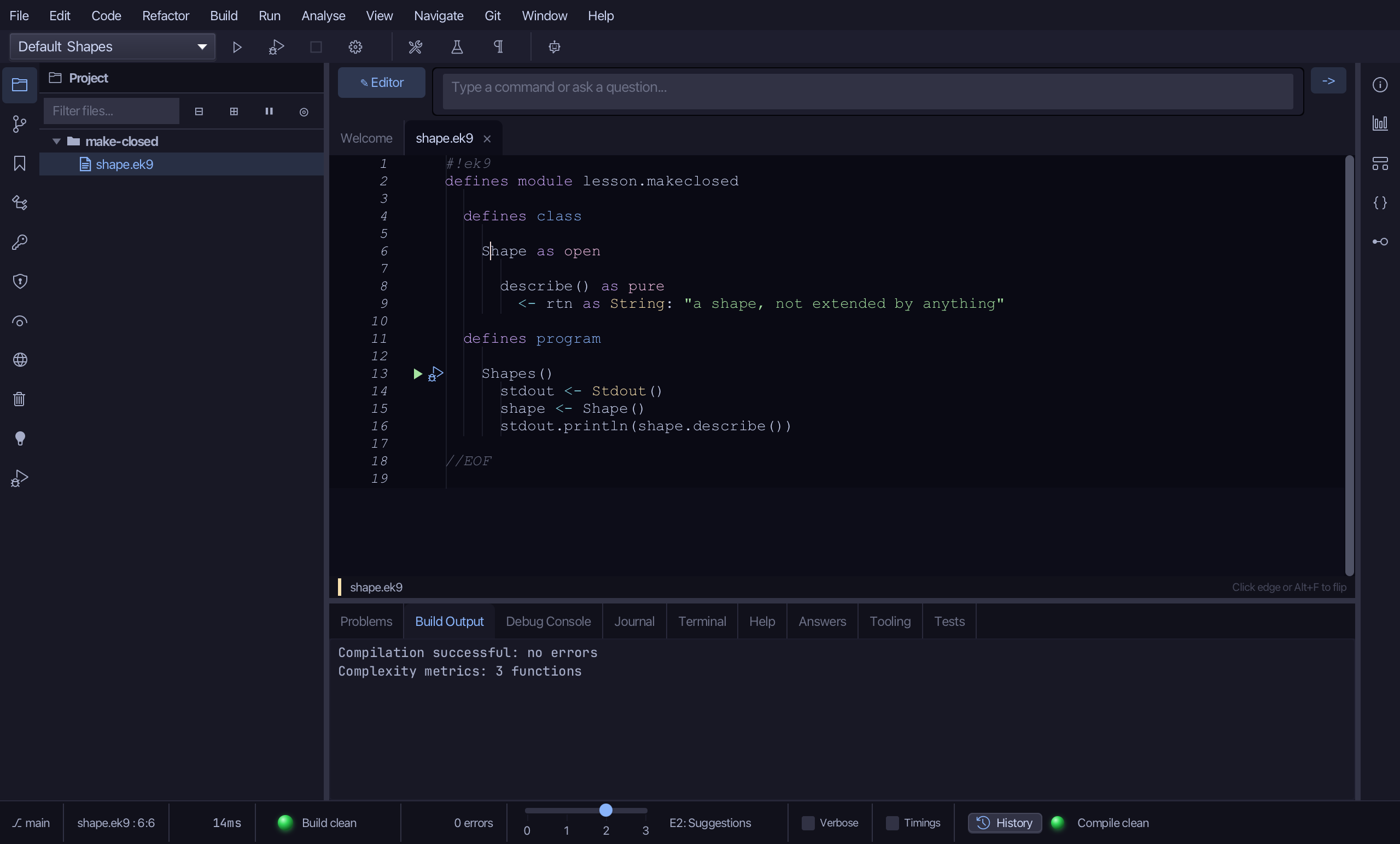
Step 2: Make Closed
Right-click it - or choose Refactor > Refactor This… - and choose Change Modifier > Make Closed.
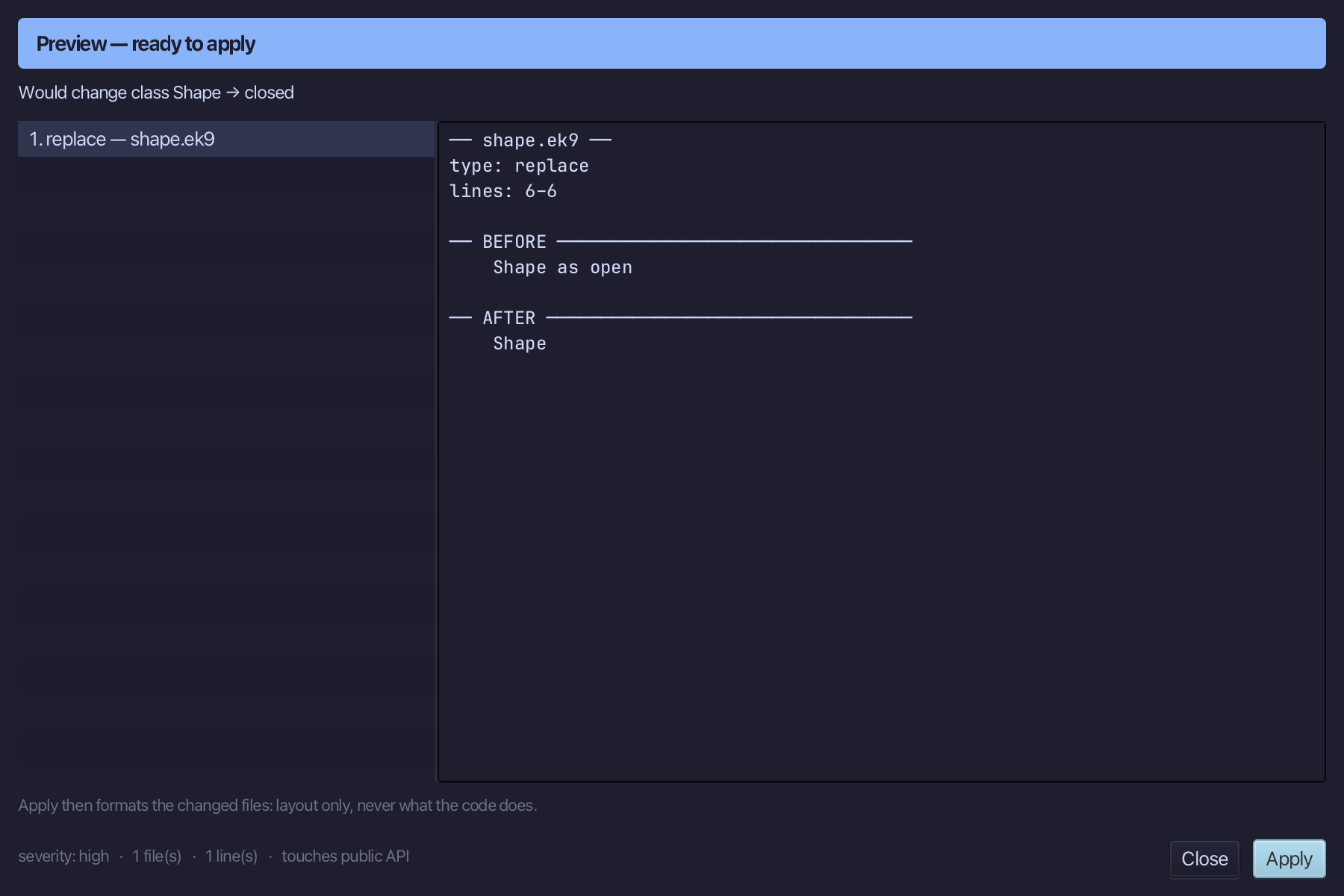
Step 3: Preview and apply
The preview shows every change the refactoring makes; then the IDE formats each file it changed. Choose Apply.
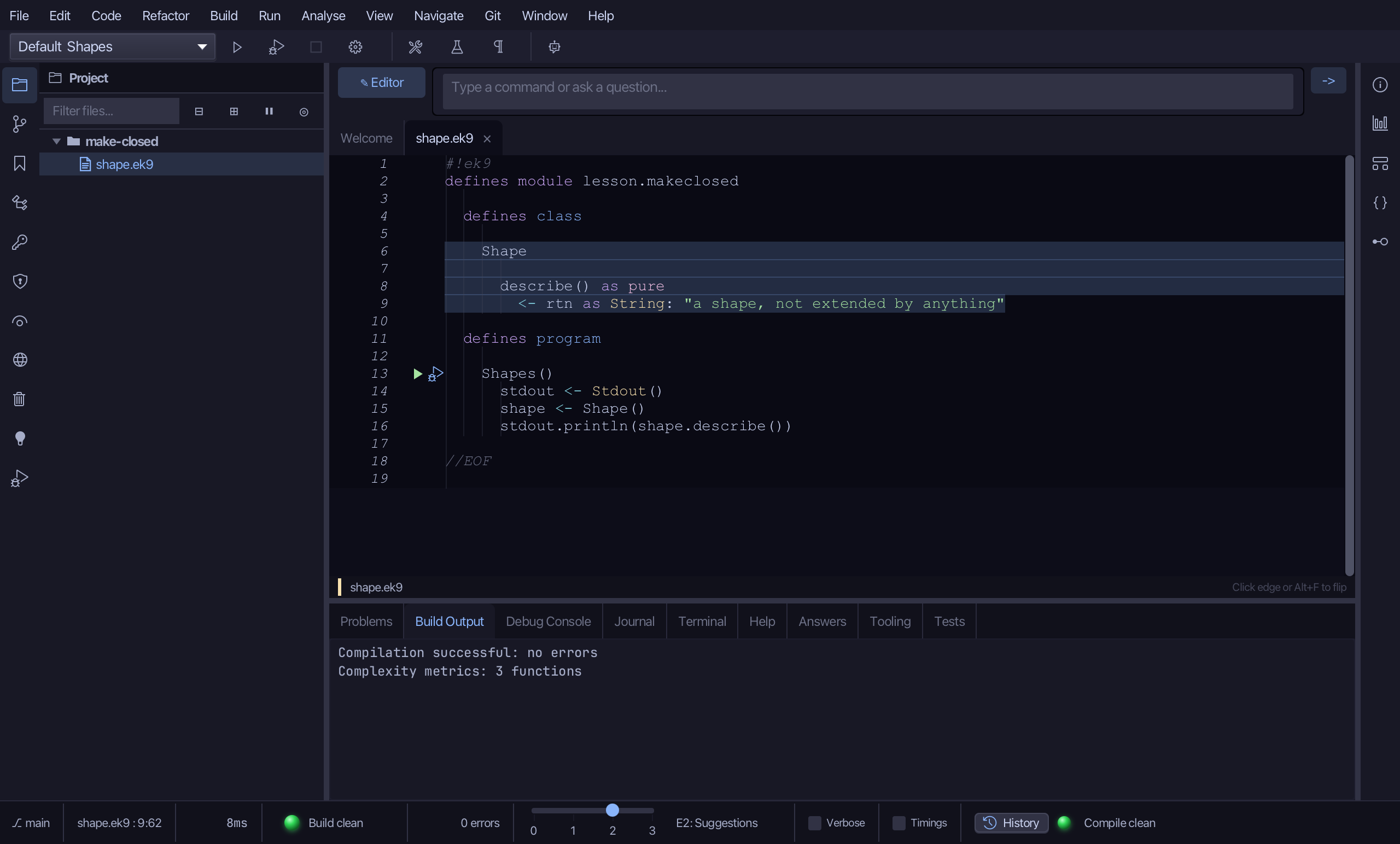
The result
That is Make Closed: Shape no longer says 'as open', so it is closed again - exactly where every EK9 type starts. Had anything already extended it, the preview would have listed each subtype instead of offering Apply. Make Open reverses it; Make Abstract and Make Concrete sit beside it in the same submenu. AI assistants use the ek9_make_closed tool.
Where this lesson comes from
- Answers -
ek9 -qand the IDE's Answers tab: 574, 784. - For AI assistants - the MCP tool
ek9_make_closed.