Chapter 7: a constant that is copied, built
Chapter 7's ConstantCopy shows what a constant promises: handed to a function that changes its parameter, an ordinary variable really changes, but a constant stays as it was - what the function changes is a copy. The IDE writes the constant, the function's signature and the program's shell; you type the body of each. To play it in the IDE: Help > Lessons > Getting Started with EK9…, or ek9 -ide -lesson book-constant-copy.
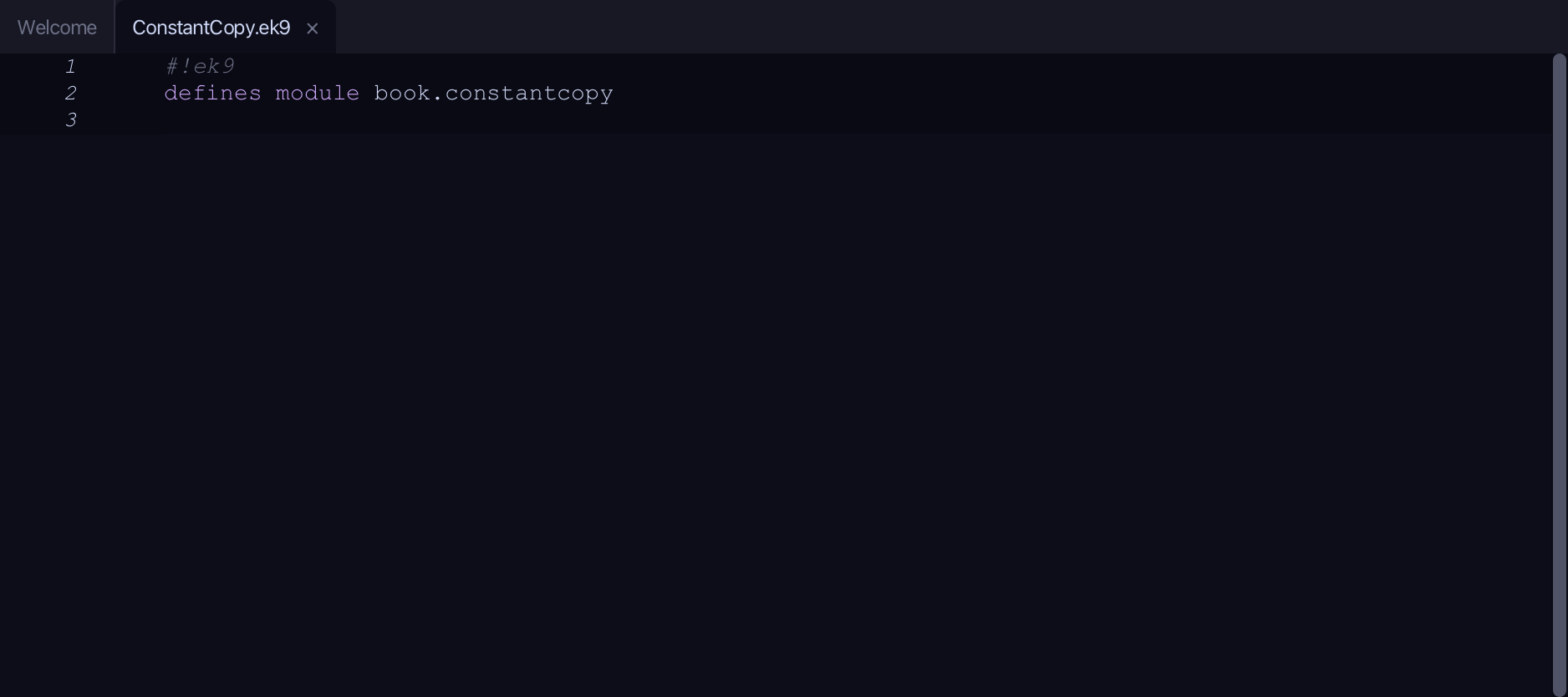
What you'll build
The lesson builds this program from a file holding only its module line - the finished file, as the book prints it.
#!ek9
defines module book.constantcopy

  defines constant
    startingLives <- 3

  defines function

    useOne()
      -> lives as Integer
      lives -= 1

  defines program
    Show()
      stdout <- Stdout()

      myLives <- 3
      useOne(myLives)
      stdout.println(`my variable is now:  ${myLives}`)

      useOne(startingLives)
      stdout.println(`the constant is still: ${startingLives}`)
Step 1: A constant
Choose Code > New Construct > Constant…
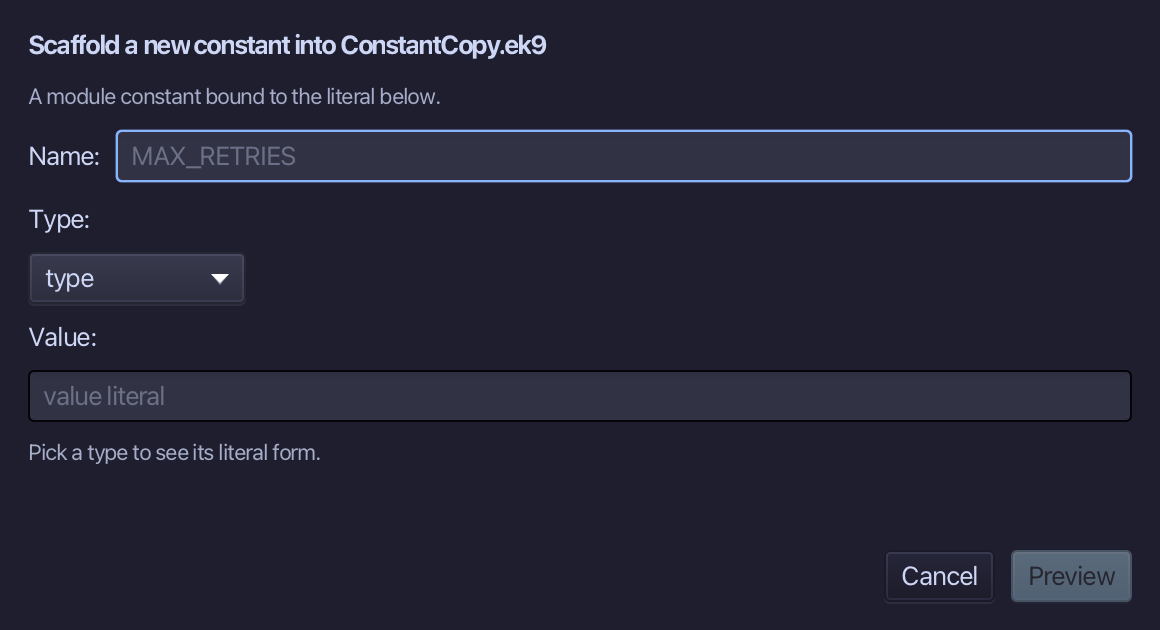
startingLives is the constant's name and 3 its value - a literal in the Value field, from which the type is inferred. Type both and choose Preview.
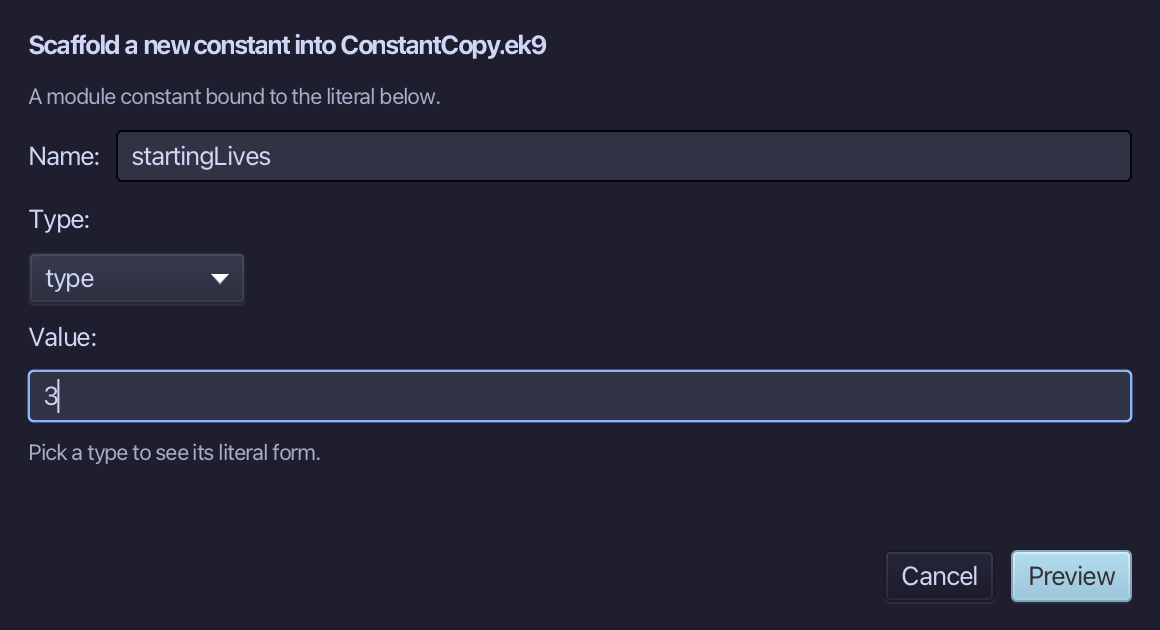
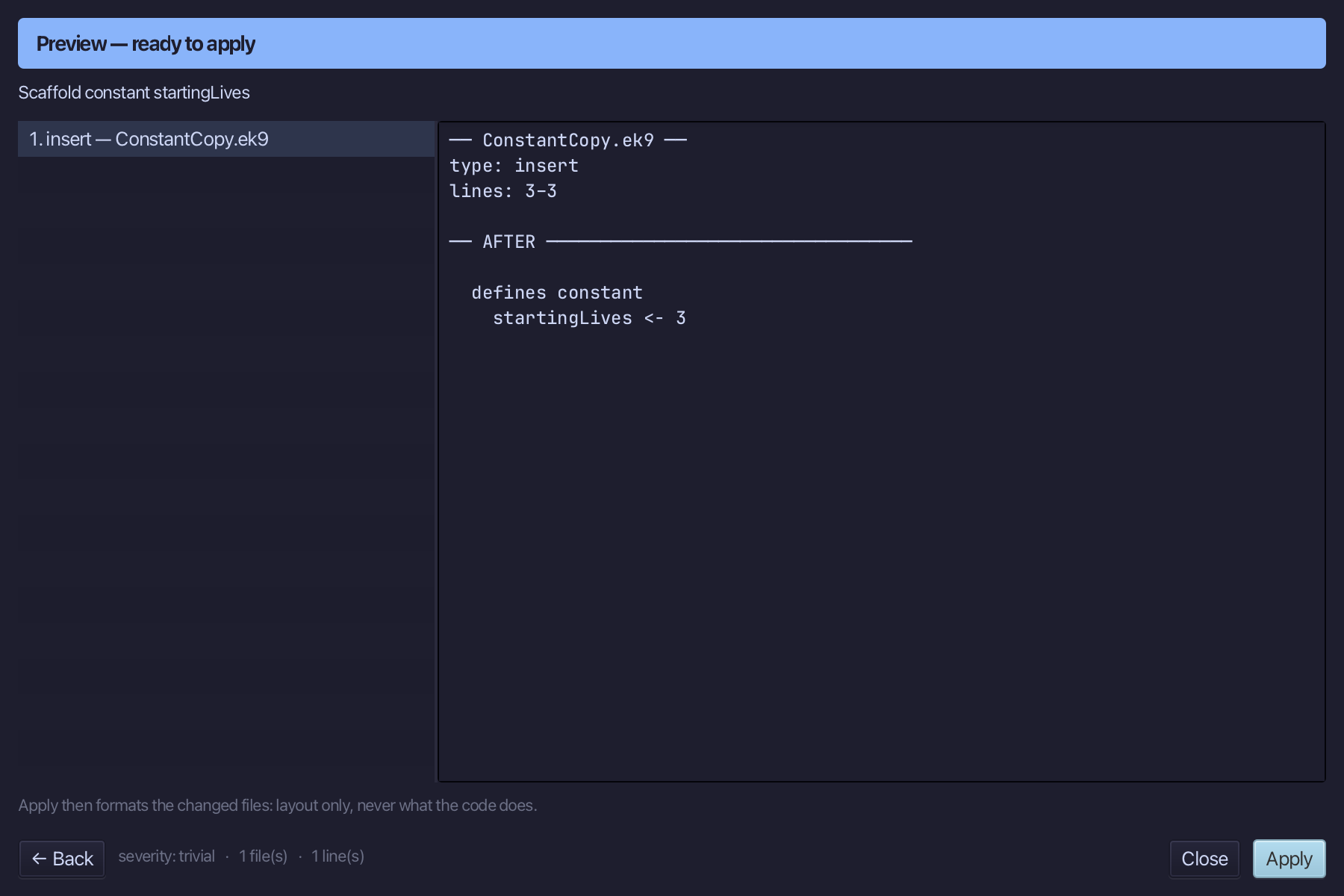
The preview shows startingLives about to be written. Choose Apply.
Step 2: useOne — a function
Choose Code > New Construct > Function…
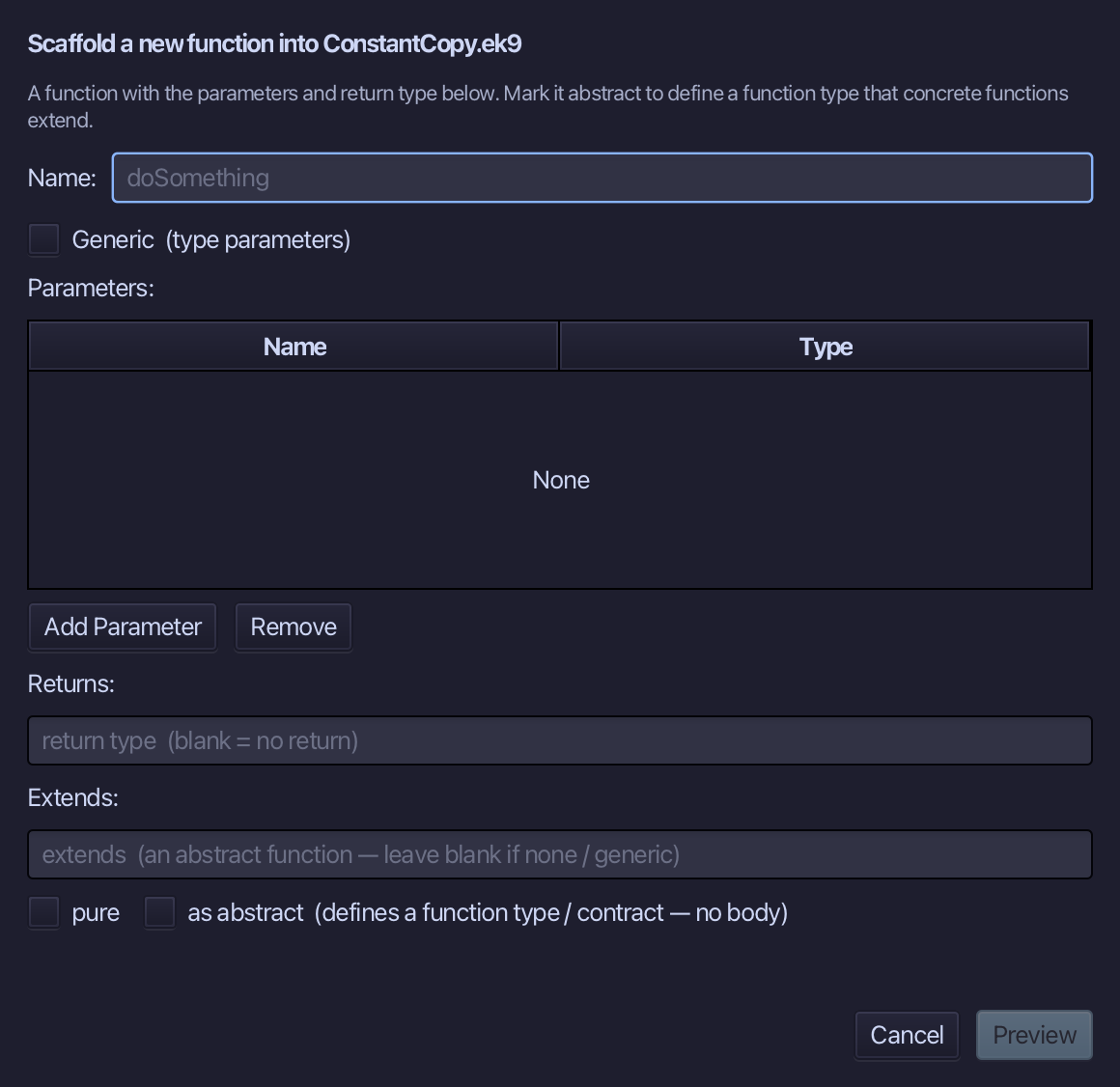
useOne is the function's name. Add lives of type Integer as its parameter. Choose Preview.
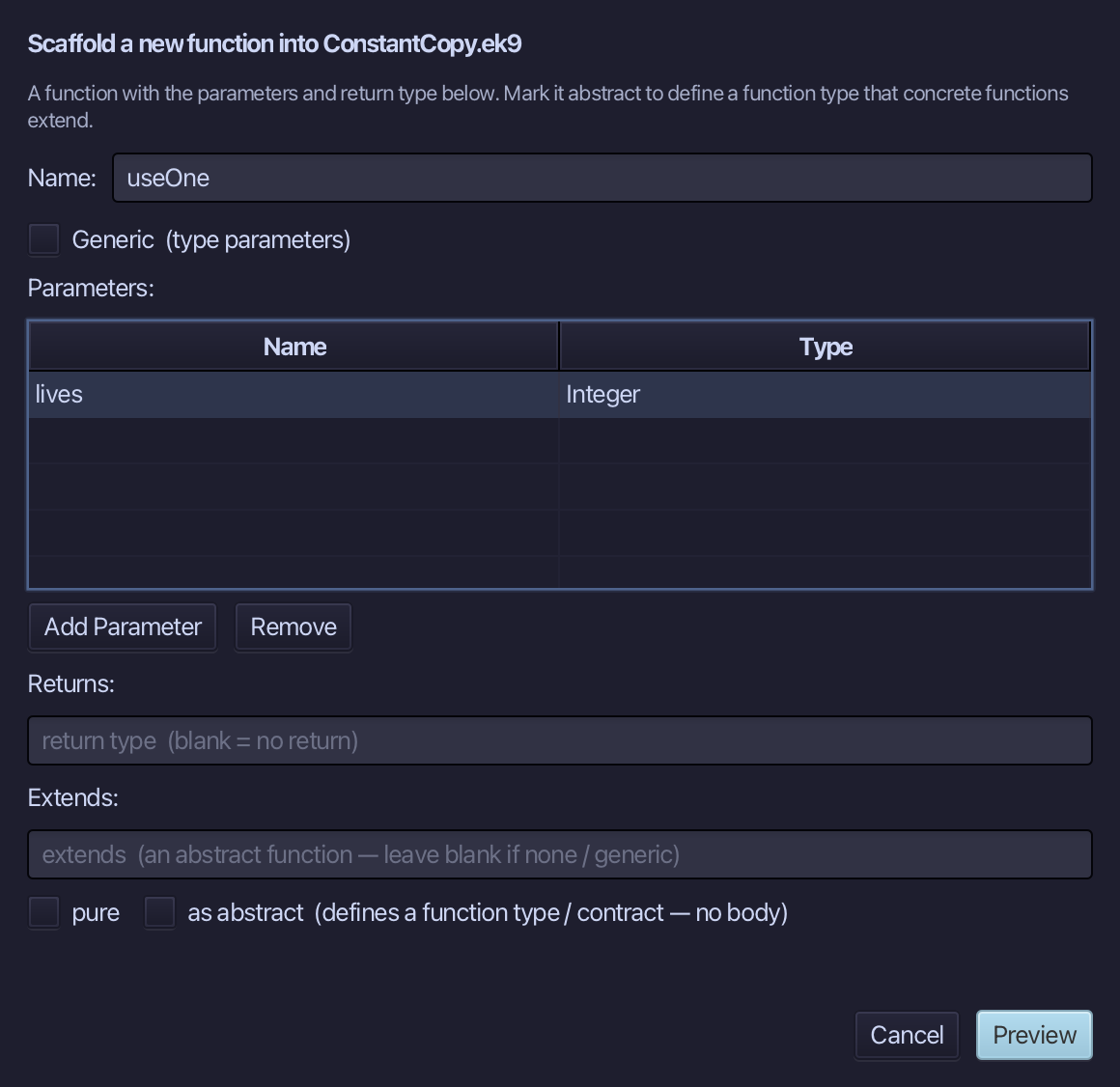
The preview shows useOne about to be written. Choose Apply.
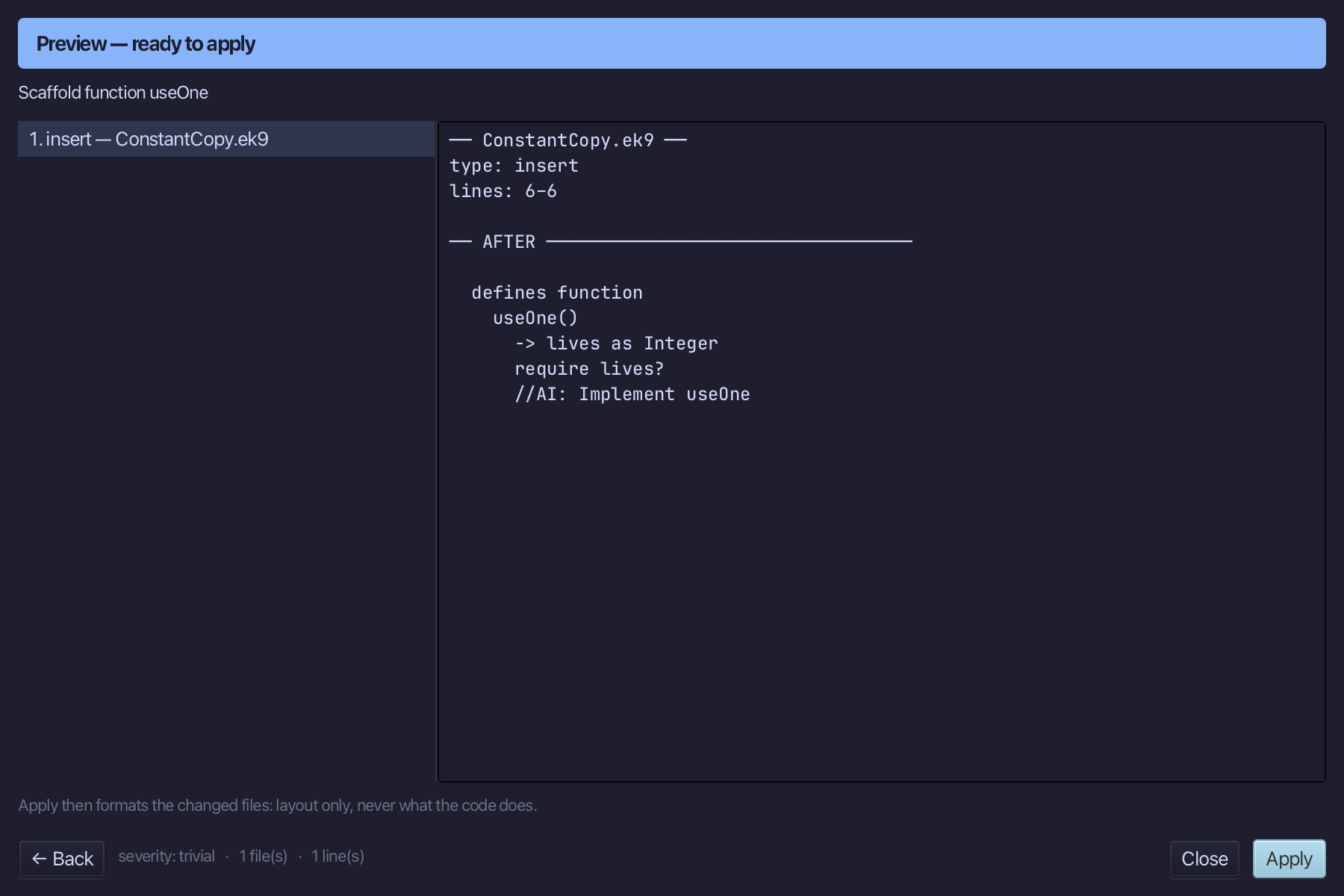
Select the useOne() line and, above it, type the blank line the book opens its first function with. Saves when typed.
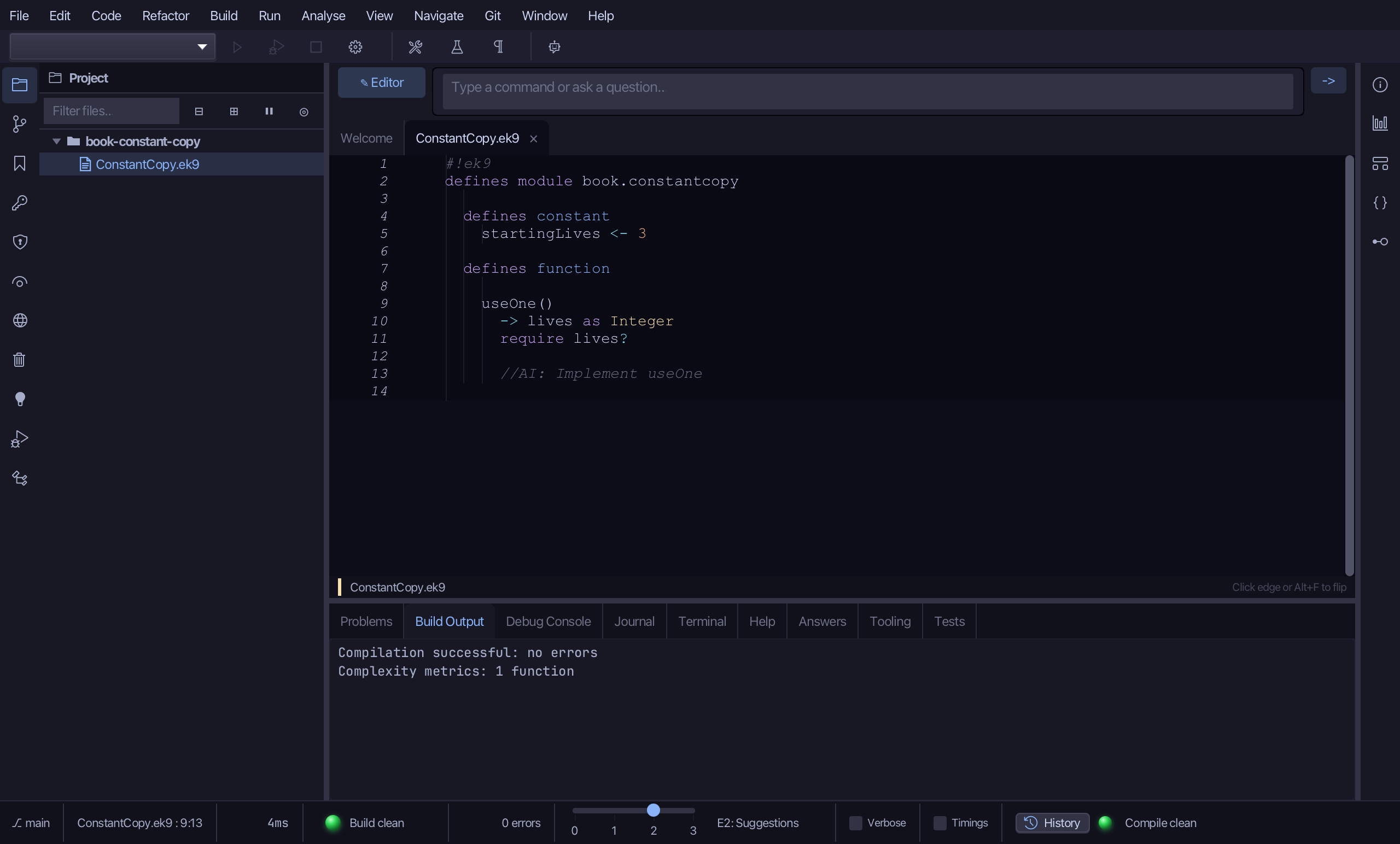
Select the stub, from require lives? down to its //AI line, and type useOne's own return and work, as the book writes them. Saves when typed.
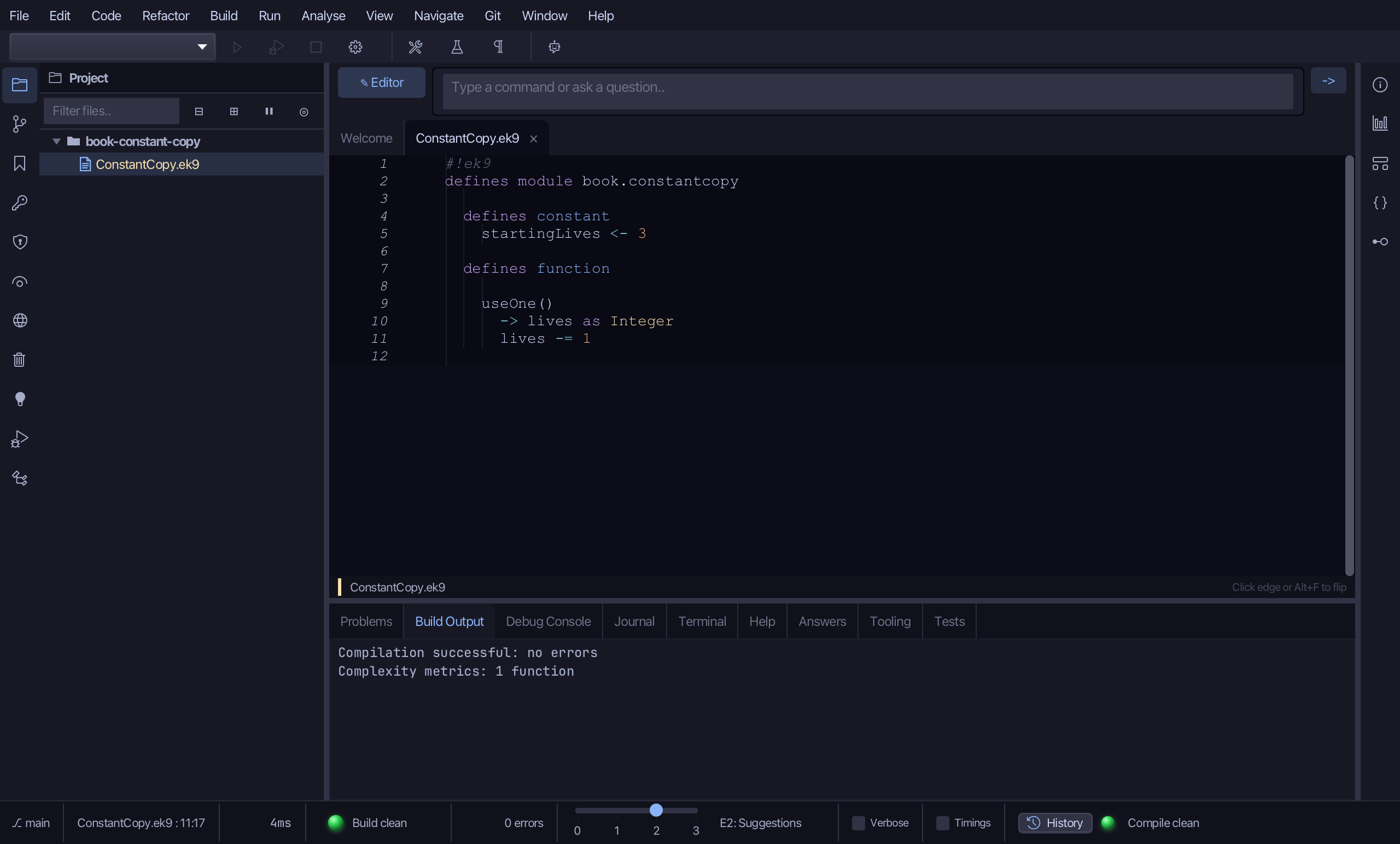
Step 3: The program
Choose Code > New Construct > Program…
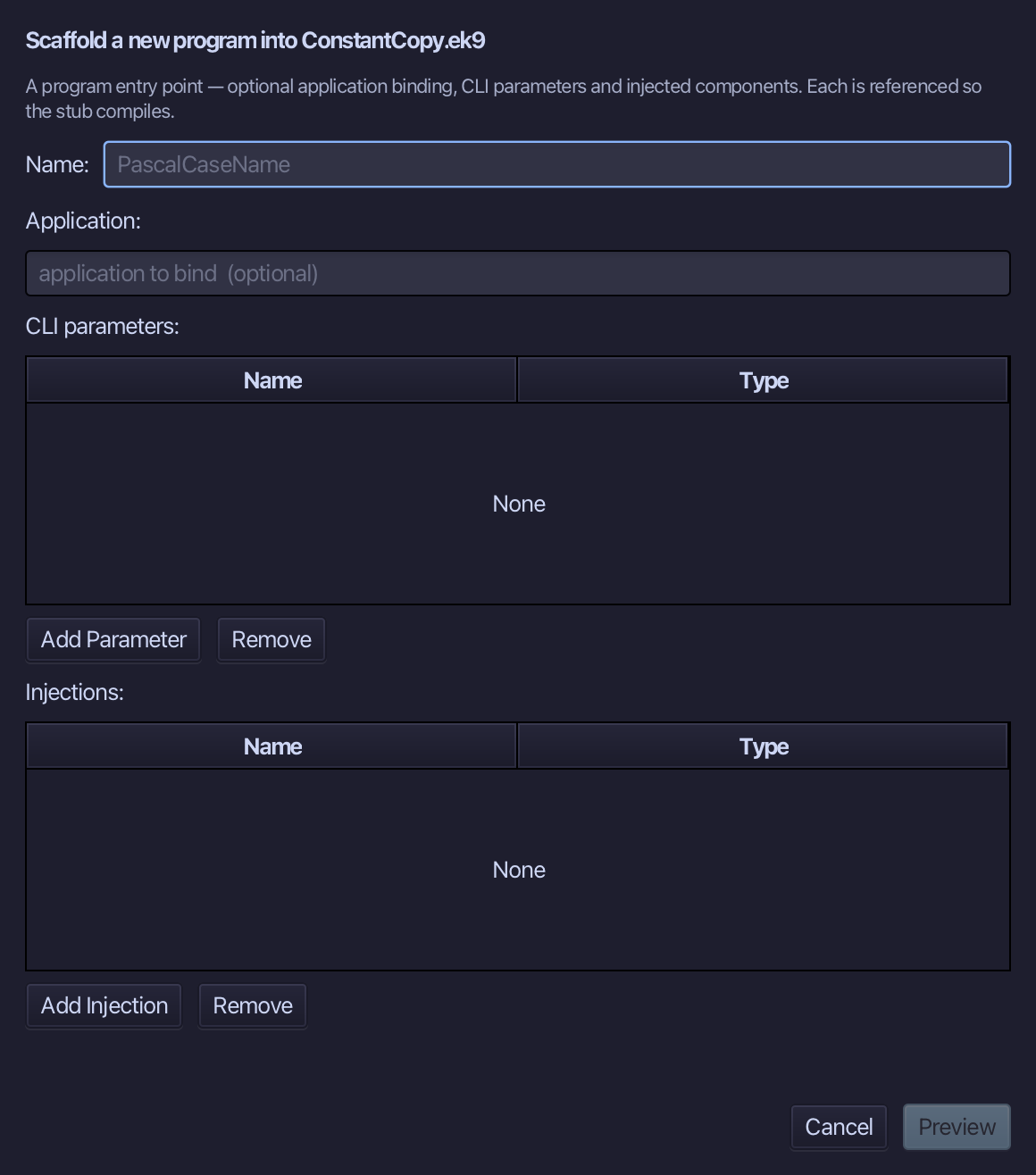
Show is the program's name. Choose Preview.
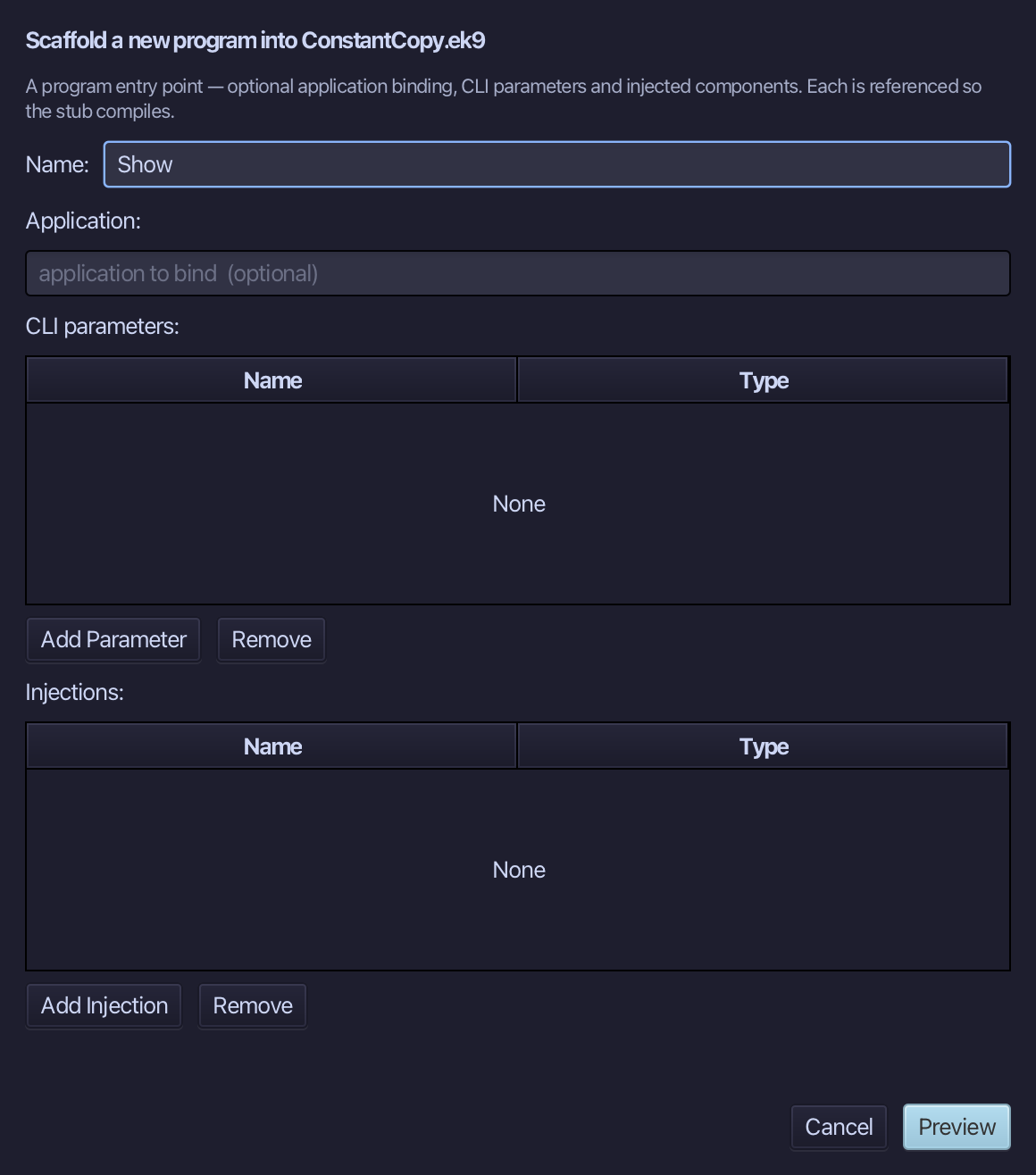
The preview shows Show about to be written. Choose Apply.
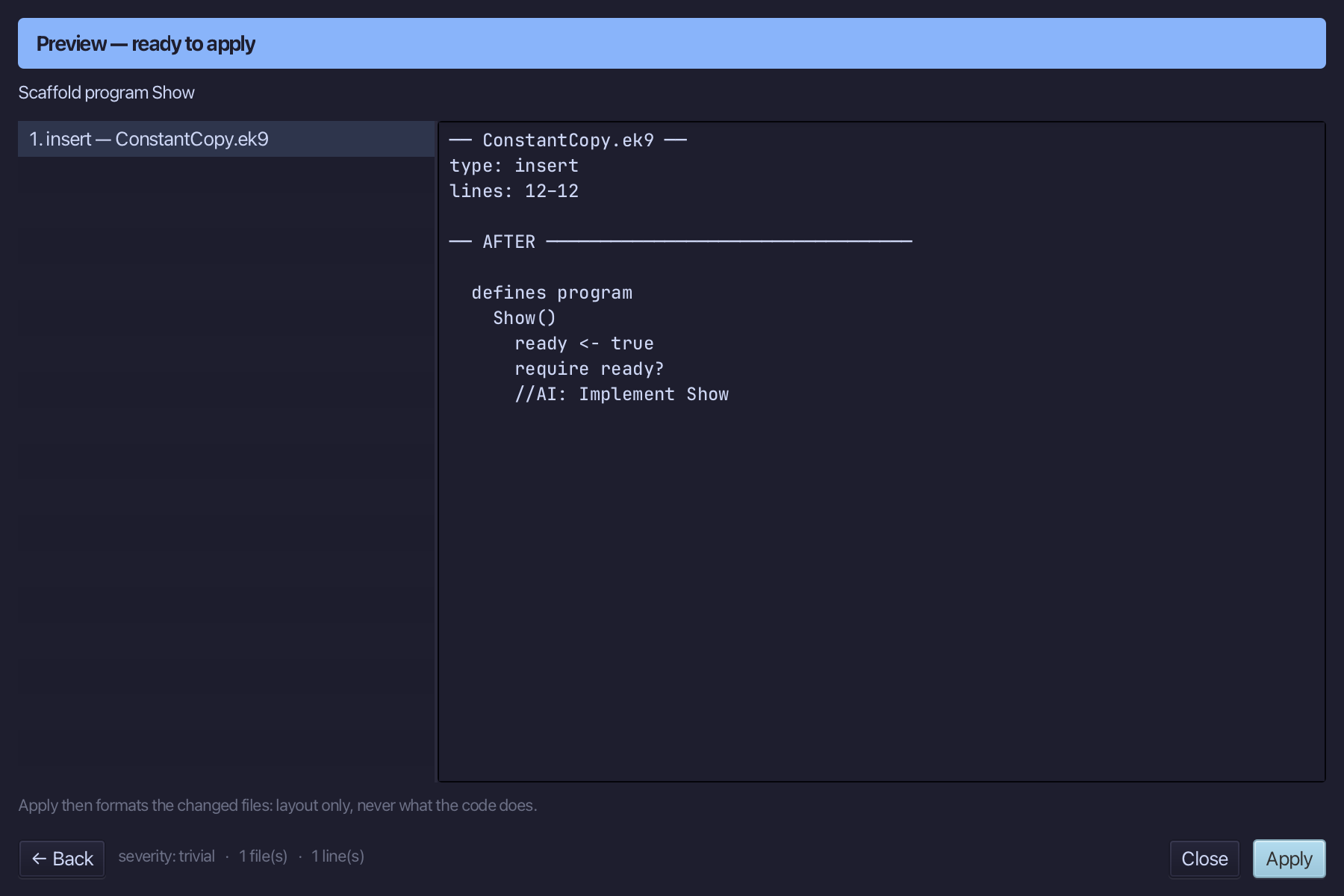
Select the stub, from ready <- true down to its //AI line, and type Show's body exactly as the chapter shows it. Saves when typed.
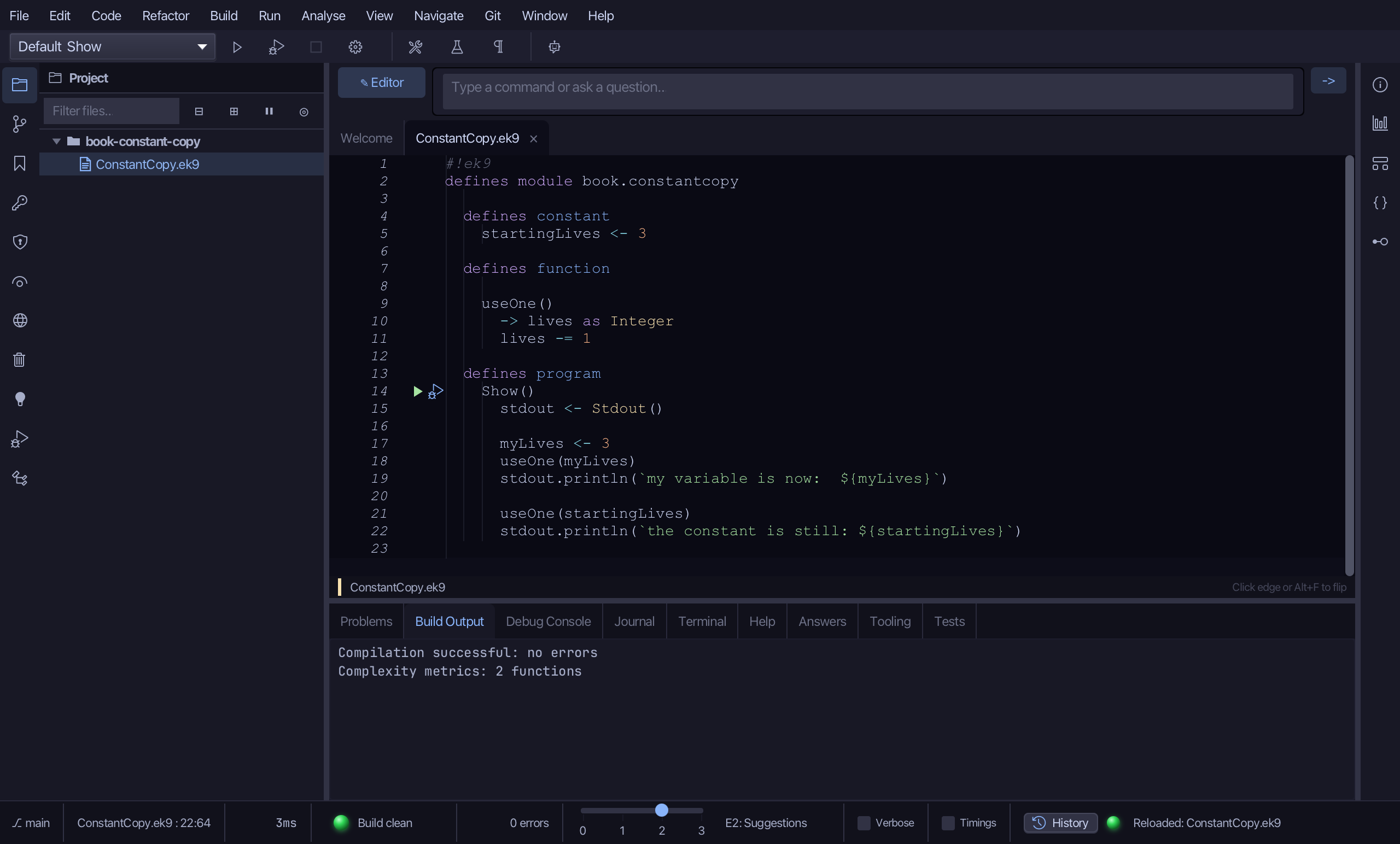
Step 4: Run it
Choose Run > Run Program…
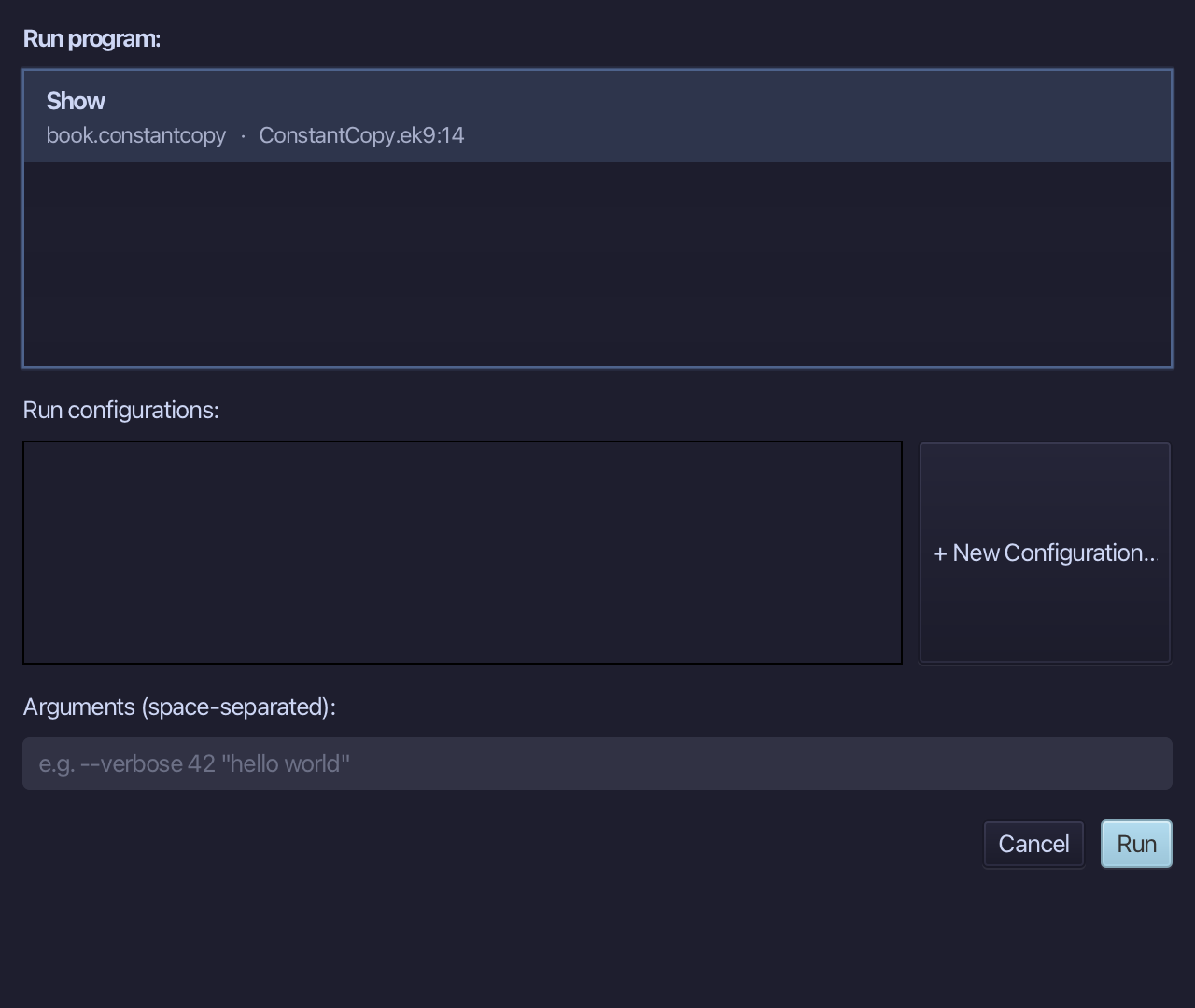
The project's only program is already chosen. Choose Run.
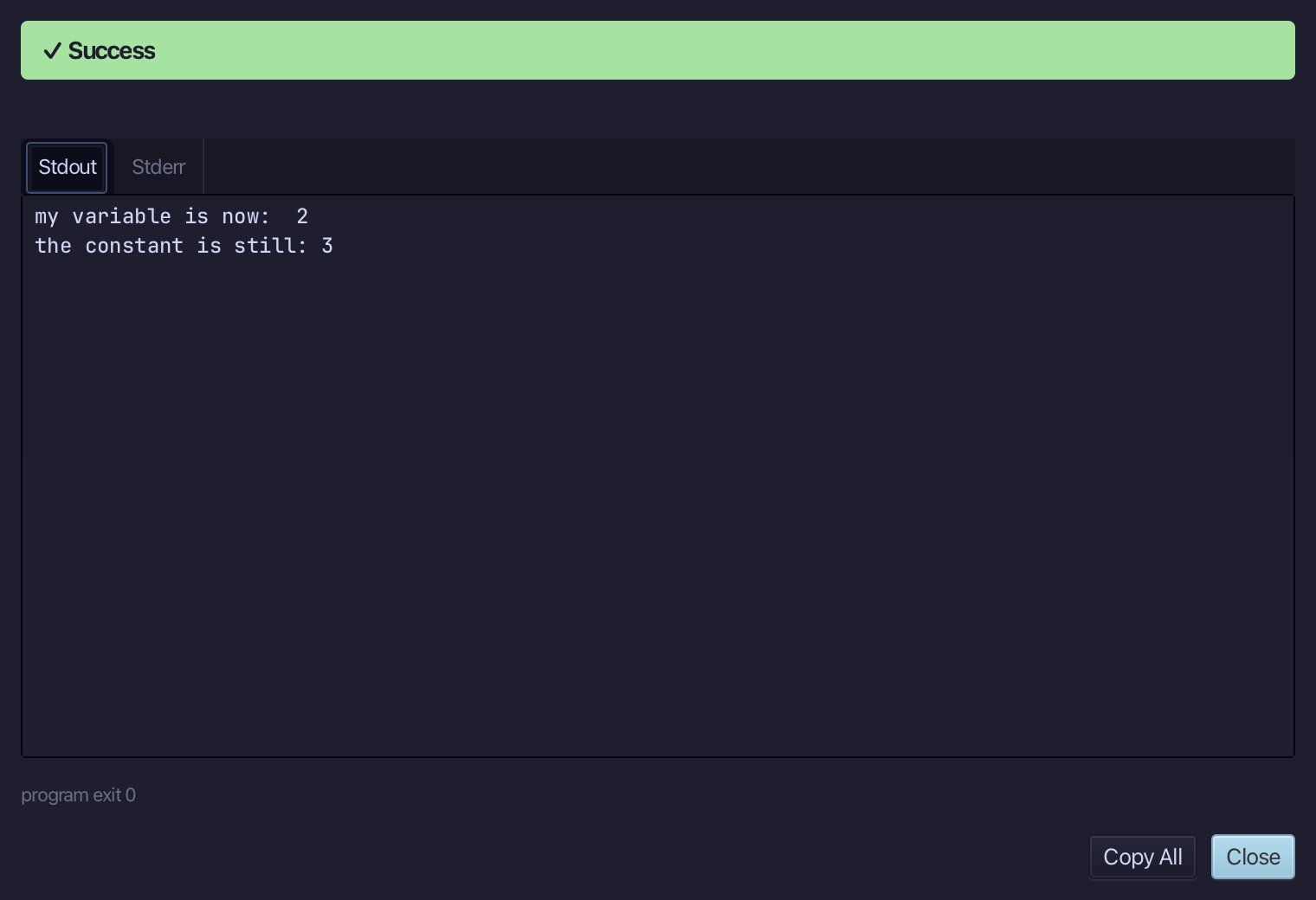
my variable is now: 2, and the constant is still: 3 - the constant was copied, so useOne changed the copy. Choose Close.
The result
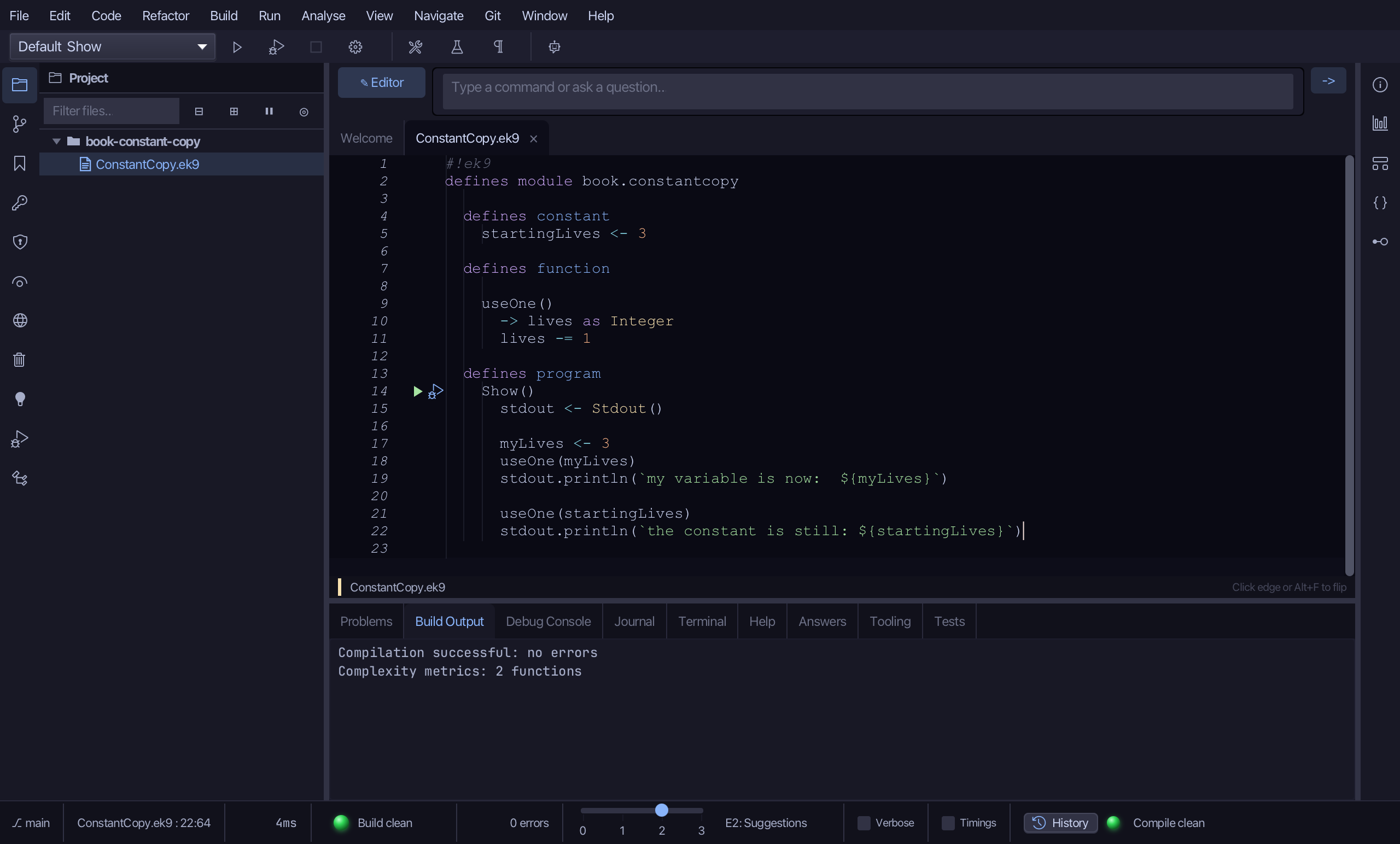
ConstantCopy.ek9 now reads exactly as chapter 7 of Getting Started with EK9 shows it: useOne takes a life off the variable it is handed, and off nothing at all when handed the constant.
Where this lesson comes from
- For AI assistants - the MCP tool
ek9_new_construct,ek9_add_program.
In the EK9 reference: Constants in EK9