Chapter 20: a generic type, read
Chapter 20 names something you have been using since Collections without the word: List of String, Dict of (String, Integer), Optional and Result are all GENERIC - one definition with a gap, filled in when you use it. Show builds a List of String and a List of Integer side by side, then a Dict literal, to show the SAME List used two ways. The IDE's own tools make the program's whole structure, so what is left to type is the body itself - then Analyse ▸ Type Hierarchy reads List of String's own place in the type system, and Analyse ▸ Effective API reads List of Integer's methods and operators, before the program runs. To play it in the IDE: Help > Lessons > Writing code…, or ek9 -ide -lesson book-generics.
What you'll build
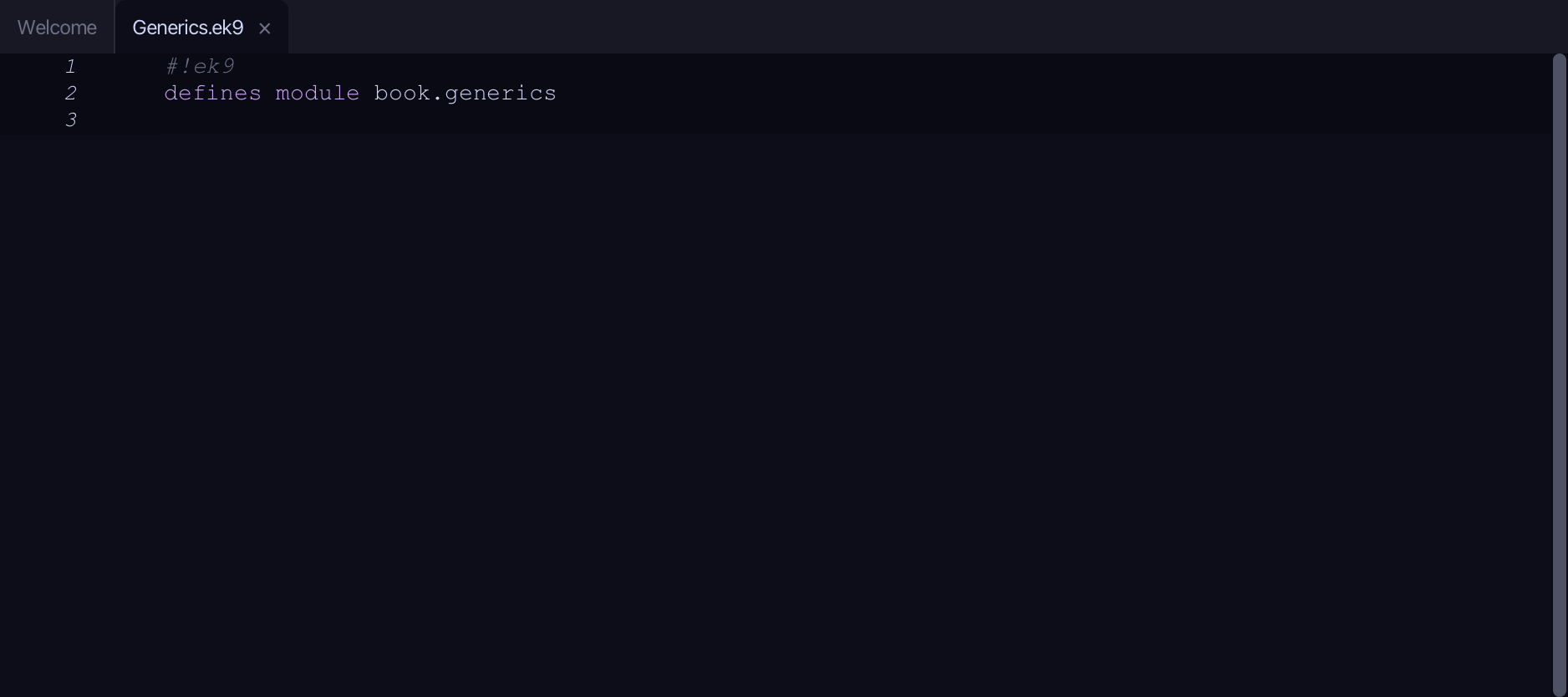
The lesson builds this program from a file holding only its module line - the finished file, as the book prints it.
#!ek9
defines module book.generics

  defines program
    Show()
      stdout <- Stdout()

      names <- List() of String
      names += "Ada"
      names += "Alan"

      primes <- List() of Integer
      primes += 2
      primes += 3

      stdout.println(`names  (List of String):  ${names}`)
      stdout.println(`primes (List of Integer): ${primes}`)

      scores <- {"Ada": 90, "Alan": 85}
      stdout.println(`Ada scored ${scores.getOrDefault("Ada", Integer())}`)
Step 1: The program
Choose Code > New Construct > Program…
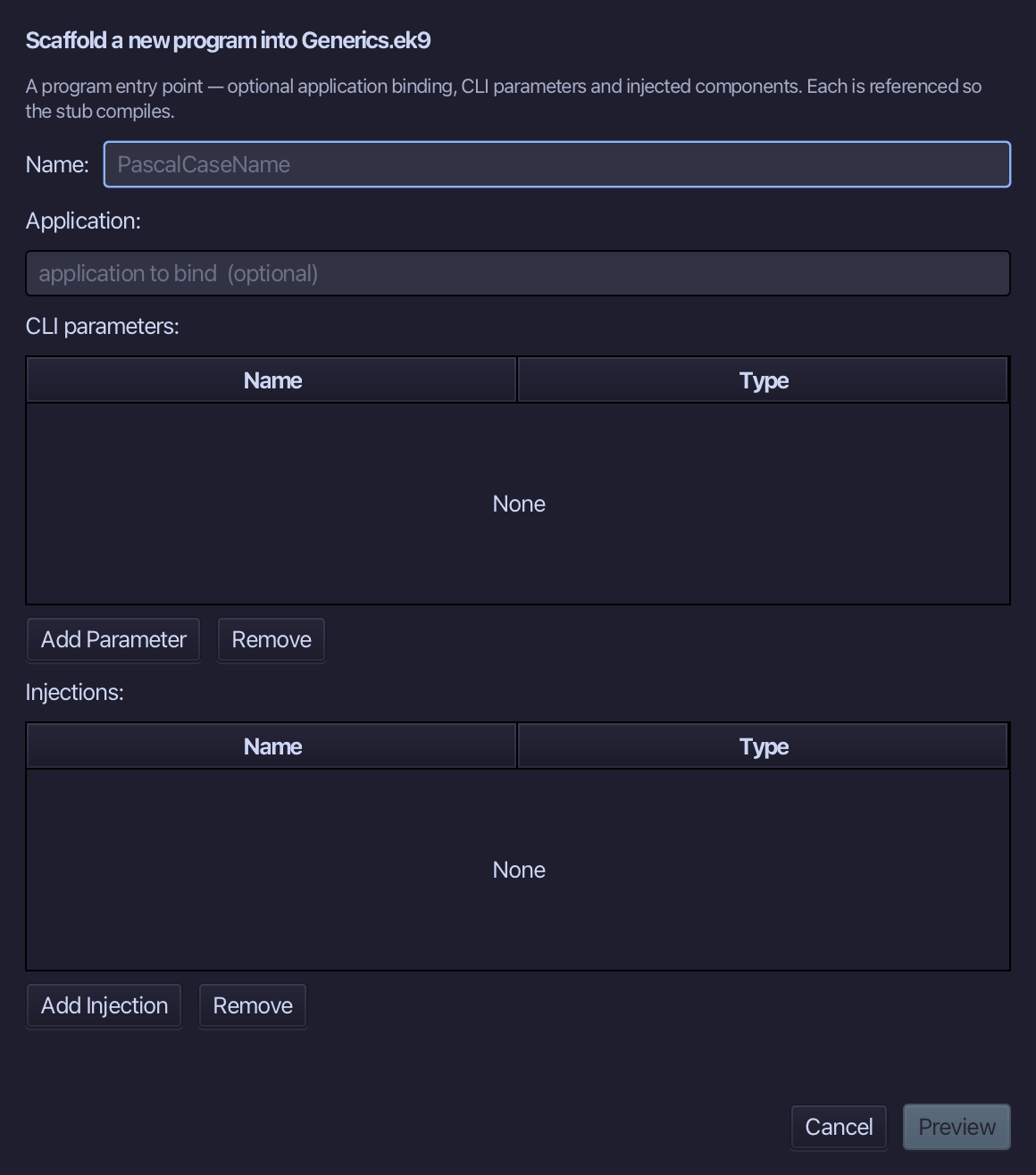
Show is the program's name - no application to bind, no parameters, nothing injected. Type Show and choose Preview.
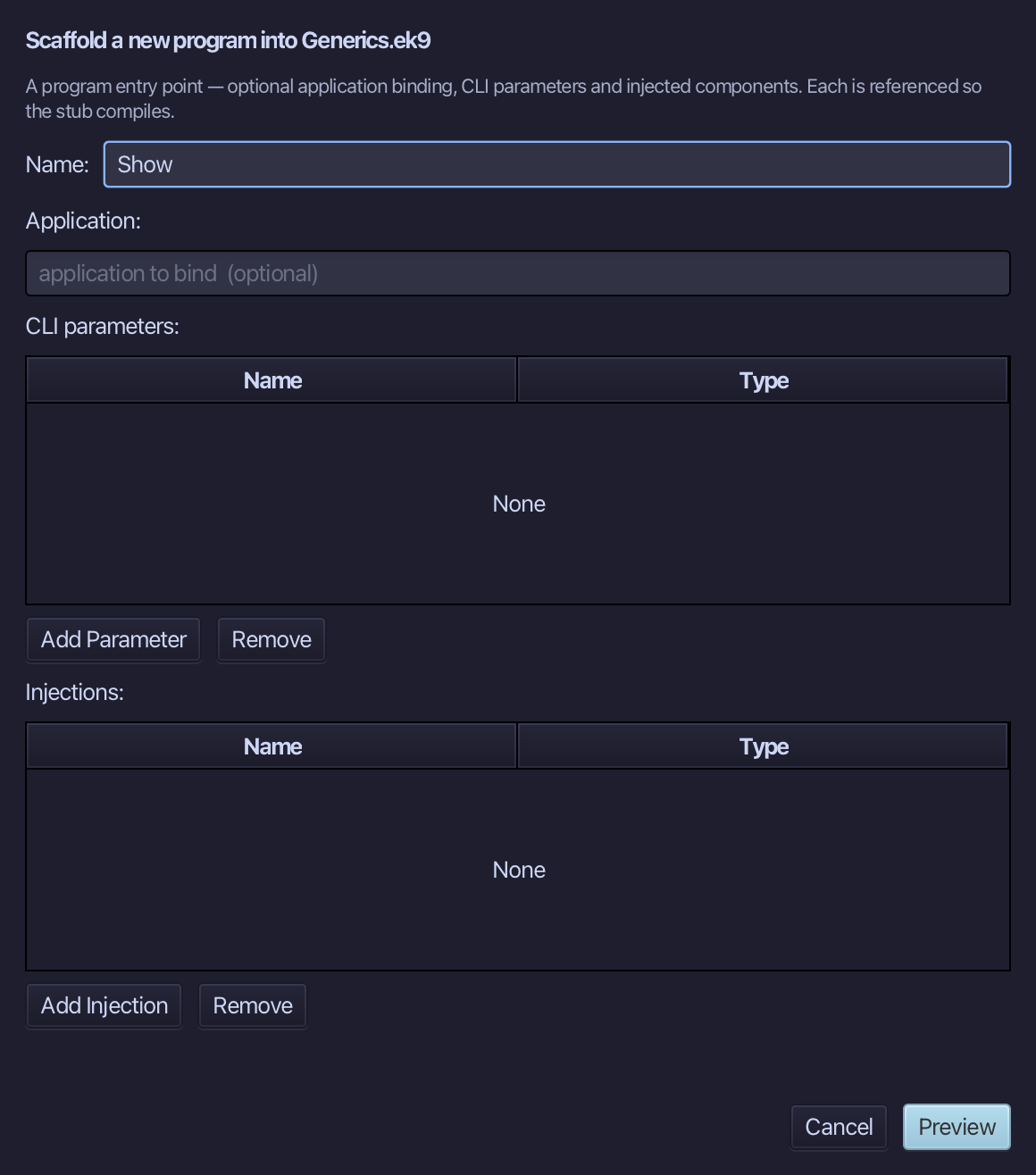
The preview shows Show about to be written. Choose Apply.
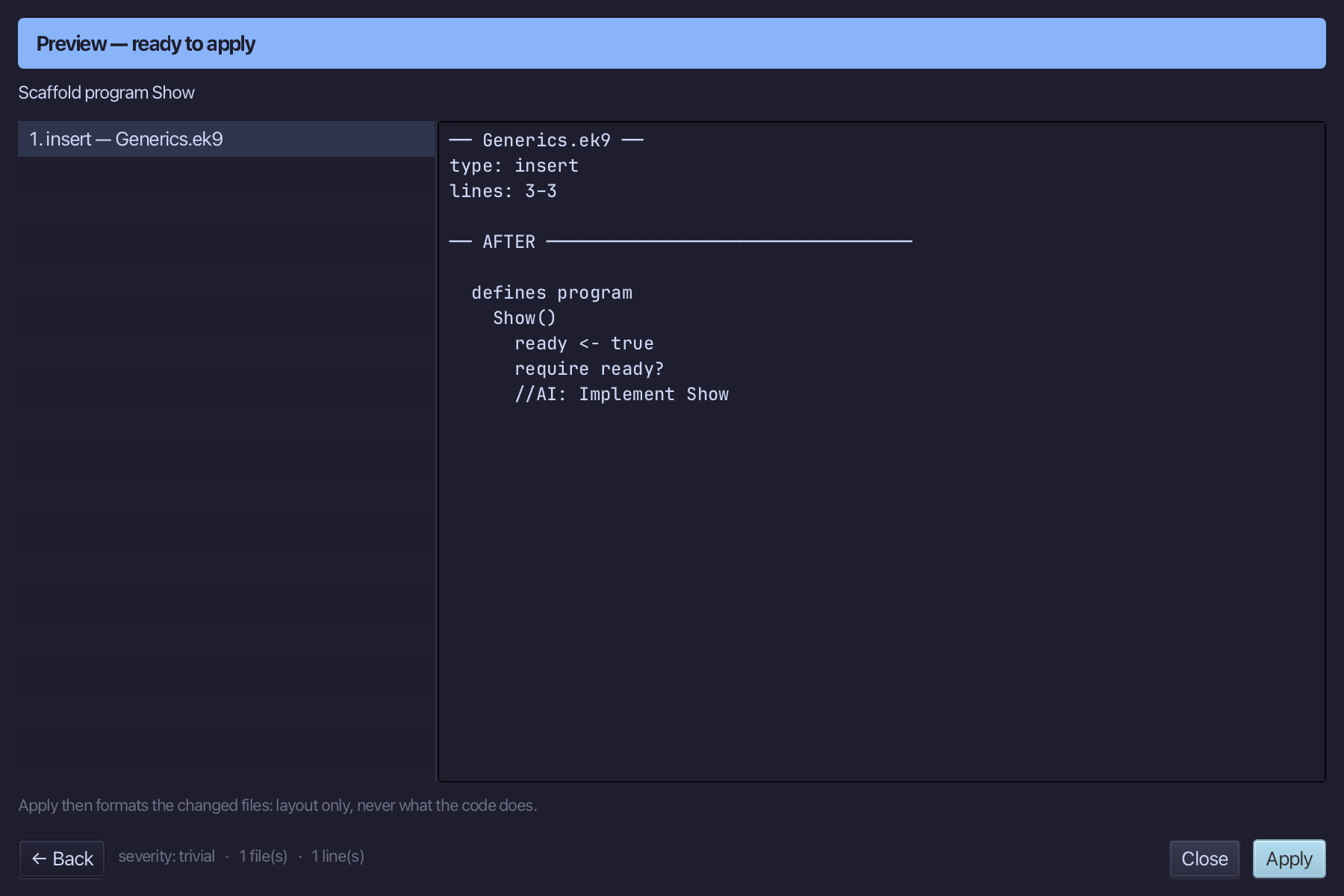
Select the stub, from ready <- true down to its //AI line, and type Show's whole job: a Stdout, a List of String grown by two names, a List of Integer grown by two primes, the two lines that print each, and a Dict literal read back by one of its keys. Saves when typed.
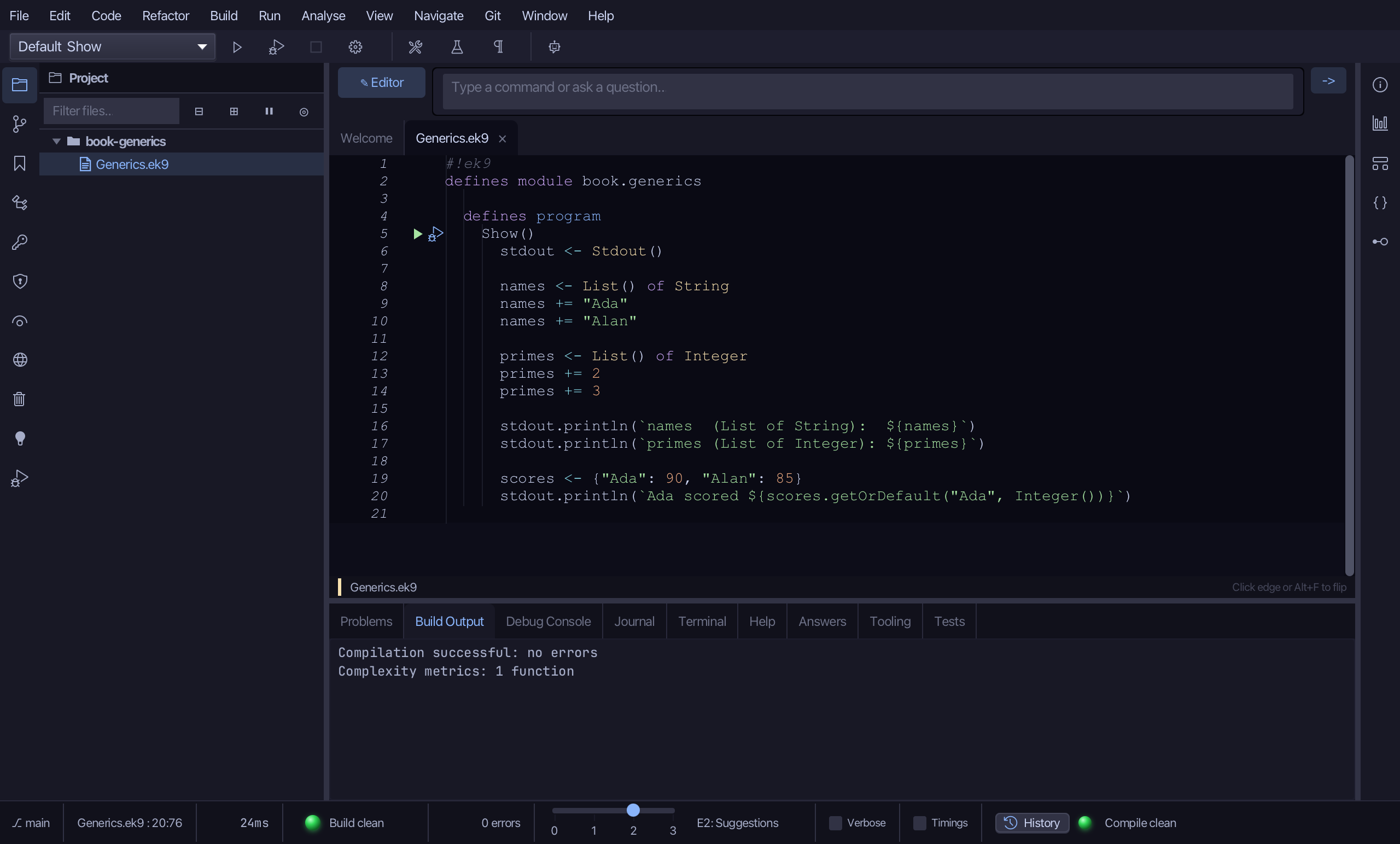
Step 2: Read names's Type Hierarchy
Select names, on the line that declares it, then choose Analyse ▸ Type Hierarchy: cursor-anchored, the same way Effective API reads the type under the caret.
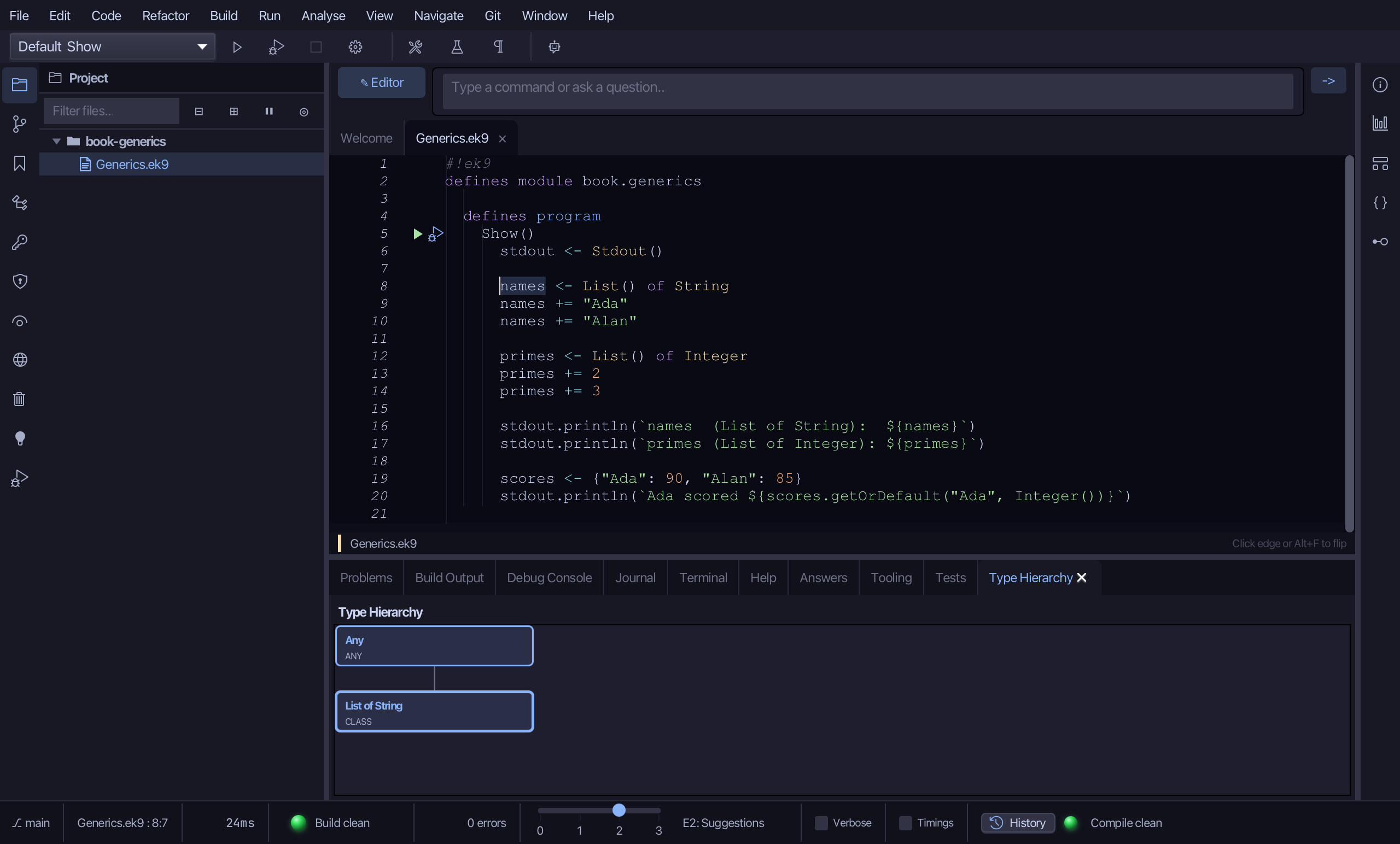
The pane draws two boxes: Any at the top - the implicit root every EK9 type extends - joined by a solid line down to List of String, marked CLASS. No traits box to the side, no subtypes box beneath: nothing in the whole workspace extends this List, filled with String - closed, as every built-in generic is.
Step 3: Read primes's Effective API
Select primes, on the line that declares it, then choose Analyse ▸ Effective API: the SAME pane Divide's Result read in chapter 11.
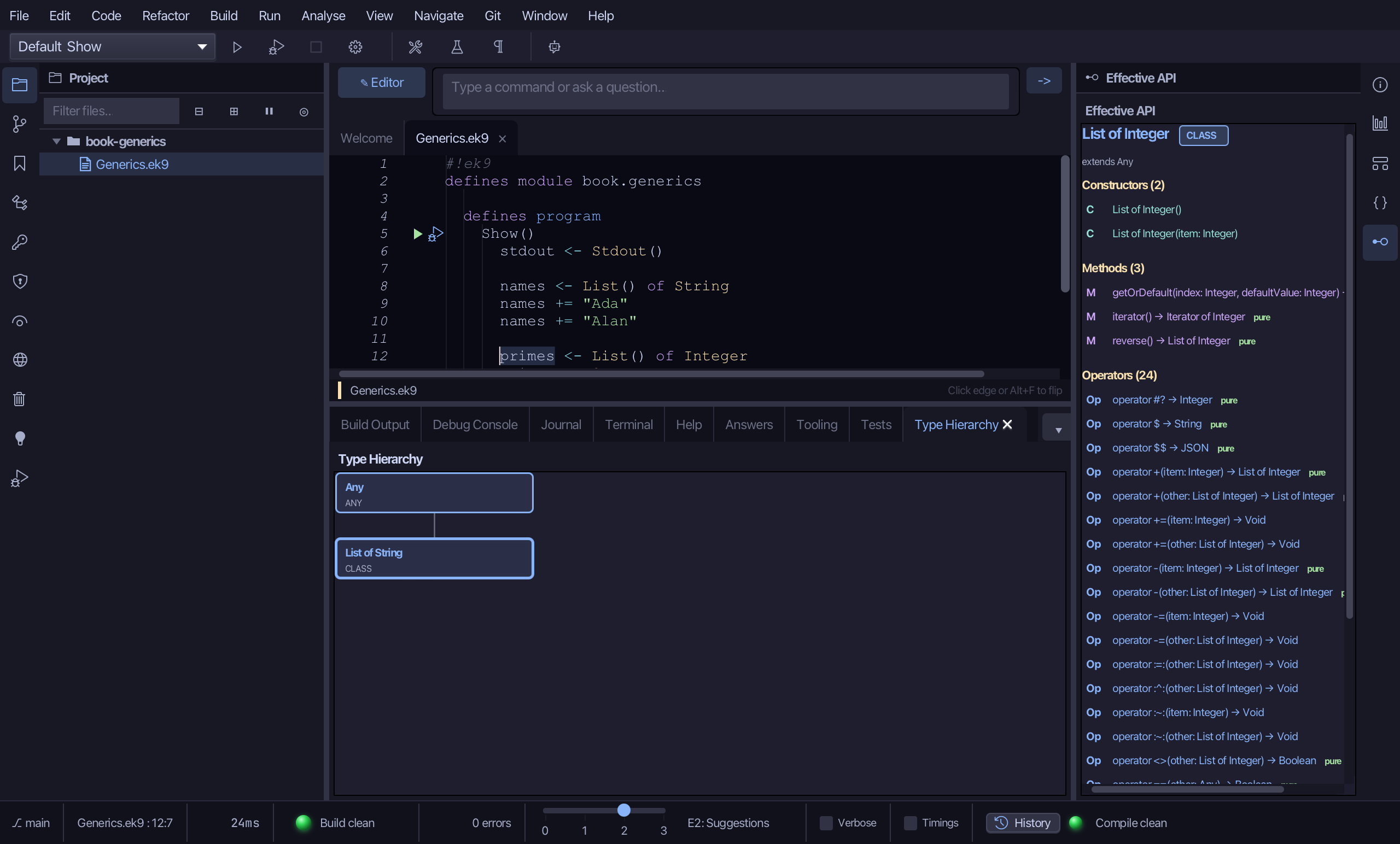
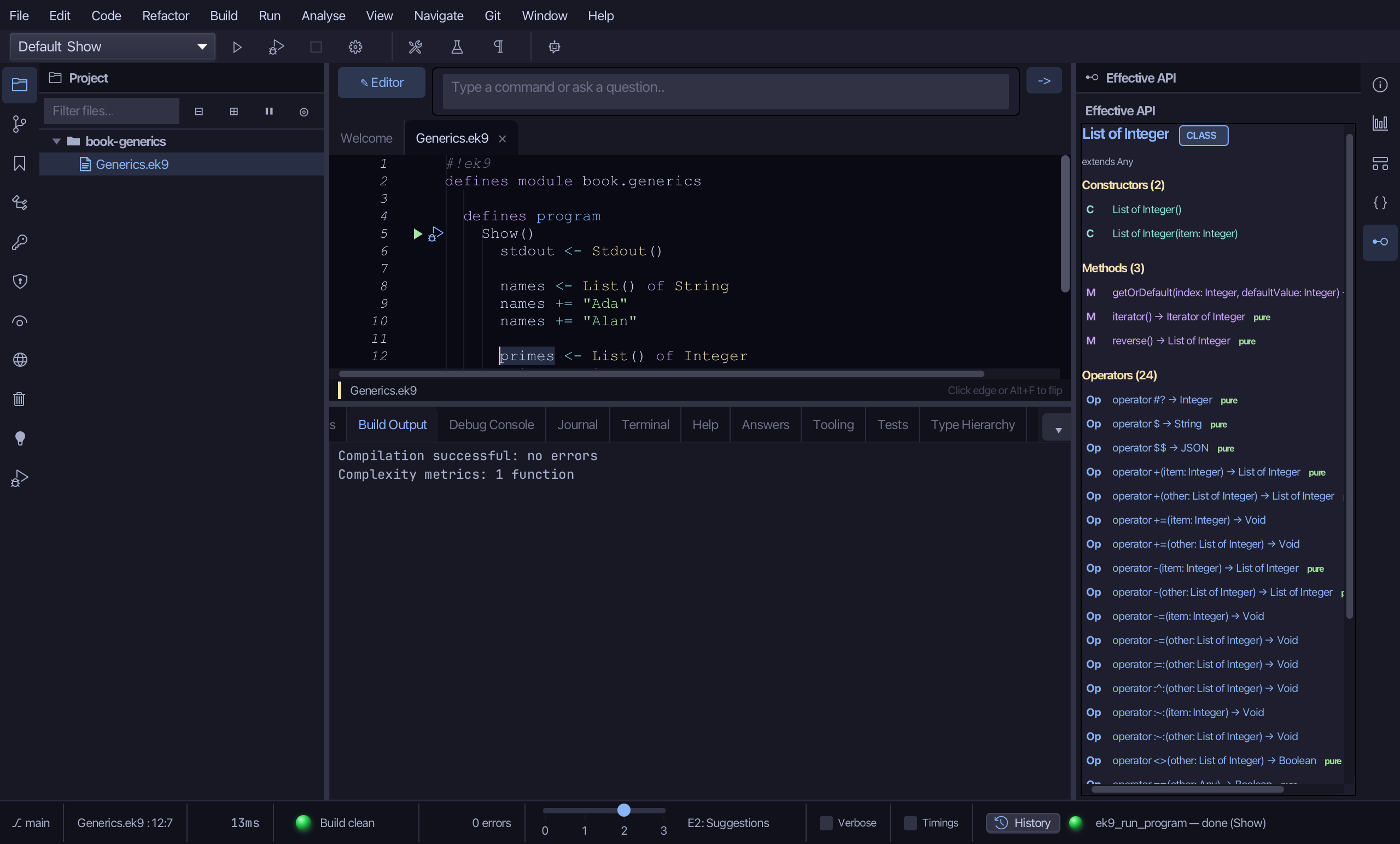
Above the sections, extends Any reads the same line Type Hierarchy just drew for names - the one List, the one super. Below it: a Constructors section (two - List() and List(item)), a Methods section (three - getOrDefault, iterator, reverse) and an Operators section (twenty-four, including += and -= to grow and shrink it, and the comparisons every EK9 type carries), 29 total API members - the exact same surface List of String has, just with Integer filling the gap instead of String.
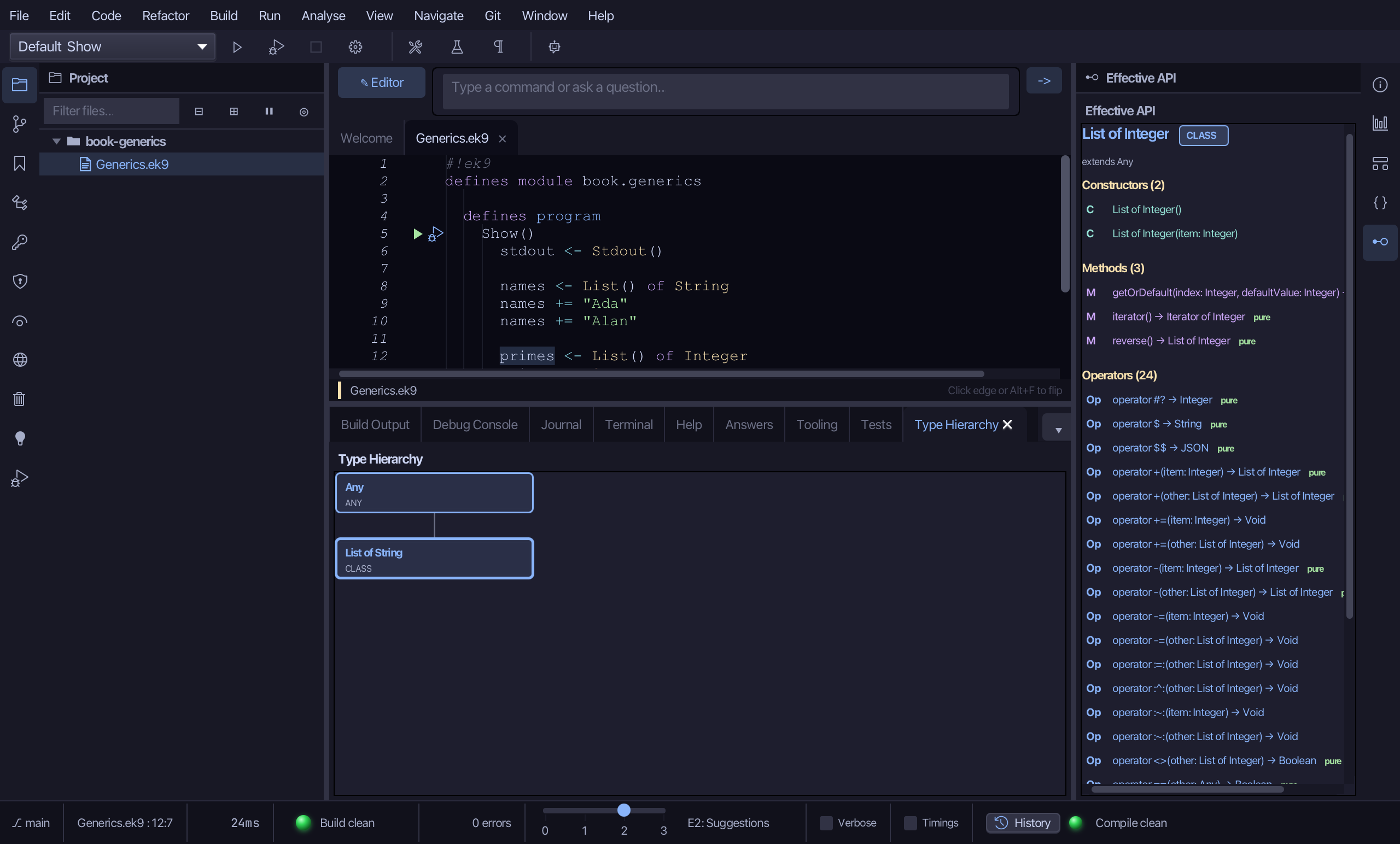
Step 4: Run it
Choose Run > Run Program…
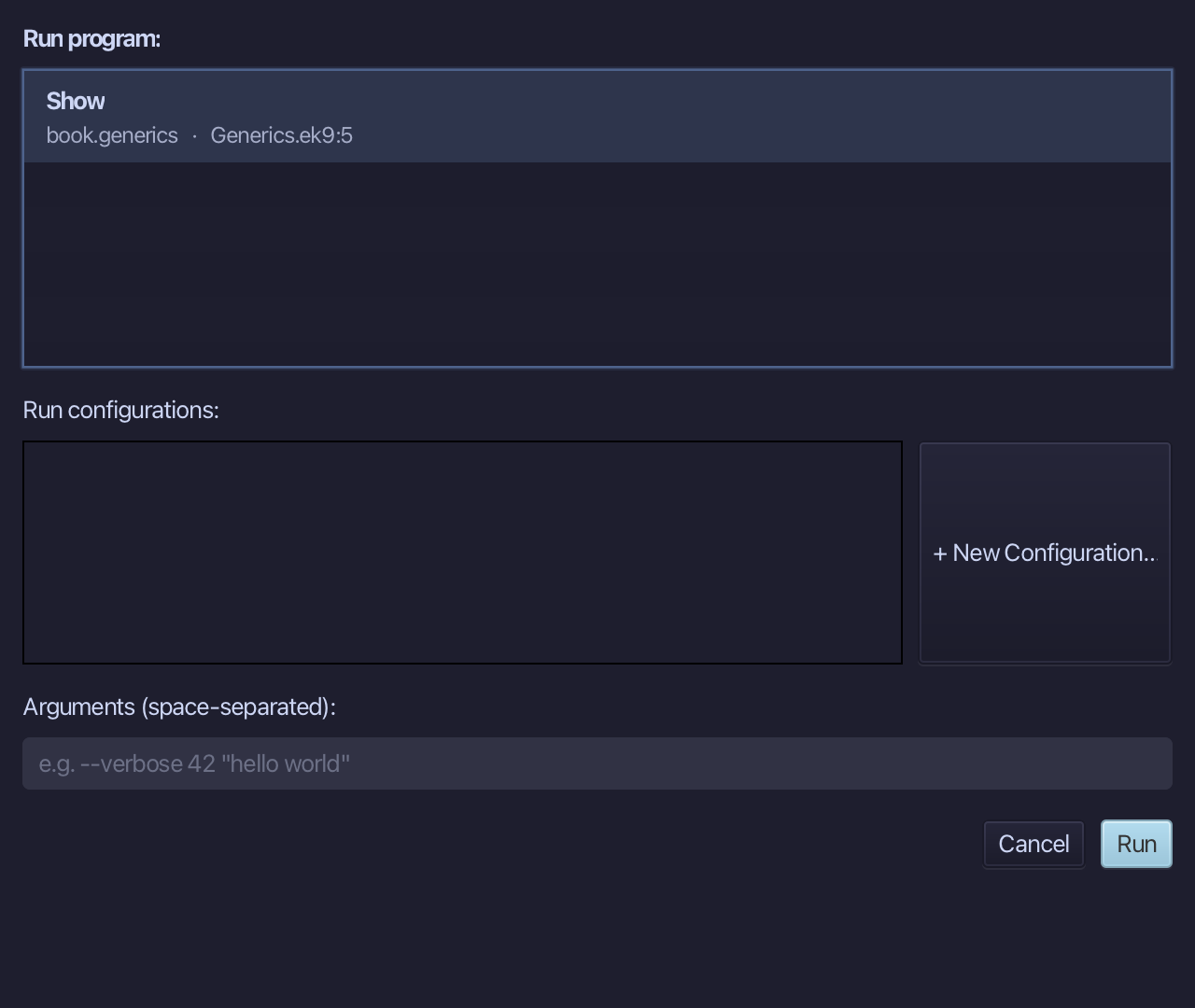
The project's only program is already chosen. Choose Run.
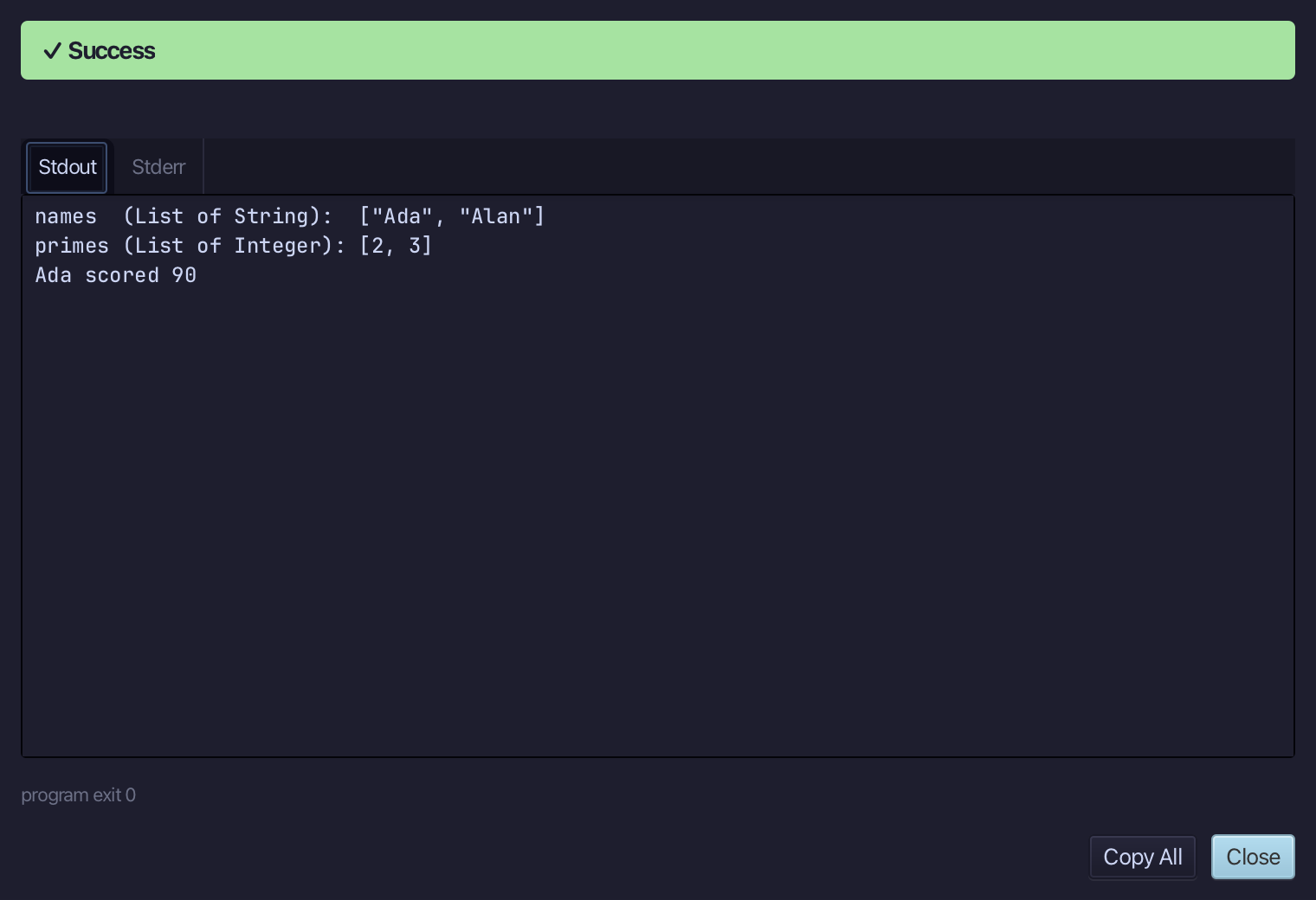
names (List of String): ["Ada", "Alan"], then primes (List of Integer): [2, 3], then Ada scored 90 - the Dict literal read back by its own key. Choose Close.
The result
Generics.ek9 now reads exactly as chapter 20 of Getting Started with EK9 shows it: one List, filled with String then with Integer, and a Dict literal alongside it - the same generic family you have used since Collections, named. Analyse ▸ Type Hierarchy then read List of String's own place in the type system - Any above it, nothing below - and Analyse ▸ Effective API read List of Integer's own surface, the same extends Any line and the same 29 members, just filled with a different type.
Where this lesson comes from
- For AI assistants - the MCP tool
ek9_new_construct,ek9_add_program,ek9_query_type_hierarchy,ek9_query_effective_api.