Chapter 10: safe minimum and maximum, wrapped
Chapter 10's SafeMinMax asks three shops for a price - one never replies, so its value is unset - and finds the cheapest and dearest with <? and >?, which pass over an unset operand. The IDE writes the program's shell and wraps each plain expression into its chain; you type the draft. To play it in the IDE: Help > Lessons > Getting Started with EK9…, or ek9 -ide -lesson book-safe-min-max.
What you'll build
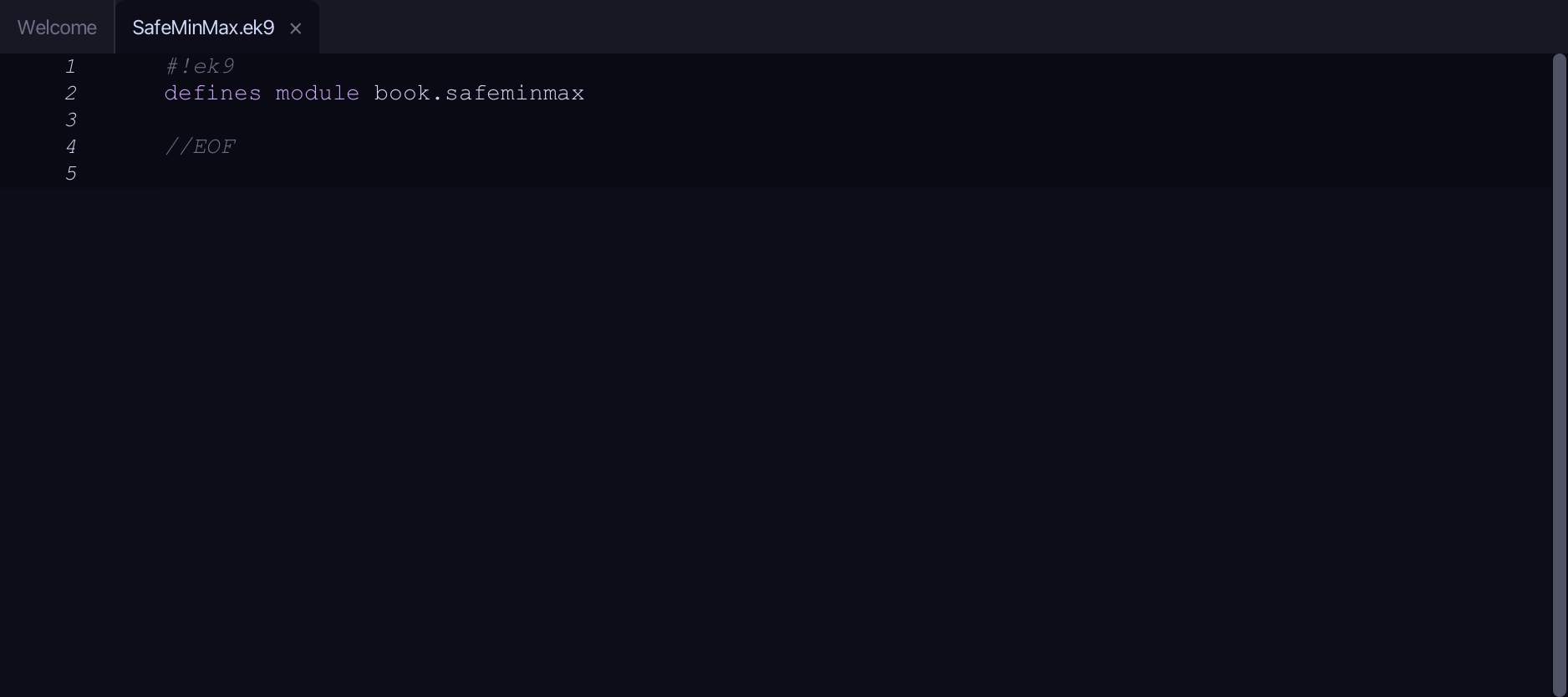
The lesson builds this program from a file holding only its module line - the finished file, as the book prints it.
#!ek9
defines module book.safeminmax

  defines program
    Show()
      stdout <- Stdout()

      // Three shops were asked for a price; one never replied (unset).
      shopA <- 12
      shopB <- Integer()
      shopC <- 9

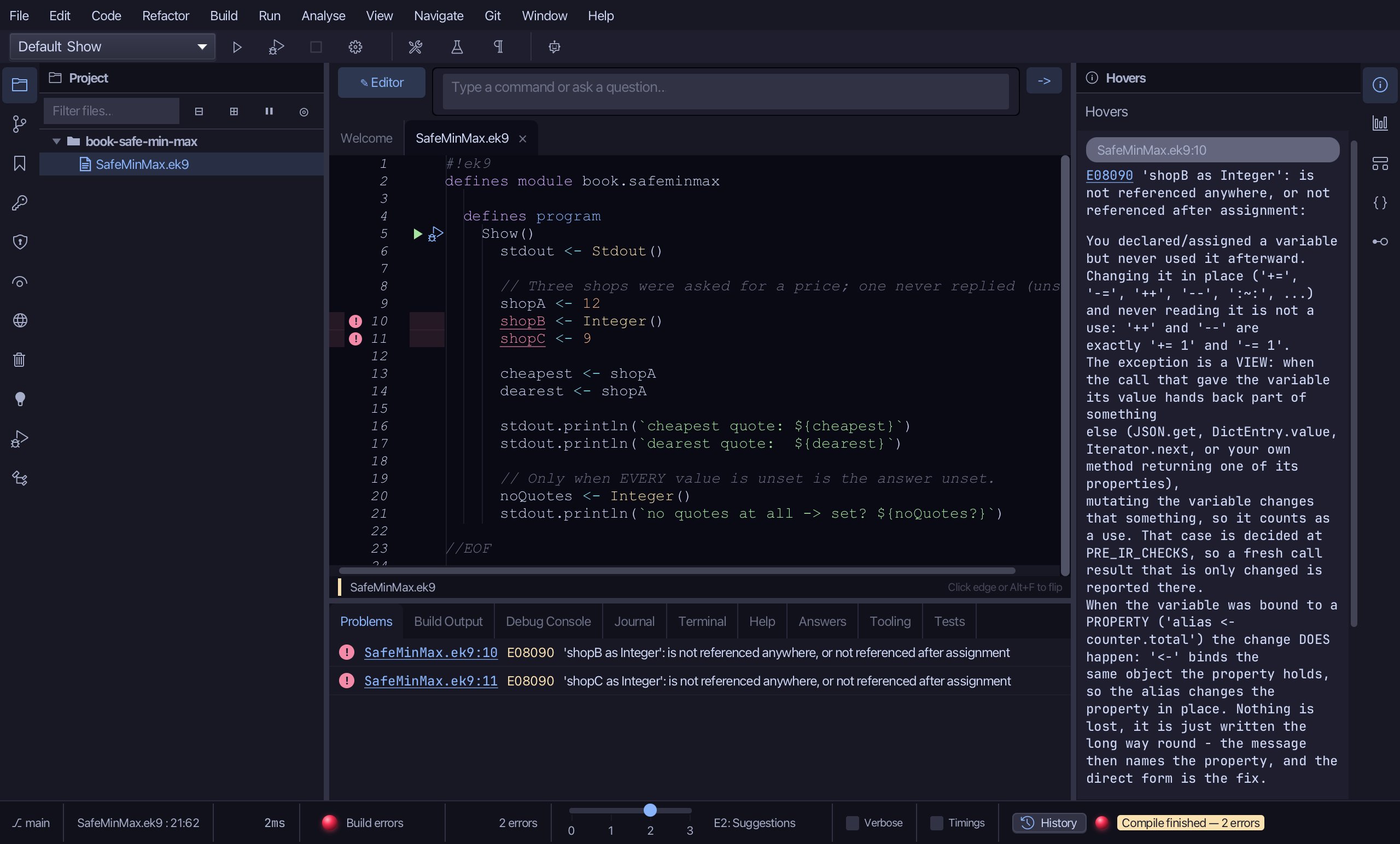
      cheapest <- shopA <? shopB <? shopC
      dearest <- shopA >? shopB >? shopC

      stdout.println(`cheapest quote: ${cheapest}`)
      stdout.println(`dearest quote:  ${dearest}`)

      // Only when EVERY value is unset is the answer unset.
      noQuotes <- Integer() <? Integer()
      stdout.println(`no quotes at all -> set? ${noQuotes?}`)

//EOF
Step 1: A plain draft
Choose Code > New Construct > Program…
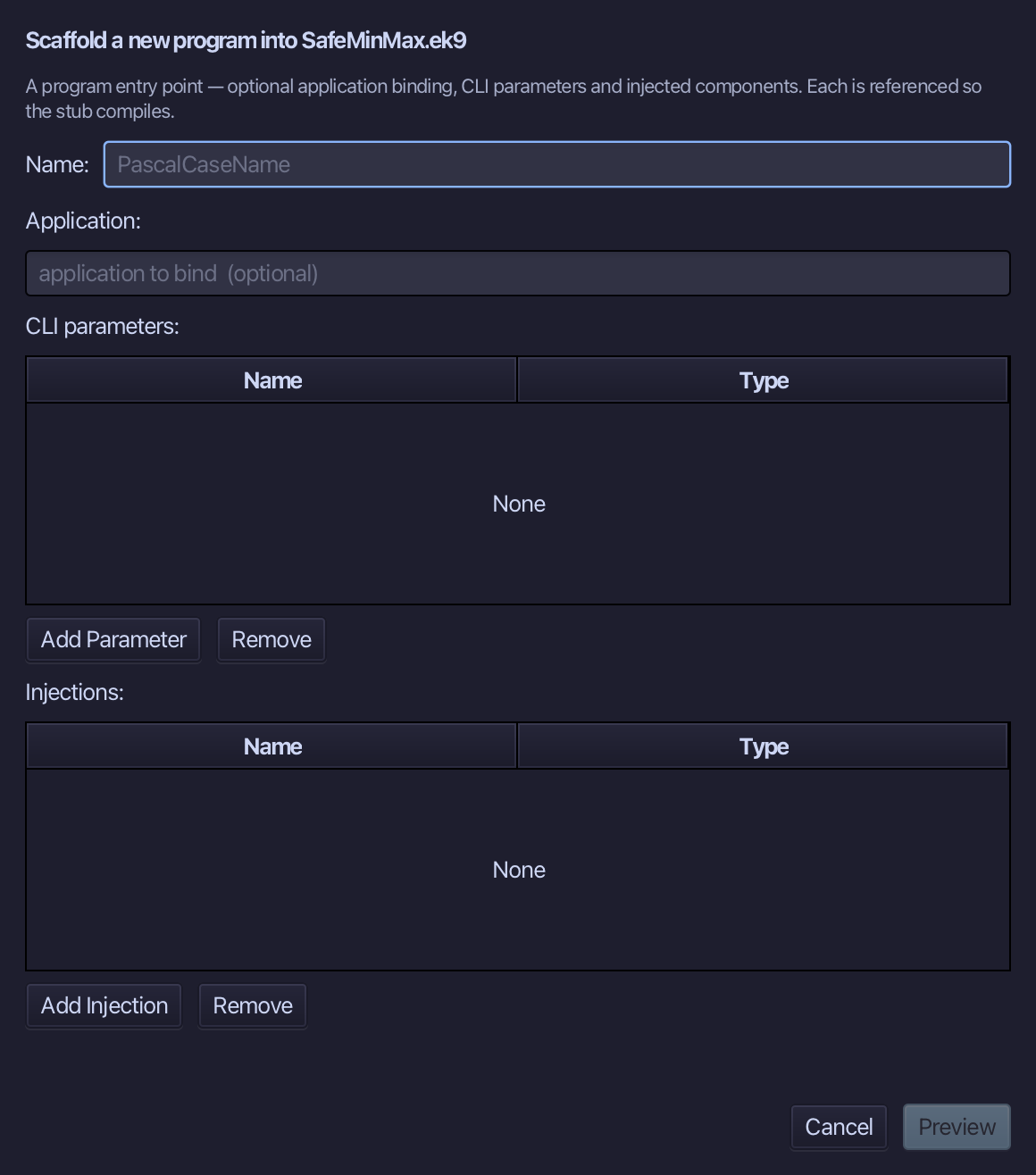
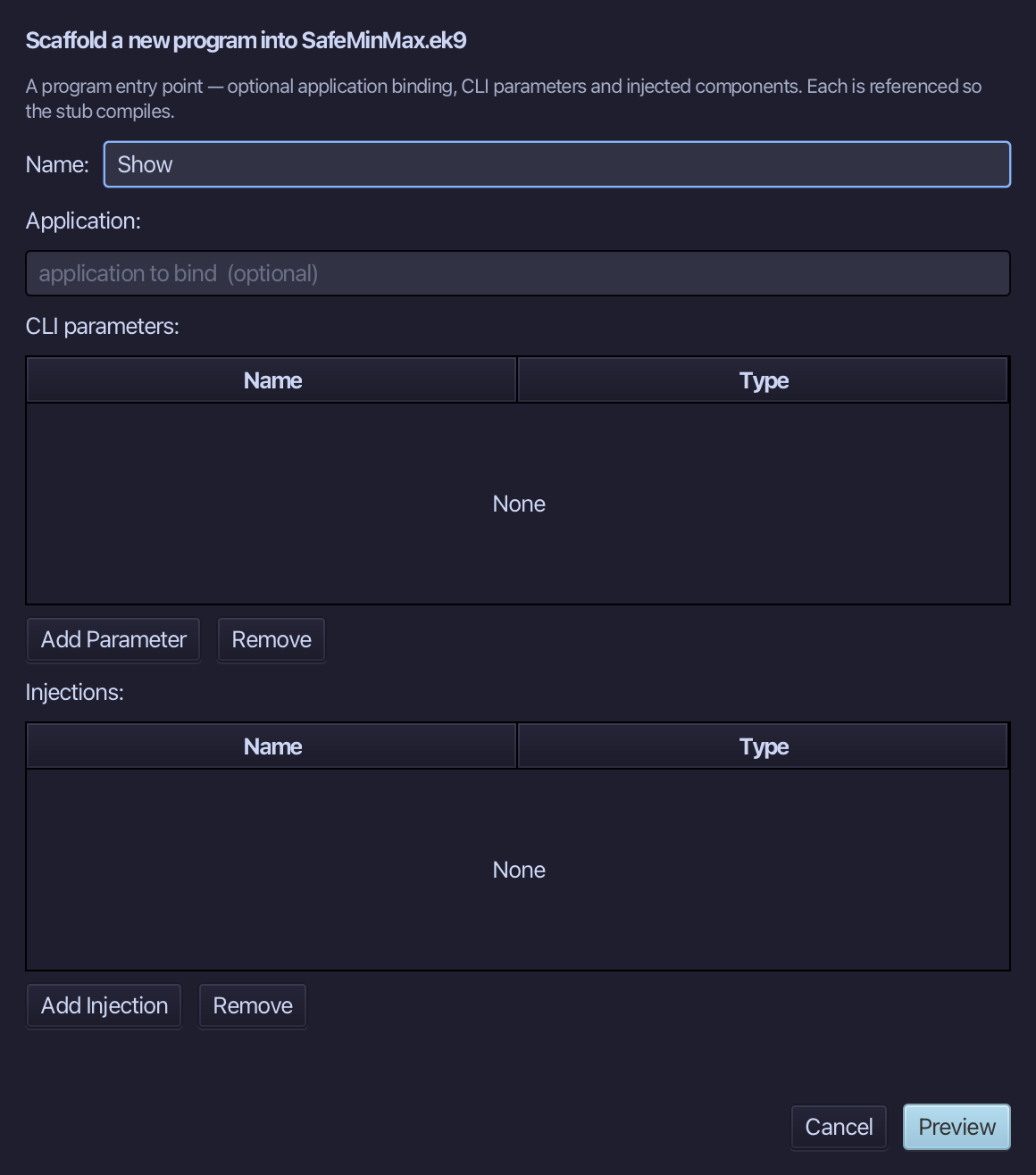
Show is the program's name. Type Show and choose Preview.
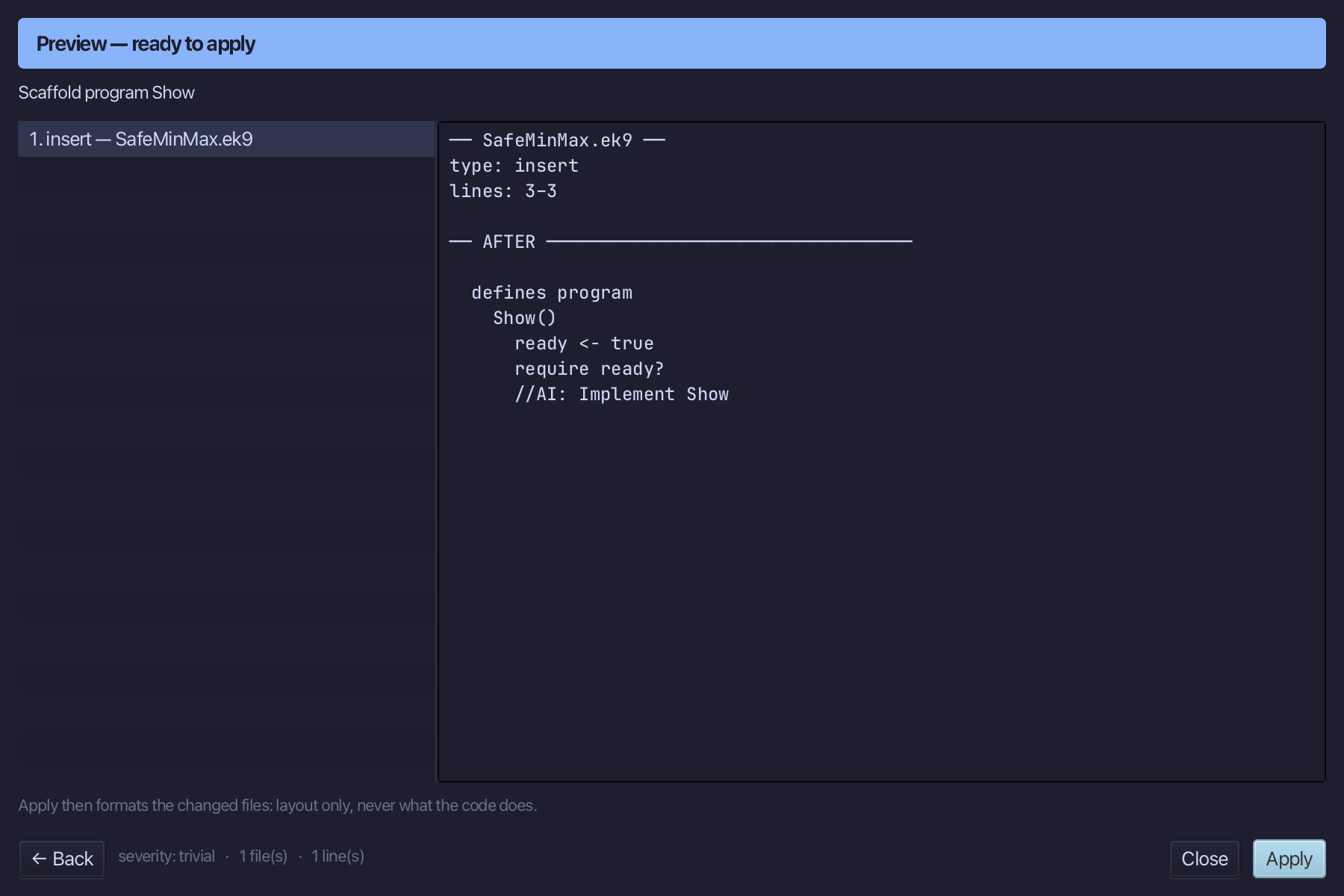
The preview shows Show about to be written. Choose Apply.
Select the stub, from ready <- true down to its //AI line, and type the plain draft: three quotes, cheapest and dearest each just shopA for now, and noQuotes an unset Integer. Saves when typed.
Step 2: A chain of <?, wrapped twice
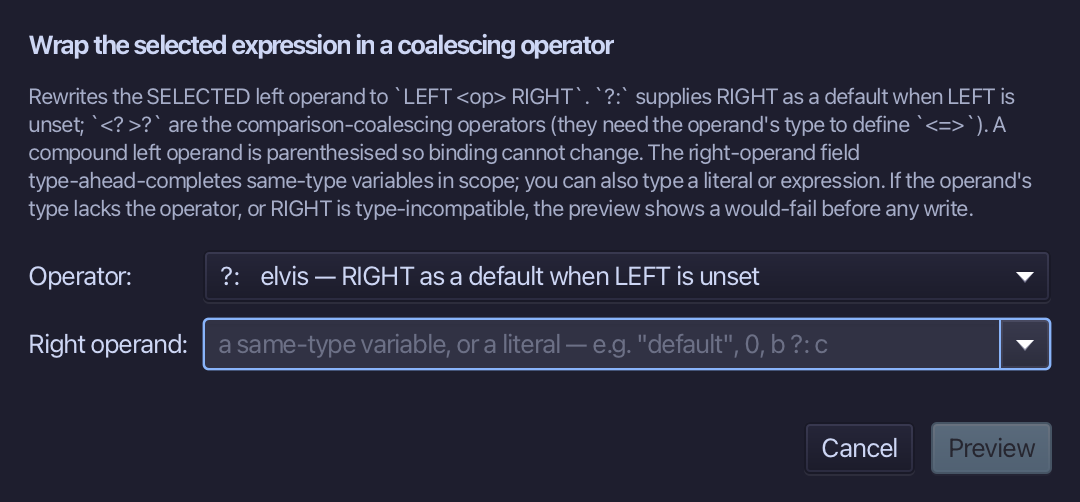
Select shopA on the cheapest line and wrap it with <? shopB - the lesser of the two, the set one when only one is.
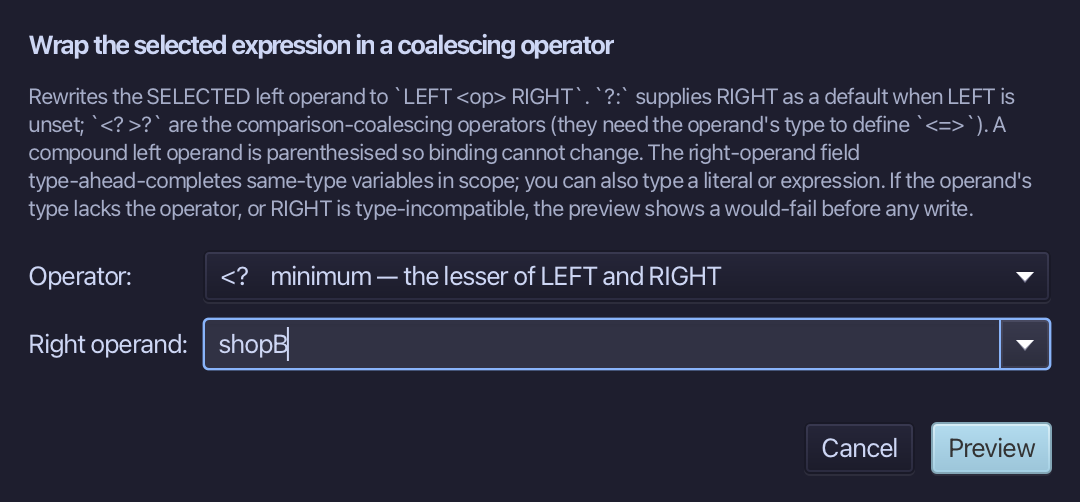
Choose <?, type shopB as the right operand, and choose Preview.
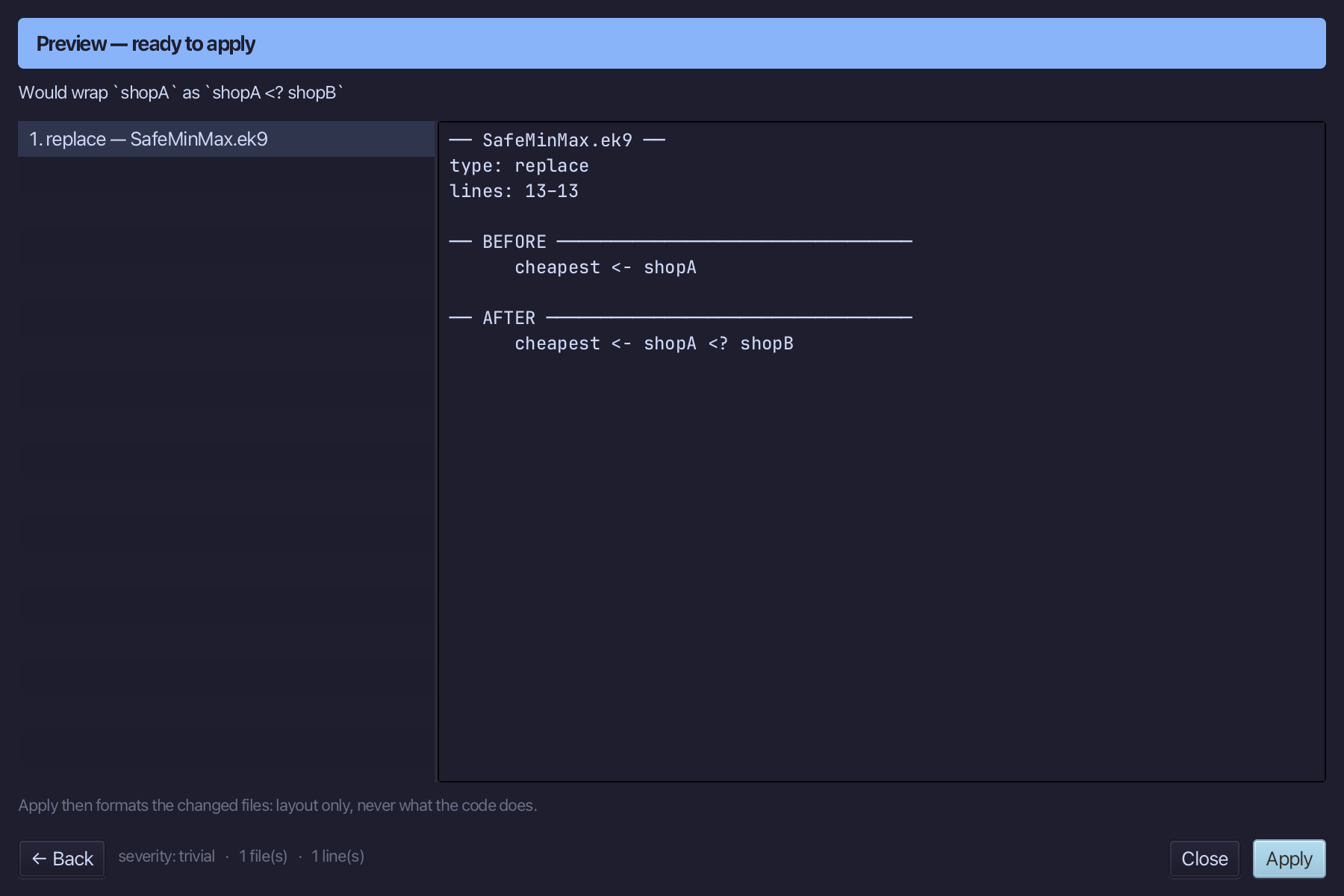
The preview shows the line becoming cheapest <- shopA <? shopB. Choose Apply.
Select the whole shopA <? shopB and wrap it again with <? shopC - the chain stays bare, as the book writes it.
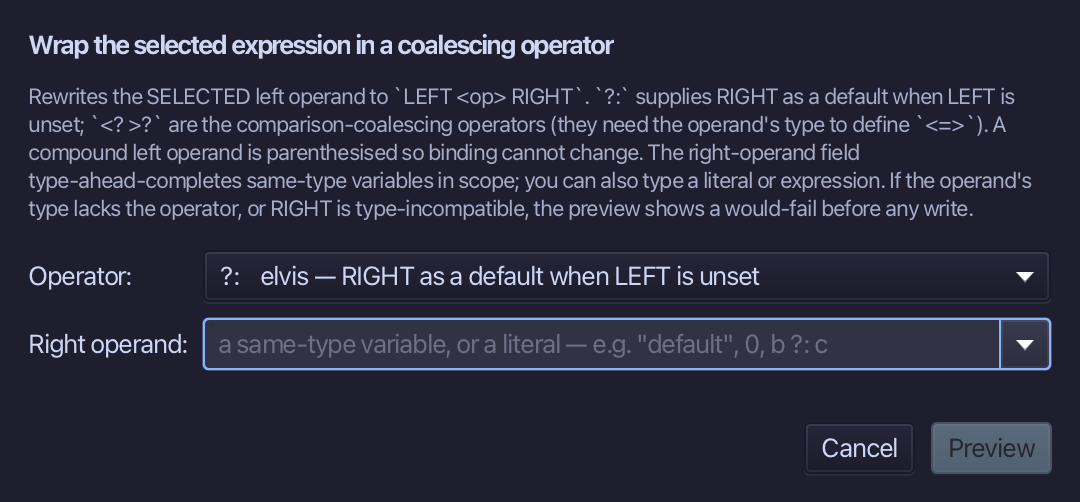
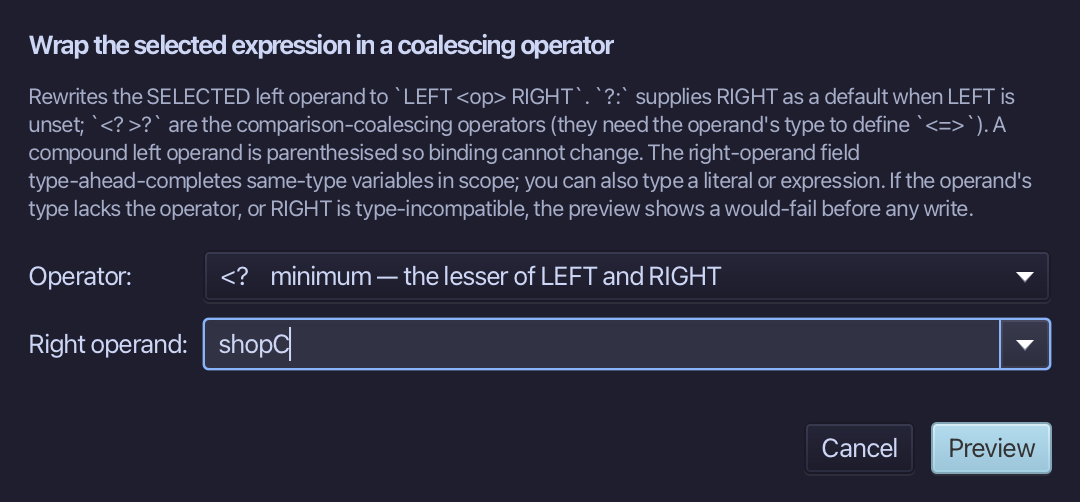
Choose <?, type shopC as the right operand, and choose Preview.
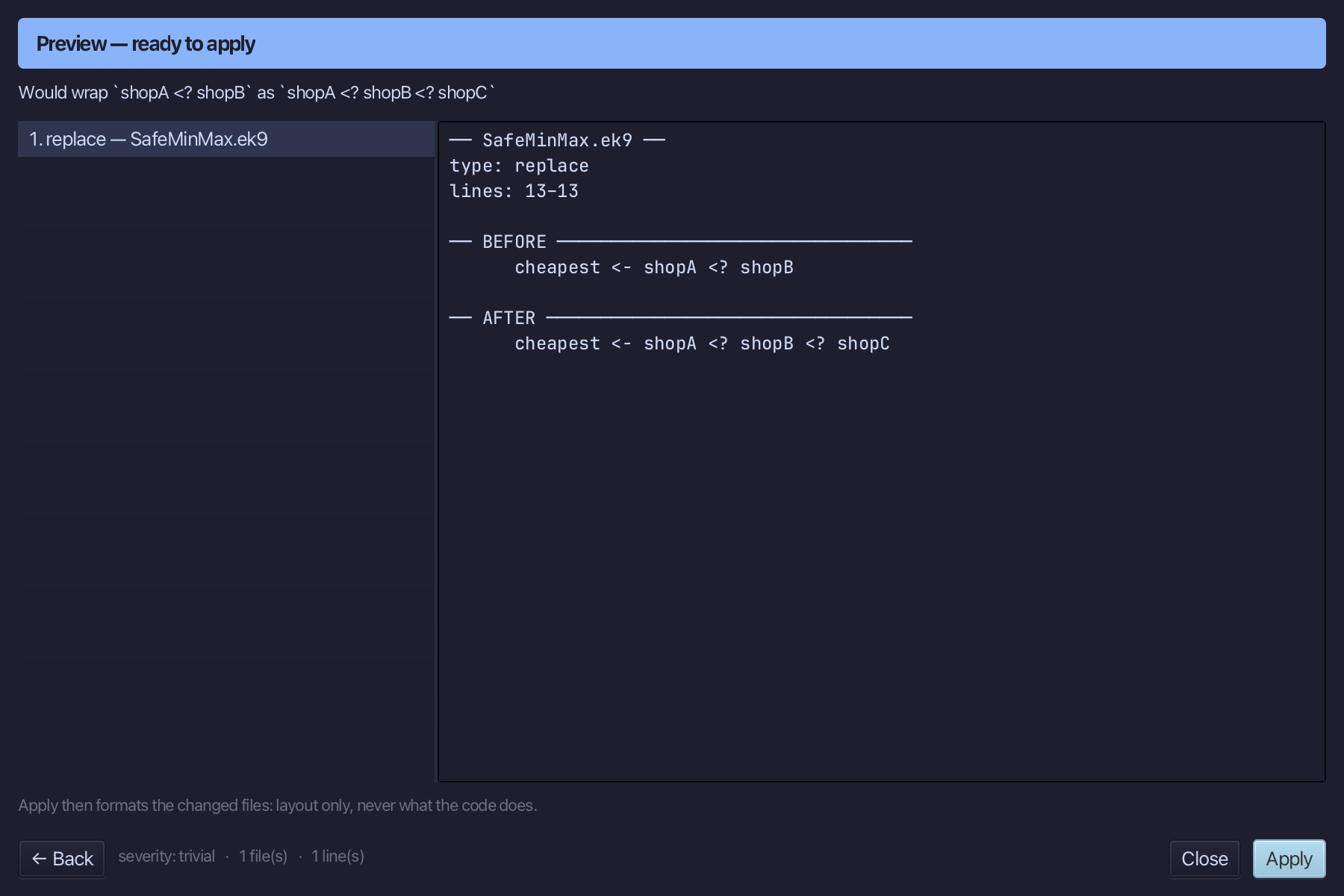
The preview shows the line becoming cheapest <- shopA <? shopB <? shopC. Choose Apply.
Step 3: A chain of >?, in one wrap
Select shopA on the dearest line and wrap it with >? and a right operand that is already a chain, shopB >? shopC - the greater of all three, written in one step.
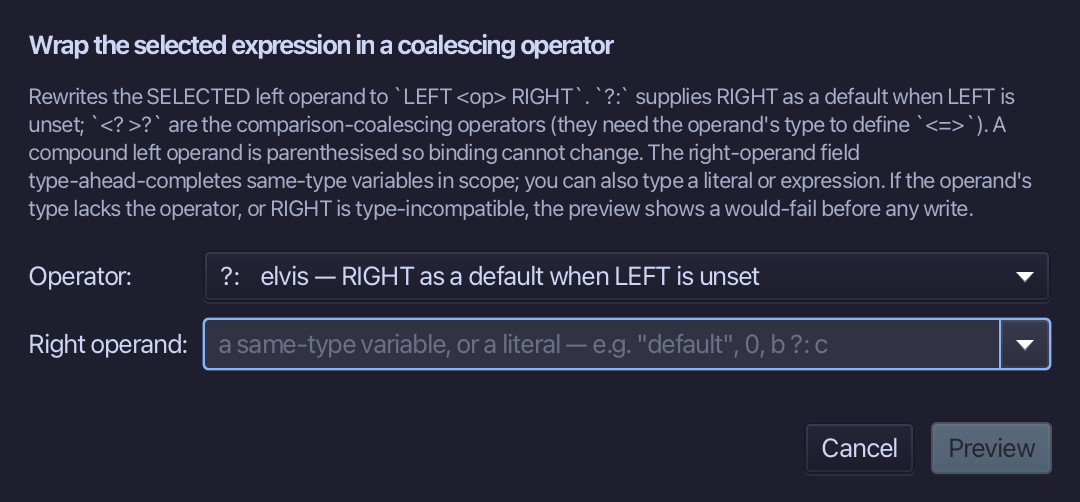
Choose >?, type shopB >? shopC as the right operand, and choose Preview.
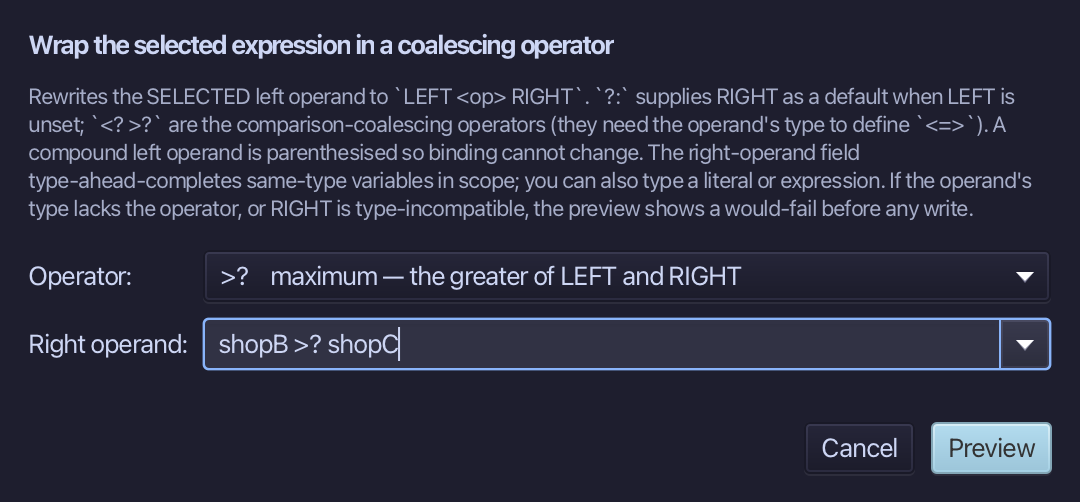
The preview shows the line becoming dearest <- shopA >? shopB >? shopC. Choose Apply.
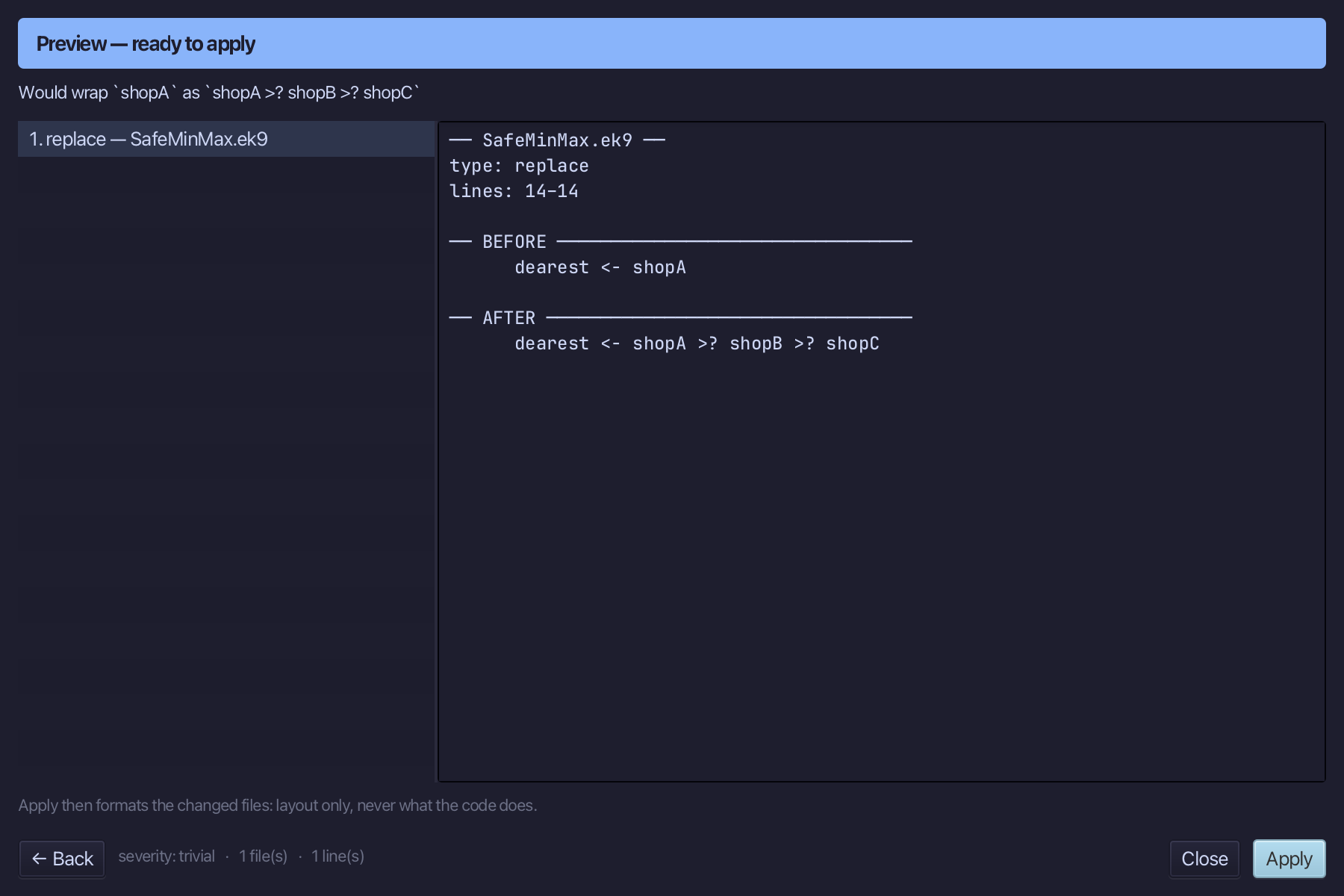
Step 4: Every value unset
Select Integer() on the noQuotes line and wrap it with <? Integer() - only when EVERY value is unset is the answer unset.
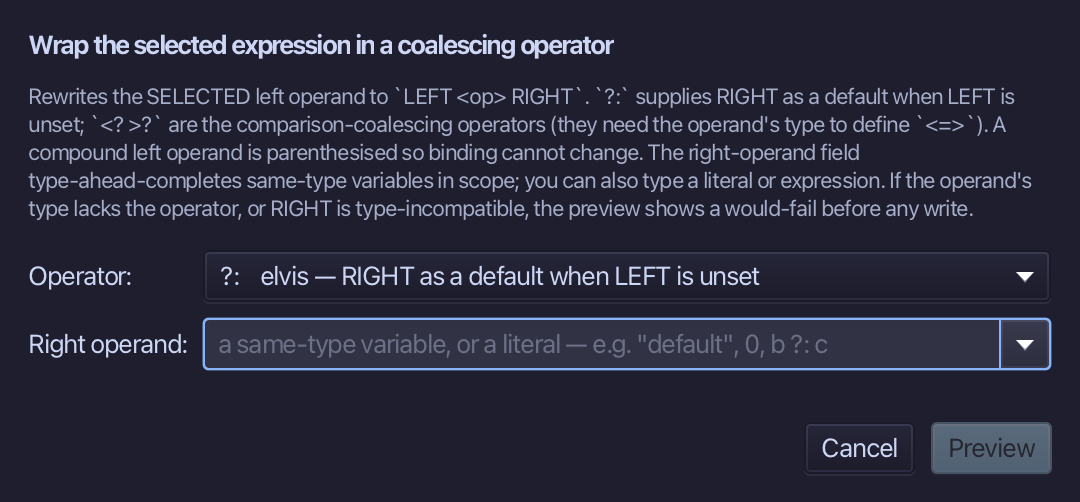
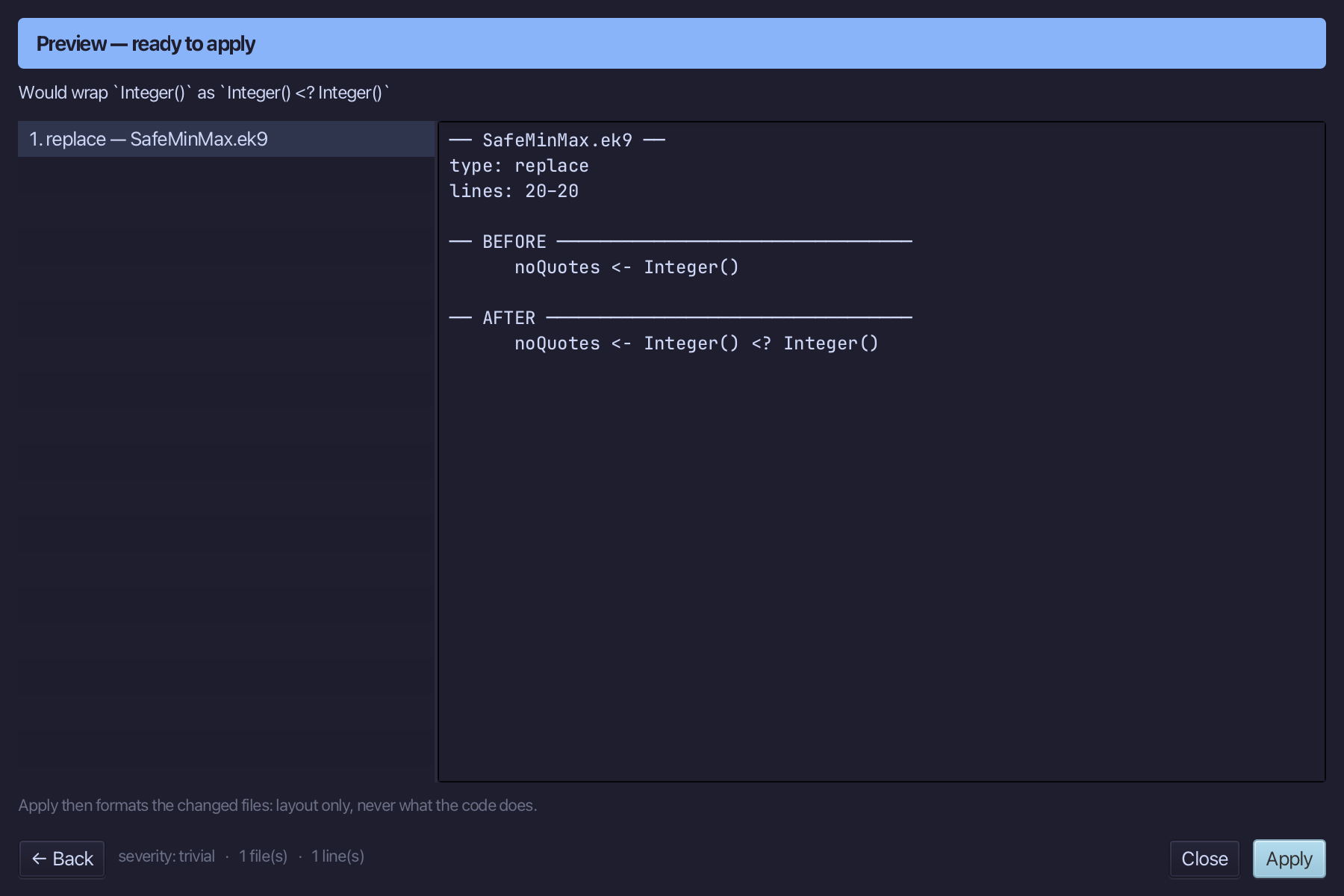
Choose <?, type Integer() as the right operand, and choose Preview.
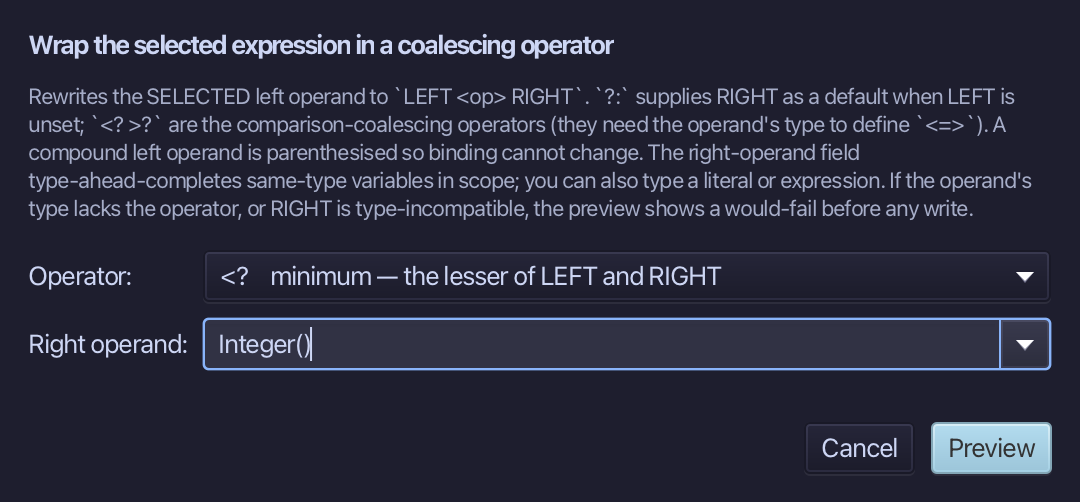
The preview shows the line becoming noQuotes <- Integer() <? Integer(). Choose Apply.
Step 5: Run it
Choose Run > Run Program…
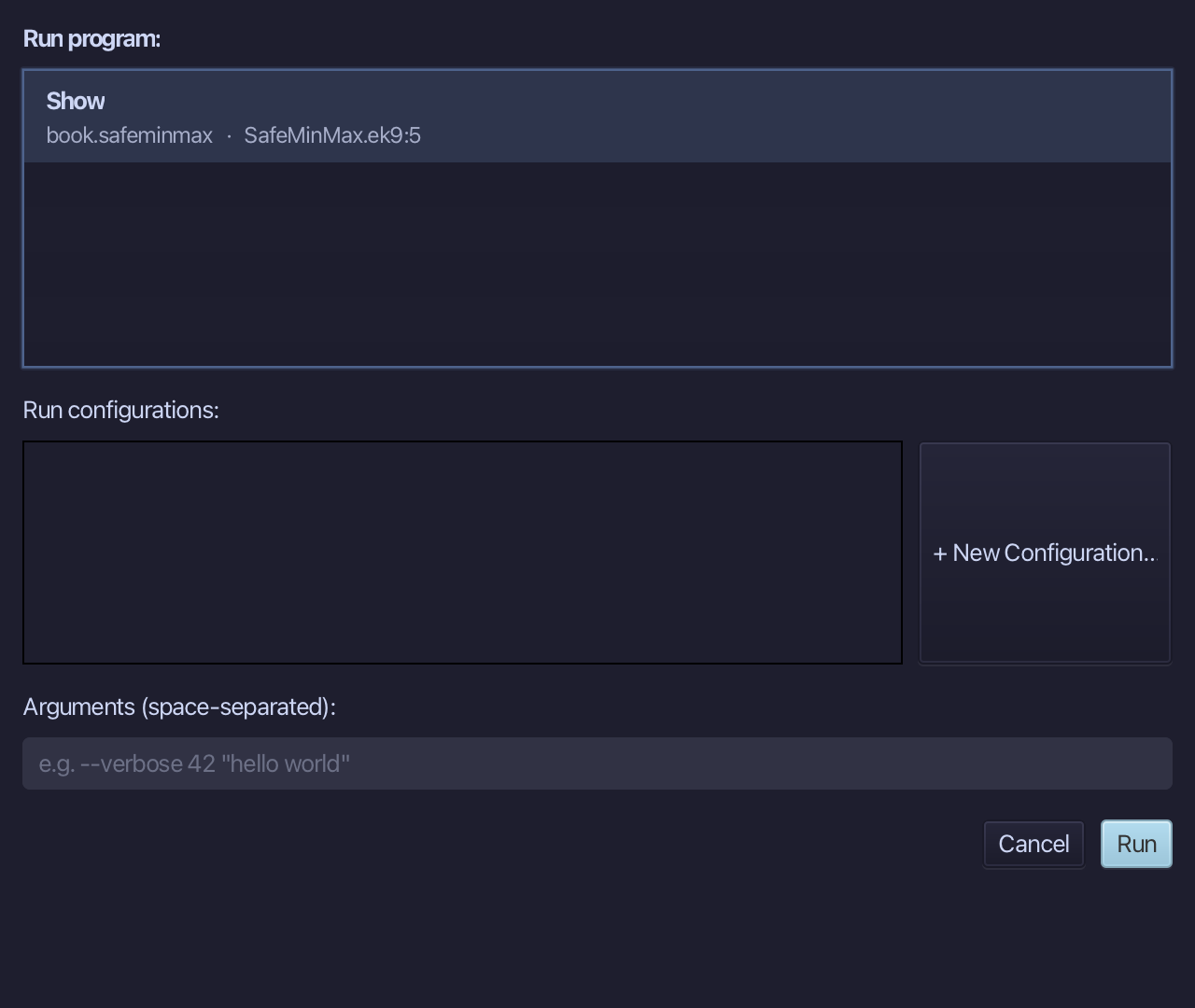
The project's only program is already chosen. Choose Run.
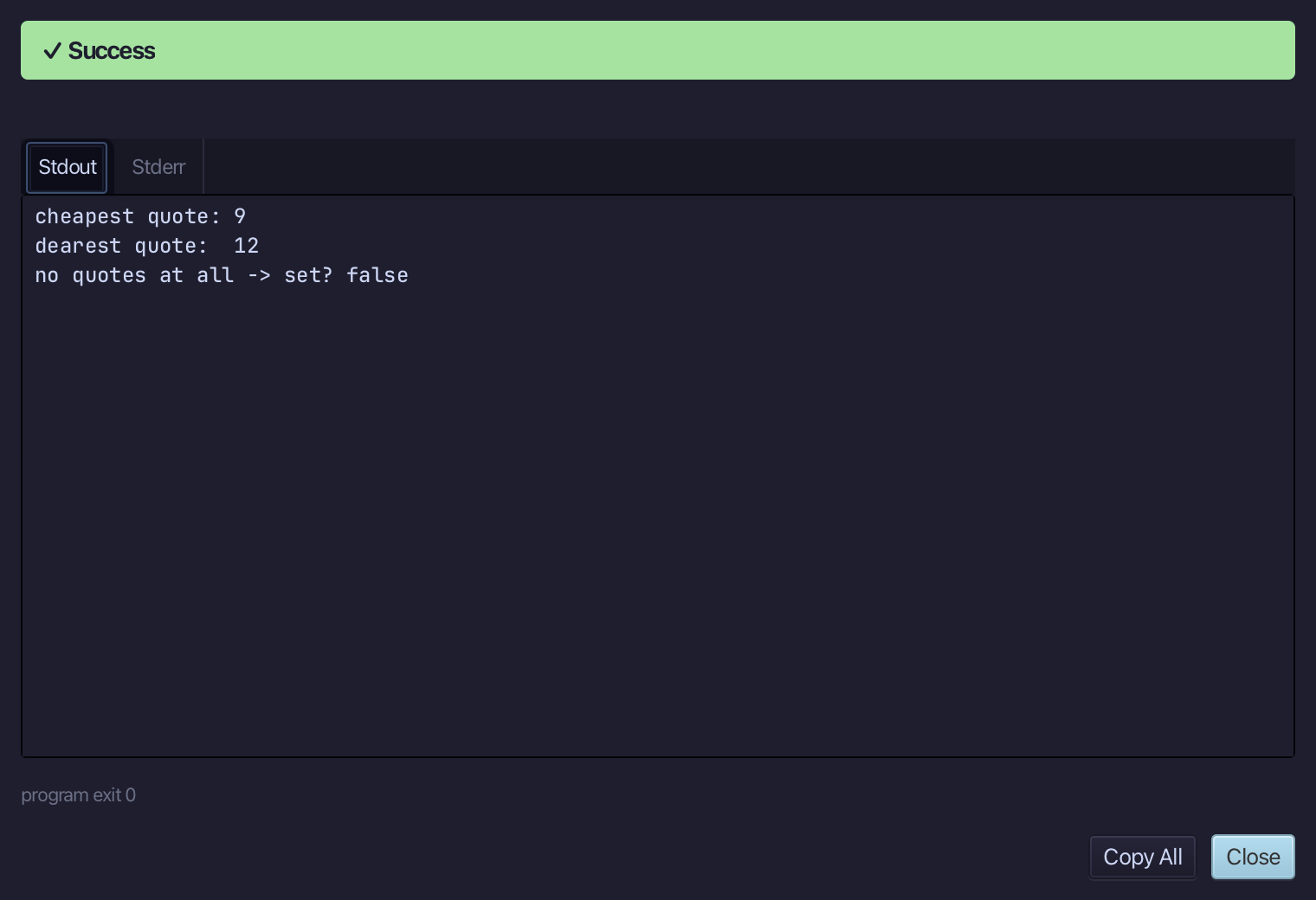
cheapest quote: 9 - dearest quote: 12: the unset shopB is passed over - and no quotes at all -> set? false, the one case where every value is unset. Choose Close.
The result
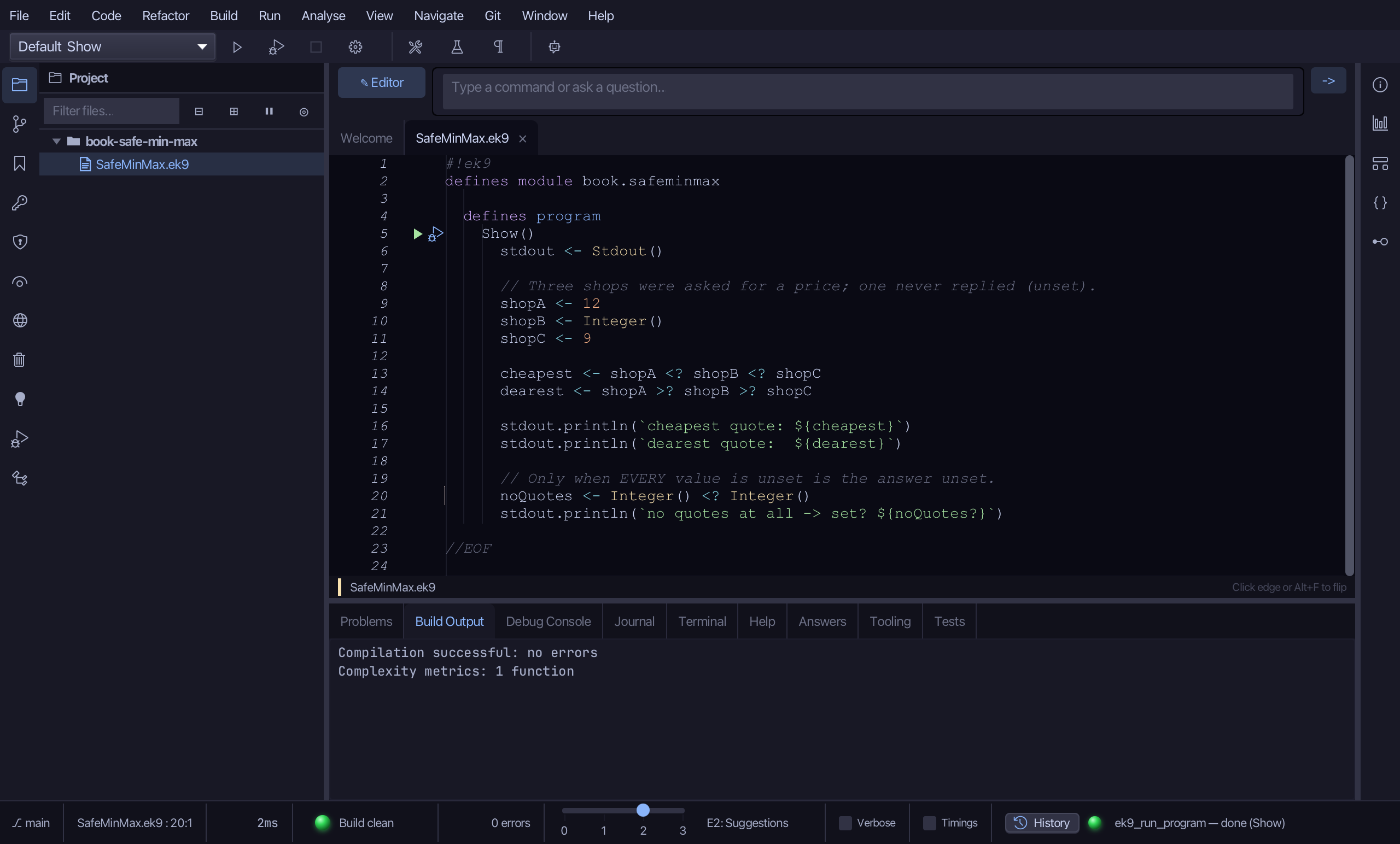
SafeMinMax.ek9 now reads exactly as chapter 10 of Getting Started with EK9 shows it: the cheapest and dearest of three quotes, one unset, each a chain of <? or >? that skips the unset one - and answers unset only when every value is. Wrap with coalescing… built each chain from a plain draft: pick the expression, the operator and what goes on the right. <? and >? are associative, so a second wrap keeps the chain bare. AI assistants use ek9_insert_coalescing.
Where this lesson comes from
- For AI assistants - the MCP tool
ek9_add_program,ek9_insert_coalescing.
In the EK9 reference: Flow Control in EK9