Git: history, stash, annotate, merge
This project is a git repository with a history: four commits on main by two people, and a branch called shout that left main after the third commit and has two commits of its own. hello.ek9 has one line more than its last commit. Everything here stays on your machine - there is no remote. To play it in the IDE: Help > Lessons > Security, packages and Git…, or ek9 -ide -lesson git-history.
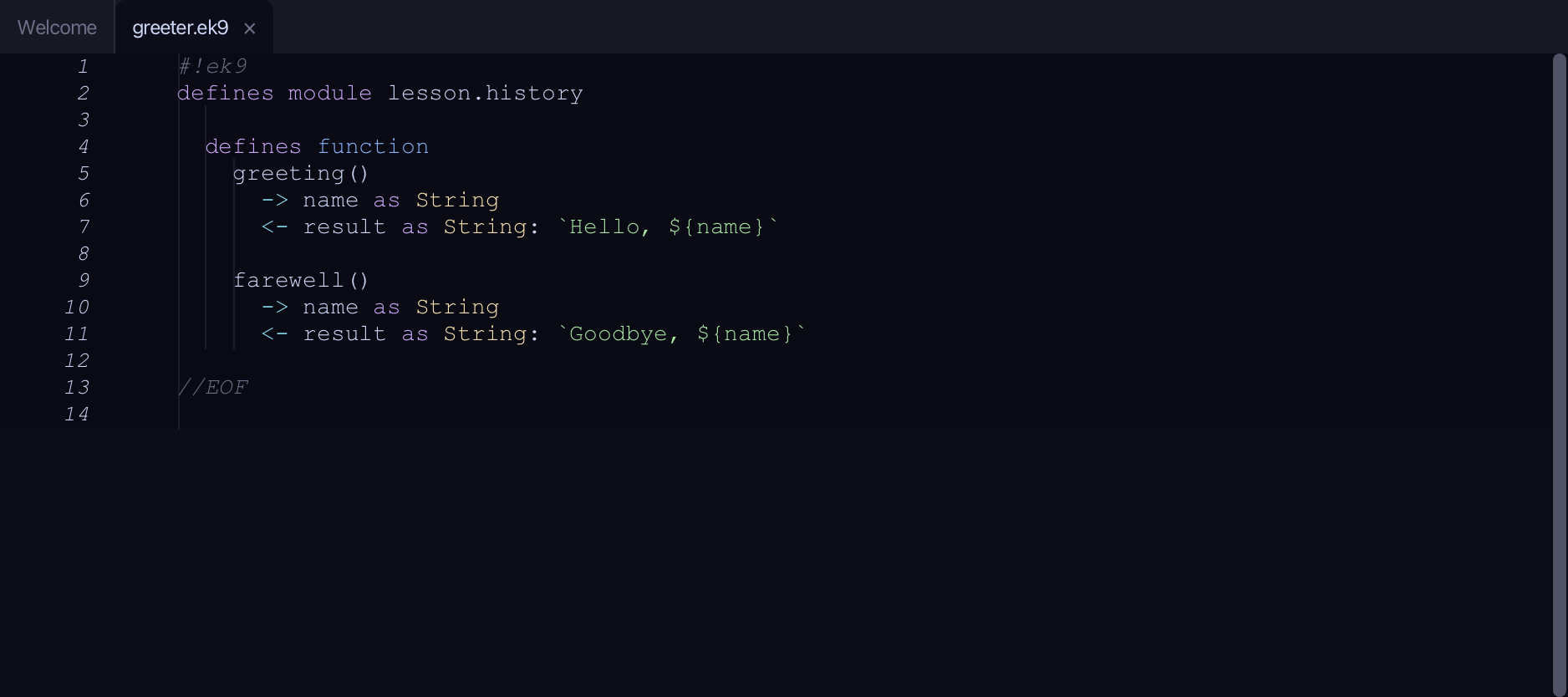
Start from
The code the lesson starts from: copy it into a file of your own and follow the steps.
hello.ek9
#!ek9
defines module lesson.history

  defines program
    Main()
      stdout <- Stdout()
      stdout.println("Hello from the history project")
      stdout.println("Every change is remembered")
      stdout.println("A third line, not yet committed")

//EOF
greeter.ek9
#!ek9
defines module lesson.history

  defines function
    greeting()
      -> name as String
      <- result as String: `Hello, ${name}`

    farewell()
      -> name as String
      <- result as String: `Goodbye, ${name}`

//EOF
Step 1: The log
Choose Git ▸ Show Git Log.
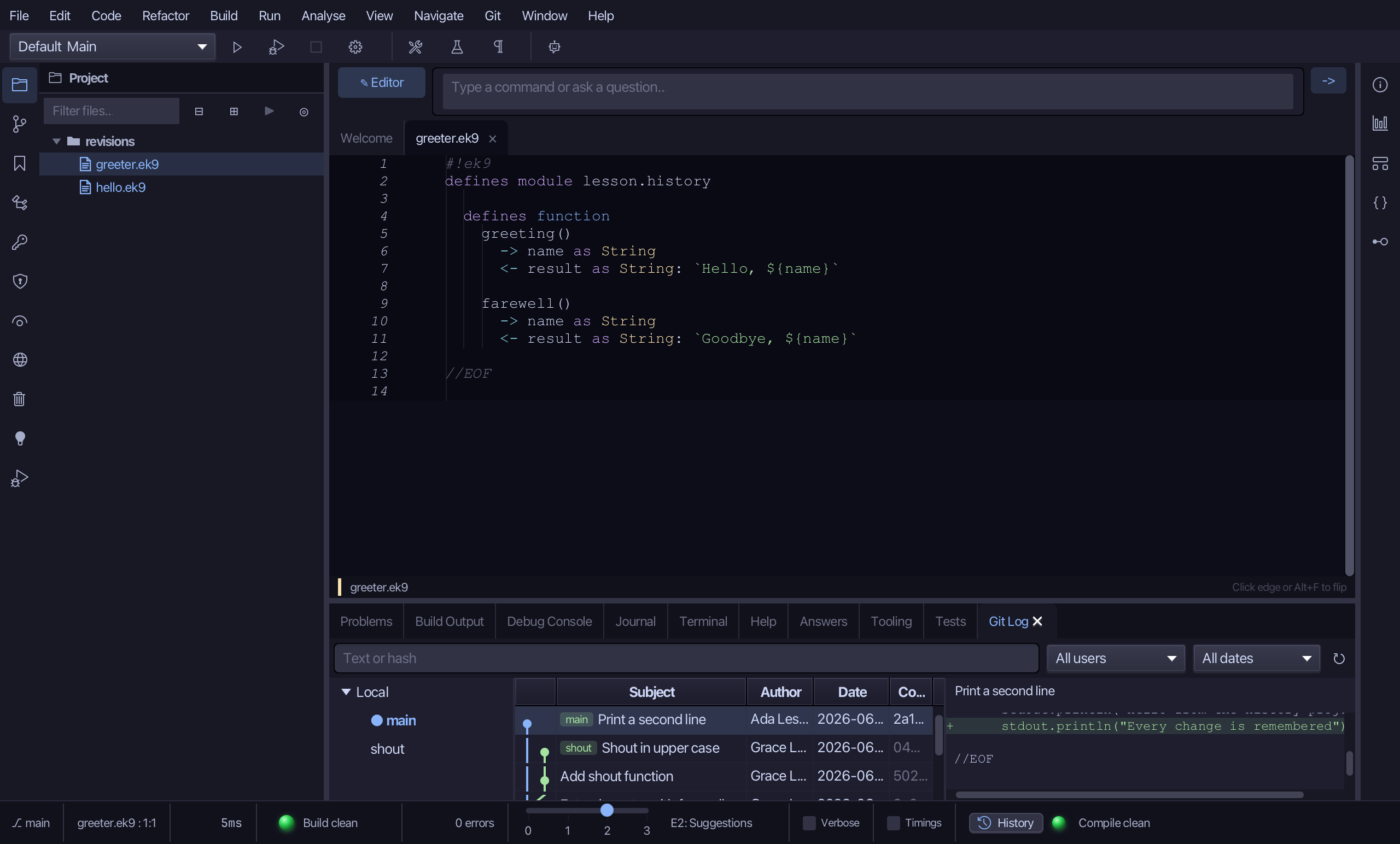
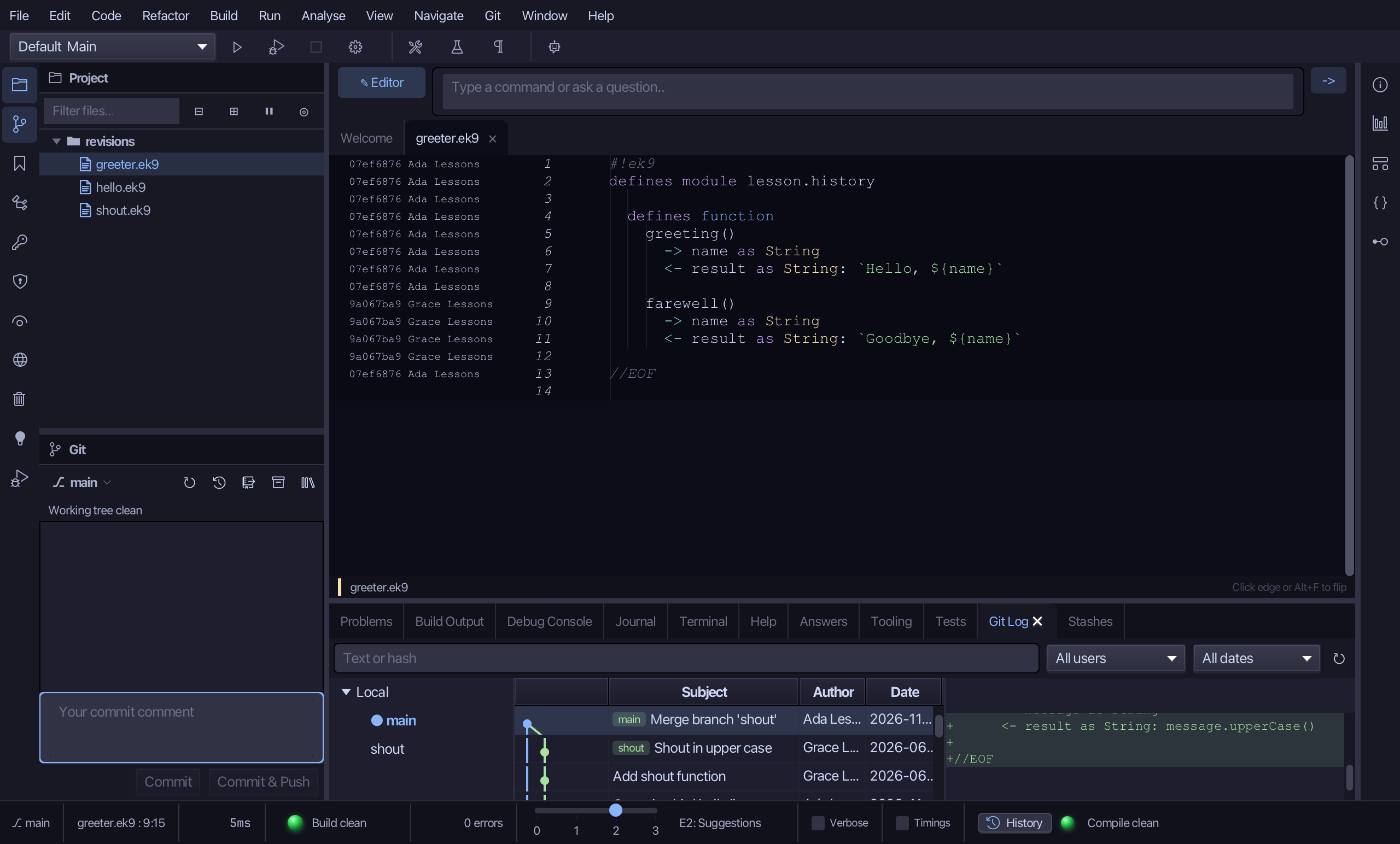
The Git Log tab lists the branches on its left - main and shout - and every commit, newest first, with its subject, author and date; the selected commit's changes show on the right. A graph runs down beside the subjects: main in blue, and shout in green leaving it at Extend greeter with farewell, with two commits of its own. A branch name sits on the commit it points at.
Step 2: Who wrote this line
Right-click the farewell line in greeter.ek9 and choose Annotate (Git blame).
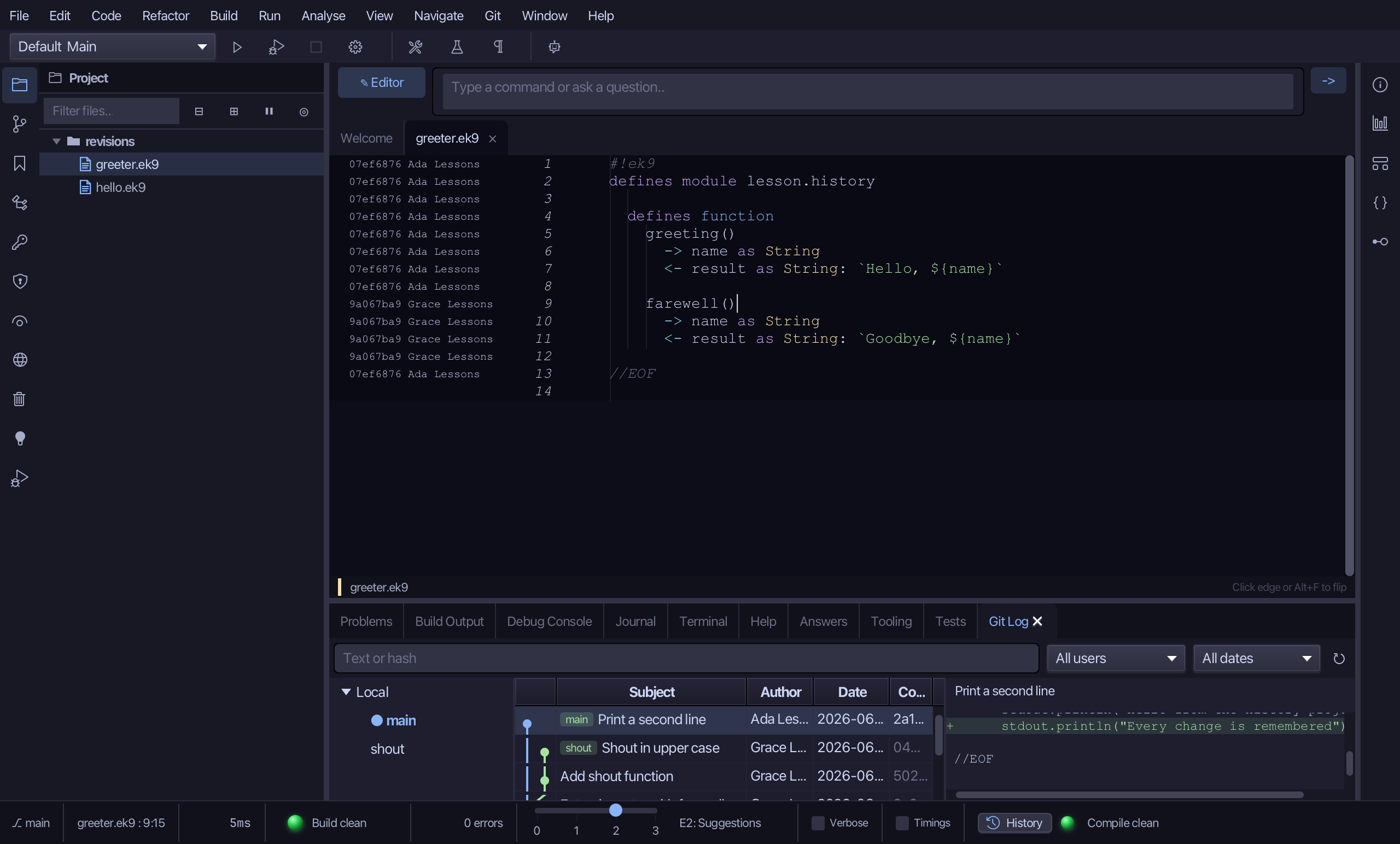
A column opens beside the line numbers naming, for every line, the commit that last changed it and who made it. The greeting lines are Ada's, from the second commit; the farewell lines are Grace's, from the third. Choose Annotate again to close the column.
Step 3: Stash a change
Choose Git ▸ Commit… to open the Git window.
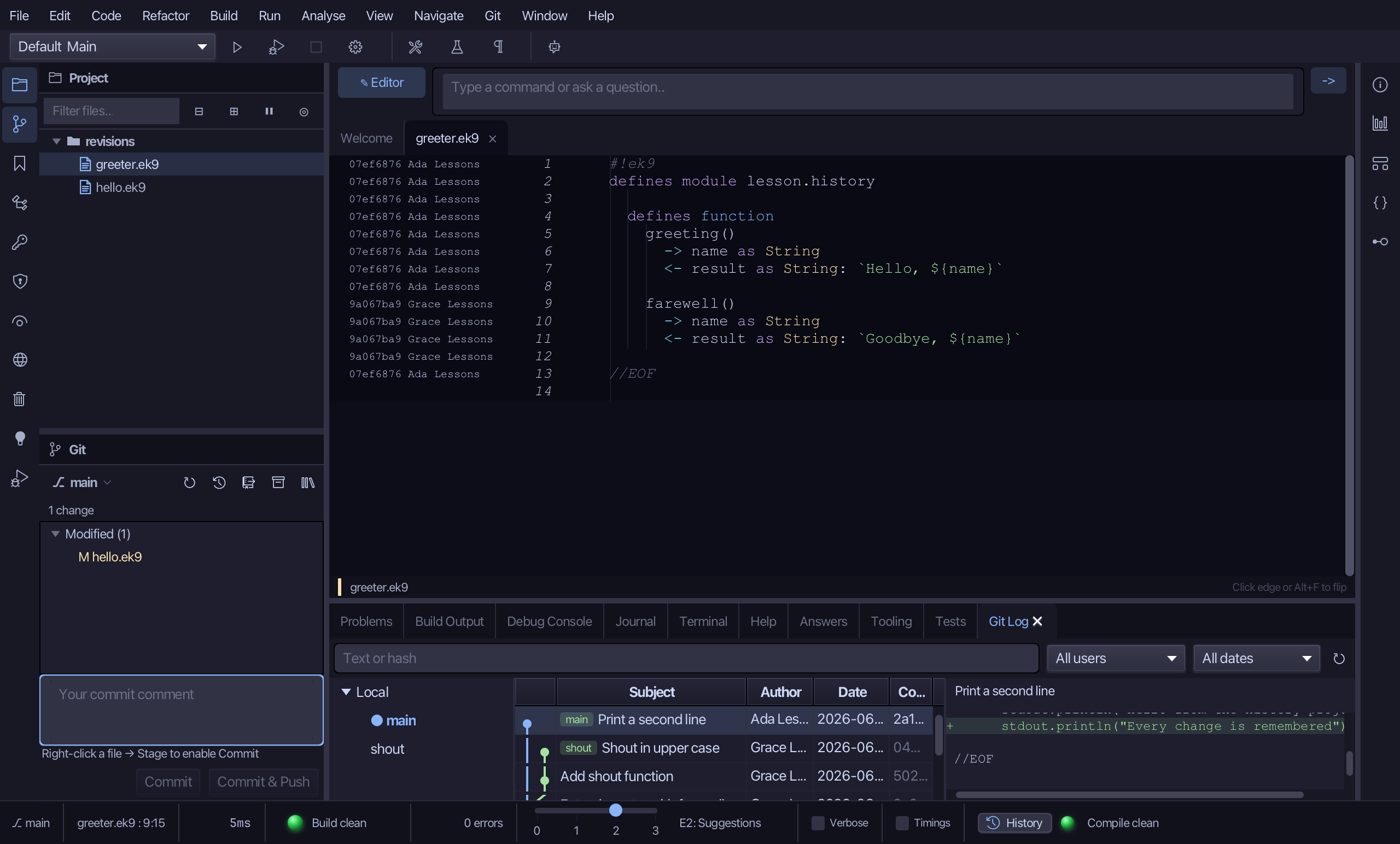
hello.ek9 is Modified: a third line nobody has committed. Choose the Stash changes… button beside the branch.
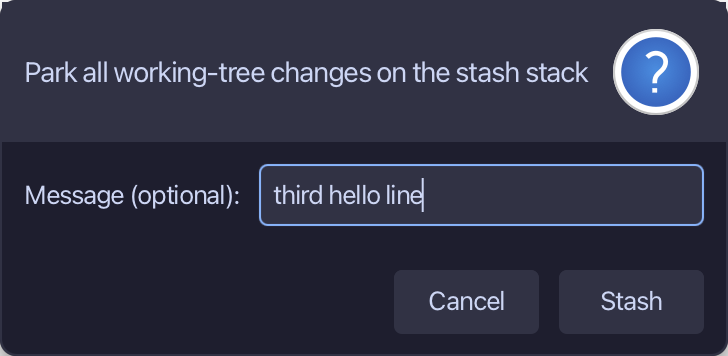
Type third hello line as the message - it is how you will find the stash again - and choose Stash.
Choose Git ▸ Show Stashes.
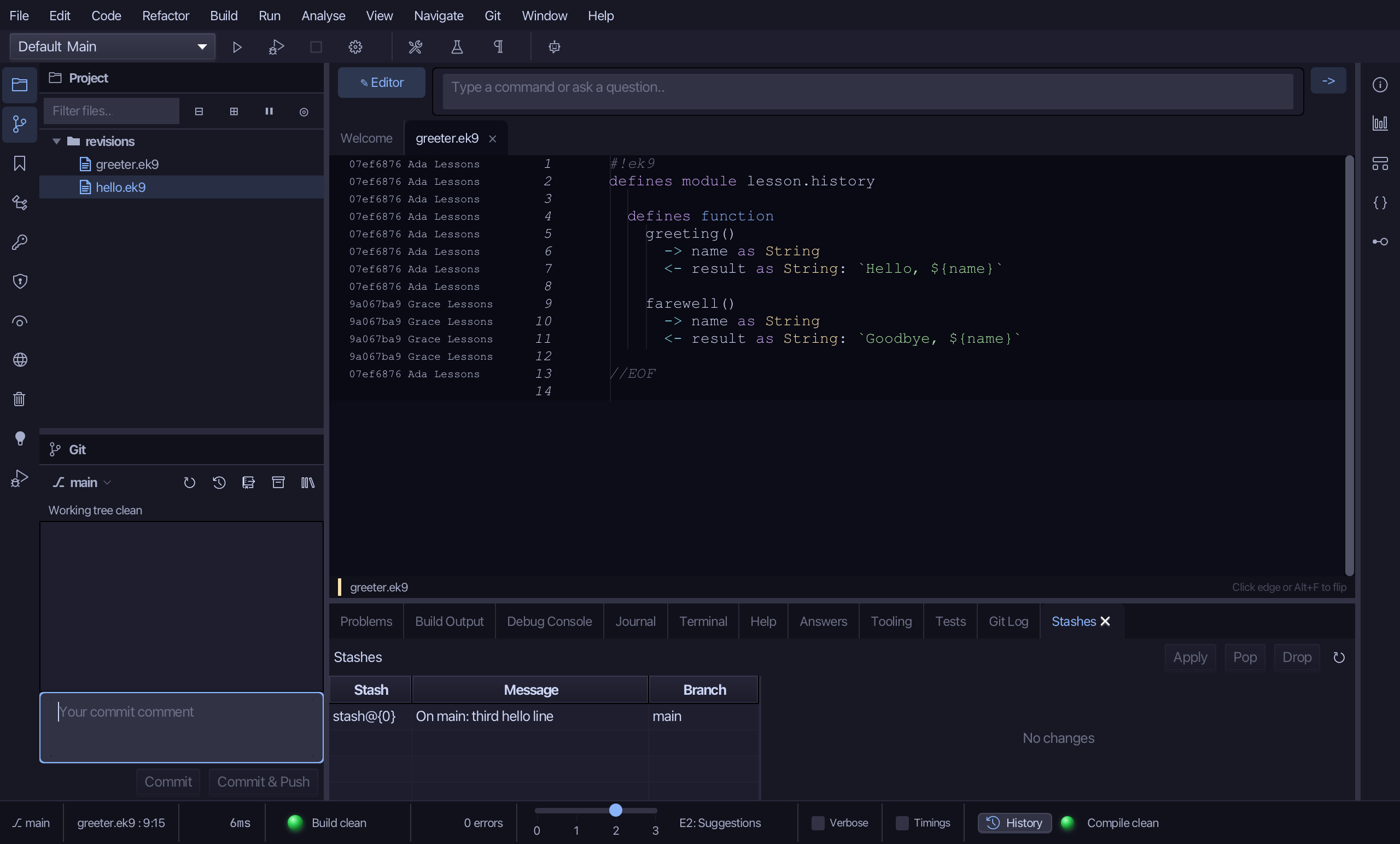
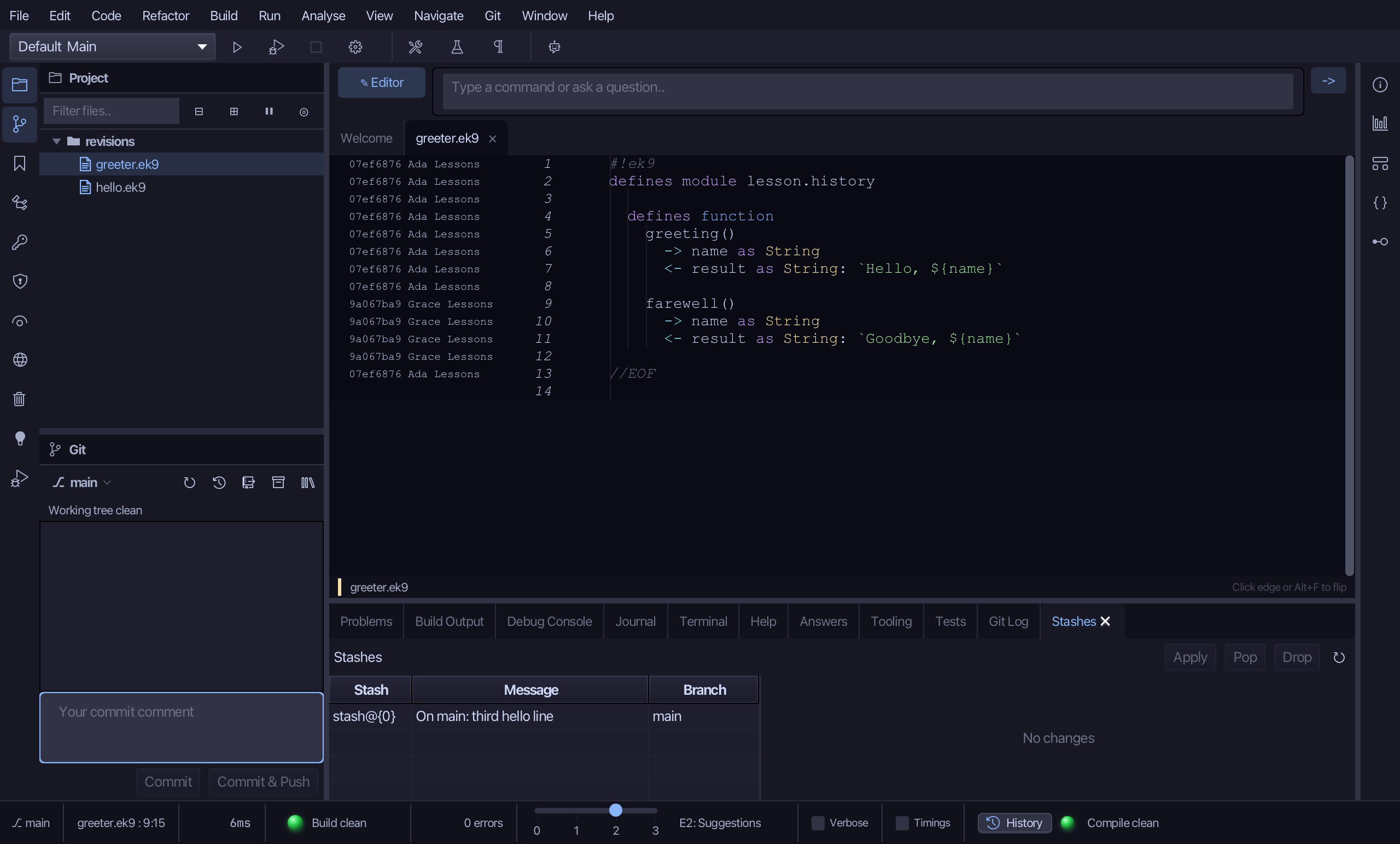
The working tree is clean again - hello.ek9 is back as last committed - and the Stashes window lists what was parked: its name, your message and the branch it was made on. Apply puts it back and keeps it, Pop puts it back and removes it, Drop deletes it.
Step 4: Merge a branch
Choose Git ▸ Merge Branch….
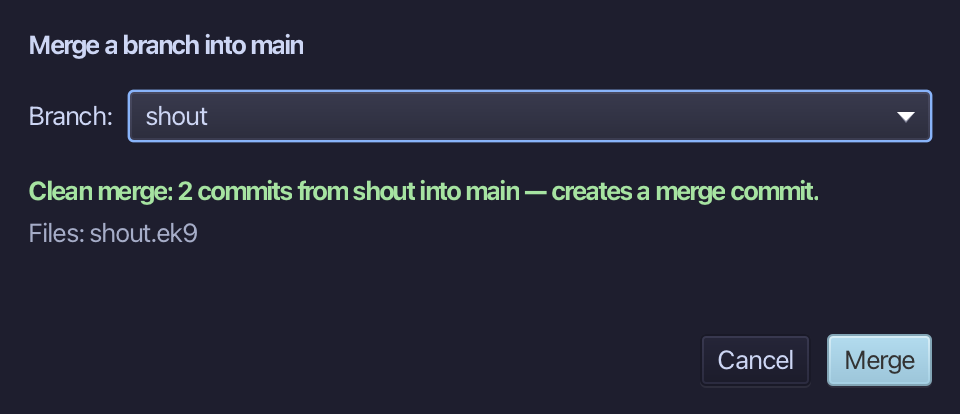
shout is the only other branch, so it is chosen already, and the dialog has asked git what a merge would do - without doing it. A clean merge lists the files it would bring in; a conflict would name them and leave Merge disabled. Choose Merge.
Both lines of work are now one: the log has a merge commit with two parents, and shout.ek9 is in the project. Branches that have left each other are joined with a merge commit; had main not moved, git would simply have slid it forward.
Step 5: Pop the stash
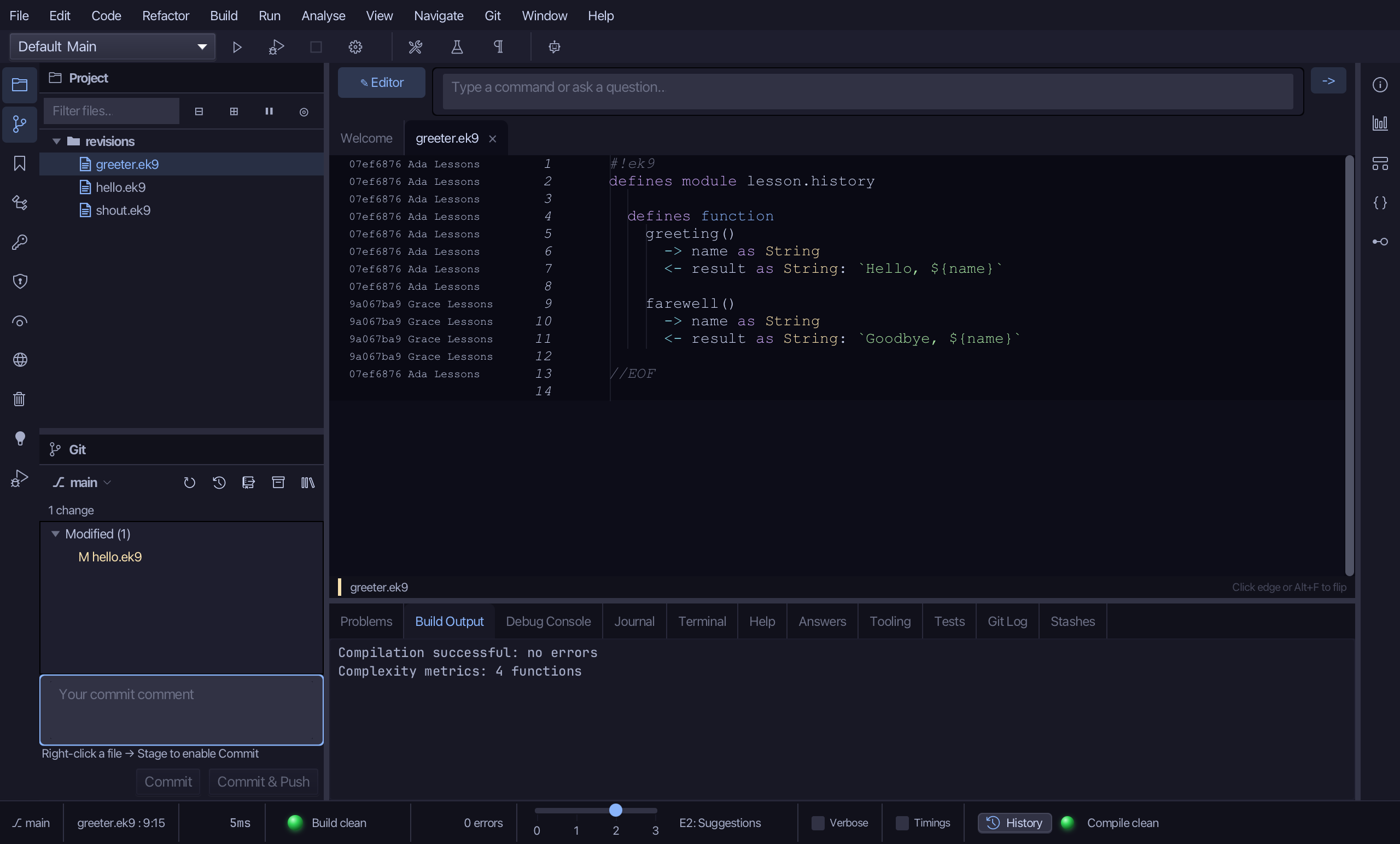
Select the stash in the Stashes window and choose Pop.
The result
That is what a repository remembers. The log drew main and shout leaving it; Annotate named who wrote each line of greeter.ek9 and when; Stash Changes… parked the edit to hello.ek9 so the tree was clean for the merge; Merge Branch… showed what it would do before it did it, and shout.ek9 arrived; Pop brought the edit back. A merge that would conflict is refused at the preview, never begun. AI assistants read the same history with ek9_git_log, ek9_git_blame and ek9_git_diff, and act with ek9_git_stash and ek9_git_merge.
Where this lesson comes from
- For AI assistants - the MCP tool
ek9_git_log,ek9_git_blame,ek9_git_stash,ek9_git_merge,ek9_git_diff.