Chapter 8: a text type, built
Chapter 8 is about keeping translations INSIDE the language, where the compiler can see them. Party is a text type speaking three languages for one birthday message; the IDE's own tools build its structure - the program, then Party itself (created the moment it is first needed), then a new locale cloned from an existing one - so what is left to type is only the wording itself: English first, then the parameter's real name, then French and German. To play it in the IDE: Help > Lessons > Writing code…, or ek9 -ide -lesson book-localisation.
What you'll build
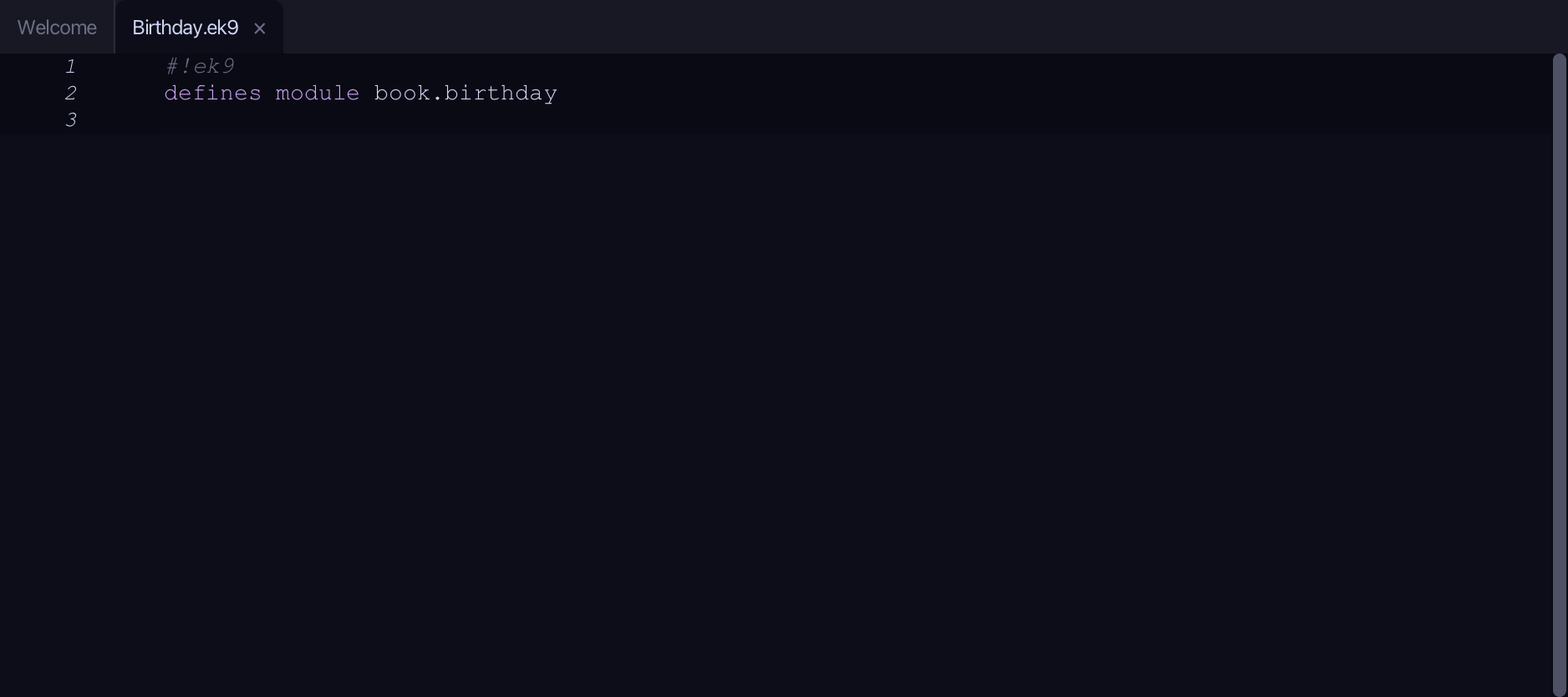
The lesson builds this program from a file holding only its module line - the finished file, as the book prints it.
#!ek9
defines module book.birthday

  defines text for "en"
    Party
      announce()
        -> name as String
        `It's ${name}'s birthday today!`

  defines text for "fr"
    Party
      announce()
        -> name as String
        `C'est l'anniversaire de ${name} aujourd'hui !`

  defines text for "de"
    Party
      announce()
        -> name as String
        `Heute hat ${name} Geburtstag!`

  defines program
    Show()
      stdout <- Stdout()
      who <- "Sam"
      for lang in ["en", "fr", "de"]
        party <- Party(lang)
        stdout.println(party.announce(who))
Step 1: The program, hard-coding English
Choose Code > New Construct > Program…
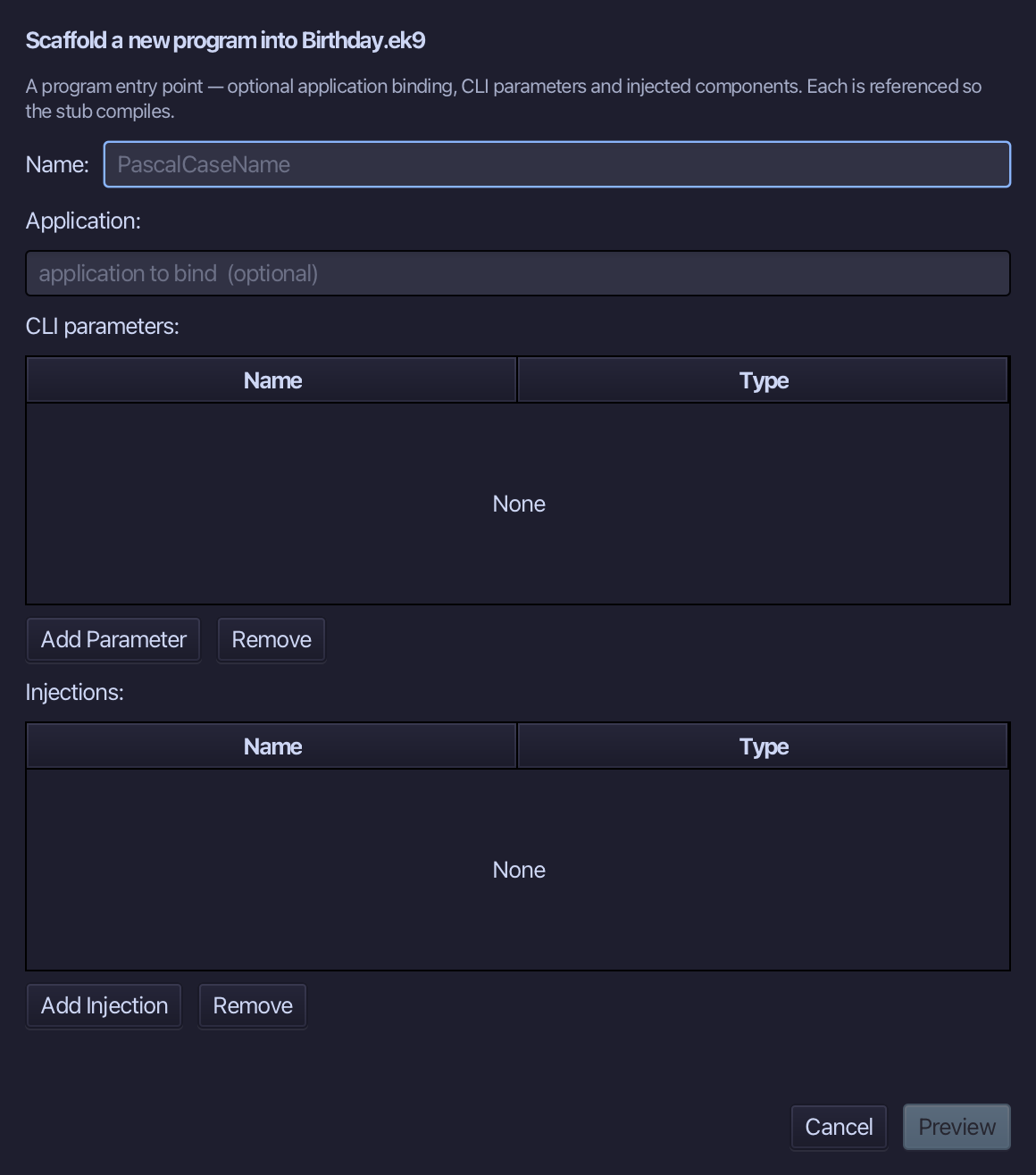
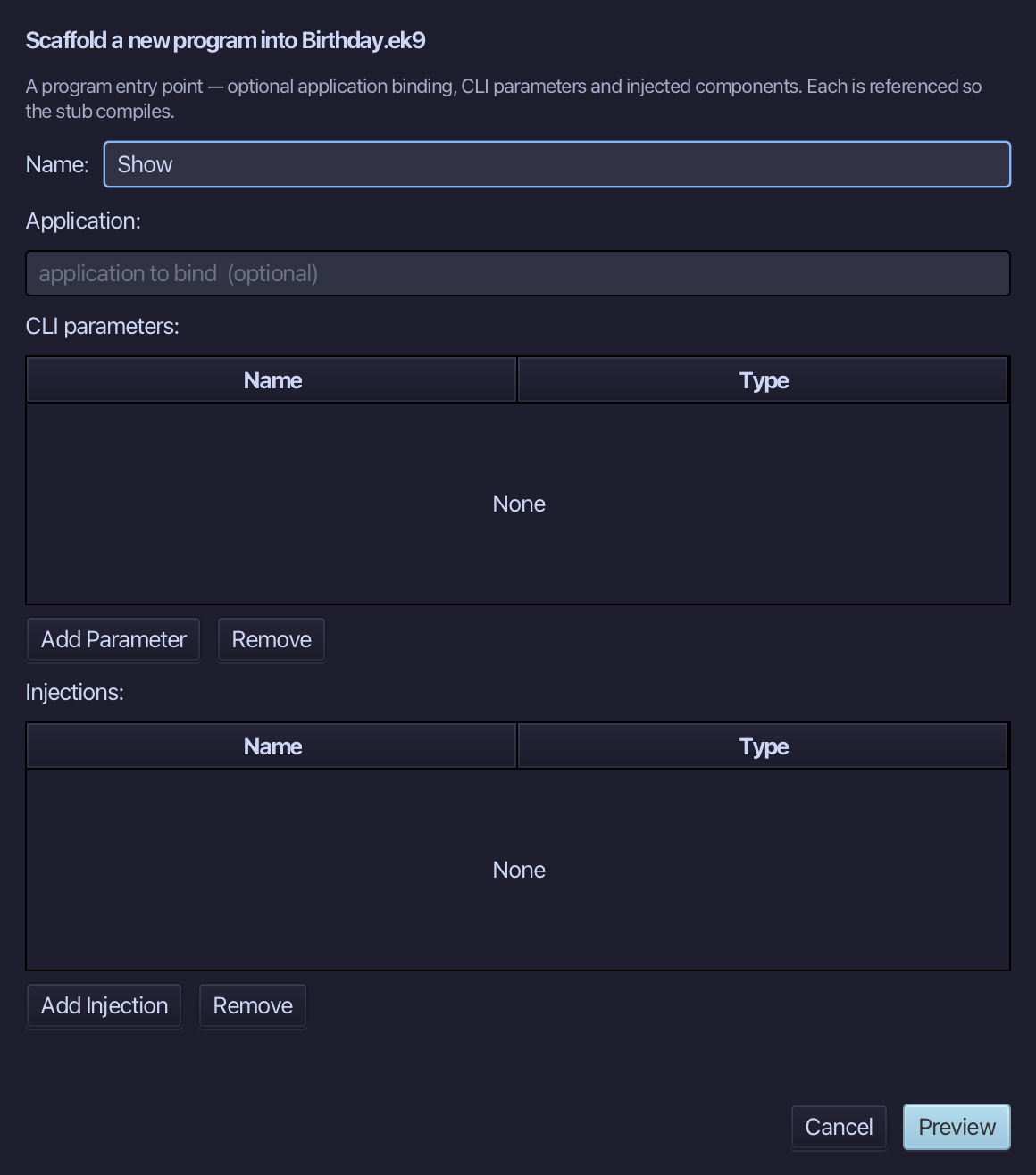
Show is the program's name - no application, no parameters, nothing injected. Type Show and choose Preview.
The preview shows Show about to be written. Choose Apply.
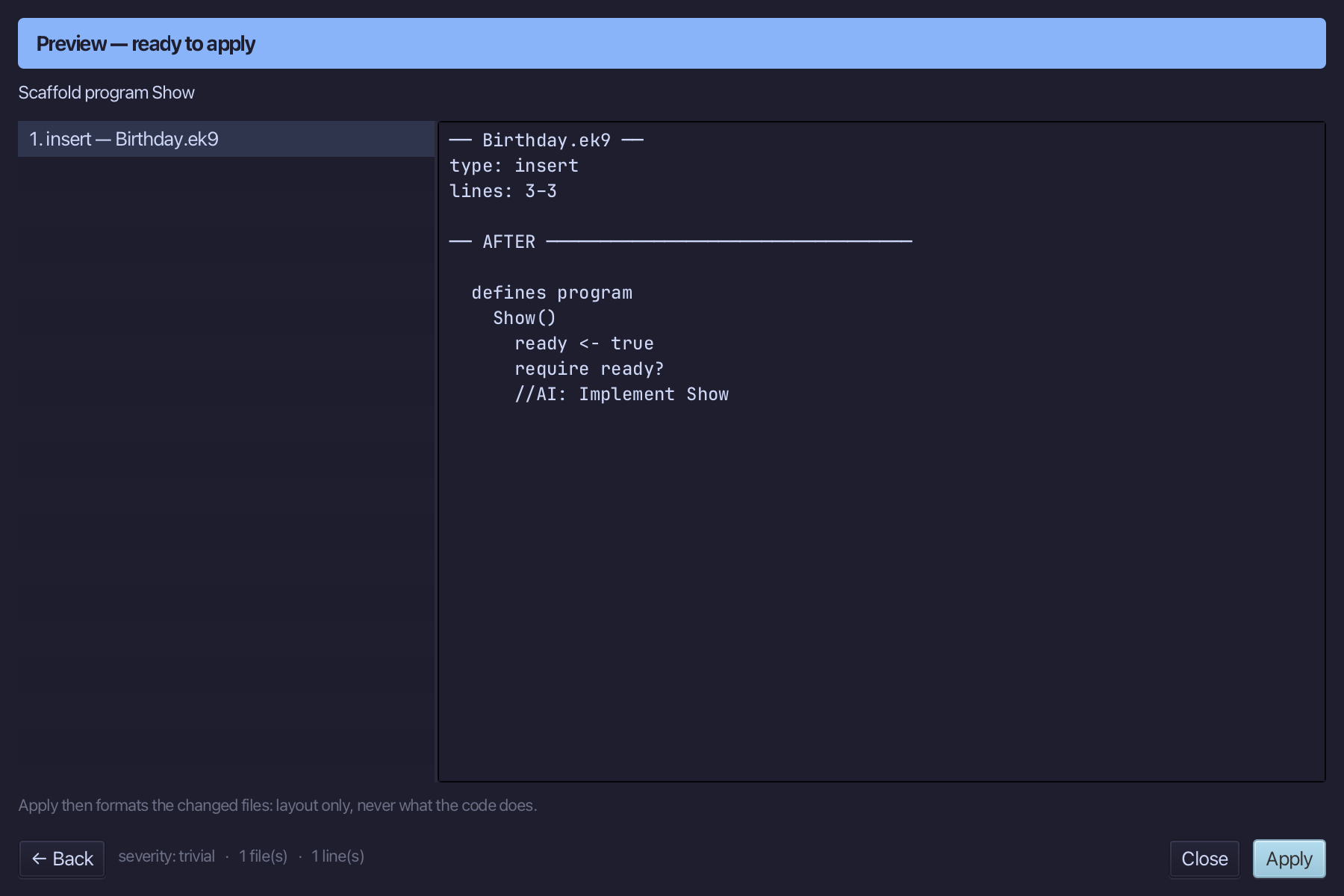
Select the stub, from ready <- true down to its //AI line, and type Show's body: a Stdout, who holding Sam, and the English greeting hard-coded, before any text type exists to hold it. Saves when typed.
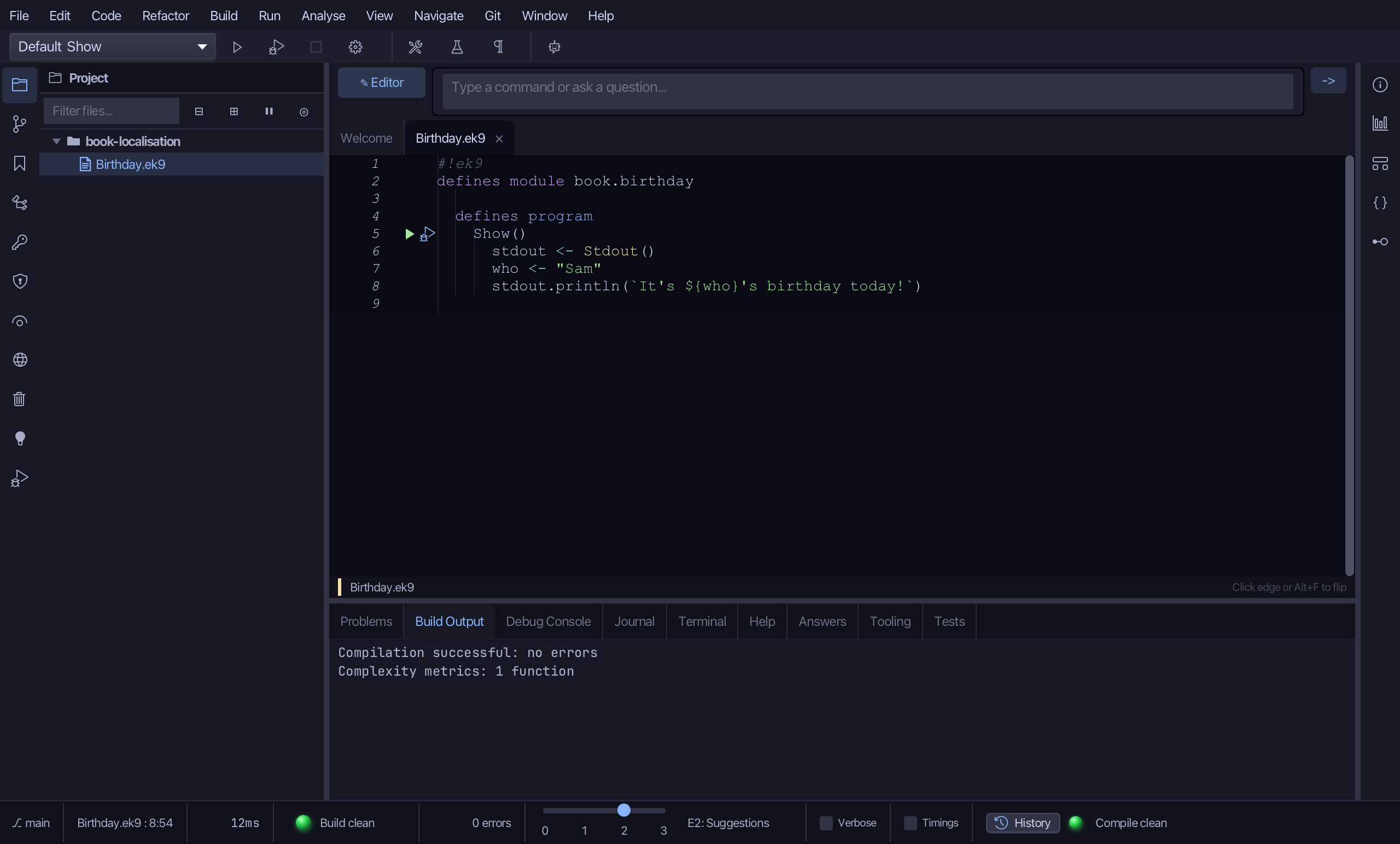
Step 2: announce - the real message
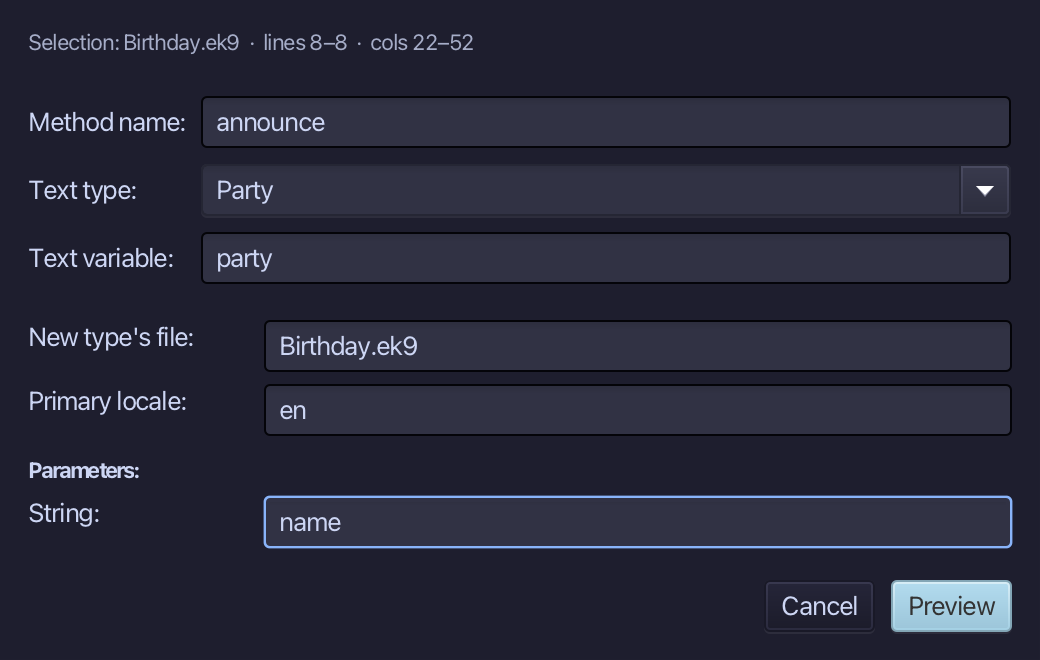
Select the hard-coded greeting, right-click it and choose Localisation ▸ Extract to Localized Text…. Name the method announce; type Party as the text type - new, so the dialog offers where to create it (this file, already filled in) and its first locale (en); name party as the text variable - not declared yet, the tool declares it for you. The Parameters table shows who, inferred from the greeting - retype it to name, then choose Preview.
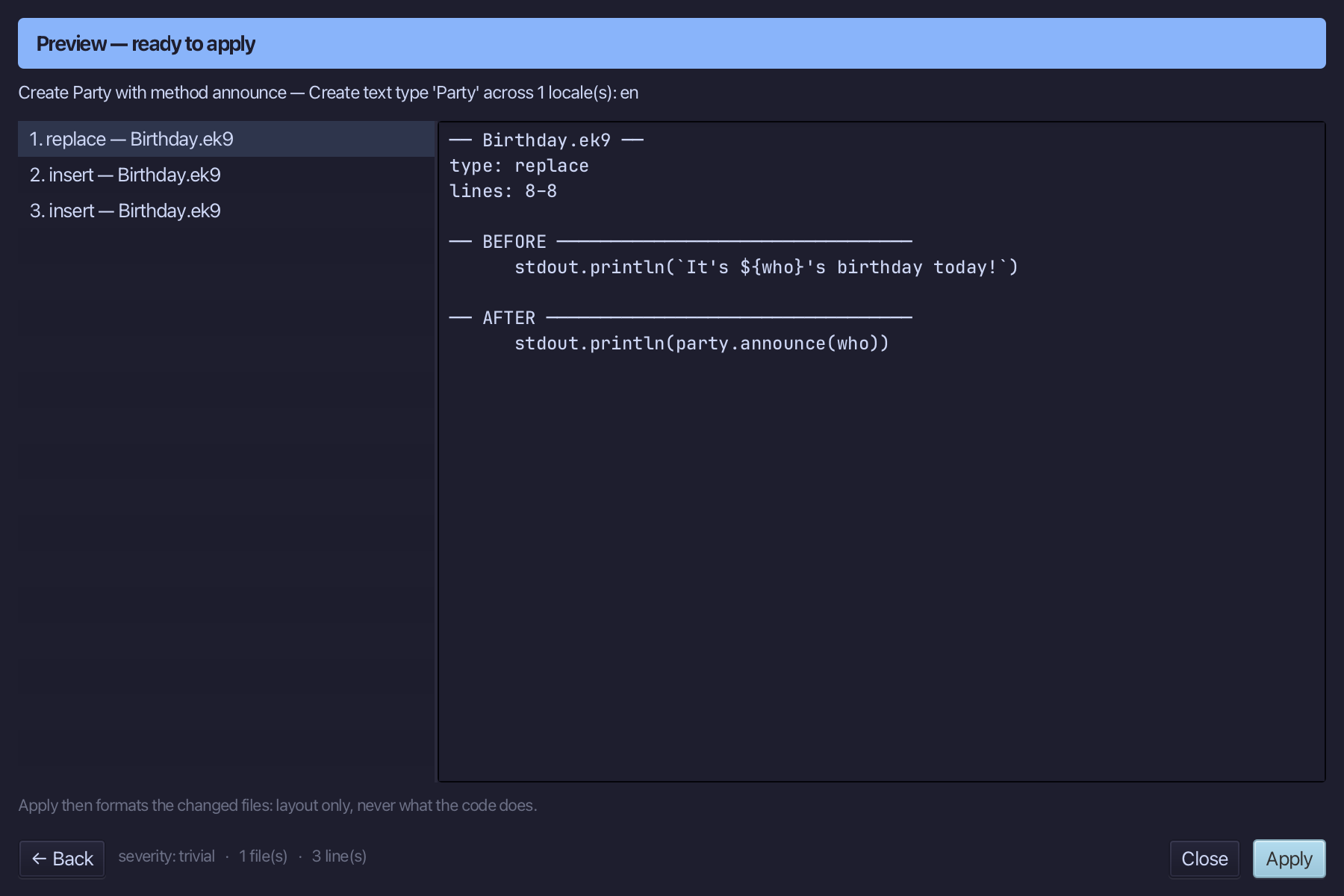
The preview shows Party created with its announce() message, party declared right above the statement that uses it, and the greeting gone from Show. Choose Apply.
Step 3: Adding French
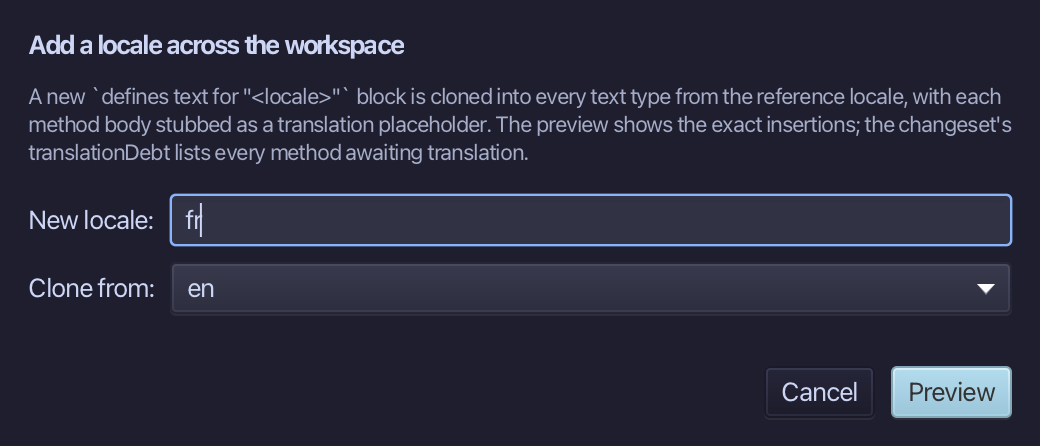
Choose Code > Localisation > Add Locale…
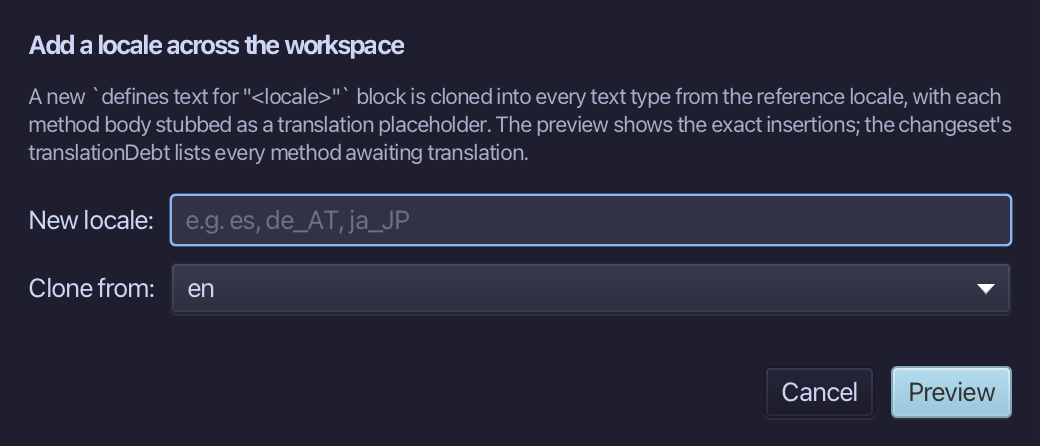
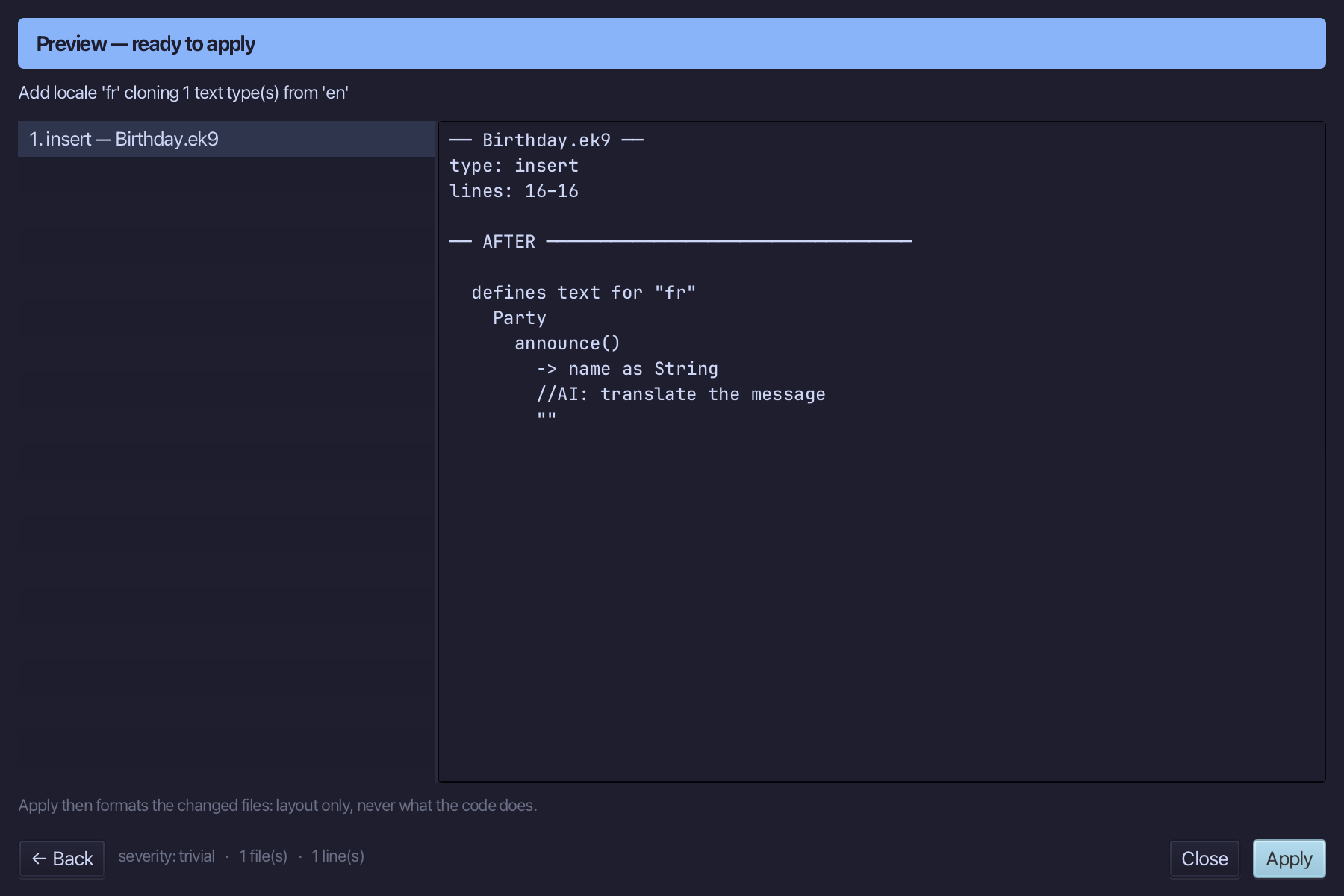
Adding French, cloned from en - a stub, //AI: translate the message, waits where the real words go. Type fr as the new locale - en is already chosen to clone from, the only locale so far. Choose Preview.
The preview shows fr cloned from en, stubbed for translation. Choose Apply.
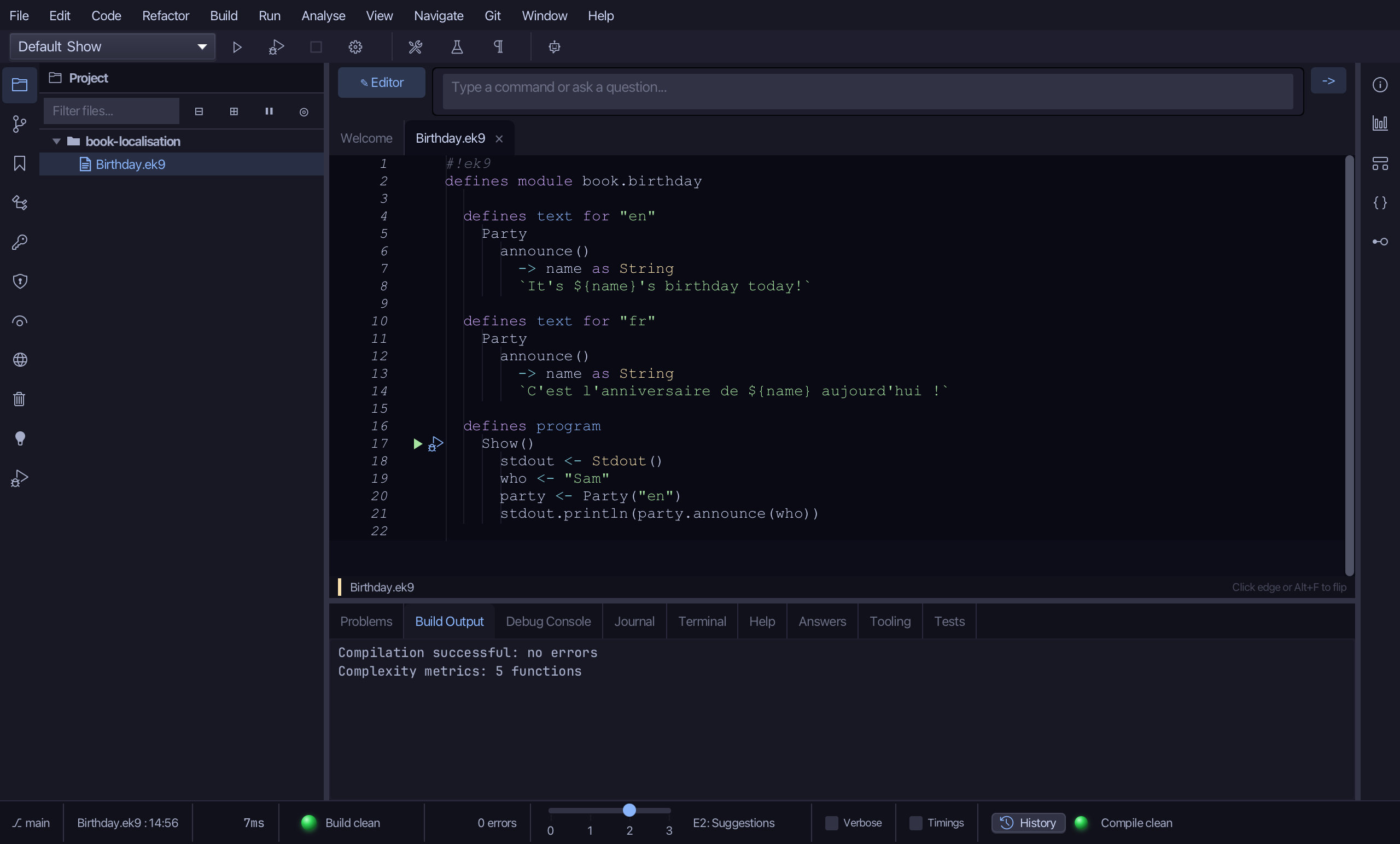
Select the stub, from //AI: translate the message down to its empty "", and type the French line. Saves when typed.
Step 4: Adding German
Choose Code > Localisation > Add Locale…
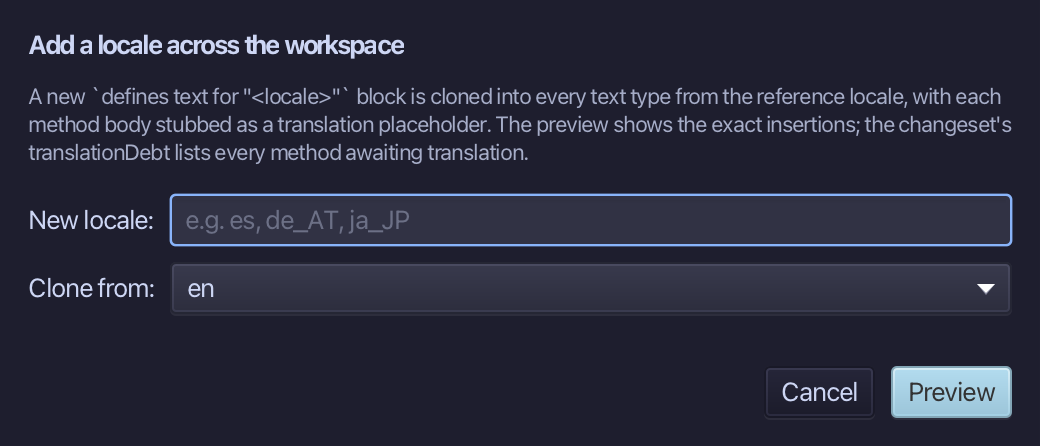
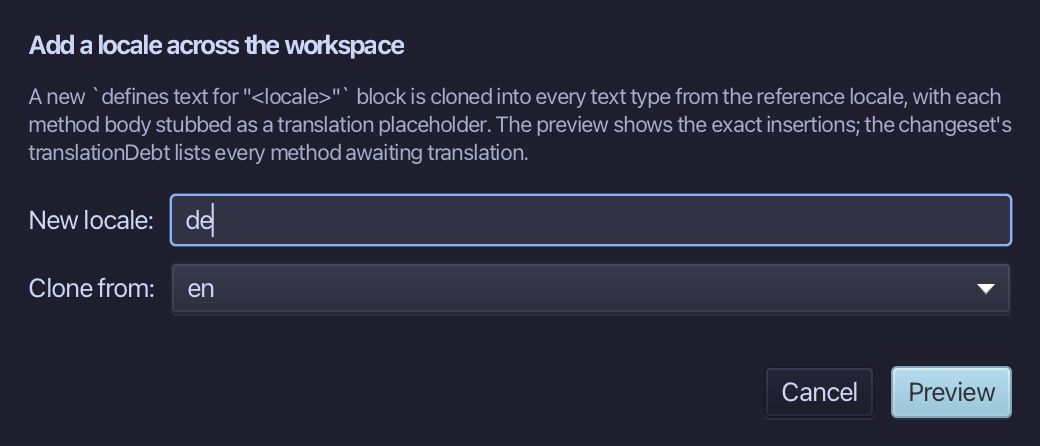
Adding German, cloned from en the same way. Type de as the new locale - en is already chosen to clone from, the only locale so far. Choose Preview.
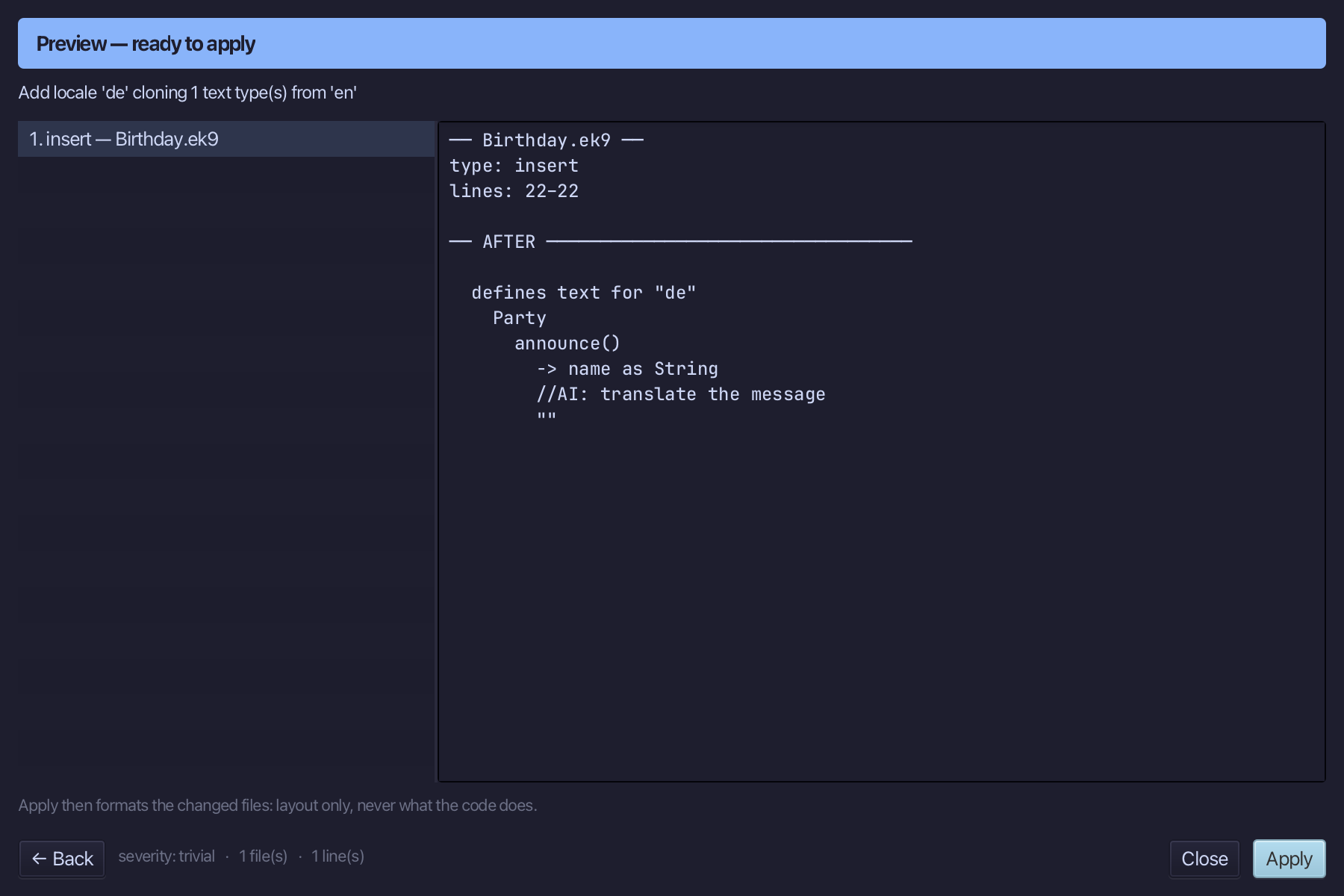
The preview shows de cloned from en, stubbed for translation. Choose Apply.
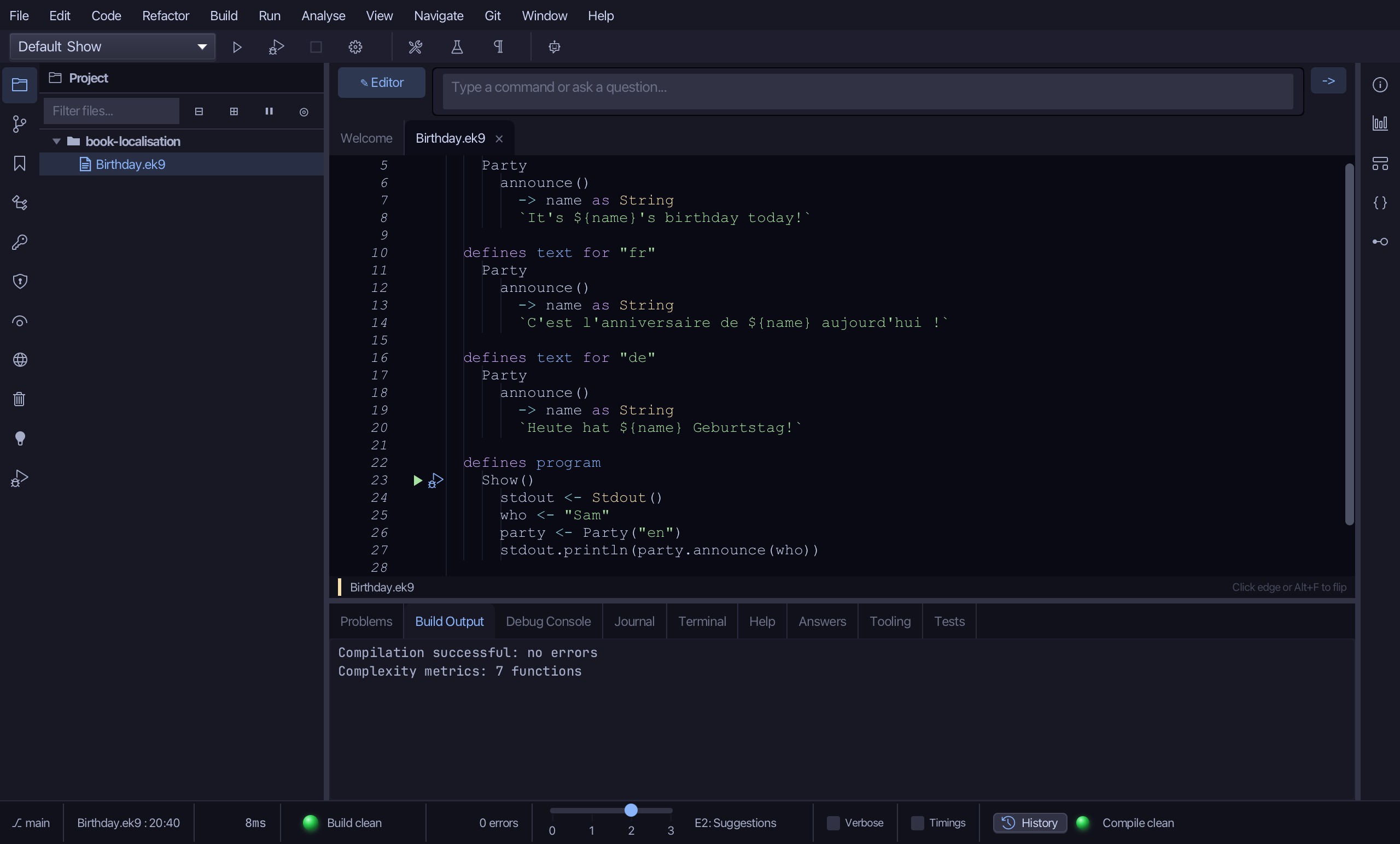
Select the stub, from //AI: translate the message down to its empty "", and type the German line. Saves when typed.
Step 5: Every language
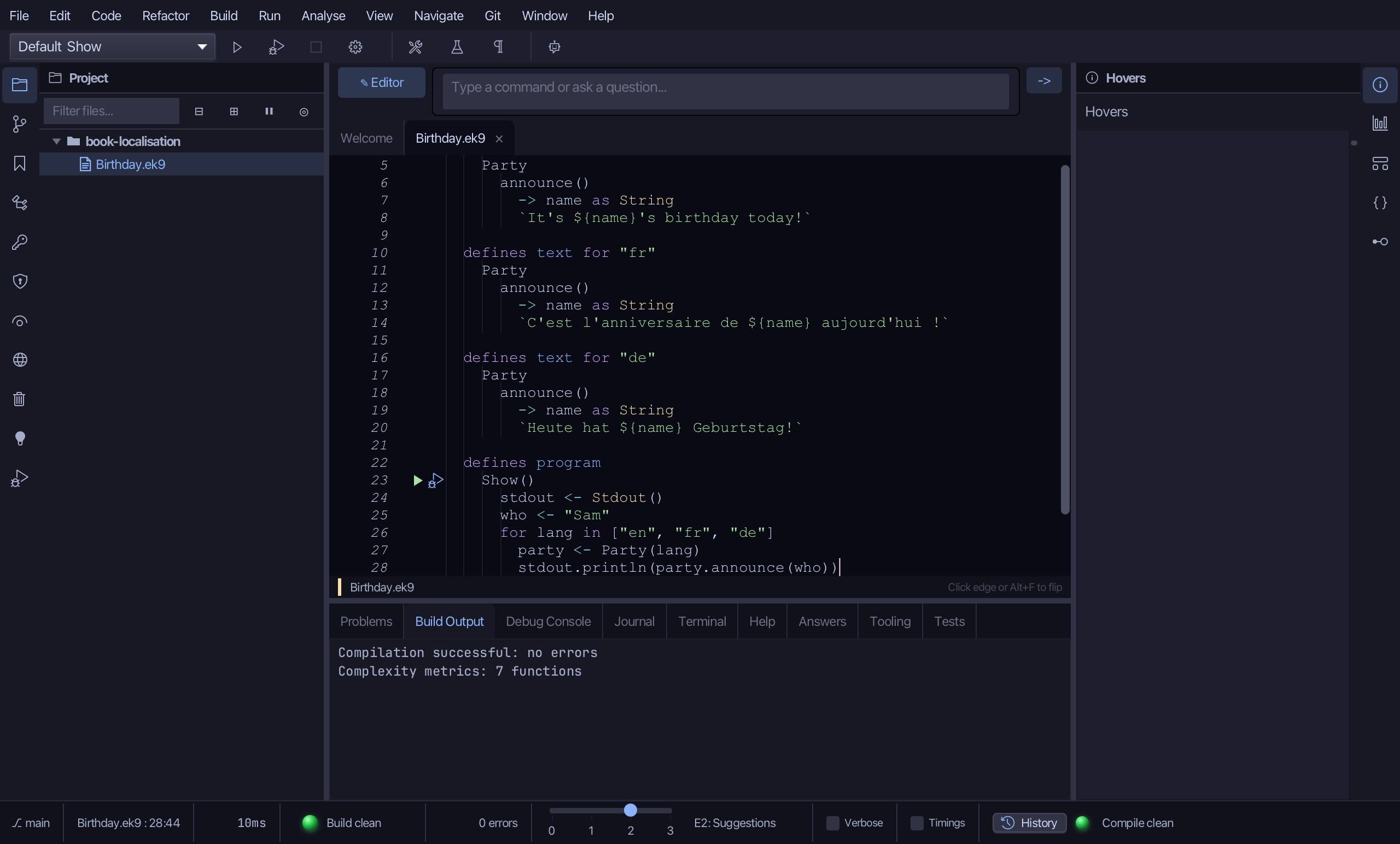
Three languages now exist; Show still only ever greets in English. Replace party <- Party("en") with a loop over all three, and re-indent the println inside it.
Step 6: Run it
Choose Run > Run Program…
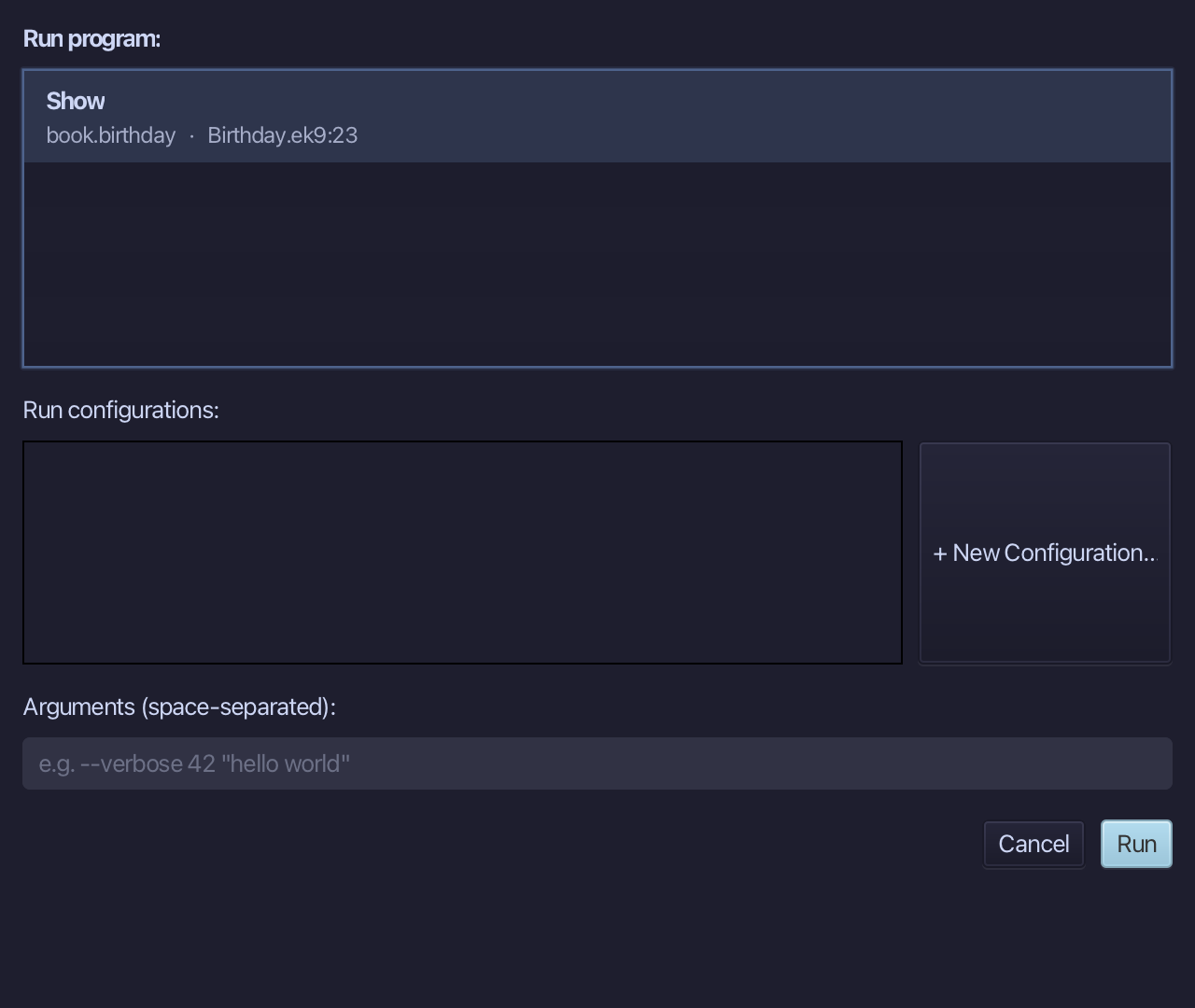
The project's only program is already chosen. Choose Run.
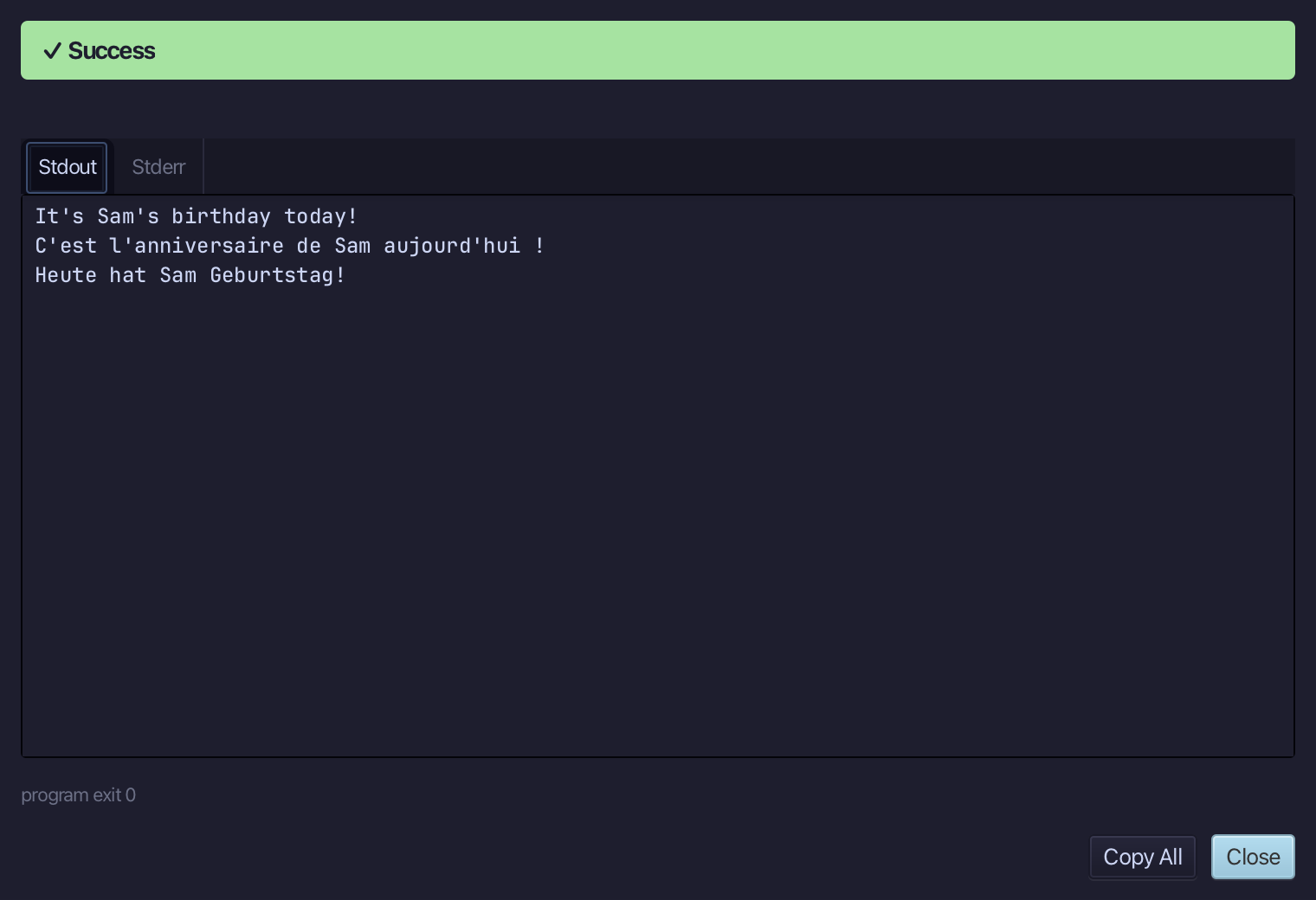
Sam's birthday is announced three times, once per language. Choose Close.
The result
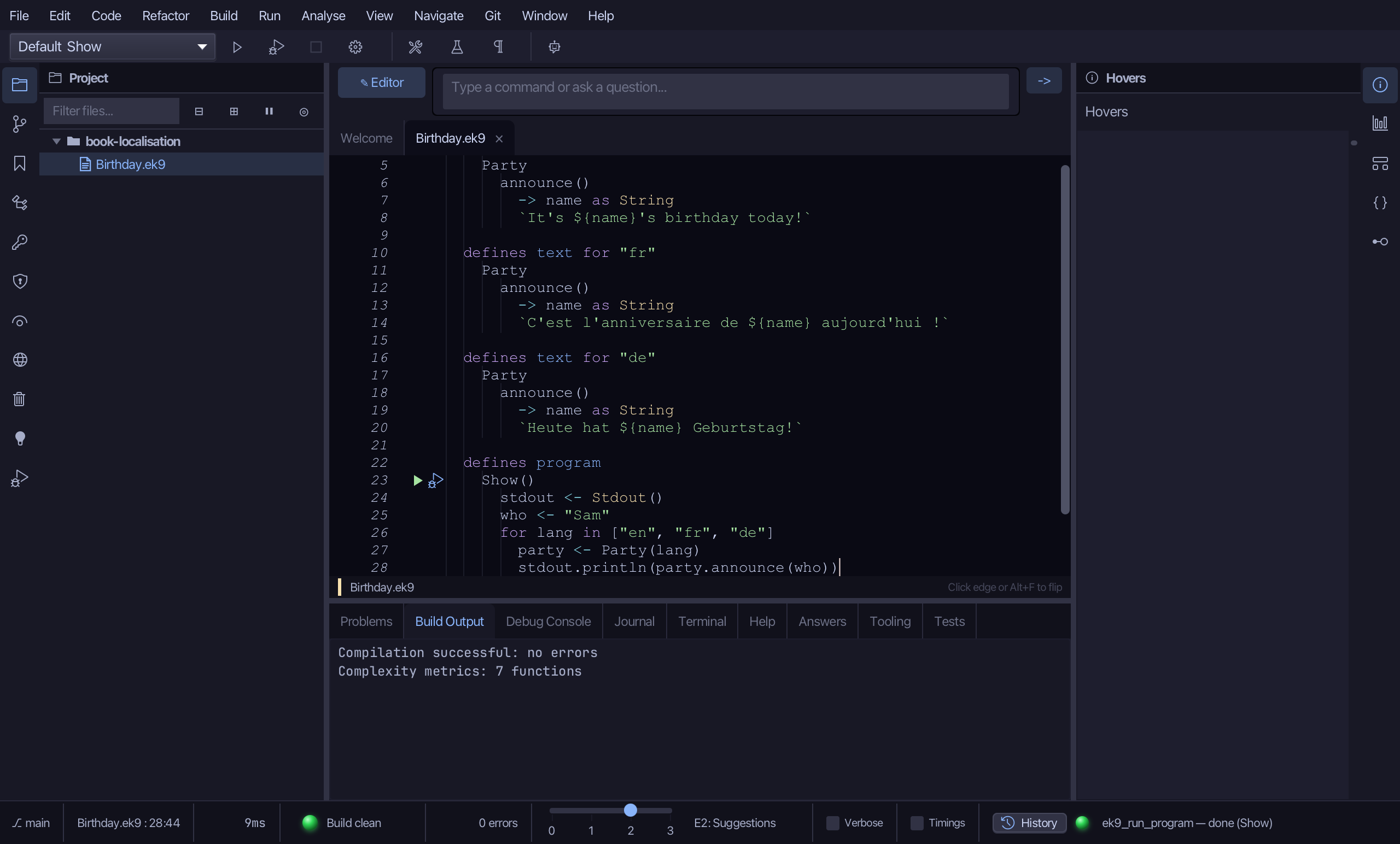
Birthday.ek9 now reads exactly as chapter 8 of Getting Started with EK9 shows it: a text type the tools built - including the new Party type and party's own declaration, both from one Extract to Localized Text call - with each locale's wording typed by hand, the one thing no tool can write. Removing an unused message works the same way, from its declaration (Remove Text Method…) or its call site (Remove Localized Text Call…) - neither needed here. The same tools - ek9_add_program, ek9_extract_to_localized_text, ek9_edit_localized_text - are what an AI assistant calls to do the same thing.
Where this lesson comes from
- For AI assistants - the MCP tool
ek9_add_program,ek9_extract_to_localized_text,ek9_edit_localized_text.