Chapter 18: traits and delegation, built
Chapter 18 builds a trait, View, with no state of its own - and two classes that take it on two different ways: Home implements it, Framed delegates to a field it holds. The IDE's own tools make the structure - the trait's shell, each method's whole signature, the trait adoption itself, the field, the constructors' shells - so what is left to type is only the logic no tool can write. To play it in the IDE: Help > Lessons > Writing code…, or ek9 -ide -lesson book-traits.
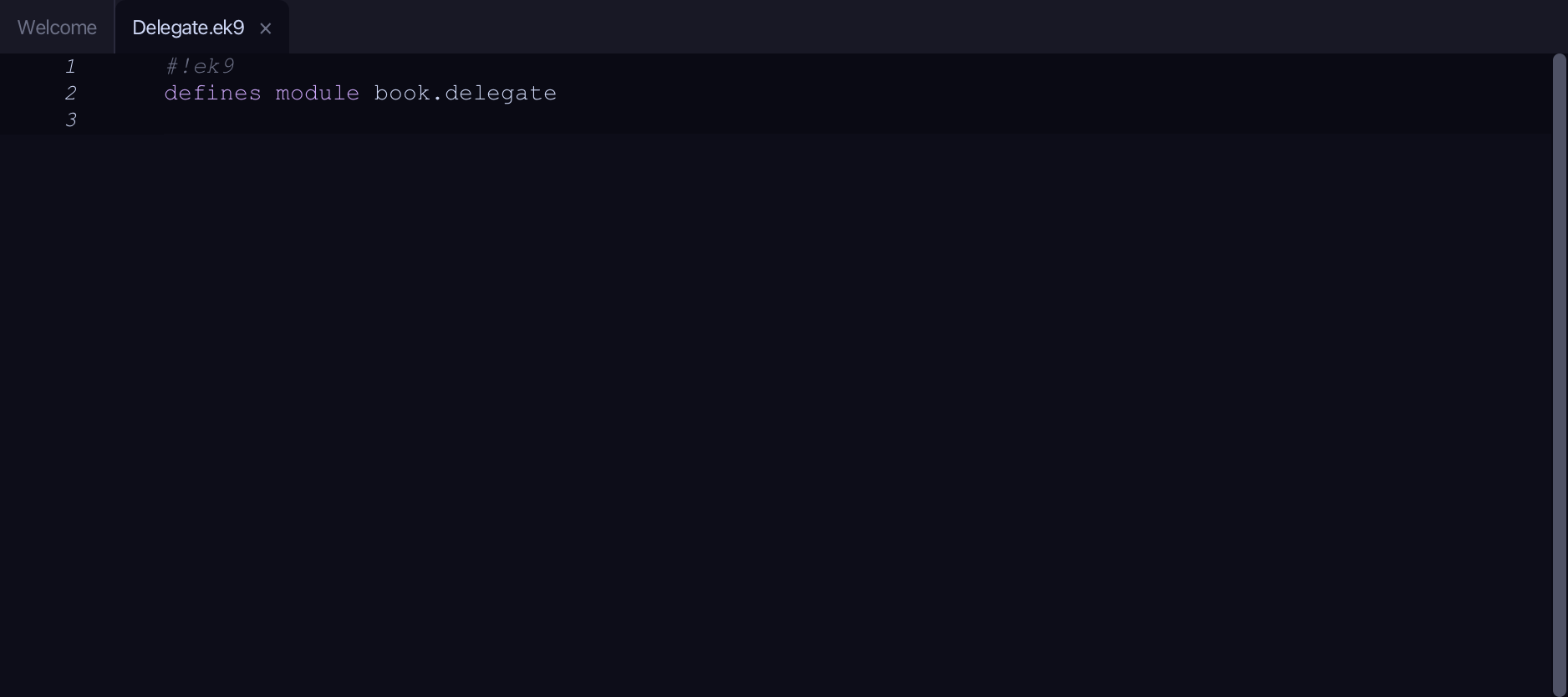
What you'll build
The lesson builds this program from a file holding only its module line - the finished file, as the book prints it.
#!ek9
defines module book.delegate

  defines trait
    View
      title() as pure
        <- rtn as String?
      body() as pure
        <- rtn as String?

  defines class
    Home with trait of View
      override title() as pure
        <- rtn as String: "Home"
      override body() as pure
        <- rtn as String: "Welcome"
      default operator ?

    Framed with trait of View by inner
      inner as View?

      default private Framed() as pure

      Framed() as pure
        -> viewToWrap as View
        require viewToWrap?
        inner :=? viewToWrap

      override body() as pure
        <- rtn as String: `*** ${inner.body()} ***`

      default operator ?

  defines program
    Show()
      stdout <- Stdout()
      page <- Framed(Home())
      stdout.println(`title: ${page.title()}`)
      stdout.println(`body:  ${page.body()}`)
Step 1: A trait
Choose Code > New Construct > Trait…
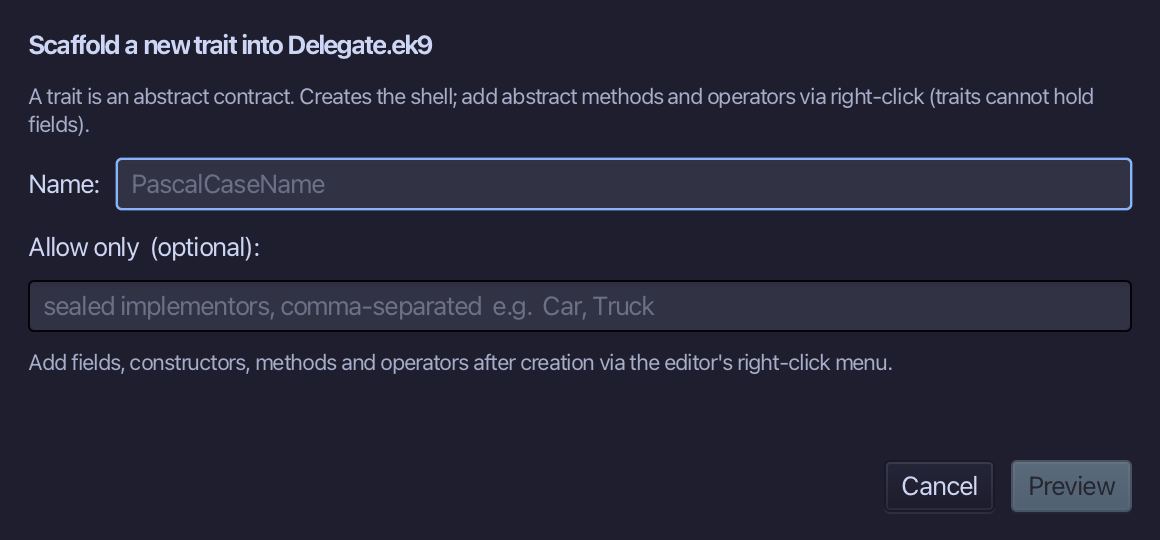
View is the trait's name. Type View and choose Preview.
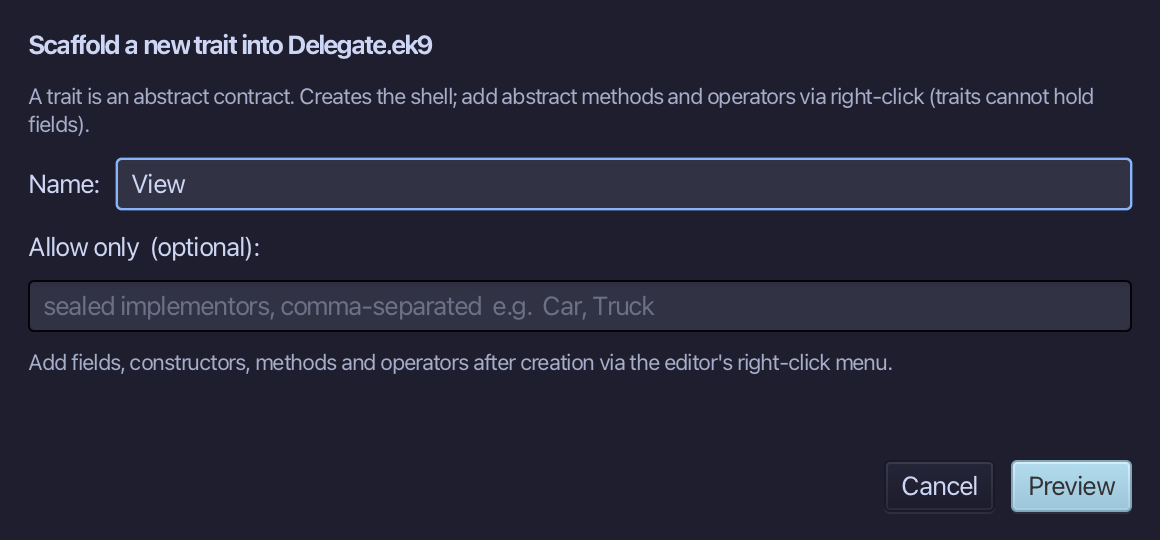
The preview shows View about to be written - a shell, nothing inside it yet. Choose Apply.
Right-click the View line and choose Add Method…
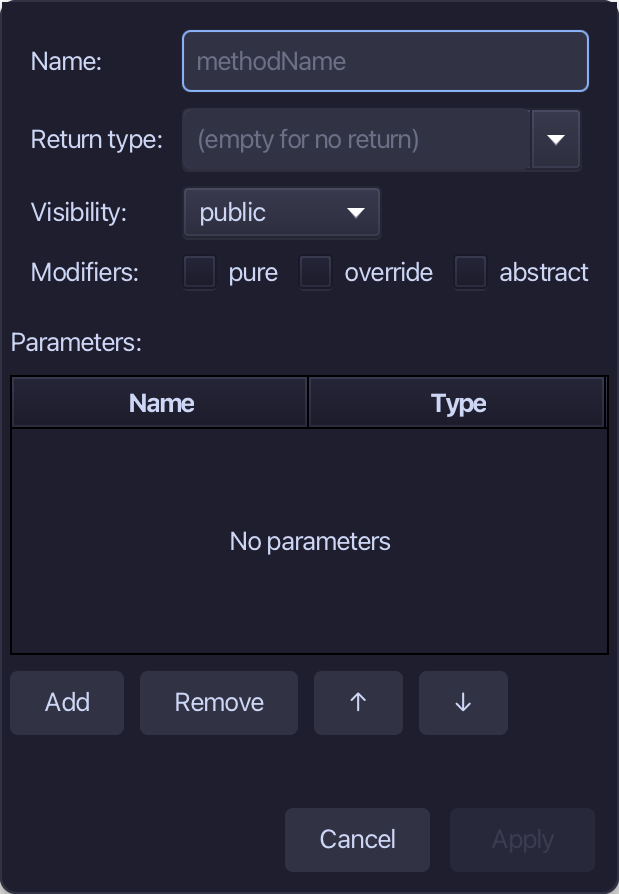
title is the name, String the return type, pure ticked - the dialog has no way to leave a method bodyless without also writing 'abstract', which View does not use (no body is already enough, as the chapter explains), so a plain stub is made here and typed next. Fill them in and choose Apply.
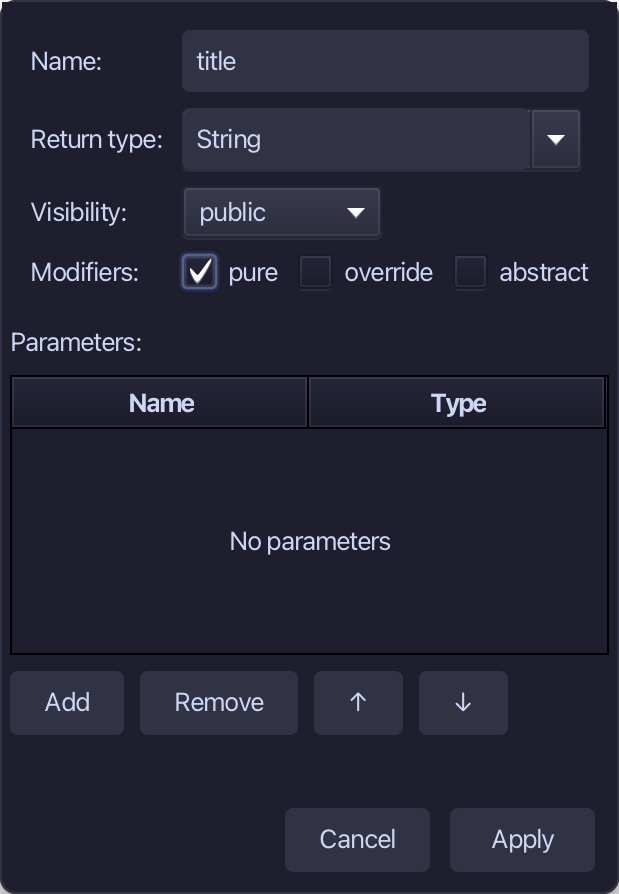
Select the stub, from <- rtn as String: String() down to its //AI line, and type <- rtn as String? - no value: that is what makes title abstract. Saves when typed.
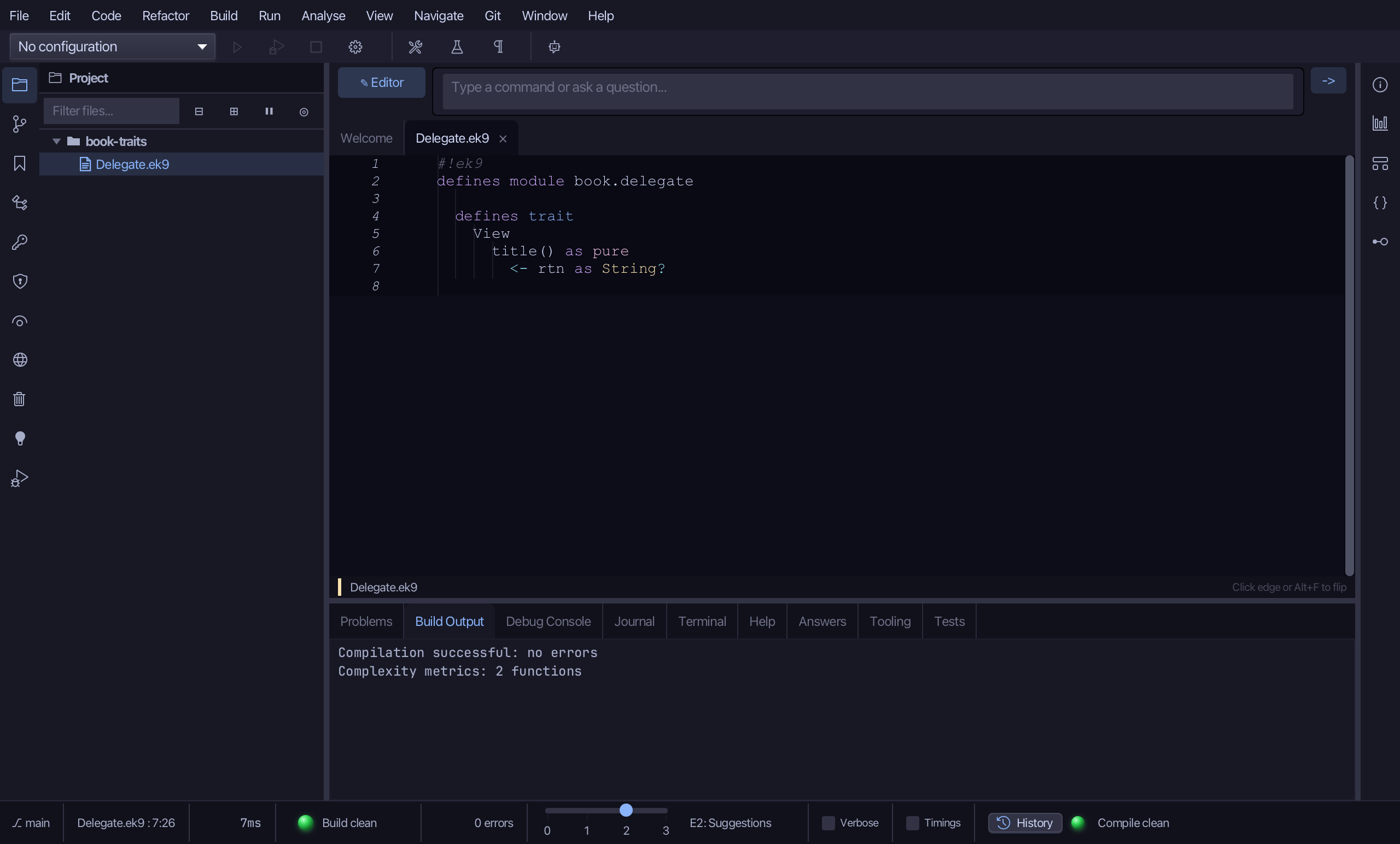
Right-click the View line and choose Add Method…
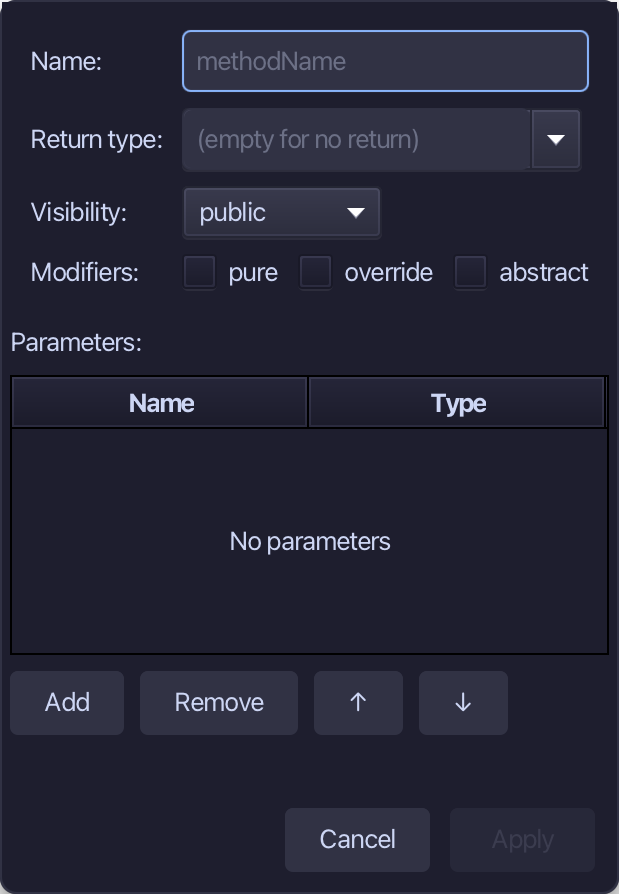
body, the same way - String, pure. Fill them in and choose Apply.
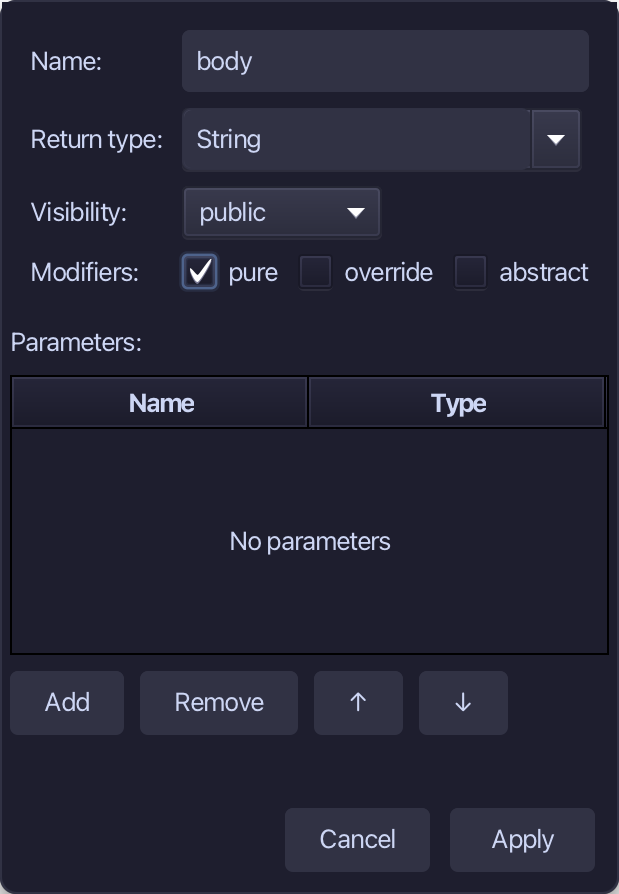
Select the stub, from <- rtn as String: String() down to its //AI line, and type <- rtn as String? again. Saves when typed.
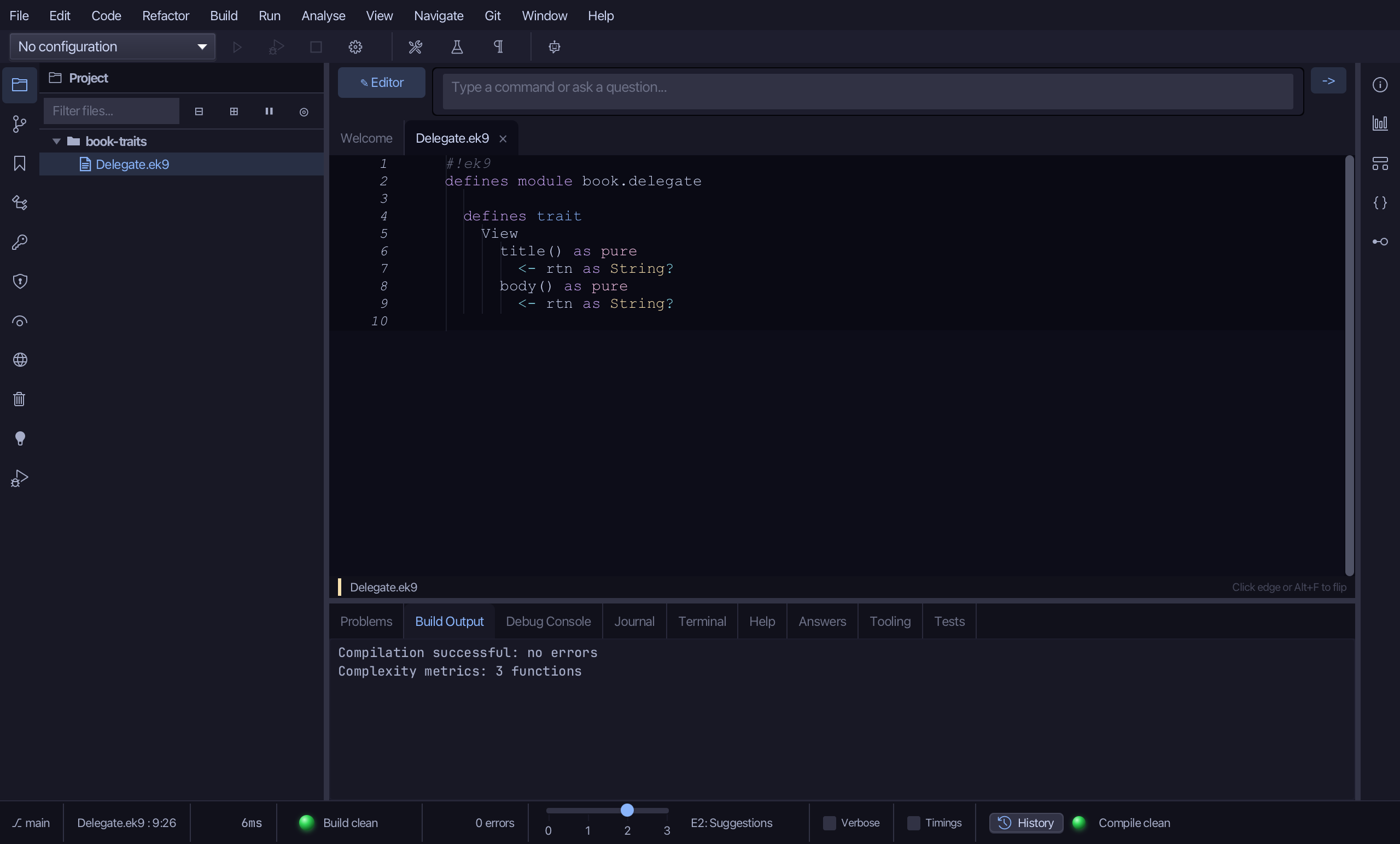
Step 2: Home — implementing it
Choose Code > New Construct > Class…
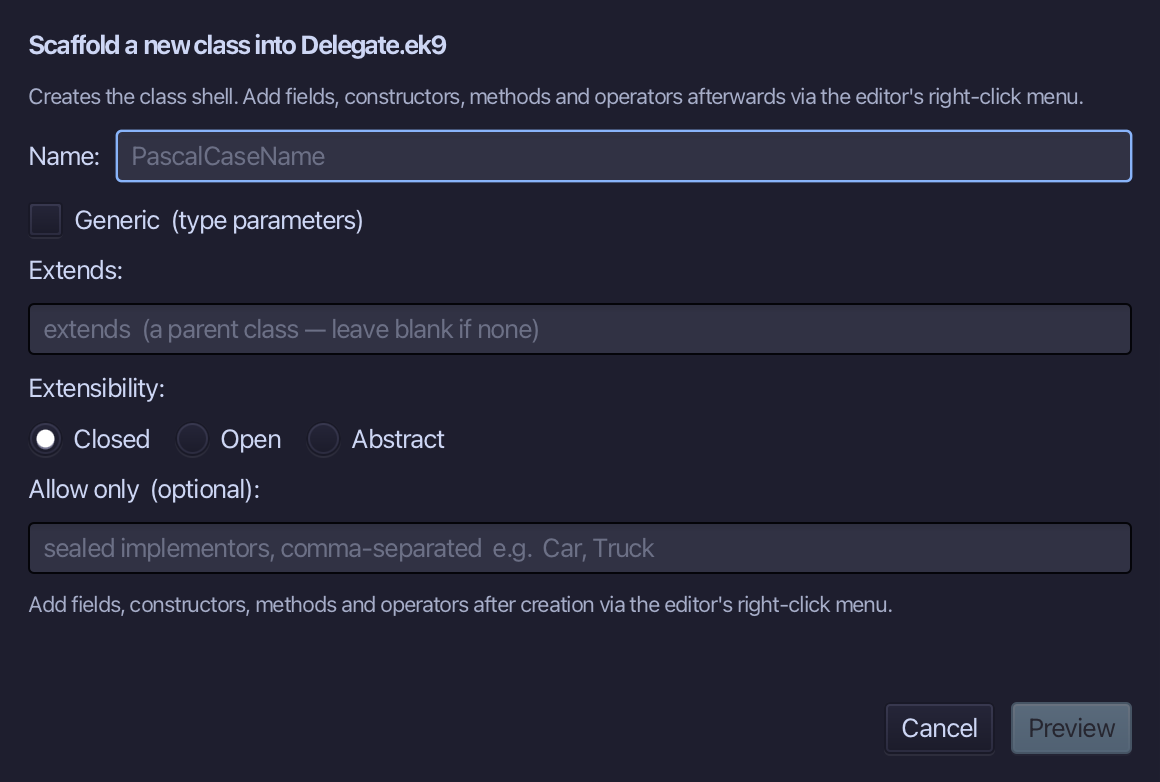
Home is the class's name. Type Home and choose Preview.
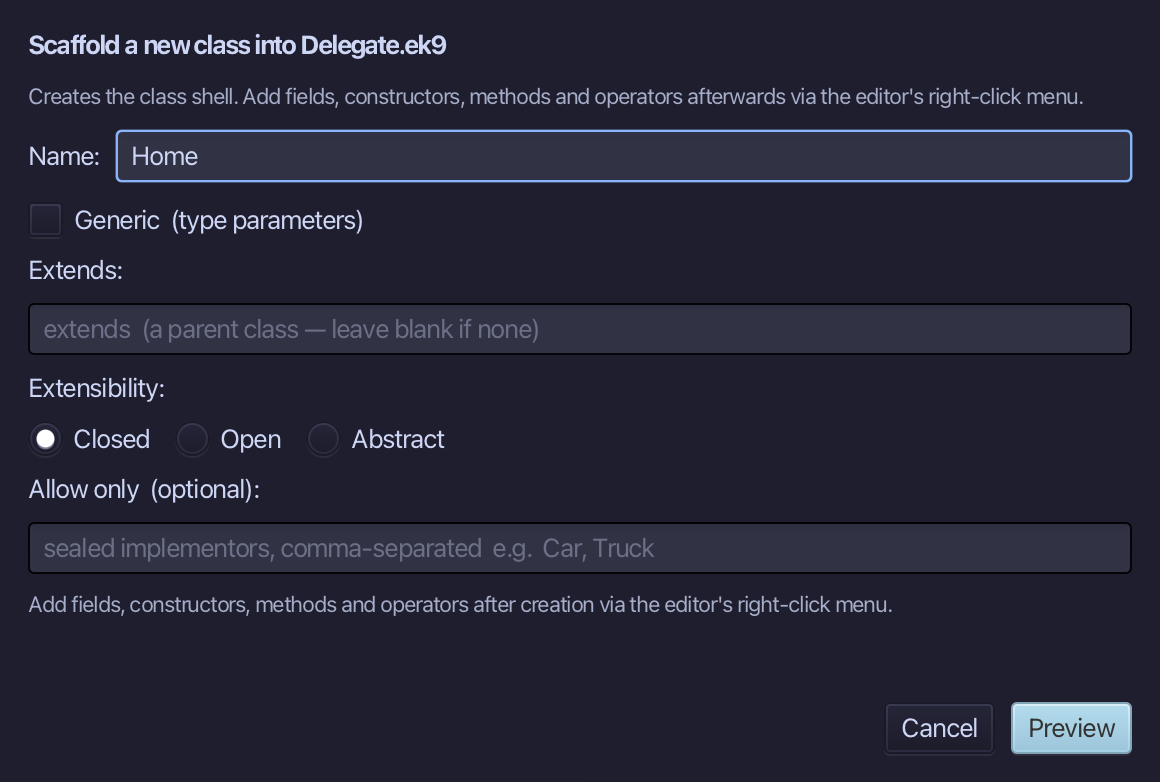
The preview shows Home about to be written. Choose Apply.
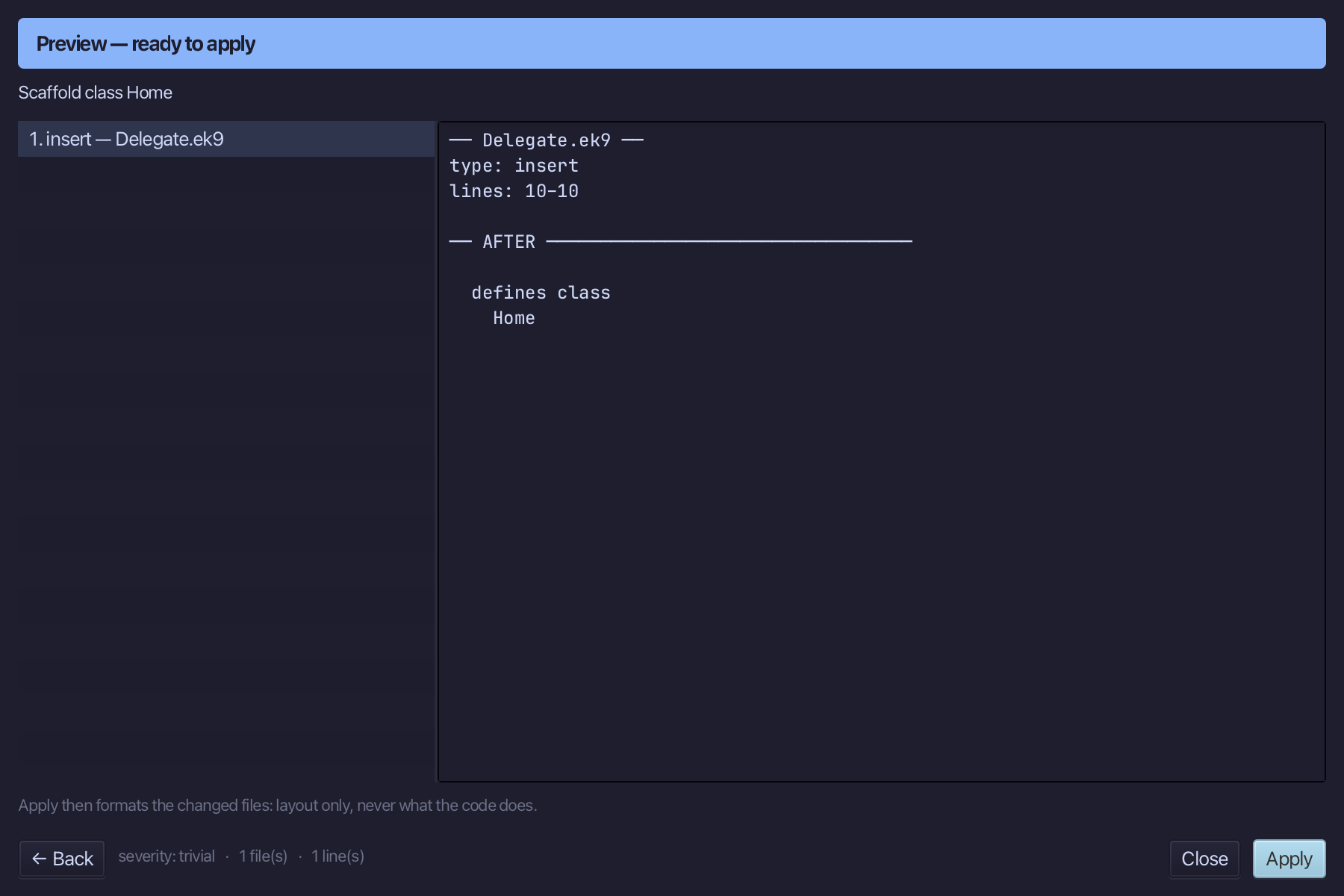
Right-click the Home line and choose Adopt Trait…
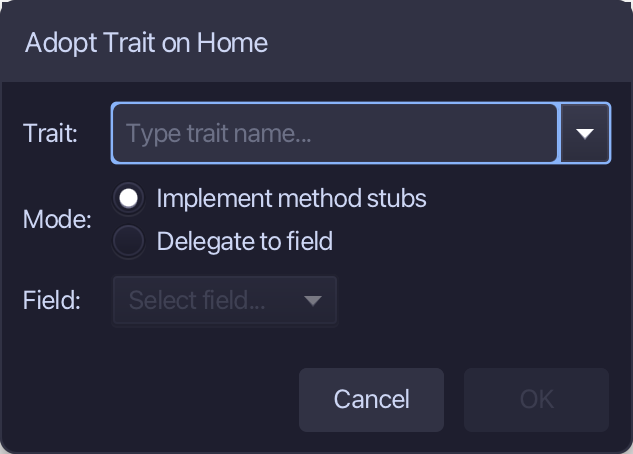
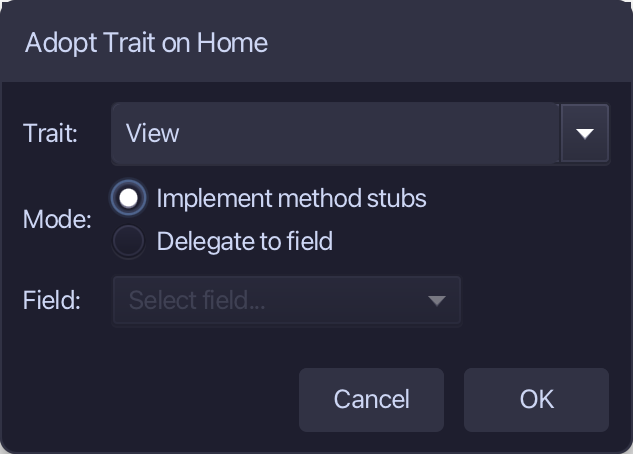
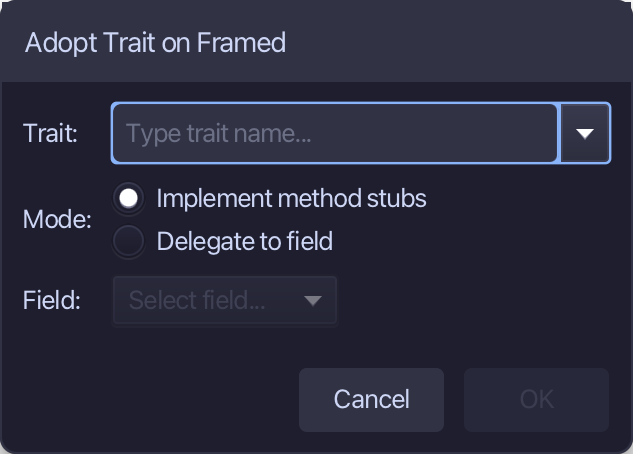
View is the trait - Implement method stubs is already chosen, the other way being to delegate to a field (Framed's way, next). Type View and choose OK.
Adopt Trait changes the open file in the editor, not yet saved. Choose File > Save.
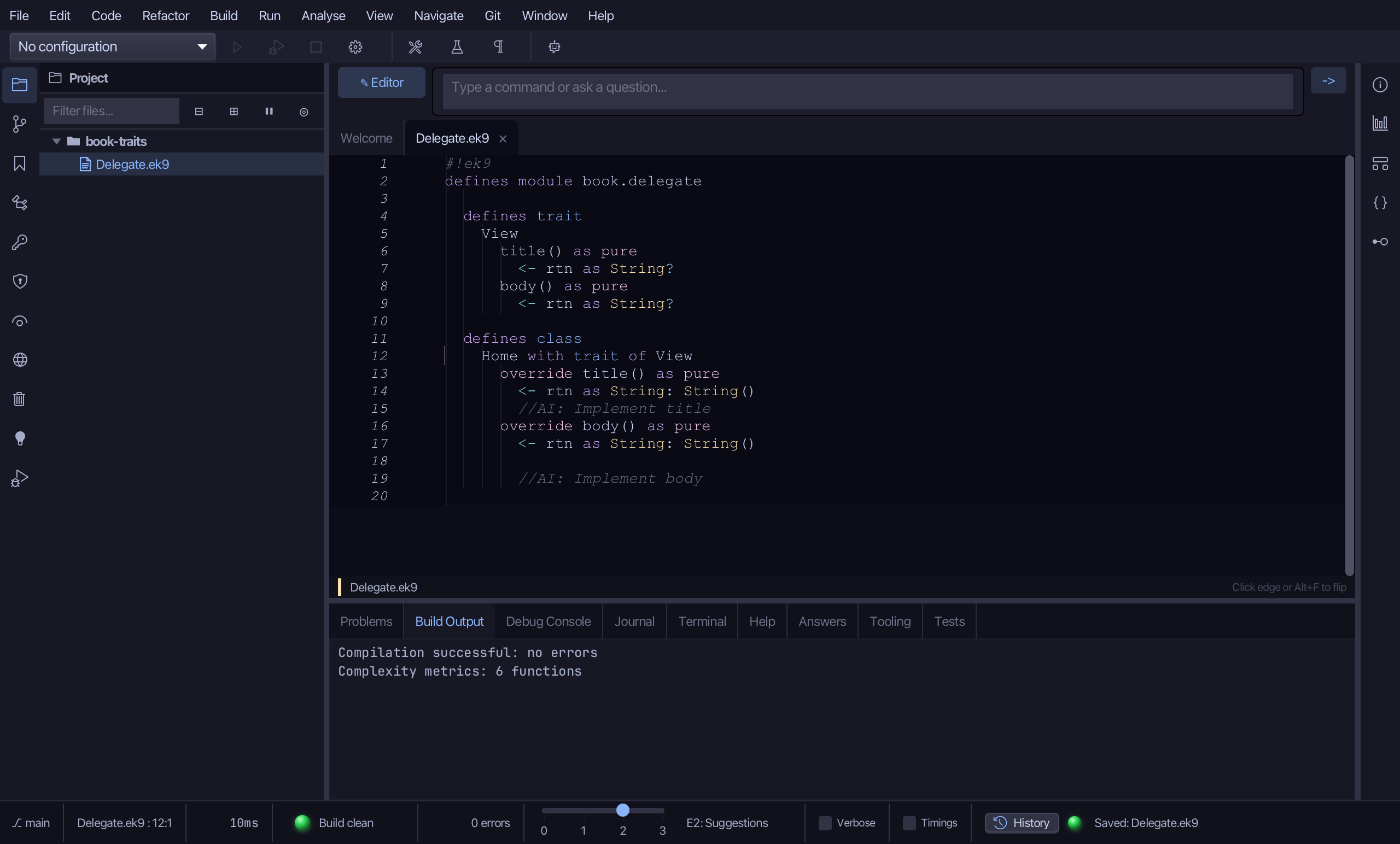
Select title's stub, from <- rtn as String: String() down to its //AI line, and type <- rtn as String: "Home" - title's whole answer. Saves when typed.
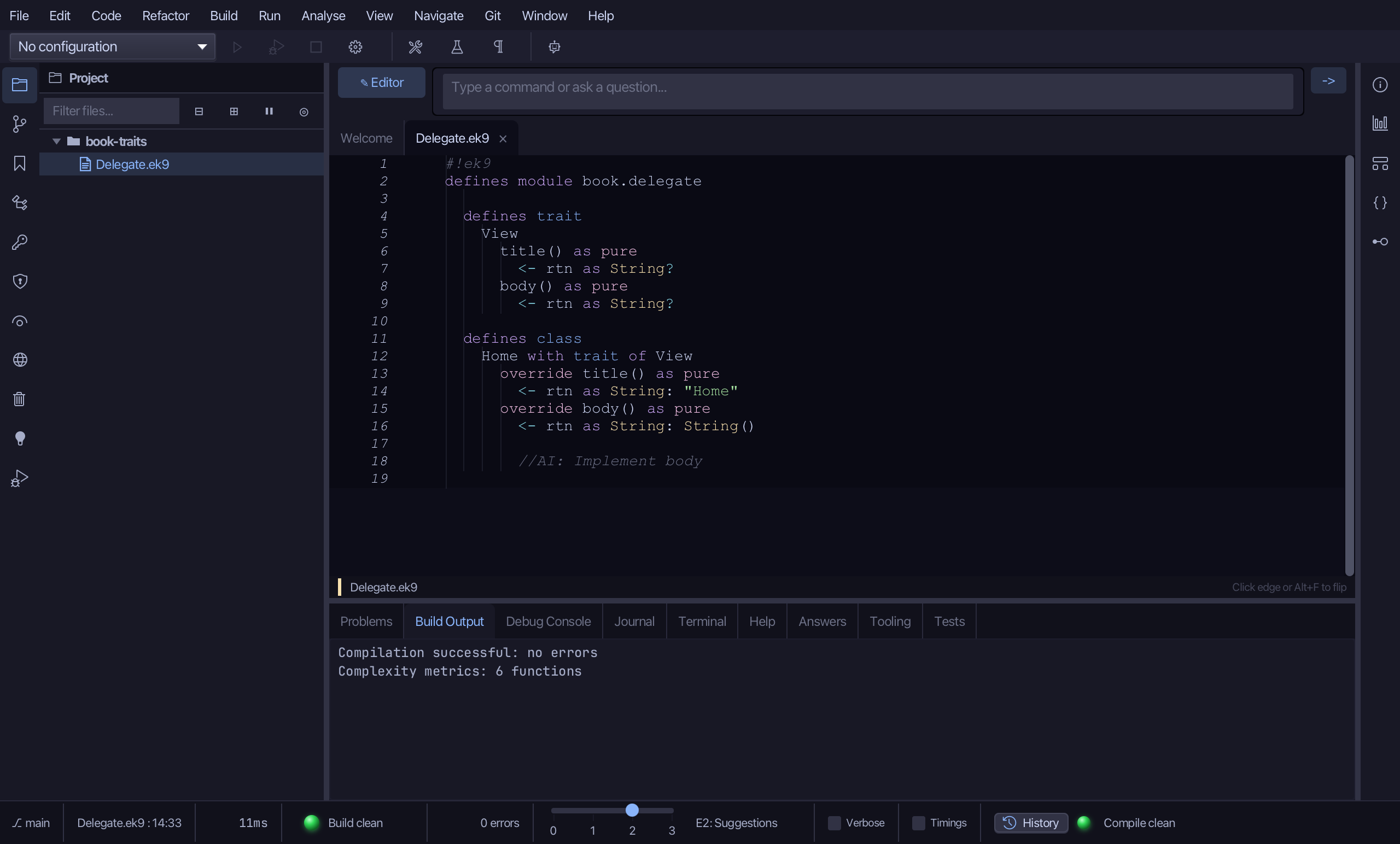
Select body's stub the same way, and type <- rtn as String: "Welcome". Saves when typed.
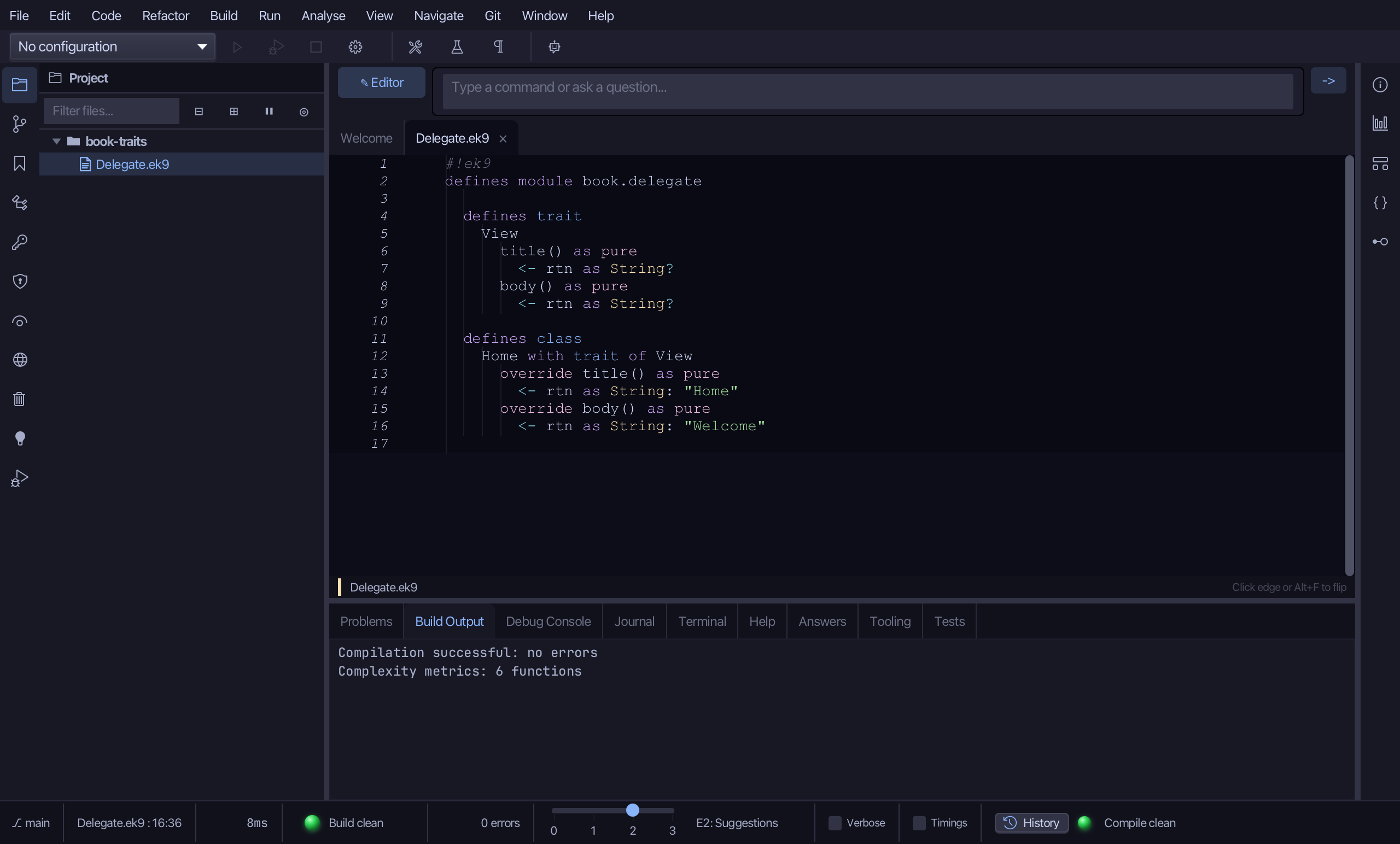
Right-click the Home line, choose Add Operator ▸ ? (isSet) ▸ default - Home has no field of its own to make this one for it.
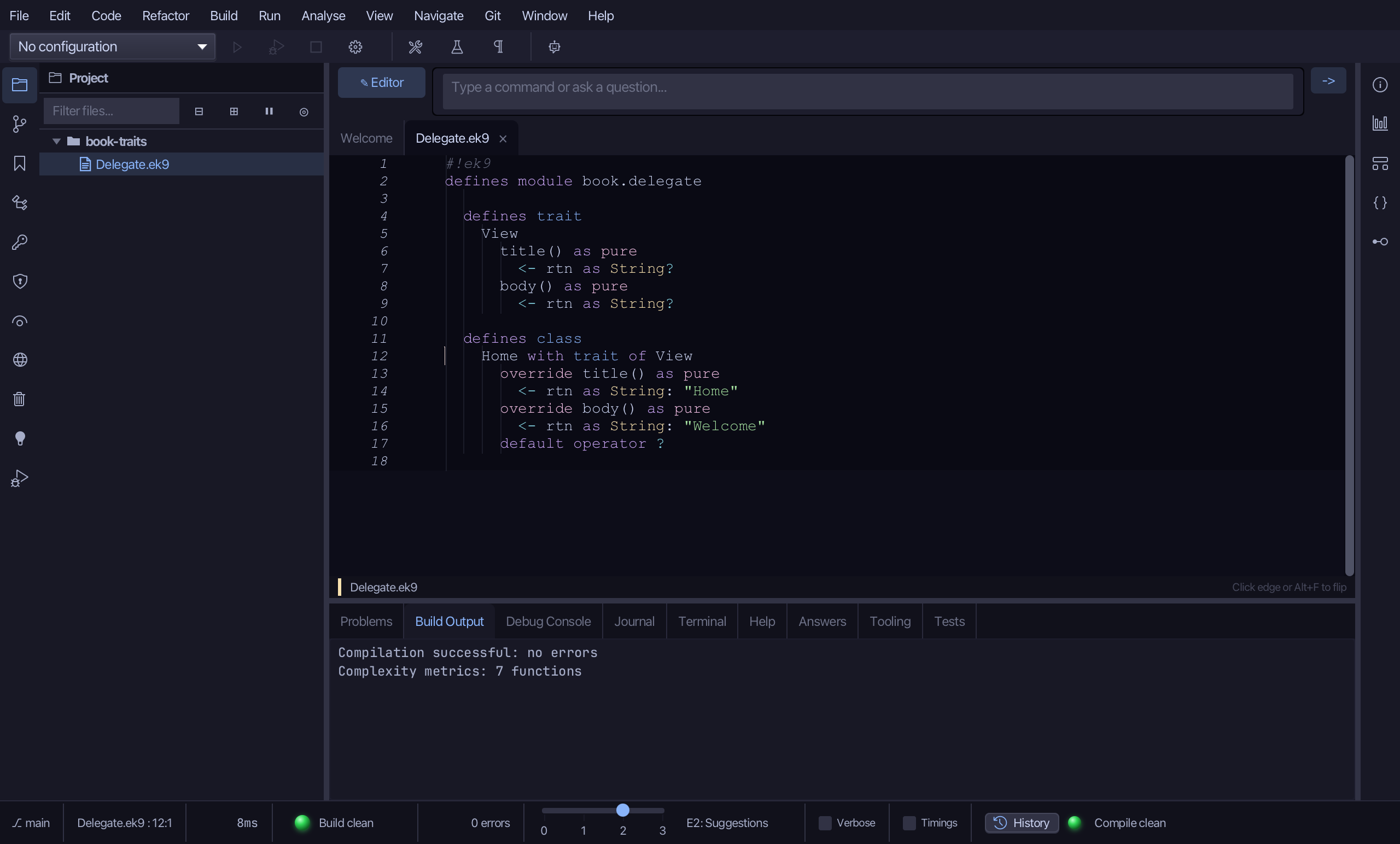
Step 3: Framed — the field and delegation
Choose Code > New Construct > Class…
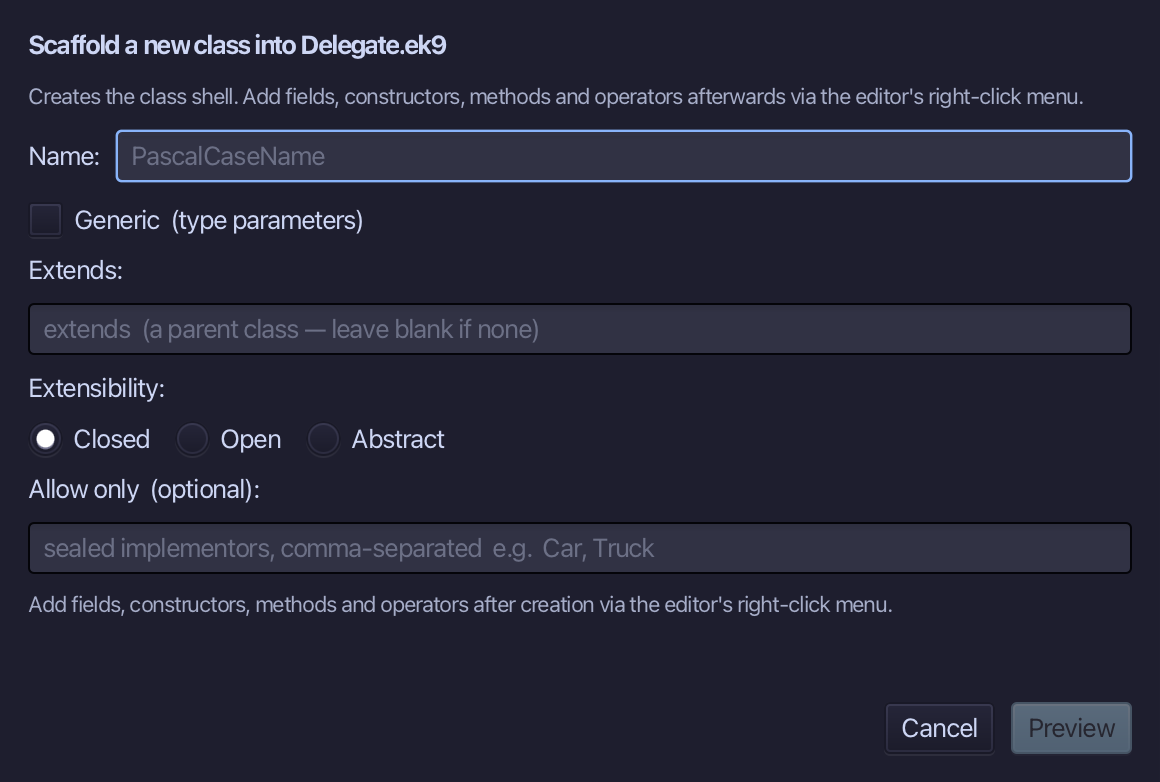
Framed is the class's name. Type Framed and choose Preview.
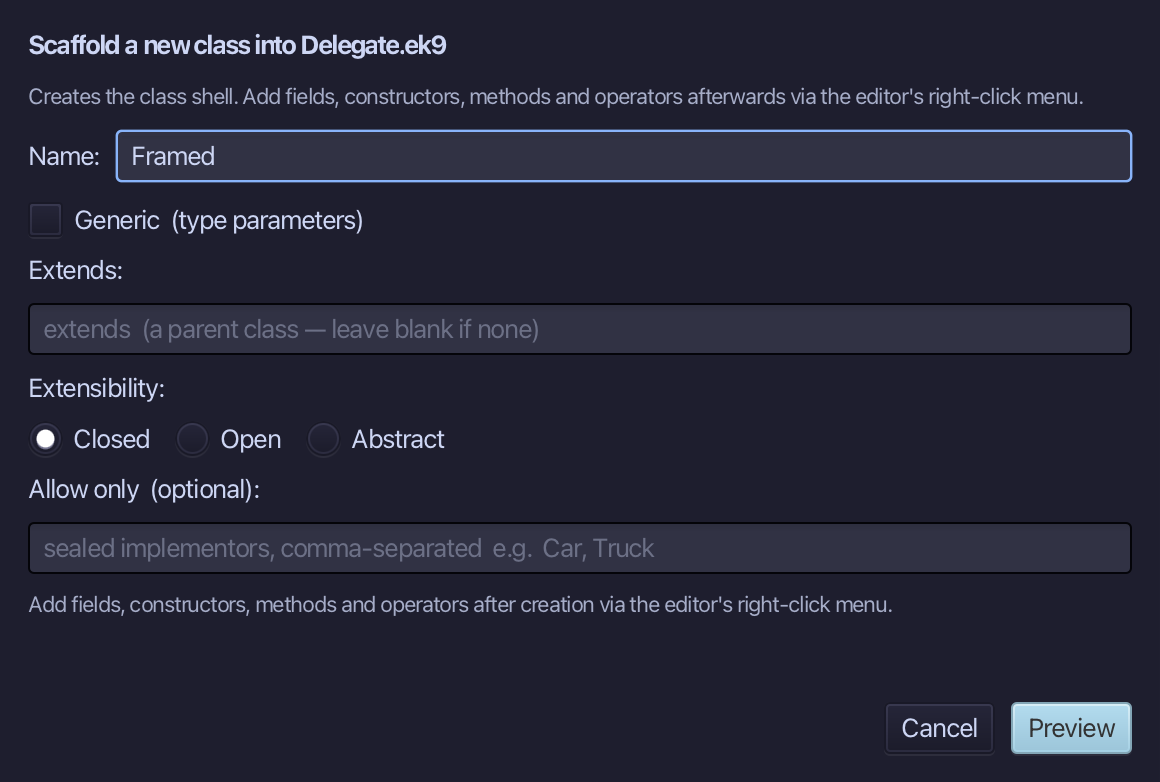
The preview shows Framed about to be written. Choose Apply.
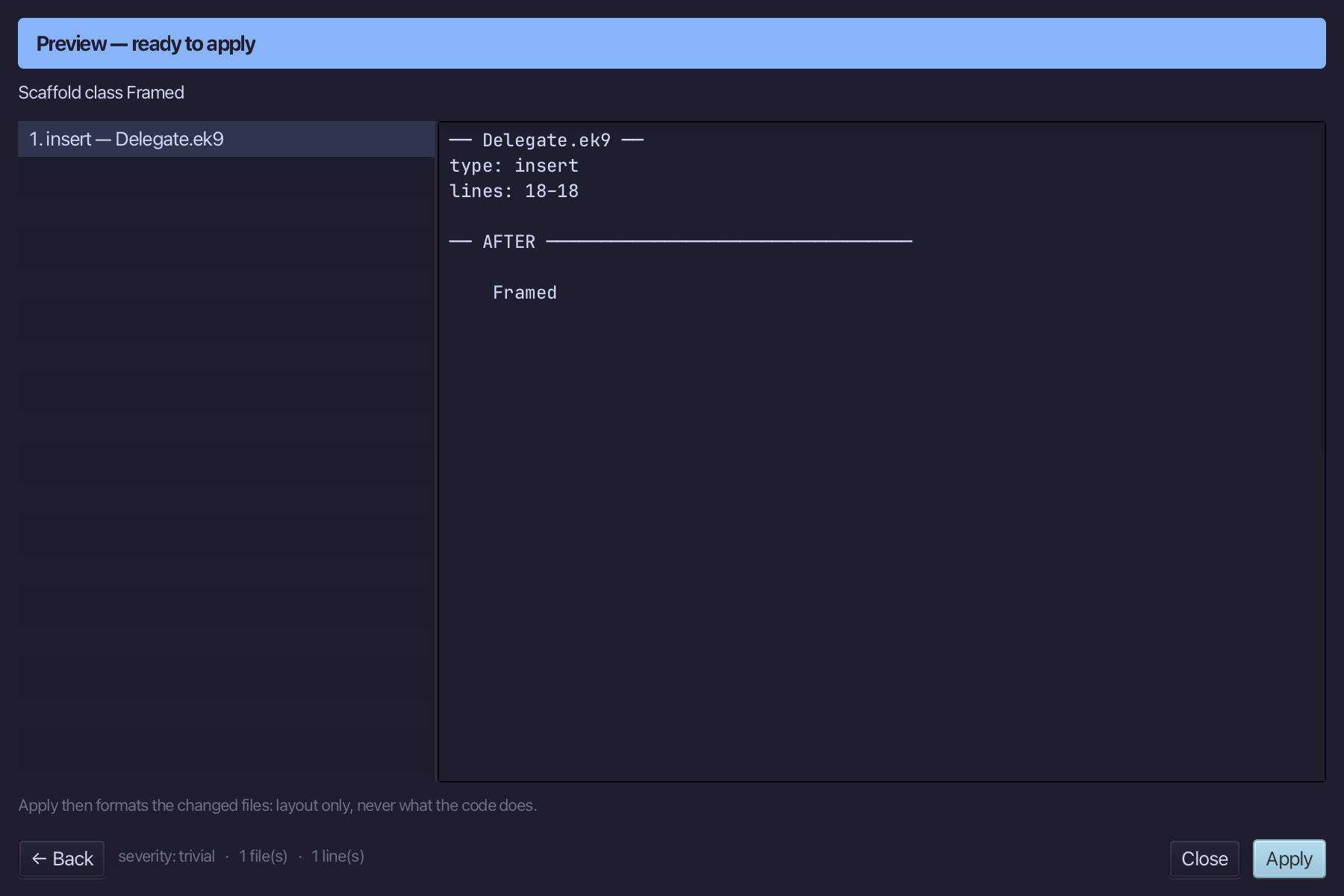
Right-click the Framed line, choose Add Constructor ▸ Private No-Arg (default, pure) - blocking plain construction, added FIRST, while Framed has no field yet.
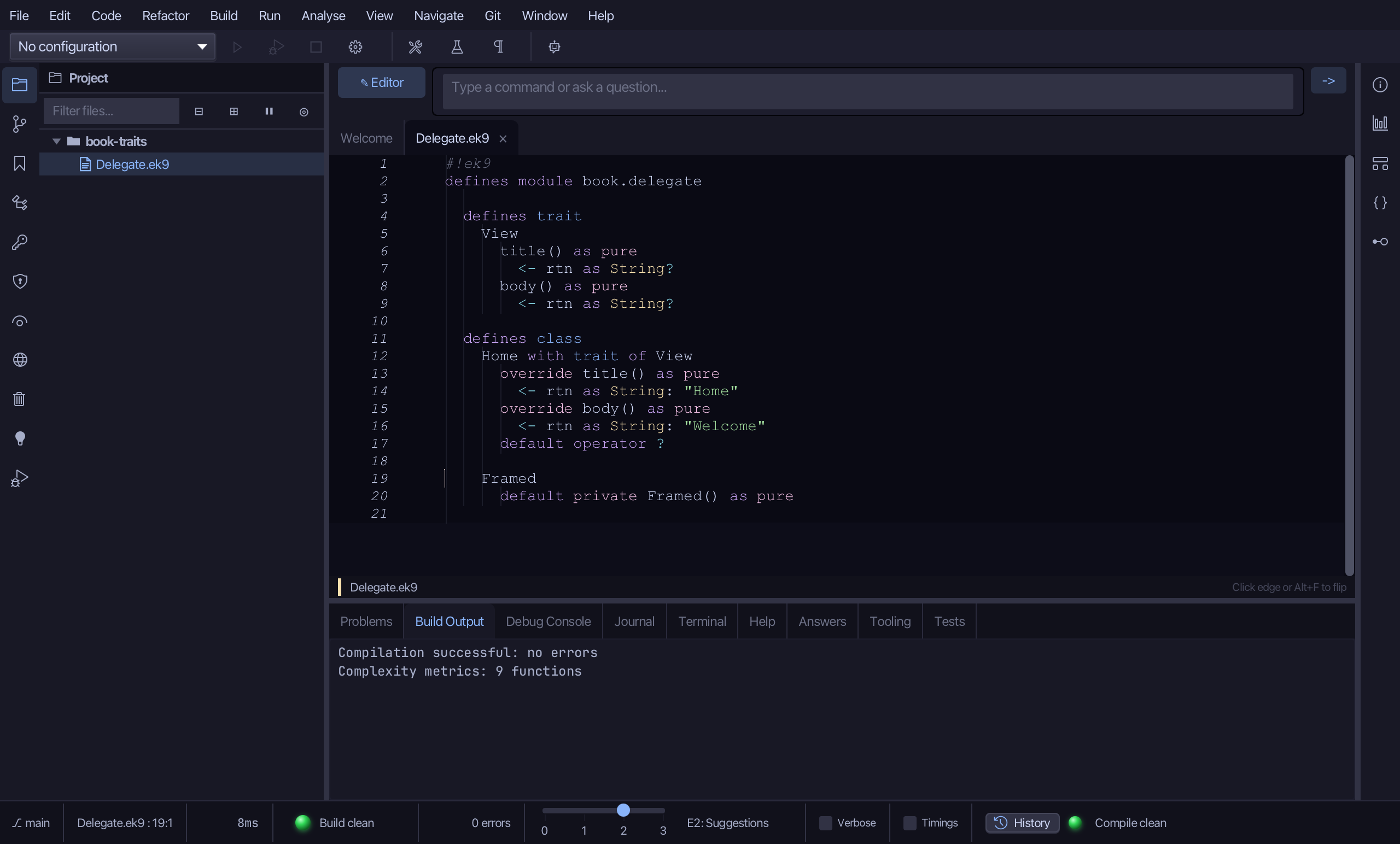
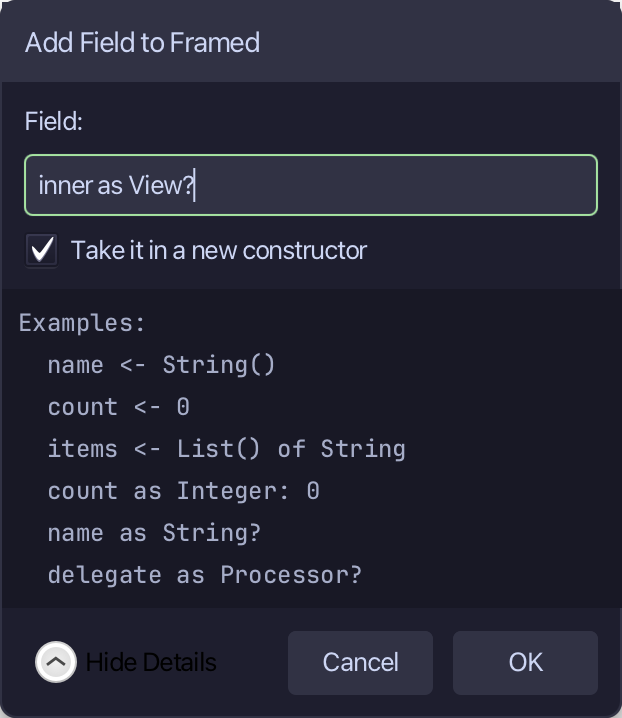
Right-click the Framed line and choose Add Field…
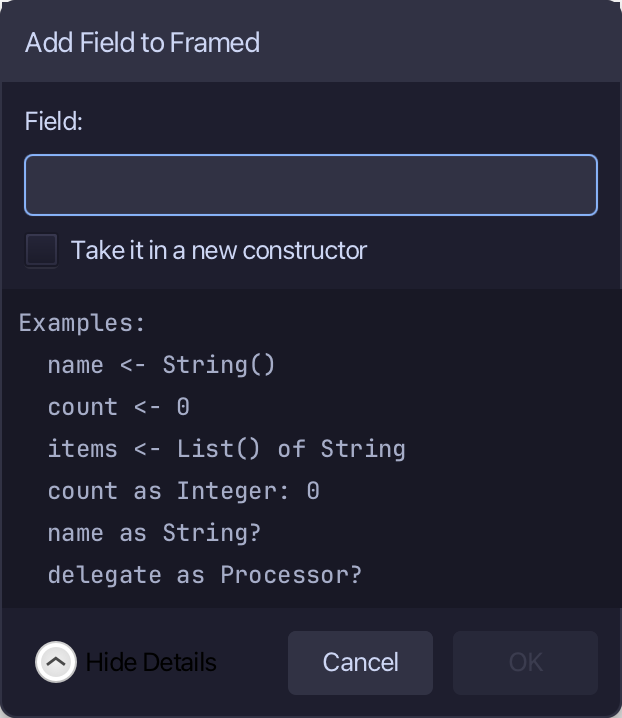
Type inner as View? - a field whose type is the trait itself, left unset until a view is given to wrap. The Take it in a new constructor box ticks itself for a field with no value like this one - that constructor is what the no-arg one just added was for. Choose OK.
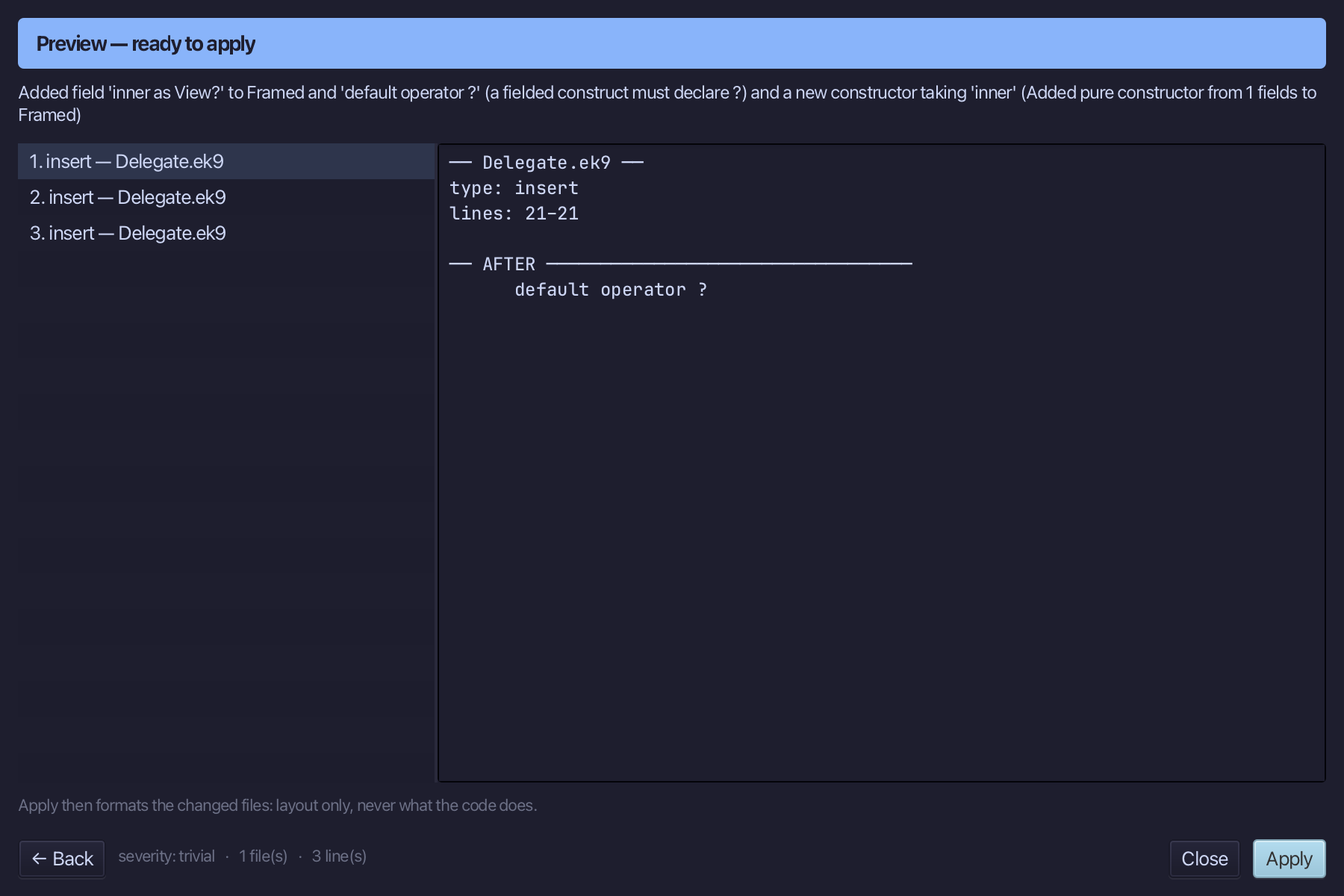
The preview shows inner added, a new pure constructor over it straight after the one already there, and default operator ? too, as Framed now carries a field. Choose Apply.
Right-click the Framed line and choose Adopt Trait…
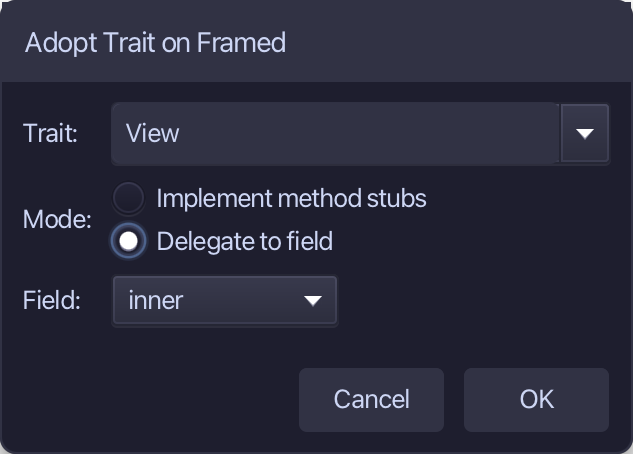
View is the trait again - this time choose Delegate to field, and pick inner: Framed already holds one. Choose OK.
Adopt Trait changes the open file in the editor, not yet saved. Choose File > Save.
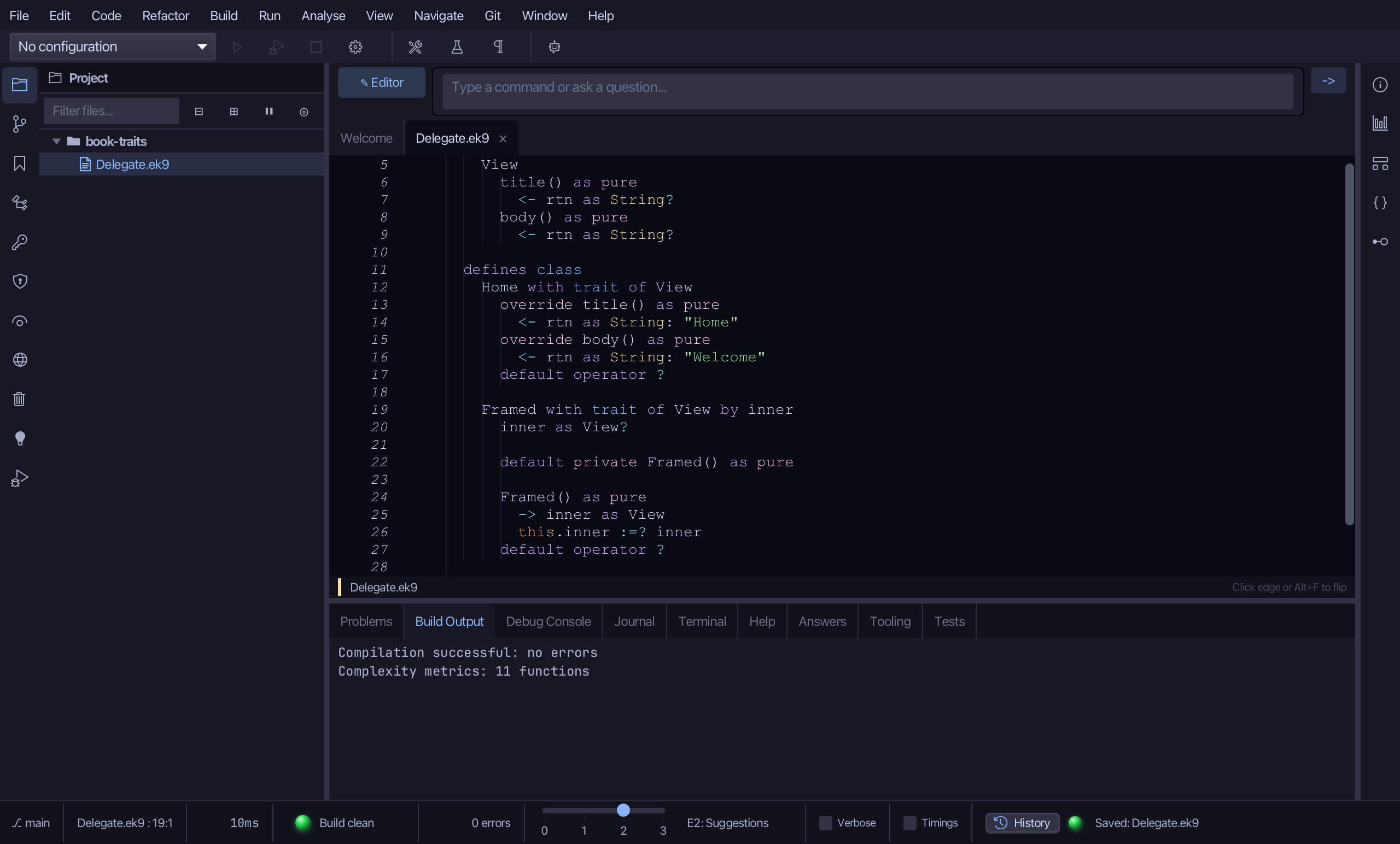
Step 4: Framed — construction and body
Select the stub, from Framed() as pure down to this.inner :=? inner, and type Framed's real one: a renamed parameter, viewToWrap, a require guard, and the assignment it guards. Saves when typed.
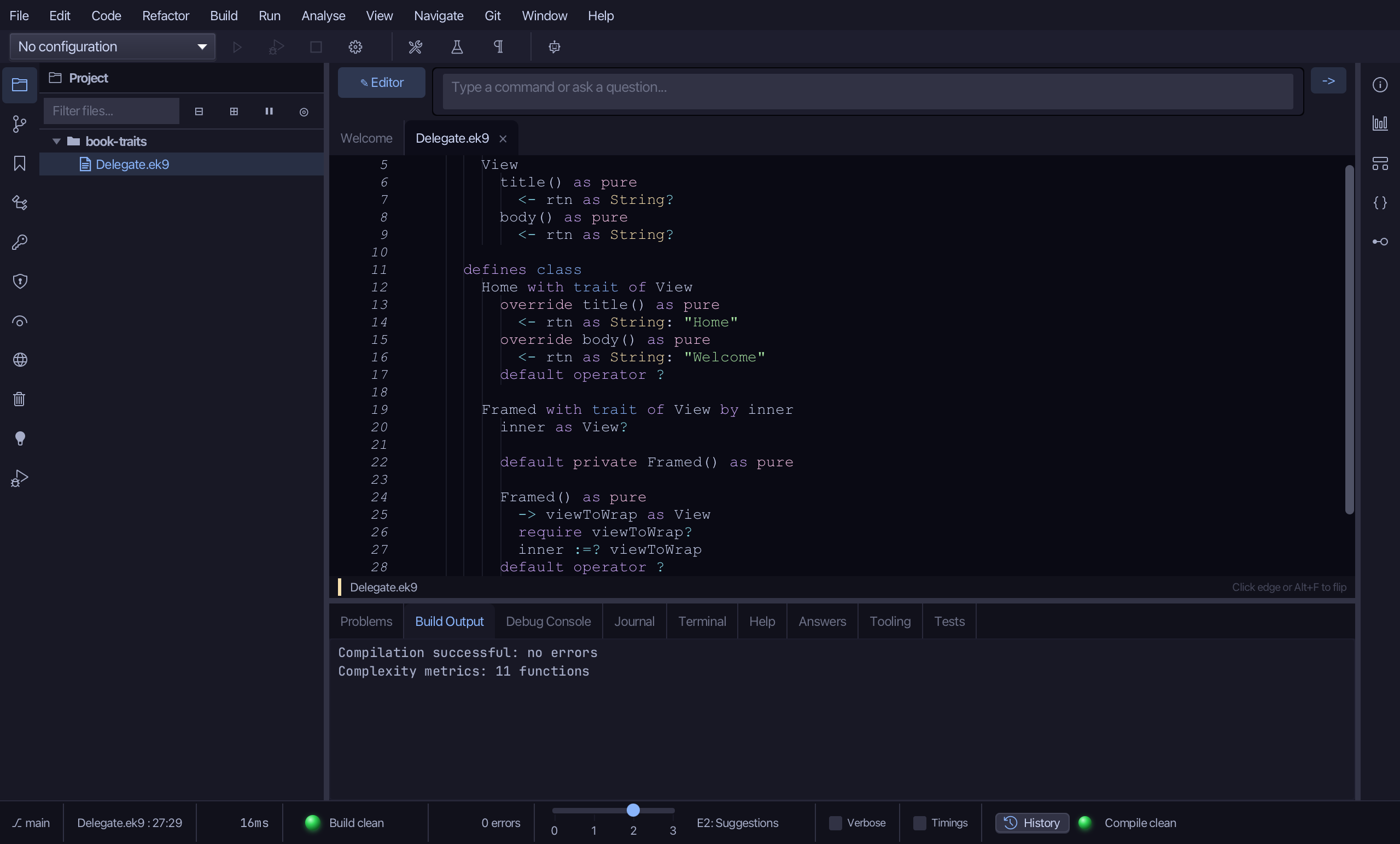
Right-click the Framed line and choose Add Method…
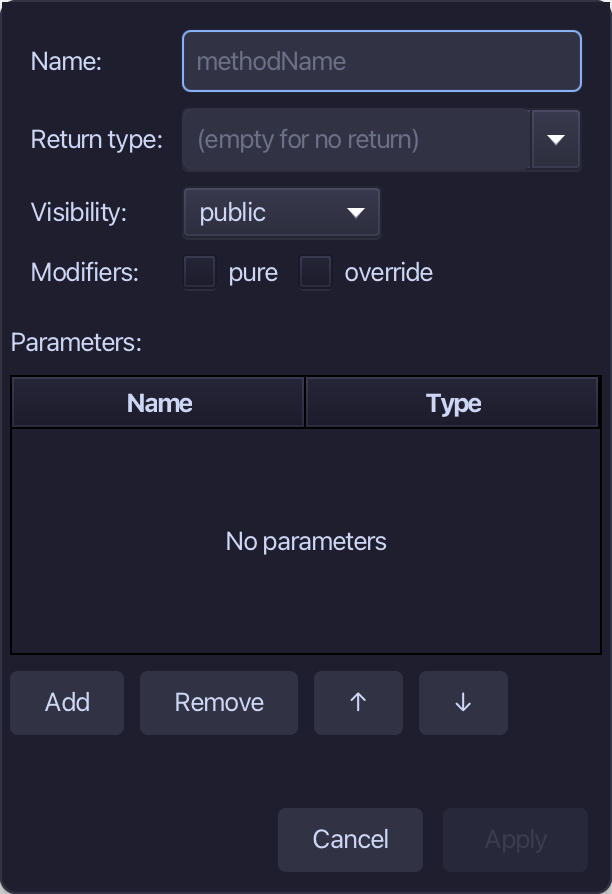
body, String, pure, and override ticked - View already declares it. Fill them in and choose Apply.
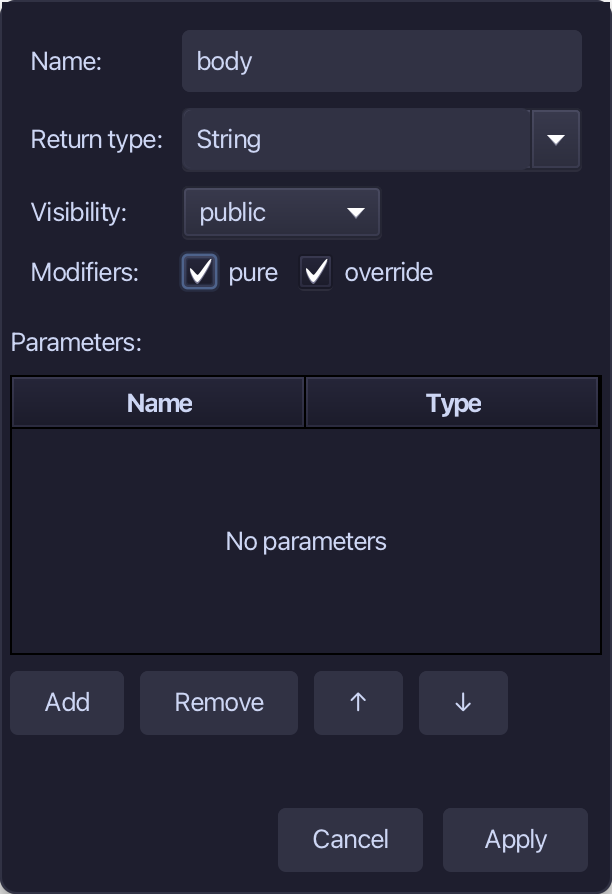
Select the stub, from <- rtn as String: String() down to its //AI line, and type the wrapping: <- rtn as String: *** ${inner.body()} *** - title is left alone, forwarded by 'by inner'. Saves when typed.
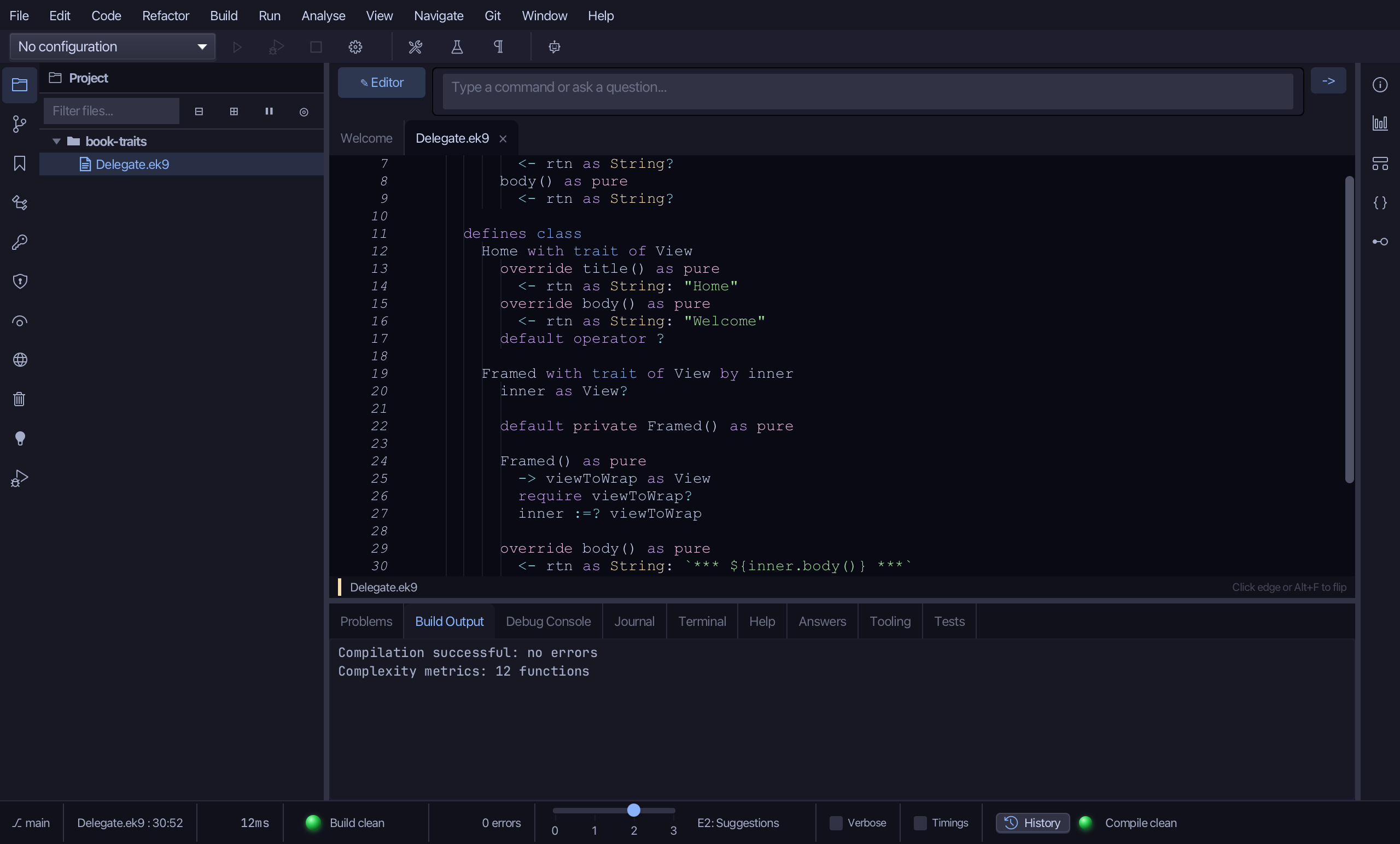
Step 5: The program
Choose Code > New Construct > Program…
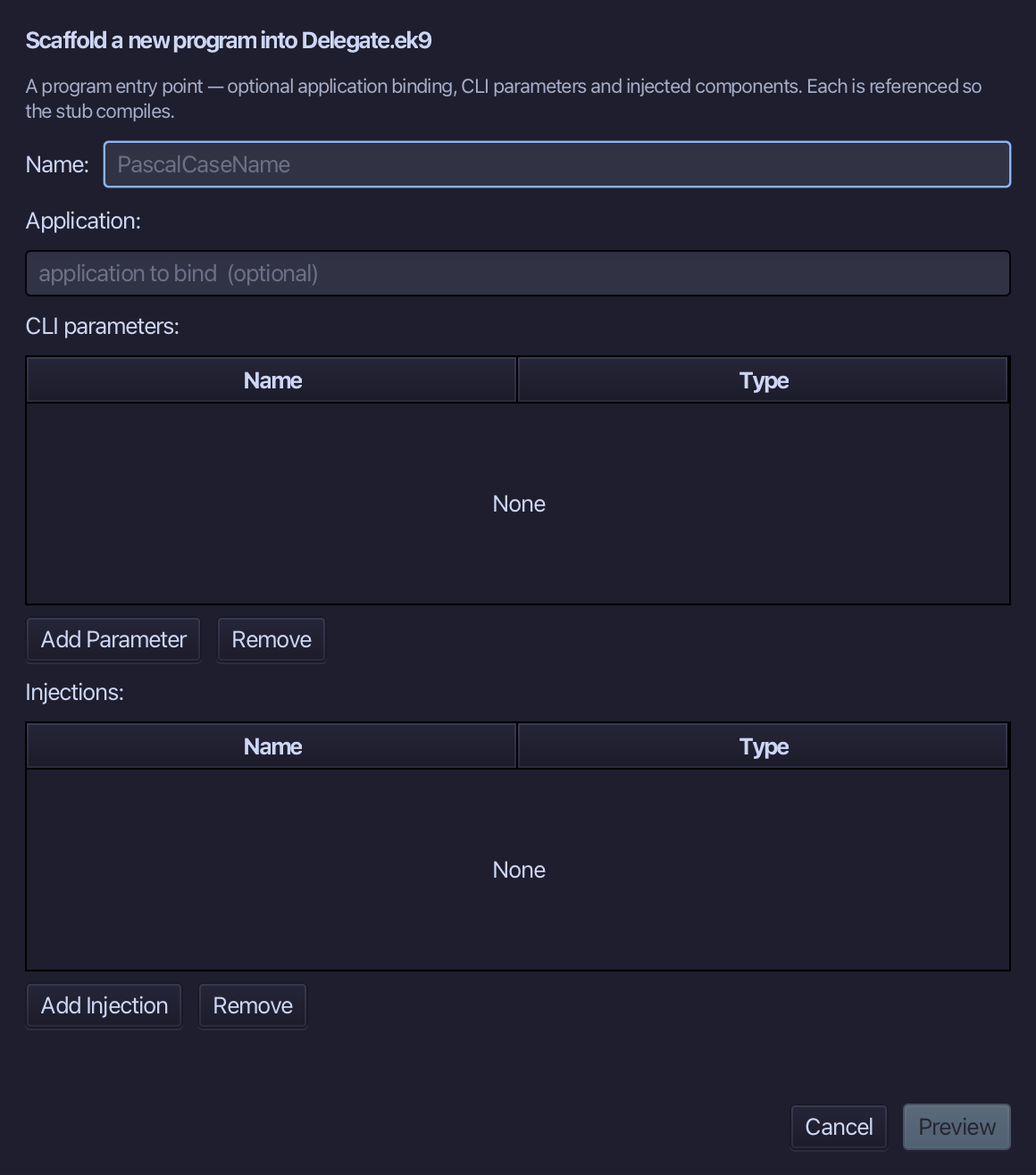
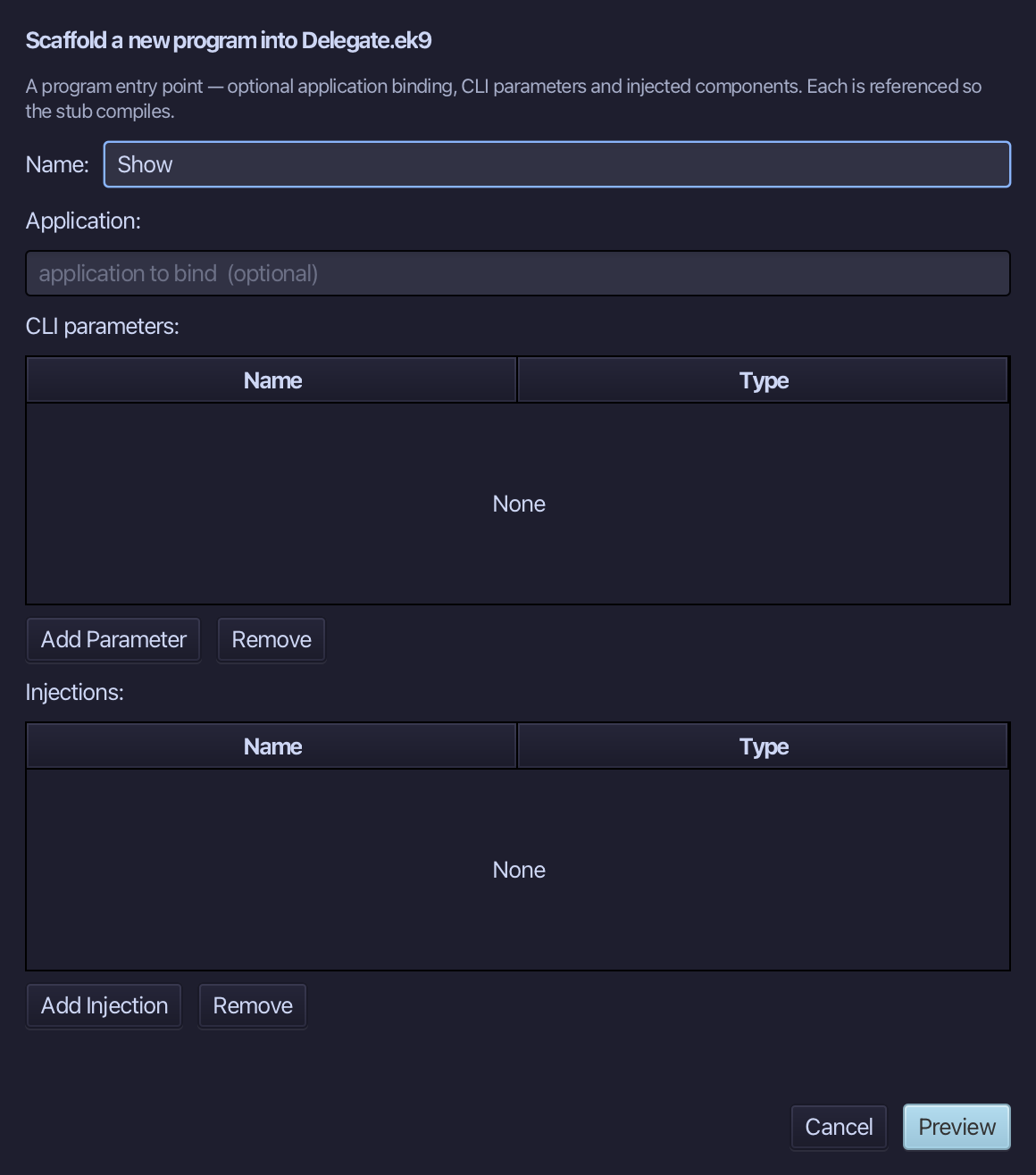
Show is the program's name - no application to bind, no parameters, nothing injected. Type Show and choose Preview.
The preview shows Show about to be written. Choose Apply.
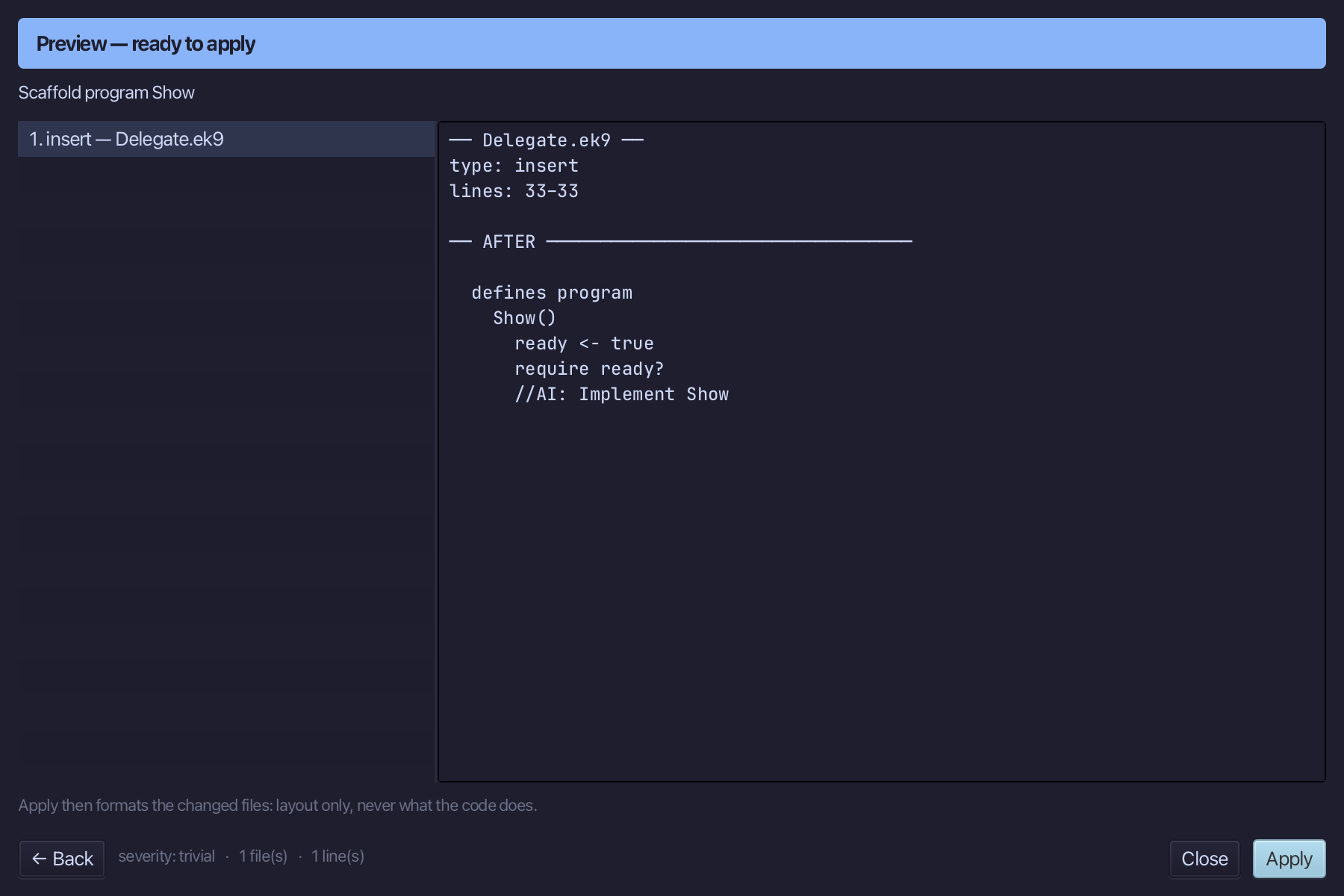
Select the stub, from ready <- true down to its //AI line, and type Show's body: a Stdout, a Framed wrapping a Home, and a line each for its title and body. Saves when typed.
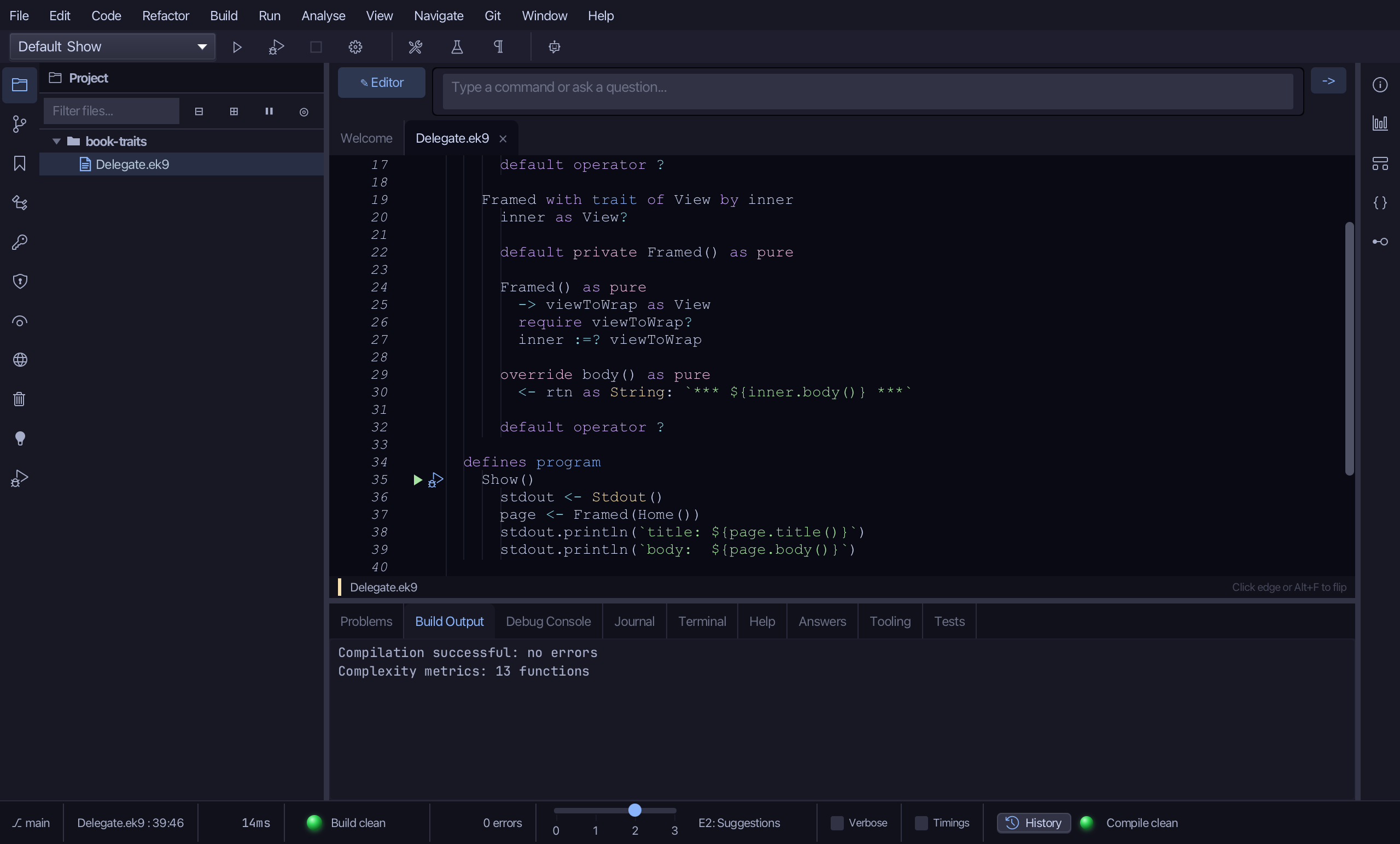
Step 6: Run it
Choose Run > Run Program…
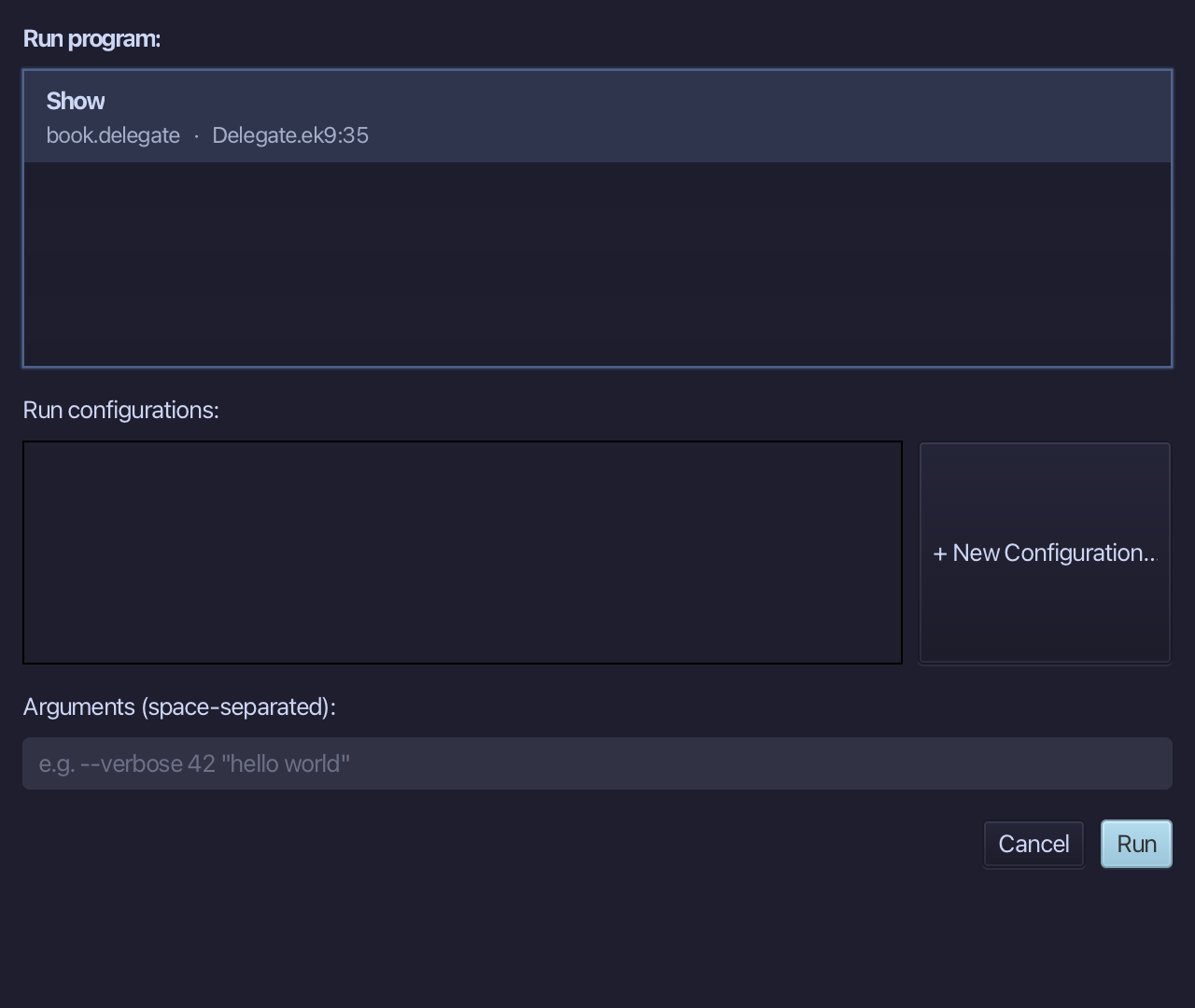
The project's only program is already chosen. Choose Run.
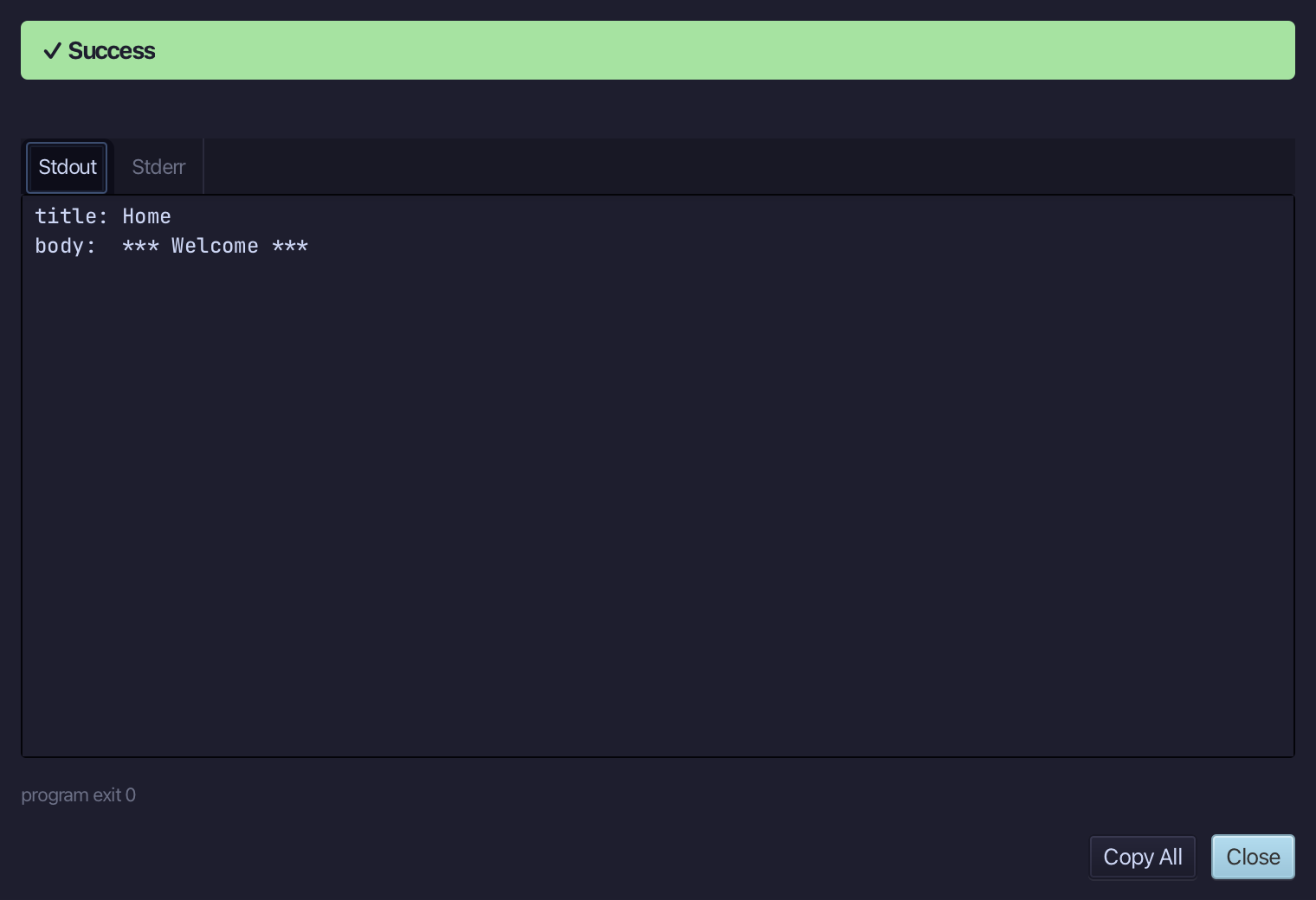
title: Home, body: *** Welcome *** - title passes straight through the delegation, body is wrapped. Choose Close.
The result
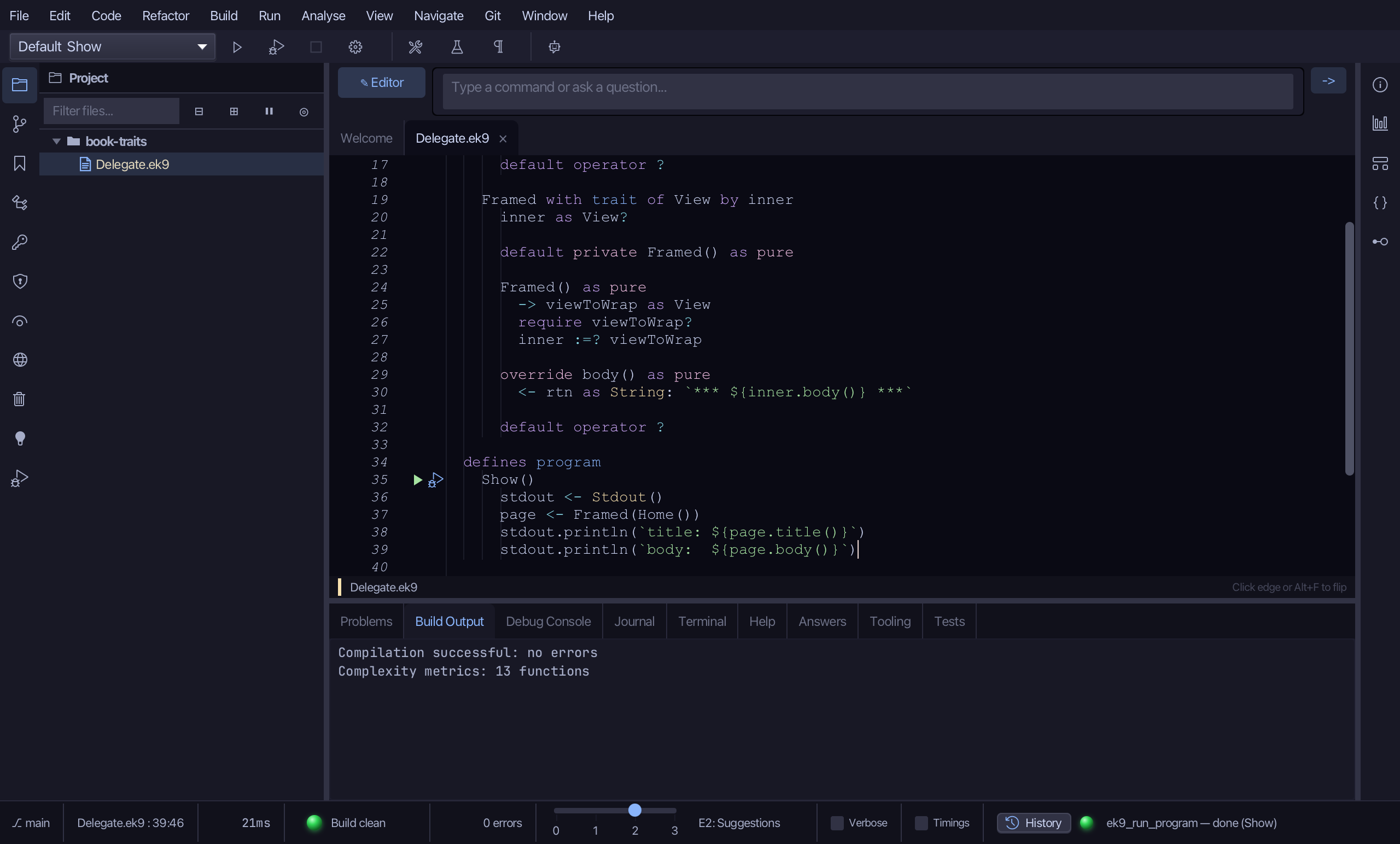
Delegate.ek9 now reads exactly as chapter 18 of Getting Started with EK9 shows it: a trait the tools built, Home implementing it and Framed delegating to a field it holds, logic you typed. The same tools - ek9_new_construct, ek9_add_method, ek9_adopt_trait, ek9_add_field, ek9_add_constructor, ek9_add_operator, ek9_add_program - are what an AI assistant calls to do the same thing.
Where this lesson comes from
- For AI assistants - the MCP tool
ek9_new_construct,ek9_add_method,ek9_adopt_trait,ek9_add_field,ek9_add_constructor,ek9_add_operator,ek9_add_program.