Chapter 25: one split, + and +=, built
EK9 keeps the spelling of operators and removes the freedom: the set is closed, every signature is fixed, and every operator either mutates its receiver or does not. Chapter 25's OperatorSplit shows the split on one record, Credit: + computes a new value and must be pure, += changes the receiver and must not be. The IDE writes the record, both constructors and the signature of each operator - + and += through Custom Operator…, $ from its own menu entry; you type what each one does. To play it in the IDE: Help > Lessons > EK9 in Depth…, or ek9 -ide -lesson depth-operator-split.
What you'll build
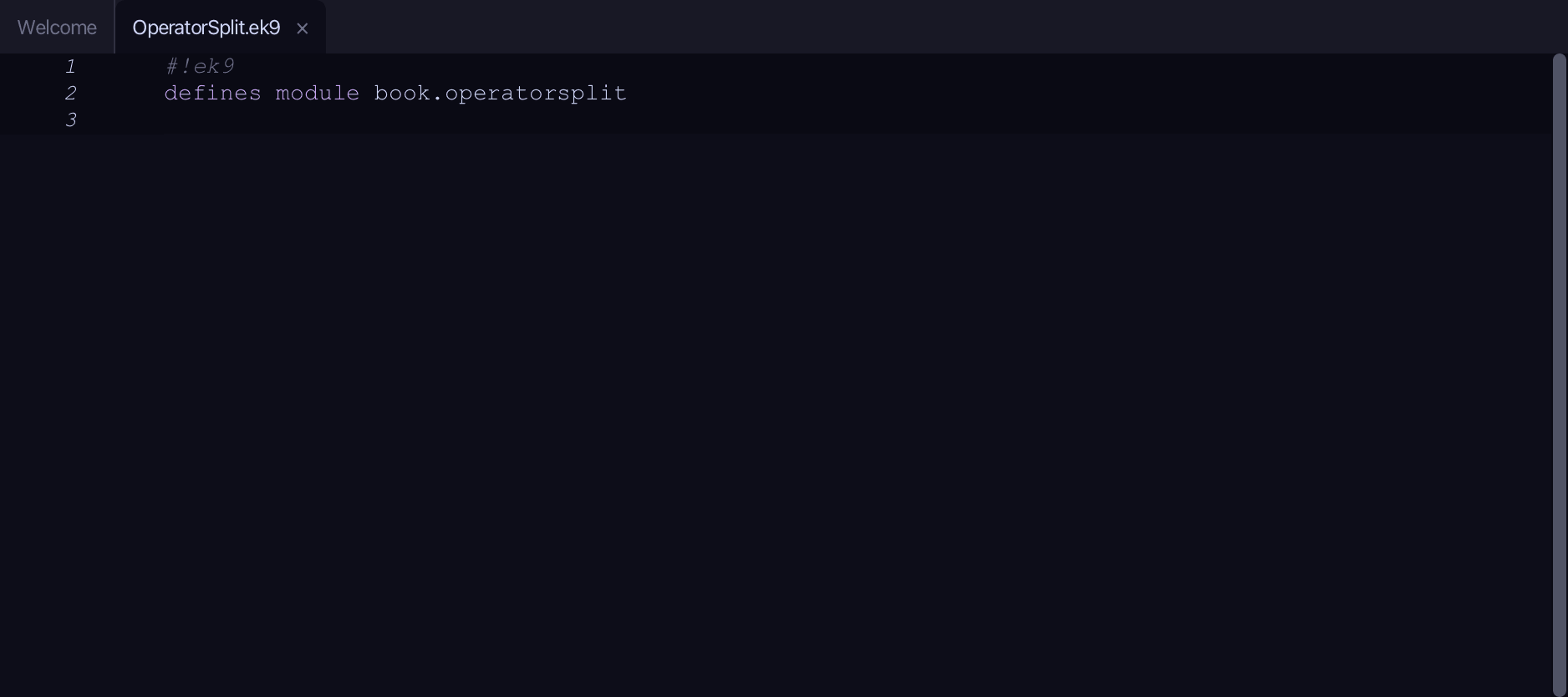
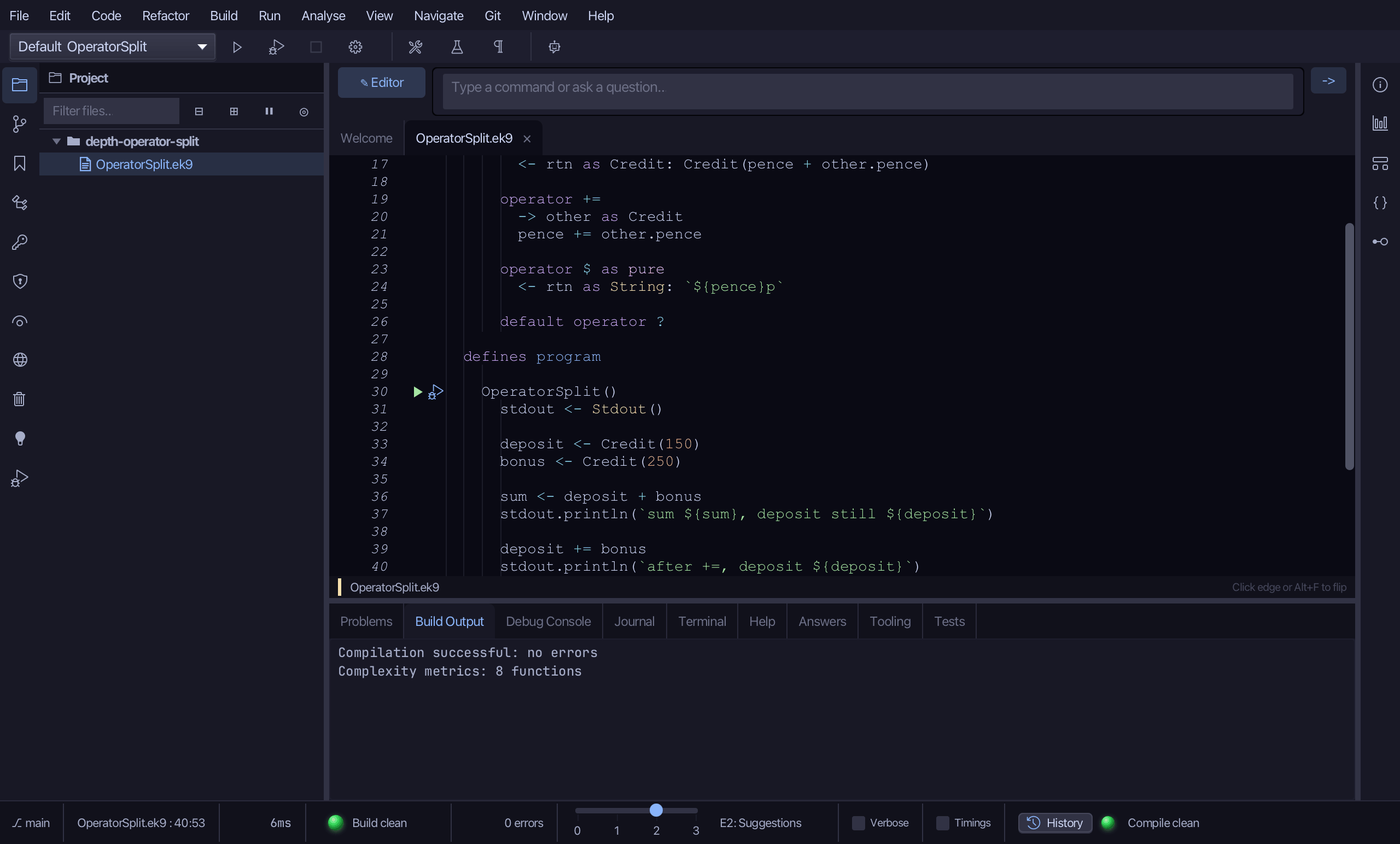
The lesson builds this program from a file holding only its module line - the finished file, as the book prints it.
#!ek9
defines module book.operatorsplit

  defines record

    Credit
      pence <- Integer()

      default Credit() as pure

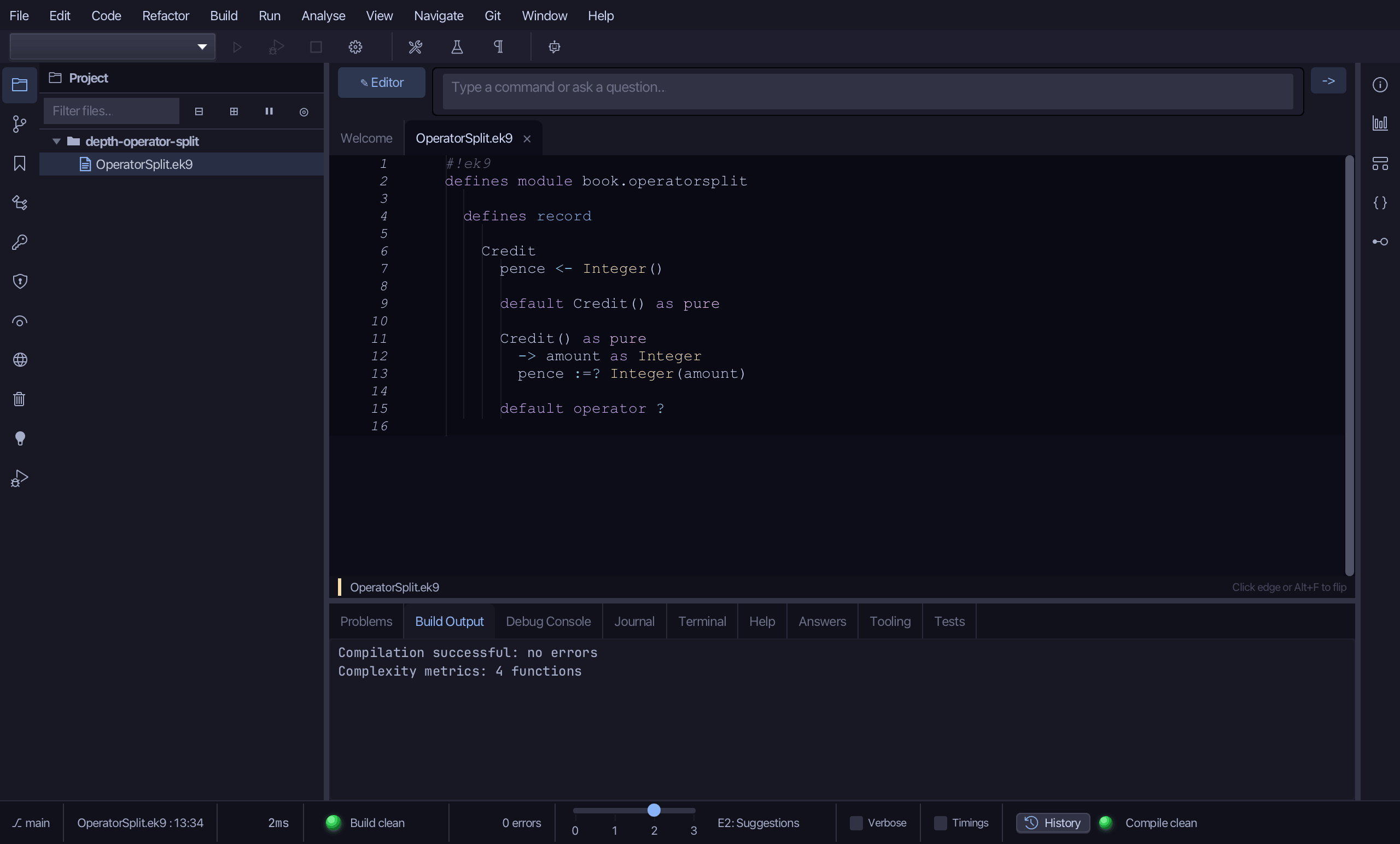
      Credit() as pure
        -> amount as Integer
        pence :=? Integer(amount)

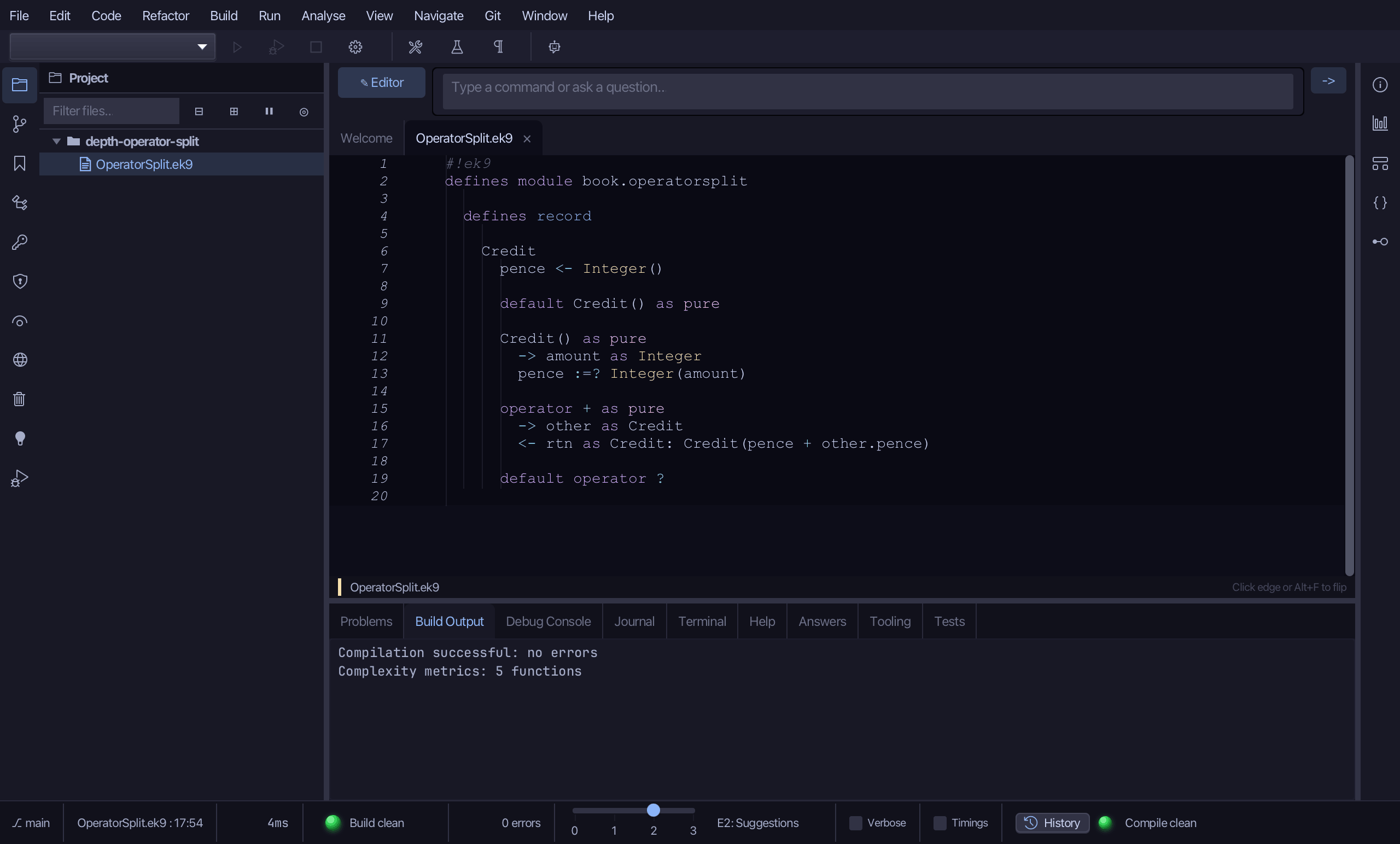
      operator + as pure
        -> other as Credit
        <- rtn as Credit: Credit(pence + other.pence)

      operator +=
        -> other as Credit
        pence += other.pence

      operator $ as pure
        <- rtn as String: `${pence}p`

      default operator ?

  defines program

    OperatorSplit()
      stdout <- Stdout()

      deposit <- Credit(150)
      bonus <- Credit(250)

      sum <- deposit + bonus
      stdout.println(`sum ${sum}, deposit still ${deposit}`)

      deposit += bonus
      stdout.println(`after +=, deposit ${deposit}`)
Step 1: Credit — a record
Choose Code > New Construct > Record…
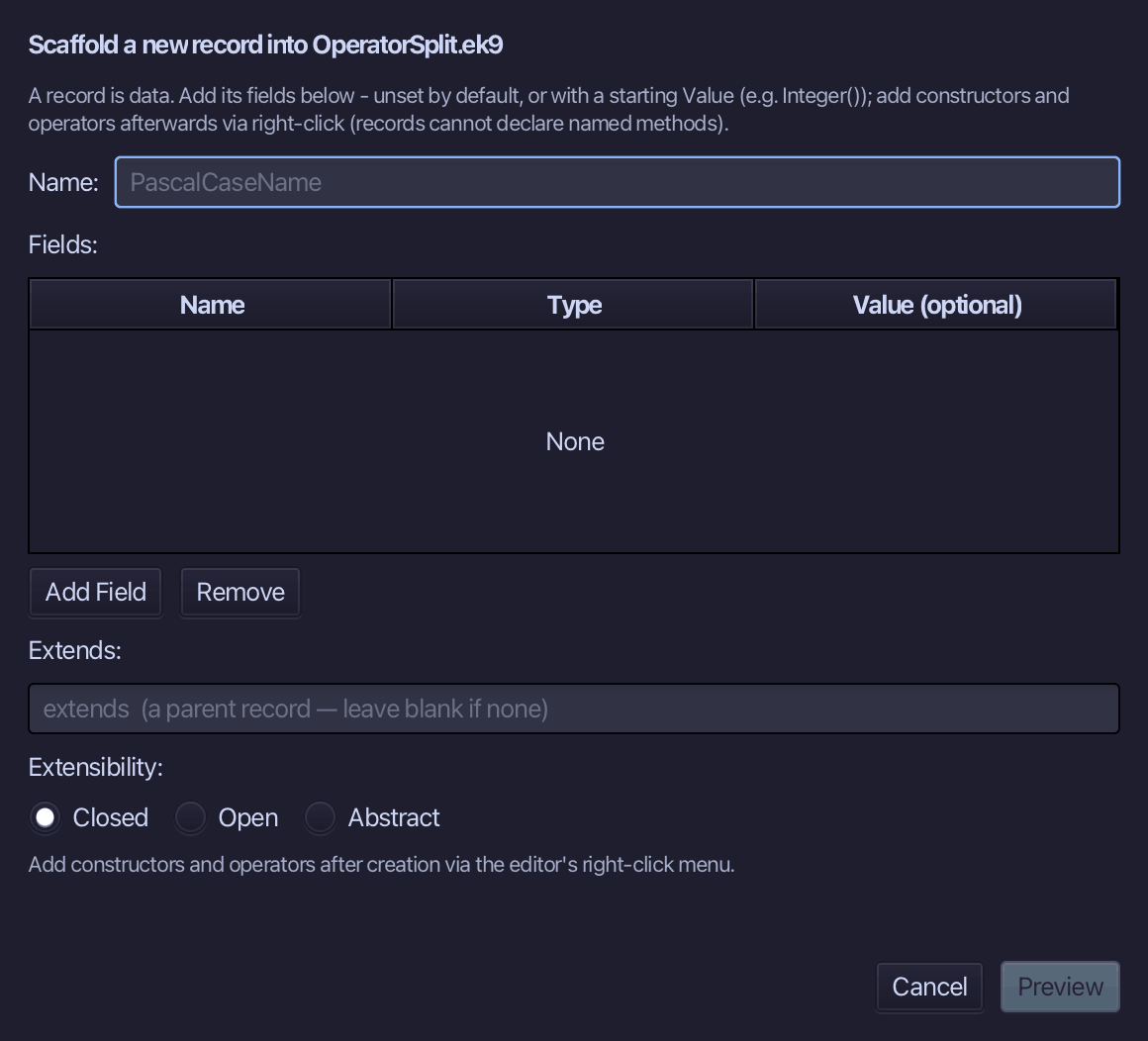
Credit is the record's name. The Fields table holds pence, starting at Integer(). A Type left blank is taken from the value. Choose Preview.
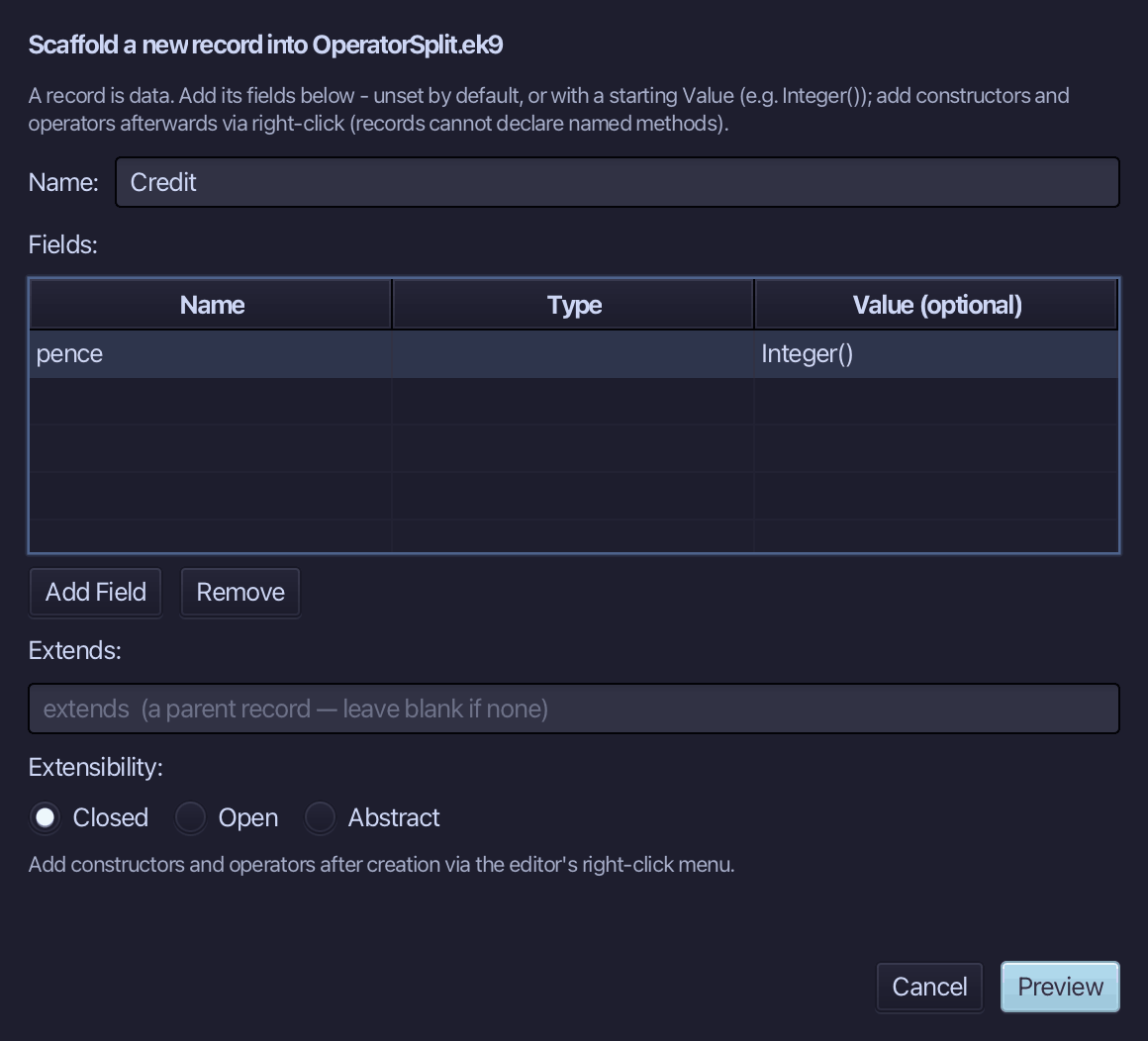
The preview shows Credit about to be written - and default operator ? with it: a record that holds fields must say when it counts as set. Choose Apply.
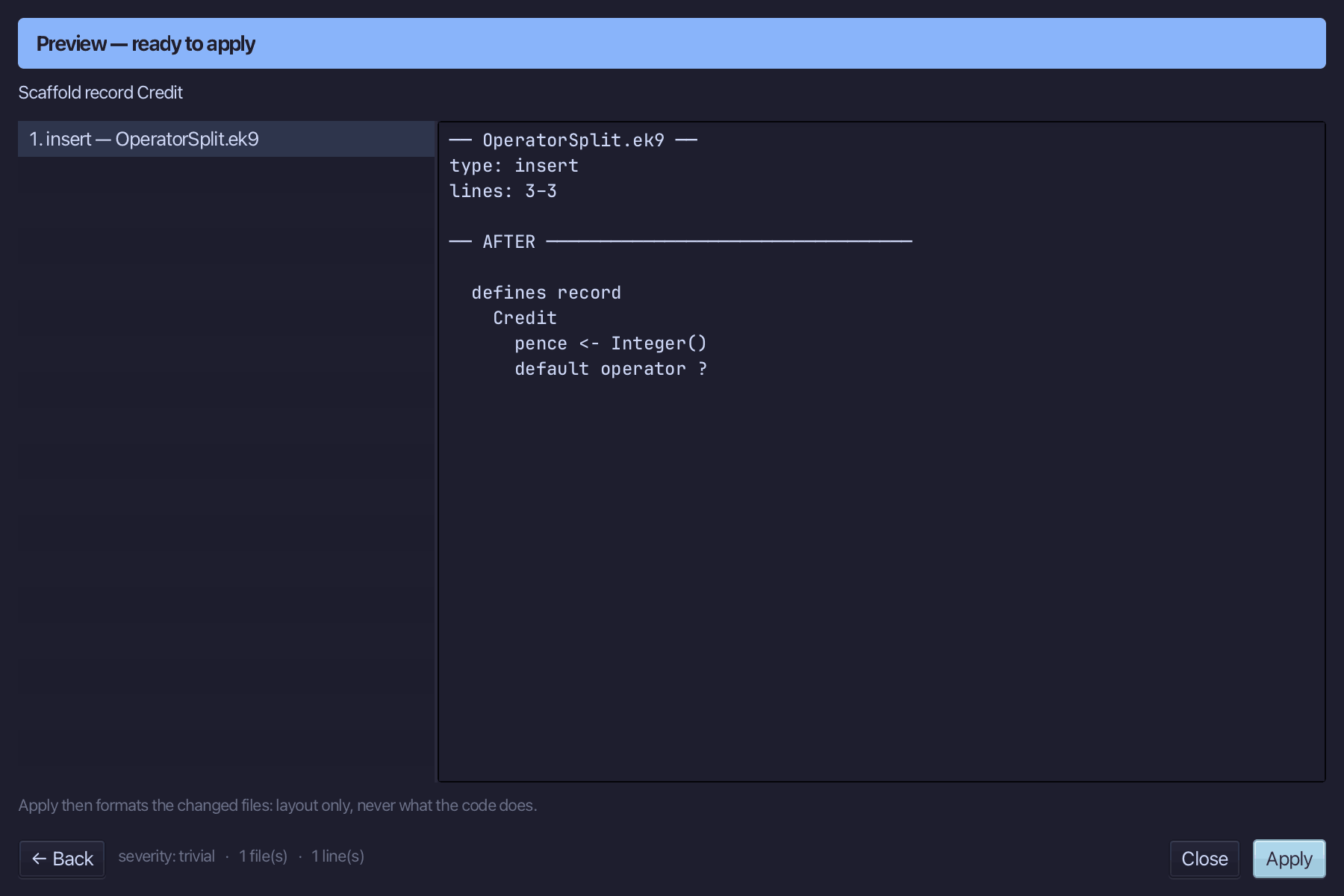
Select the Credit line and, above it, type the blank line the book opens its records with. Saves when typed.
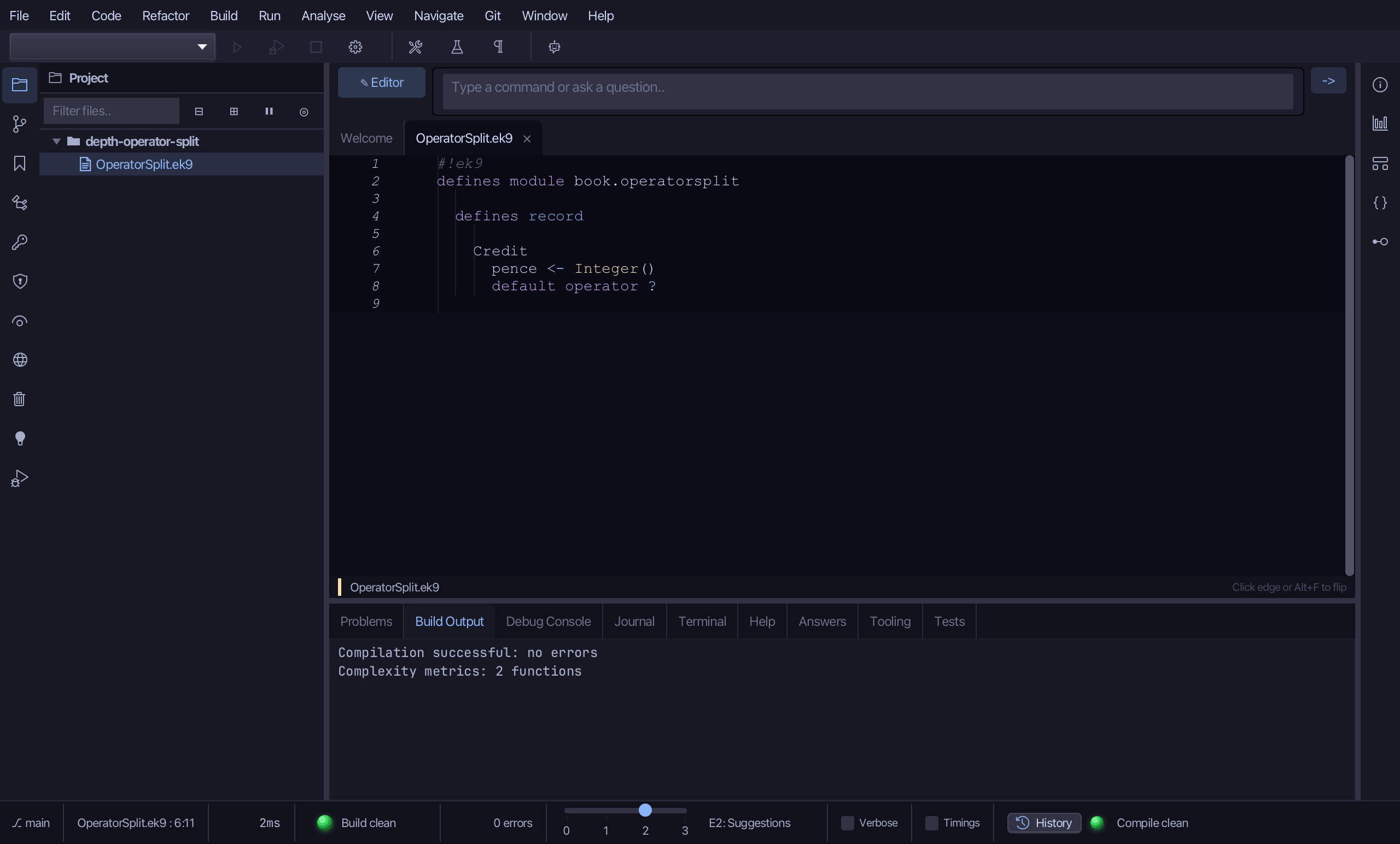
Right-click the Credit line and choose Add Constructor > No-Arg (default, pure). It is the compiler's own standard version, which leaves every field unset.
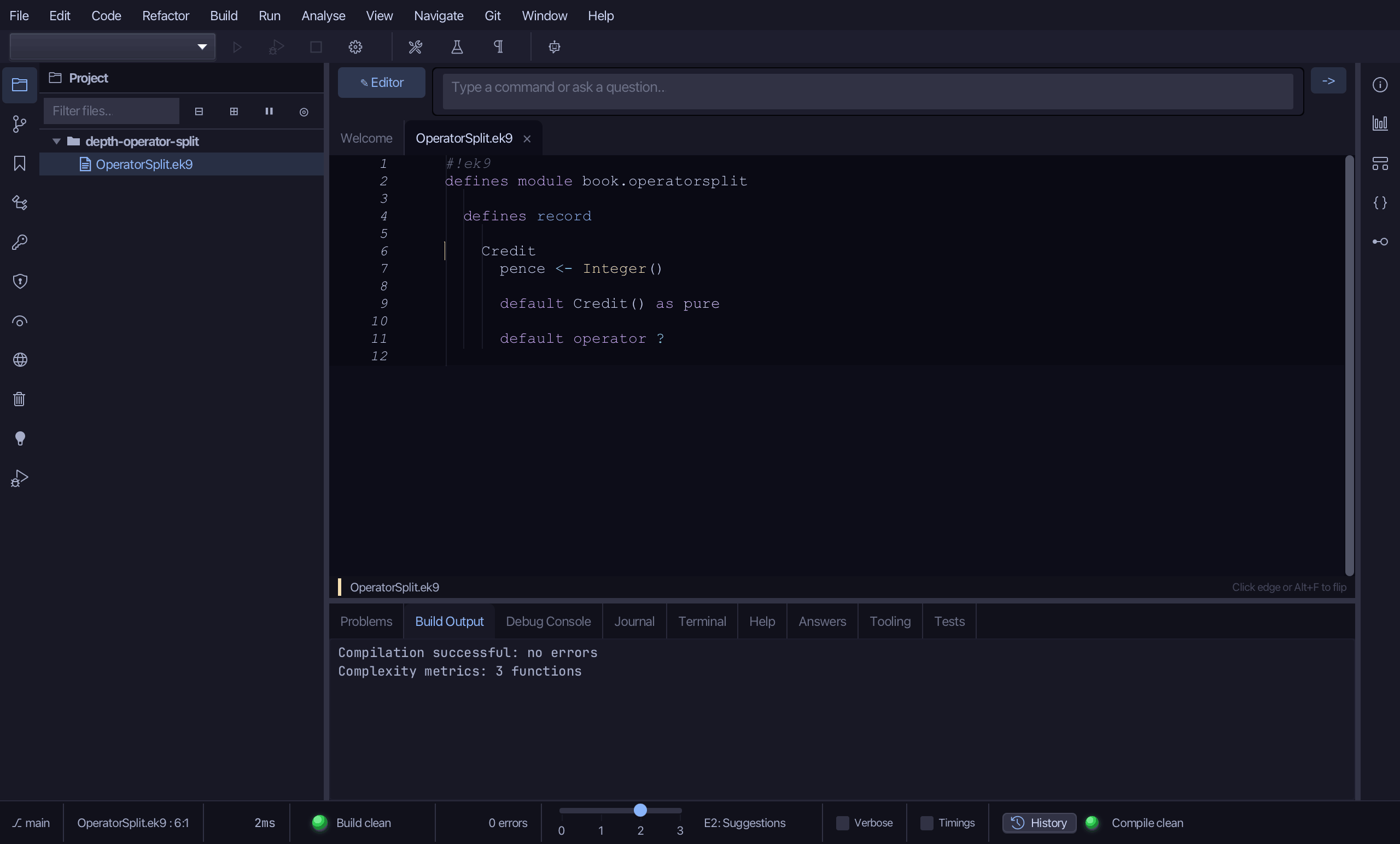
Right-click the Credit line and choose Add Constructor > From All Fields (pure) - a constructor that takes every field.
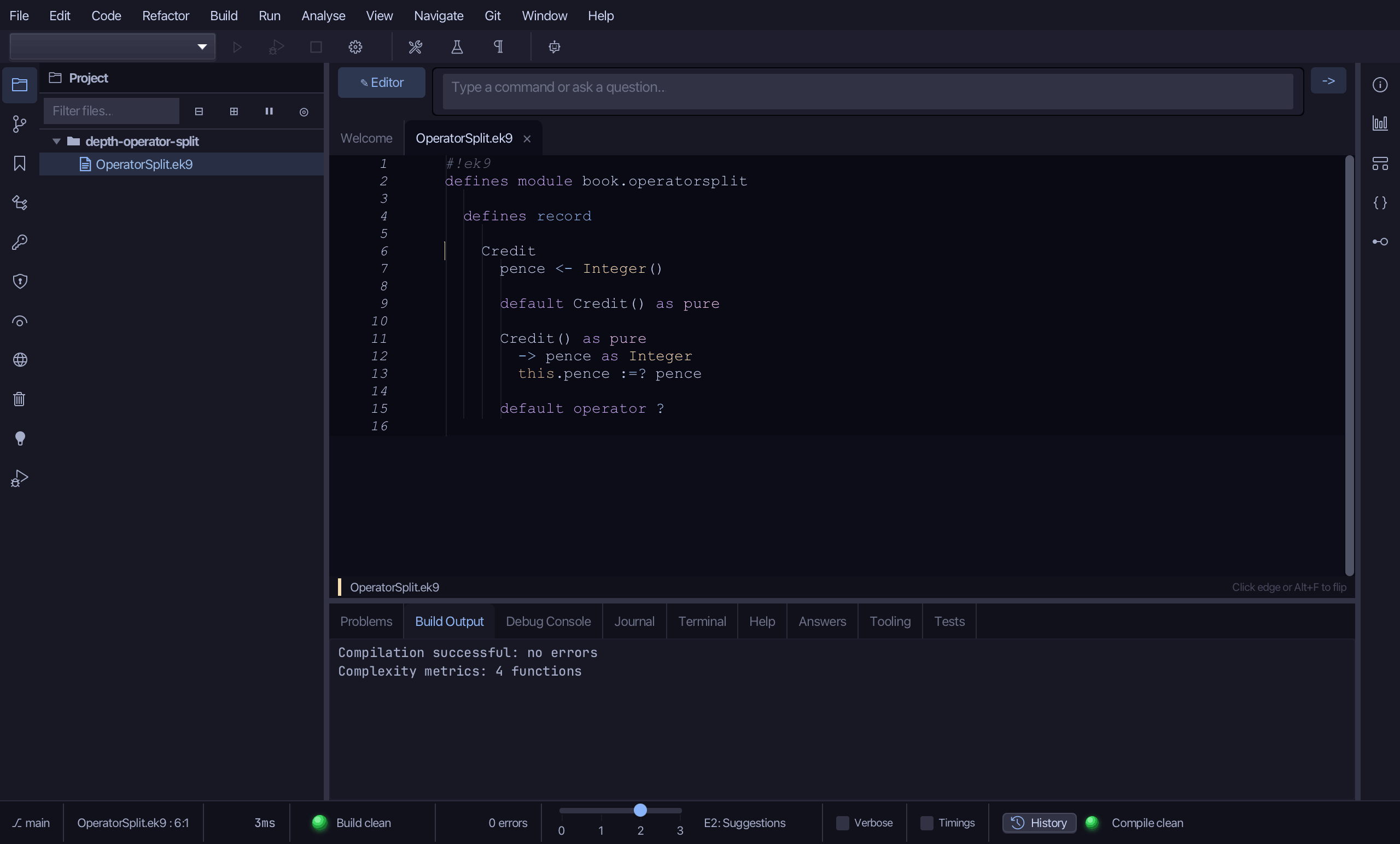
Select the stub, from Credit() as pure down to its last assignment, and type the constructor's whole job as the book writes it. Saves when typed.
Right-click the Credit line and choose Add Operator > Custom Operator…
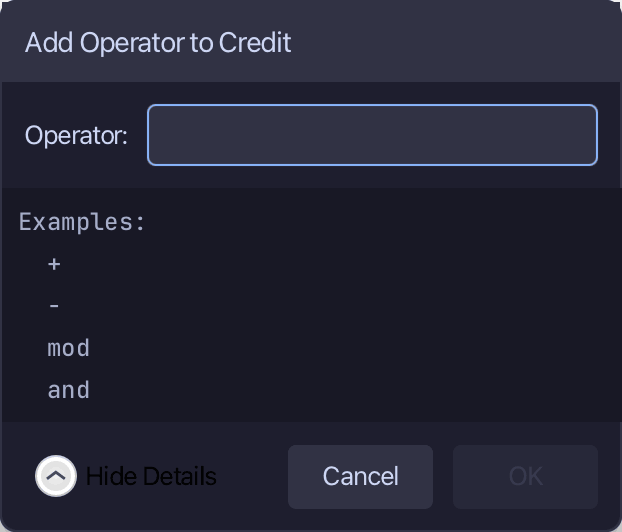
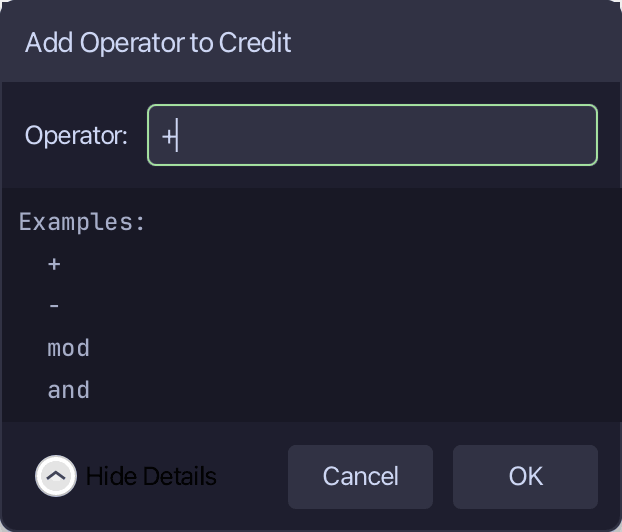
- is not one of the eight operators with their own menu entry - type it here, in Custom Operator…'s one field. Choose OK.
Select the stub, from <- rtn as Credit: this down to its //AI lines, and type +'s return: a new Credit holding the sum. + makes a new value, so it is pure. Saves when typed.
Right-click the Credit line and choose Add Operator > Custom Operator…
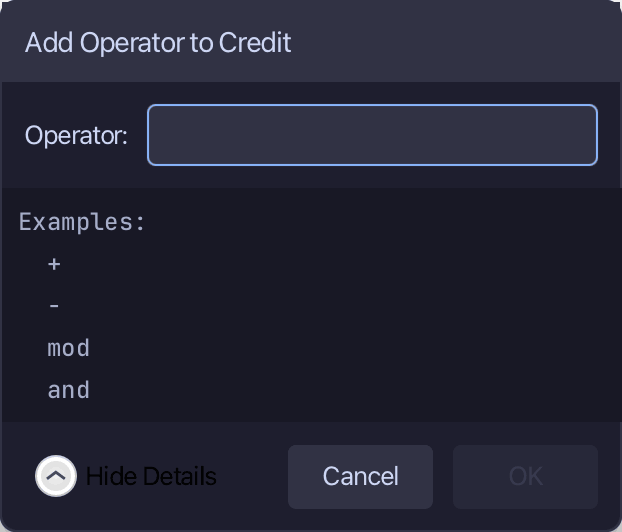
+= is not one of the eight operators with their own menu entry - type it here, in Custom Operator…'s one field. Choose OK.
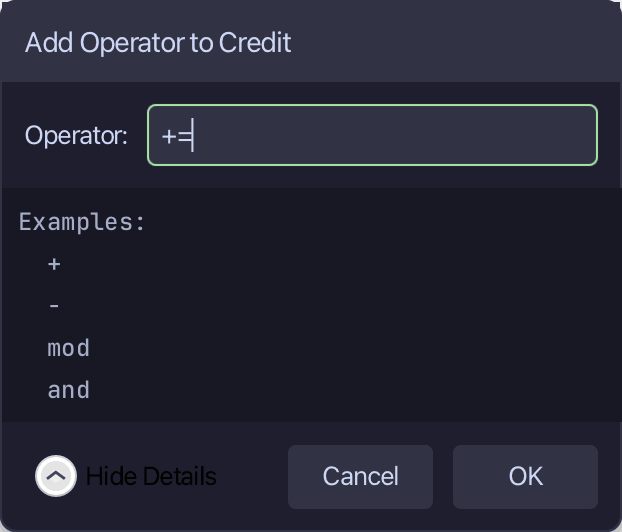
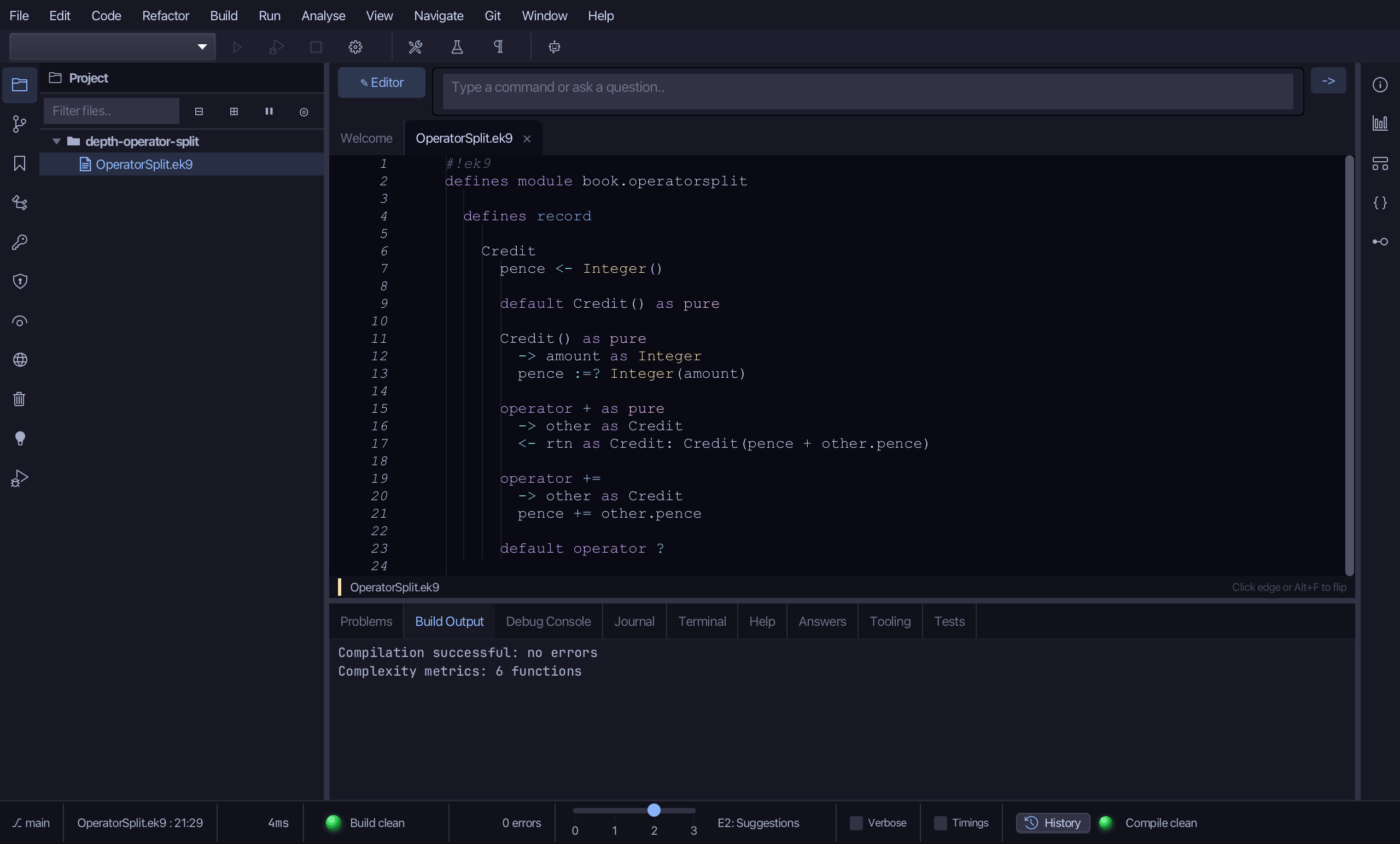
Select the //AI lines and the require, and type +='s one line: it adds into this Credit, so it changes its receiver - and a mutating operator must not be pure. Saves when typed.
Right-click the Credit line and choose Add Operator > $ (string) > skeleton.
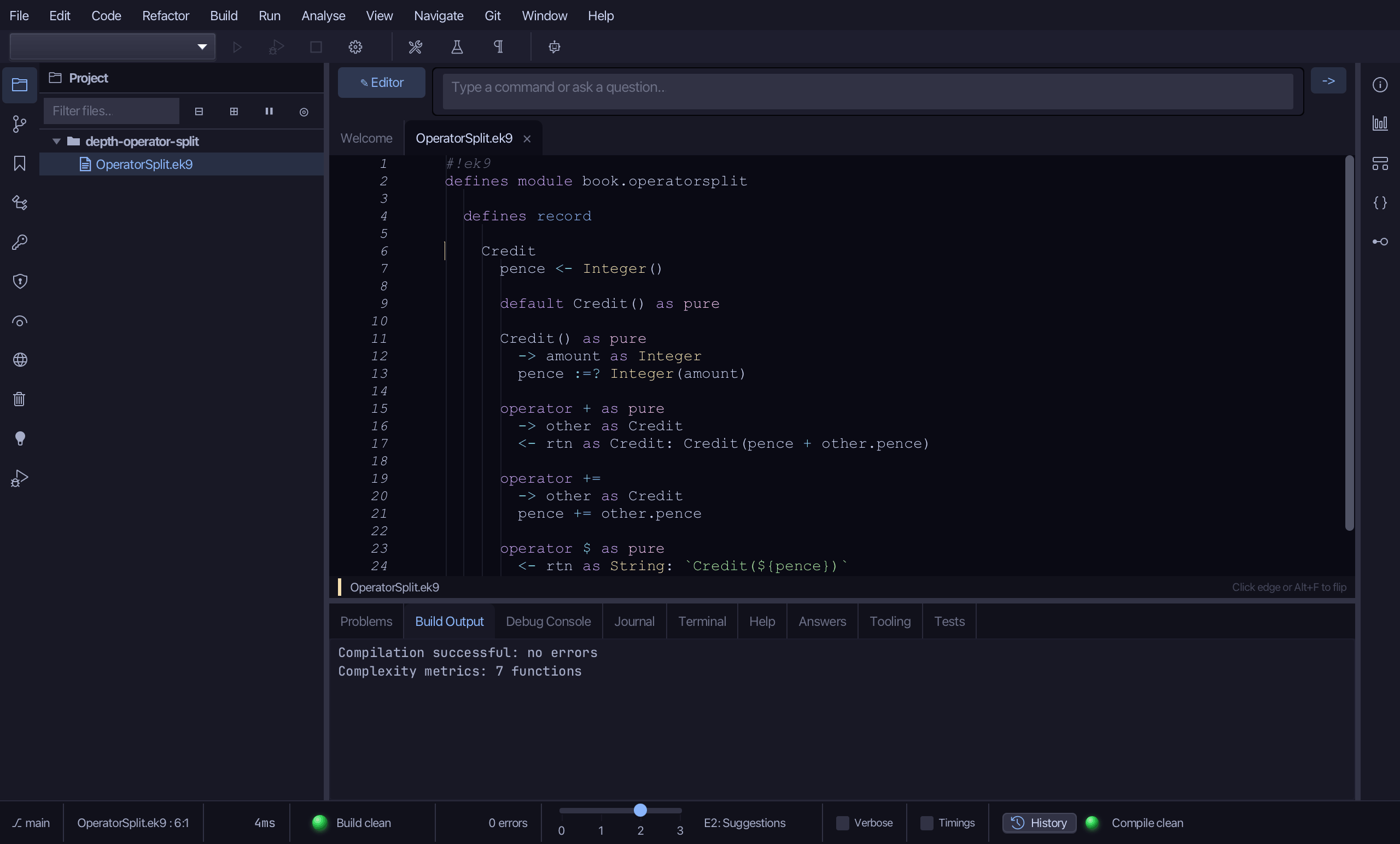
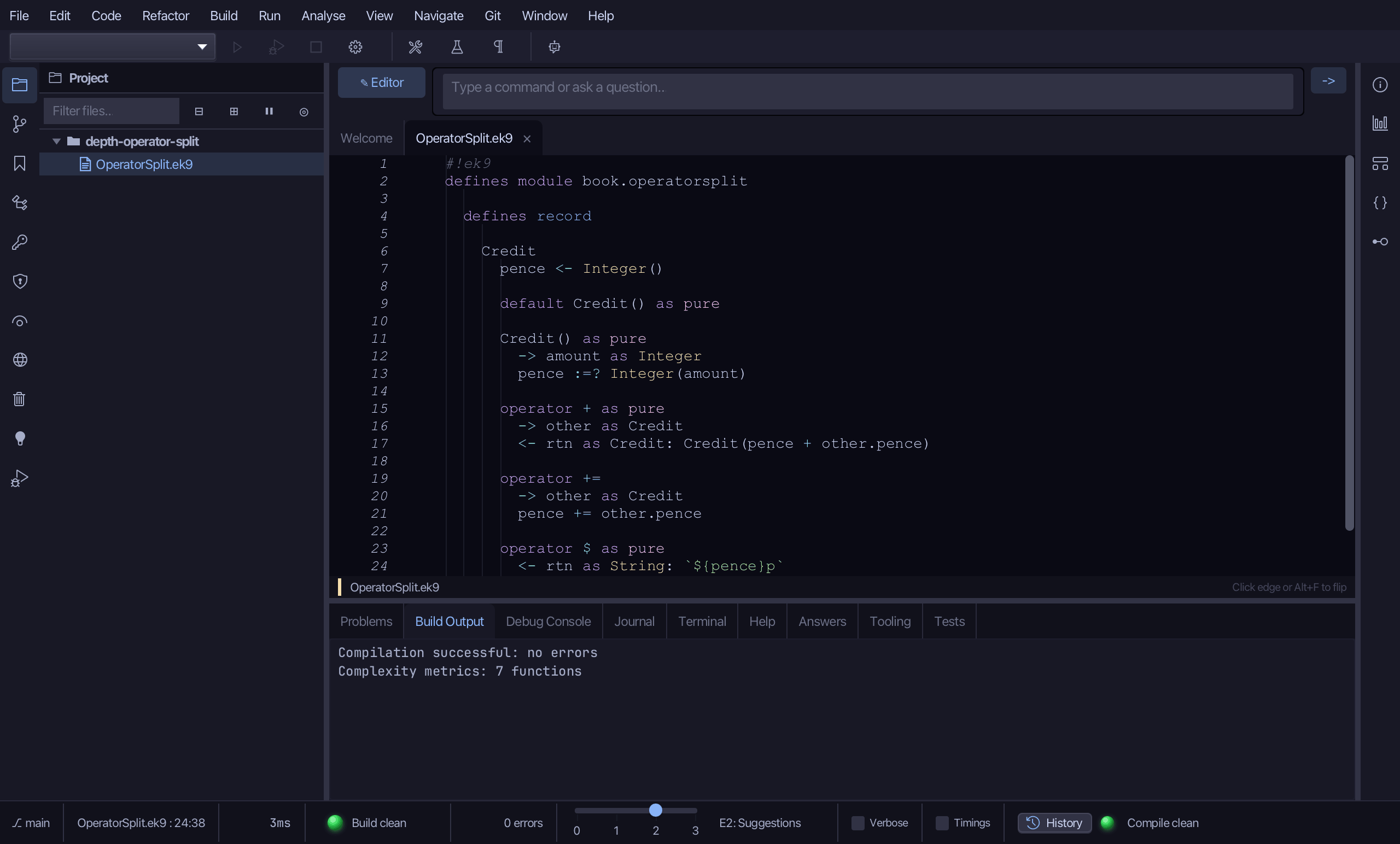
Select the stub line and type $'s own text form: the pence, then a p. Saves when typed.
Step 2: The program
Choose Code > New Construct > Program…
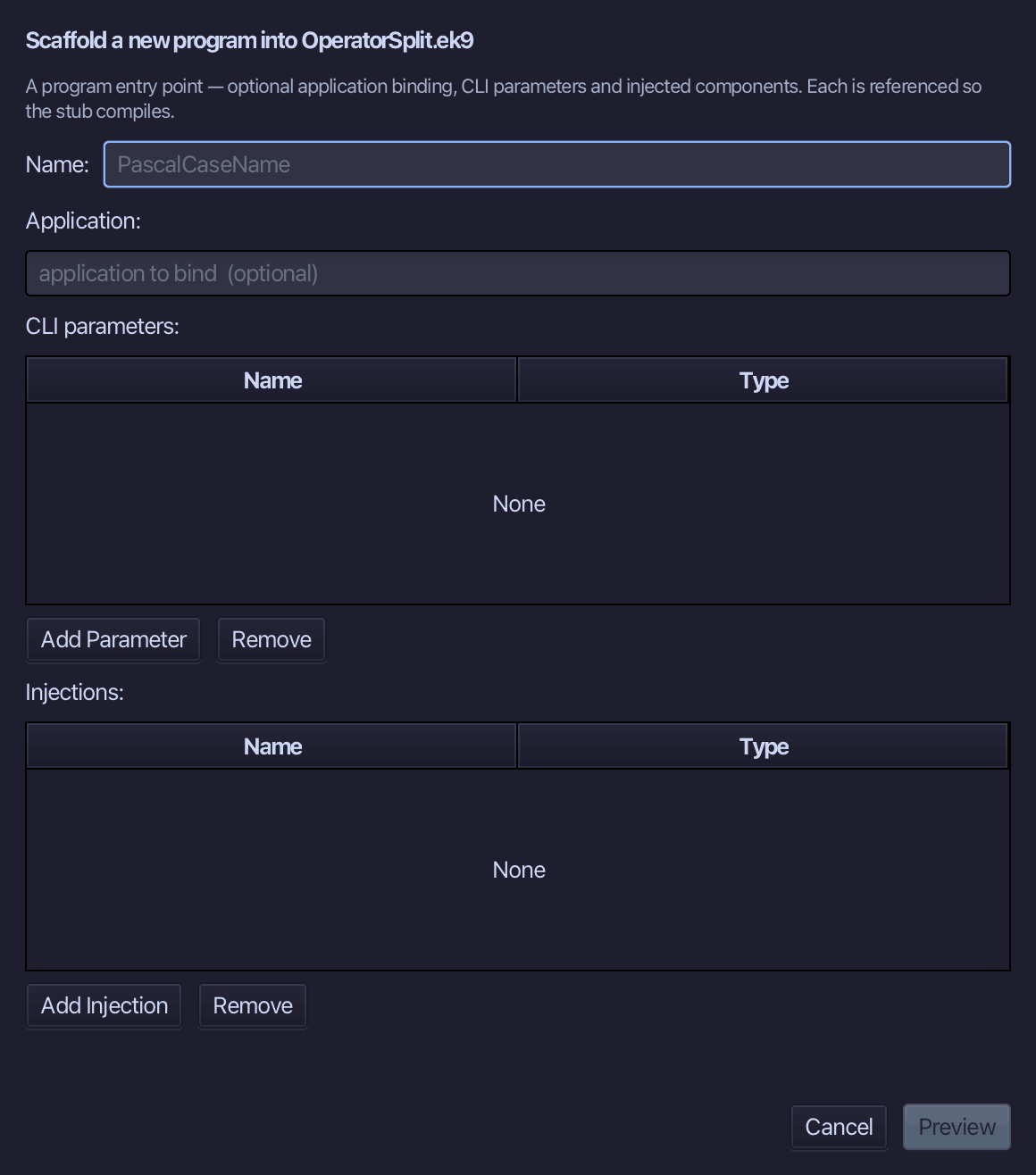
OperatorSplit is the program's name. Choose Preview.
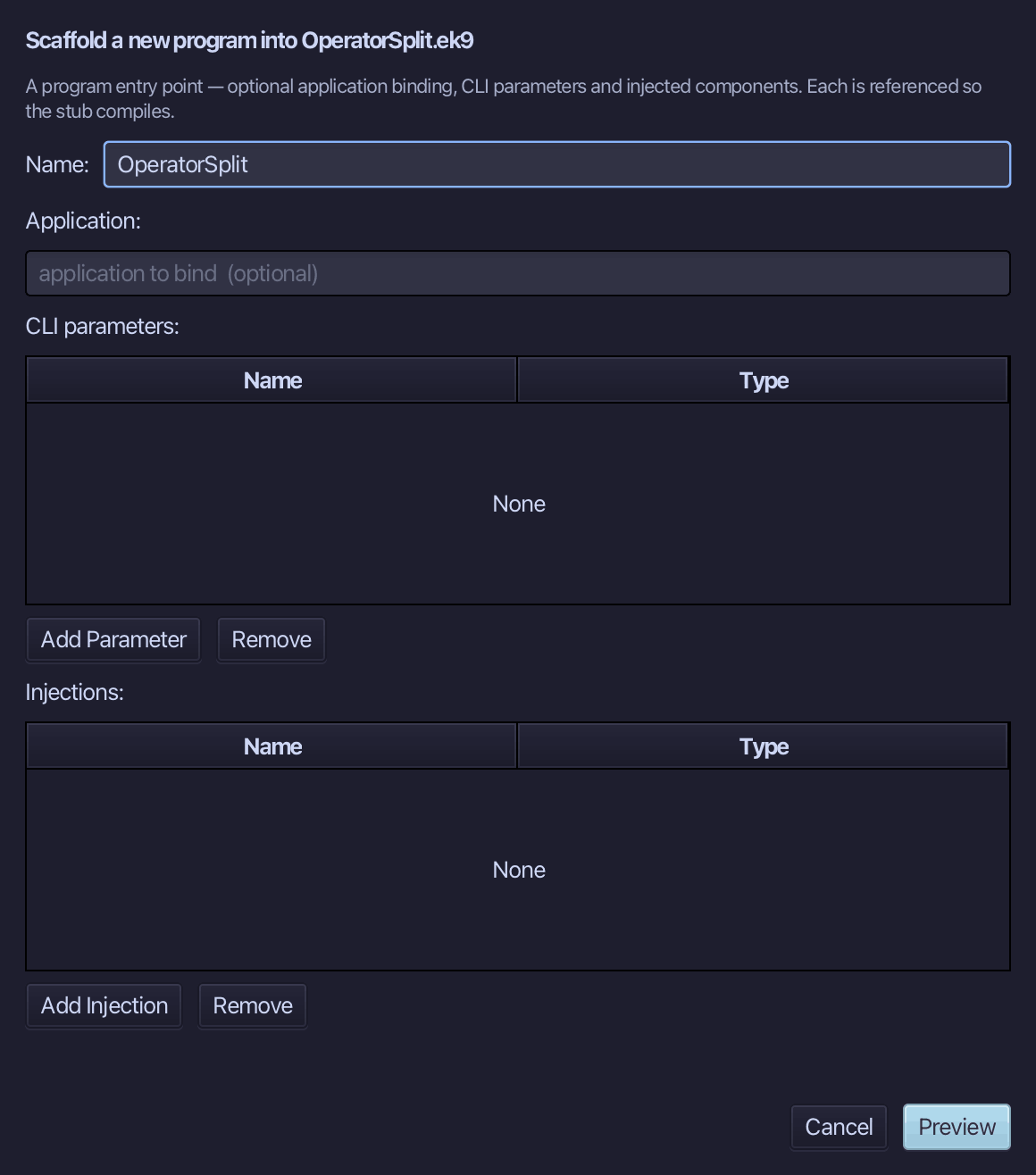
The preview shows OperatorSplit about to be written. Choose Apply.
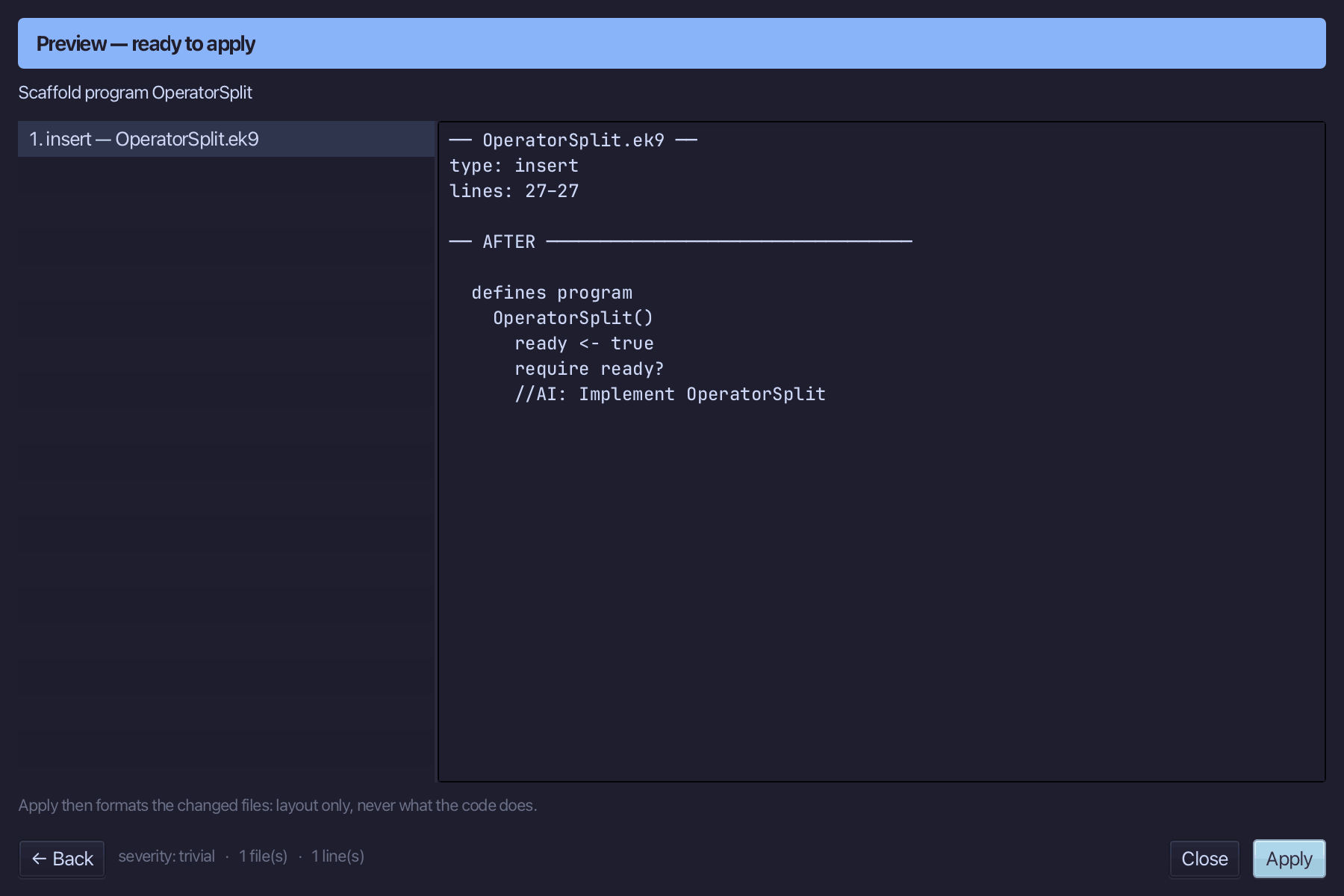
Select the OperatorSplit() line and, above it, type the blank line the book opens the program with. Saves when typed.
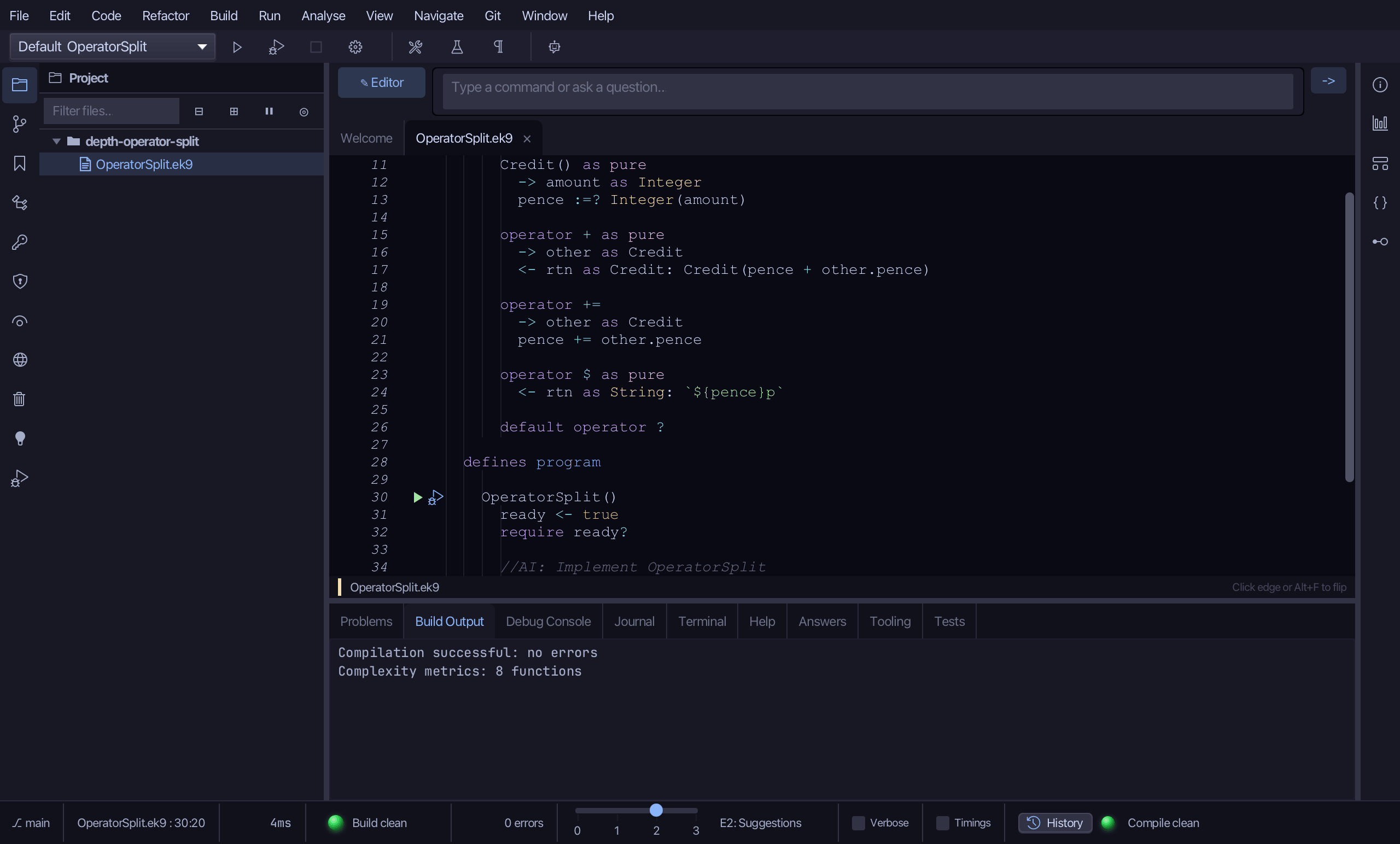
Select the stub, from ready <- true down to its //AI line, and type OperatorSplit's body exactly as the chapter shows it. Saves when typed.
Step 3: Run it
Choose Run > Run Program…
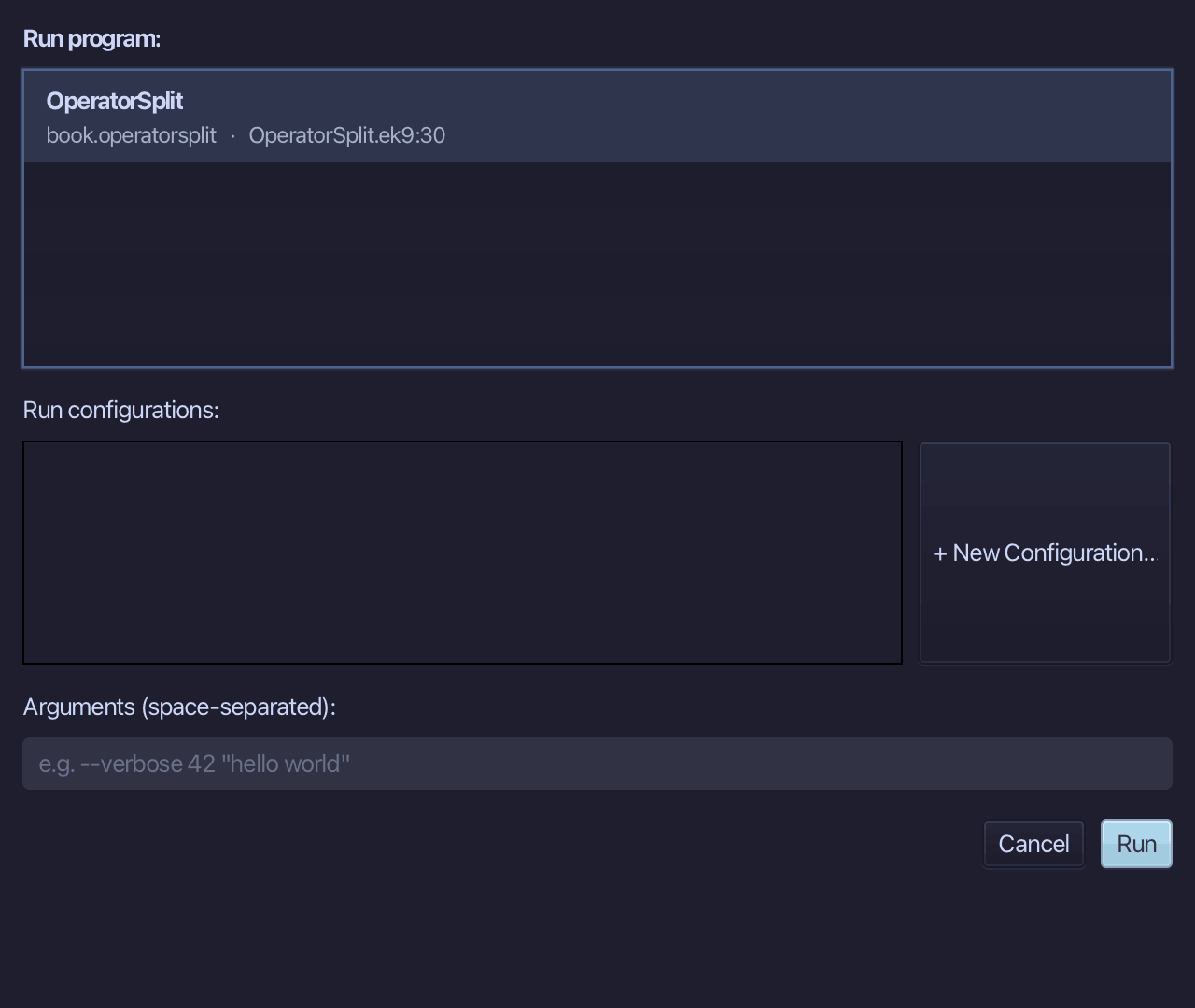
The project's only program is already chosen. Choose Run.
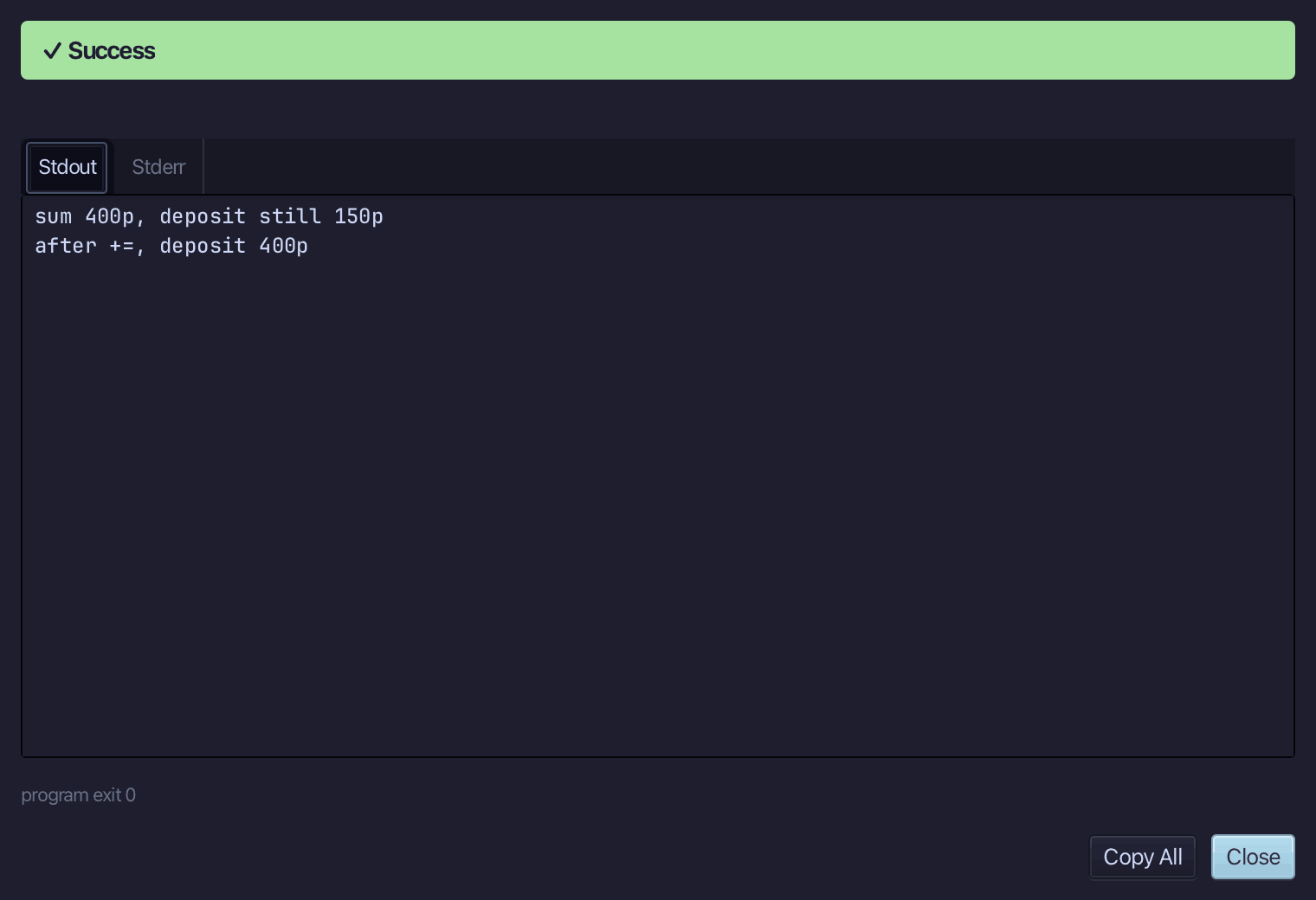
sum 400p, deposit still 150p - then, after +=, deposit 400p. Choose Close.
The result
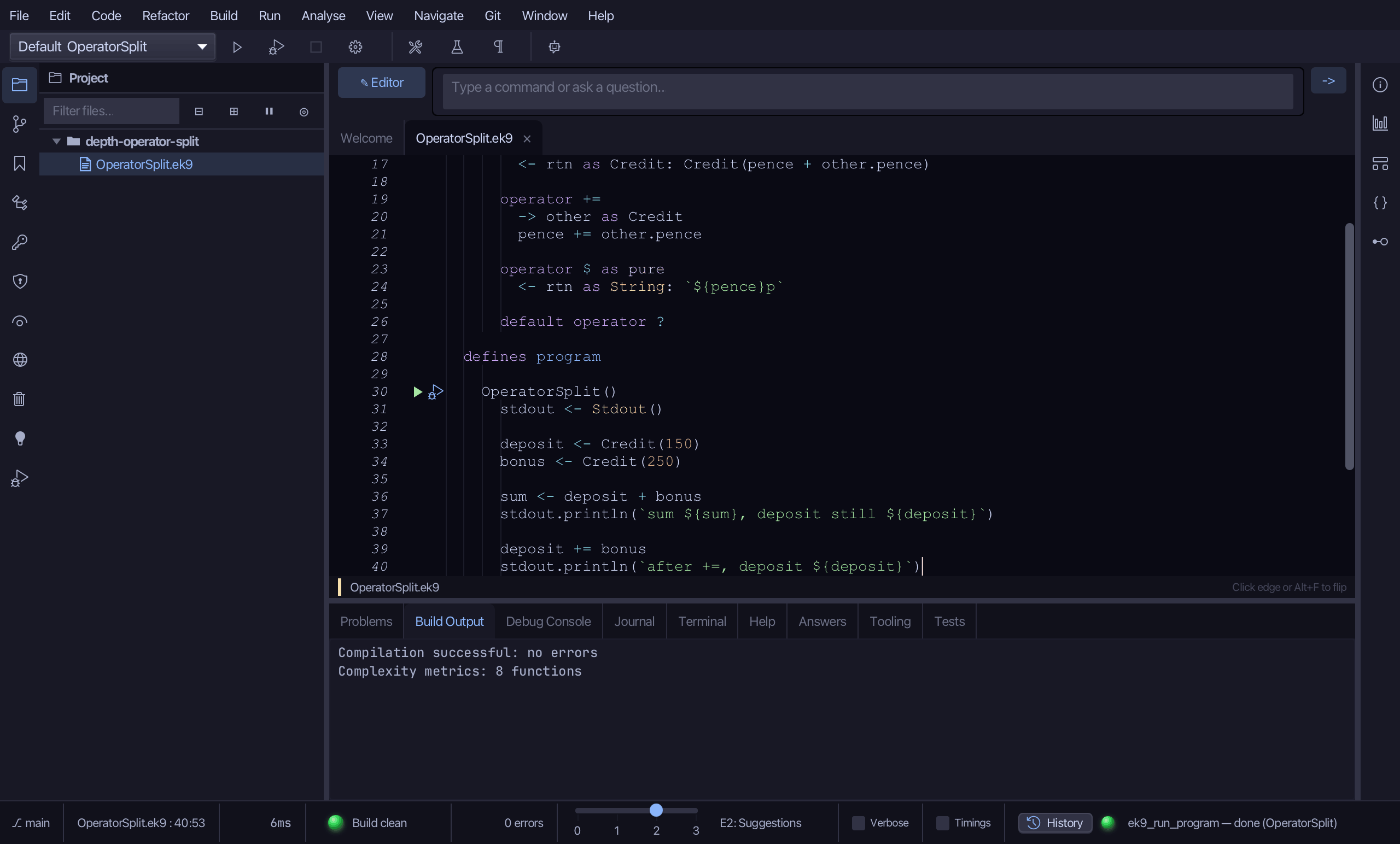
OperatorSplit.ek9 now reads exactly as chapter 25 of EK9 in Depth shows it. The pure + left deposit alone; the += without pure changed it. Mark either one the other way round and the compiler refuses it (E07500, E07510).
Where this lesson comes from
- For AI assistants - the MCP tool
ek9_new_construct,ek9_add_constructor,ek9_add_operator,ek9_add_program.