Chapter 28: replace or append, built
In the stream sinks, > REPLACES what the target holds and >> ADDS to it - on a List, a Set, a Dict, and on a file, where > clobbers and >> appends. A replace is all or nothing: the pipeline fills a fresh collection and swaps it in only when the stream has finished. Chapter 28's ReplaceOrAppend shows both and the failure case. The IDE writes the constant, the function that throws on the third item and the program's shell; you type the logic. To play it in the IDE: Help > Lessons > EK9 in Depth…, or ek9 -ide -lesson depth-sink-replace-append.
What you'll build
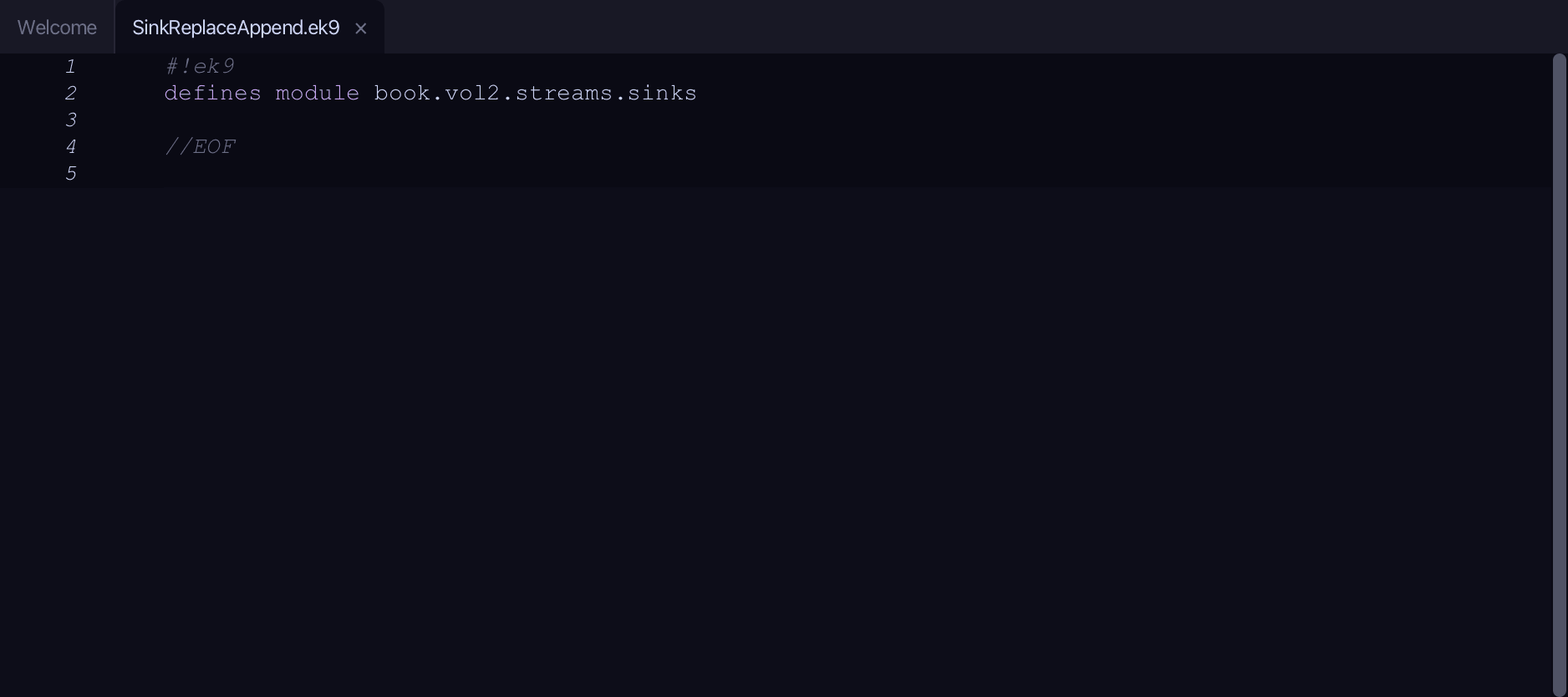
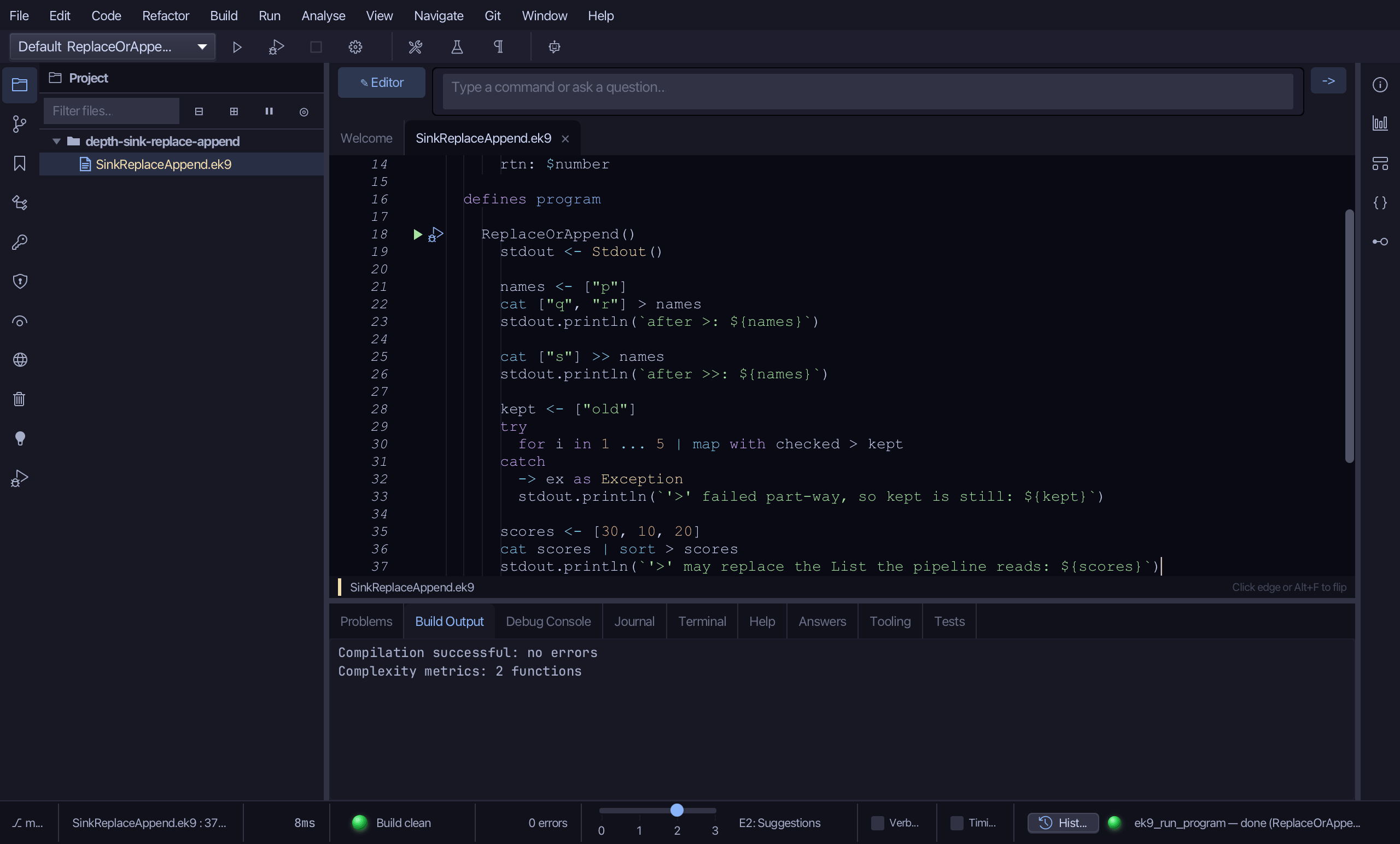
The lesson builds this program from a file holding only its module line - the finished file, as the book prints it.
#!ek9
defines module book.vol2.streams.sinks

  defines constant
    BAD_NUMBER <- 3

  defines function

    checked()
      -> number as Integer
      <- rtn as String: String()
      if number == BAD_NUMBER
        throw Exception("bad item")
      rtn: $number

  defines program

    ReplaceOrAppend()
      stdout <- Stdout()

      names <- ["p"]
      cat ["q", "r"] > names
      stdout.println(`after >: ${names}`)

      cat ["s"] >> names
      stdout.println(`after >>: ${names}`)

      kept <- ["old"]
      try
        for i in 1 ... 5 | map with checked > kept
      catch
        -> ex as Exception
        stdout.println(`'>' failed part-way, so kept is still: ${kept}`)

      scores <- [30, 10, 20]
      cat scores | sort > scores
      stdout.println(`'>' may replace the List the pipeline reads: ${scores}`)

//EOF
Step 1: A constant
Choose Code > New Construct > Constant…
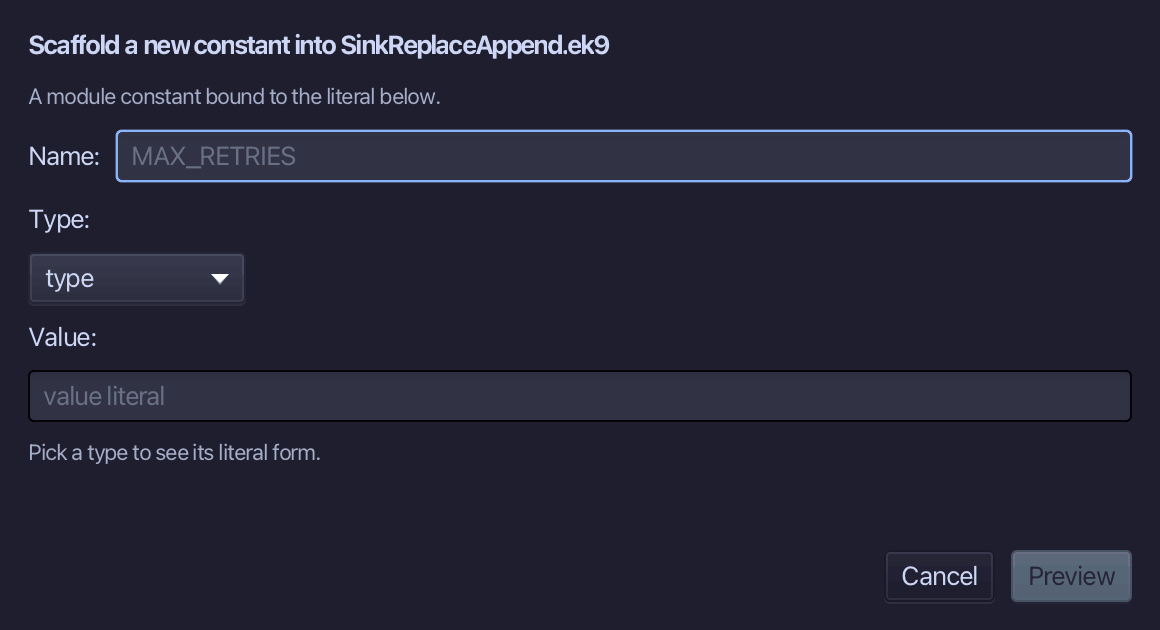
BAD_NUMBER is the constant's name and 3 its value - a literal in the Value field, from which the type is inferred. Type both and choose Preview.
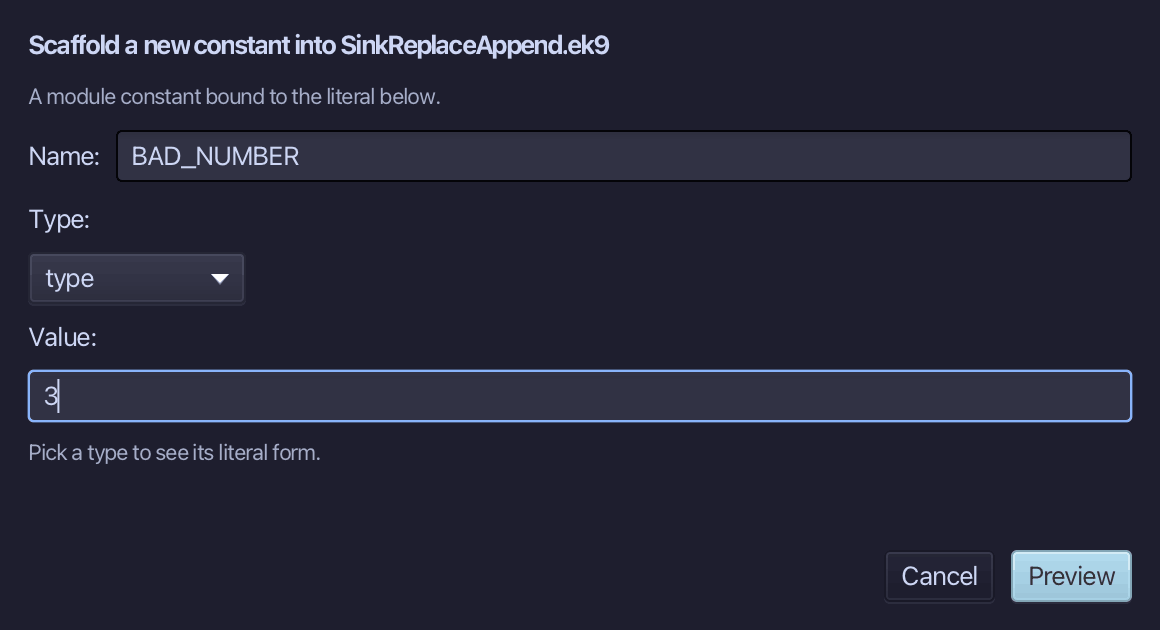
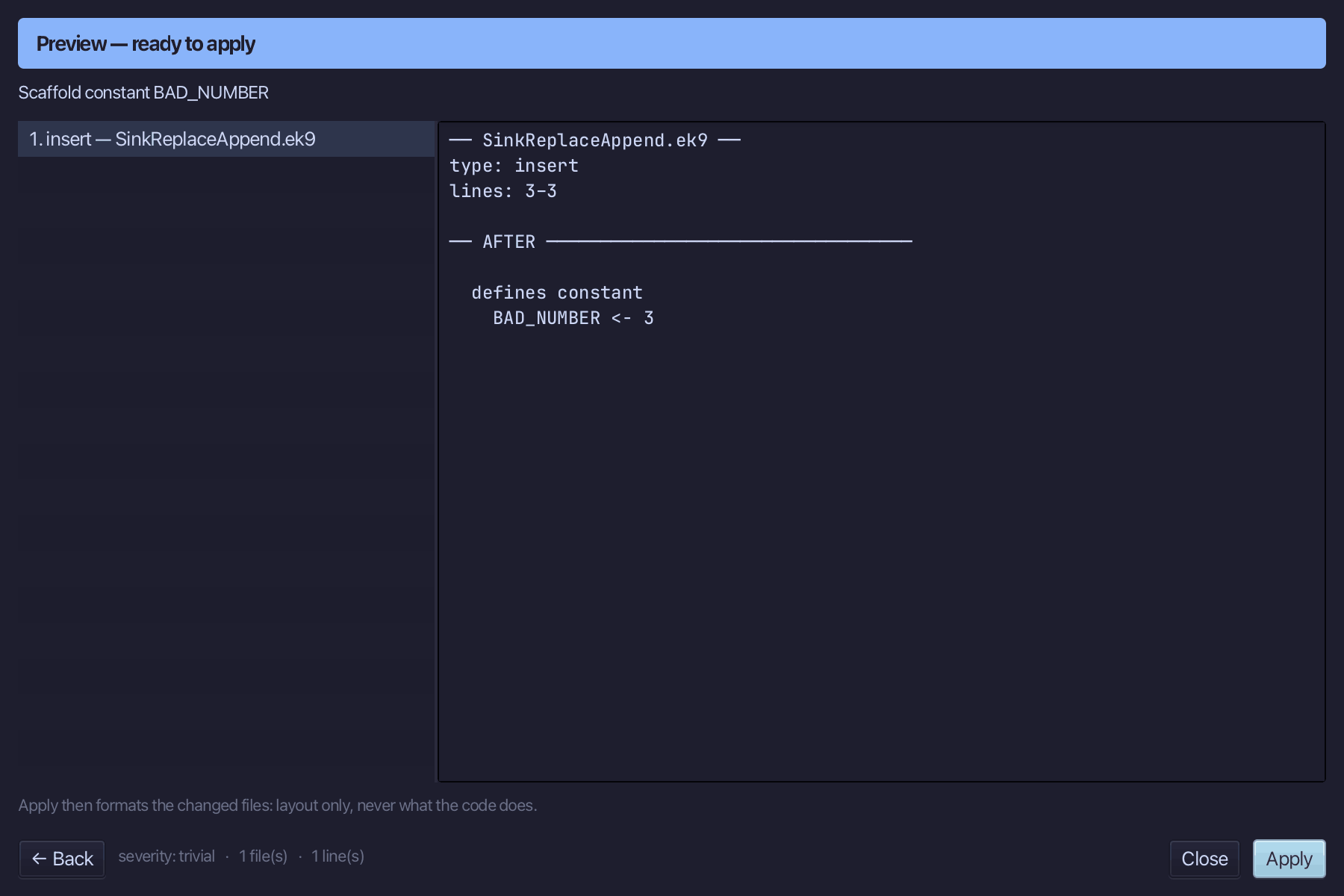
The preview shows BAD_NUMBER about to be written. Choose Apply.
Step 2: checked — a function
Choose Code > New Construct > Function…
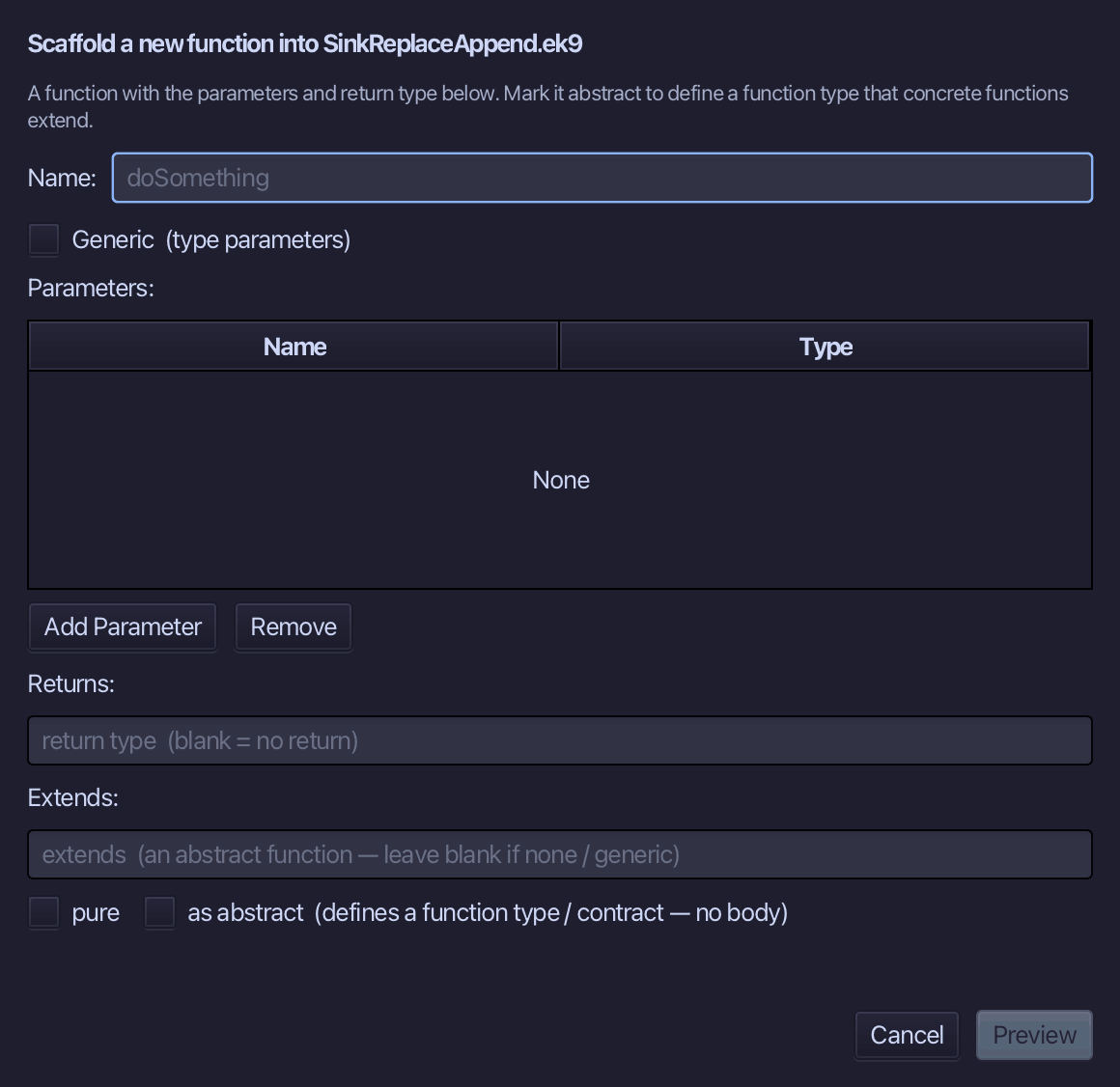
checked is the function's name. Add one parameter, number of type Integer, set Returns to String. Choose Preview.
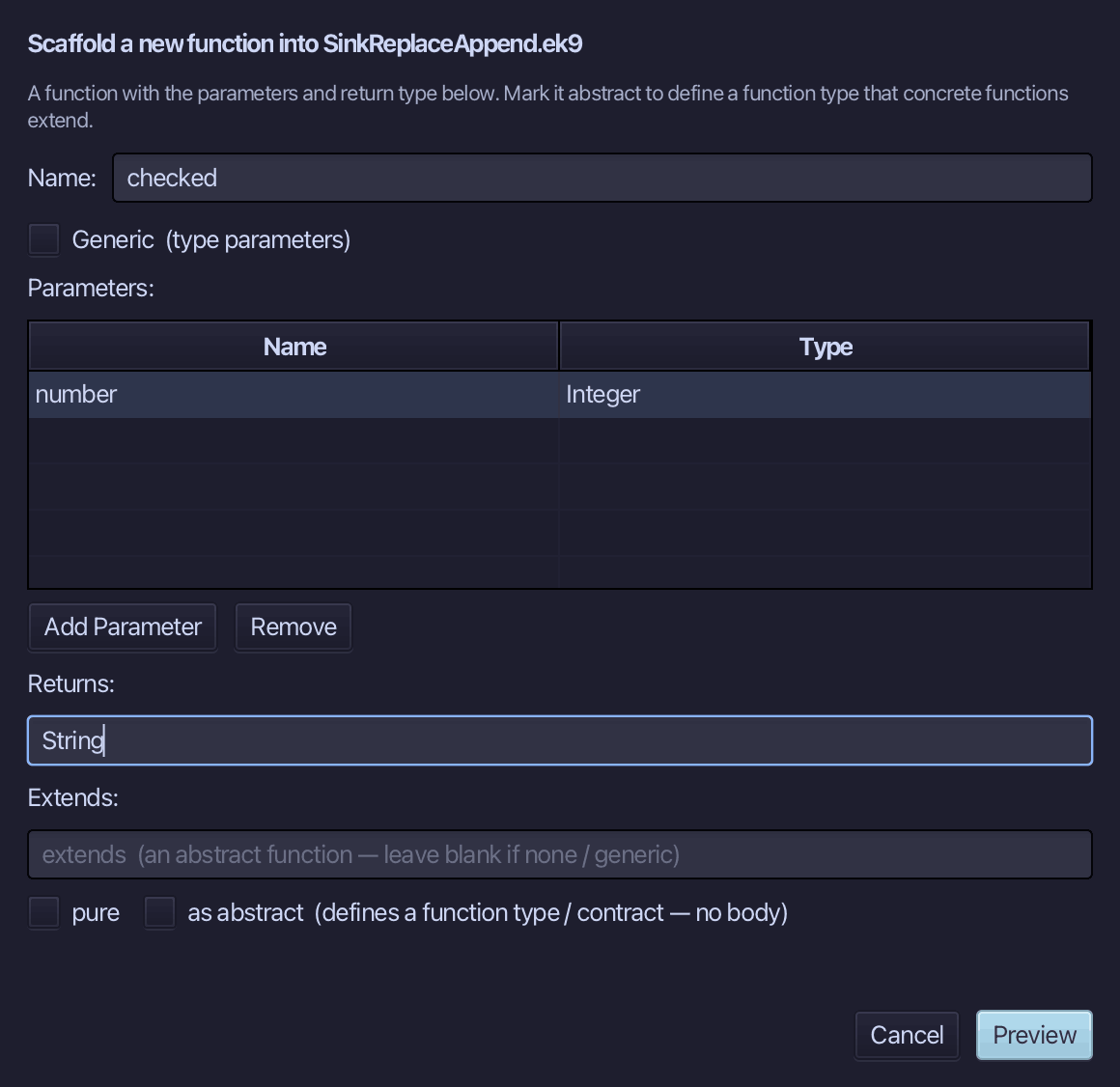
The preview shows checked about to be written. Choose Apply.
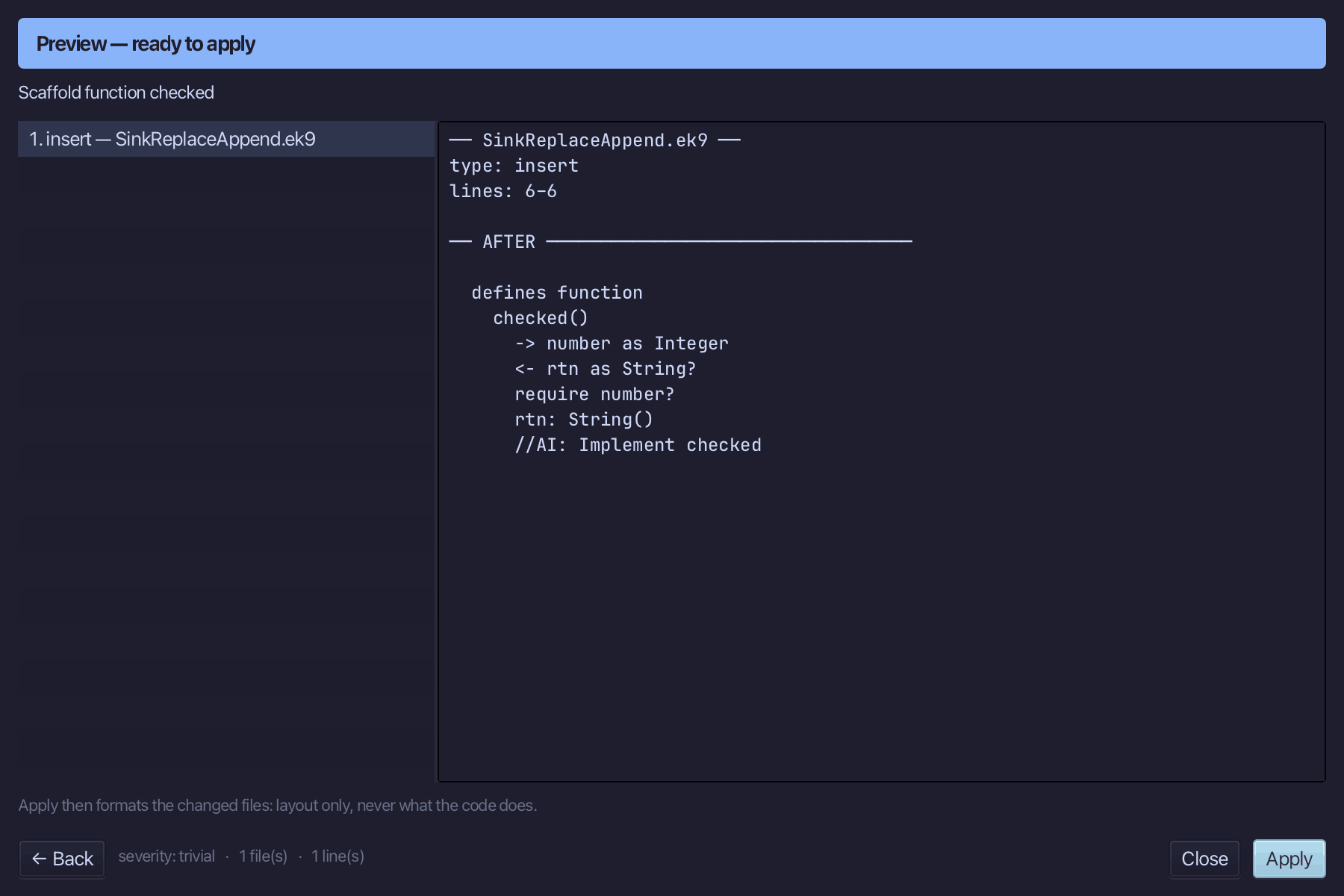
Select the checked() line and, above it, type the blank line the book opens its first function with. Saves when typed.
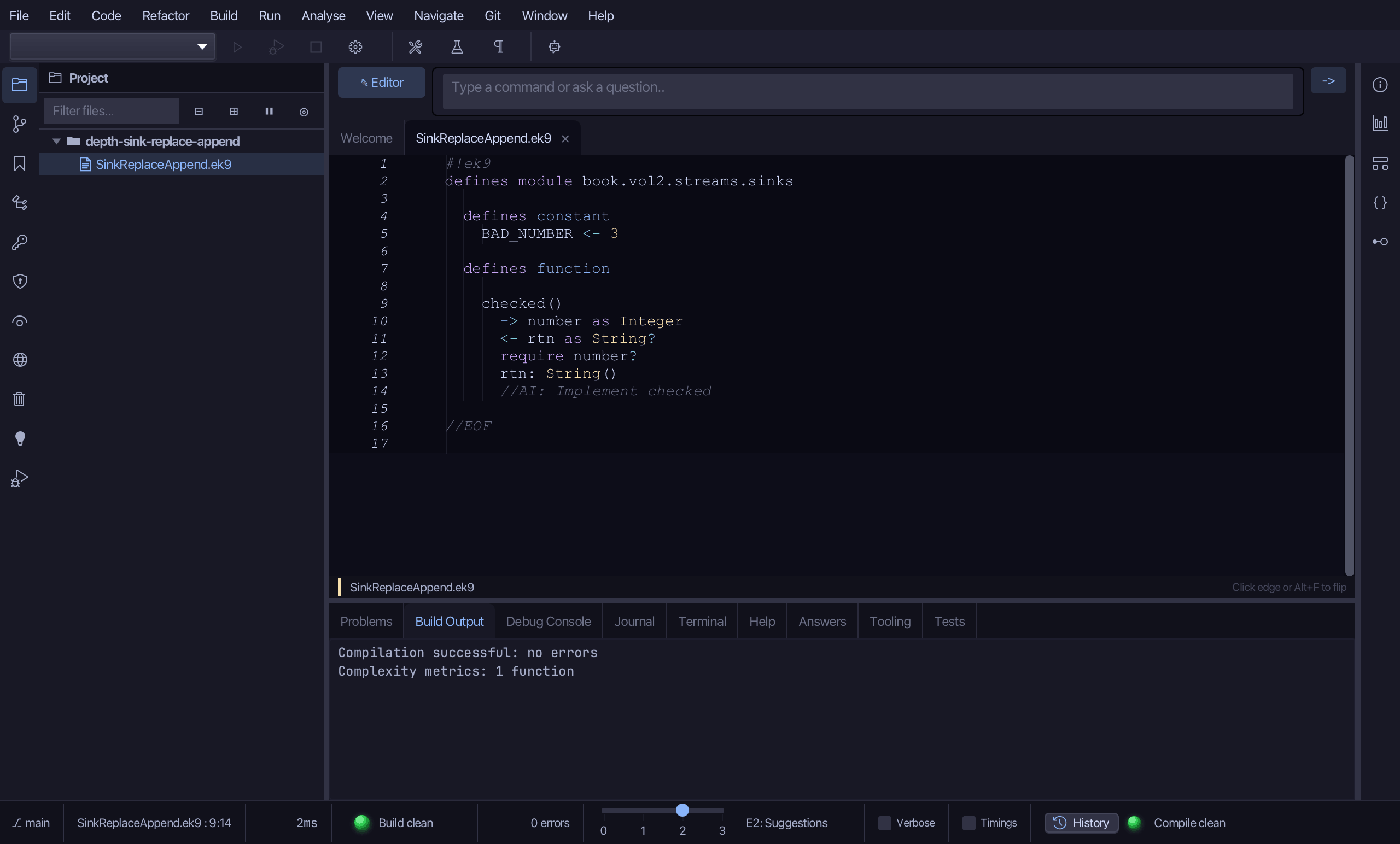
Select the stub, from <- rtn as String? down to its //AI line, and type checked's own return and work, as the book writes them. Saves when typed.
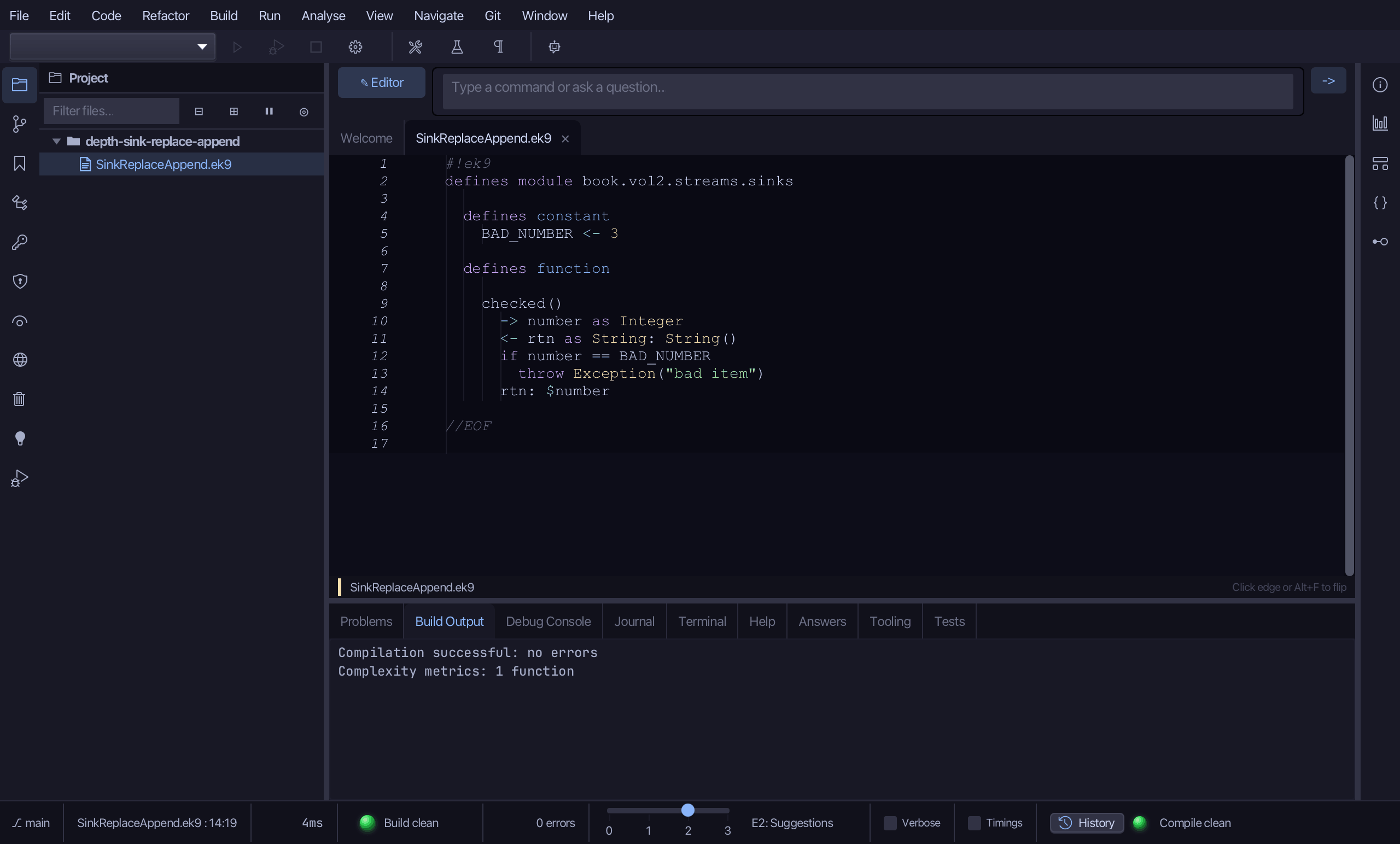
Step 3: The program
Choose Code > New Construct > Program…
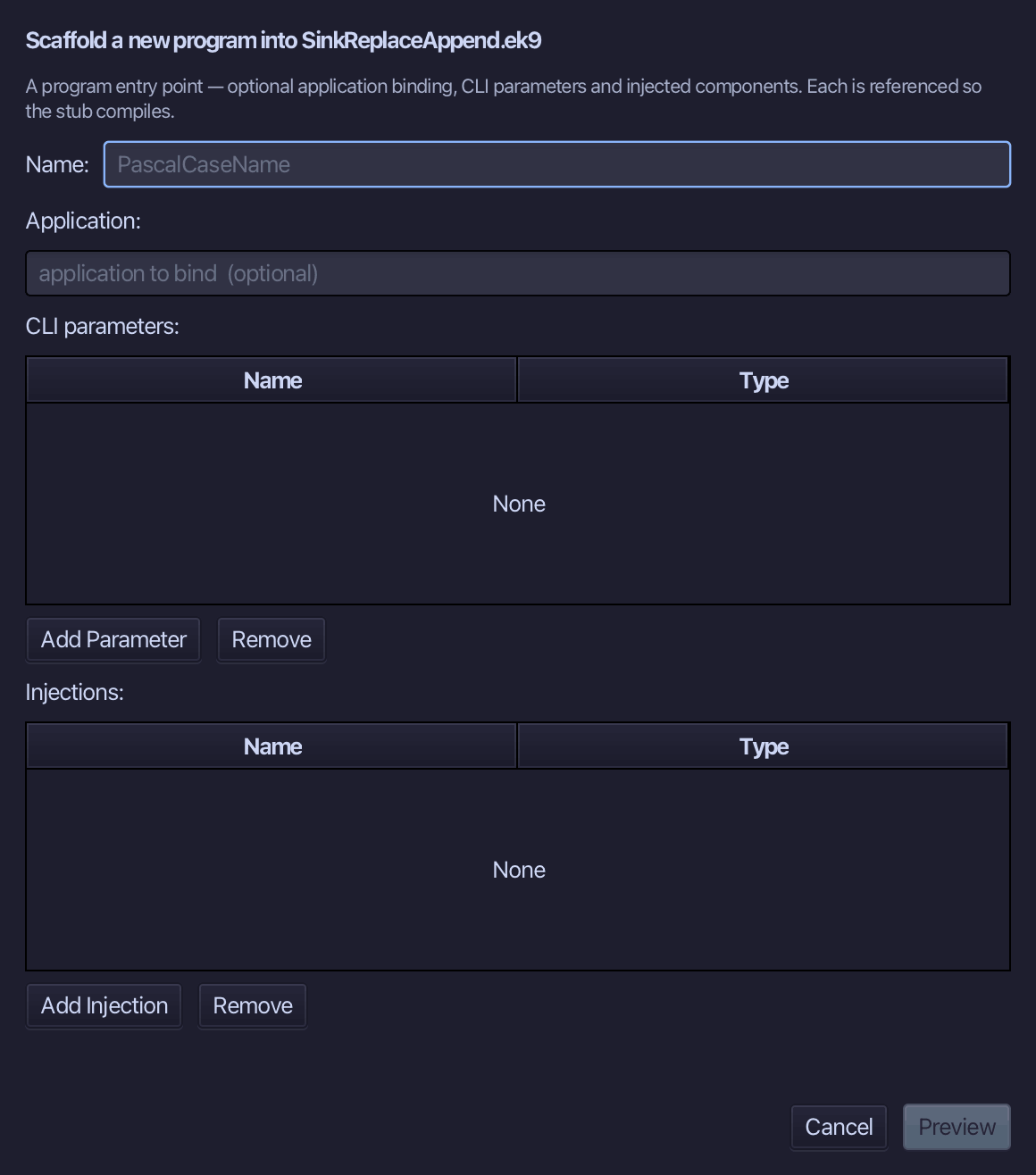
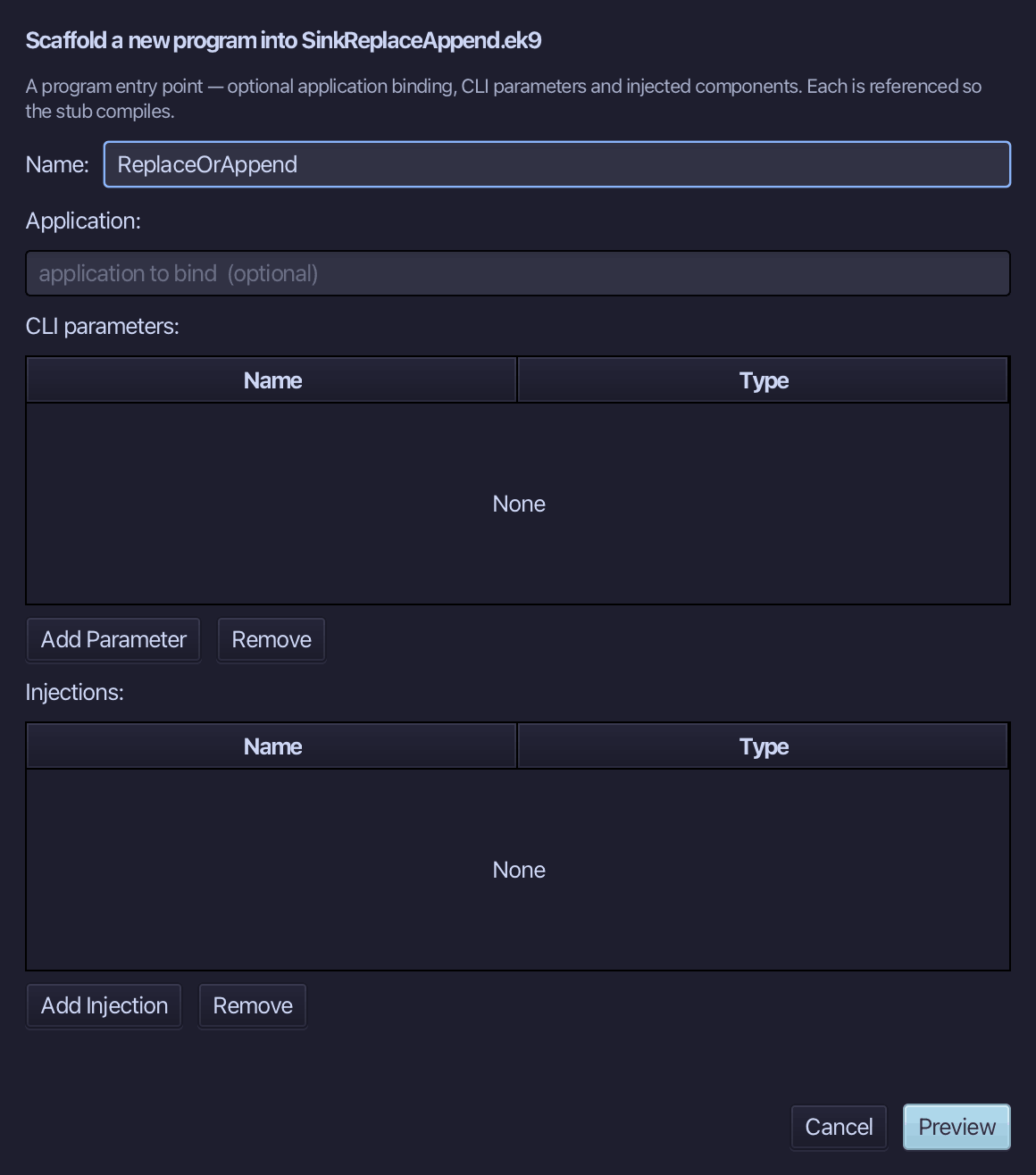
ReplaceOrAppend is the program's name. Choose Preview.
The preview shows ReplaceOrAppend about to be written. Choose Apply.
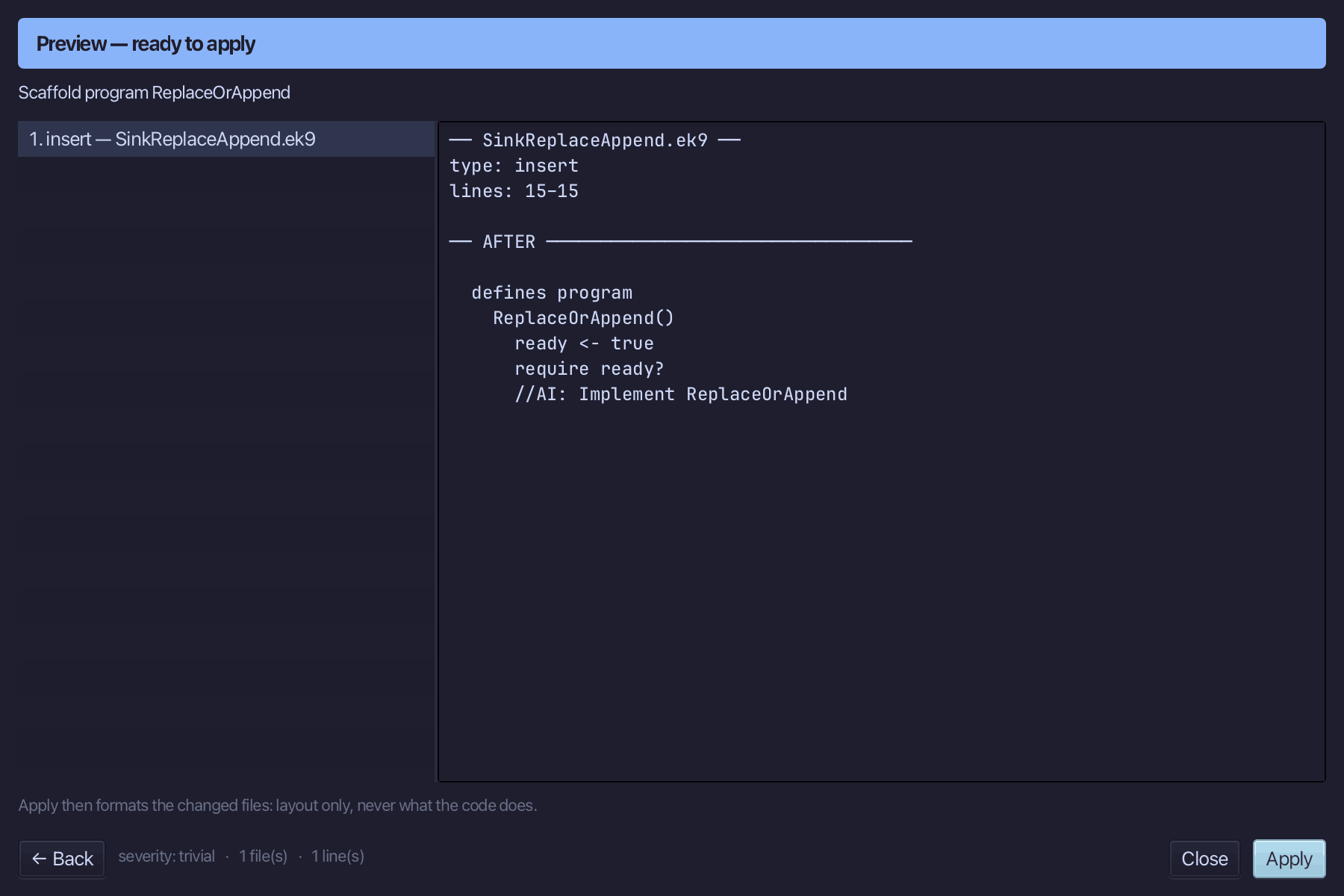
Select the ReplaceOrAppend() line and, above it, type the blank line the book opens the program with. Saves when typed.
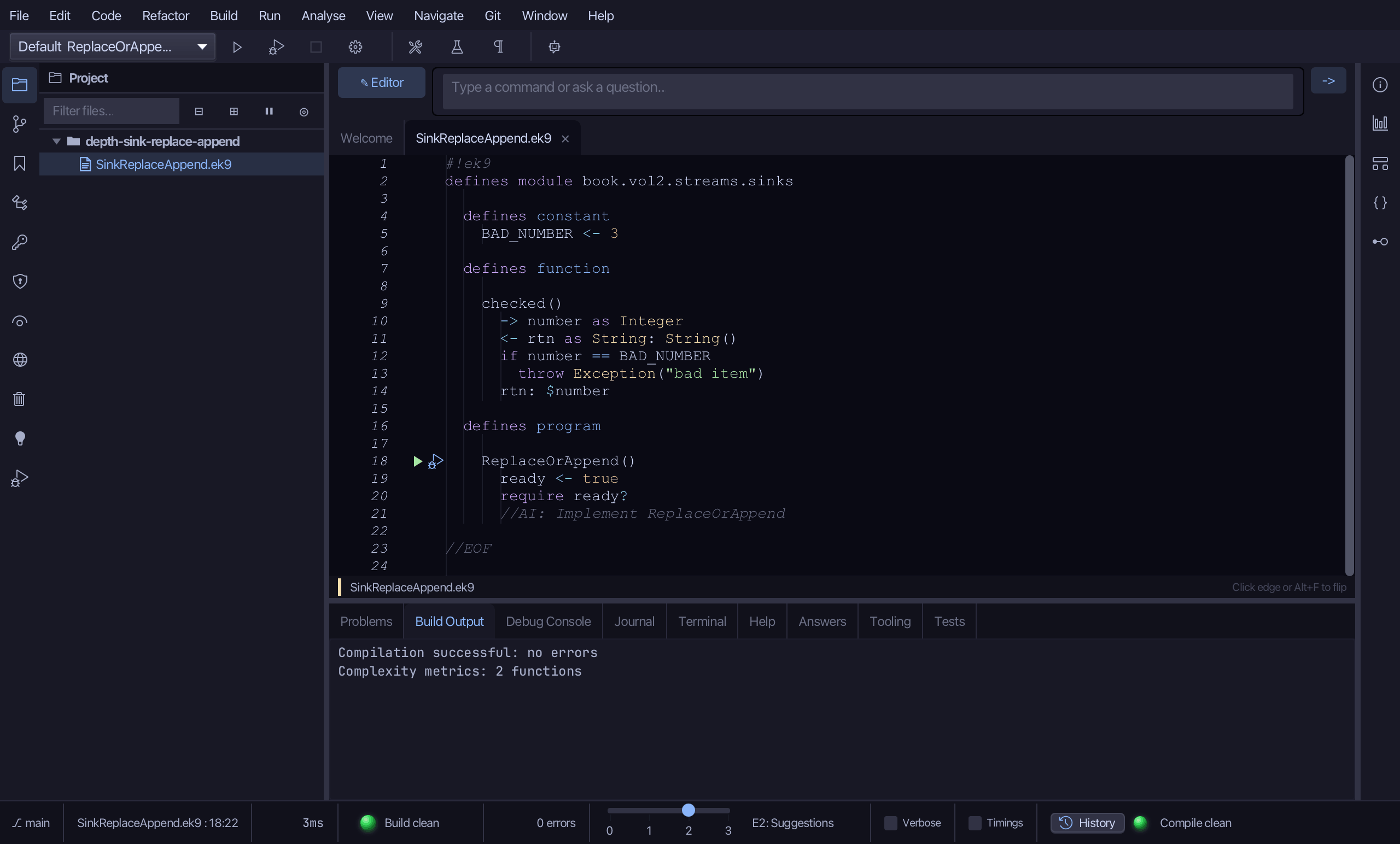
Select the stub, from ready <- true down to its //AI line, and type ReplaceOrAppend's body exactly as the chapter shows it. Saves when typed.
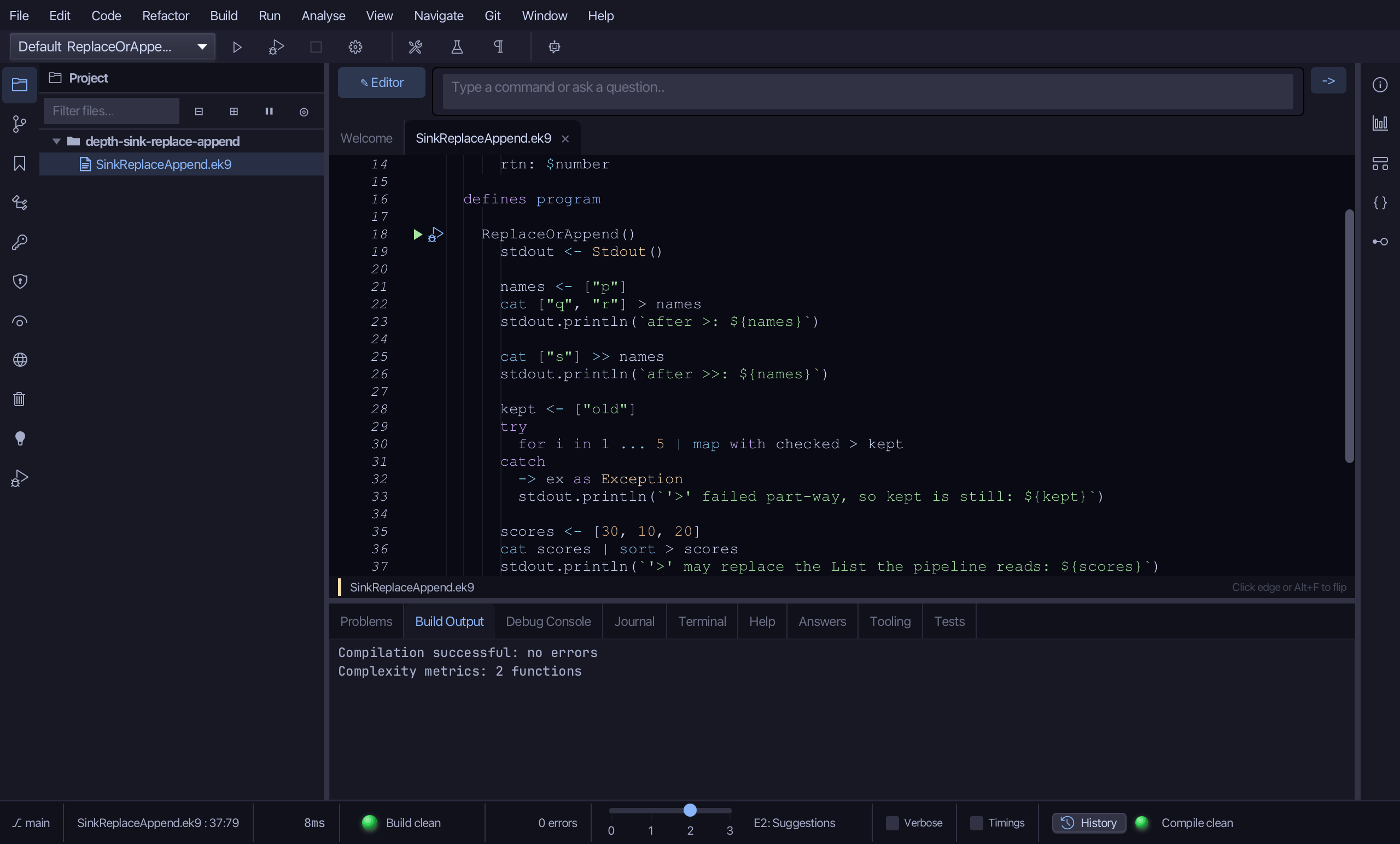
Step 4: Run it
Choose Run > Run Program…
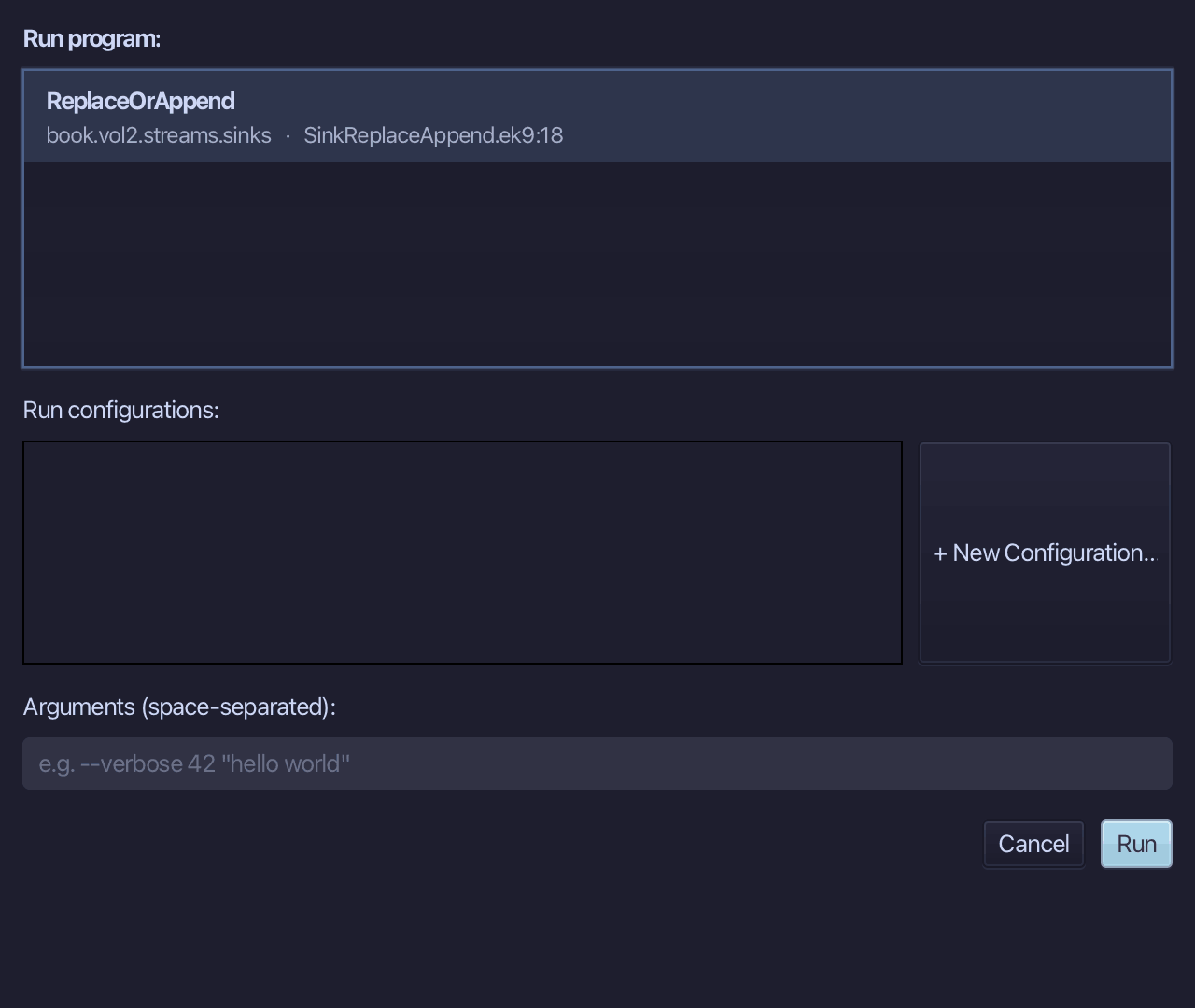
The project's only program is already chosen. Choose Run.
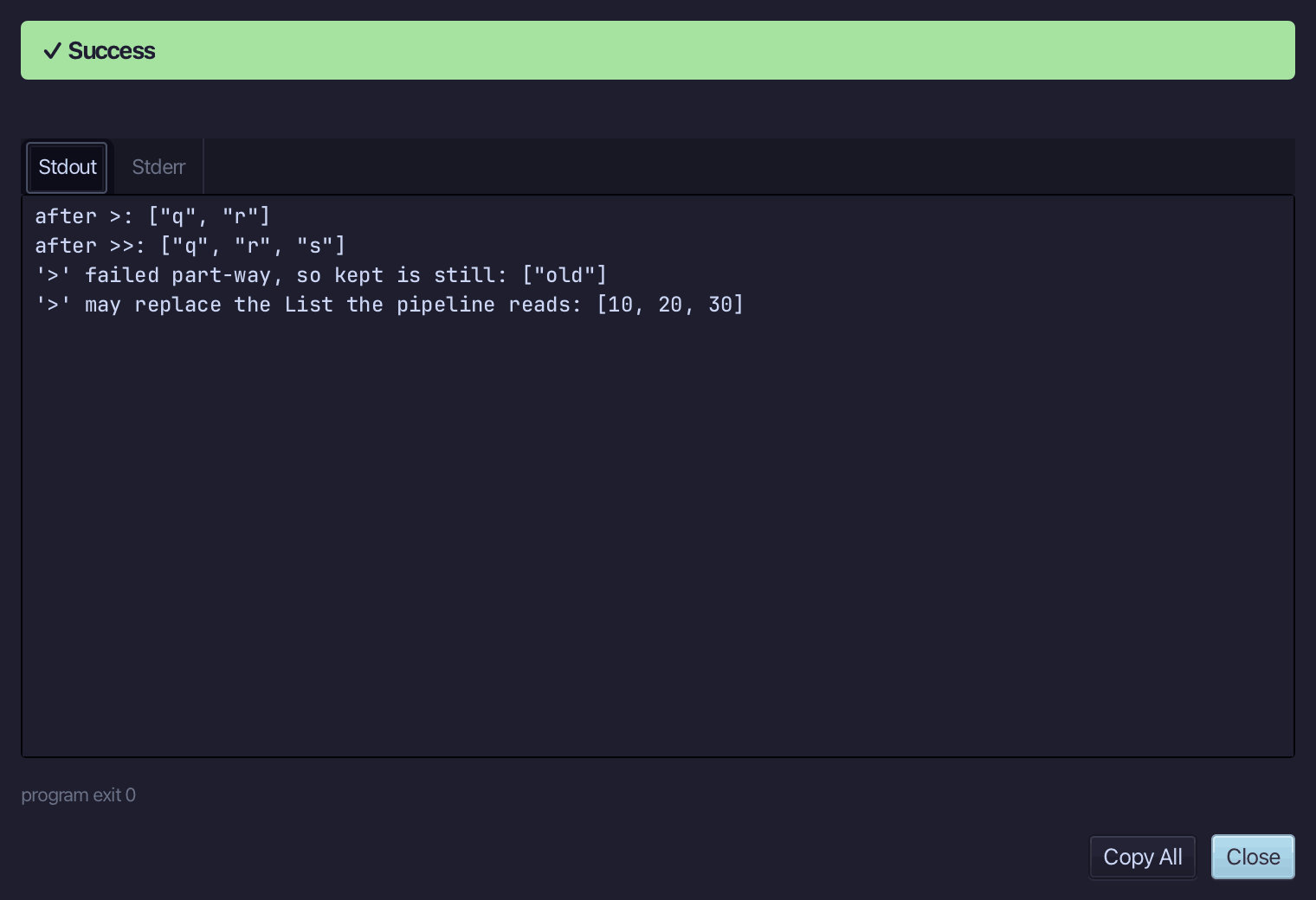
after >: q and r; after >>: q, r and s; the failed pipeline leaves kept still holding old; and the sorted scores 10, 20, 30. Choose Close.
The result
SinkReplaceAppend.ek9 now reads exactly as chapter 28 of EK9 in Depth shows it. checked() throws on the third item, so the > into kept never swapped its fresh collection in and kept still holds old; and sorting a List back into itself is allowed because the pipeline reads it before the swap.
Where this lesson comes from
- For AI assistants - the MCP tool
ek9_new_construct,ek9_add_program.