Chapter 25: one object, two names, built
Chapter 25 starts with a fact Java and C# readers expect to be the other way round: in EK9 a variable assigned from another is a second NAME for the same object, and an operator such as ++ or += changes that object in place. This program shows it with an Integer and a List, and shows Integer(count) making a real copy. The IDE writes the program's shell; you type the body. To play it in the IDE: Help > Lessons > EK9 in Depth…, or ek9 -ide -lesson depth-aliasing.
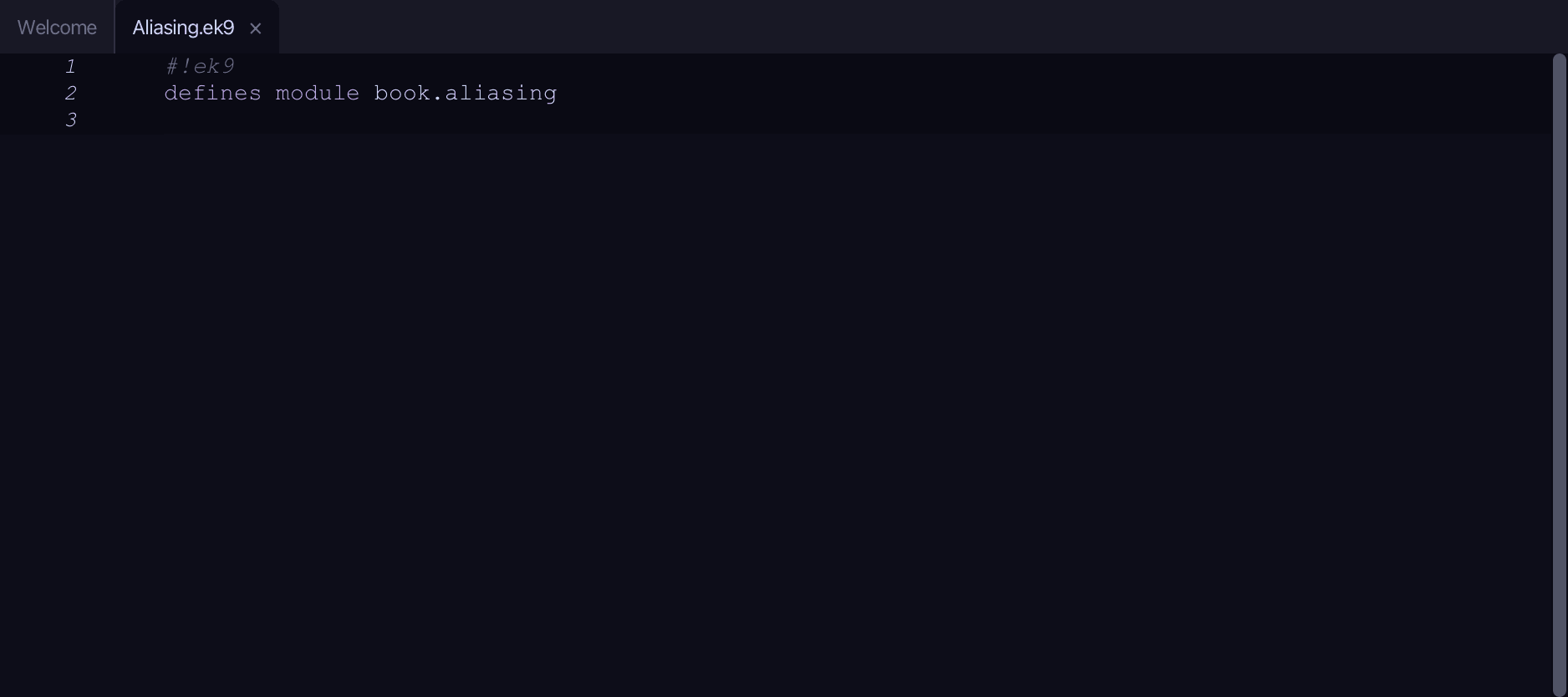
What you'll build
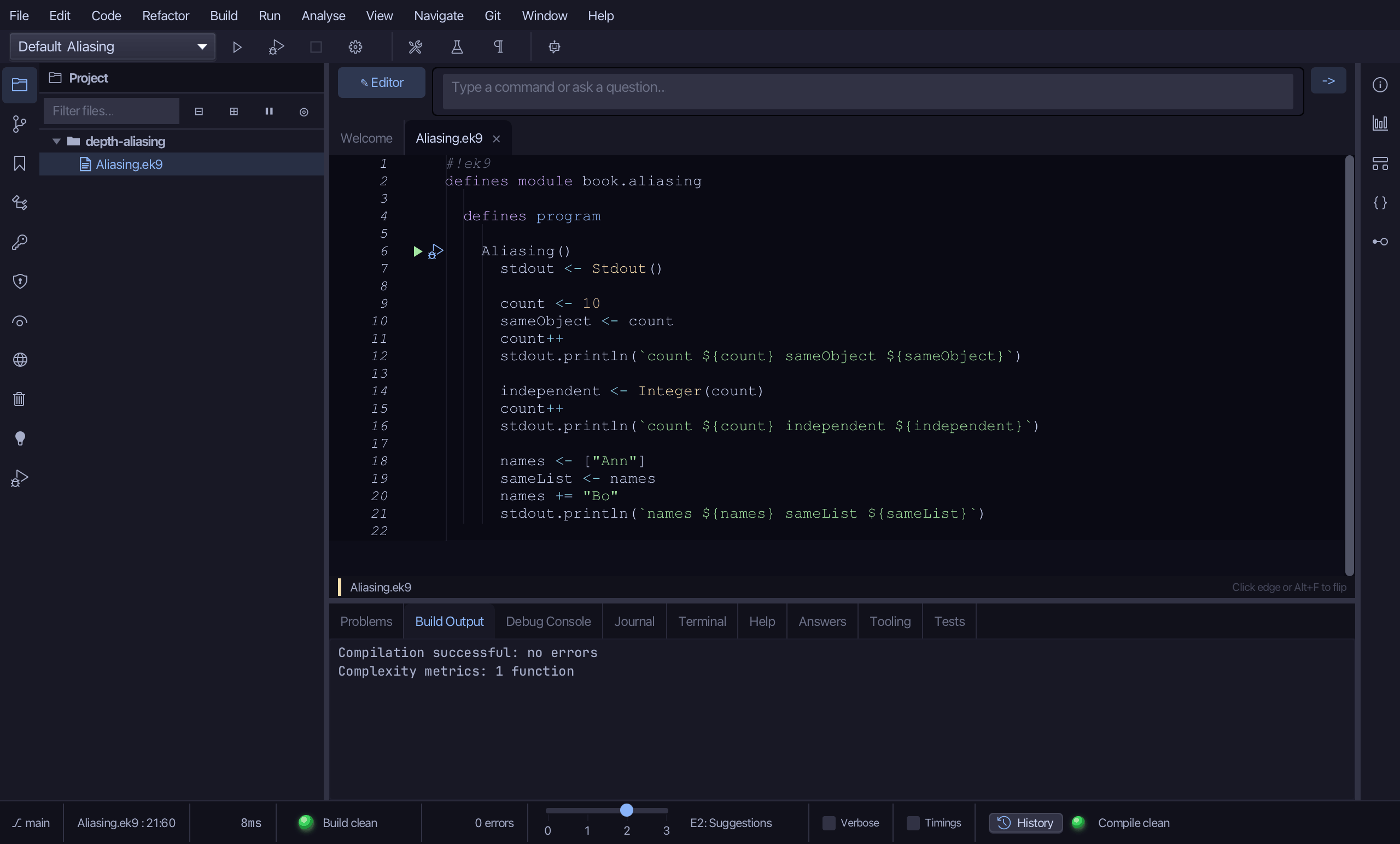
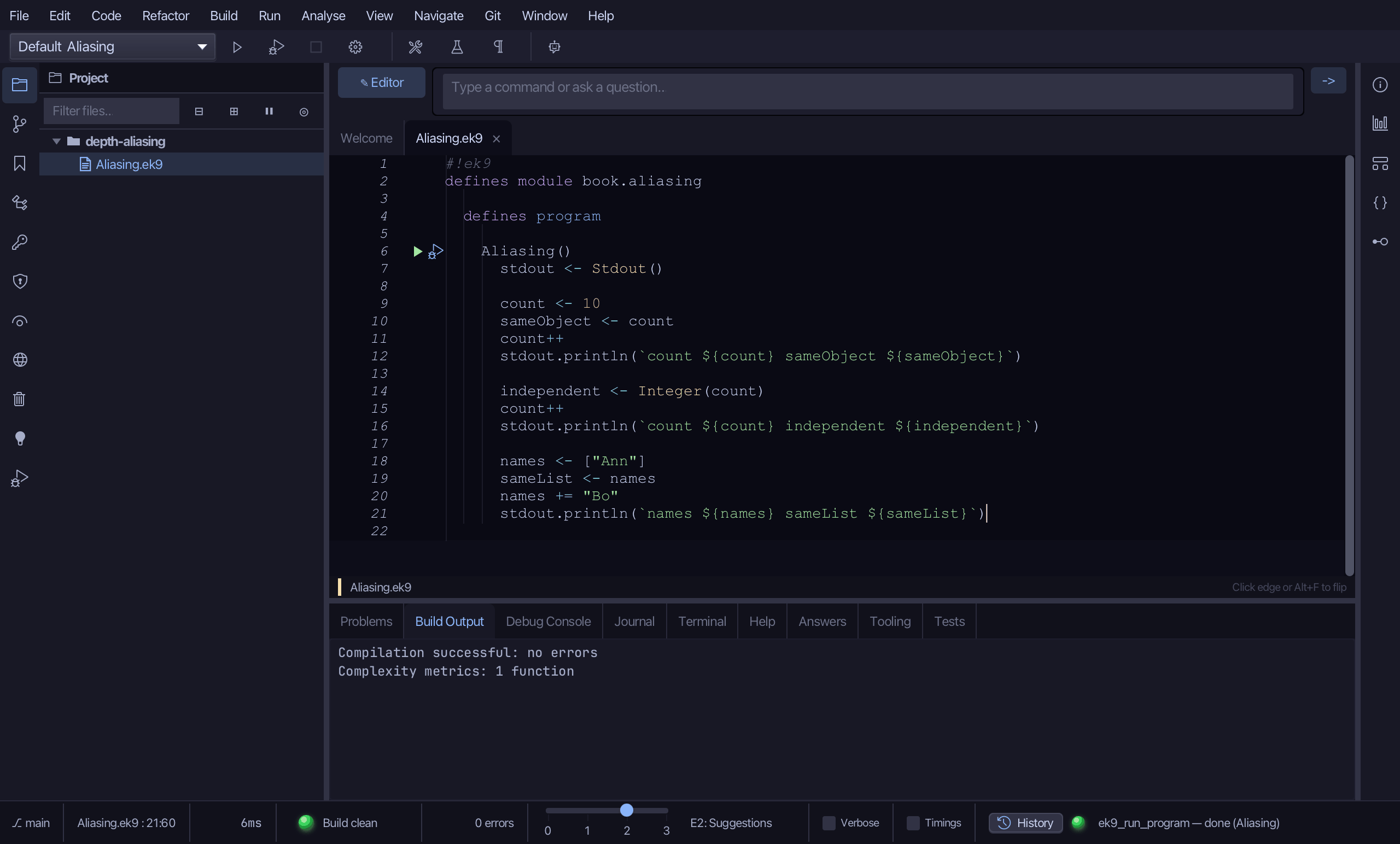
The lesson builds this program from a file holding only its module line - the finished file, as the book prints it.
#!ek9
defines module book.aliasing

  defines program

    Aliasing()
      stdout <- Stdout()

      count <- 10
      sameObject <- count
      count++
      stdout.println(`count ${count} sameObject ${sameObject}`)

      independent <- Integer(count)
      count++
      stdout.println(`count ${count} independent ${independent}`)

      names <- ["Ann"]
      sameList <- names
      names += "Bo"
      stdout.println(`names ${names} sameList ${sameList}`)
Step 1: The program
Choose Code > New Construct > Program…
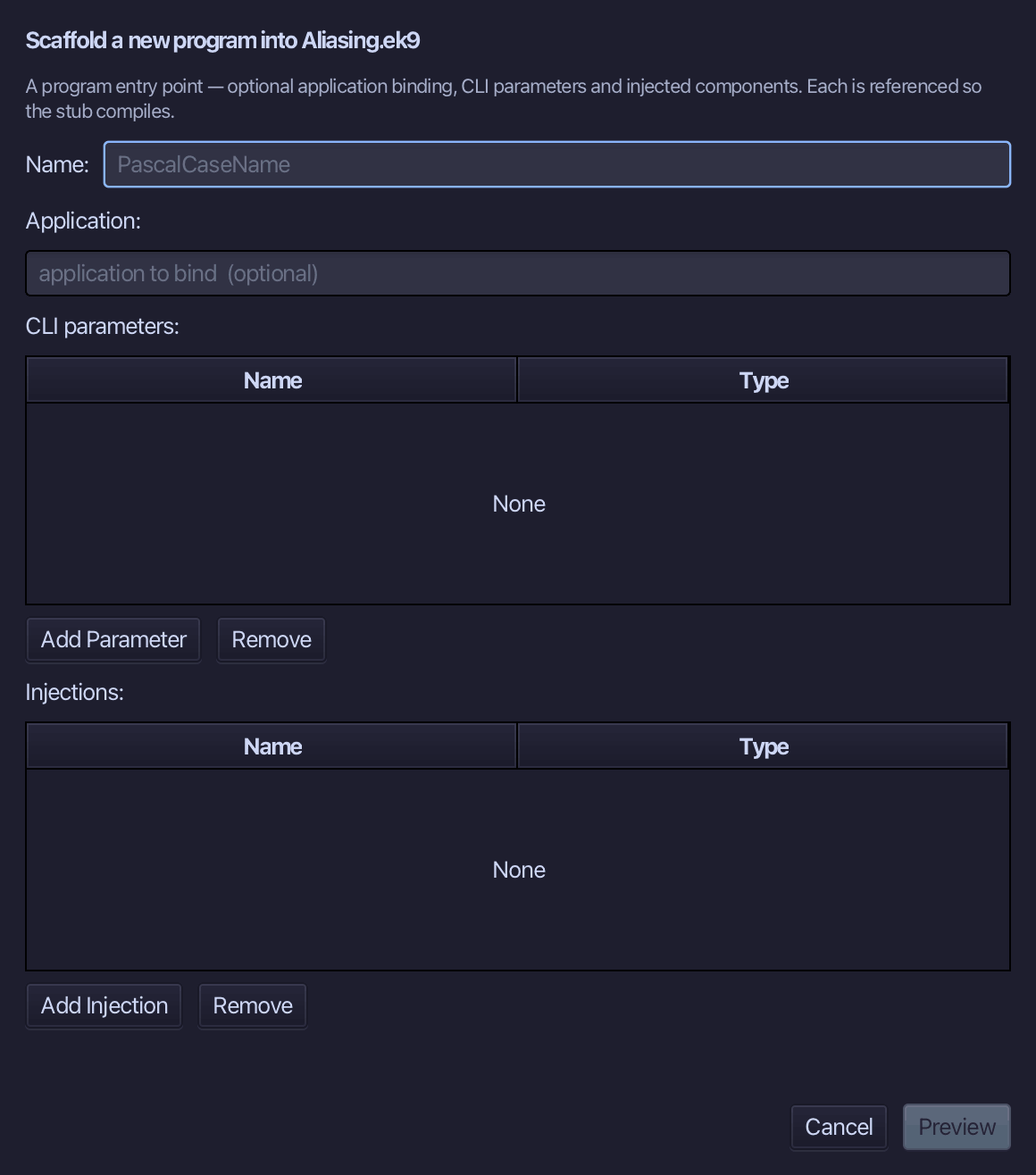
Aliasing is the program's name. Choose Preview.
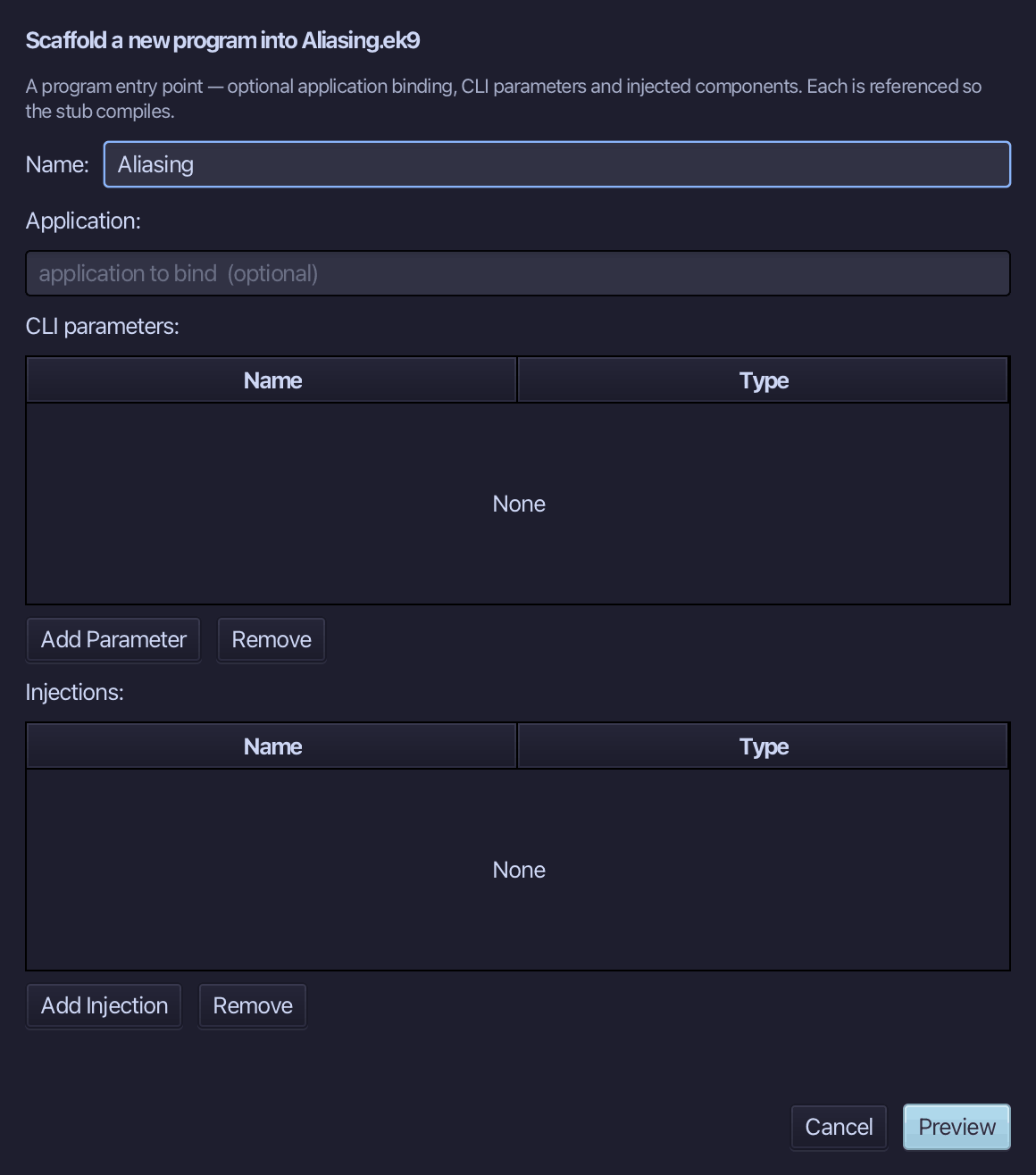
The preview shows Aliasing about to be written. Choose Apply.
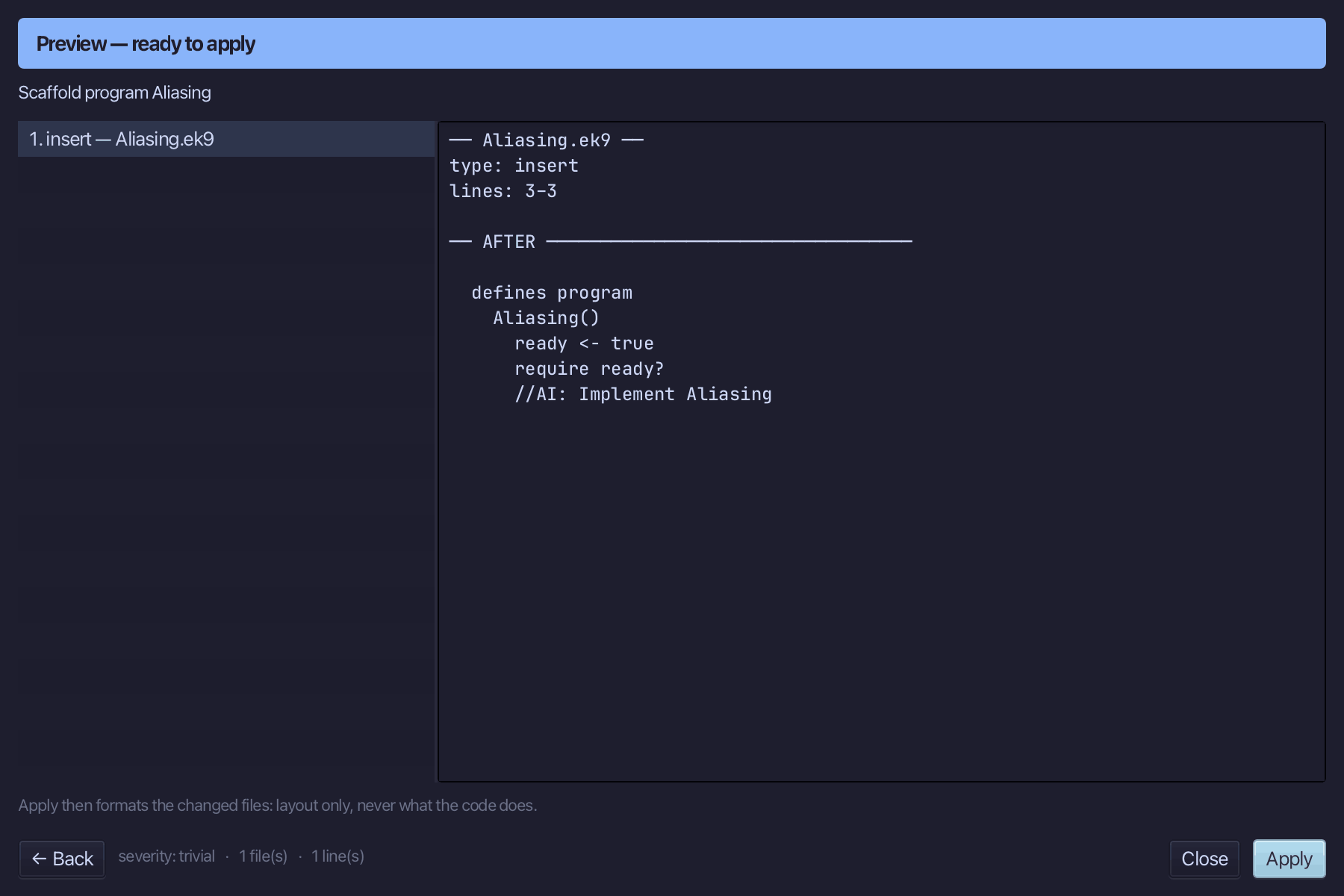
Select the Aliasing() line and, above it, type the blank line the book opens the program with. Saves when typed.
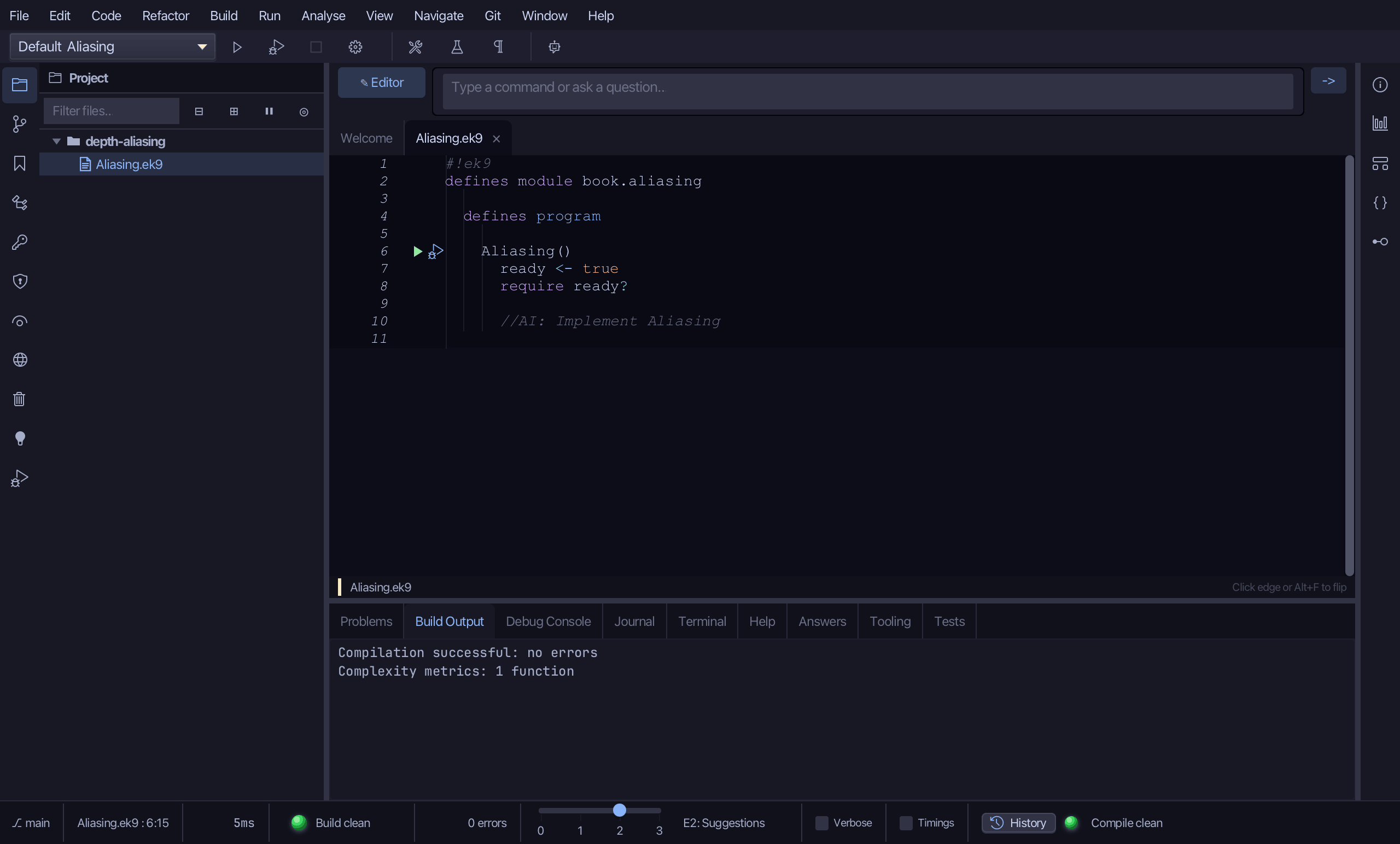
Select the stub, from ready <- true down to its //AI line, and type Aliasing's body exactly as the chapter shows it. Saves when typed.
Step 2: Run it
Choose Run > Run Program…
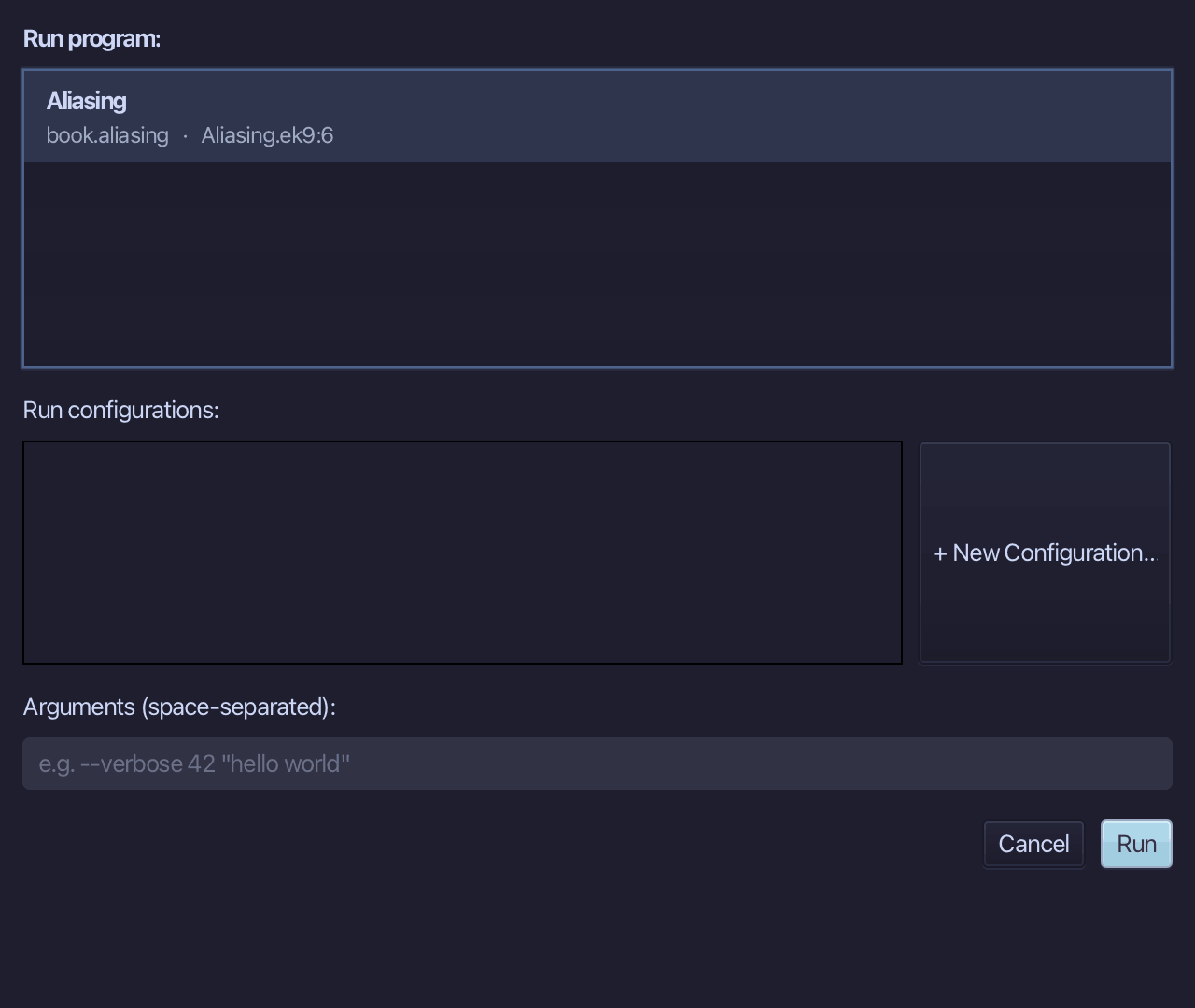
The project's only program is already chosen. Choose Run.
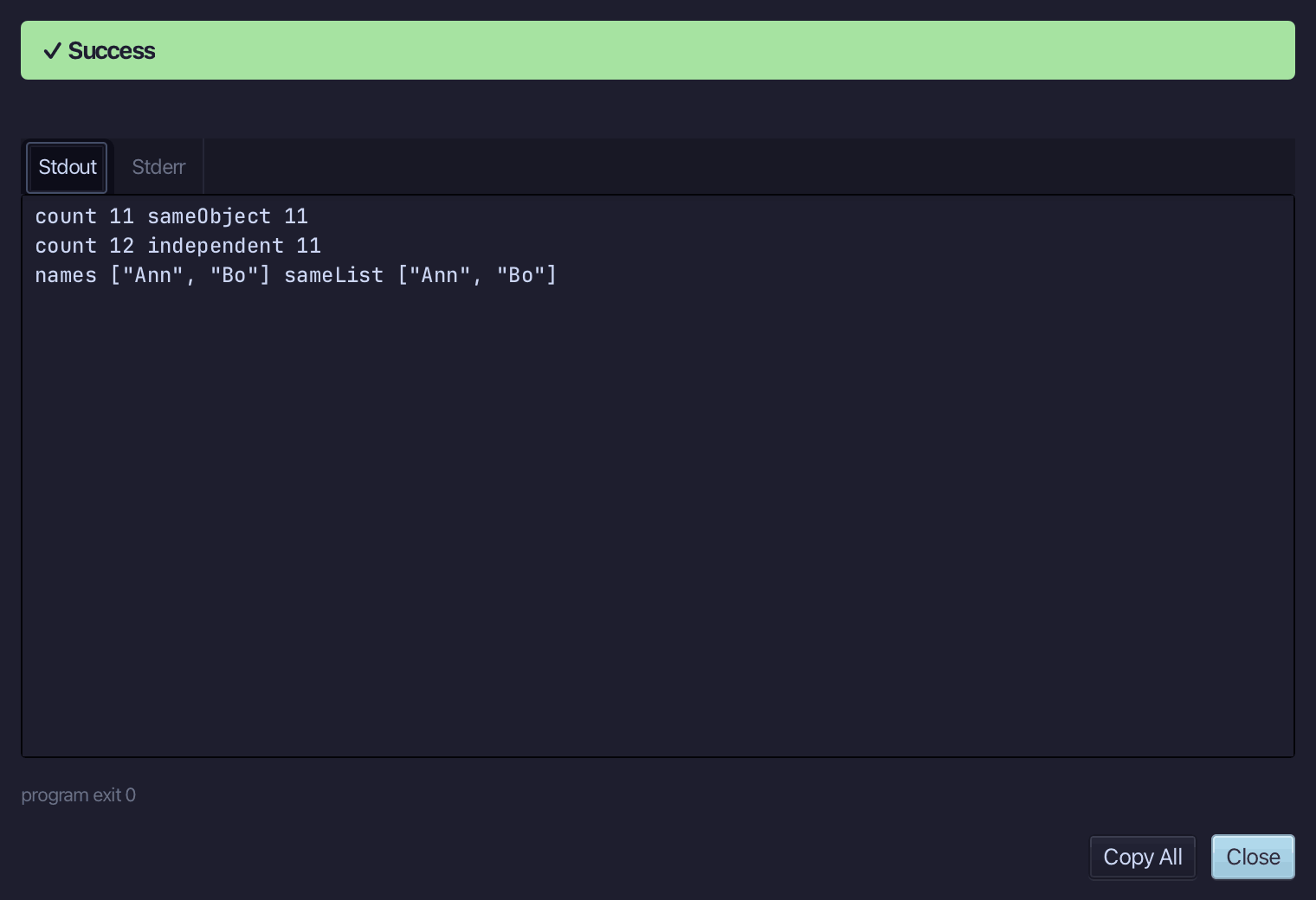
count 11 sameObject 11, then count 12 independent 11, then the List with Ann and Bo through both of its names. Choose Close.
The result
Aliasing.ek9 now reads exactly as chapter 25 of EK9 in Depth shows it. count++ moved sameObject too, because they were one object; Integer(count) made an independent copy that the next count++ left alone; and += grew both names of the List.
Where this lesson comes from
- For AI assistants - the MCP tool
ek9_add_program.