Breakpoint conditions
Counting adds double(i) to a running total, once for each i from 1 to 5. A breakpoint on the loop's own line stops every pass; this lesson adds a condition so it stops on only one. Read it. To play it in the IDE: Help > Lessons > Debugging and the Journal…, or ek9 -ide -lesson breakpoint-conditions.
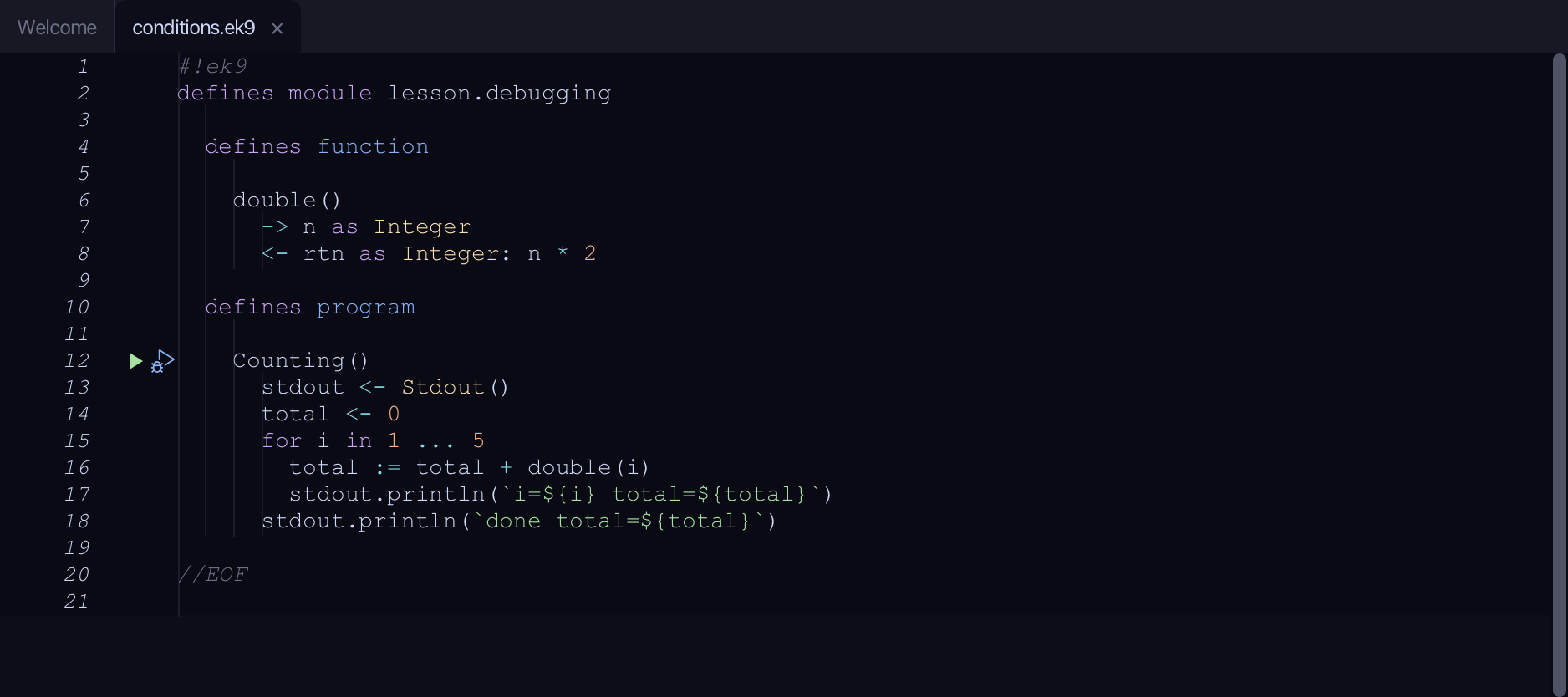
Start from
The code the lesson starts from: copy it into a file of your own and follow the steps.
#!ek9
defines module lesson.debugging

  defines function

    double()
      -> n as Integer
      <- rtn as Integer: n * 2

  defines program

    Counting()
      stdout <- Stdout()
      total <- 0
      for i in 1 ... 5
        total := total + double(i)
        stdout.println(`i=${i} total=${total}`)
      stdout.println(`done total=${total}`)

//EOF
Step 1: A breakpoint, every time
Click the breakpoint column beside line 16 (total := total + double(i)).
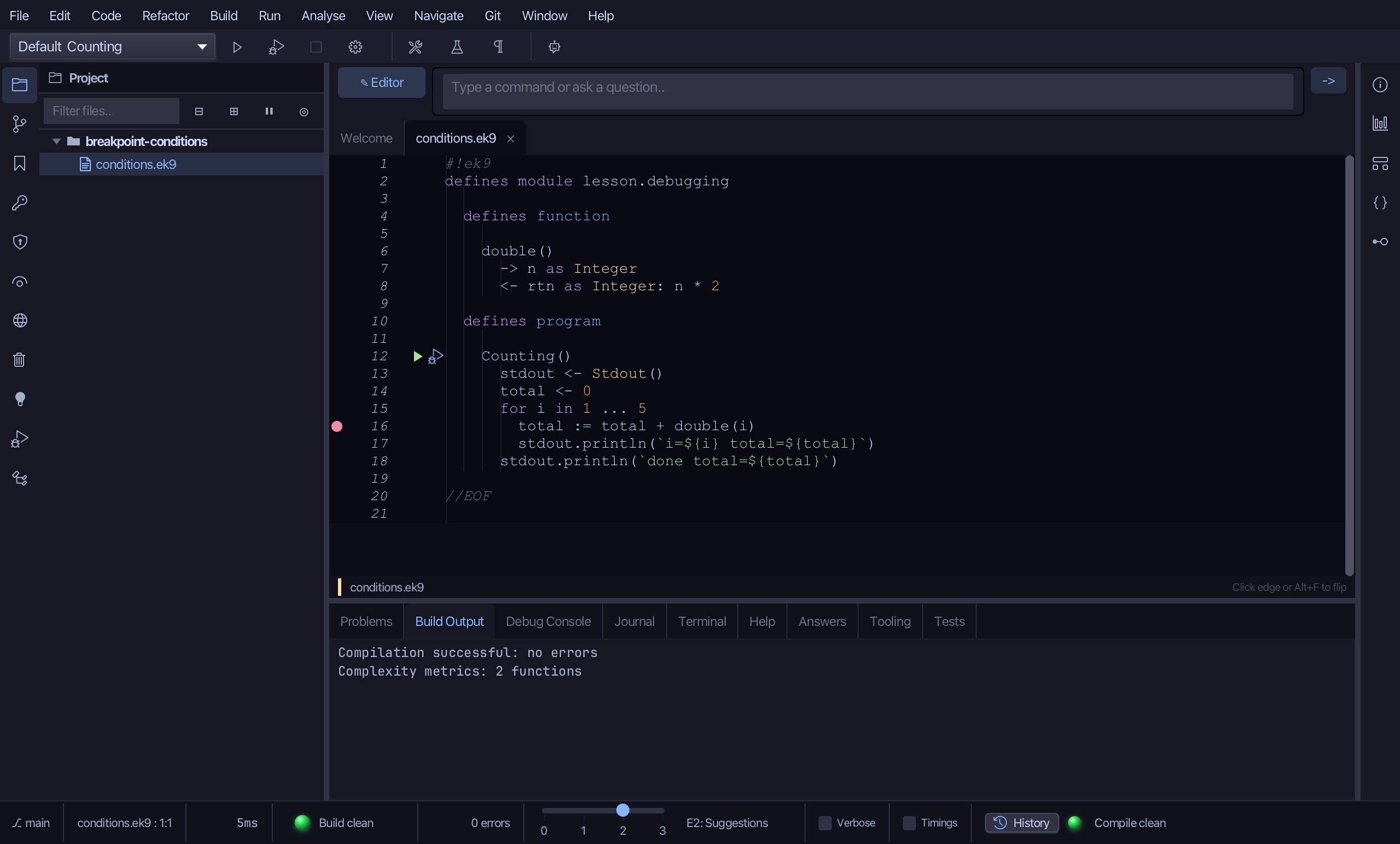
Click the debug (bug) icon beside Counting().
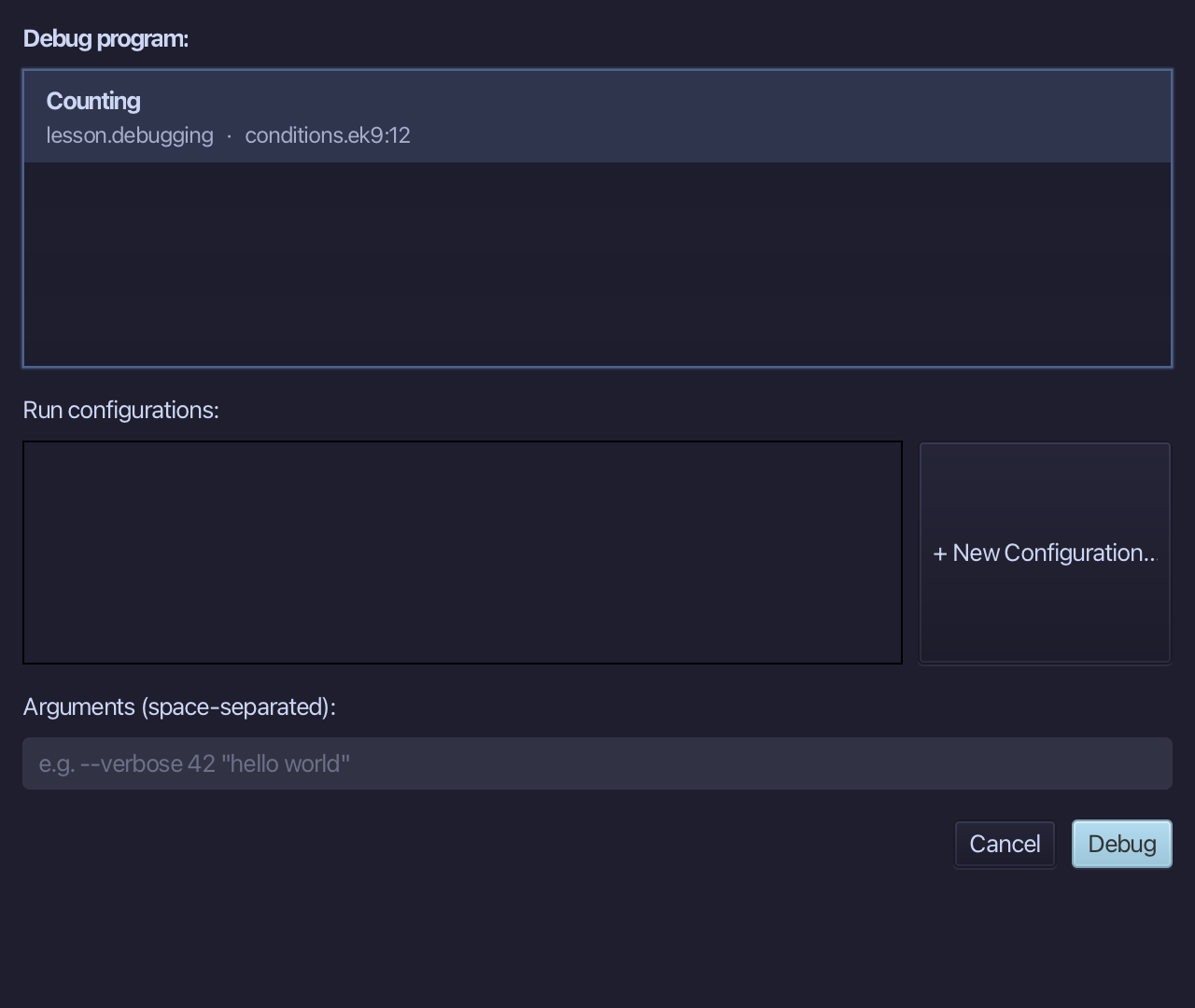
The project's only program is already chosen. Choose Debug.
Variables shows i is 1 - the first pass. A plain breakpoint stops every time its line runs; stop this run, then make it choose.
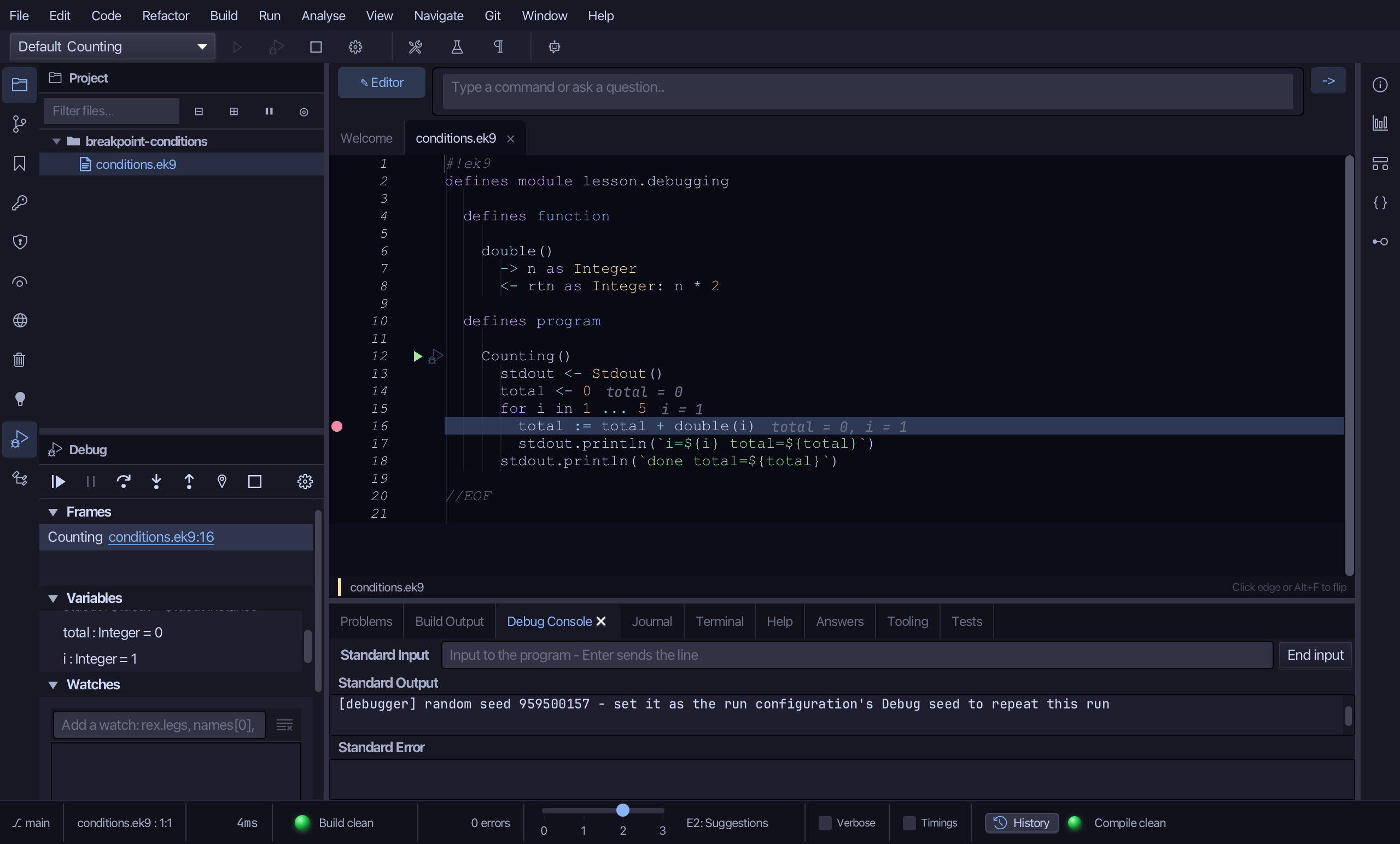
Choose Stop.
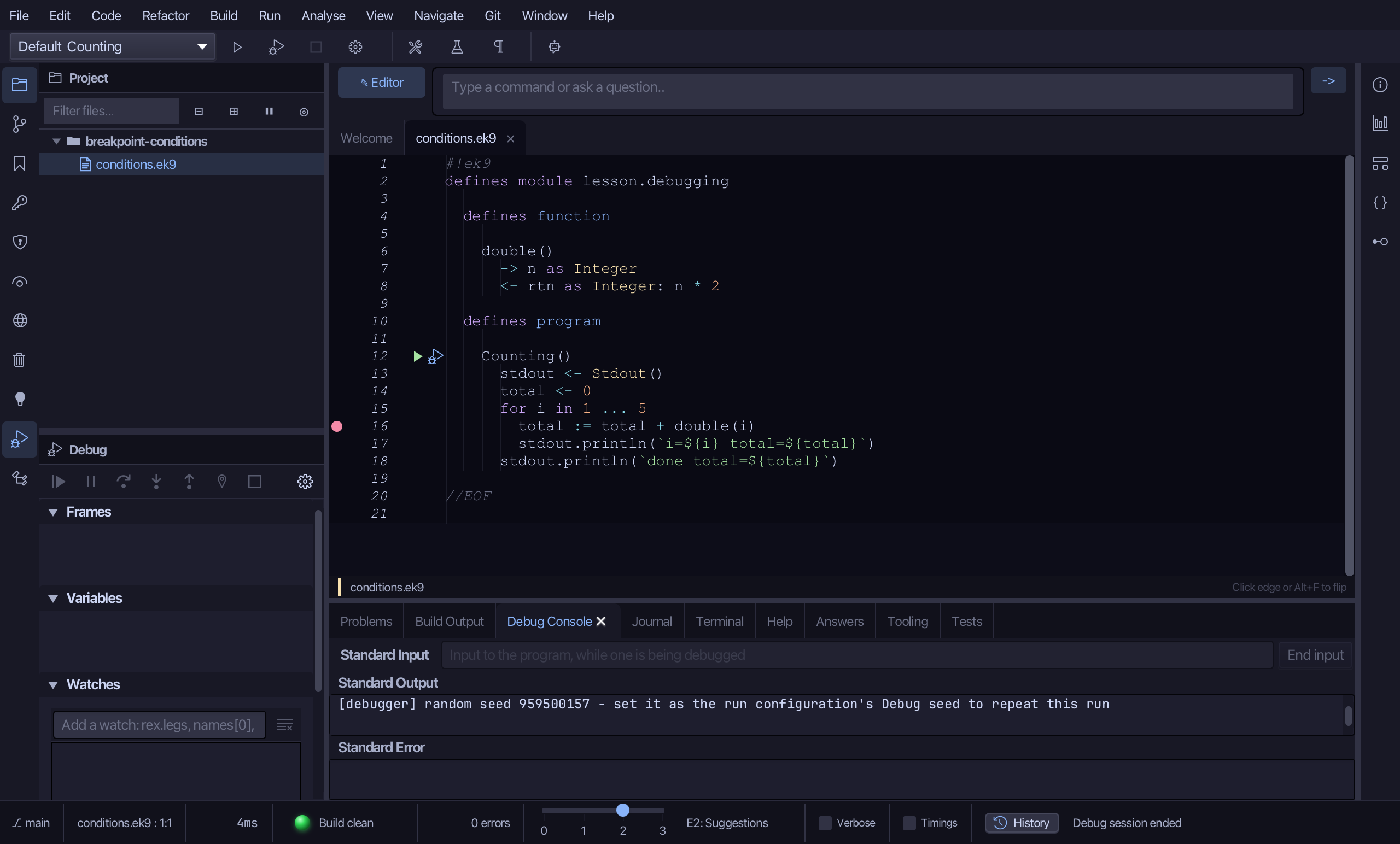
Step 2: A condition
In the Debug window's Breakpoints list, right-click the row for conditions.ek9:16 and choose Edit condition…
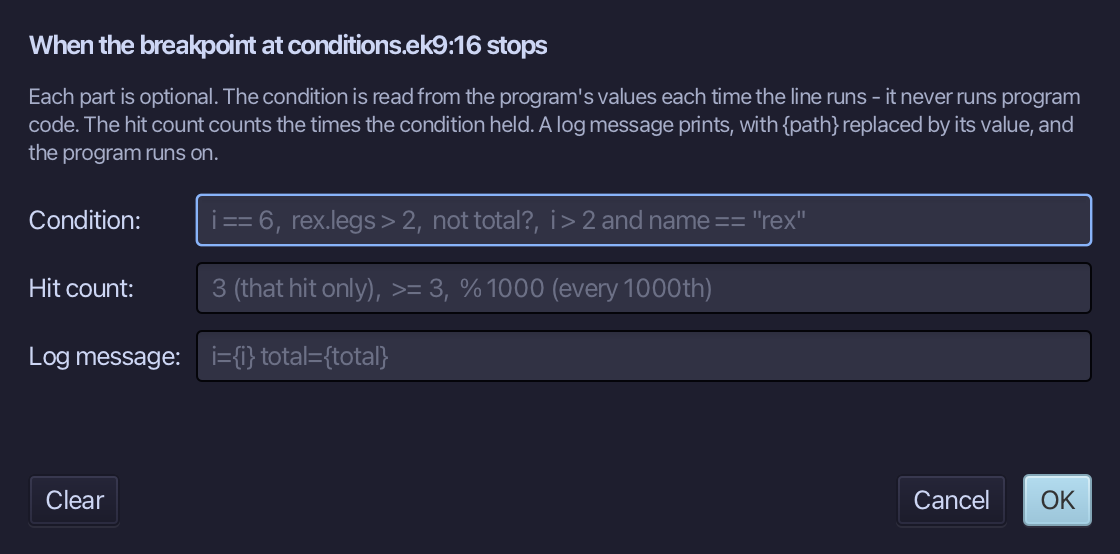
Type i == 3 into Condition, then choose OK.
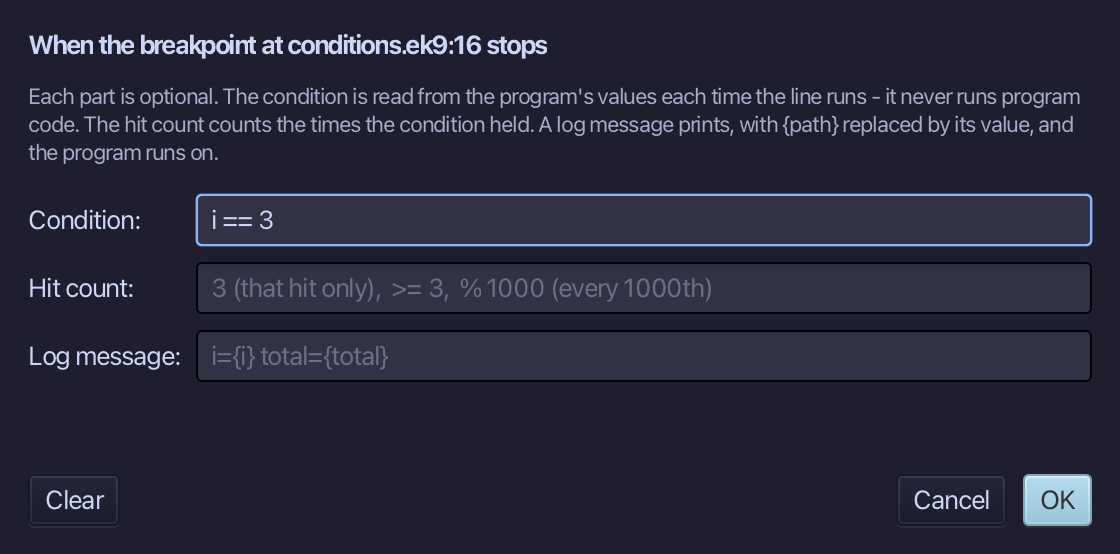
Step 3: Only when it holds
Click the debug (bug) icon beside Counting() again.
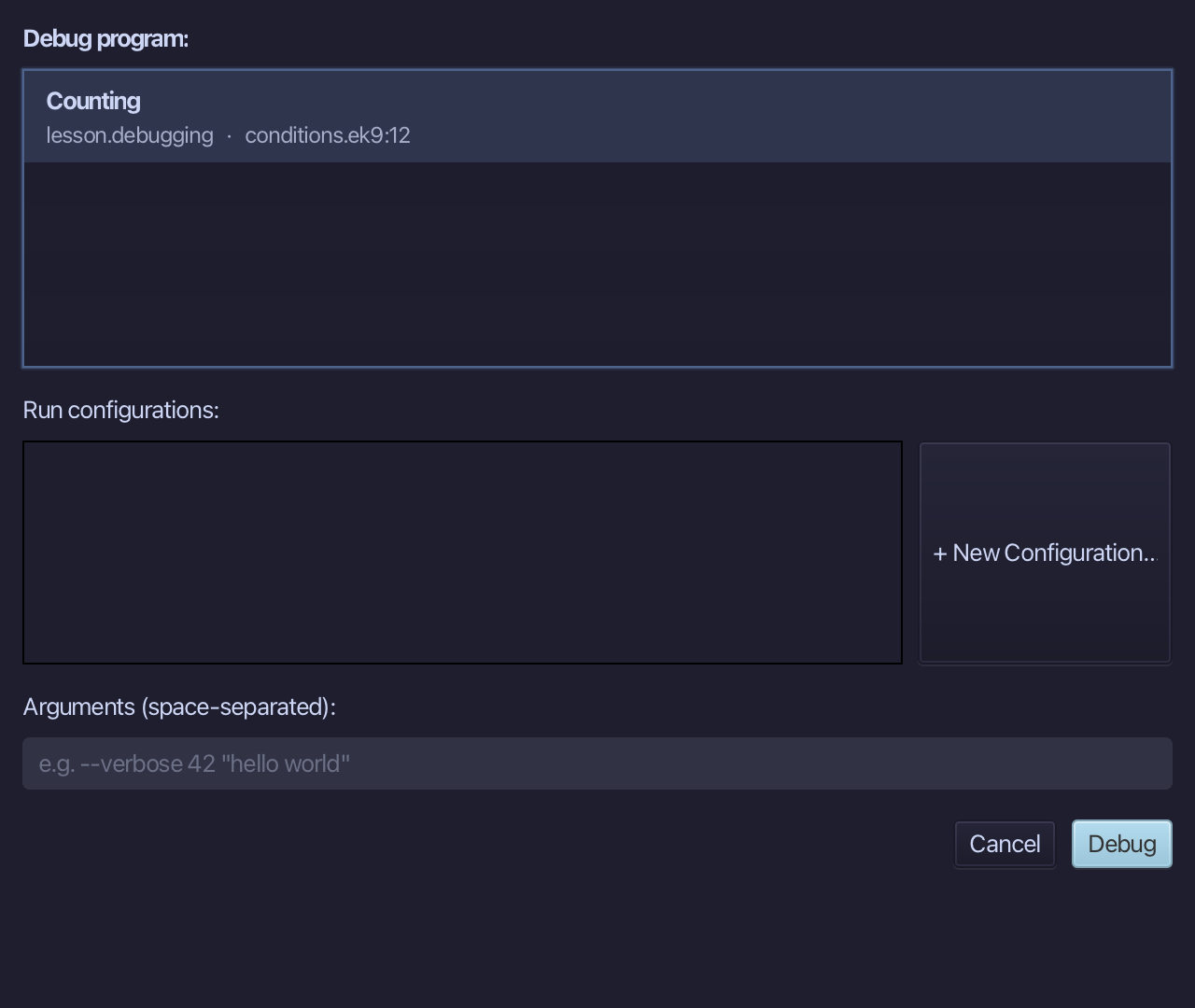
Choose Debug.
It ran straight past i=1 and i=2, where the condition does not hold - Variables shows i is 3, the first pass where it does.
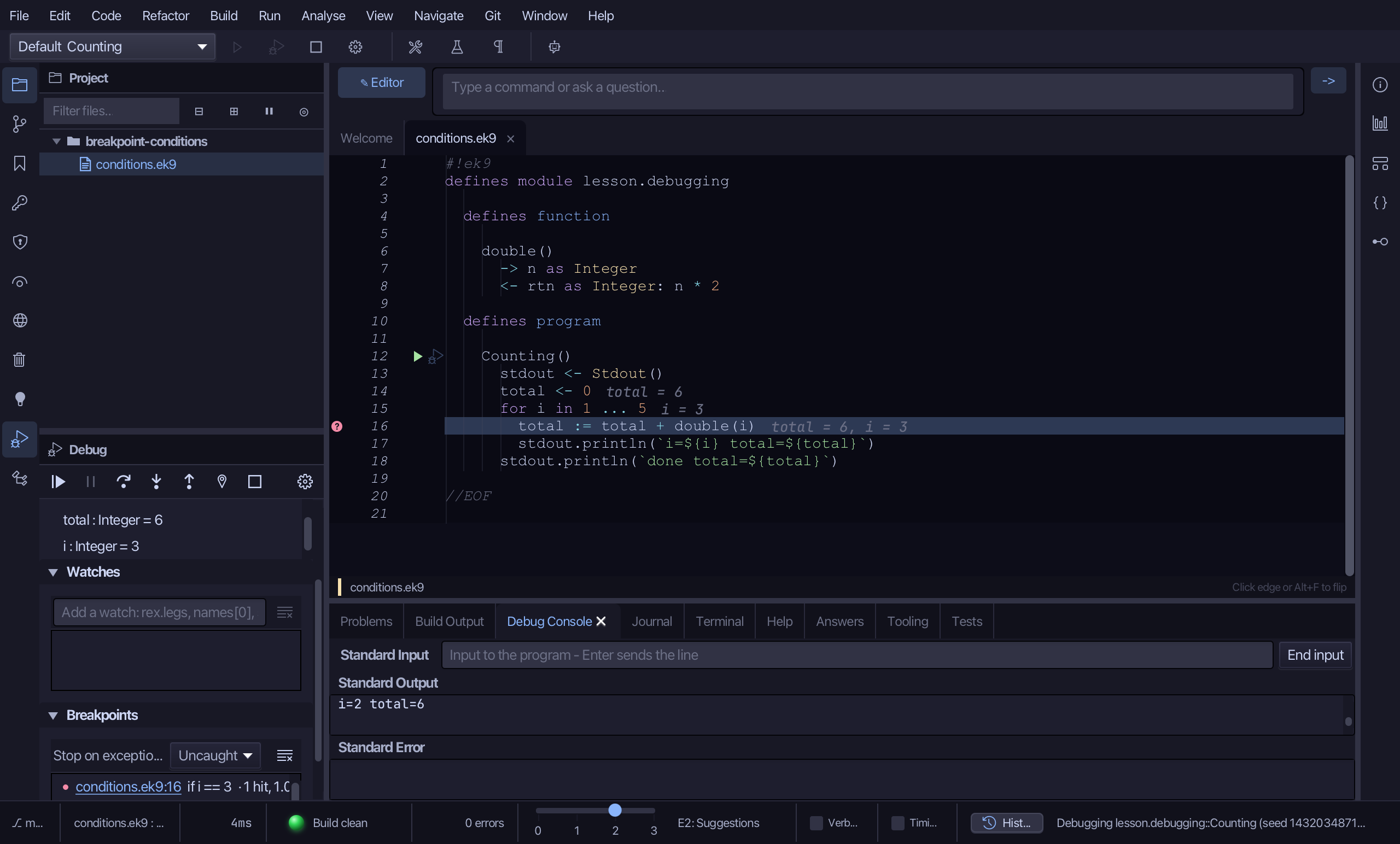
Choose Stop - leaving a run going is never how a session ends.
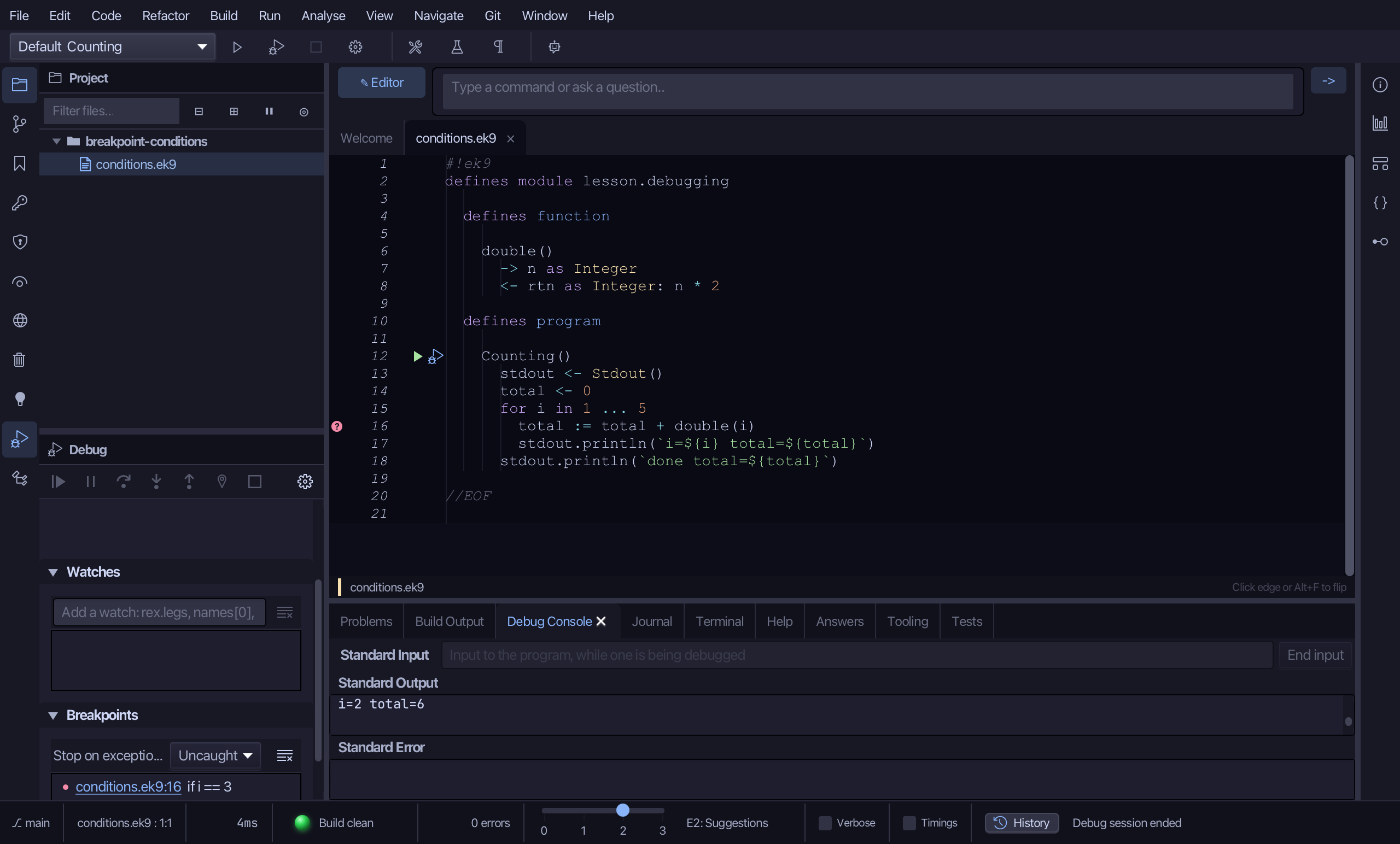
The result
That is a breakpoint condition: read from the program's own values, never changing them, checked every time the line runs - a plain breakpoint stops always, a conditional one only when its text holds. The SAME dialog has two more fields, not played here: a hit count (">= 3", stop only from the third time its condition holds on) and a log message (prints a value and runs on - a logpoint, which never stops at all). AI assistants set all three in one call, ek9_debug_control {action:'setBreakpoints', breakpoints:[{line, condition, hitCondition, logMessage}]}.
Where this lesson comes from
- For AI assistants - the MCP tool
ek9_debug_control.