Chapter 16: a class that needs an owner, built
Chapter 16's Account is a class that must have an owner: there is no sensible starting value for one, so the no-argument constructor is sealed off and the only way to make an Account is to name its owner. The IDE's tools make the class, its fields' shape, the sealed constructor and each method's signature; the owner - which no tool may add on its own - and the logic are typed. To play it in the IDE: Help > Lessons > Getting Started with EK9…, or ek9 -ide -lesson book-account.
What you'll build
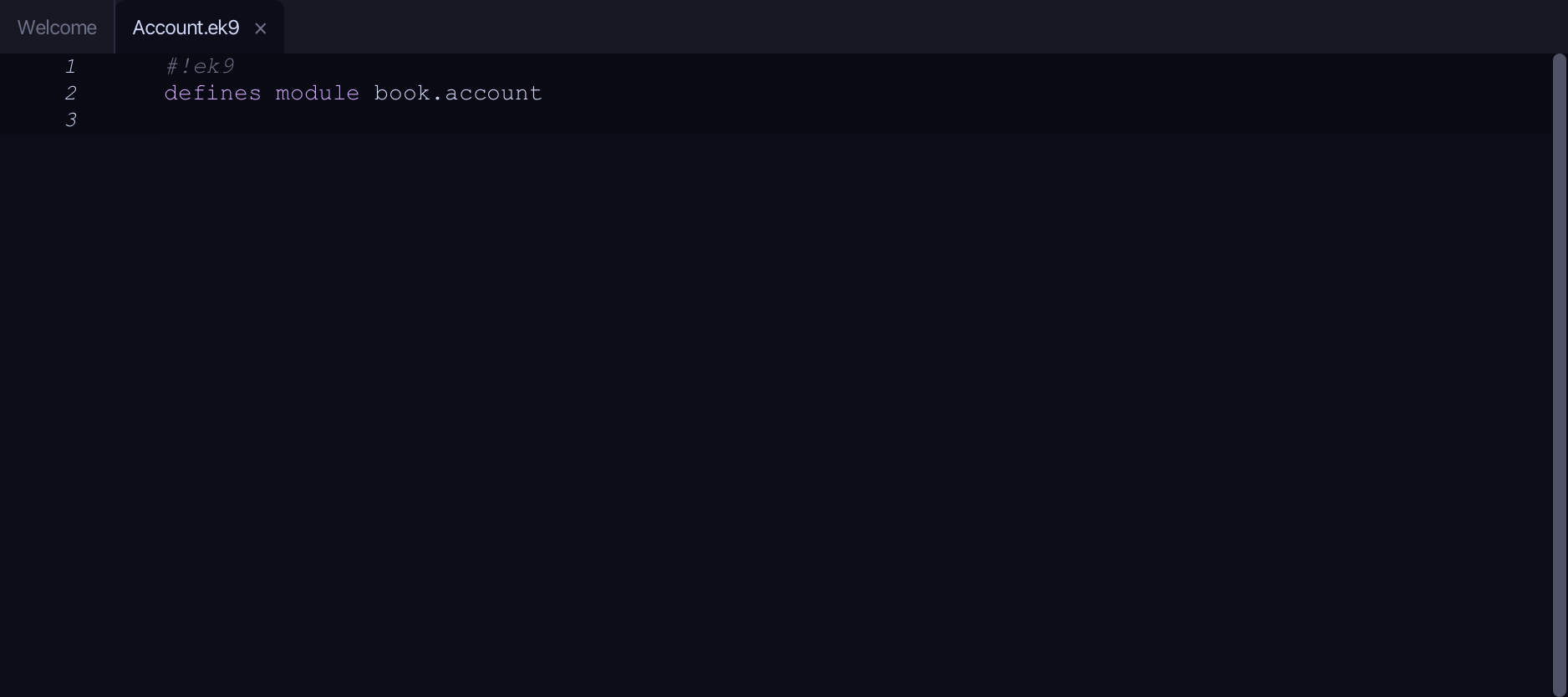
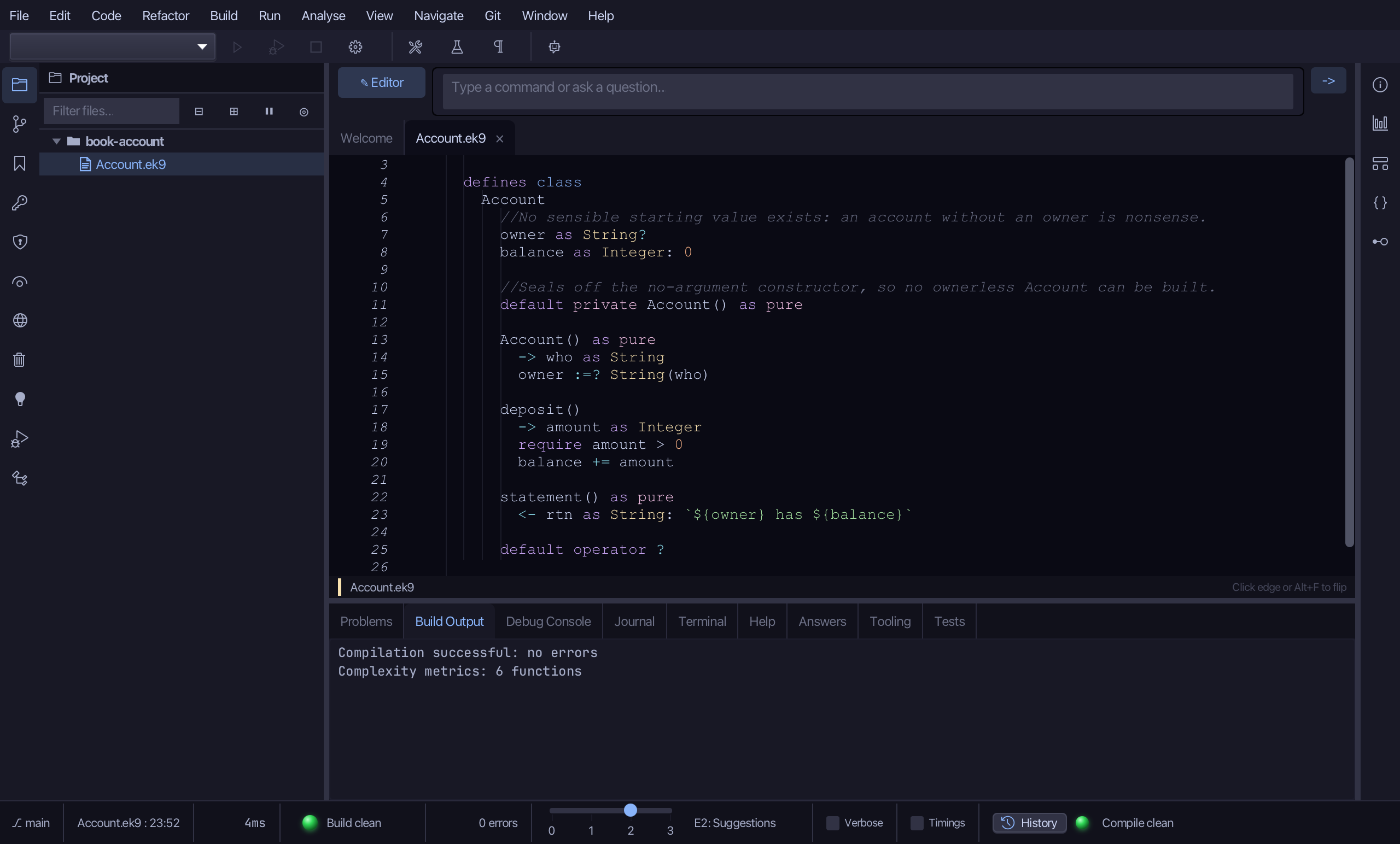
The lesson builds this program from a file holding only its module line - the finished file, as the book prints it.
#!ek9
defines module book.account

  defines class
    Account
      //No sensible starting value exists: an account without an owner is nonsense.
      owner as String?
      balance as Integer: 0

      //Seals off the no-argument constructor, so no ownerless Account can be built.
      default private Account() as pure

      Account() as pure
        -> who as String
        owner :=? String(who)

      deposit()
        -> amount as Integer
        require amount > 0
        balance += amount

      statement() as pure
        <- rtn as String: `${owner} has ${balance}`

      default operator ?

  defines program
    Show()
      stdout <- Stdout()

      acc <- Account("Sam")
      acc.deposit(30)
      acc.deposit(70)
      stdout.println(acc.statement())
      stdout.println(`account set? ${acc?}`)
Step 1: A class
Choose Code > New Construct > Class…
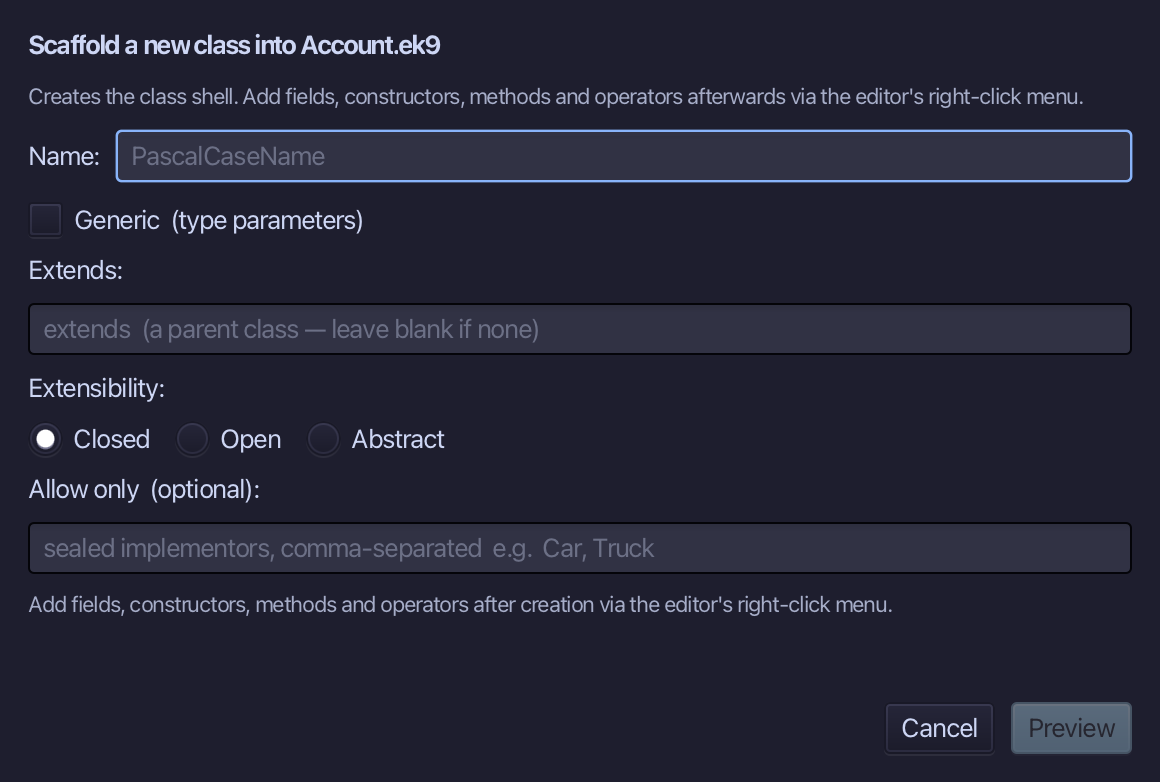
Account is the class's name. Type Account and choose Preview.
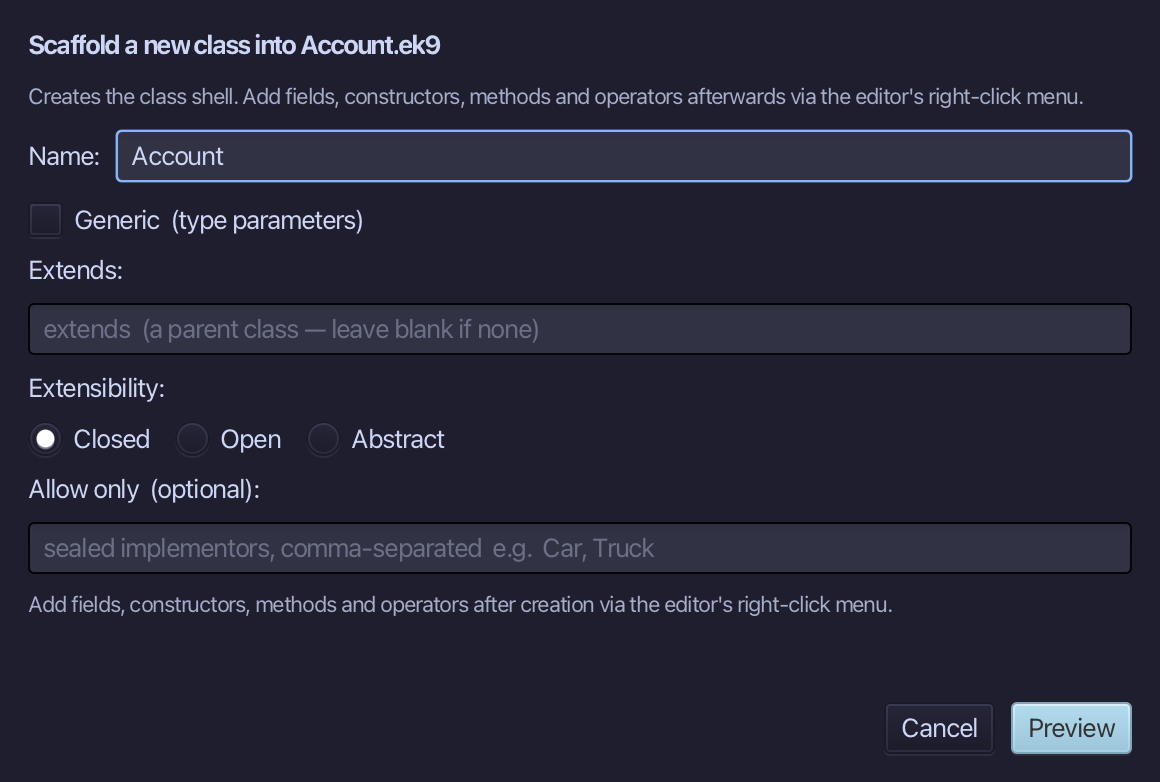
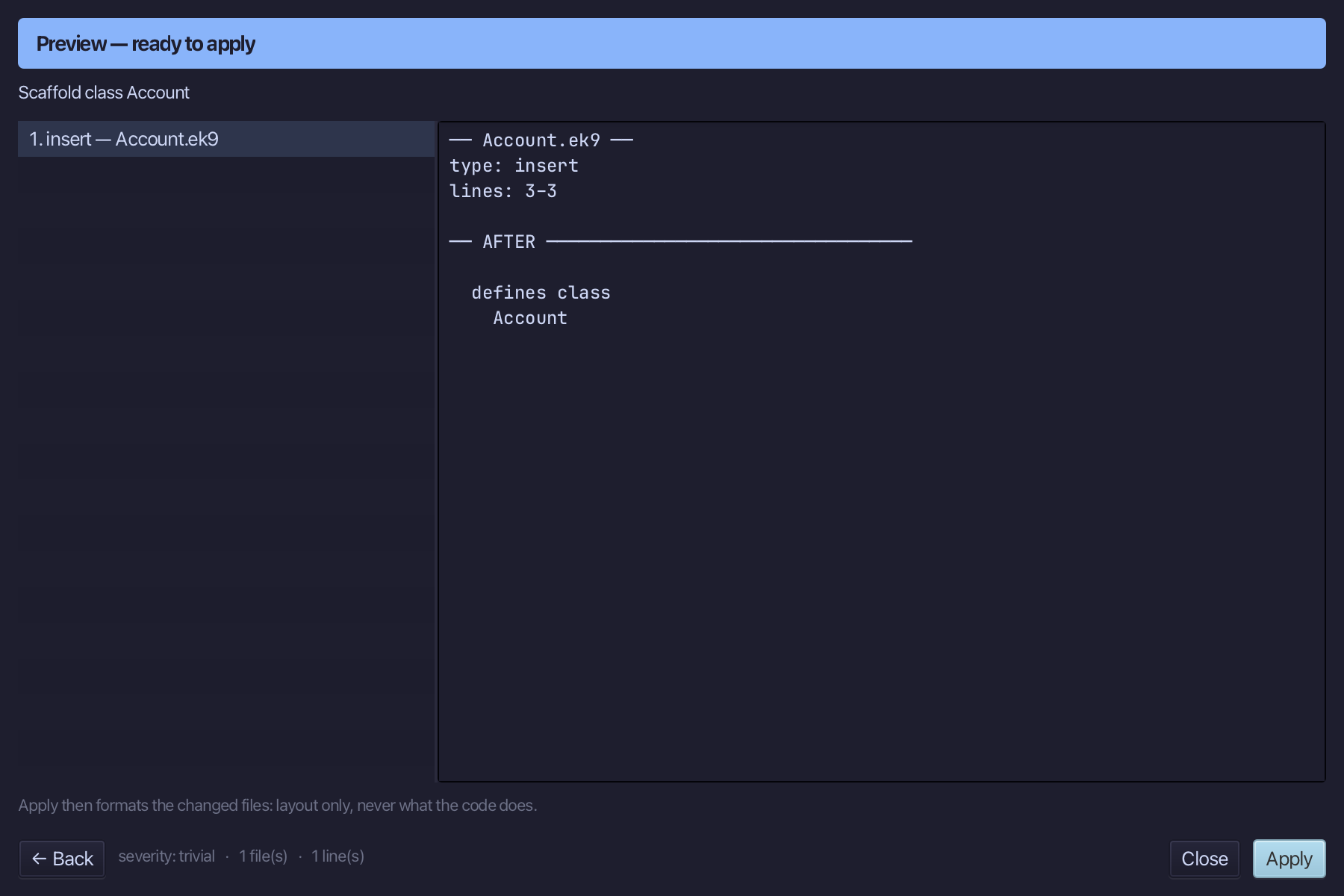
The preview shows Account about to be written. Choose Apply.
Step 2: A field with a starting value
Right-click the Account line and choose Add Field…
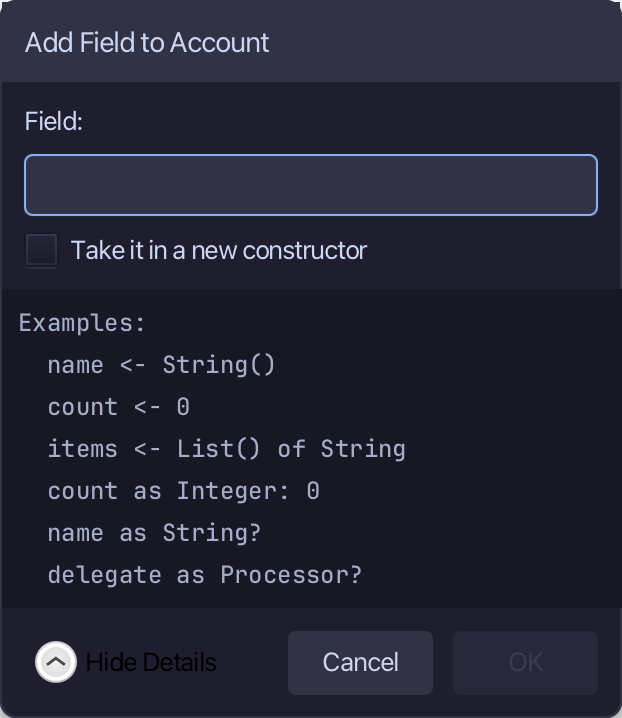
Type balance as Integer: 0 - a balance can sensibly start at zero. Choose OK.
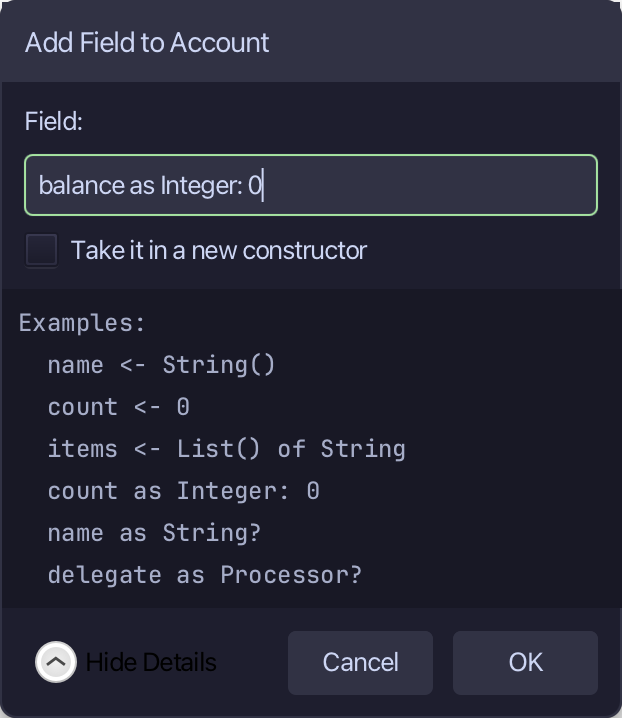
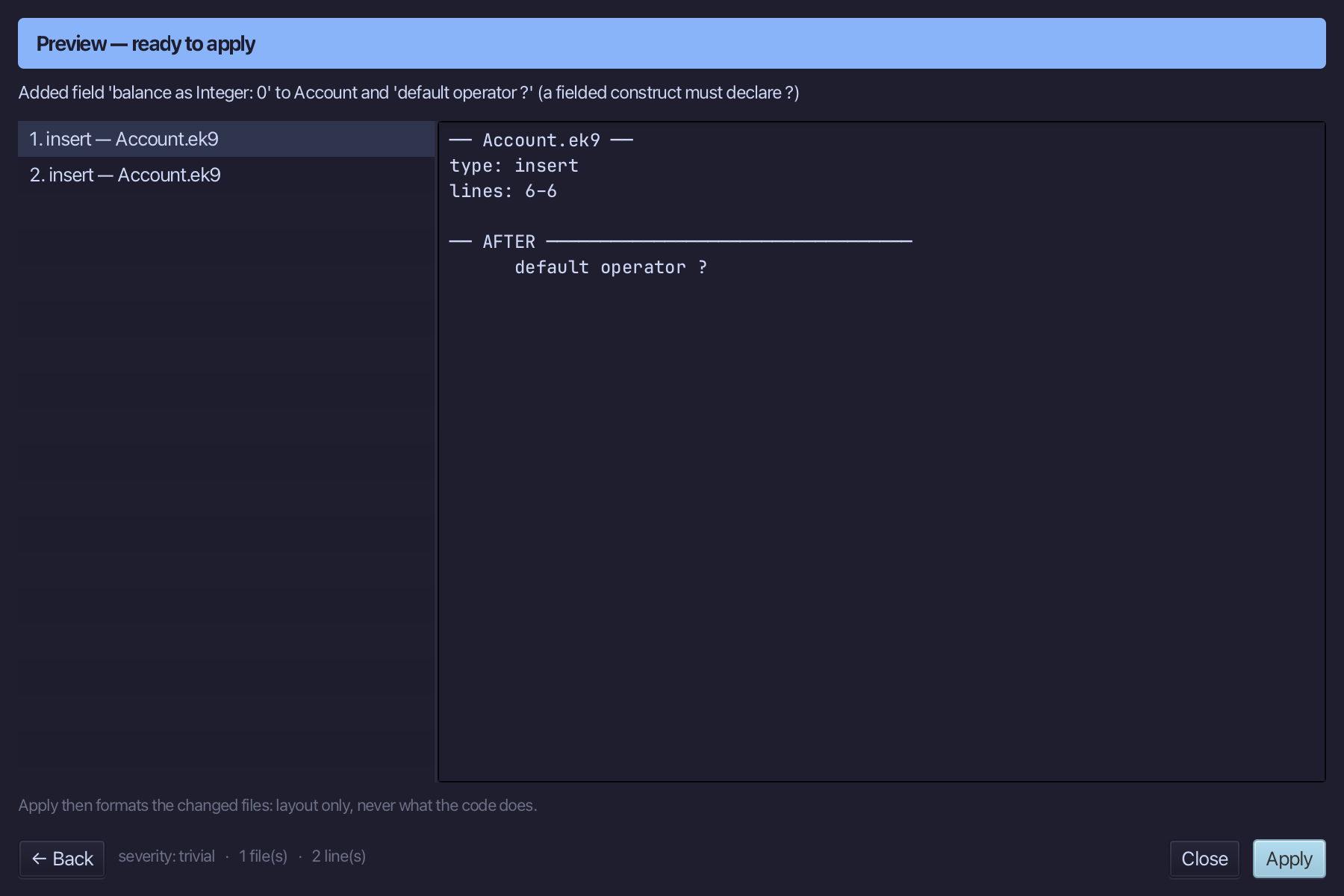
The preview shows balance added - and default operator ? with it. Choose Apply.
Step 3: Sealing the no-argument constructor
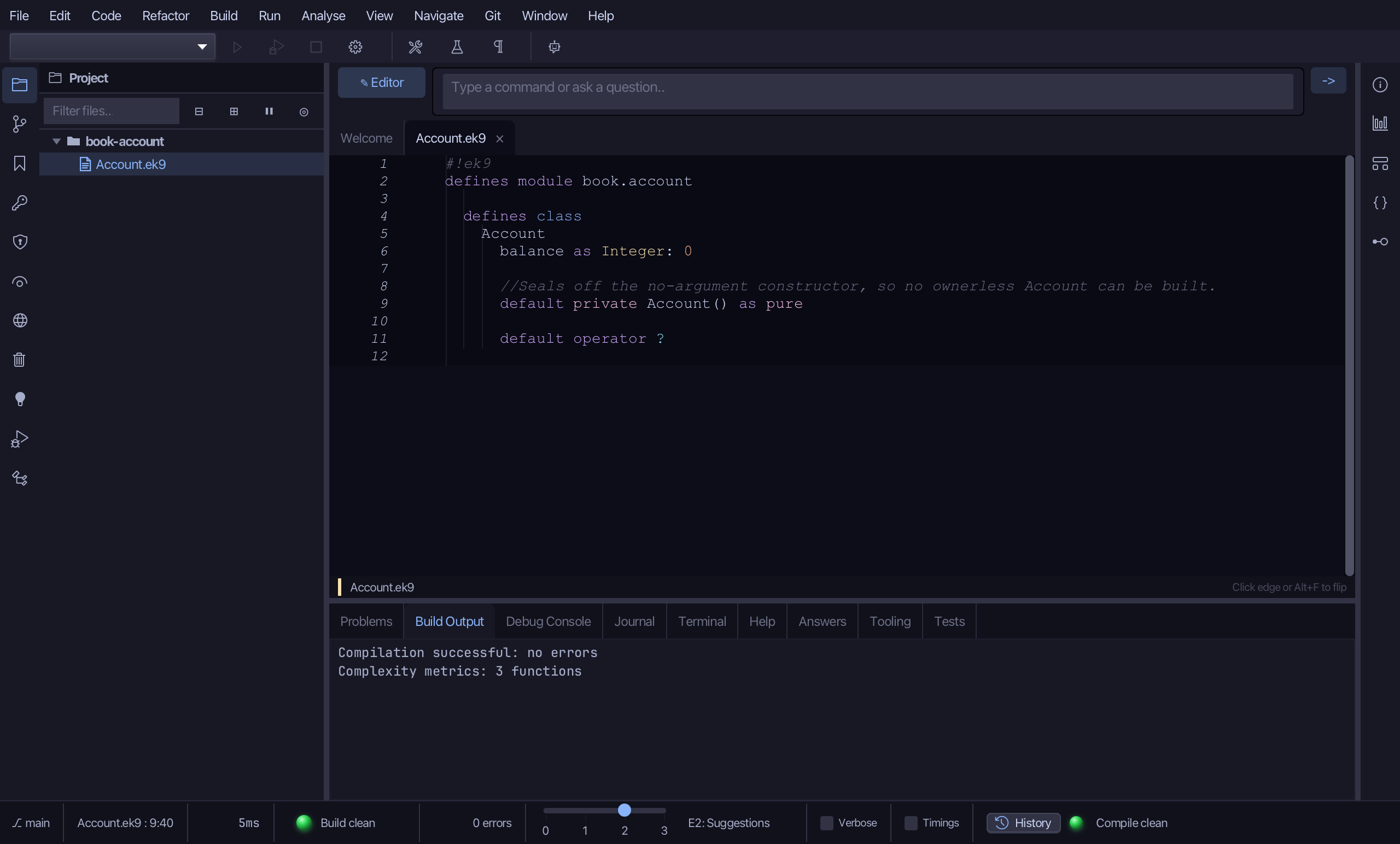
Right-click the Account line and choose Add Constructor > Private No-Arg (default, pure) - the compiler's own no-argument constructor, but private: nothing outside Account can call it.
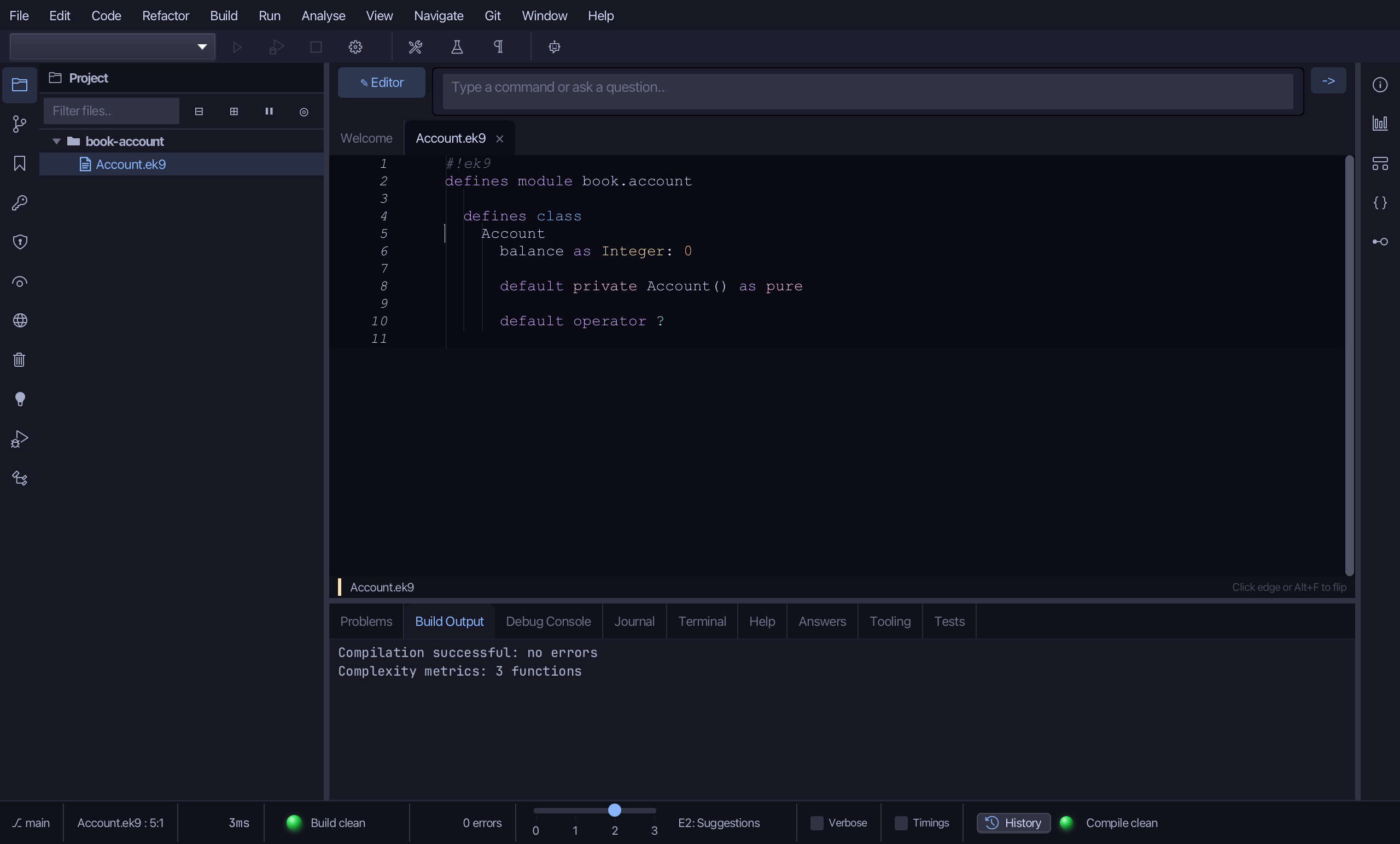
Select the new constructor line and, above it, type the comment that says why it is sealed. Saves when typed.
Step 4: A field with no starting value — and its constructor
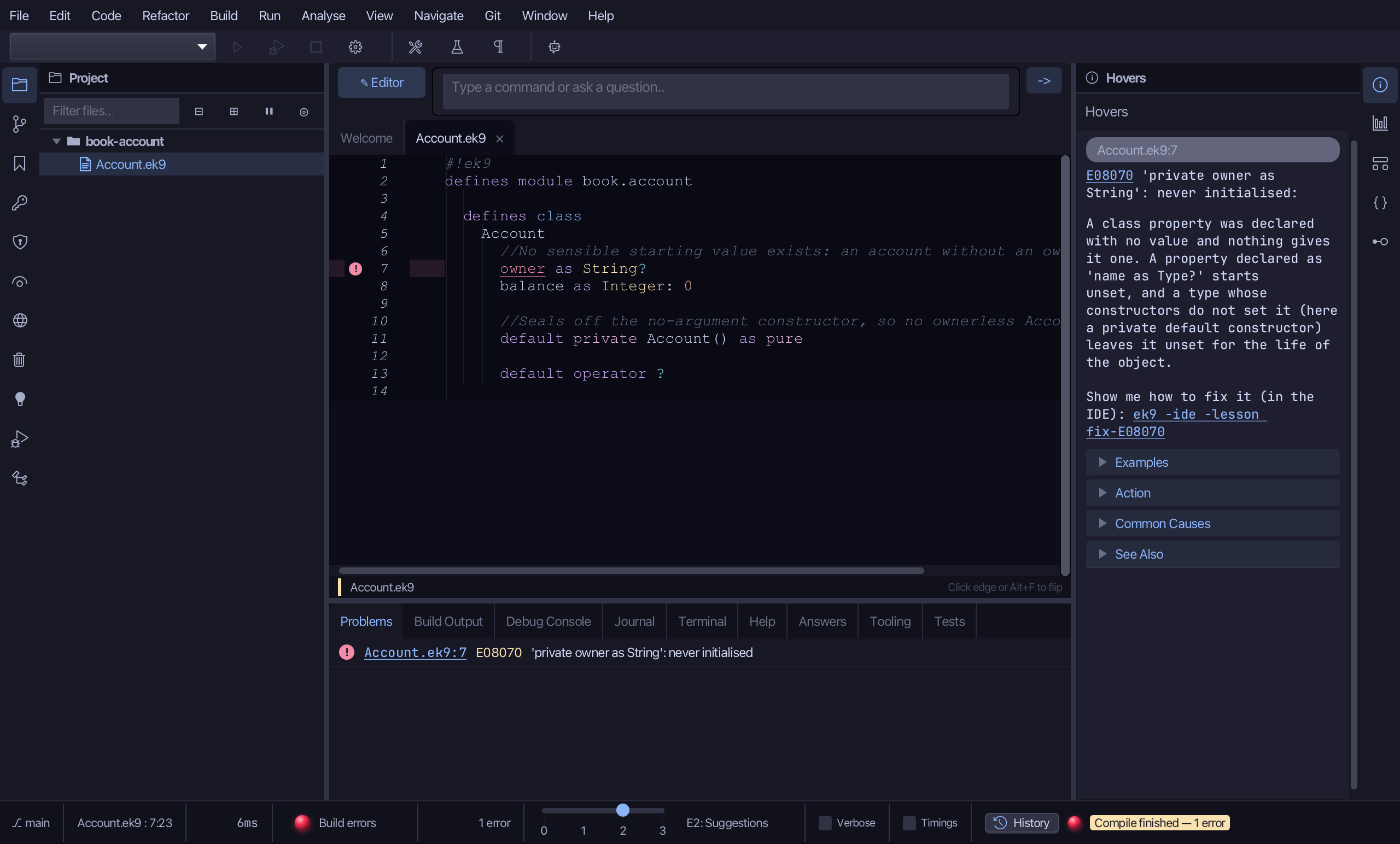
An owner has no sensible starting value, so owner is declared as String? - a slot that stays empty until something is assigned. Type it, with its comment, straight under the class name. The file now has an error: nothing sets owner yet. Saves when typed.
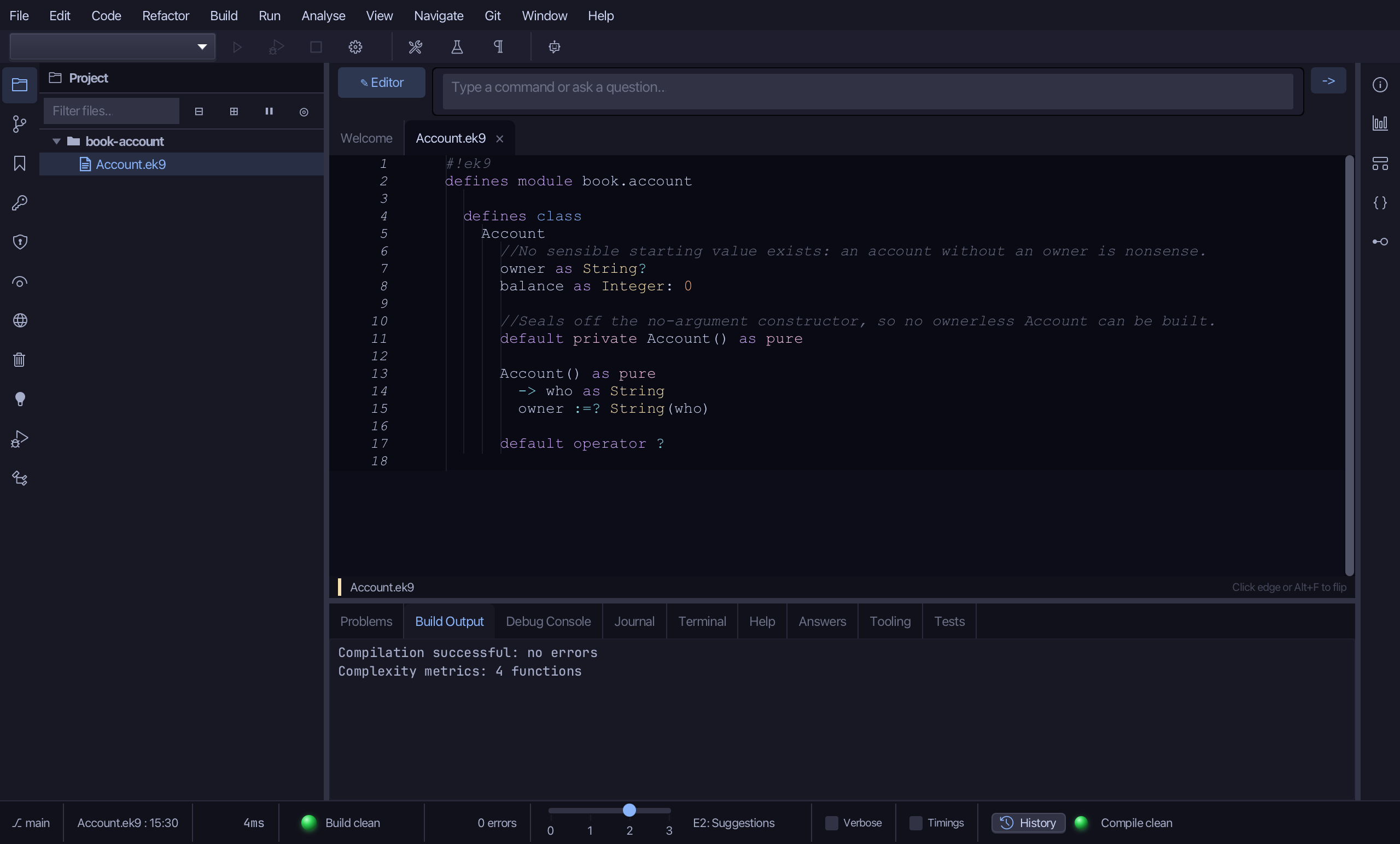
Add the constructor that does set it, under the sealed one: it takes who as a String and assigns owner with :=?. Saves when typed.
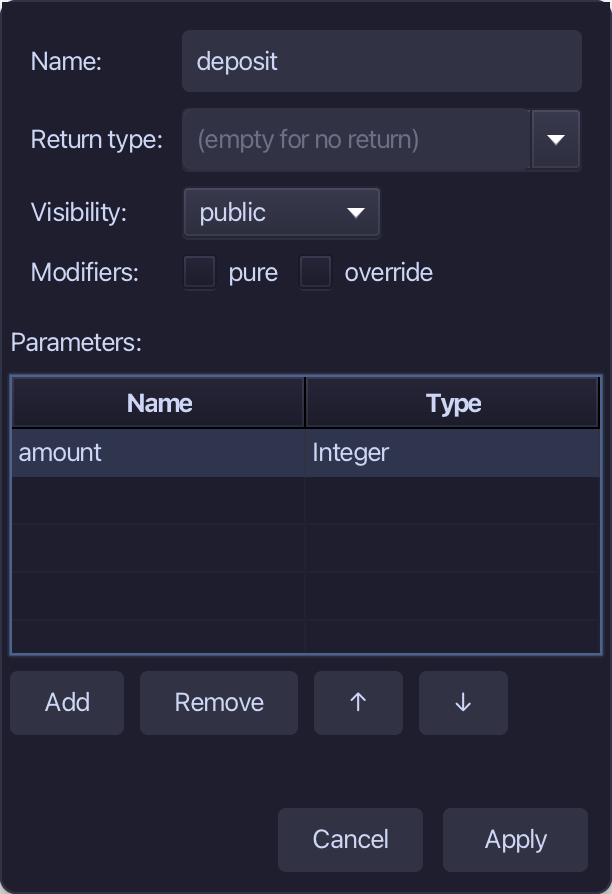
Step 5: deposit — a method with a parameter
Right-click the Account line and choose Add Method…
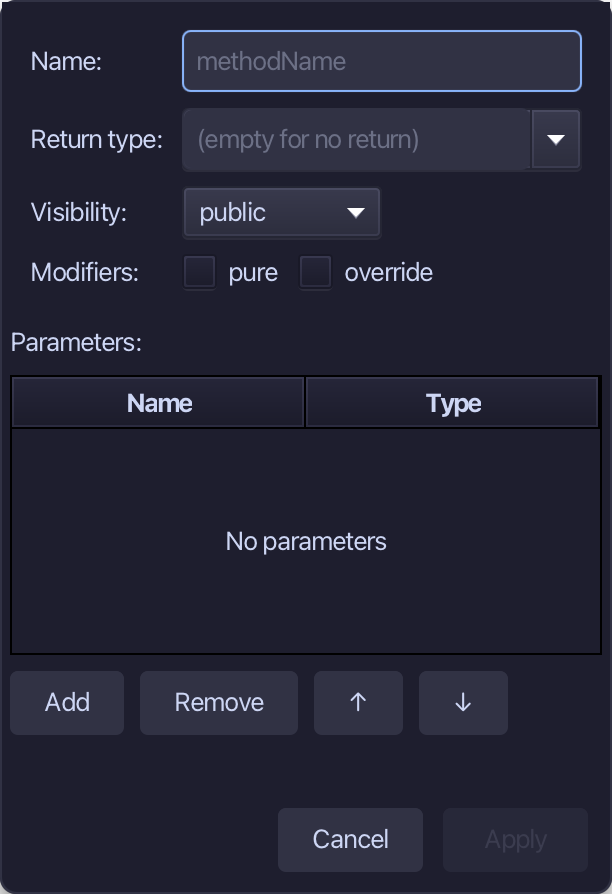
deposit is the method's name - no return, not pure: it changes balance. Add one parameter, amount of type Integer, and choose Apply.
Select the stub, from require amount? down to its //AI line, and type the real guard and the addition: only a positive amount is accepted. Saves when typed.
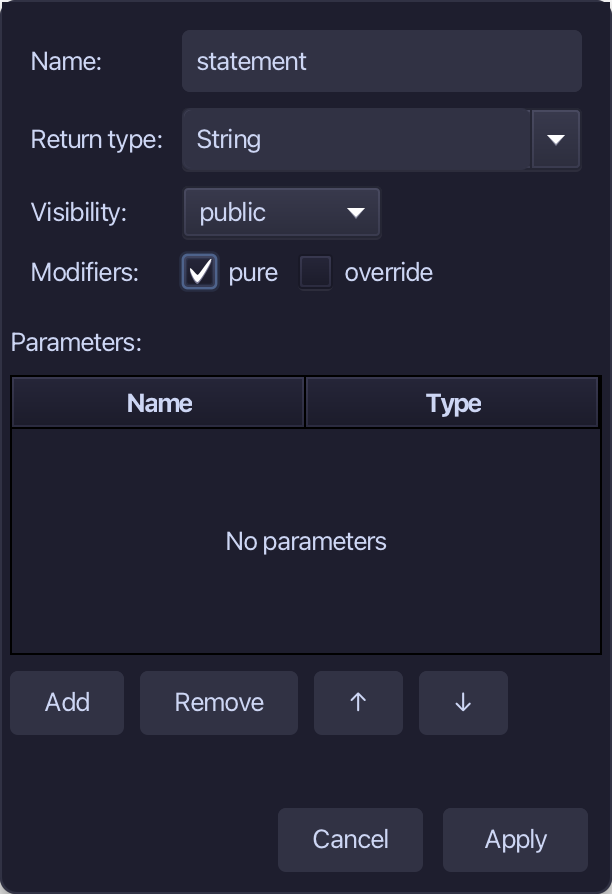
Step 6: statement
Right-click the Account line and choose Add Method…
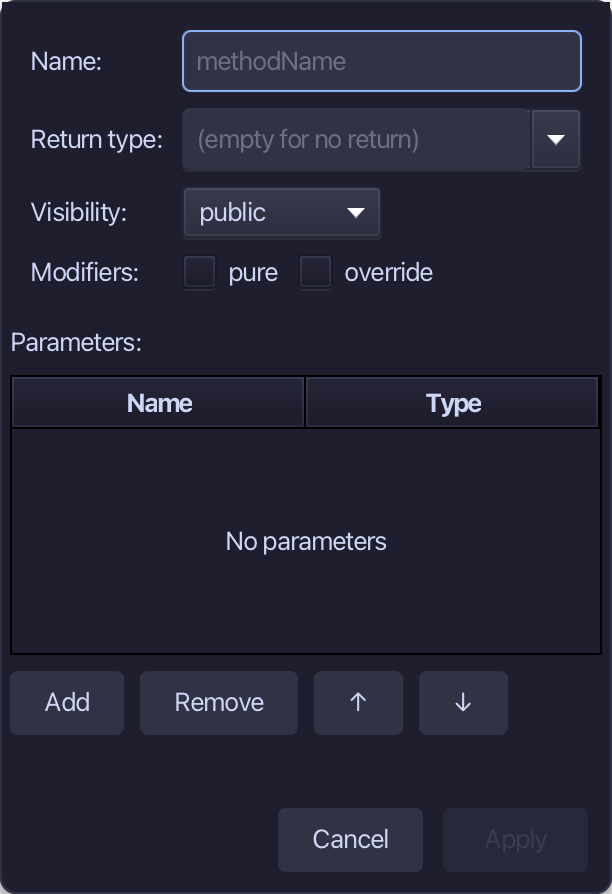
statement is the name, String the return type, pure ticked - it only reads. Fill them in and choose Apply.
Select the stub, from <- rtn as String: String() down to its //AI line, and type the sentence it returns. Saves when typed.
Step 7: The program
Choose Code > New Construct > Program…
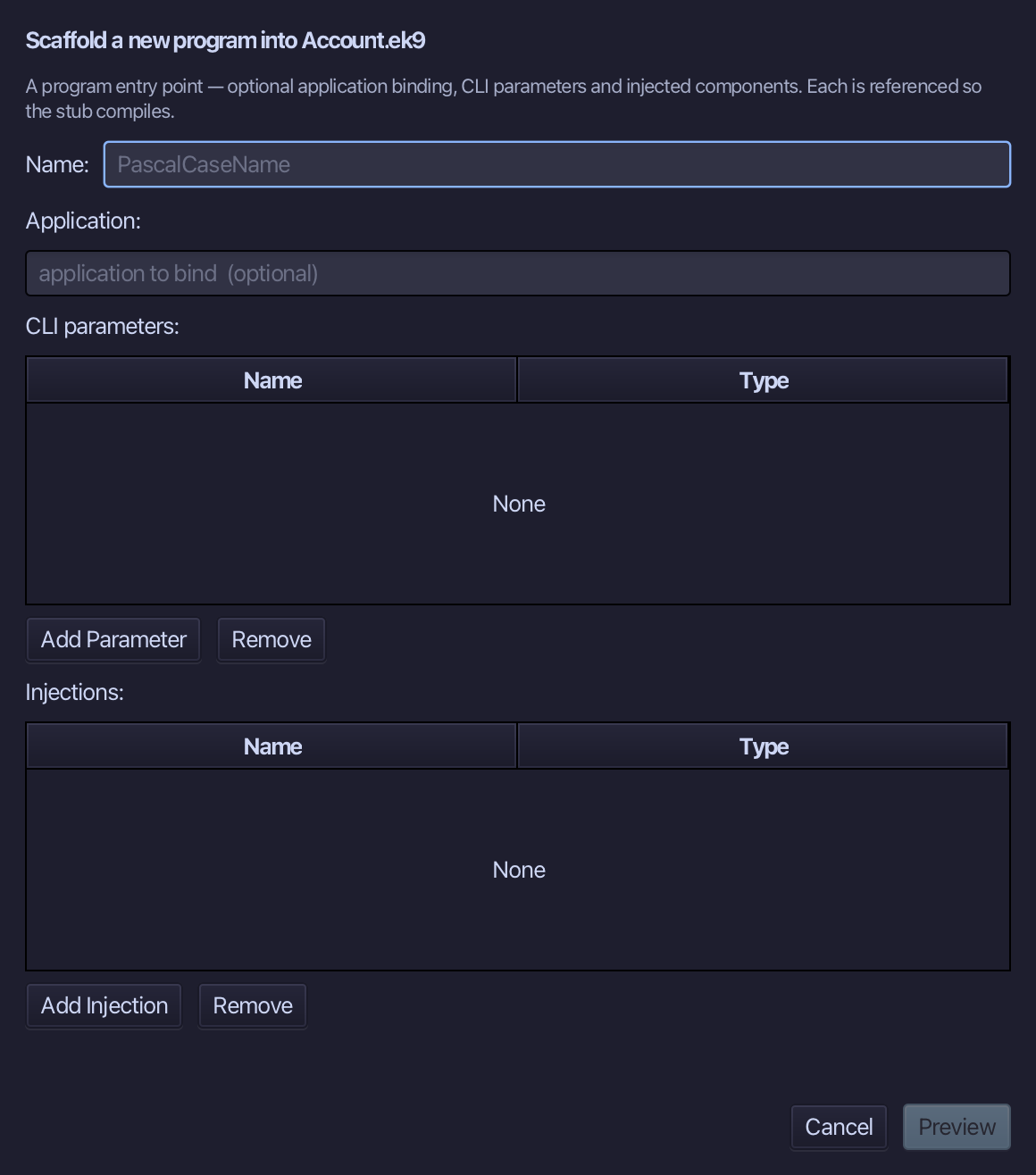
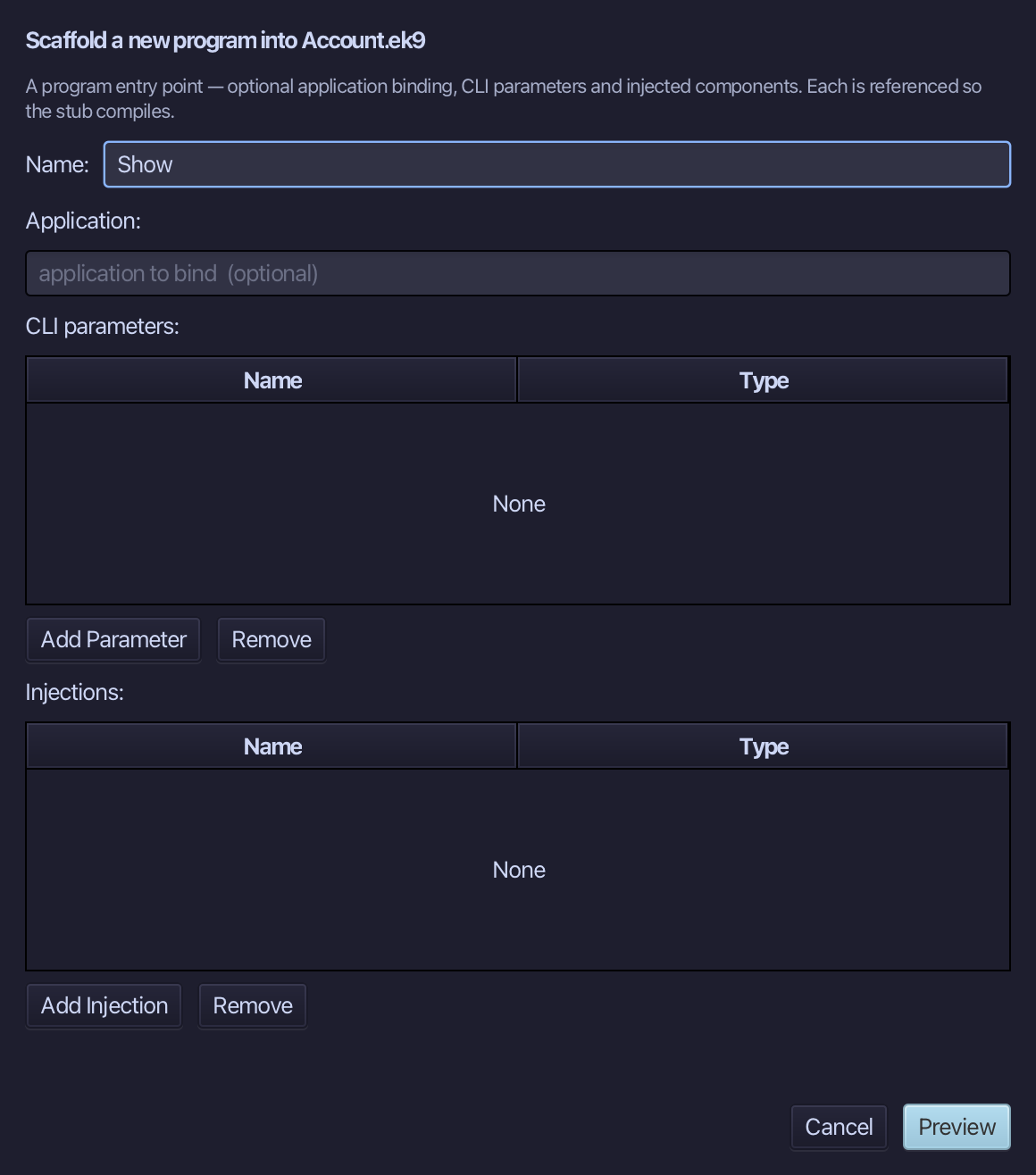
Show is the program's name. Type Show and choose Preview.
The preview shows Show about to be written. Choose Apply.
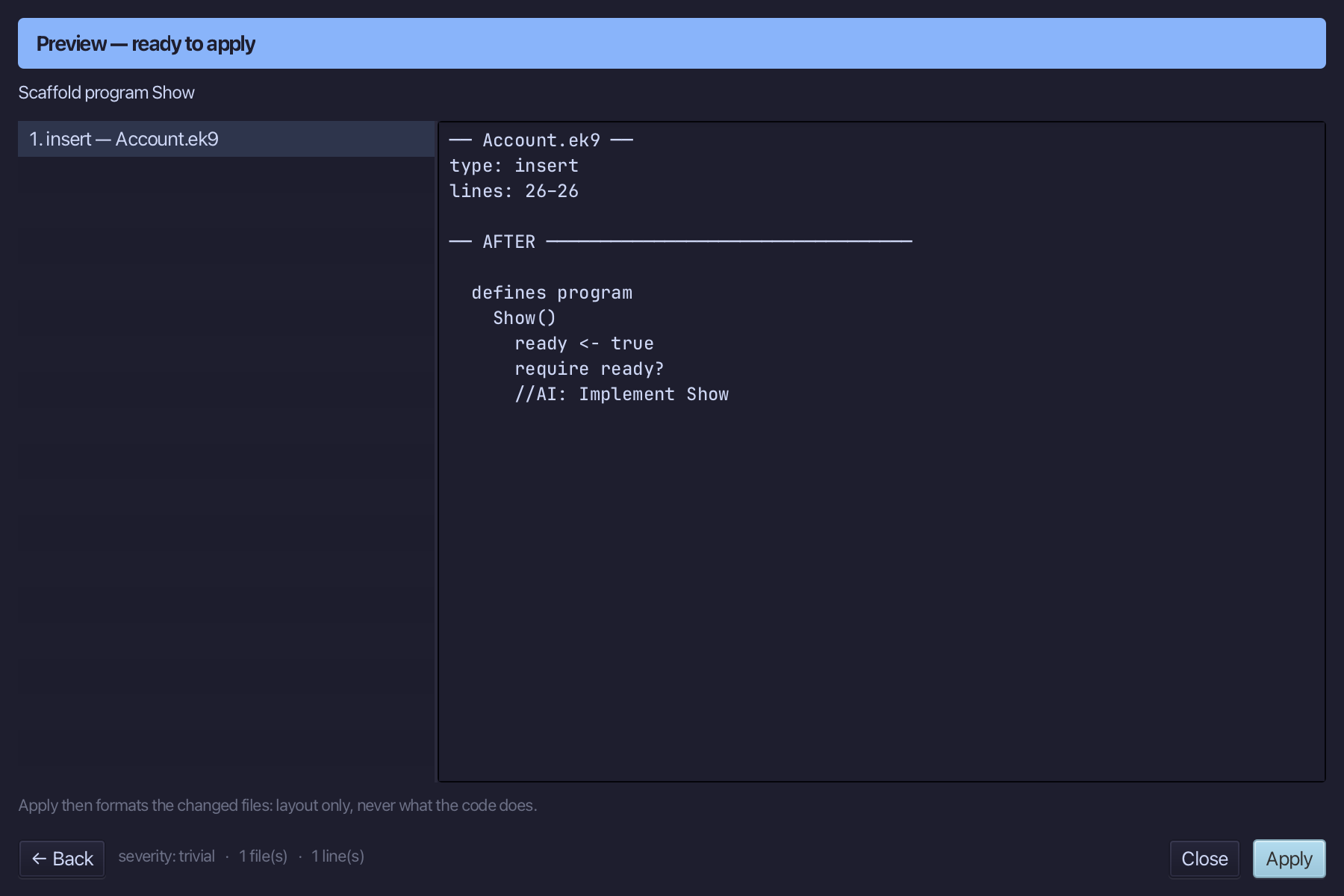
Select the stub, from ready <- true down to its //AI line, and type Show's body: an Account made for Sam, two deposits, and two lines printed. Saves when typed.
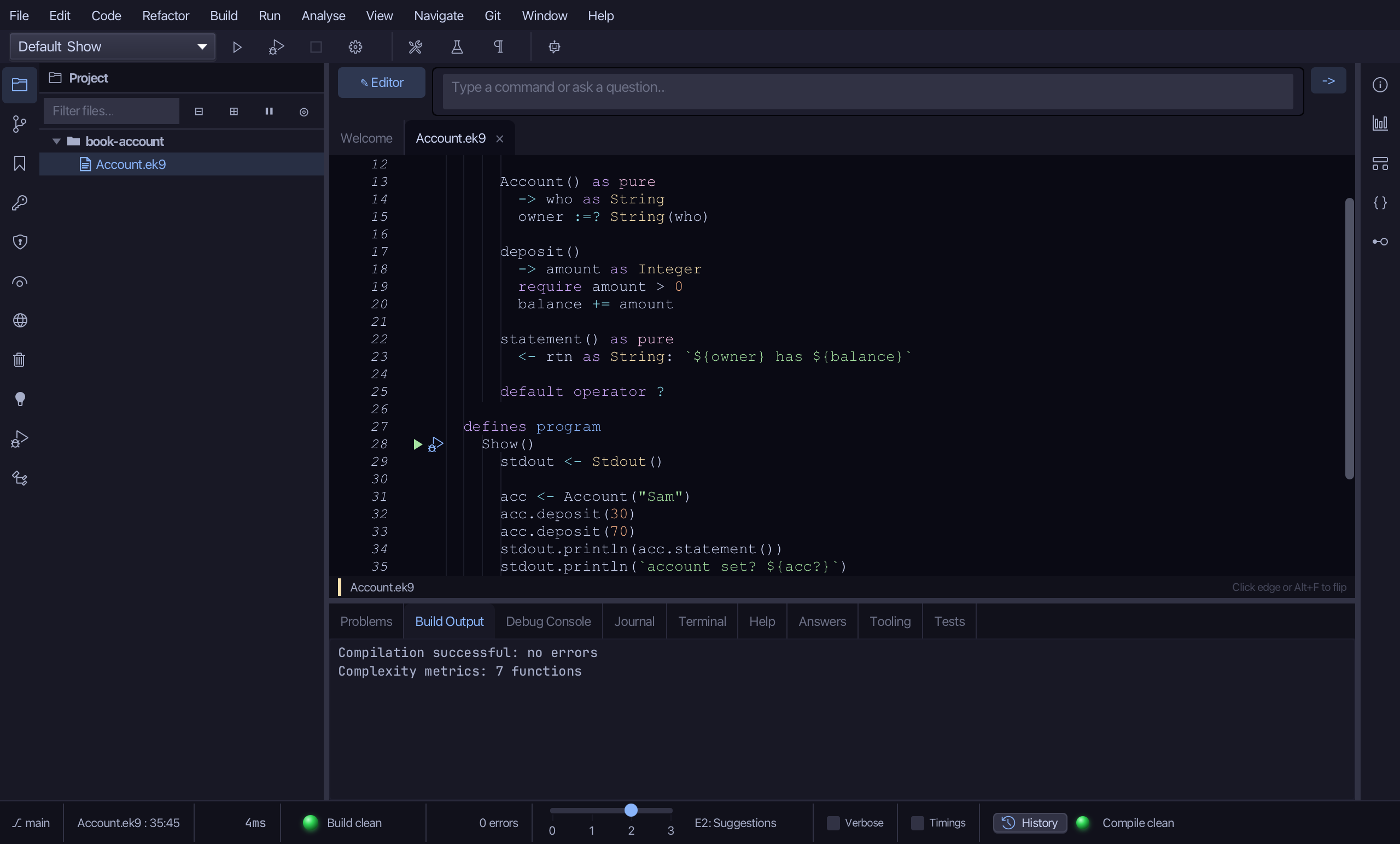
Step 8: Run it
Choose Run > Run Program…
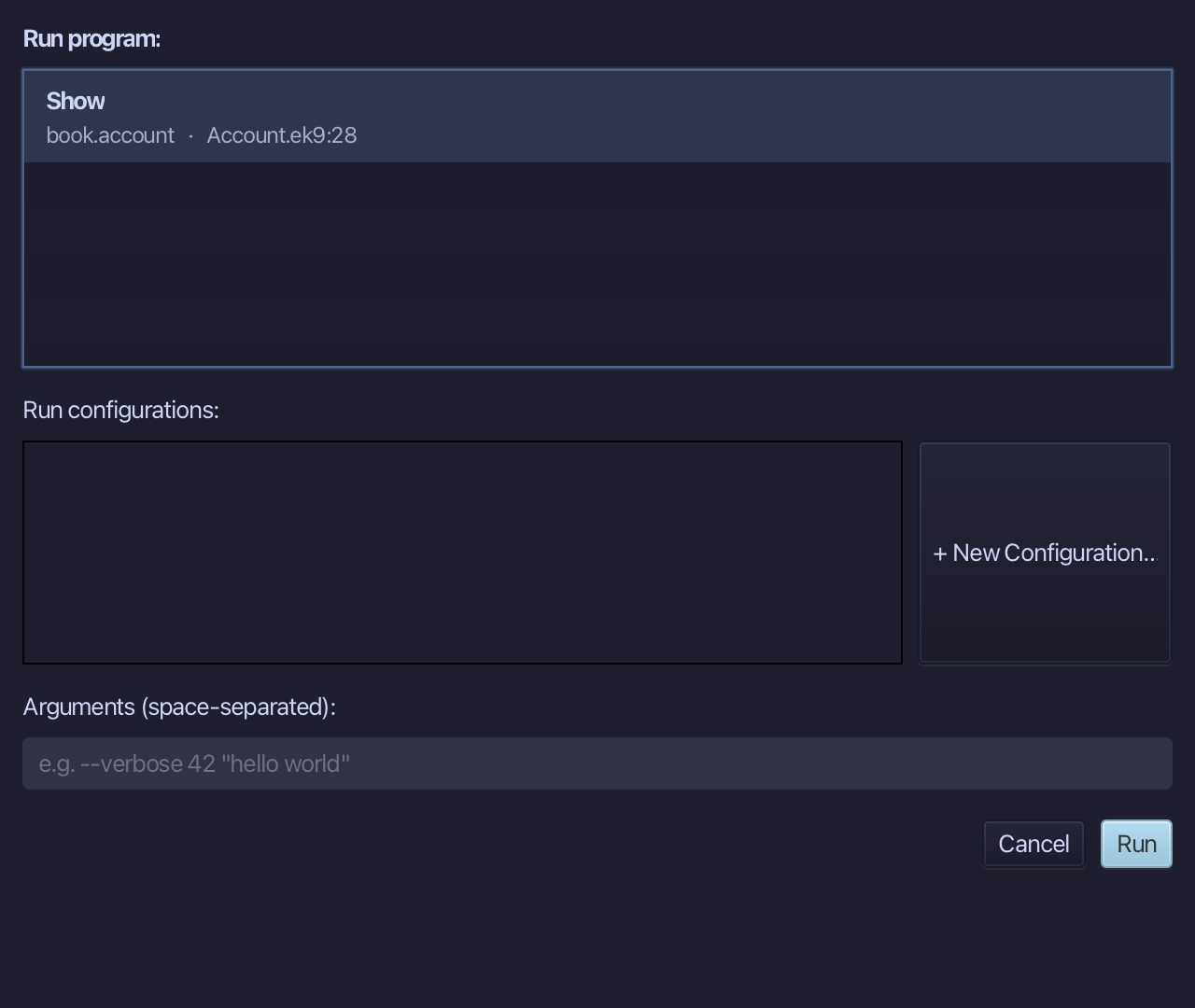
The project's only program is already chosen. Choose Run.
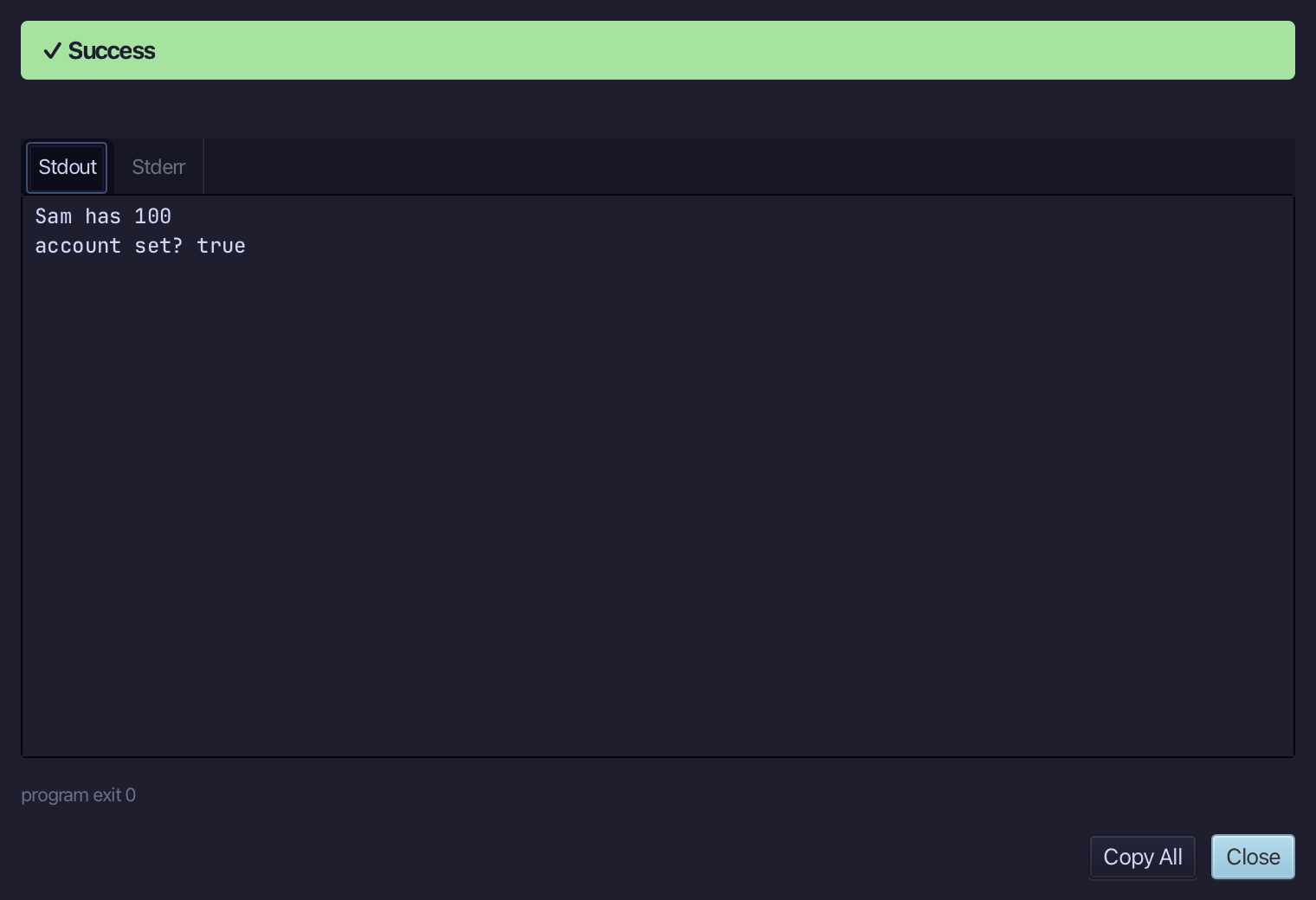
Sam has 100 - account set? true: two deposits of 30 and 70, and an Account that exists only because it has an owner. Choose Close.
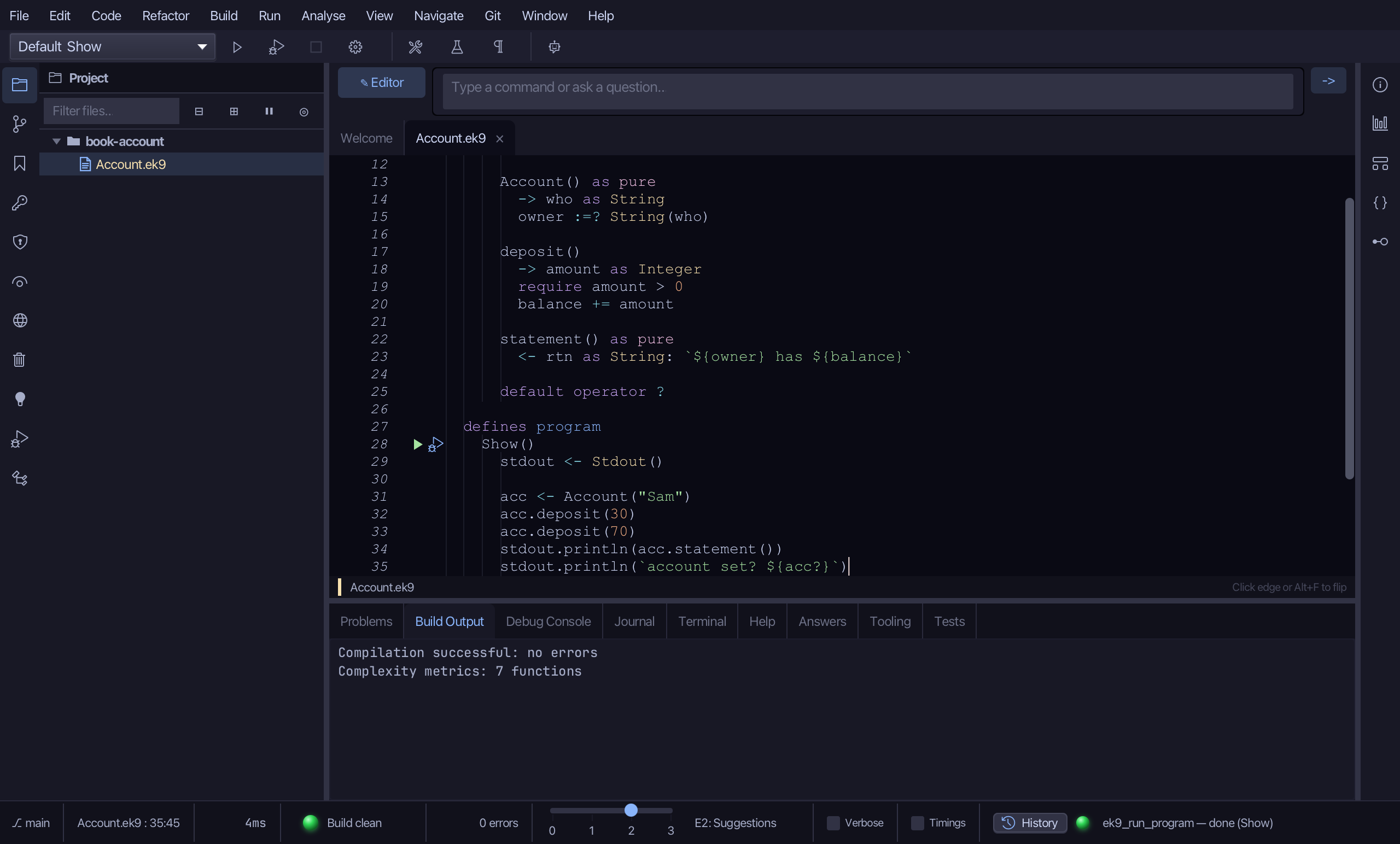
The result
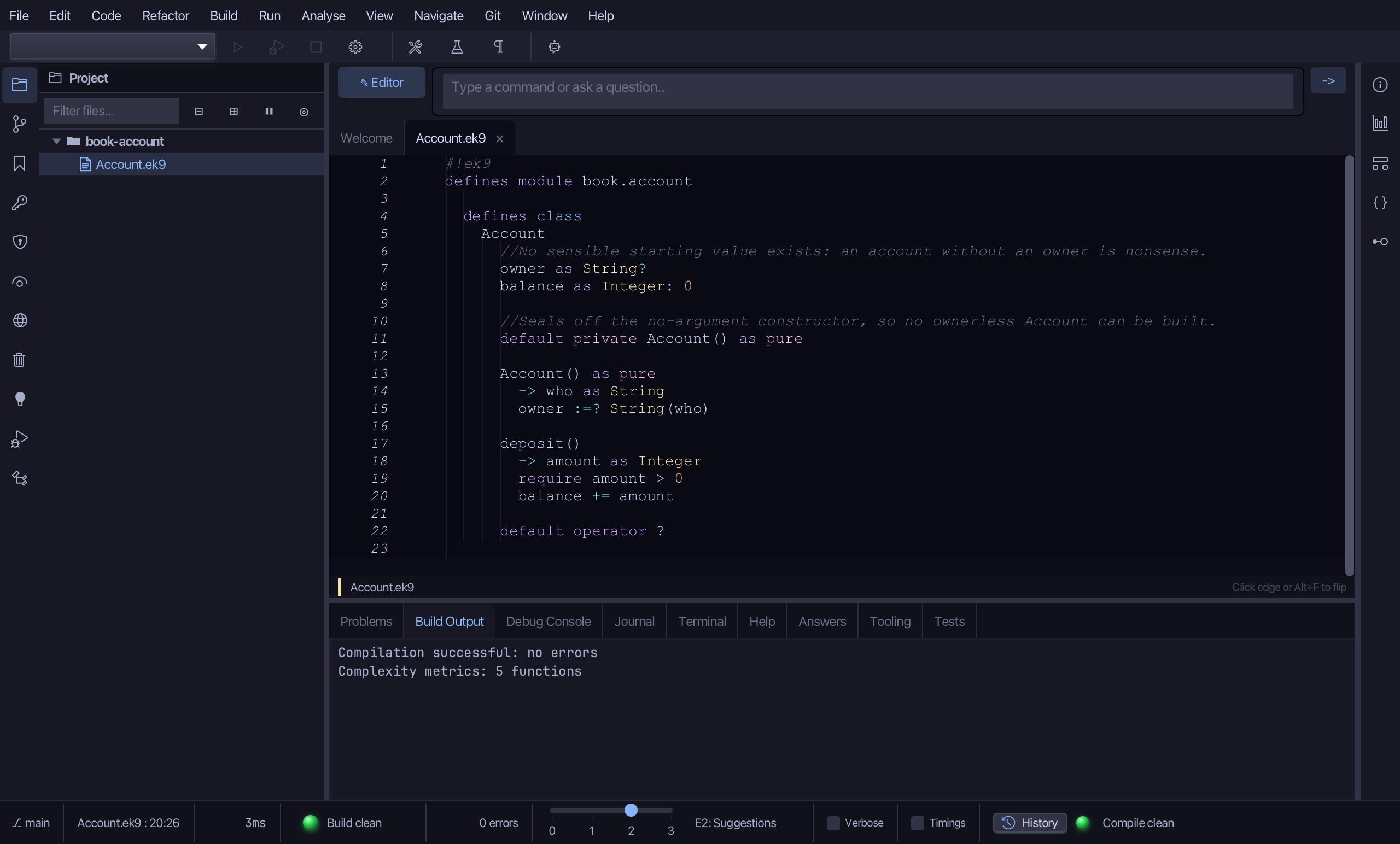
Account.ek9 now reads exactly as chapter 16 of Getting Started with EK9 shows it: a class that can never exist without an owner, built by the tools, with only the logic and the one field no tool may write alone typed. ek9_new_construct, ek9_add_field, ek9_add_constructor, ek9_add_method and ek9_add_program are what an AI assistant calls to do the same thing.
Where this lesson comes from
- For AI assistants - the MCP tool
ek9_new_construct,ek9_add_field,ek9_add_constructor,ek9_add_method,ek9_add_program.
In the EK9 reference: Classes in EK9