Chapter 41: the tri-state operators, built
Chapter 41 argues that EK9 has no null, because a value is absent, present but unset, or present and set, and the program asks about the last two with ?. Two small functions make a set value or an unset one on demand, and three programs use the tri-state operators: :=? assigns only when the target is unset, ?: supplies a fallback, and an unset operand makes an arithmetic result unset without a word. The IDE writes the constants, both signatures and every program's shell; you type the answers and the logic. To play it in the IDE: Help > Lessons > EK9 in Depth…, or ek9 -ide -lesson depth-tri-state.
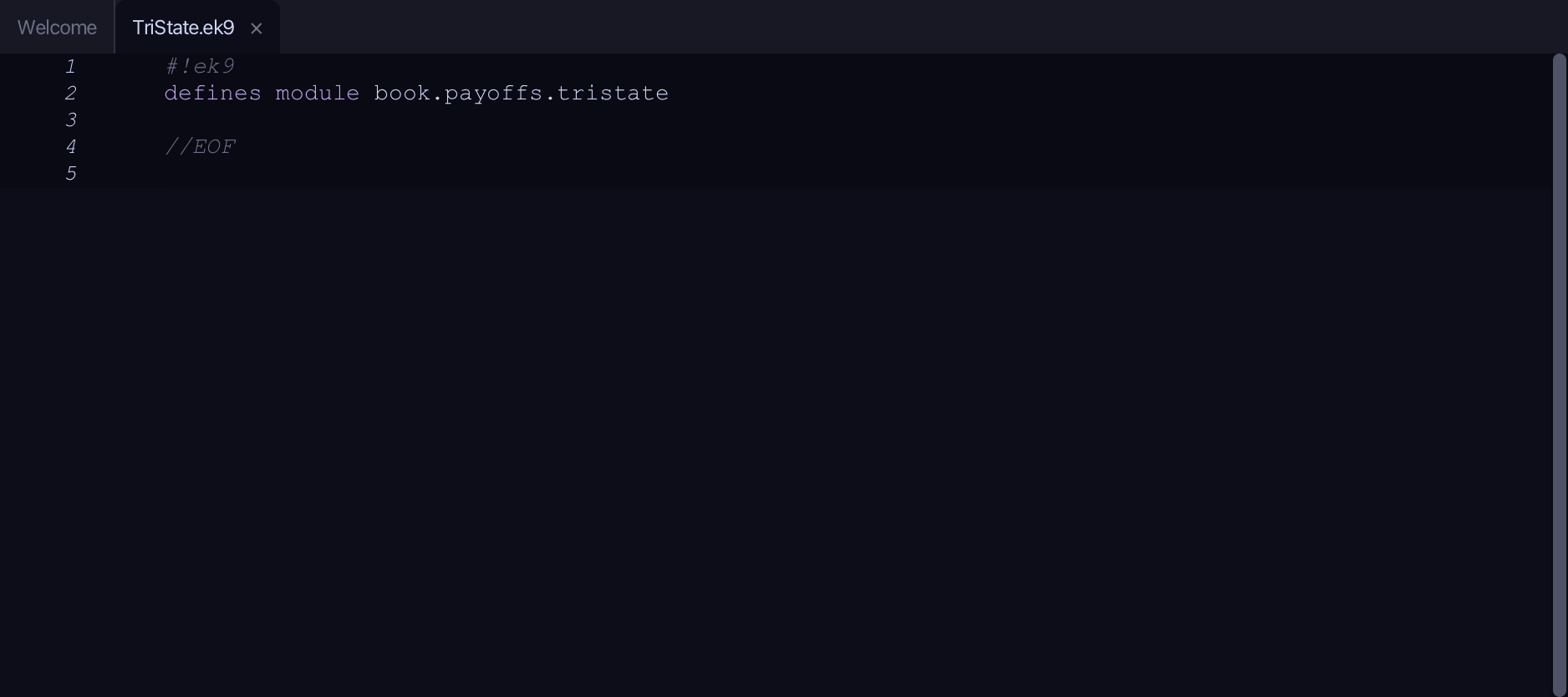
What you'll build
The lesson builds this program from a file holding only its module line - the finished file, as the book prints it.
#!ek9
defines module book.payoffs.tristate

  defines constant
    FALLBACK_NAME <- "anon"

    OFFSET <- 5

  defines function

    nameOf() as pure
      -> known as Boolean
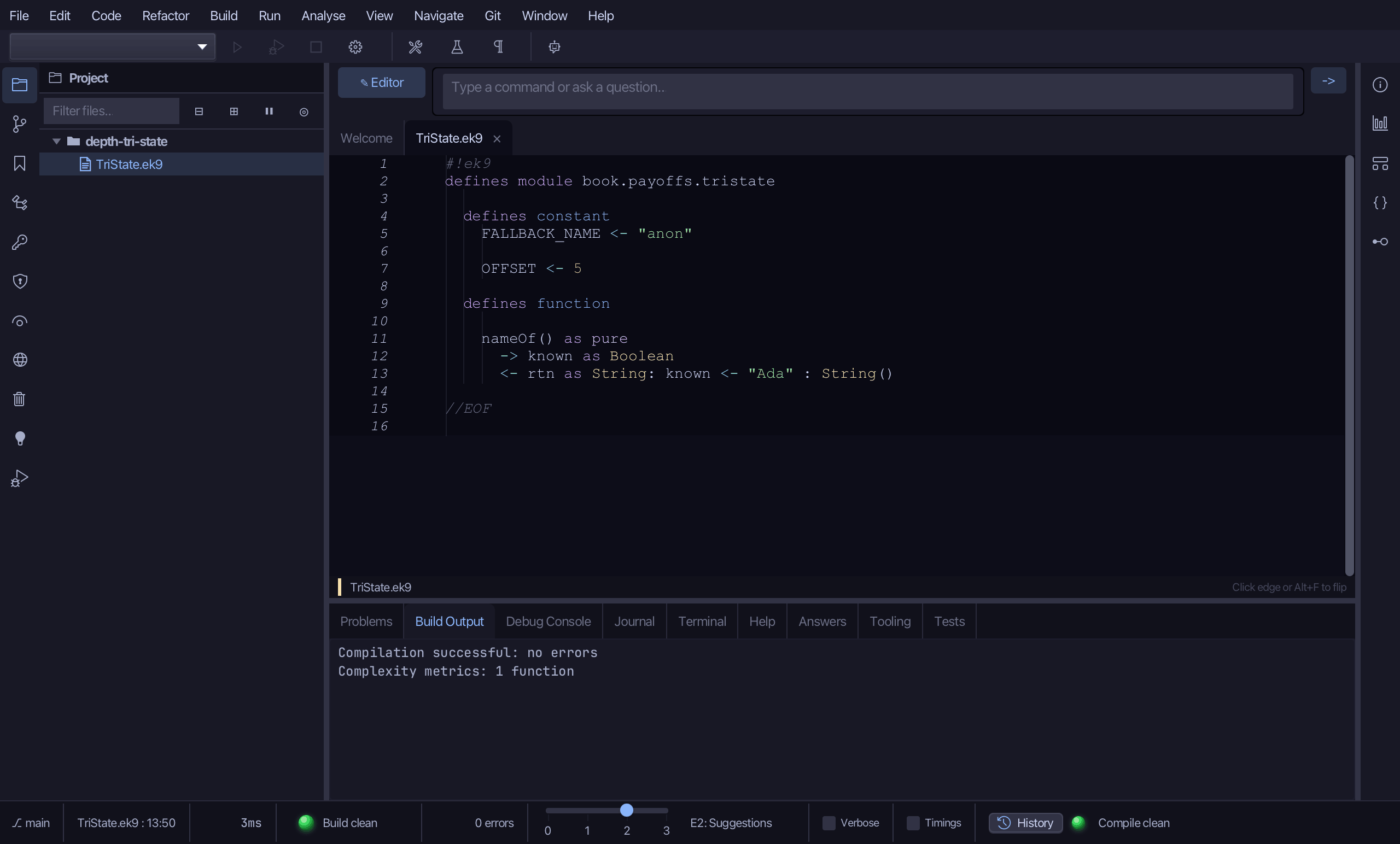
      <- rtn as String: known <- "Ada" : String()

    numberOf() as pure
      -> known as Boolean
      <- rtn as Integer: known <- 42 : Integer()

  defines program

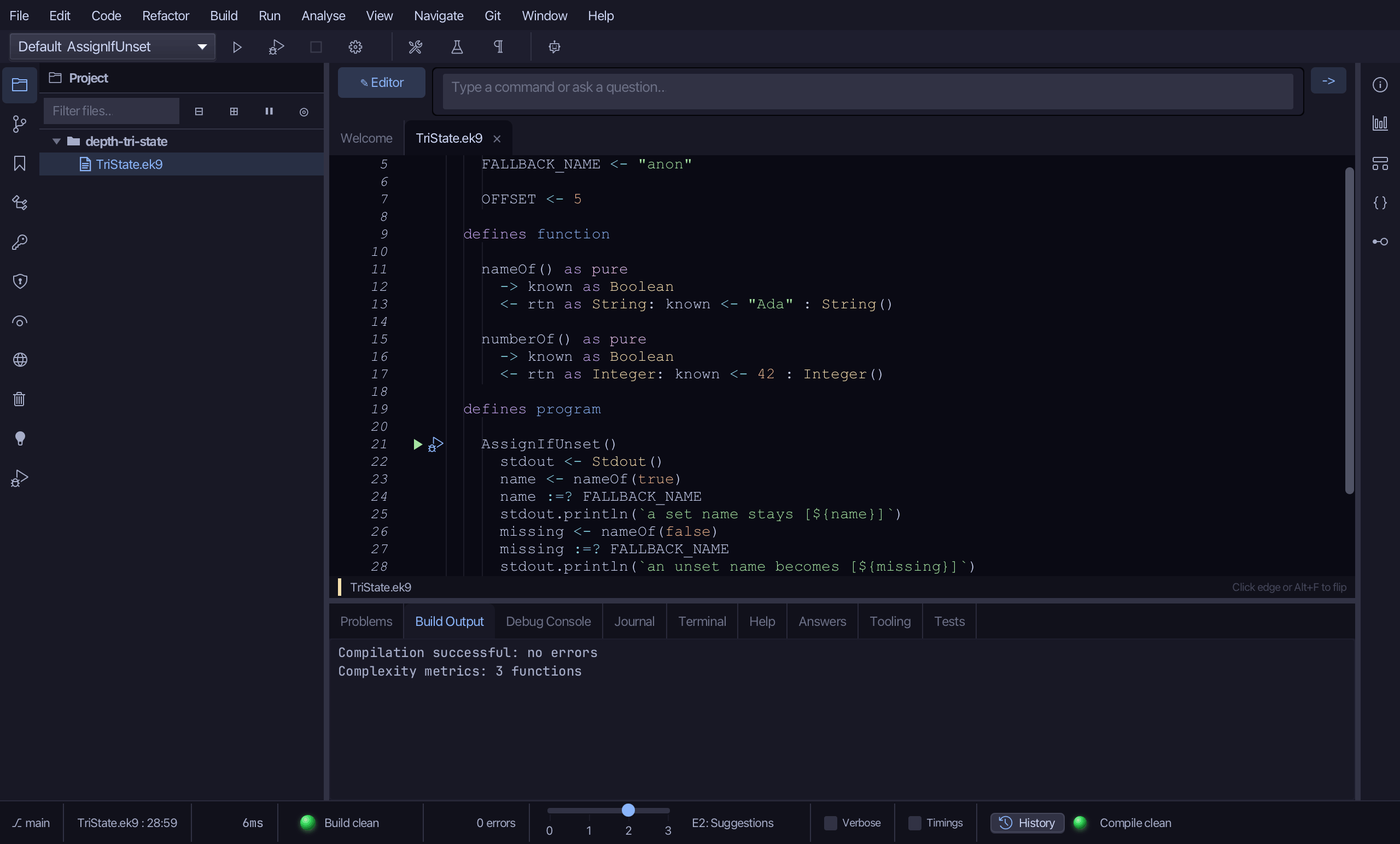
    AssignIfUnset()
      stdout <- Stdout()
      name <- nameOf(true)
      name :=? FALLBACK_NAME
      stdout.println(`a set name stays [${name}]`)
      missing <- nameOf(false)
      missing :=? FALLBACK_NAME
      stdout.println(`an unset name becomes [${missing}]`)

    Fallback()
      stdout <- Stdout()
      unknown <- numberOf(false)
      chosen <- unknown ?: OFFSET
      stdout.println(`unset or ${OFFSET} gives ${chosen}, set? ${chosen?}`)
      known <- numberOf(true)
      kept <- known ?: OFFSET
      stdout.println(`set or ${OFFSET} gives ${kept}, set? ${kept?}`)

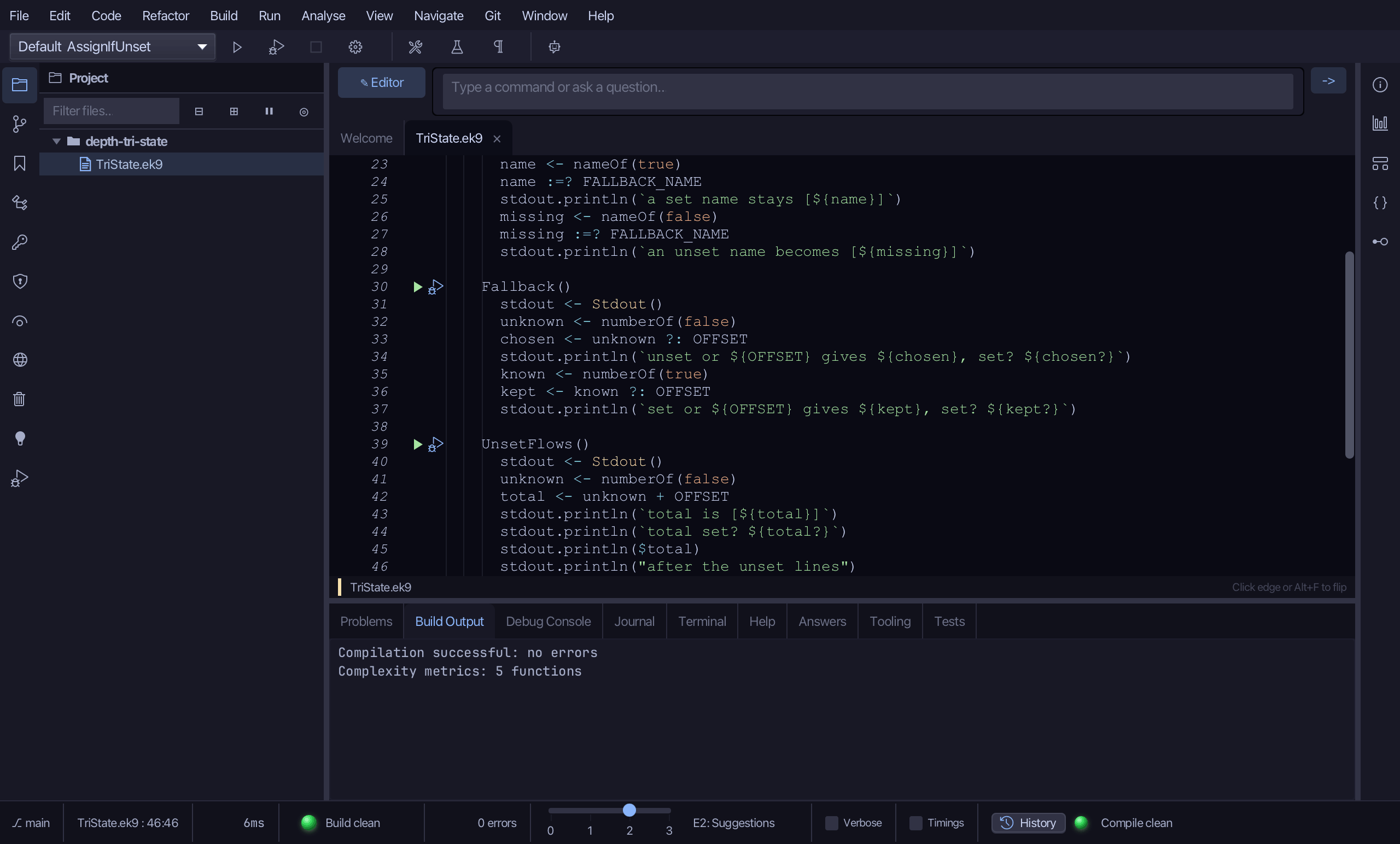
    UnsetFlows()
      stdout <- Stdout()
      unknown <- numberOf(false)
      total <- unknown + OFFSET
      stdout.println(`total is [${total}]`)
      stdout.println(`total set? ${total?}`)
      stdout.println($total)
      stdout.println("after the unset lines")

//EOF
Step 1: Constants
Choose Code > New Construct > Constant…
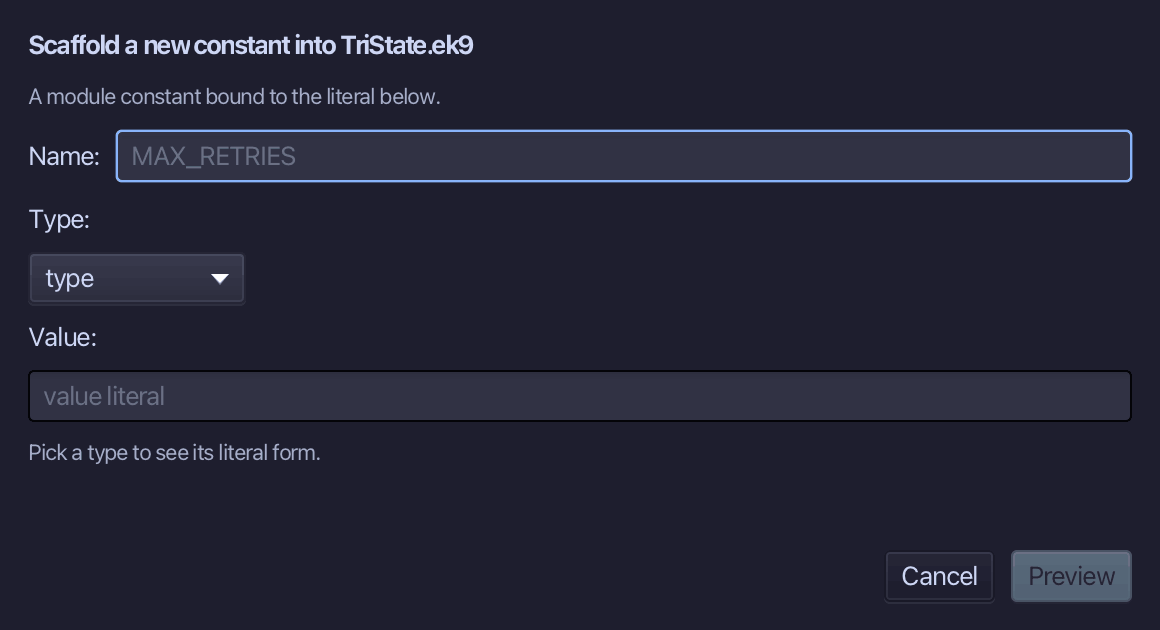
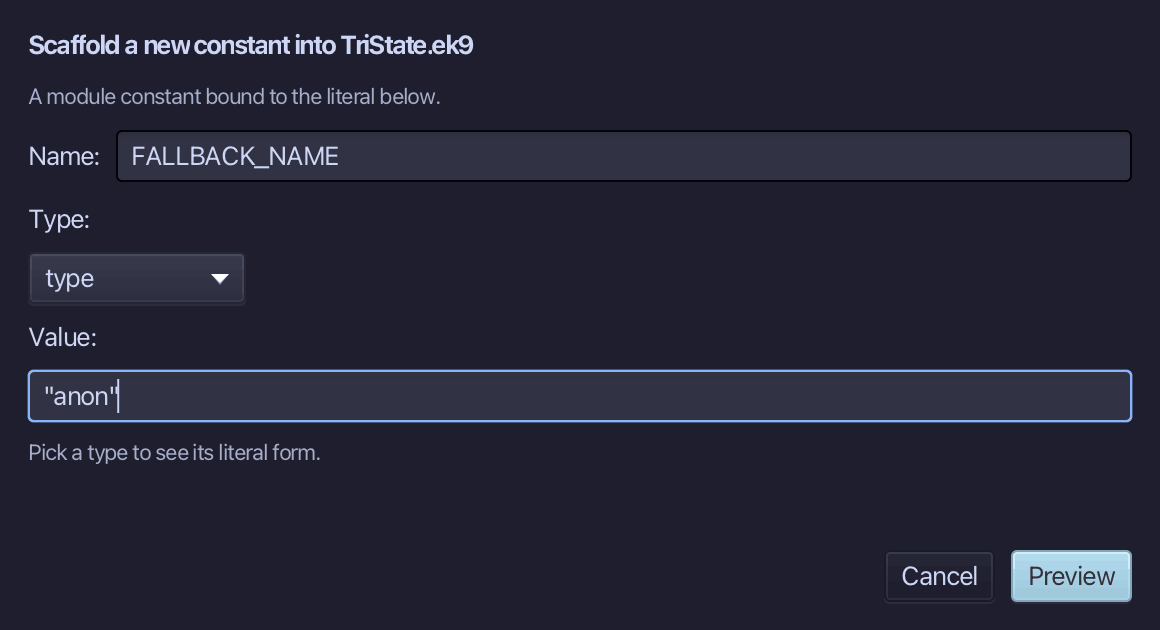
FALLBACK_NAME is the constant's name and "anon" its value - a literal in the Value field, from which the type is inferred. Type both and choose Preview.
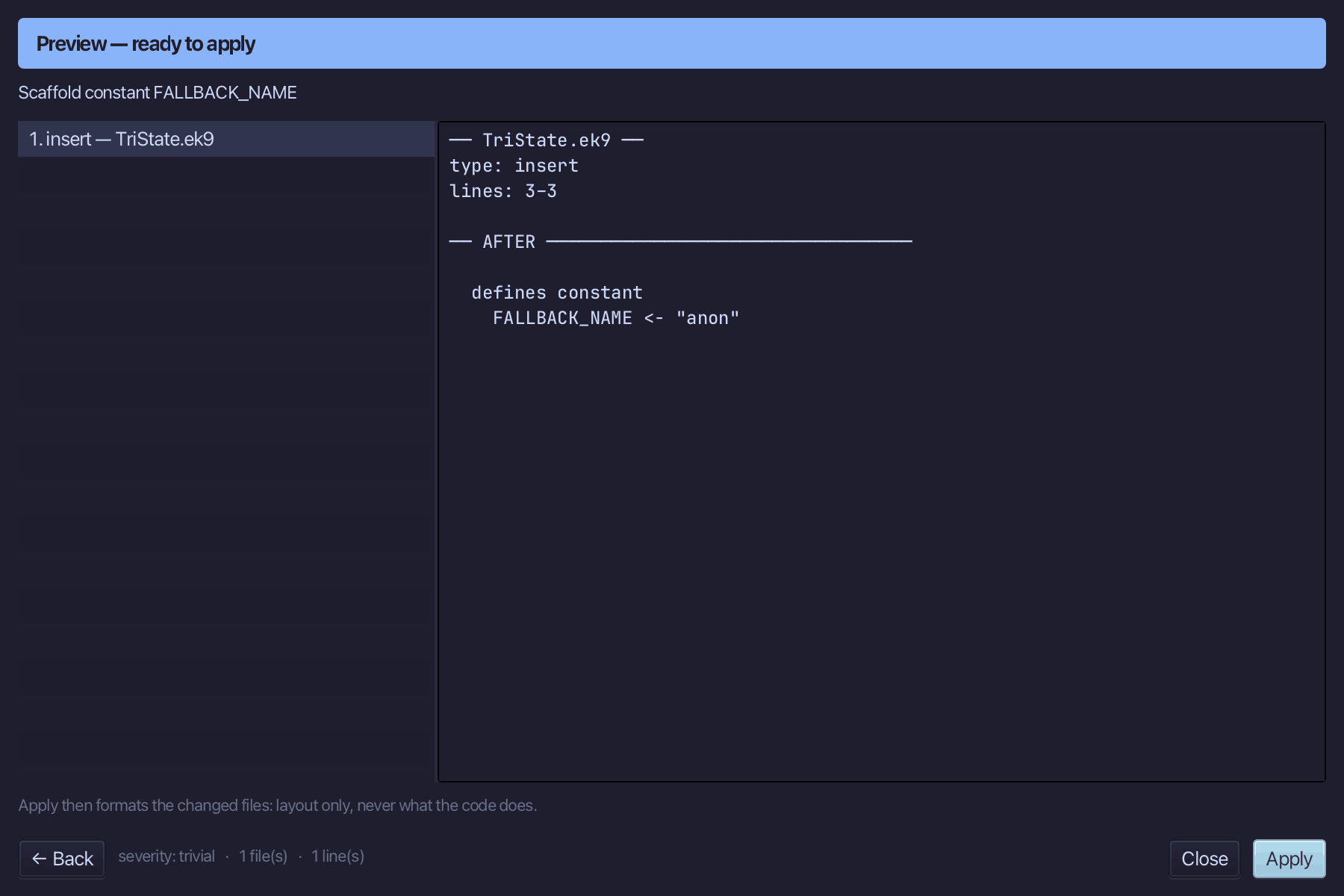
The preview shows FALLBACK_NAME about to be written. Choose Apply.
Choose Code > New Construct > Constant…
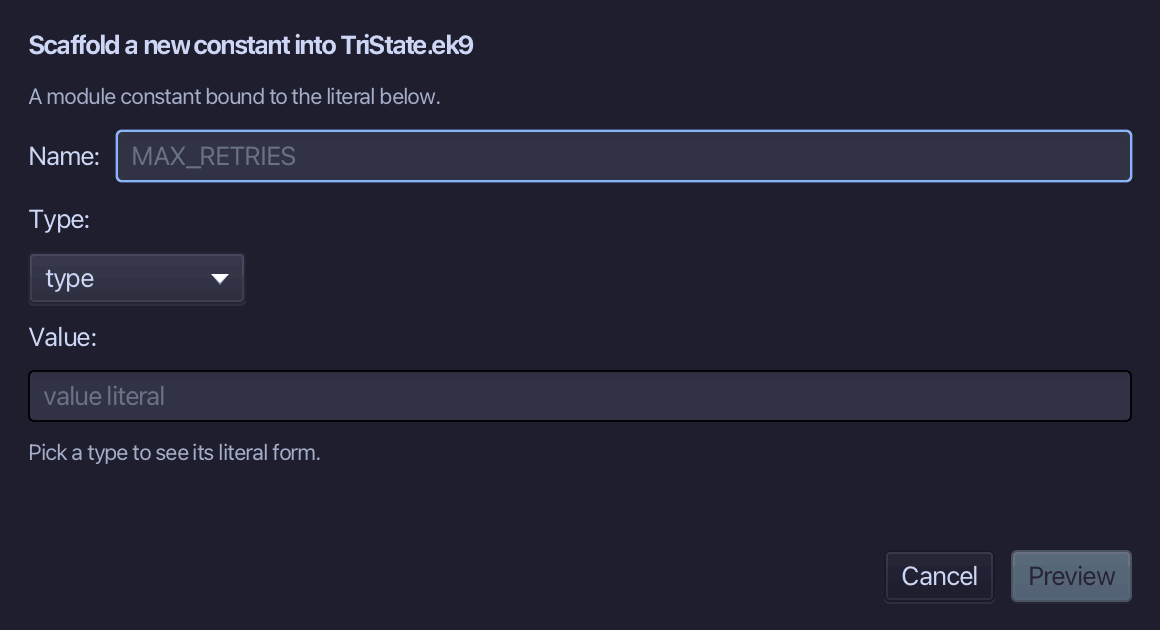
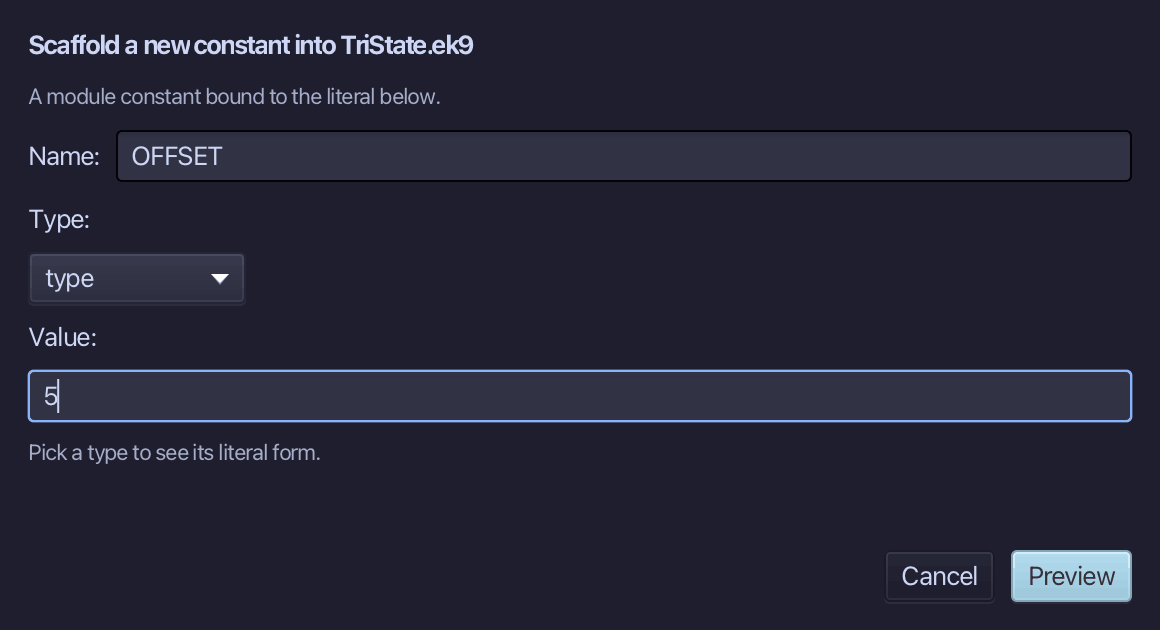
OFFSET is the constant's name and 5 its value - a literal in the Value field, from which the type is inferred. Type both and choose Preview.
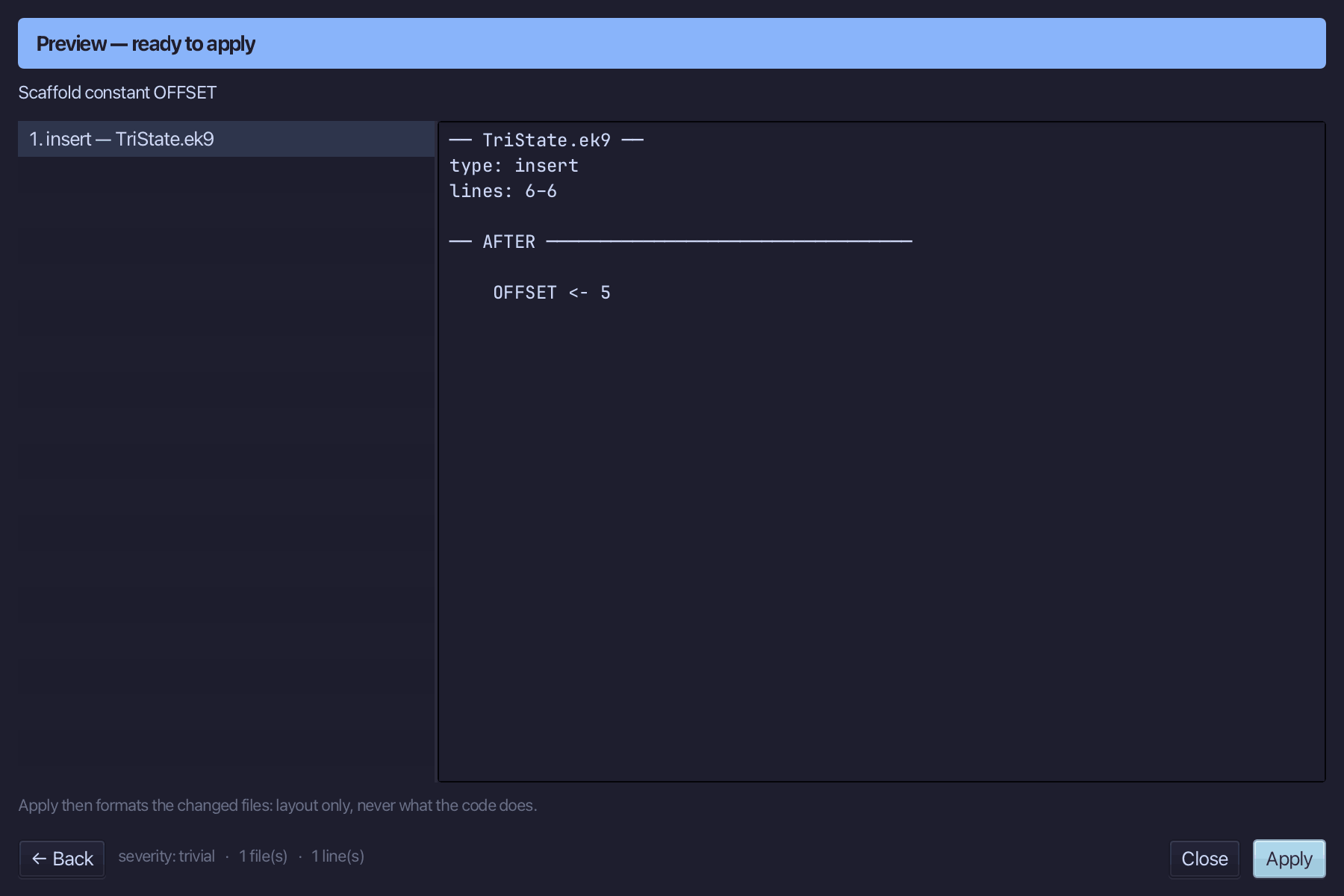
The preview shows OFFSET about to be written. Choose Apply.
Step 2: nameOf — a pure function
Choose Code > New Construct > Function…
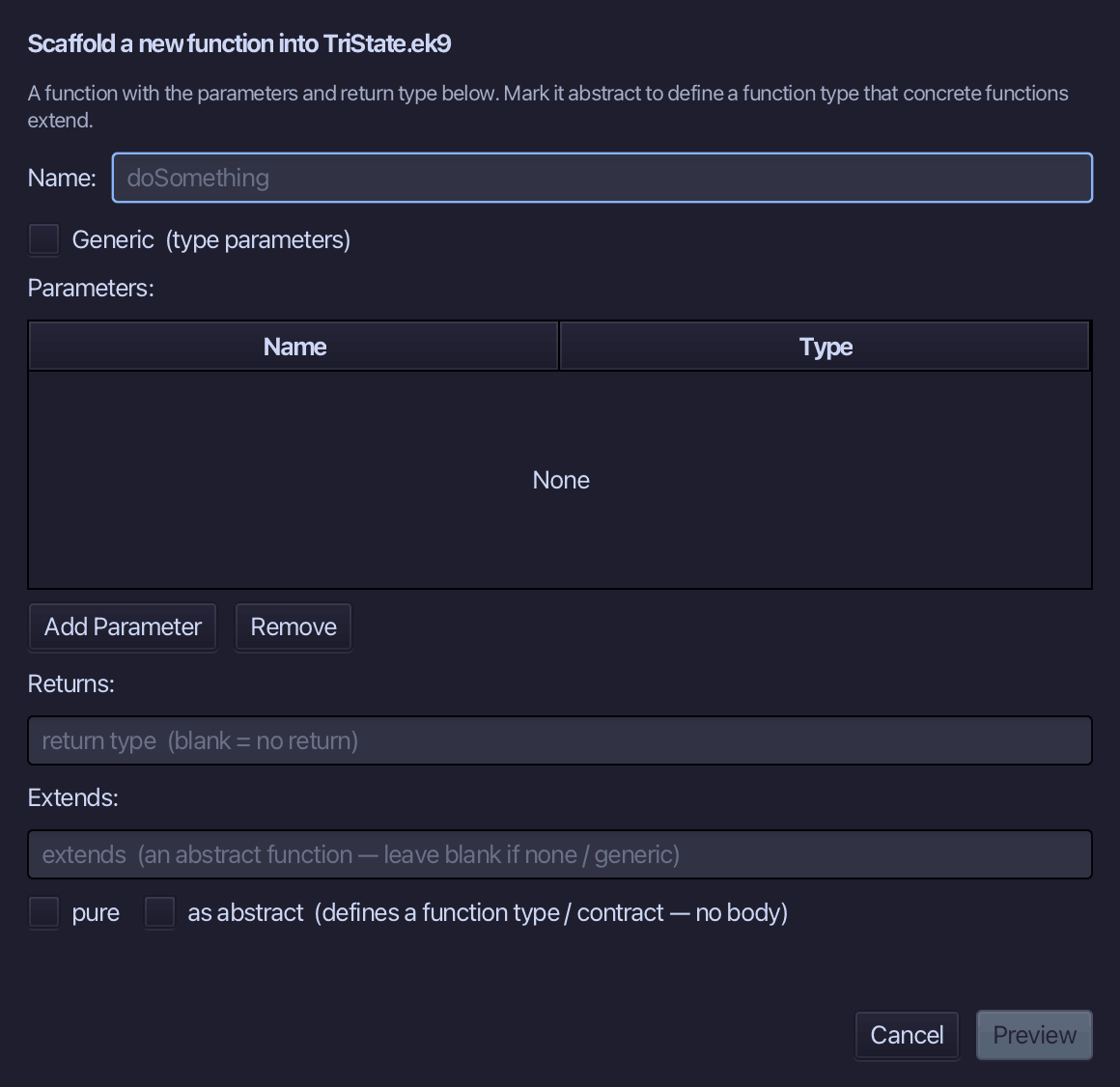
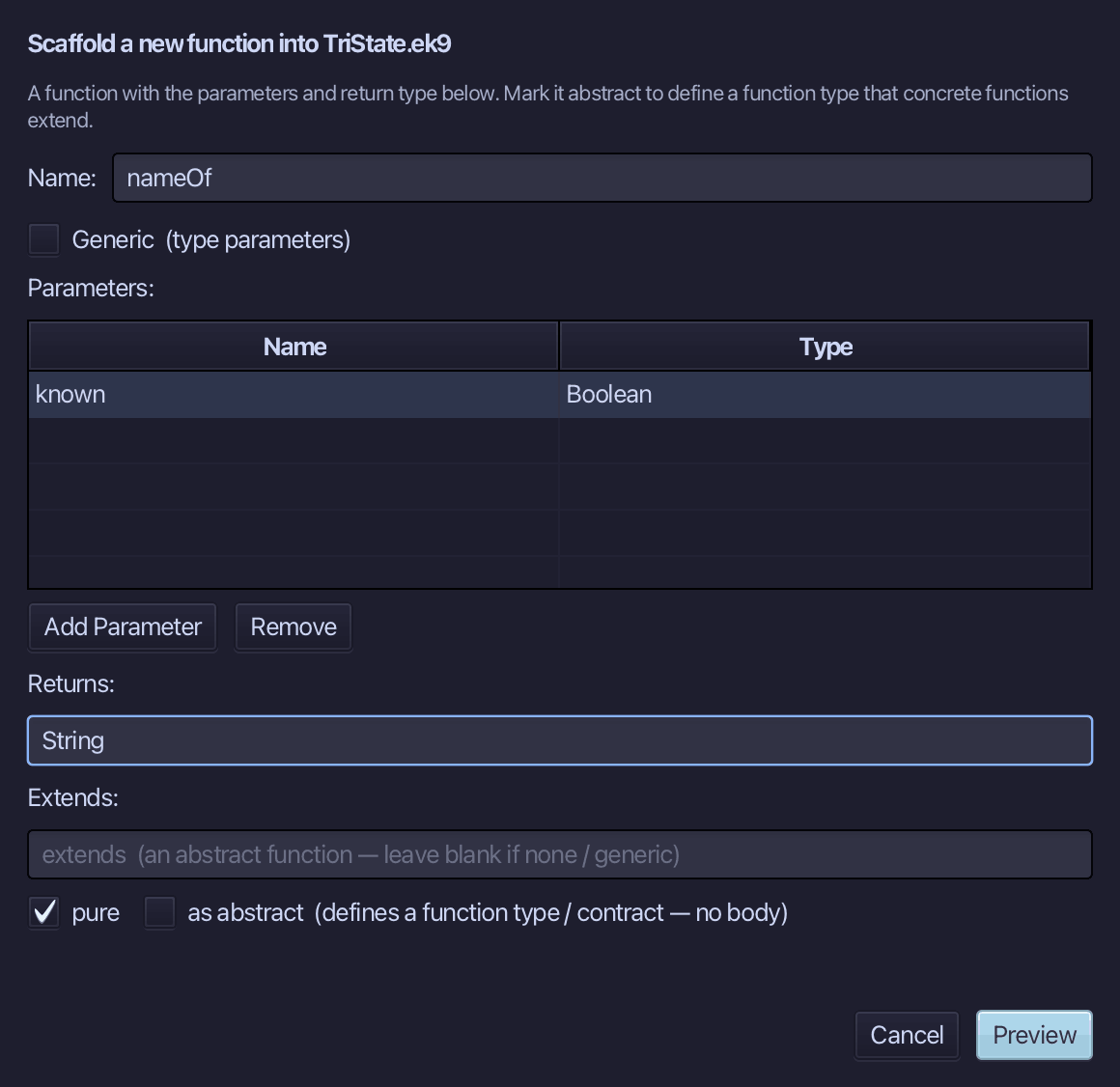
nameOf is the function's name. Add one parameter, known of type Boolean, set Returns to String and tick pure. Choose Preview.
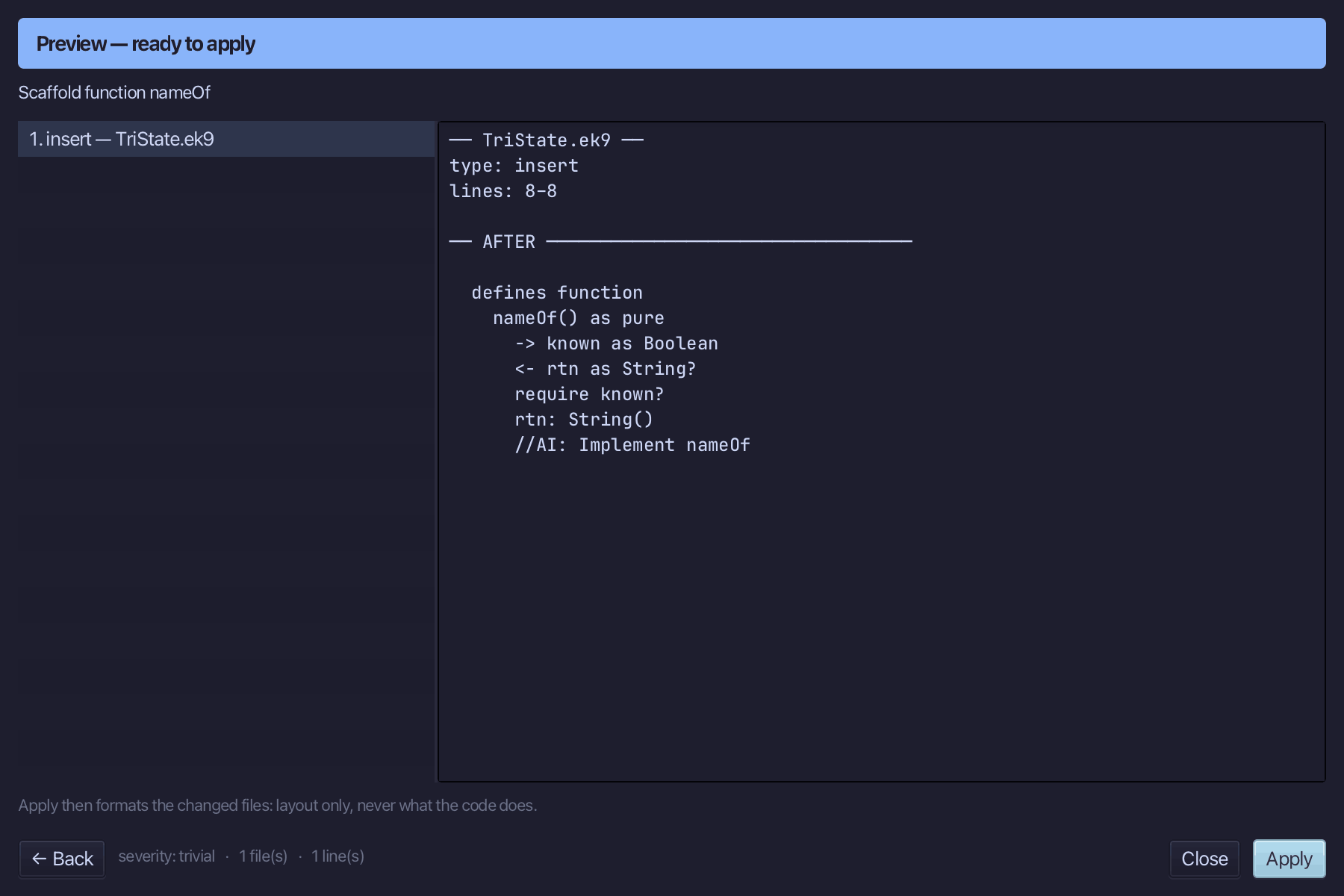
The preview shows nameOf about to be written. Choose Apply.
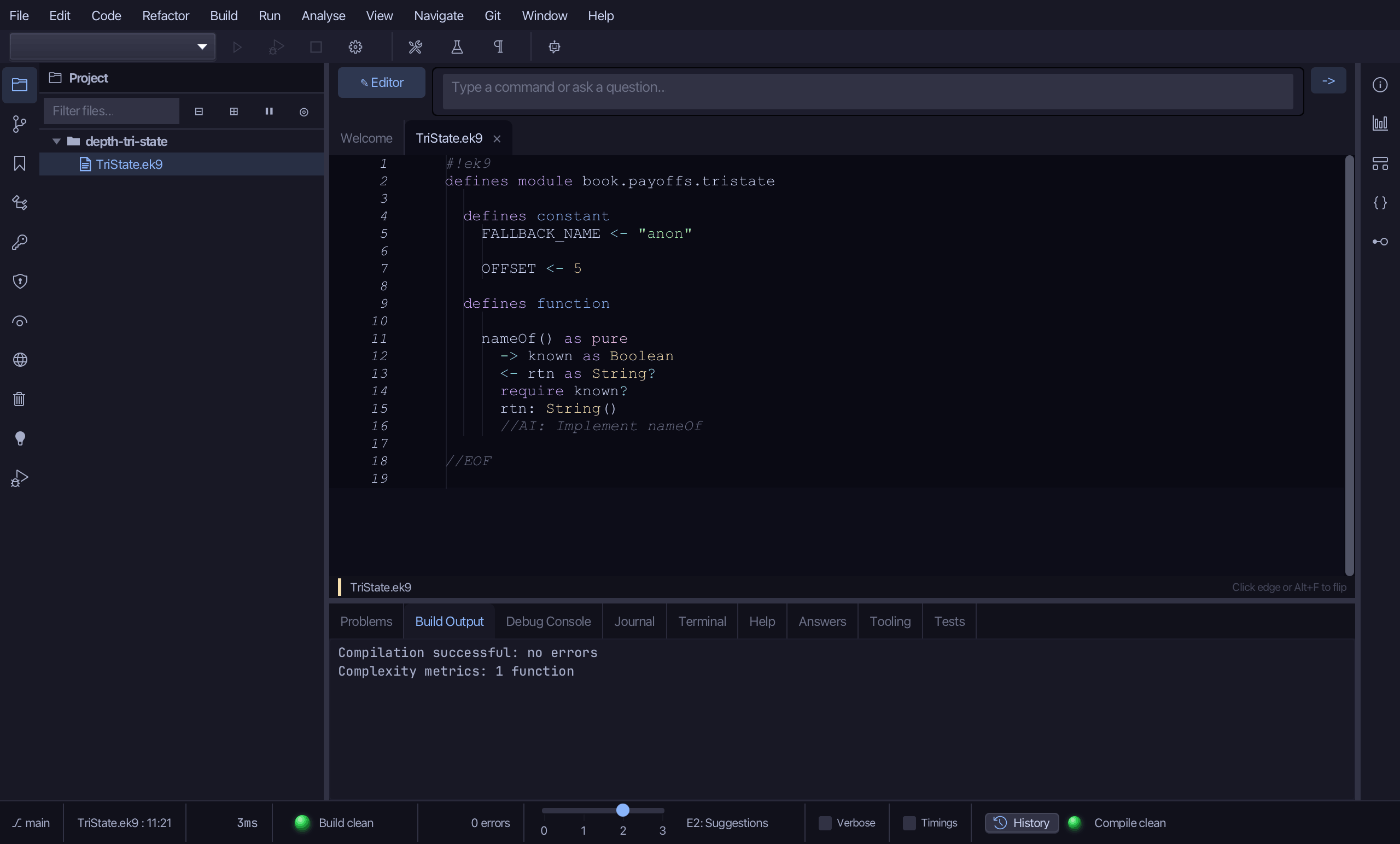
Select the nameOf() as pure line and, above it, type the blank line the book opens its first function with. Saves when typed.
Select the stub, from <- rtn as String? down to its //AI line, and type nameOf's own return and work, as the book writes them. Saves when typed.
Step 3: numberOf — a pure function
Choose Code > New Construct > Function…
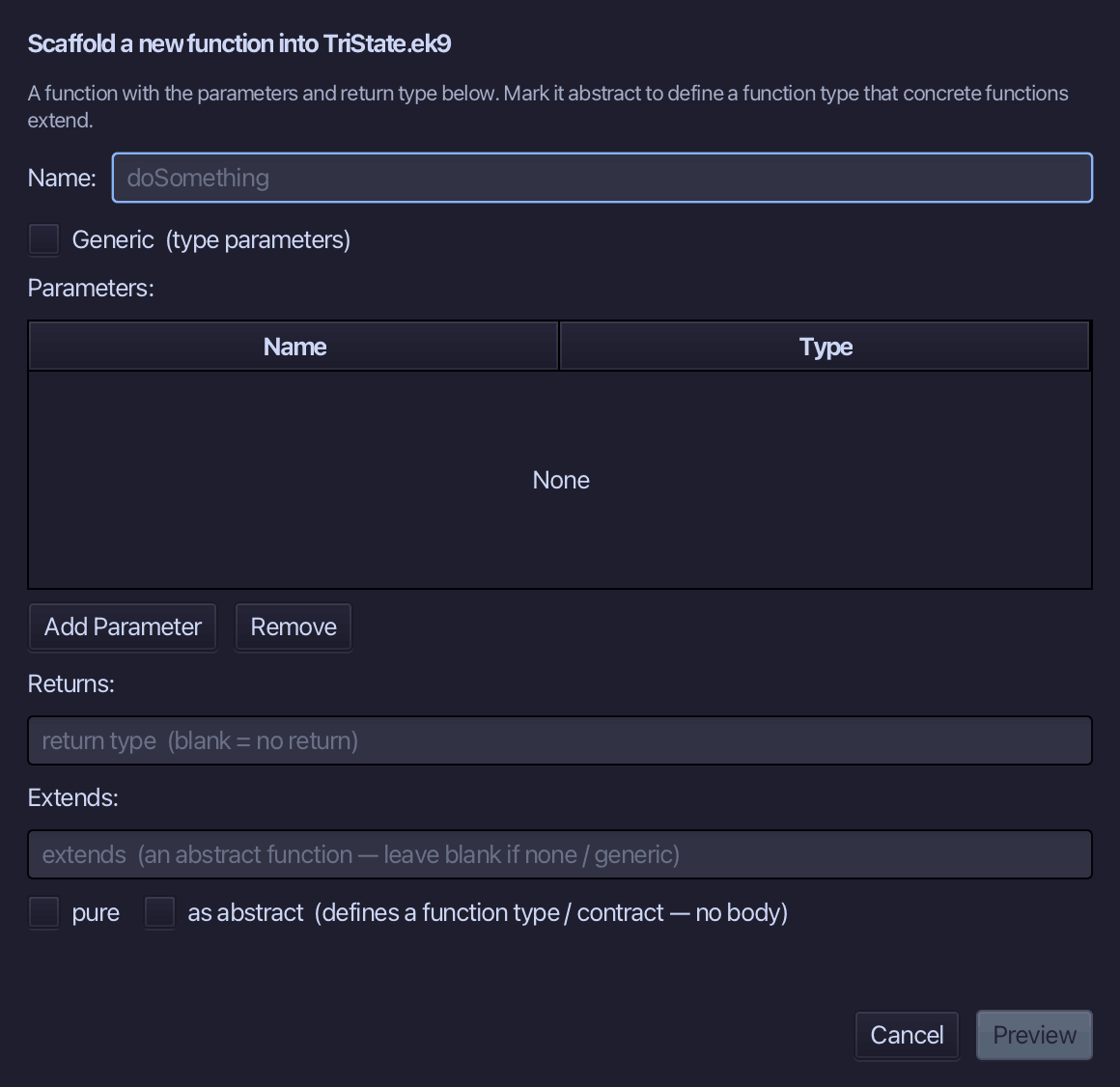
numberOf is the function's name. Add one parameter, known of type Boolean, set Returns to Integer and tick pure. Choose Preview.
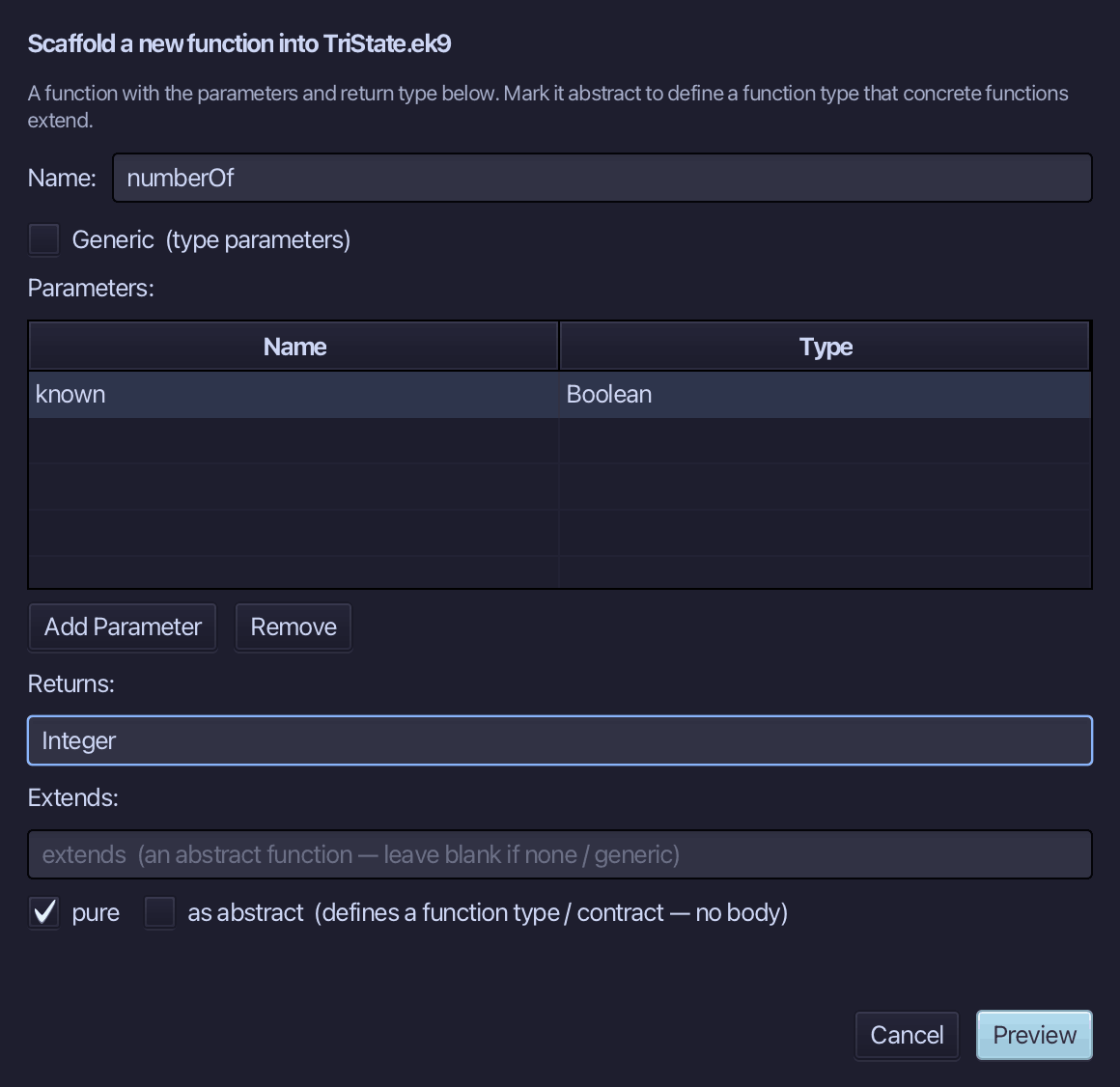
The preview shows numberOf about to be written. Choose Apply.
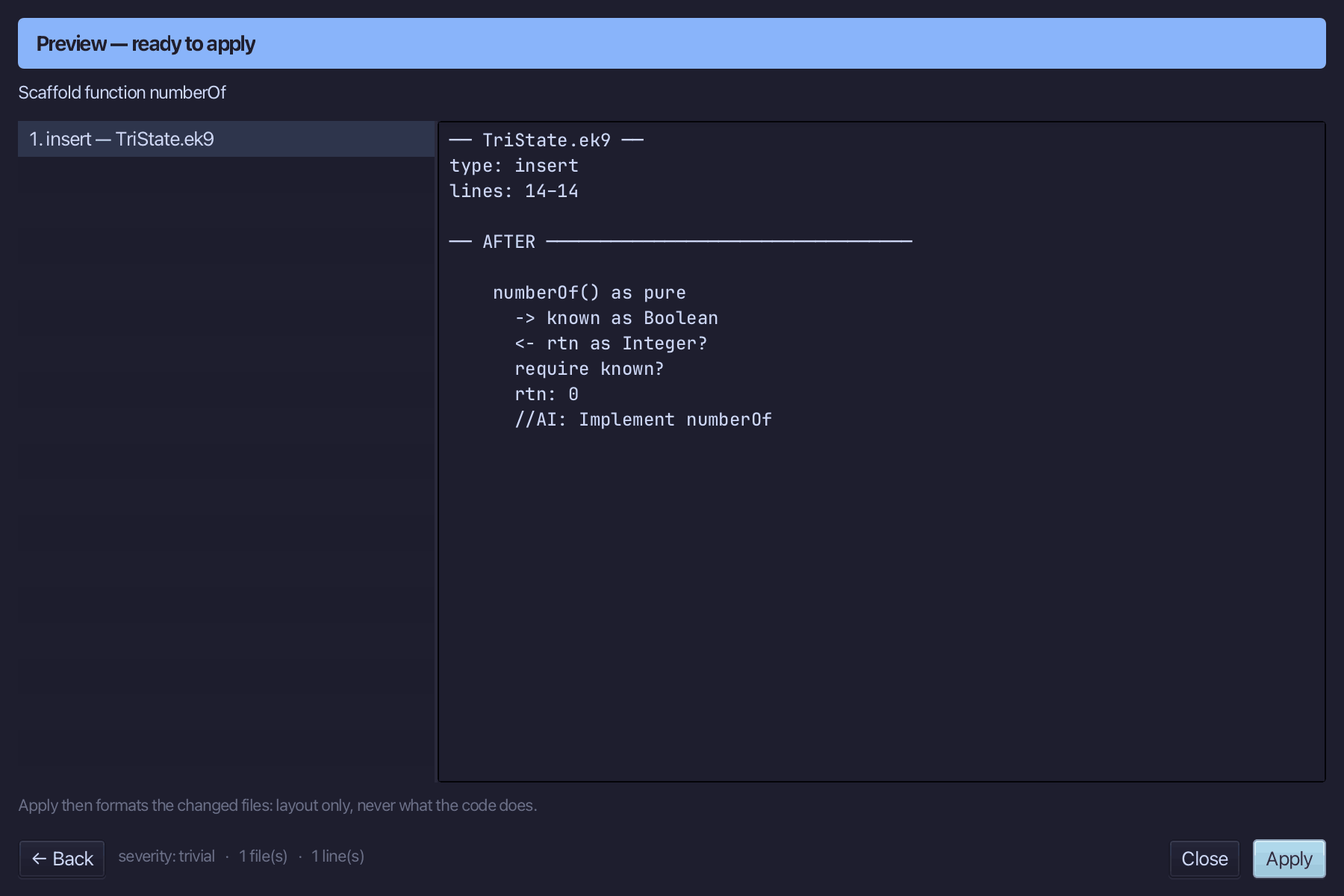
Select the stub, from <- rtn as Integer? down to its //AI line, and type numberOf's own return and work, as the book writes them. Saves when typed.
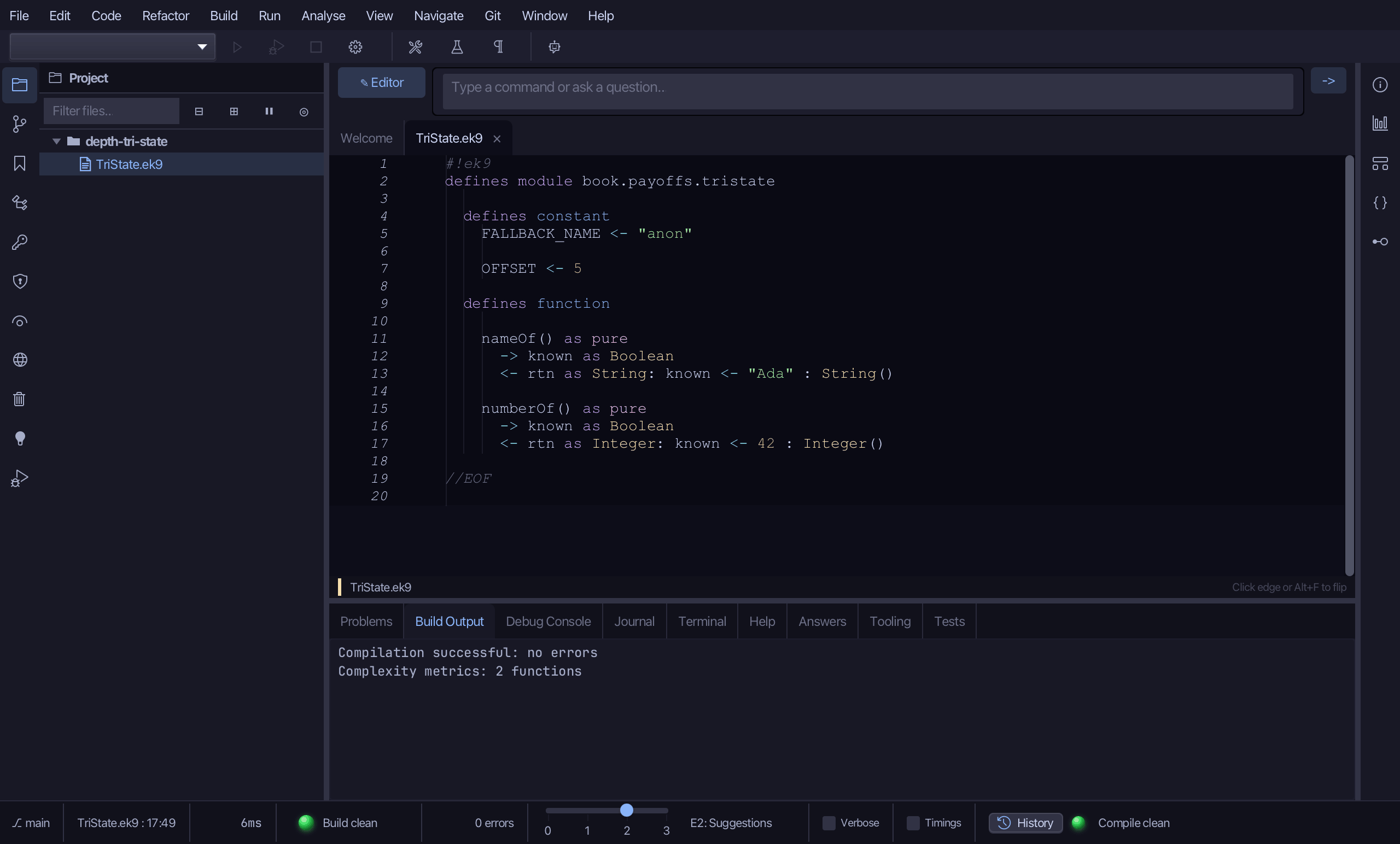
Step 4: The program
Choose Code > New Construct > Program…
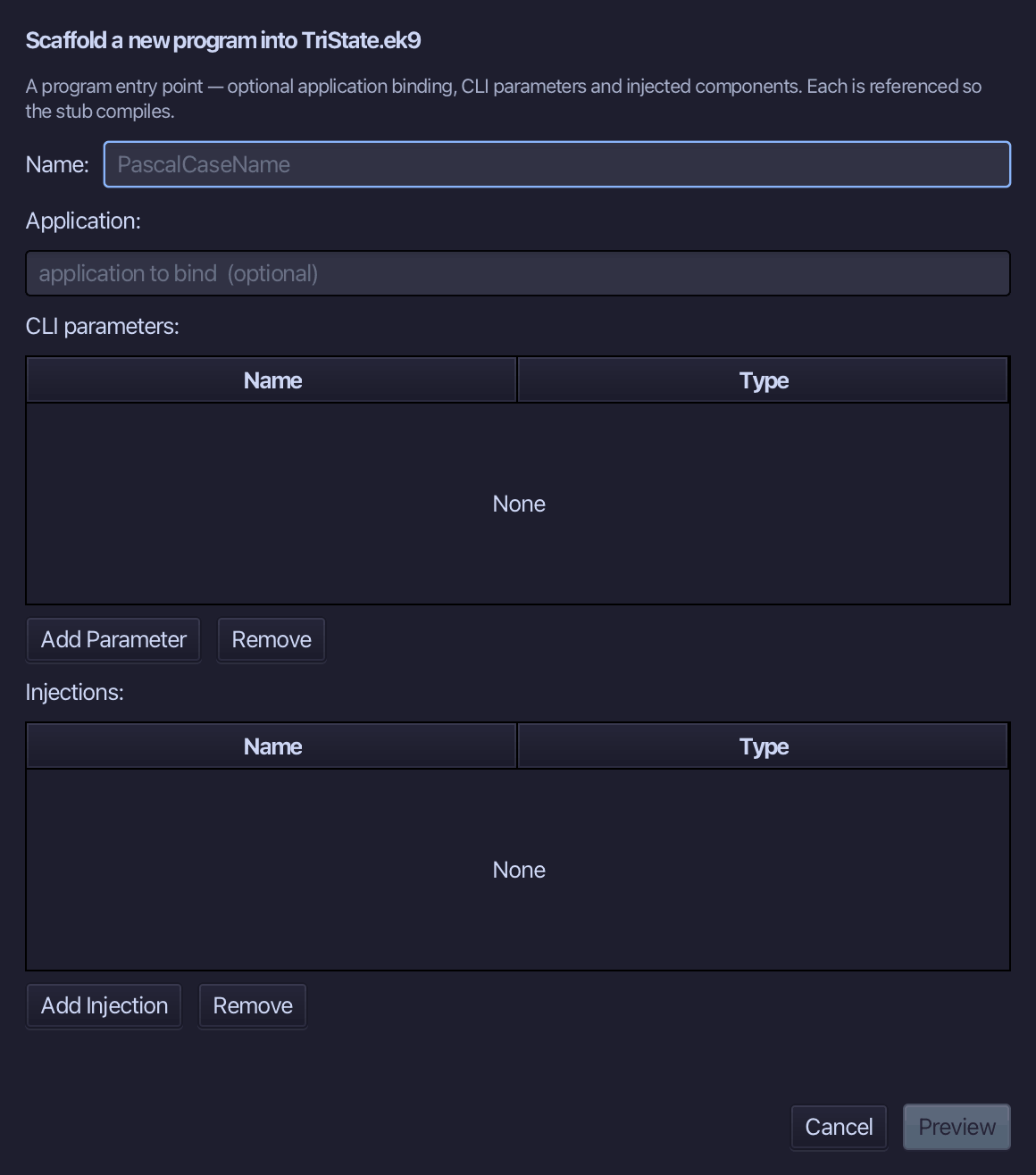
AssignIfUnset is the program's name. Choose Preview.
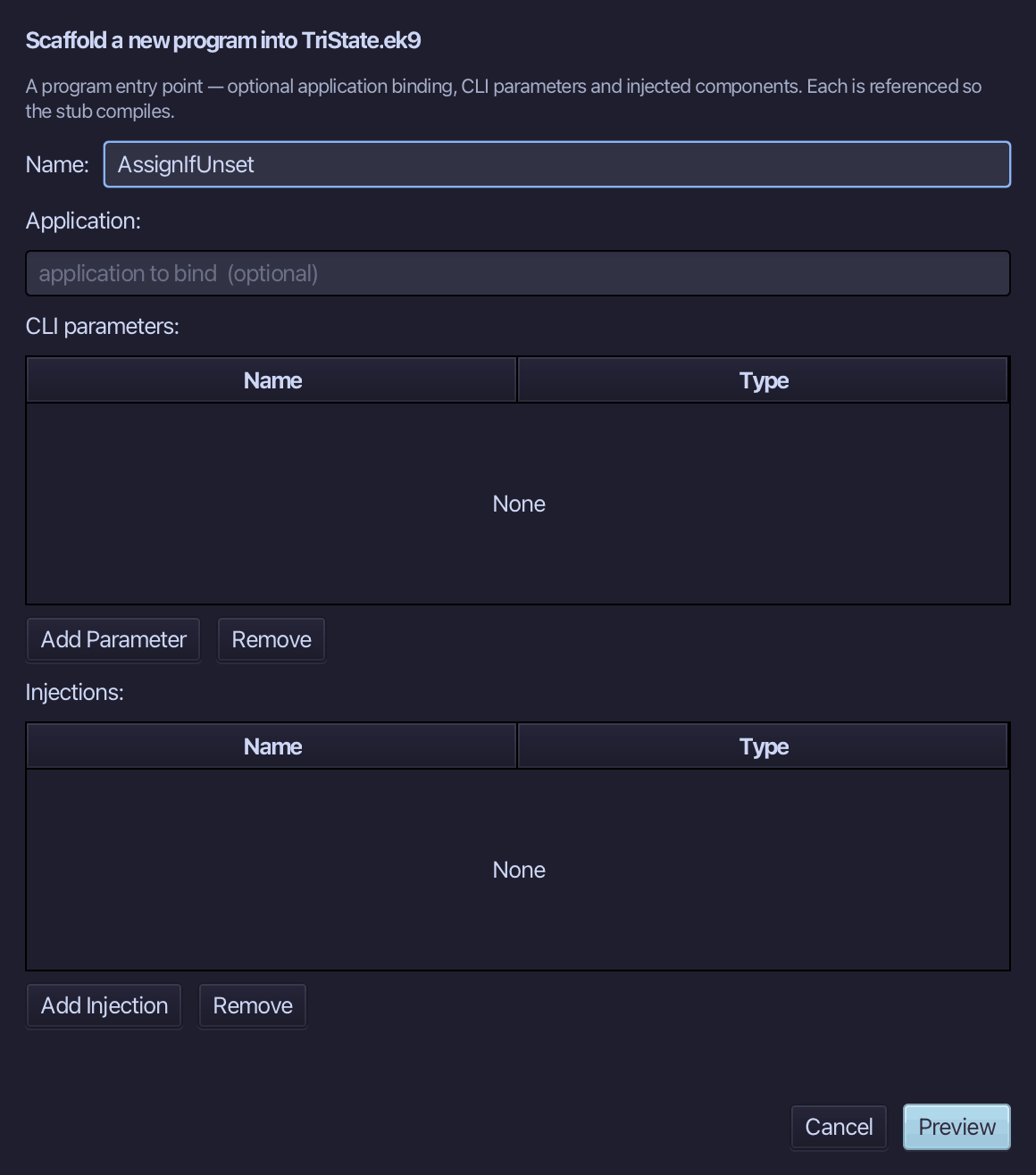
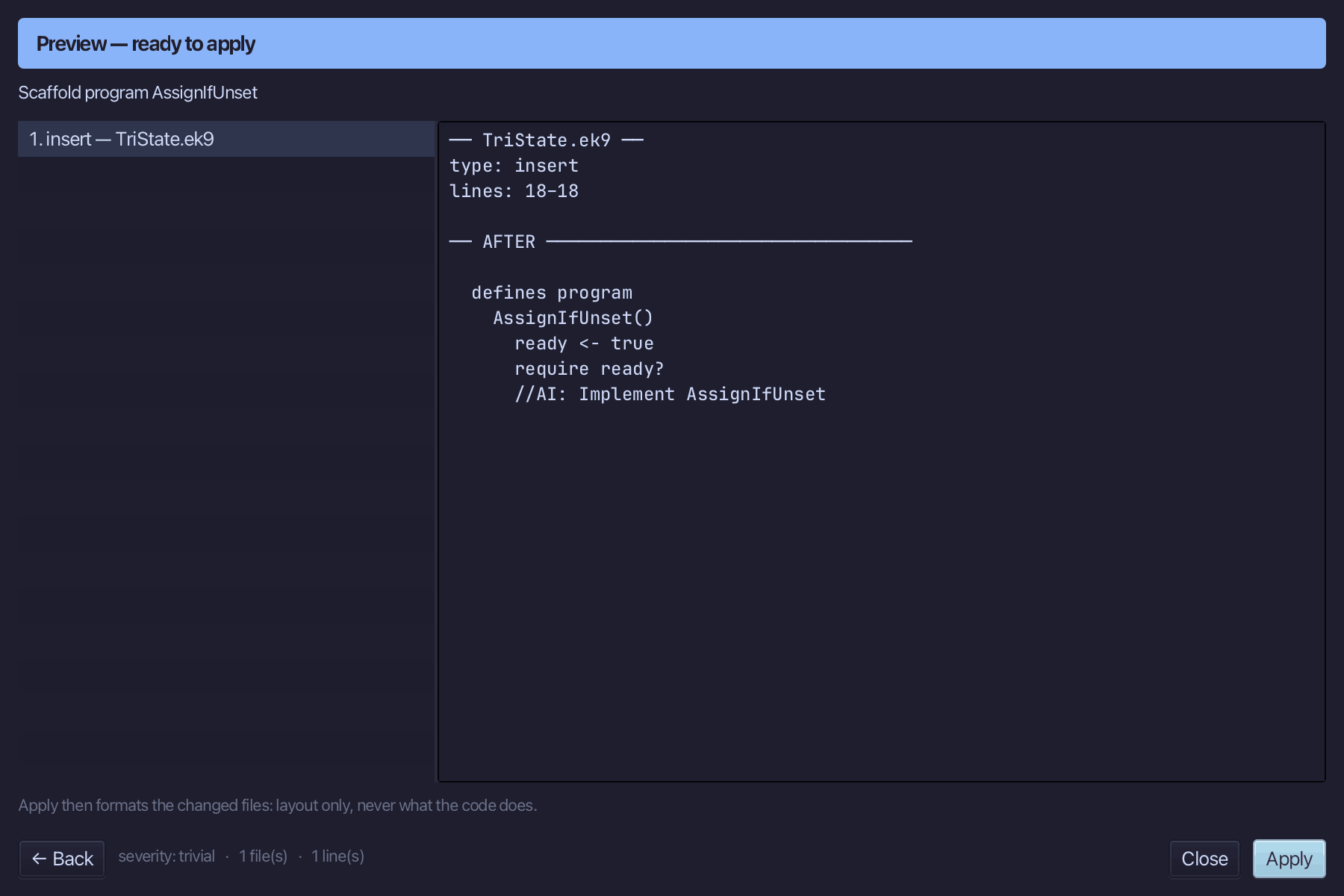
The preview shows AssignIfUnset about to be written. Choose Apply.
Select the AssignIfUnset() line and, above it, type the blank line the book opens the program with. Saves when typed.
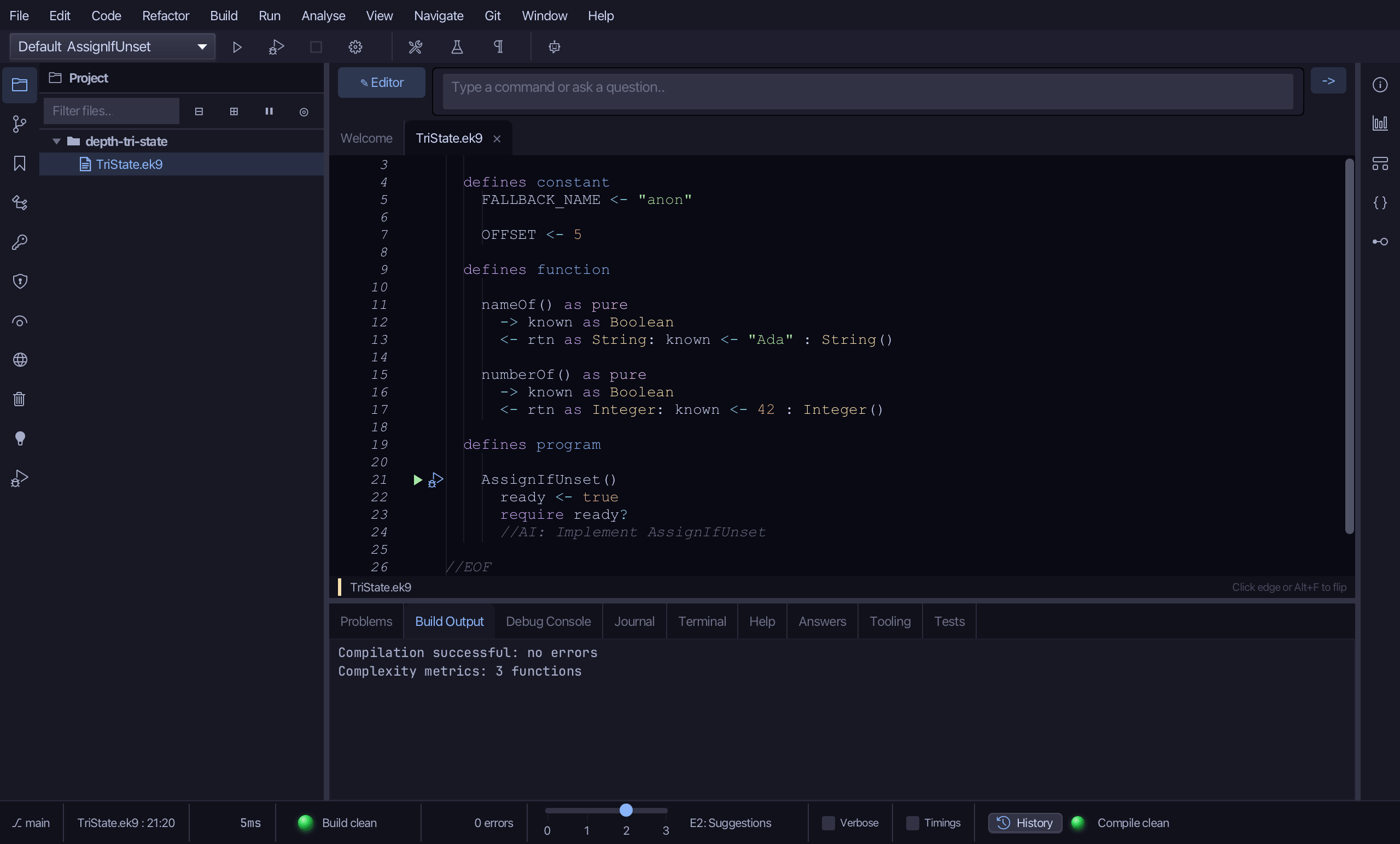
Select the stub, from ready <- true down to its //AI line, and type AssignIfUnset's body exactly as the chapter shows it. Saves when typed.
Step 5: Fallback — another program
Choose Code > New Construct > Program…
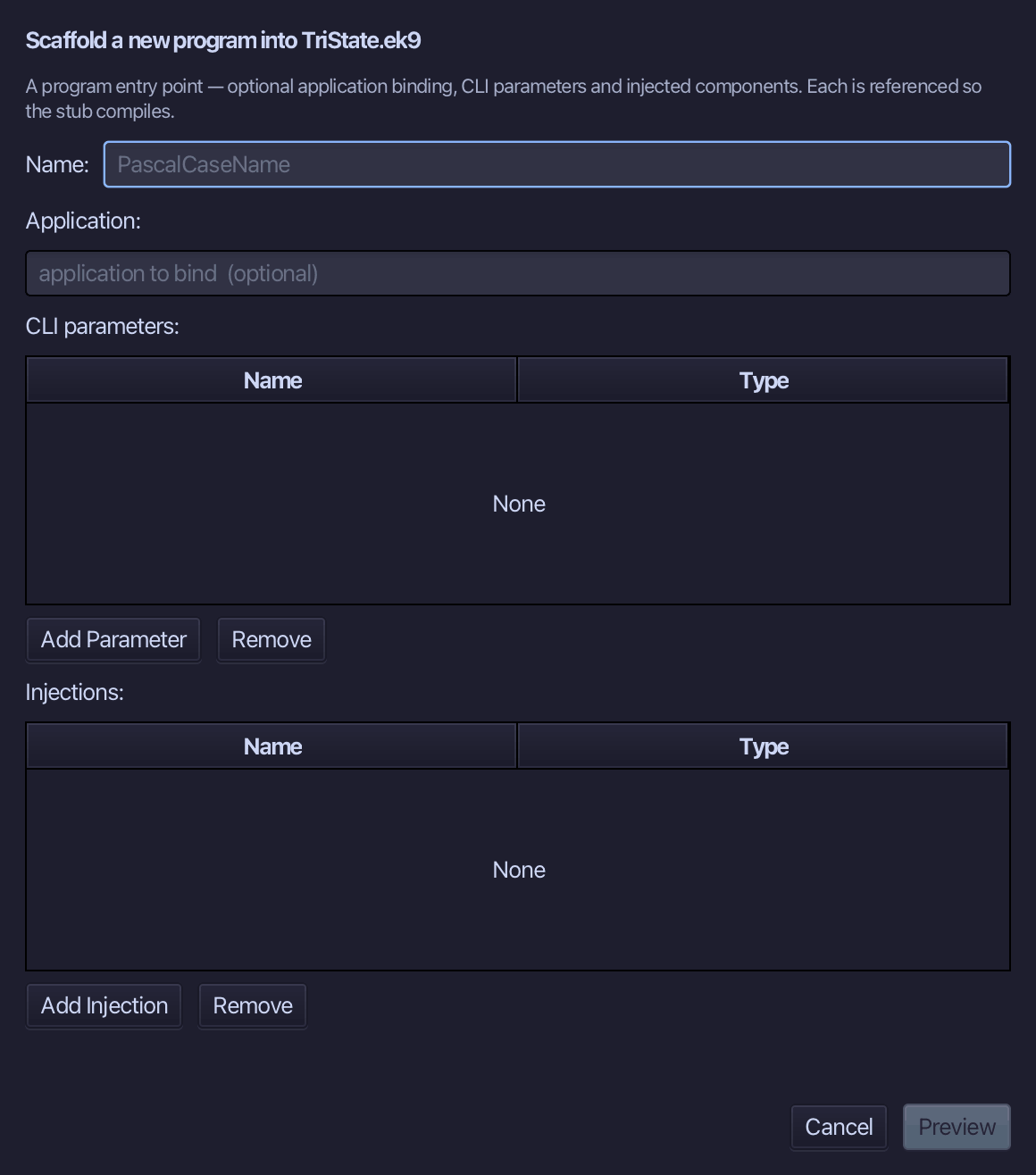
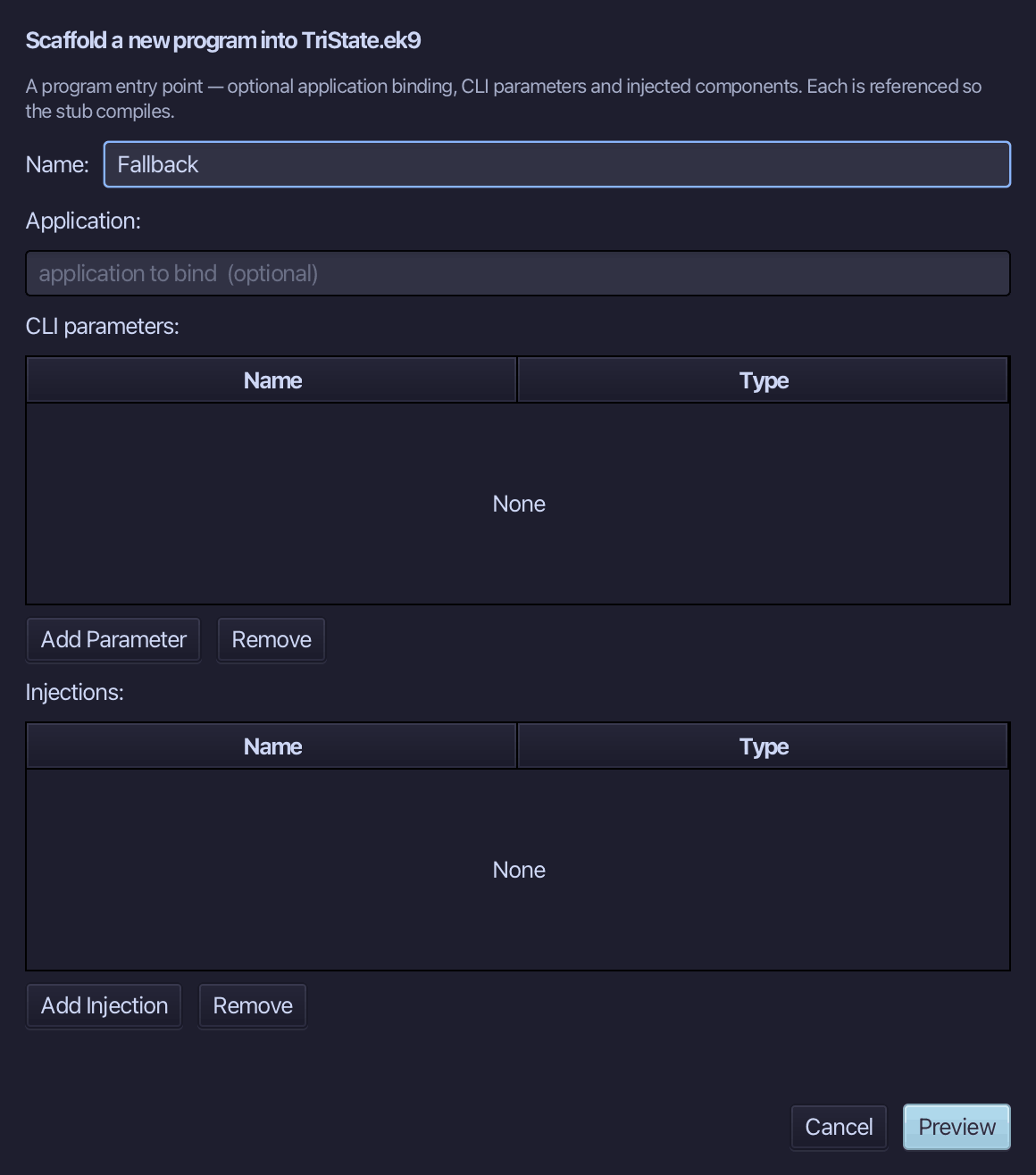
Fallback is the program's name. Choose Preview.
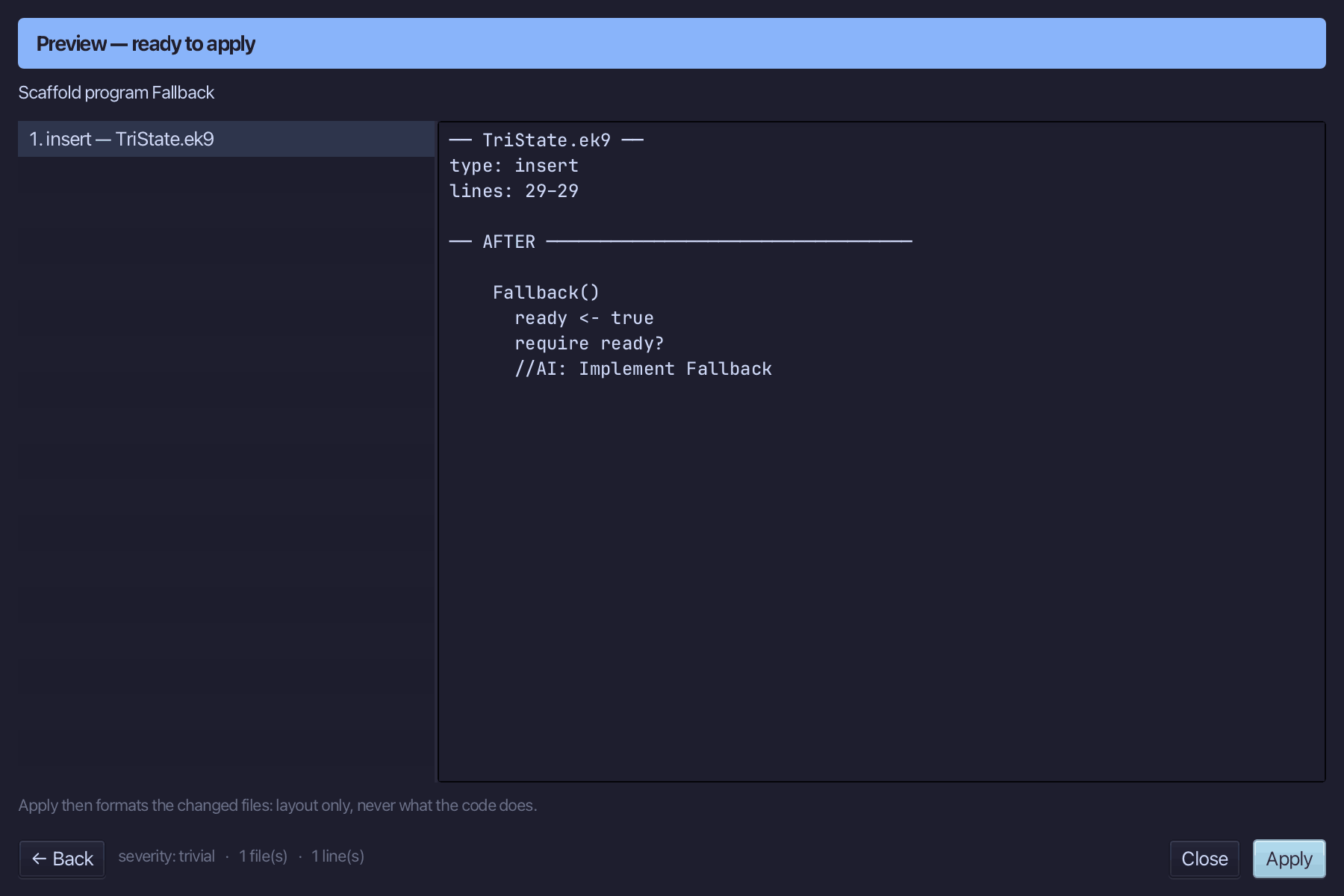
The preview shows Fallback about to be written after the program before it. Choose Apply.
Select the Fallback() line and, above it, type the blank line the book keeps between programs. Saves when typed.
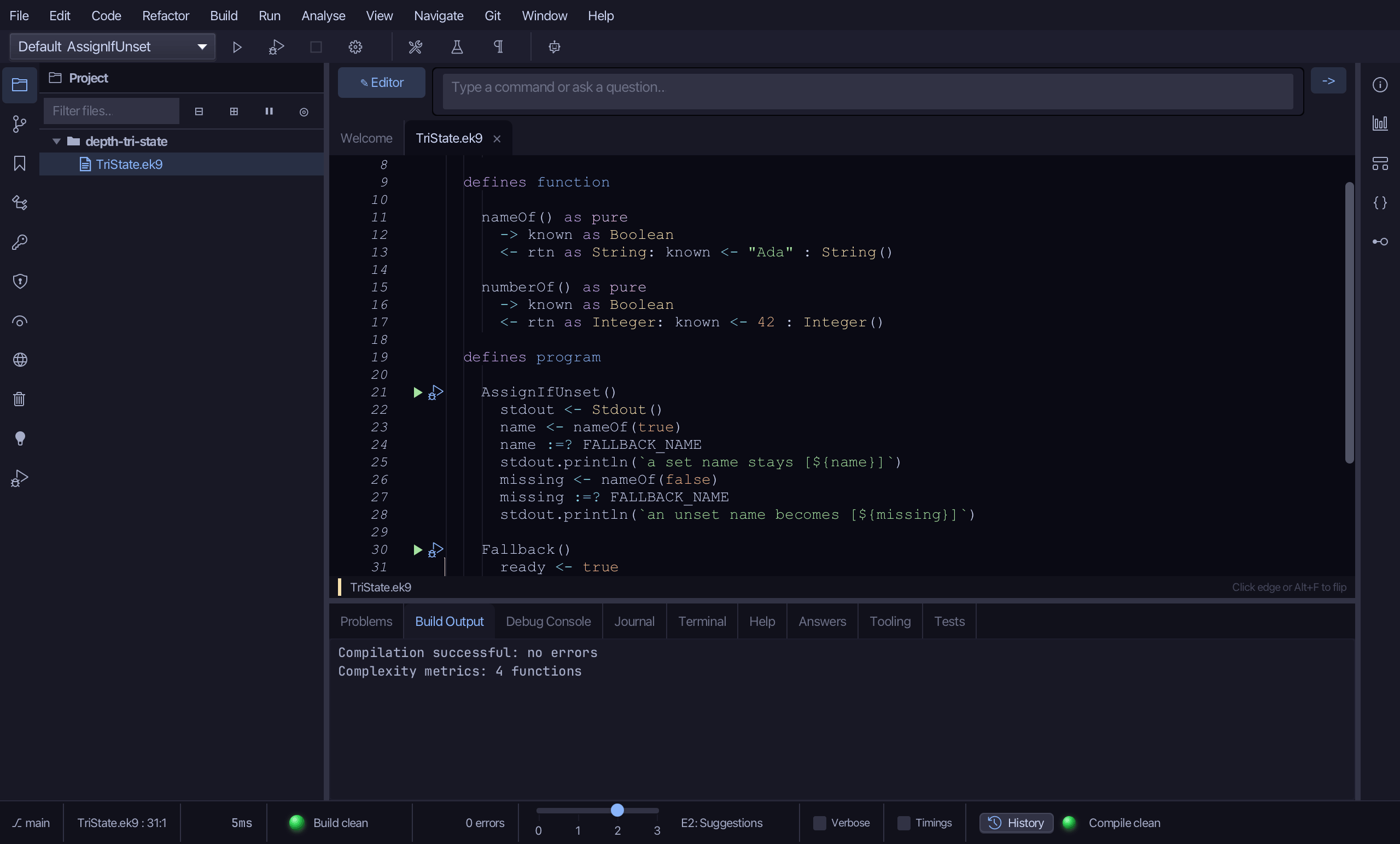
Select the stub, from ready <- true down to its //AI line, and type Fallback's body exactly as the chapter shows it. Saves when typed.
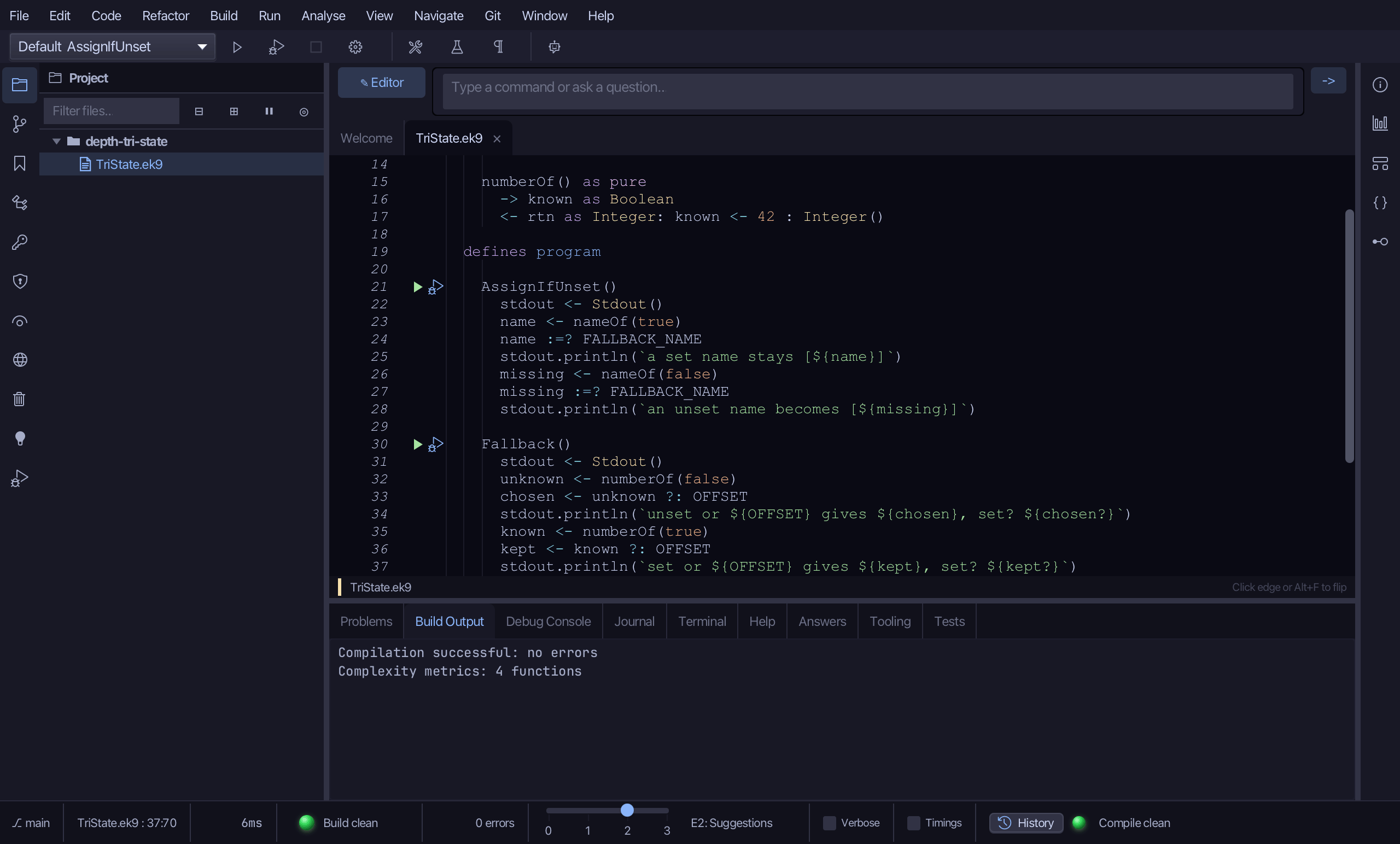
Step 6: UnsetFlows — another program
Choose Code > New Construct > Program…
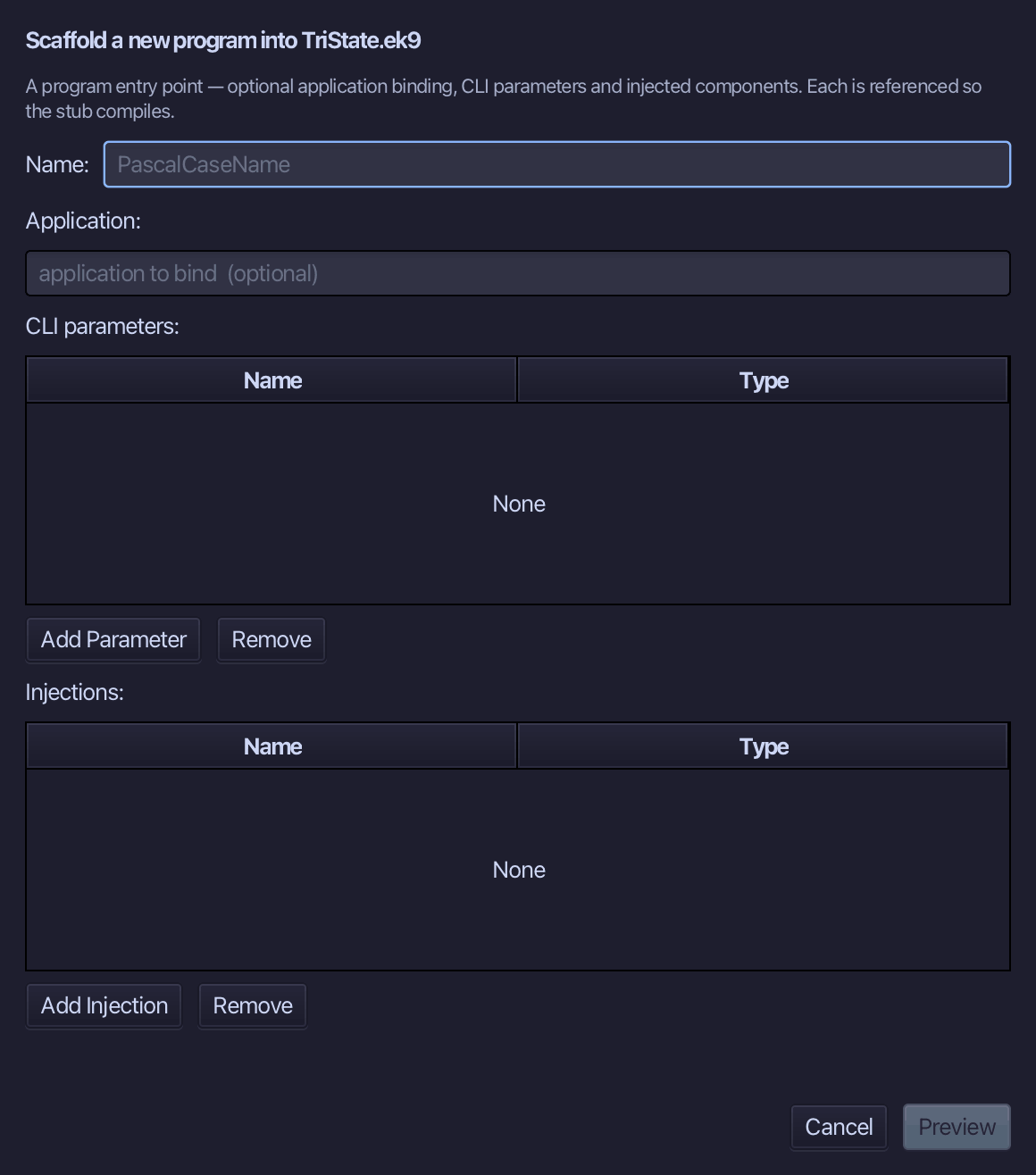
UnsetFlows is the program's name. Choose Preview.
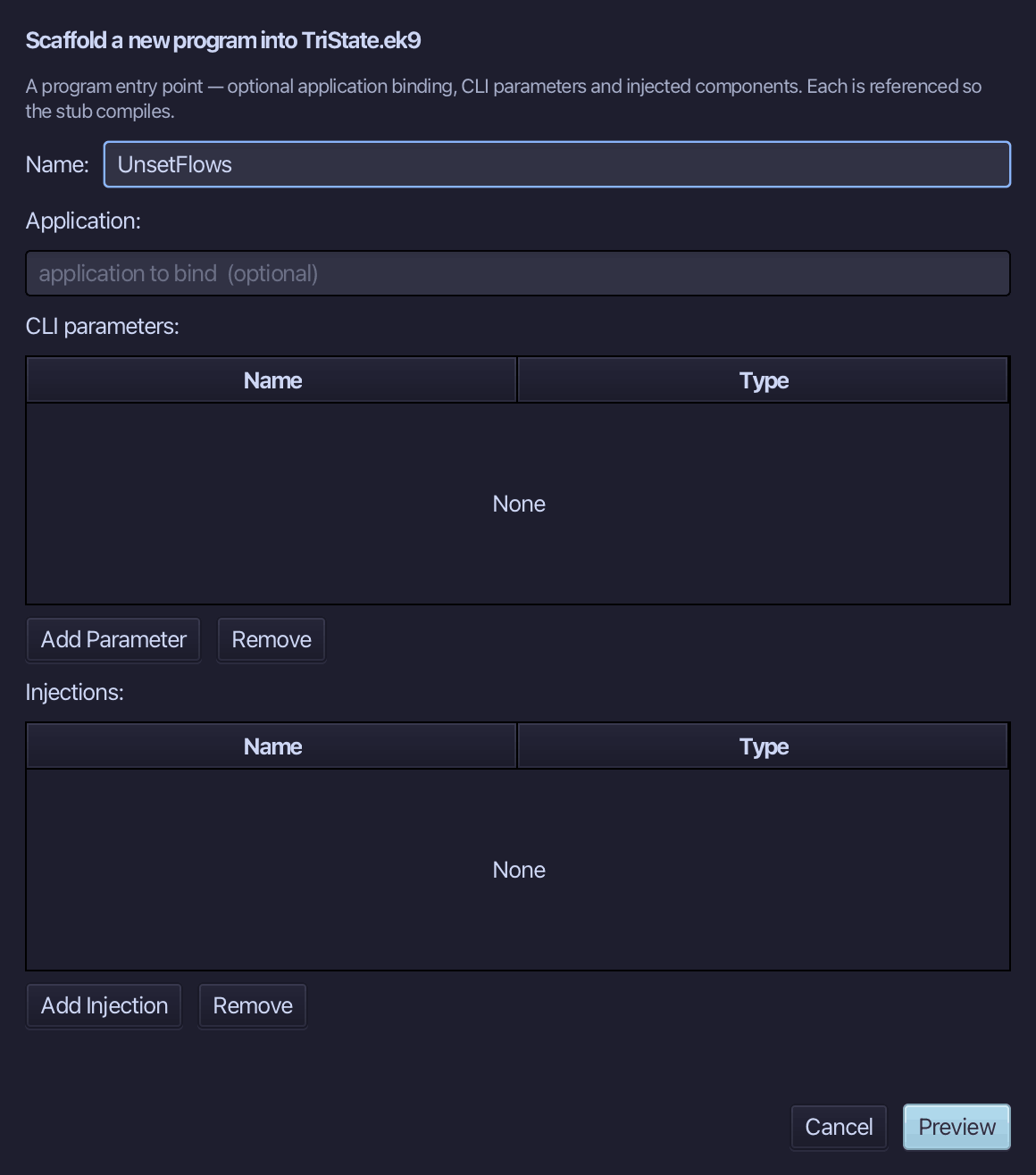
The preview shows UnsetFlows about to be written after the program before it. Choose Apply.
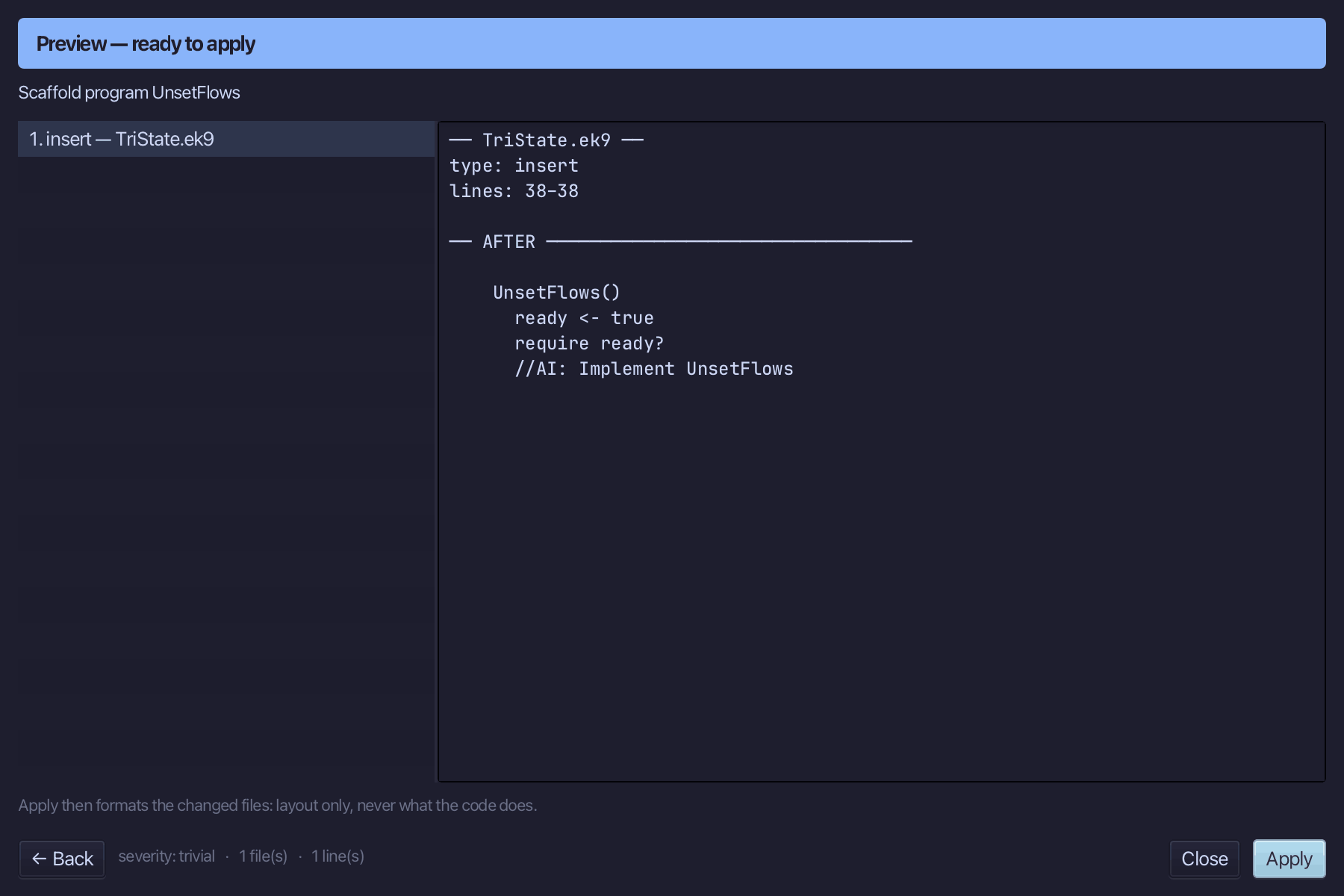
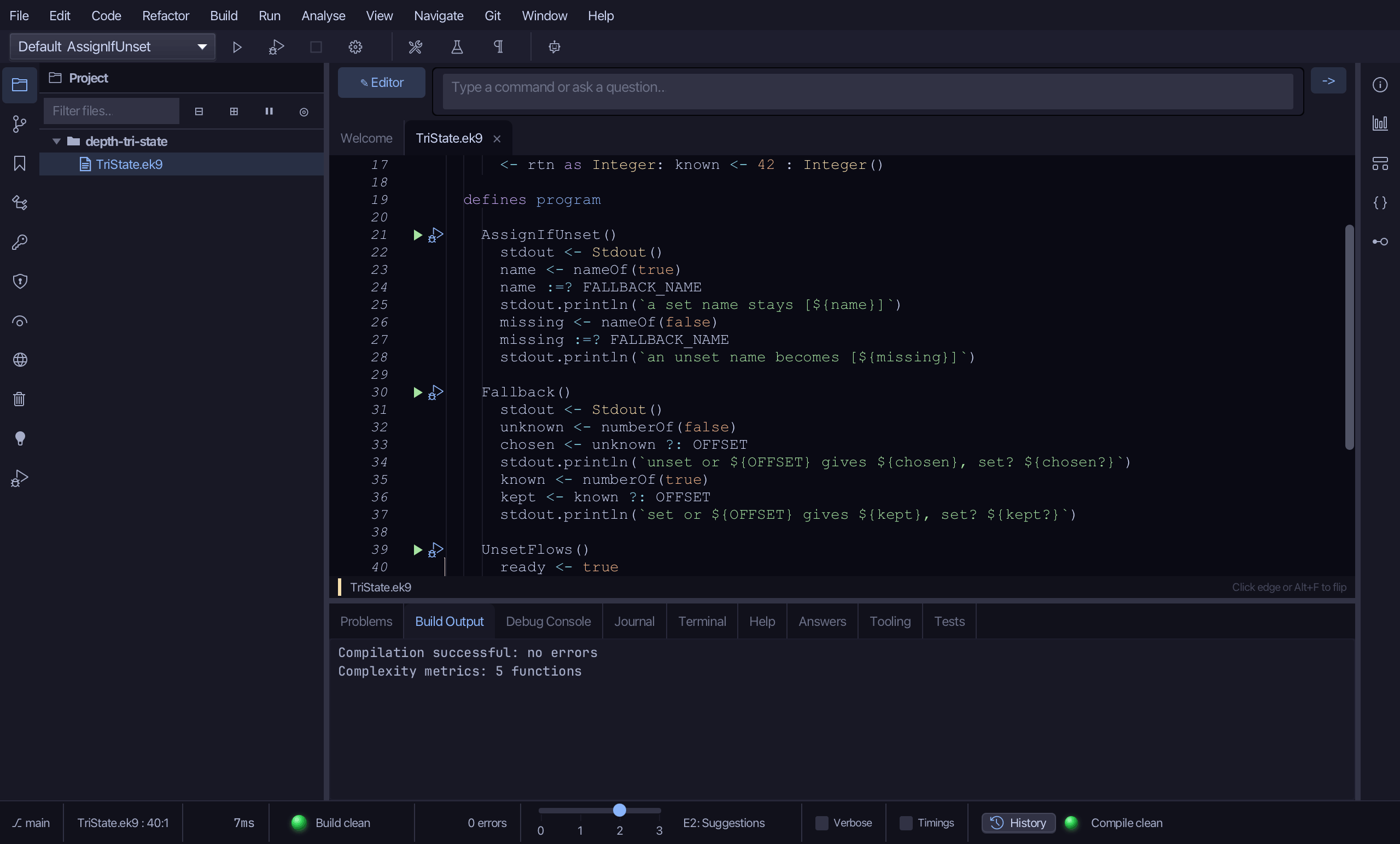
Select the UnsetFlows() line and, above it, type the blank line the book keeps between programs. Saves when typed.
Select the stub, from ready <- true down to its //AI line, and type UnsetFlows's body exactly as the chapter shows it. Saves when typed.
Step 7: Run it
Choose Run > Run Program…
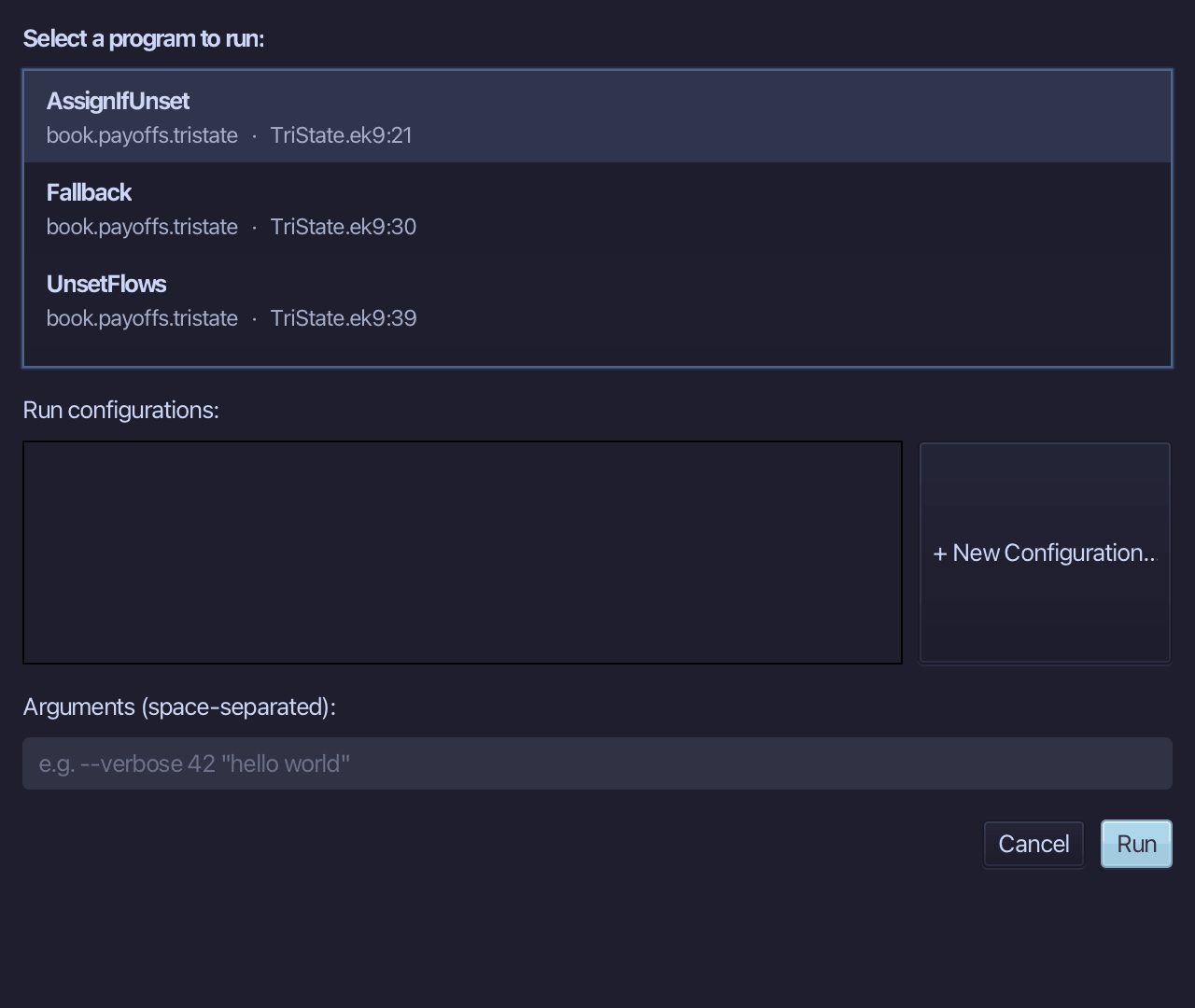
Choose AssignIfUnset from the list, then choose Run.
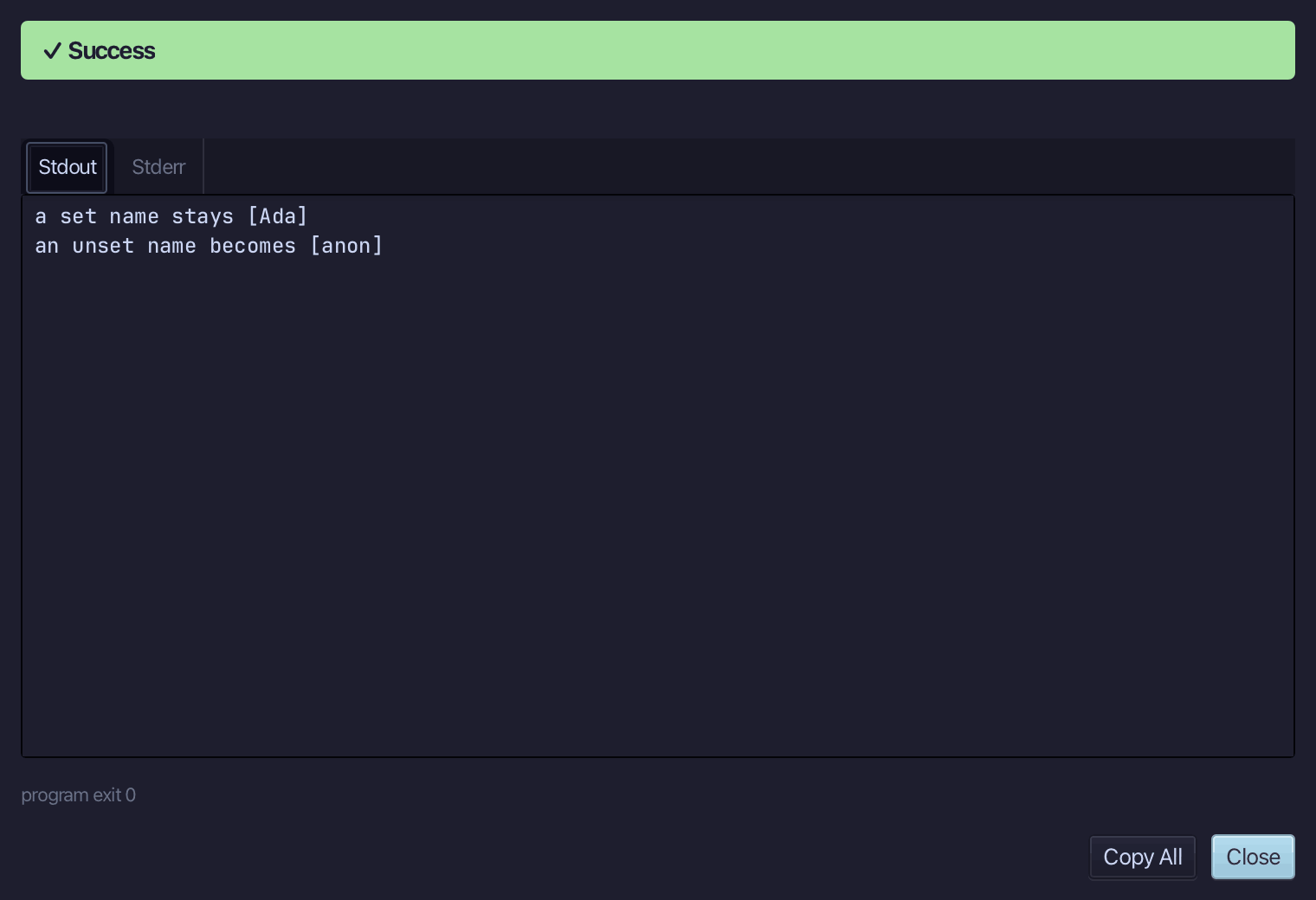
a set name stays [Ada], and an unset name becomes [anon]. Choose Close.
Step 8: Run Fallback
Choose Run > Run Program…
Choose Fallback from the list, then choose Run.
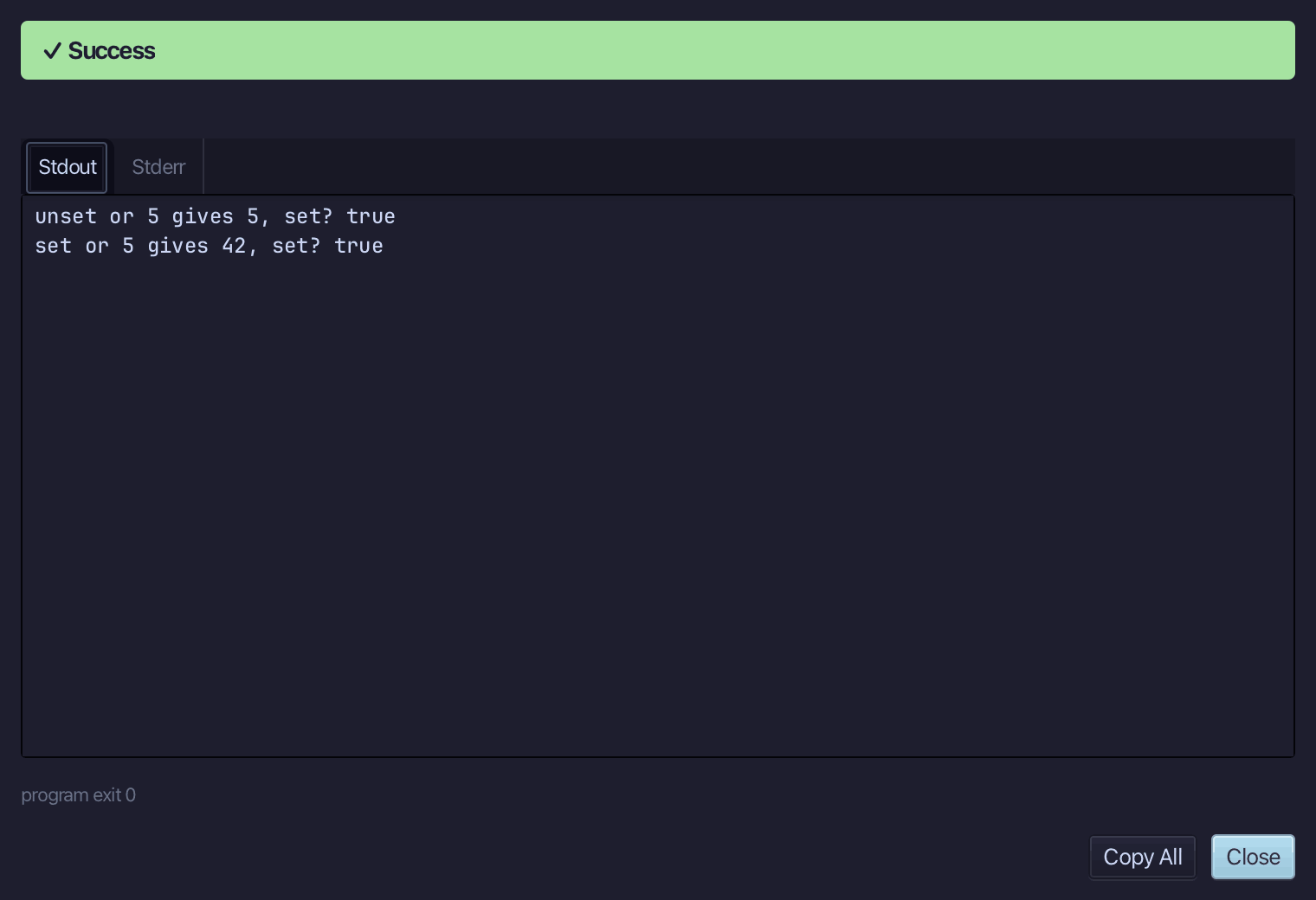
unset or 5 gives 5, set? true; then set or 5 gives 42, set? true. Choose Close.
Step 9: Run UnsetFlows
Choose Run > Run Program…
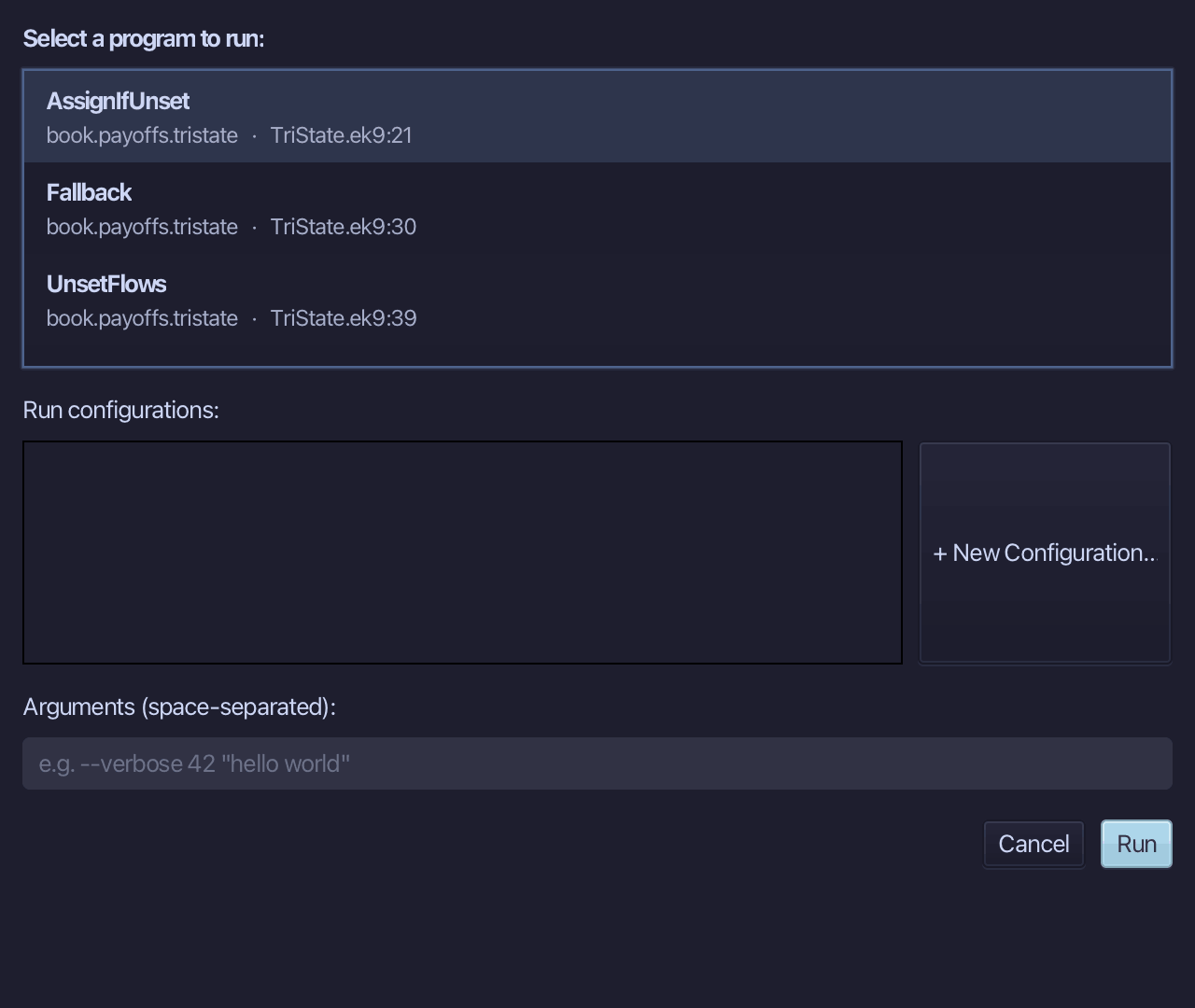
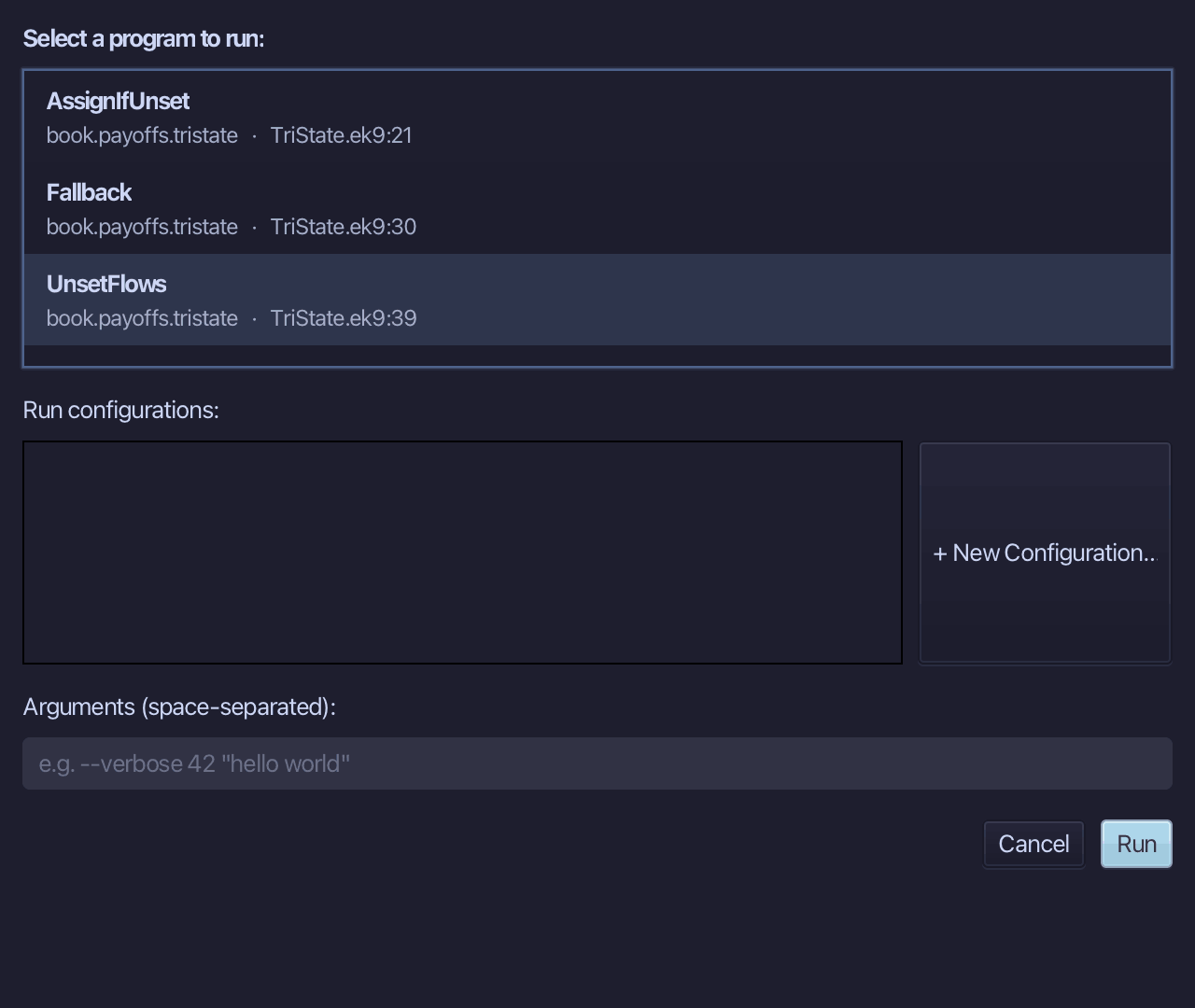
Choose UnsetFlows from the list, then choose Run.
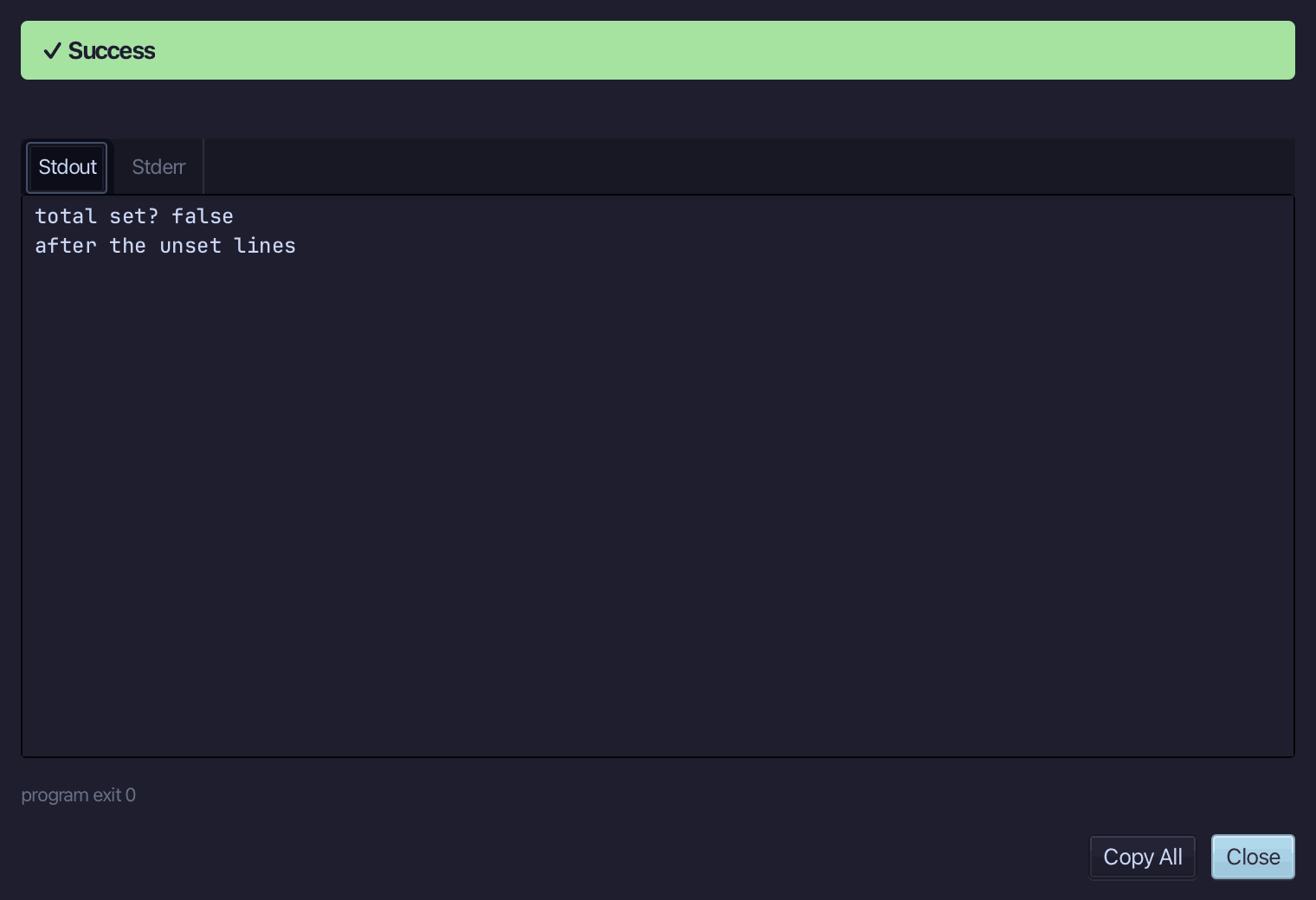
only two lines: total set? false, and after the unset lines - the interpolated string and the printed $total were unset, so they printed nothing. Choose Close.
The result
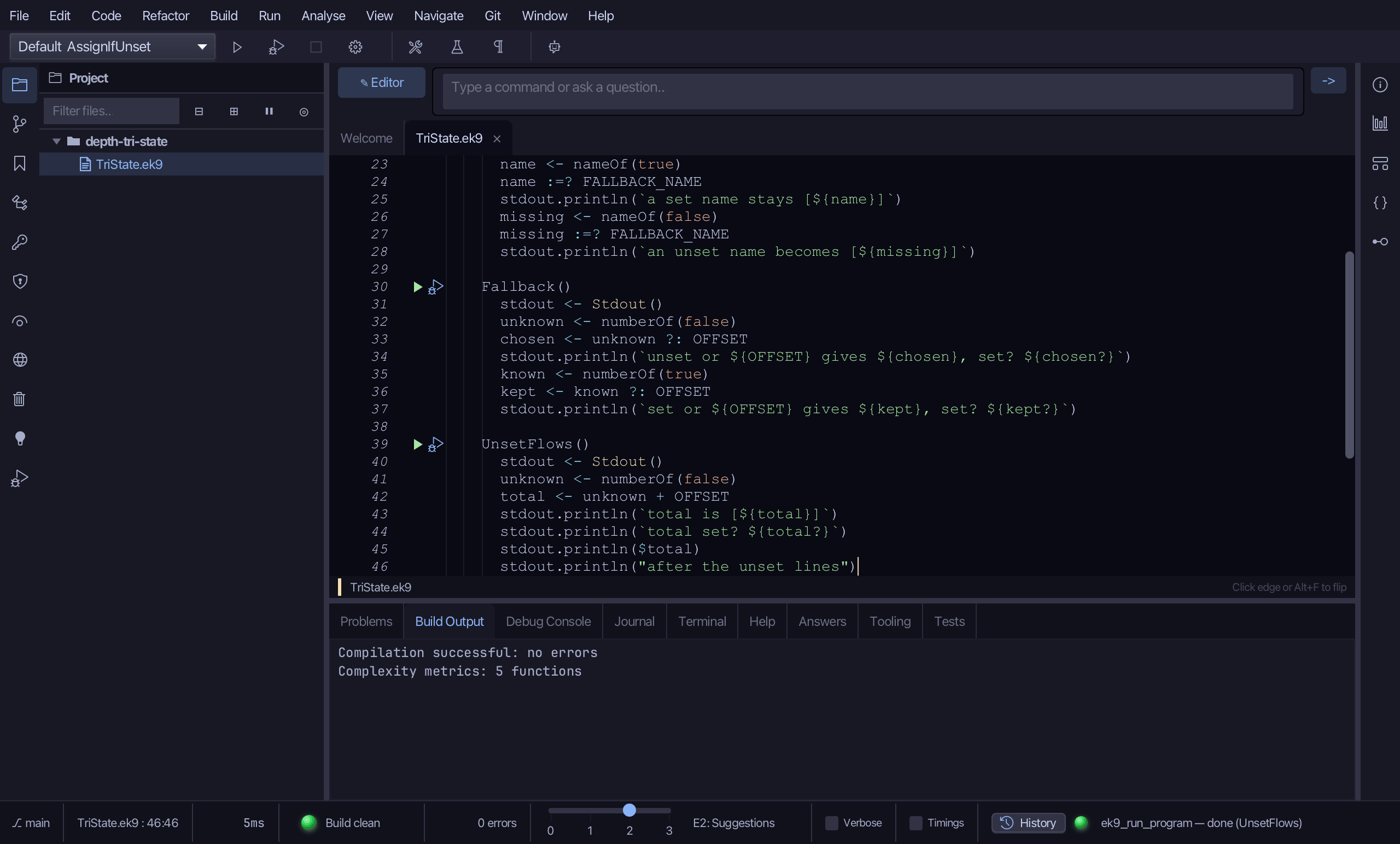
TriState.ek9 now reads exactly as chapter 41 of EK9 in Depth shows it. Three programs, one lesson each: :=? never overwrites a real value, ?: gives its right side only when its left is unset, and the sum with an unset operand is unset - which prints nothing at all, only total? says so.
Where this lesson comes from
- For AI assistants - the MCP tool
ek9_new_construct,ek9_add_program.