Chapter 19: a component, built
Chapter 19 builds a component: Pricing, an interface hiding the types that work out a price - a TaxTable class and a basePrice function - behind ONE method, totalPrice. The program depends on Pricing alone; it never mentions TaxTable or basePrice. The IDE's own tools make the structure - each class, function and component's whole signature - so what is left to type is only the logic no tool can write: what surcharge and basePrice return, how StandardPricing works out its answer, what Show prints. To play it in the IDE: Help > Lessons > Writing code…, or ek9 -ide -lesson book-components.
What you'll build
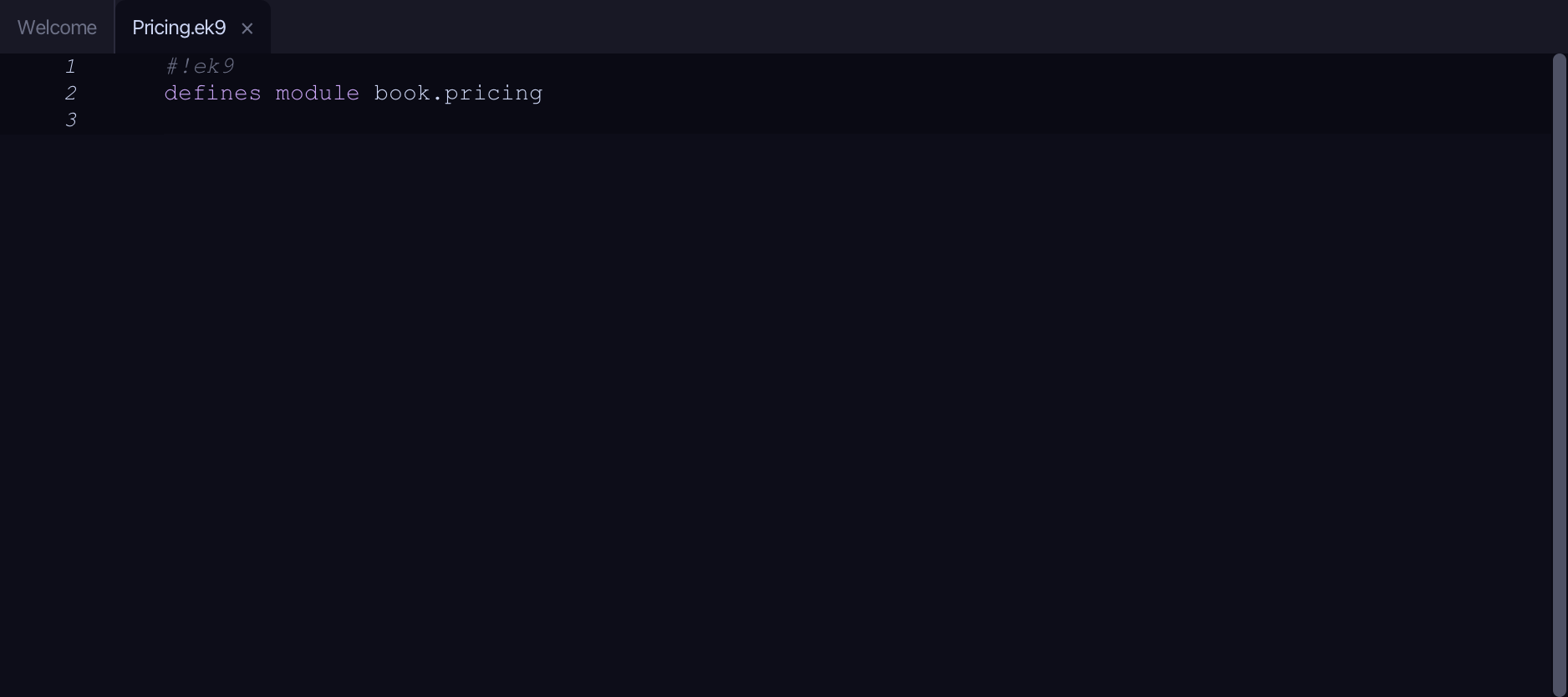
The lesson builds this program from a file holding only its module line - the finished file, as the book prints it.
#!ek9
defines module book.pricing

  defines class
    TaxTable
      surcharge()
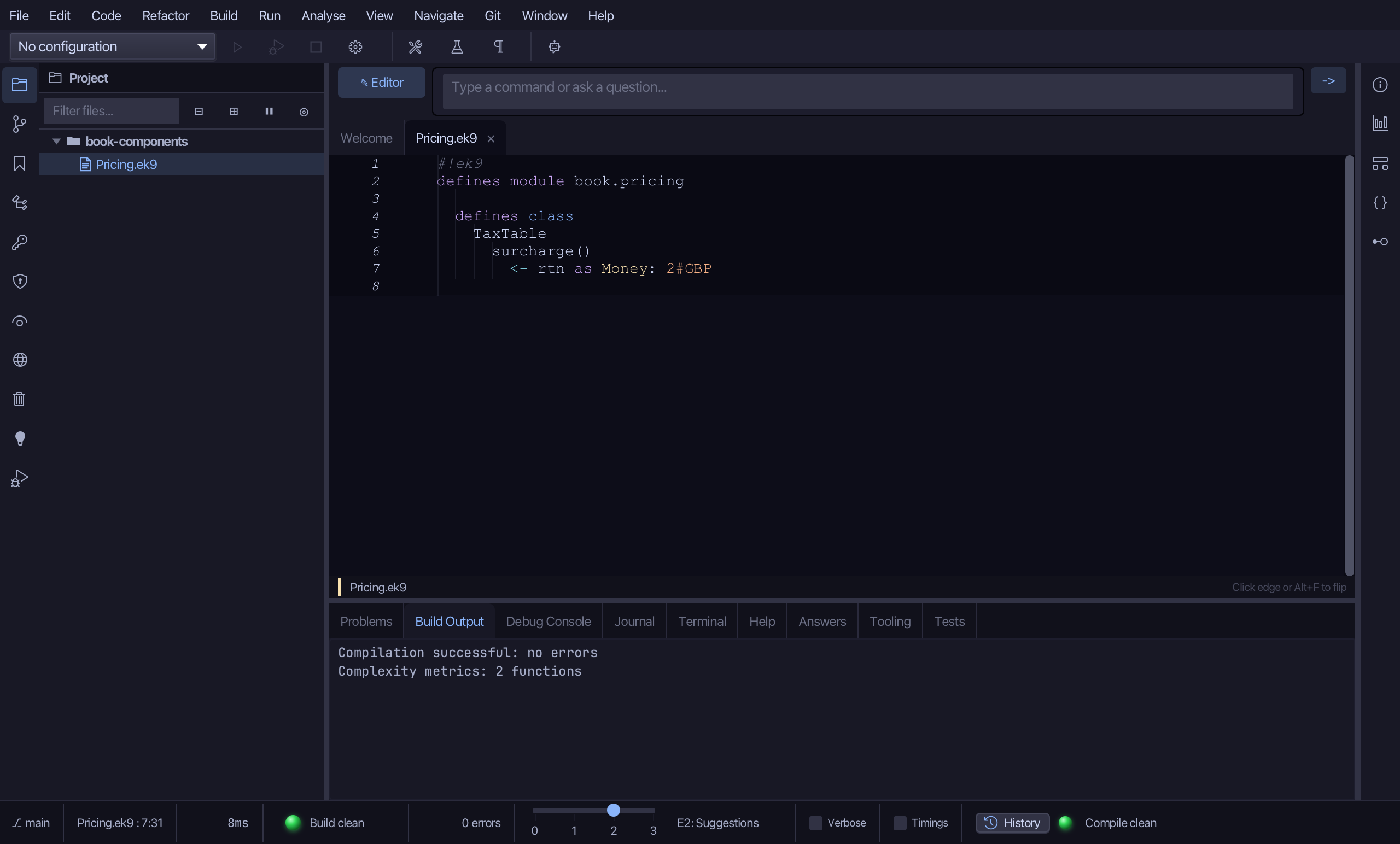
        <- rtn as Money: 2#GBP

  defines function
    basePrice()
      <- rtn as Money: 10#GBP

  defines component
    Pricing as abstract
      totalPrice() as abstract
        <- rtn as Money?

    StandardPricing is Pricing
      override totalPrice()
        <- rtn as Money?
        table <- TaxTable()
        rtn: basePrice() + table.surcharge()

  defines program
    Show()
      stdout <- Stdout()
      pricing as Pricing: StandardPricing()
      stdout.println(`total price: ${pricing.totalPrice()}`)
Step 1: TaxTable — and surcharge
Choose Code > New Construct > Class…
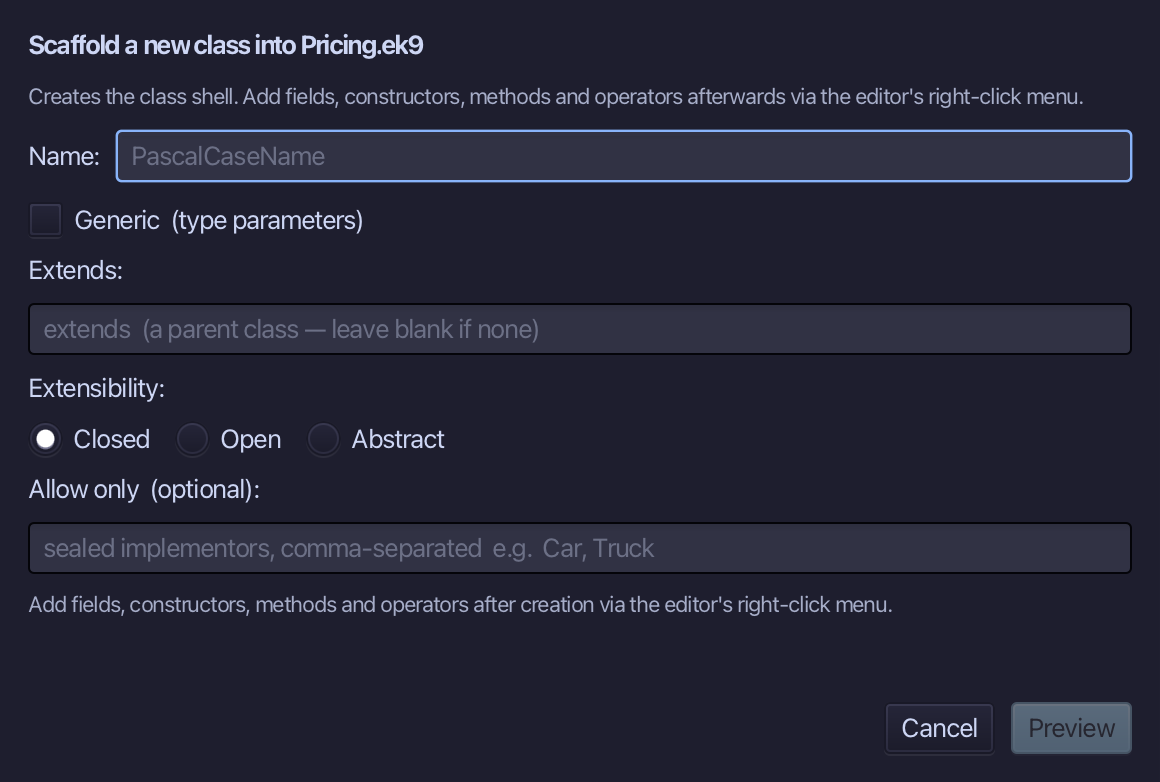
TaxTable is the class's name - a helper behind the interface, never mentioned by the program. Type TaxTable and choose Preview.
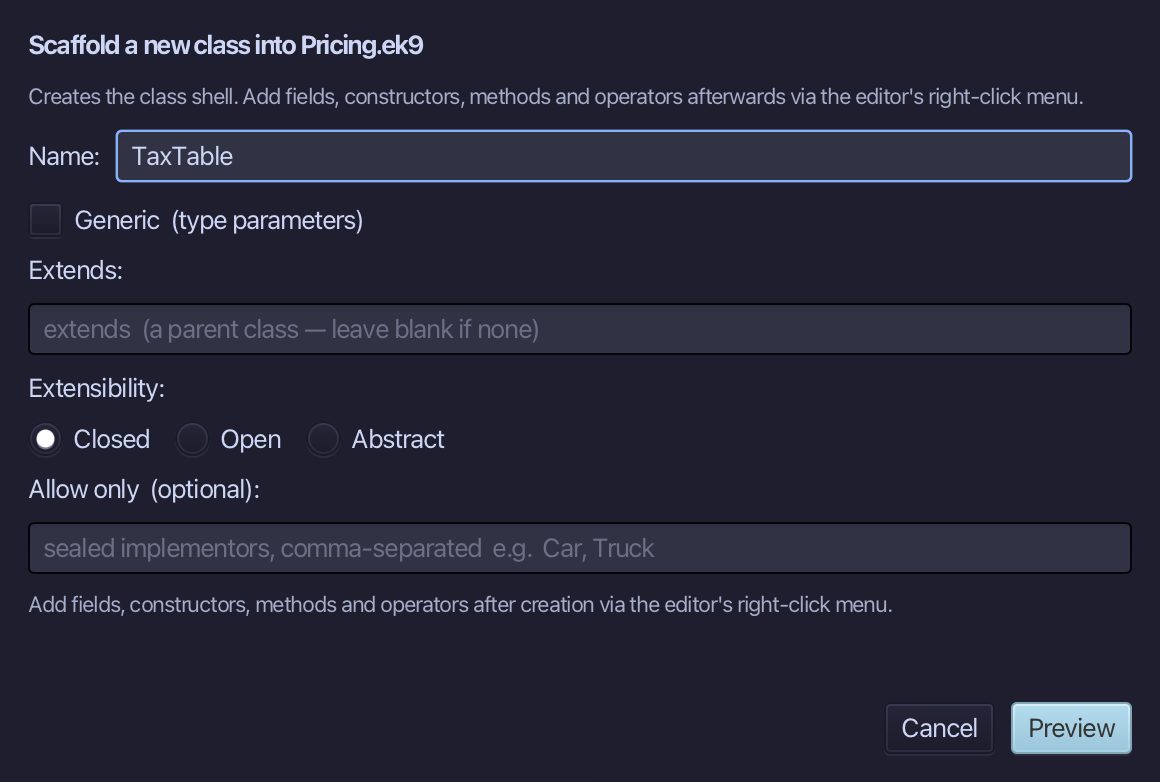
The preview shows TaxTable about to be written - a shell, nothing inside it yet. Choose Apply.
Right-click the TaxTable line and choose Add Method…
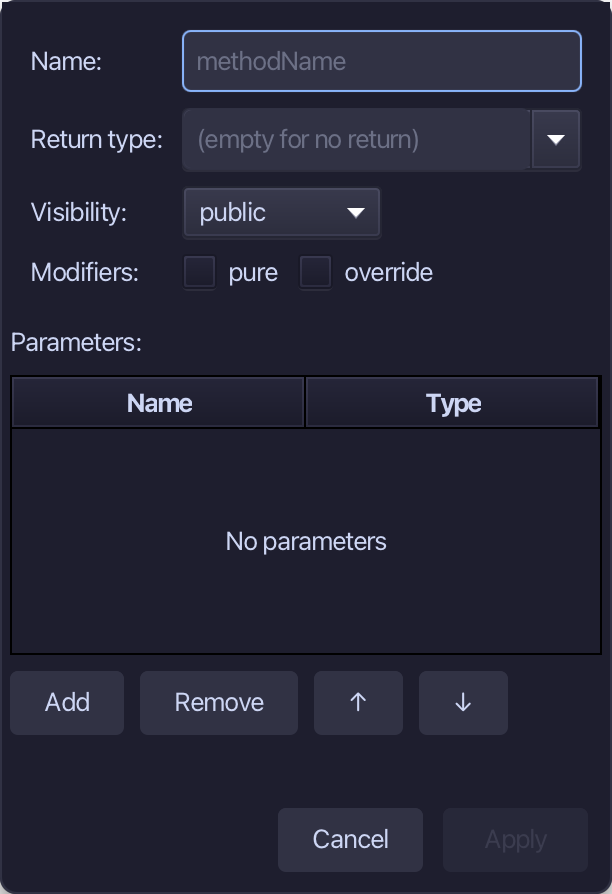
surcharge is the method's name, Money the return type - not pure: a real TaxTable would look this up. Fill them in and choose Apply.
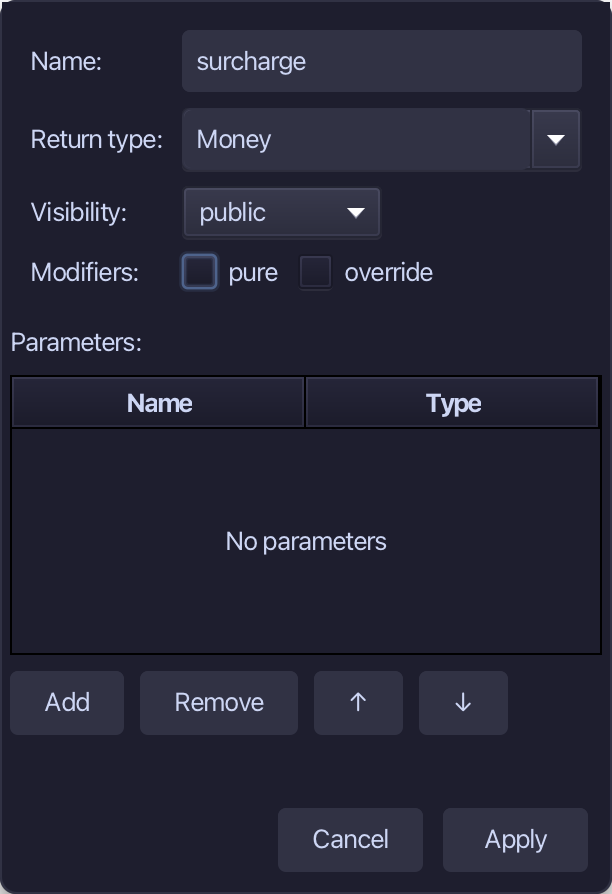
Select the stub, from <- rtn as Money: Money() down to its //AI line, and type surcharge's whole job: a flat 2 GBP. Saves when typed.
Step 2: basePrice
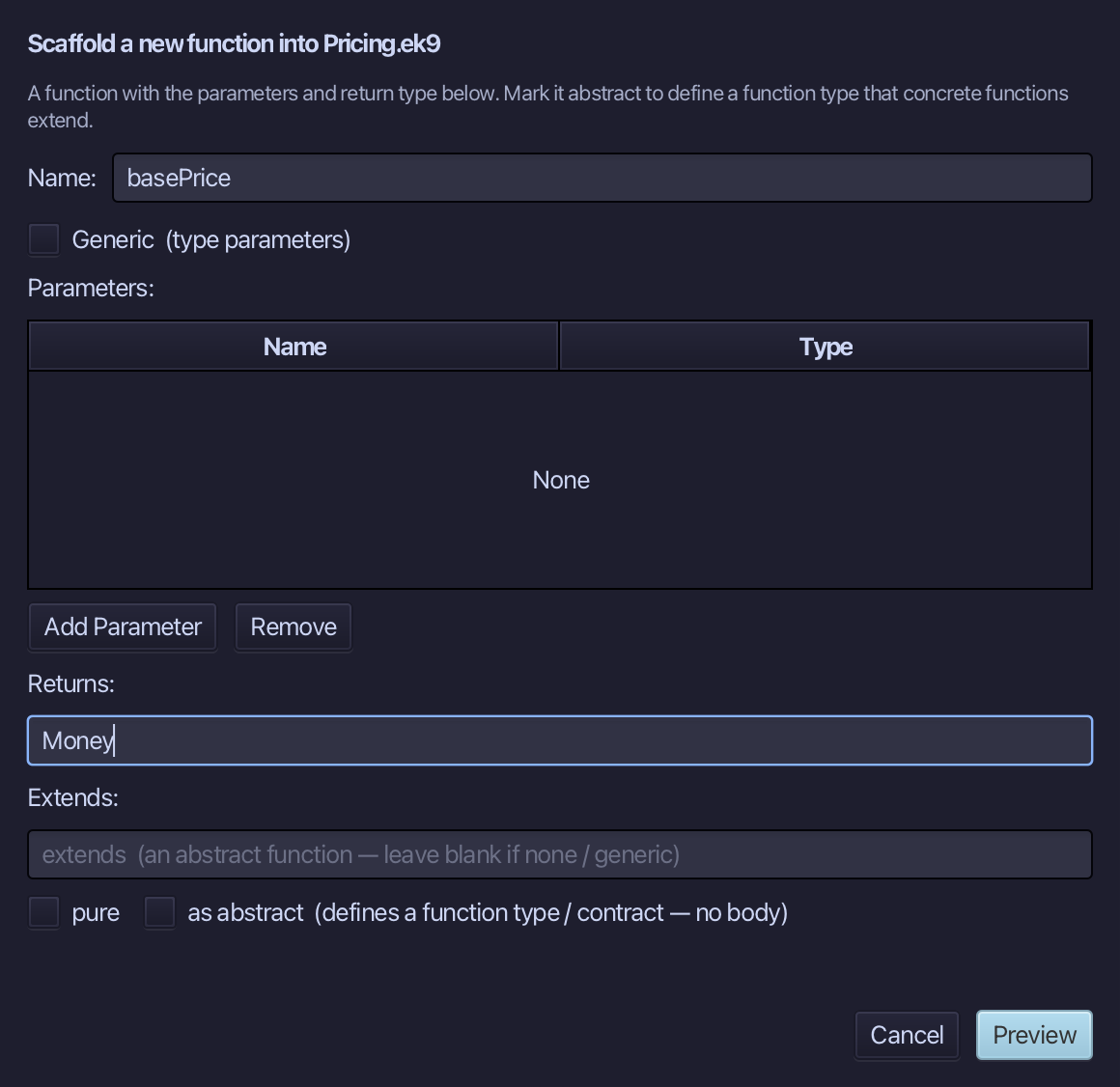
Choose Code > New Construct > Function…
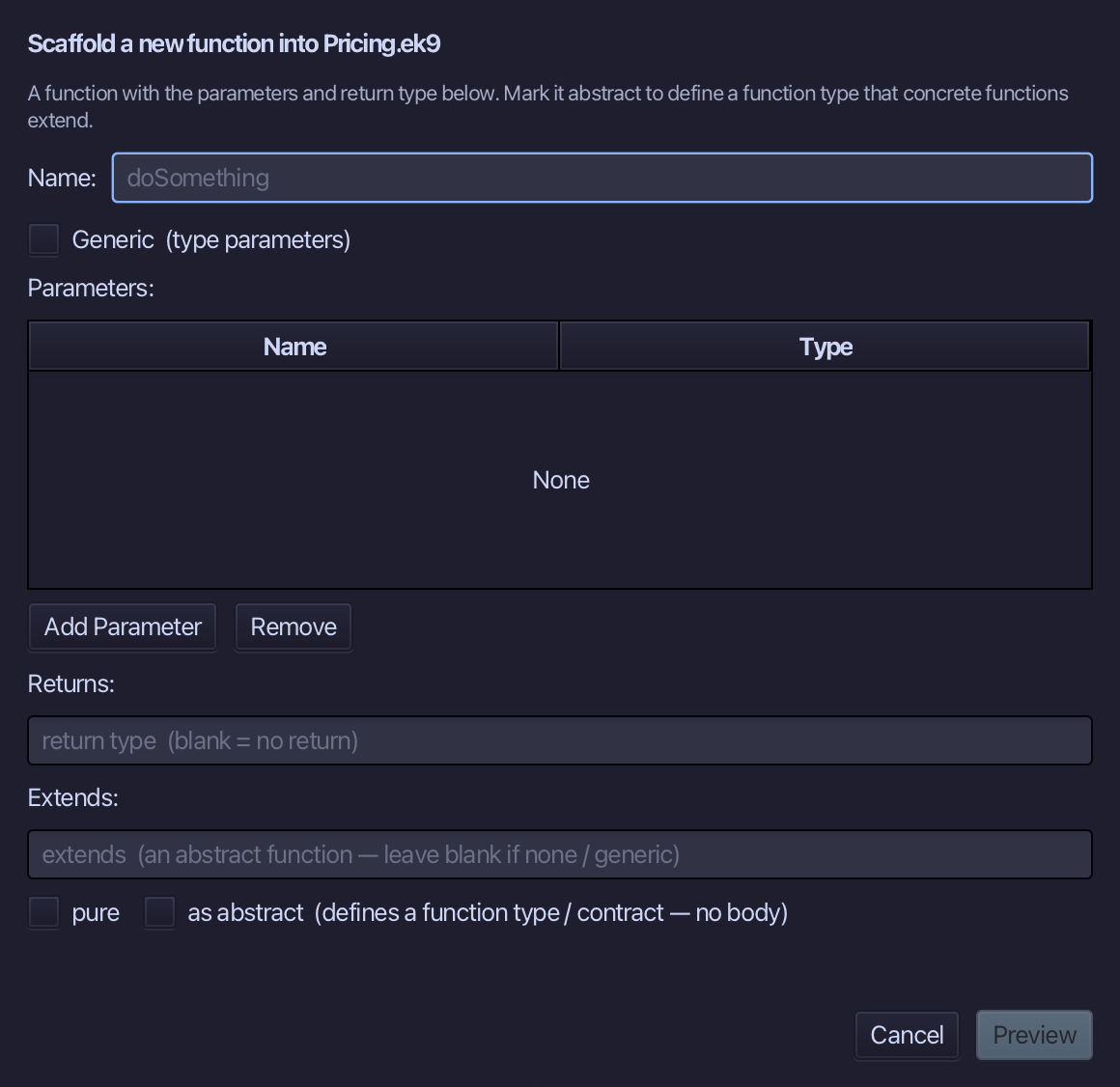
basePrice is the function's name - no parameters, Money the return type. Fill them in and choose Preview.
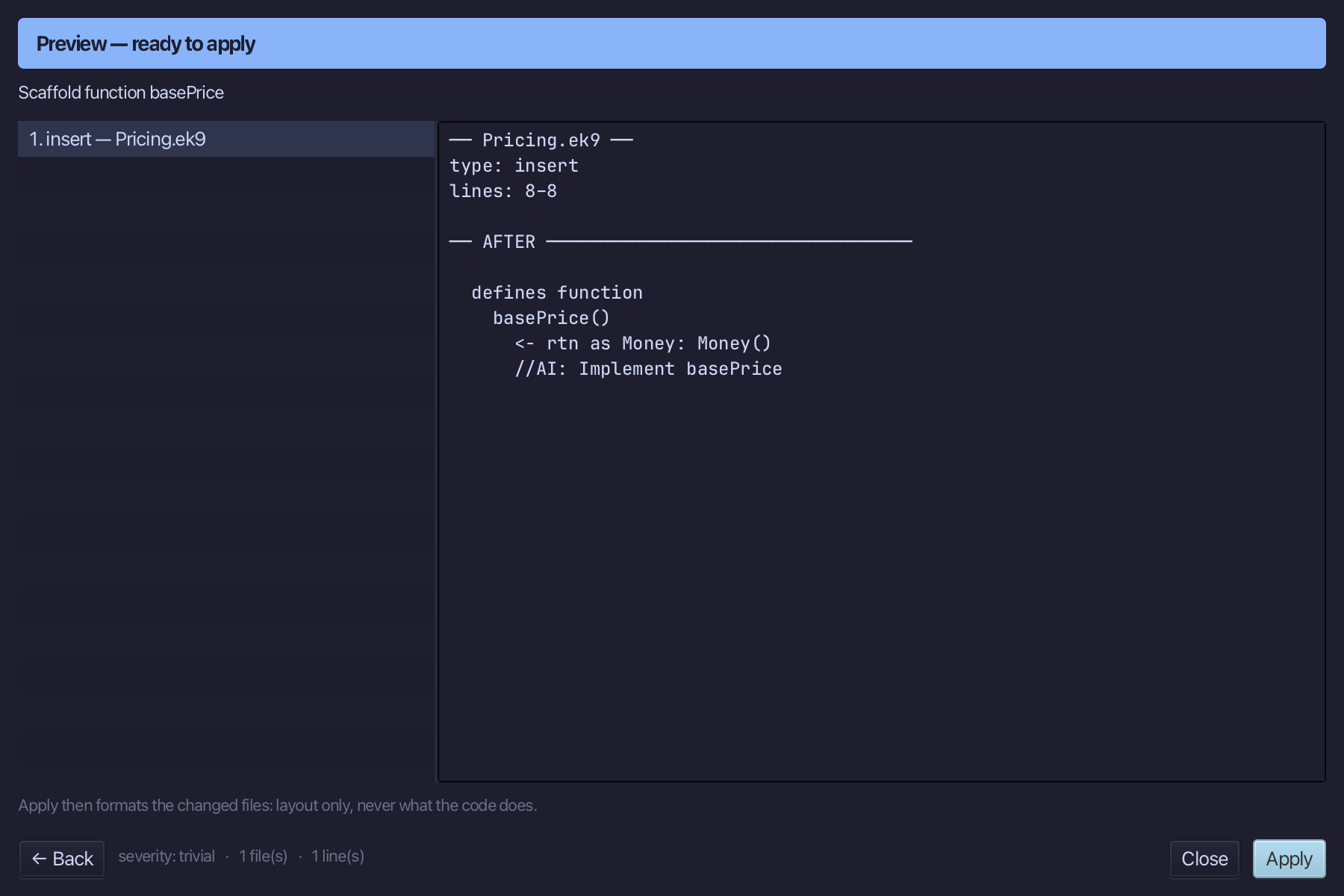
The preview shows basePrice about to be written, Money out, no parameters in. Choose Apply.
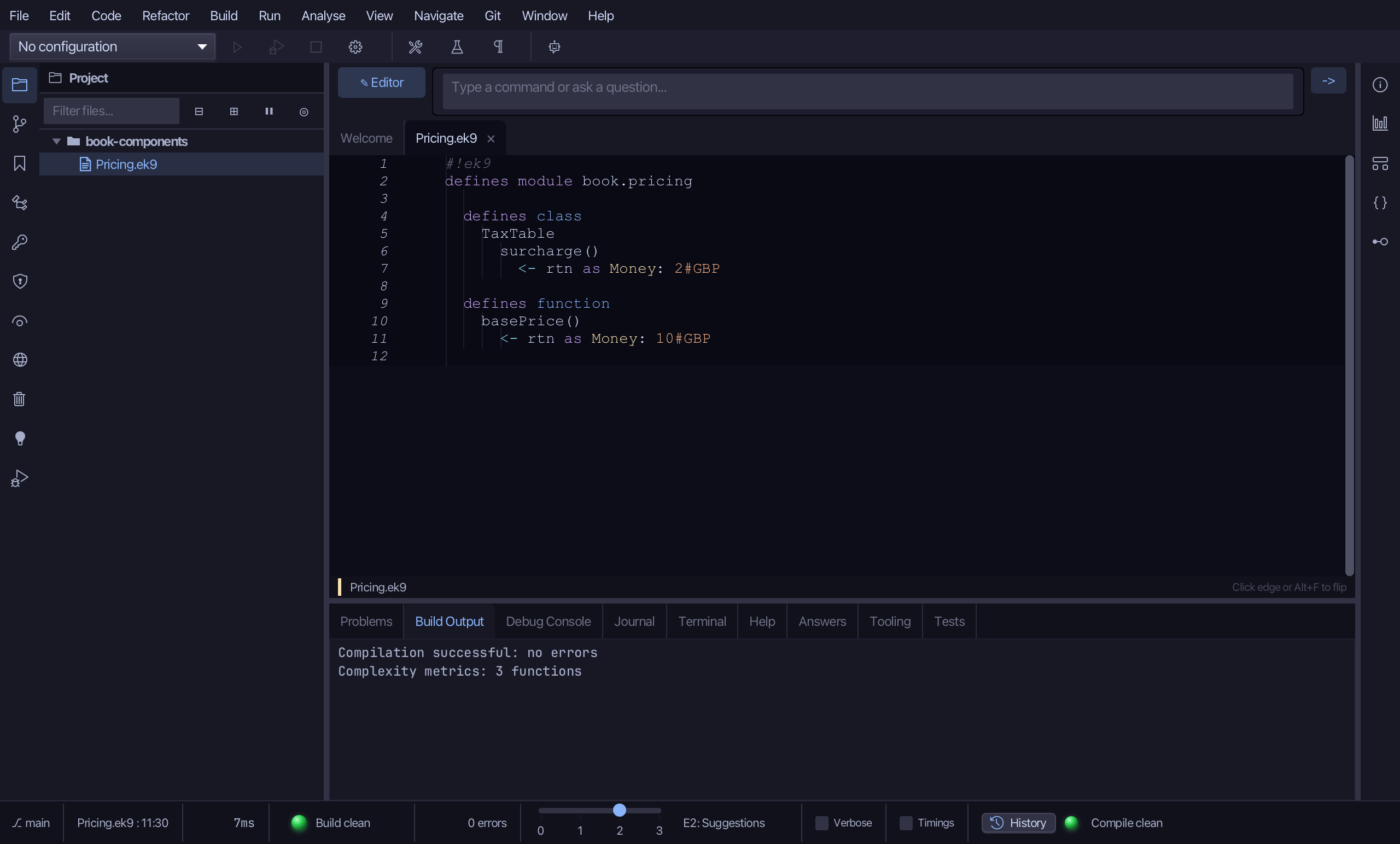
Select the stub, from <- rtn as Money: Money() down to its //AI line, and type basePrice's whole job: a flat 10 GBP. Saves when typed.
Step 3: Pricing — the interface
Choose Code > New Construct > Component…
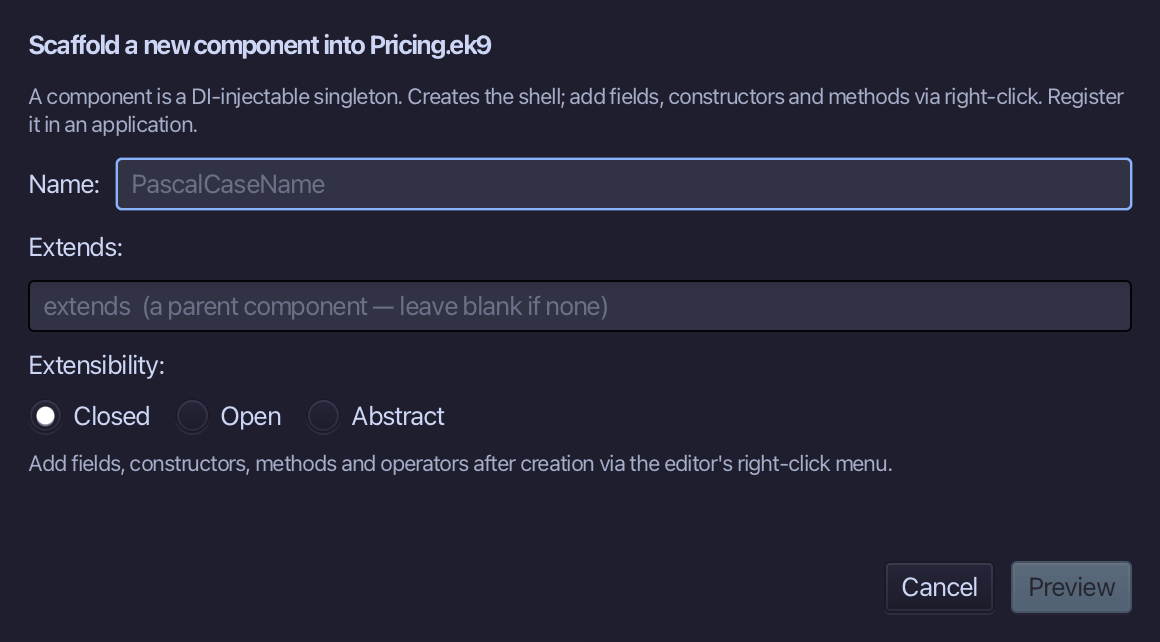
Pricing is the component's name - the interface everything else hides behind. Choose Abstract under Extensibility, then Preview.
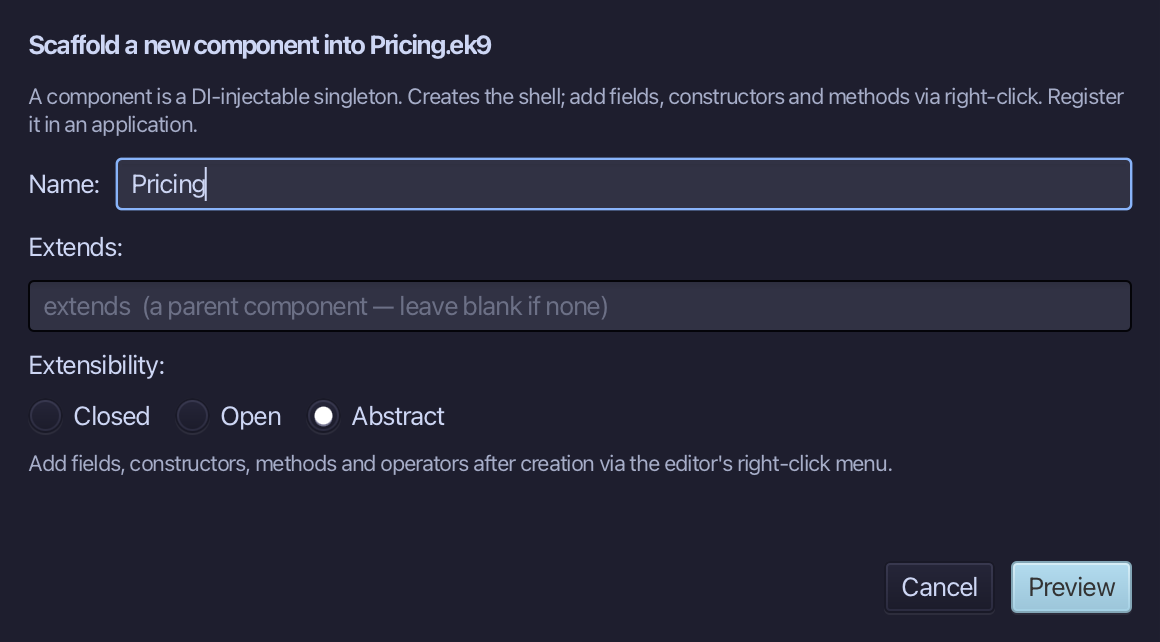
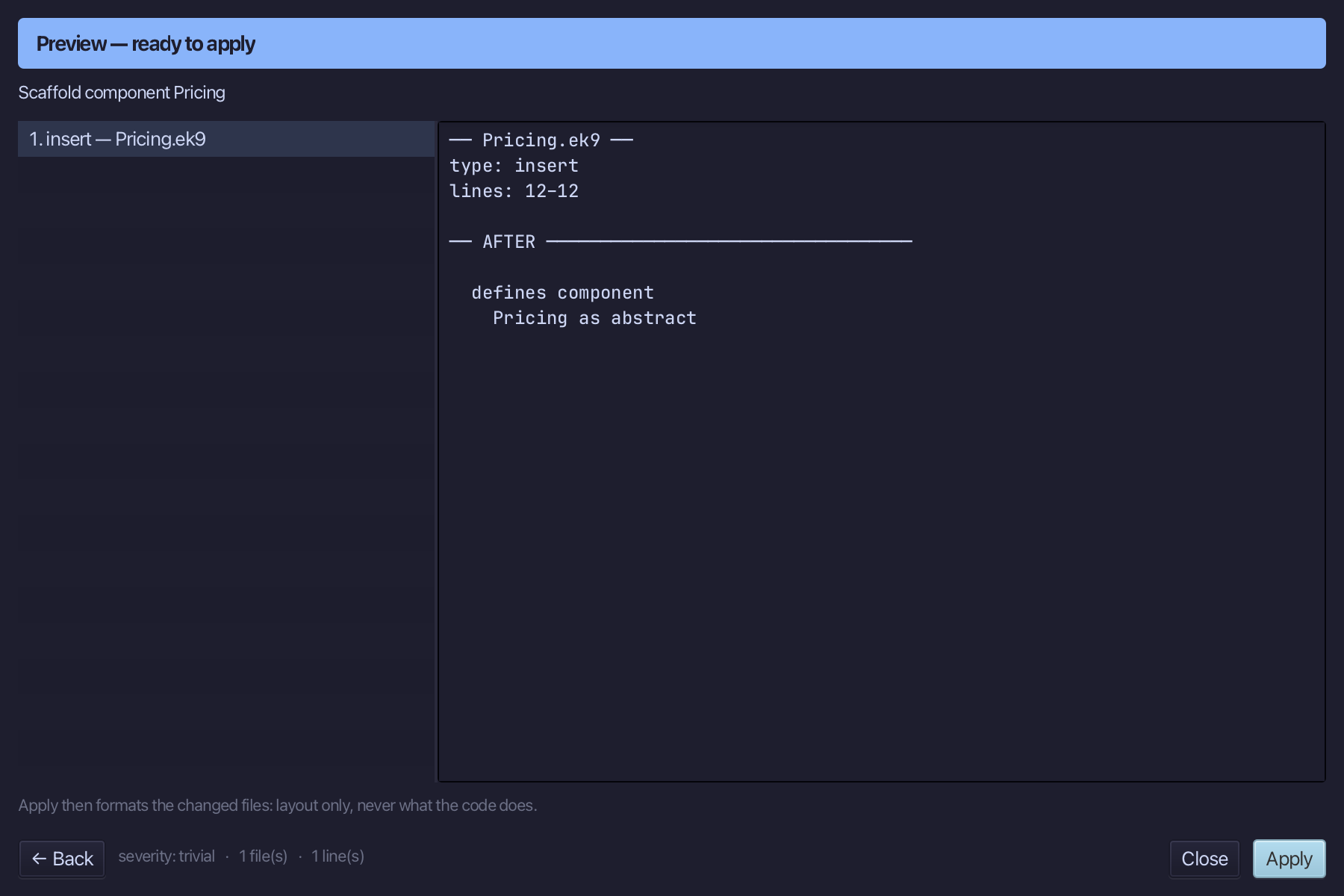
The preview shows Pricing about to be written, as abstract - a component can be declared abstract exactly like a class. Choose Apply.
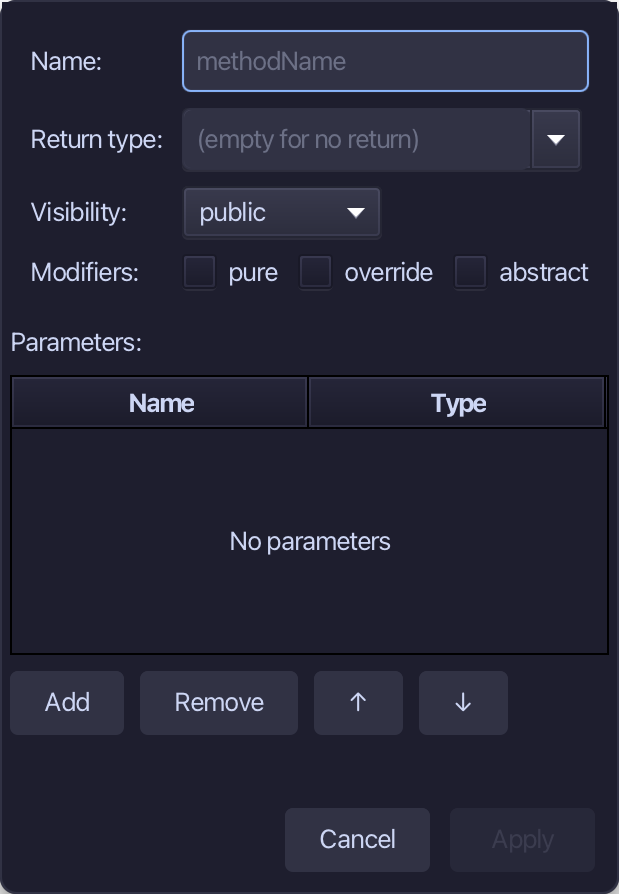
Right-click the Pricing line and choose Add Method…
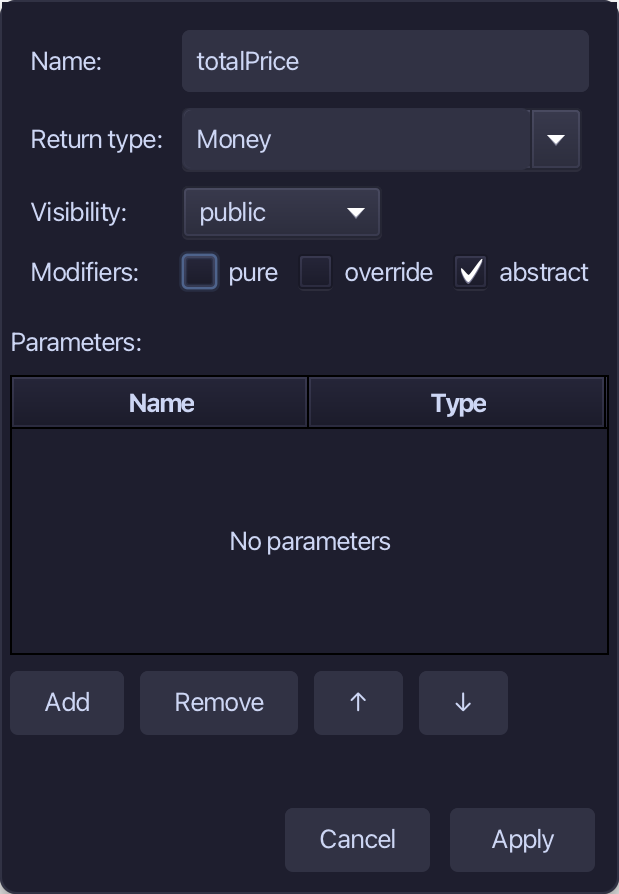
totalPrice is the method's name, Money the return type, abstract ticked - Pricing only NAMES the method; StandardPricing will answer it. Fill them in and choose Apply.
Step 4: StandardPricing — and its logic
Choose Code > New Construct > Component…
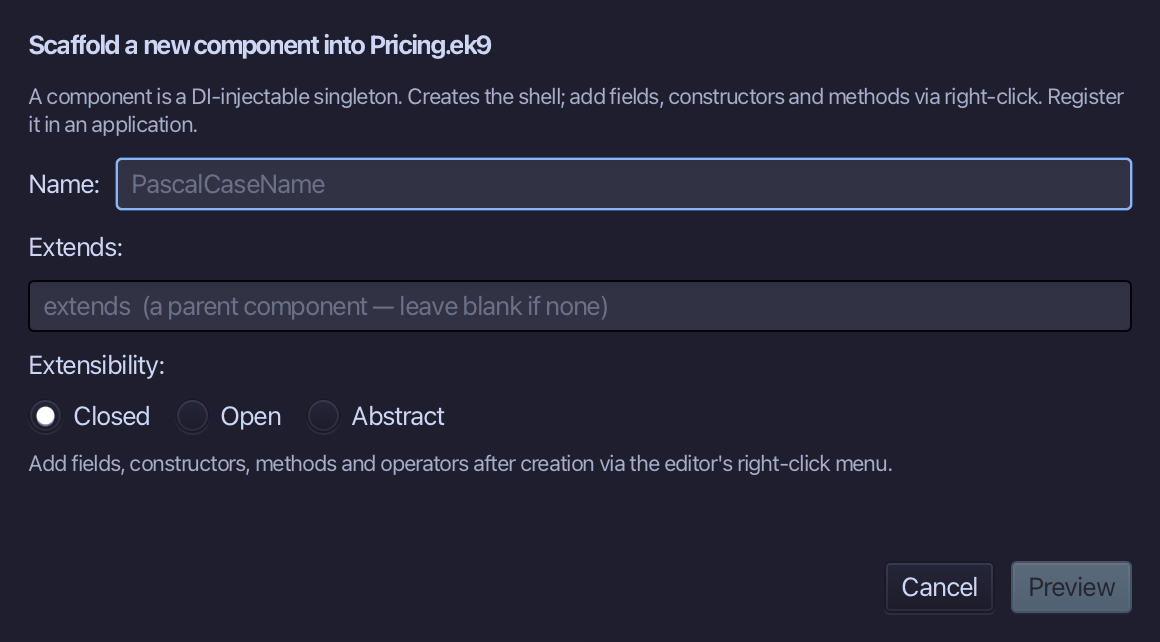
StandardPricing is the component's name - left Closed, nothing else. Type Pricing into Extends, naming the interface StandardPricing completes. Type StandardPricing, fill in Extends, and choose Preview.
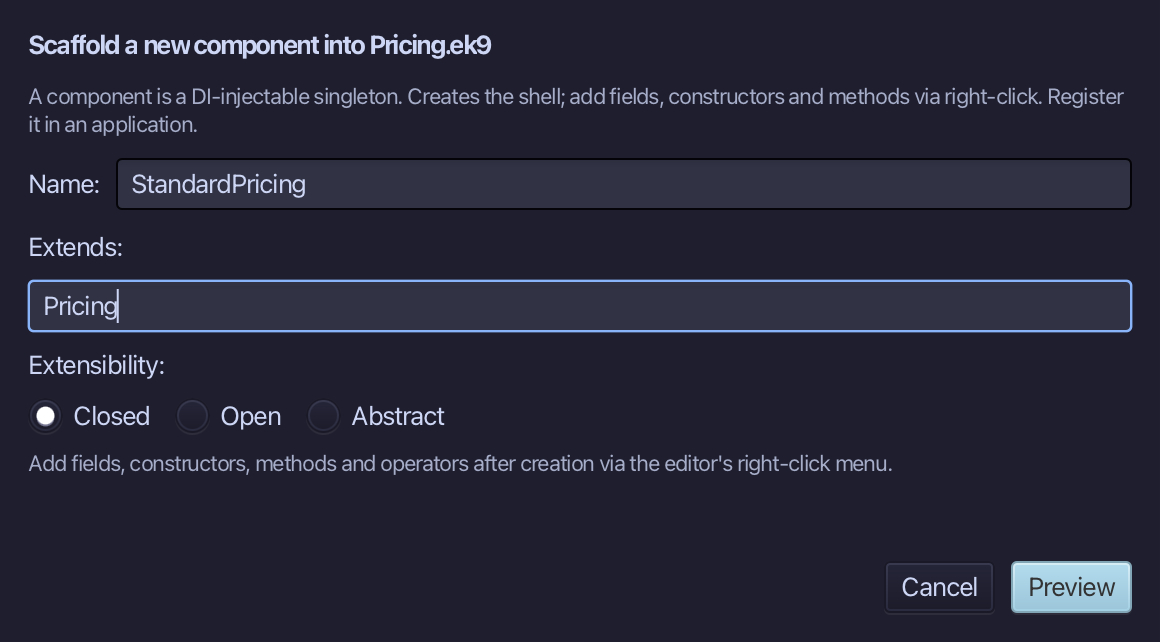
The preview shows StandardPricing is Pricing about to be written - and, because Pricing owes one abstract method, its override stub comes with it: totalPrice(), a placeholder until typed. Choose Apply.
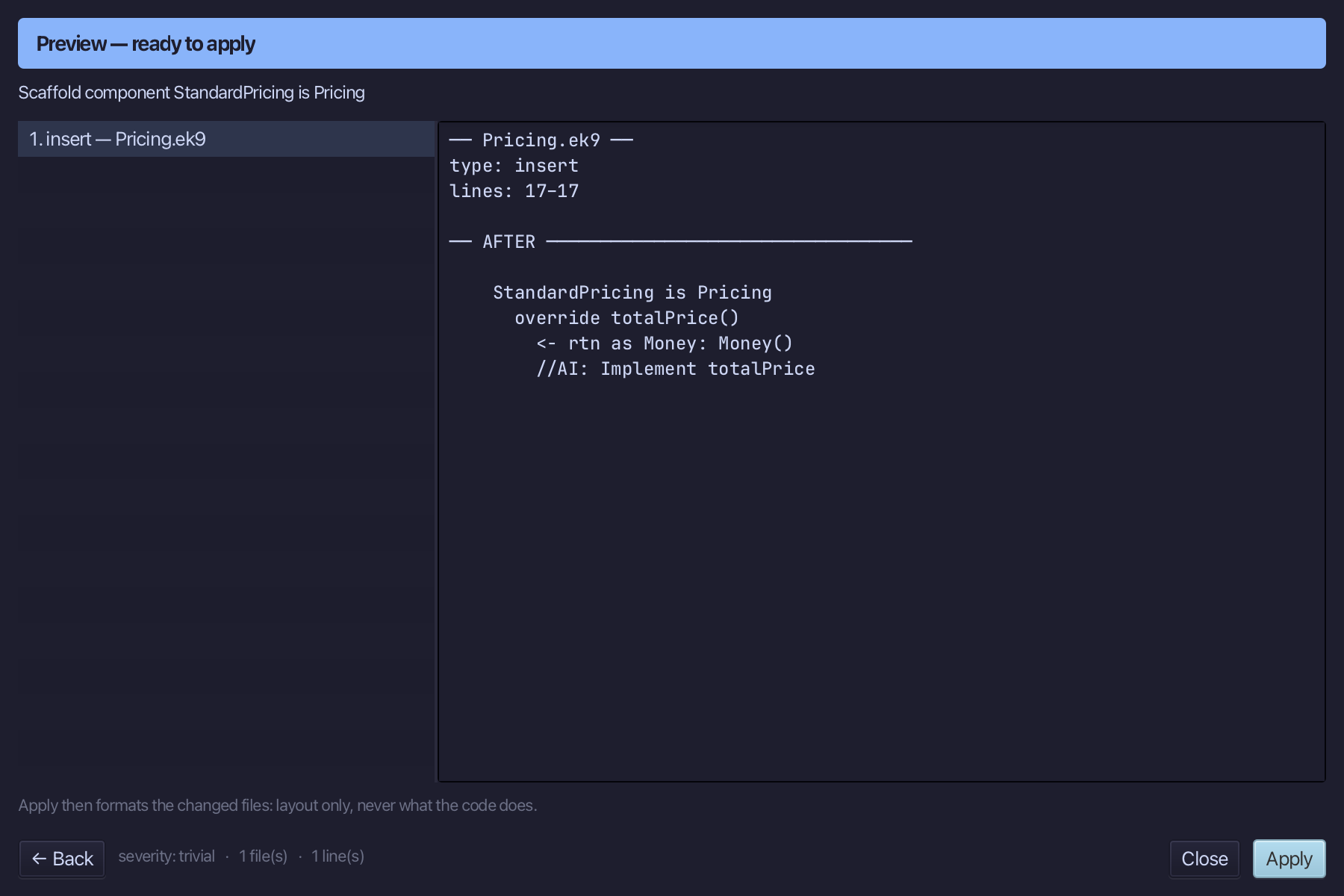
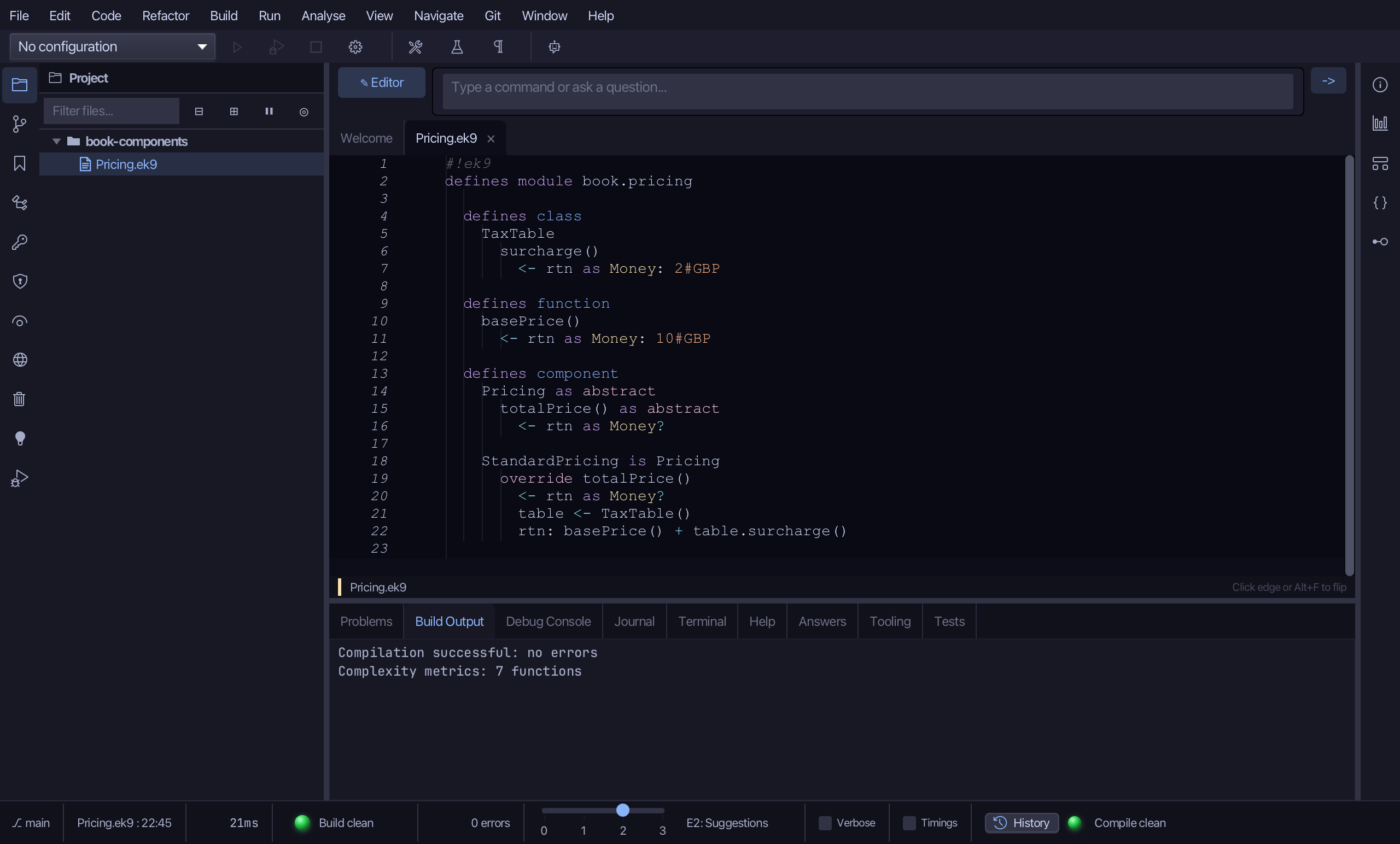
totalPrice()'s override stub arrived with StandardPricing itself - select it, the <- rtn as Money: Money() line down to its //AI line, and type the real answer: a TaxTable and basePrice added together. Saves when typed.
Step 5: The program
Choose Code > New Construct > Program…
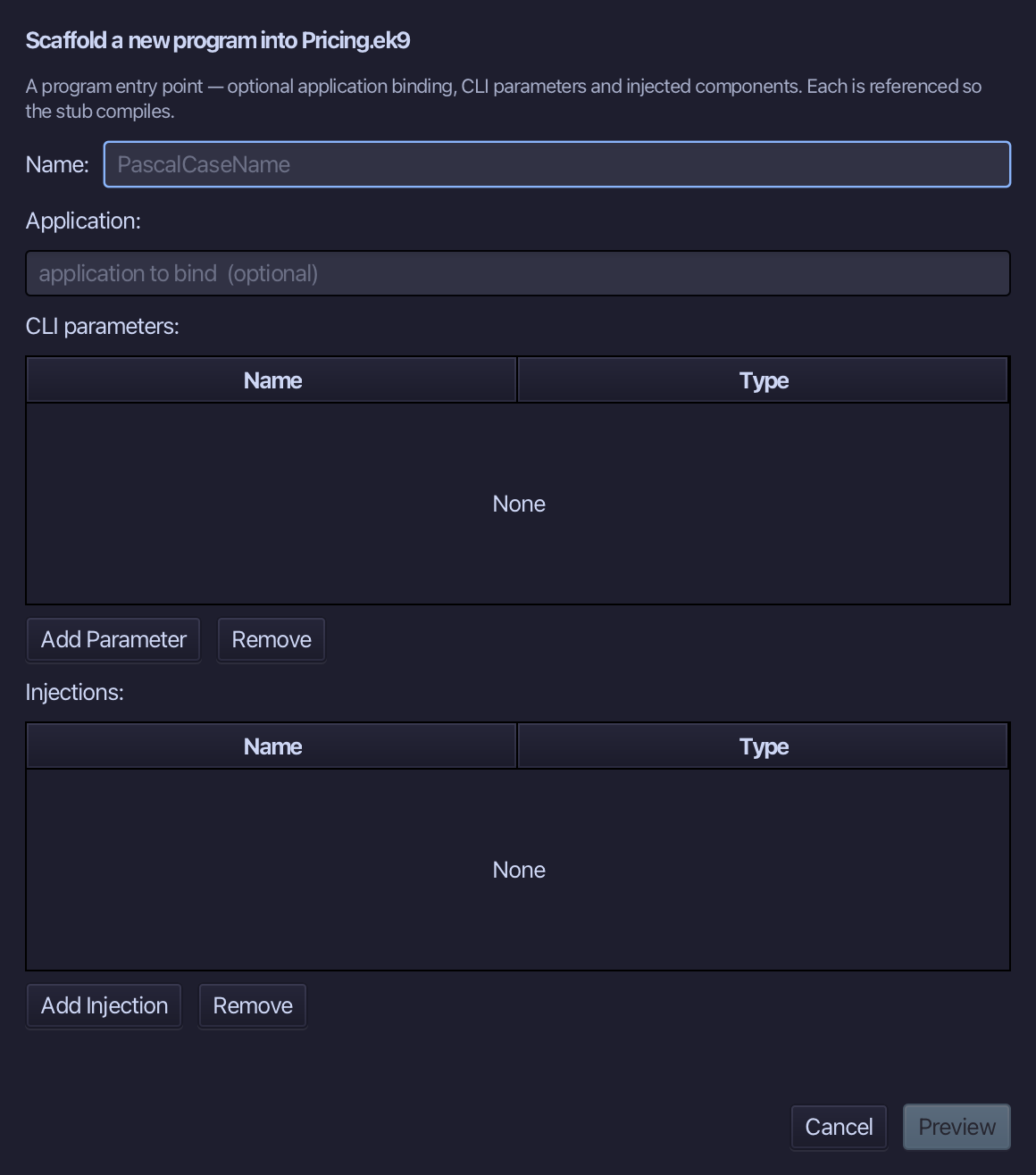
Show is the program's name - no application to bind, no parameters, nothing injected. Type Show and choose Preview.
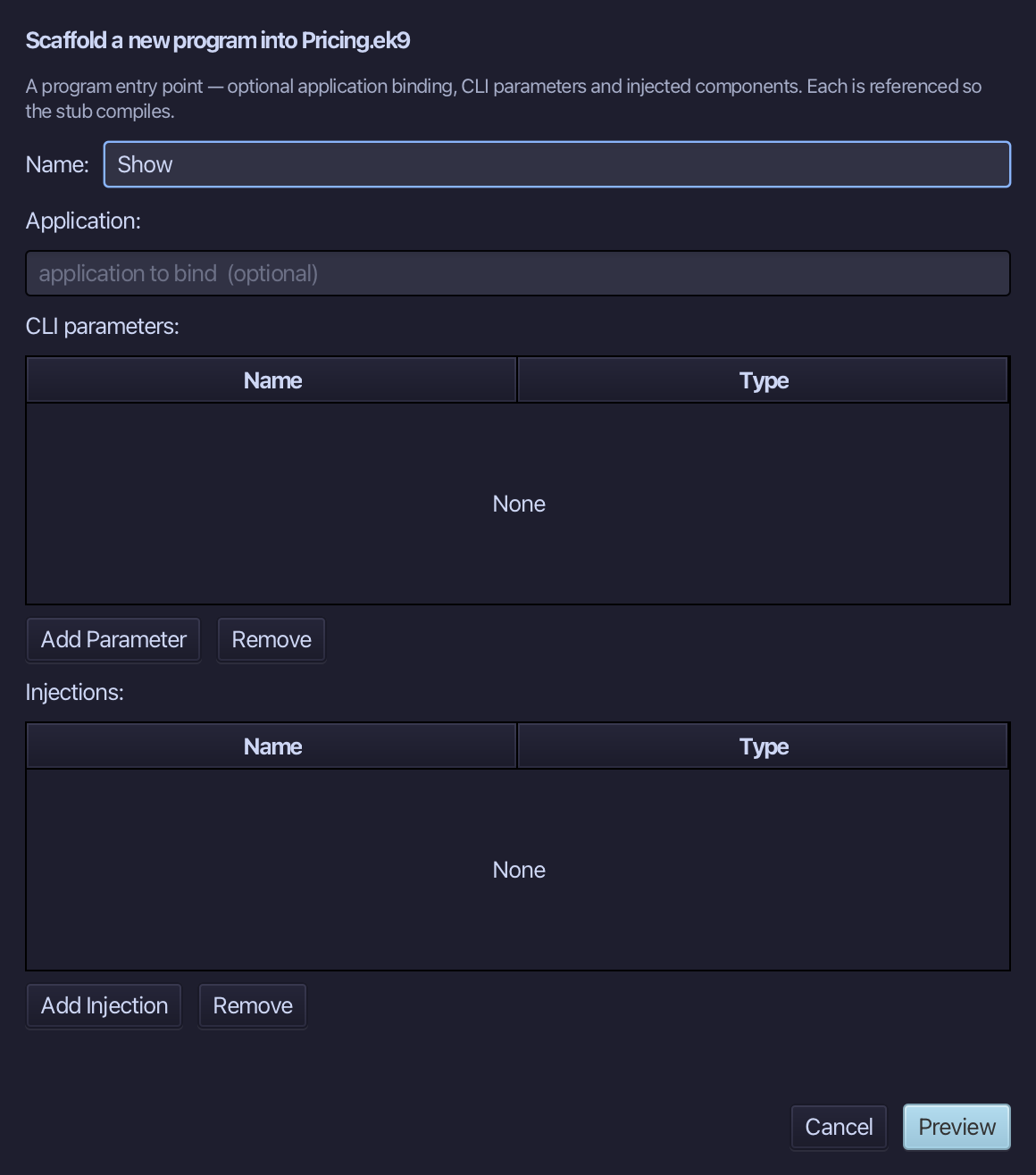
The preview shows Show about to be written. Choose Apply.
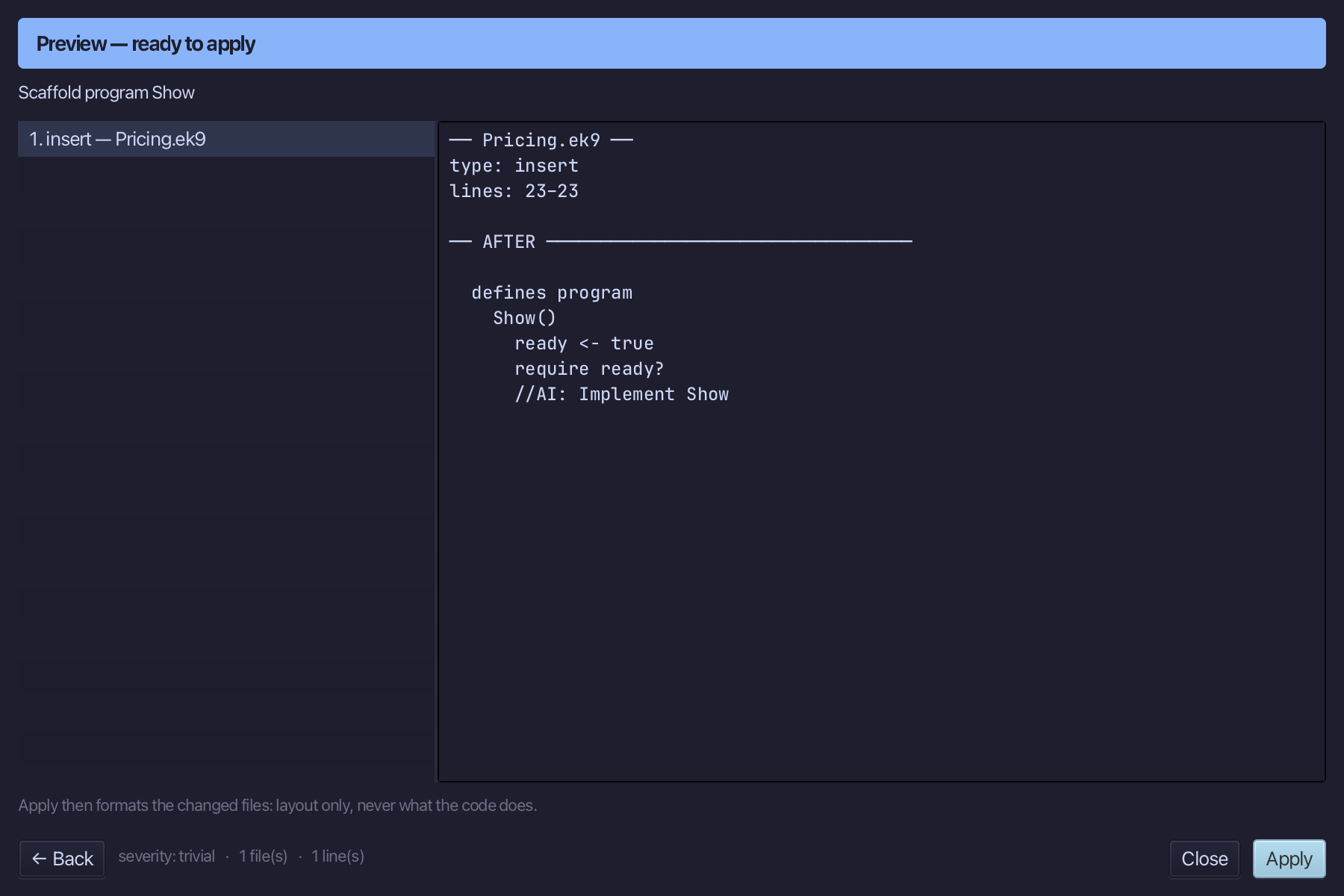
Select the stub, from ready <- true down to its //AI line, and type Show's body: a Stdout, pricing held as the Pricing INTERFACE (never StandardPricing), and a line printing its total. Saves when typed.
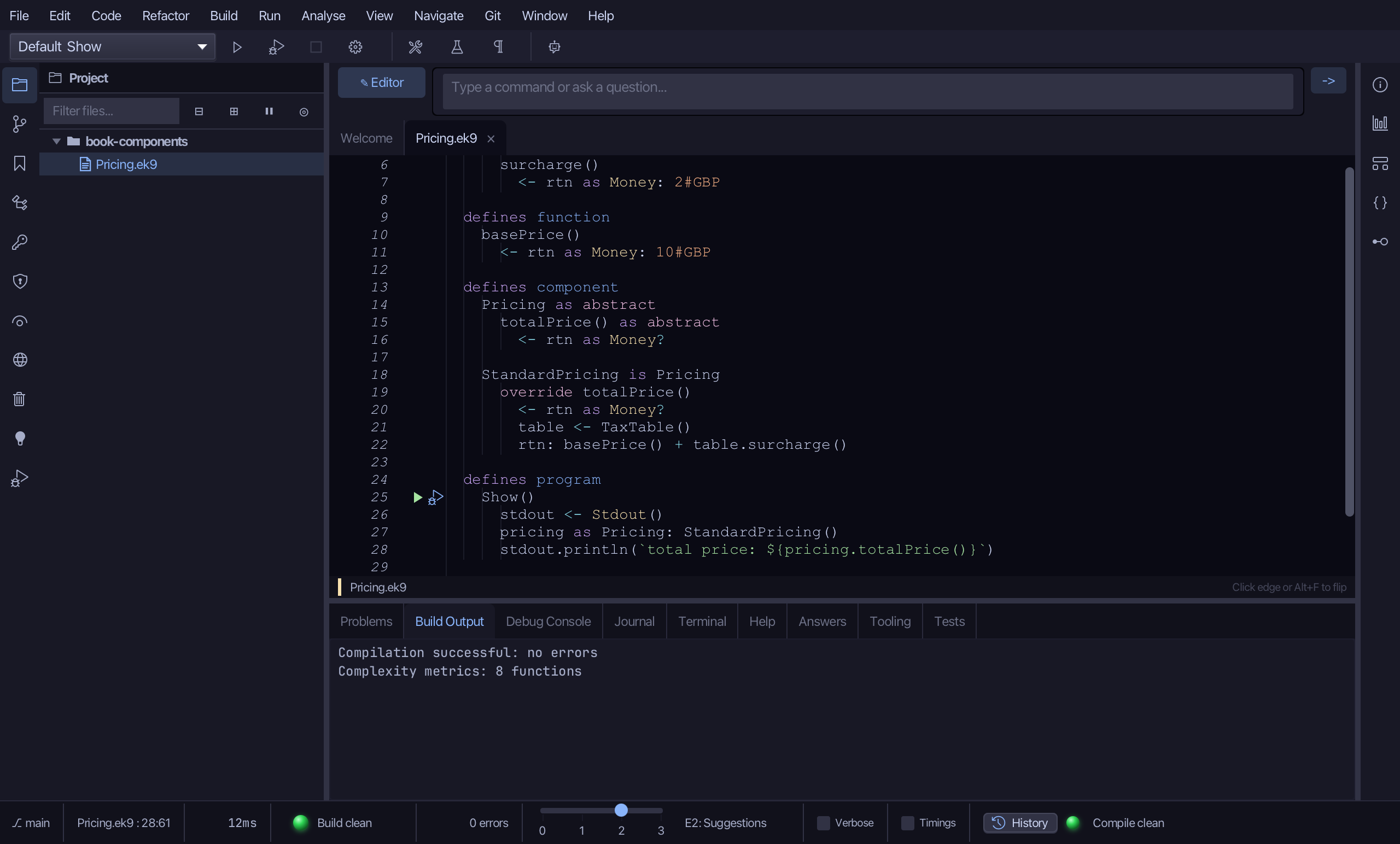
Step 6: Run it
Choose Run > Run Program…
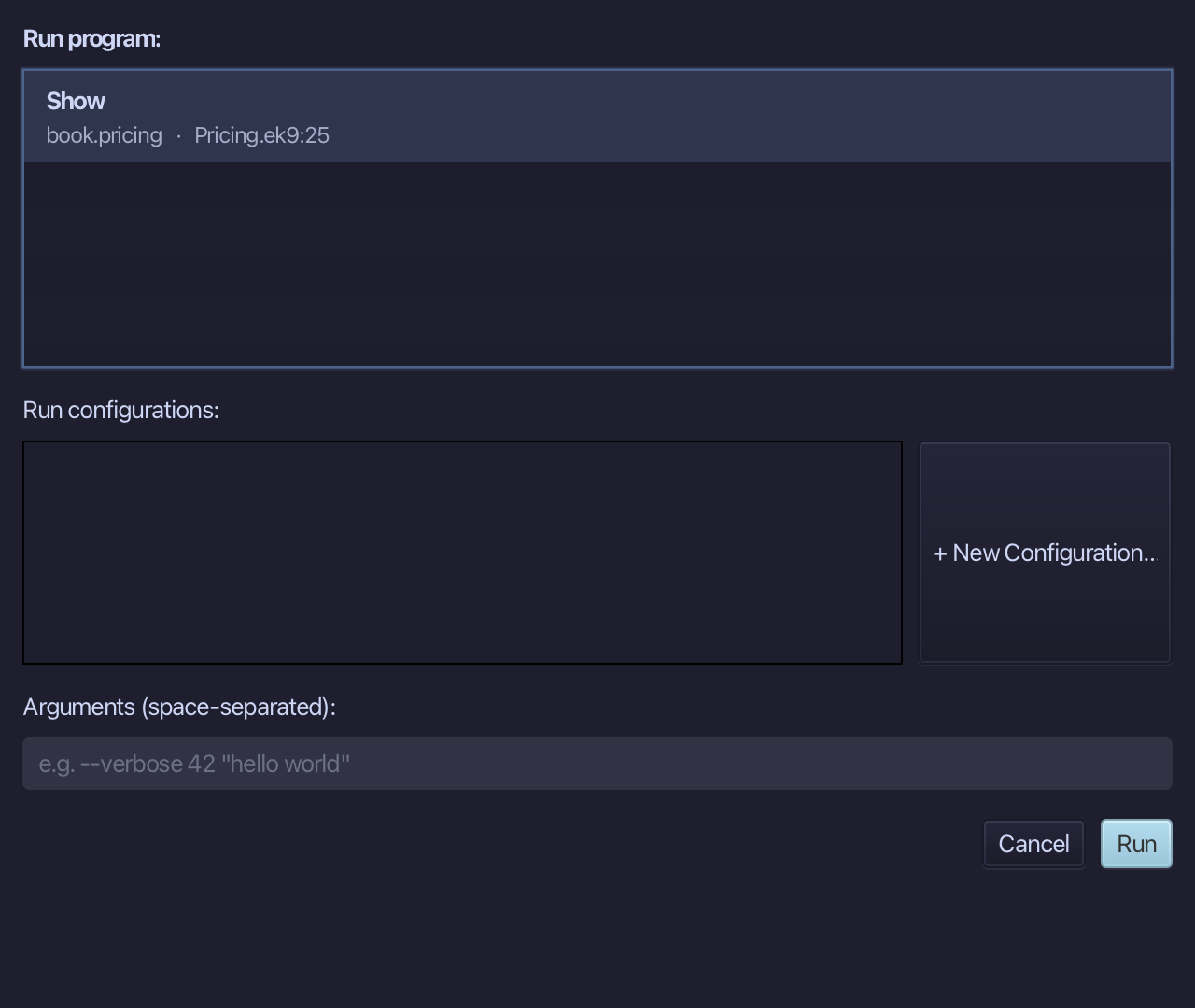
The project's only program is already chosen. Choose Run.
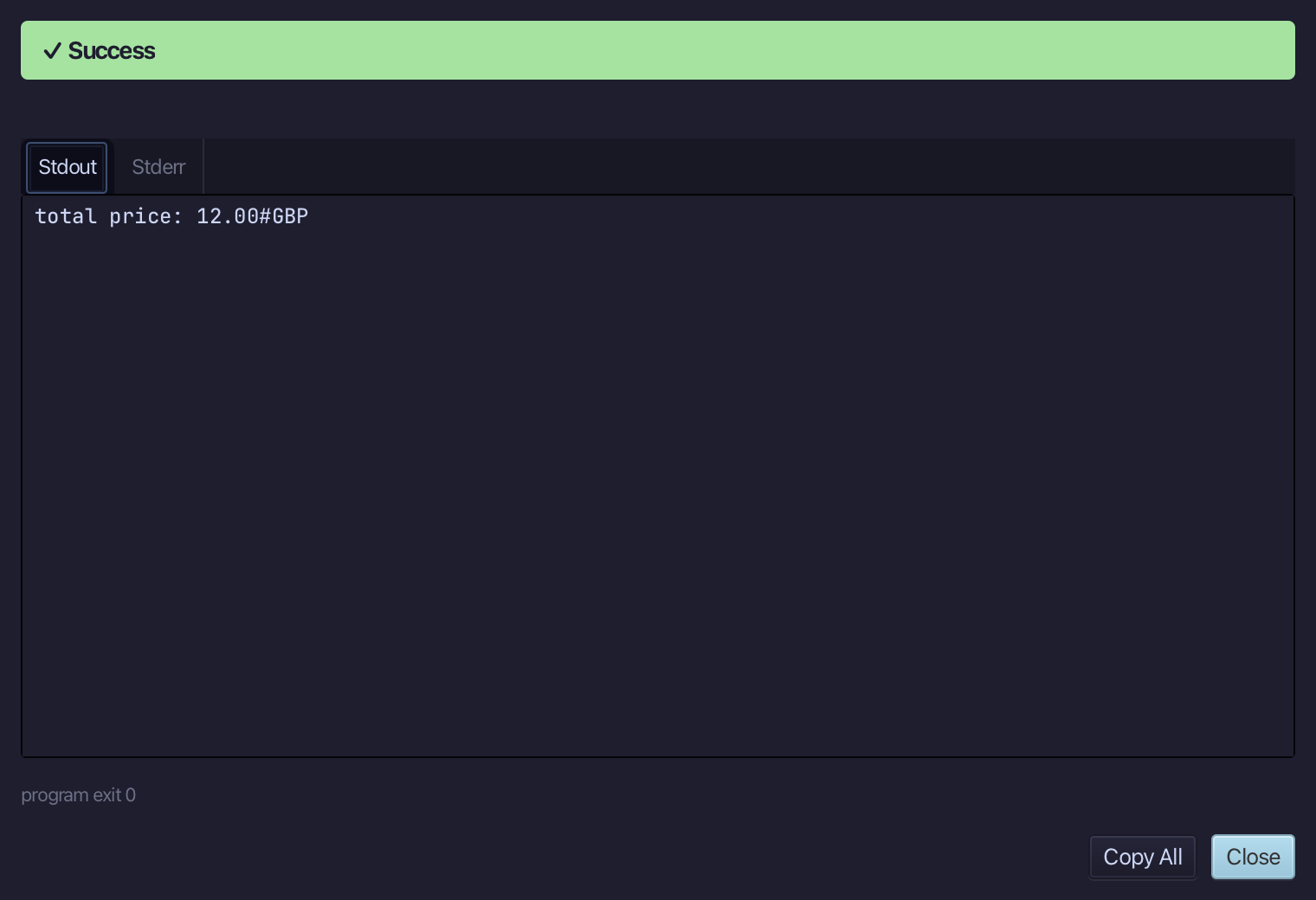
total price: 12.00#GBP - the base price plus the surcharge, worked out behind the Pricing interface the program never looks past. Choose Close.
The result
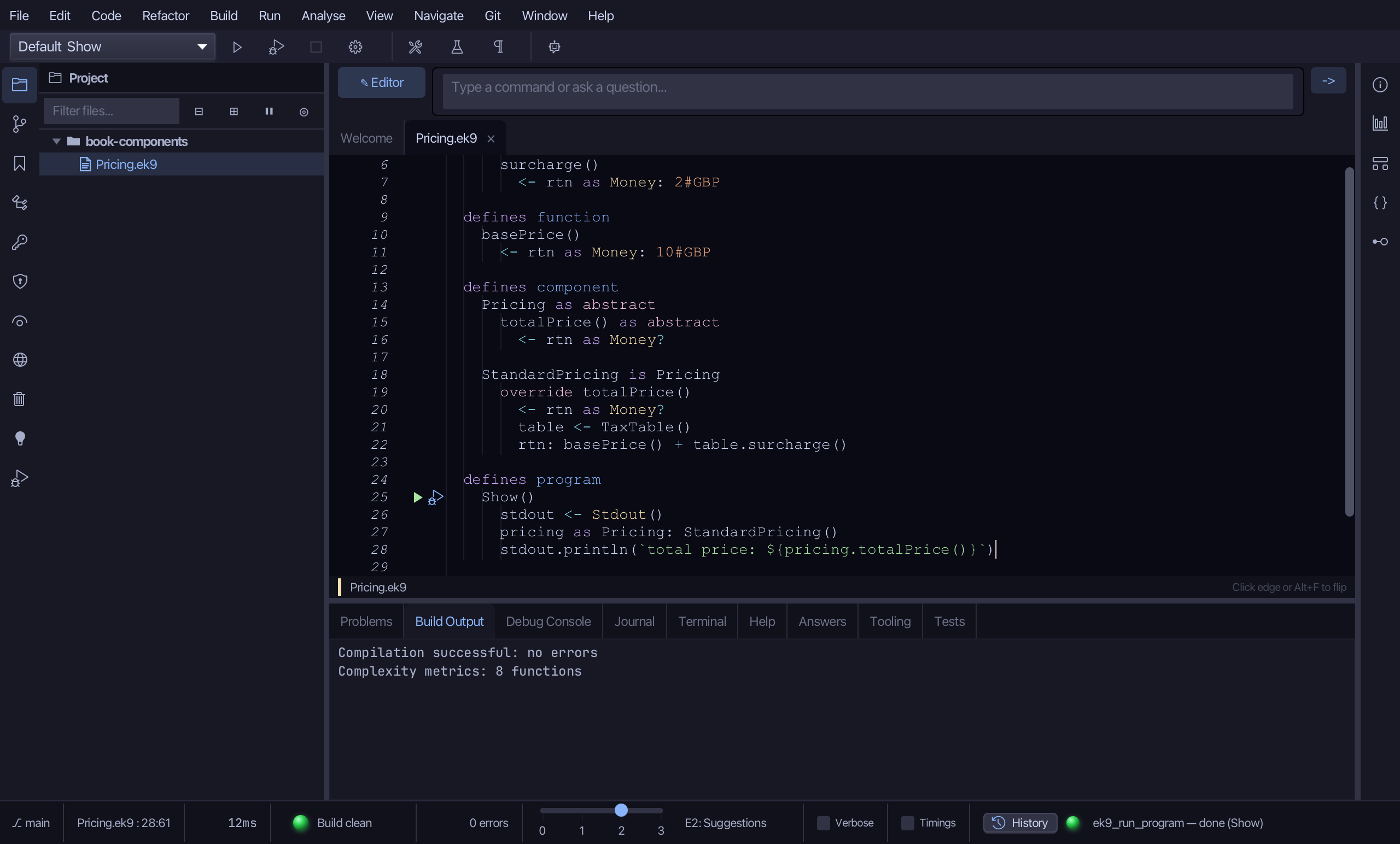
Pricing.ek9 now reads exactly as chapter 19 of Getting Started with EK9 shows it: a component hiding a class and a function behind an interface, logic you typed - StandardPricing's override arriving WITH the component itself, the moment its Extends names Pricing. The same tools - ek9_new_construct (class, function, component x2), ek9_add_method (x2), ek9_add_program - are what an AI assistant calls to do the same thing.
Where this lesson comes from
- For AI assistants - the MCP tool
ek9_new_construct,ek9_add_method,ek9_add_program.