Chapter 32: try as an expression, built
In Java a try is a statement: to get a value out of it you declare a variable first and assign it in both arms. In EK9 try is an expression - it has a return of its own, and the catch supplies the value when the body throws. The chapter's TryExpression reads a port number that may not be one. The IDE writes the constant, the function's signature and the program's shell, with its parameter; you type what the function throws and the try itself. To play it in the IDE: Help > Lessons > EK9 in Depth…, or ek9 -ide -lesson depth-try-expression.
What you'll build
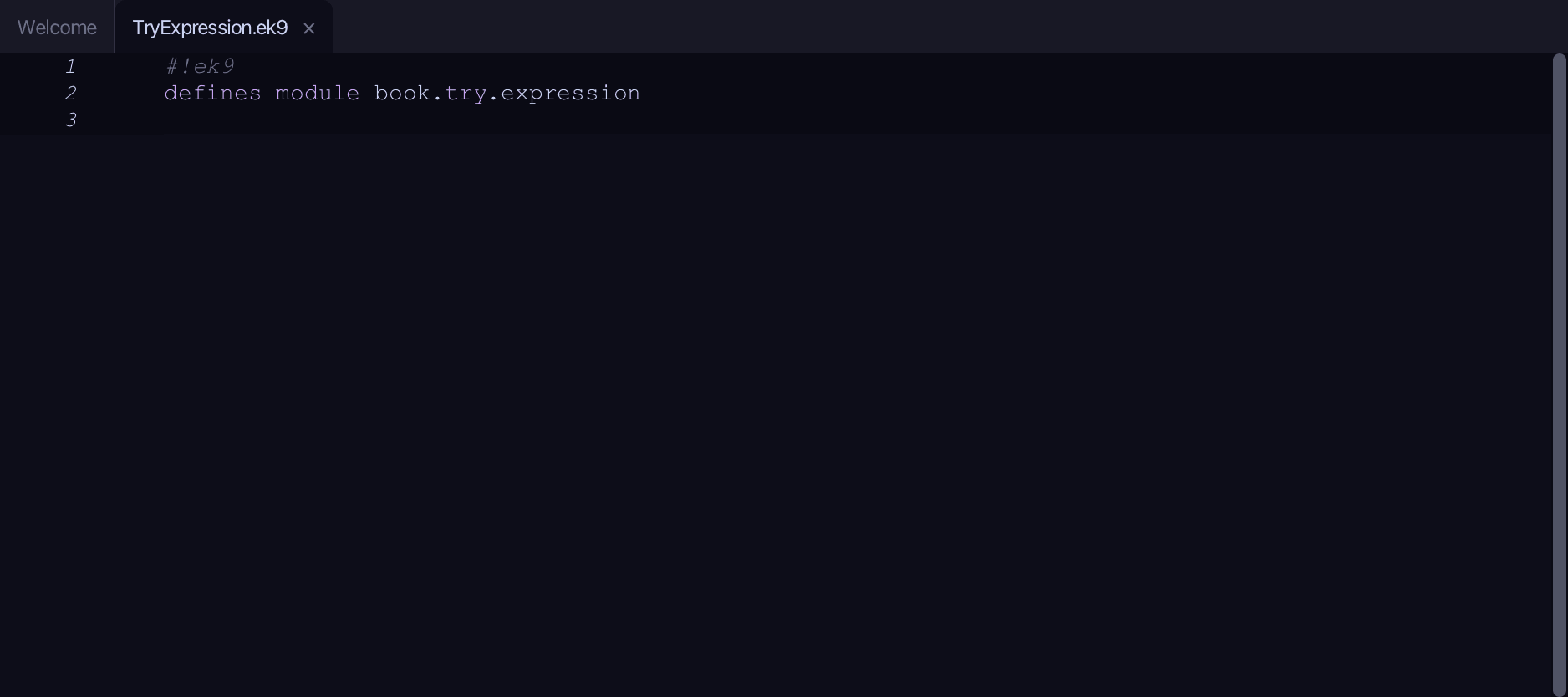
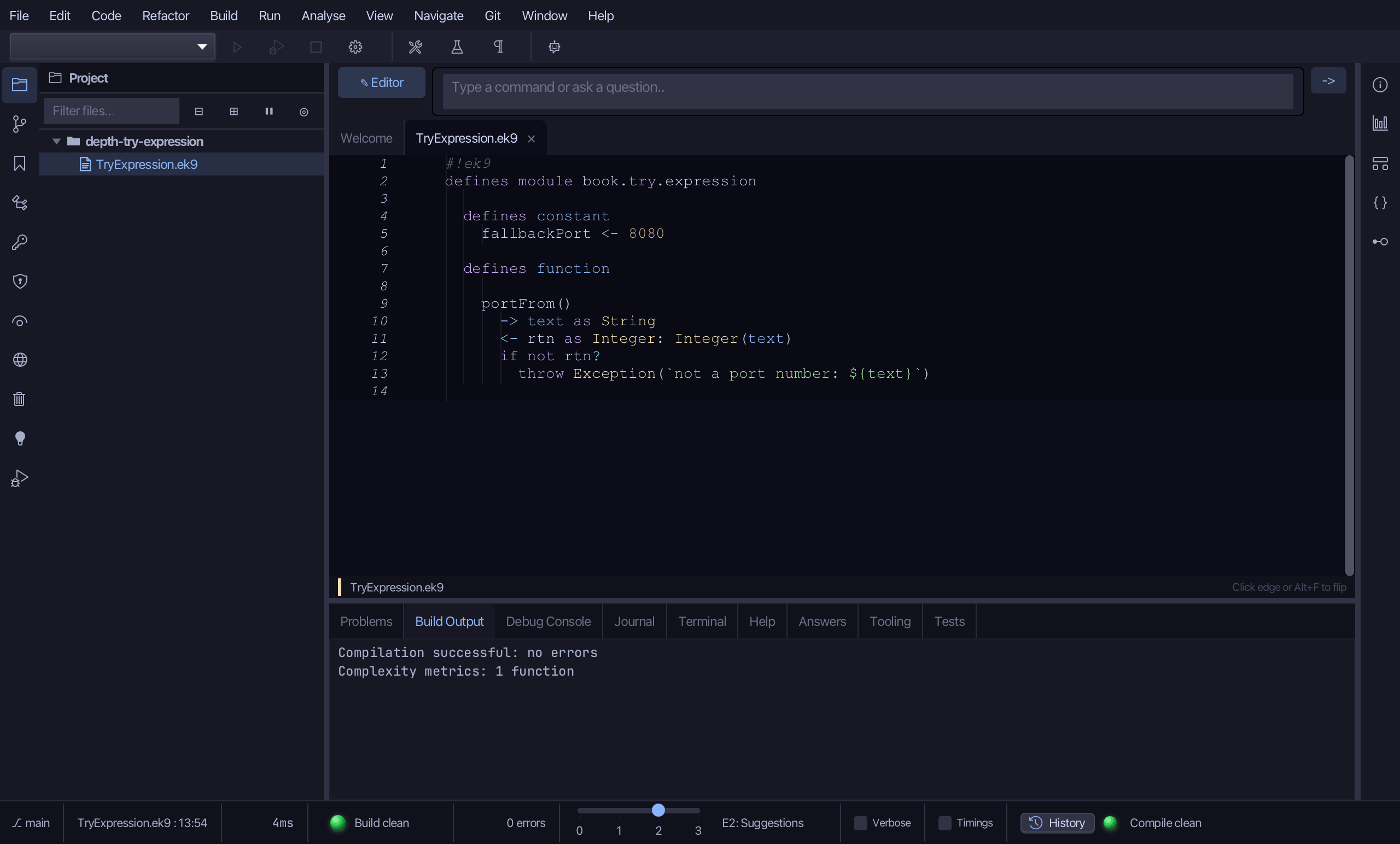
The lesson builds this program from a file holding only its module line - the finished file, as the book prints it.
#!ek9
defines module book.try.expression

  defines constant
    fallbackPort <- 8080

  defines function

    portFrom()
      -> text as String
      <- rtn as Integer: Integer(text)
      if not rtn?
        throw Exception(`not a port number: ${text}`)

  defines program

    TryExpression()
      -> configured as String
      stdout <- Stdout()

      port <- try
        <- rtn as Integer: portFrom(configured)
      catch
        -> ex as Exception
        stdout.println(`using the fallback: ${ex.reason()}`)
        rtn: fallbackPort

      stdout.println(`listening on ${port}`)
Step 1: A constant
Choose Code > New Construct > Constant…
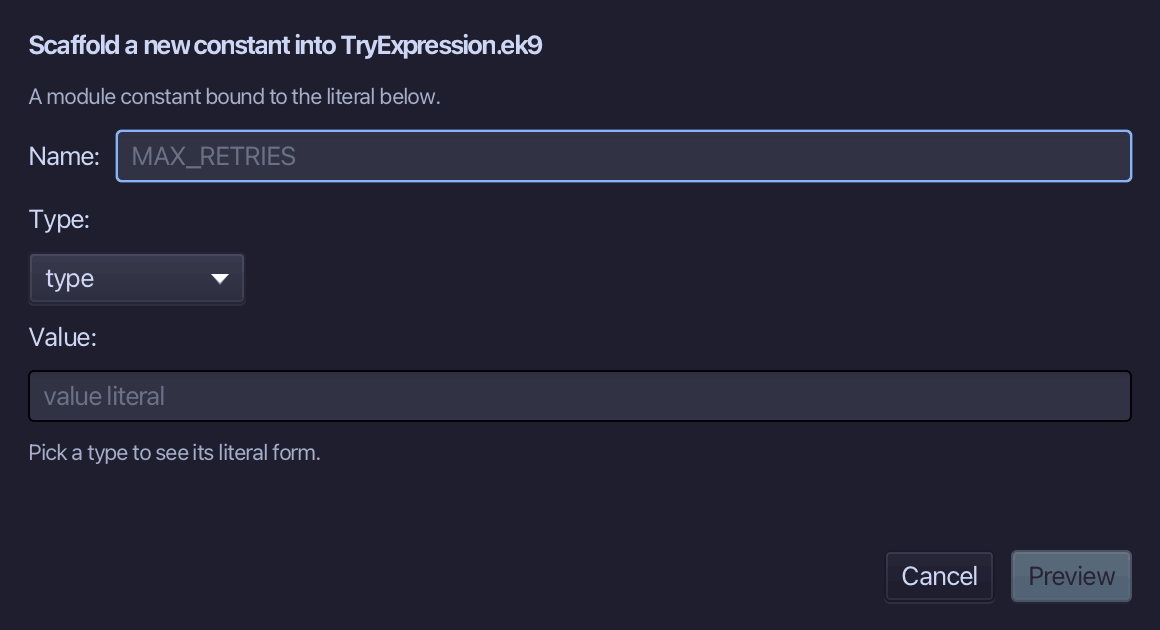
fallbackPort is the constant's name and 8080 its value - a literal in the Value field, from which the type is inferred. Type both and choose Preview.
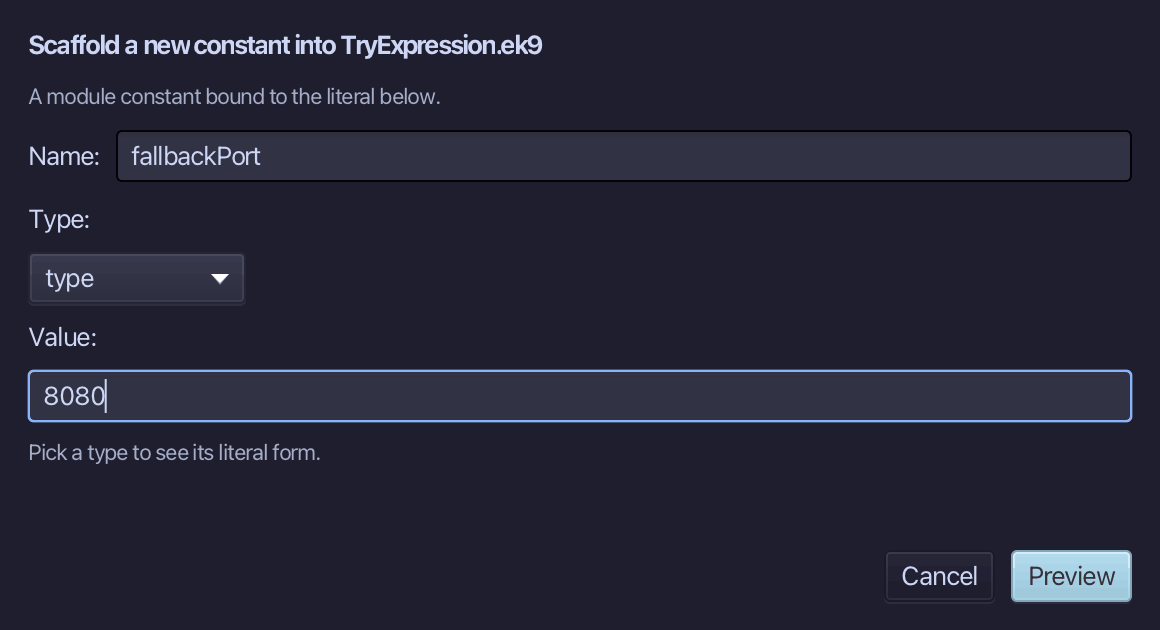
The preview shows fallbackPort about to be written. Choose Apply.
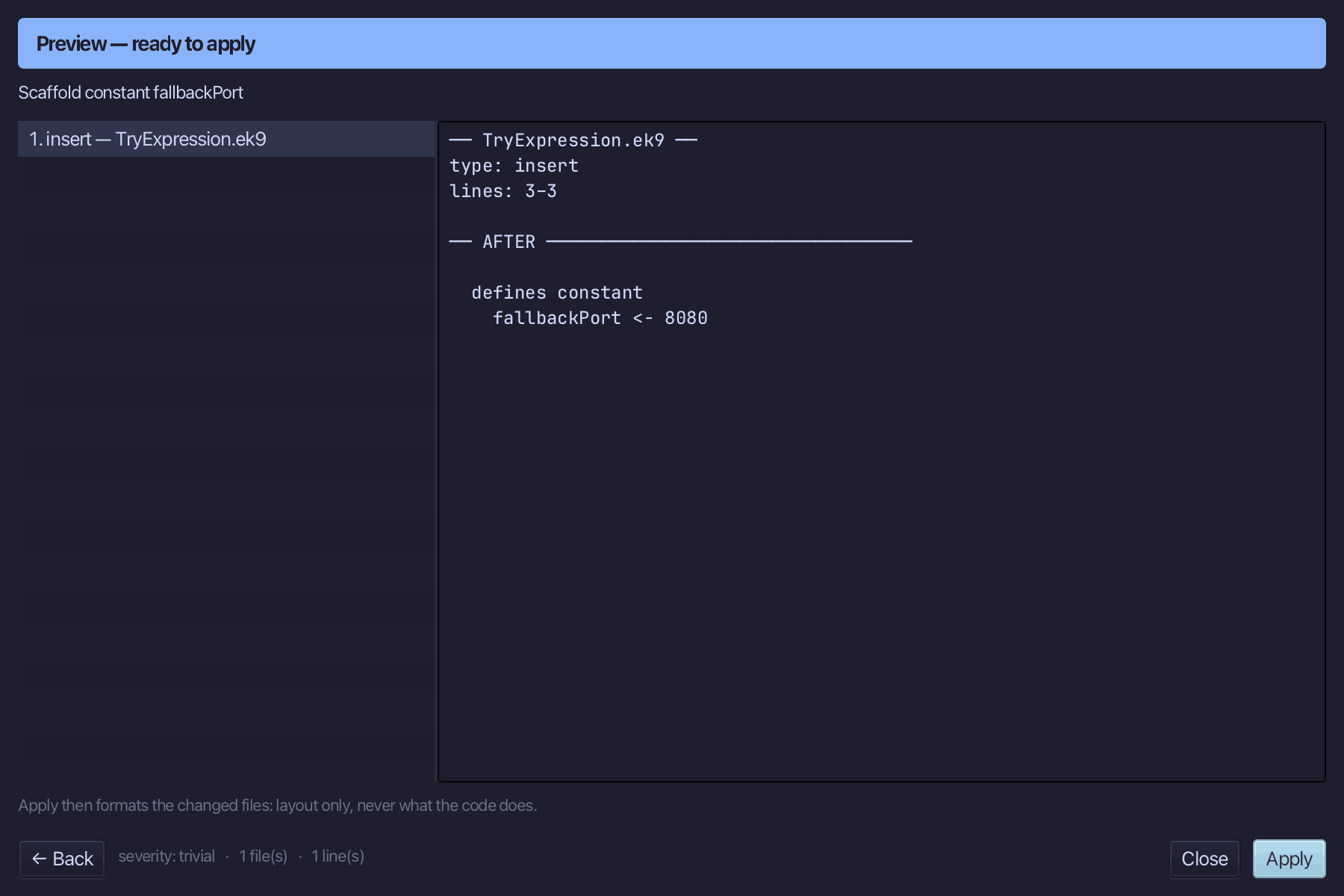
Step 2: portFrom — a function
Choose Code > New Construct > Function…
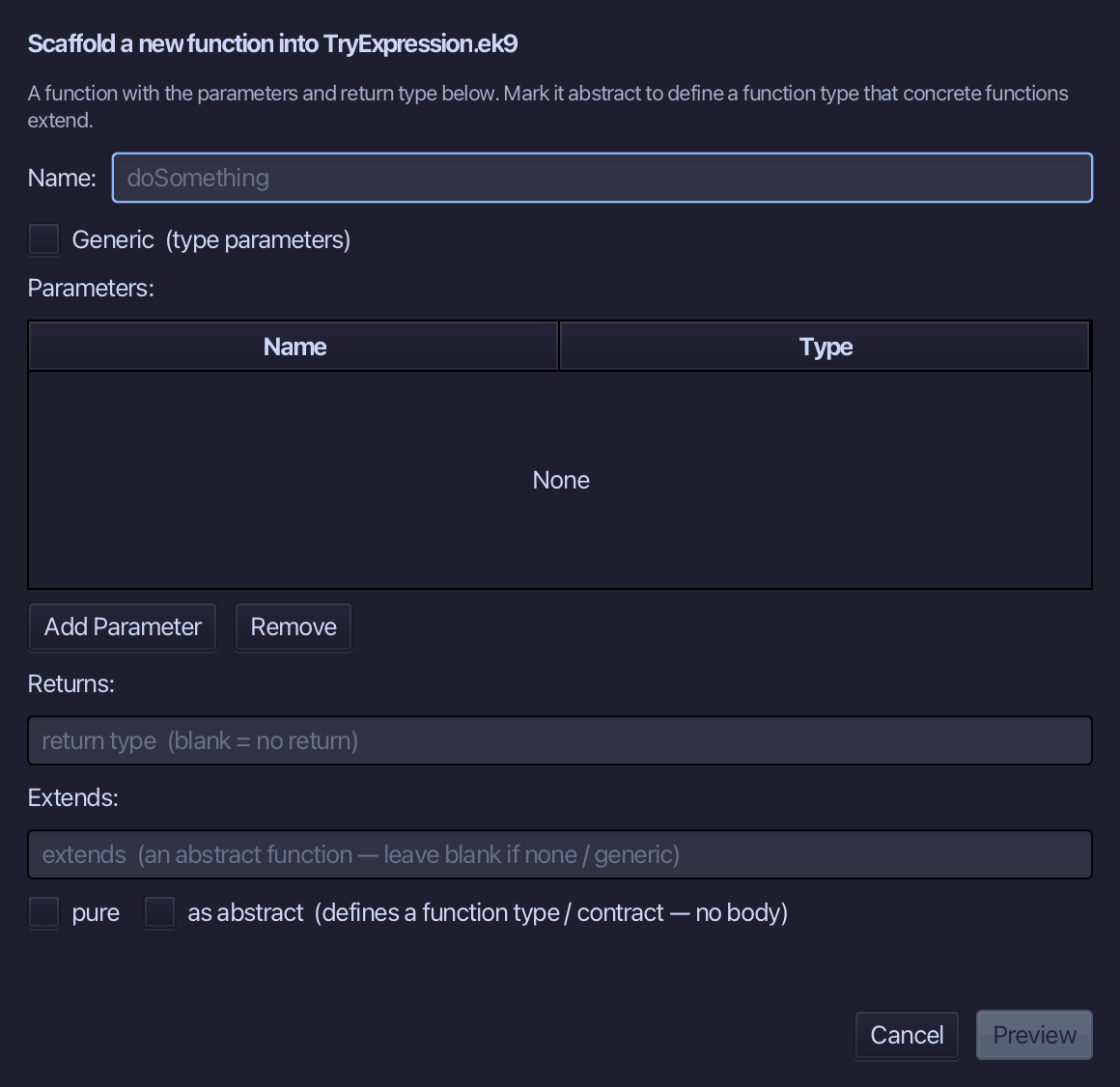
portFrom is the function's name. Add one parameter, text of type String, set Returns to Integer. Choose Preview.
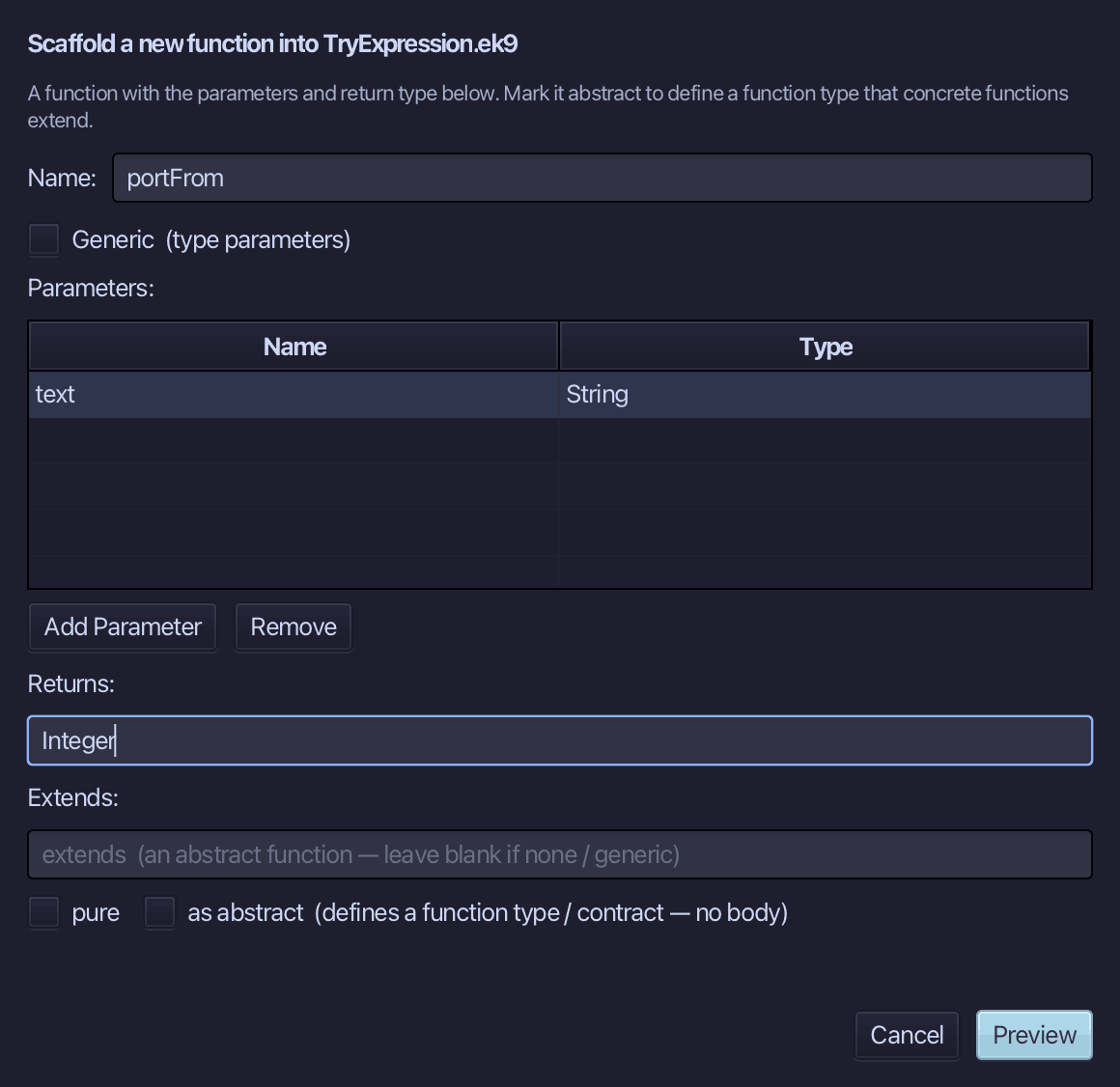
The preview shows portFrom about to be written. Choose Apply.
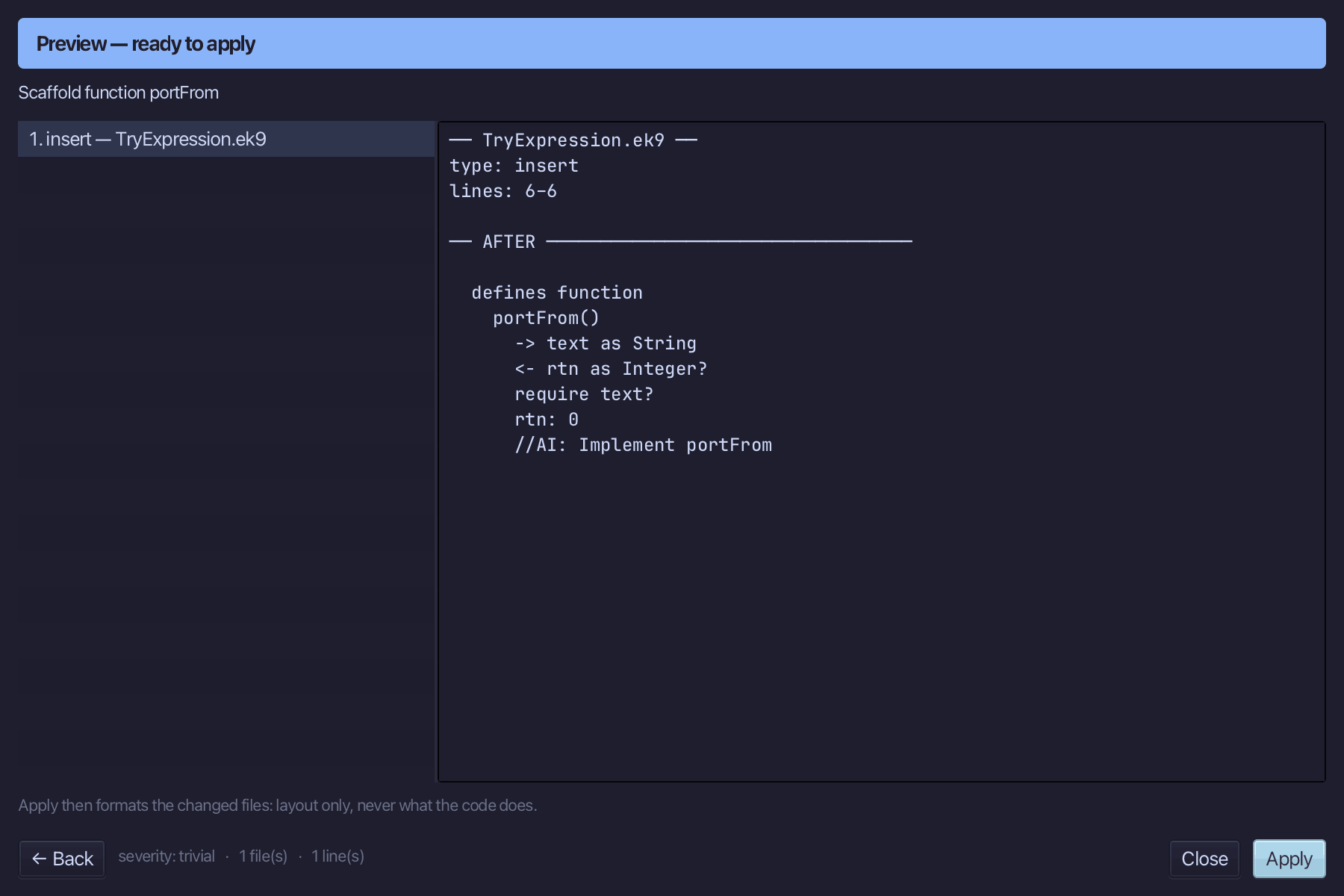
Select the portFrom() line and, above it, type the blank line the book opens its first function with. Saves when typed.
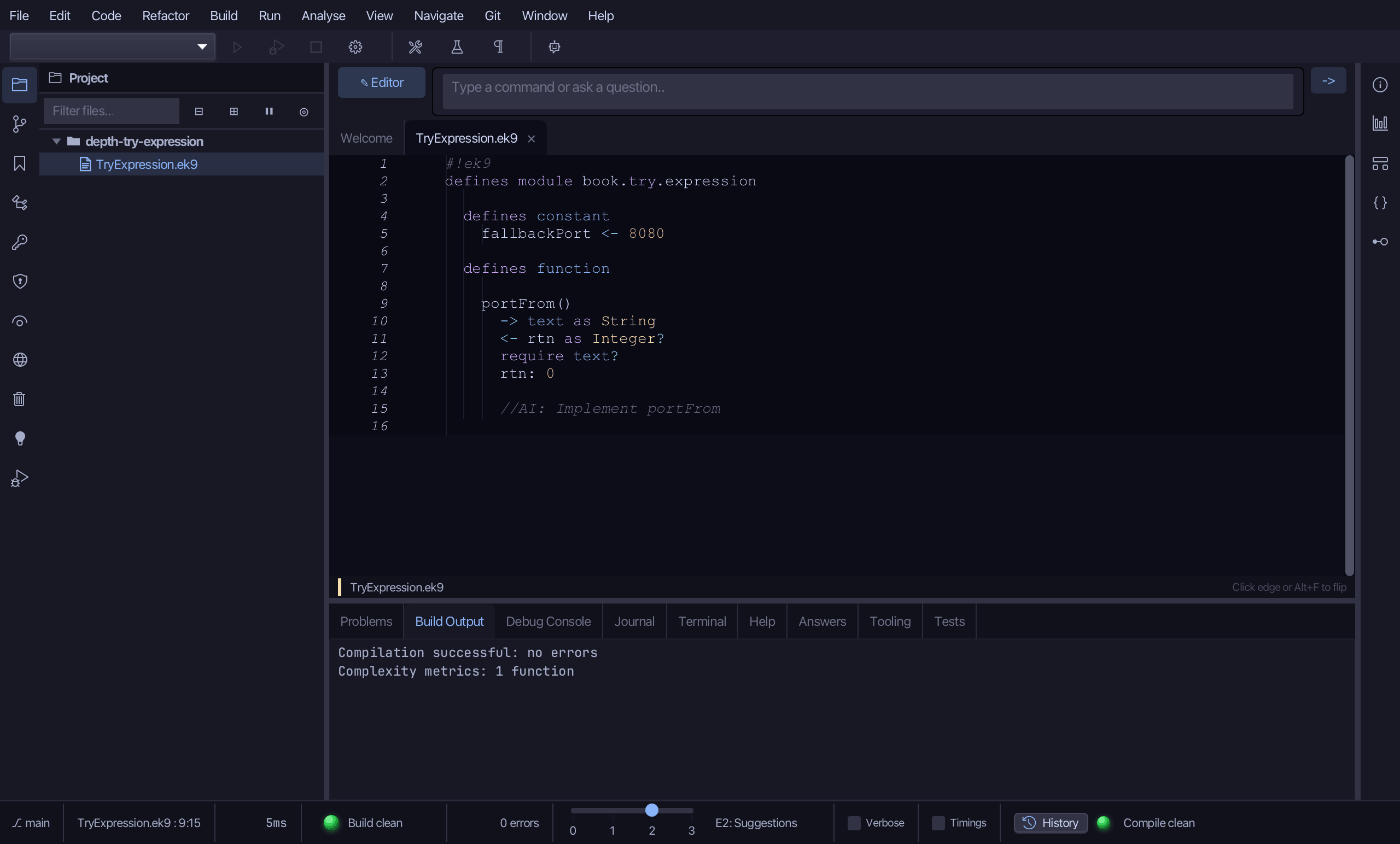
Select the stub, from <- rtn as Integer? down to its //AI line, and type portFrom's own return and work, as the book writes them. Saves when typed.
Step 3: The program
Choose Code > New Construct > Program…
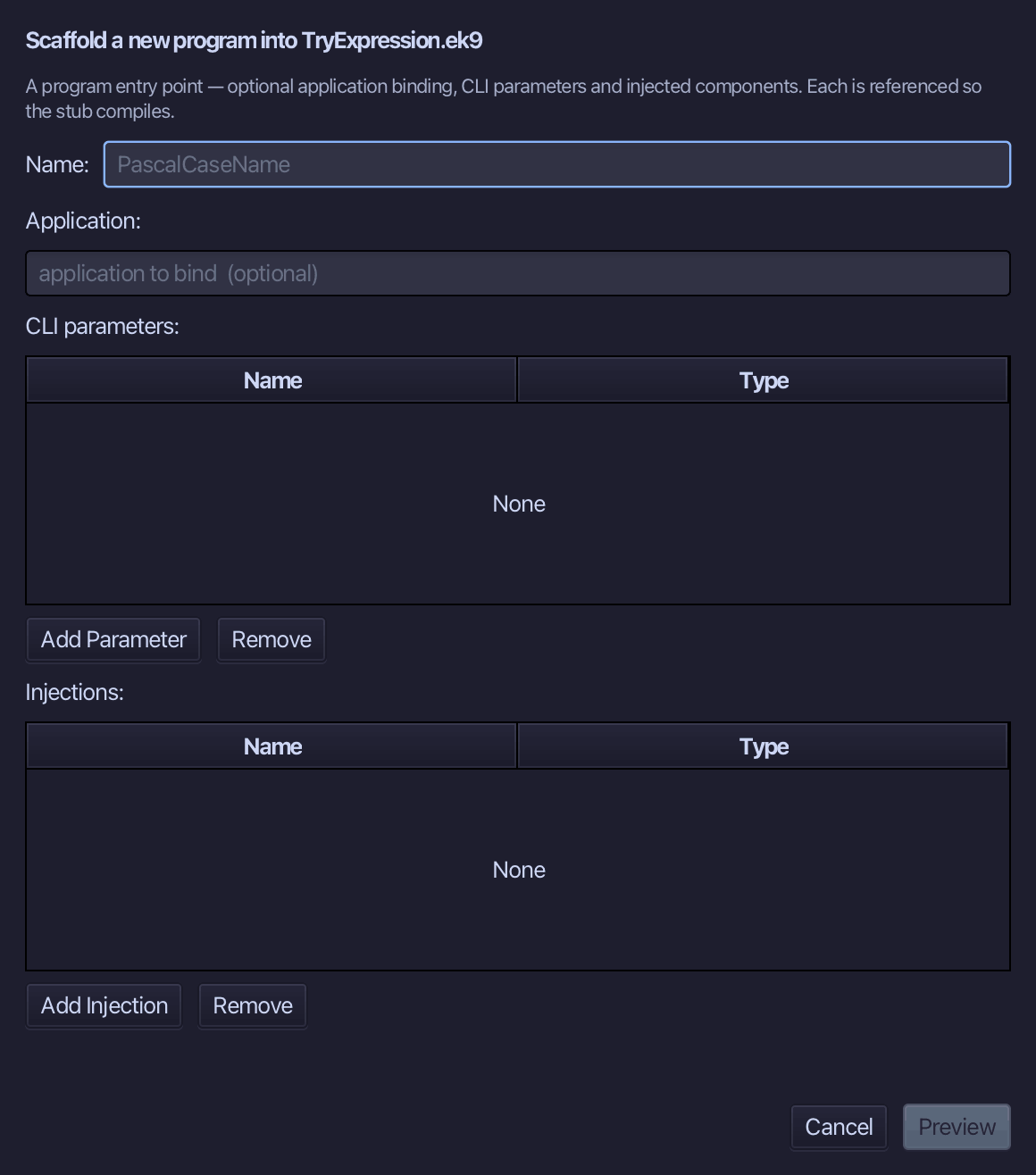
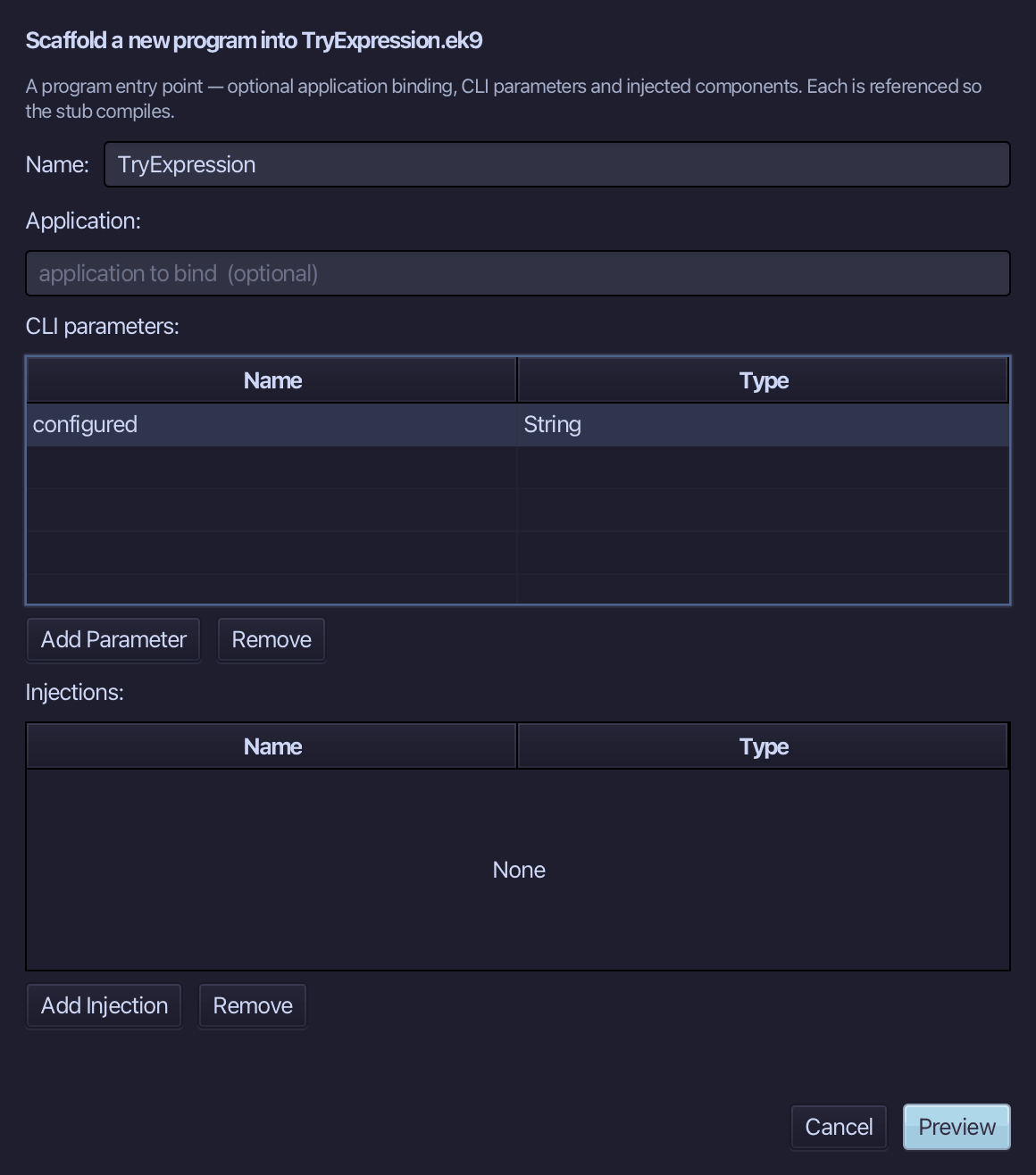
TryExpression is the program's name. Add one parameter, configured of type String. Choose Preview.
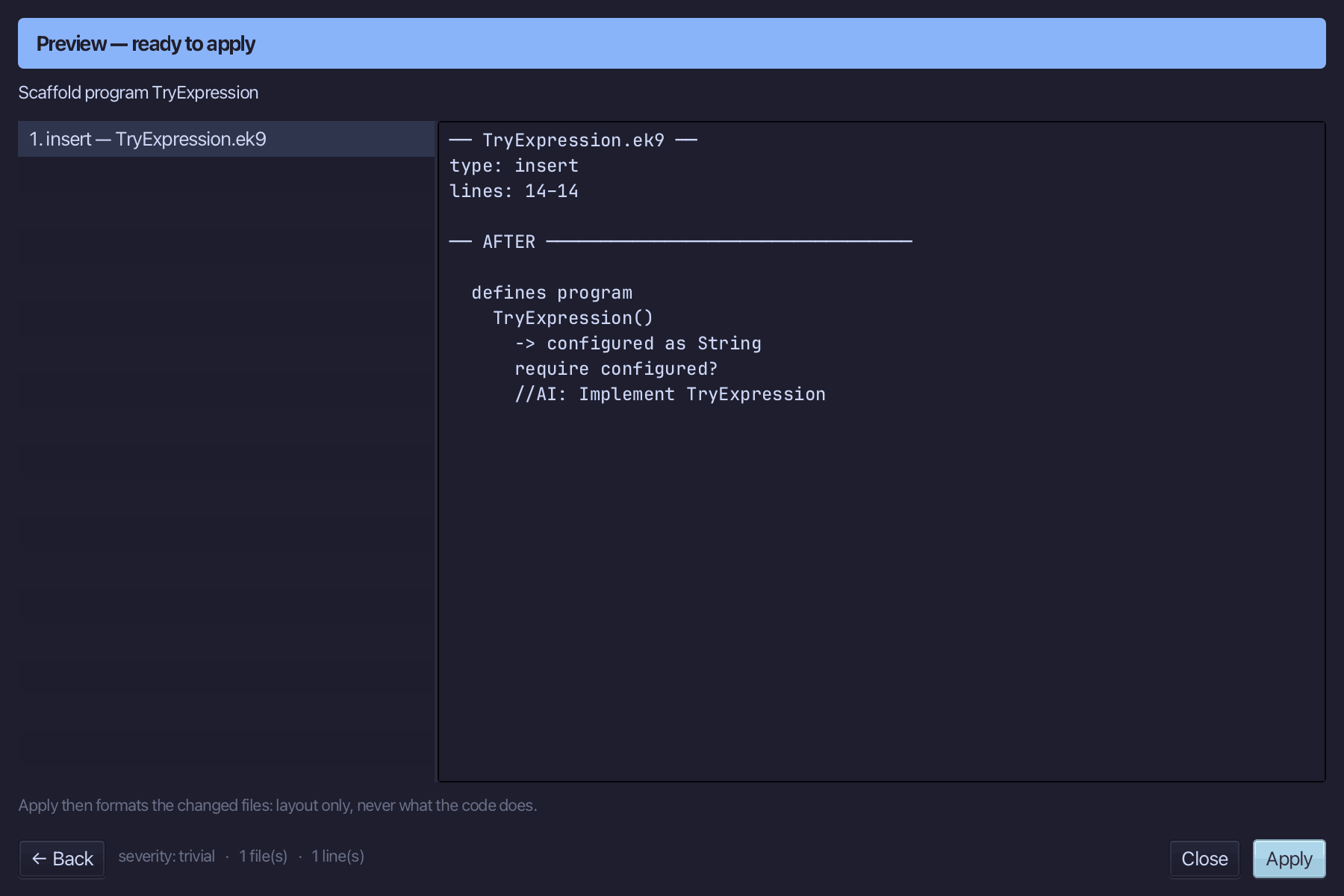
The preview shows TryExpression about to be written. Choose Apply.
Select the TryExpression() line and, above it, type the blank line the book opens the program with. Saves when typed.
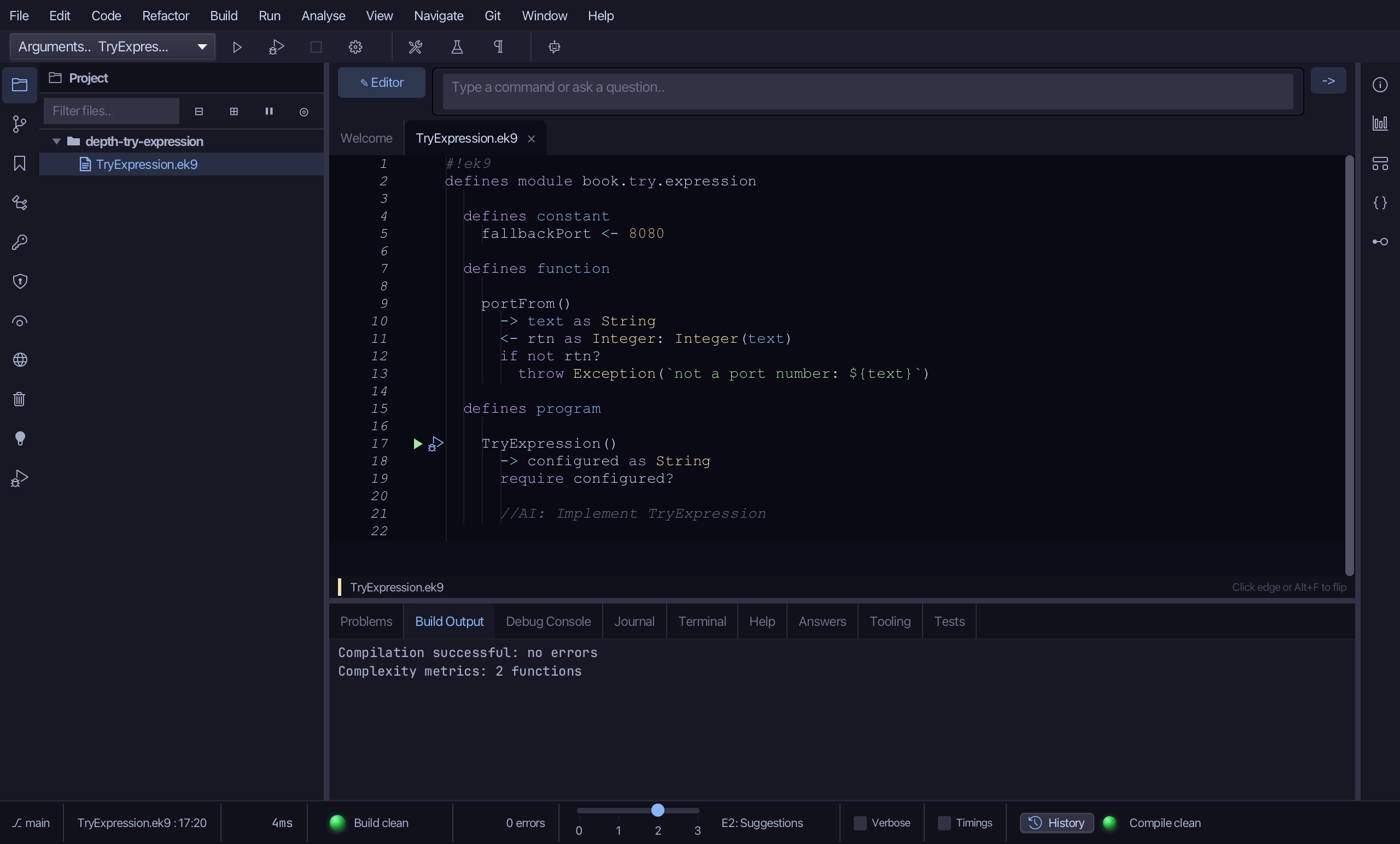
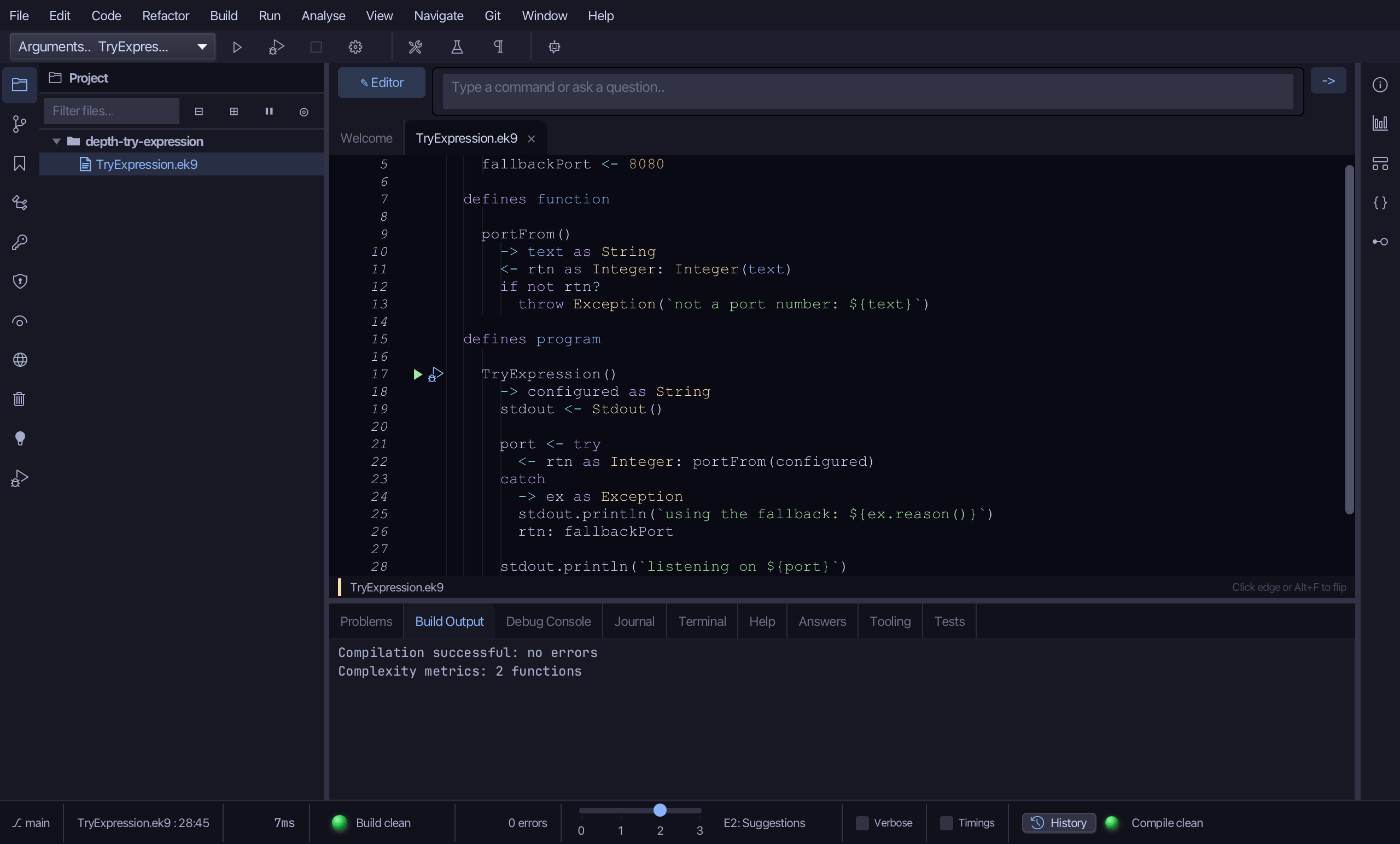
Select the stub, from require configured? down to its //AI line, and type TryExpression's body exactly as the chapter shows it. Saves when typed.
Step 4: Run it
Choose Run > Run Program…
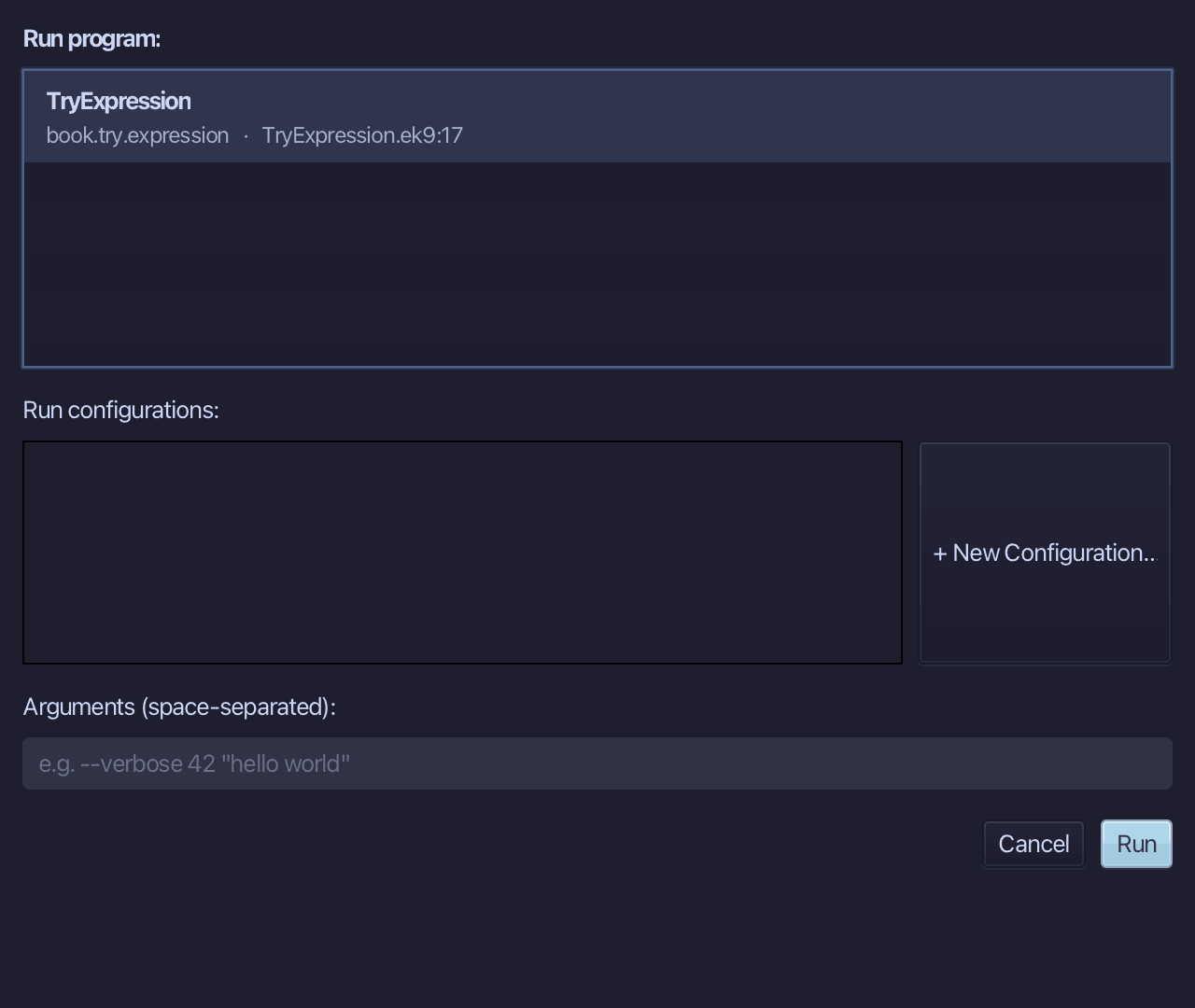
Type abc into Arguments (space-separated), then choose Run.
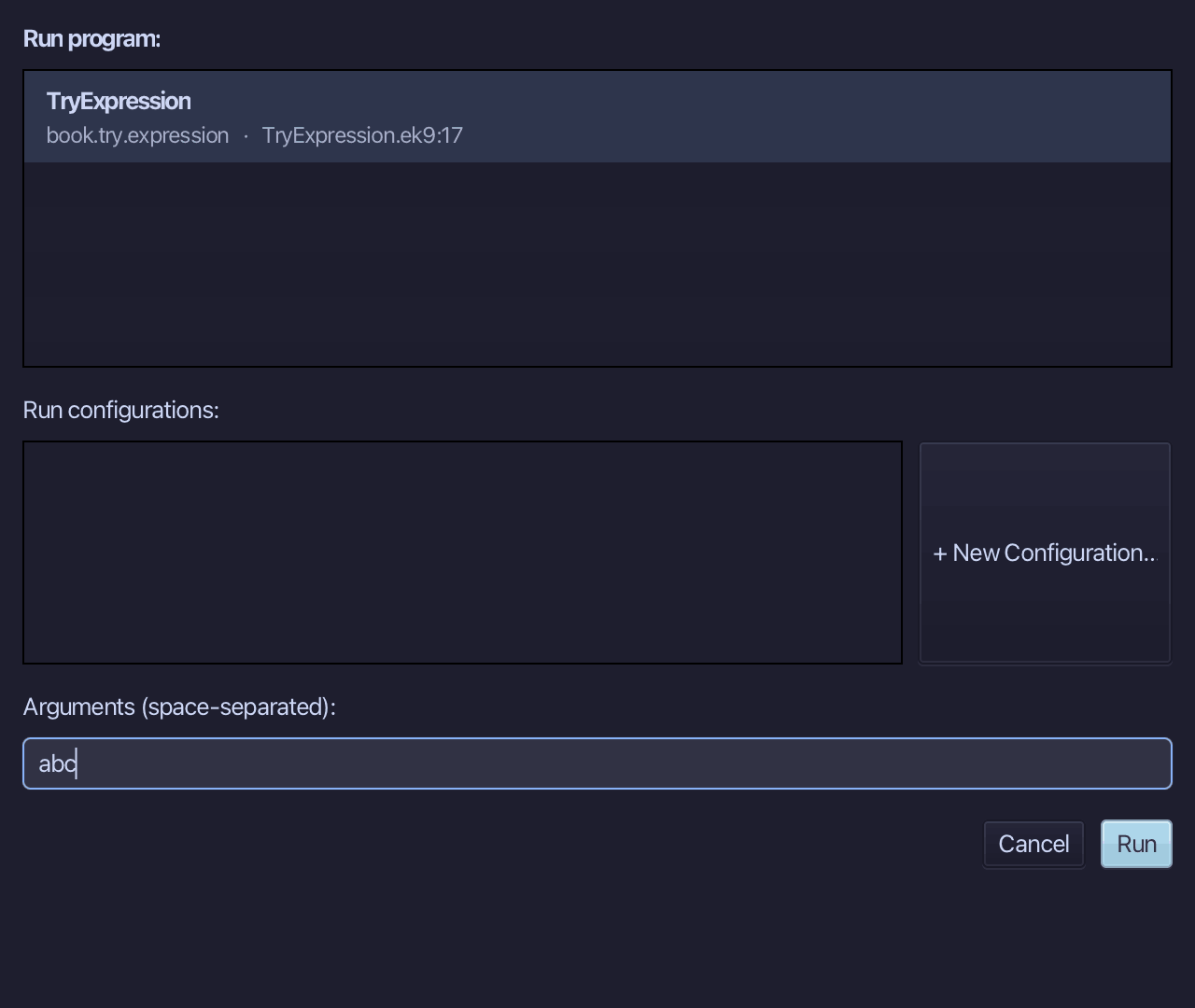
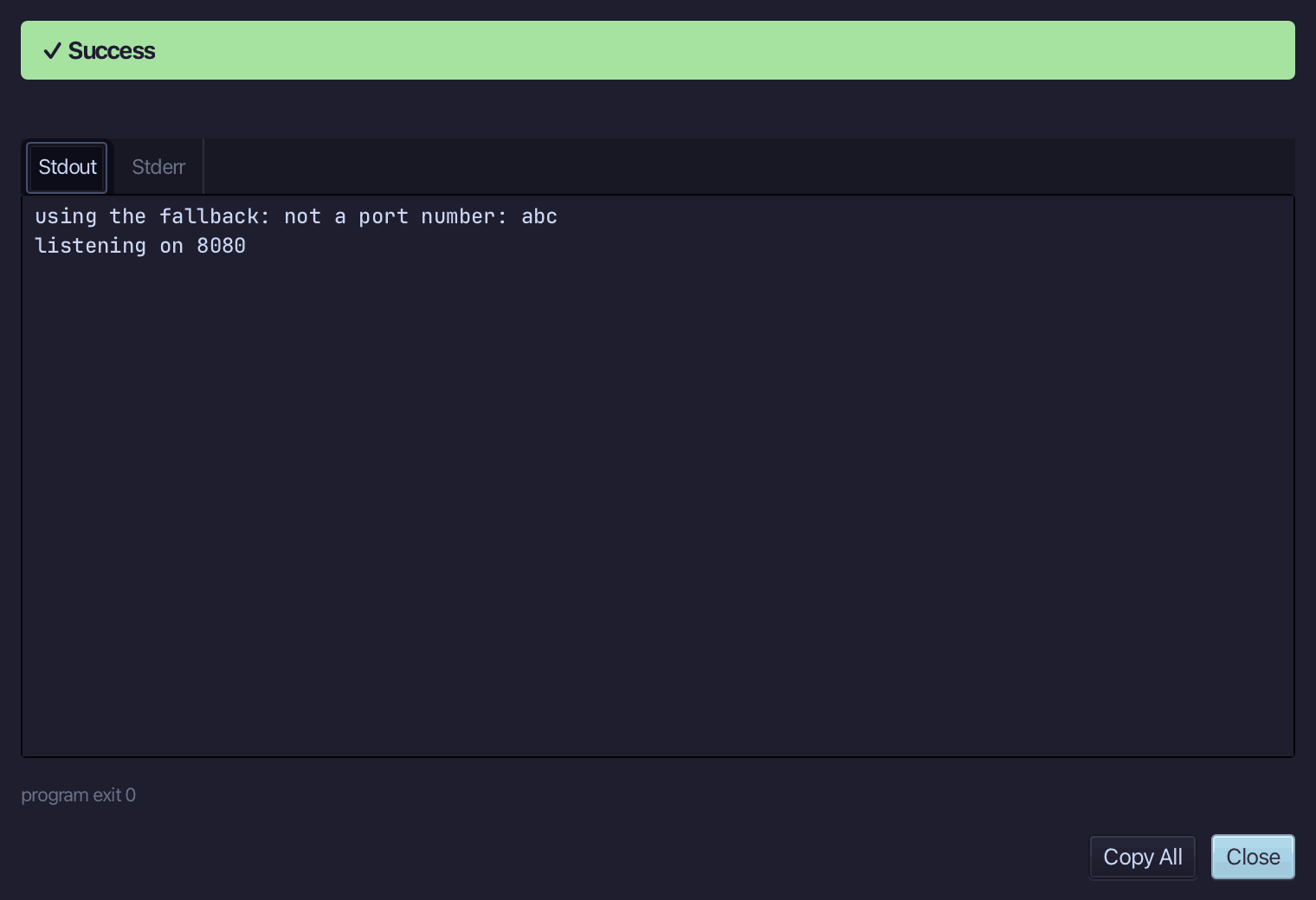
Given abc, it prints using the fallback: not a port number: abc, then listening on 8080 - the catch's value became port. Choose Close.
The result
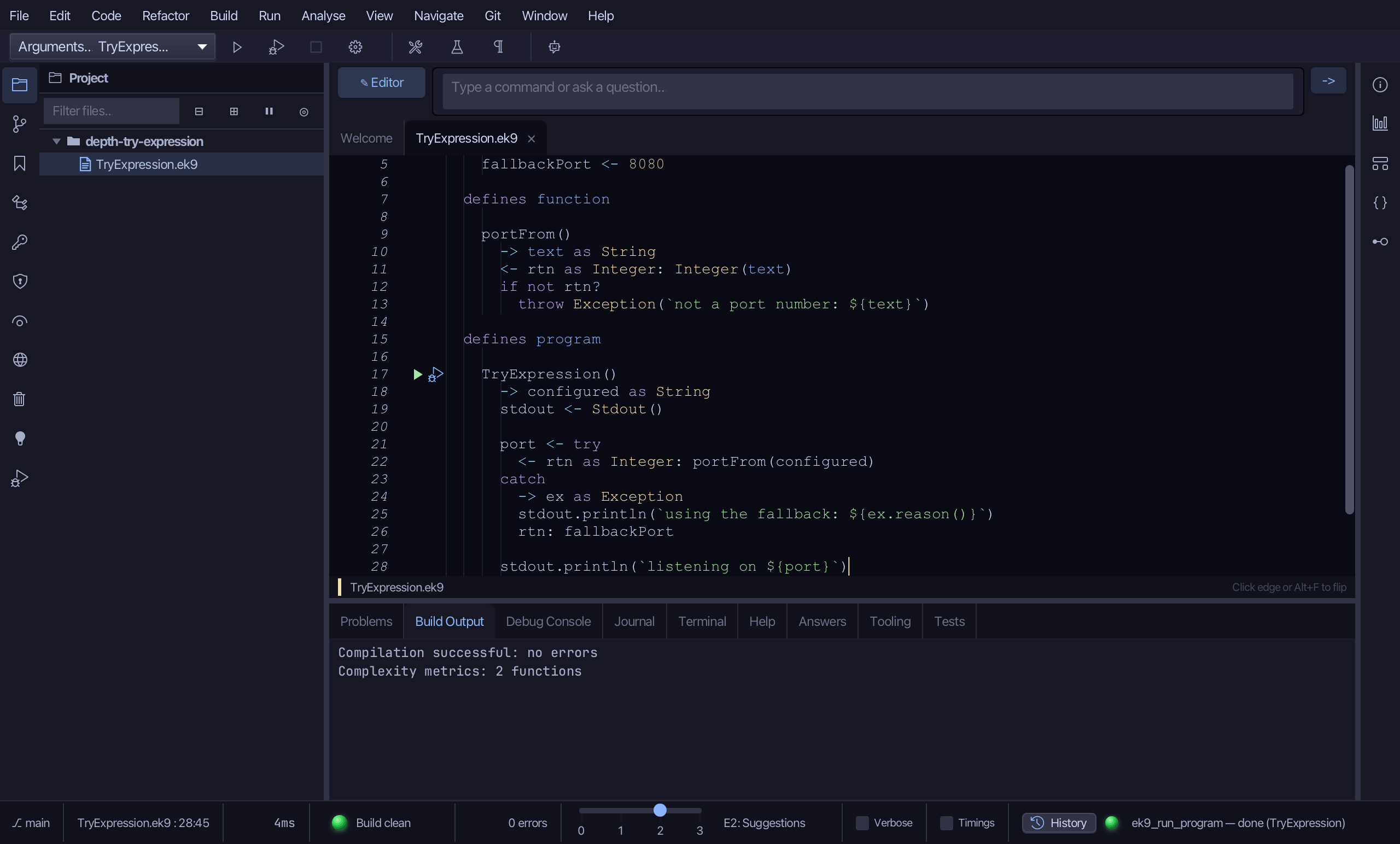
TryExpression.ek9 now reads exactly as chapter 32 of EK9 in Depth shows it: port is the value of the try, either portFrom's answer or the fallback the catch assigned to rtn after reporting why.
Where this lesson comes from
- Answers -
ek9 -qand the IDE's Answers tab: 1358. - For AI assistants - the MCP tool
ek9_new_construct,ek9_add_program.