Chapter 36: a UDP echo server and client, built
UDP has no connection, only packets: a server that receives one and sends it back, and a client that sends two and reads the replies. Both use the loopback address and one fixed port, and the word end stops the server. This lesson builds both files. To play it in the IDE: Help > Lessons > EK9 in Depth…, or ek9 -ide -lesson depth-udp-echo.
What you'll build
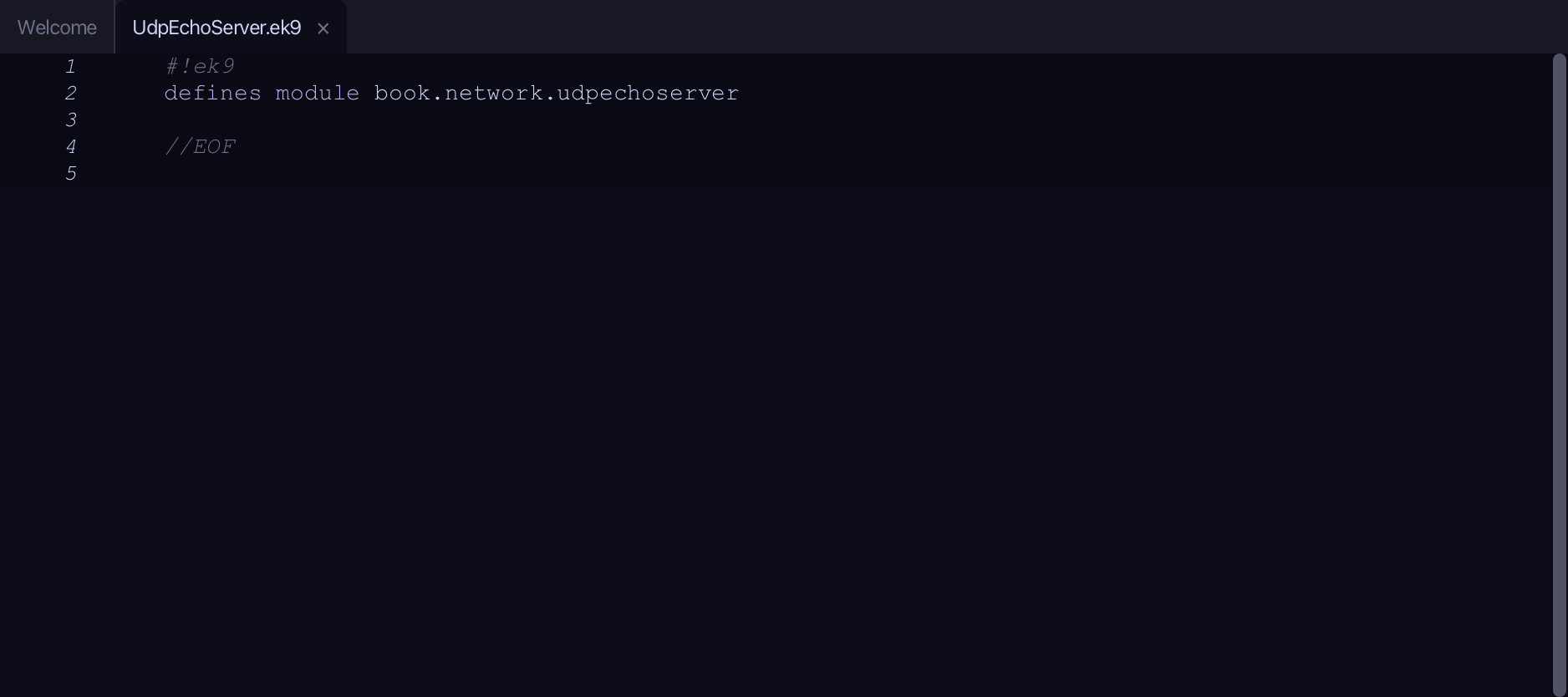
The lesson builds this program from a file holding only its module line - the finished file, as the book prints it.
UdpEchoServer.ek9
#!ek9
defines module book.network.udpechoserver

  defines constant
    ECHO_PORT <- 4447

    END_COMMAND <- "end"

  defines program

    UdpEchoServer()
      stdout <- Stdout()

      try
        -> udpConnection <- UDP(NetworkProperties(port: ECHO_PORT, localOnly: true))

        serving <- true
        while serving and udpConnection?
          packet <- udpConnection.receive()
          if packet?
            if packet.content == END_COMMAND
              farewell <- UDPPacket(packet.properties, "OK will stop the server")
              udpConnection.send(farewell)
              serving: false
            else
              udpConnection.send(packet)

      stdout.println("UDP server complete")

//EOF
UdpEchoClient.ek9
#!ek9
defines module book.network.udpechoclient

  defines constant
    ECHO_PORT <- 4447

    END_COMMAND <- "end"

  defines function

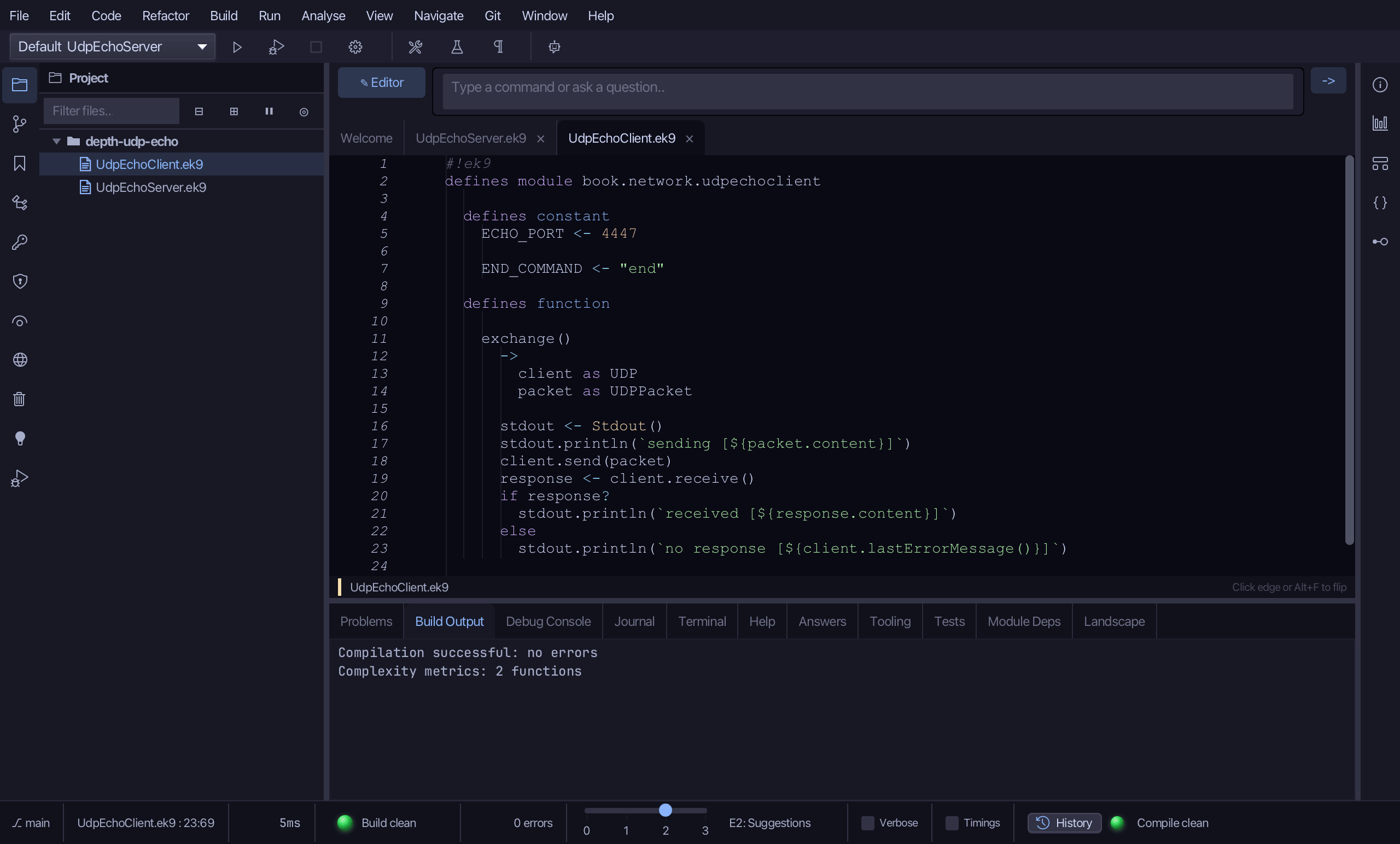
    exchange()
      ->
        client as UDP
        packet as UDPPacket

      stdout <- Stdout()
      stdout.println(`sending [${packet.content}]`)
      client.send(packet)
      response <- client.receive()
      if response?
        stdout.println(`received [${response.content}]`)
      else
        stdout.println(`no response [${client.lastErrorMessage()}]`)

  defines program

    UdpEchoClient()
      localhost <- Networking().loopbackV4()

      try
        -> client <- UDP(NetworkProperties(timeout: 250ms))
        exchange(client, UDPPacket(NetworkProperties(localhost, ECHO_PORT), "a test"))
        exchange(client, UDPPacket(NetworkProperties(localhost, ECHO_PORT), END_COMMAND))

      Stdout().println("UDP client complete")

//EOF
Step 1: Constants
Choose Code > New Construct > Constant…
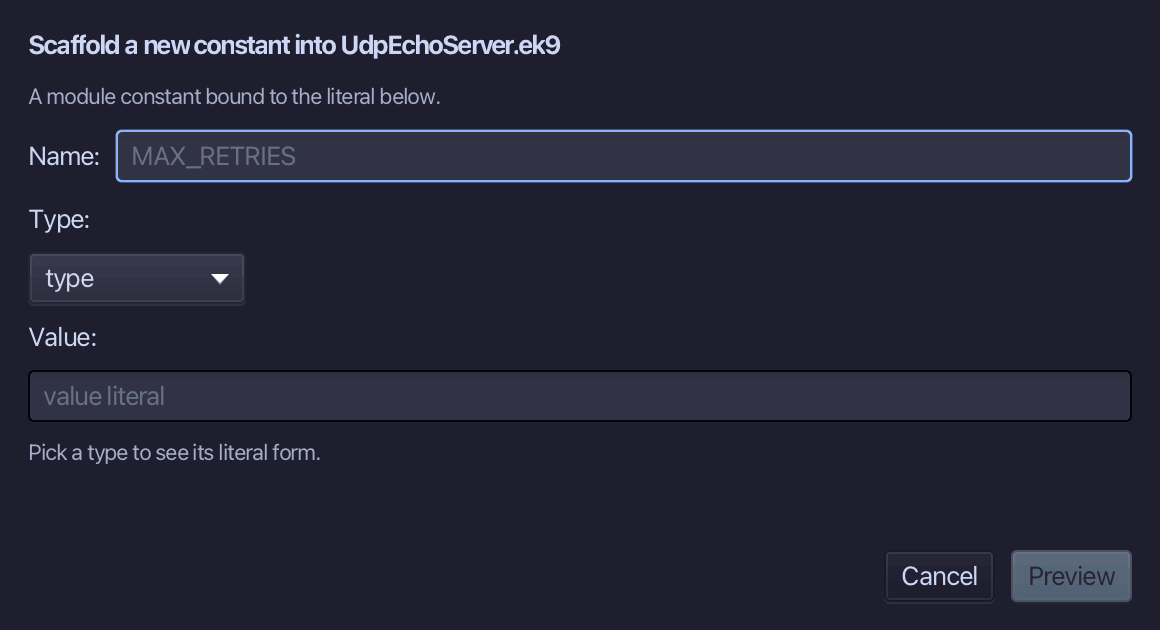
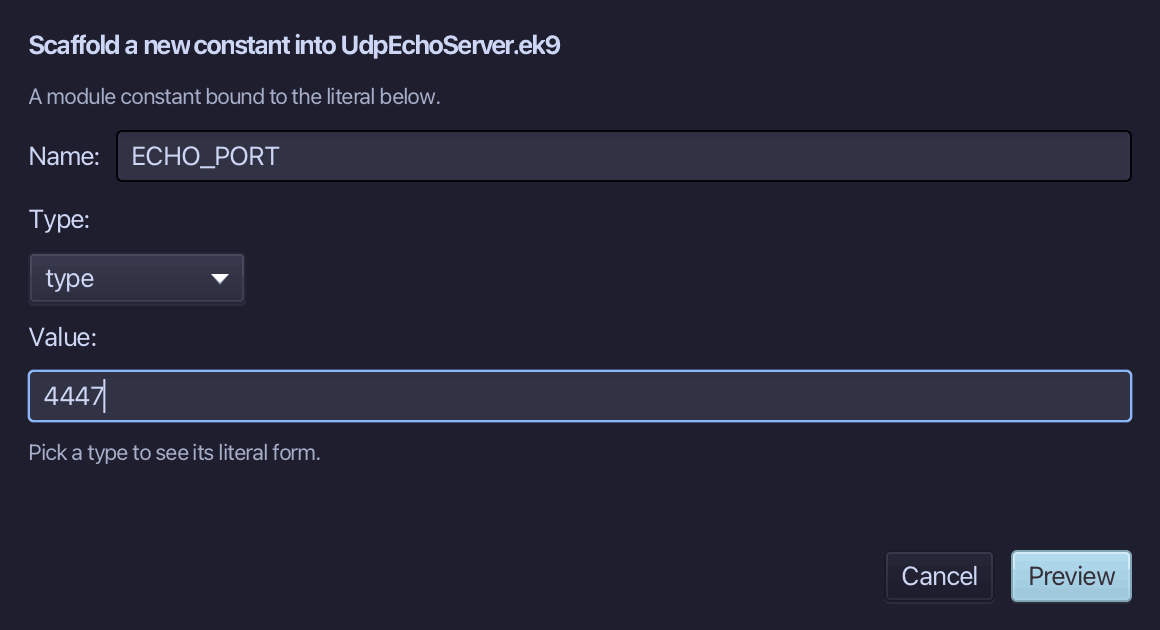
ECHO_PORT is the constant's name and 4447 its value - a literal in the Value field, from which the type is inferred. Type both and choose Preview.
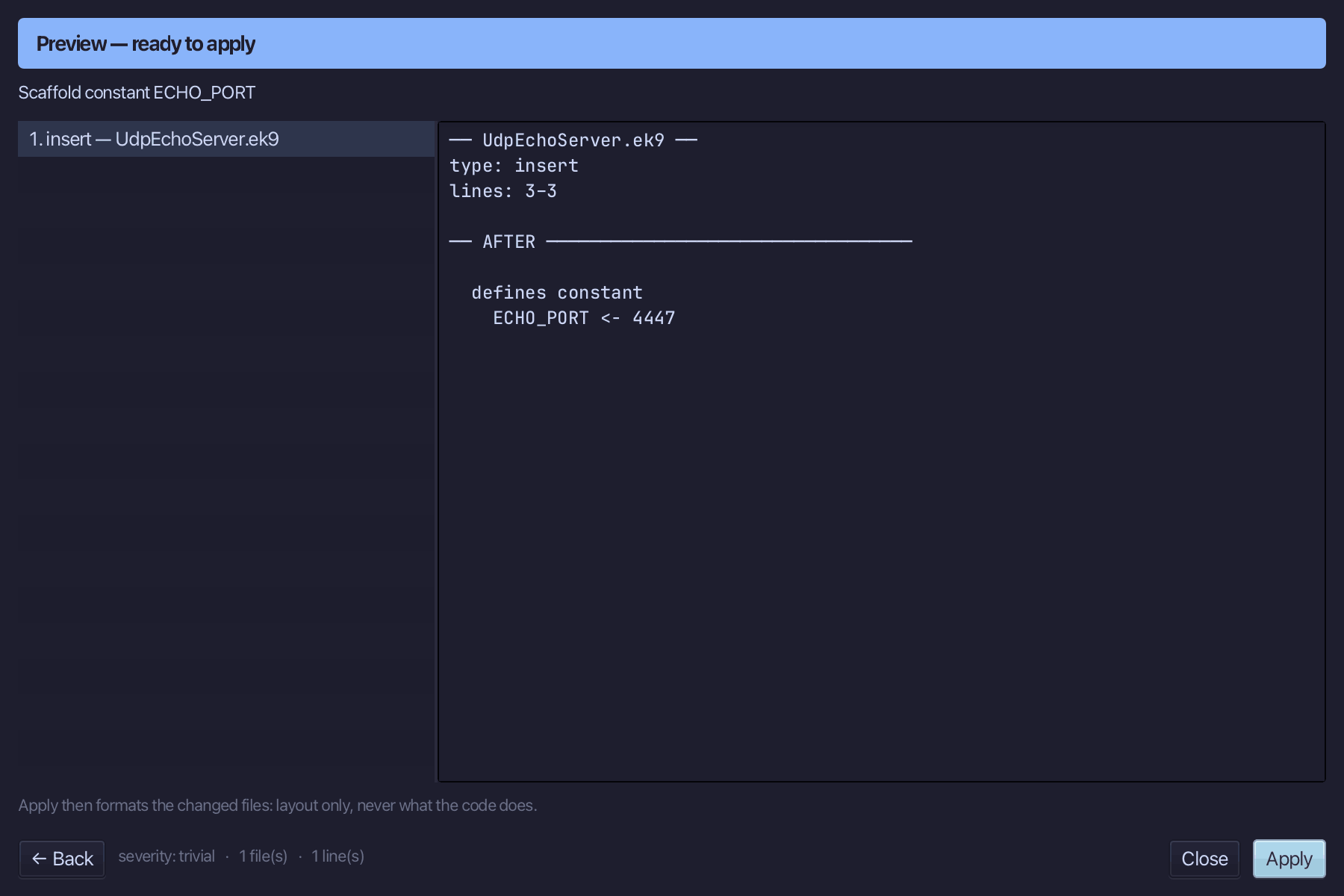
The preview shows ECHO_PORT about to be written. Choose Apply.
Choose Code > New Construct > Constant…
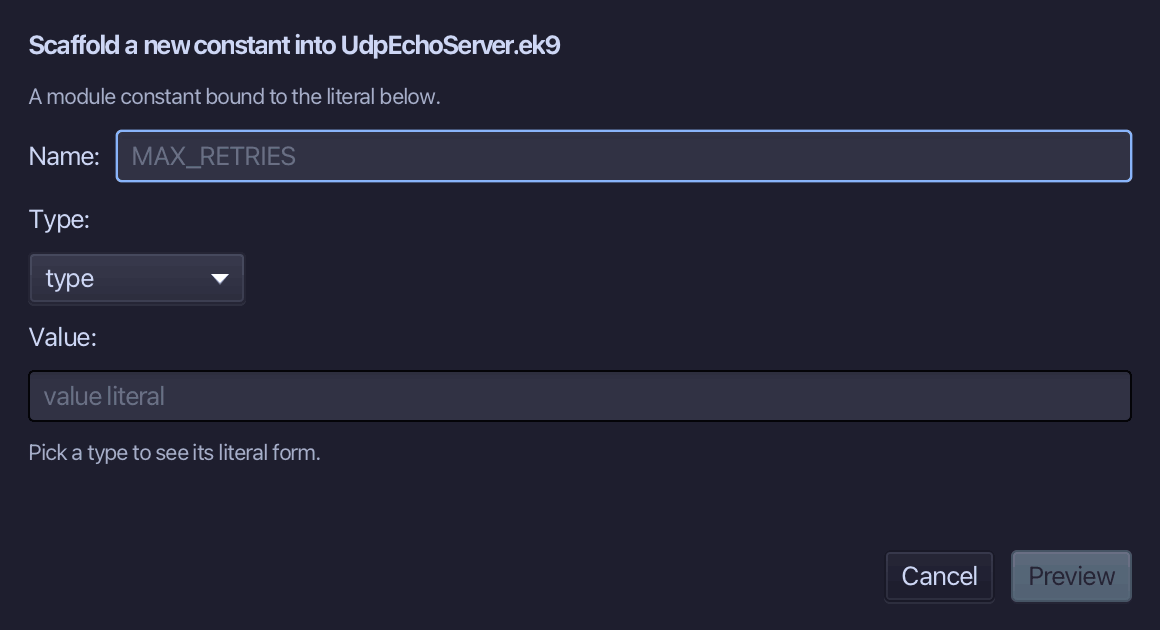
END_COMMAND is the constant's name and "end" its value - a literal in the Value field, from which the type is inferred. Type both and choose Preview.
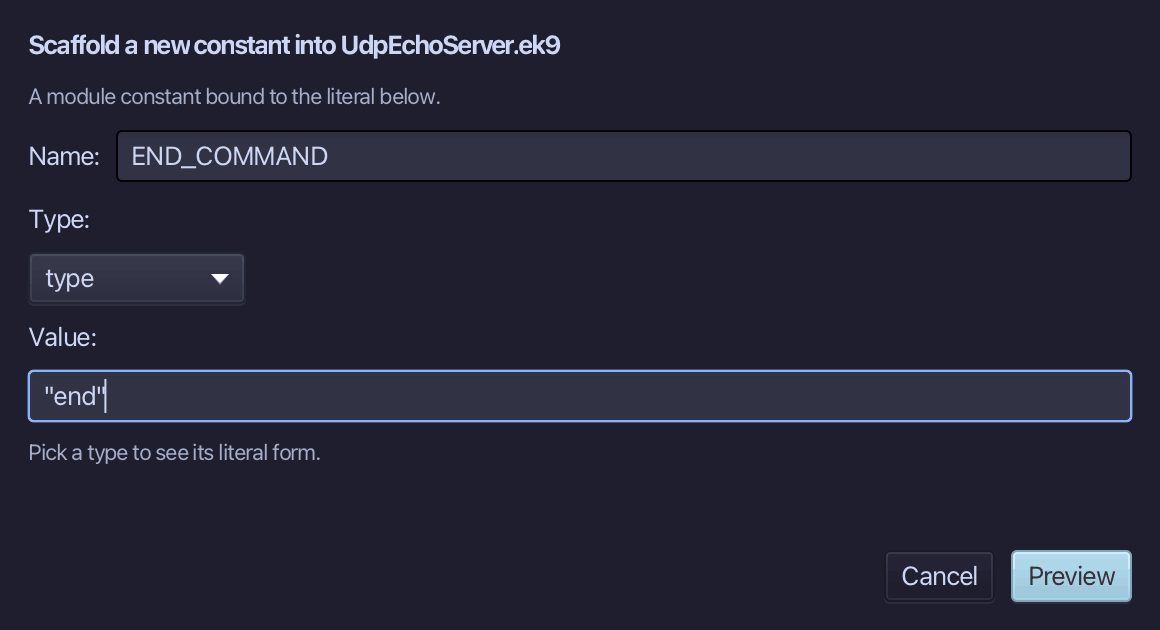
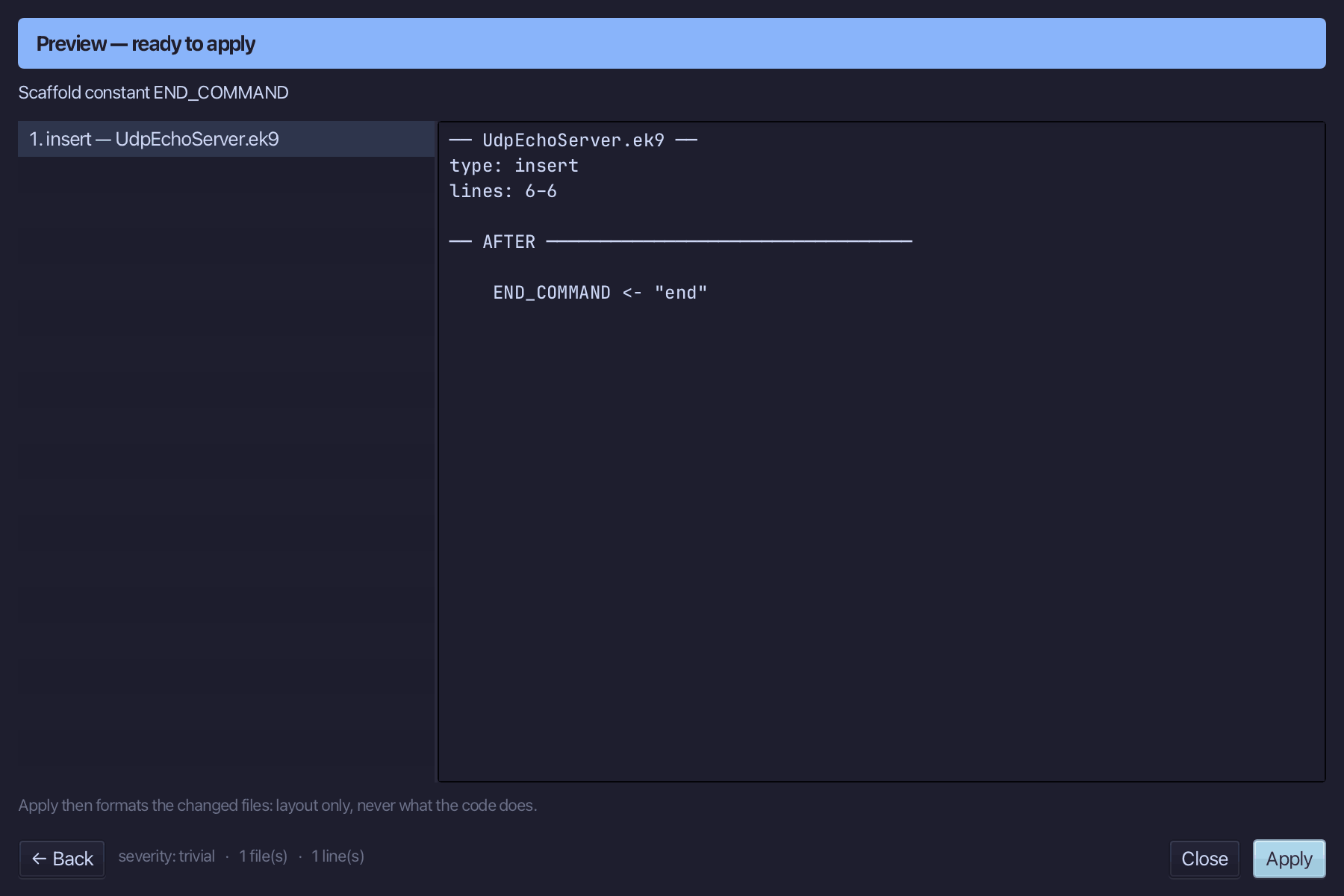
The preview shows END_COMMAND about to be written. Choose Apply.
Step 2: UdpEchoServer — a program
Choose Code > New Construct > Program…
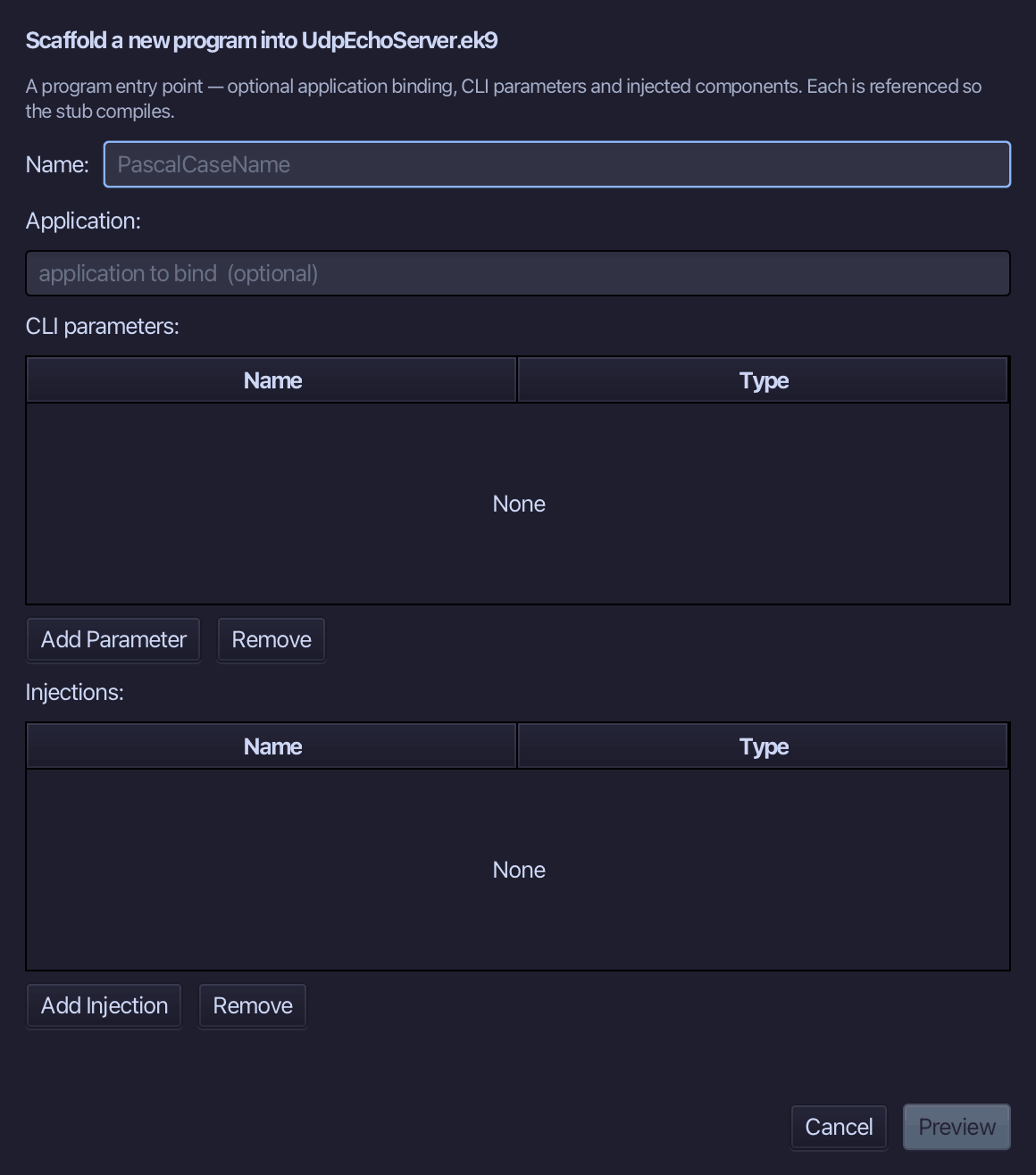
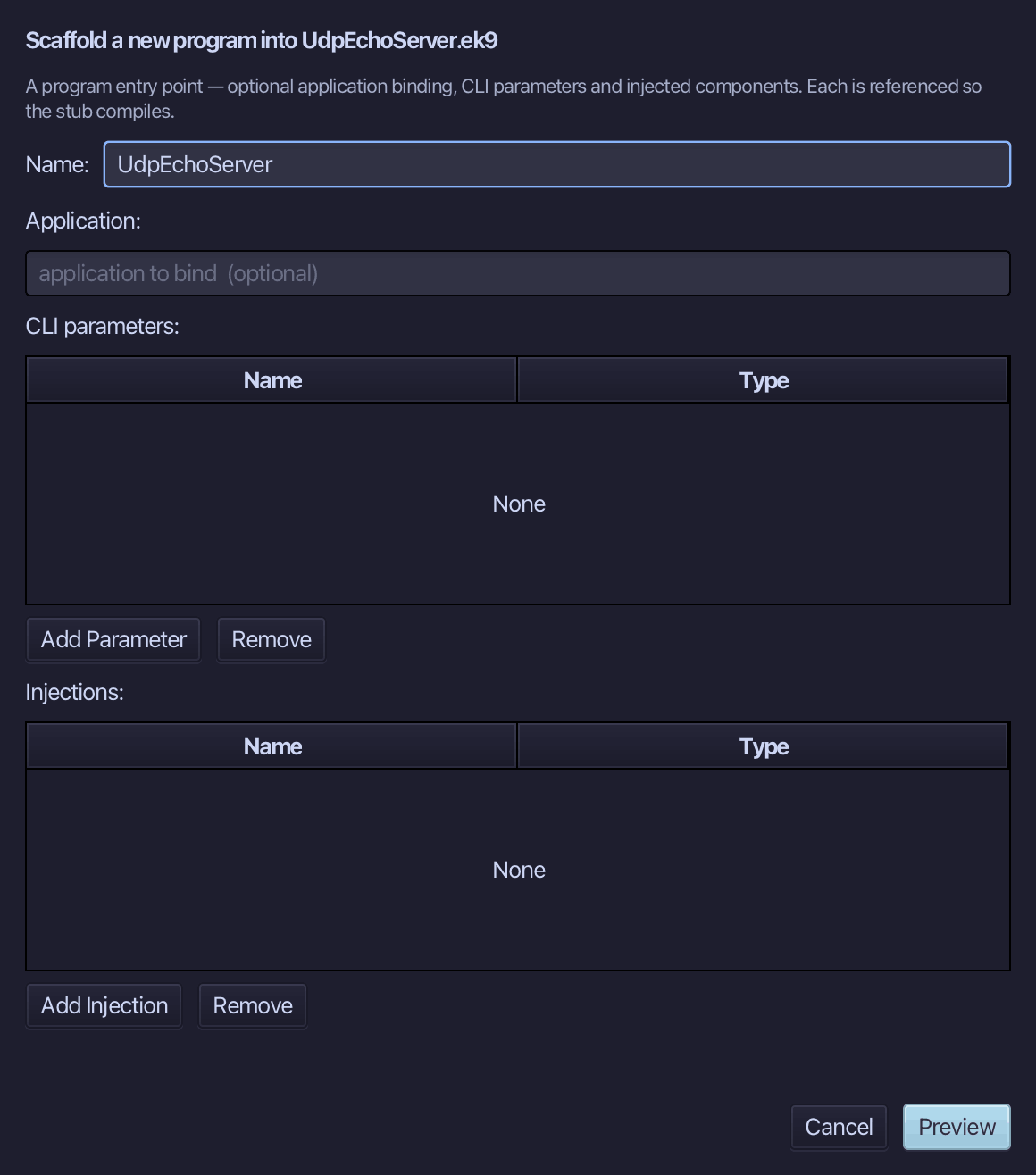
UdpEchoServer is the program's name. Choose Preview.
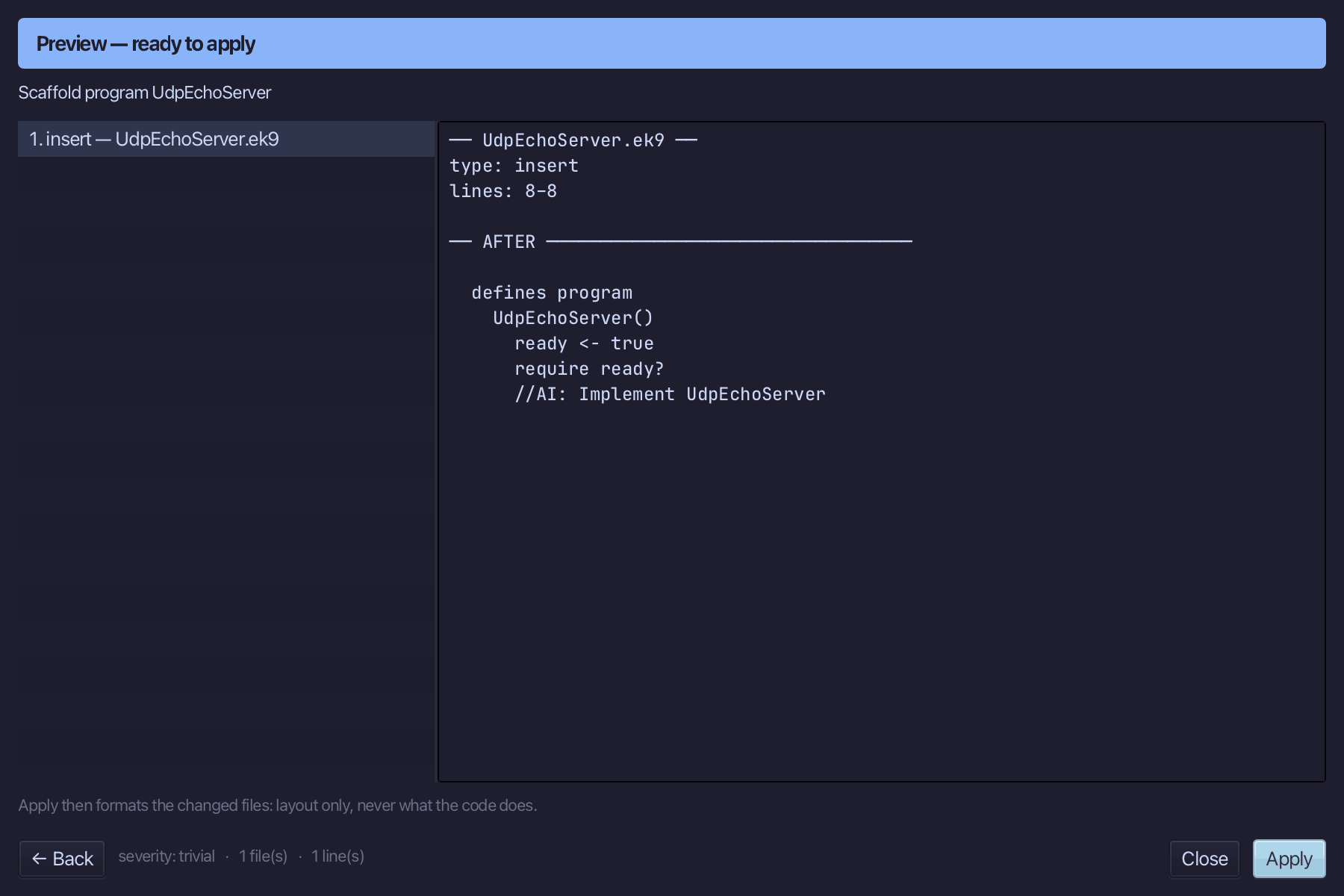
The preview shows UdpEchoServer about to be written. Choose Apply.
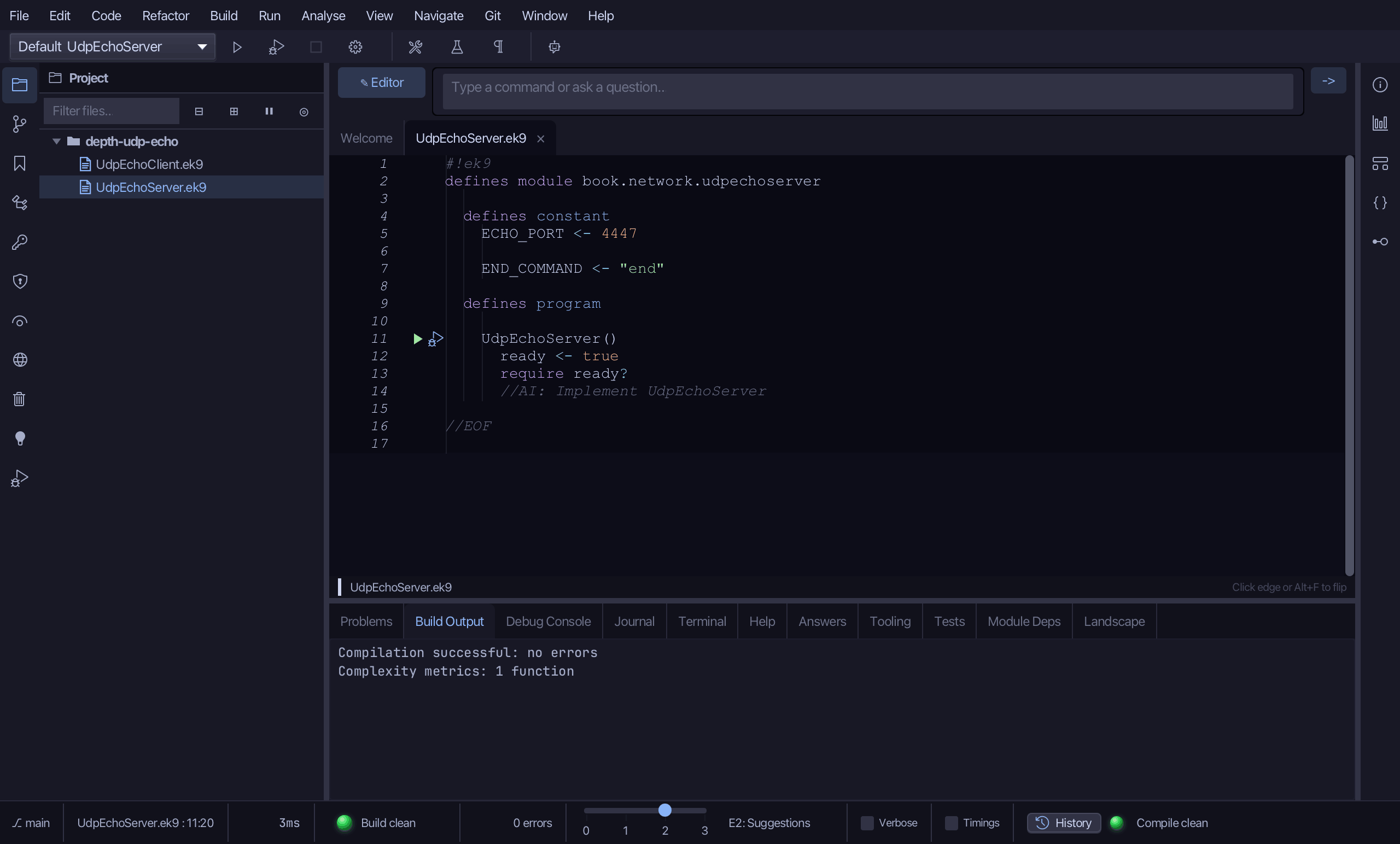
Select the UdpEchoServer line and, above it, type the blank line the book opens the block with. Saves when typed.
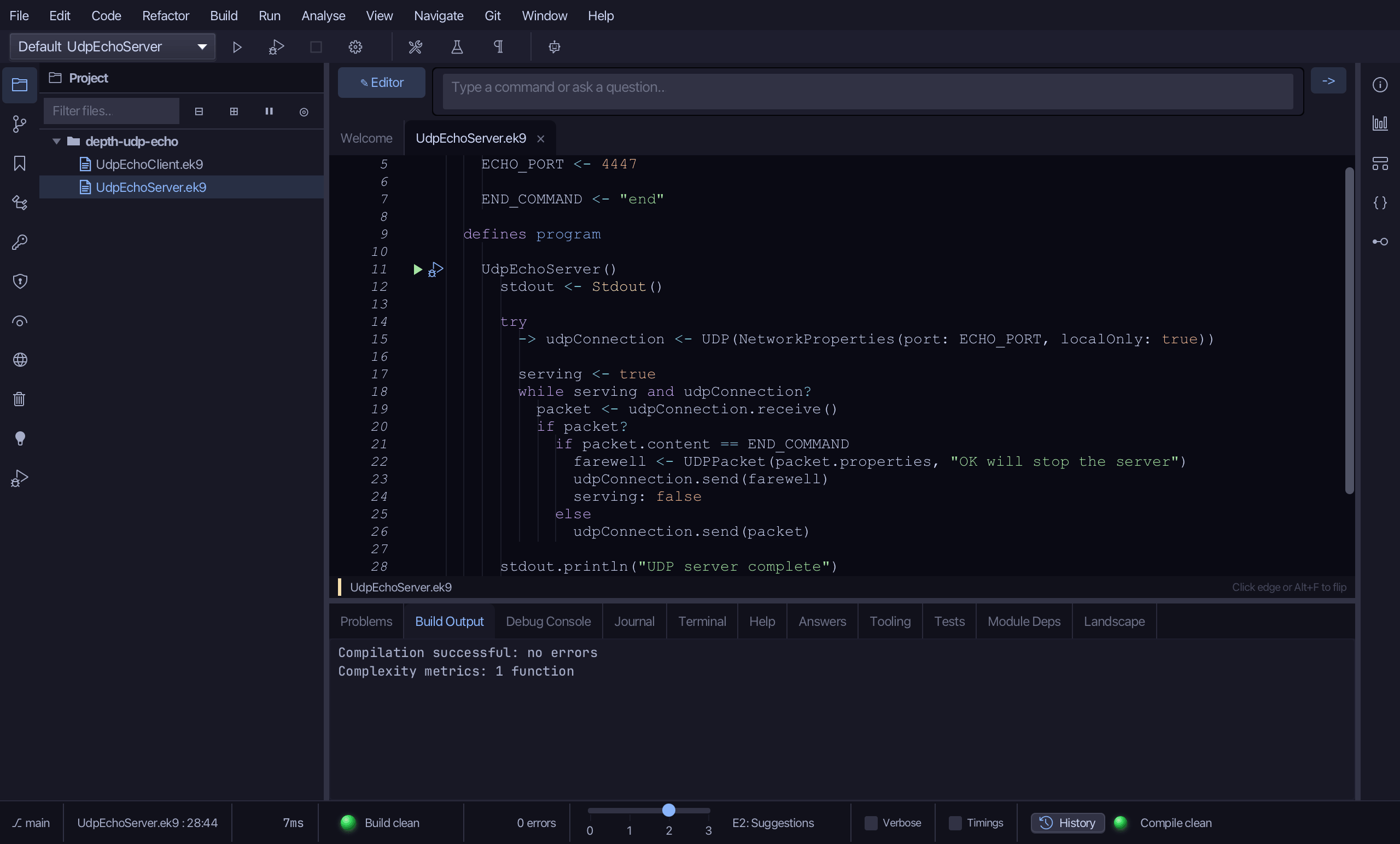
Select the stub, from ready <- true down to its //AI line, and type the program exactly as the chapter shows it. Saves when typed.
Step 3: UdpEchoClient.ek9
Open UdpEchoClient.ek9 in the Project panel - it is already there, with just its module line.
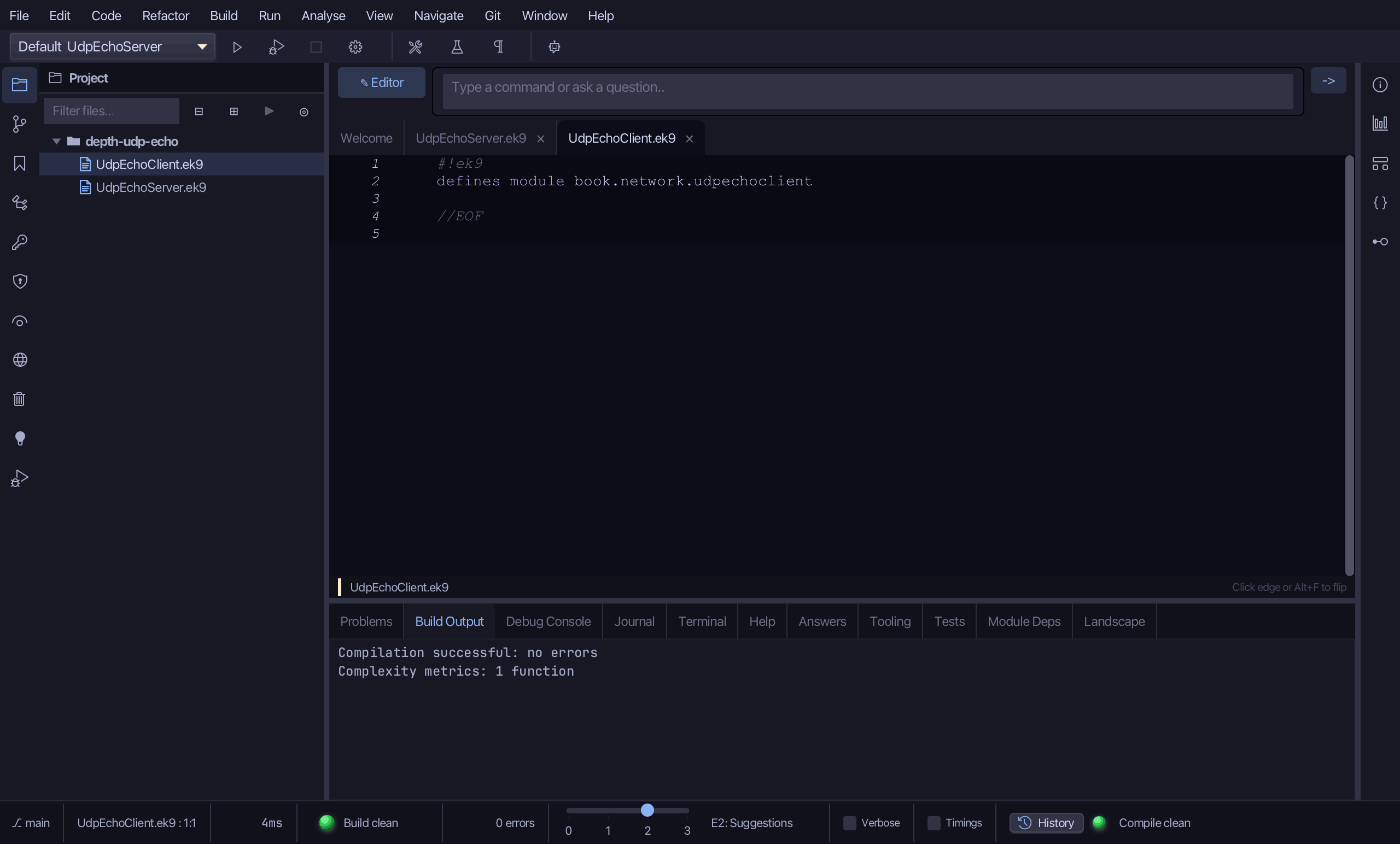
Step 4: Constants
Choose Code > New Construct > Constant…
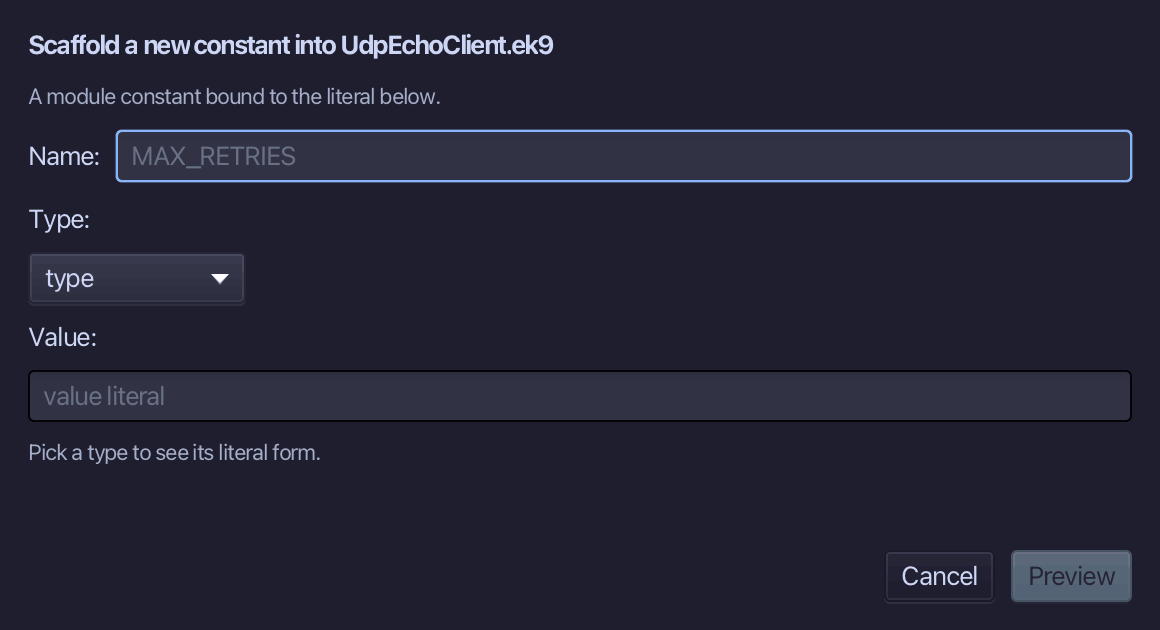
ECHO_PORT is the constant's name and 4447 its value - a literal in the Value field, from which the type is inferred. Type both and choose Preview.
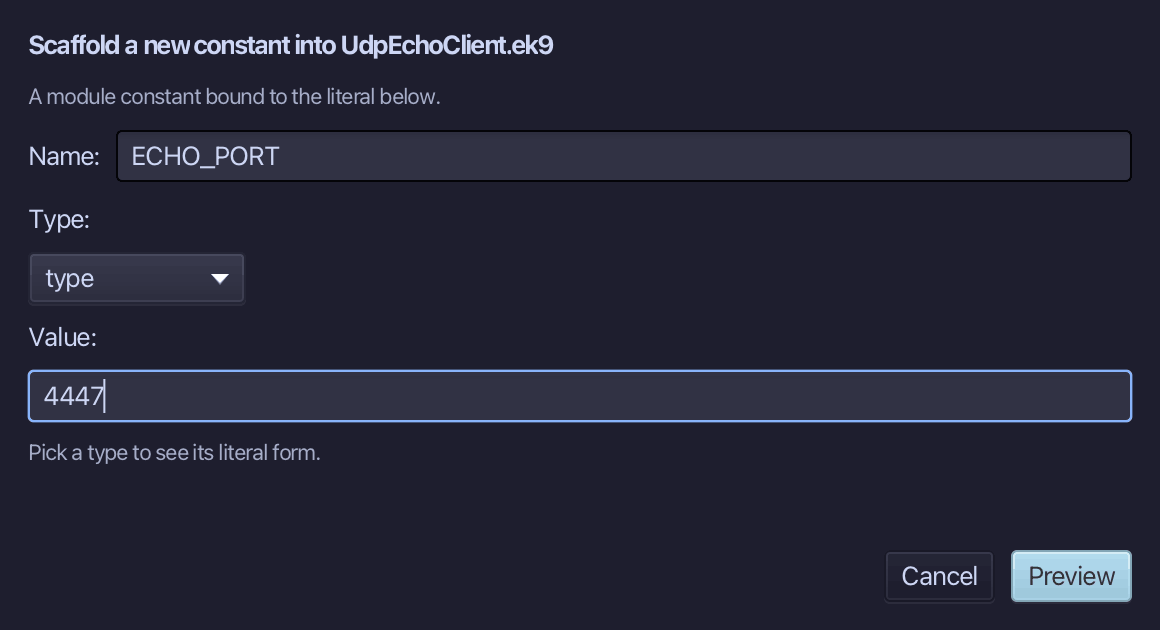
The preview shows ECHO_PORT about to be written. Choose Apply.
Choose Code > New Construct > Constant…
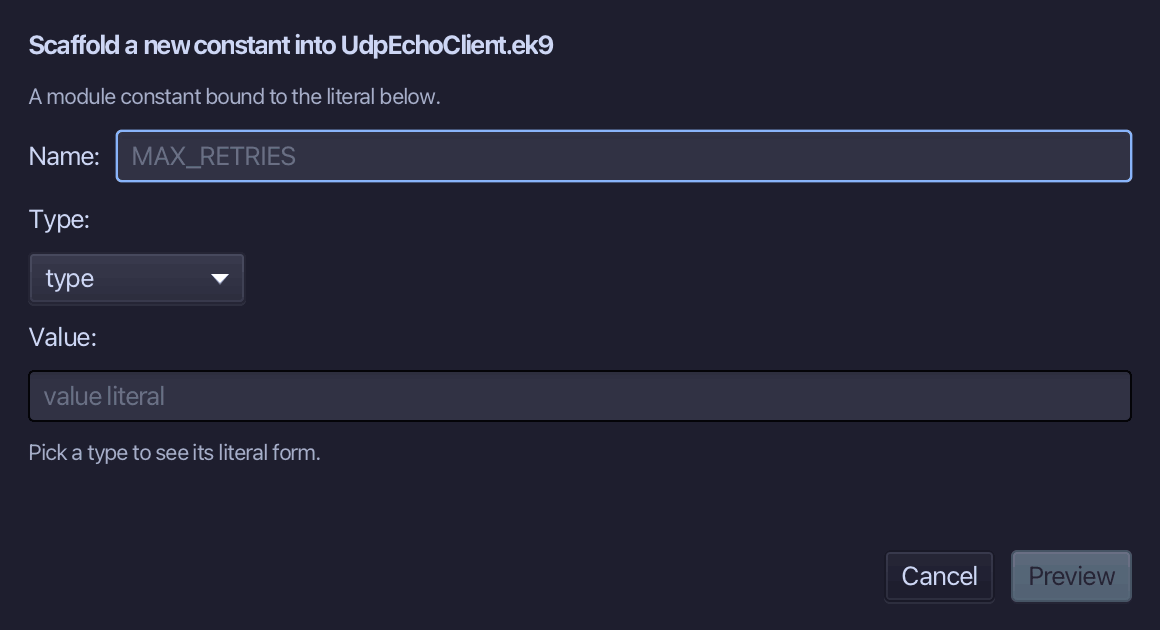
END_COMMAND is the constant's name and "end" its value - a literal in the Value field, from which the type is inferred. Type both and choose Preview.
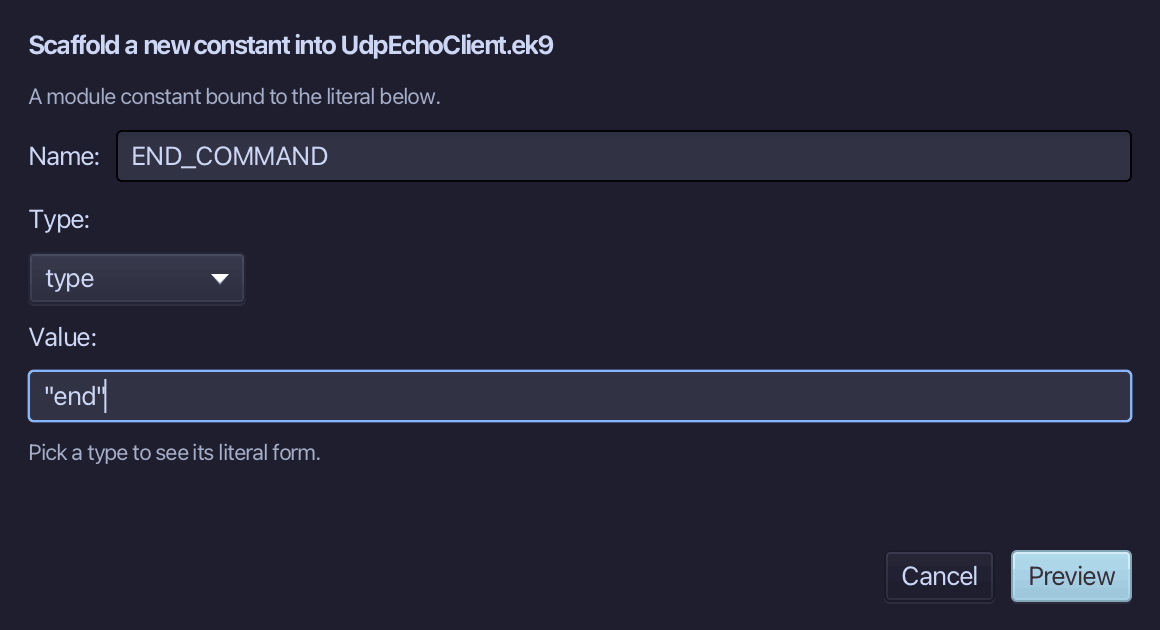
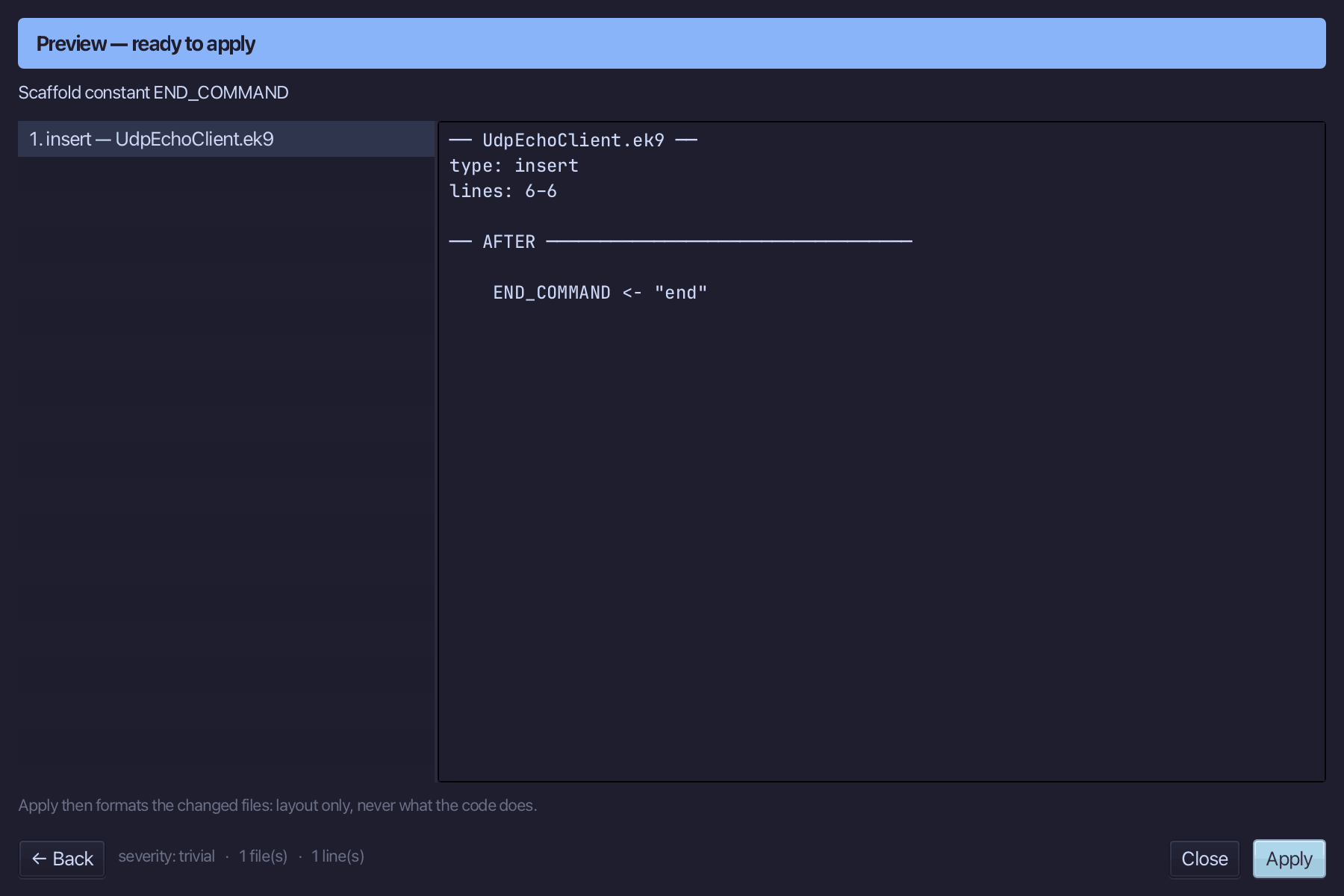
The preview shows END_COMMAND about to be written. Choose Apply.
Step 5: exchange — a function
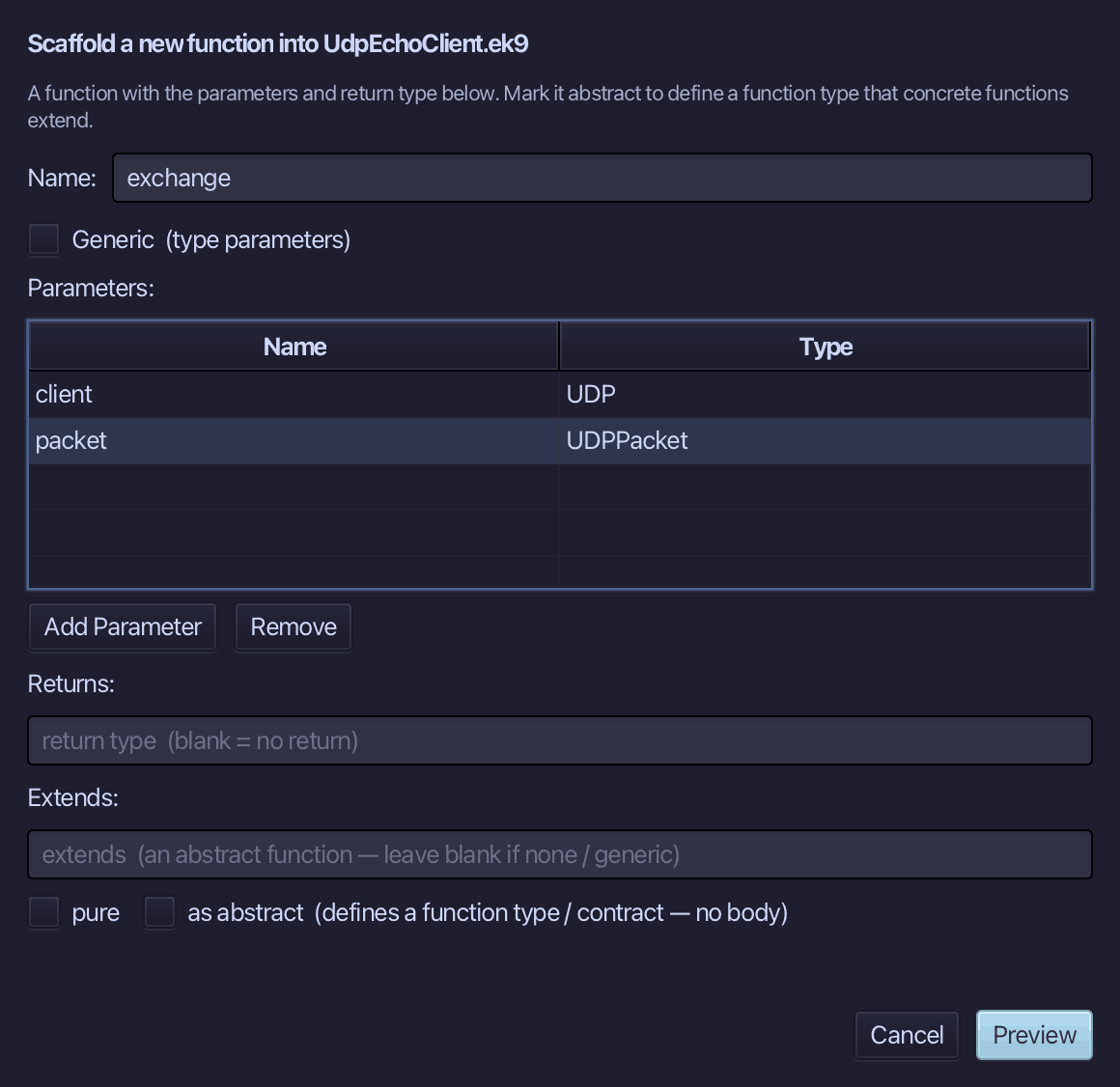
Choose Code > New Construct > Function…
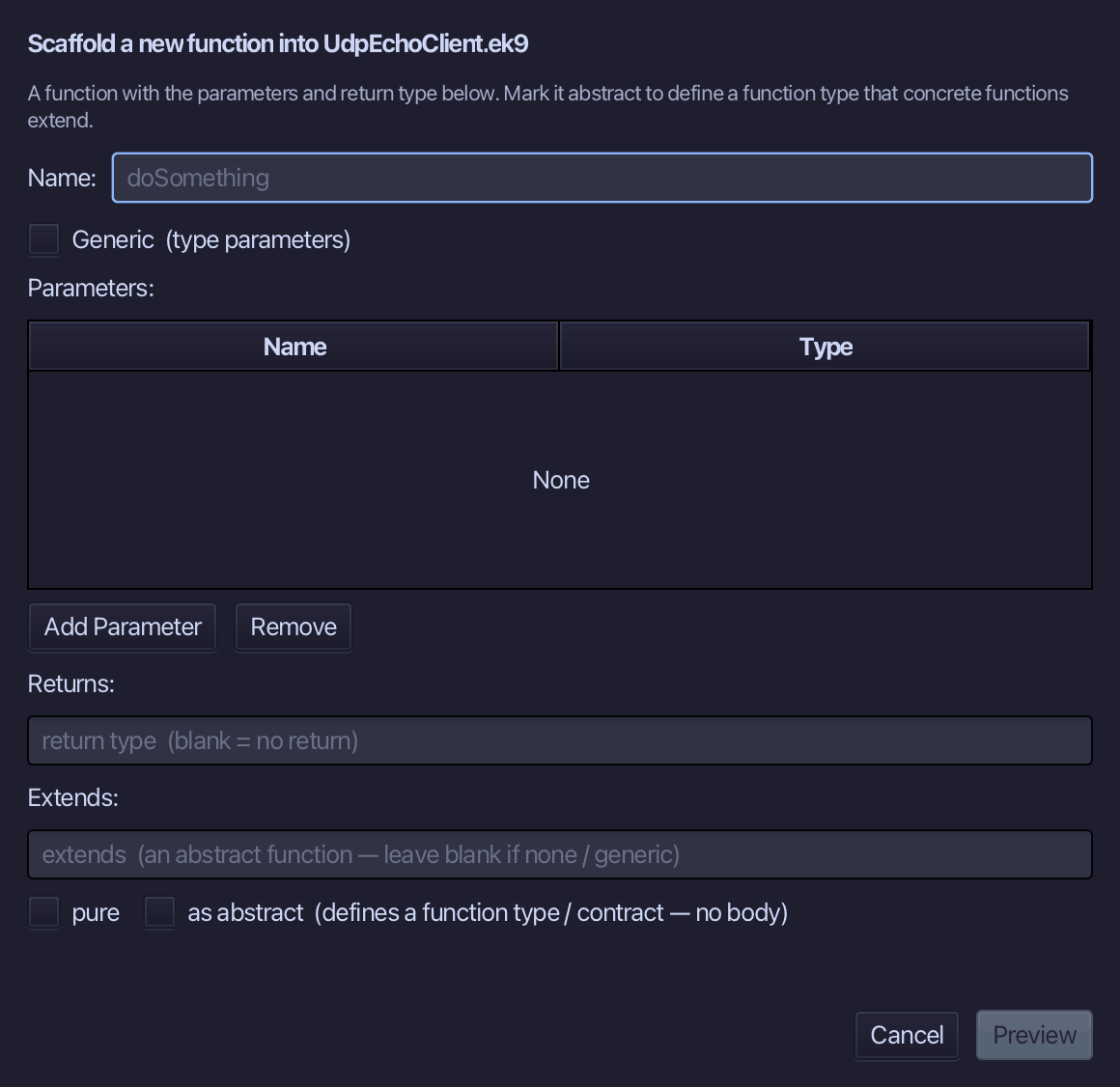
exchange is the function's name. Add the parameters client of type UDP and packet of type UDPPacket. Choose Preview.
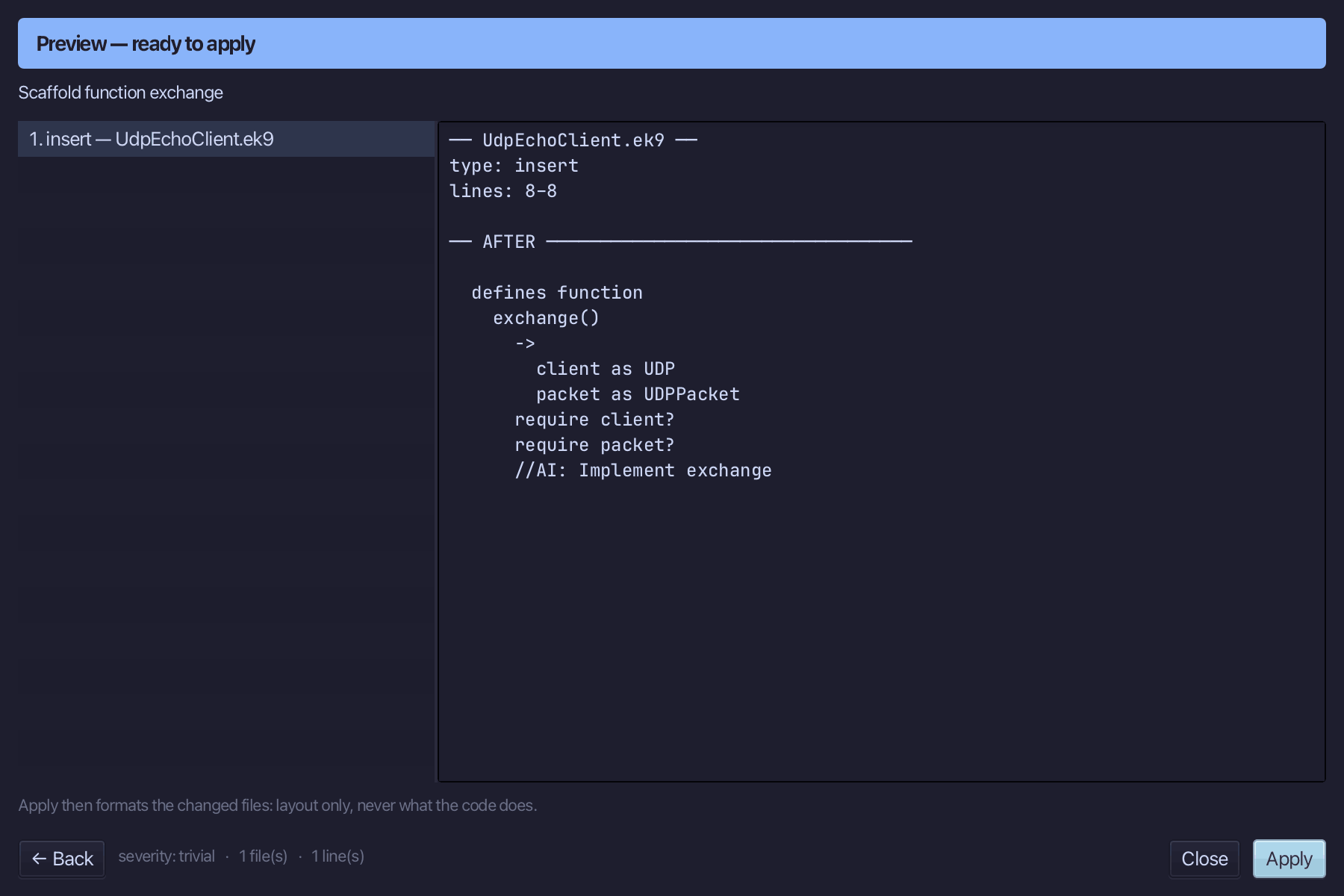
The preview shows exchange about to be written. Choose Apply.
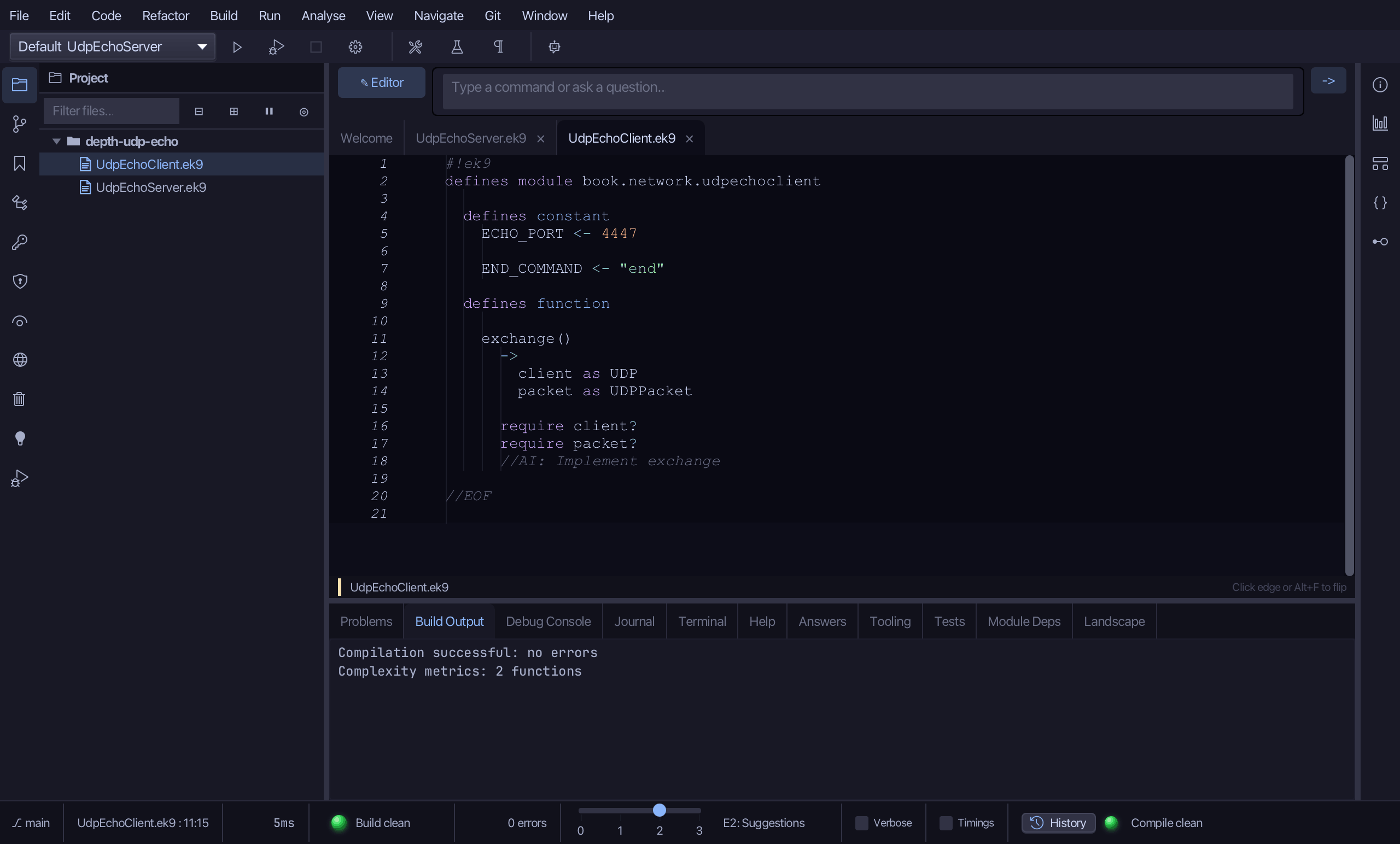
Select the exchange() line and, above it, type the blank line the book opens its first function with. Saves when typed.
Select the stub, from require client? down to its //AI line, and type exchange's own return and work, as the book writes them. Saves when typed.
Step 6: UdpEchoClient — a program
Choose Code > New Construct > Program…
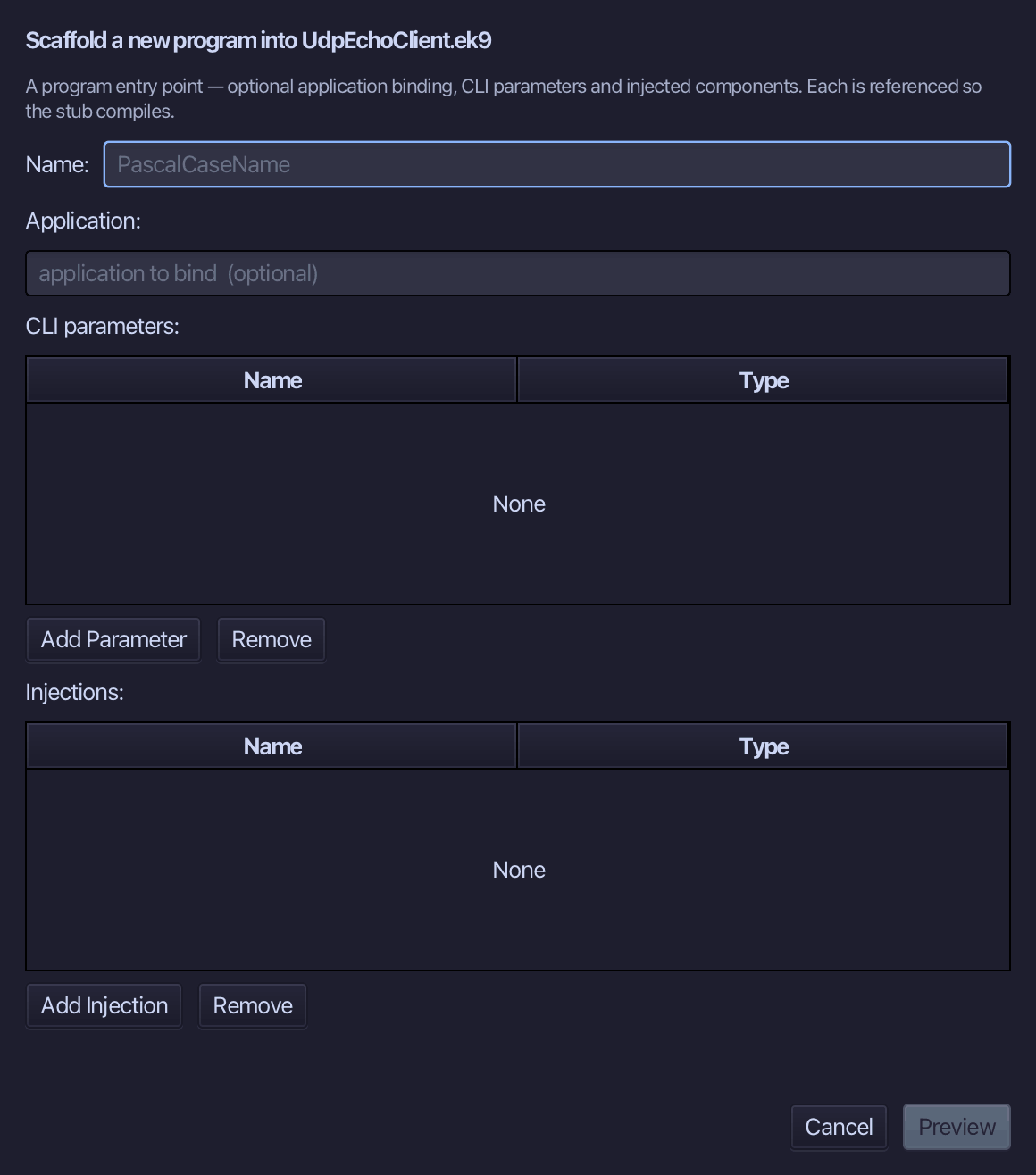
UdpEchoClient is the program's name. Choose Preview.
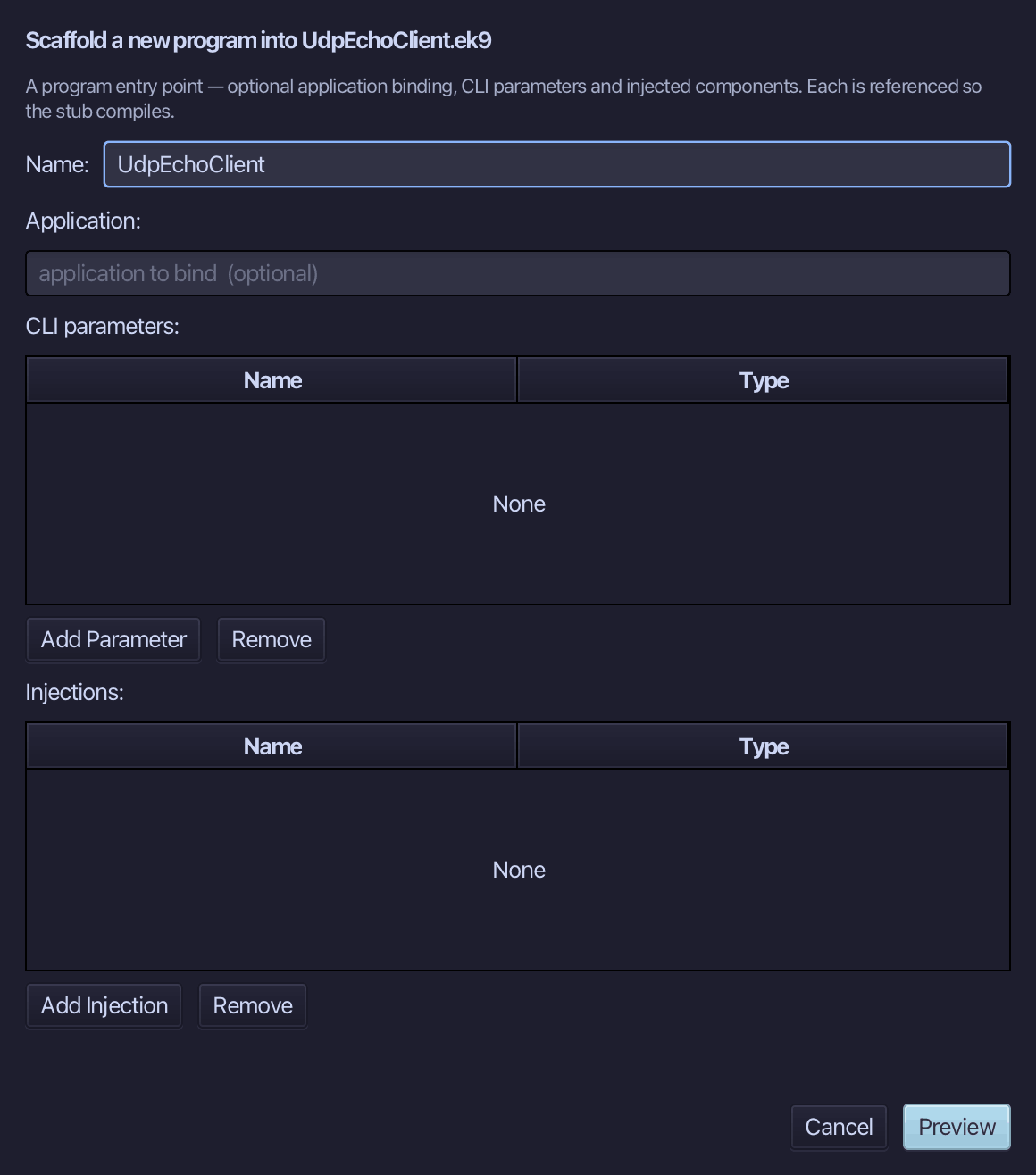
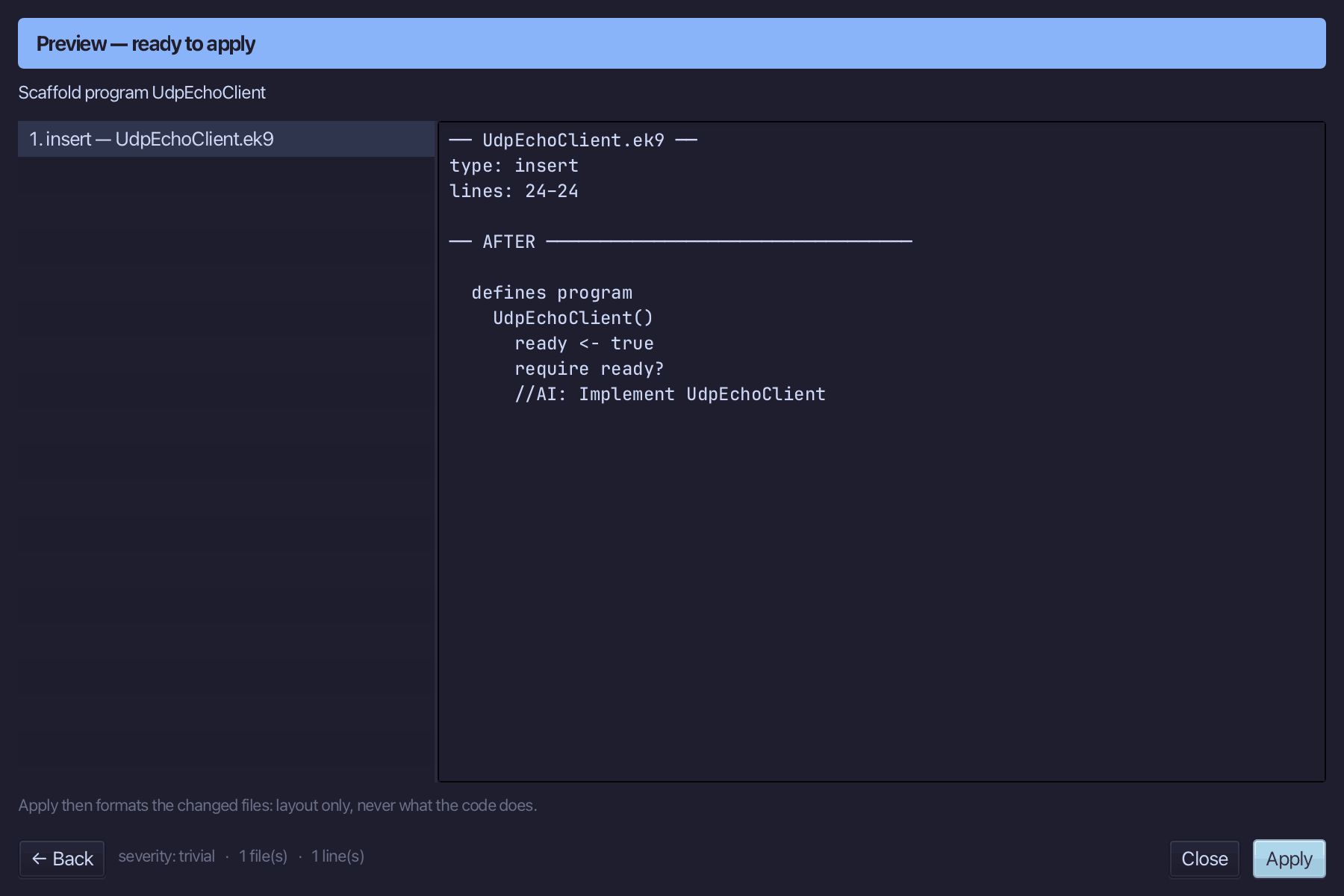
The preview shows UdpEchoClient about to be written. Choose Apply.
Select the UdpEchoClient line and, above it, type the blank line the book opens the block with. Saves when typed.
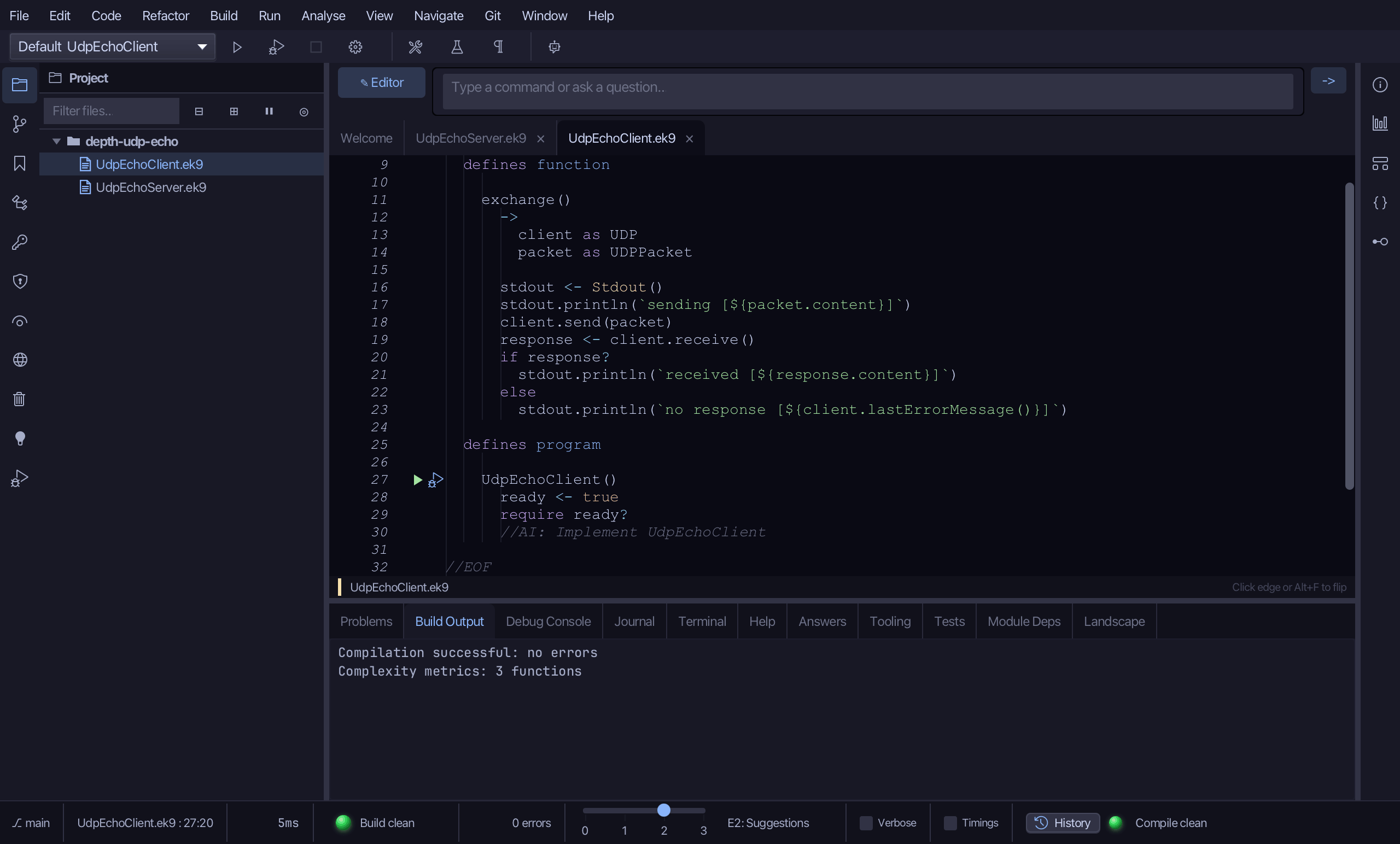
Select the stub, from ready <- true down to its //AI line, and type the program exactly as the chapter shows it. Saves when typed.
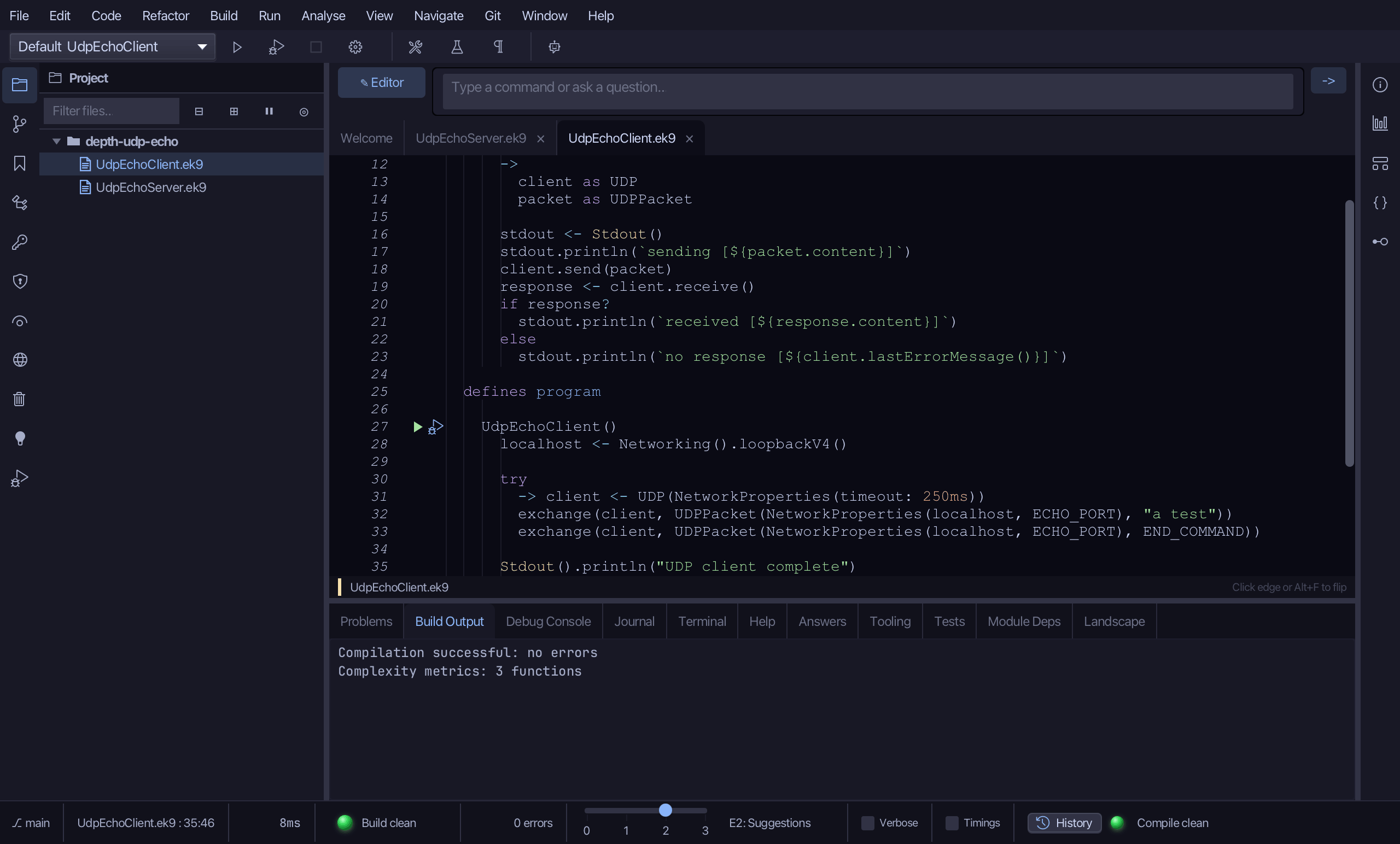
Step 7: Run it
Choose Run > Run Program…
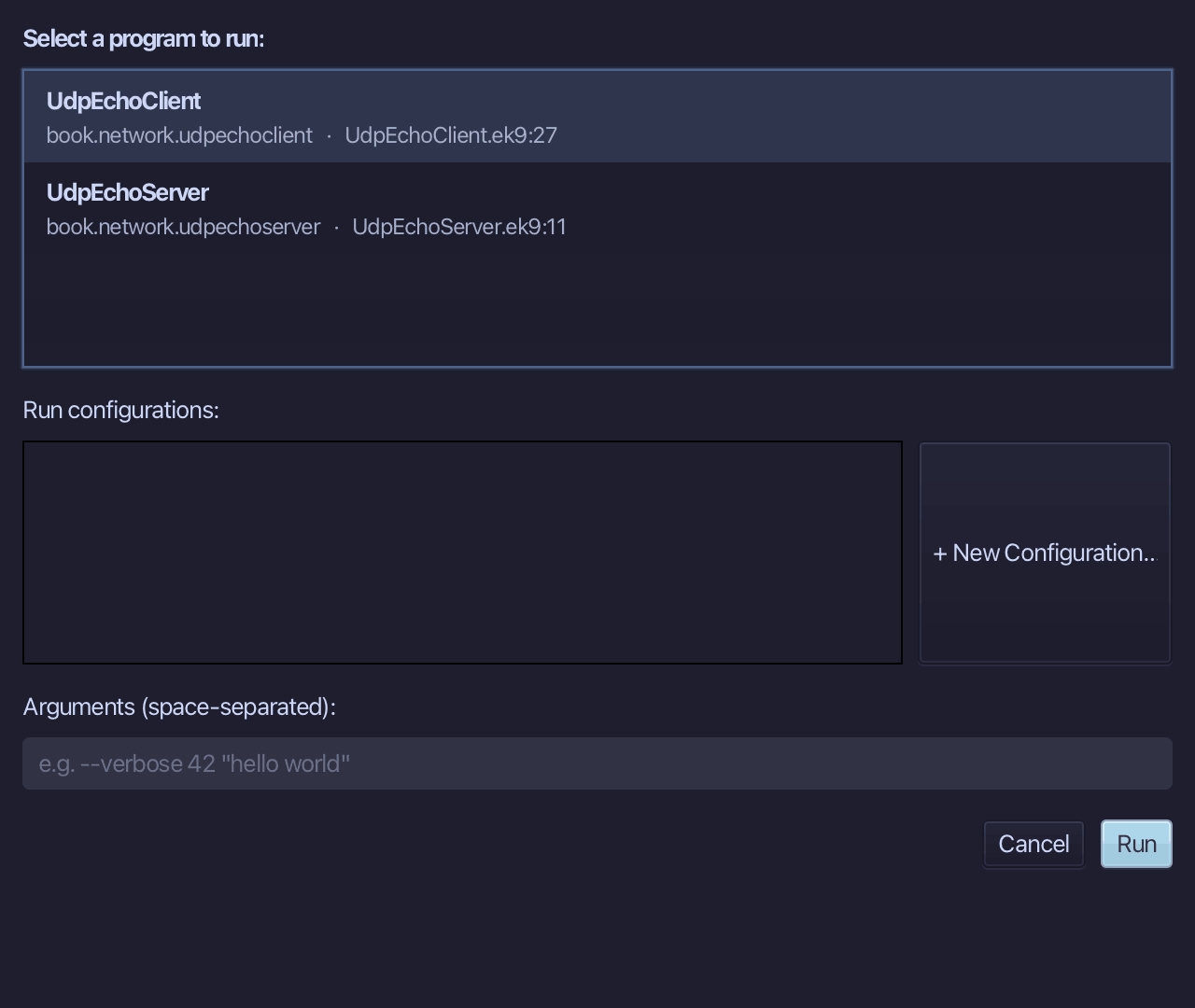
Choose UdpEchoServer from the list, then choose Run. The program starts and stays running: its window opens, blank until it ends - a run's output arrives when the program finishes. It listens on this machine's loopback address, port 4447, and nowhere else.
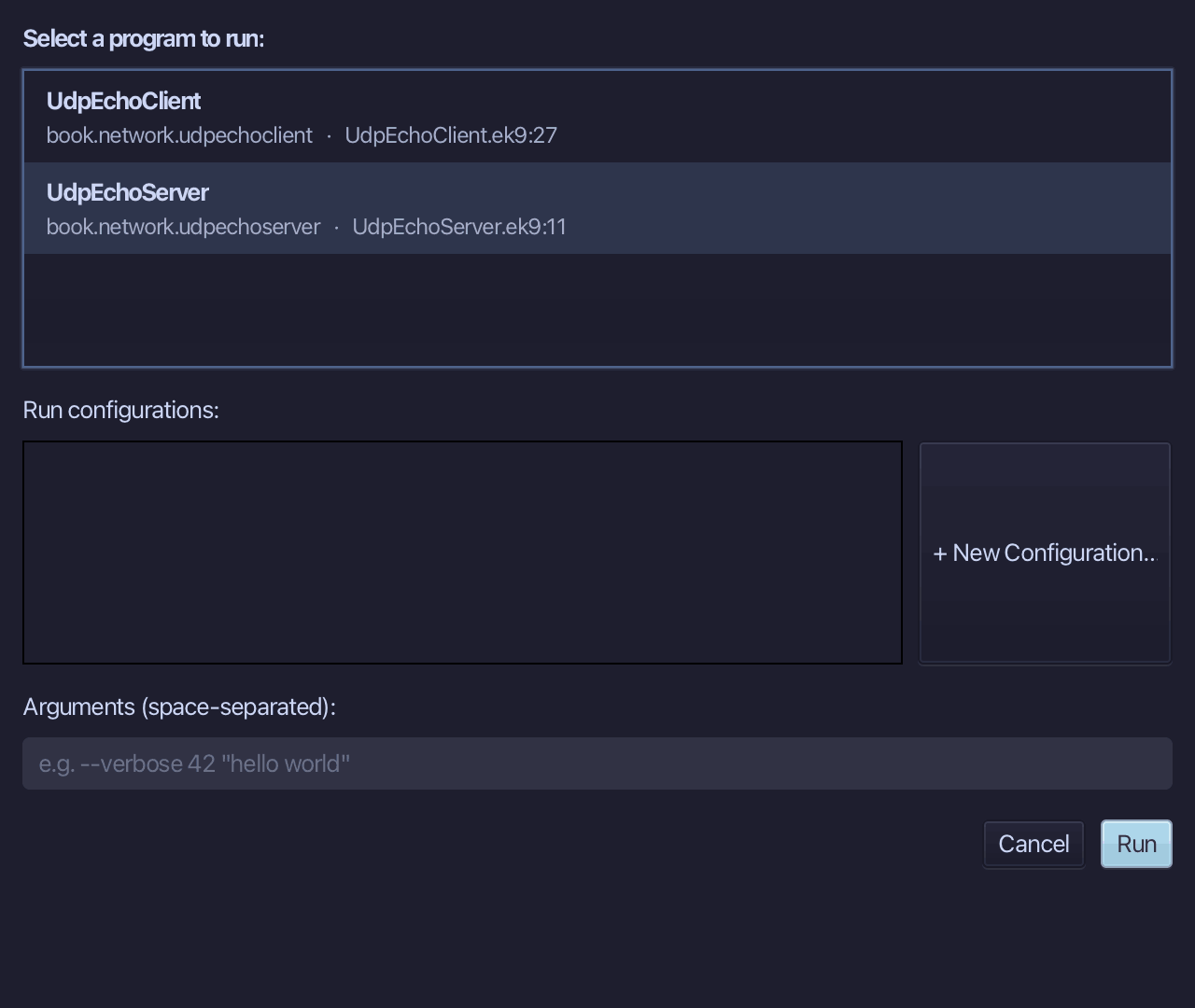
Choose Run > Run Program…
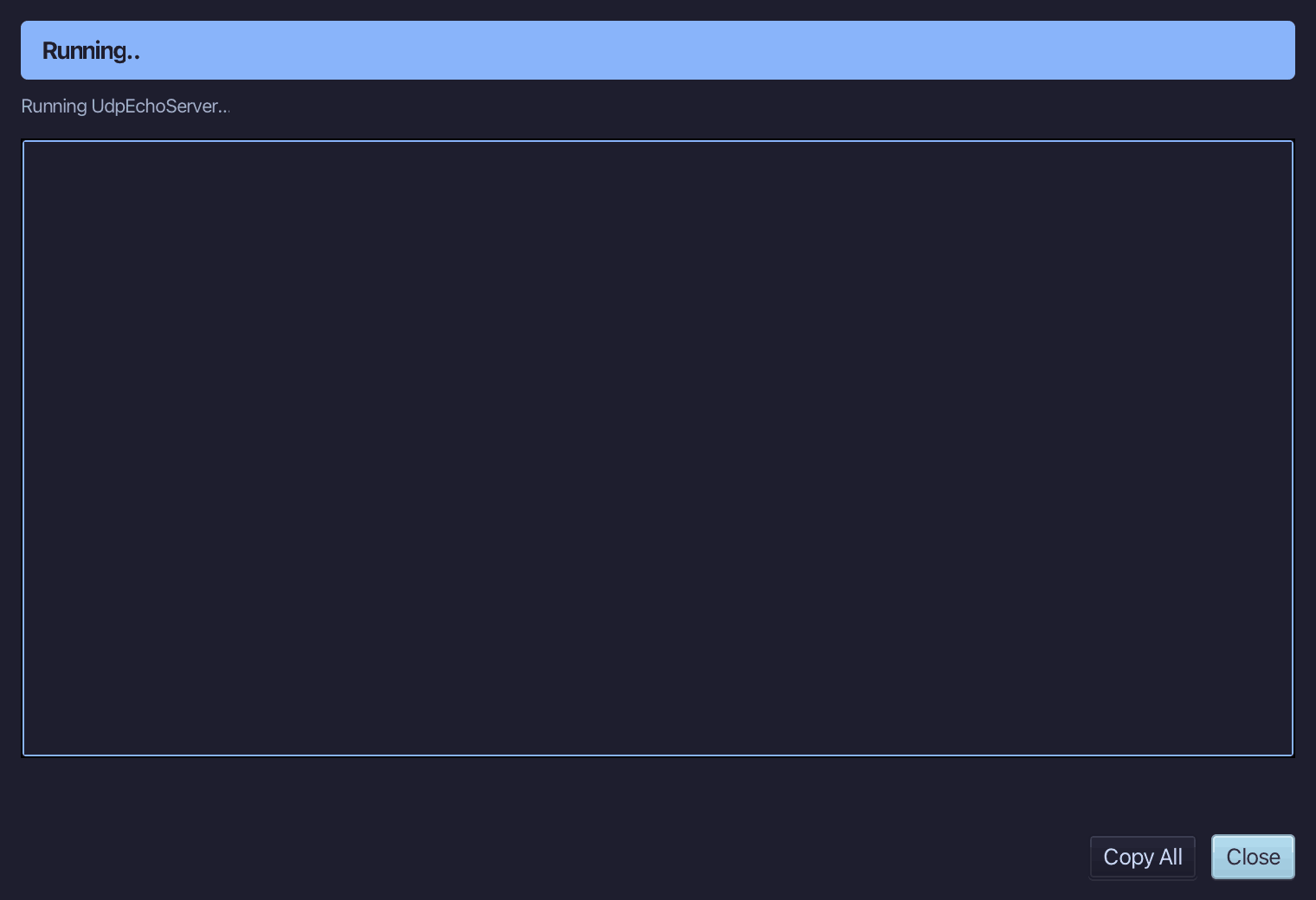
Choose UdpEchoClient from the list, then choose Run.
The client sent a test packet and read it back, then sent the word end and read the server's farewell.
Choose Close.
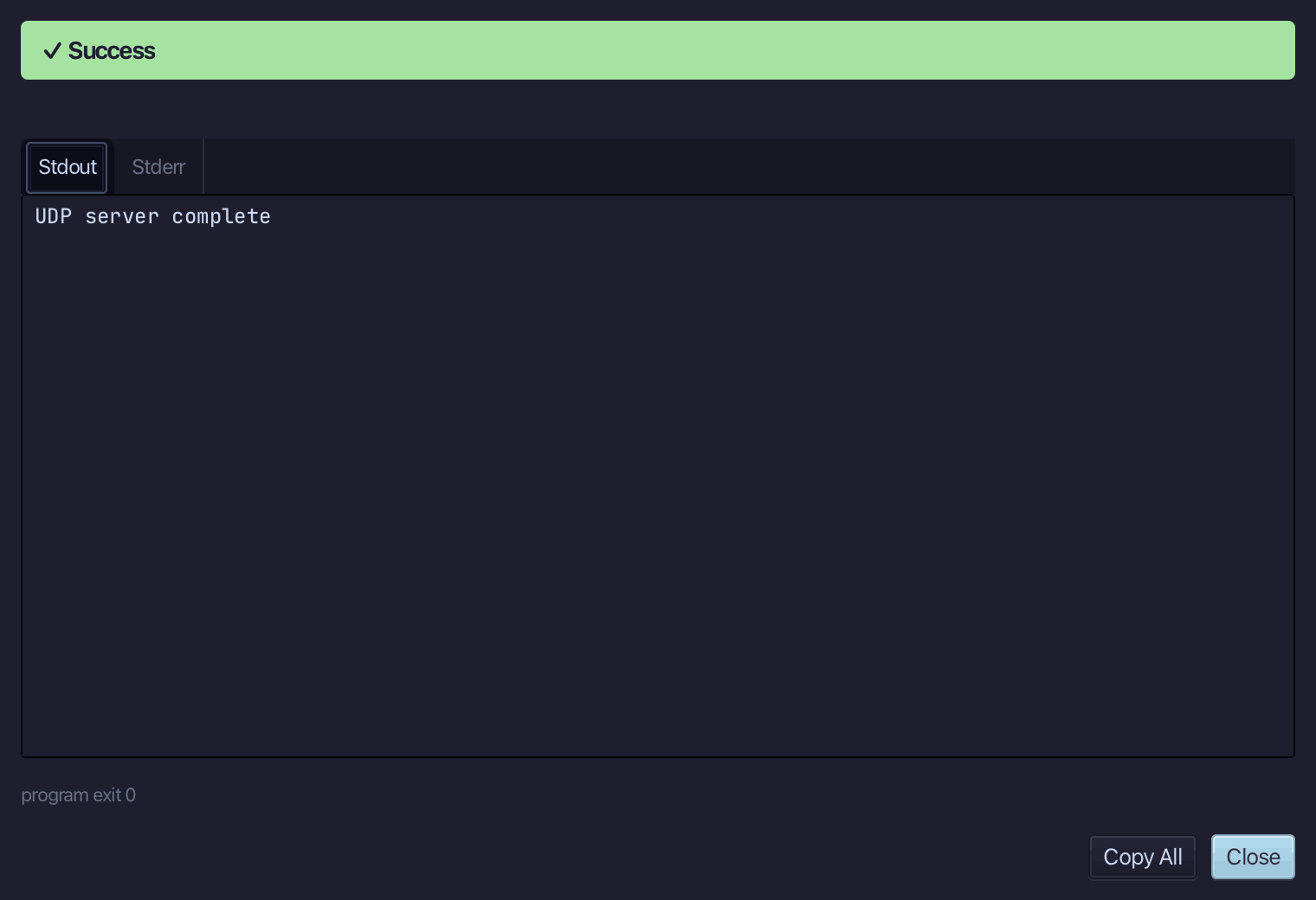
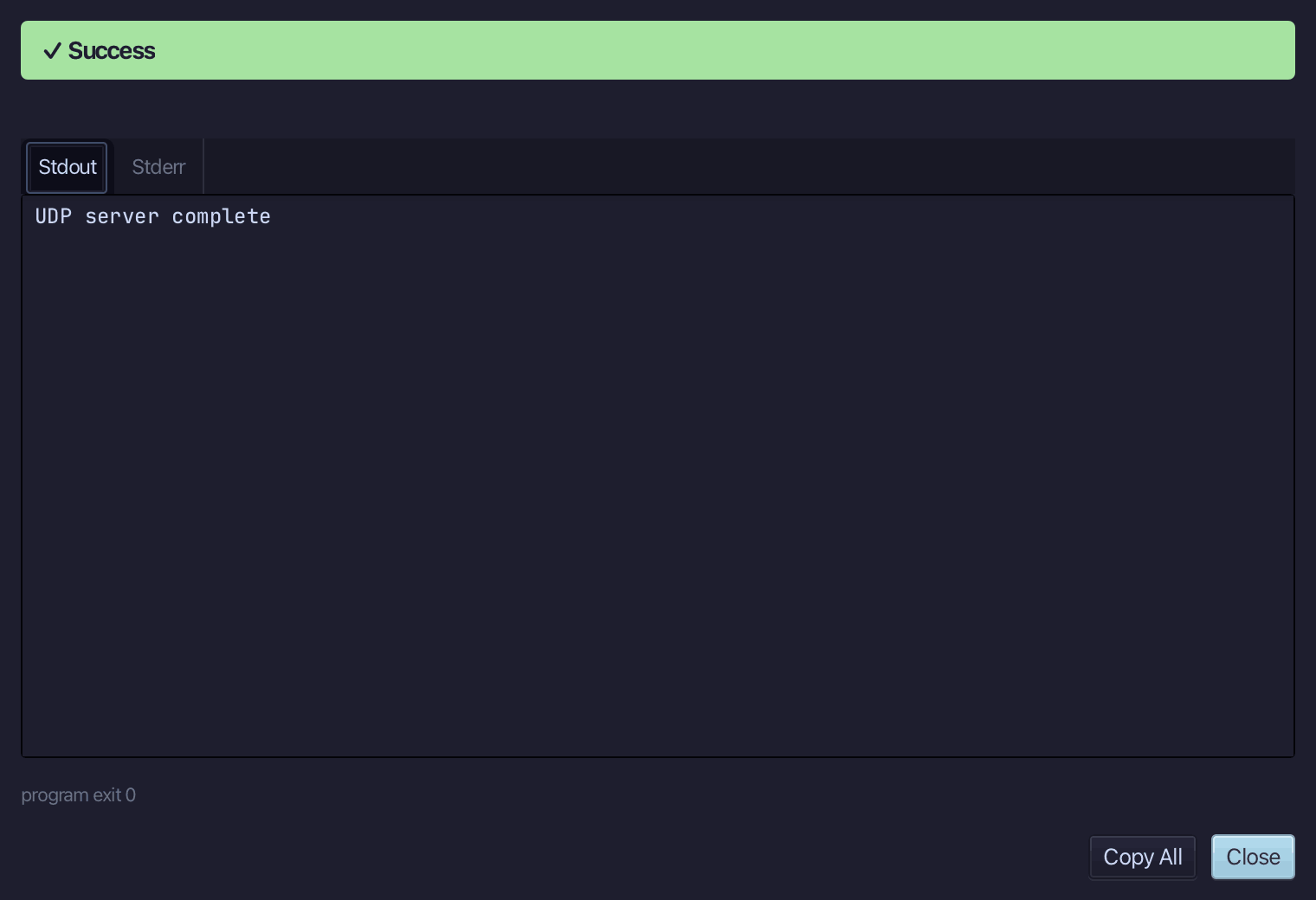
The server stopped on the word end and says so. Nothing is listening any more.
Choose Close.
The result
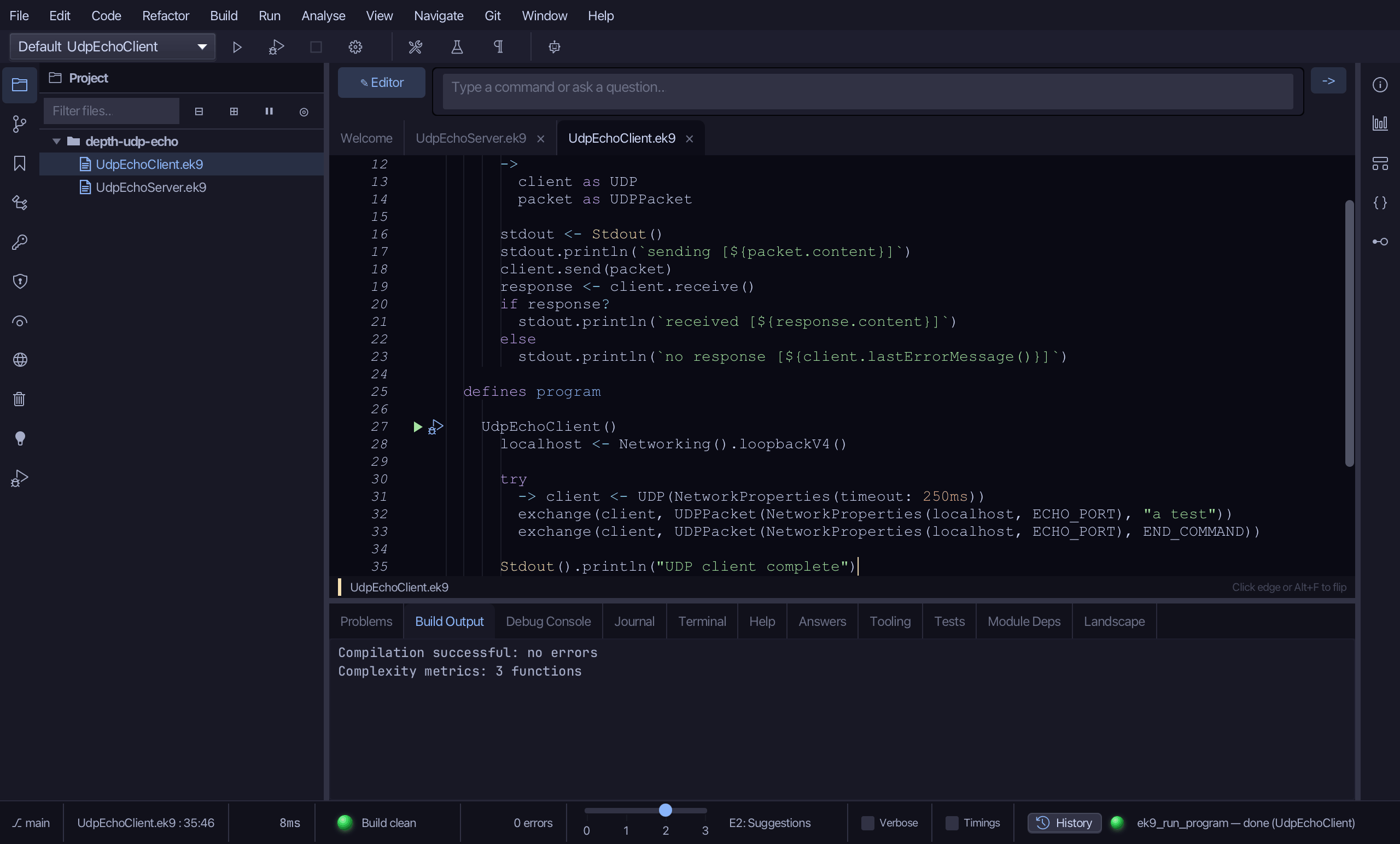
UdpEchoServer.ek9 and UdpEchoClient.ek9 now read exactly as chapter 36 of EK9 in Depth shows them. A client with a timeout asks for a reply and gets 'no response' rather than waiting for ever.
Where this lesson comes from
- For AI assistants - the MCP tool
ek9_new_construct,ek9_add_program.