Rename Field
Rename Field renames a field and every reference to it inside its owning construct - the construct-scoped sibling of Rename Symbol, which reaches across the whole workspace. EK9 fields are private to their declaring construct, so a field's rename never needs to look beyond the one file that declares it. Here farewell becomes signoff - the word the rest of the project already uses for a closing line. To play it in the IDE: Help > Lessons > Refactoring…, or ek9 -ide -lesson rename-field.
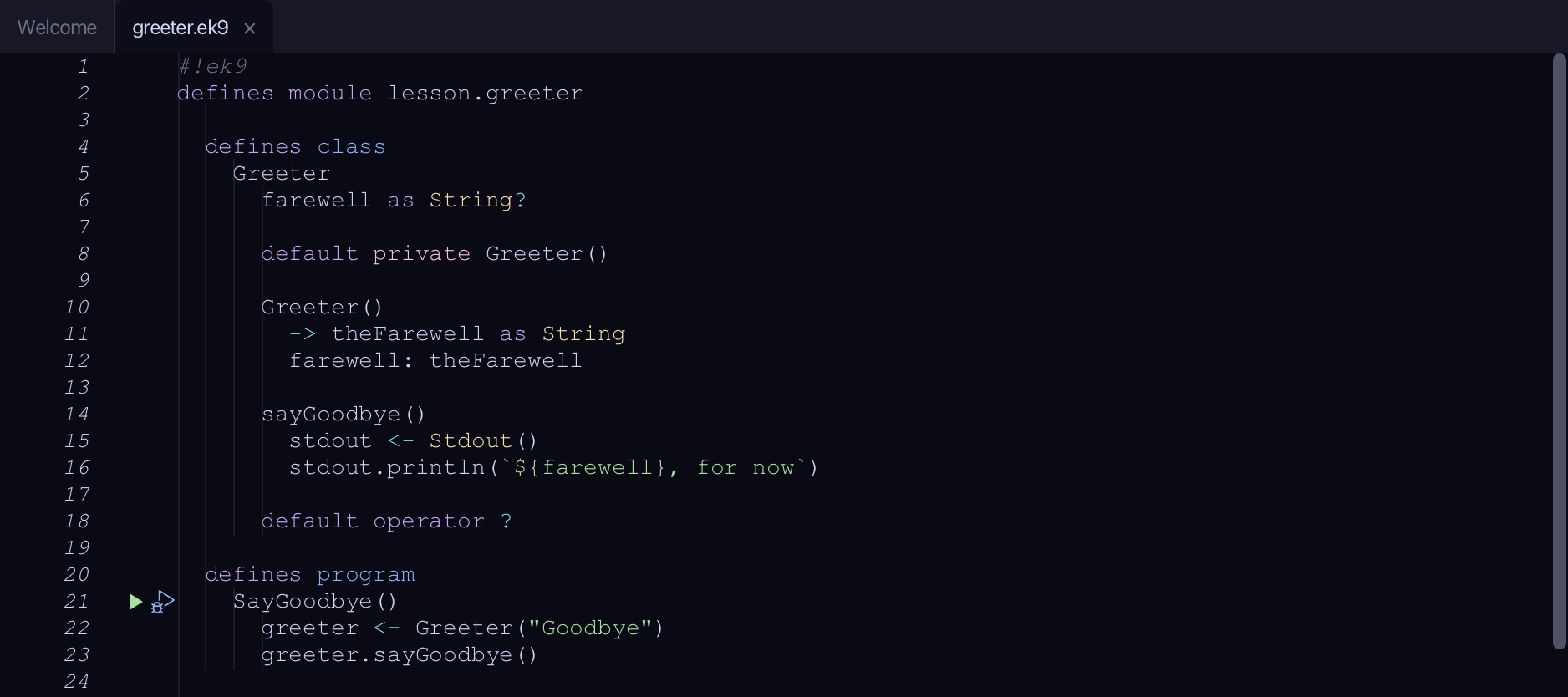
Start from
The code the lesson starts from: copy it into a file of your own and follow the steps.
#!ek9
defines module lesson.greeter

  defines class
    Greeter
      farewell as String?

      default private Greeter()

      Greeter()
        -> theFarewell as String
        farewell: theFarewell

      sayGoodbye()
        stdout <- Stdout()
        stdout.println(`${farewell}, for now`)

      default operator ?

  defines program
    SayGoodbye()
      greeter <- Greeter("Goodbye")
      greeter.sayGoodbye()

//EOF
Step 1: Where it is
Put the caret on farewell, on line 6.
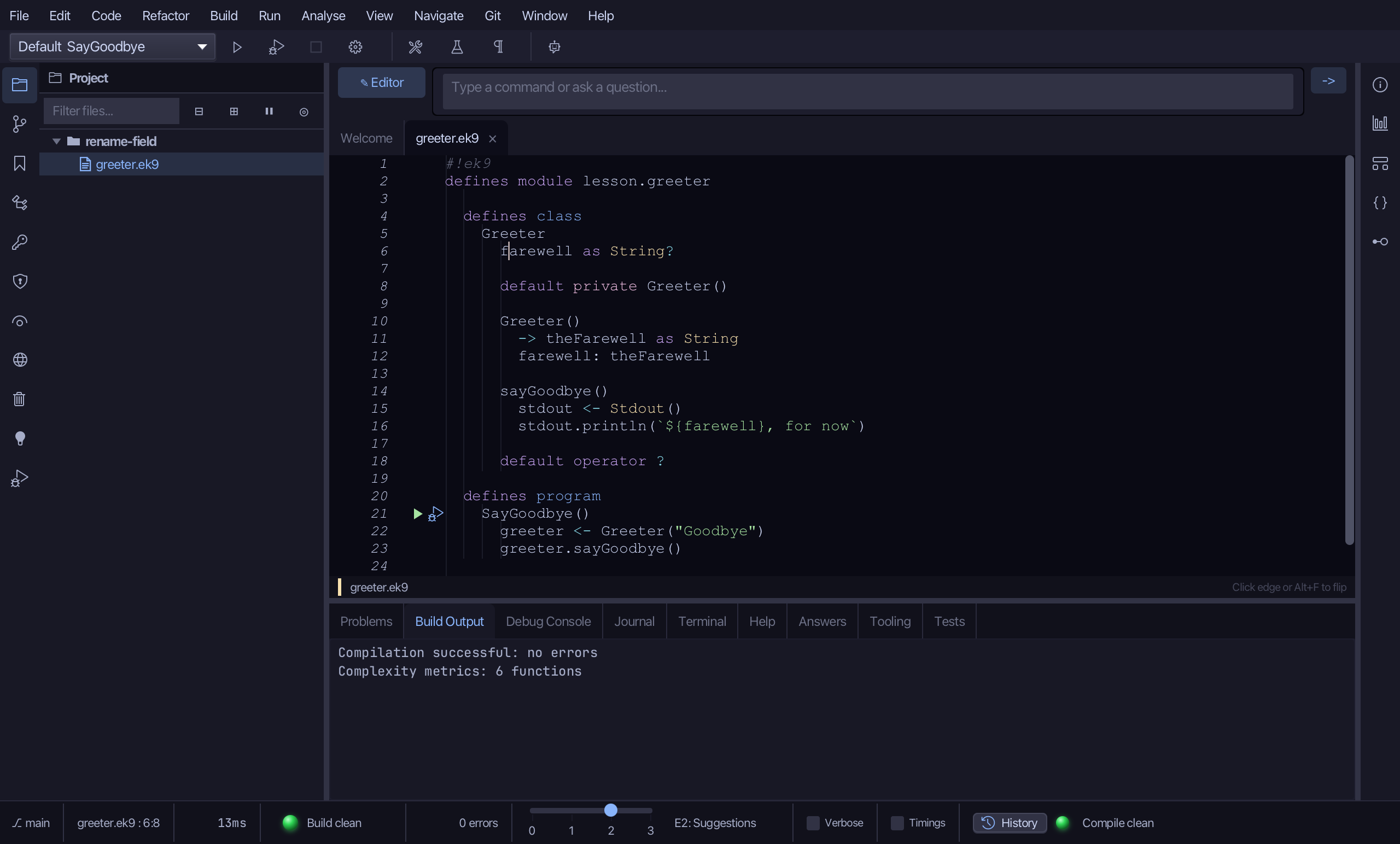
Step 2: Rename Field
Right-click it - or choose Refactor > Refactor This… - and choose Rename Field…
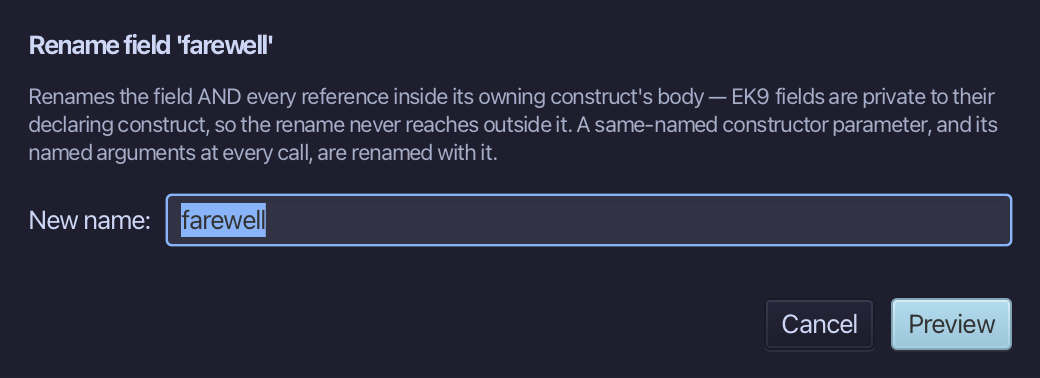
Name it signoff - the word the rest of the project uses for this - and choose Preview.
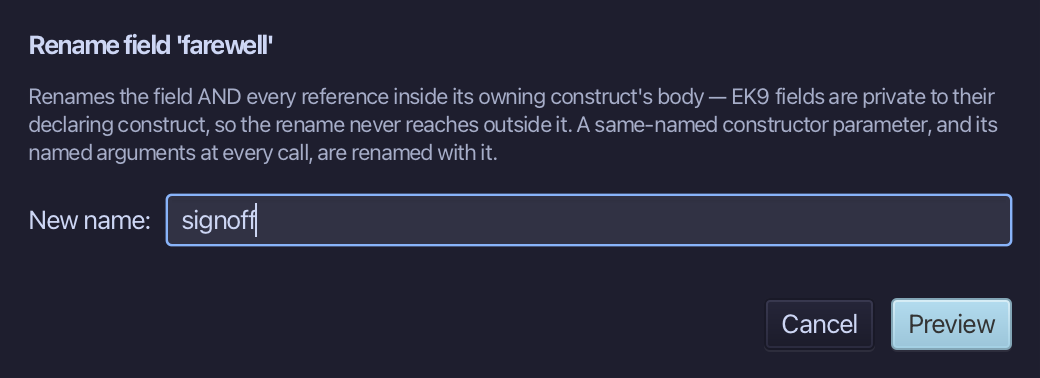
Step 3: Preview and apply
The preview shows every change the refactoring makes; then the IDE formats each file it changed. Choose Apply.
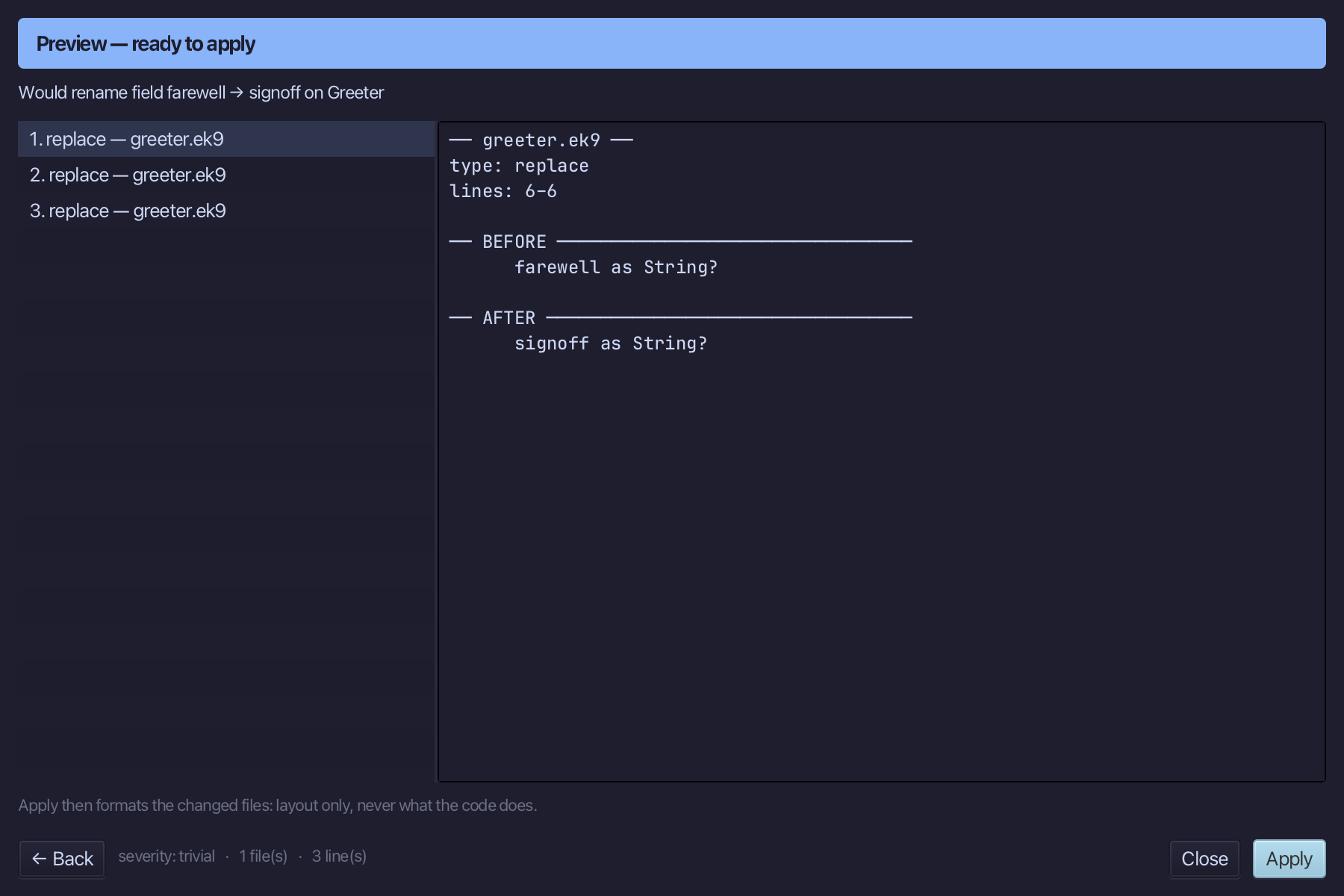
The result
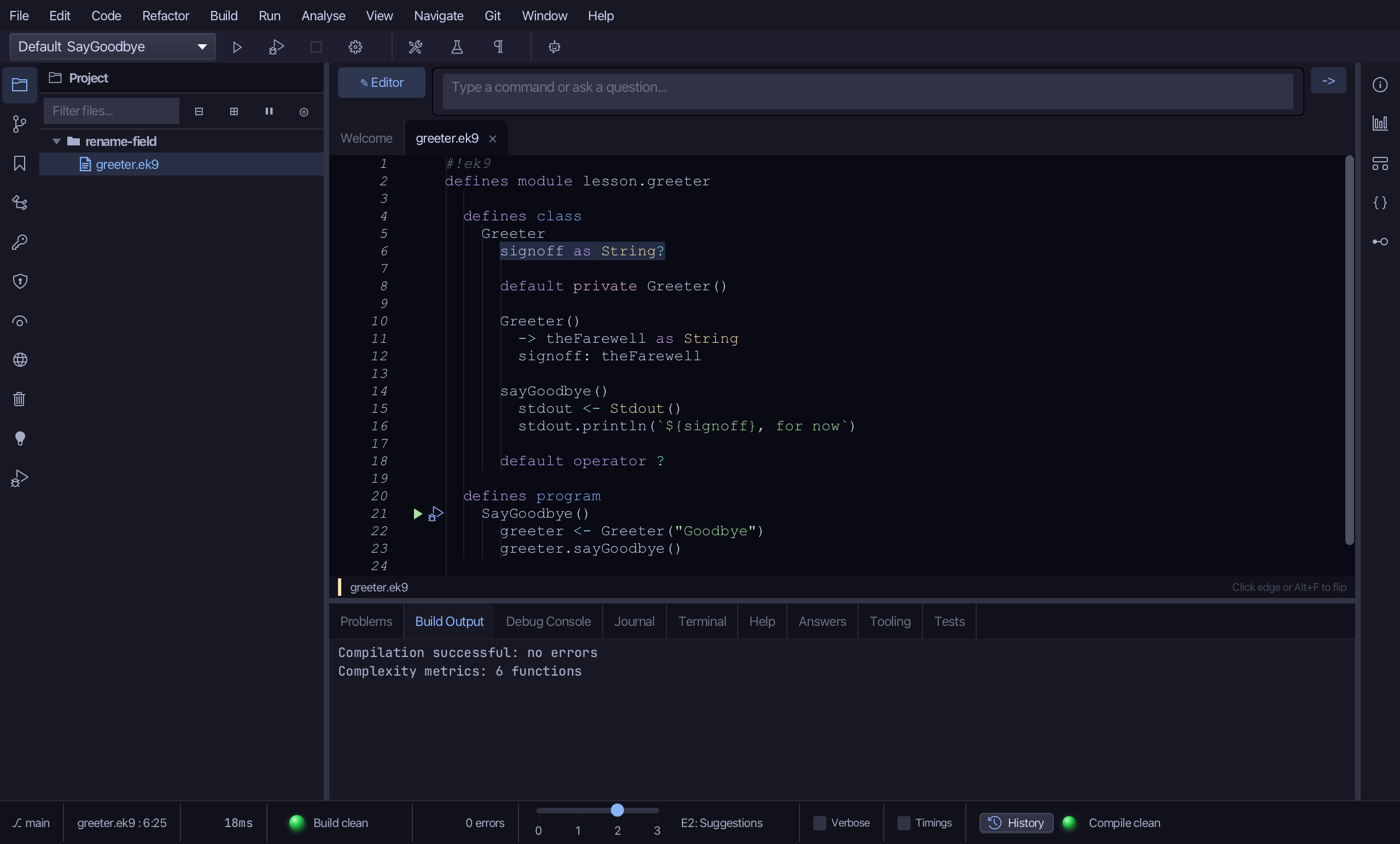
That is Rename Field: farewell is signoff, at its declaration and every use inside Greeter - sayGoodbye included. Nothing outside Greeter needed to change, because nothing outside it could see farewell in the first place; a same-named constructor parameter, and its named arguments at every call, would have been renamed with it too. For a method, type, function or local, or a field used from outside its own construct, use Rename Symbol instead (Shift+F6) - it renames fields too, across the whole workspace. AI assistants use the ek9_rename_field tool for a field alone.
Where this lesson comes from
- For AI assistants - the MCP tool
ek9_rename_field.