Chapter 22: a notes-keeper with options, built
Chapter 22's Notes keeps lines of text in a file, and takes its wishes from the command line: -a adds a note, -f names the file, -v says what it is doing. The program itself stays thin - it works out what was asked for, then two small functions do the work: readNotes and writeNotes. The IDE makes each shell; you type the logic, then run it with an option. To play it in the IDE: Help > Lessons > Getting Started with EK9…, or ek9 -ide -lesson book-notes.
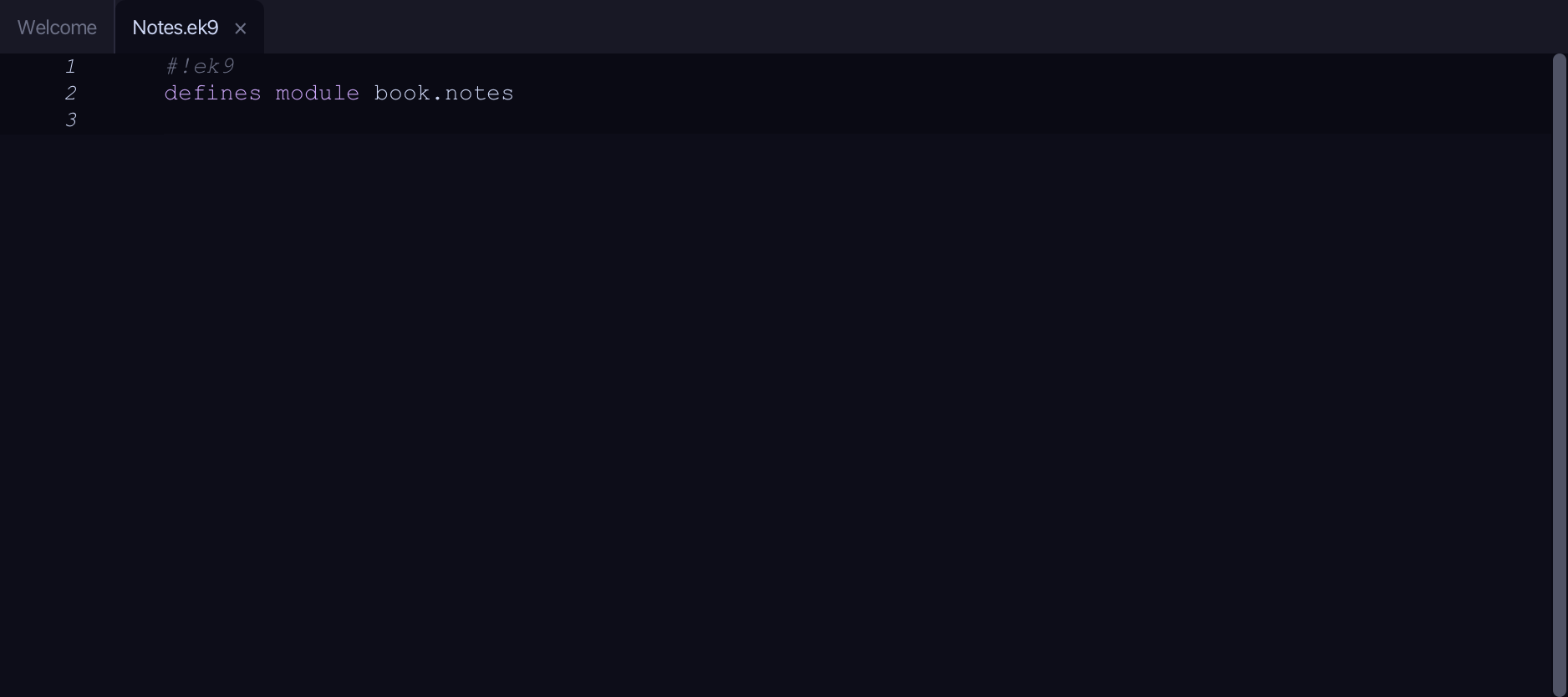
What you'll build
The lesson builds this program from a file holding only its module line - the finished file, as the book prints it.
#!ek9
defines module book.notes

  defines function

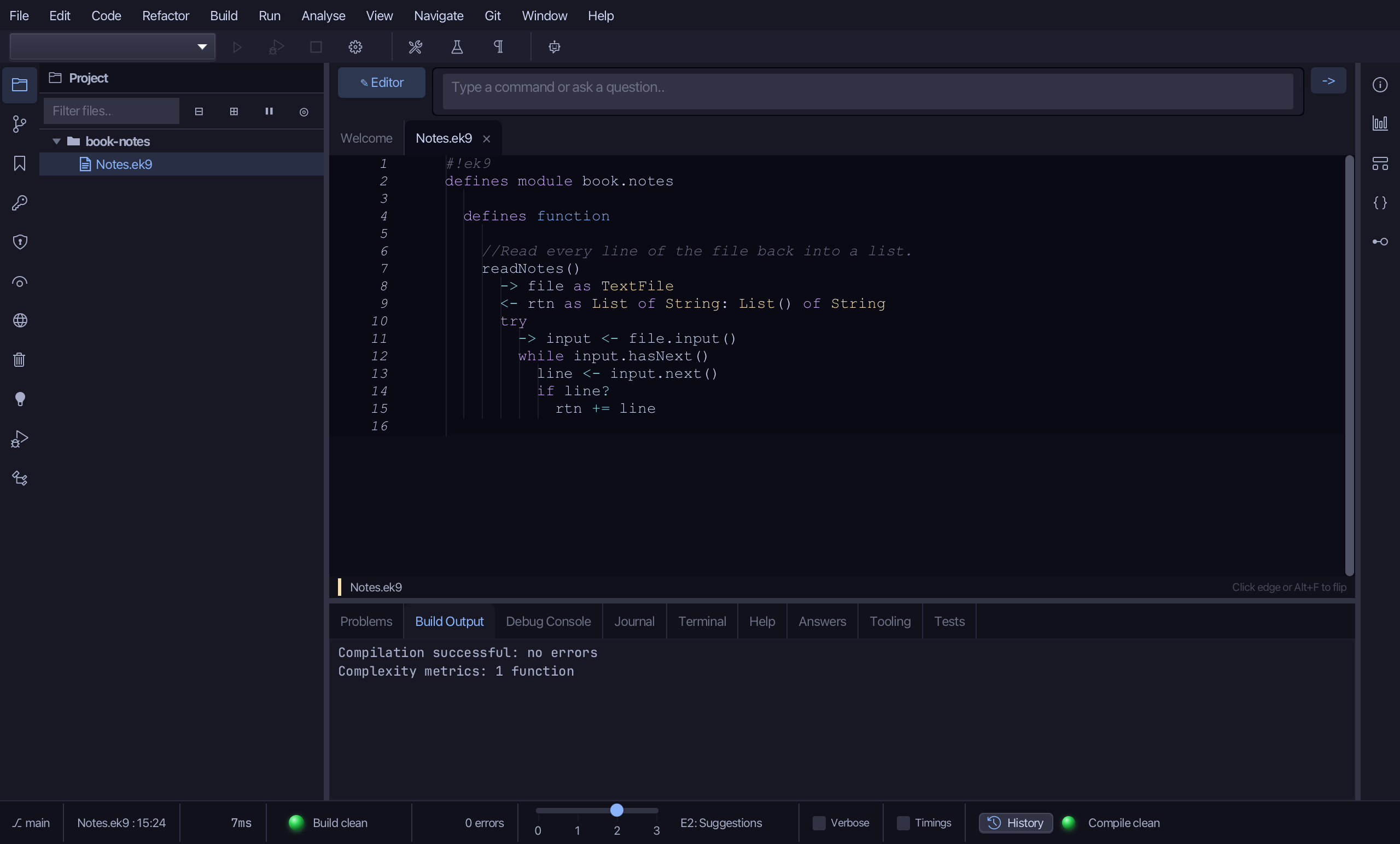
    //Read every line of the file back into a list.
    readNotes()
      -> file as TextFile
      <- rtn as List of String: List() of String
      try
        -> input <- file.input()
        while input.hasNext()
          line <- input.next()
          if line?
            rtn += line

    //Write the whole list out. Opening a file for output starts it afresh,
    //so we always write every note, not just the new one.
    writeNotes()
      ->
        file as TextFile
        notes as List of String

      try
        -> output <- file.output()
        for note in notes
          output.println(note)

  defines program

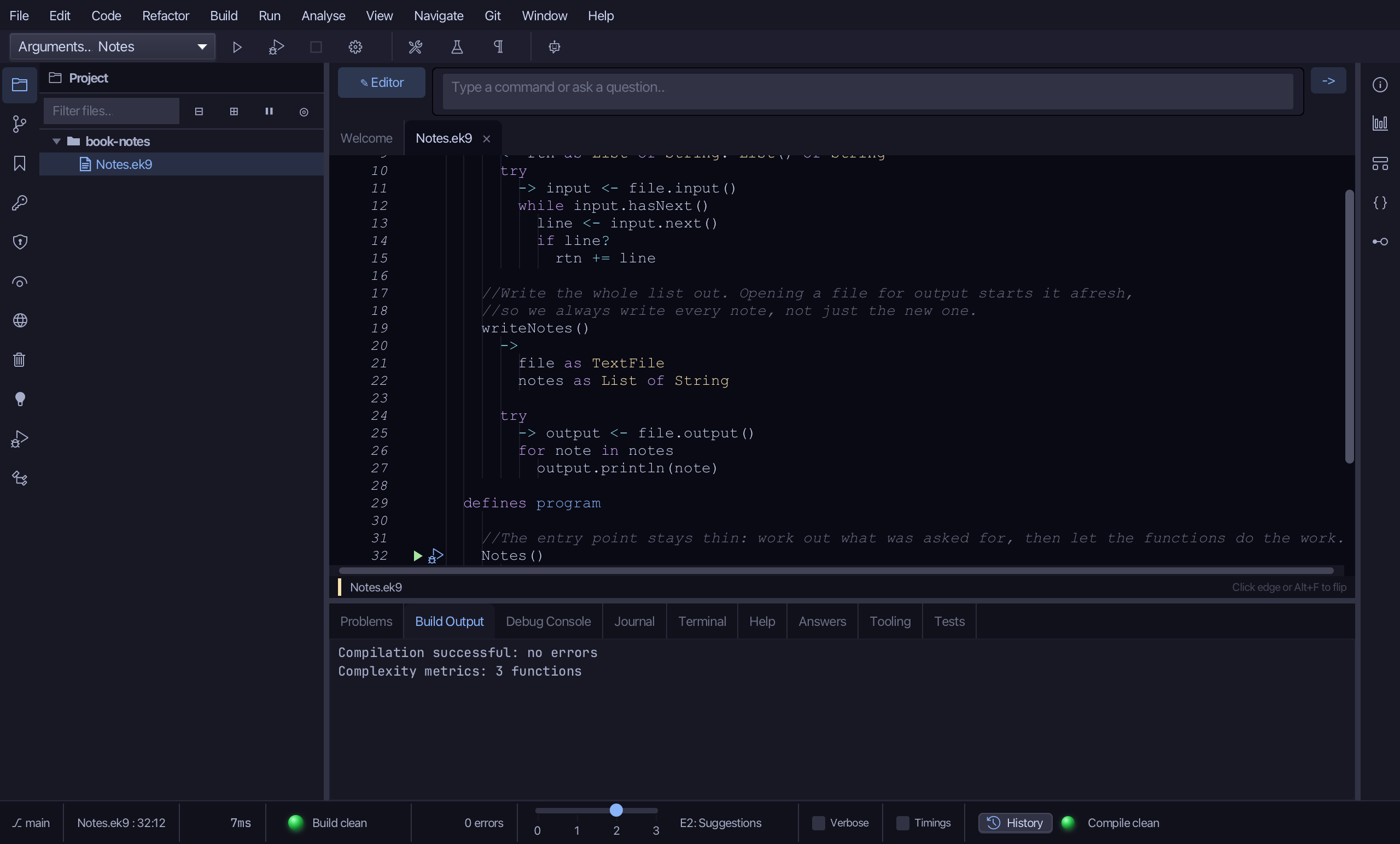
    //The entry point stays thin: work out what was asked for, then let the functions do the work.
    Notes()
      -> argv as List of String

      stdout <- Stdout()
      stderr <- Stderr()

      usage <- "Usage: Notes [-v] [-f file] [-a note]"
      supported <- {
        "-v": String(),
        "-f": ":",
        "-a": ":"
      }
      options <- GetOpt(":", supported, usage).options(argv)

      verbose <- options contains "-v"
      filename <- options.getOrDefault("-f", "notes.txt")
      path <- FileSystemPath().inCurrentWorkingDirectory(filename)

      //Create the file only if it is not there yet; an existing one is left alone.
      //createFileIfAbsent() hands back a Result the compiler will not let us ignore.
      outcome <- path.createFileIfAbsent()
      if outcome.isError()
        stderr.println(`cannot create ${filename}: ${outcome.error()}`)

      if path.exists()
        if verbose
          stderr.println(`using ${filename}`)

        file <- TextFile(path)
        notes <- readNotes(file)

        newNote <- options.getOrDefault("-a", String())
        if newNote?
          notes += newNote
          writeNotes(file, notes)

        stdout.println(`notes (${length notes}):`)
        for note in notes
          stdout.println(`  ${note}`)
Step 1: readNotes — the file into a list
Choose Code > New Construct > Function…
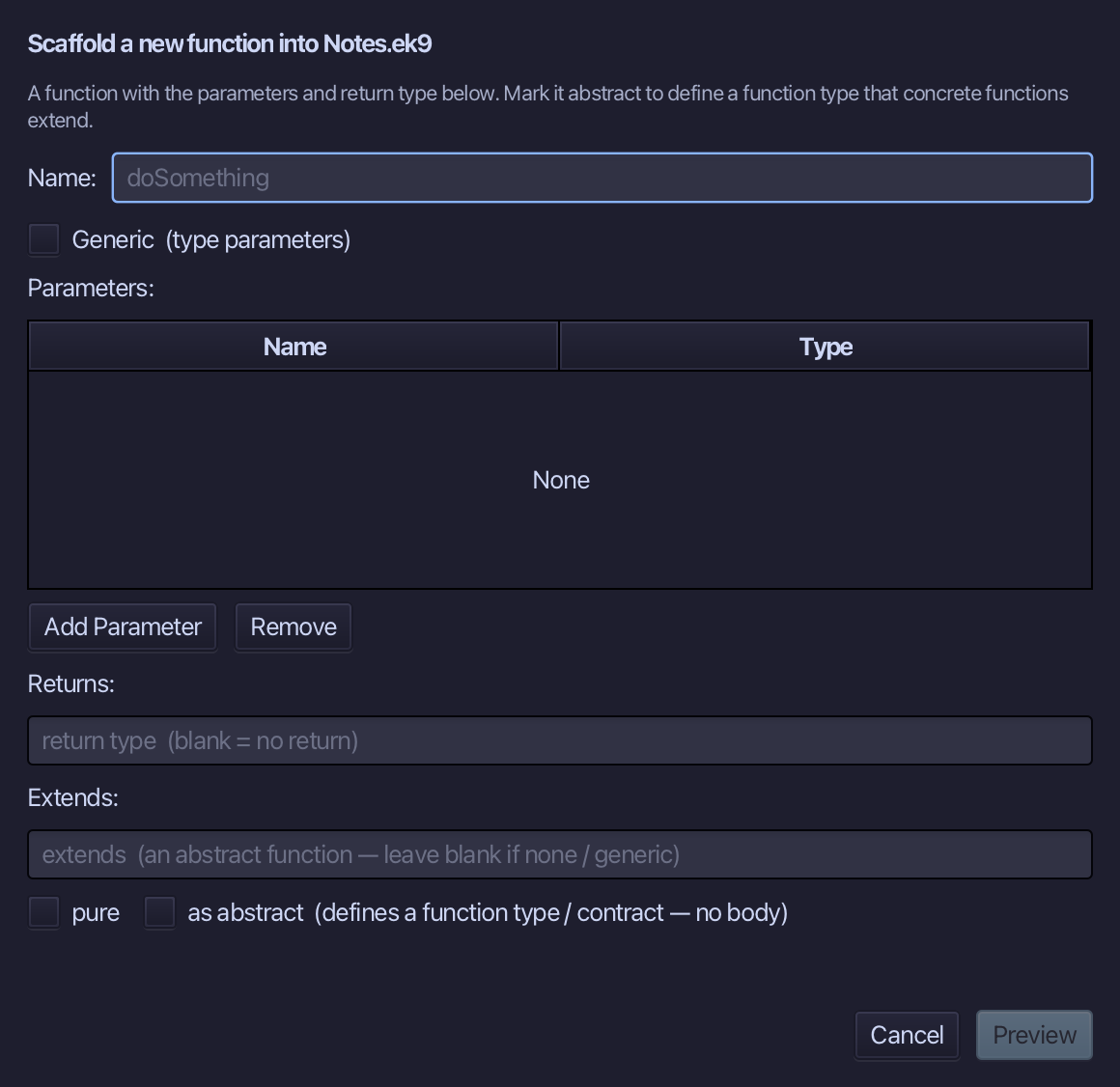
readNotes is the function's name. Add one parameter, file of type TextFile, and set Returns to List of String. Choose Preview.
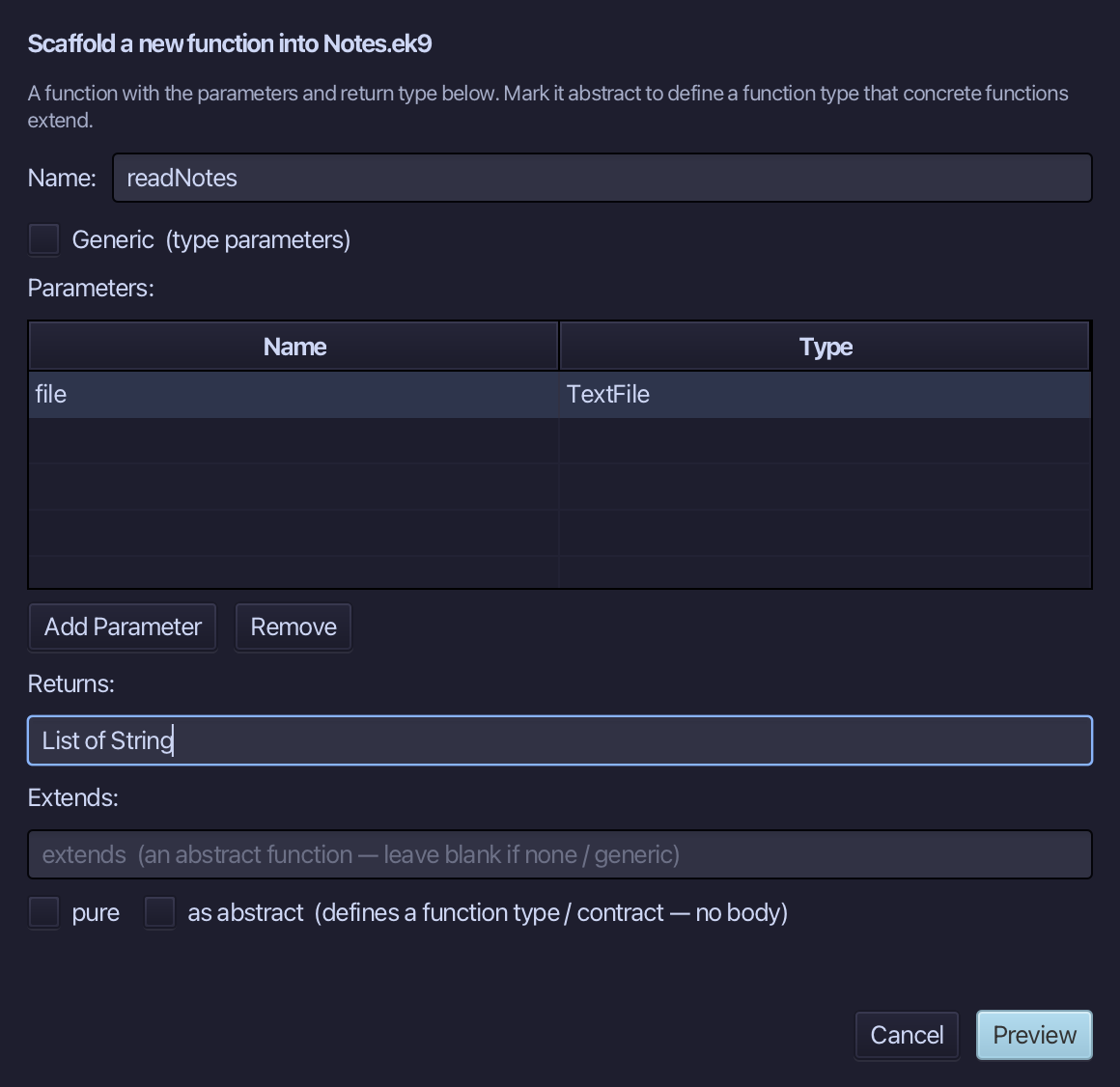
The preview shows readNotes about to be written, file in and List of String out. Choose Apply.
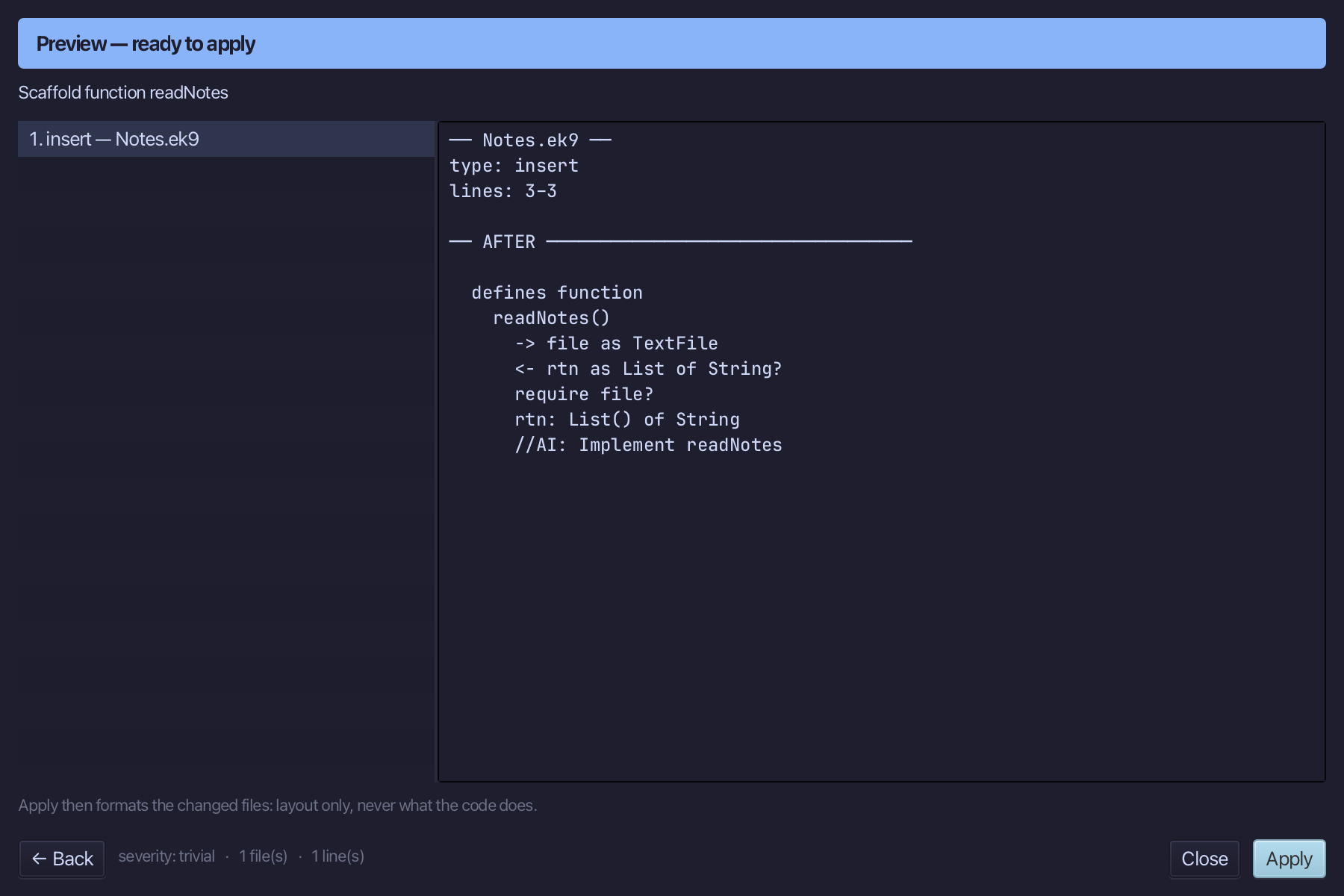
Select the readNotes() line, and above it type the blank line and the comment the book gives it. Saves when typed.
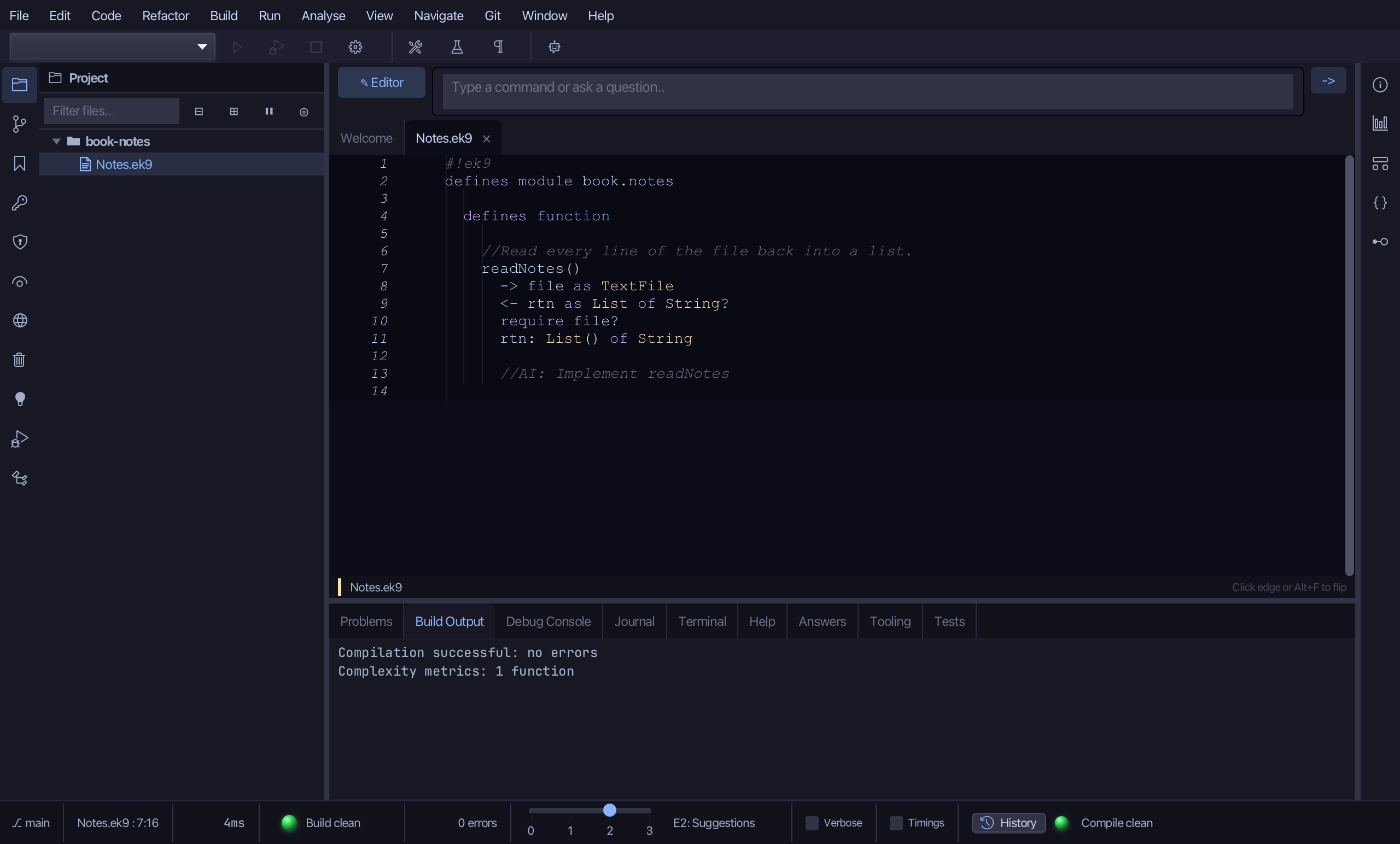
Select the stub, from <- rtn as List of String? down to its //AI line, and type the work: a list to return, and a try that reads each line into it. Saves when typed.
Step 2: writeNotes — the list into the file
Choose Code > New Construct > Function…
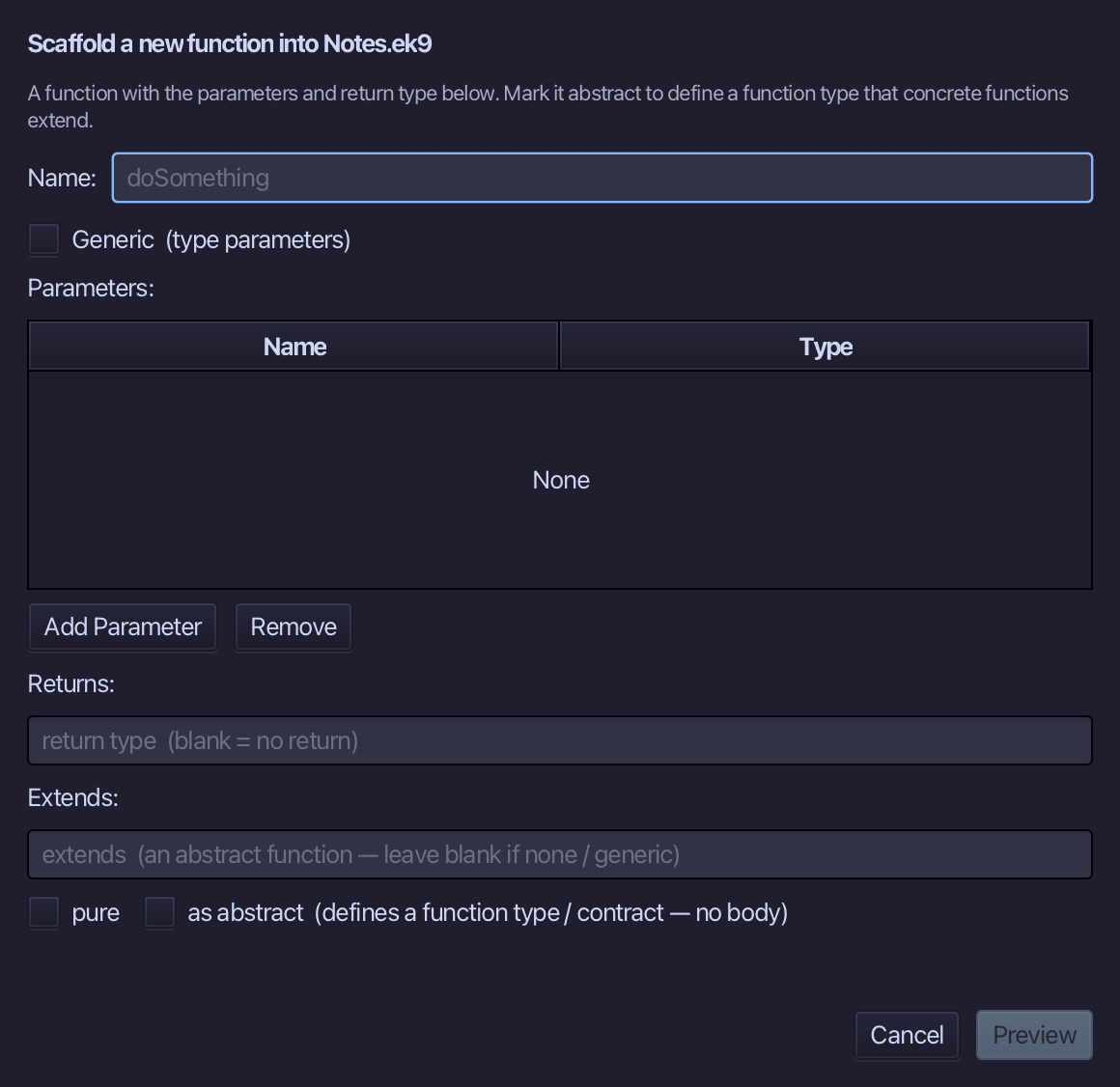
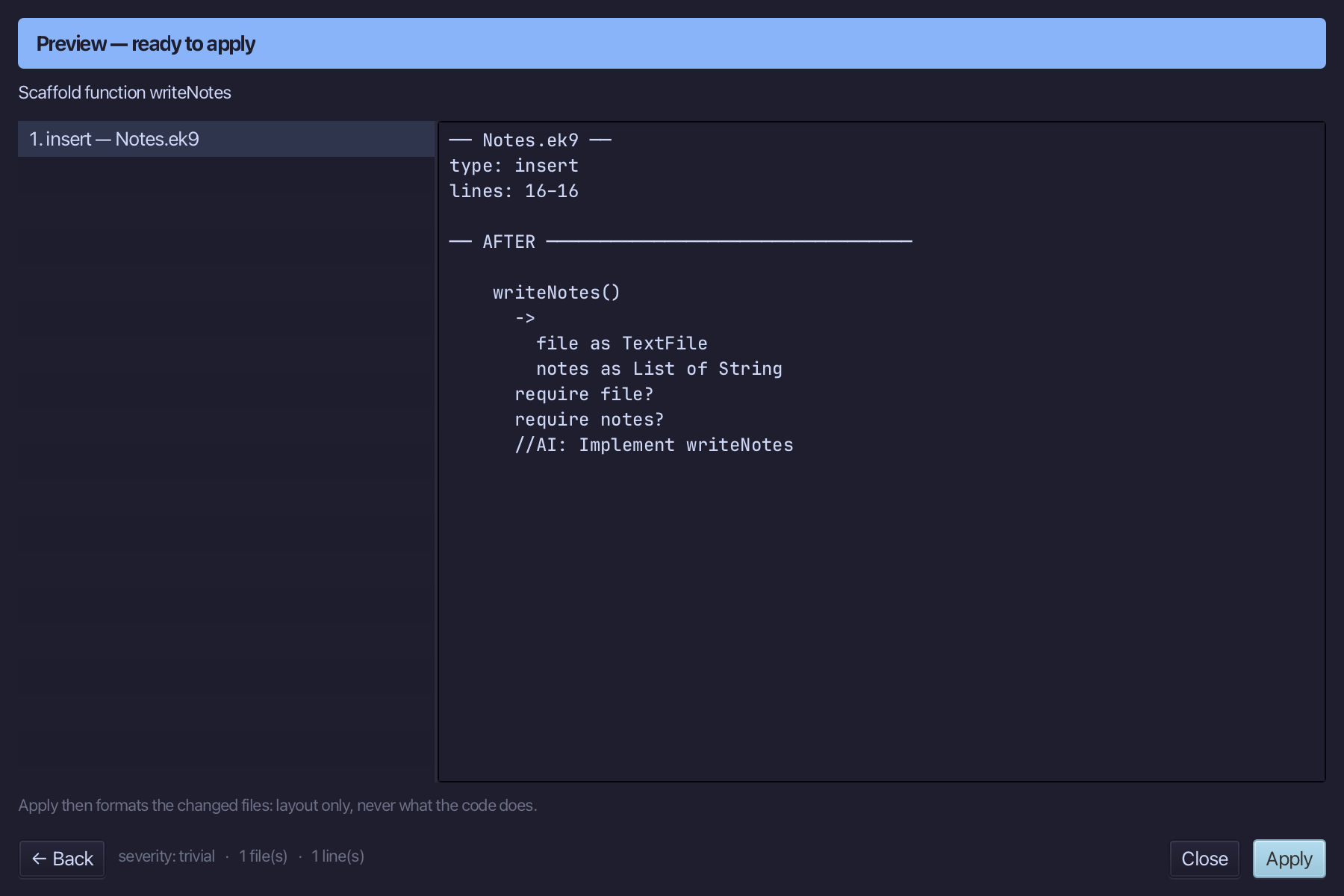
writeNotes is the function's name. Add two parameters, file of type TextFile and notes of type List of String, and leave Returns blank. Choose Preview.
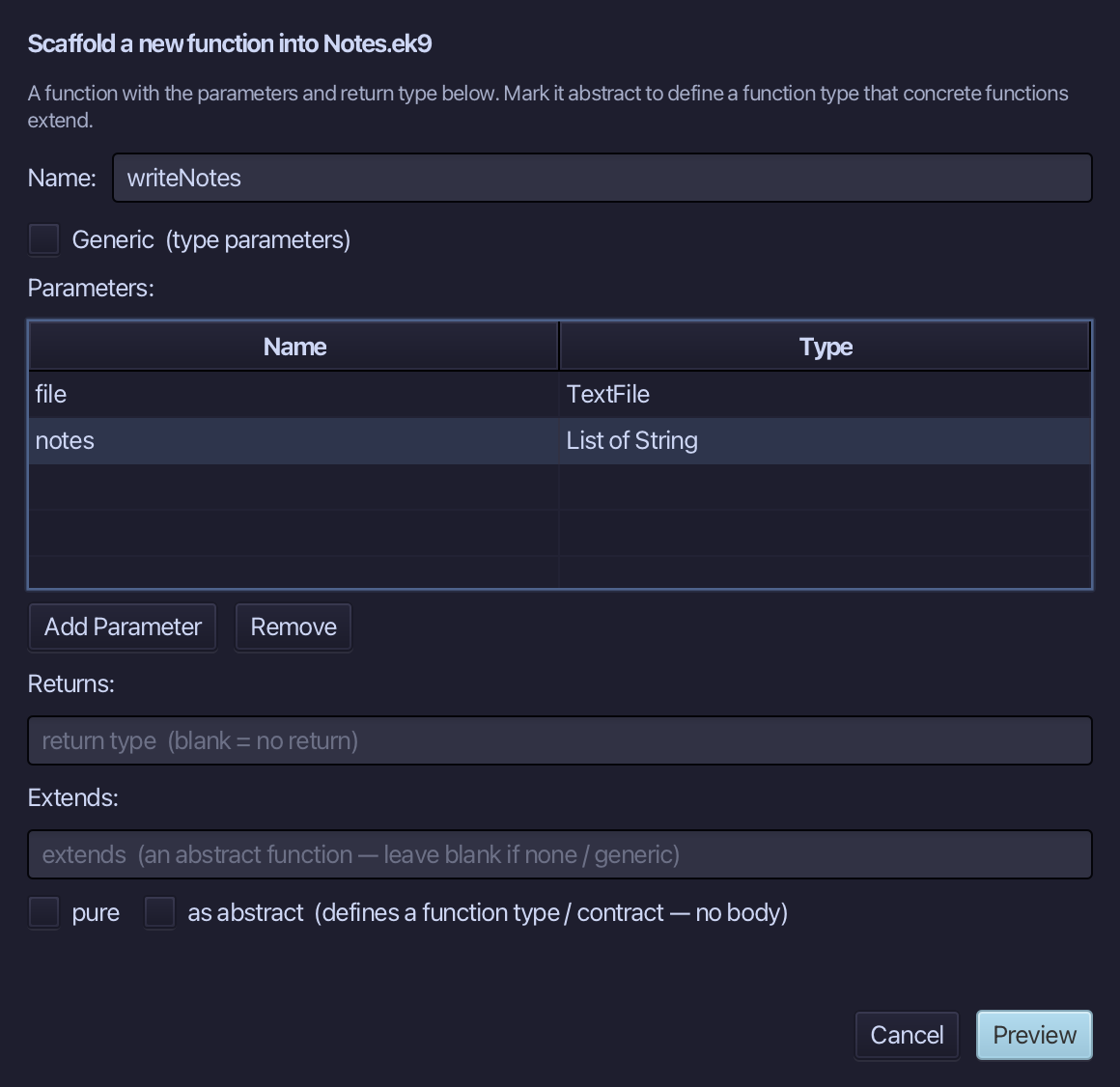
The preview shows writeNotes about to be written, with both parameters. Choose Apply.
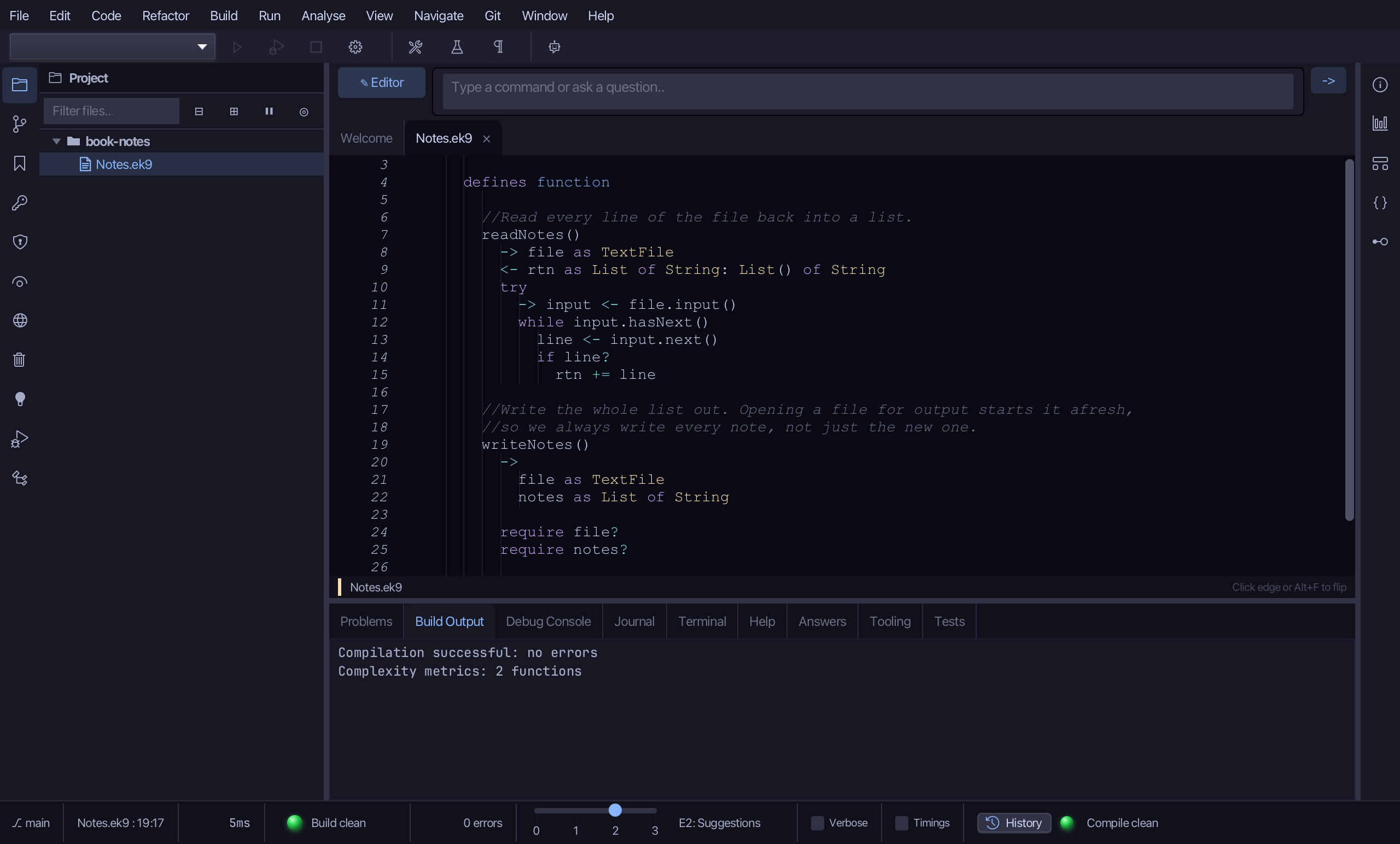
Select the writeNotes() line, and above it type the comment the book gives it - why every note is written, not just the new one. Saves when typed.
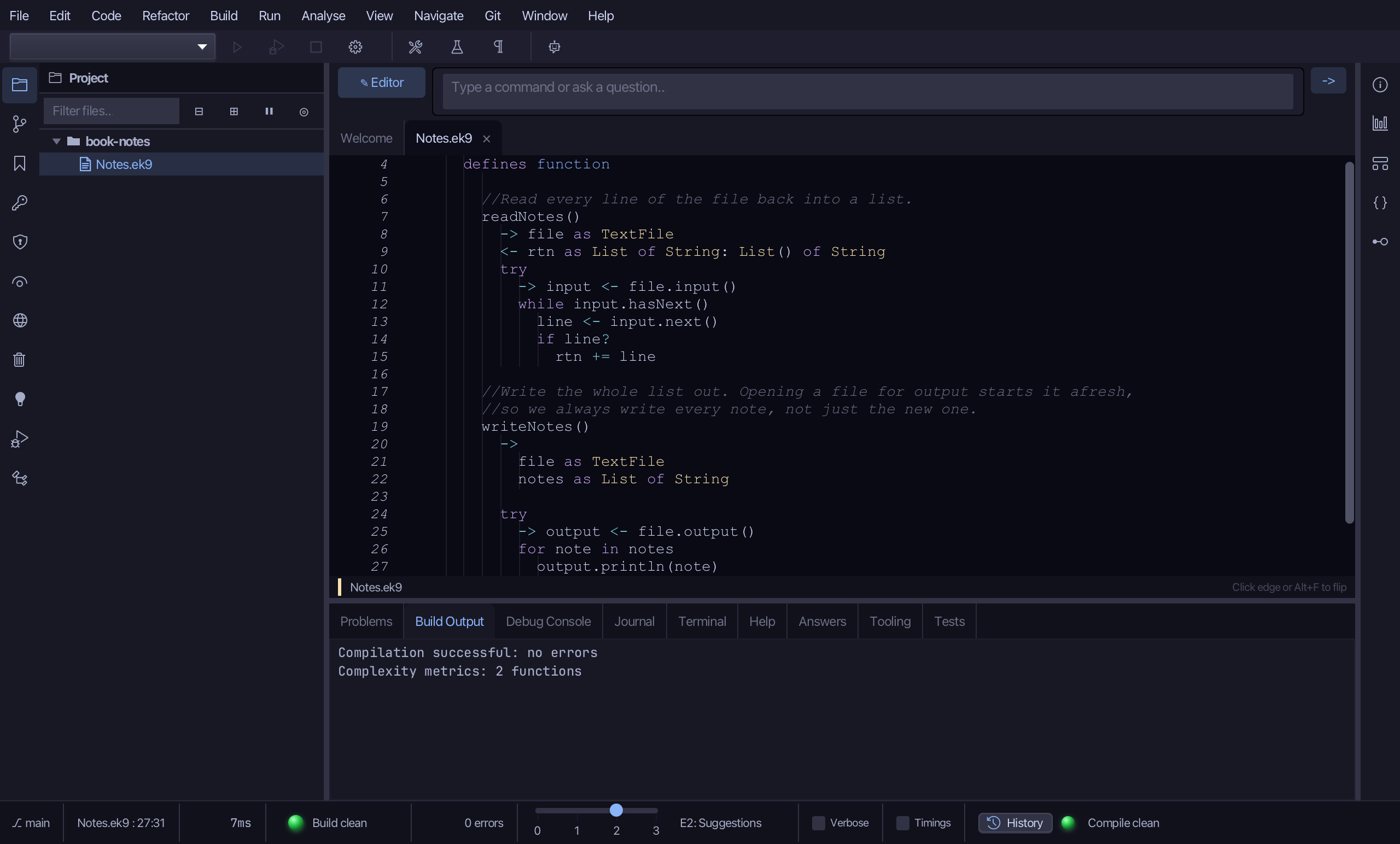
Select the stub, from require file? down to its //AI line, and type the work: a try that writes each note on its own line. Saves when typed.
Step 3: The thin entry point
Choose Code > New Construct > Program…
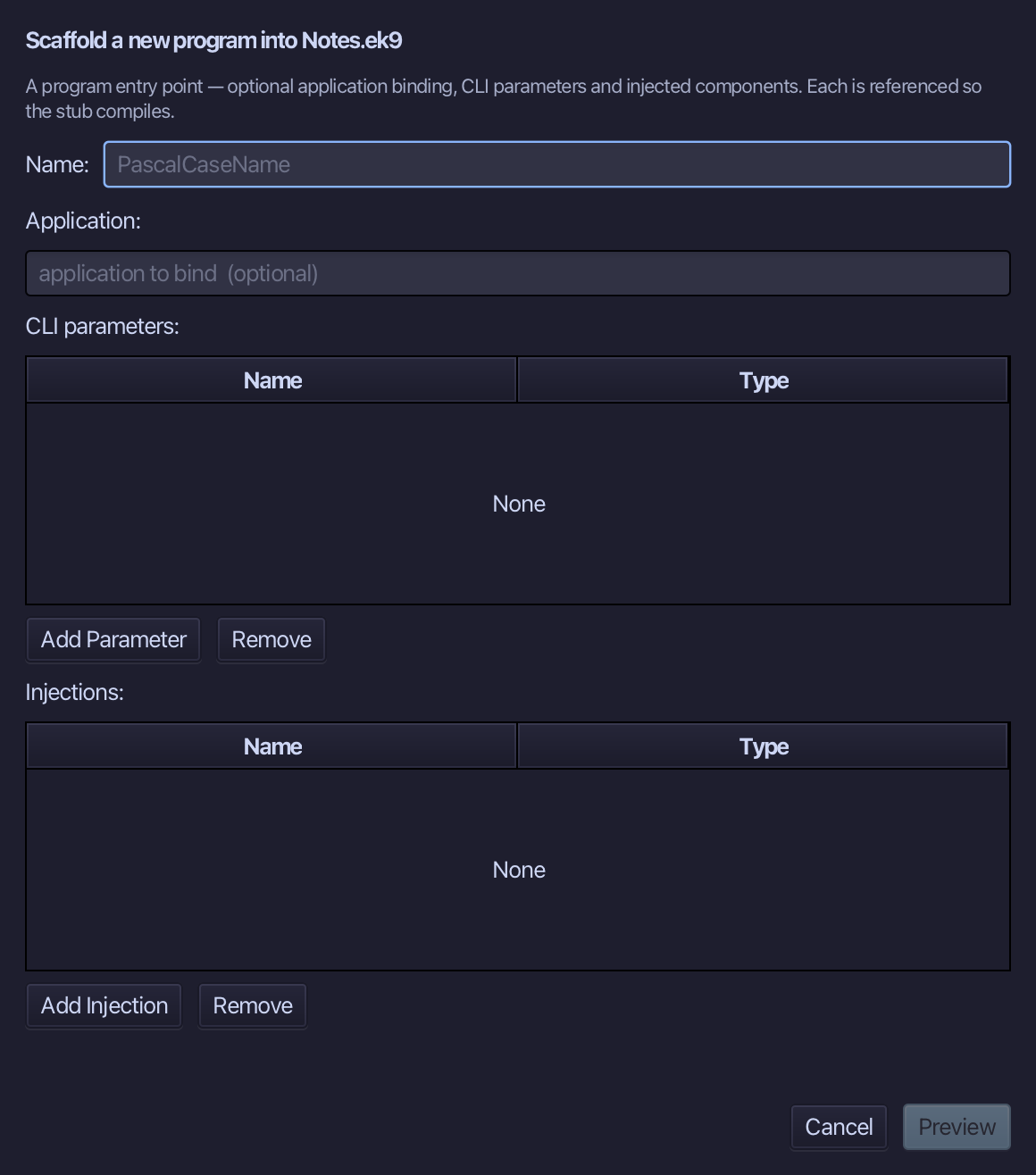
Notes is the program's name. Add one parameter, argv of type List of String - the command line. Choose Preview.
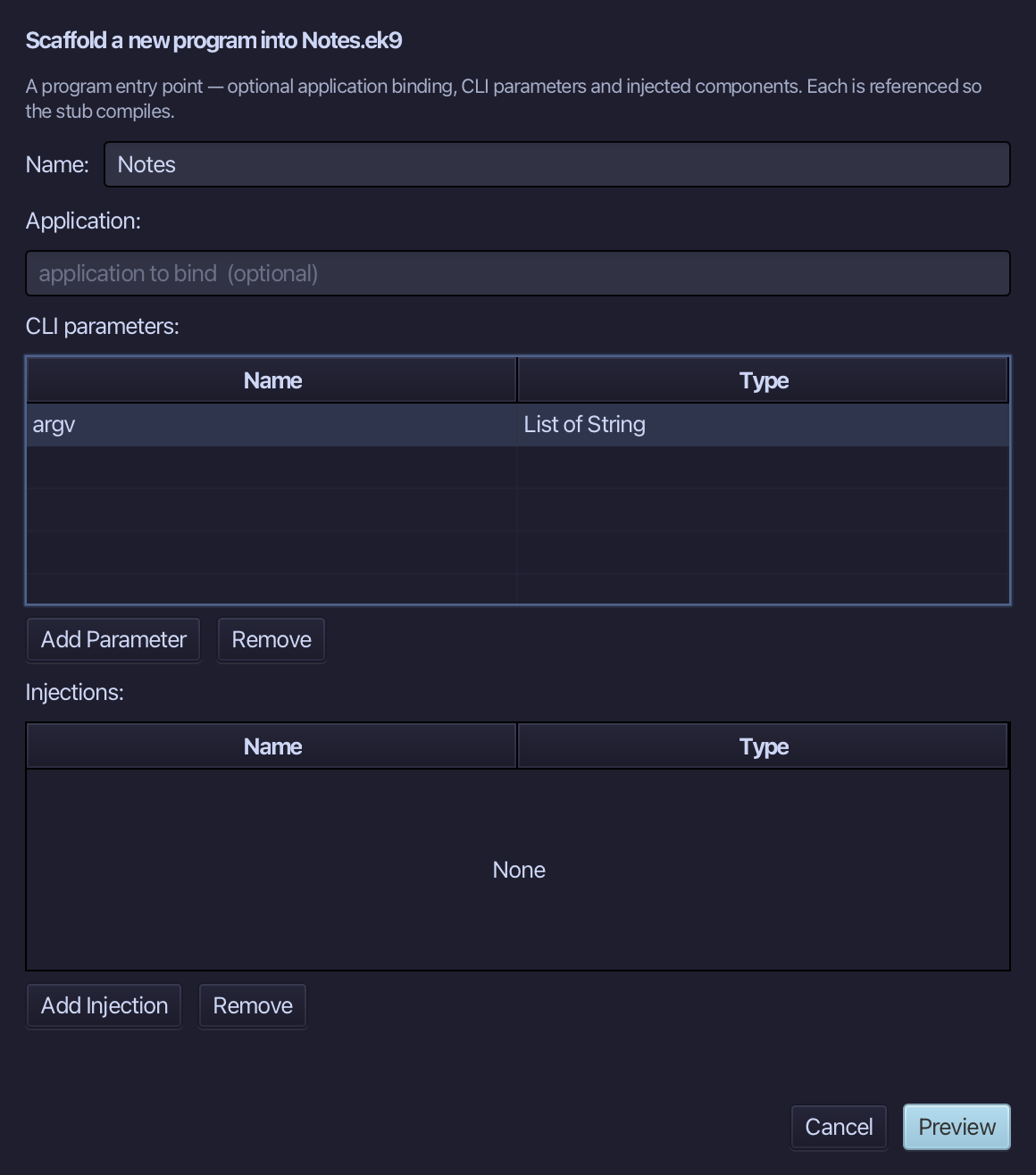
The preview shows Notes about to be written, with argv. Choose Apply.
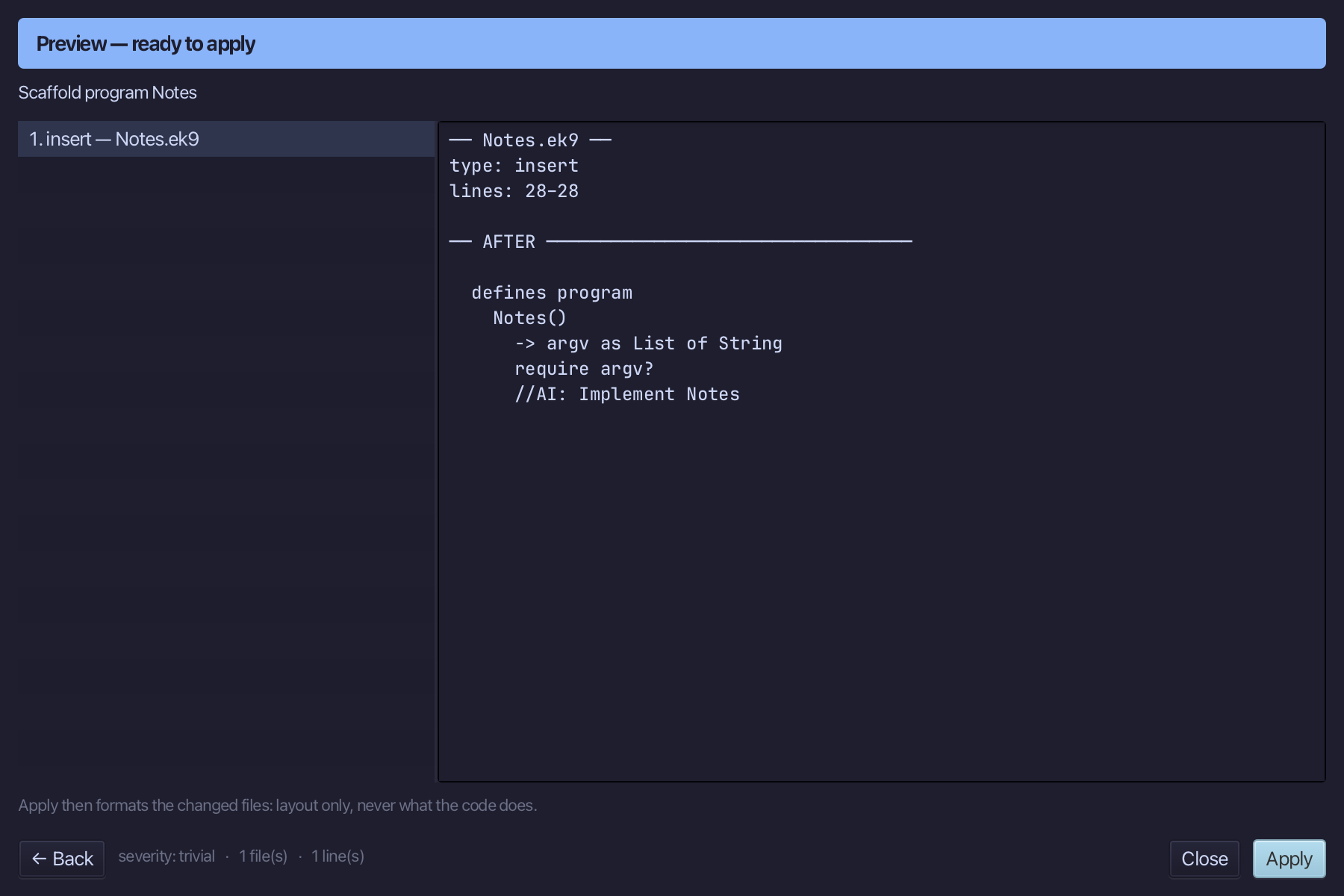
Select the Notes() line, and above it type the blank line and the comment the book opens the program with. Saves when typed.
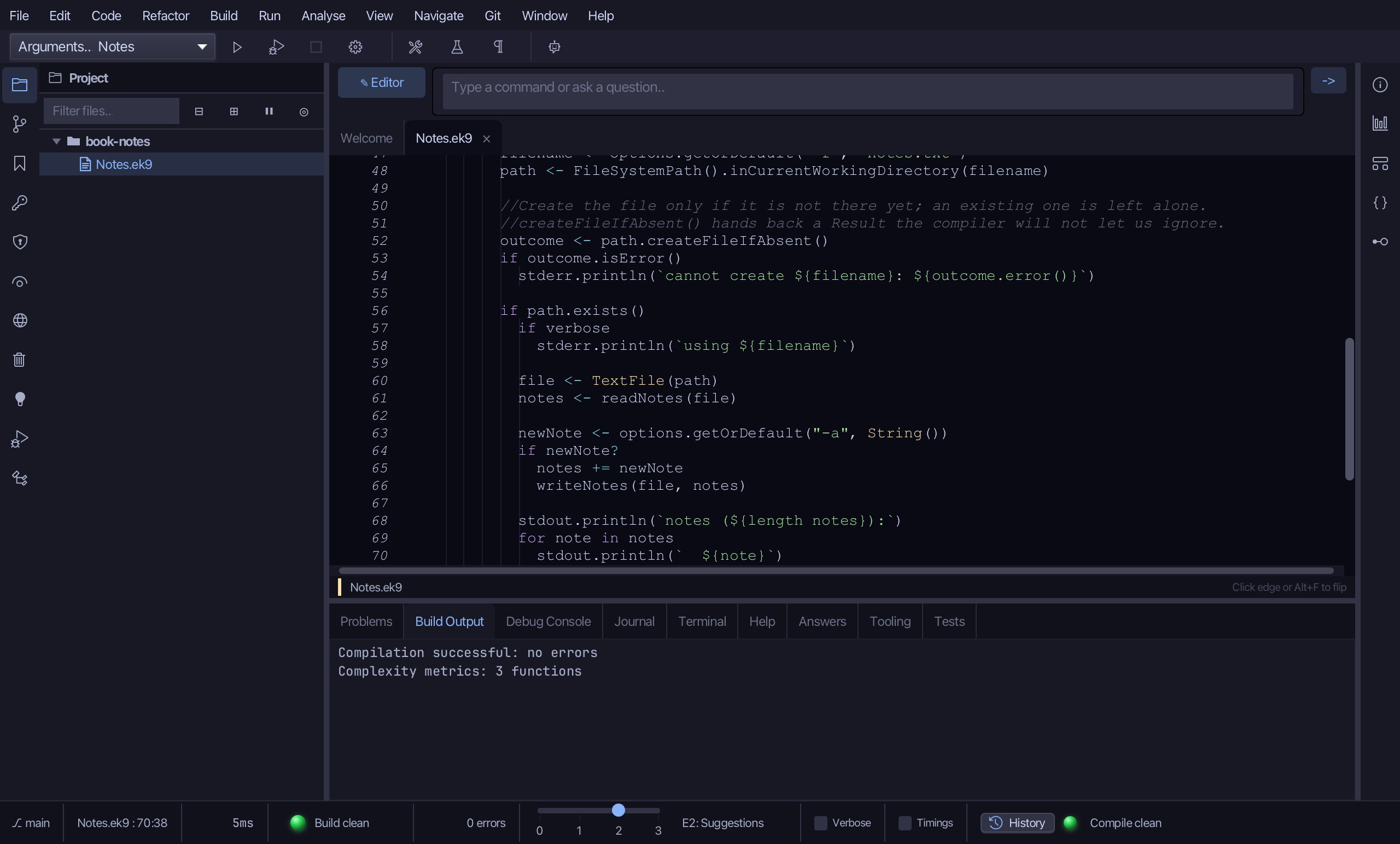
Select the stub, from require argv? down to its //AI line, and type the program: the options, the file, reading the notes, adding one if asked, and listing them. Saves when typed.
Step 4: Run it with an option
Choose Run > Run Program…
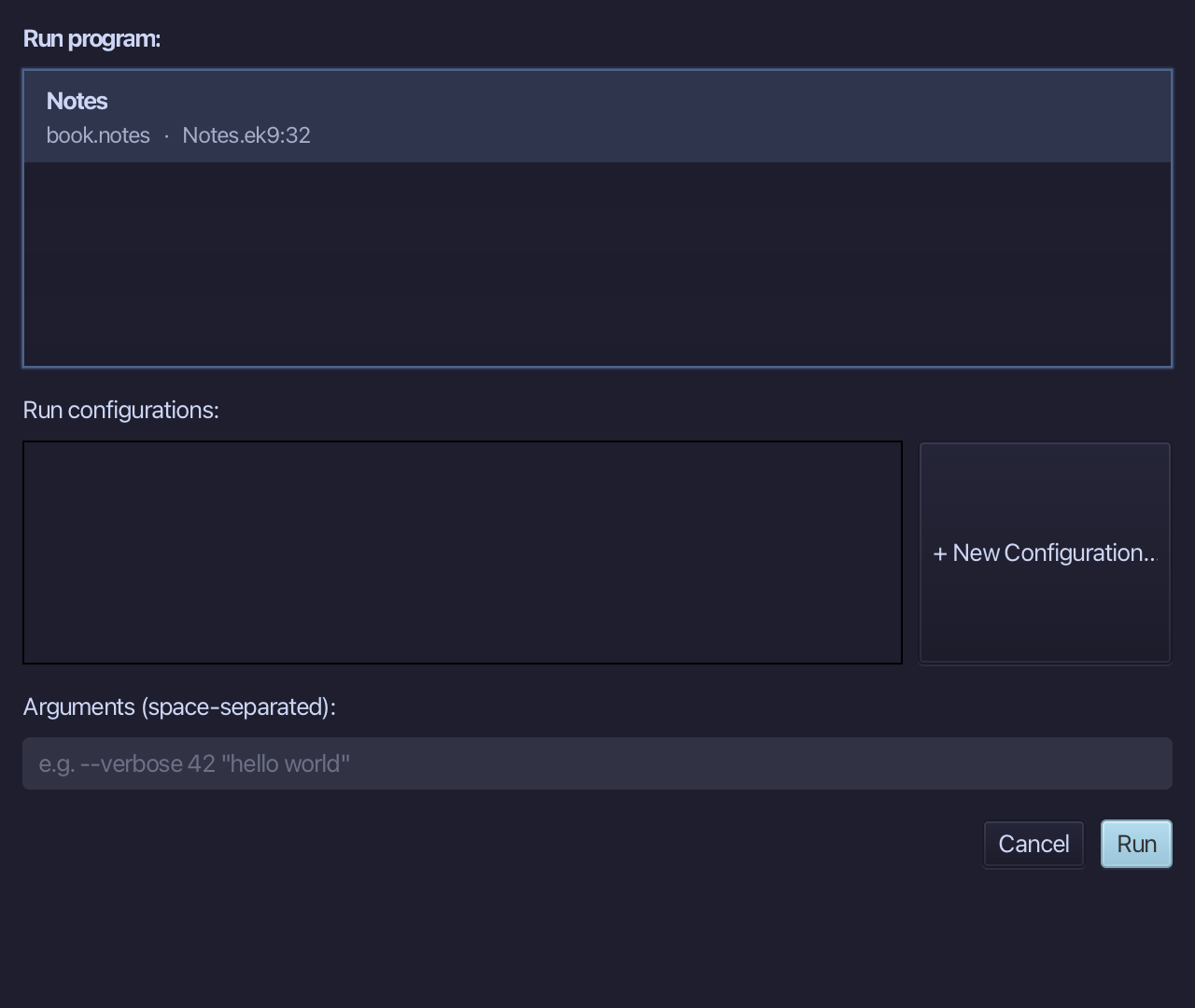
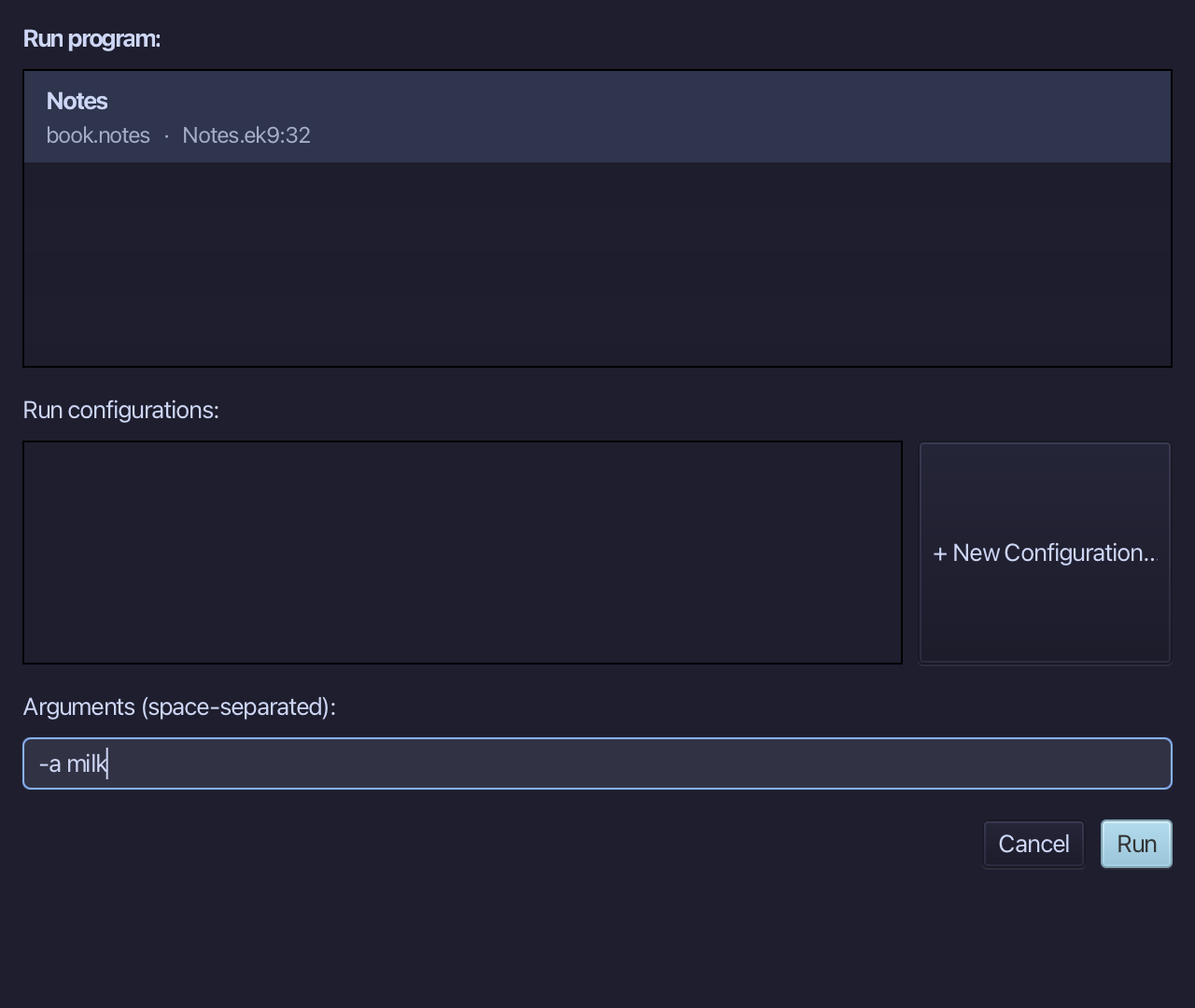
Type -a milk into Arguments (space-separated), then choose Run.
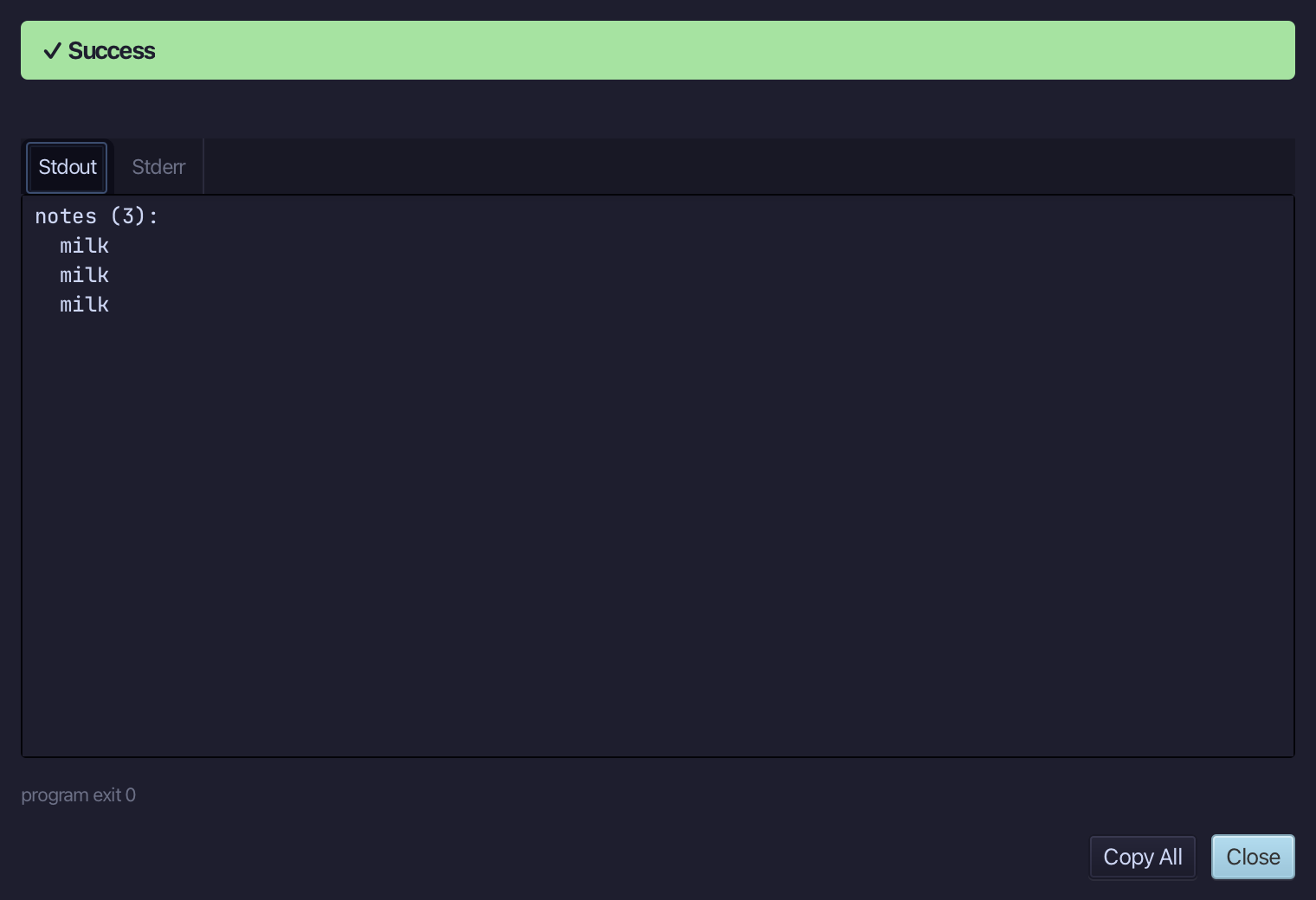
notes (1): and milk - the file was created, read back empty, the new note added and written, then listed. Run it again and the first note is read back too. Choose Close.
The result
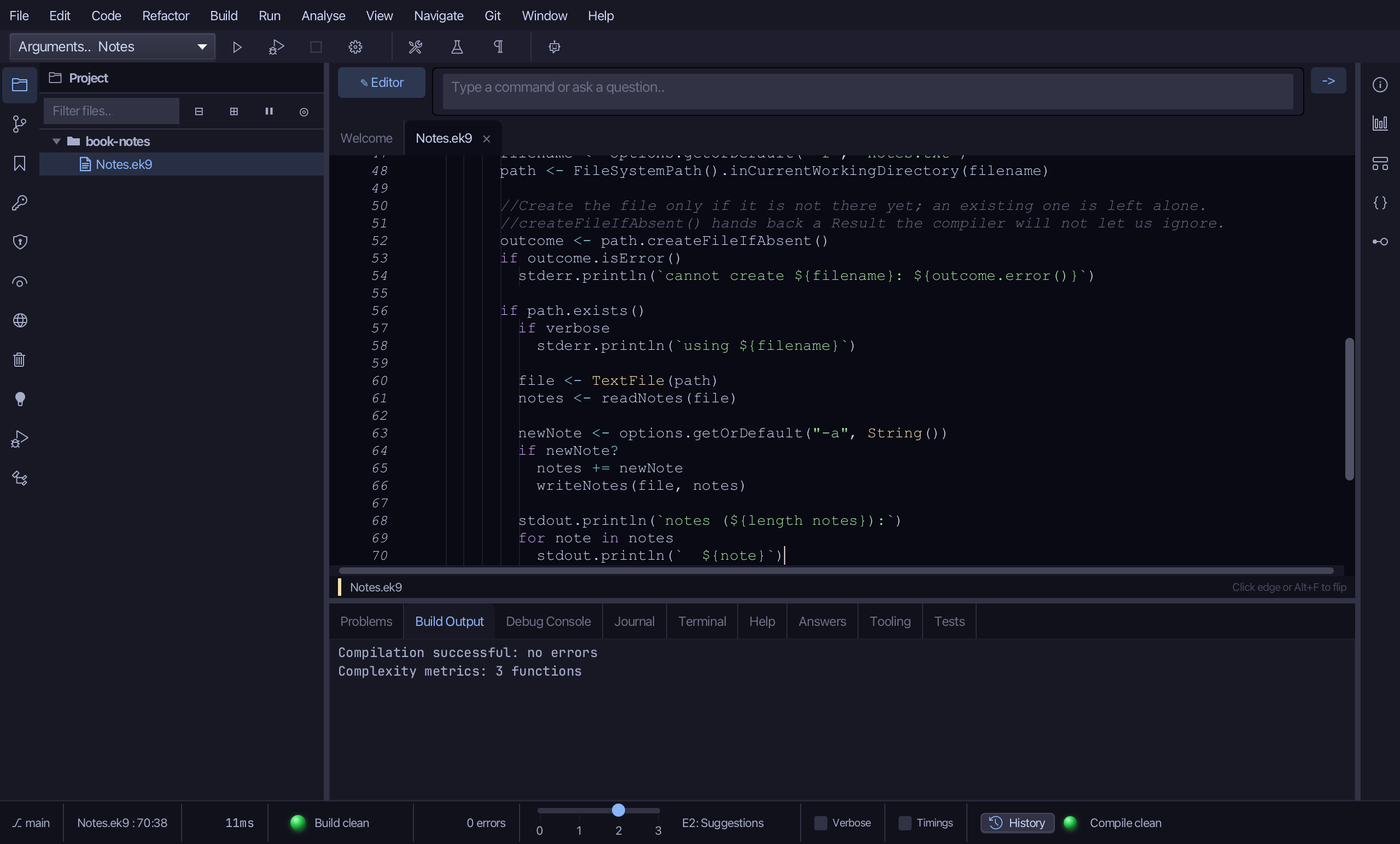
Notes.ek9 now reads exactly as chapter 22 of Getting Started with EK9 shows it: two small functions that read and write the file, and a thin program that works out what was asked for from -v, -f and -a and lets them do the work. New Construct made each shell - the program's argv parameter in the same dialog - and you typed the logic.
Where this lesson comes from
- For AI assistants - the MCP tool
ek9_new_construct,ek9_add_program,ek9_run_program.
In the EK9 reference: Programs in EK9