Chapter 35: an aspect that counts calls, built
If you know AspectJ or Spring AOP you expect pointcut expressions and a proxy. An EK9 aspect is a class that extends Aspect, and it is attached on a register line of an application. This lesson builds the smallest useful one: an aspect that counts calls, wrapped round a Worker that never knows. To play it in the IDE: Help > Lessons > EK9 in Depth…, or ek9 -ide -lesson depth-call-counter.
What you'll build
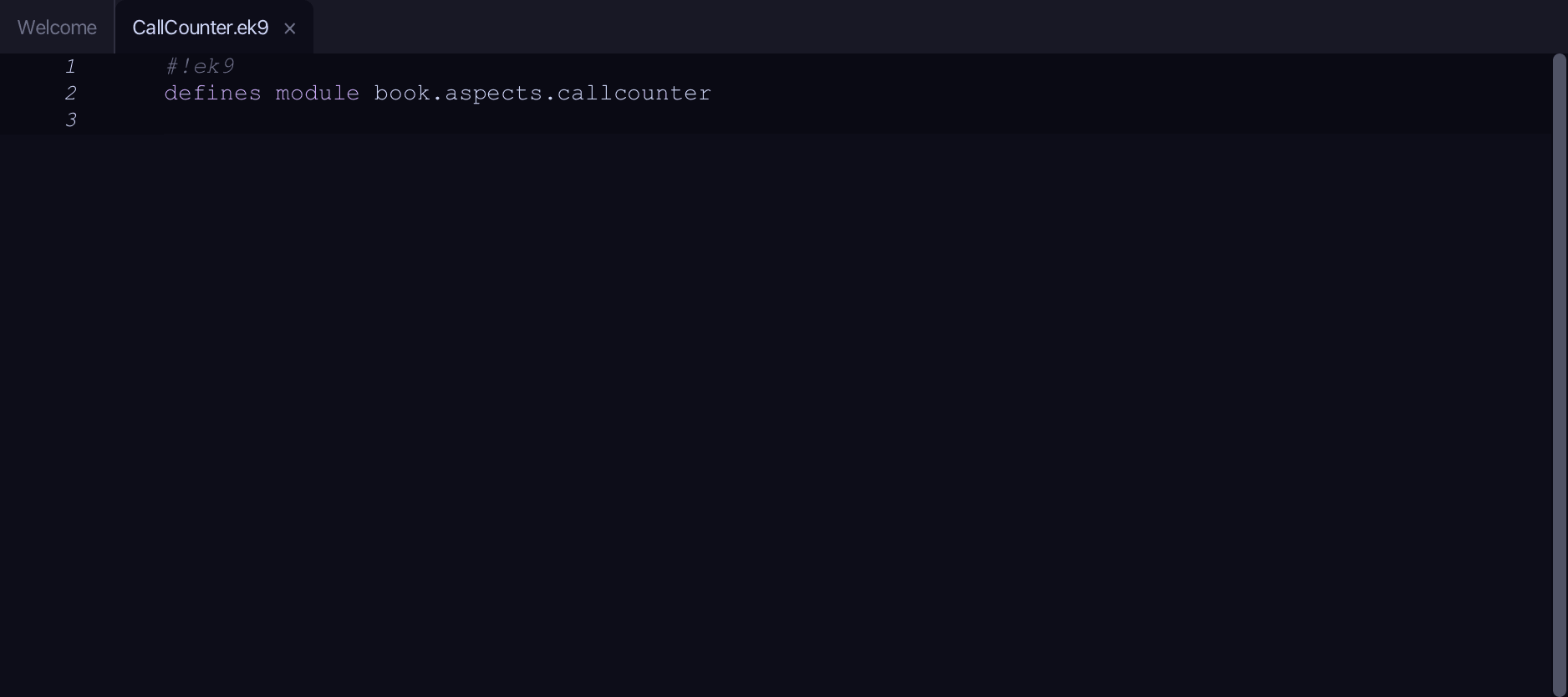
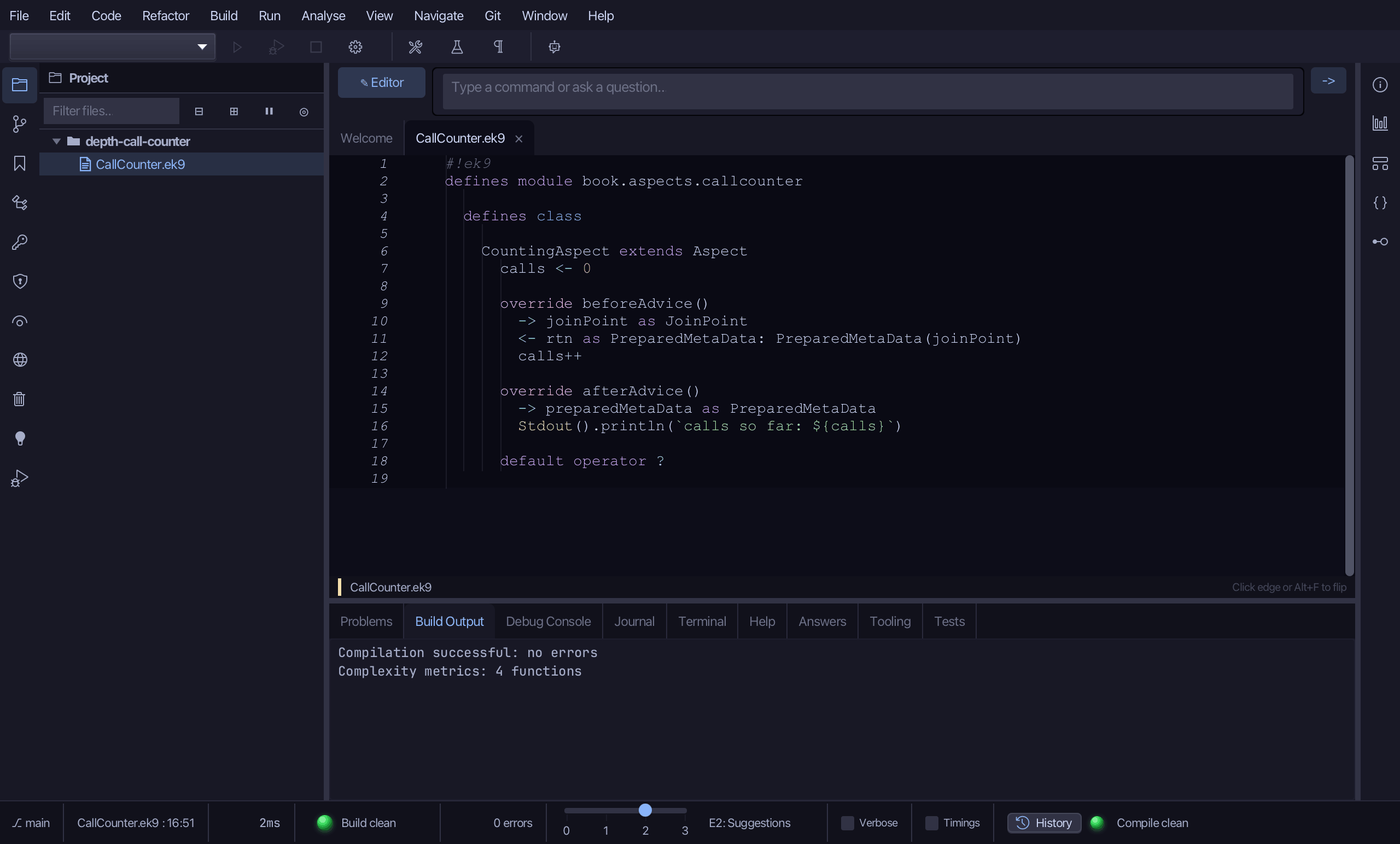
The lesson builds this program from a file holding only its module line - the finished file, as the book prints it.
#!ek9
defines module book.aspects.callcounter

  defines class

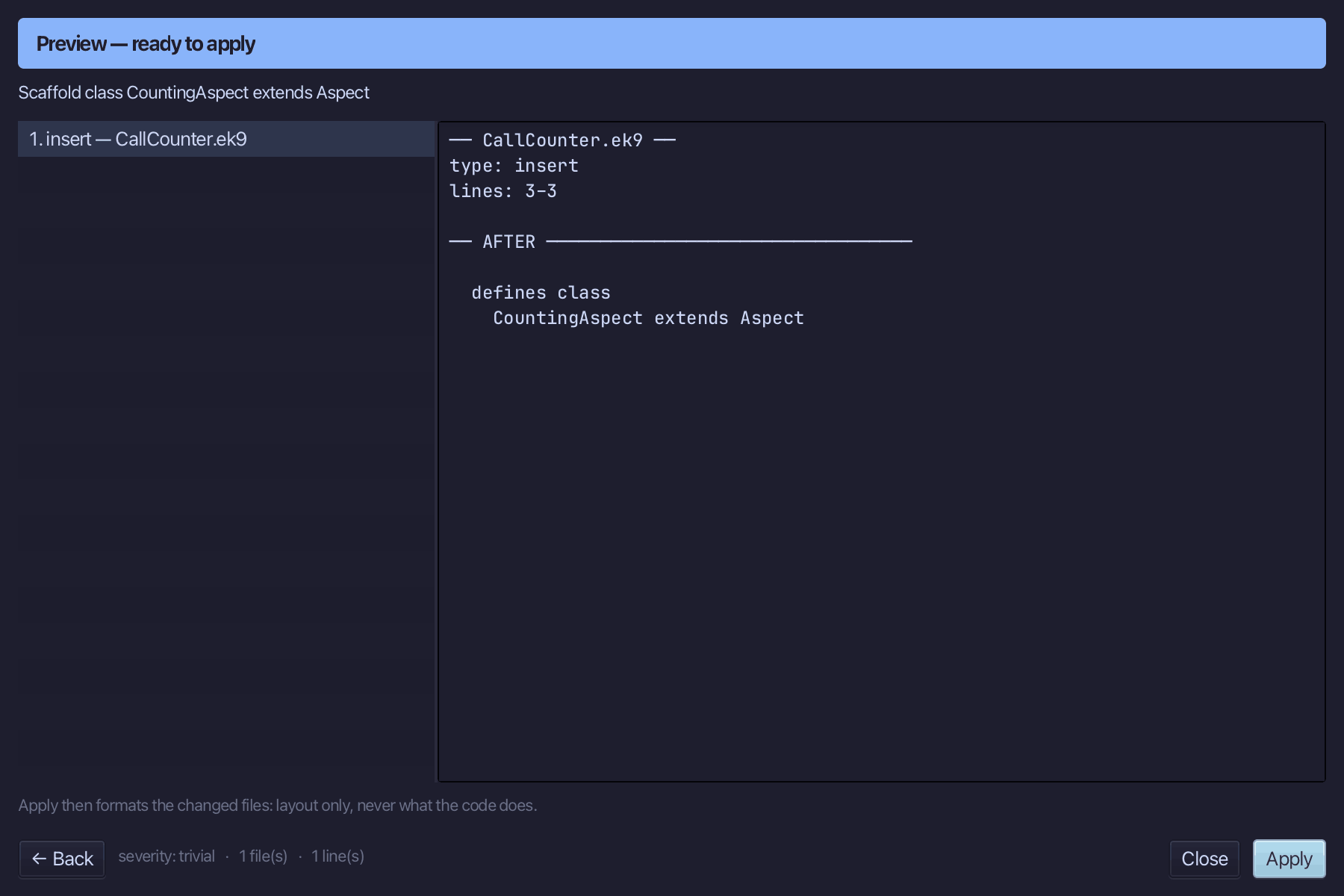
    CountingAspect extends Aspect
      calls <- 0

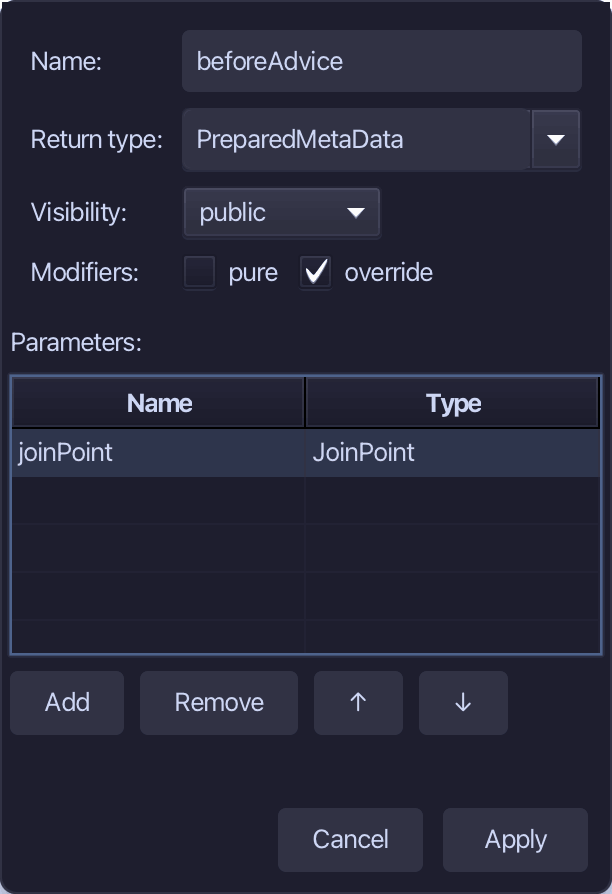
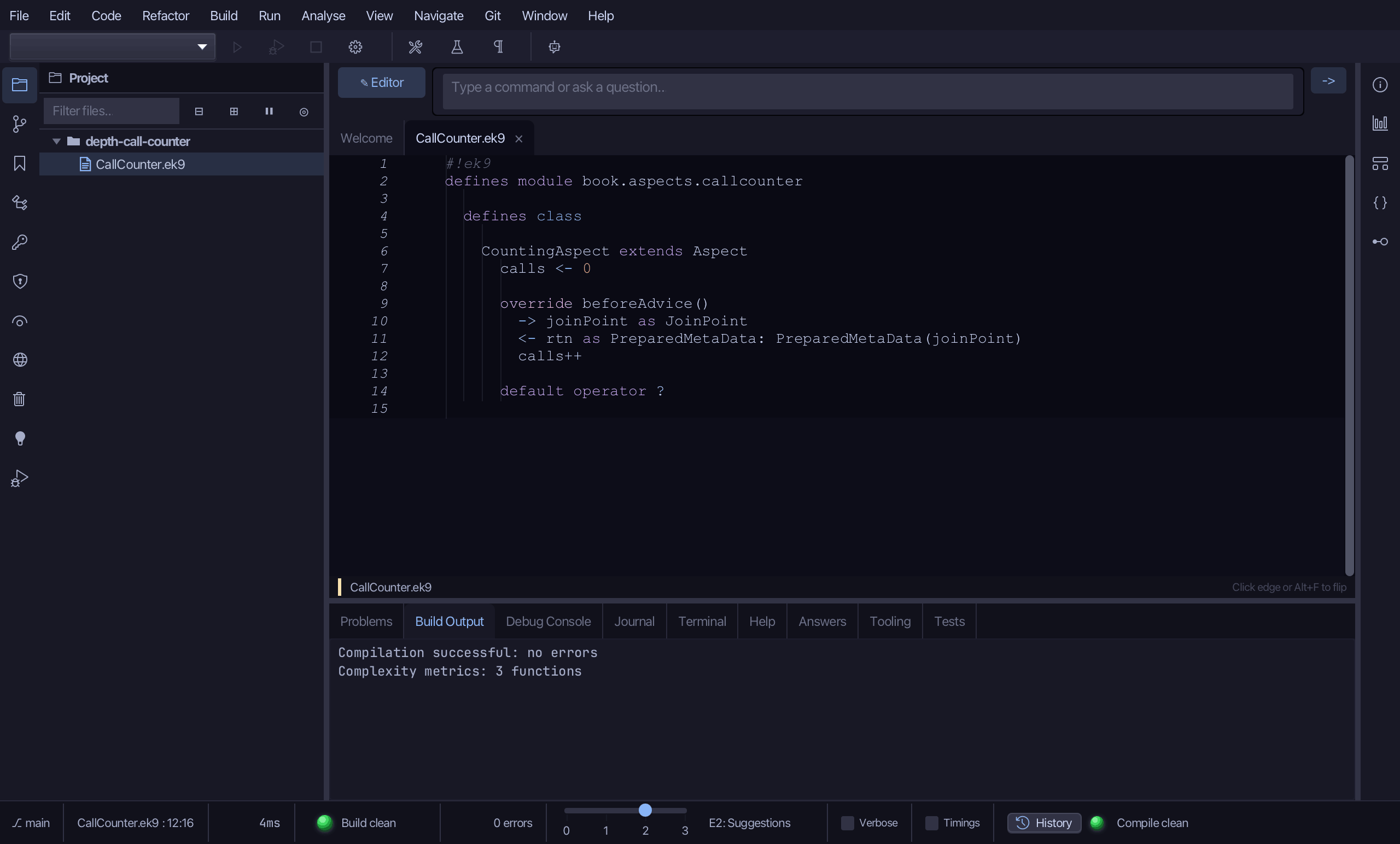
      override beforeAdvice()
        -> joinPoint as JoinPoint
        <- rtn as PreparedMetaData: PreparedMetaData(joinPoint)
        calls++

      override afterAdvice()
        -> preparedMetaData as PreparedMetaData
        Stdout().println(`calls so far: ${calls}`)

      default operator ?

  defines component

    Worker as abstract
      work() as abstract
        -> line as String
        <- rtn as String?

    PlainWorker is Worker
      override work()
        -> line as String
        <- rtn as String: String(line)

  defines application

    countingApp
      register PlainWorker() as Worker with aspect of CountingAspect()

  defines program

    Echo() with application of countingApp
      worker as Worker!
      Stdout().println(worker.work("one"))
      Stdout().println(worker.work("two"))
Step 1: CountingAspect — a class
Choose Code > New Construct > Class…
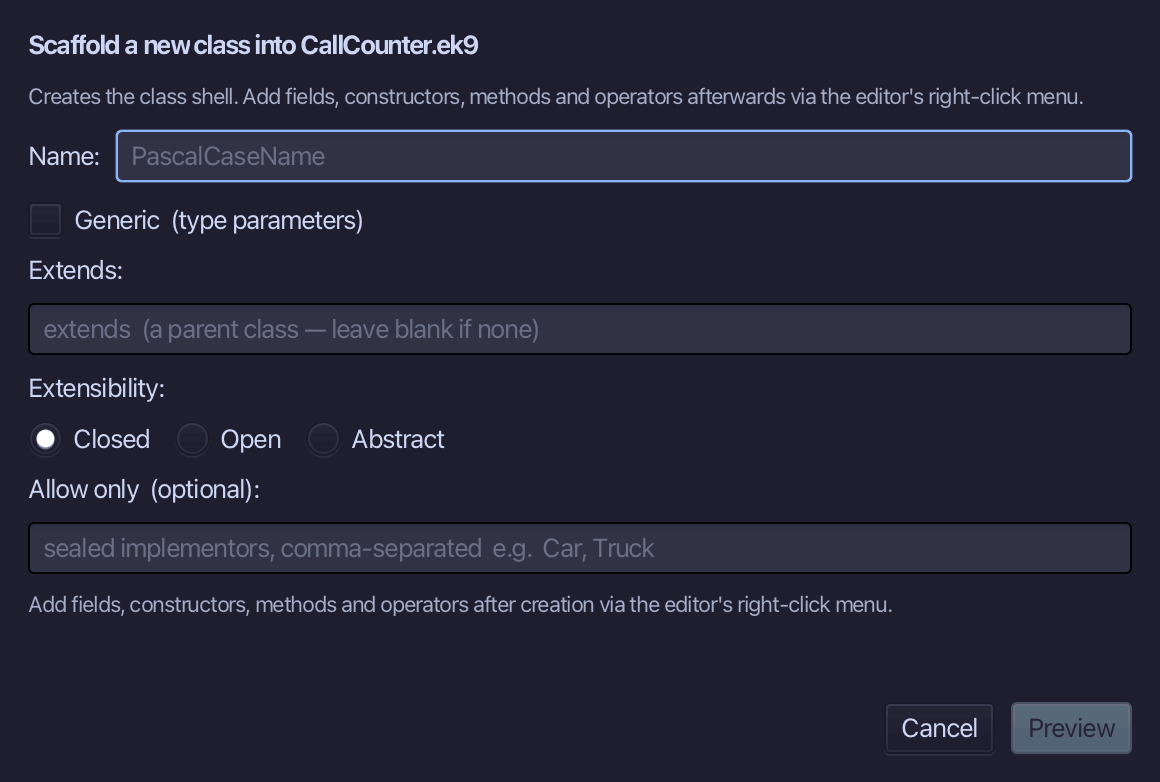
CountingAspect is the class's name. An aspect is a class that extends Aspect - no annotation, no pointcut language. Type Aspect into Extends. Choose Preview.
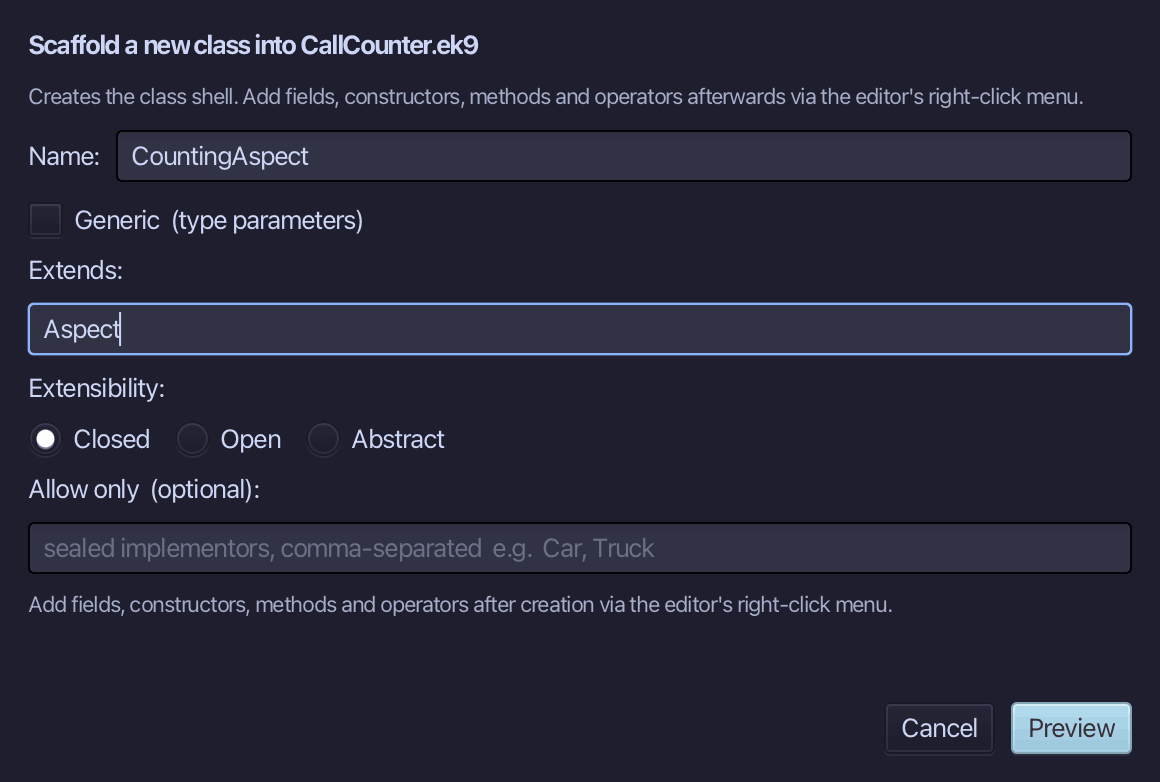
The preview shows CountingAspect about to be written - and, if Aspect owes any methods, an override stub for each. Choose Apply.
Select the CountingAspect line and, above it, type the blank line the book opens the block with. Saves when typed.
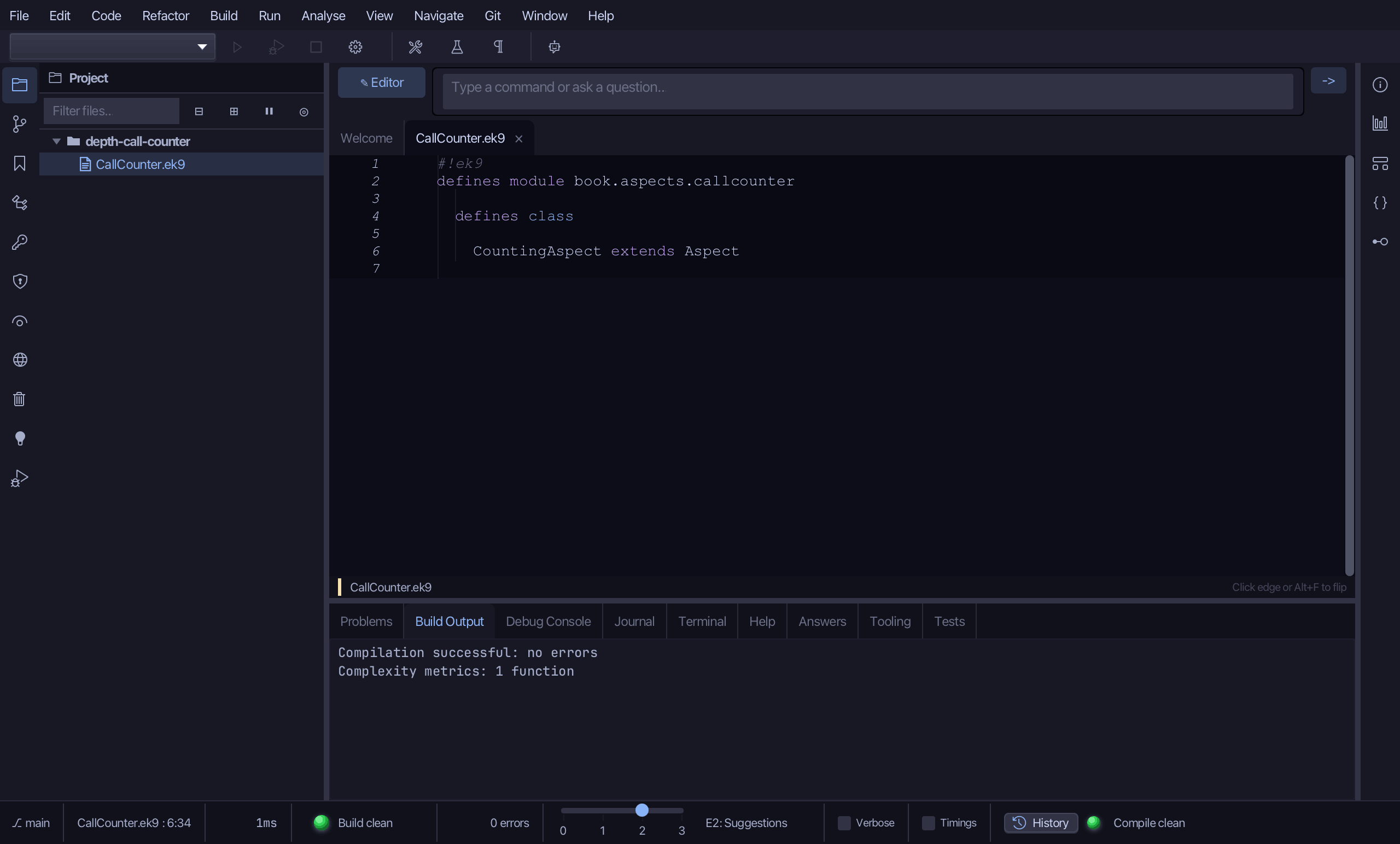
Right-click the CountingAspect line and choose Add Field…
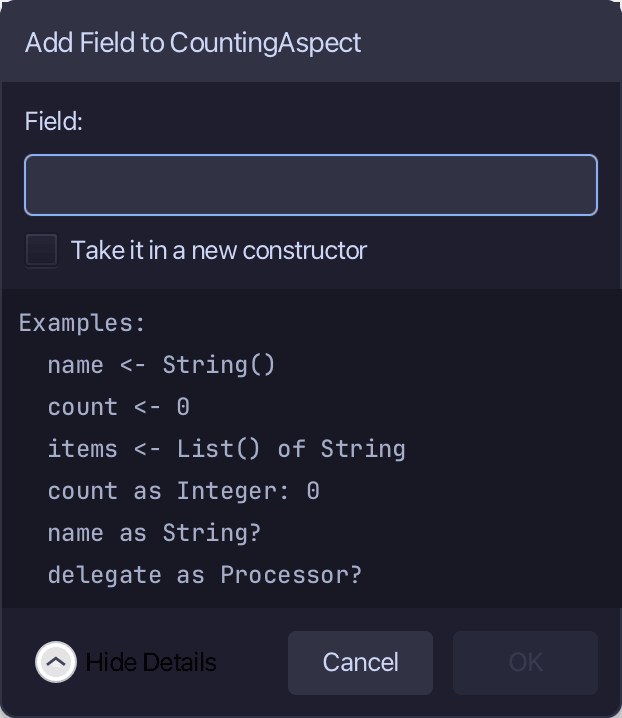
Type calls <- 0. An aspect is one object, so what it counts lives in a field. Choose OK.
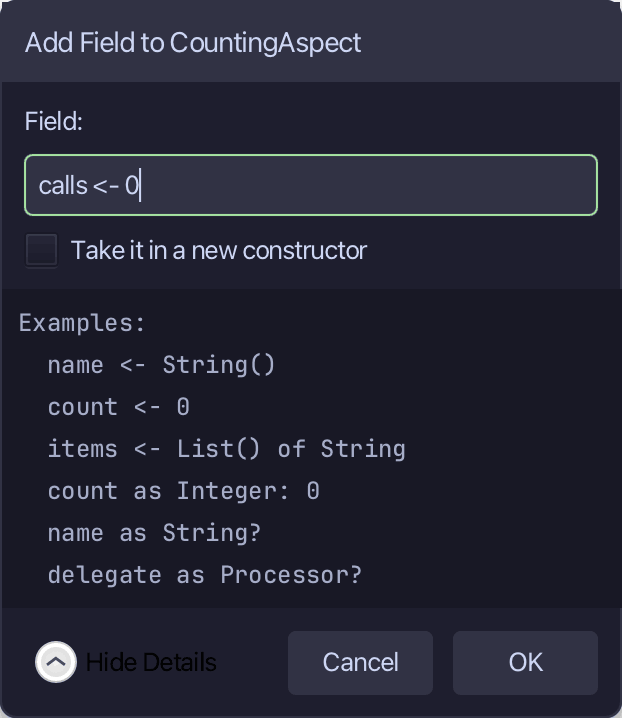
The preview shows calls added - and default operator ? with it, CountingAspect's first field. Choose Apply.
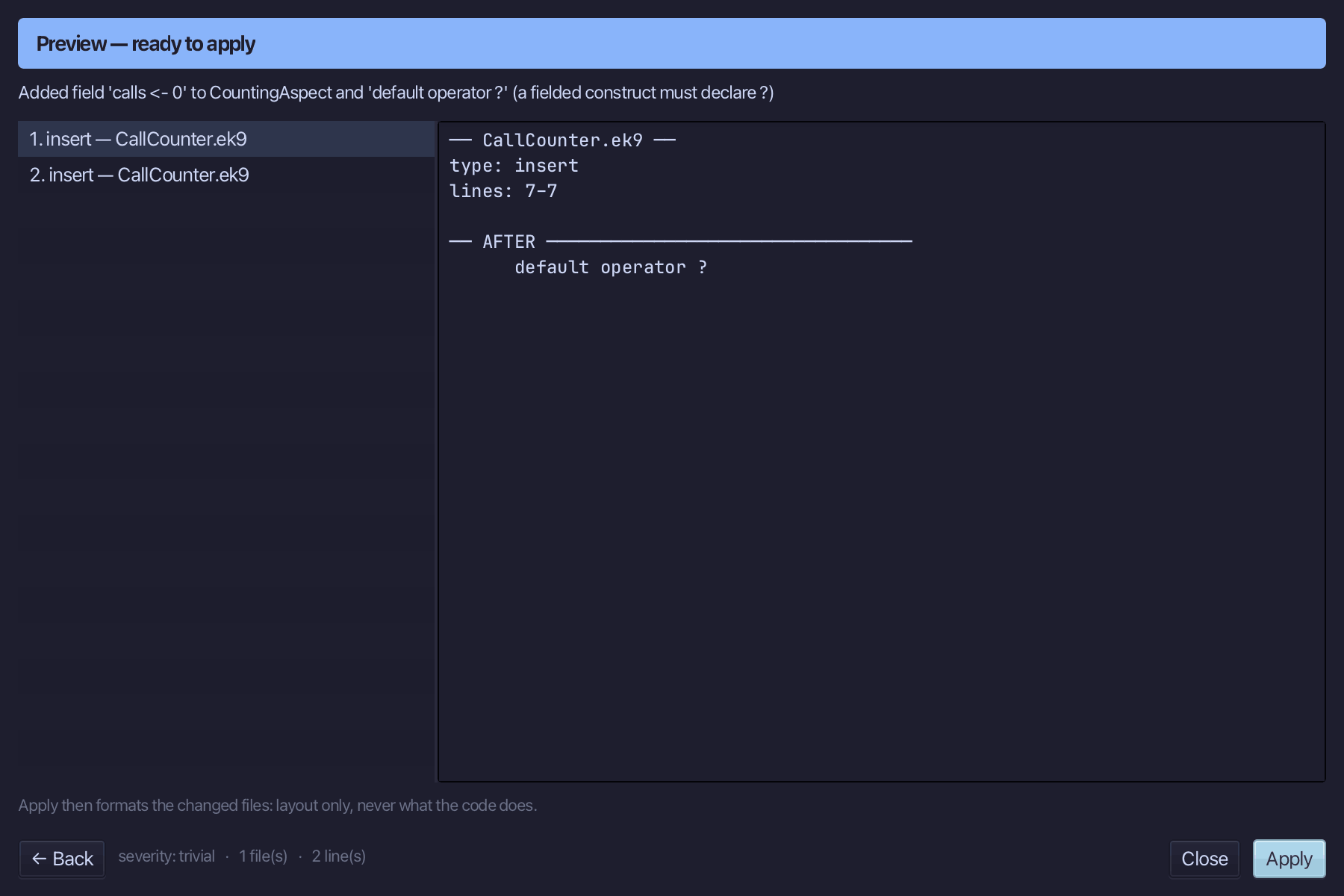
Right-click the CountingAspect line and choose Add Method…
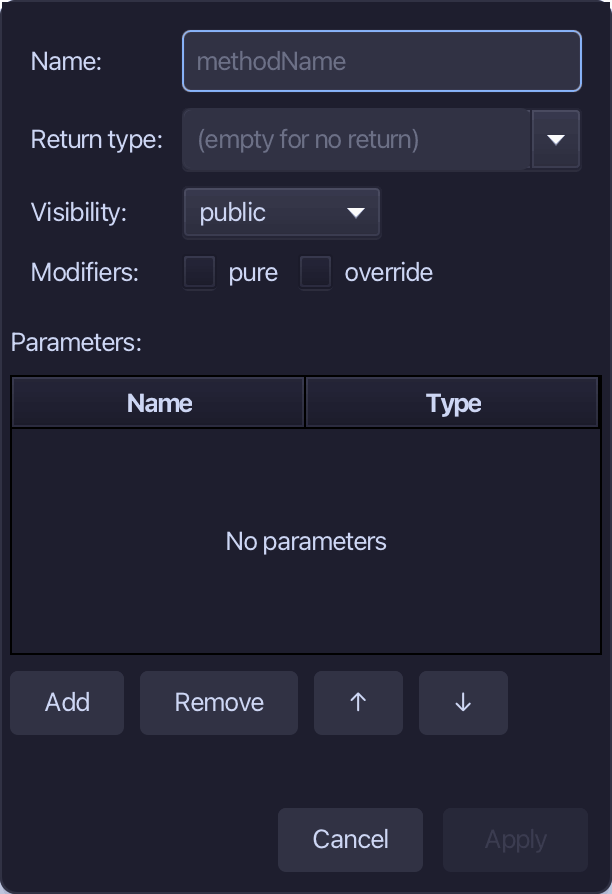
beforeAdvice is the method's name. It runs before each call and is handed a JoinPoint - which component and which method - and it answers with a PreparedMetaData that afterAdvice receives. Aspect already has it, so it is an override. Add one parameter, joinPoint of type JoinPoint, set Return type to PreparedMetaData and tick override. Choose Apply.
Select the stub and type the advice: hand the JoinPoint back as the PreparedMetaData, and count the call. Saves when typed.
Right-click the CountingAspect line and choose Add Method…
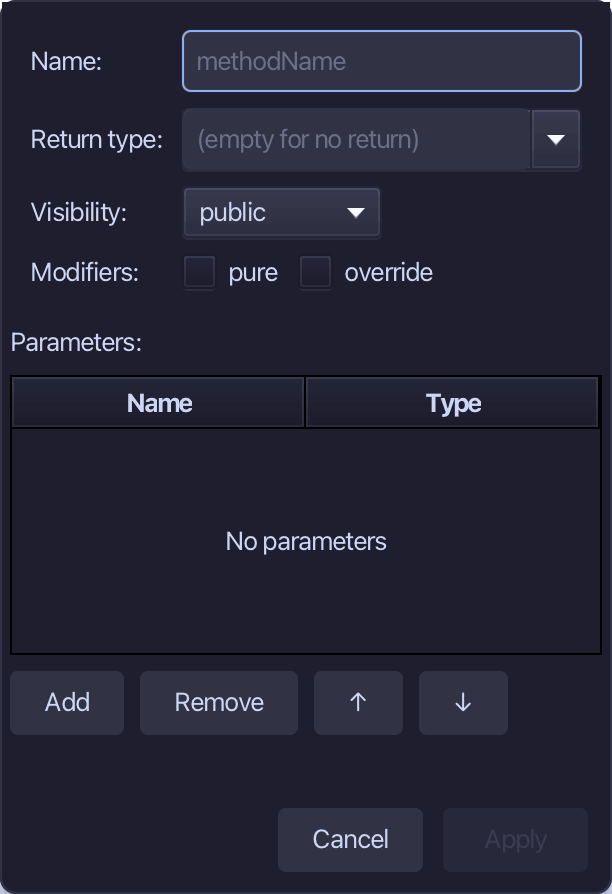
afterAdvice is the method's name. It runs after the call and is handed that PreparedMetaData back. Aspect already has it, so it is an override. Add one parameter, preparedMetaData of type PreparedMetaData and tick override. Choose Apply.
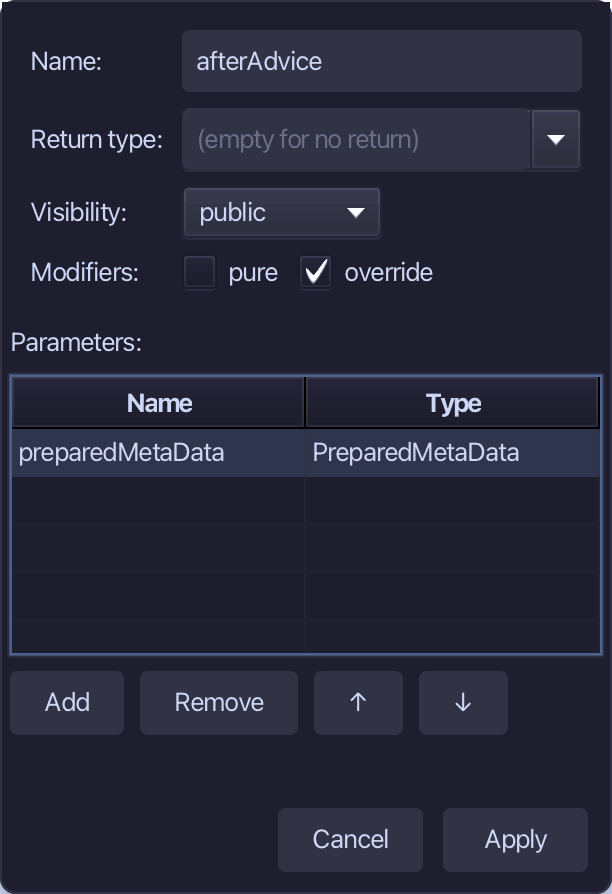
Select the stub and type the advice: print the running count. Saves when typed.
Step 2: Worker — a component
Choose Code > New Construct > Component…
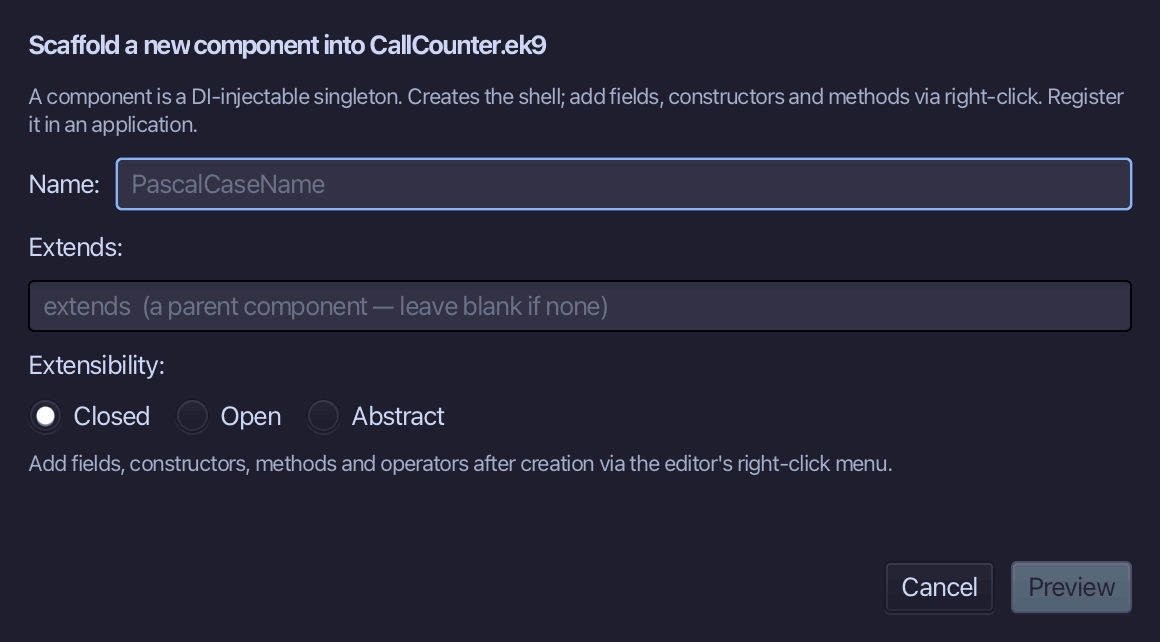
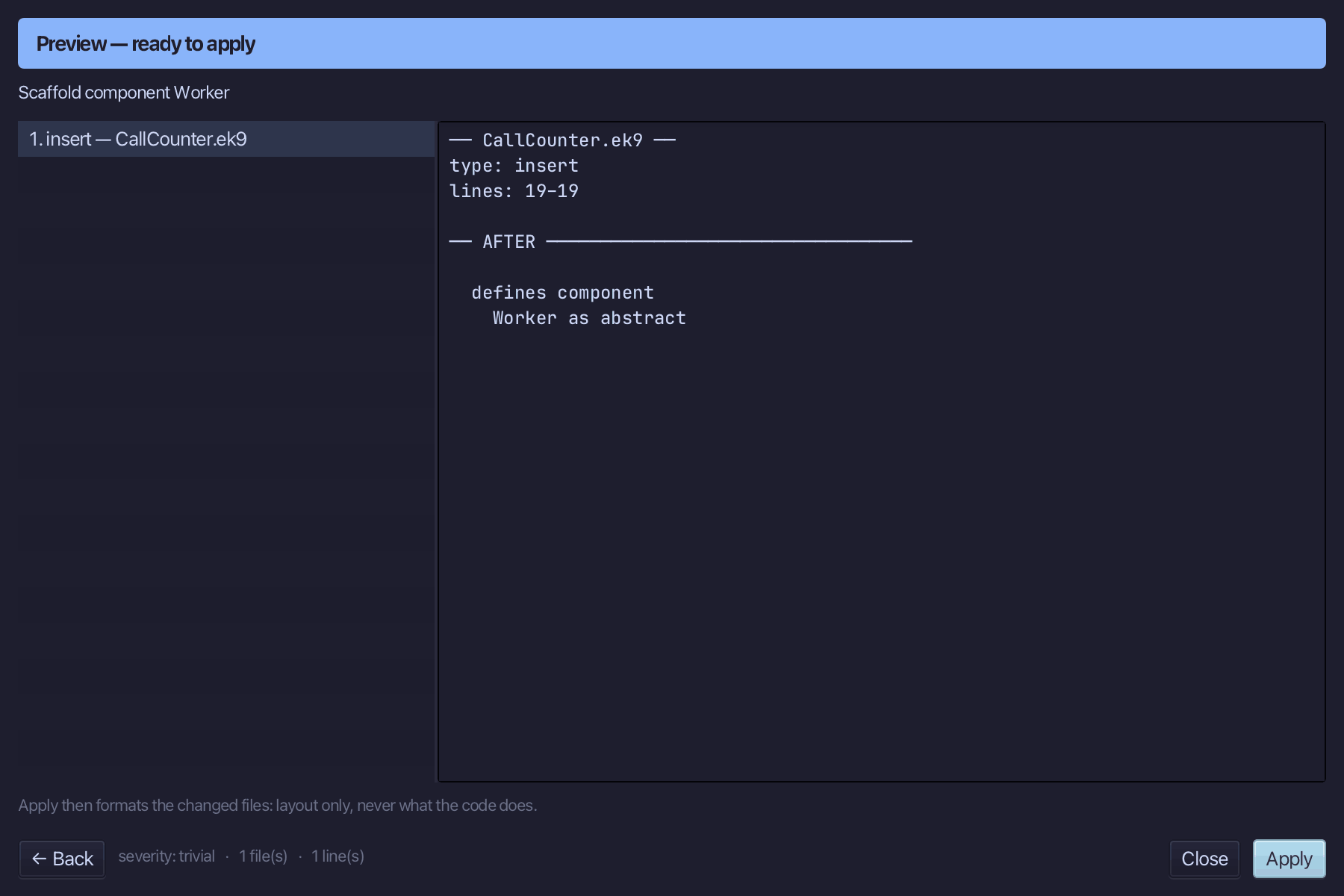
Worker is the component's name. It is the contract the aspect will wrap. Choose Abstract under Extensibility. Choose Preview.
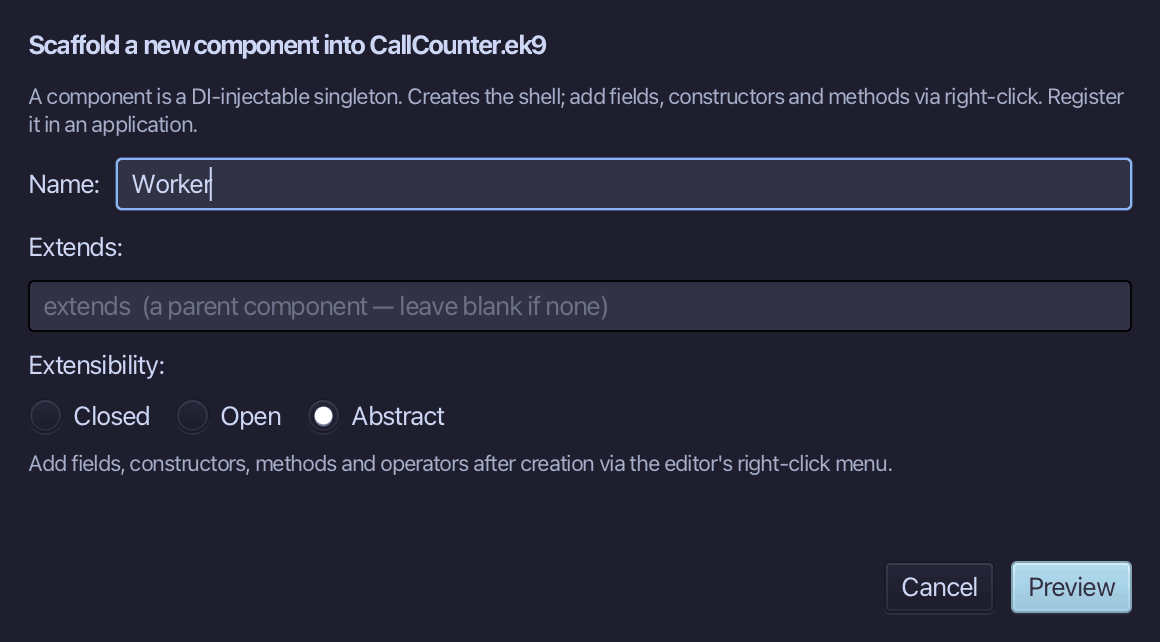
The preview shows Worker about to be written. Choose Apply.
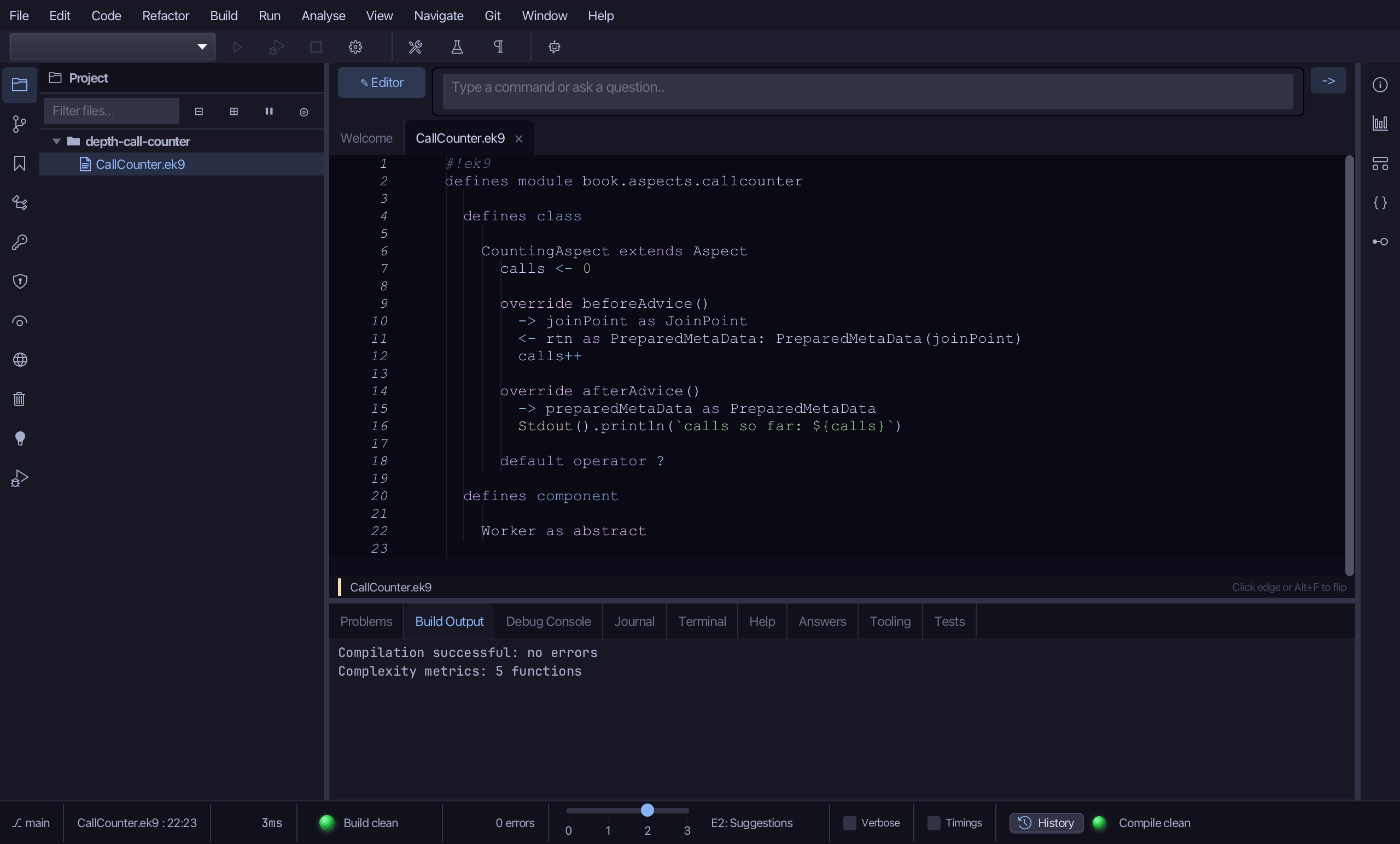
Select the Worker line and, above it, type the blank line the book opens the block with. Saves when typed.
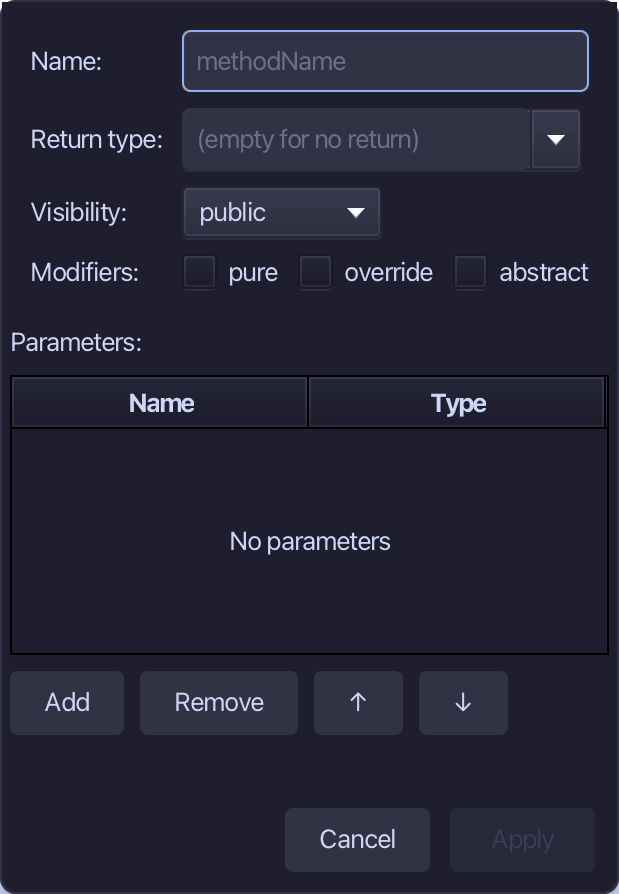
Right-click the Worker line and choose Add Method…
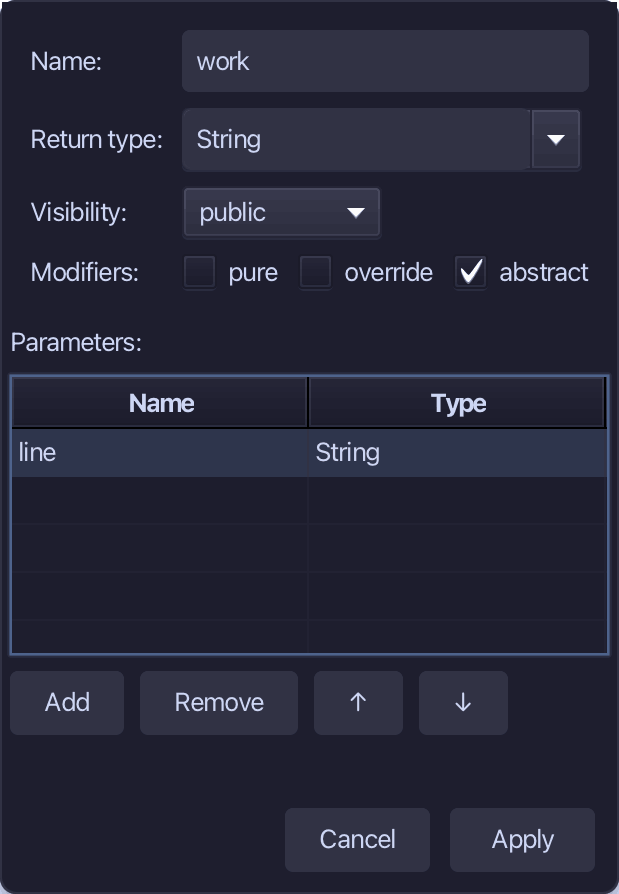
work is the method's name. Add one parameter, line of type String, set Return type to String and tick abstract - a contract with no body. Choose Apply.
Step 3: PlainWorker — a component
Choose Code > New Construct > Component…
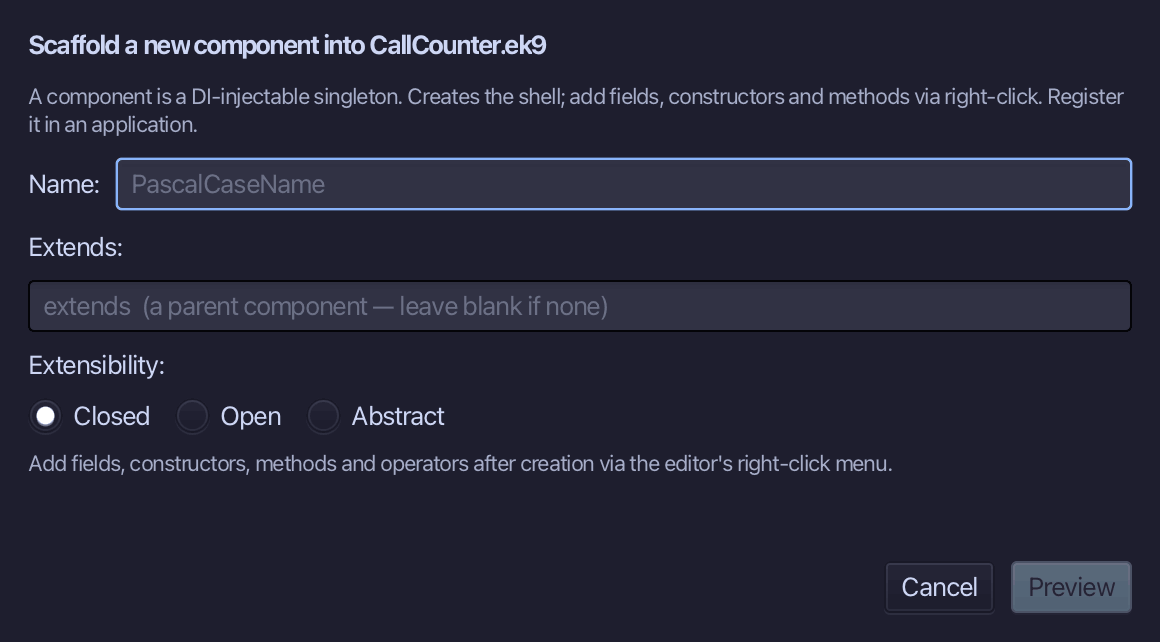
PlainWorker is the component's name. It does the work and knows nothing about counting. Type Worker into Extends. Choose Preview.
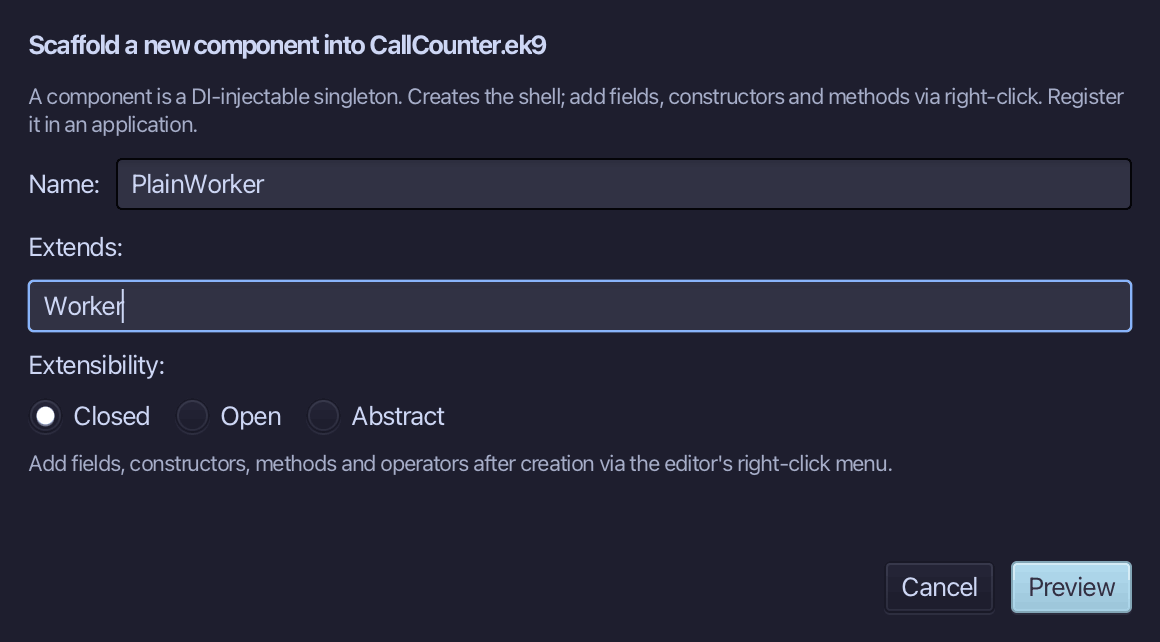
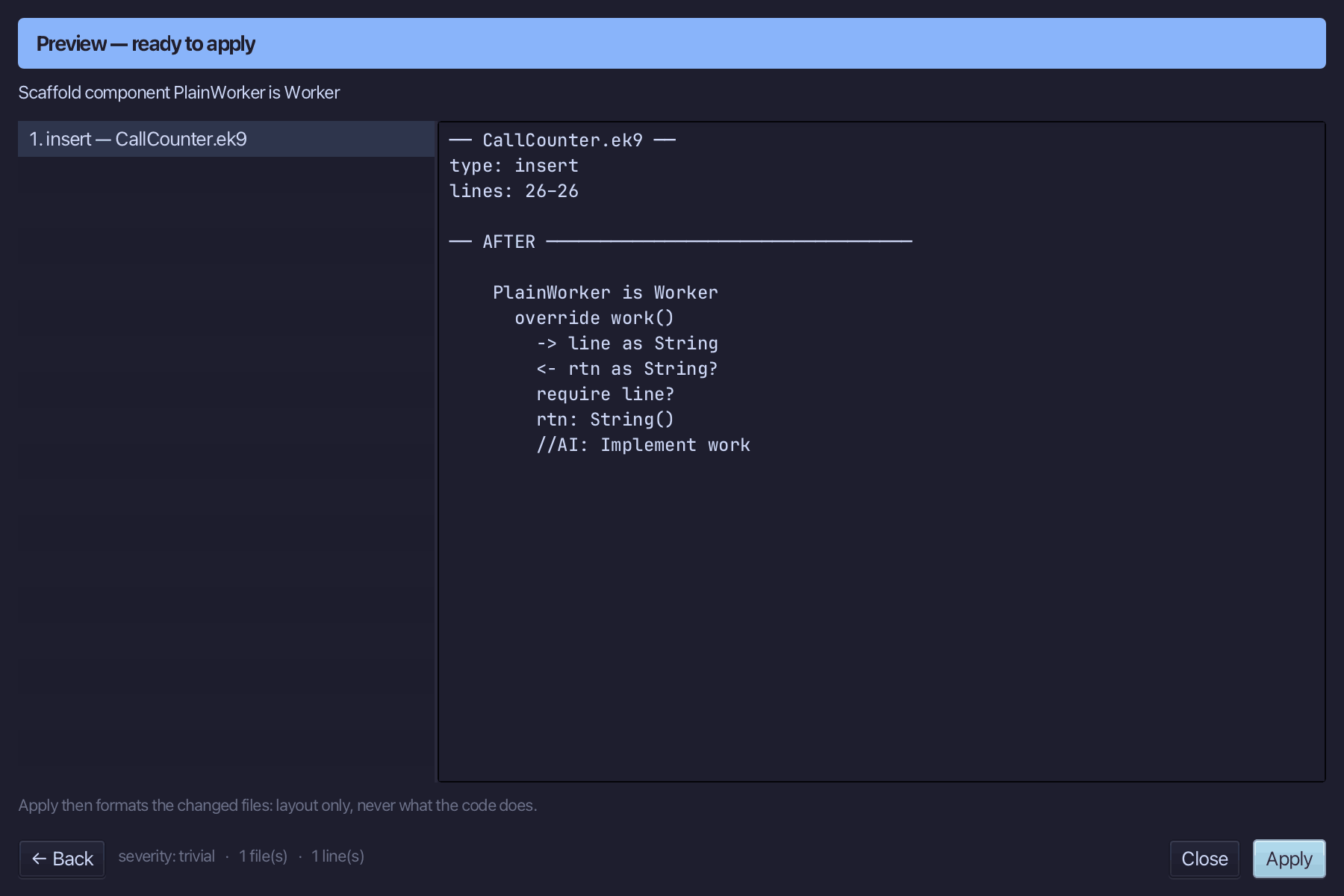
The preview shows PlainWorker about to be written - and, if Worker owes any methods, an override stub for each. Choose Apply.
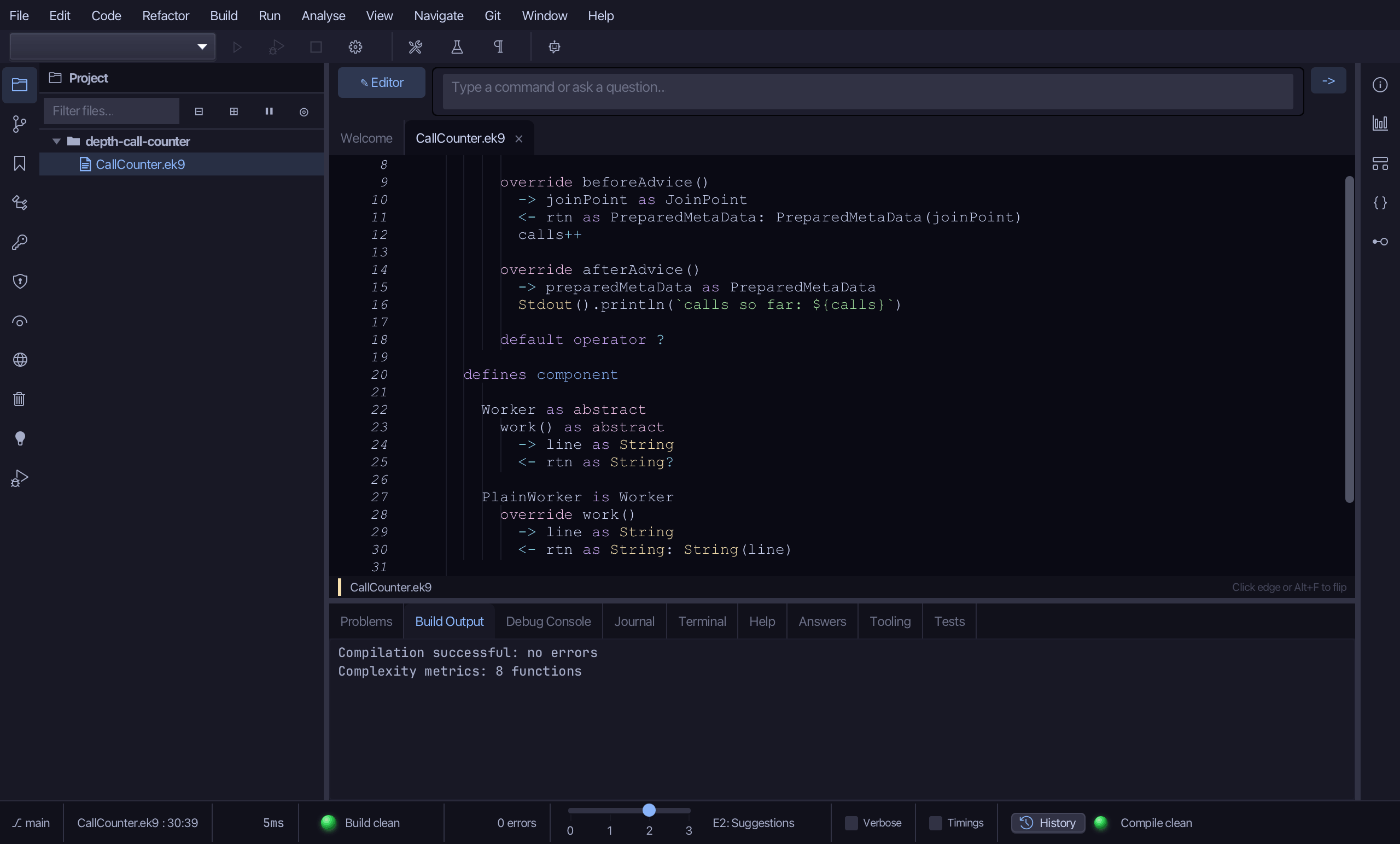
Select the stub and type the answer: the line, as it came. Saves when typed.
Step 4: countingApp — an application
Choose Code > New Construct > Application…
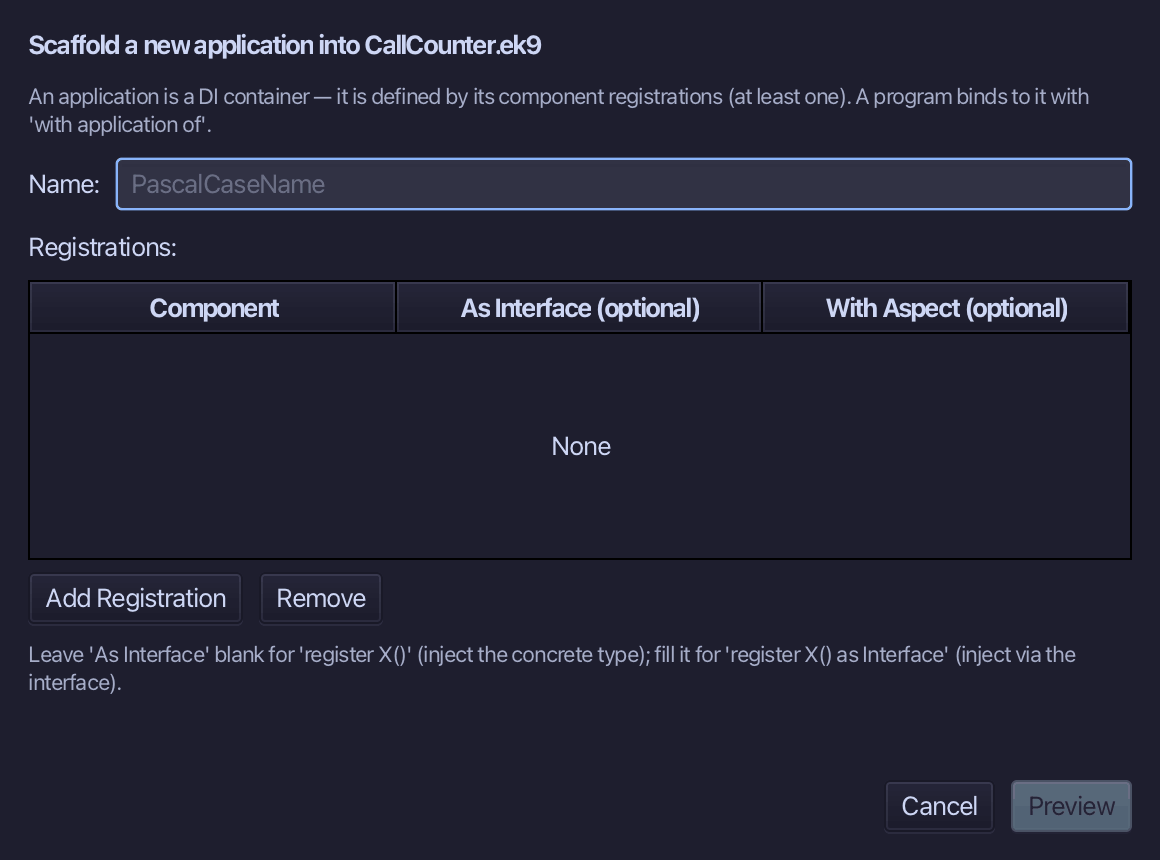
countingApp is the application's name. It registers PlainWorker as a Worker with CountingAspect: the aspect is attached where the component is registered, never inside it. The Registrations table holds PlainWorker as Worker, with the aspect CountingAspect. Choose Preview.
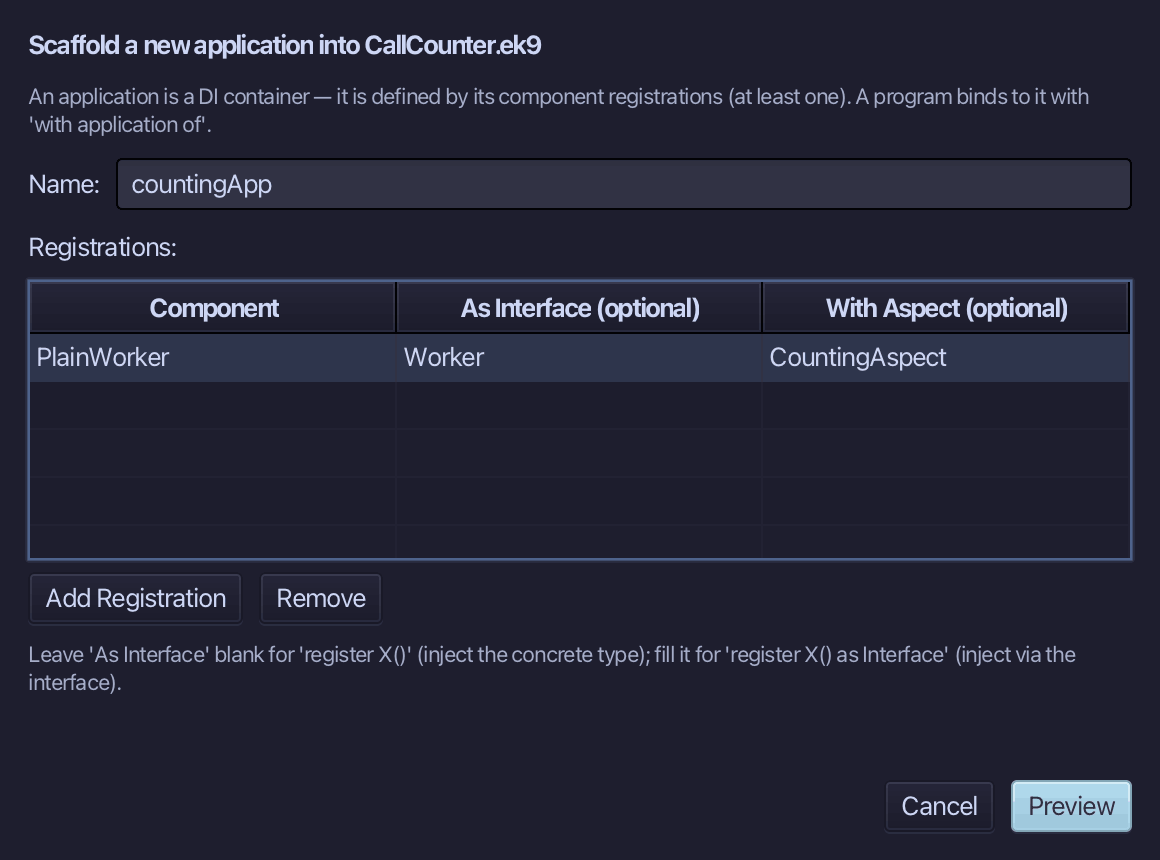
The preview shows countingApp about to be written, with its register line. Choose Apply.
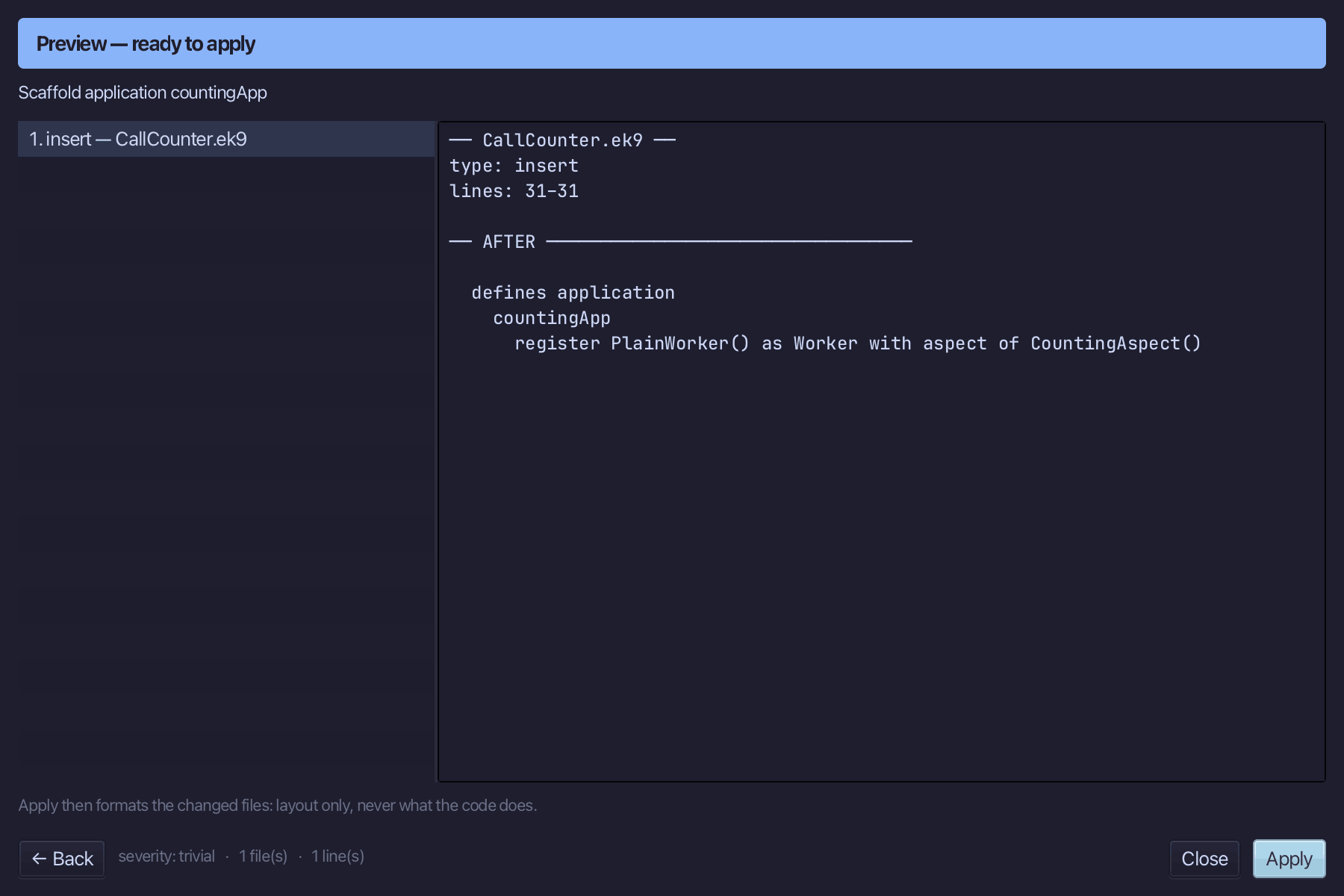
Select the countingApp line and, above it, type the blank line the book opens the block with. Saves when typed.
Step 5: Echo — a program
Choose Code > New Construct > Program…
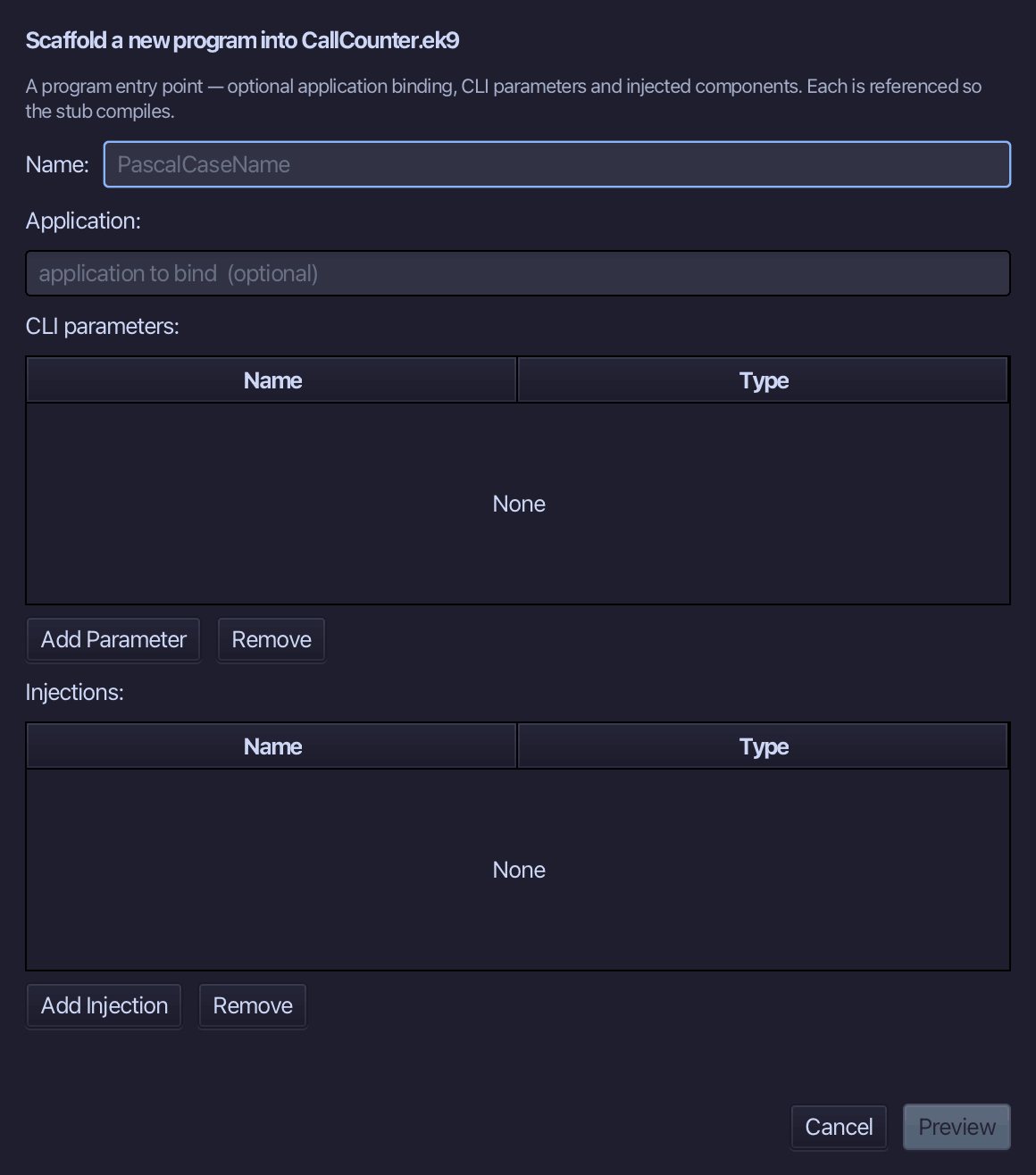
Echo is the program's name. It runs under countingApp and asks for a Worker. Type countingApp into Application. Add the injection worker of type Worker. Choose Preview.
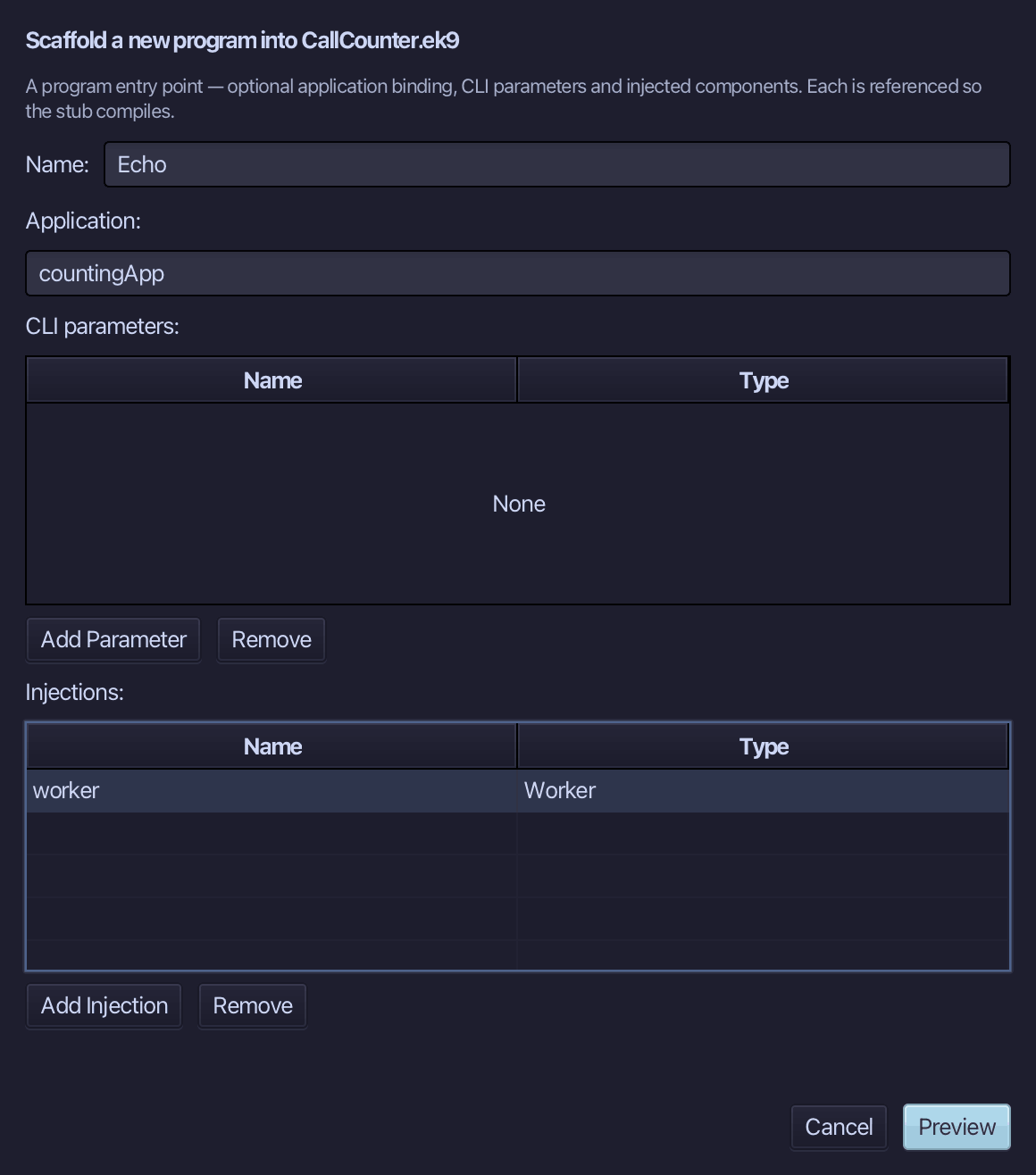
The preview shows Echo about to be written, with application of countingApp. Choose Apply.
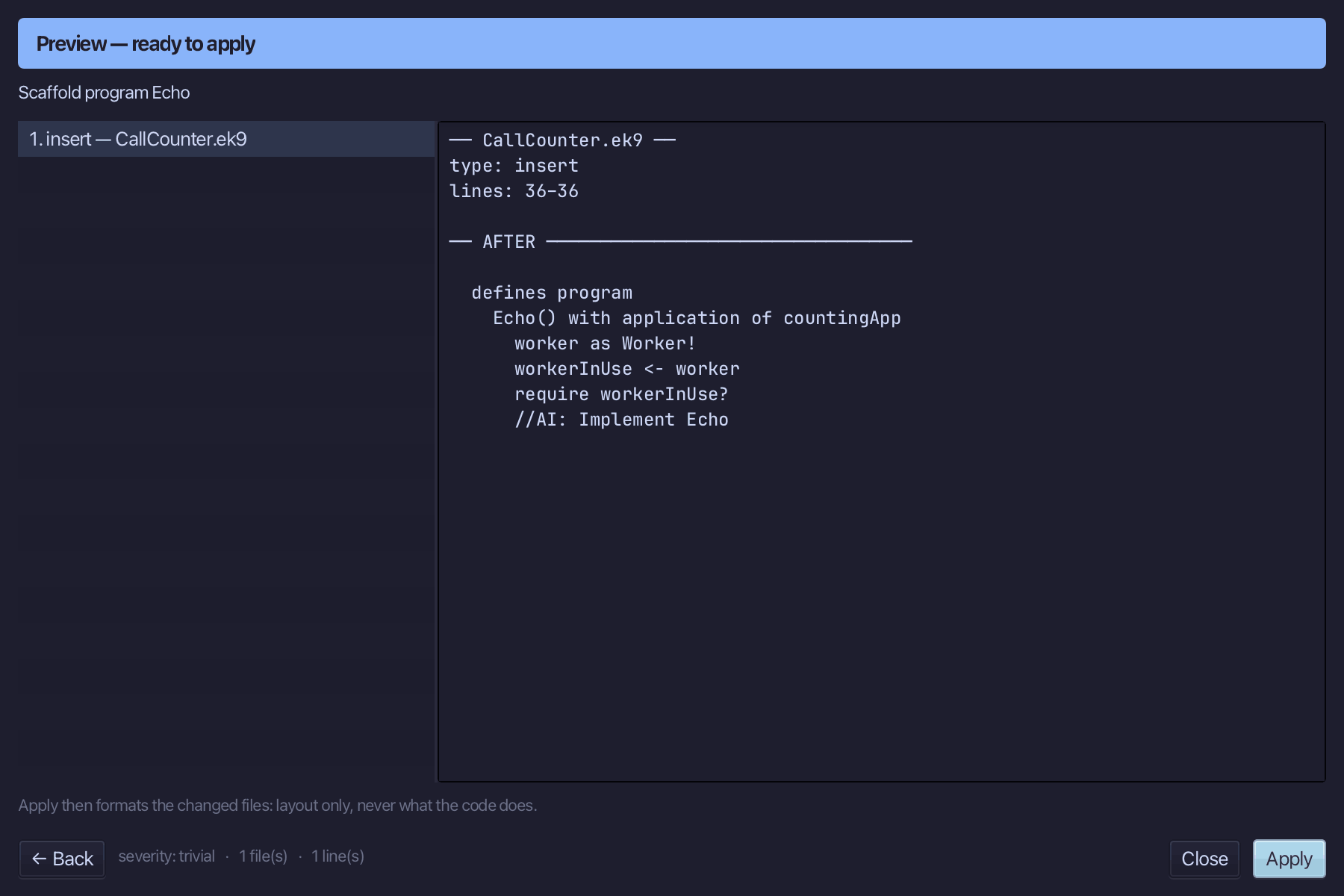
Select the Echo line and, above it, type the blank line the book opens the block with. Saves when typed.
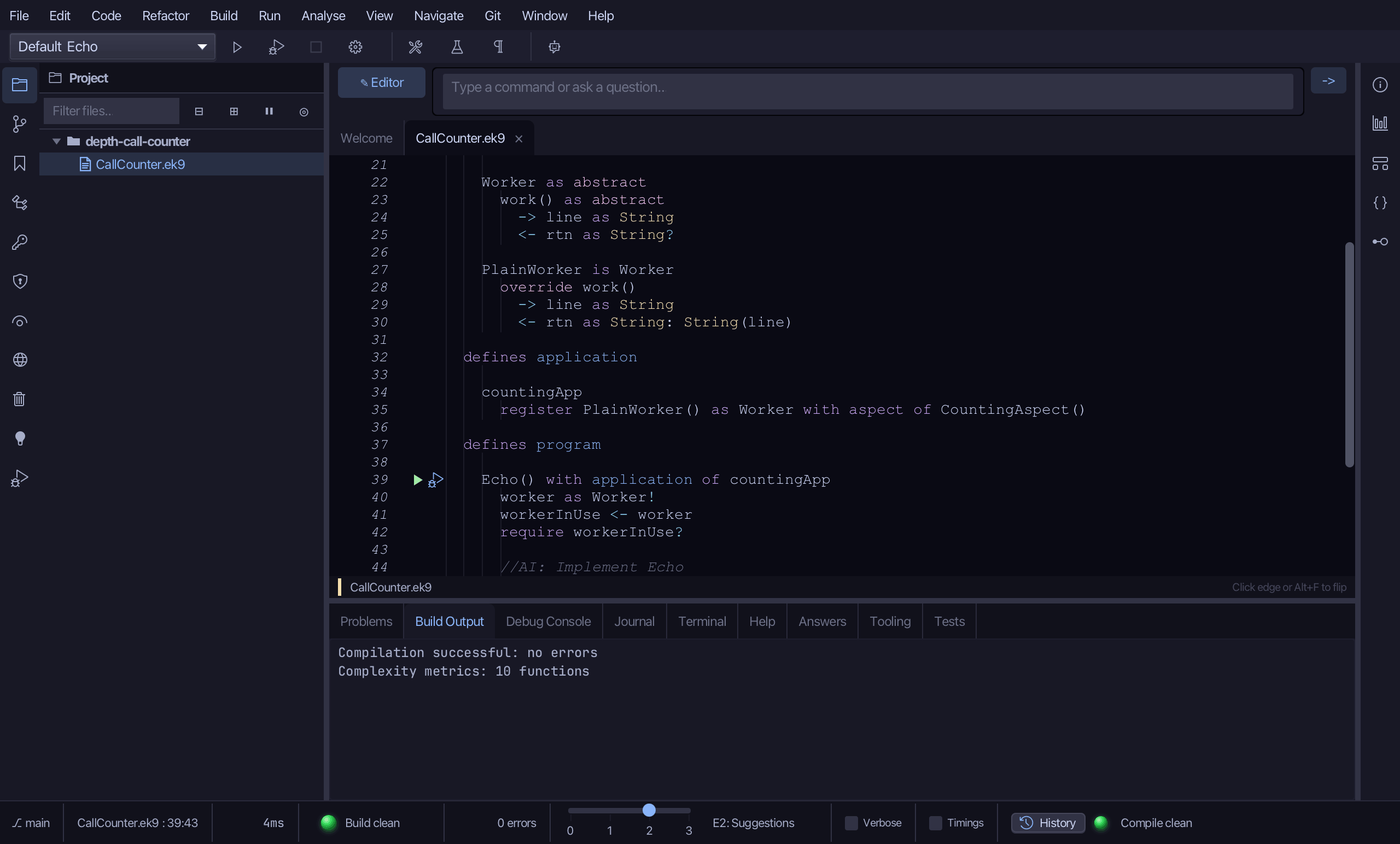
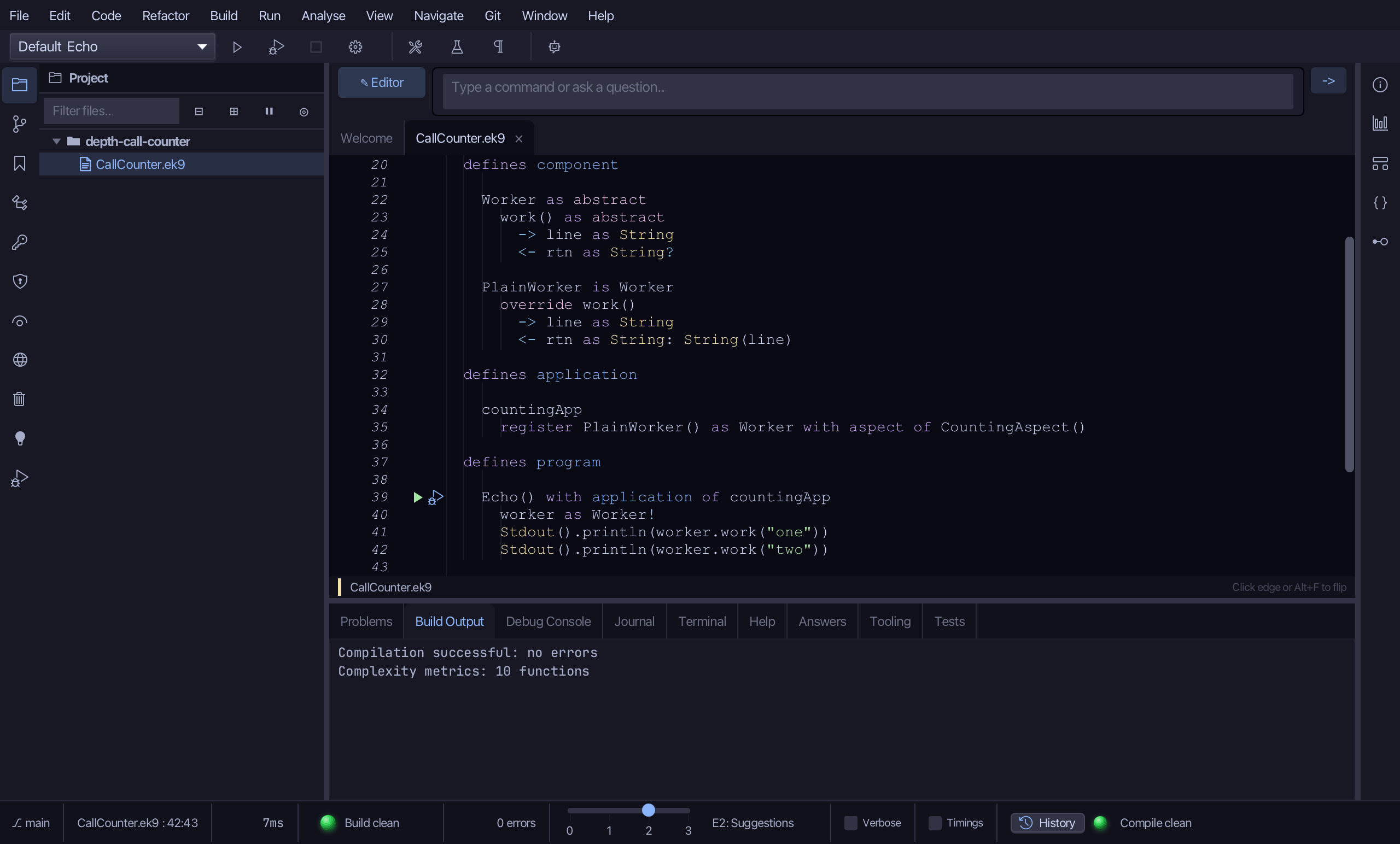
Select the stub and type the two calls. The program calls a Worker; the aspect counts each call without being named. Saves when typed.
Step 6: Run it
Choose Run > Run Program…
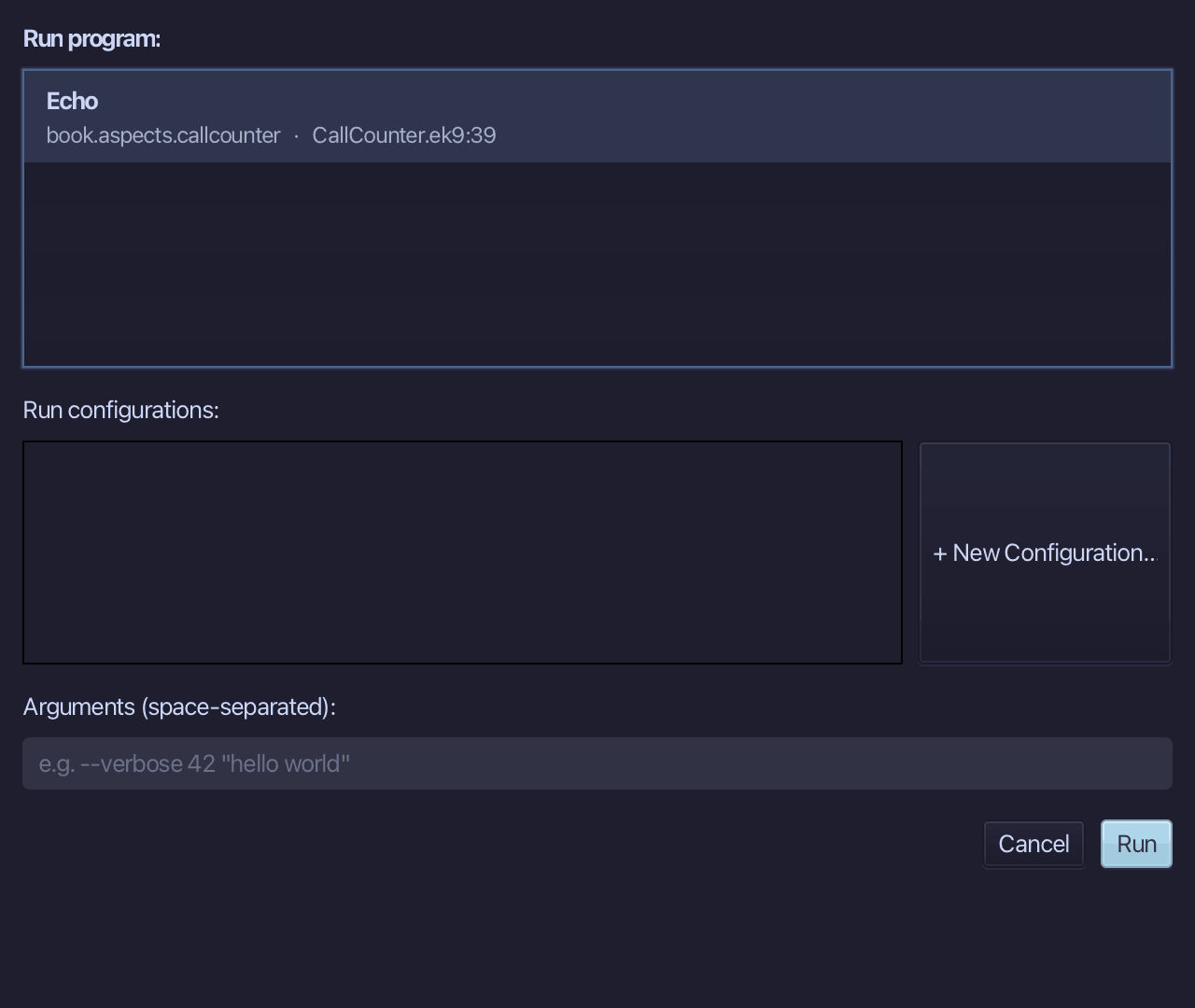
The project's only program is already chosen. Choose Run.
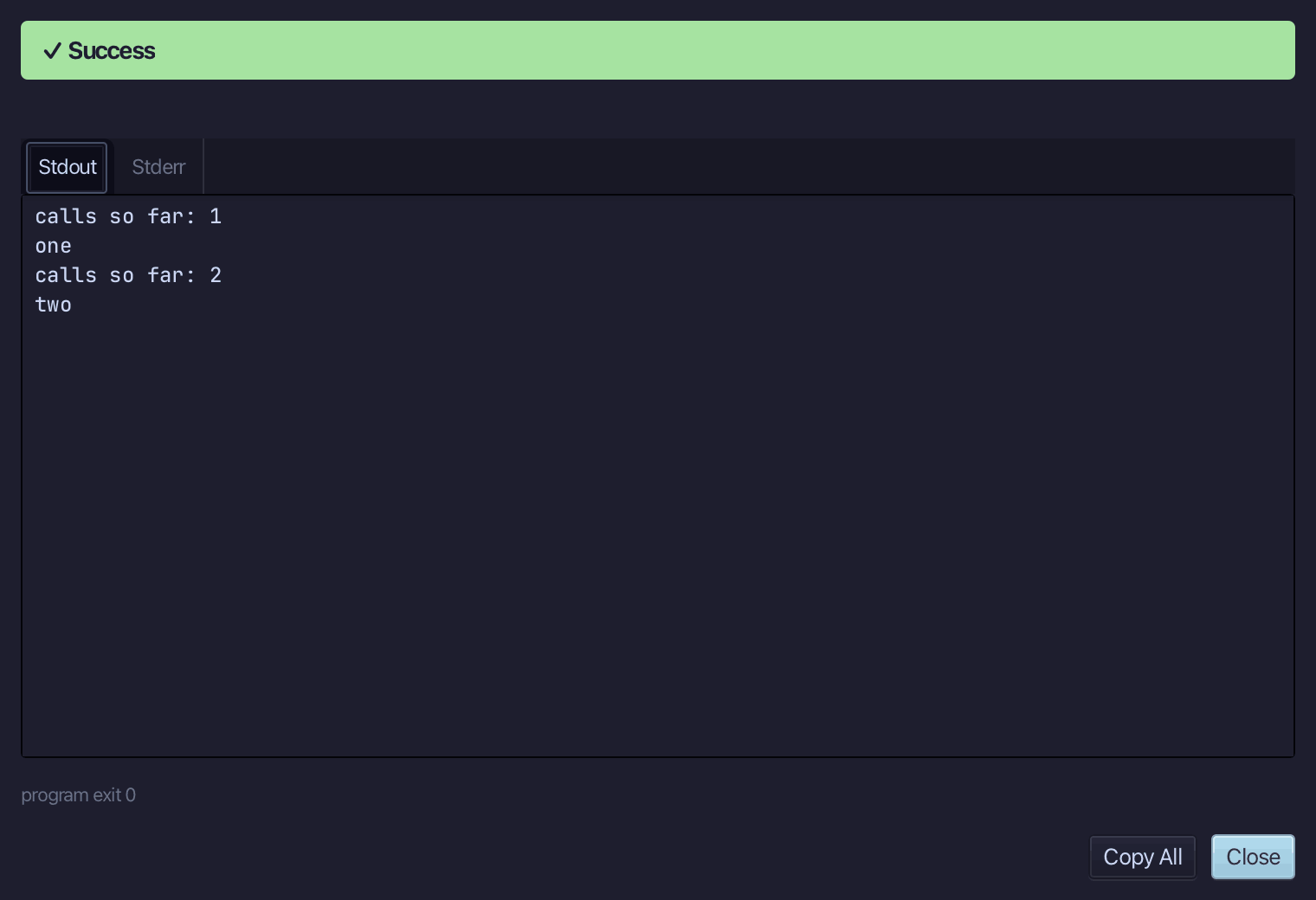
Two calls, and after each the aspect prints how many calls so far: the work output, then calls so far 1, then the second, then calls so far 2. Choose Close.
The result
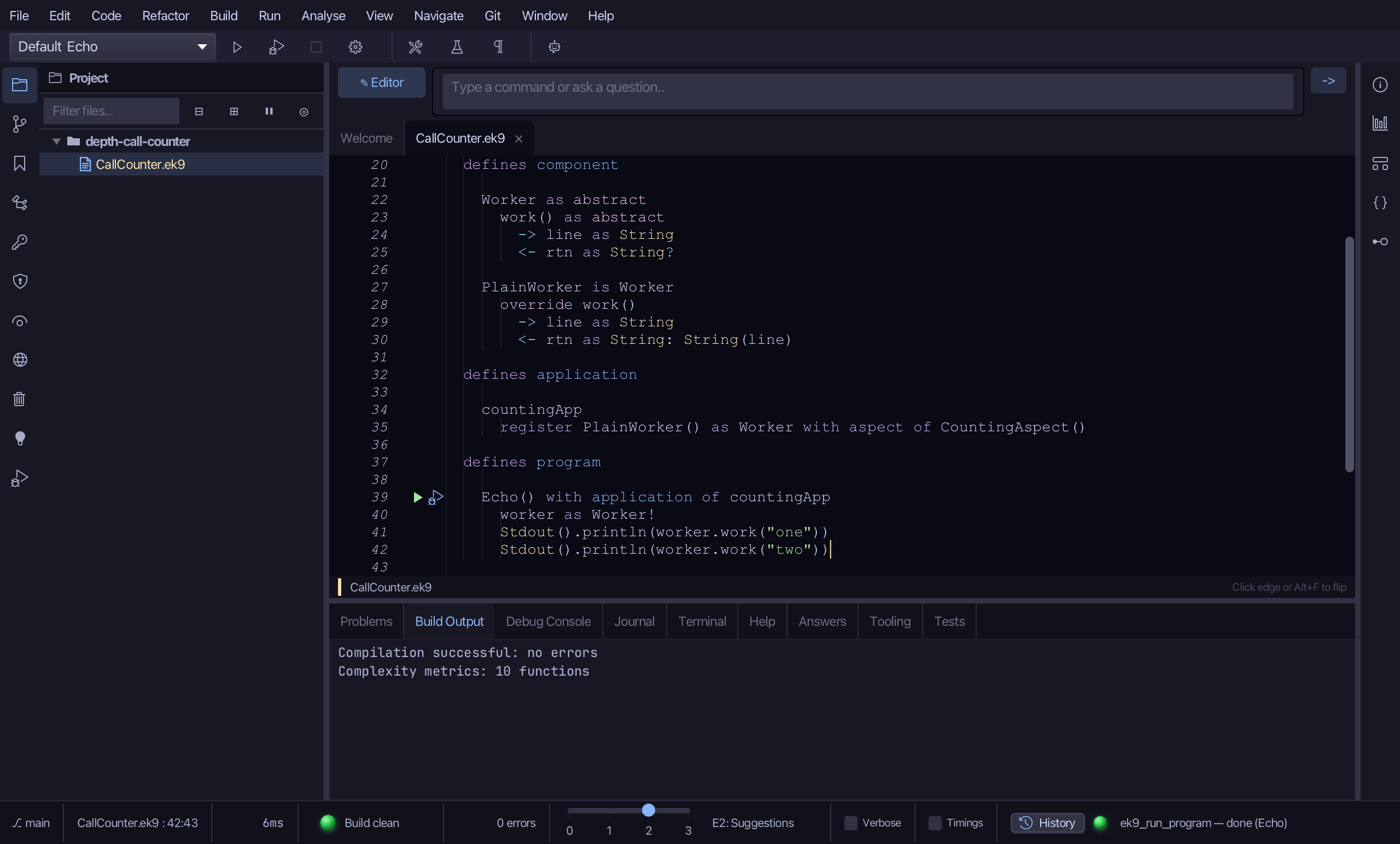
CallCounter.ek9 now reads exactly as chapter 35 of EK9 in Depth shows it. PlainWorker and Echo never mention CountingAspect; the register line in countingApp is the only place the two meet.
Where this lesson comes from
- For AI assistants - the MCP tool
ek9_new_construct,ek9_add_field,ek9_add_method,ek9_add_application,ek9_add_program.