An aspect around a component
If you know AspectJ or Spring AOP you expect pointcuts, annotations and a proxy to configure; EK9 has none of them. An aspect is a class that extends Aspect, with advice that runs before and after a call, and it is attached where a component is registered in an Application - the component and its callers are untouched. audit.ek9 already has a Ledger and a SimpleLedger that prints what it posts. This lesson builds the aspect, the Application that applies it and a program, then runs them. To play it in the IDE: Help > Lessons > Applications and services…, or ek9 -ide -lesson aspects.
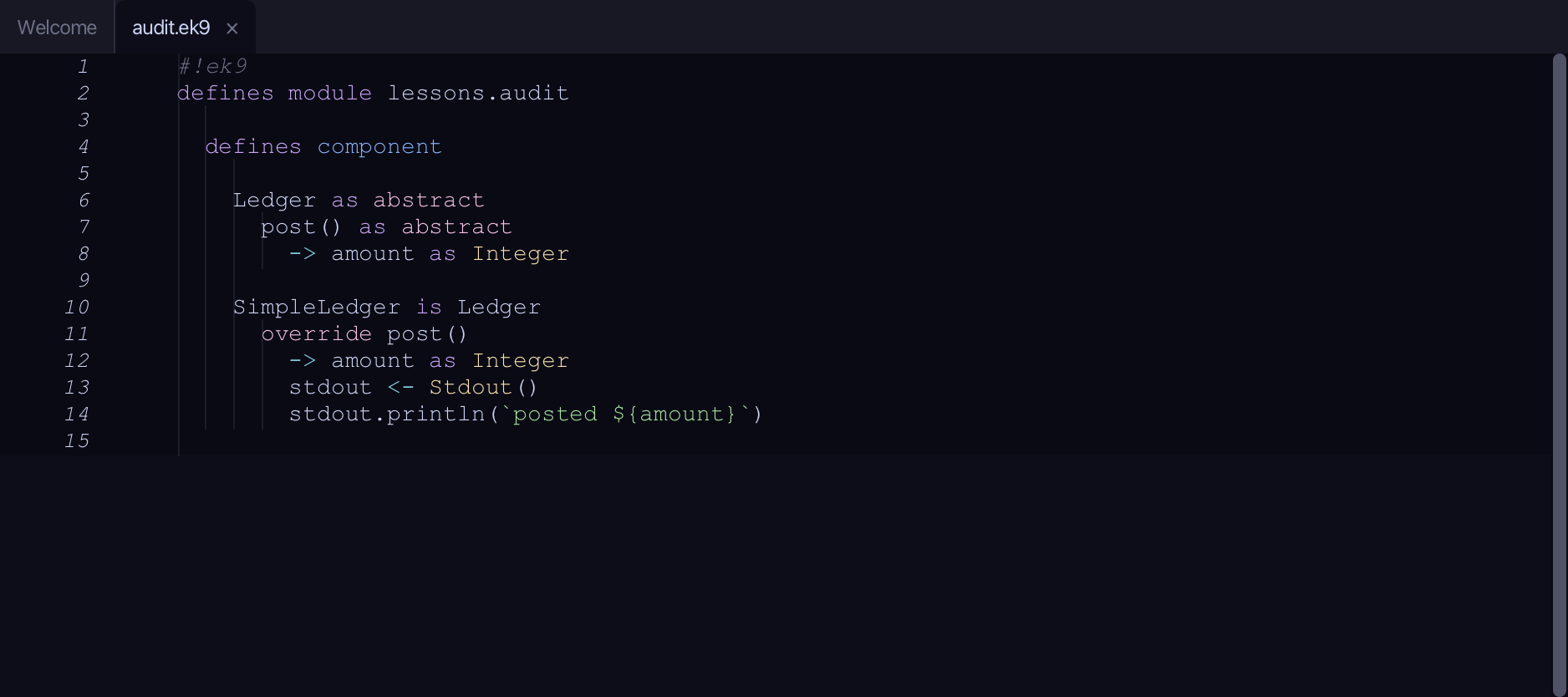
Start from
The code the lesson starts from: copy it into a file of your own and follow the steps.
#!ek9
defines module lessons.audit

  defines component

    Ledger as abstract
      post() as abstract
        -> amount as Integer

    SimpleLedger is Ledger
      override post()
        -> amount as Integer
        stdout <- Stdout()
        stdout.println(`posted ${amount}`)
Step 1: AuditAspect — the advice
Choose Code > New Construct > Class…
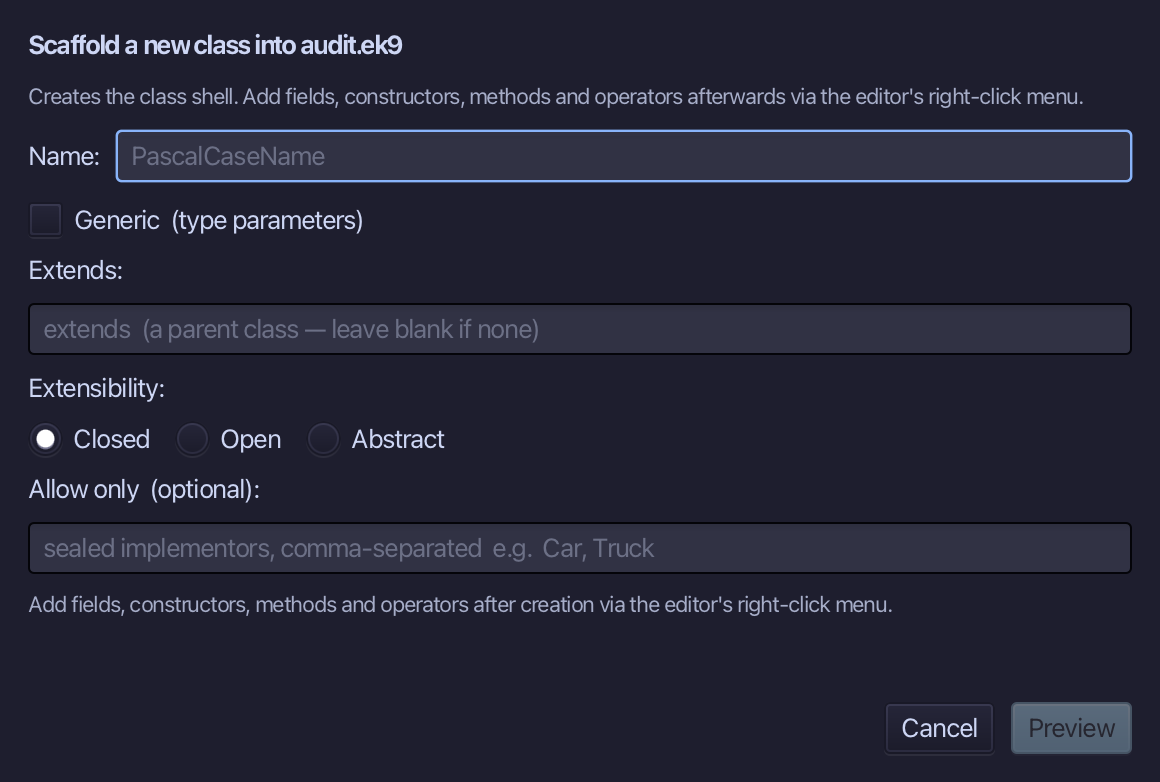
AuditAspect is a class like any other - what makes it an aspect is Extends Aspect. Type AuditAspect, put Aspect in Extends, and choose Preview.
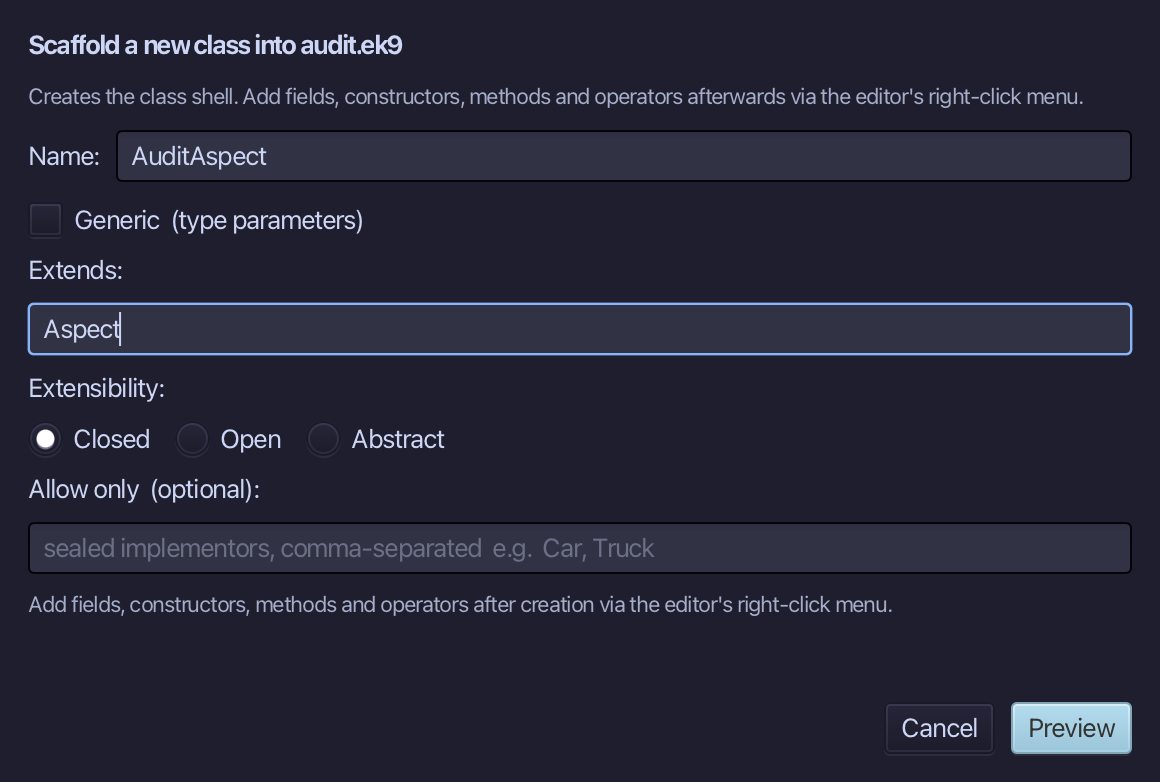
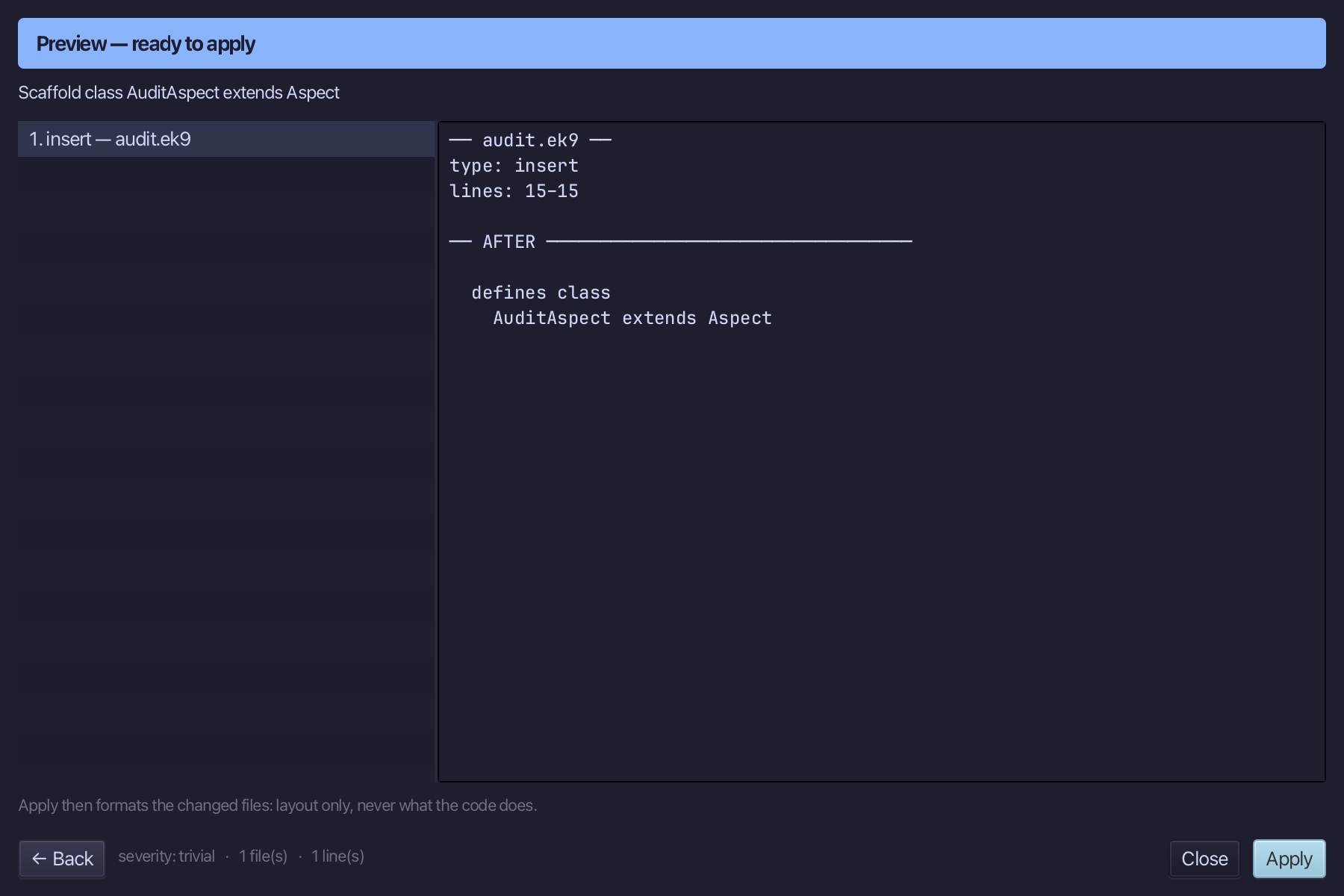
The preview shows AuditAspect extends Aspect about to be written. Choose Apply.
Right-click the AuditAspect line and choose Add Method…
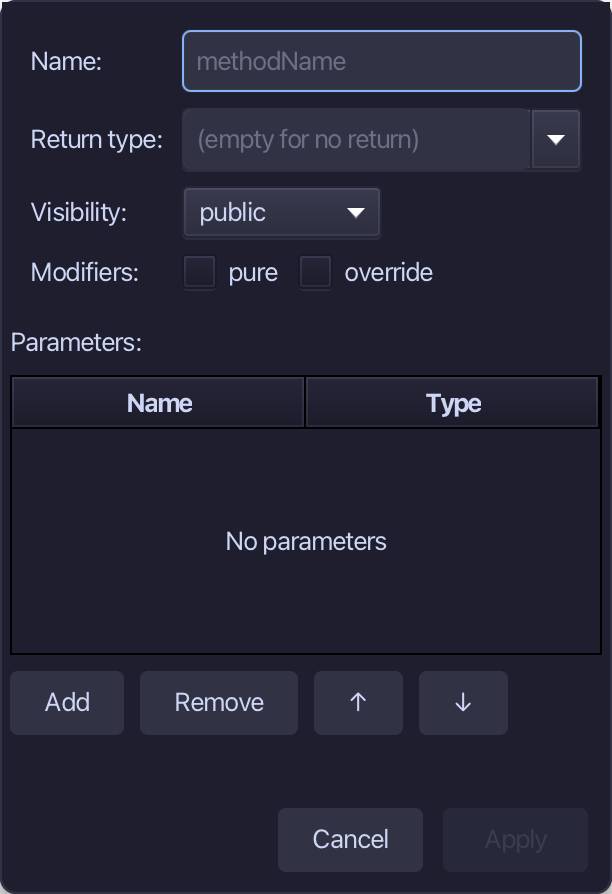
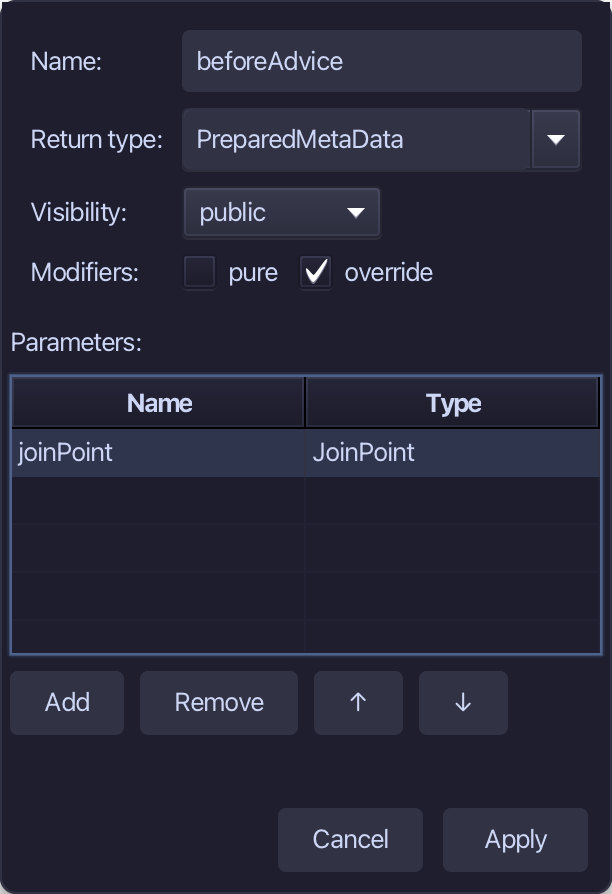
beforeAdvice runs before each call and is given a JoinPoint - which component and which method. Aspect already has it, so tick override; it answers with a PreparedMetaData, which afterAdvice is handed back. Add one parameter, joinPoint of type JoinPoint, set the return type to PreparedMetaData and choose Apply.
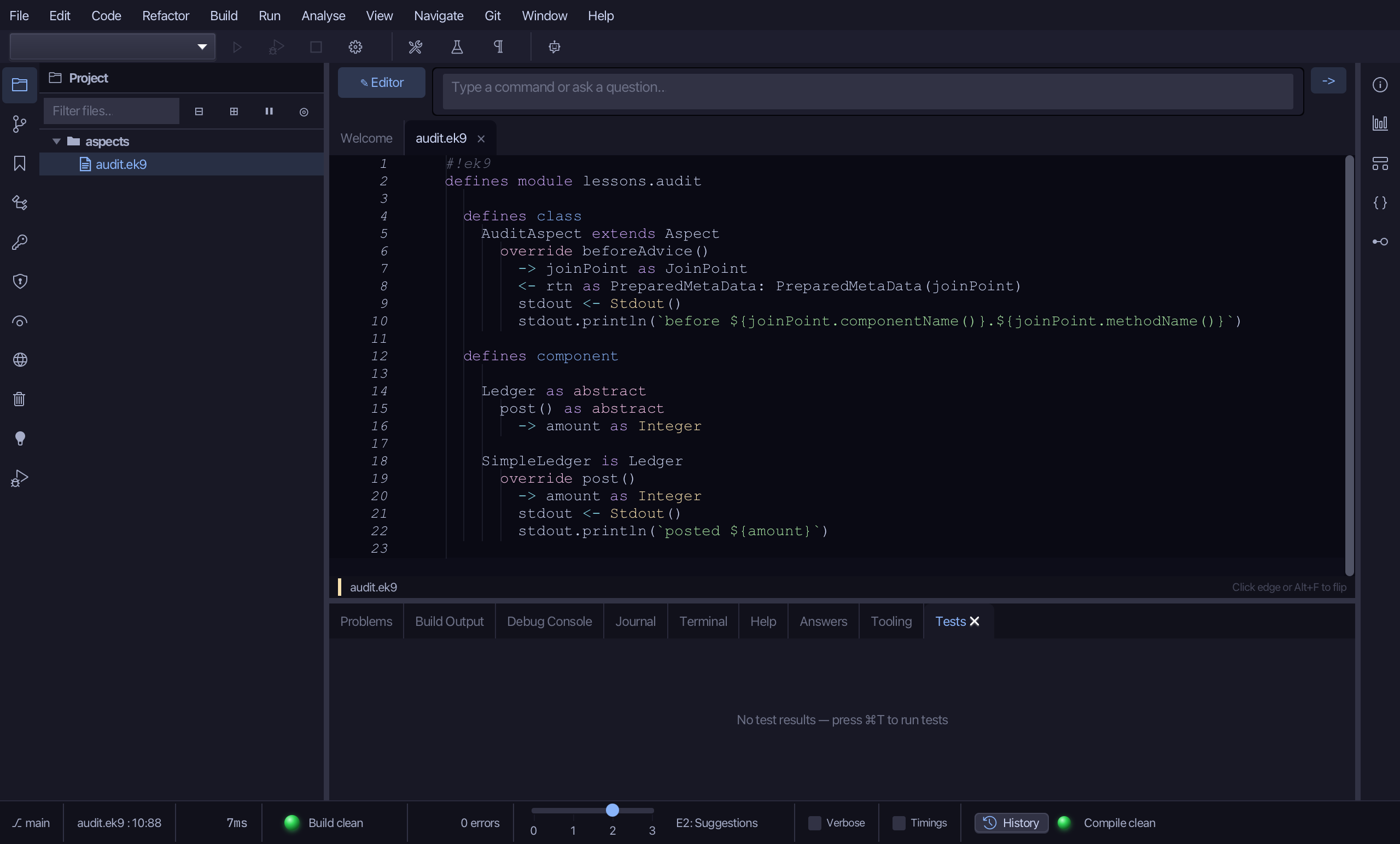
Select the stub, from <- rtn as PreparedMetaData? down to its //AI line, and type the advice: hand the JoinPoint back as the PreparedMetaData, and print which component and method are about to run. Saves when typed.
Right-click the AuditAspect line and choose Add Method…
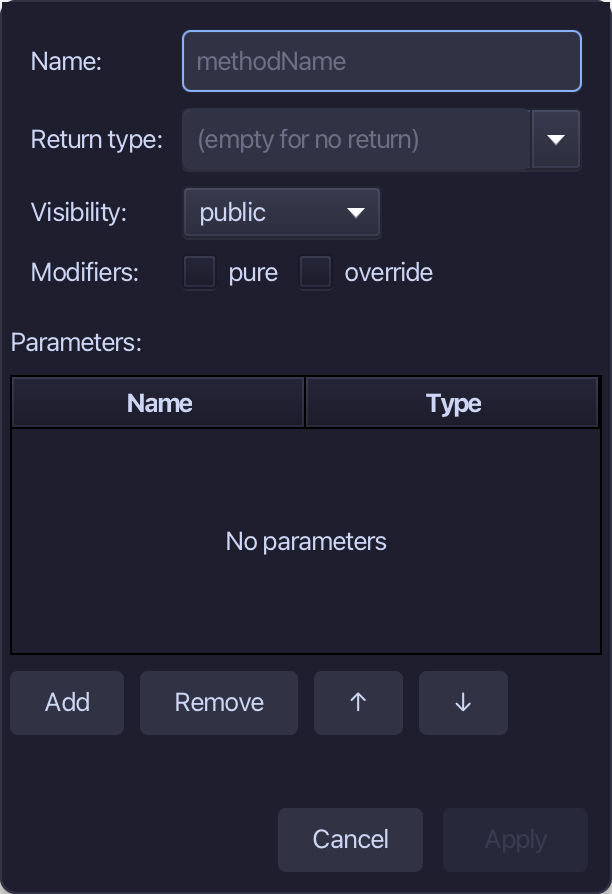
afterAdvice runs after the call and is handed the PreparedMetaData. Tick override, add one parameter, preparedMetaData of type PreparedMetaData, no return type, and choose Apply.
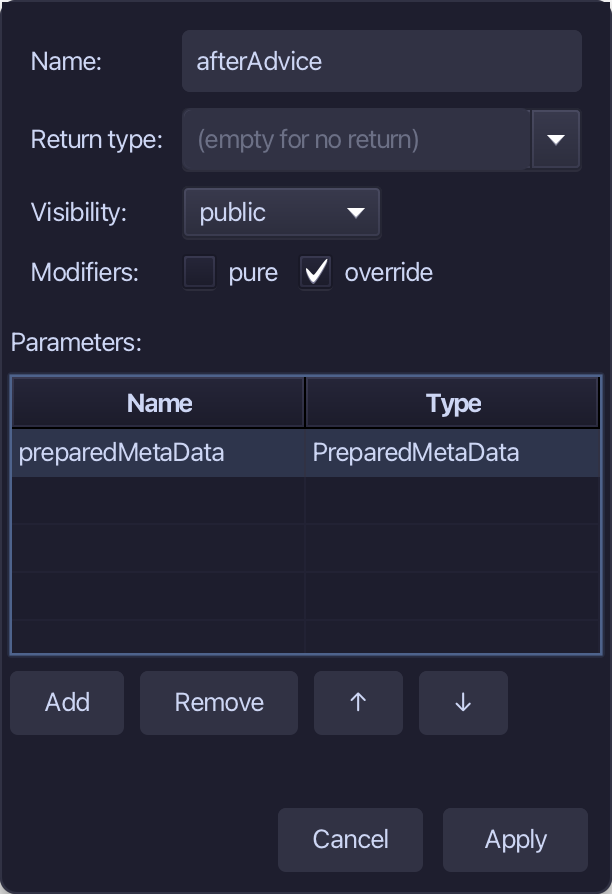
Select the stub, from require preparedMetaData? down to its //AI line, and type the advice: print that the call is over. Saves when typed.
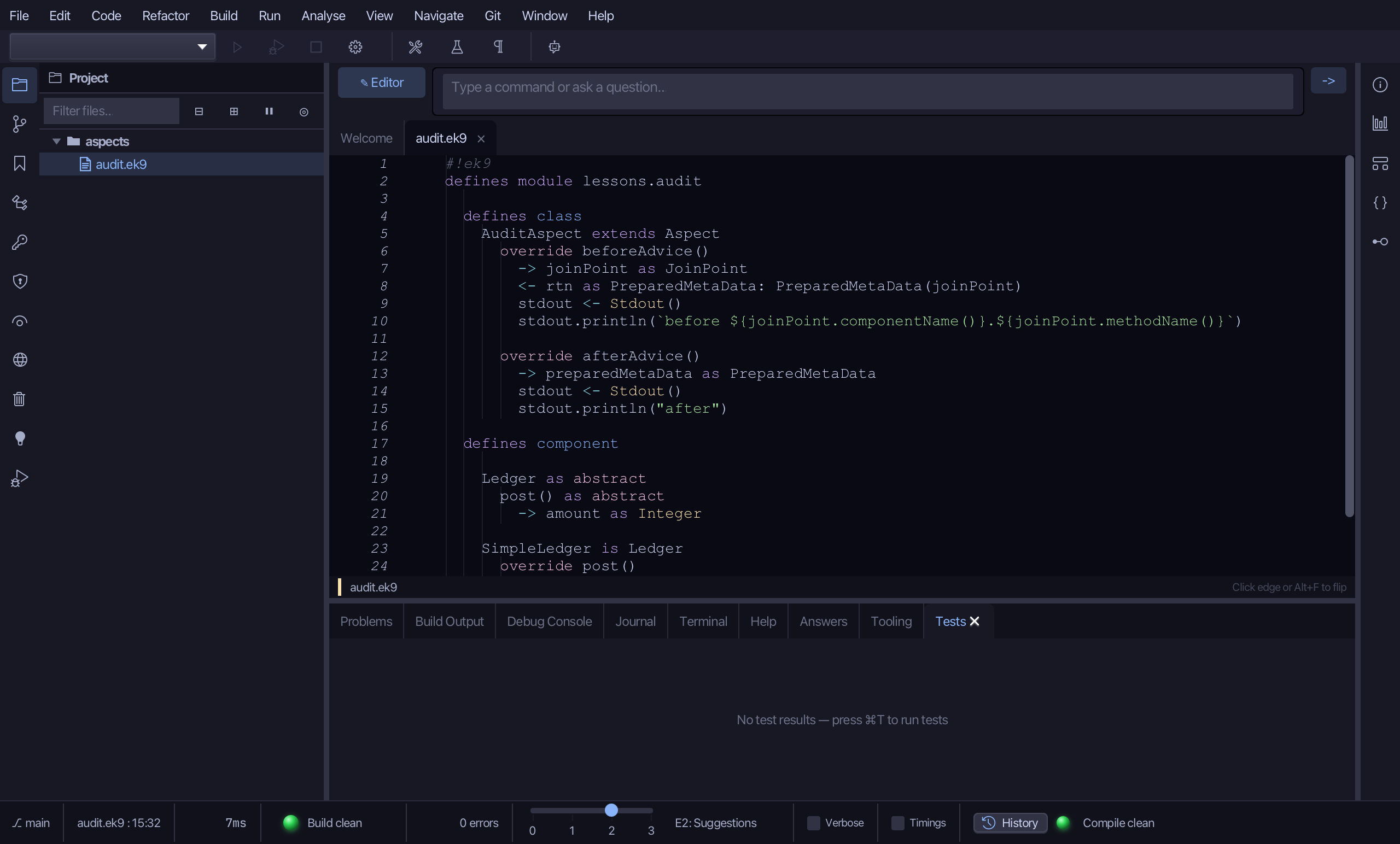
Step 2: Register it with the component
Choose Code > New Construct > Application…
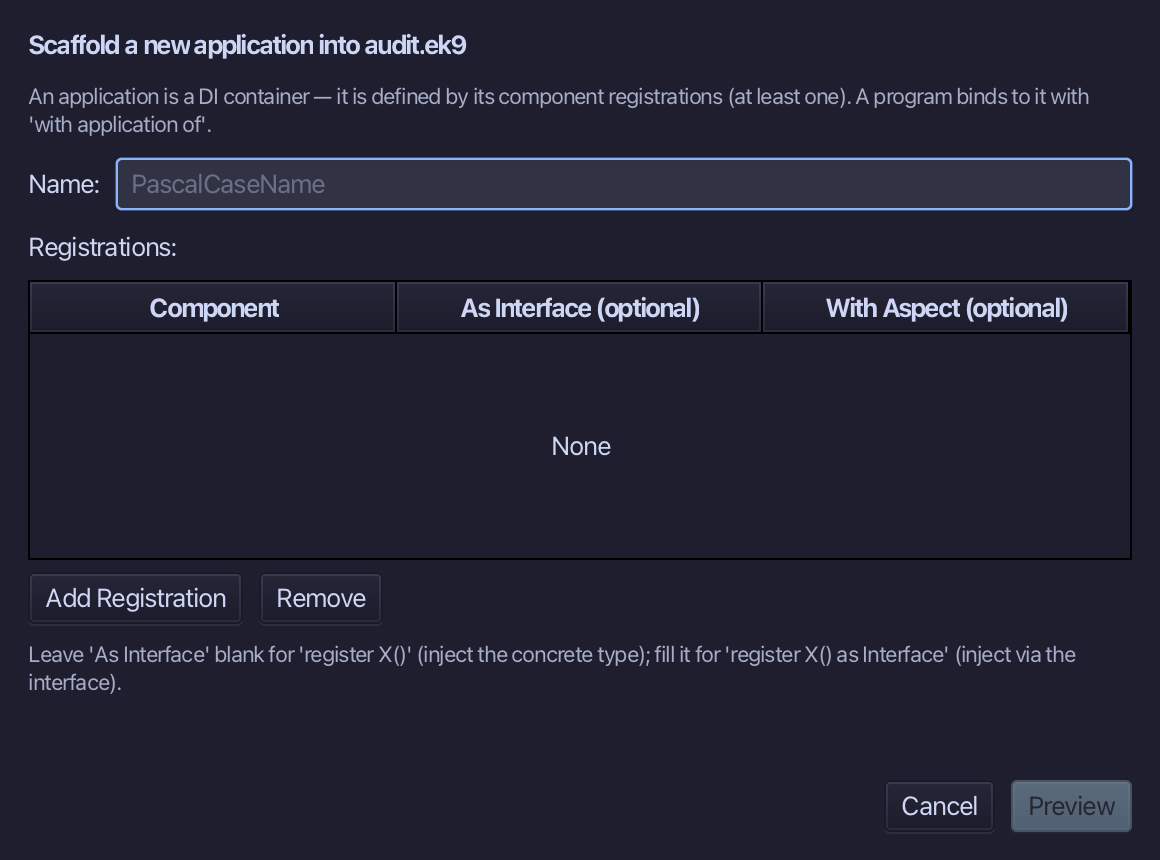
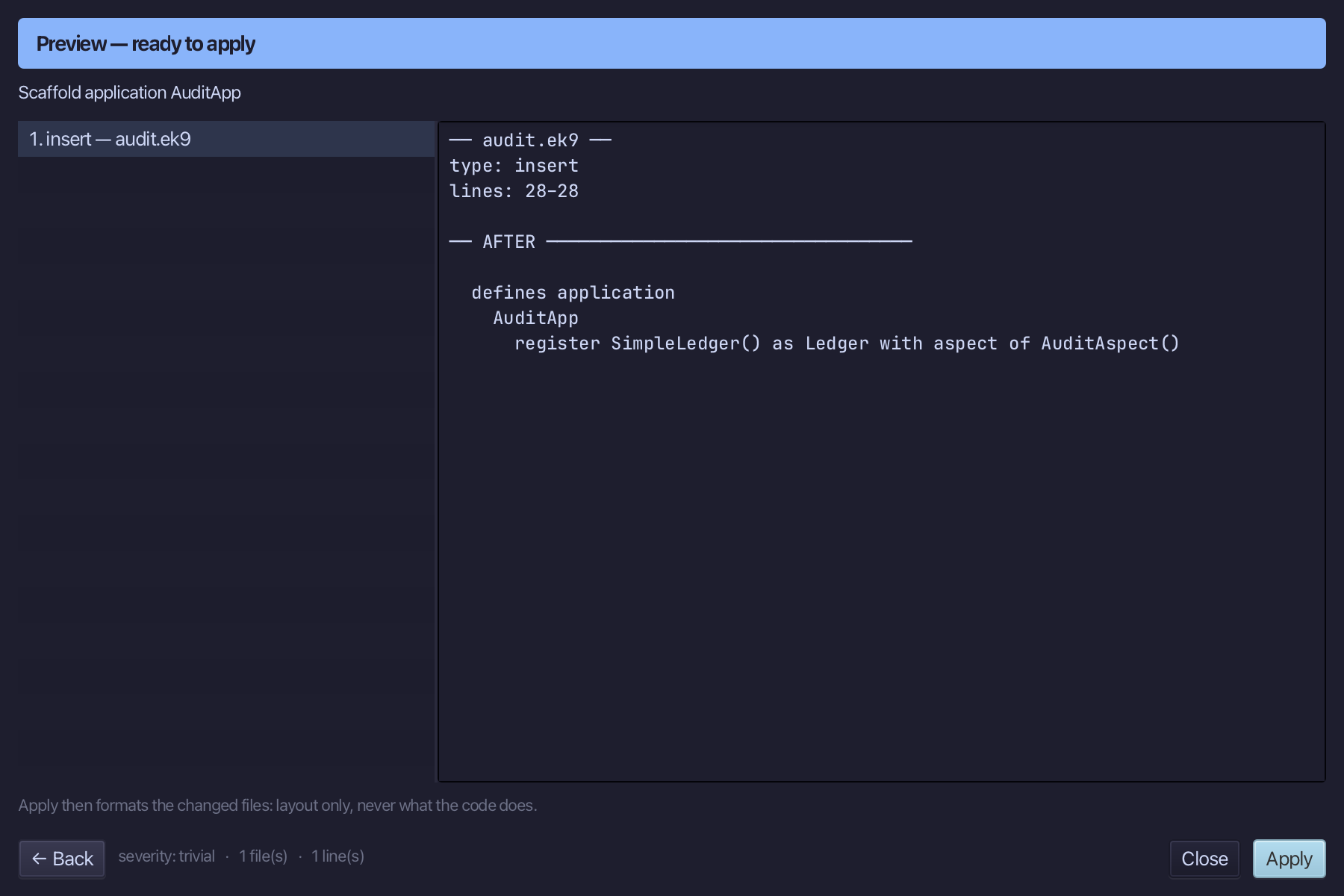
AuditApp registers SimpleLedger as a Ledger, and the new With Aspect column adds 'with aspect of AuditAspect()' to that line - nothing about the aspect appears in Ledger or SimpleLedger. Type AuditApp, add one registration - Component SimpleLedger, As Interface Ledger, With Aspect AuditAspect - and choose Preview.
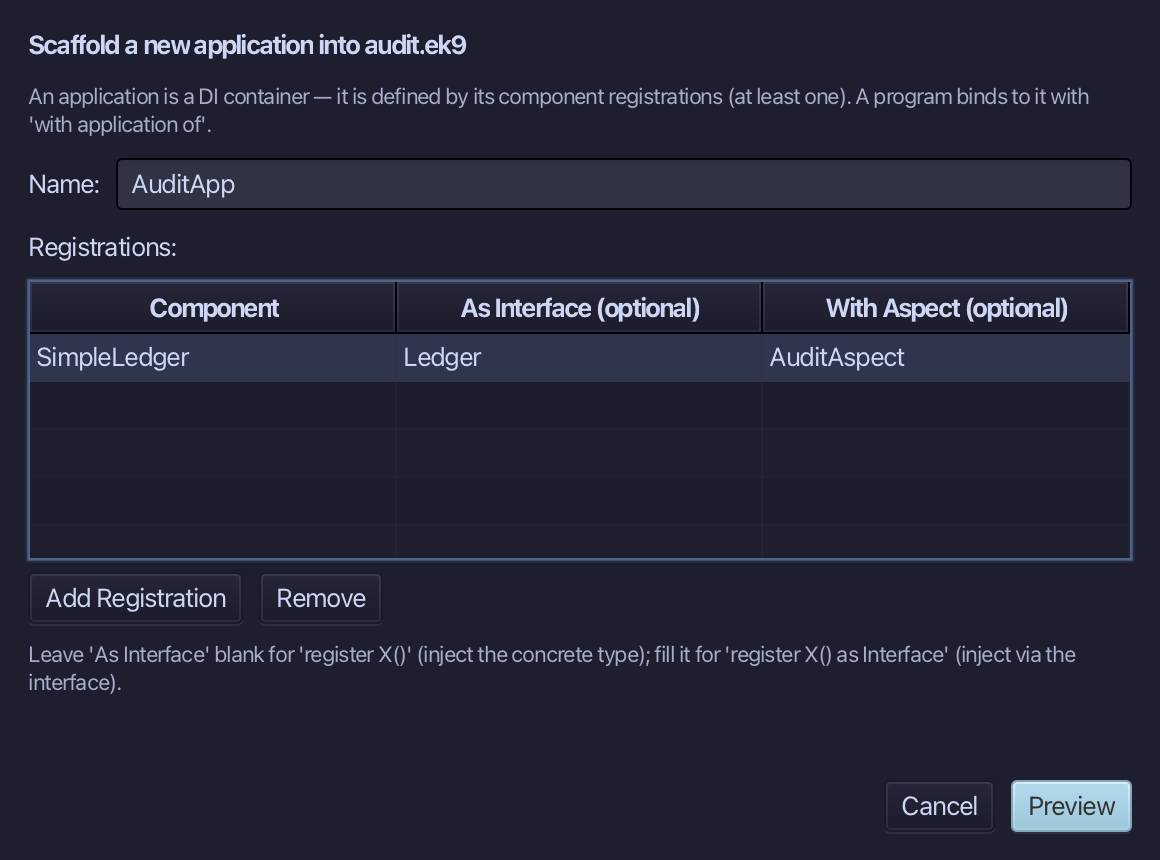
The preview shows the register line with its aspect: register SimpleLedger() as Ledger with aspect of AuditAspect(). A bare AuditAspect is written as a call, because an aspect can take constructor arguments. Choose Apply.
Step 3: A program that calls the component
Choose Code > New Construct > Program…
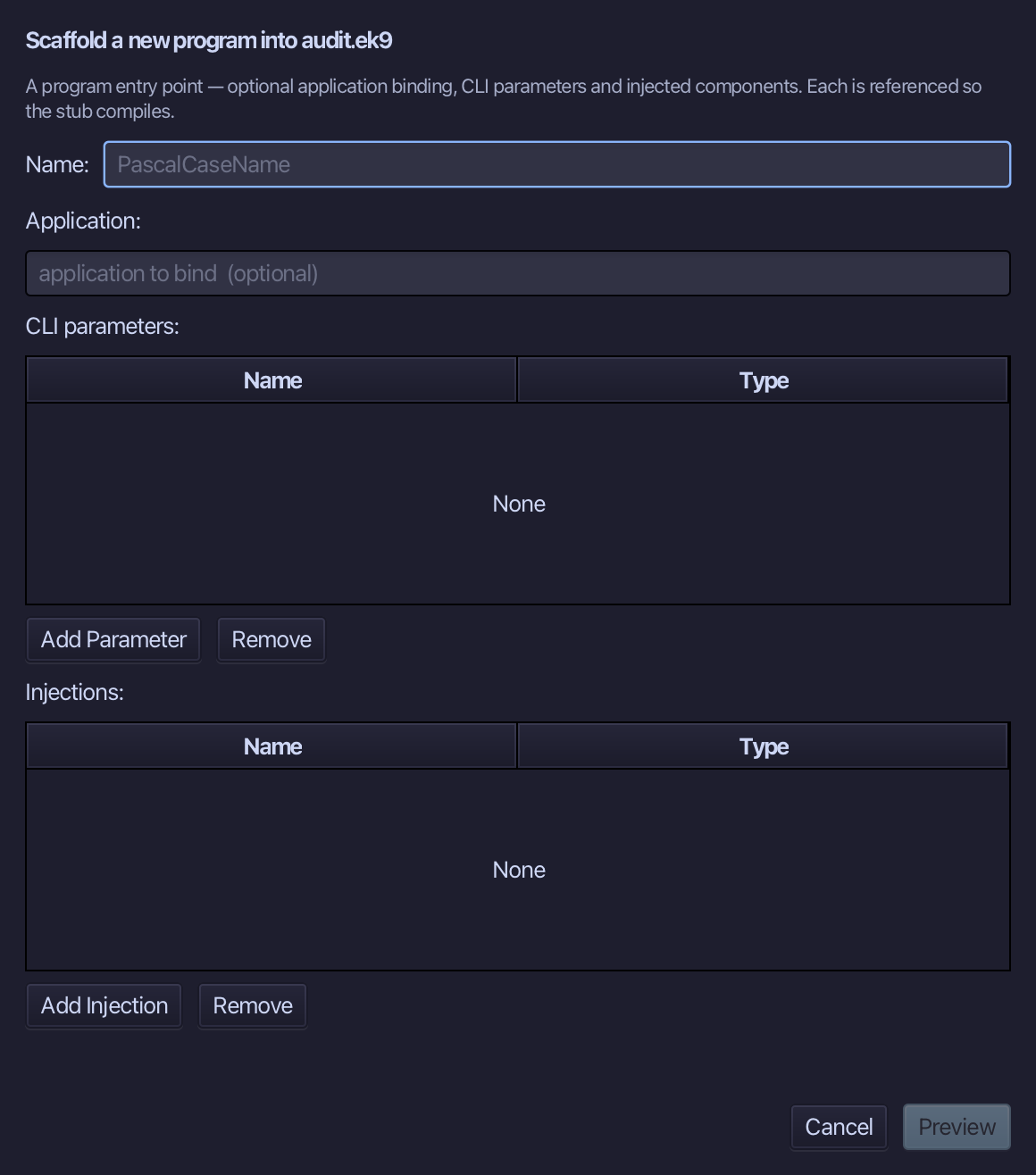
PostPayment is the program's name. Bind it to AuditApp and inject ledger of type Ledger - the program asks for a Ledger and never mentions SimpleLedger or AuditAspect. Choose Preview.
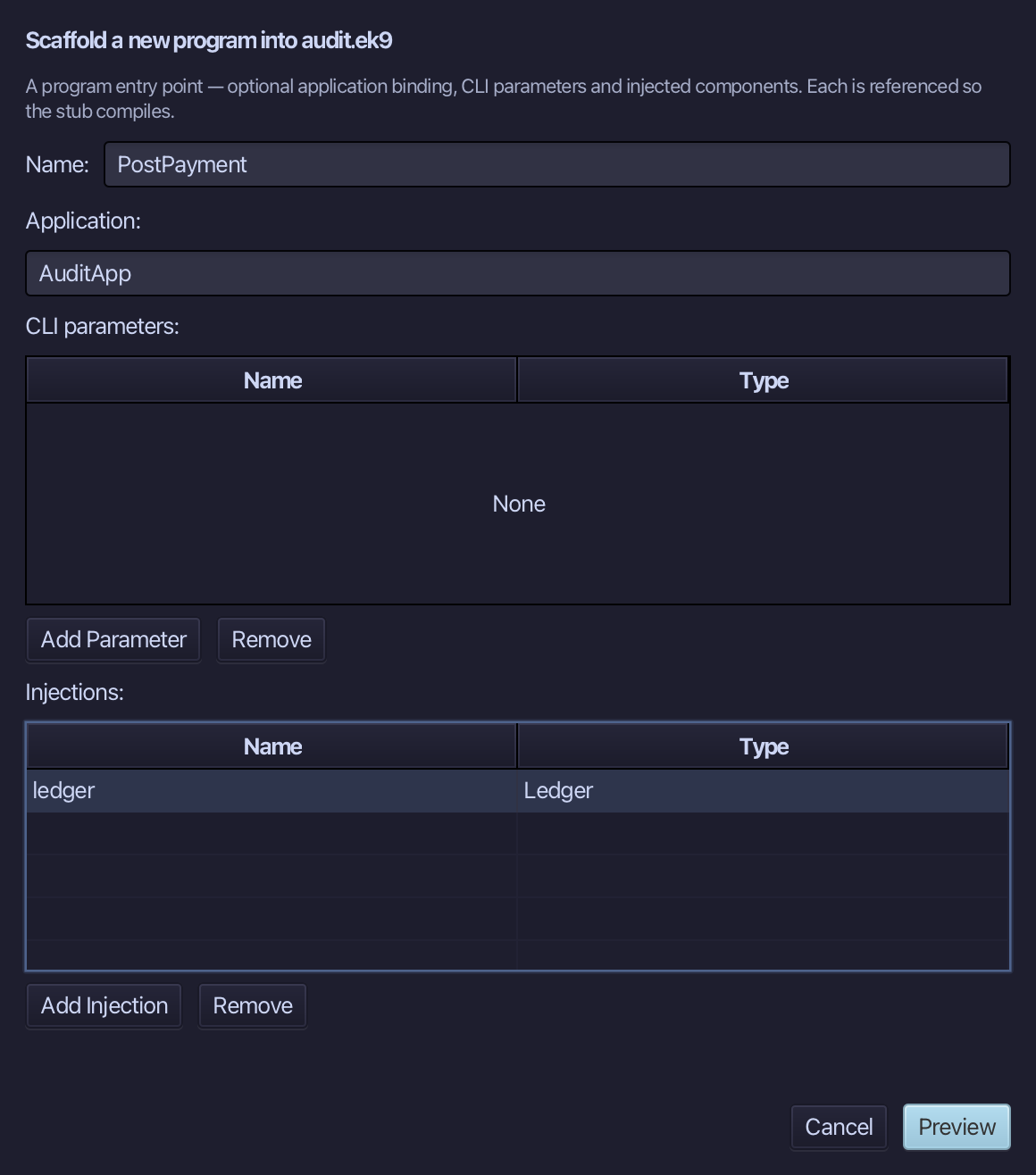
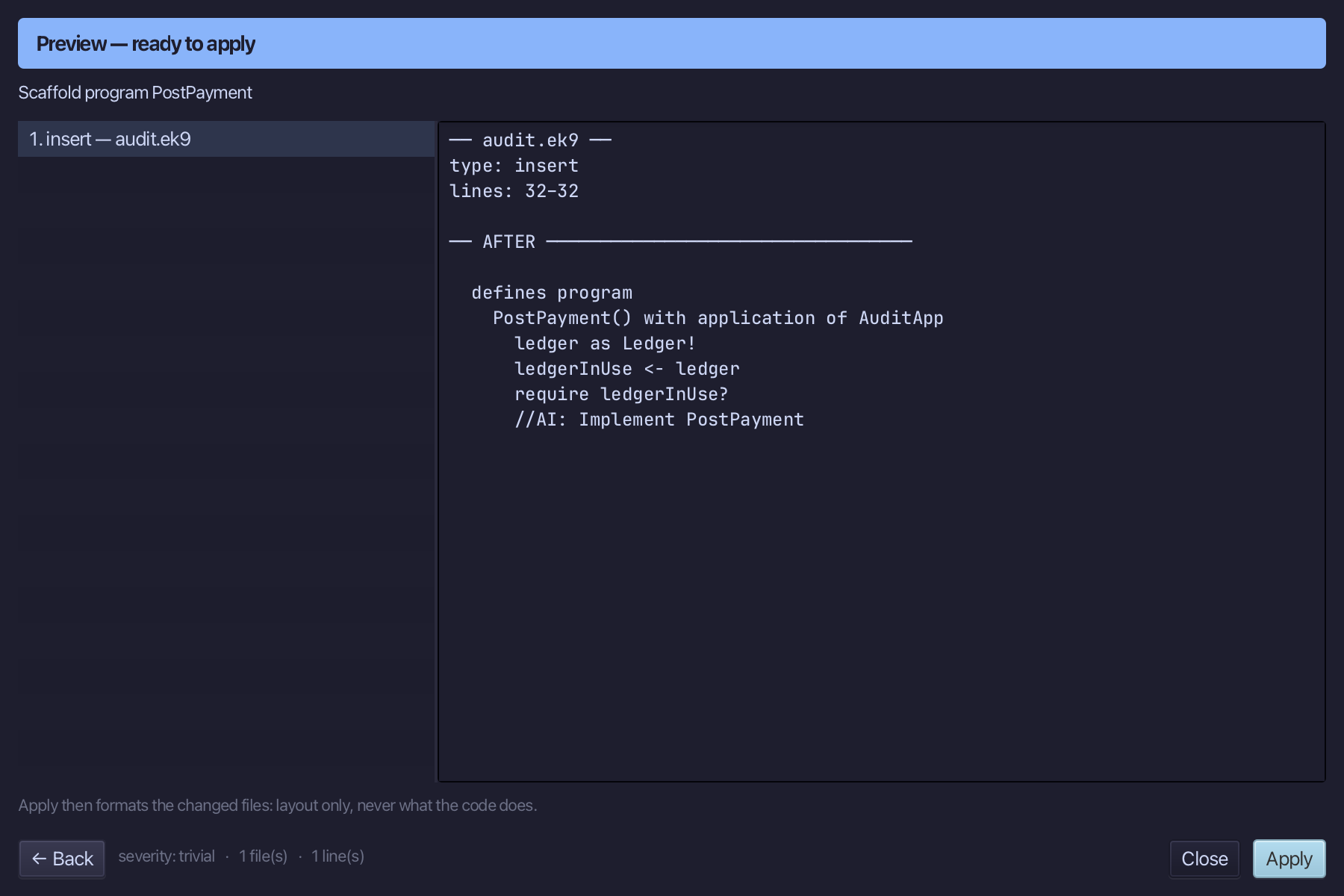
The preview shows PostPayment about to be written, bound to AuditApp. Choose Apply.
Select the stub, from ledgerInUse <- ledger down to its //AI line, and type the one call the program makes: post 25. Saves when typed.
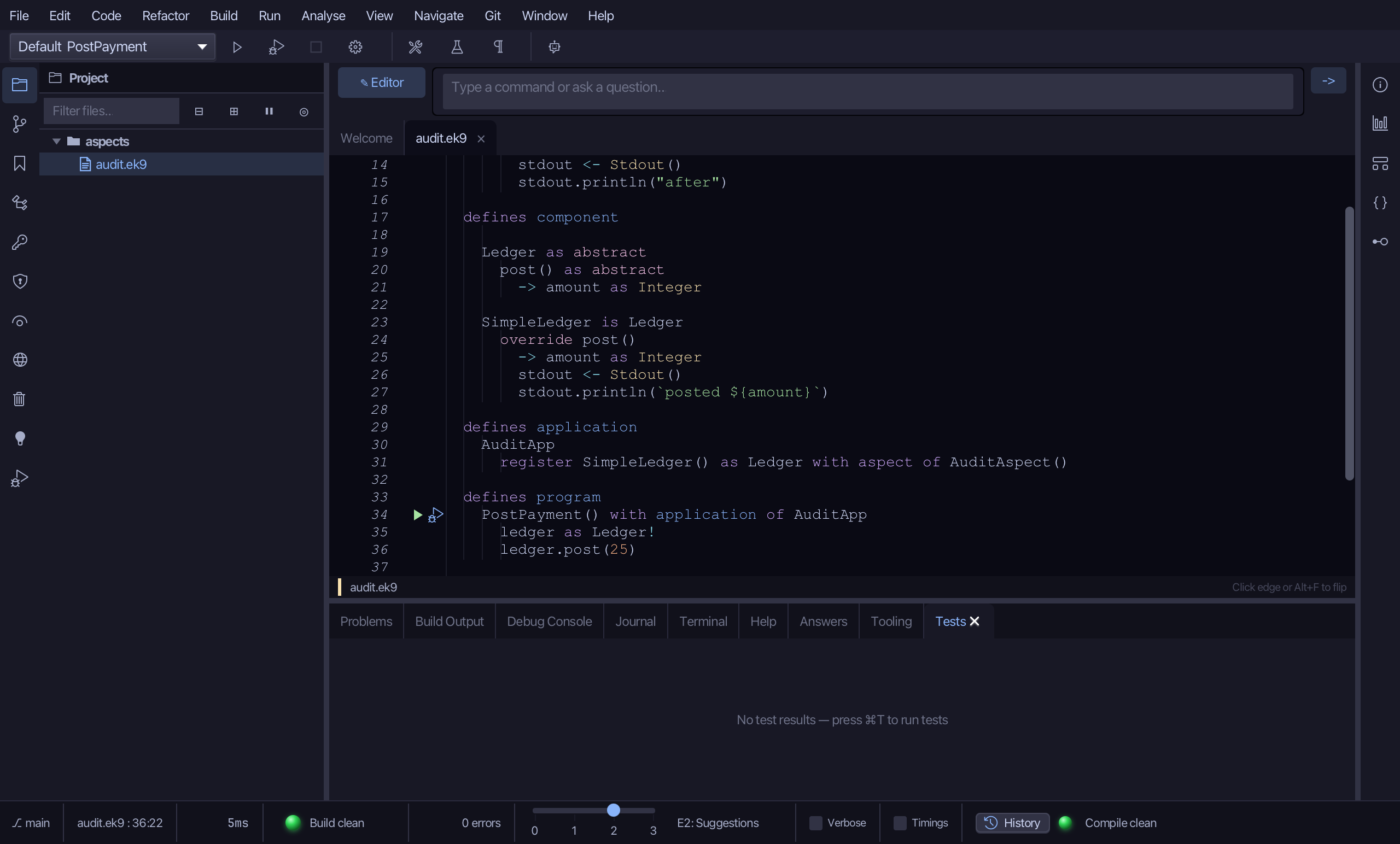
Step 4: Run it
Choose Run > Run Program…
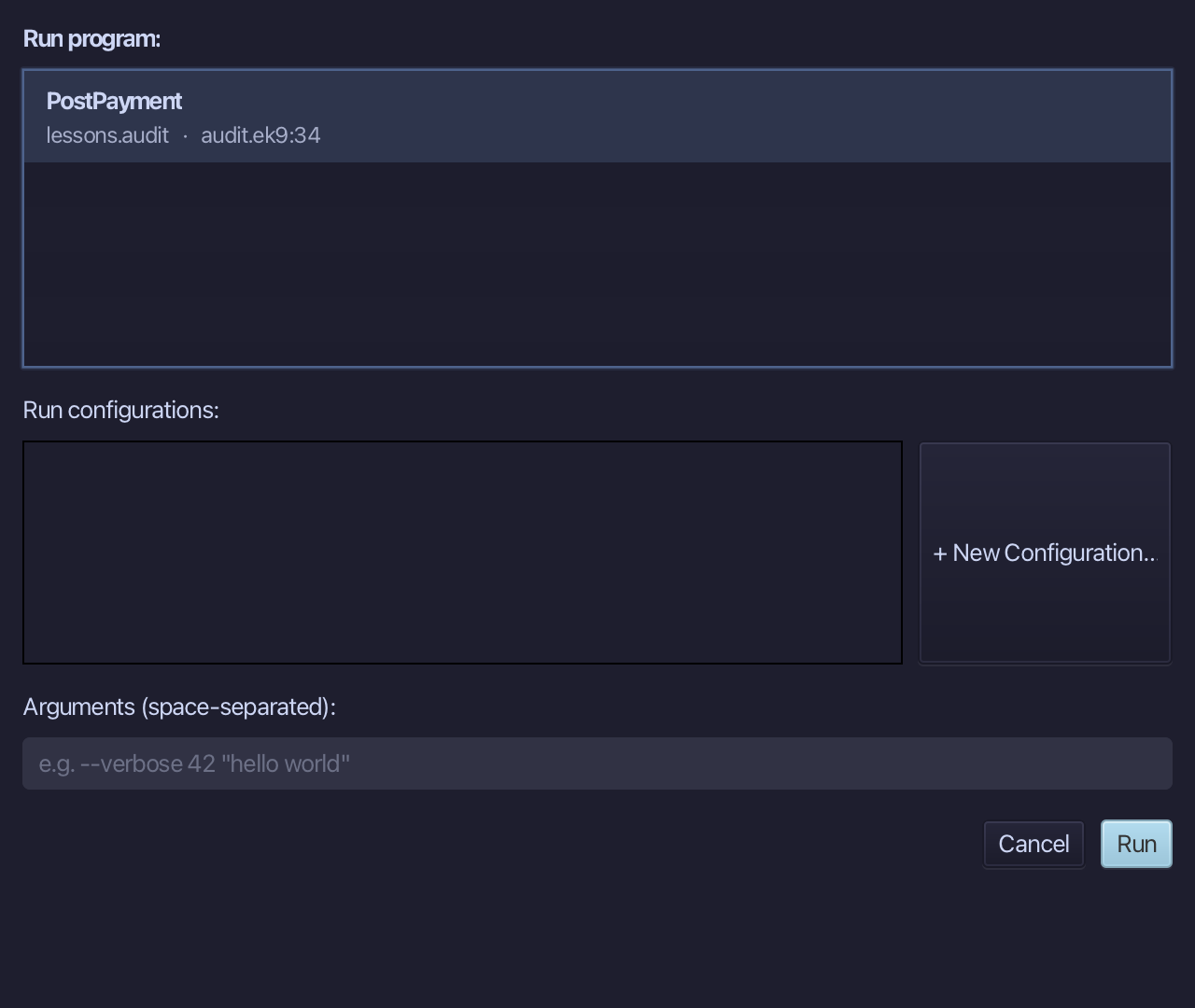
The project's only program is already chosen. Choose Run.
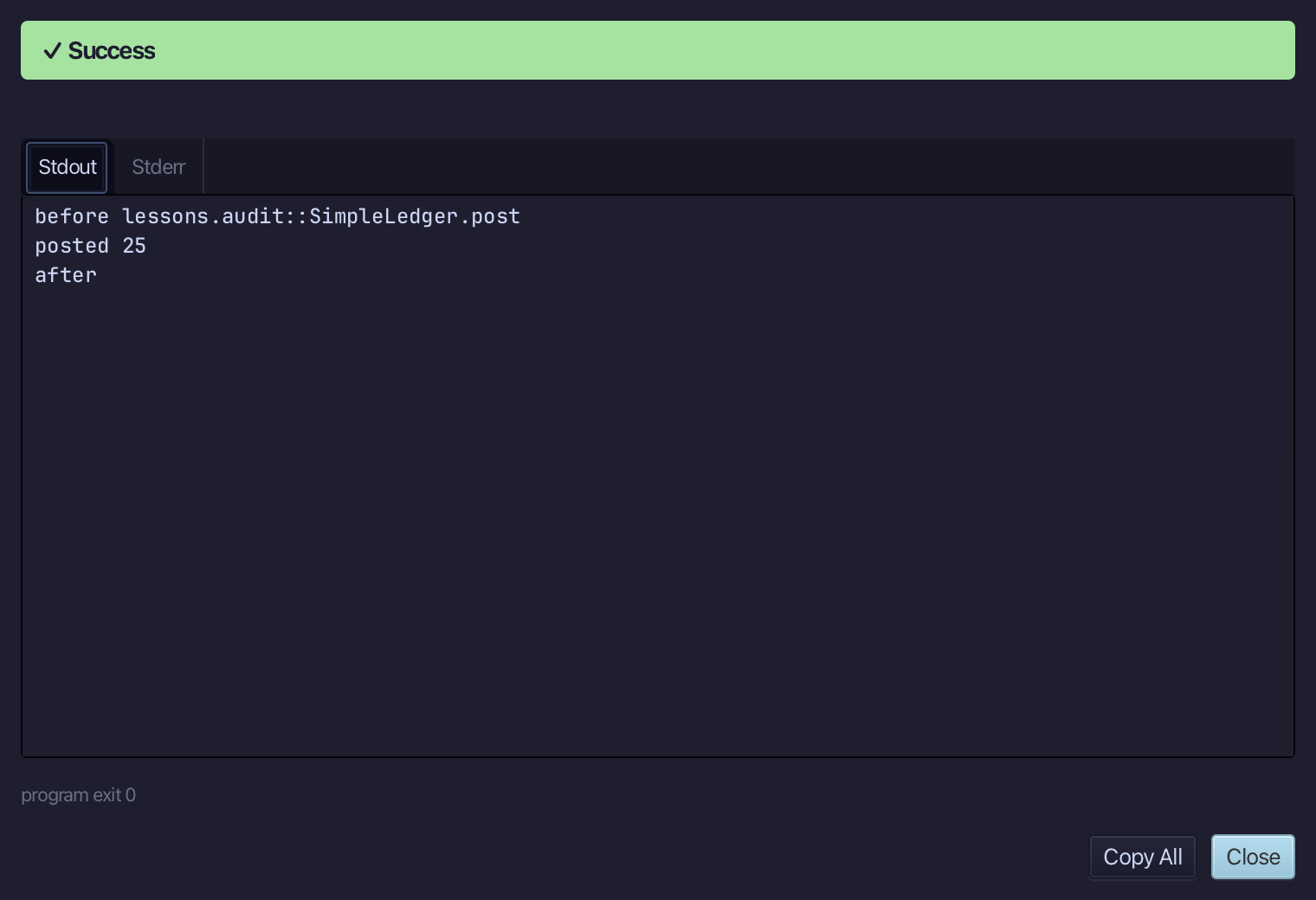
The three lines are the advice around the component's own: before lessons.audit::SimpleLedger.post, then posted 25 from SimpleLedger itself, then after. The program only called ledger.post(25). Choose Close.
Step 5: Ask the IDE
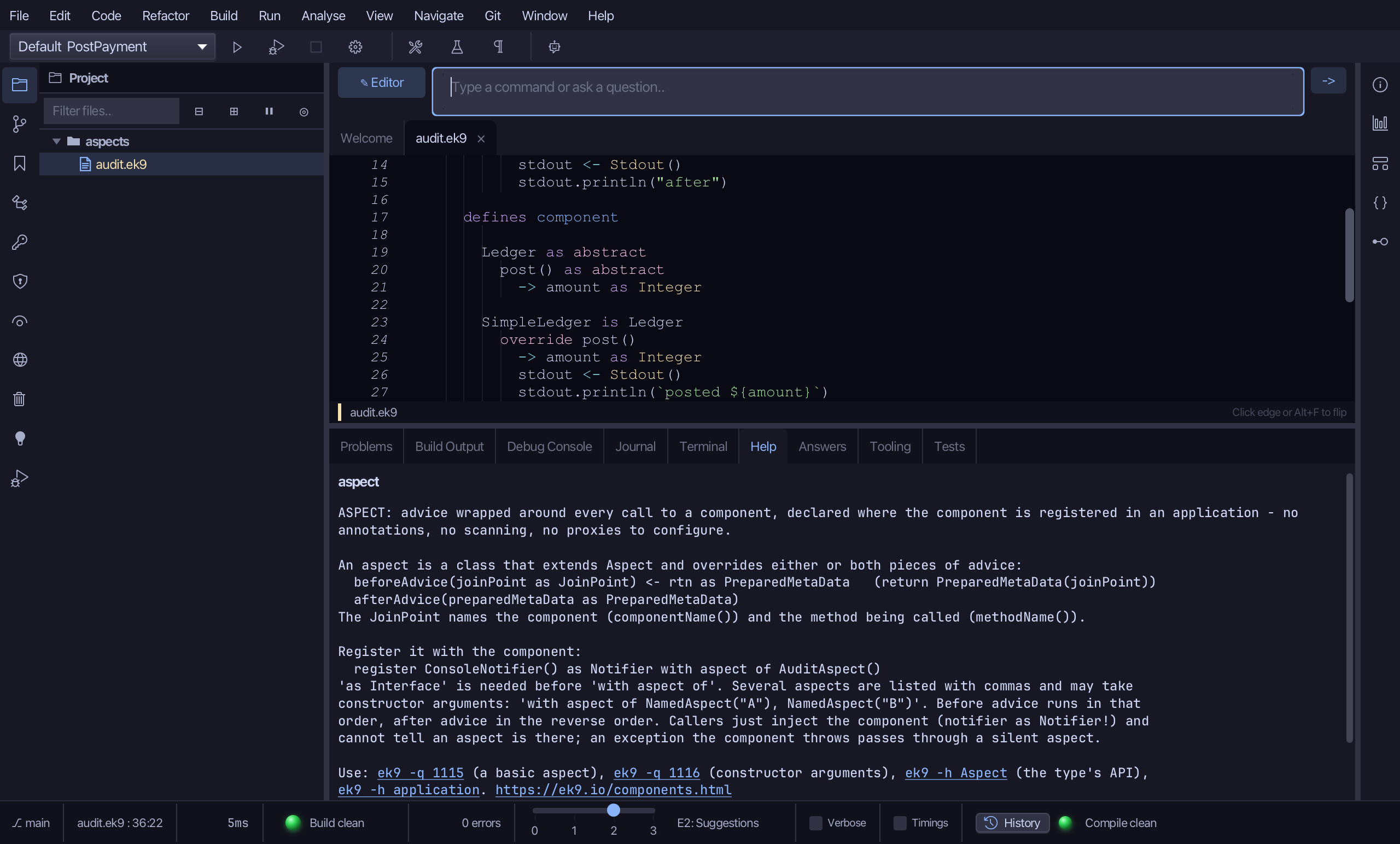
Type /h aspect into the input bar above the editor and choose -> to send it - the same help ek9 -h aspect prints at a terminal.
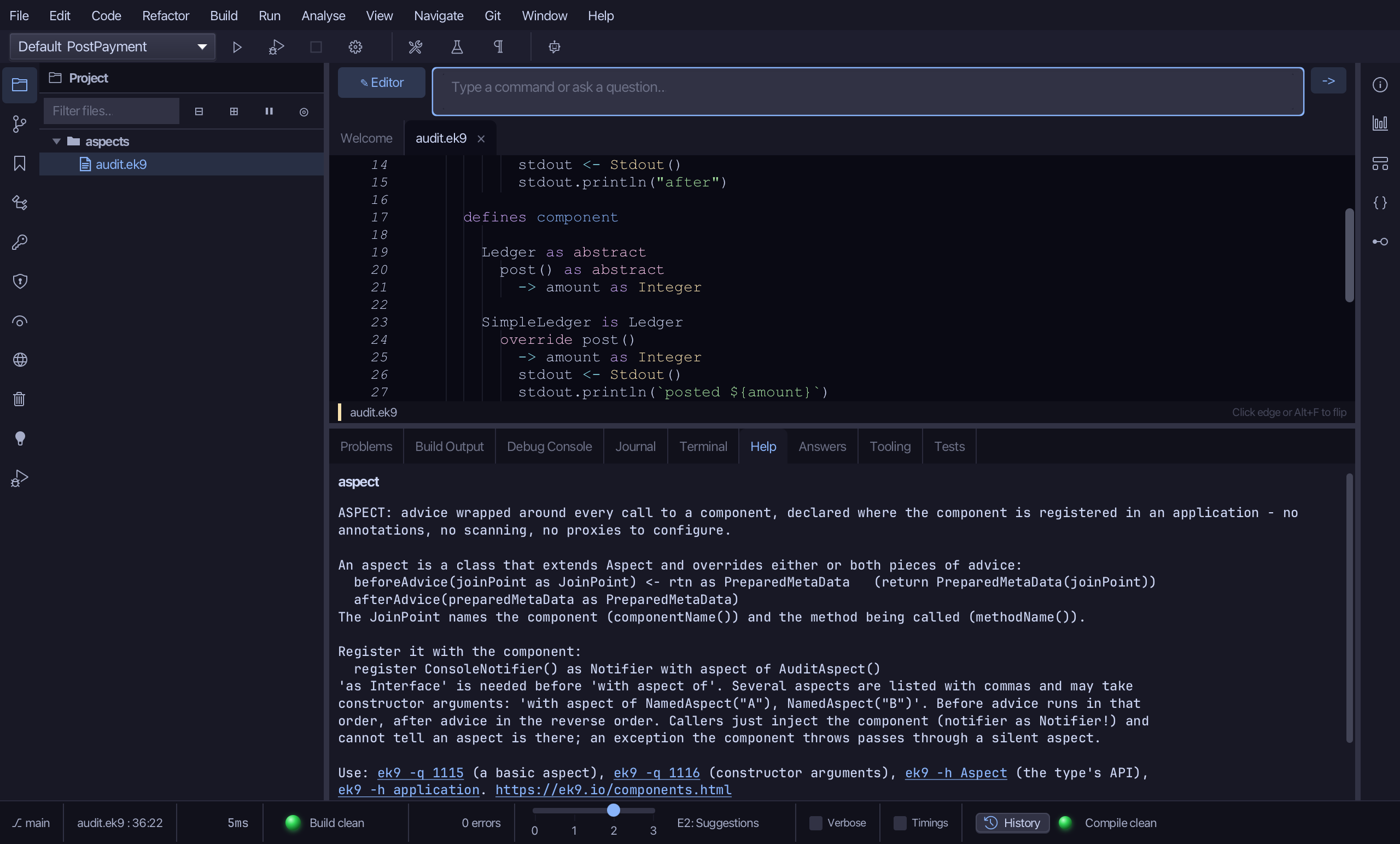
The Help tab teaches the aspect: the two pieces of advice, the register line that applies it, and the ordering when several are listed - before advice in the order written, after advice in the reverse. /h Aspect, with a capital, is the type's own API.
The result
audit.ek9 now holds an AuditAspect whose advice runs either side of every call to a Ledger, an Application that registers SimpleLedger with that aspect, and a program that just asks for a Ledger - SimpleLedger never knew, and neither did the program. An aspect is a class, its registration is one 'with aspect of' on a register line, and the compiler checks both. ek9_new_construct, ek9_add_method, ek9_add_application (its registrations' aspects list) and ek9_add_program are what an AI assistant calls to do the same.
Where this lesson comes from
- Answers -
ek9 -qand the IDE's Answers tab: 114, 1115, 1116, 1117, 1118, 1119. - For AI assistants - the MCP tool
ek9_new_construct,ek9_add_method,ek9_add_application,ek9_add_program.
In the EK9 reference: Components in EK9, Dependency Injection in EK9, Design note: why EK9 limits injection and aspects