Find in Project
Edit > Find in Project… opens the find bar at Project scope, every search listed in the Find Results tab. total is in shop.ek9, in receipt.ek9 (the same module), and in till.ek9 (a module of its own). To play it in the IDE: Help > Lessons > Finding…, or ek9 -ide -lesson find-in-project.
Start from
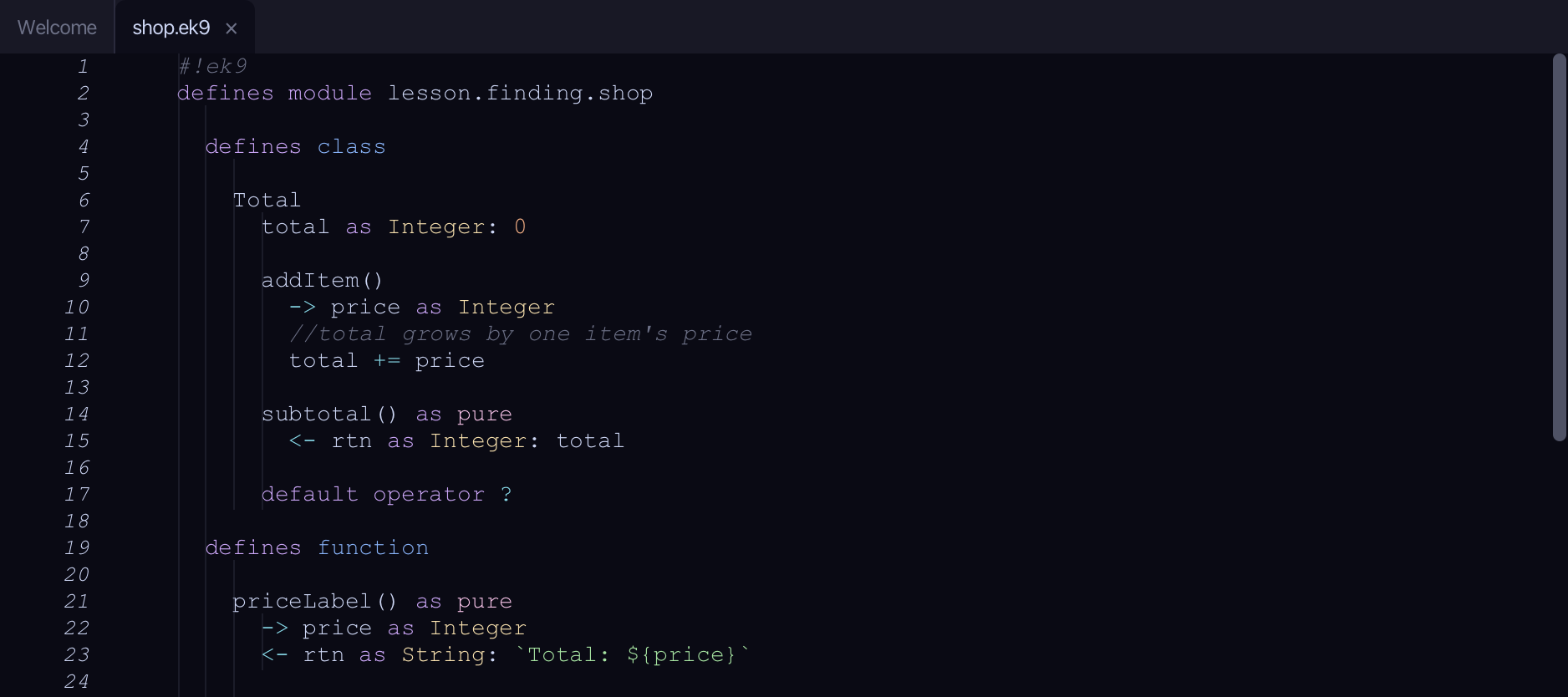
The code the lesson starts from: copy it into a file of your own and follow the steps.
shop.ek9
#!ek9
defines module lesson.finding.shop

  defines class

    Total
      total as Integer: 0

      addItem()
        -> price as Integer
        //total grows by one item's price
        total += price

      subtotal() as pure
        <- rtn as Integer: total

      default operator ?

  defines function

    priceLabel() as pure
      -> price as Integer
      <- rtn as String: `Total: ${price}`

    doubled() as pure
      -> price as Integer
      <- rtn as Integer: price * 2

  defines program

    ShowTotal()
      stdout <- Stdout()
      total <- Total()
      total.addItem(5)
      total.addItem(10)
      stdout.println(priceLabel(total.subtotal()))
      stdout.println("The running total is shown above")

//EOF
receipt.ek9
#!ek9
defines module lesson.finding.shop

  defines function

    receiptFooter() as pure
      -> grandTotal as Integer
      <- rtn as String: `Grand total: ${grandTotal}`

  defines program

    ShowReceipt()
      stdout <- Stdout()
      total <- Total()
      total.addItem(20)
      stdout.println(receiptFooter(total.subtotal()))

//EOF
till.ek9
#!ek9
defines module lesson.finding.till

  defines program

    ShowTill()
      stdout <- Stdout()
      total <- 0
      total += 15
      stdout.println(`Till total: ${total}`)

//EOF
Step 1: Open Find in Project
Choose Edit > Find in Project…
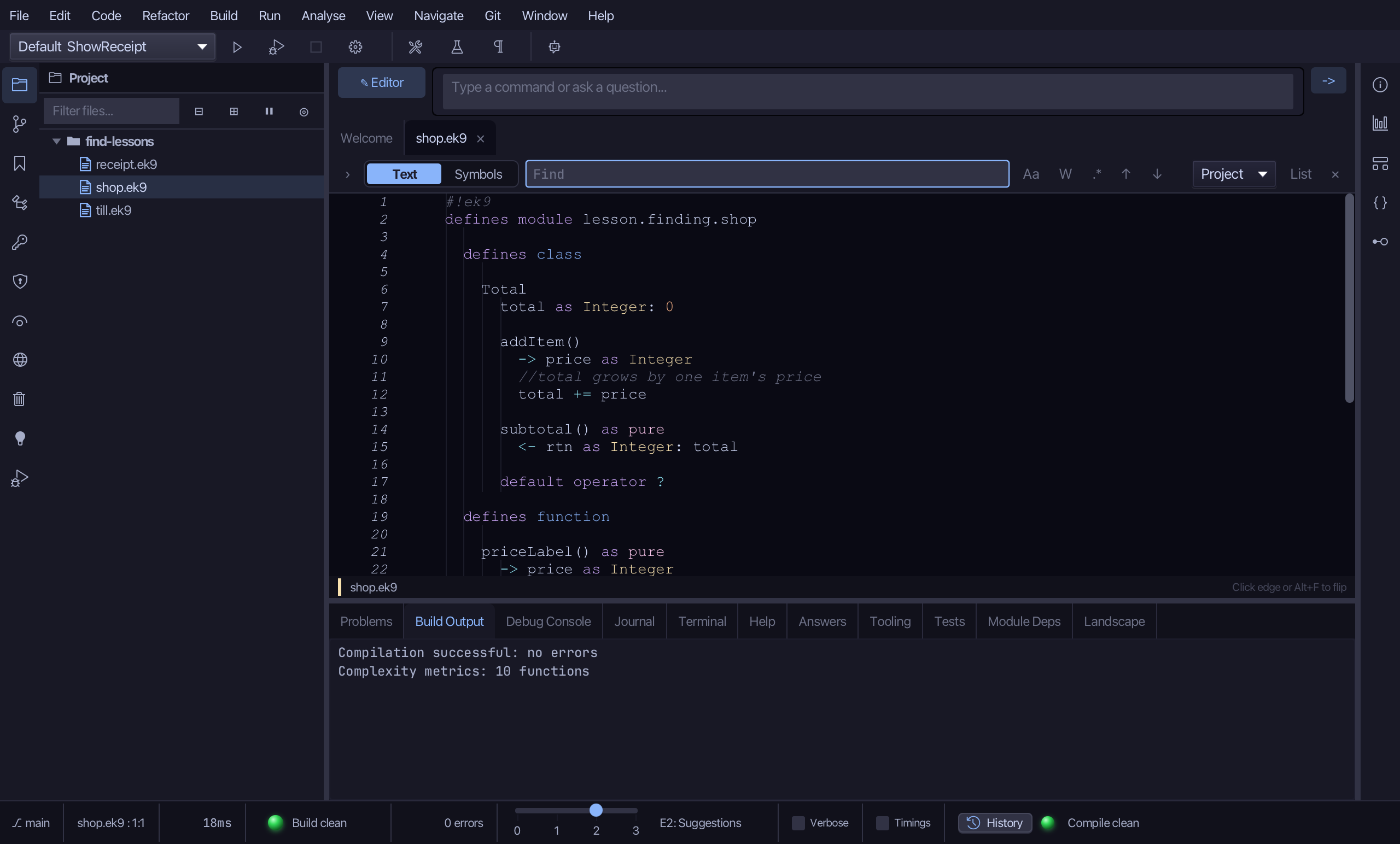
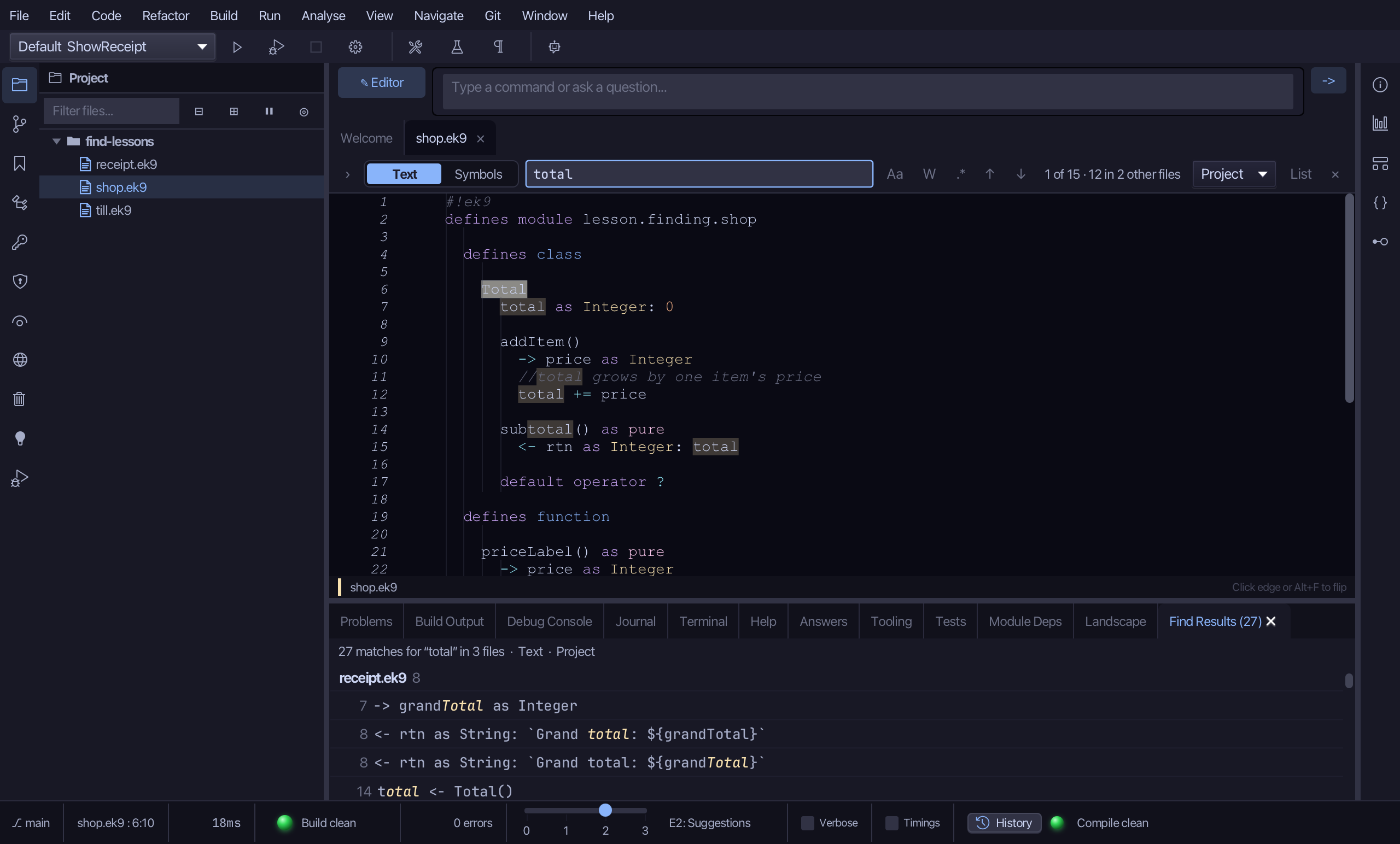
Type total. The Find Results tab lists 27 matches in 3 files - the whole project.
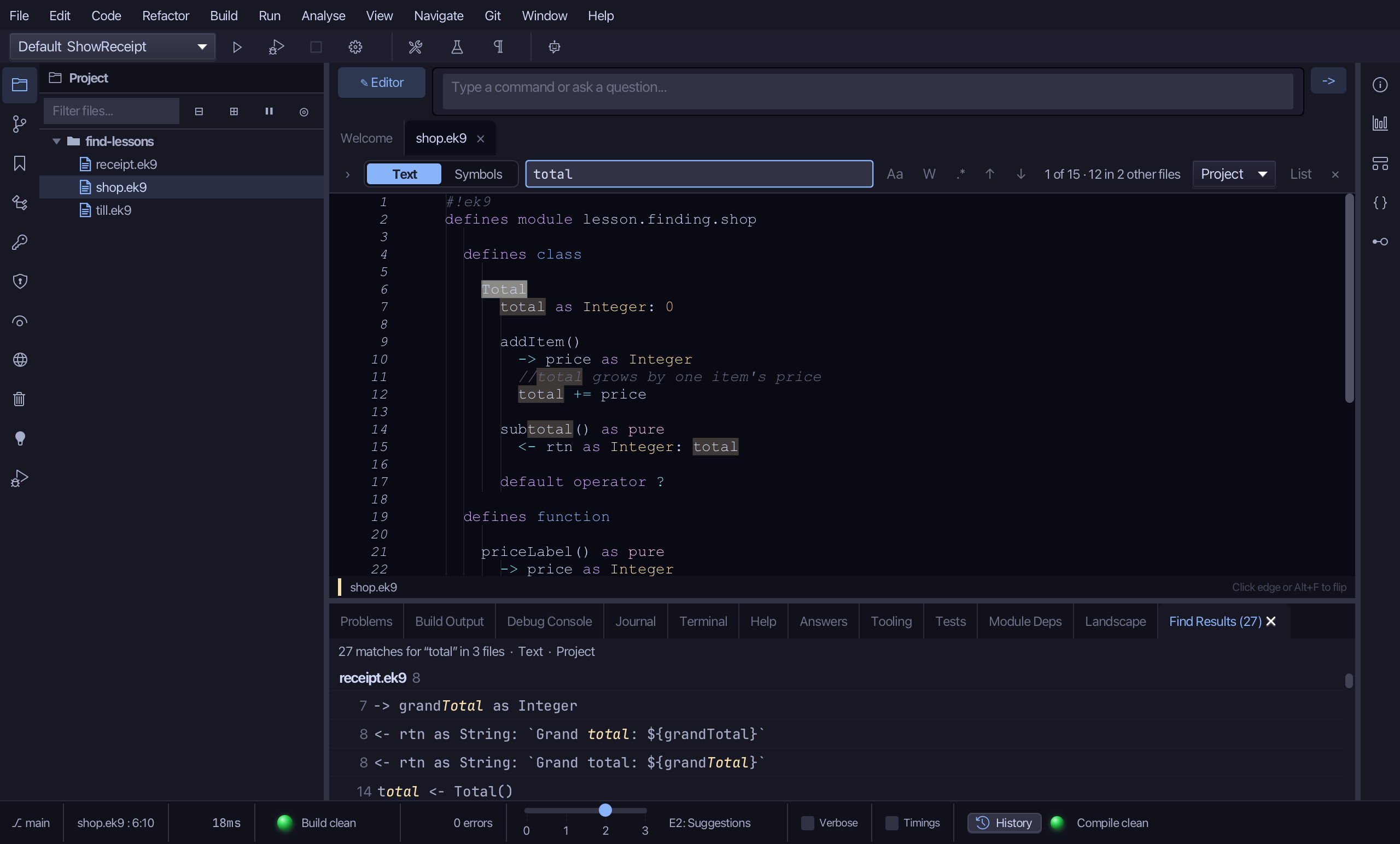
Step 2: List, and jump to a result
Choose the Problems tab, to put Find Results away.
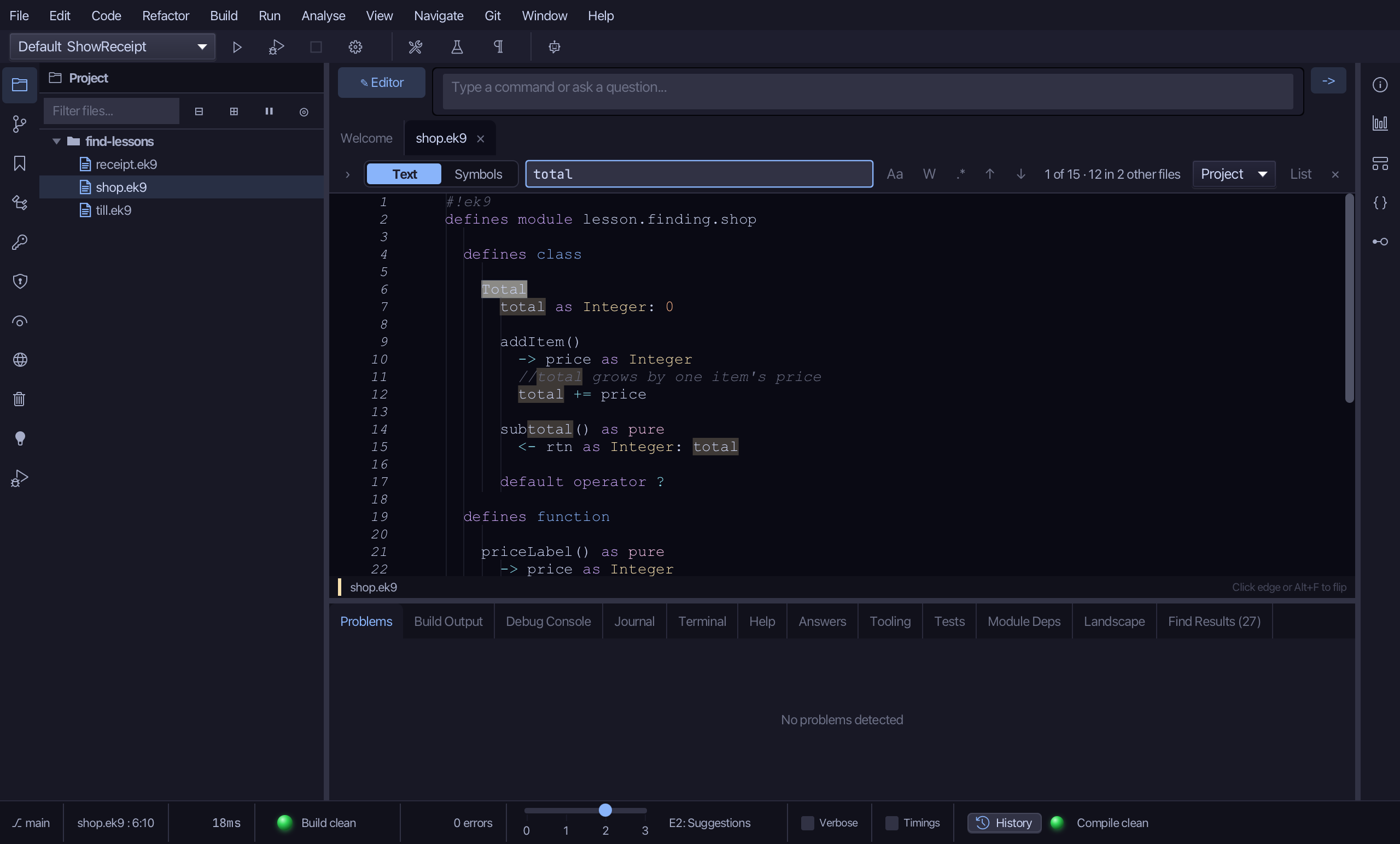
Choose List, in the find bar. The Find Results tab comes forward again.
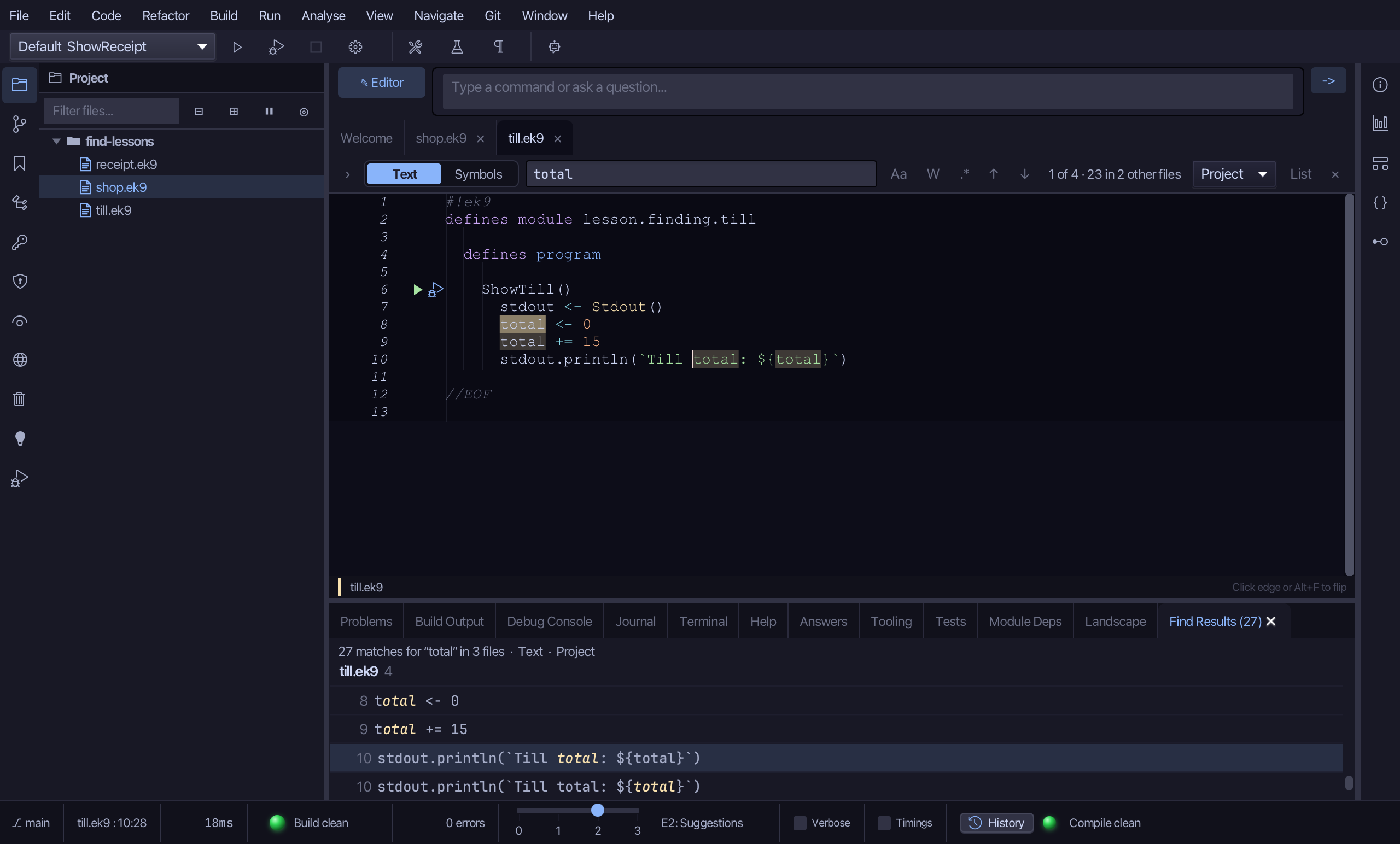
Click one of till.ek9's own results. The editor opens it there.
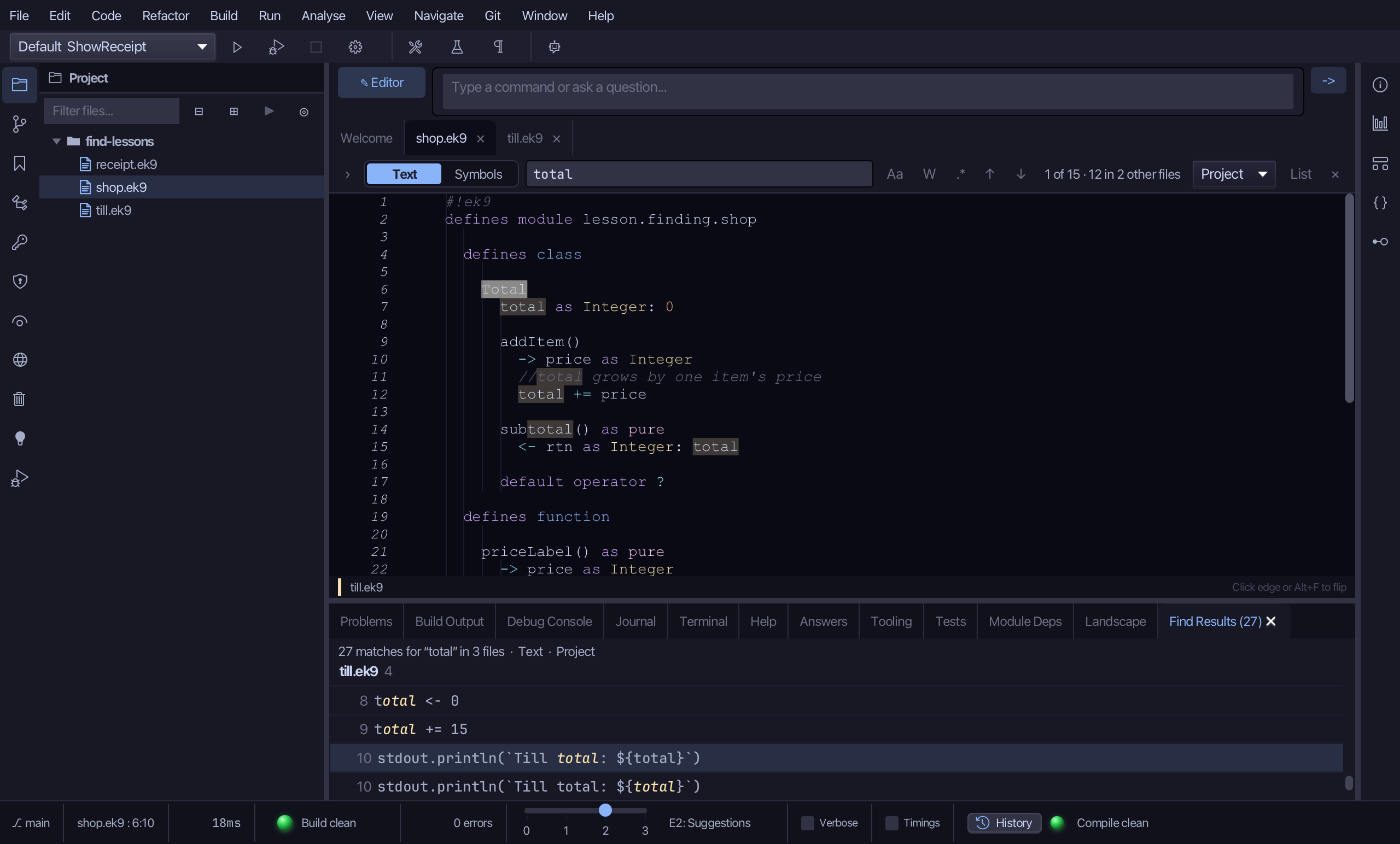
Open shop.ek9 again, in the Project panel.
Step 3: Narrow to Module
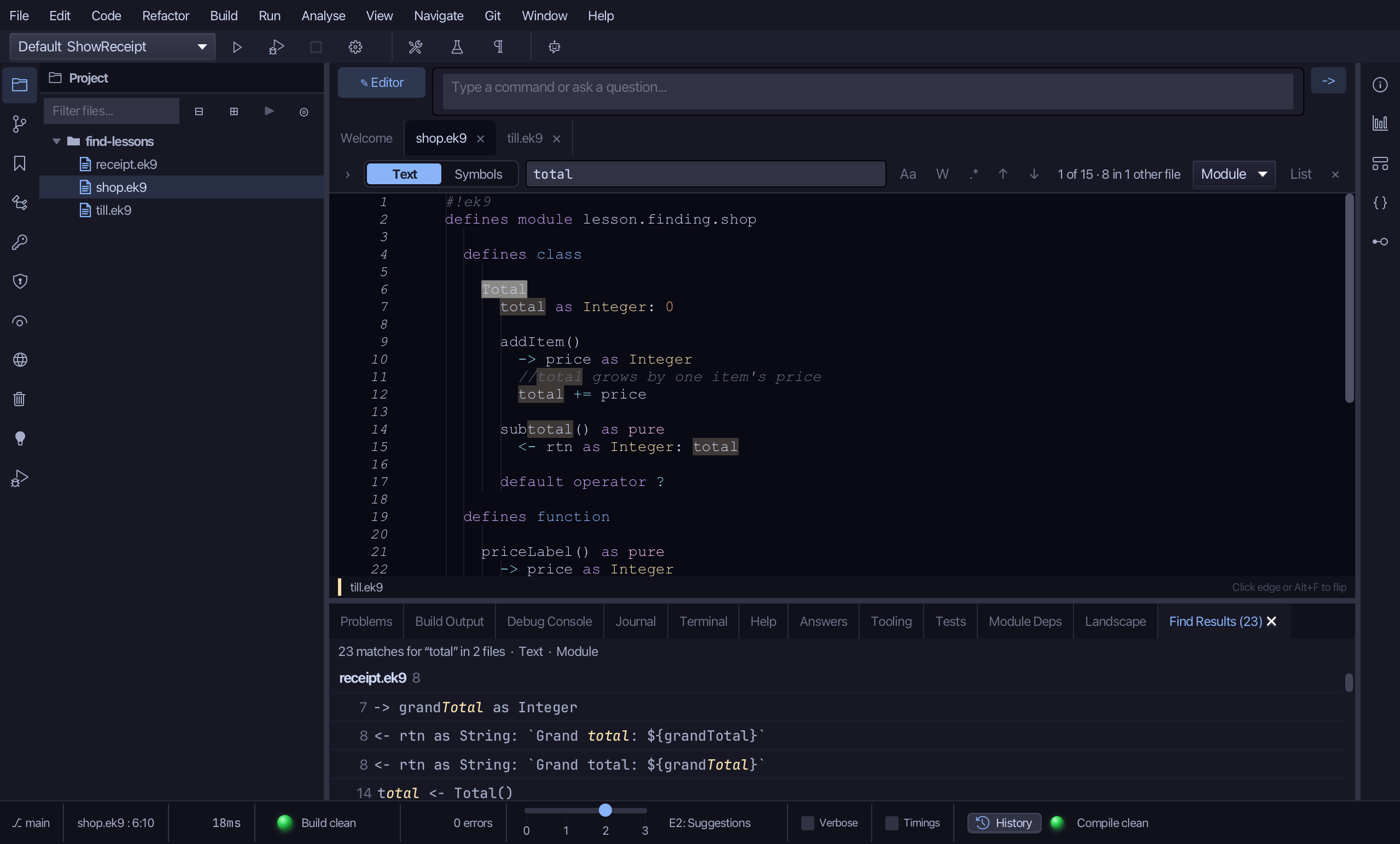
Change the scope to Module. till.ek9 - a module of its own - drops out: 23 matches in 2 files.
Step 4: Narrow to File
Change the scope to File. receipt.ek9 drops out too, leaving the open file alone: 15 matches in 1 file.
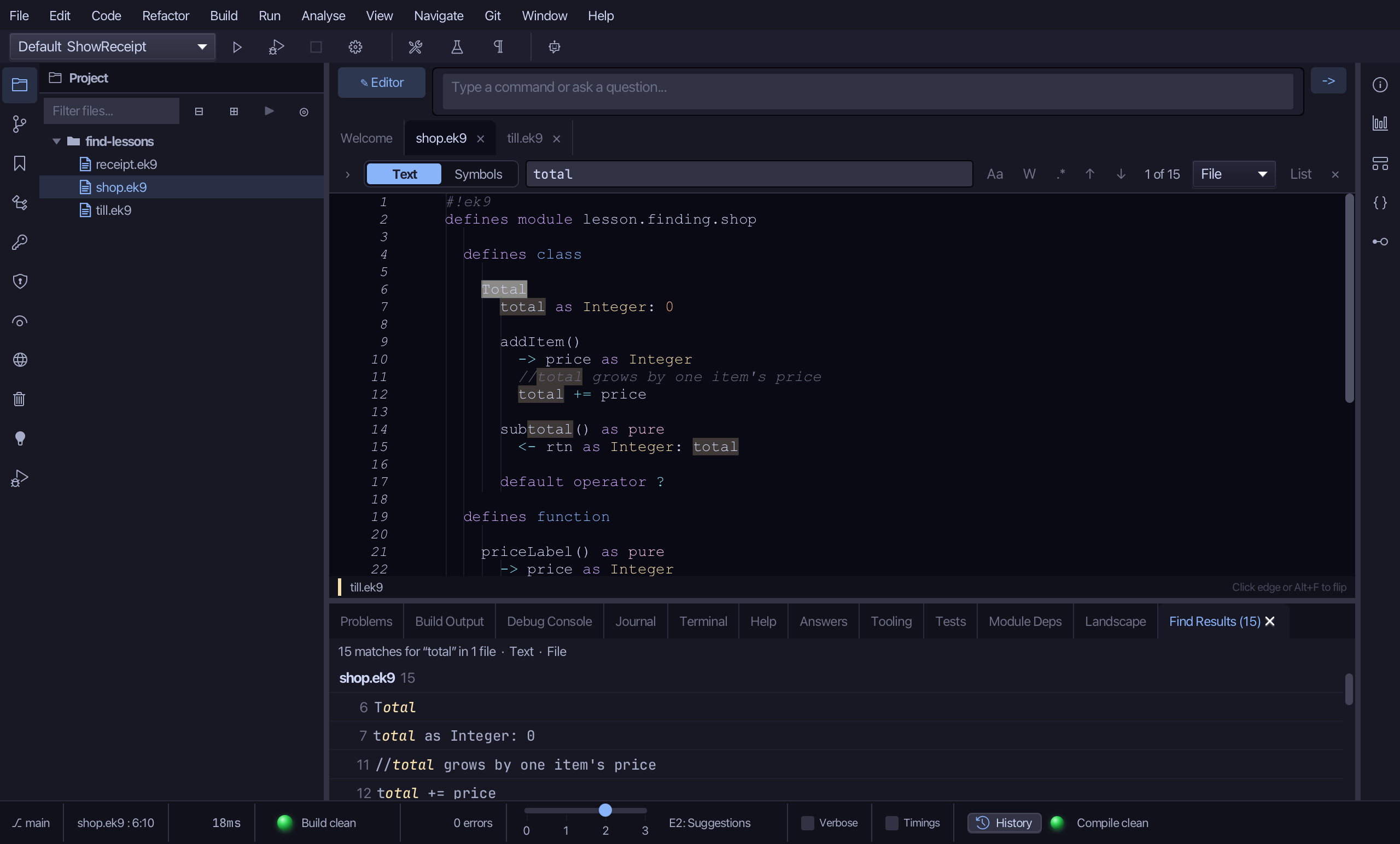
The result
That is scope: Project searches the whole workspace, Module just the files of one module, File the open file alone - till.ek9, a module of its own, is the first to drop out narrowing down. Every search lists in the Find Results tab; List brings it forward again, and a result's own click opens it.