Chapter 21: promotion, #^
An Integer becomes a Float wherever a Float is wanted - 7 becomes 7.0 - through an operator, #^ (promote). Chapter 21 gives a type of your own one too: a Celsius that promotes itself to a Fahrenheit Float. The IDE's tools make the structure - the record, its field, the constructor and each operator's signature - so what is left to type is the logic no tool can write. To play it in the IDE: Help > Lessons > Writing code…, or ek9 -ide -lesson book-promotion.
What you'll build
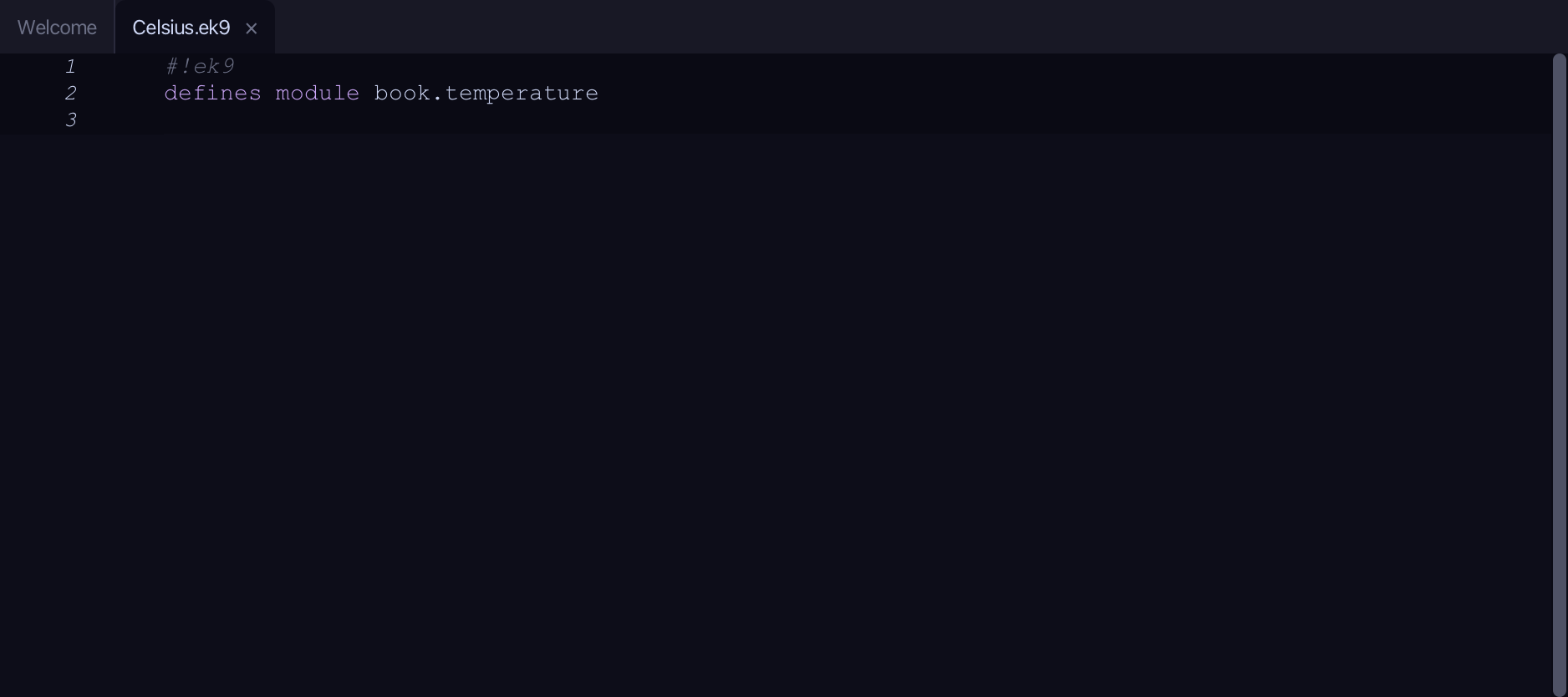
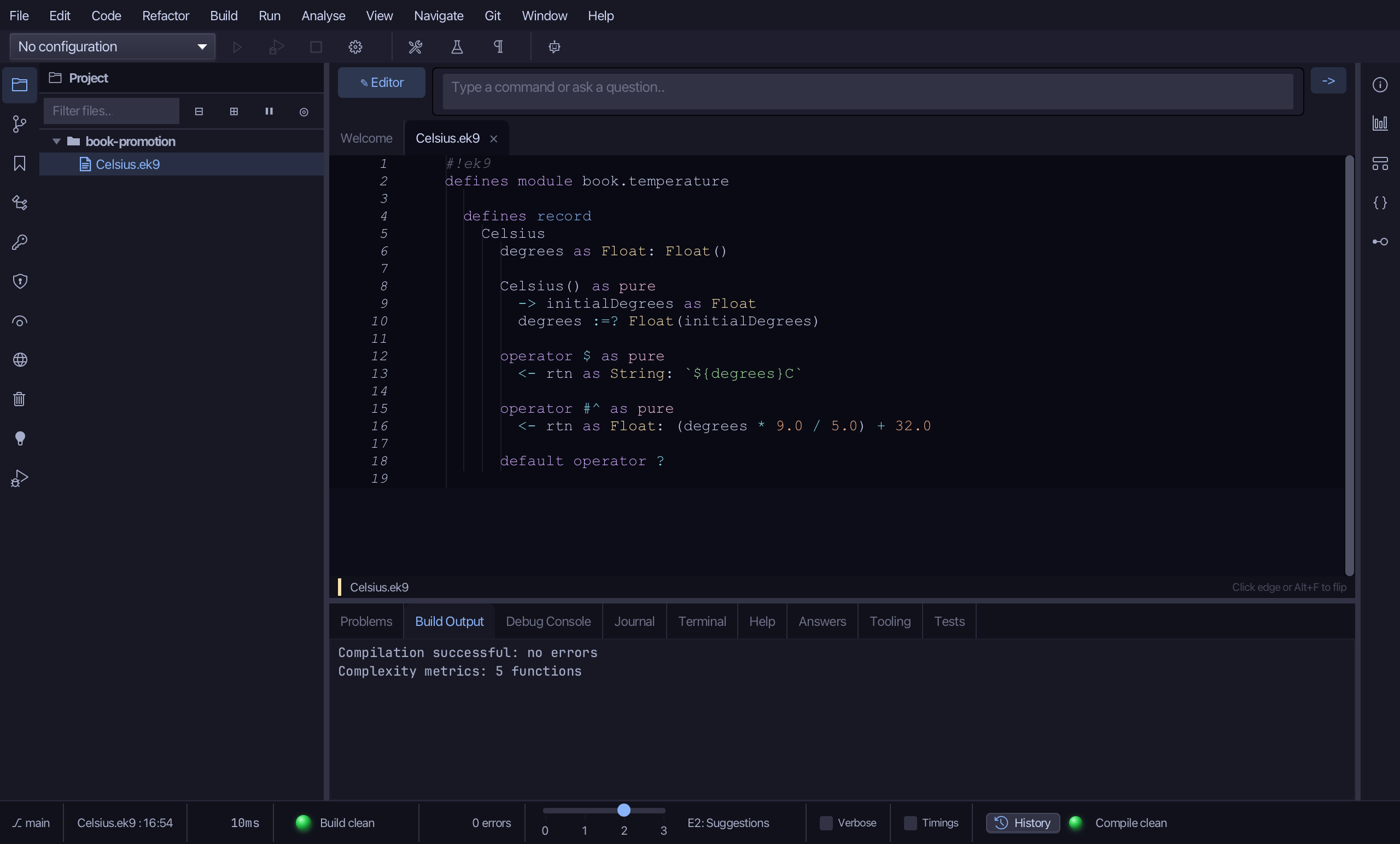
The lesson builds this program from a file holding only its module line - the finished file, as the book prints it.
#!ek9
defines module book.temperature

  defines record
    Celsius
      degrees as Float: Float()

      Celsius() as pure
        -> initialDegrees as Float
        degrees :=? Float(initialDegrees)

      operator $ as pure
        <- rtn as String: `${degrees}C`

      operator #^ as pure
        <- rtn as Float: (degrees * 9.0 / 5.0) + 32.0

      default operator ?

  defines program
    Show()
      stdout <- Stdout()

      boiling <- Celsius(100.0)
      fahrenheit as Float: boiling
      stdout.println(`${boiling} is ${fahrenheit}F`)

      count <- 7
      asFloat as Float: count
      stdout.println(`${count} promoted to ${asFloat}`)
Step 1: A record, with its field
Choose Code > New Construct > Record…
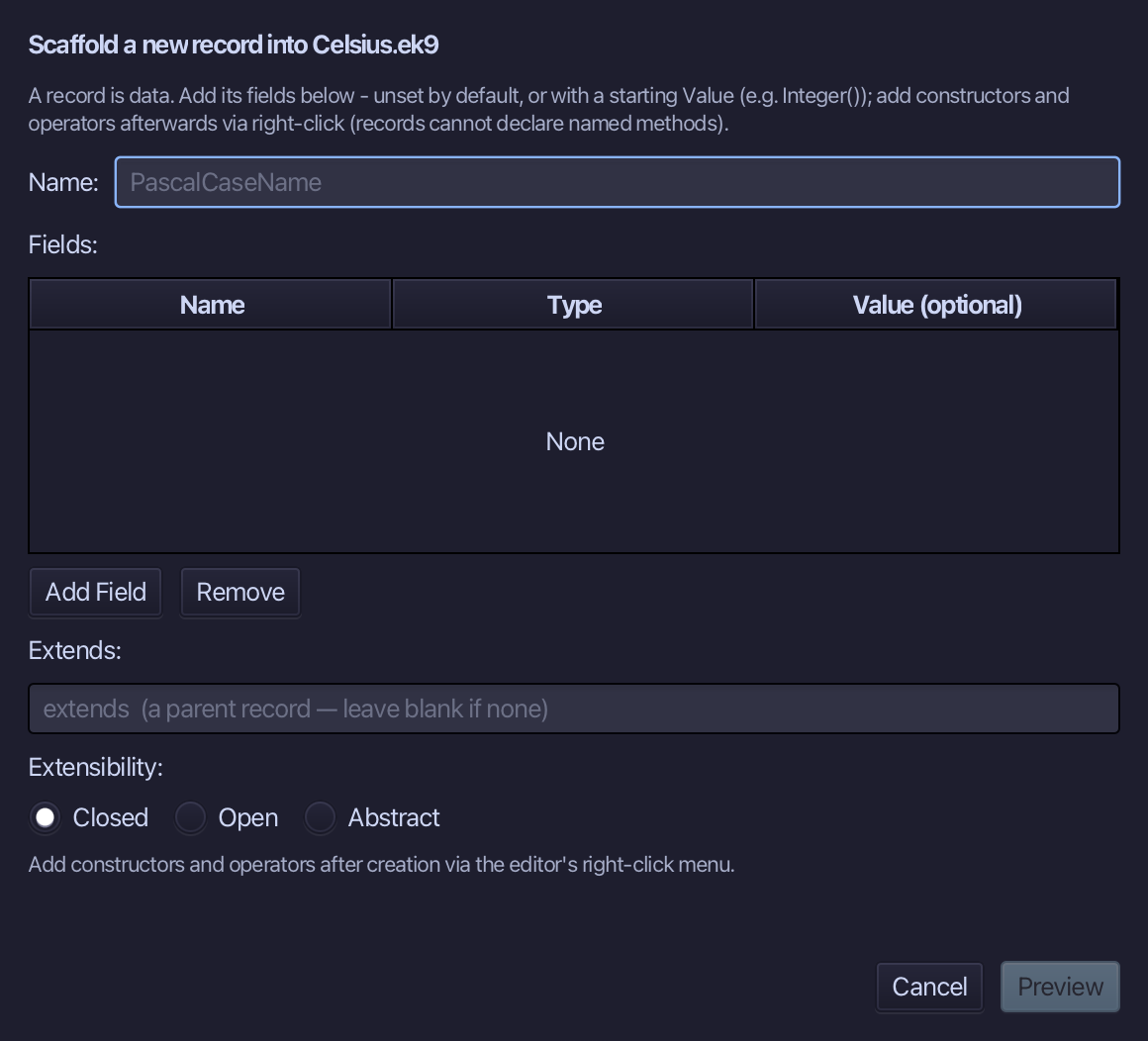
Celsius is the record's name. Add degrees, a Float, given a starting Value of Float() - a freshly made but unset Float - so the record needs no constructor of its own yet. Choose Preview.
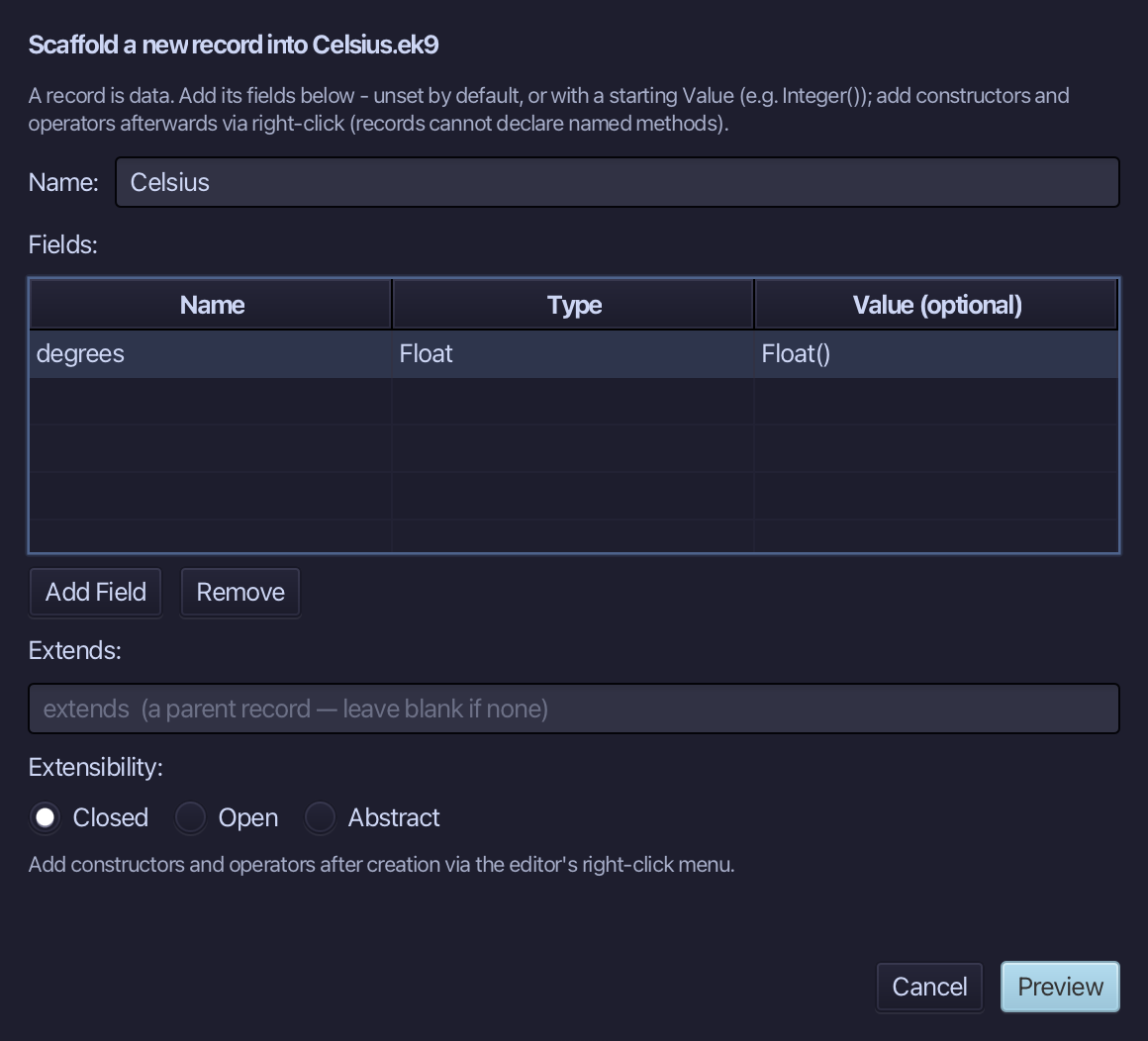
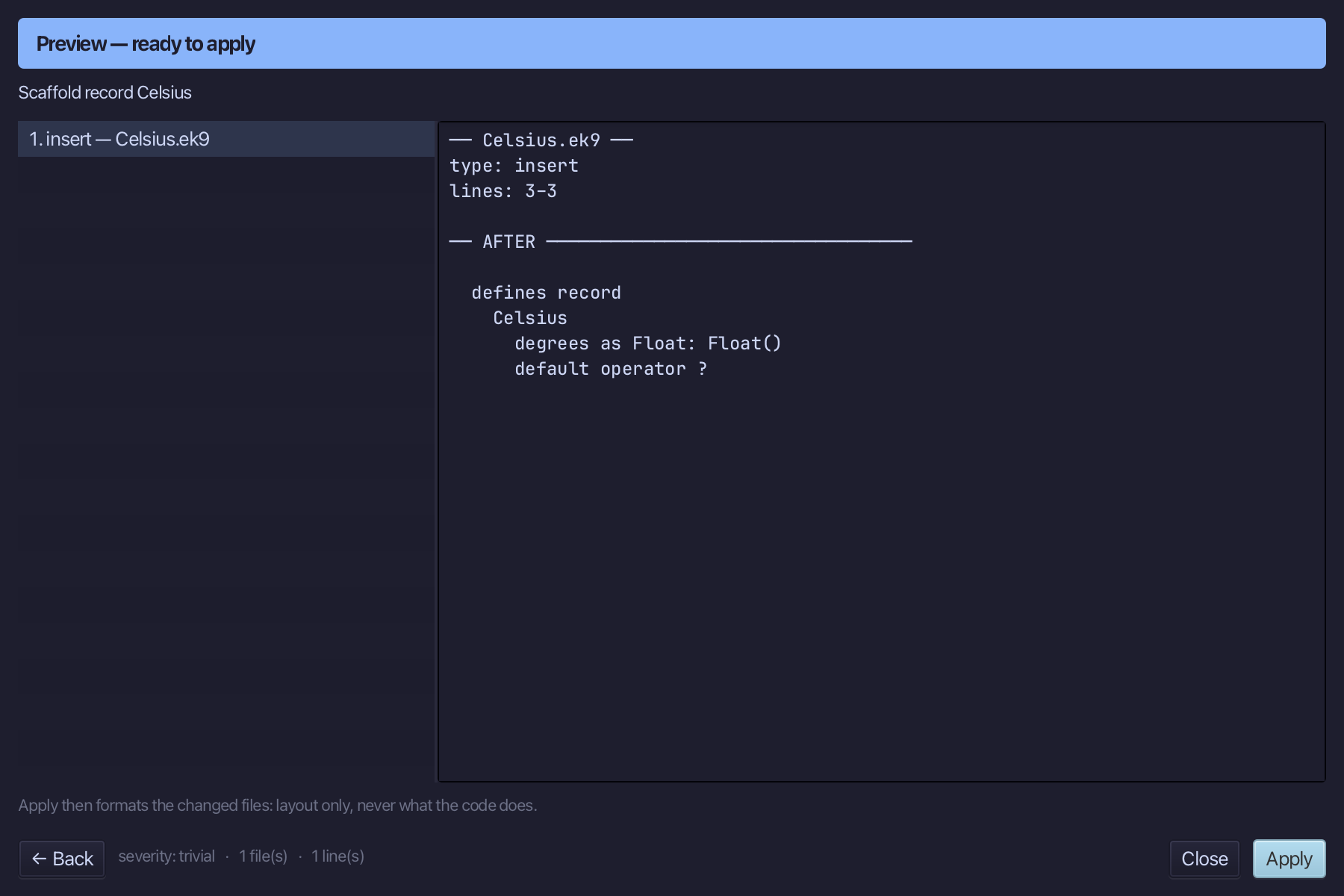
The preview shows Celsius about to be written, its field - and default operator ? with it: a record that holds a field must say when it counts as set. Choose Apply.
Step 2: Its constructor — and its logic
Right-click the Celsius line and choose Add Constructor > From All Fields (pure).
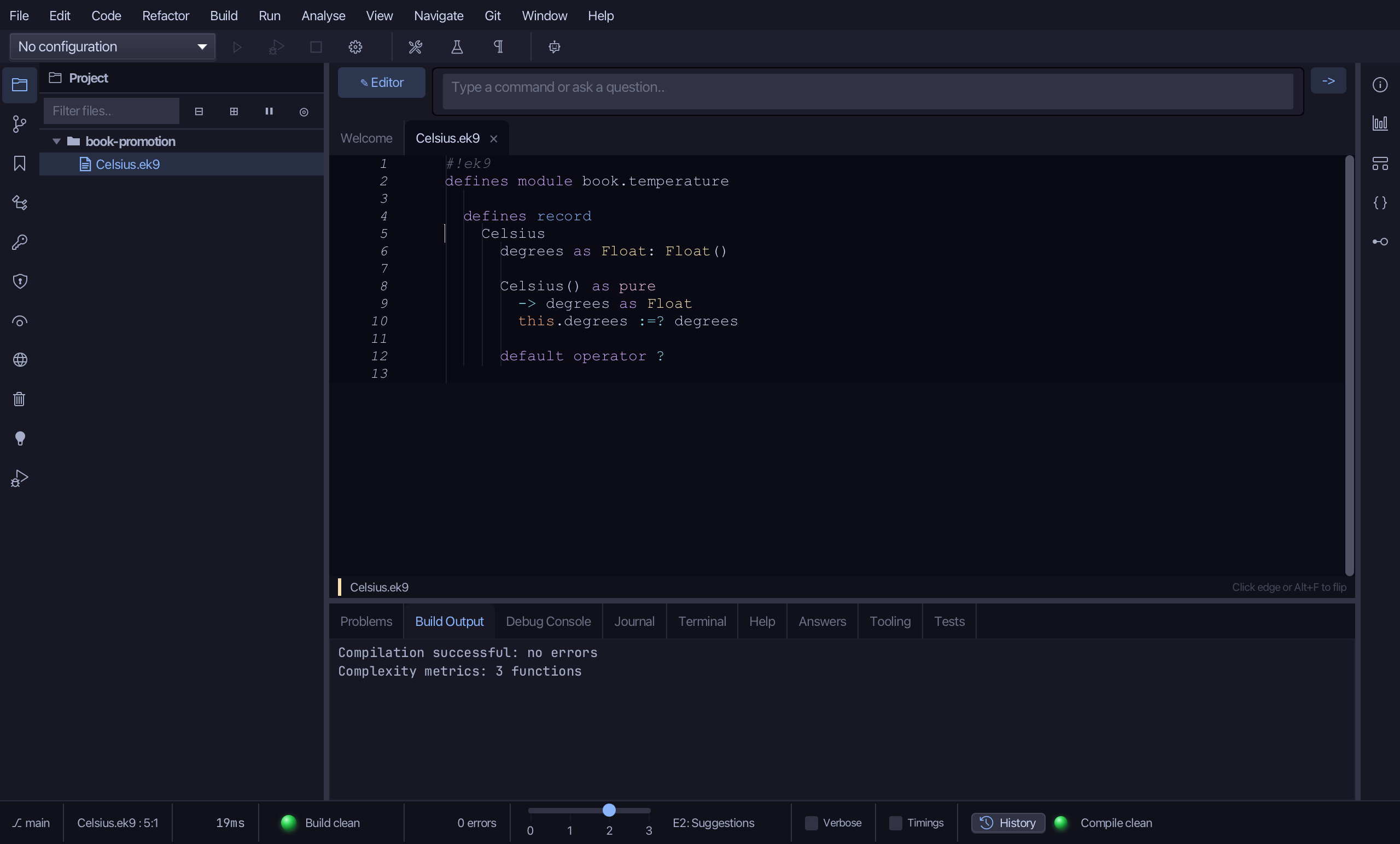
Select the stub, from Celsius() as pure down to its assignment, and type the constructor's whole job: initialDegrees in, degrees set with :=? over Float(...). Saves when typed.
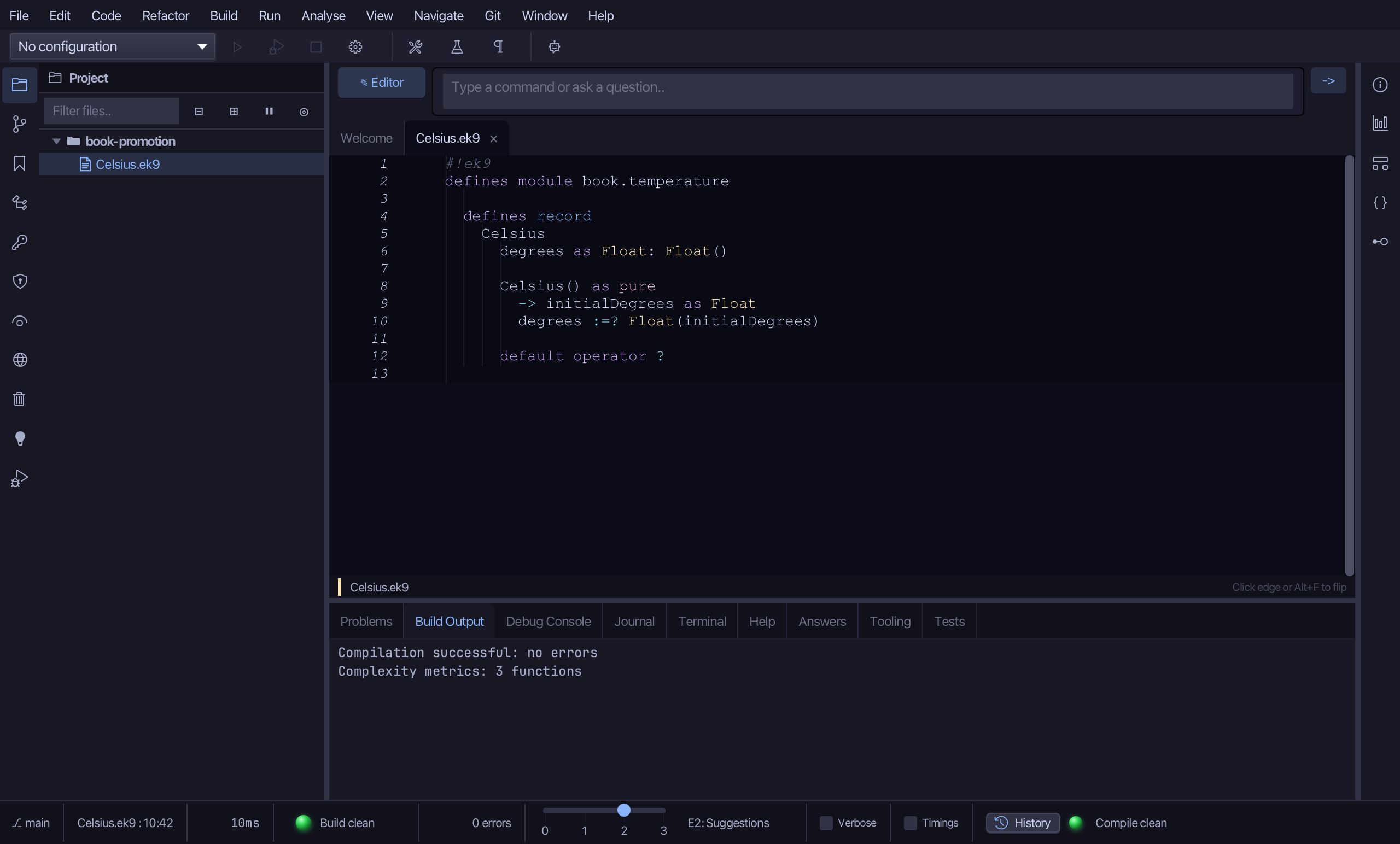
Step 3: operator $ — and its logic
Right-click the Celsius line and choose Add Operator > $ (string) > skeleton.
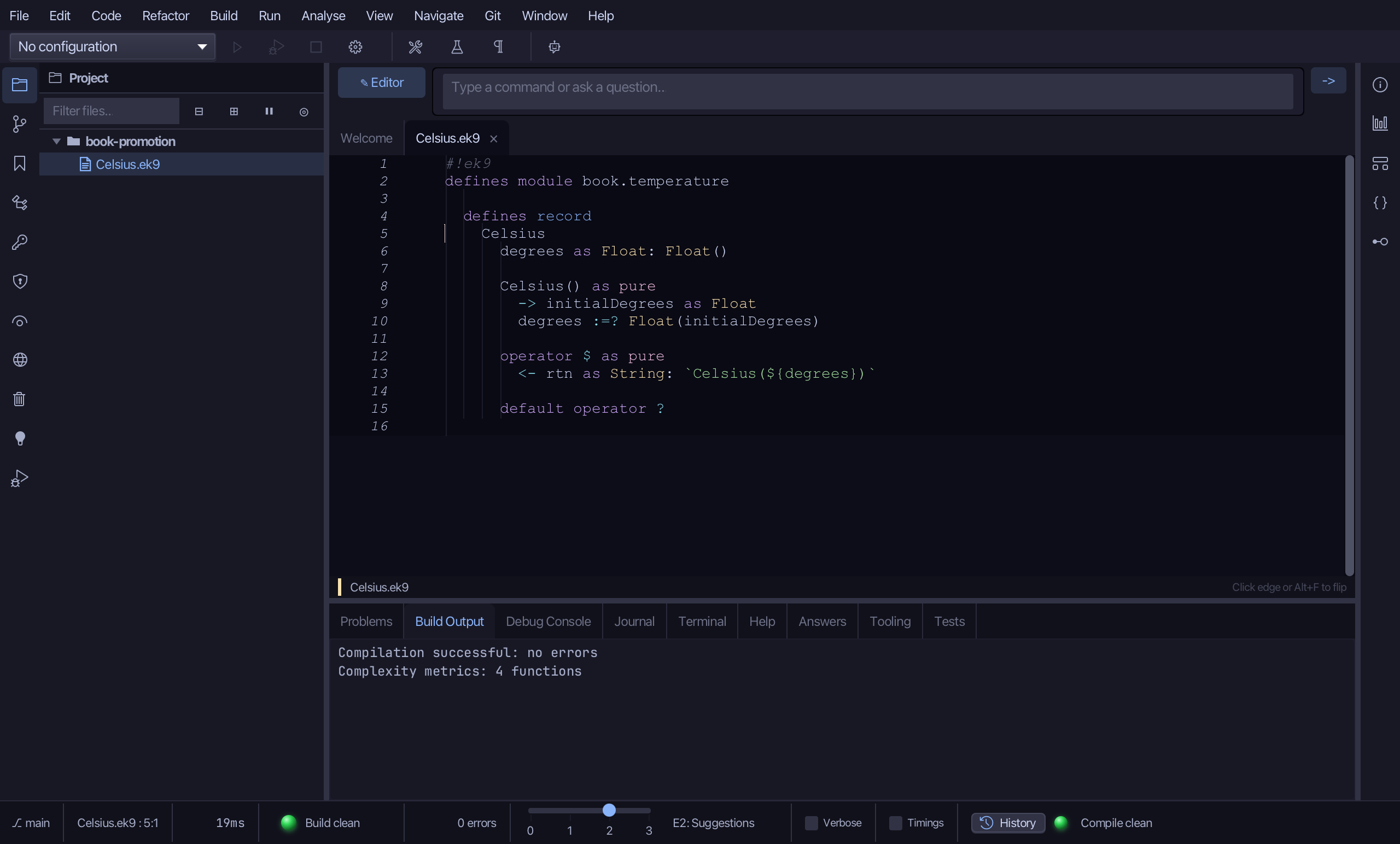
Select the stub line and type $'s own text form - the degrees and a C, no type name. Saves when typed.
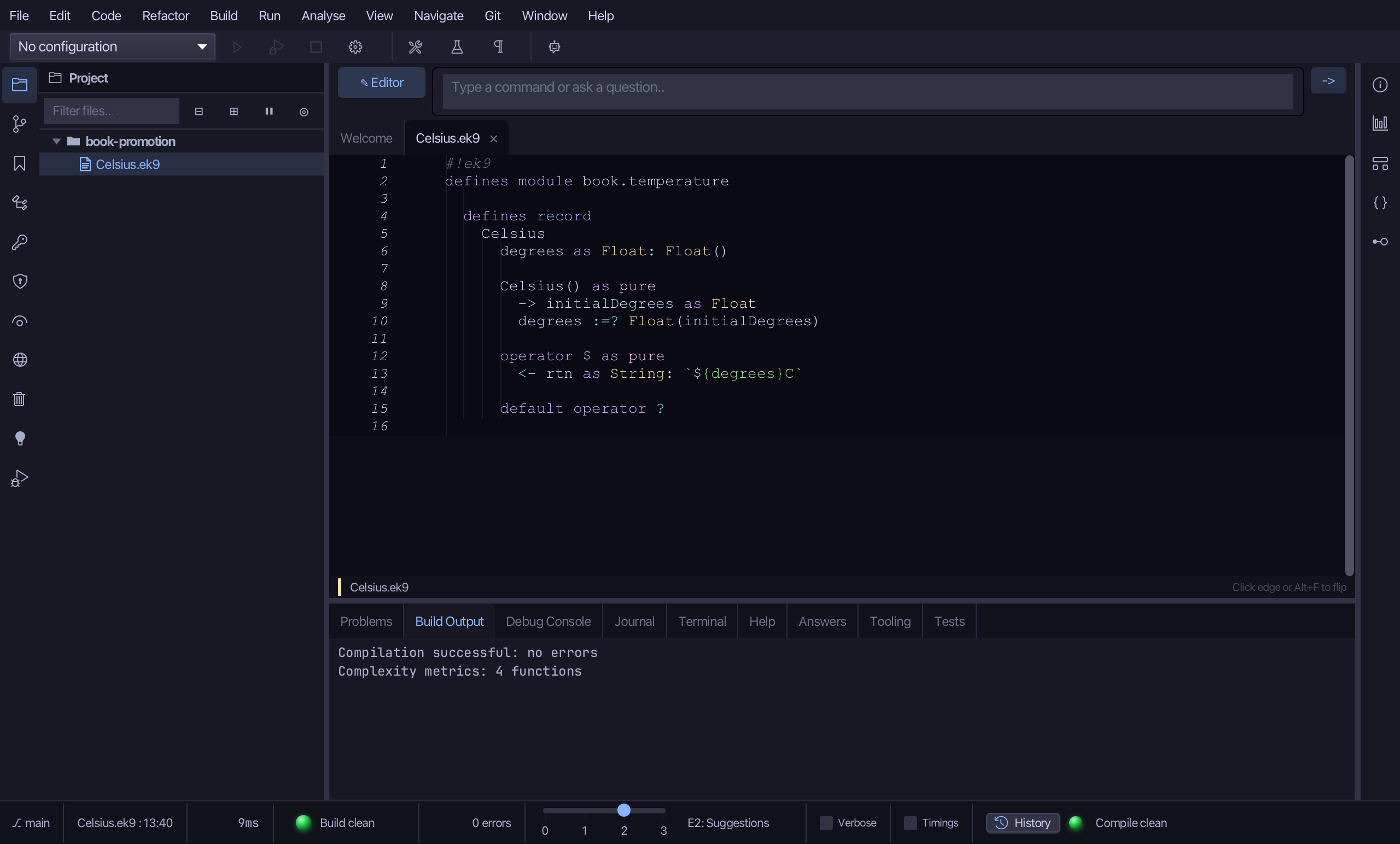
Step 4: operator #^ — promotion, and its logic
Right-click the Celsius line and choose Add Operator > Custom Operator…
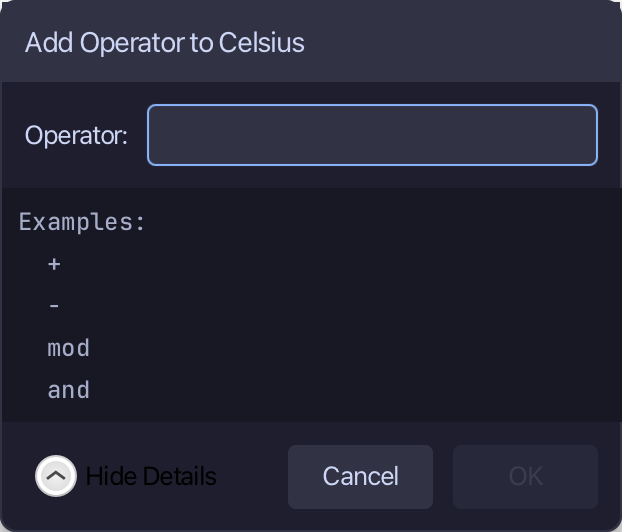
#^ is not one of the eight operators with their own menu entry - type it here, in Custom Operator…'s one field. Choose OK.
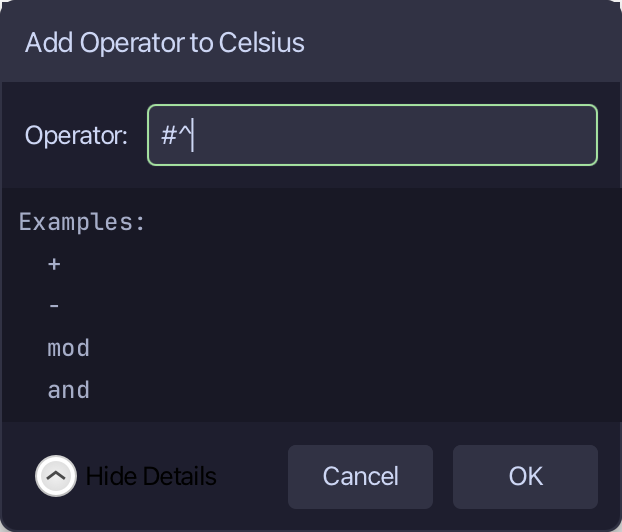
The tool cannot know what a Celsius promotes TO, so its stub returns Any. Select it, from <- rtn as Any: this down to its last //AI line, and type #^'s whole job: a Float, the degrees in Fahrenheit. Saves when typed.
Step 5: The program — two promotions
Choose Code > New Construct > Program…
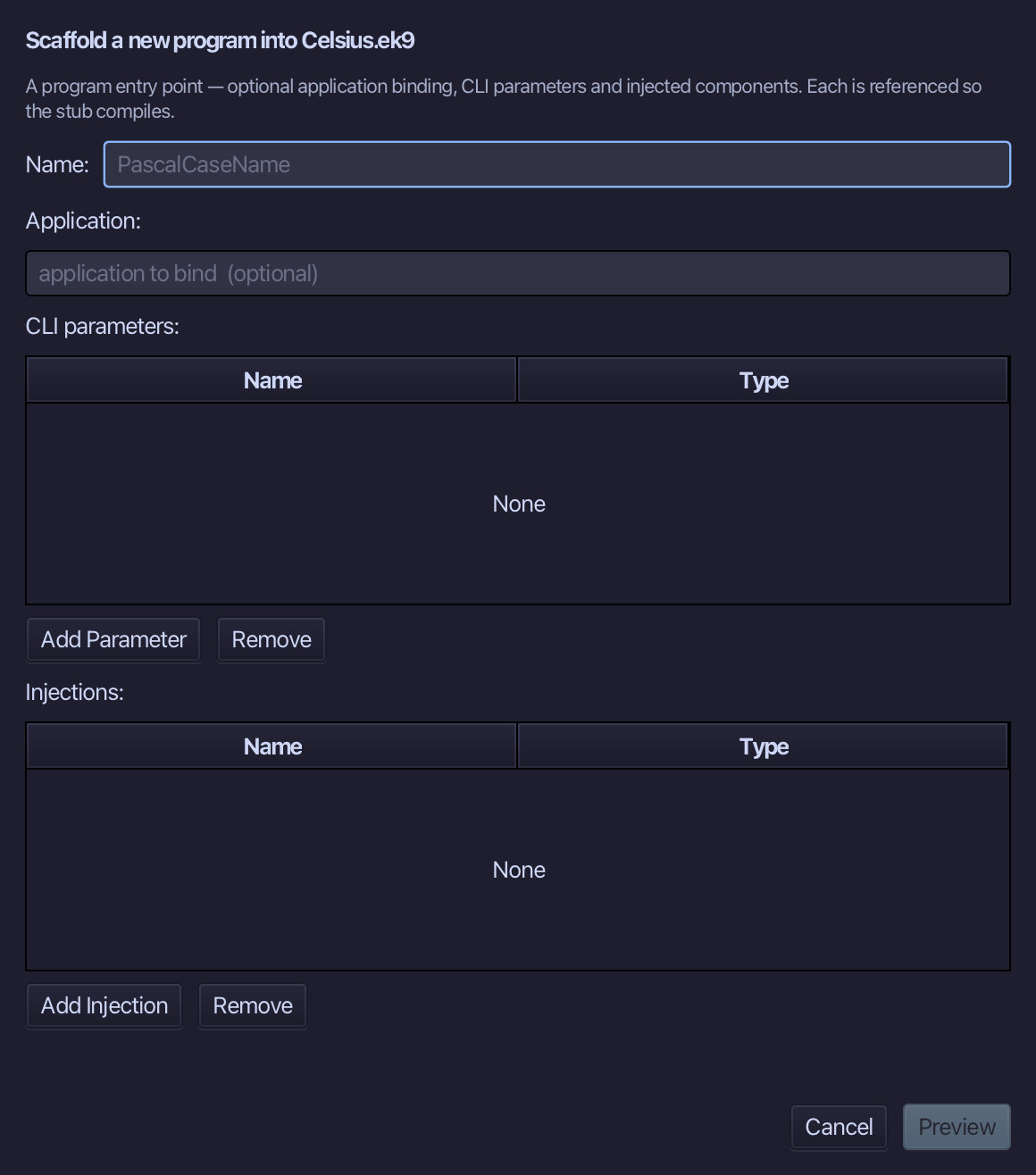
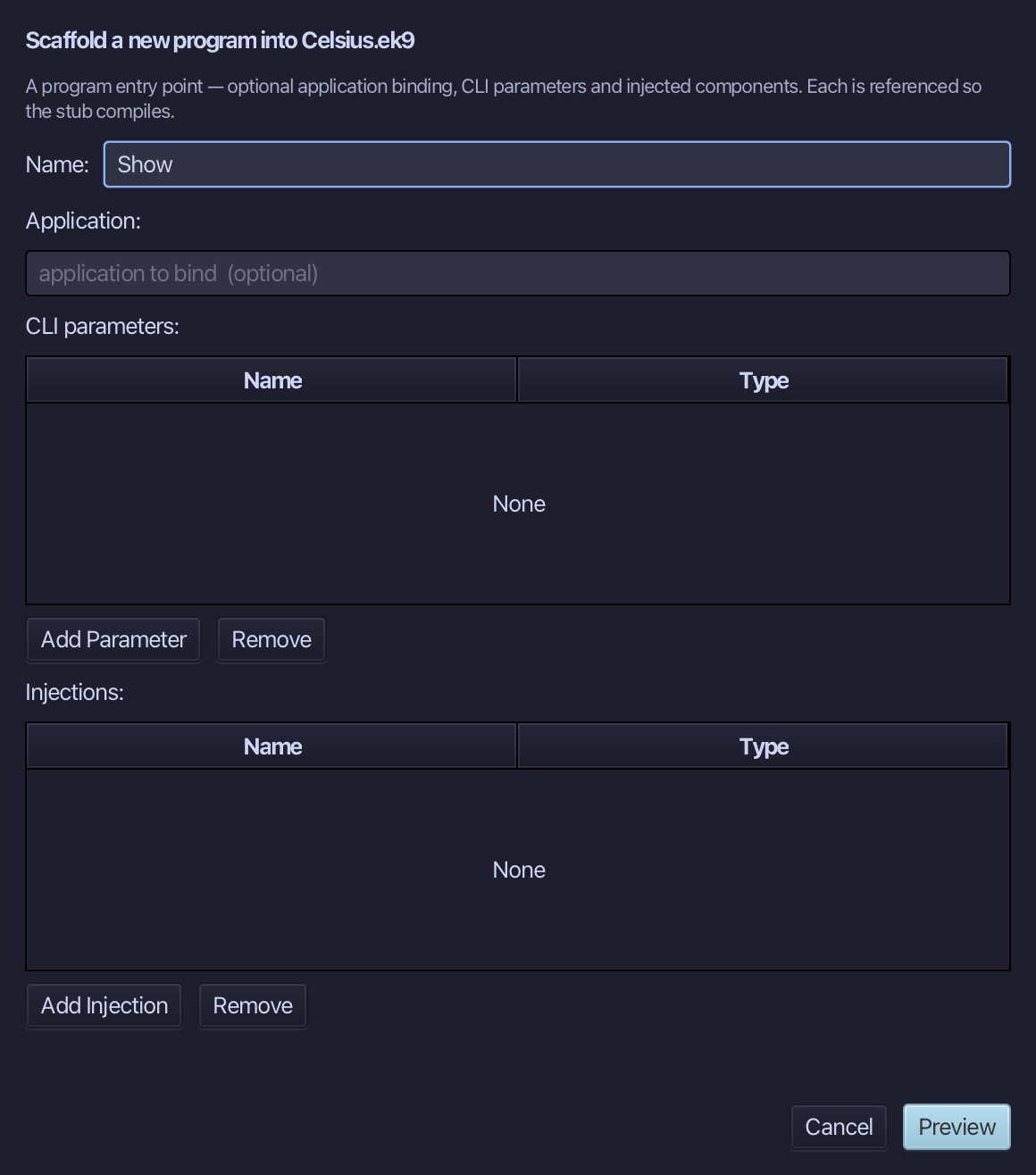
Show is the program's name - no application to bind, no parameters, nothing injected. Type Show and choose Preview.
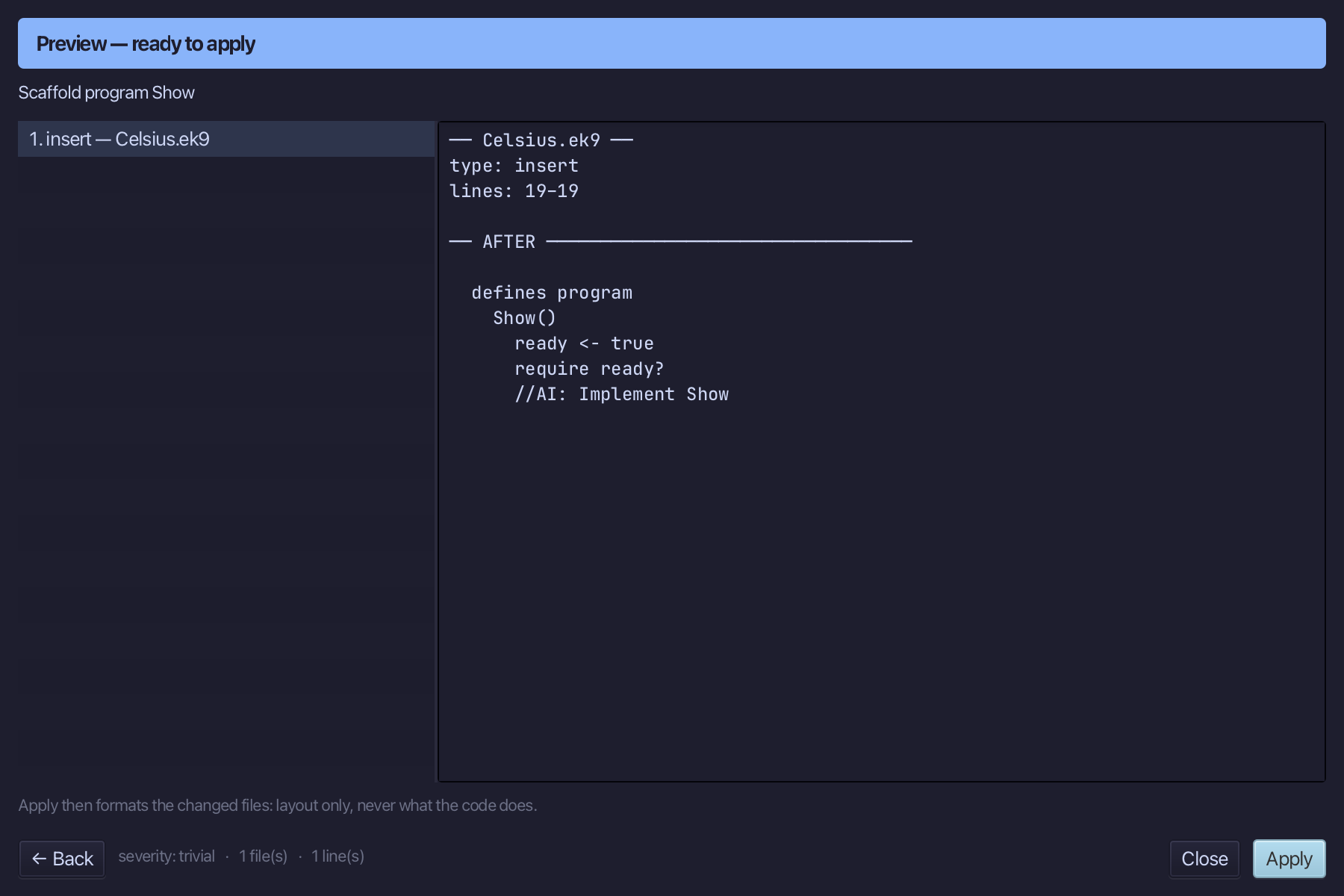
The preview shows Show about to be written. Choose Apply.
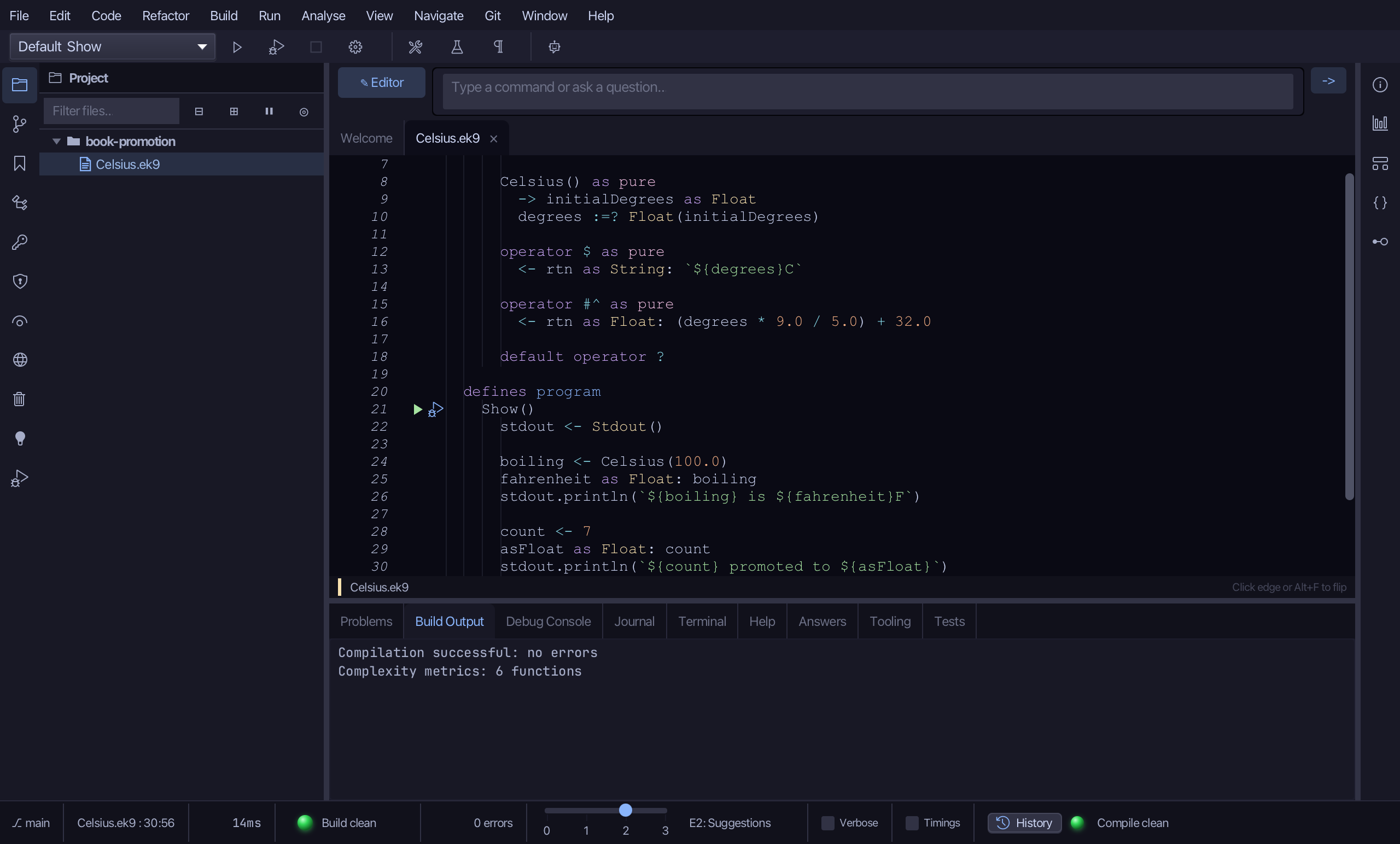
Select the stub, from ready <- true down to its //AI line, and type Show's body: a Celsius given to a Float, then an Integer given to a Float - each promoted by its own #^. Saves when typed.
Step 6: Run it
Choose Run > Run Program…
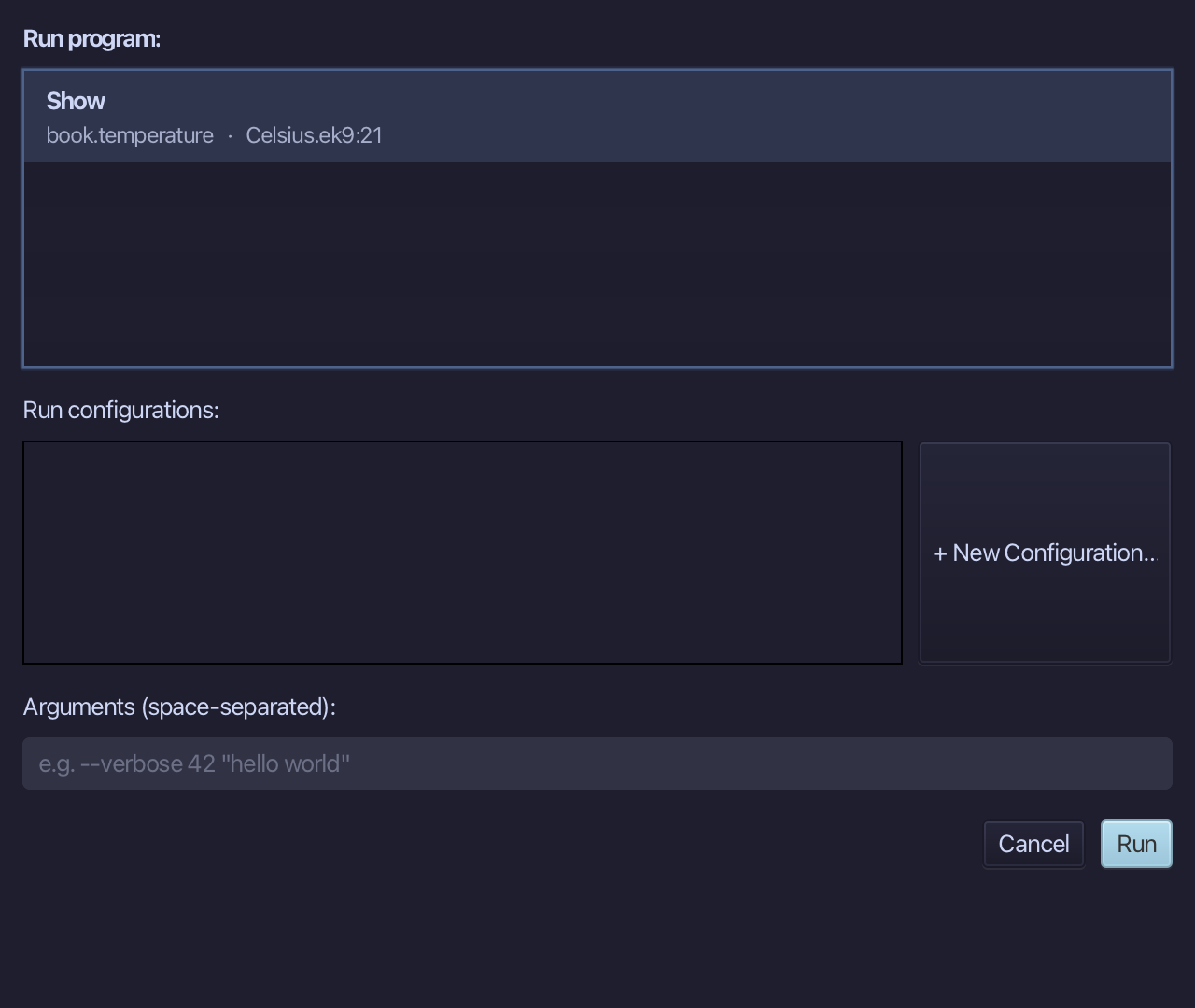
The project's only program is already chosen. Choose Run.
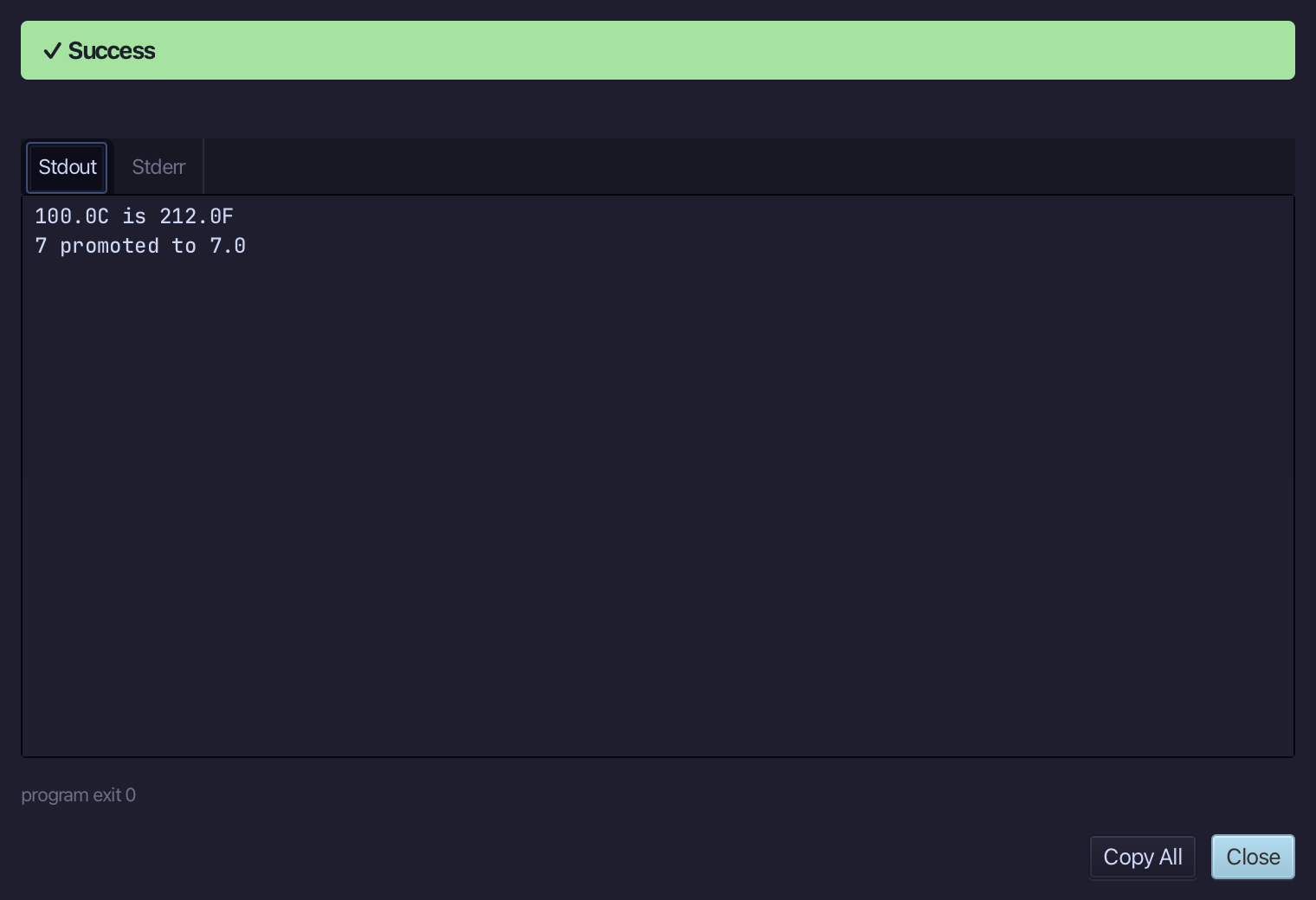
100.0C is 212.0F - Celsius's own #^ - and 7 promoted to 7.0, Integer's. Choose Close.
The result
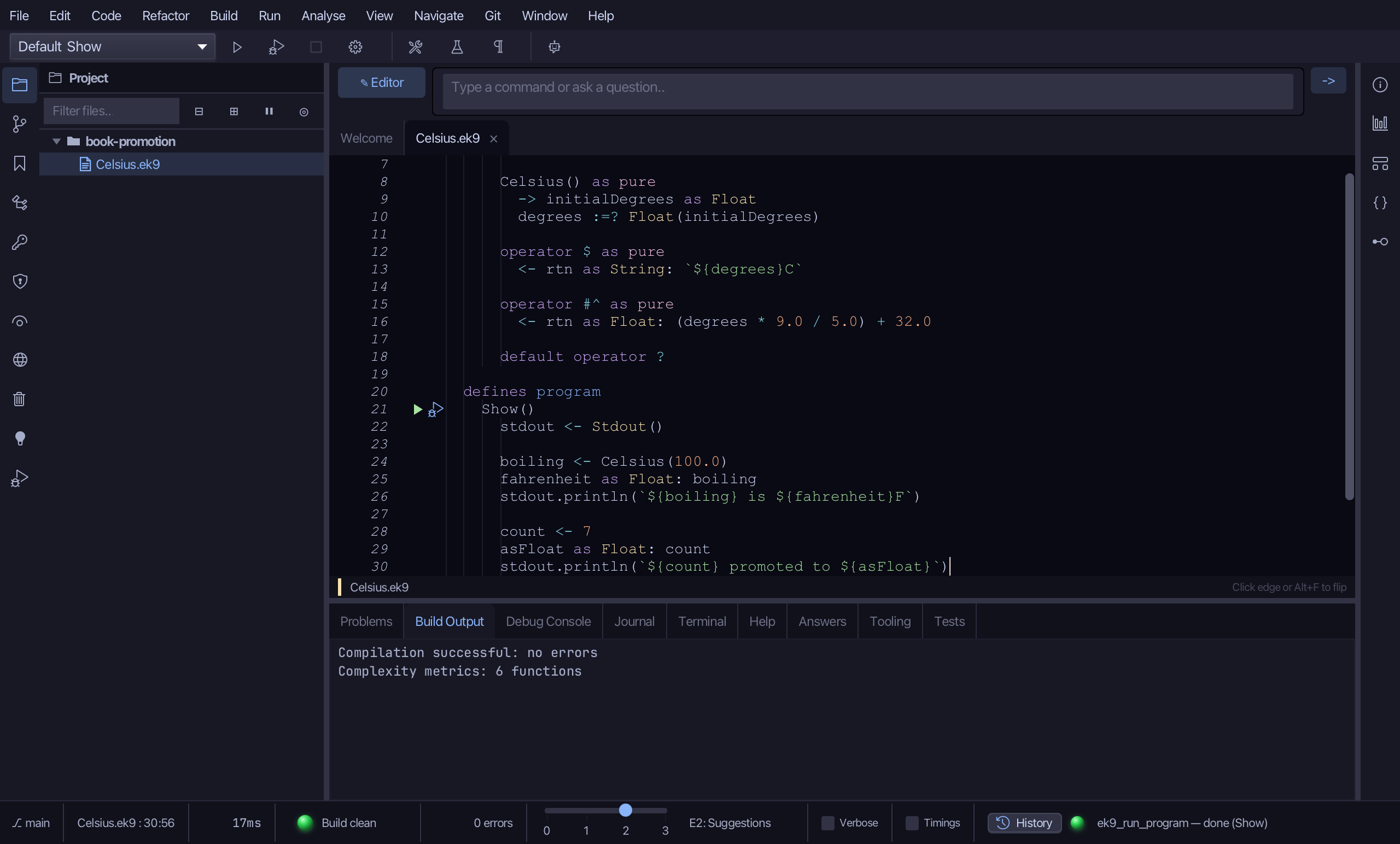
Celsius.ek9 now reads exactly as chapter 21 of Getting Started with EK9 shows it: a record with its own $ and a #^ that promotes it to a Fahrenheit Float, and a program where a Celsius and an Integer are each promoted to a Float - one #^ step each, no casts. Built by the tools, logic you typed.
Where this lesson comes from
- For AI assistants - the MCP tool
ek9_new_construct,ek9_add_constructor,ek9_add_operator,ek9_add_program.