Chapter 25: the re-point head, built
Volume 1's guards declare a variable (<-) or fill an unset one (:=?). Chapter 25's ThenGuard adds the re-point head: := gives an EXISTING variable a new value, and 'then' names the check that decides whether the block runs - a re-point checks nothing by itself. The get() inside the condition is legal because the check beside it proved it. The IDE writes the constant, the lookup function's signature and the program's shell; you type the rest. To play it in the IDE: Help > Lessons > EK9 in Depth…, or ek9 -ide -lesson depth-then-guard.
What you'll build
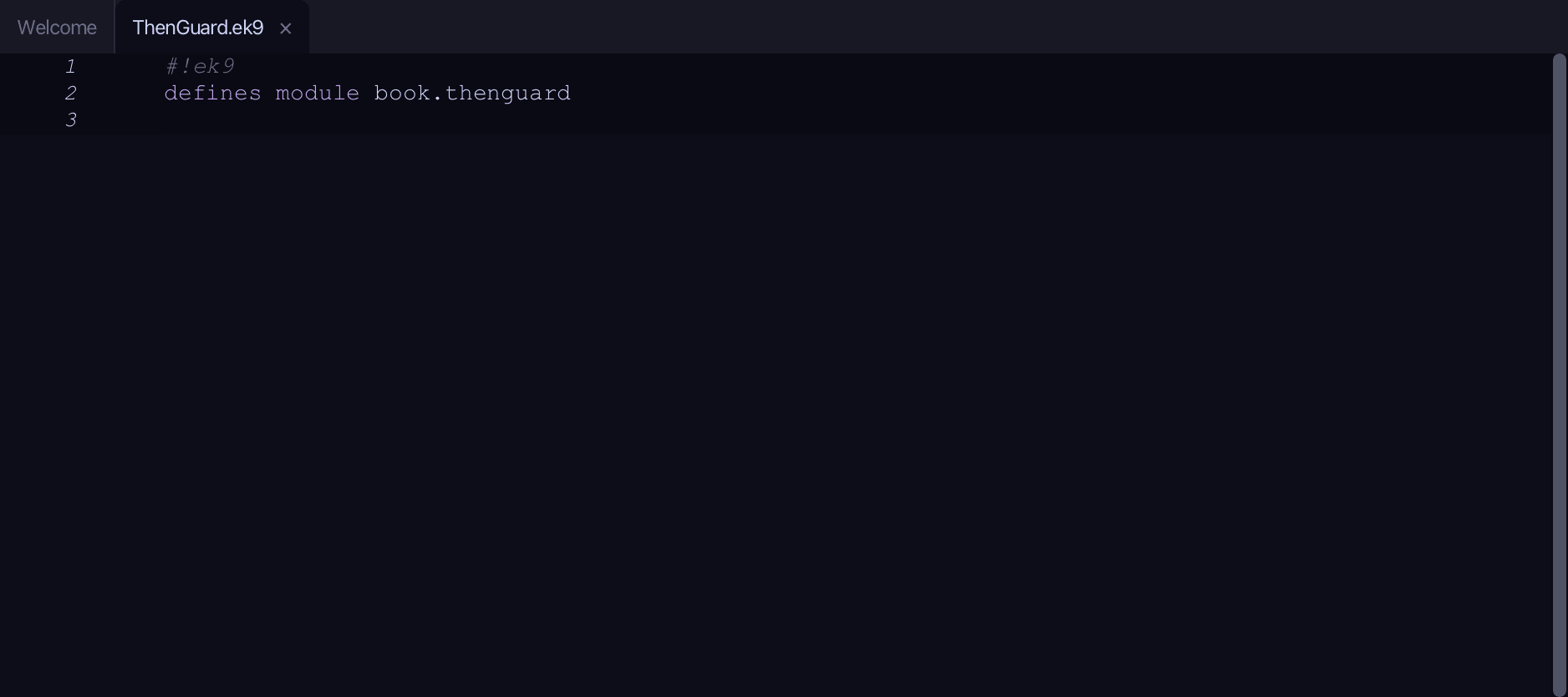
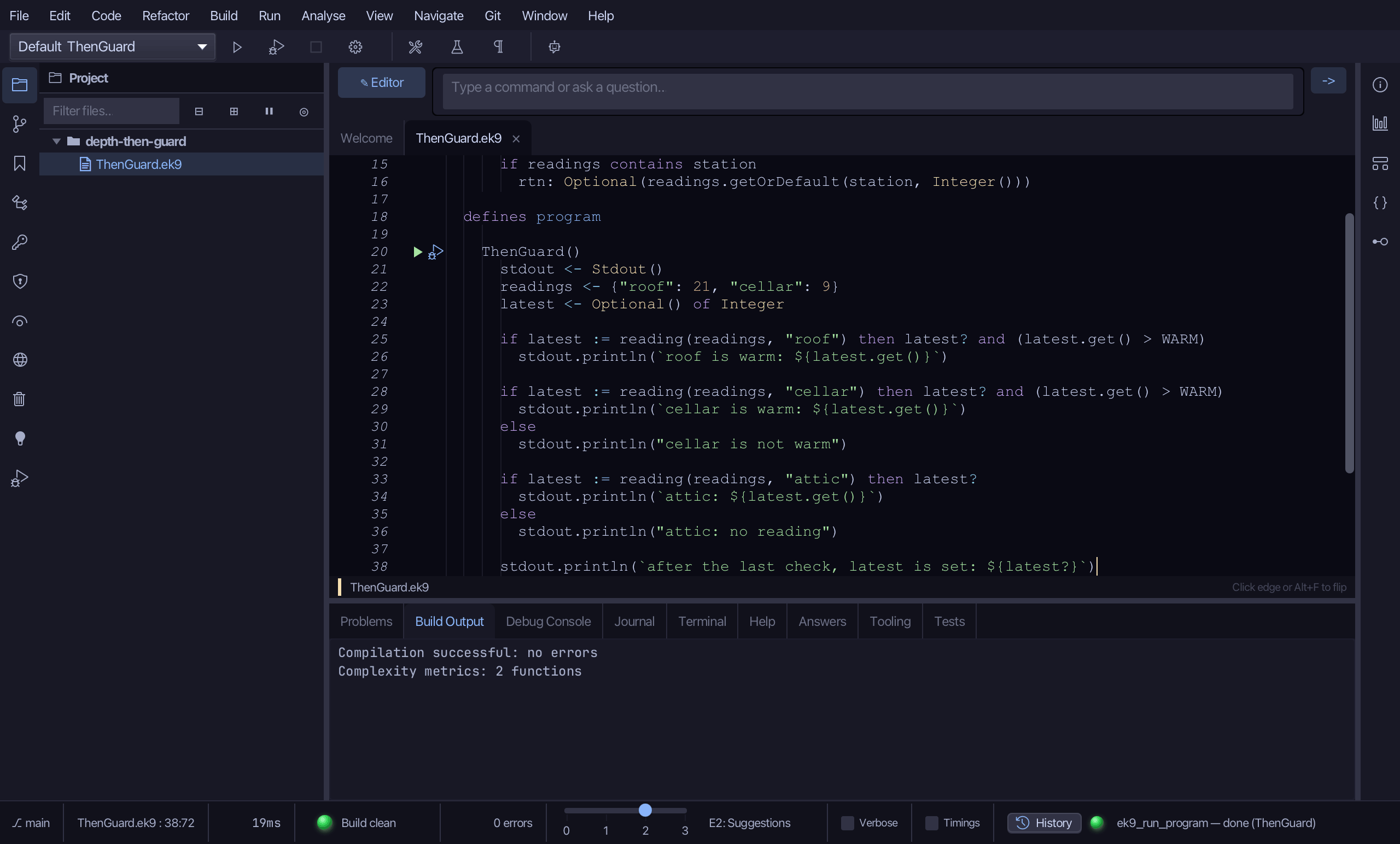
The lesson builds this program from a file holding only its module line - the finished file, as the book prints it.
#!ek9
defines module book.thenguard

  defines constant
    WARM <- 18

  defines function

    reading() as pure
      ->
        readings as Dict of (String, Integer)
        station as String
      <- rtn as Optional of Integer: Optional() of Integer

      if readings contains station
        rtn: Optional(readings.getOrDefault(station, Integer()))

  defines program

    ThenGuard()
      stdout <- Stdout()
      readings <- {"roof": 21, "cellar": 9}
      latest <- Optional() of Integer

      if latest := reading(readings, "roof") then latest? and (latest.get() > WARM)
        stdout.println(`roof is warm: ${latest.get()}`)

      if latest := reading(readings, "cellar") then latest? and (latest.get() > WARM)
        stdout.println(`cellar is warm: ${latest.get()}`)
      else
        stdout.println("cellar is not warm")

      if latest := reading(readings, "attic") then latest?
        stdout.println(`attic: ${latest.get()}`)
      else
        stdout.println("attic: no reading")

      stdout.println(`after the last check, latest is set: ${latest?}`)
Step 1: A constant
Choose Code > New Construct > Constant…
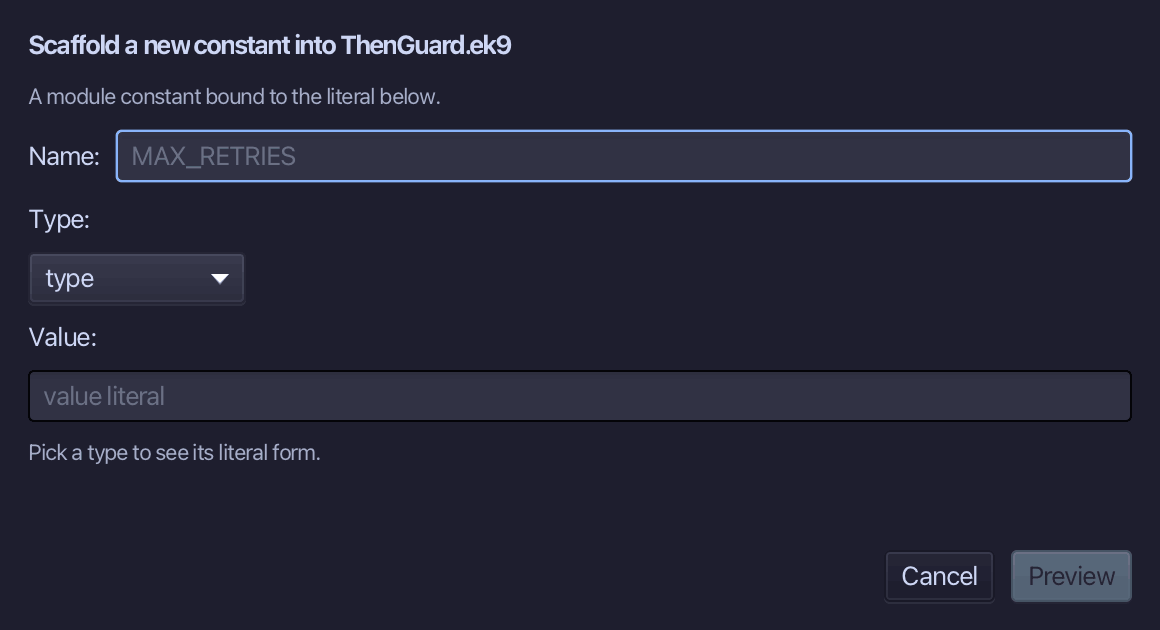
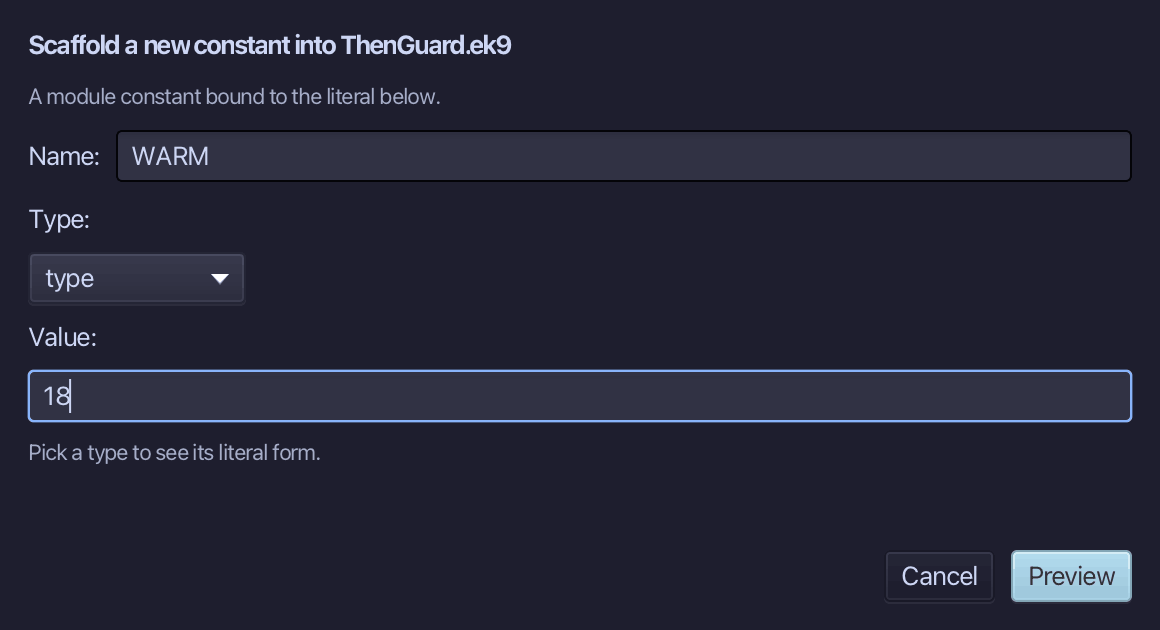
WARM is the constant's name and 18 its value - a literal in the Value field, from which the type is inferred. Type both and choose Preview.
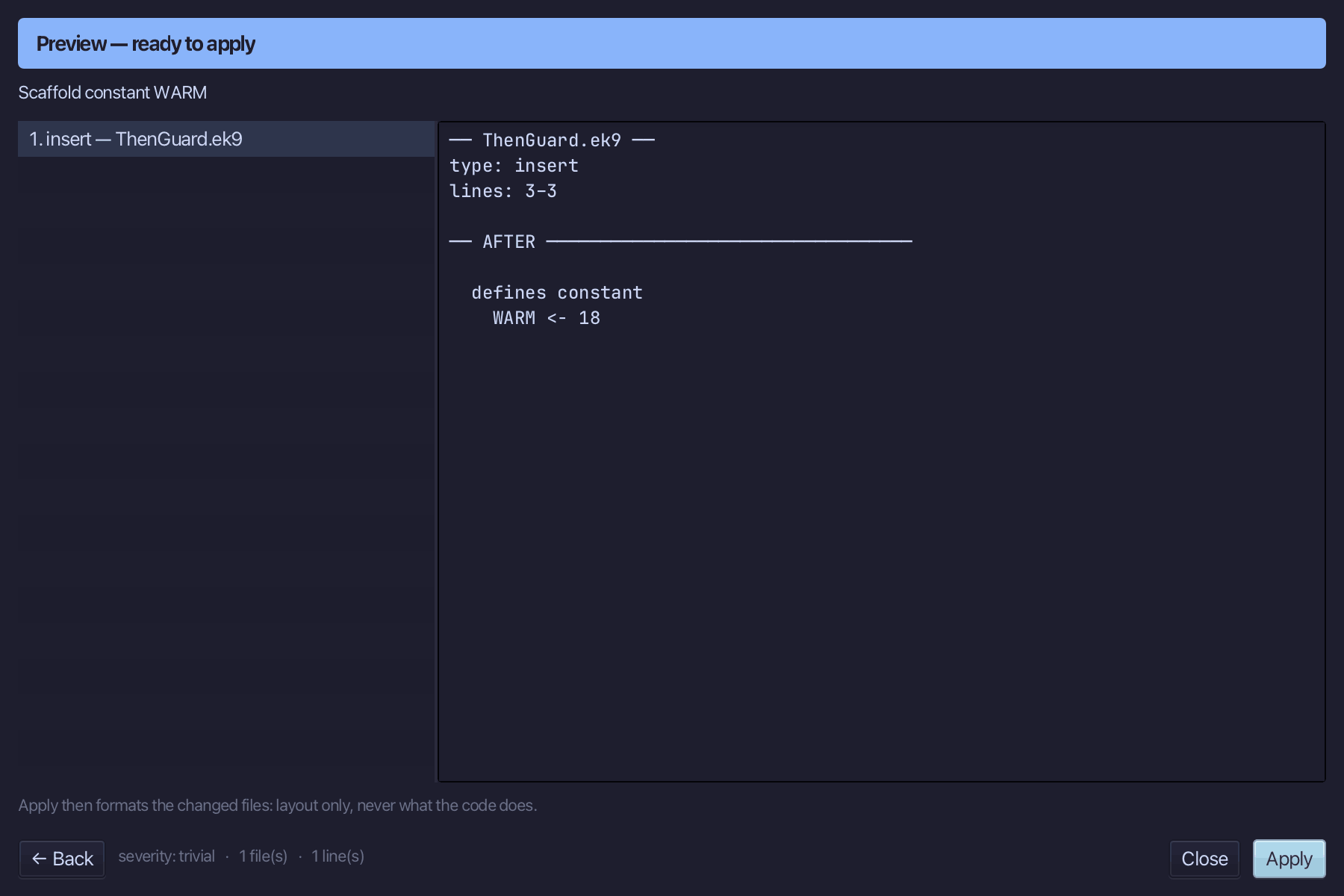
The preview shows WARM about to be written. Choose Apply.
Step 2: reading — a pure function
Choose Code > New Construct > Function…
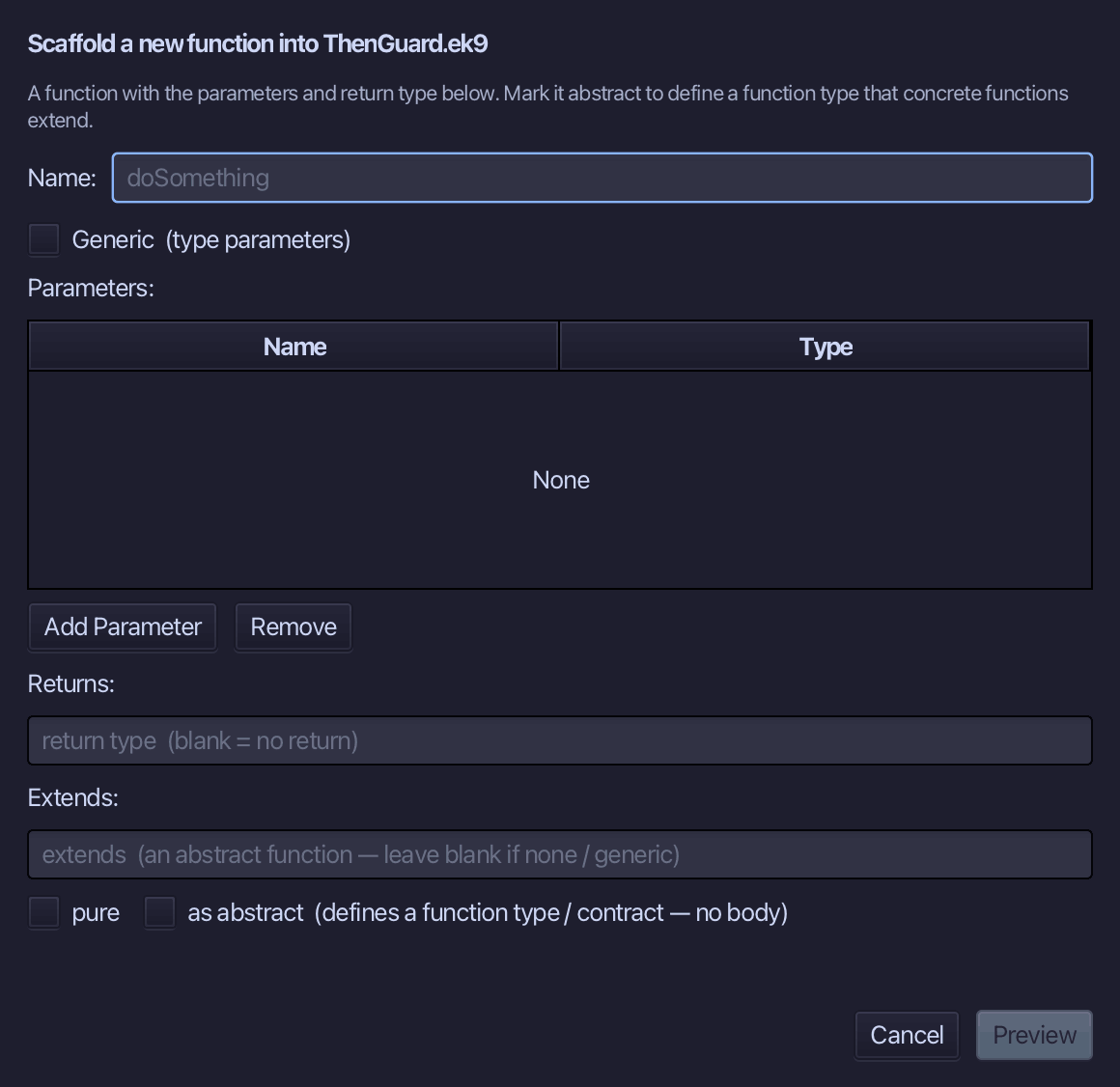
reading is the function's name. Add the parameters readings of type Dict of (String, Integer) and station of type String, set Returns to Optional of Integer and tick pure. Choose Preview.
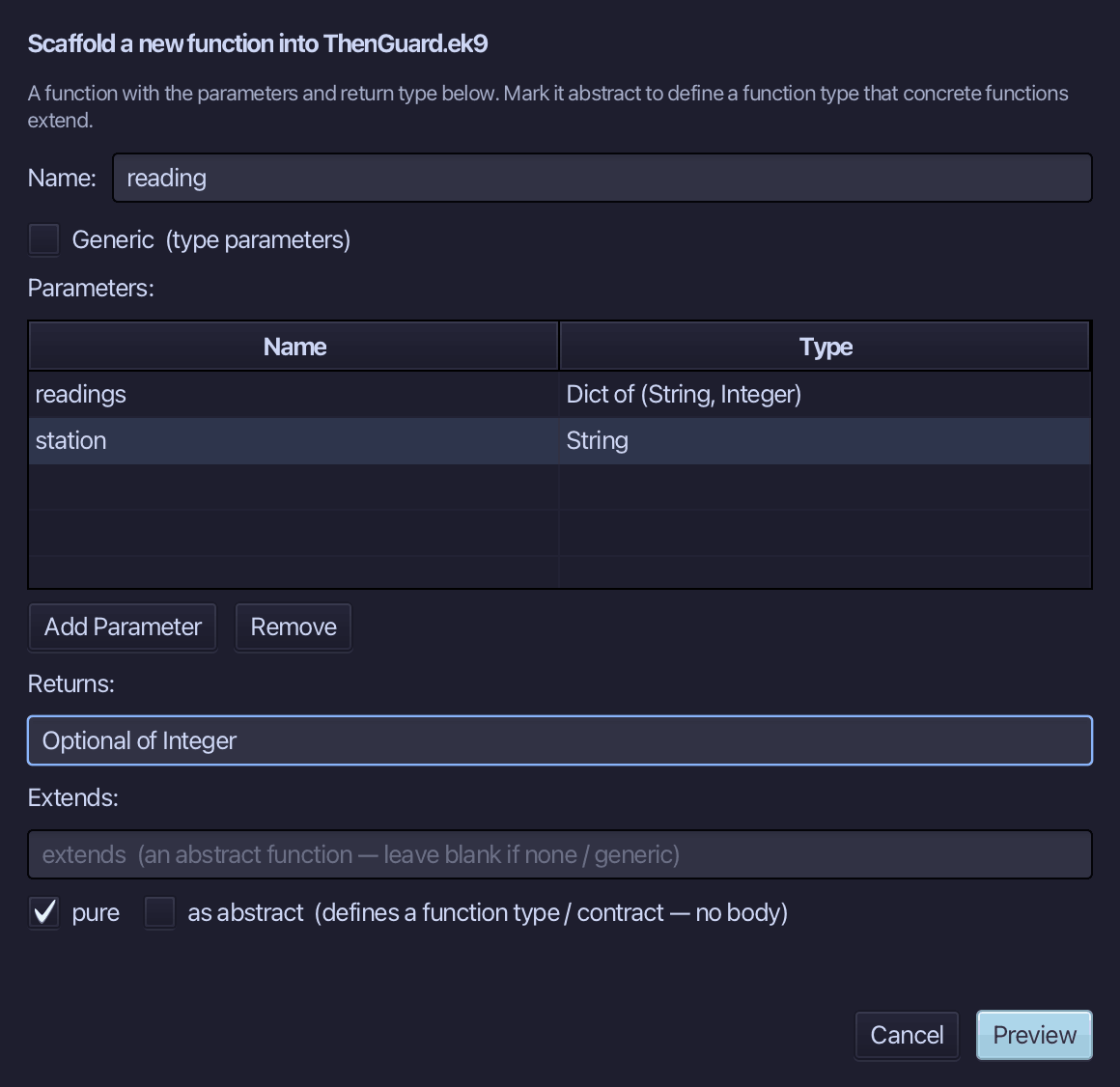
The preview shows reading about to be written. Choose Apply.
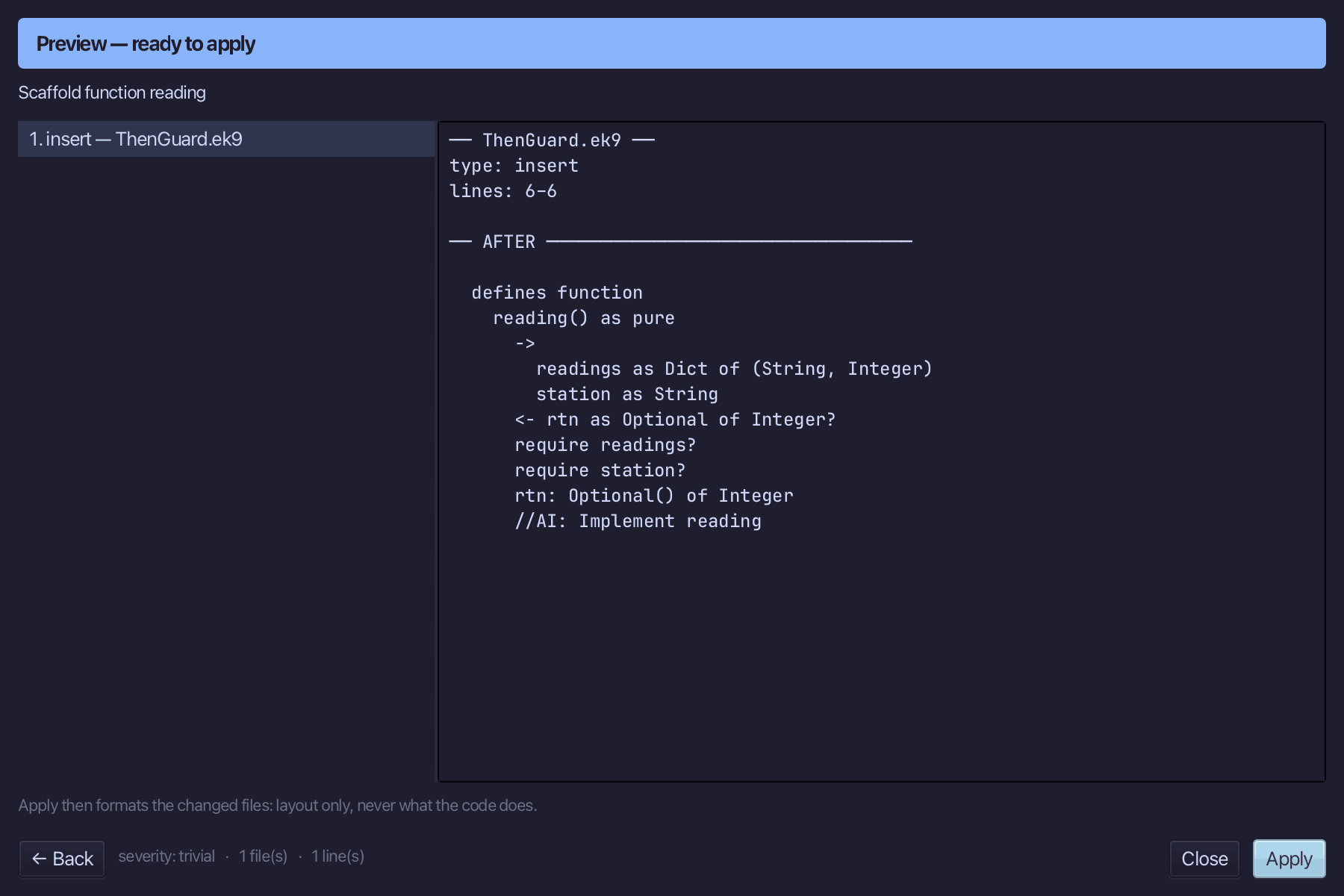
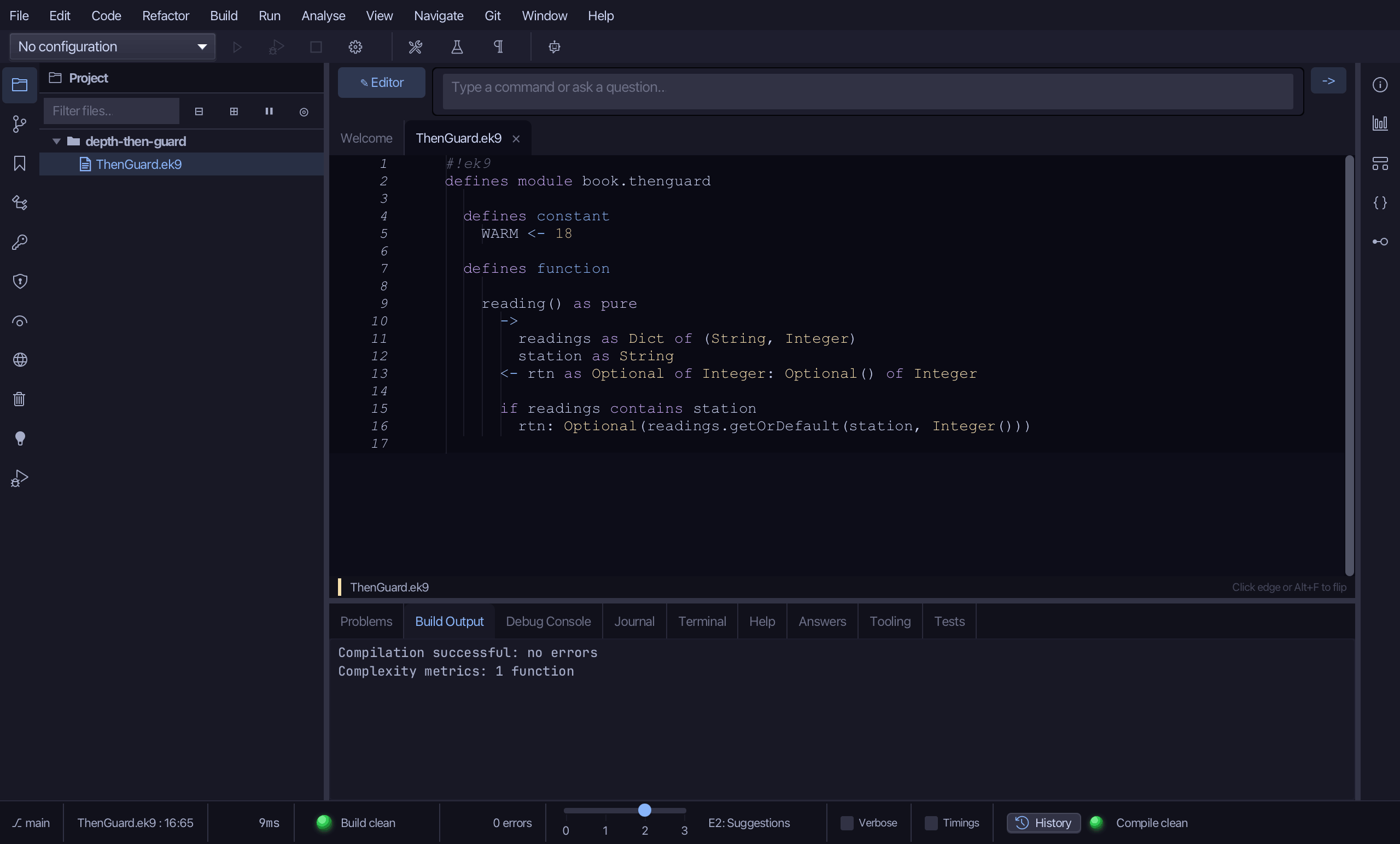
Select the reading() as pure line and, above it, type the blank line the book opens its first function with. Saves when typed.
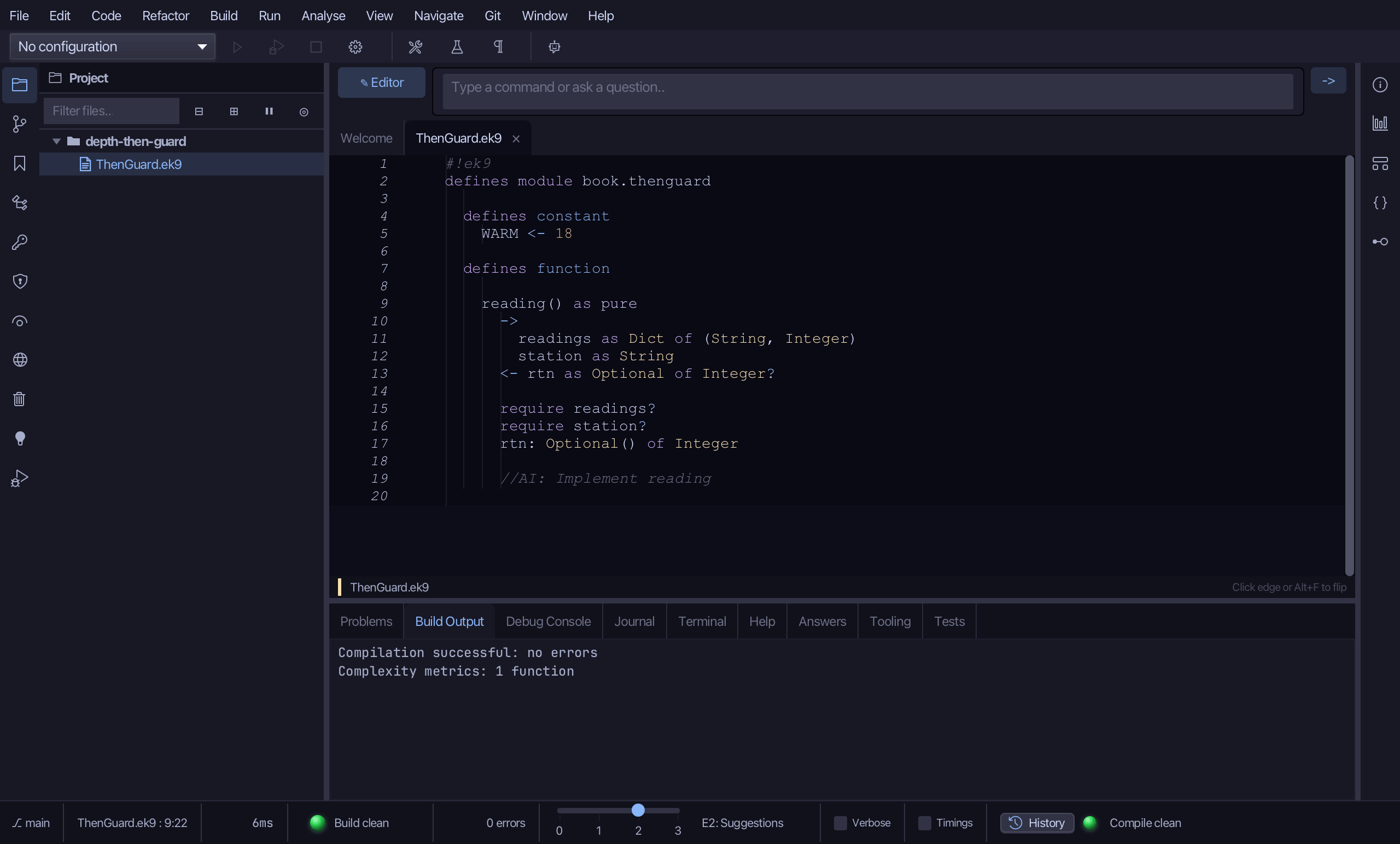
Select the stub, from <- rtn as Optional of Integer? down to its //AI line, and type reading's own return and work, as the book writes them. Saves when typed.
Step 3: The program
Choose Code > New Construct > Program…
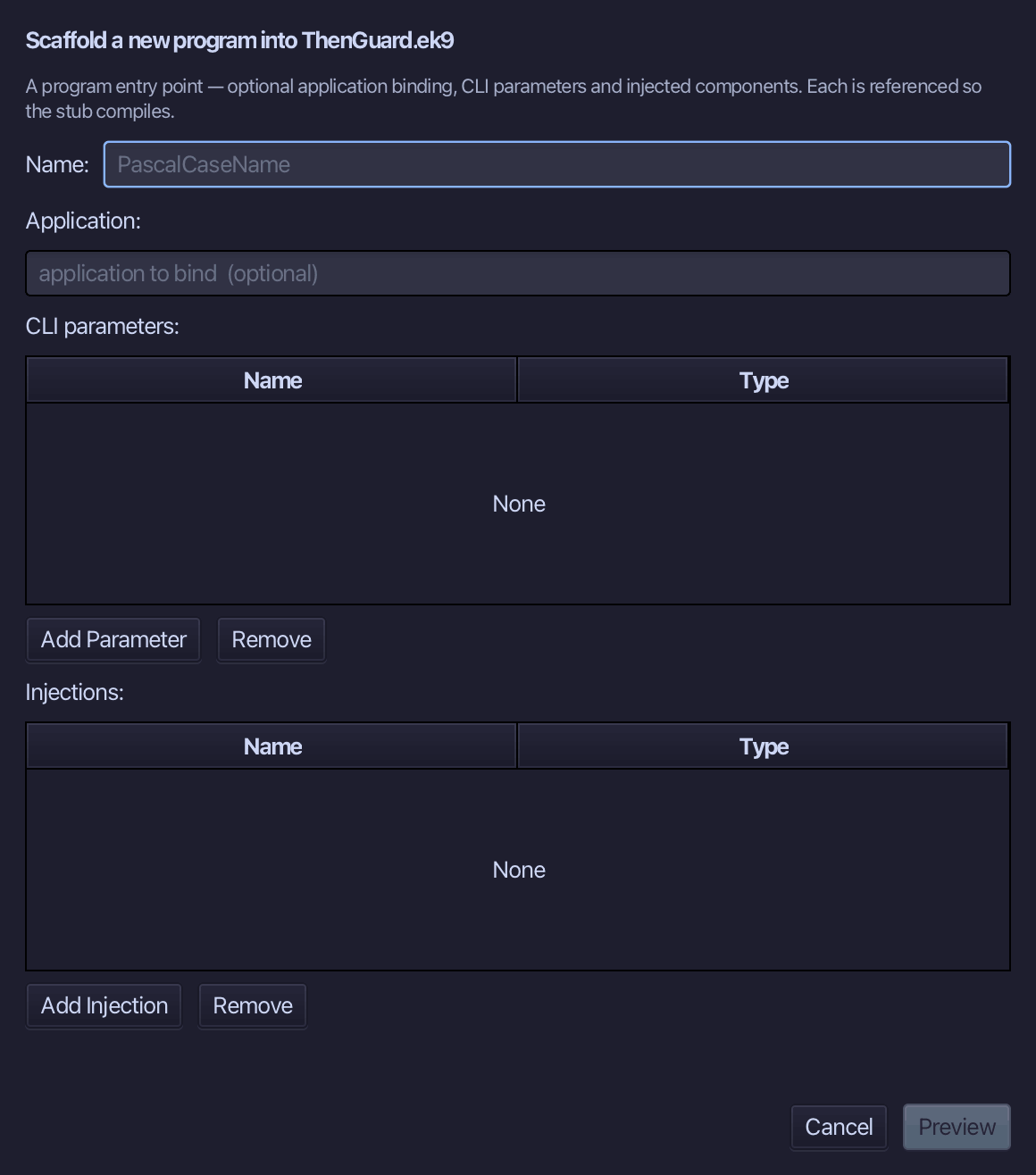
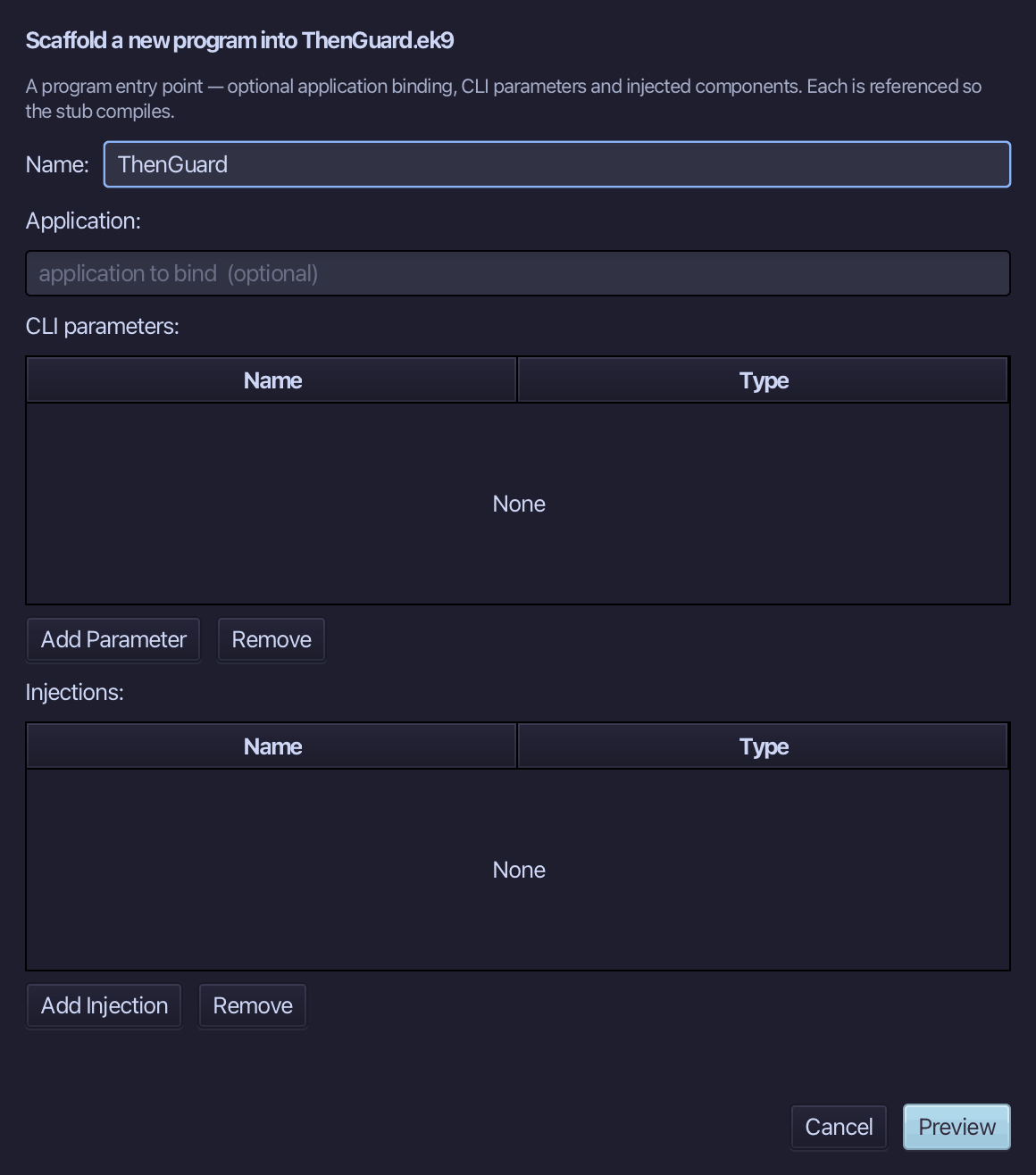
ThenGuard is the program's name. Choose Preview.
The preview shows ThenGuard about to be written. Choose Apply.
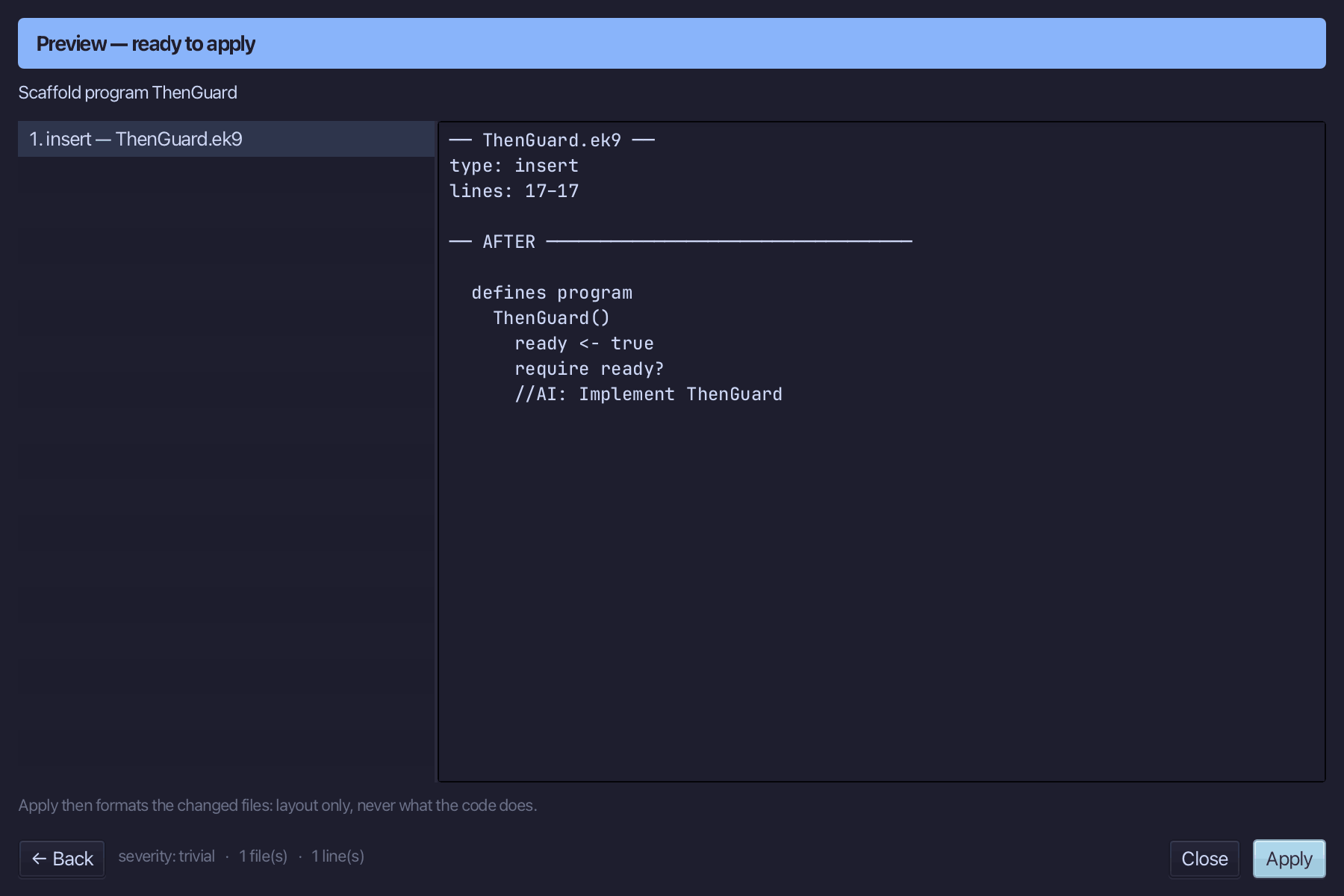
Select the ThenGuard() line and, above it, type the blank line the book opens the program with. Saves when typed.
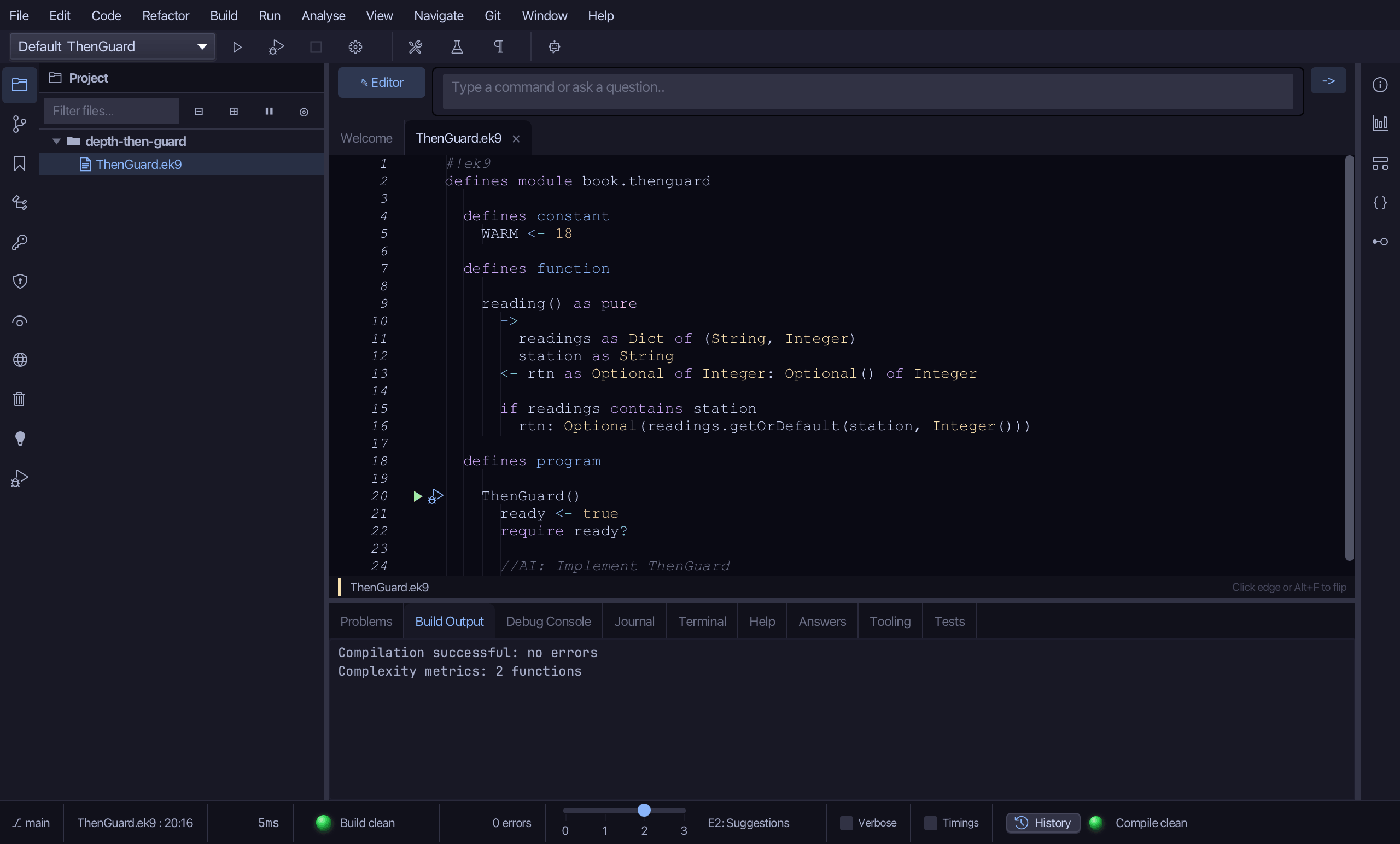
Select the stub, from ready <- true down to its //AI line, and type ThenGuard's body exactly as the chapter shows it. Saves when typed.
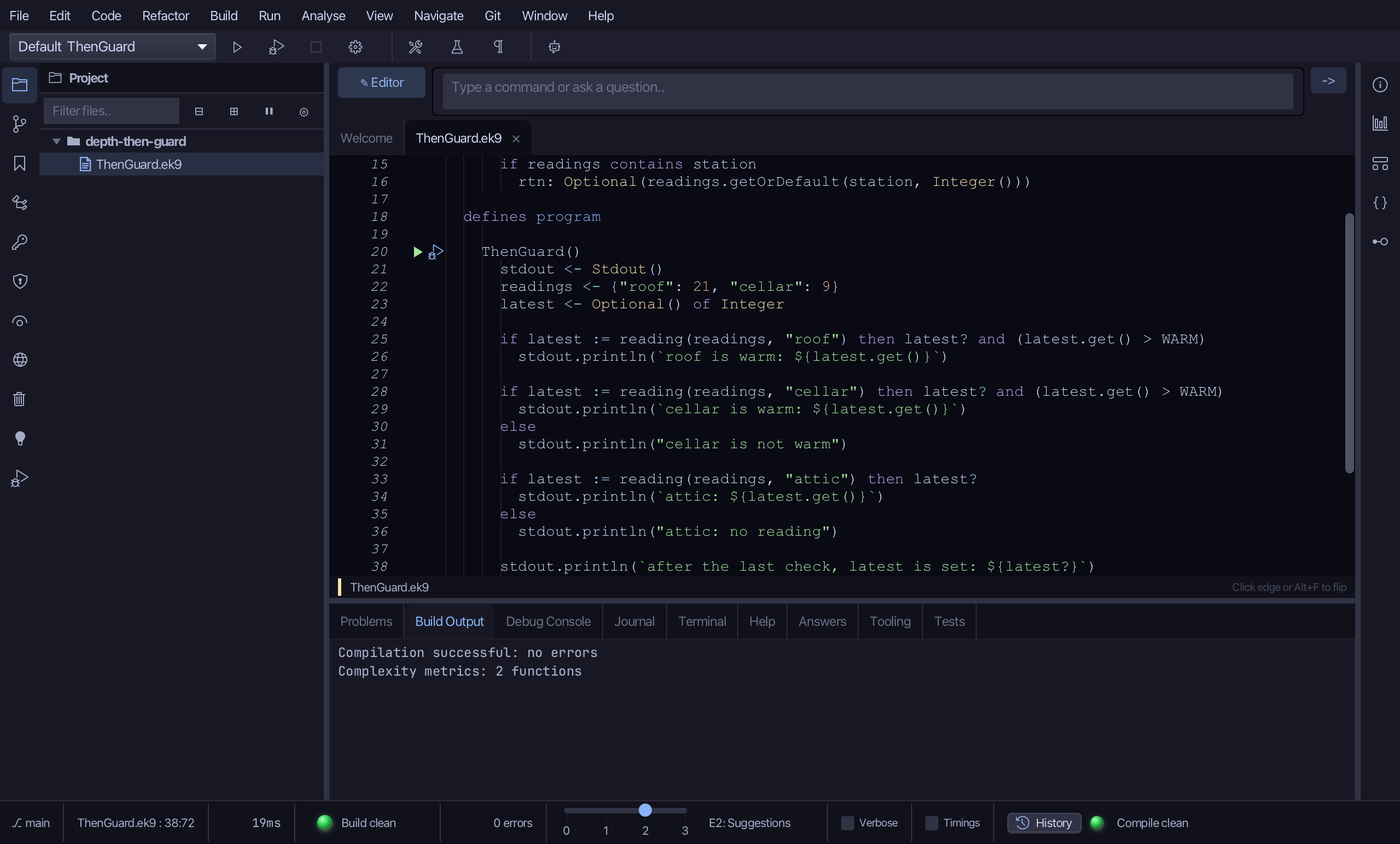
Step 4: Run it
Choose Run > Run Program…
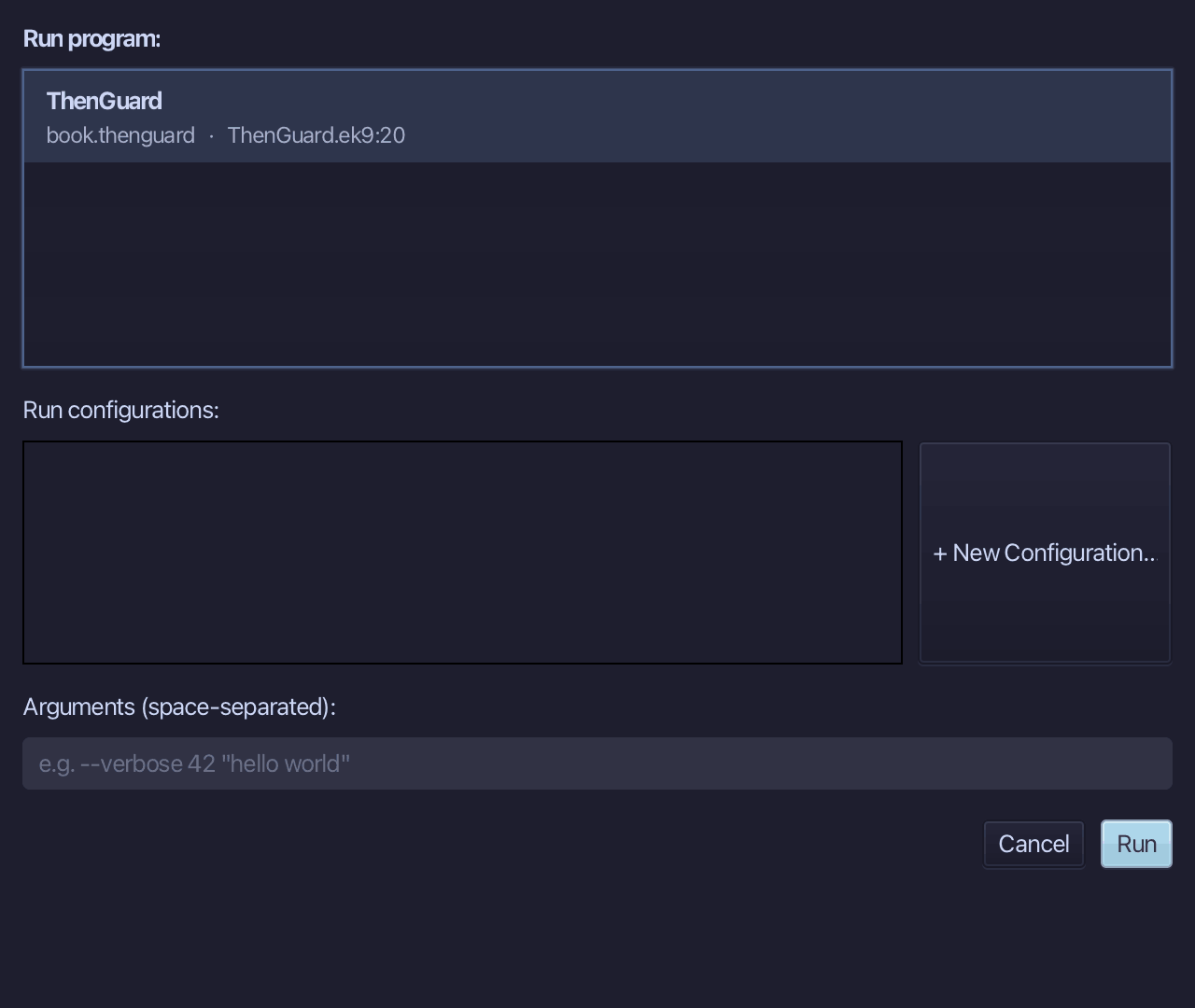
The project's only program is already chosen. Choose Run.
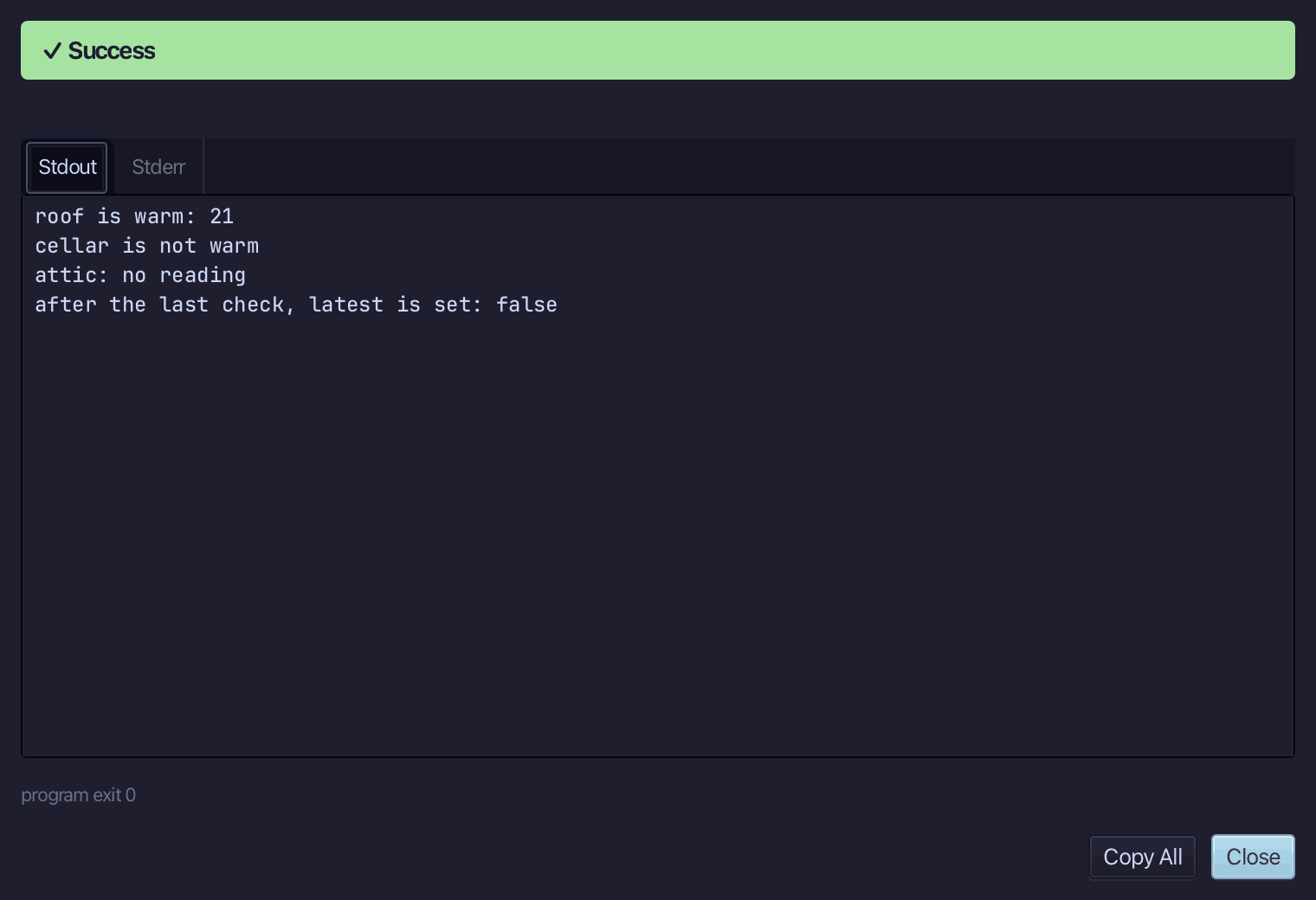
roof is warm: 21, cellar is not warm, attic: no reading, and finally that latest is set: false. Choose Close.
The result
ThenGuard.ek9 now reads exactly as chapter 25 of EK9 in Depth shows it. The three ifs are the three outcomes - warm, present but not warm, and absent - and the last line shows the variable the guards assigned is still there afterwards, now unset.
Where this lesson comes from
- For AI assistants - the MCP tool
ek9_new_construct,ek9_add_program.