Chapter 30: a generic cache over two types, built
A cache is the smallest realistic generic type with TWO type parameters: LruCache of type (K, V) is written once over a key type and a value type, and keeps a Dict of entries and a List that records recency. It must compare, store and evict without knowing either. The IDE writes the constant, the class with its parameters and fields, each method's shape and the program's shell; you type the constructor's work and what each method does. To play it in the IDE: Help > Lessons > EK9 in Depth…, or ek9 -ide -lesson depth-lru-cache.

What you'll build
The lesson builds this program from a file holding only its module line - the finished file, as the book prints it.
#!ek9
defines module book.generics.lrucache

  defines constant
    DEFAULT_CAPACITY <- 3

  defines class

    LruCache of type (K, V)
      capacity as Integer: DEFAULT_CAPACITY
      entries as Dict of (K, V): Dict()
      recency as List of K: List()

      default LruCache()

      LruCache()
        ->
          key as K
          item as V

        entries += DictEntry(key, item)
        recency += key

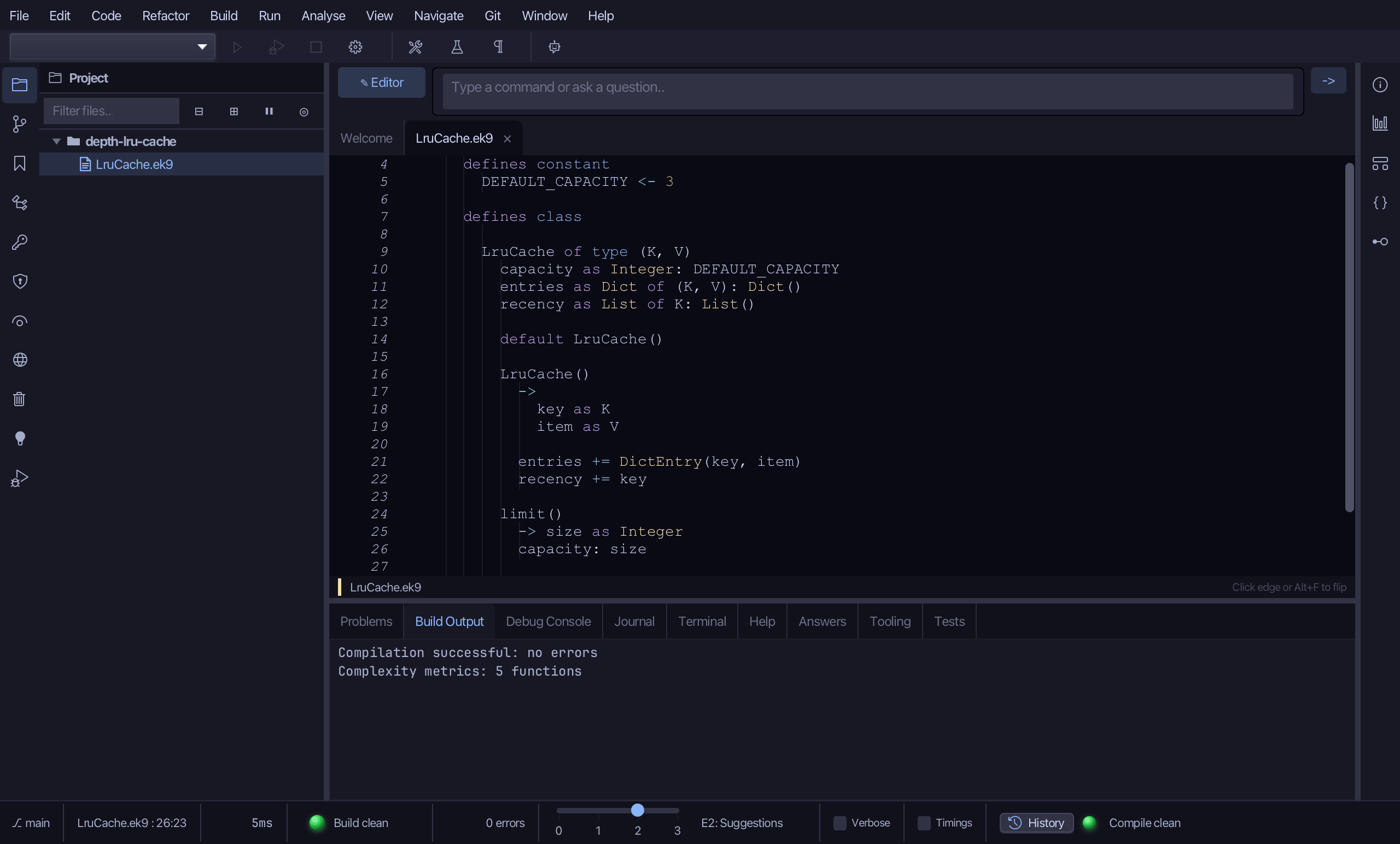
      limit()
        -> size as Integer
        capacity: size

      put()
        ->
          key as K
          item as V

        touch(key)
        entries -= key
        entries += DictEntry(key, item)
        if length recency > capacity
          oldest as K: recency.getOrDefault(0, K())
          entries -= oldest
          recency -= oldest

      get()
        -> key as K
        <- rtn as Optional of V: Optional()
        if entries contains key
          touch(key)
          rtn: Optional(entries.getOrDefault(key, V()))

      keys() as pure
        <- rtn as List of K: recency

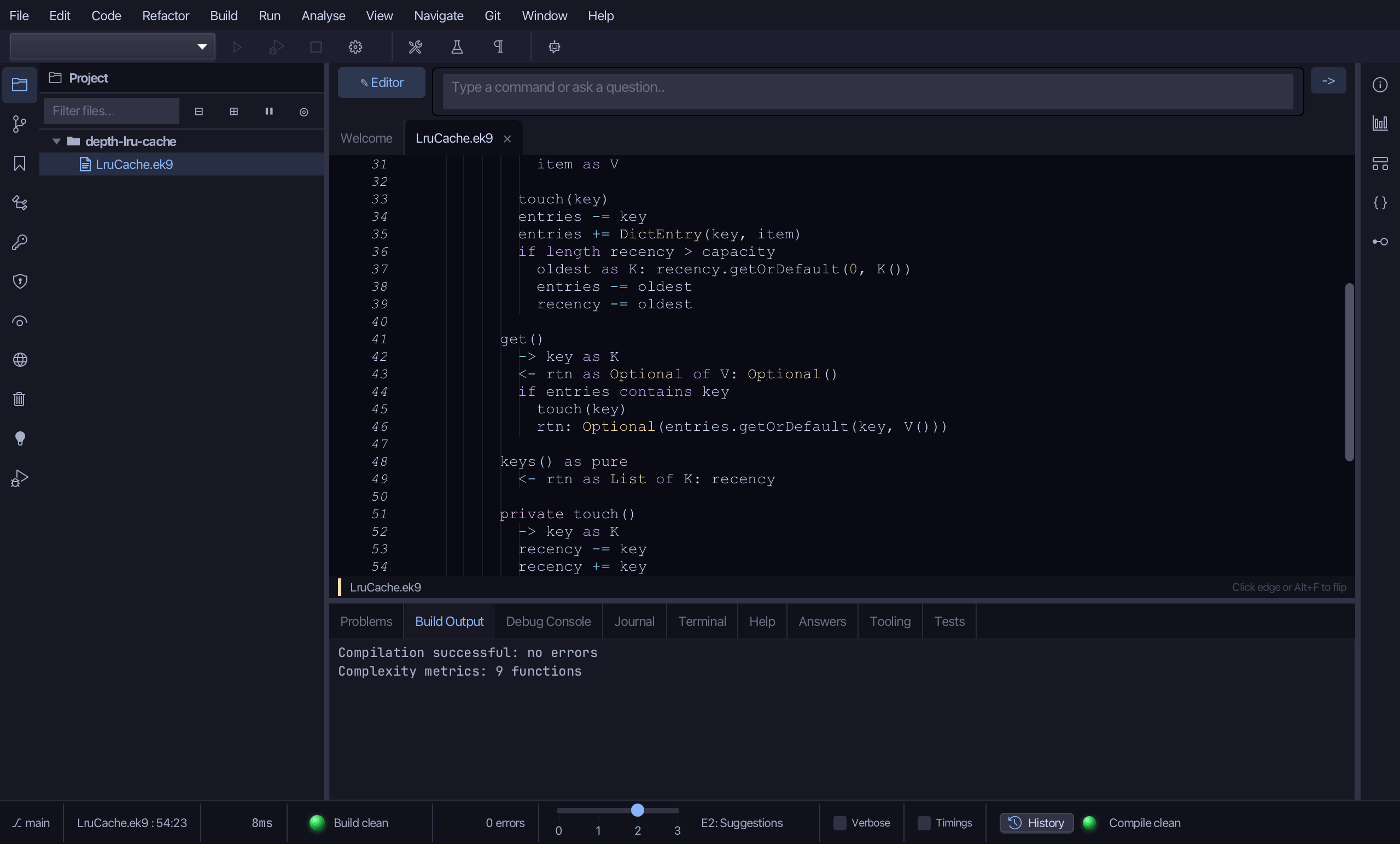
      private touch()
        -> key as K
        recency -= key
        recency += key

      default operator ?

  defines program

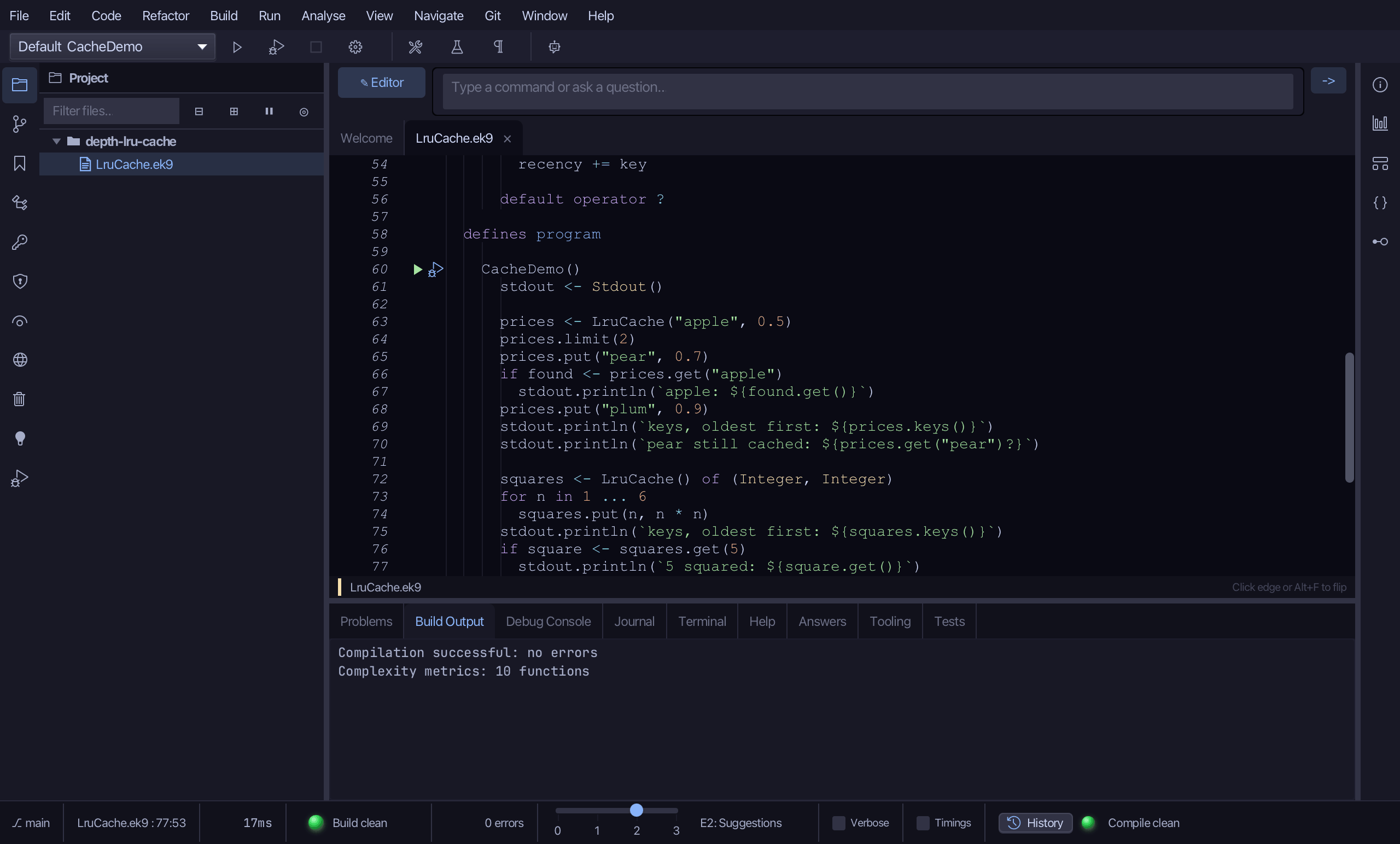
    CacheDemo()
      stdout <- Stdout()

      prices <- LruCache("apple", 0.5)
      prices.limit(2)
      prices.put("pear", 0.7)
      if found <- prices.get("apple")
        stdout.println(`apple: ${found.get()}`)
      prices.put("plum", 0.9)
      stdout.println(`keys, oldest first: ${prices.keys()}`)
      stdout.println(`pear still cached: ${prices.get("pear")?}`)

      squares <- LruCache() of (Integer, Integer)
      for n in 1 ... 6
        squares.put(n, n * n)
      stdout.println(`keys, oldest first: ${squares.keys()}`)
      if square <- squares.get(5)
        stdout.println(`5 squared: ${square.get()}`)
Step 1: A constant
Choose Code > New Construct > Constant…
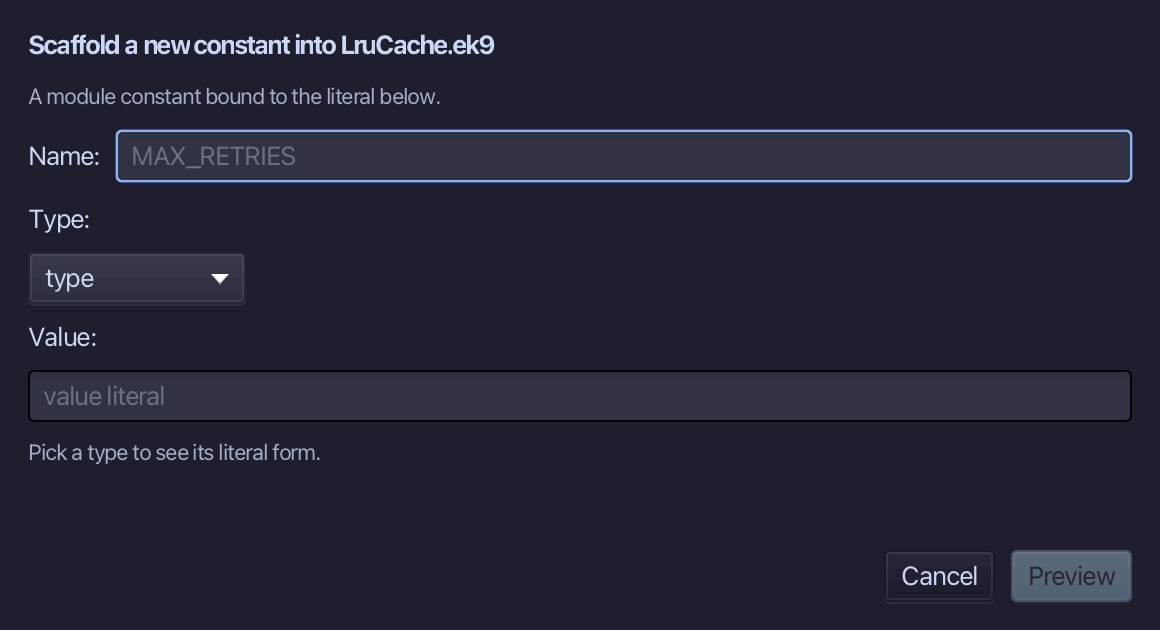
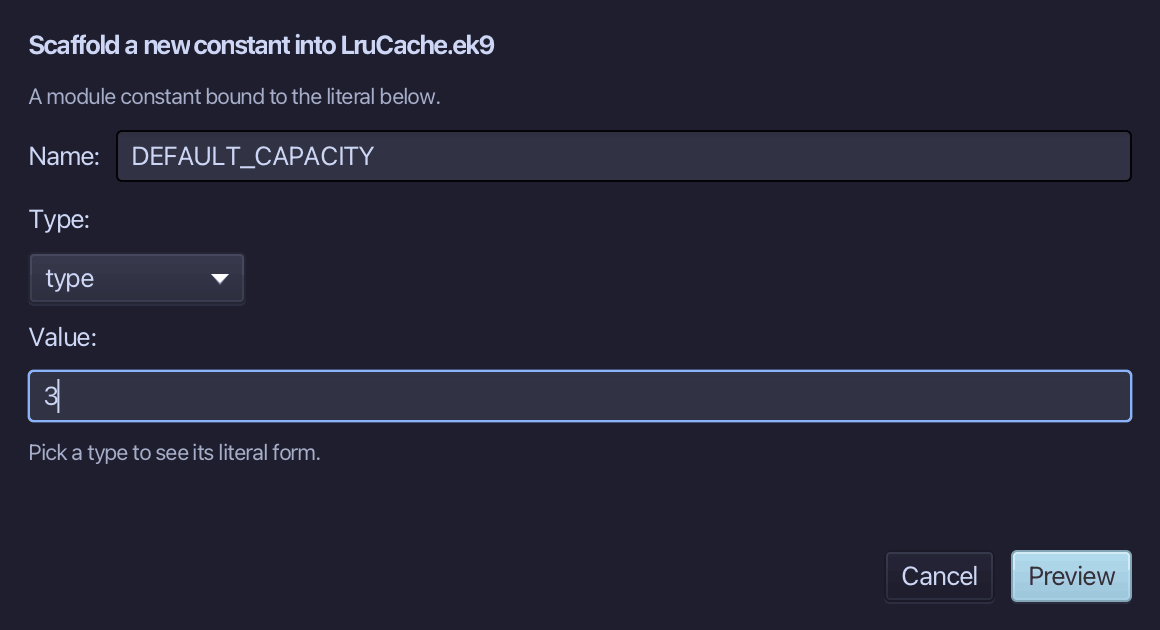
DEFAULT_CAPACITY is the constant's name and 3 its value - a literal in the Value field, from which the type is inferred. Type both and choose Preview.
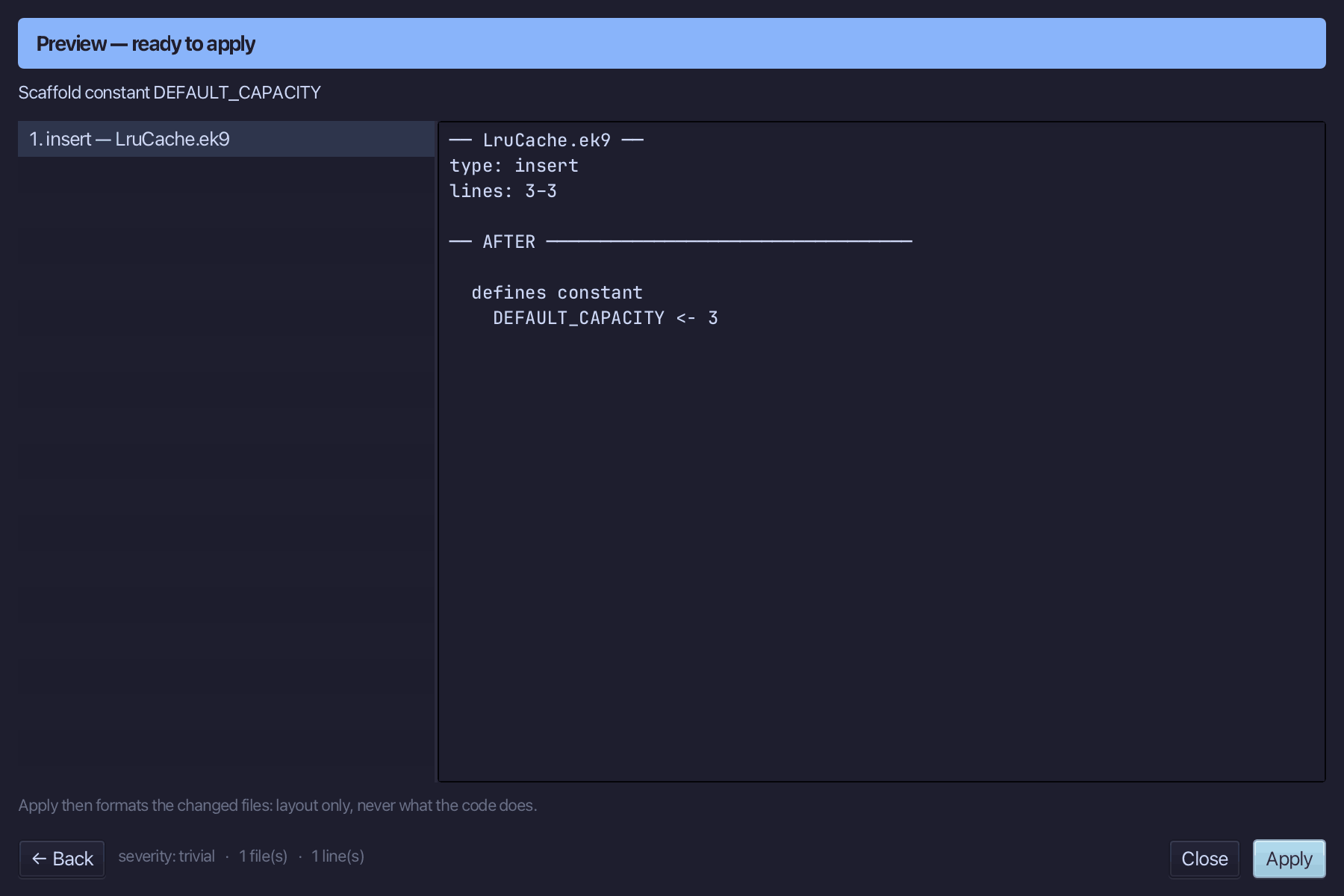
The preview shows DEFAULT_CAPACITY about to be written. Choose Apply.
Step 2: LruCache — a generic class of two type parameters
Choose Code > New Construct > Class…
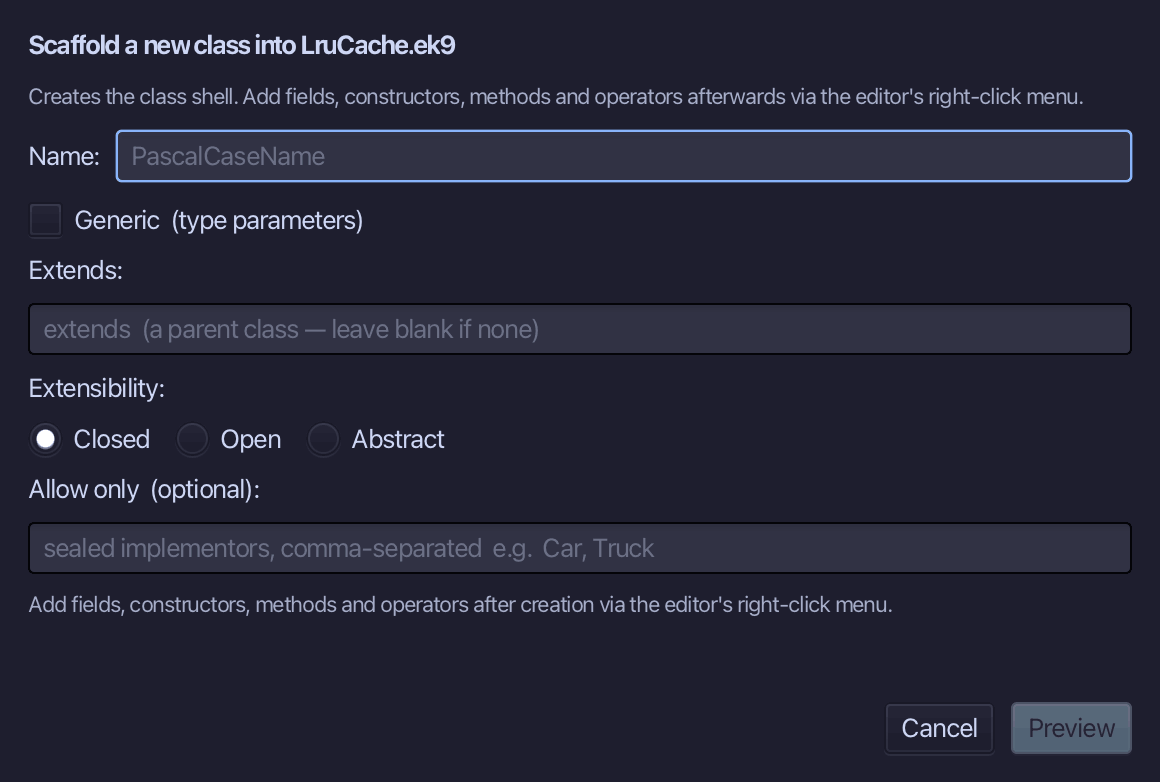
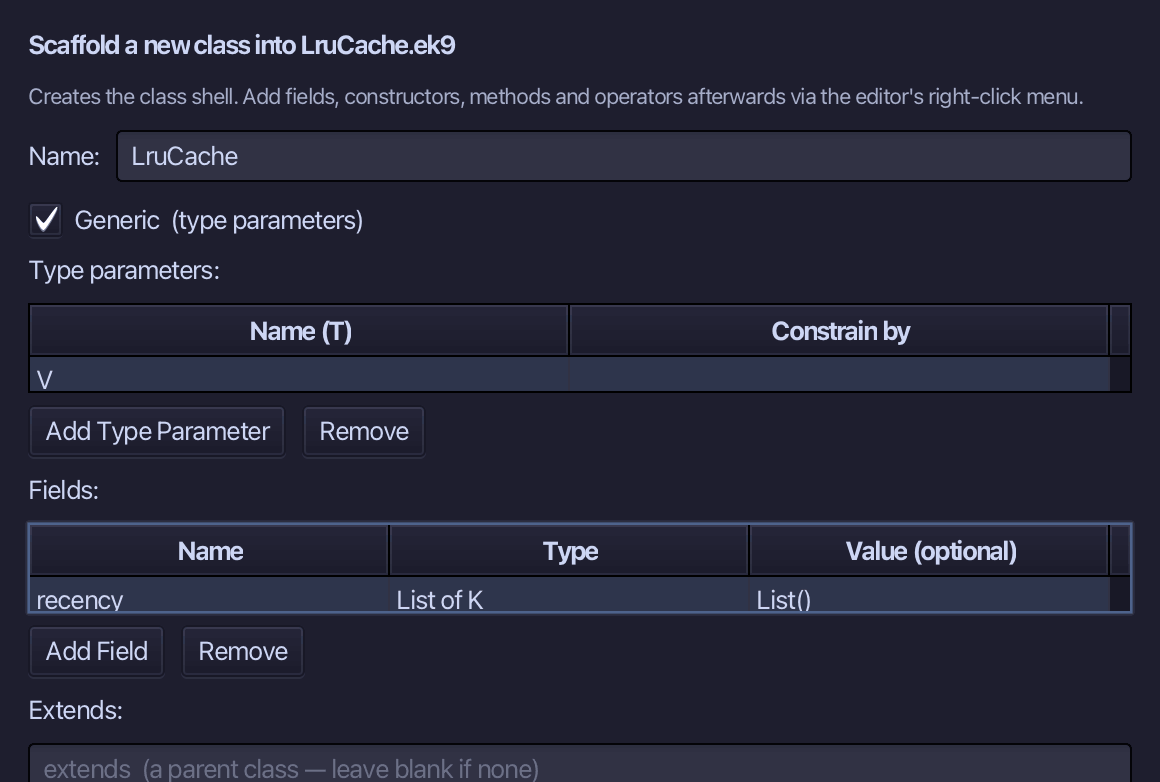
LruCache is the class's name. Tick Generic and give the type parameters K, V. The Fields table holds capacity of type Integer, starting at DEFAULT_CAPACITY; entries of type Dict of (K, V), starting at Dict(); recency of type List of K, starting at List(). Choose Preview.
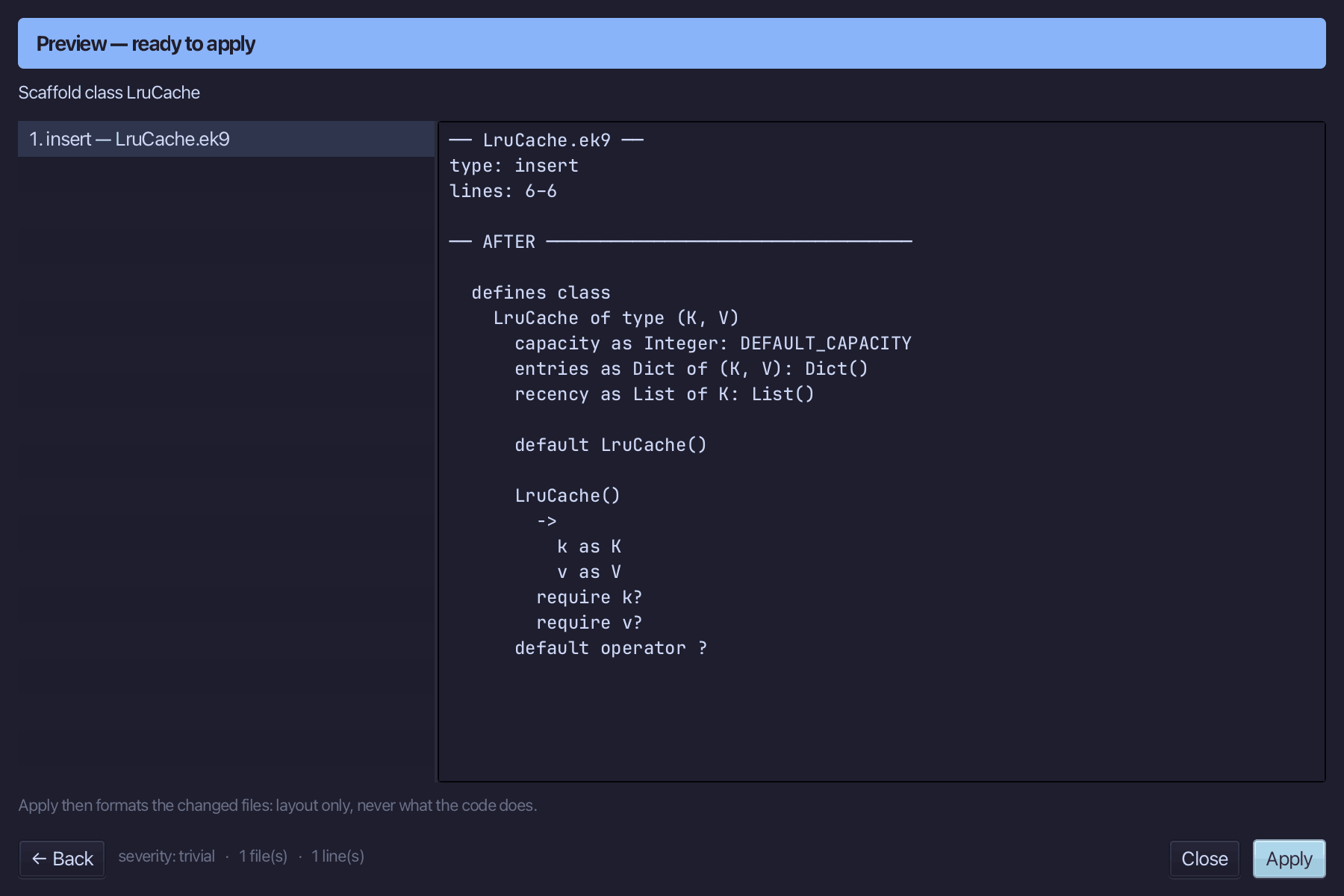
The preview shows LruCache about to be written. Choose Apply.
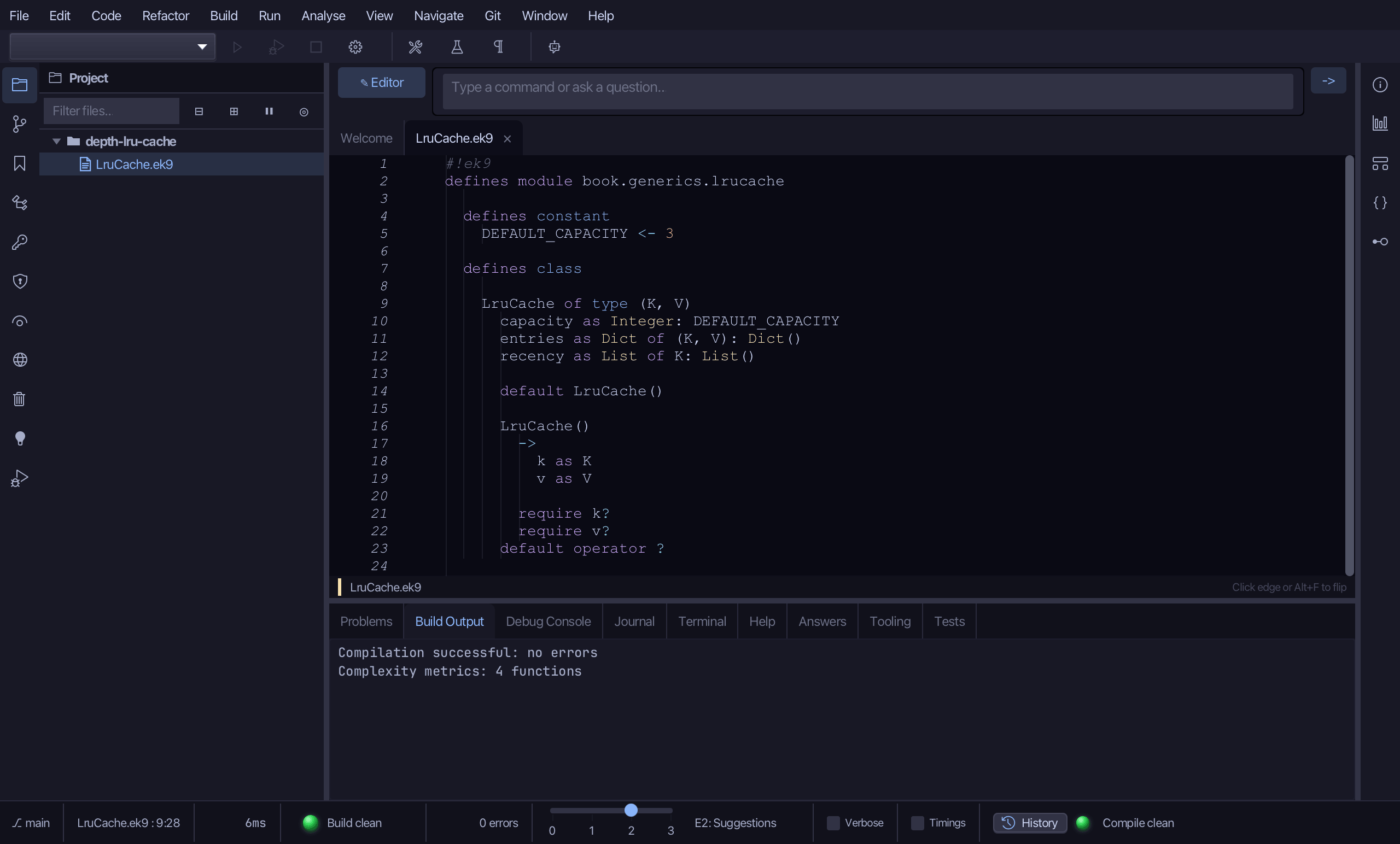
Select the blank line above LruCache's header: type the blank line the book opens its classes with. Saves when typed.
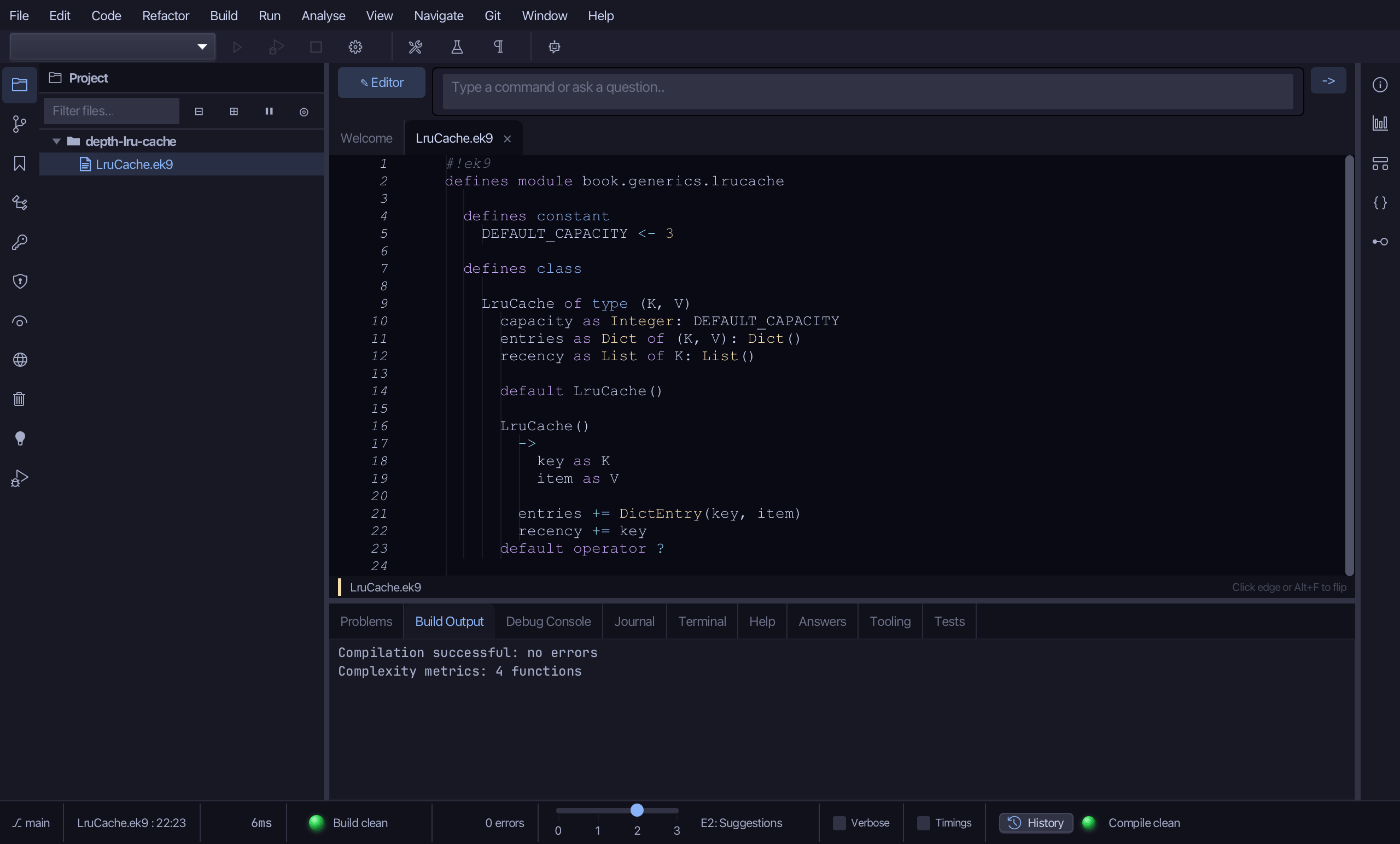
Select the stub of the constructor and type the book's: a key and an item in, both recorded. Saves when typed.
Right-click the LruCache line and choose Add Method…
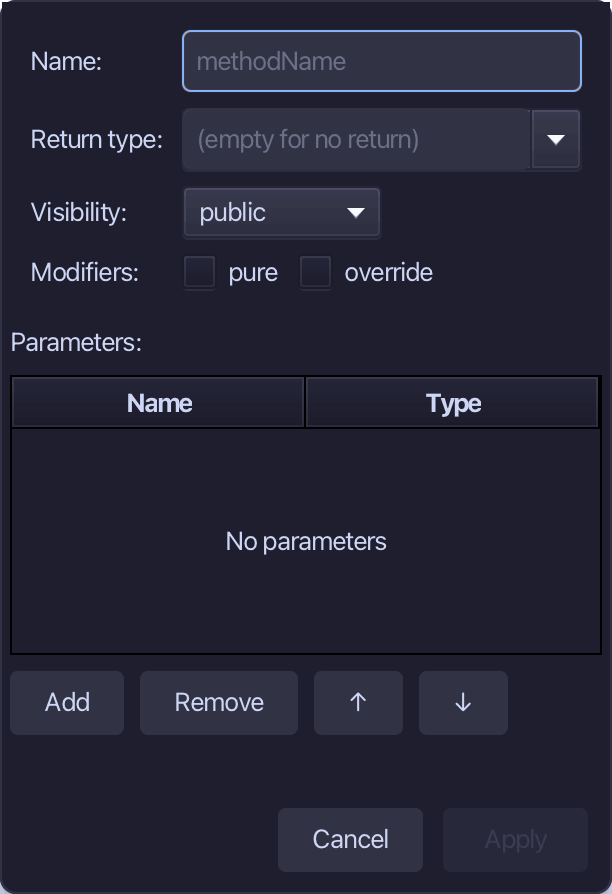
limit is the method's name. Add one parameter, size of type Integer. Choose Apply.
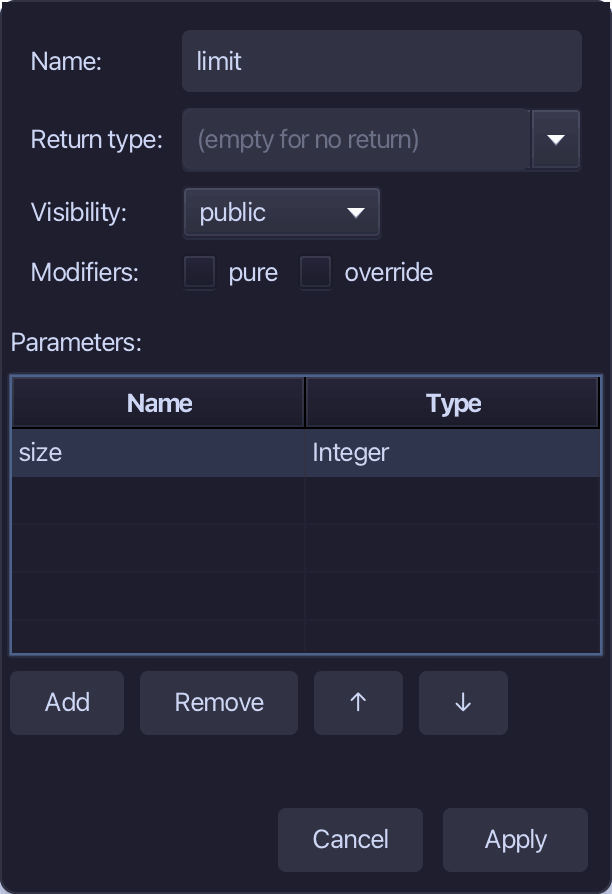
Select the stub and type limit's work. Saves when typed.
Right-click the LruCache line and choose Add Method…
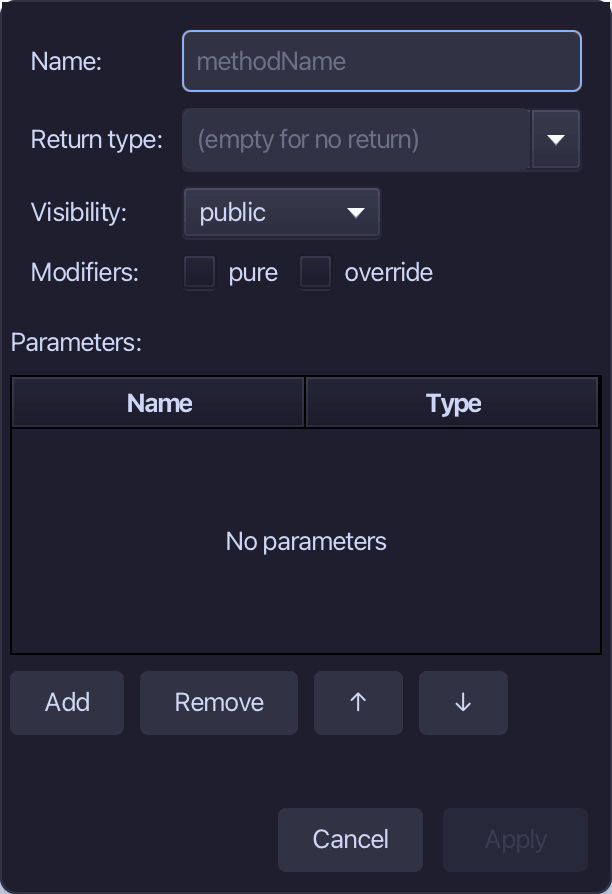
put is the method's name. Add the parameters key of type K and item of type V. Choose Apply.
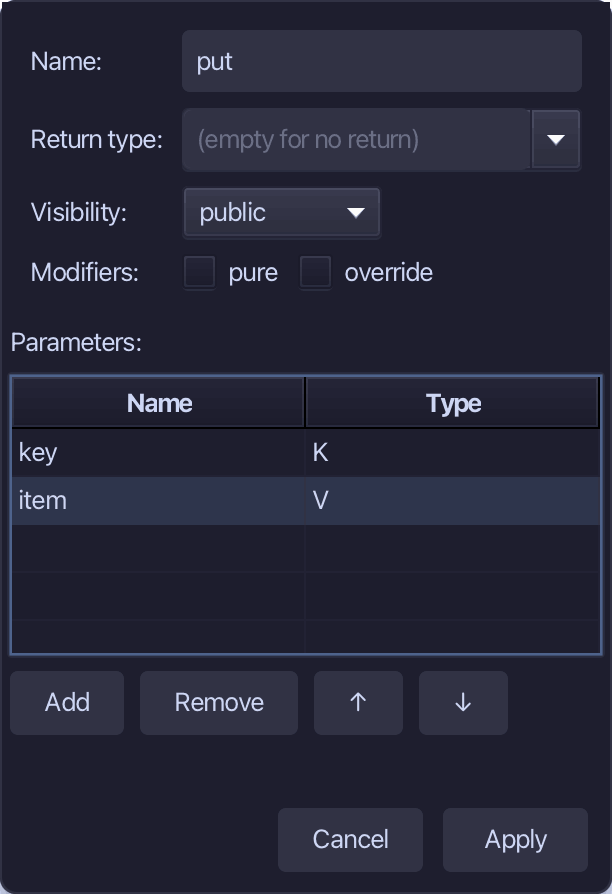
Select the stub and type put's work: refresh the key, store the entry, and drop the oldest when the cache is over its capacity. Saves when typed.
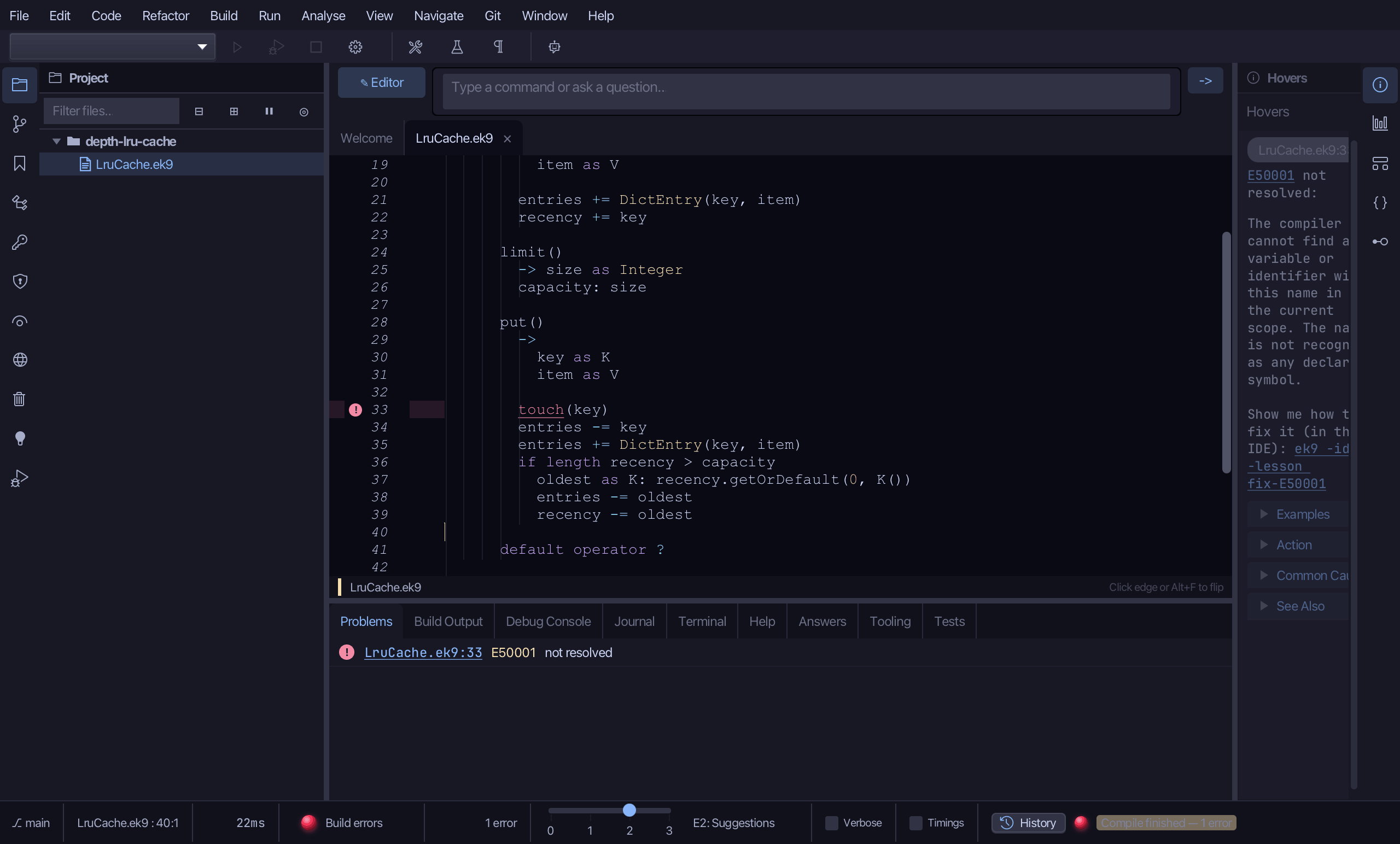
Right-click the LruCache line and choose Add Method…
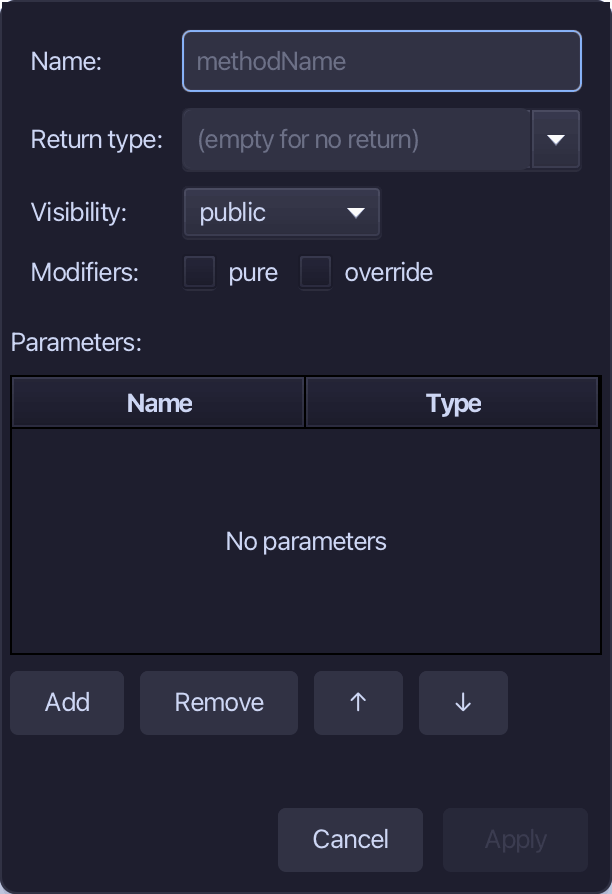
get is the method's name. Add one parameter, key of type K, set Return type to Optional of V. Choose Apply.
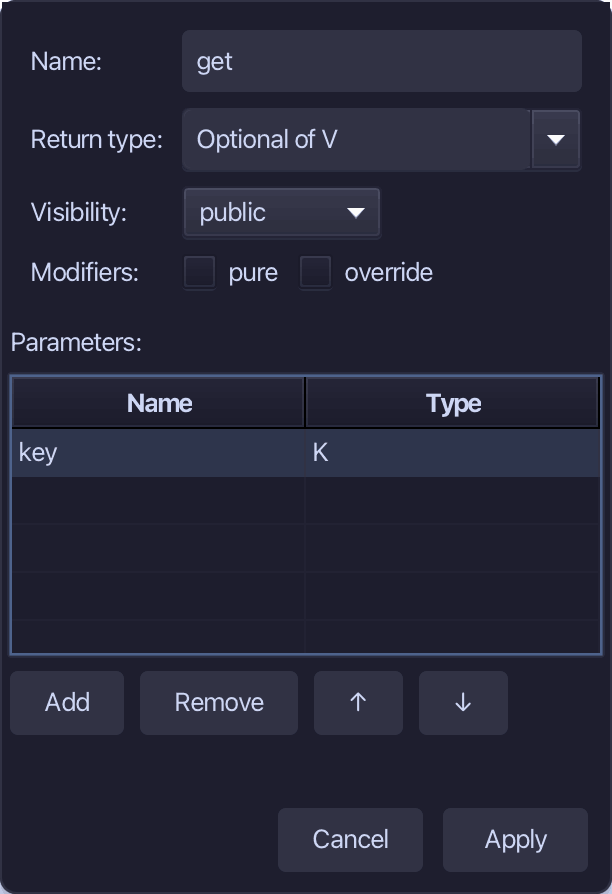
Select the stub and type get's work: a hit refreshes the key and answers the item. Saves when typed.
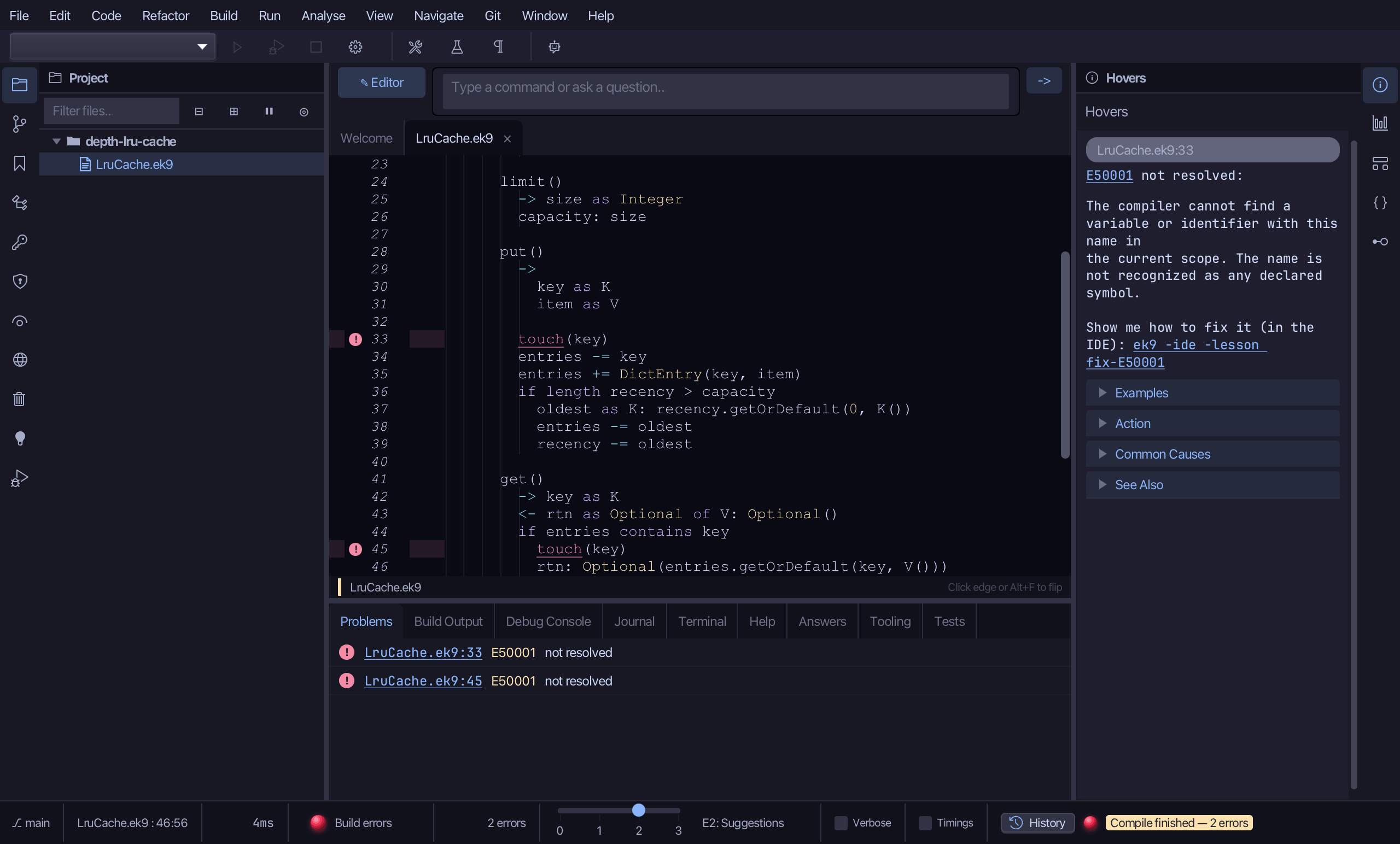
Right-click the LruCache line and choose Add Method…
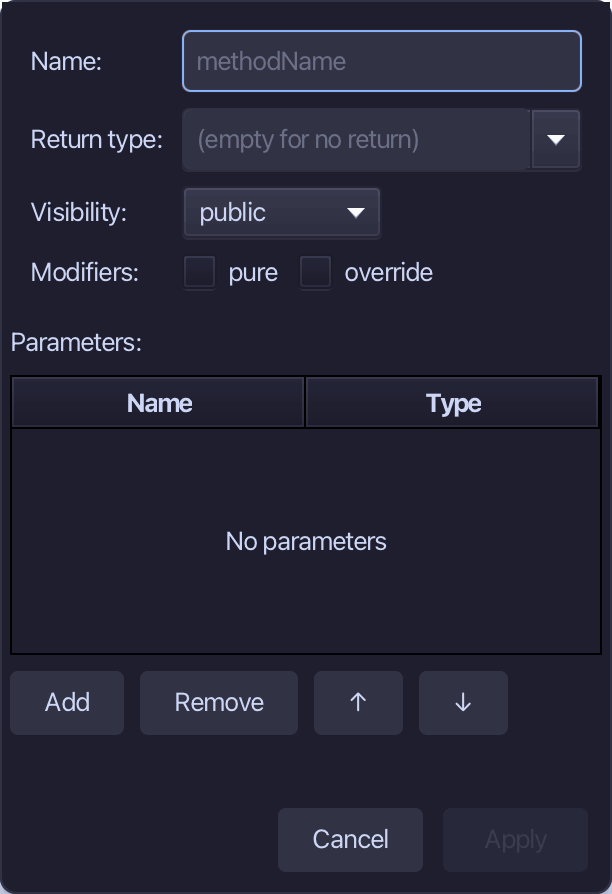
keys is the method's name. Set Return type to List of K and tick pure. Choose Apply.
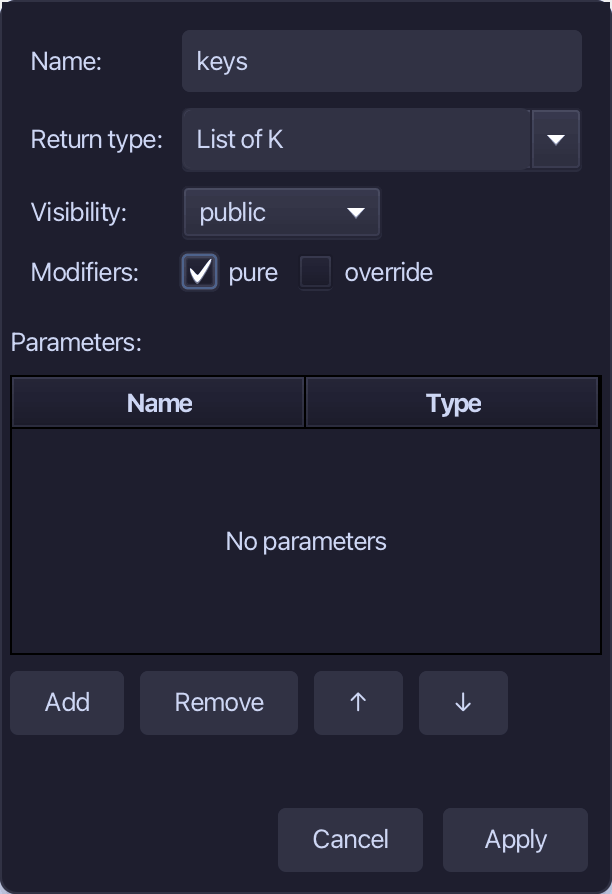
Select the stub and type keys' answer. Saves when typed.
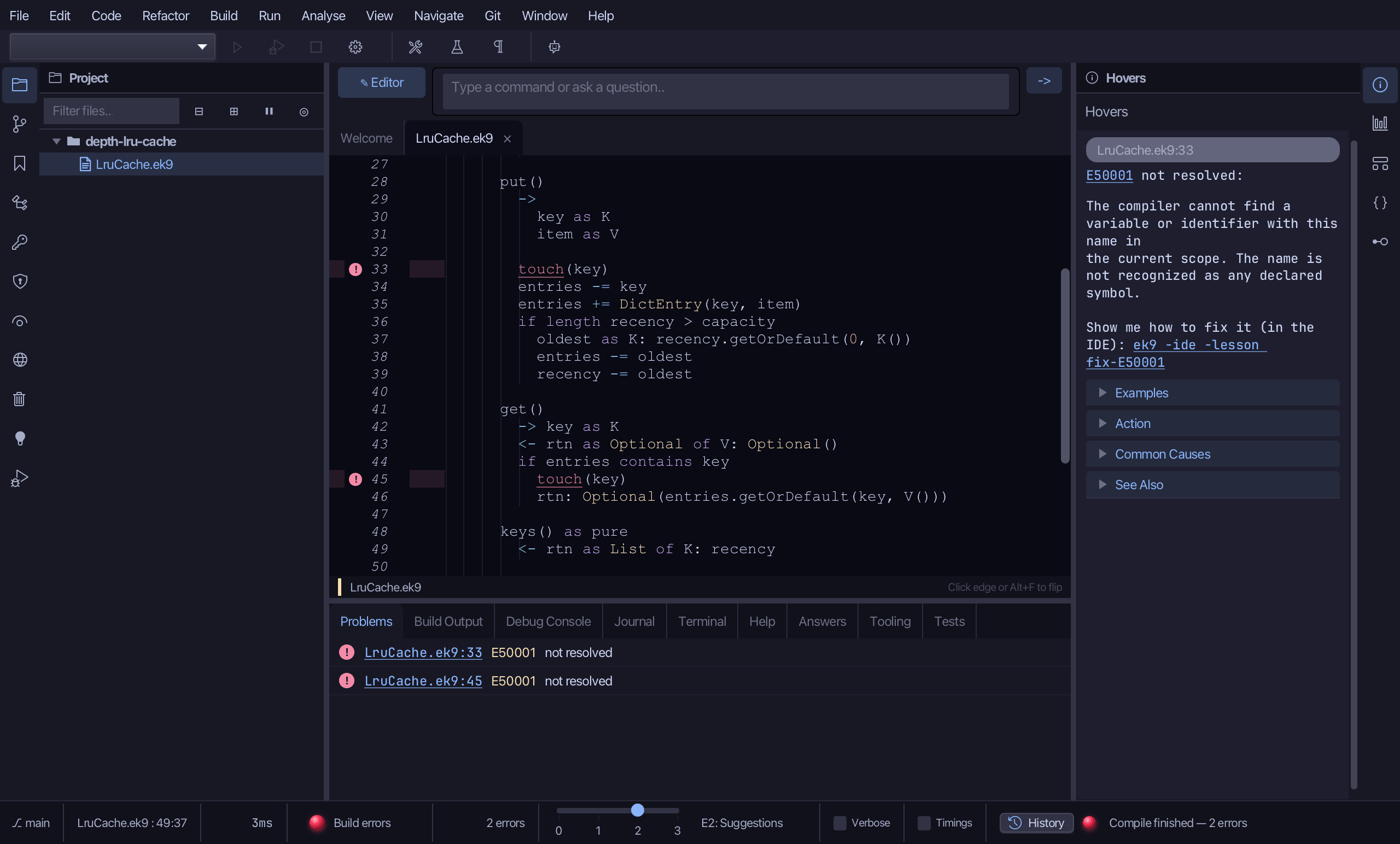
Right-click the LruCache line and choose Add Method…
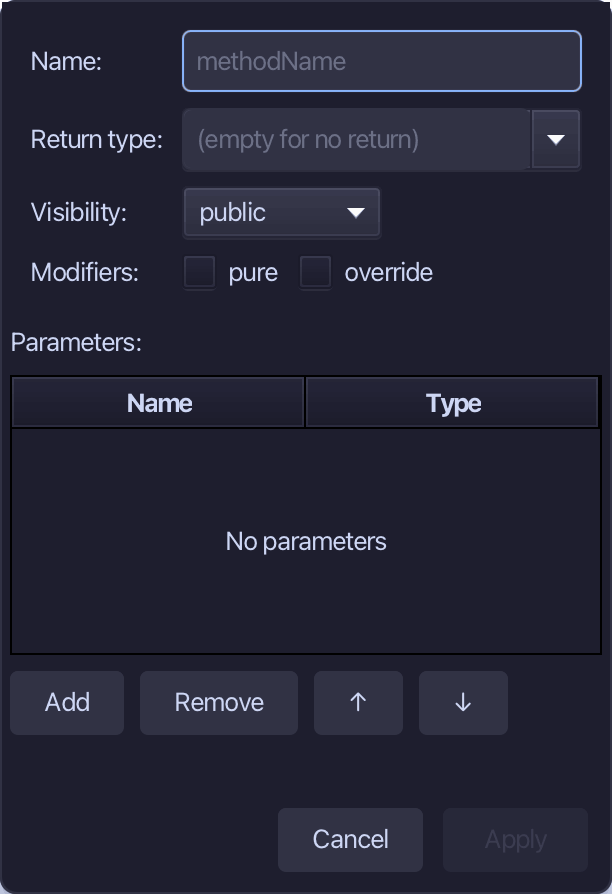
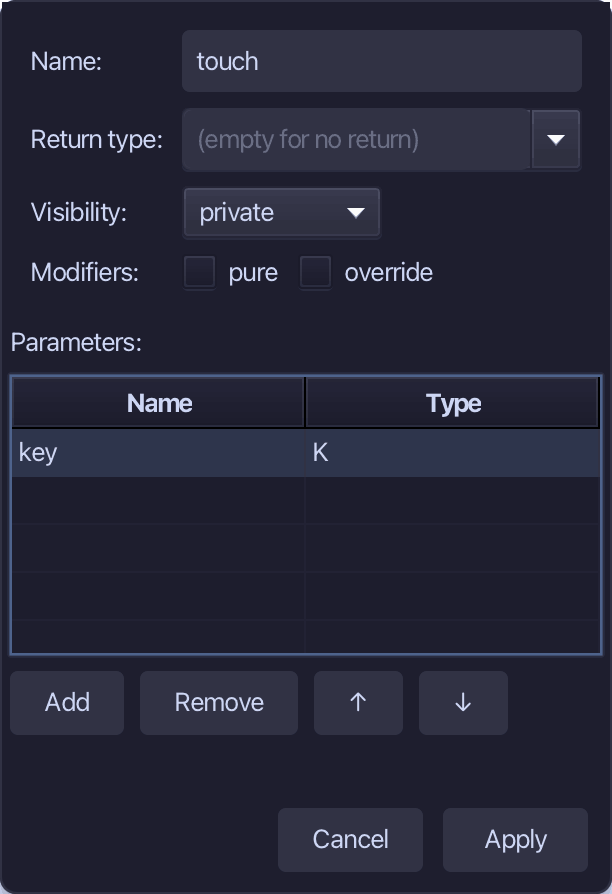
touch is the method's name. Add one parameter, key of type K, set Visibility to private. Choose Apply.
Select the stub and type touch's work: the key leaves and comes back last. Saves when typed.
Step 3: The program
Choose Code > New Construct > Program…
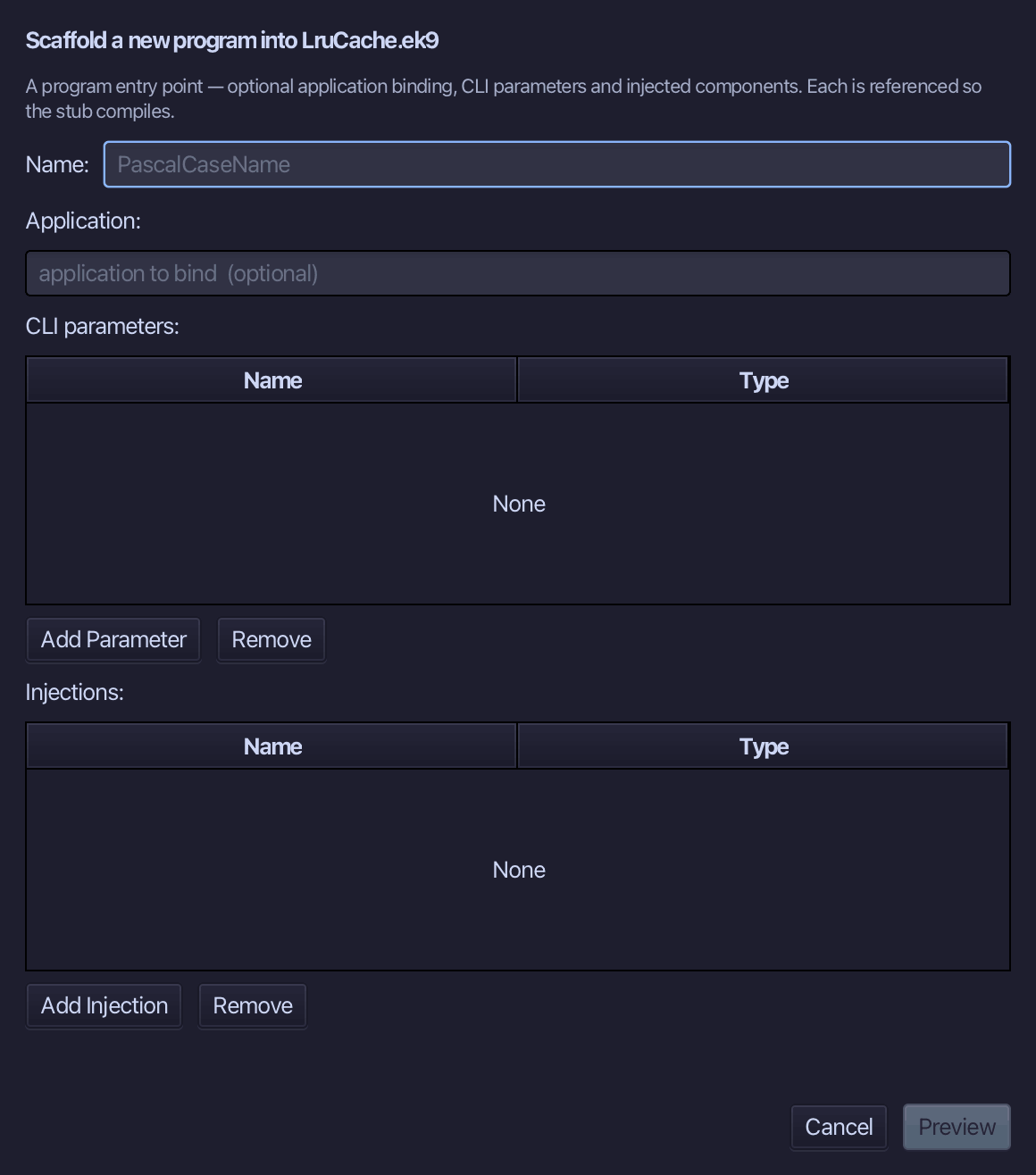
CacheDemo is the program's name. Choose Preview.
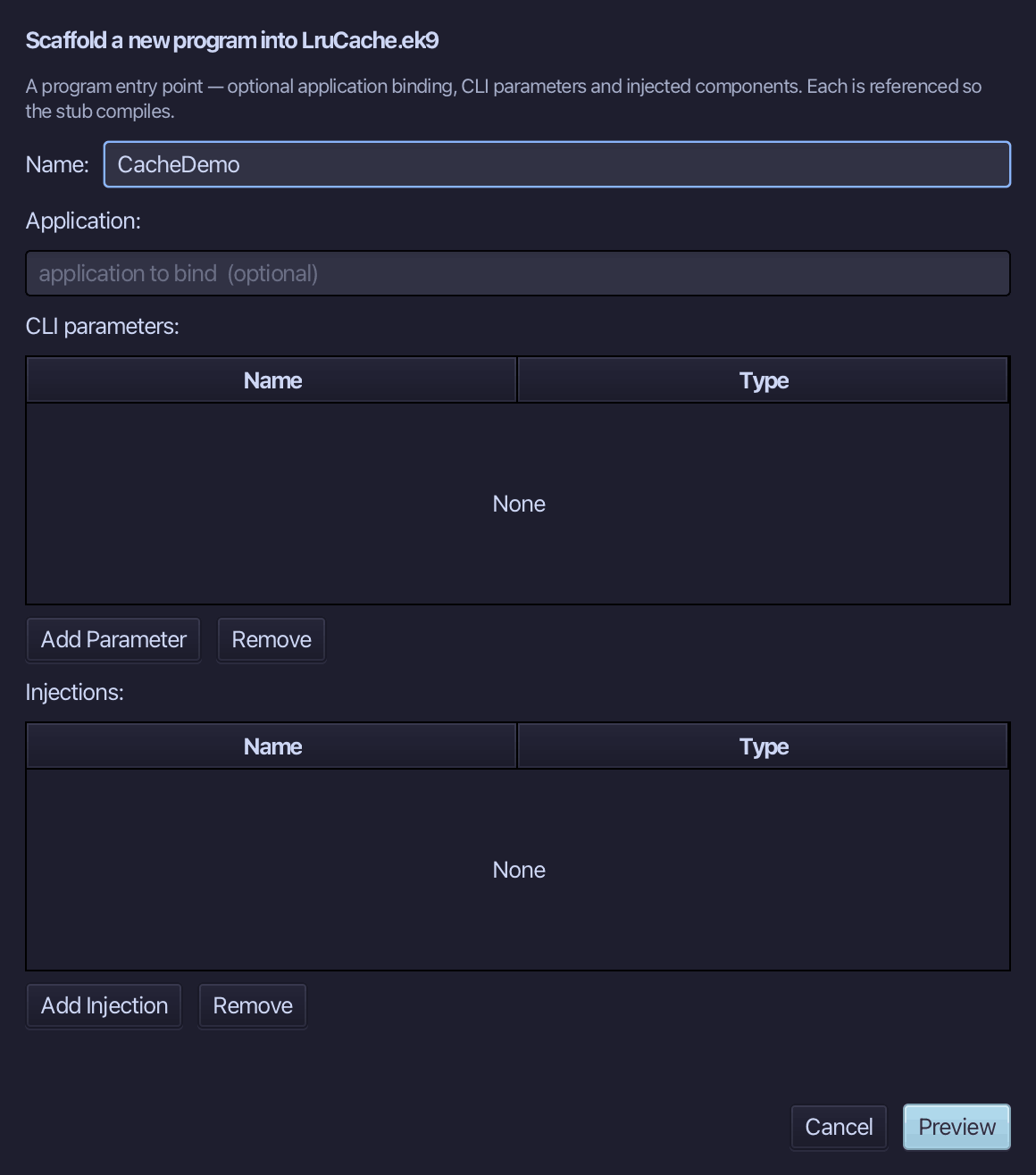
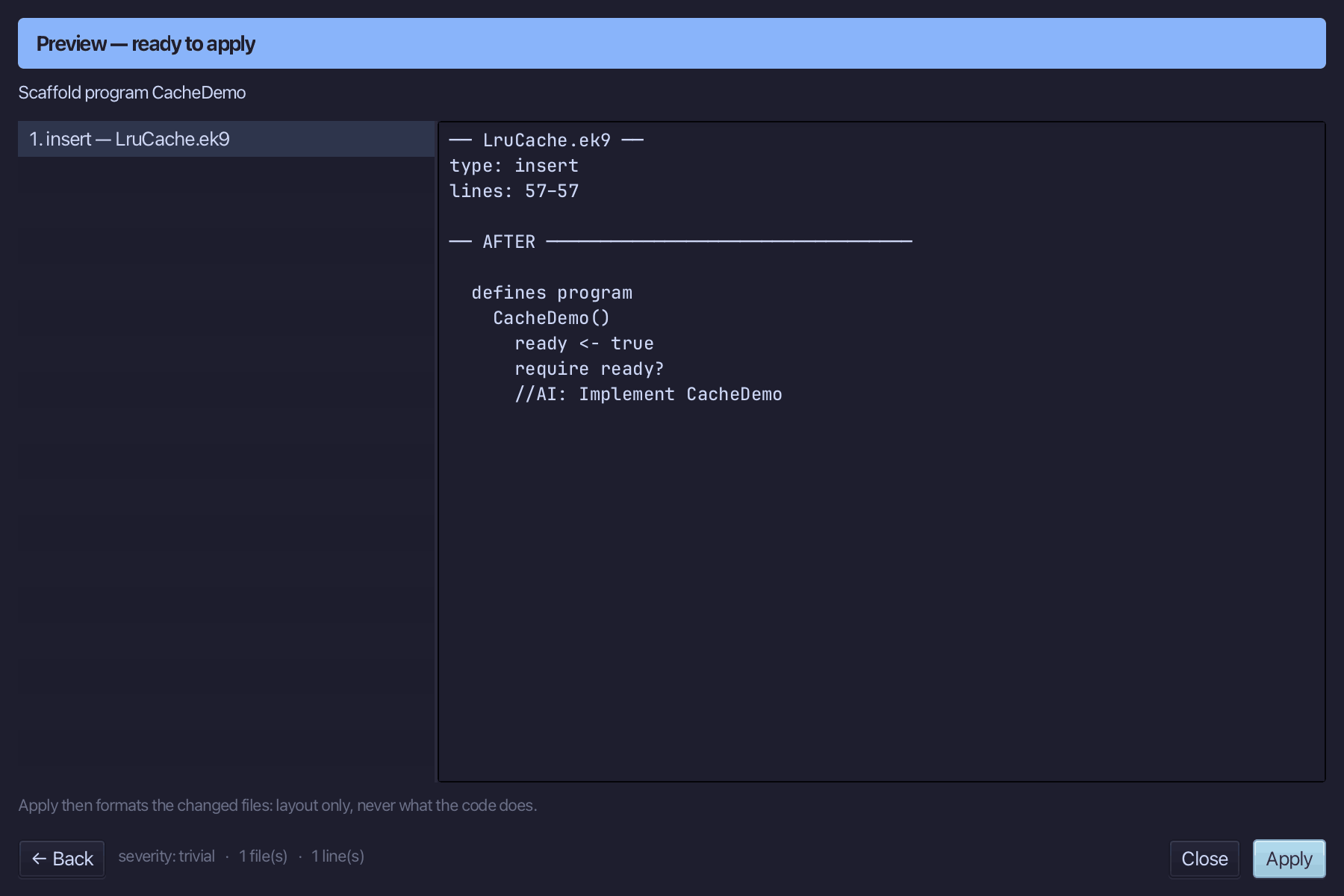
The preview shows CacheDemo about to be written. Choose Apply.
Select the CacheDemo() line and, above it, type the blank line the book opens the program with. Saves when typed.
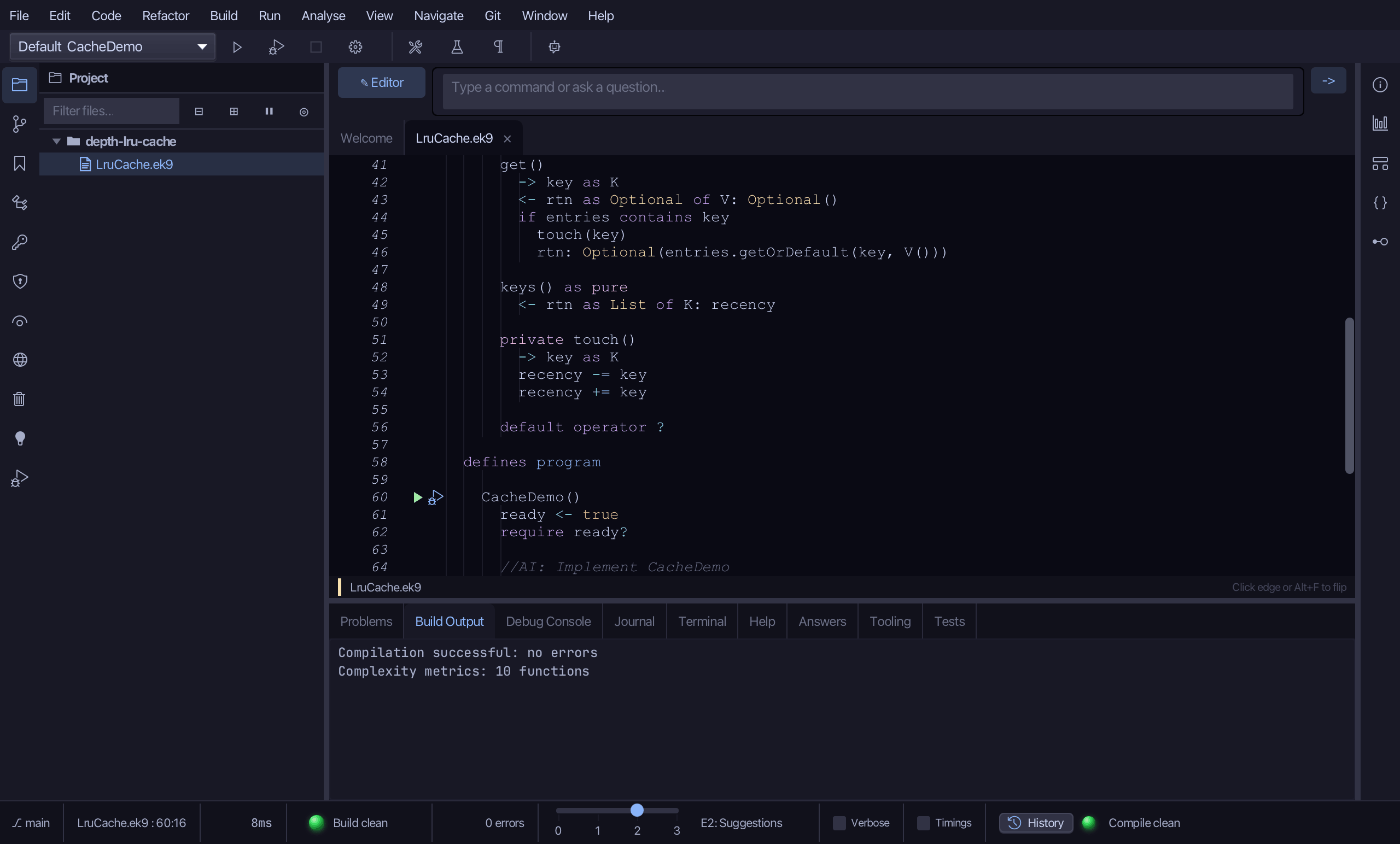
Select the stub, from ready <- true down to its //AI line, and type CacheDemo's body exactly as the chapter shows it. Saves when typed.
Step 4: Run it
Choose Run > Run Program…
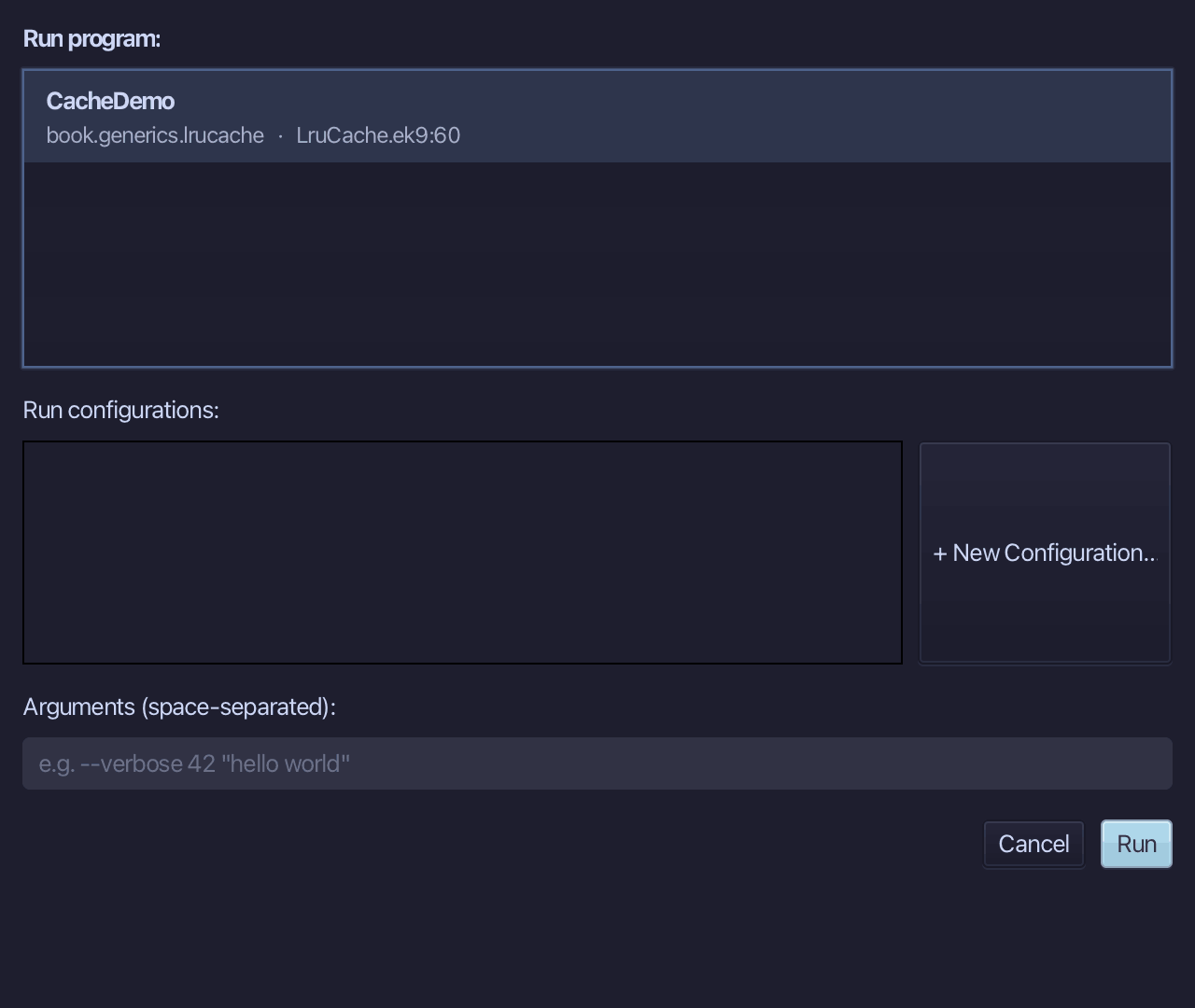
The project's only program is already chosen. Choose Run.
apple: 0.5, keys, oldest first: ["apple", "plum"], pear still cached: false, then the squares cache keeping only [4, 5, 6] and answering 5 squared: 25. Choose Close.
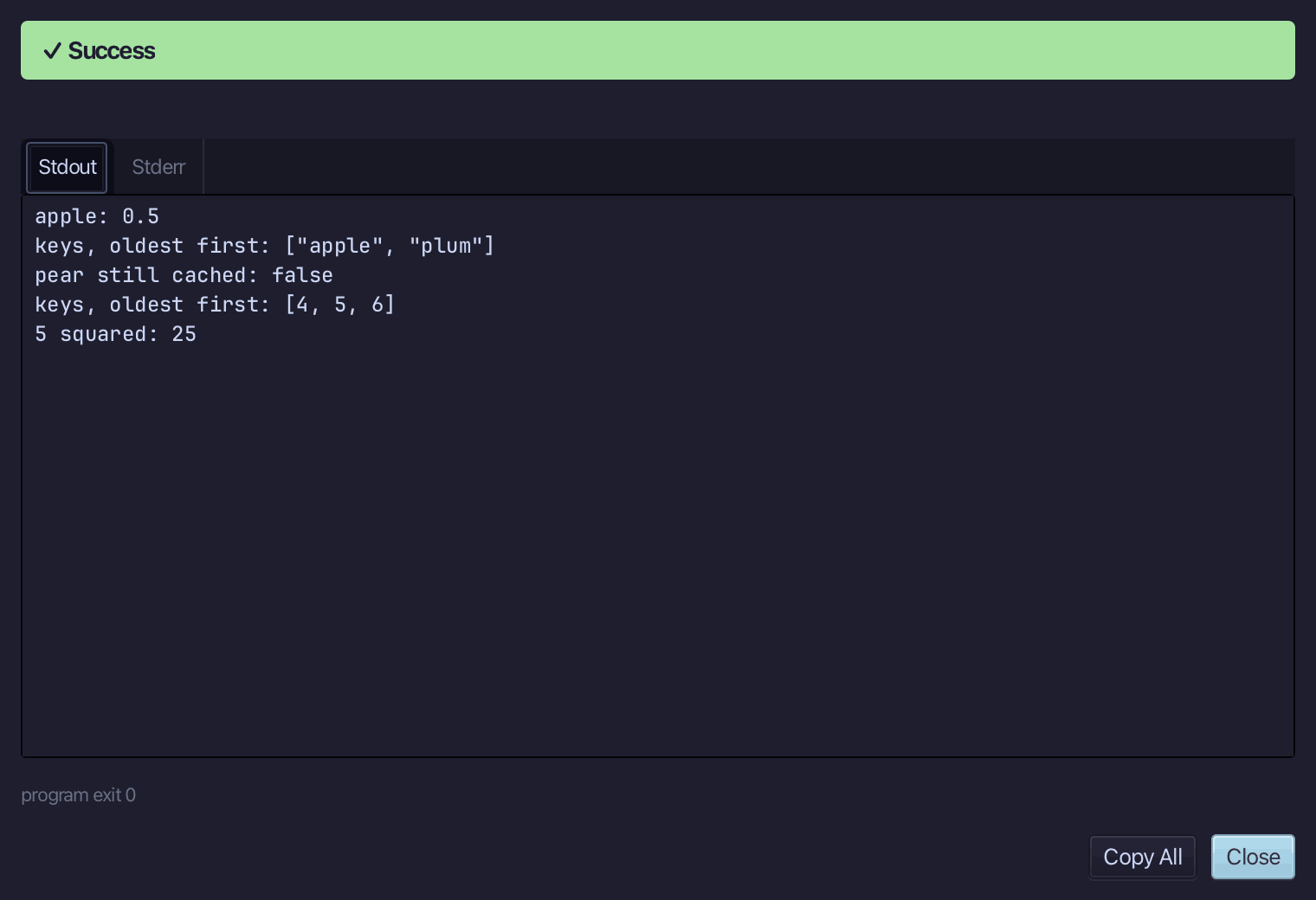
The result
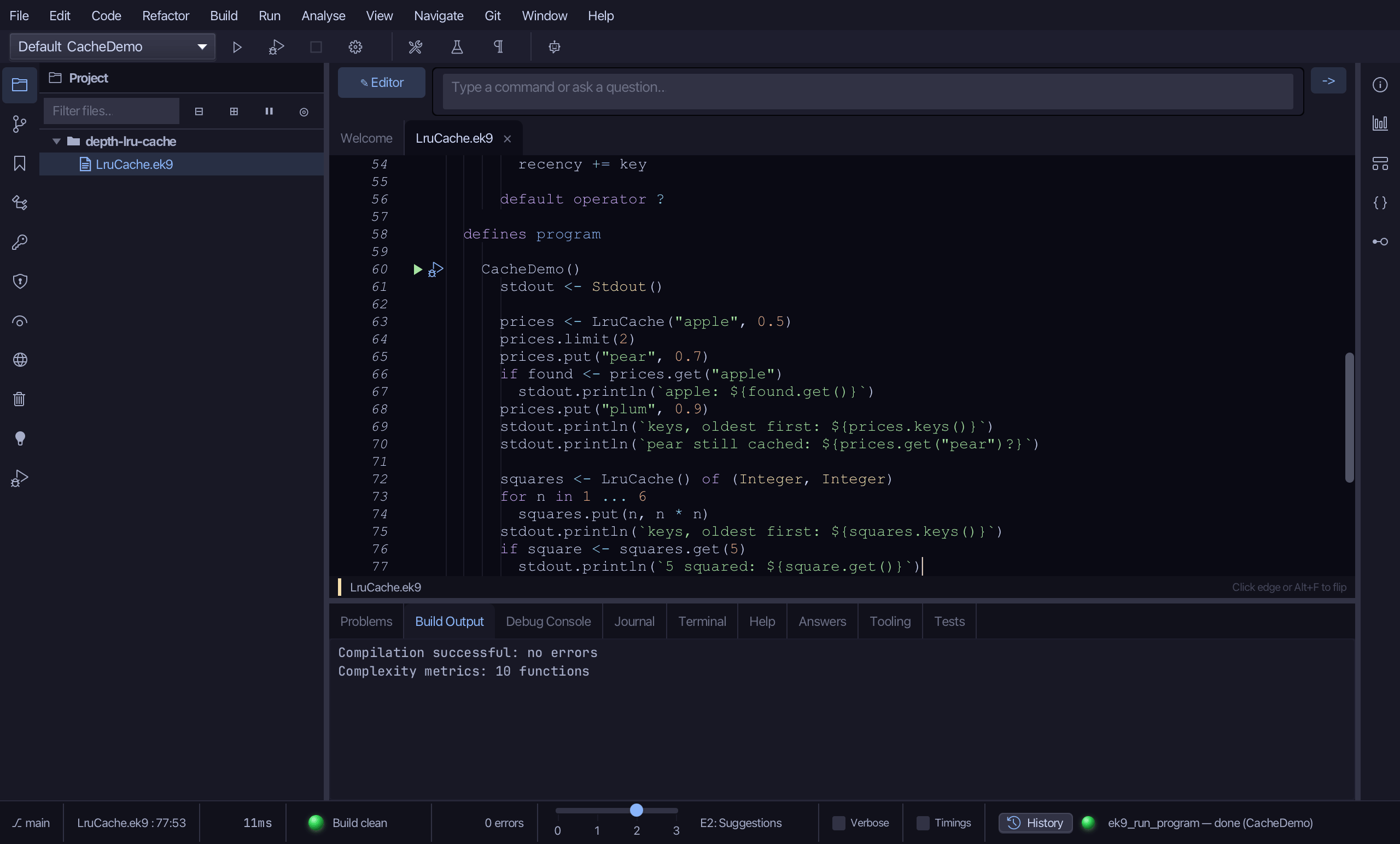
LruCache.ek9 now reads exactly as chapter 30 of EK9 in Depth shows it. touch is private - the one method outside the cache's contract - and one definition served a cache of String and Money and a cache of Integer and Integer, each a type of its own.
Where this lesson comes from
- Answers -
ek9 -qand the IDE's Answers tab: 194, 196. - For AI assistants - the MCP tool
ek9_new_construct,ek9_add_method,ek9_add_program.