Chapter 35: an aspect around a method that throws, built
What does an aspect do when the method it wraps throws? Chapter 35's AspectException builds a payment gateway that refuses a negative amount, a logging aspect around it, and a caller that catches the failure. To play it in the IDE: Help > Lessons > EK9 in Depth…, or ek9 -ide -lesson depth-aspect-exception.
What you'll build
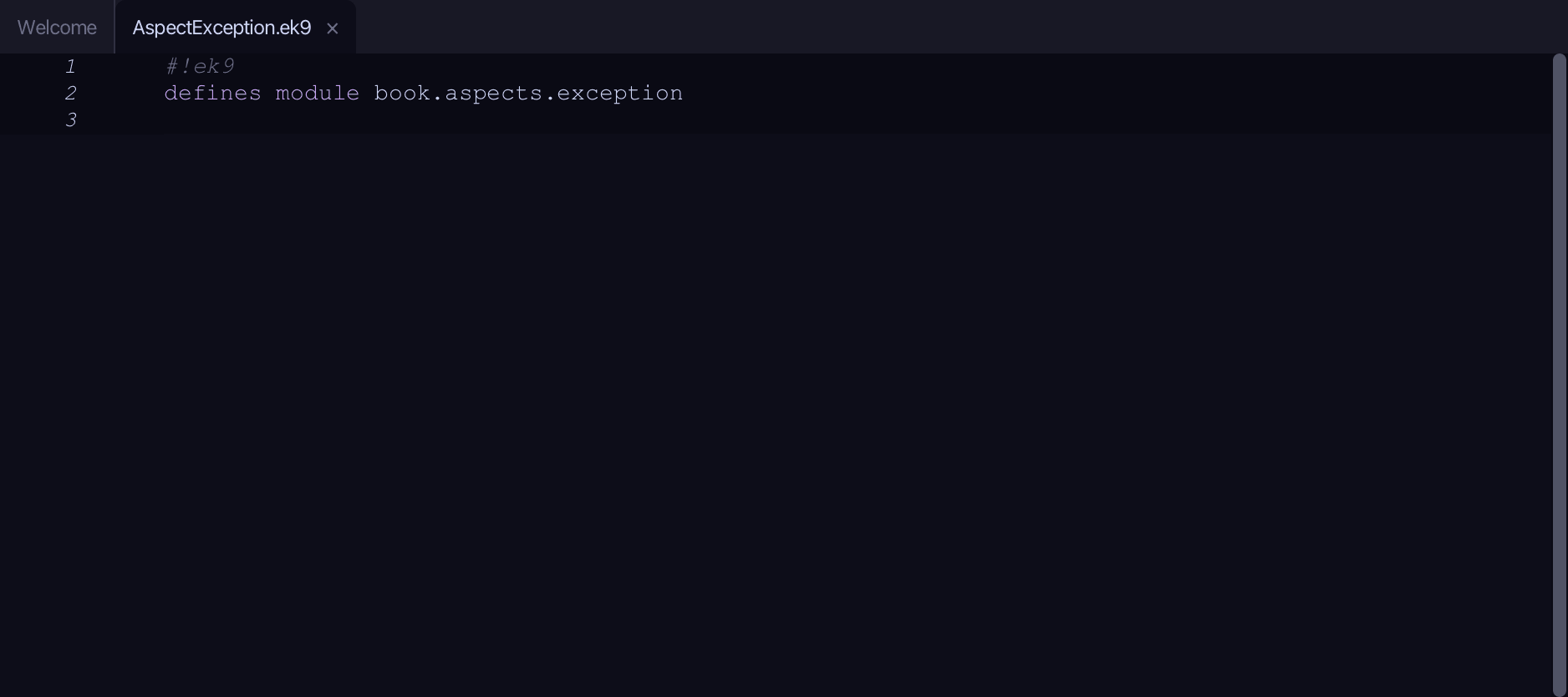
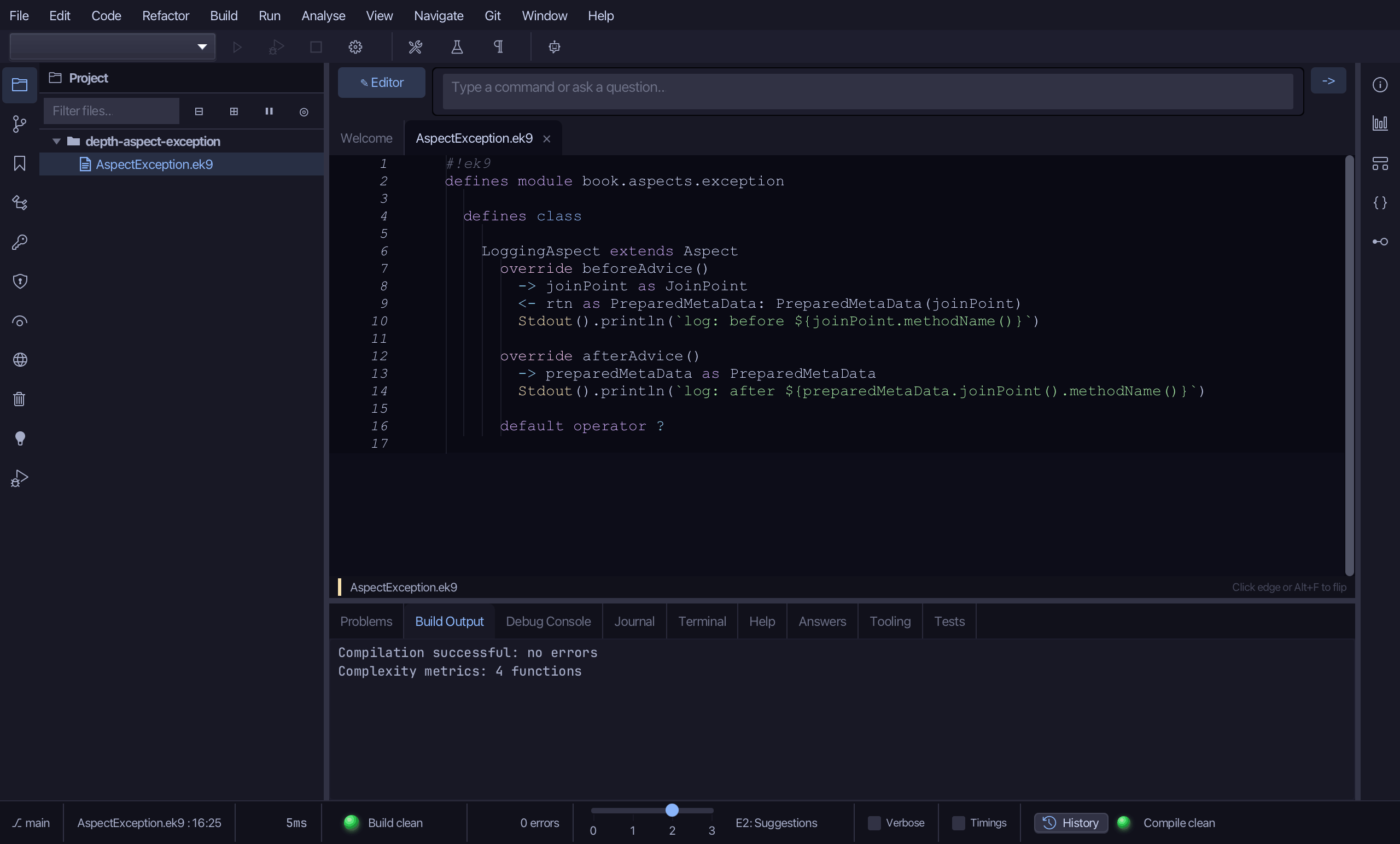
The lesson builds this program from a file holding only its module line - the finished file, as the book prints it.
#!ek9
defines module book.aspects.exception

  defines class

    LoggingAspect extends Aspect
      override beforeAdvice()
        -> joinPoint as JoinPoint
        <- rtn as PreparedMetaData: PreparedMetaData(joinPoint)
        Stdout().println(`log: before ${joinPoint.methodName()}`)

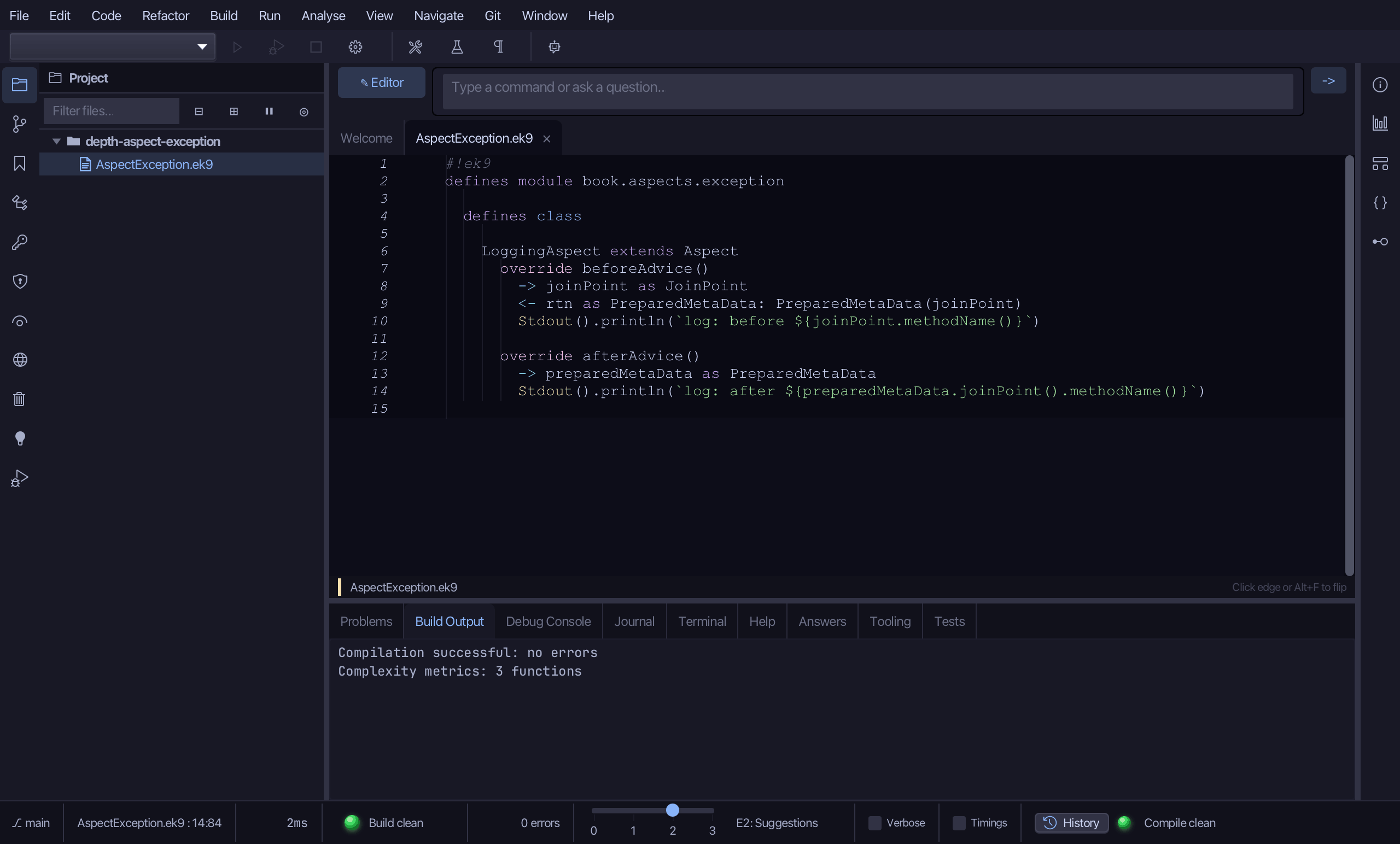
      override afterAdvice()
        -> preparedMetaData as PreparedMetaData
        Stdout().println(`log: after ${preparedMetaData.joinPoint().methodName()}`)

      default operator ?

  defines component

    PaymentGateway as abstract
      charge() as abstract
        -> amount as Money

    StrictGateway is PaymentGateway
      override charge()
        -> amount as Money
        if amount < 0.00#GBP
          throw Exception(`refusing to charge ${amount}`)
        Stdout().println(`  charged ${amount}`)

  defines application

    paymentsApp
      register StrictGateway() as PaymentGateway with aspect of LoggingAspect()

  defines program

    Payments() with application of paymentsApp
      stdout <- Stdout()
      gateway as PaymentGateway!

      for amount in [20.00#GBP, -5.00#GBP]
        try
          gateway.charge(amount)
        catch
          -> ex as Exception
          stdout.println(`caller caught: ${ex.reason()}`)
Step 1: LoggingAspect — a class
Choose Code > New Construct > Class…
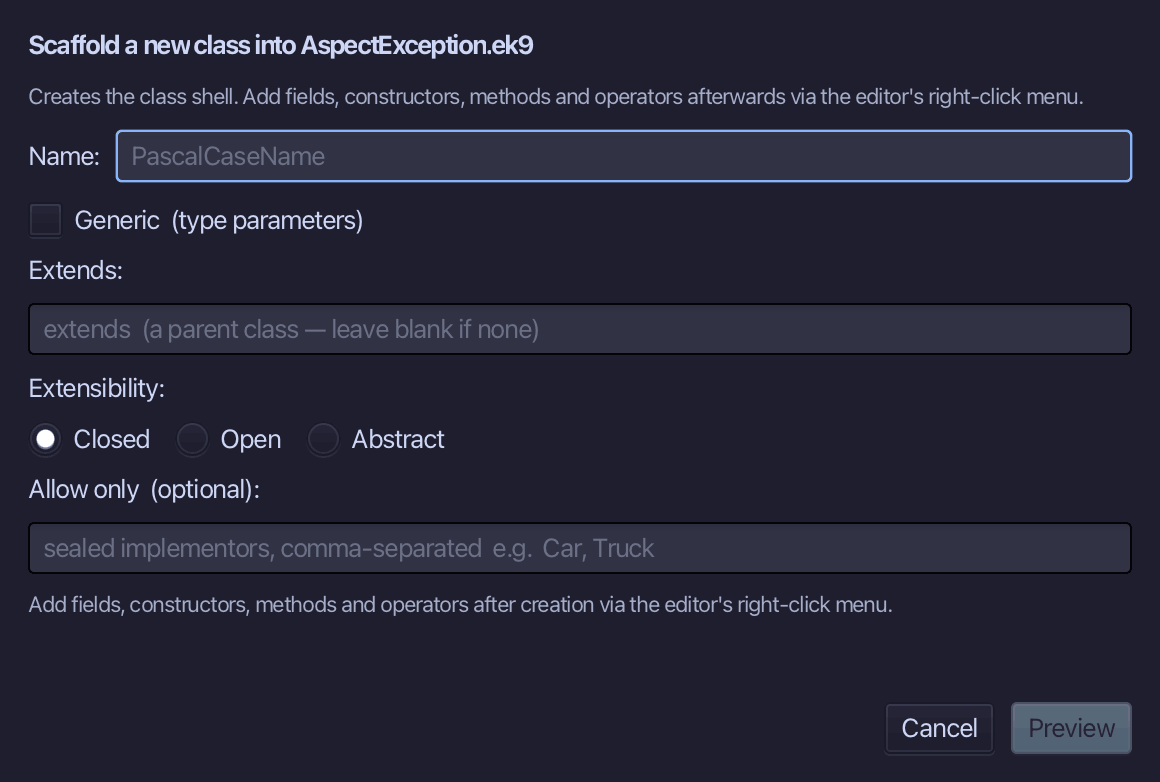
LoggingAspect is the class's name. An aspect is a class that extends Aspect - no annotation, no pointcut language. Type Aspect into Extends. Choose Preview.
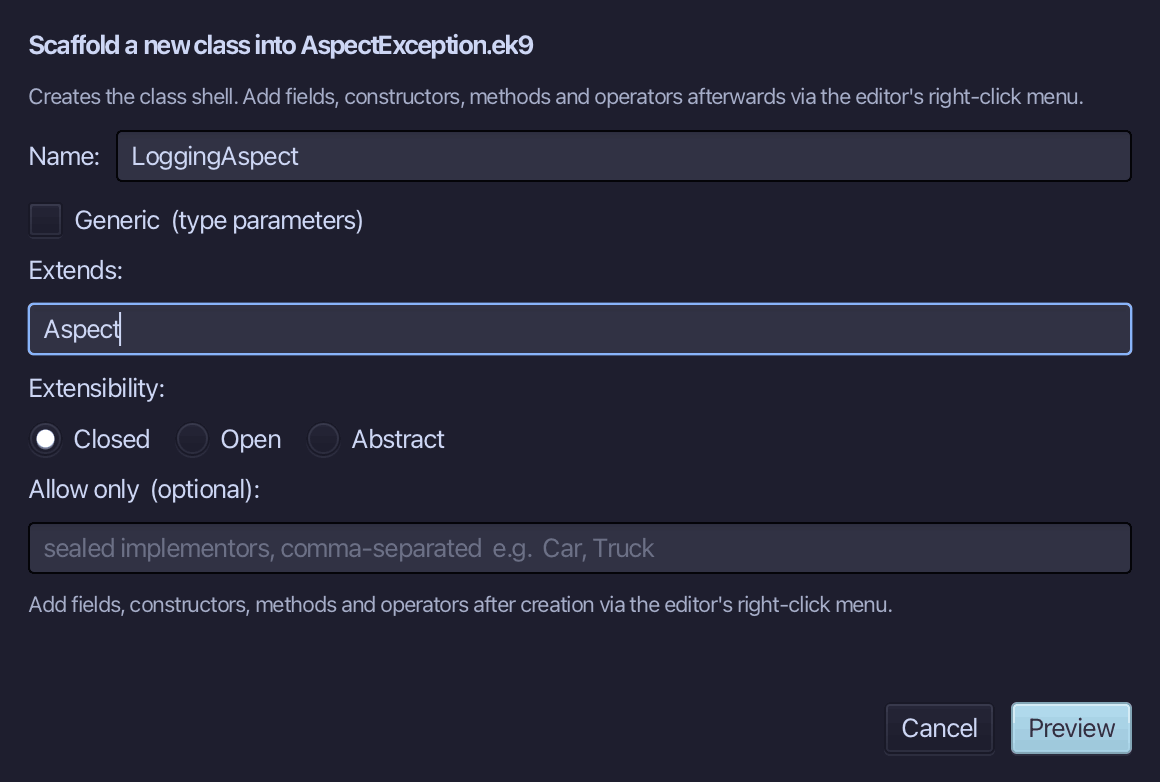
The preview shows LoggingAspect about to be written - and, if Aspect owes any methods, an override stub for each. Choose Apply.
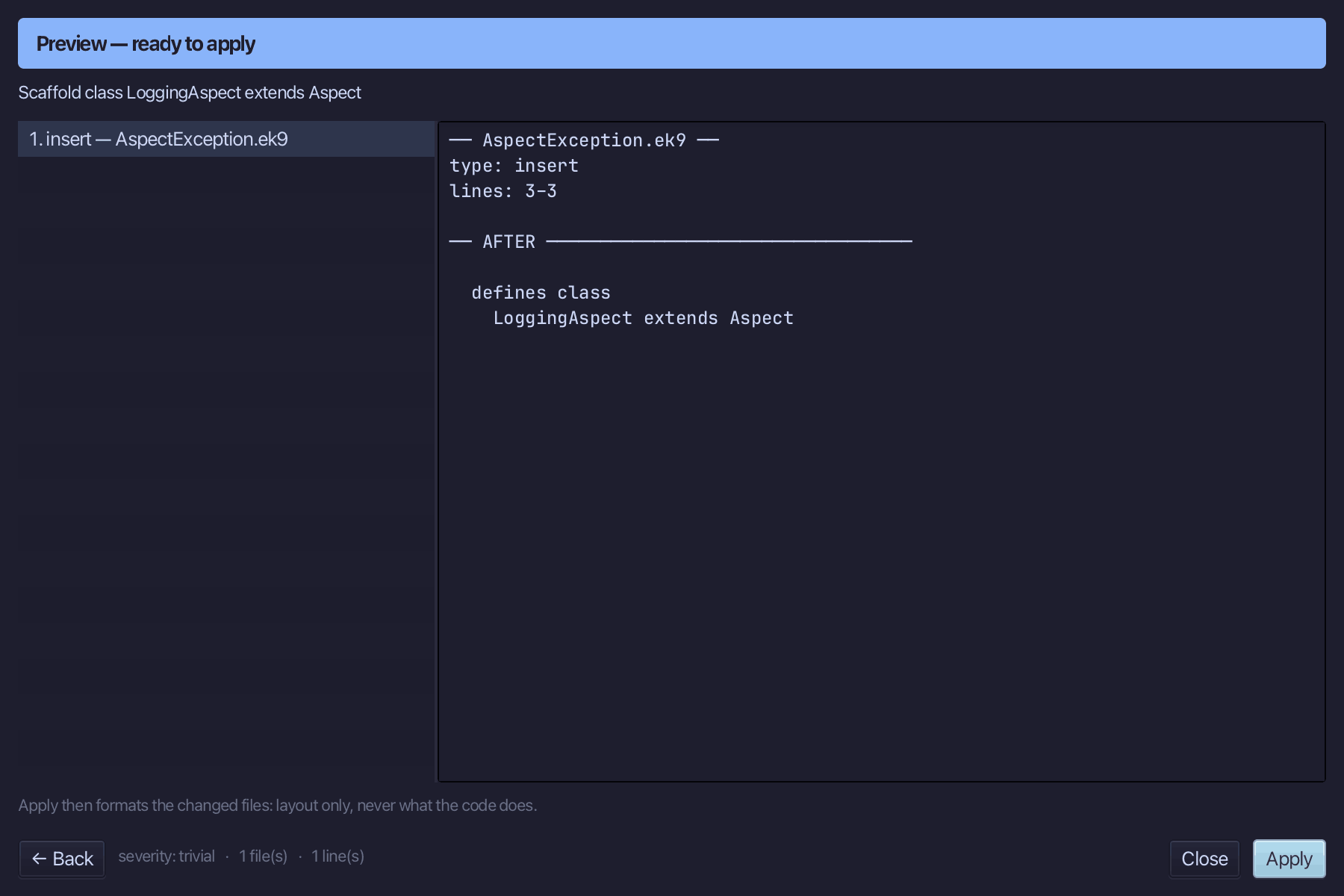
Select the LoggingAspect line and, above it, type the blank line the book opens the block with. Saves when typed.
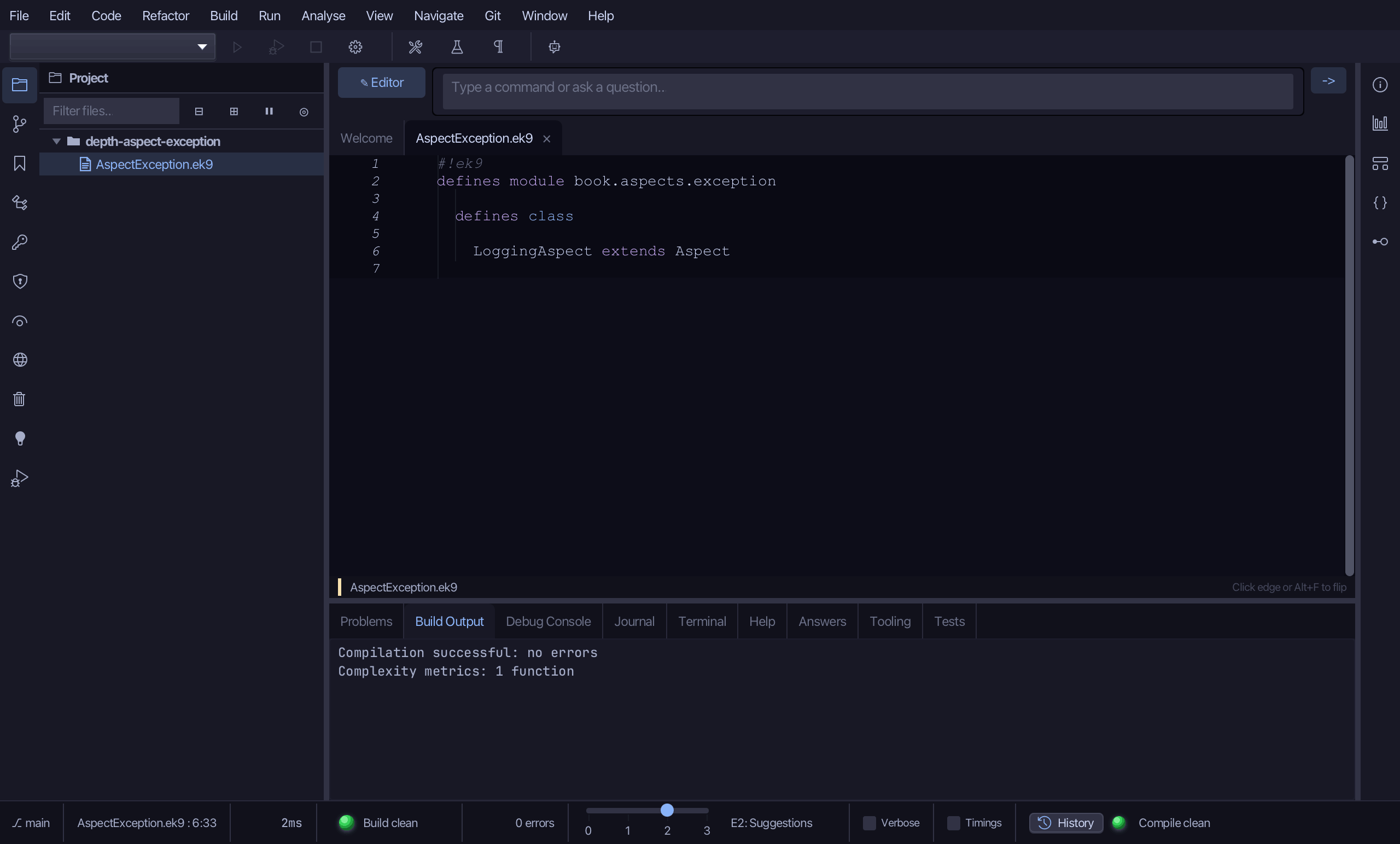
Right-click the LoggingAspect line and choose Add Method…
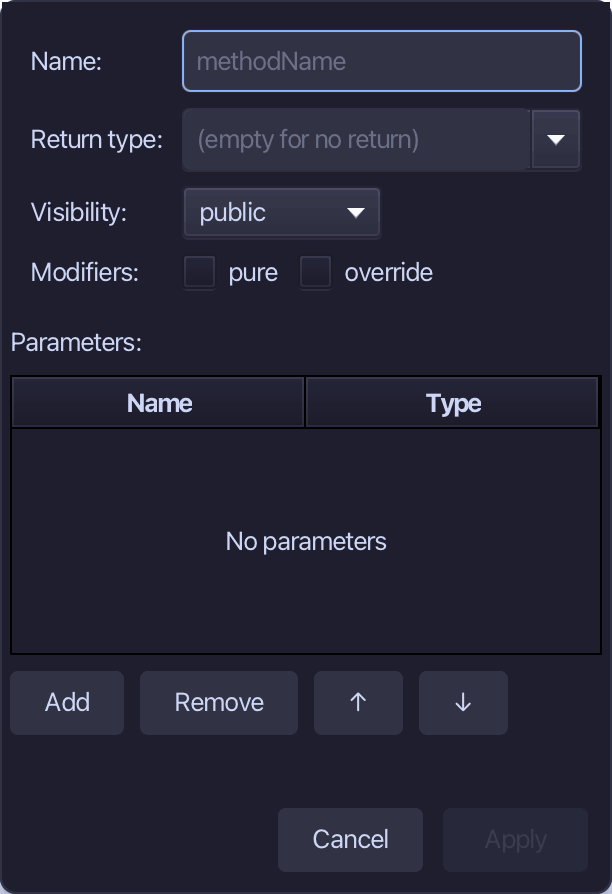
beforeAdvice is the method's name. It runs before each call and is handed a JoinPoint - which component and which method - and it answers with a PreparedMetaData that afterAdvice receives. Aspect already has it, so it is an override. Add one parameter, joinPoint of type JoinPoint, set Return type to PreparedMetaData and tick override. Choose Apply.
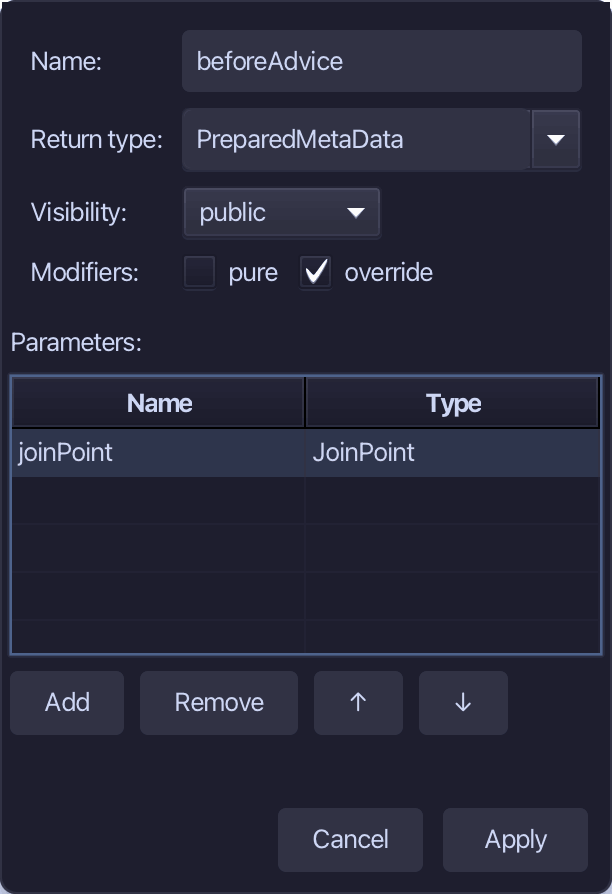
Select the stub and type the advice: log the method about to run. Saves when typed.
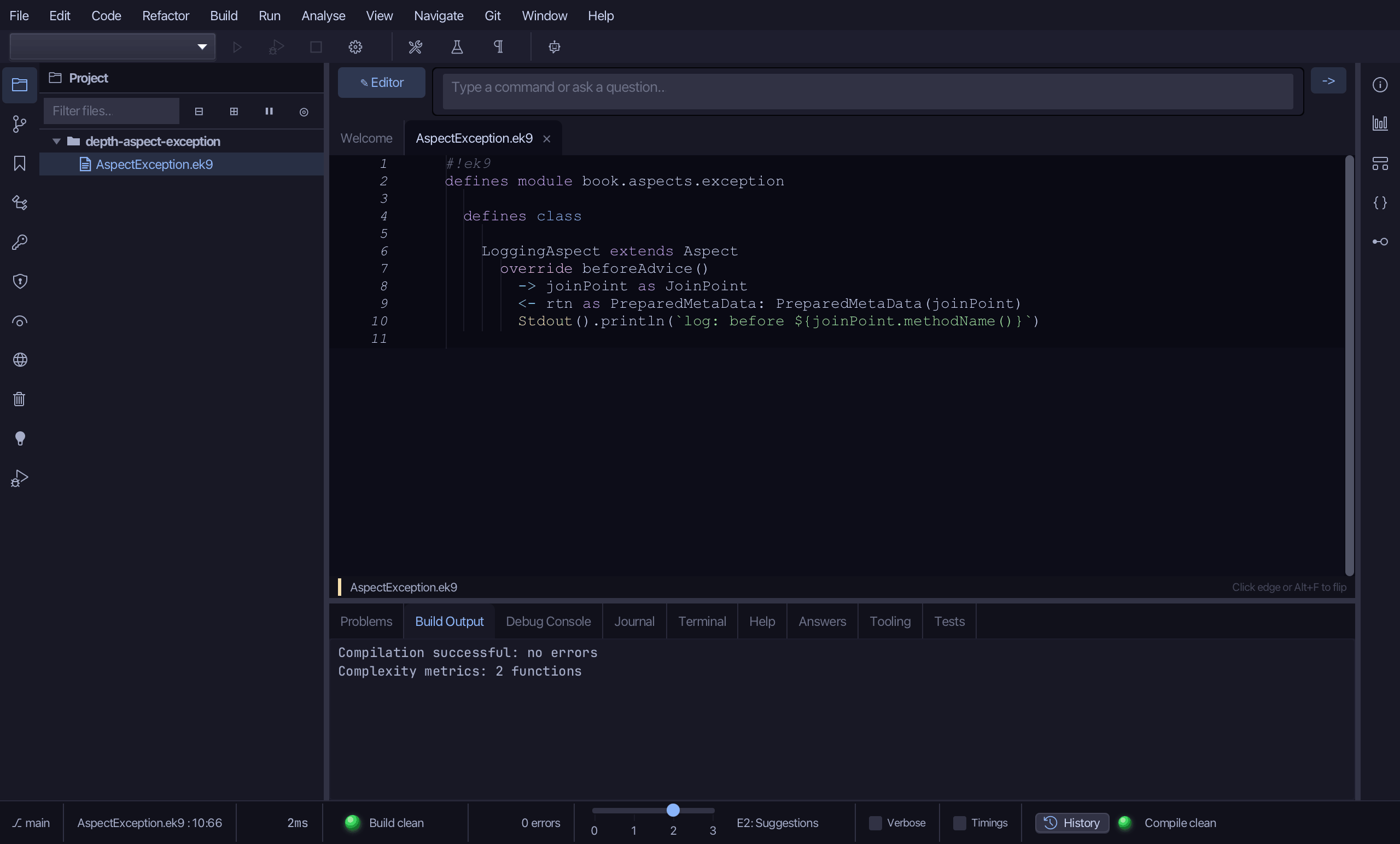
Right-click the LoggingAspect line and choose Add Method…
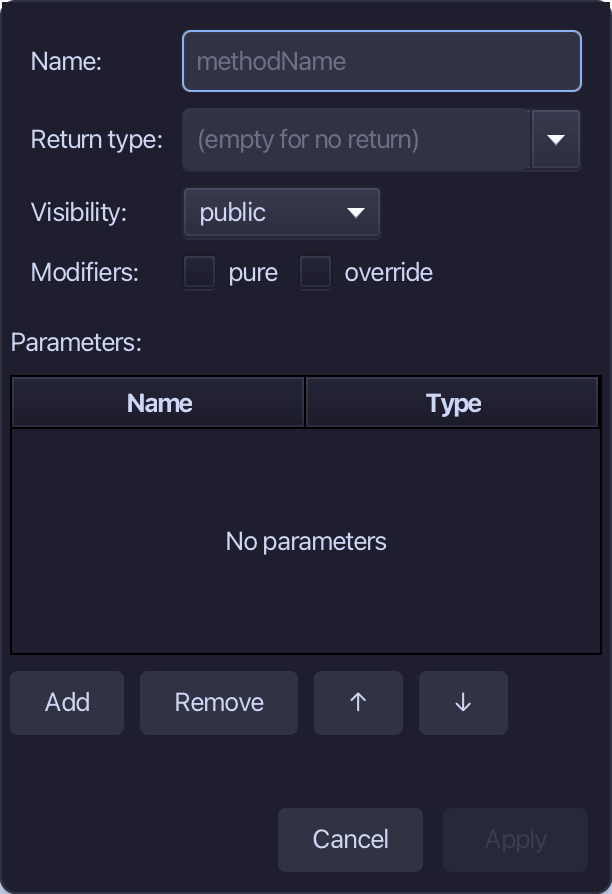
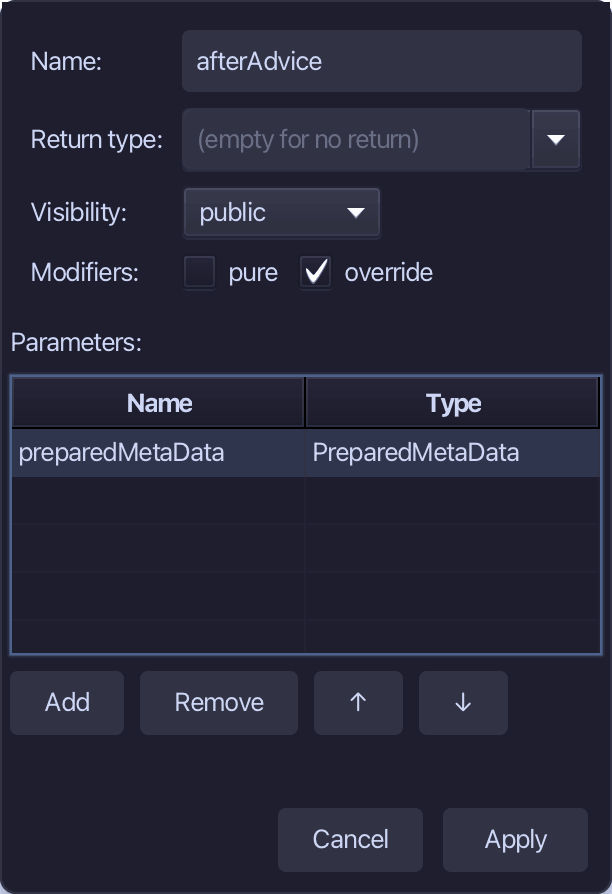
afterAdvice is the method's name. It runs after the call and is handed that PreparedMetaData back. Aspect already has it, so it is an override. Add one parameter, preparedMetaData of type PreparedMetaData and tick override. Choose Apply.
Select the stub and type the advice: log the method that finished. Saves when typed.
Right-click the LoggingAspect line and choose Add Operator > ? (isSet) > default - the compiler writes the operator from the fields. The aspect holds nothing, so it needs no field - but a class must still say when it counts as set.
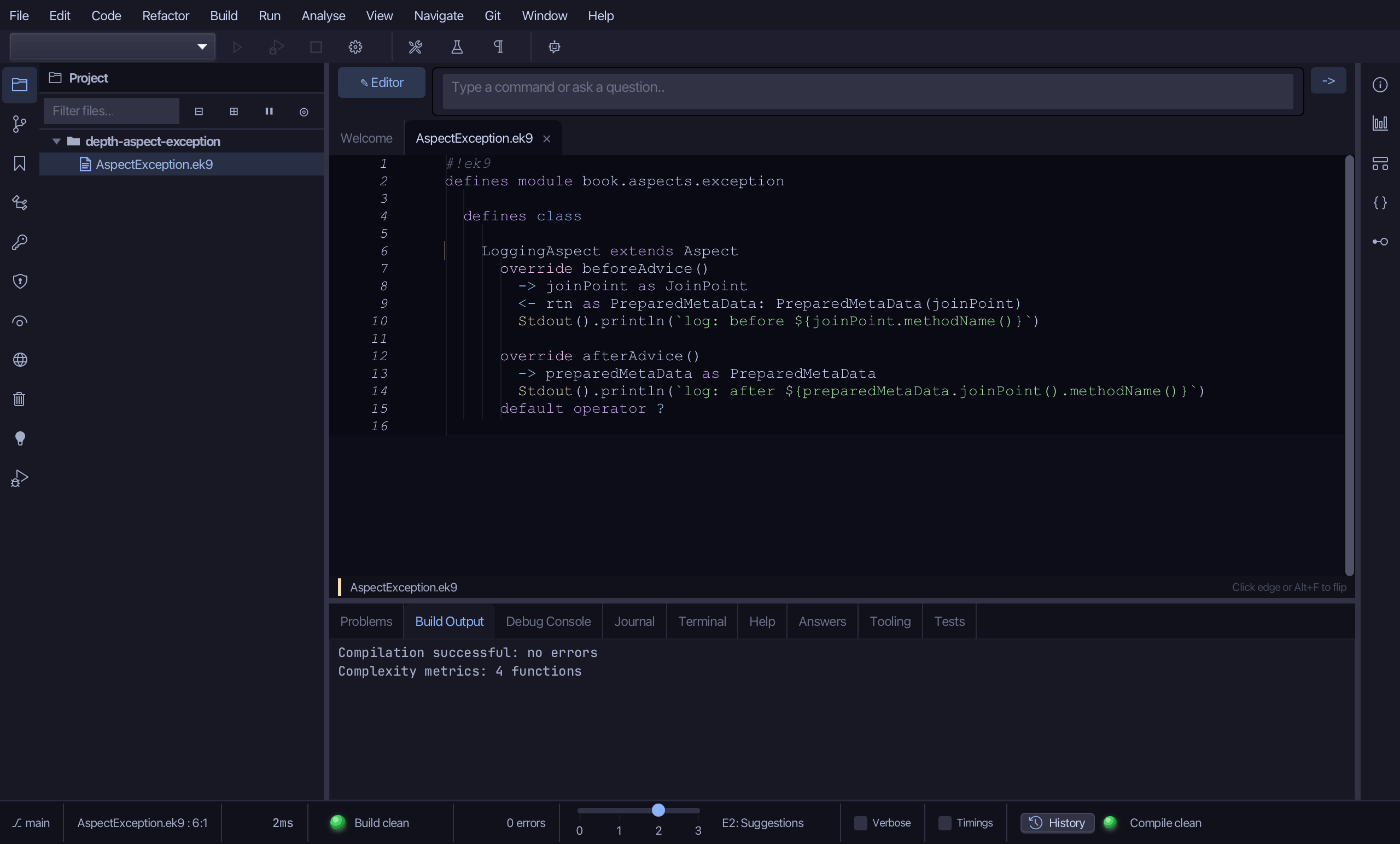
Select the default operator line and, above it, type the blank line the book keeps there. Saves when typed.
Step 2: PaymentGateway — a component
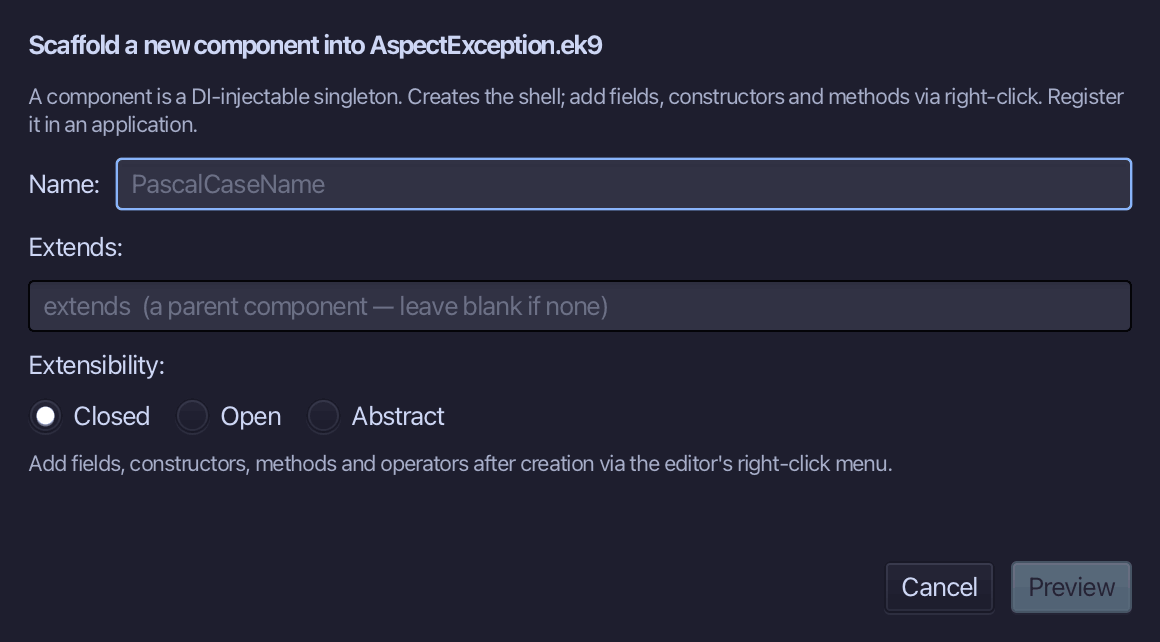
Choose Code > New Construct > Component…
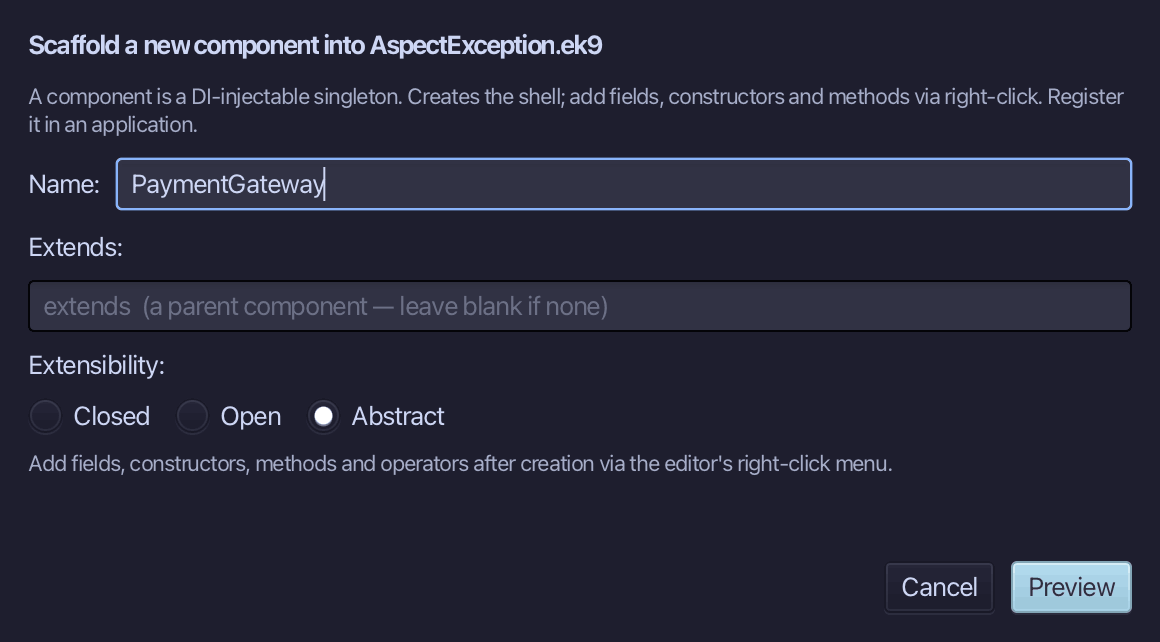
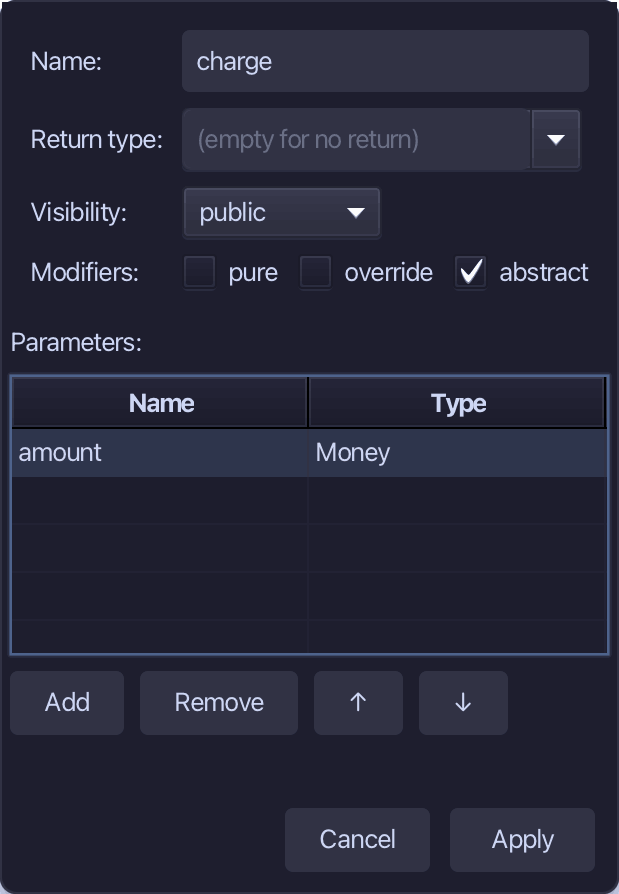
PaymentGateway is the component's name. It is the contract. Choose Abstract under Extensibility. Choose Preview.
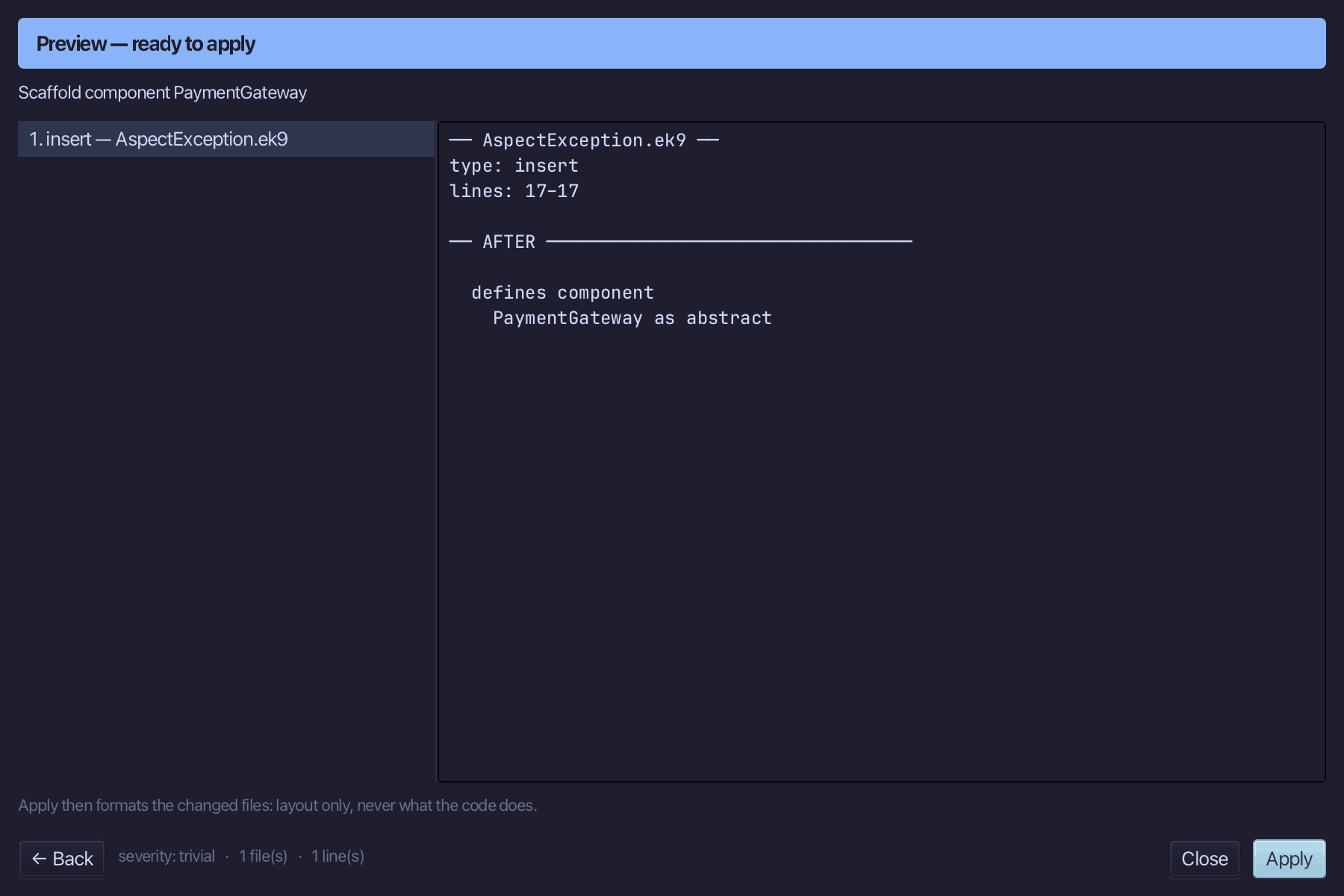
The preview shows PaymentGateway about to be written. Choose Apply.
Select the PaymentGateway line and, above it, type the blank line the book opens the block with. Saves when typed.
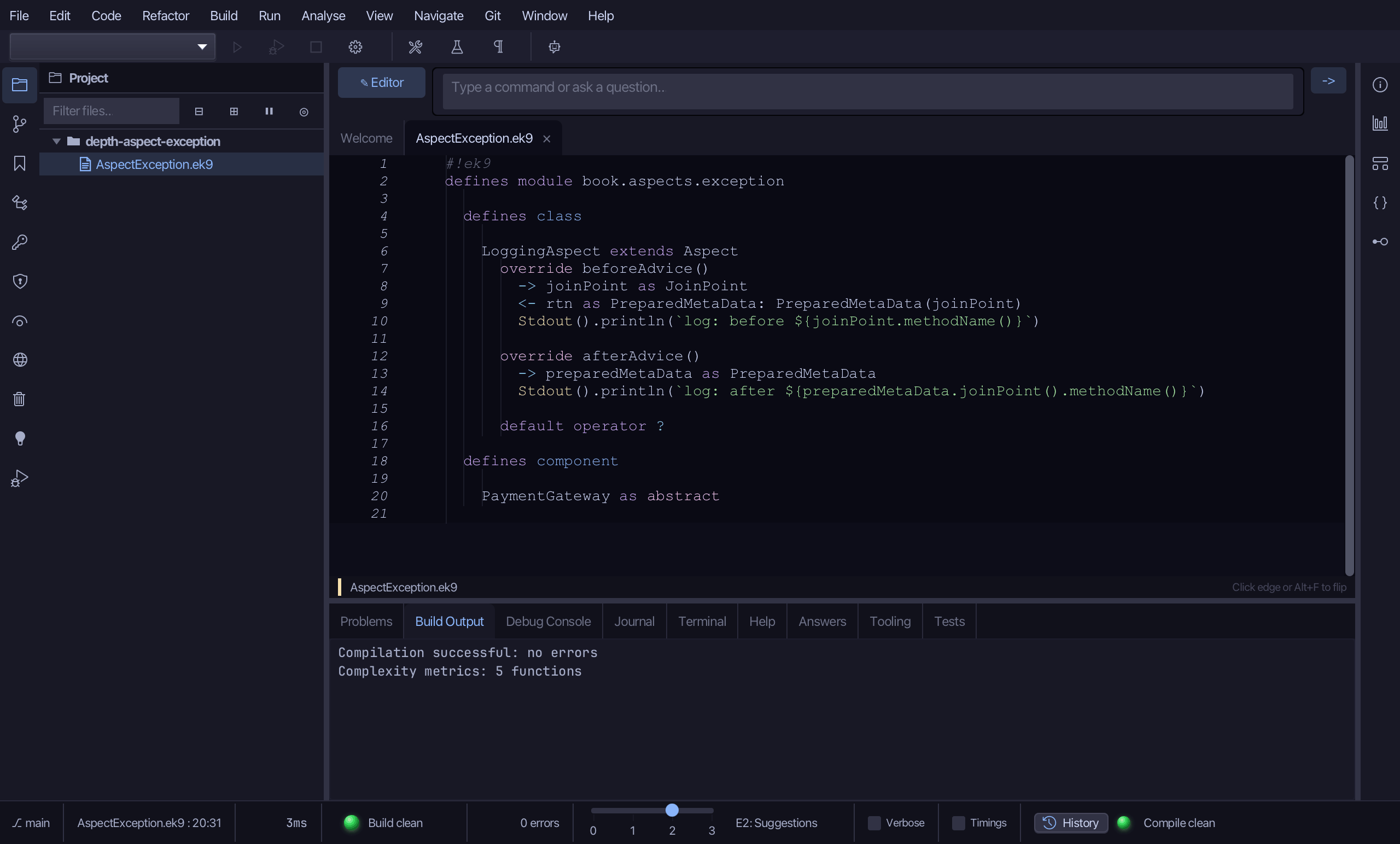
Right-click the PaymentGateway line and choose Add Method…
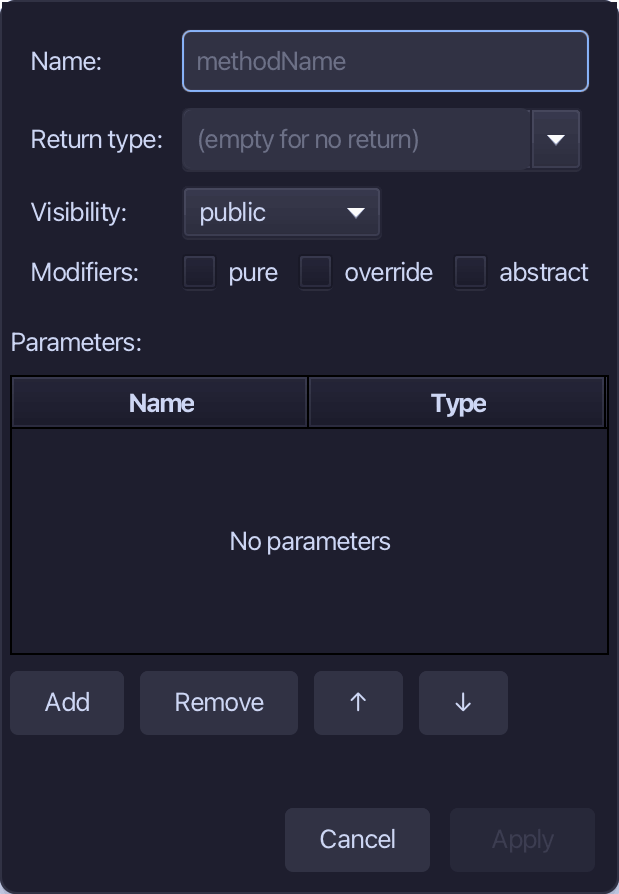
charge is the method's name. Add one parameter, amount of type Money and tick abstract - a contract with no body. Choose Apply.
Step 3: StrictGateway — a component
Choose Code > New Construct > Component…
StrictGateway is the component's name. It refuses a negative amount by throwing. Type PaymentGateway into Extends. Choose Preview.
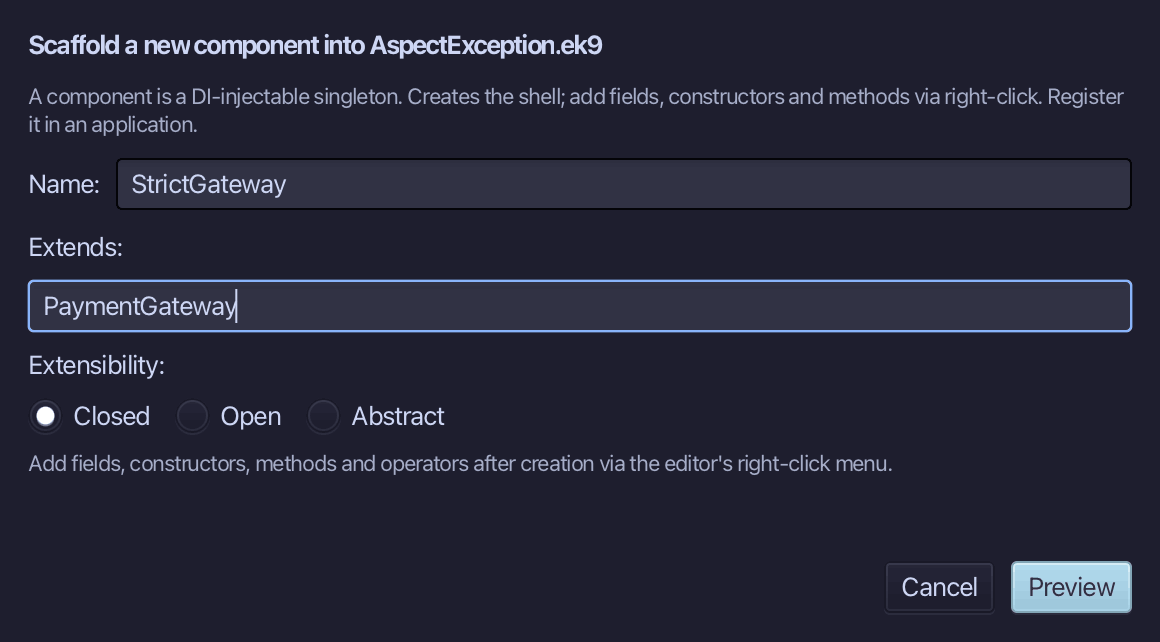
The preview shows StrictGateway about to be written - and, if PaymentGateway owes any methods, an override stub for each. Choose Apply.
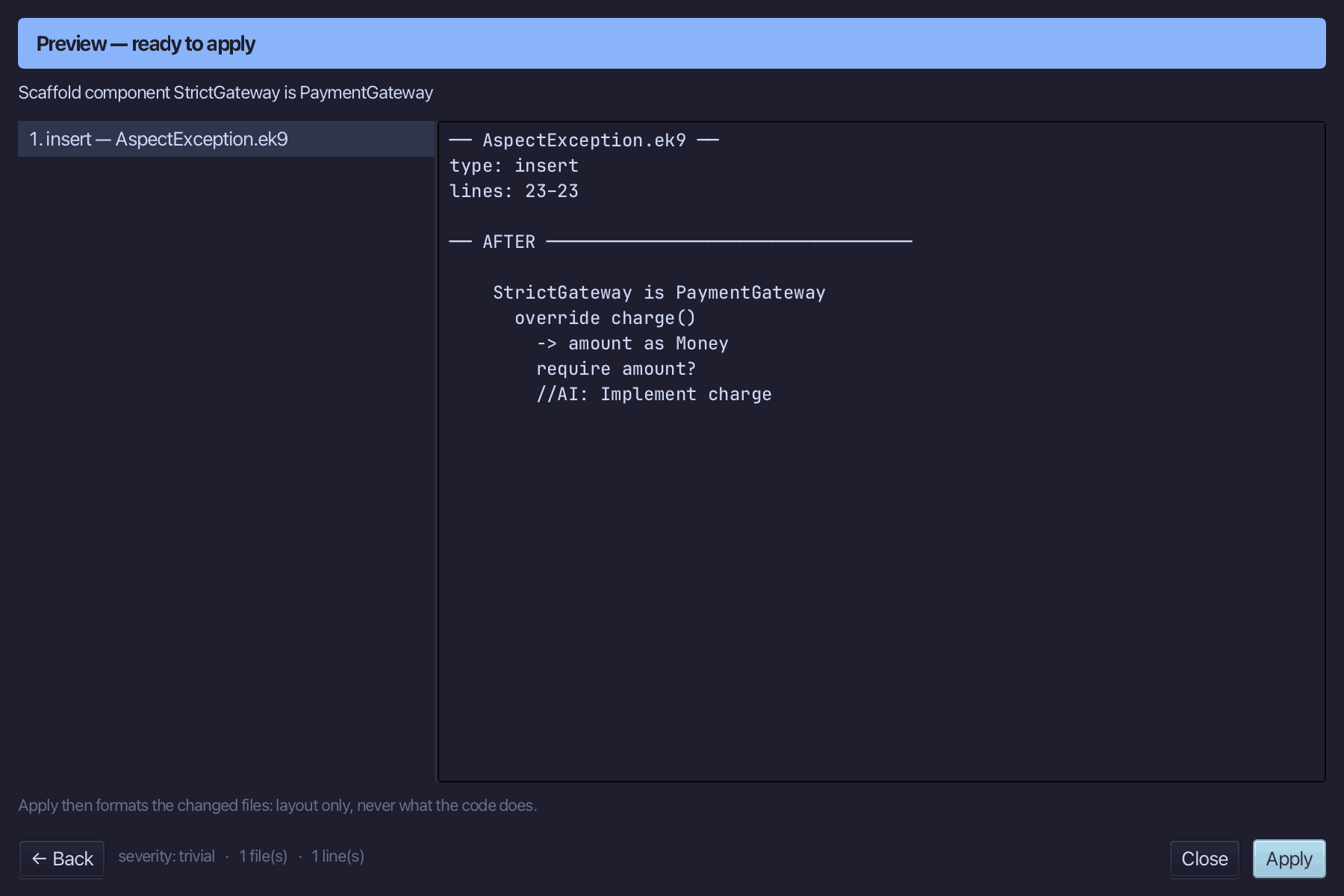
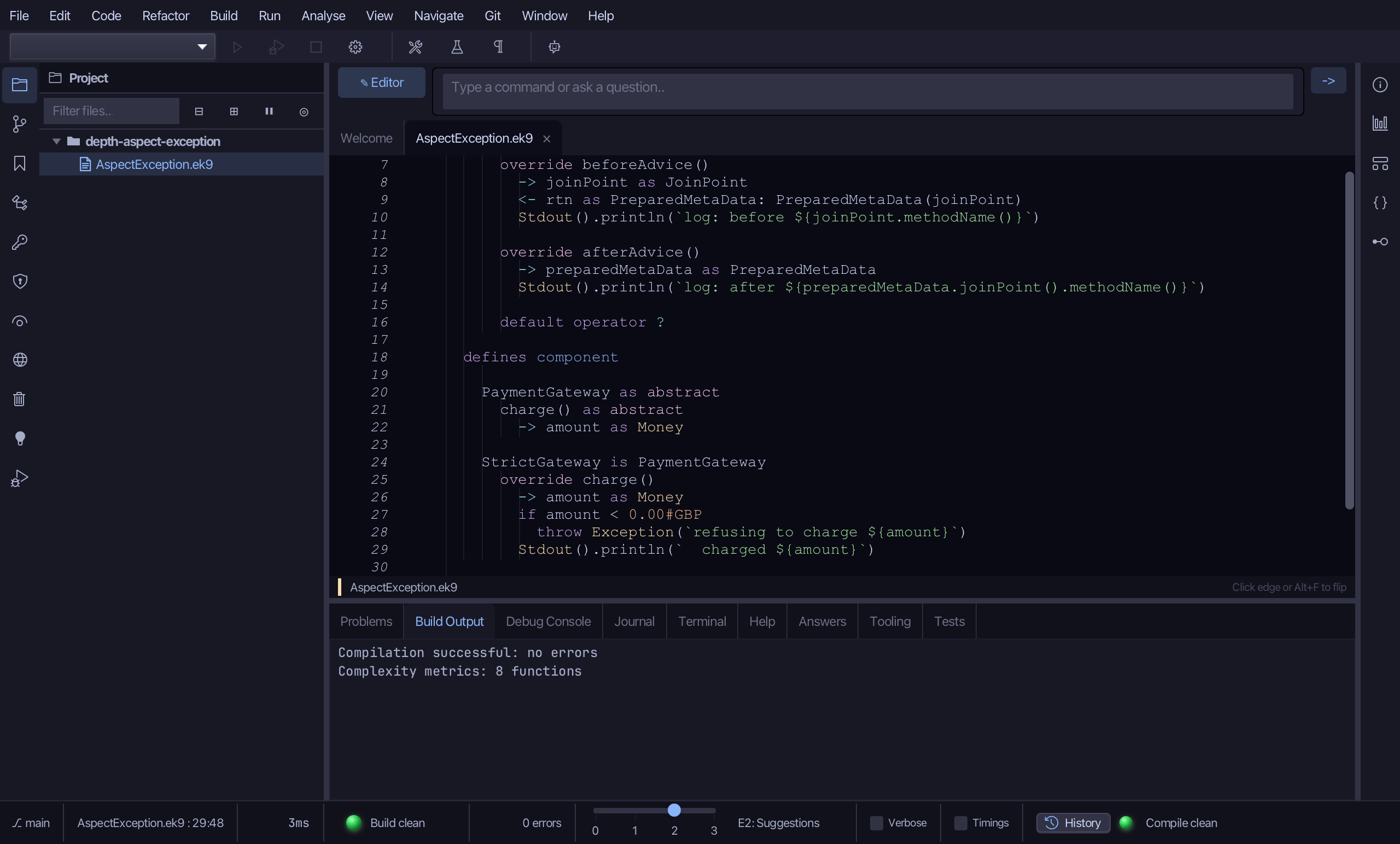
Select the stub and type it: refuse a negative amount, otherwise print the charge. Saves when typed.
Step 4: paymentsApp — an application
Choose Code > New Construct > Application…
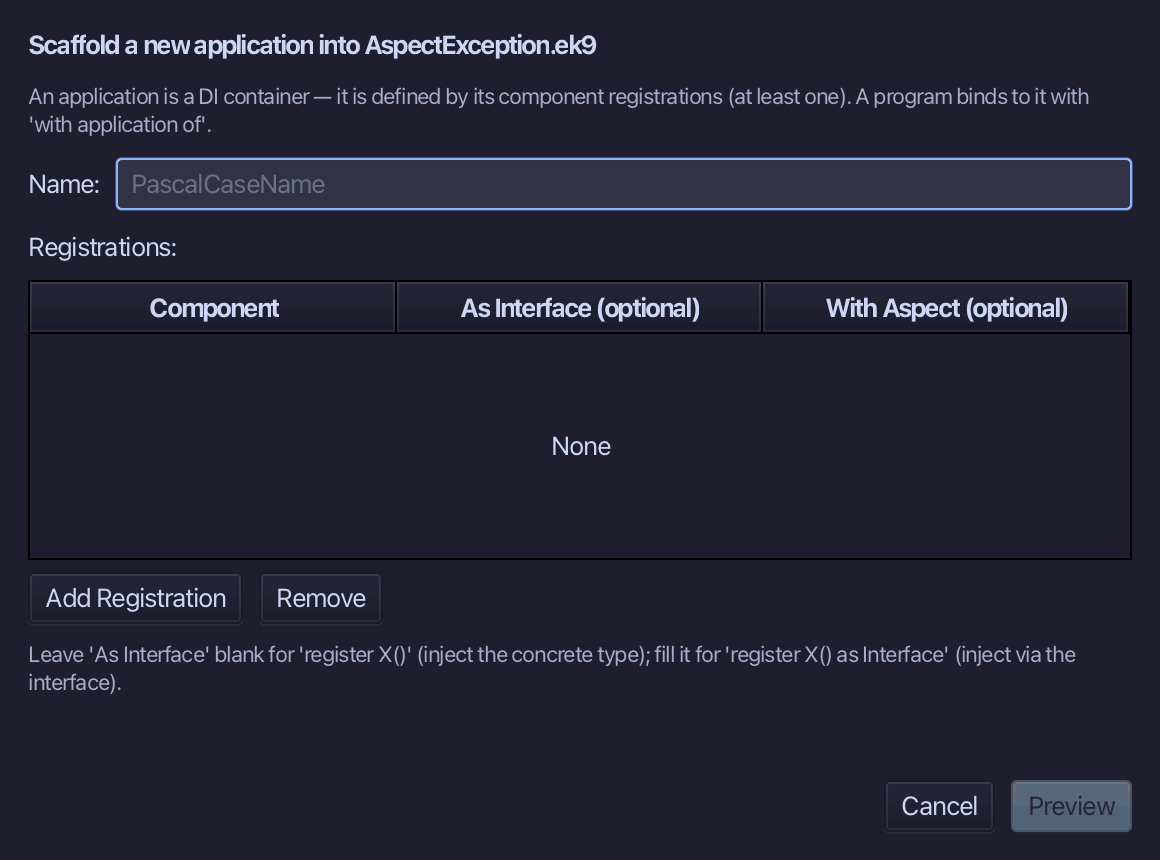
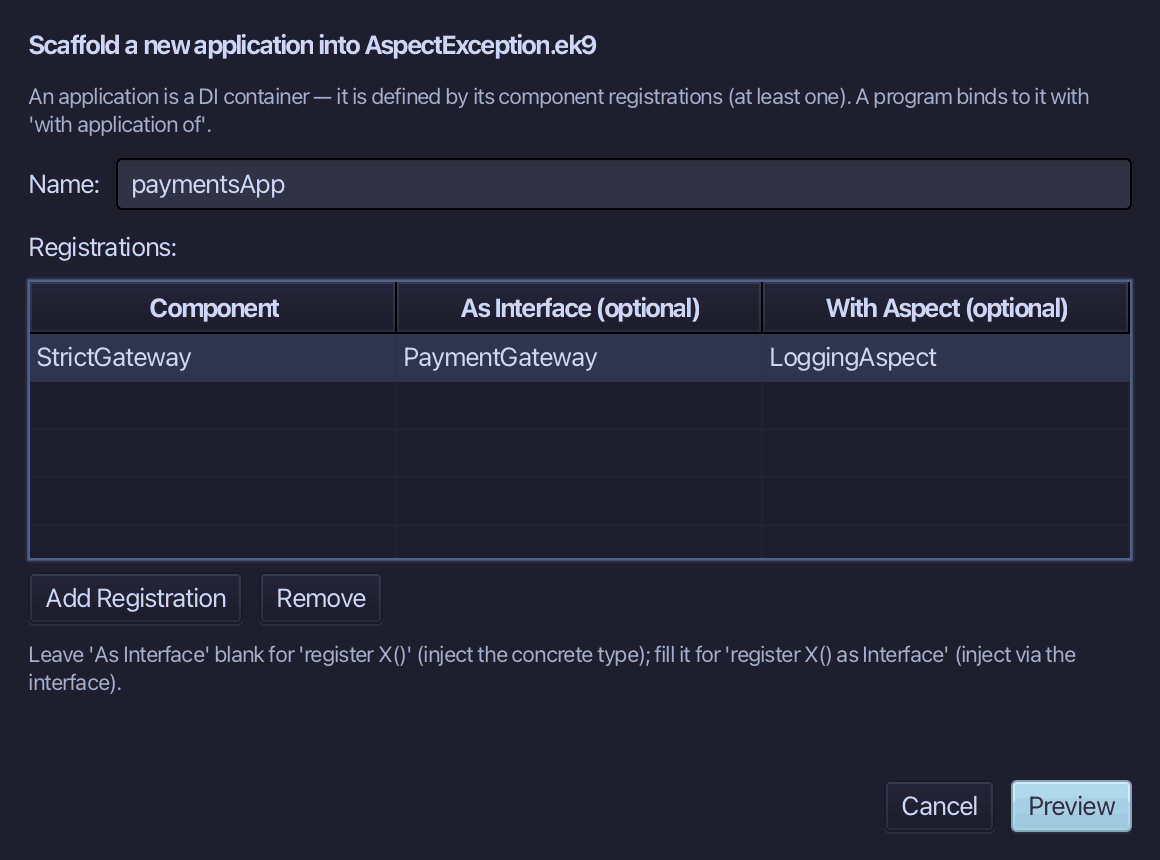
paymentsApp is the application's name. It registers StrictGateway as a PaymentGateway with the logging aspect. The Registrations table holds StrictGateway as PaymentGateway, with the aspect LoggingAspect. Choose Preview.
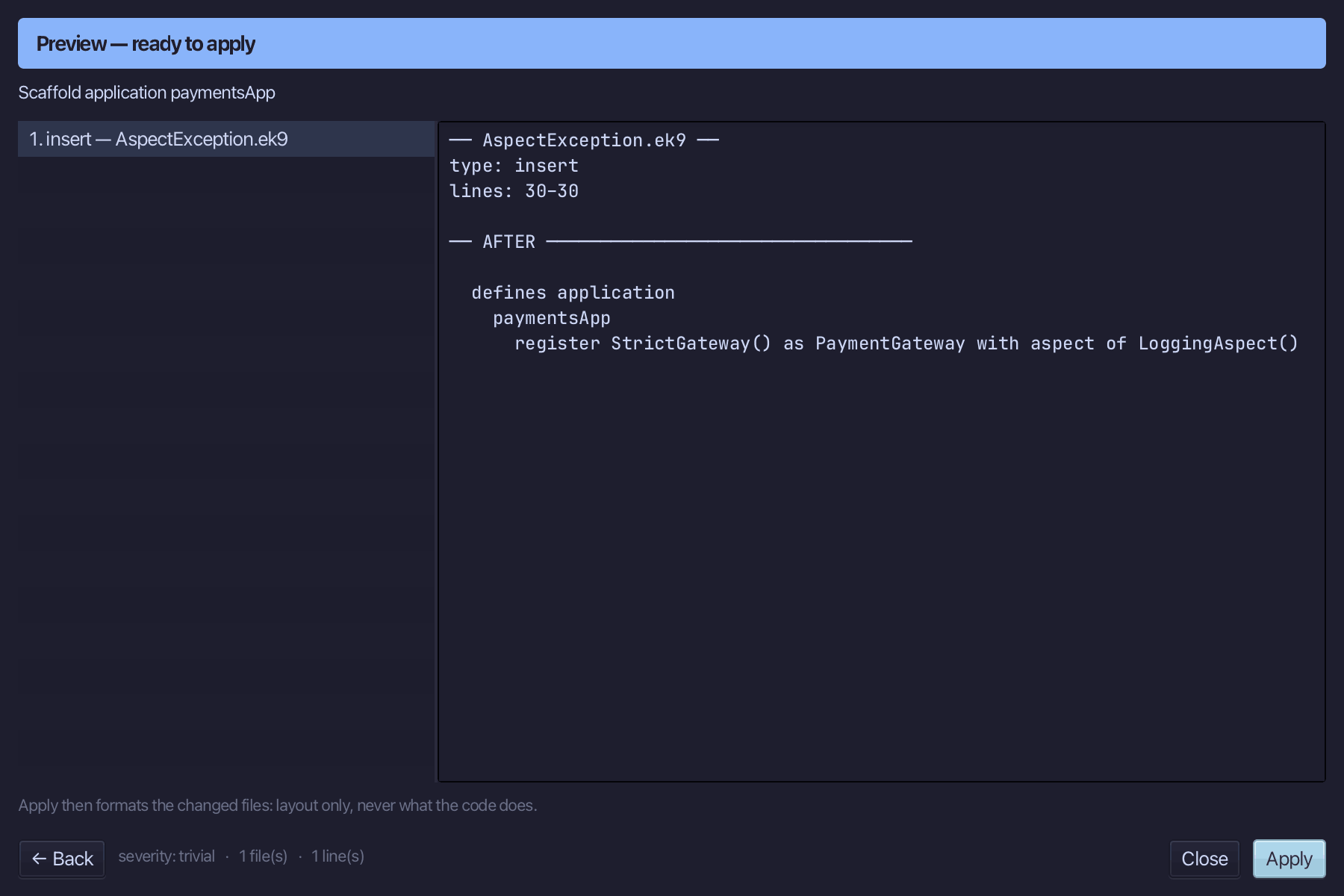
The preview shows paymentsApp about to be written, with its register line. Choose Apply.
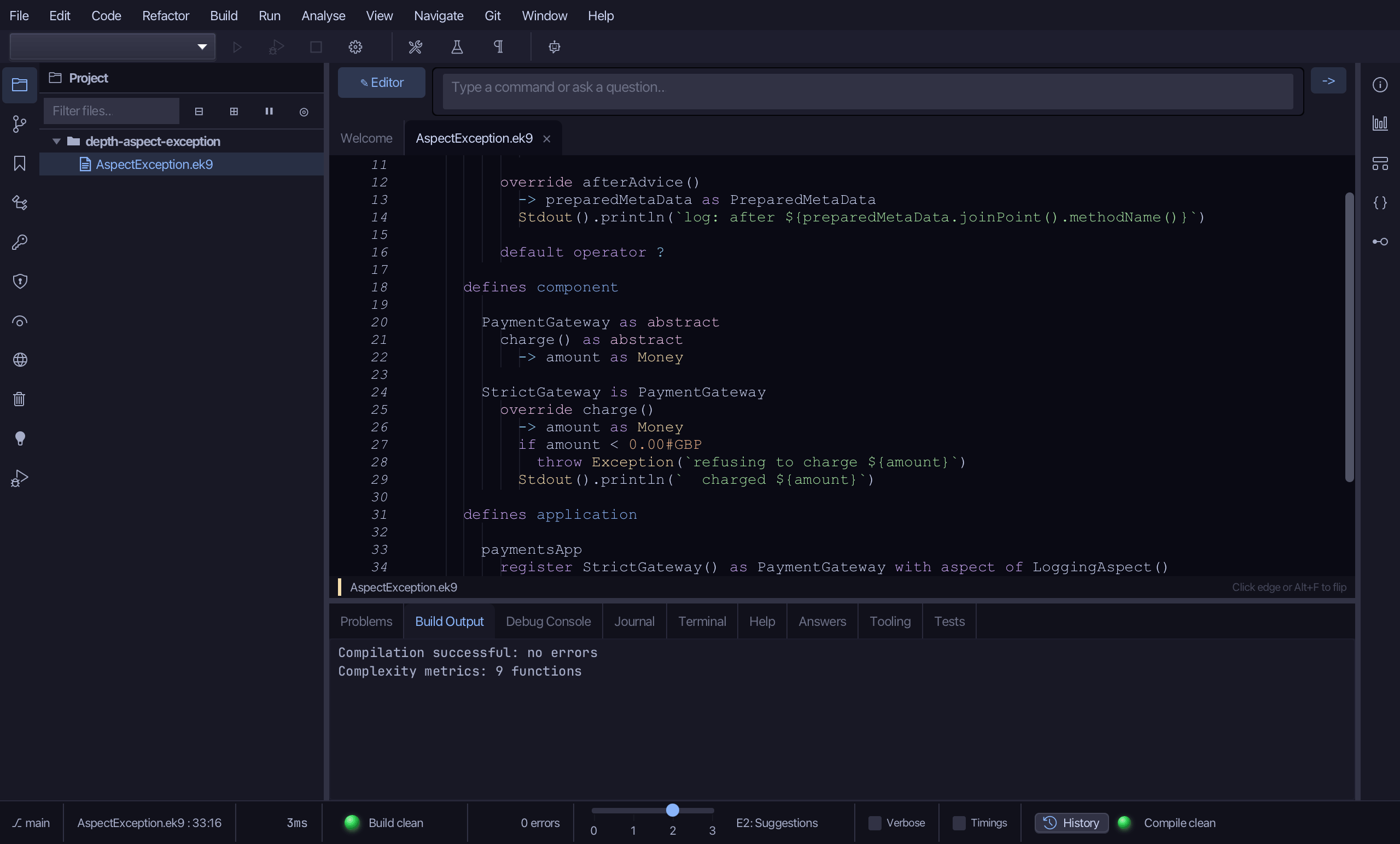
Select the paymentsApp line and, above it, type the blank line the book opens the block with. Saves when typed.
Step 5: Payments — a program
Choose Code > New Construct > Program…
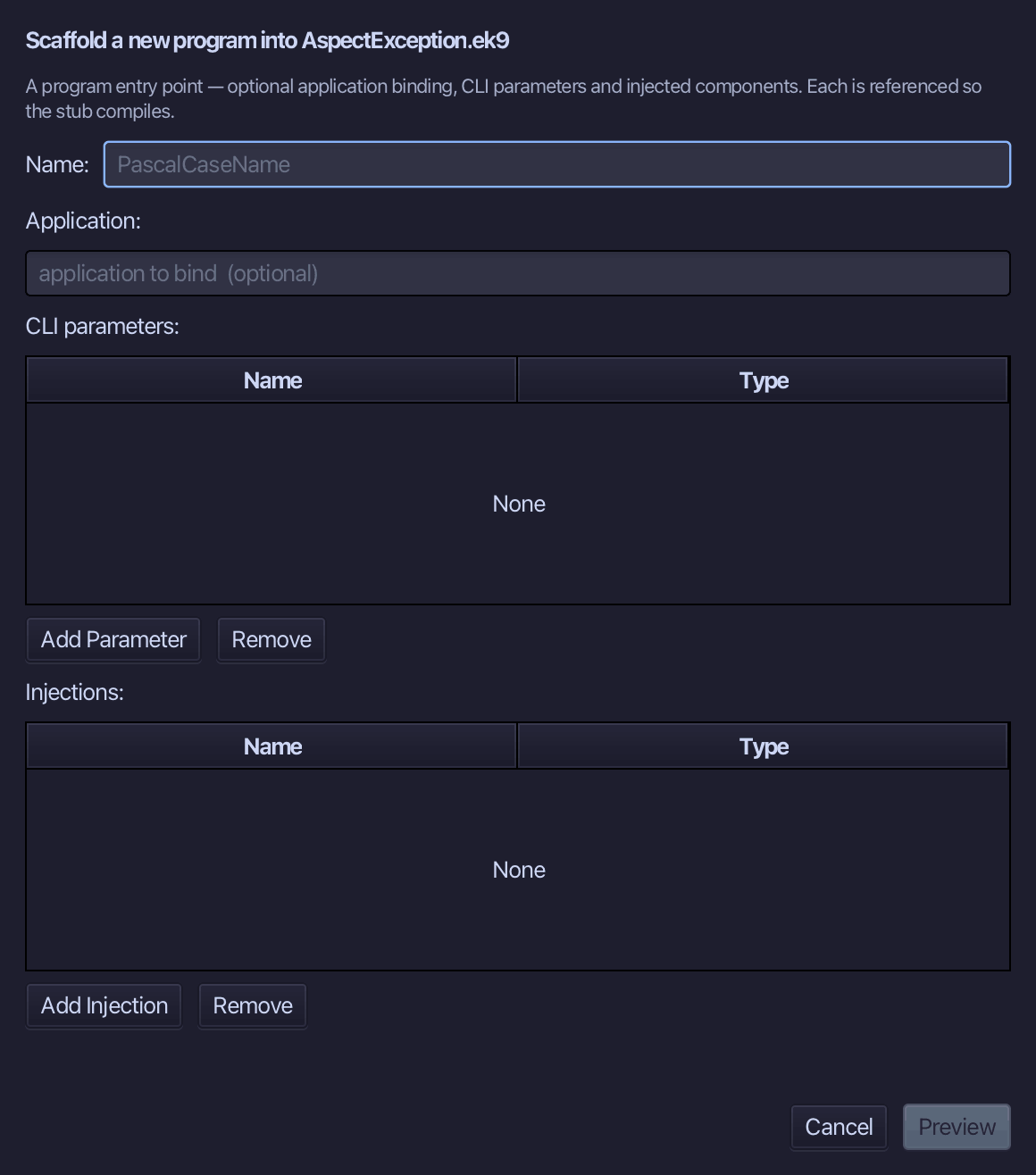
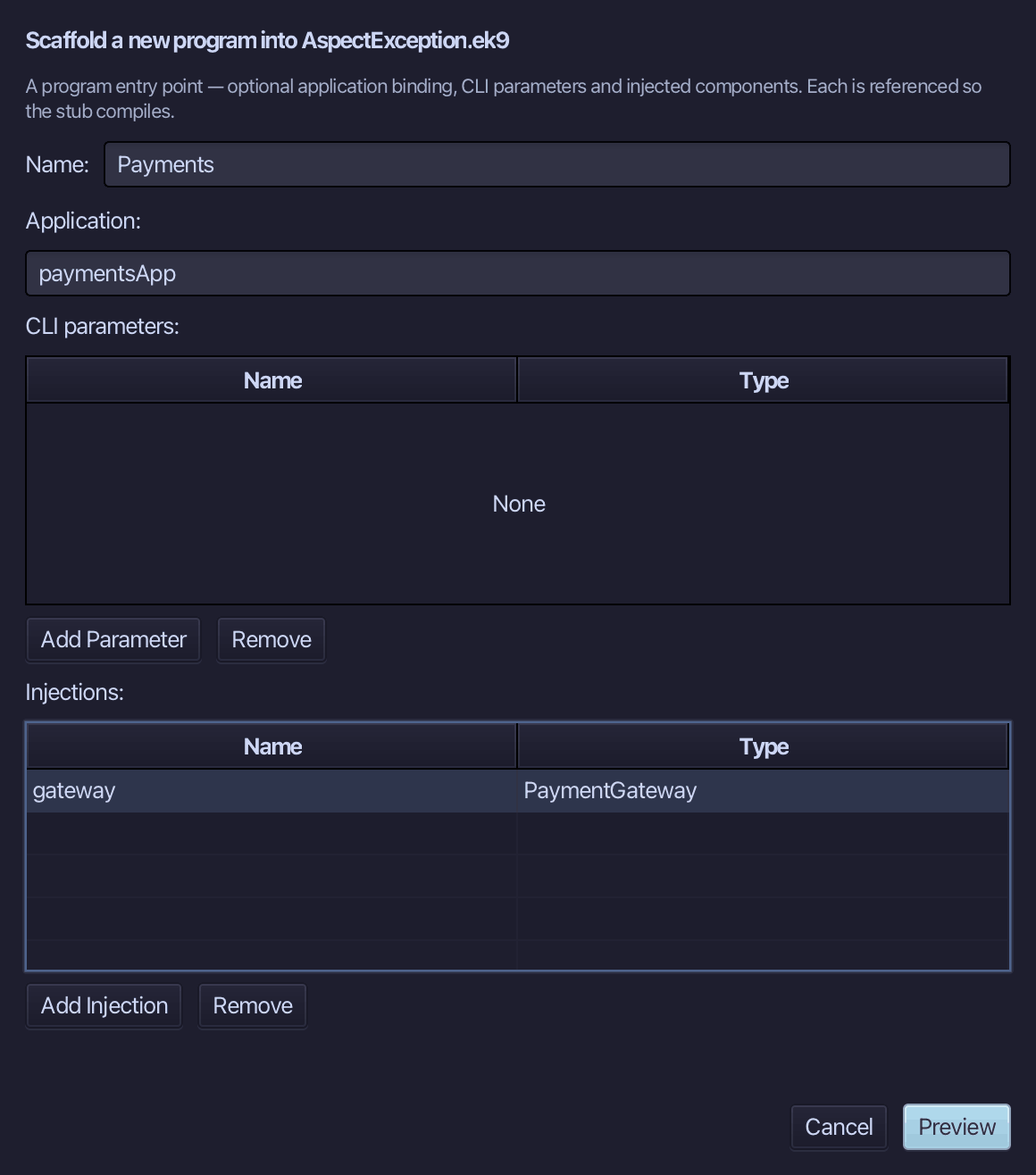
Payments is the program's name. It runs under paymentsApp and asks for a PaymentGateway. Type paymentsApp into Application. Add the injection gateway of type PaymentGateway. Choose Preview.
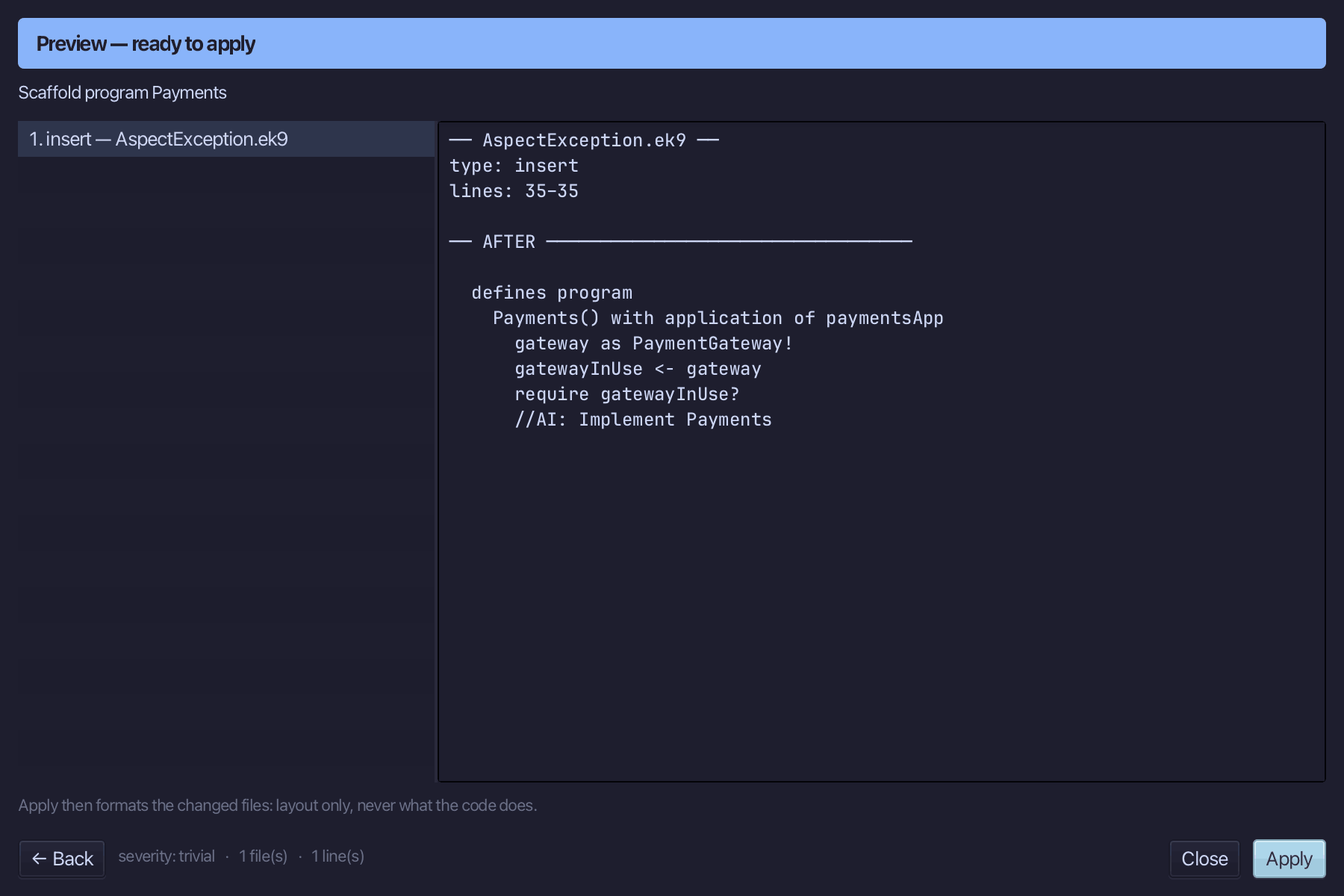
The preview shows Payments about to be written, with application of paymentsApp. Choose Apply.
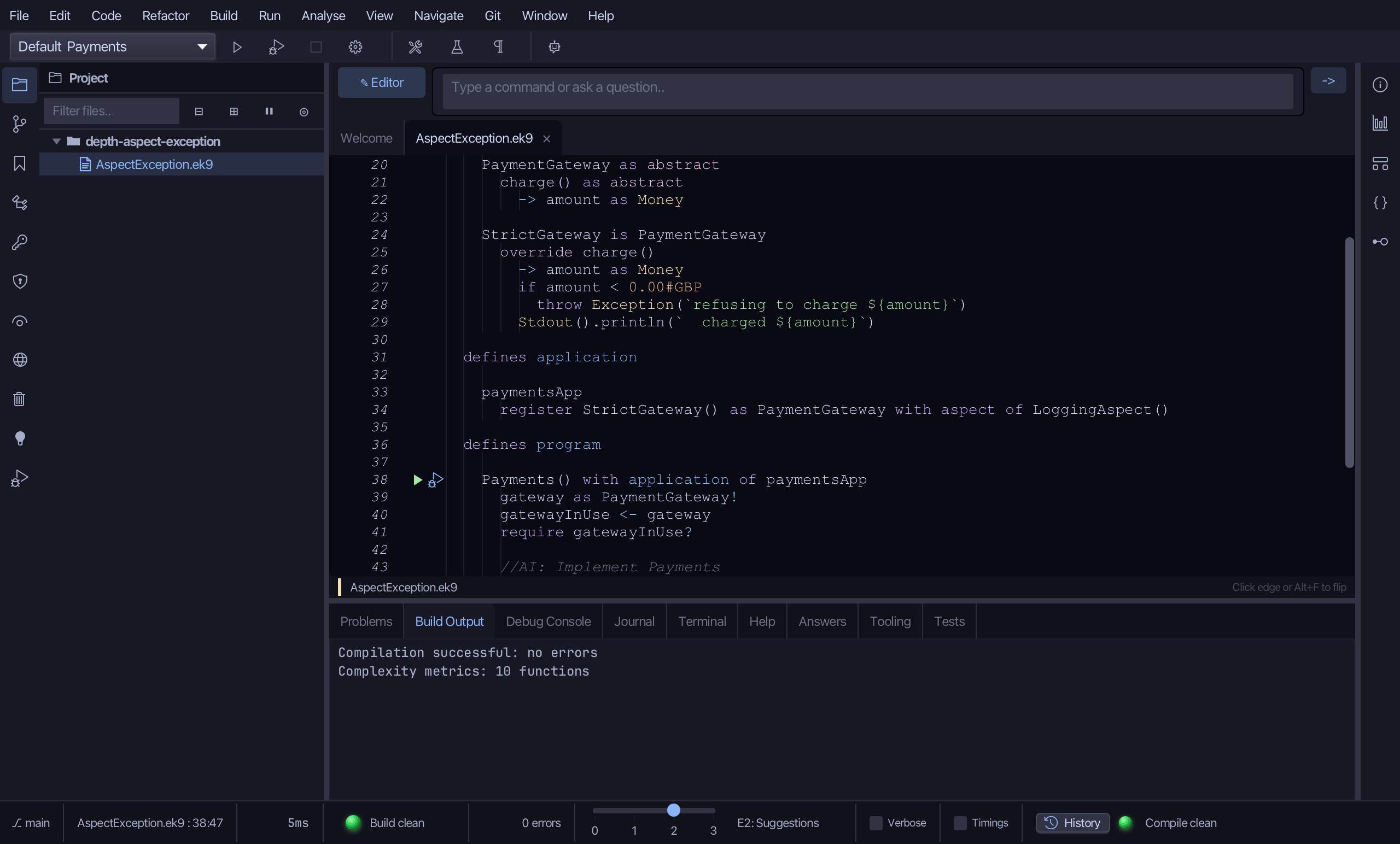
Select the Payments line and, above it, type the blank line the book opens the block with. Saves when typed.
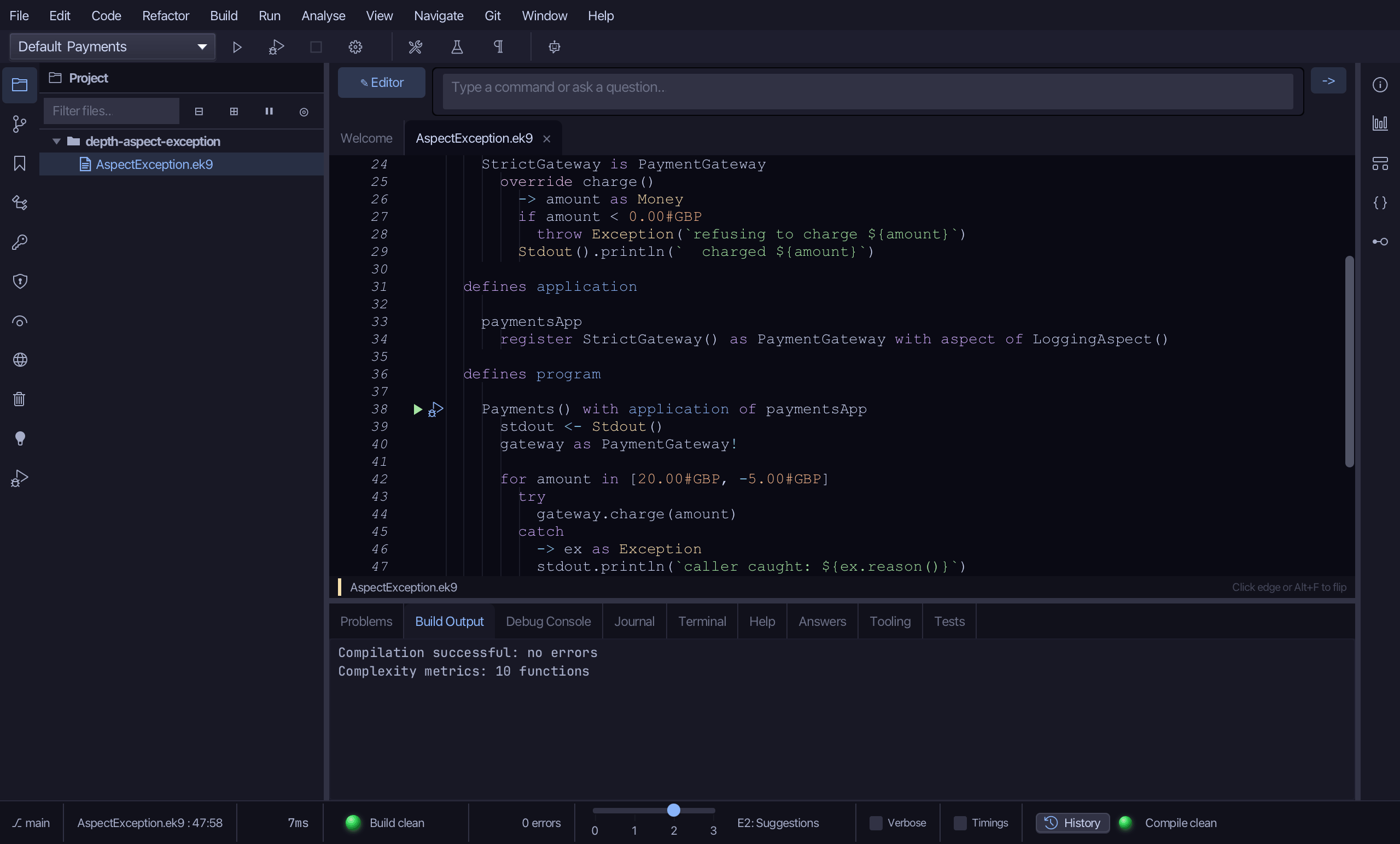
Select from the injection line down to the //AI line and type the program: a Stdout, the injection, and a loop that charges twenty pounds and then minus five inside a try. Saves when typed.
Step 6: Run it
Choose Run > Run Program…
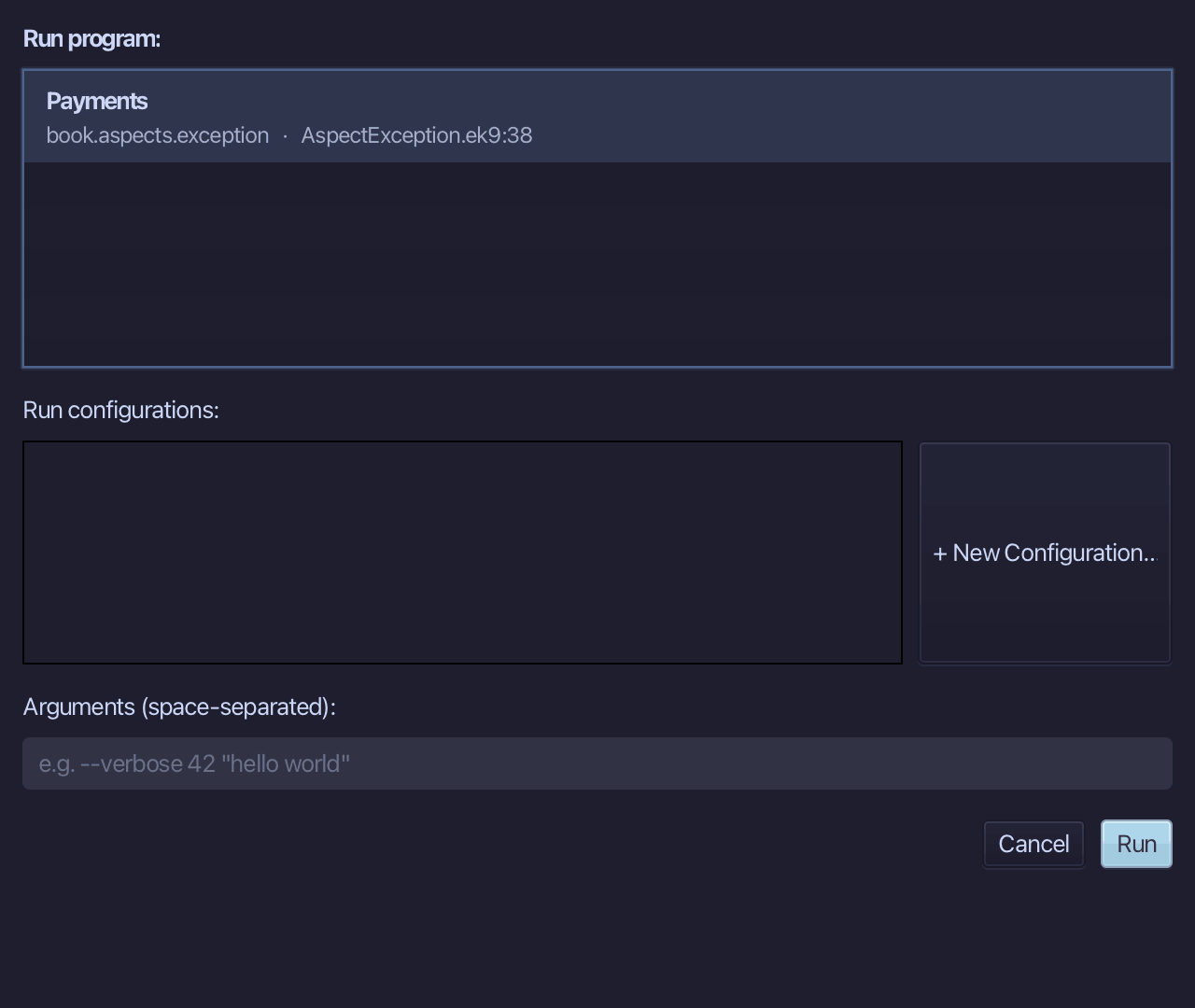
The project's only program is already chosen. Choose Run.
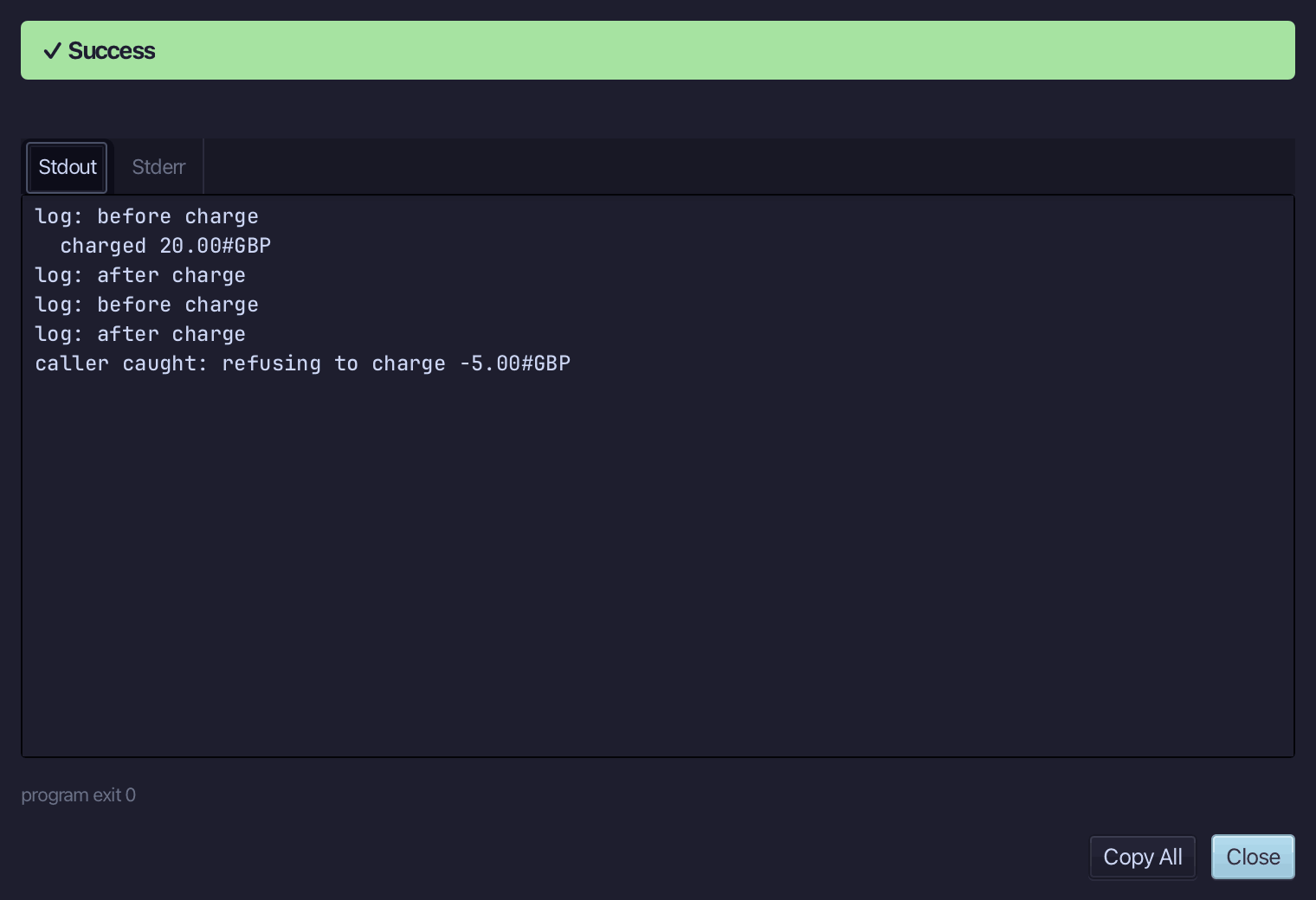
The first charge is wrapped in the log lines; the second is logged before, then refused - and the caller's catch prints the reason. Choose Close.
The result
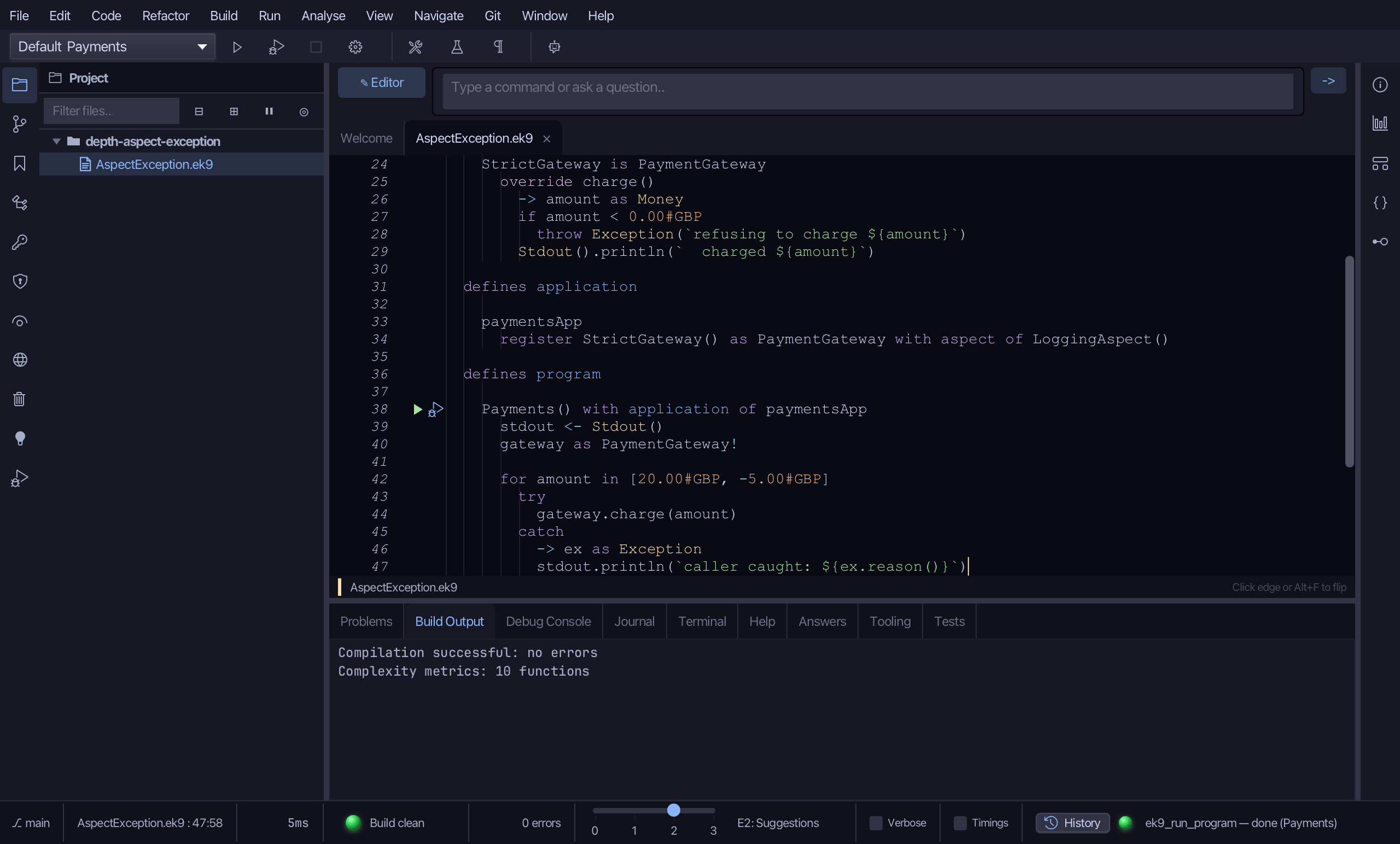
AspectException.ek9 now reads exactly as chapter 35 of EK9 in Depth shows it. The caller still catches the exception: an aspect does not swallow it, and the after advice is skipped when the method throws.
Where this lesson comes from
- For AI assistants - the MCP tool
ek9_new_construct,ek9_add_method,ek9_add_operator,ek9_add_application,ek9_add_program.