Chapter 4: a return settled by an if, built
Chapter 4's describe turns a Boolean into the word known or unknown. Its return starts as an empty String and the body settles it - so the body is an if with an else. The IDE writes the signature and the if … else head; you type the return and the words. To play it in the IDE: Help > Lessons > Getting Started with EK9…, or ek9 -ide -lesson book-describe.
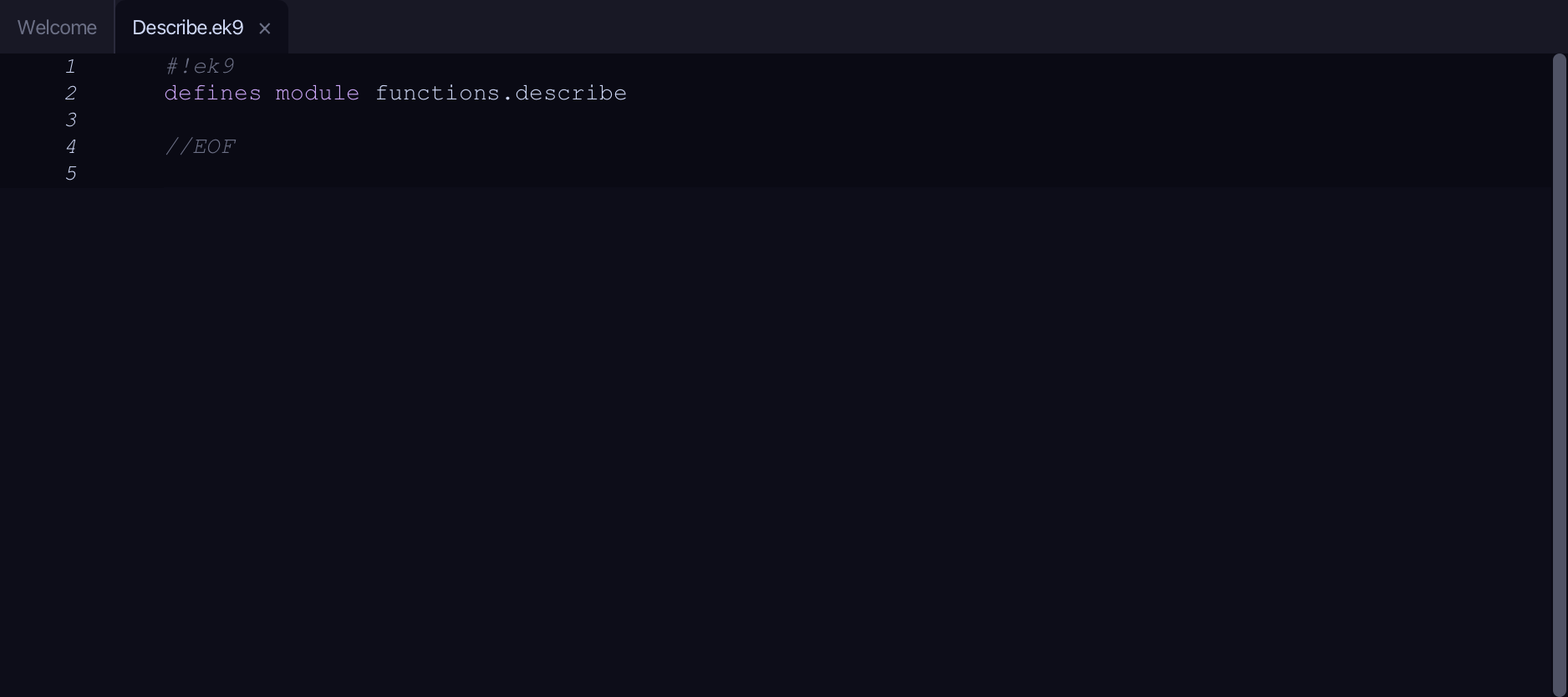
What you'll build
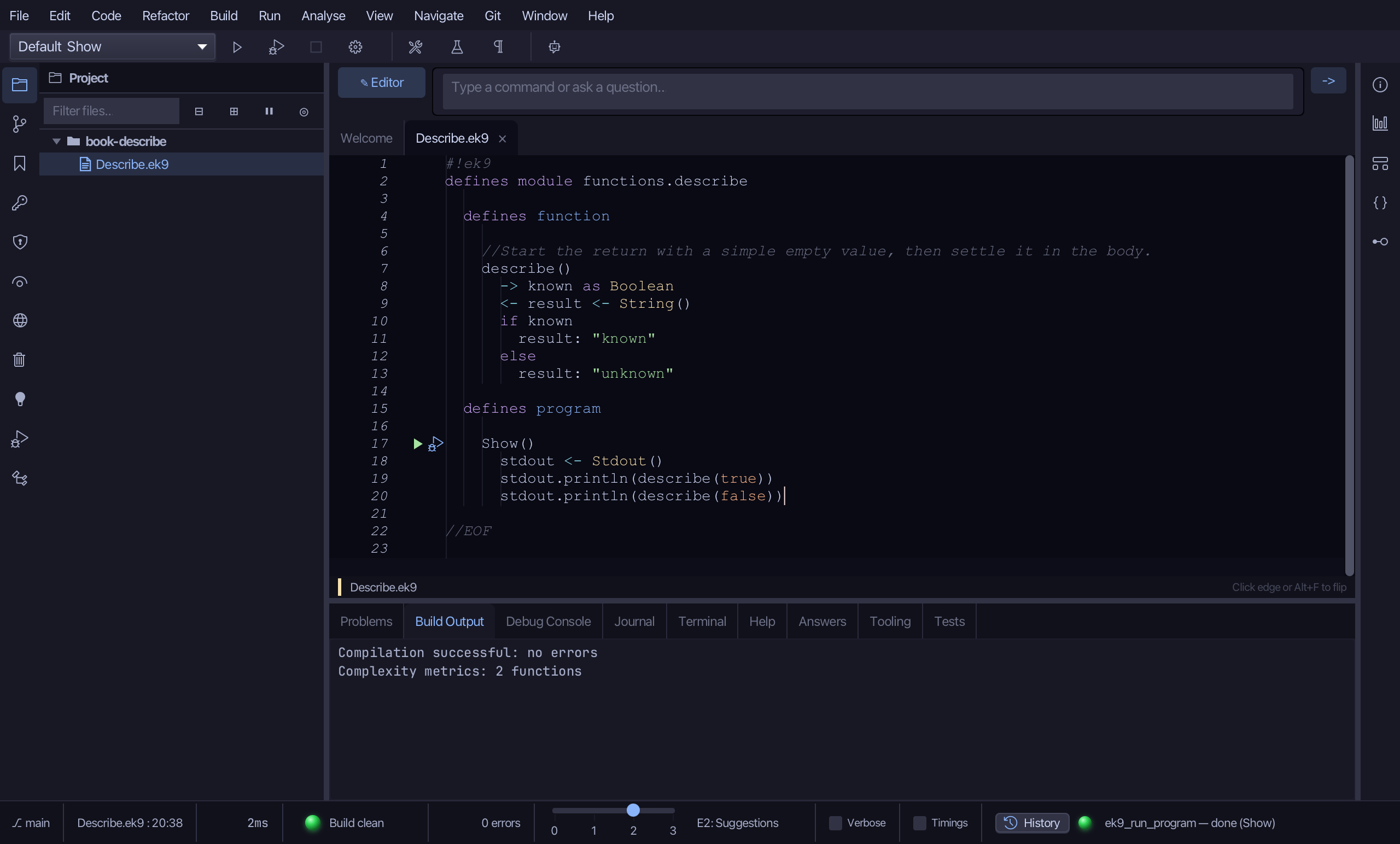
The lesson builds this program from a file holding only its module line - the finished file, as the book prints it.
#!ek9
defines module functions.describe

  defines function

    //Start the return with a simple empty value, then settle it in the body.
    describe()
      -> known as Boolean
      <- result <- String()
      if known
        result: "known"
      else
        result: "unknown"

  defines program

    Show()
      stdout <- Stdout()
      stdout.println(describe(true))
      stdout.println(describe(false))

//EOF
Step 1: A function that returns a String
Choose Code > New Construct > Function…
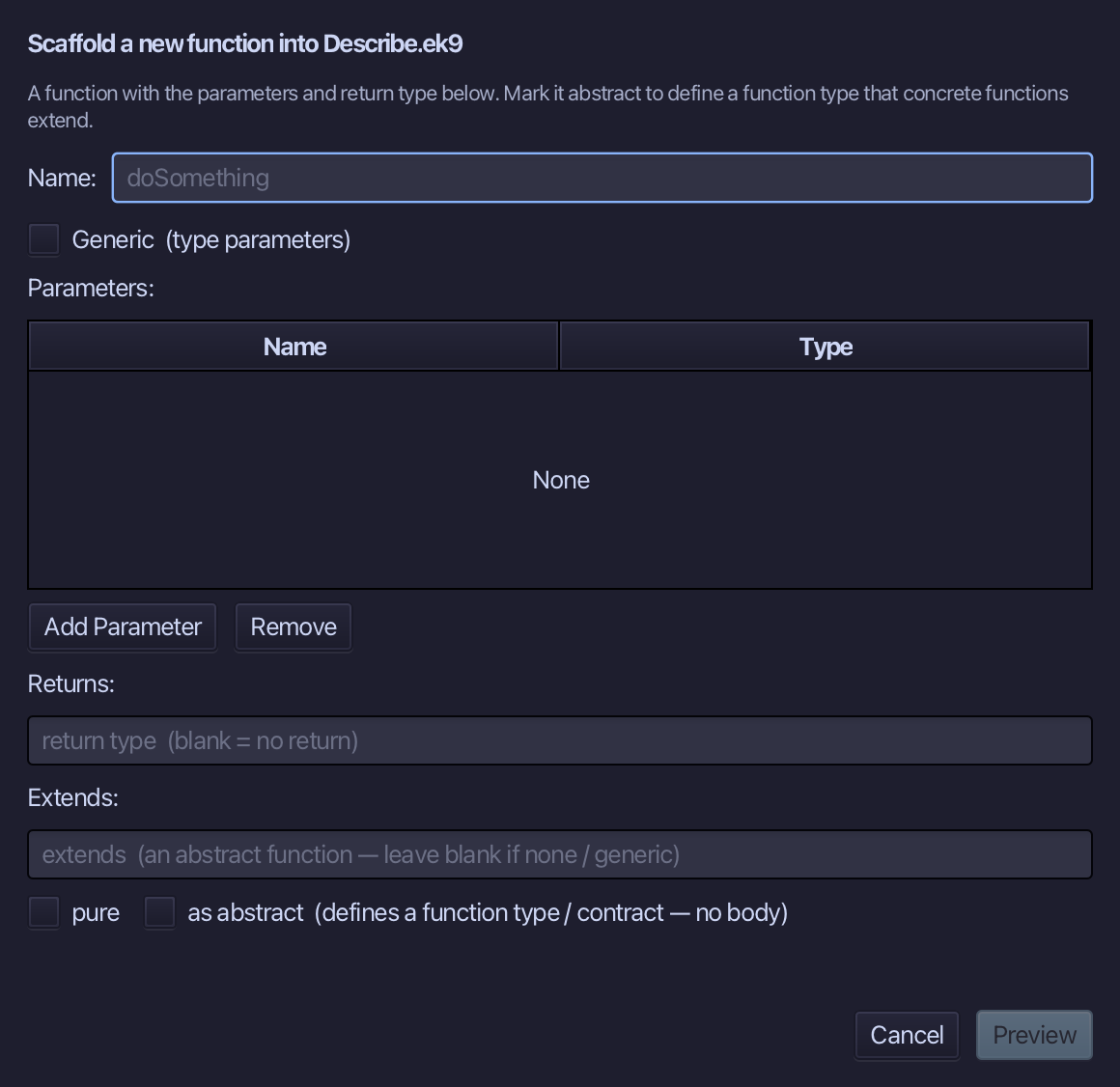
describe is the function's name. Add one parameter, known of type Boolean, and set Returns to String. Choose Preview.
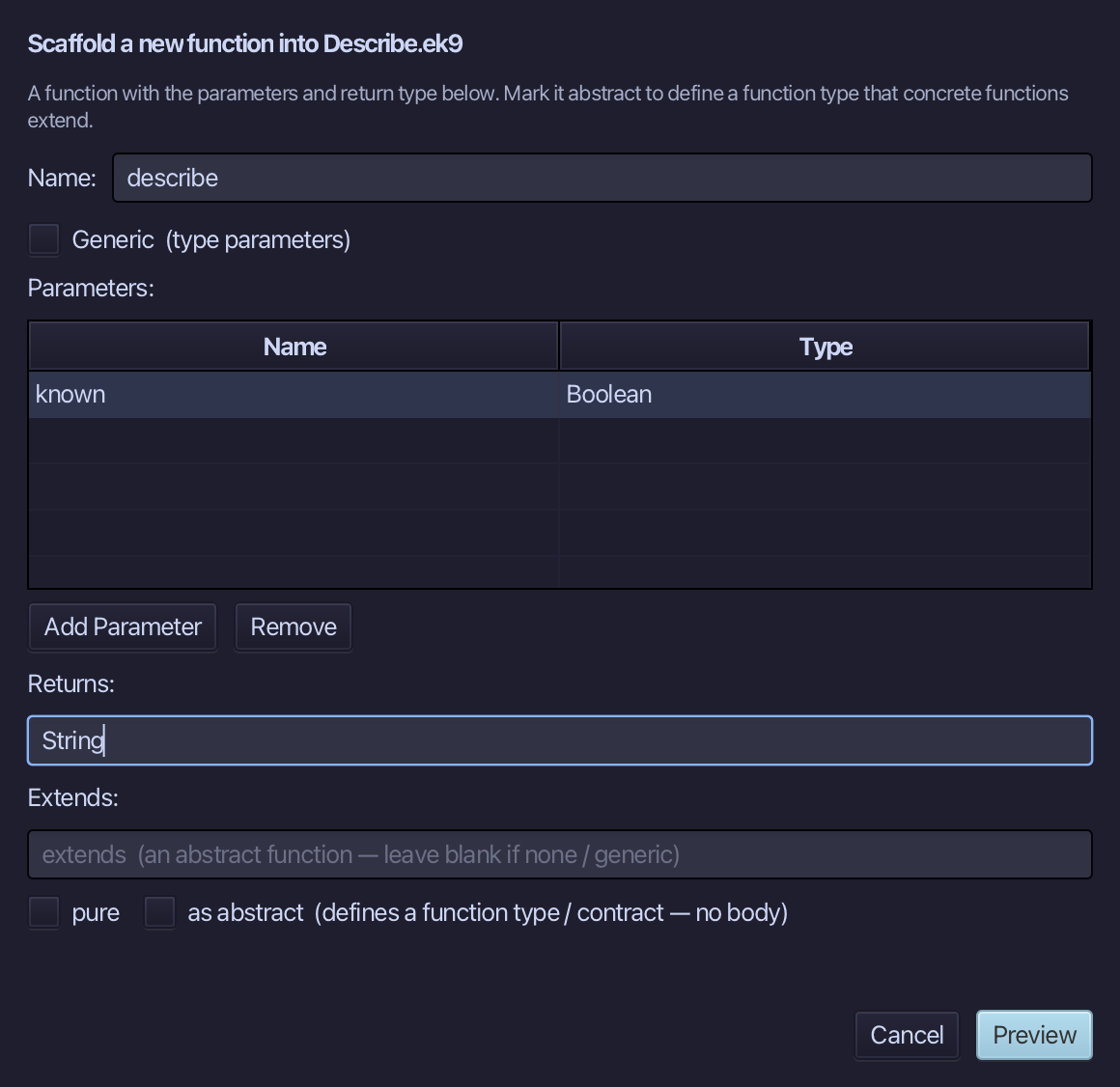
The preview shows describe about to be written, known in and String out. Choose Apply.
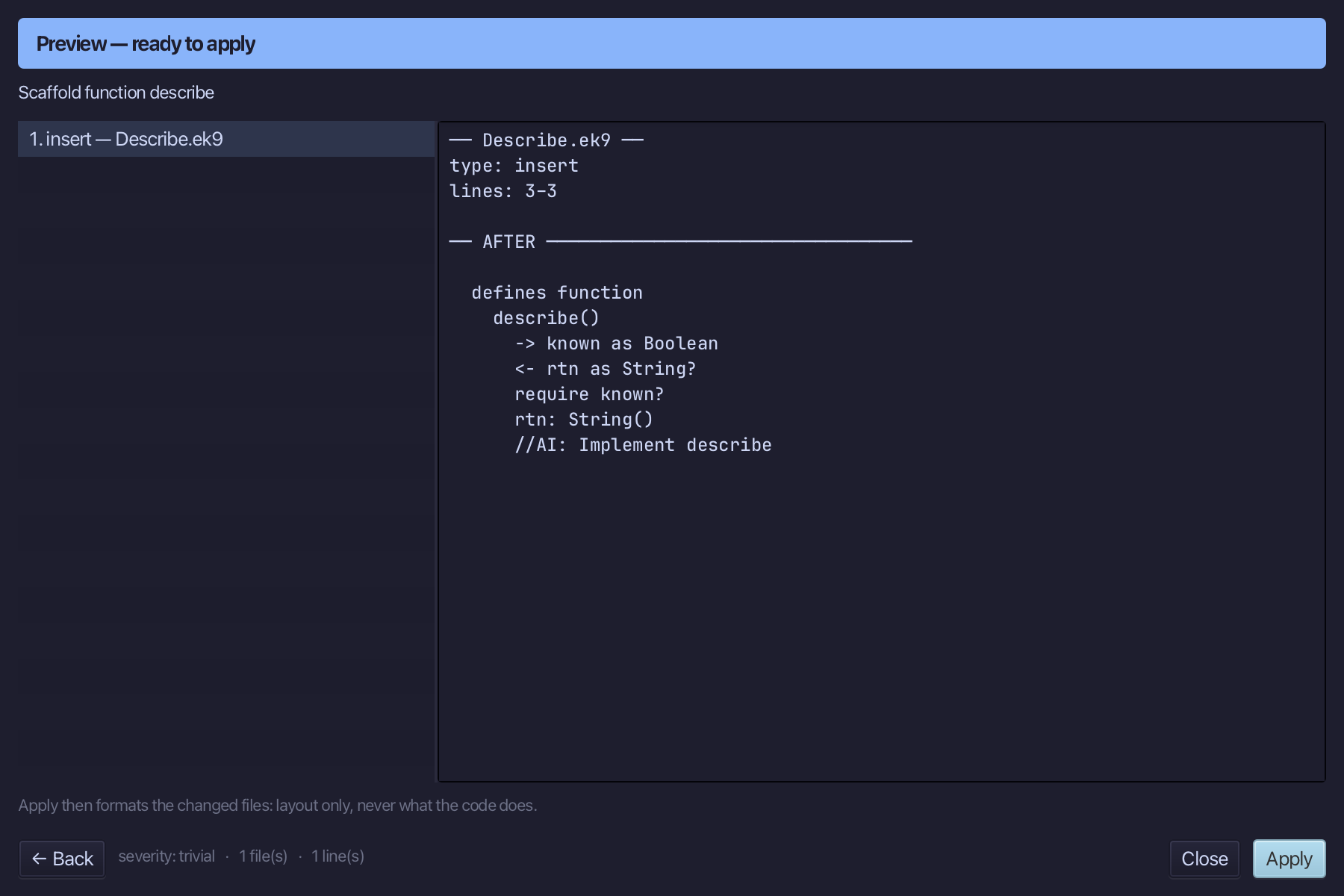
Select the describe() line and, above it, type the comment the book puts there. Saves when typed.
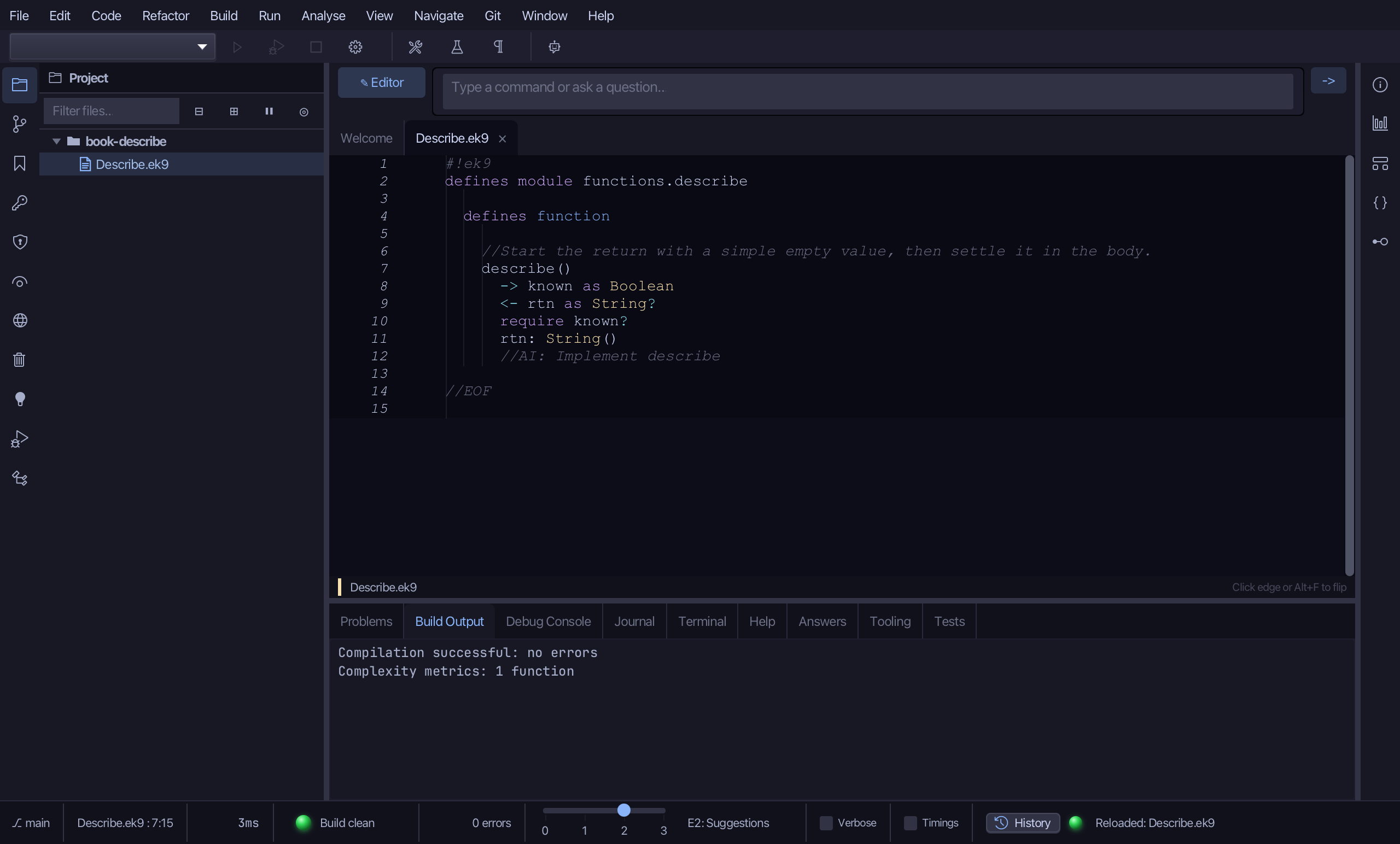
Select the stub, from <- rtn as String? down to its //AI line, and type the return - an empty String to start - and the first assignment. Saves when typed.
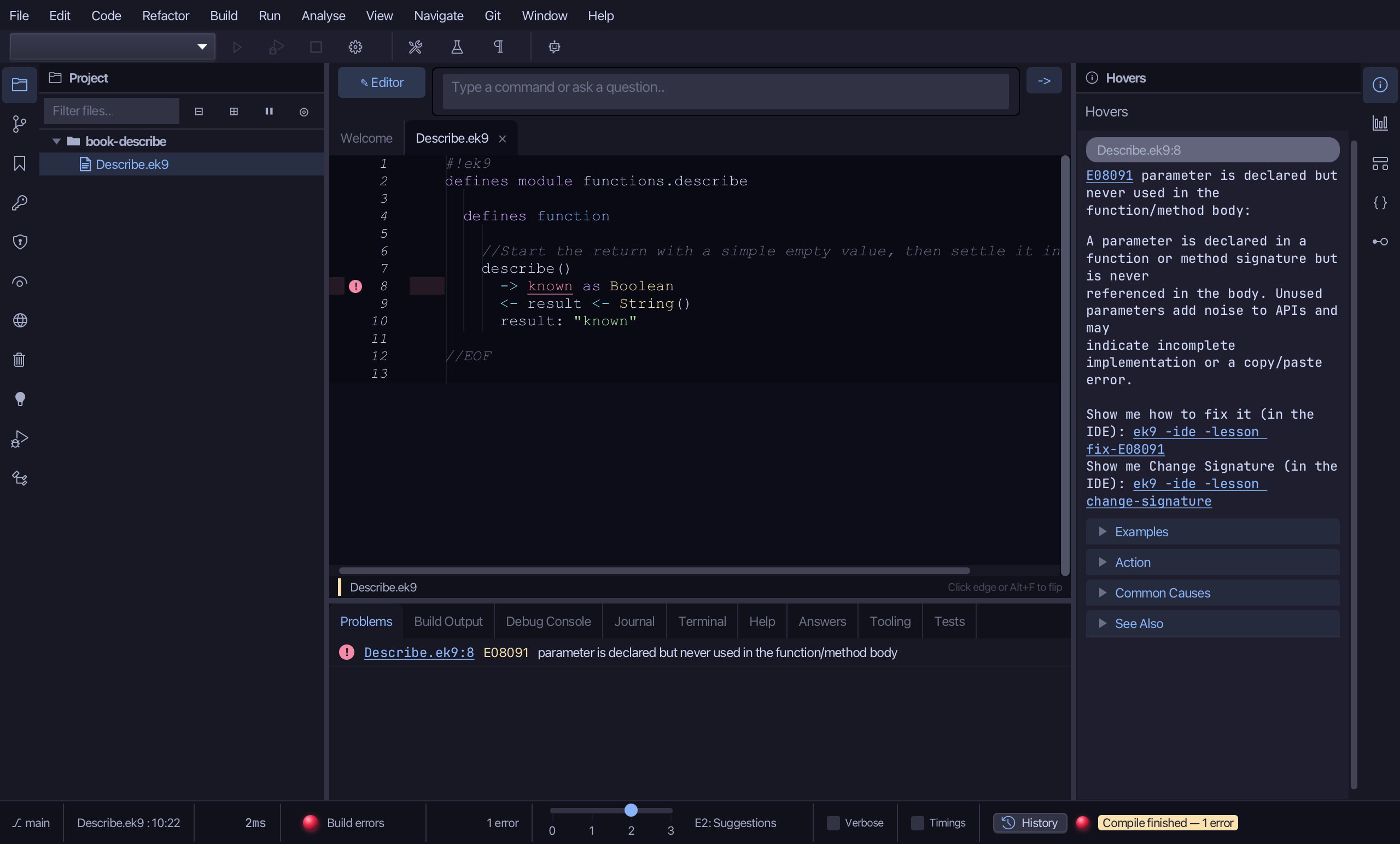
Step 2: Settle the return: Surround With ▸ if … else
Put the caret on the result: "known" line, right-click - or choose Refactor > Refactor This… - and choose Surround With ▸ if ... else.
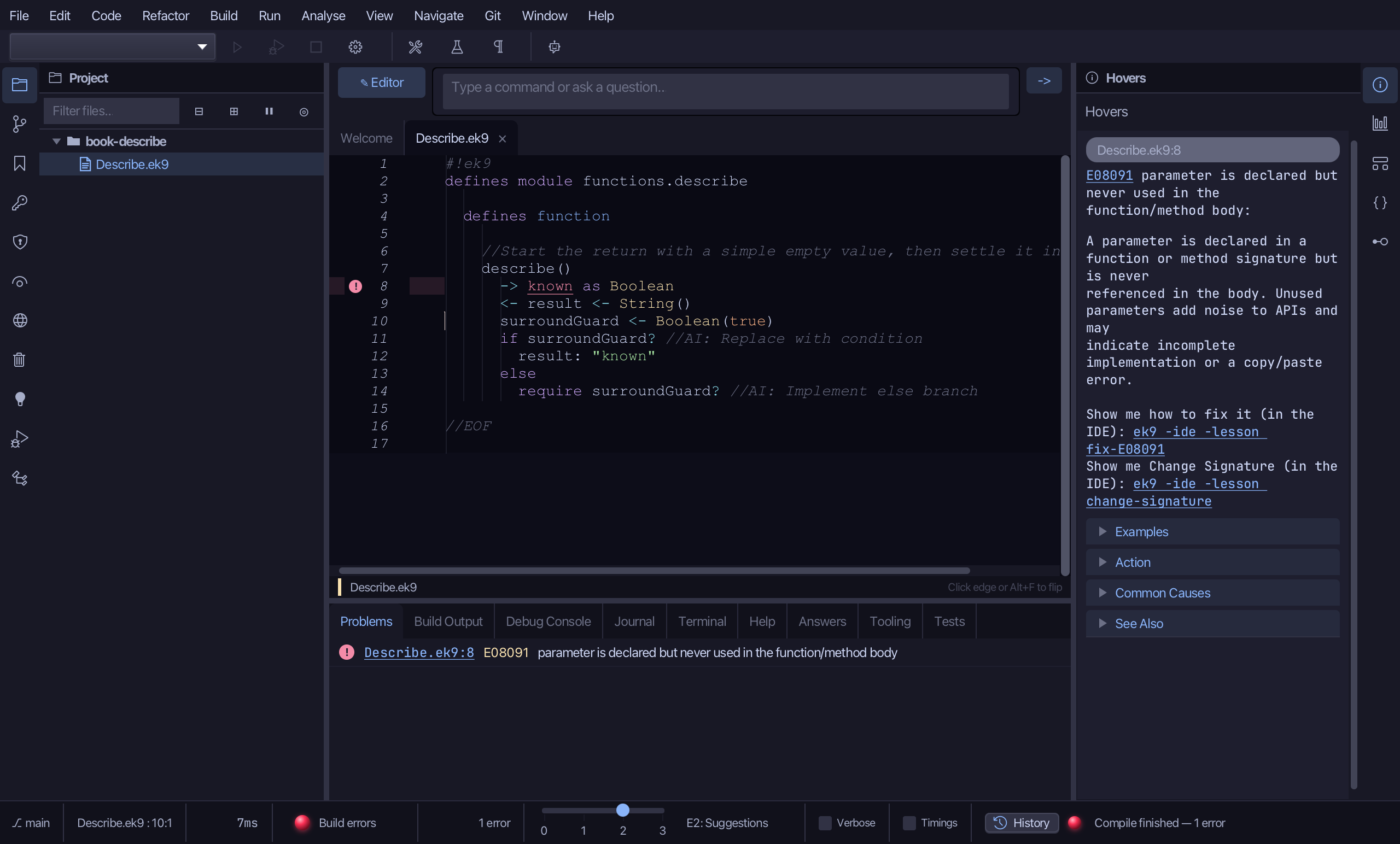
Select the stub, from surroundGuard <- Boolean(true) down to its //AI line, and type the real test: if known. Saves when typed.
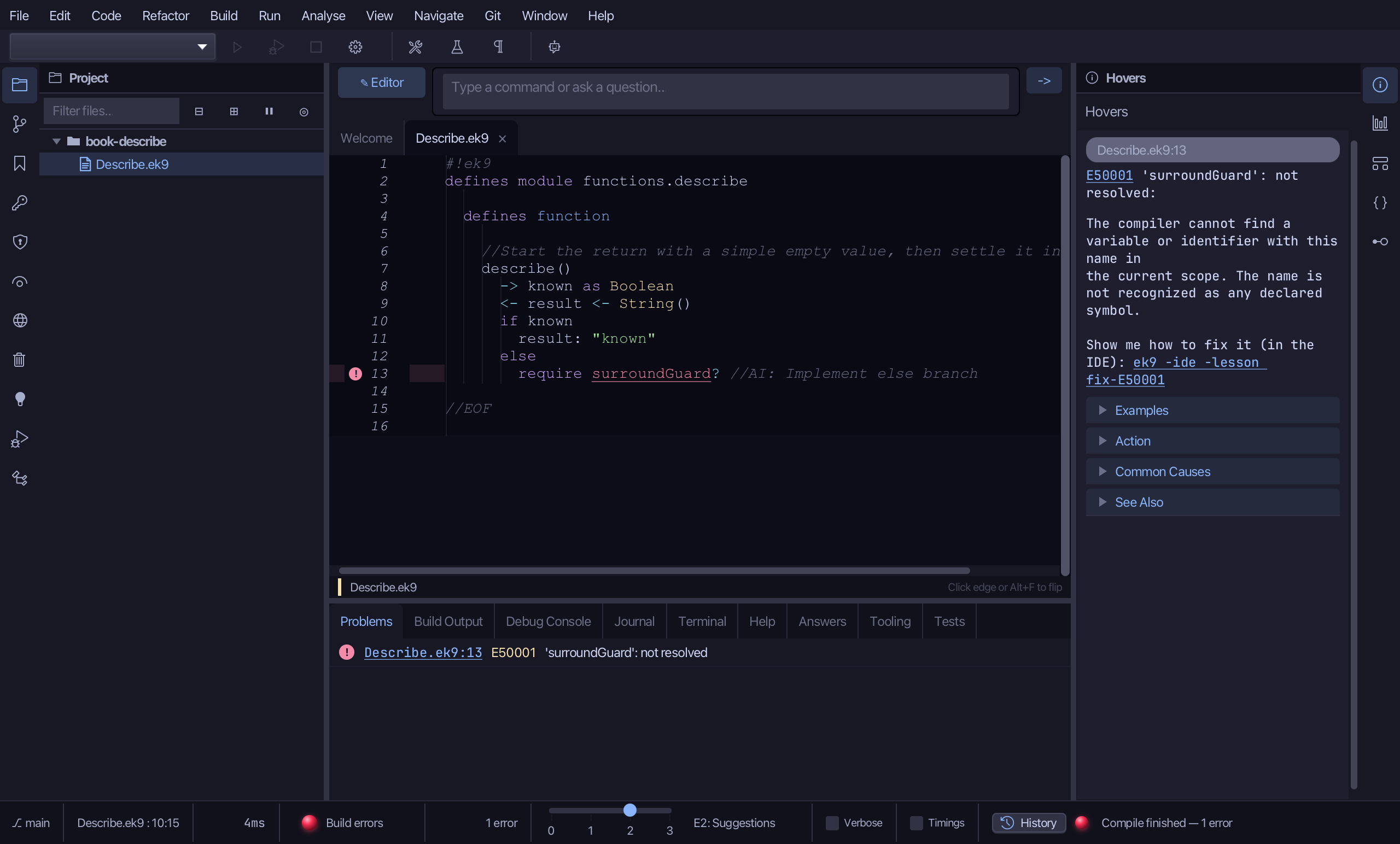
Select the else and its placeholder, and type the else branch: result settled as unknown. Saves when typed.
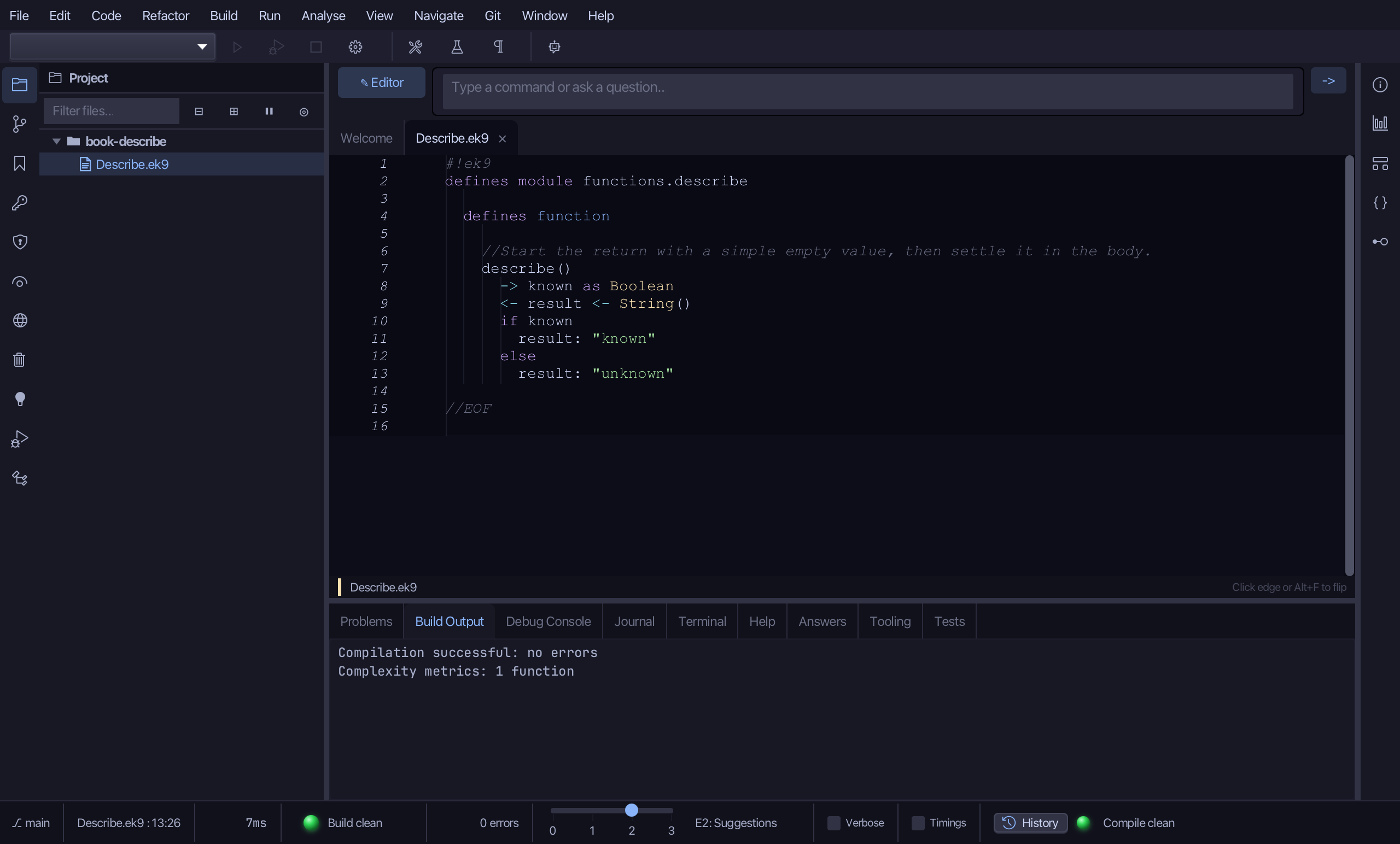
Step 3: The program
Choose Code > New Construct > Program…
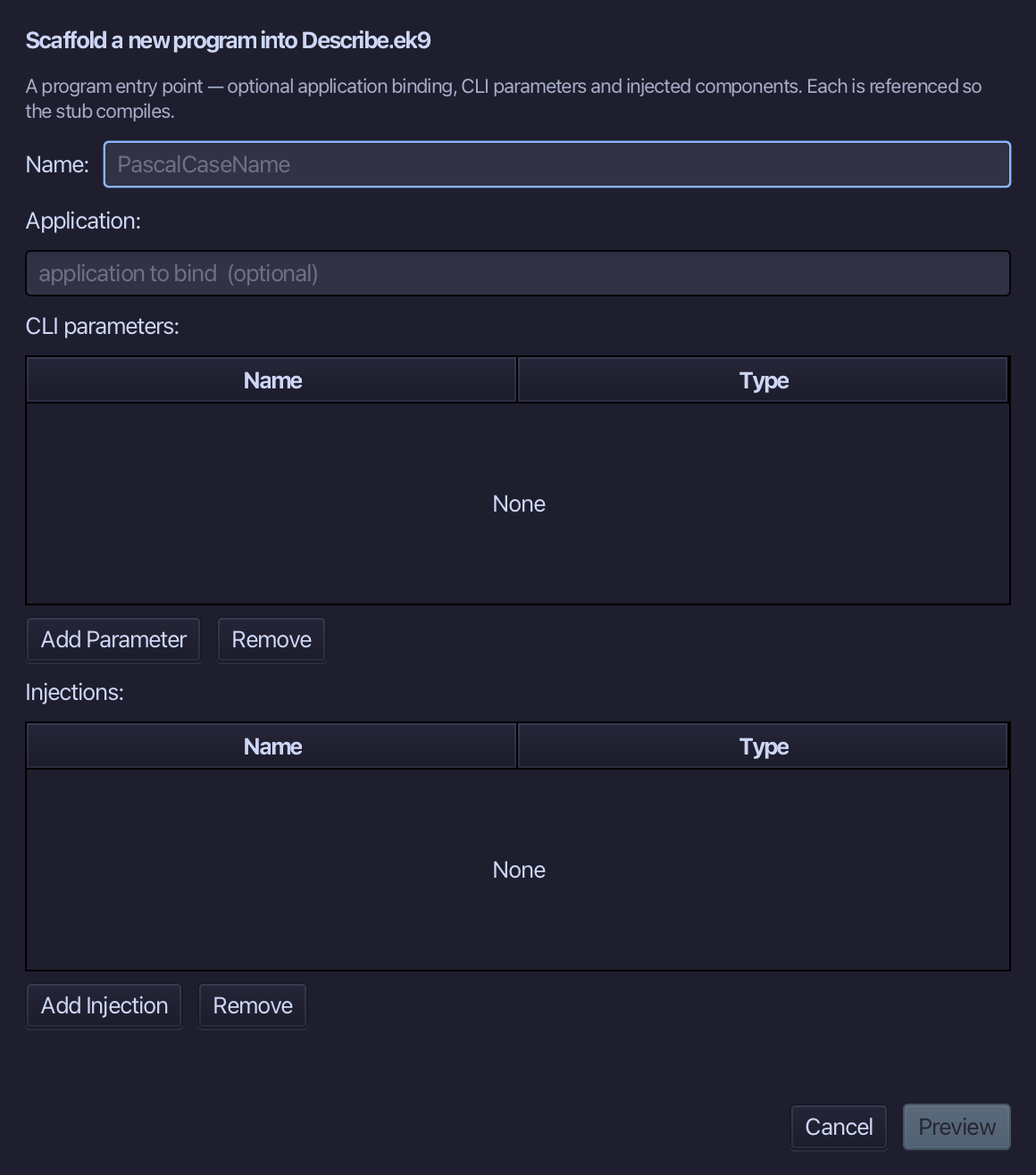
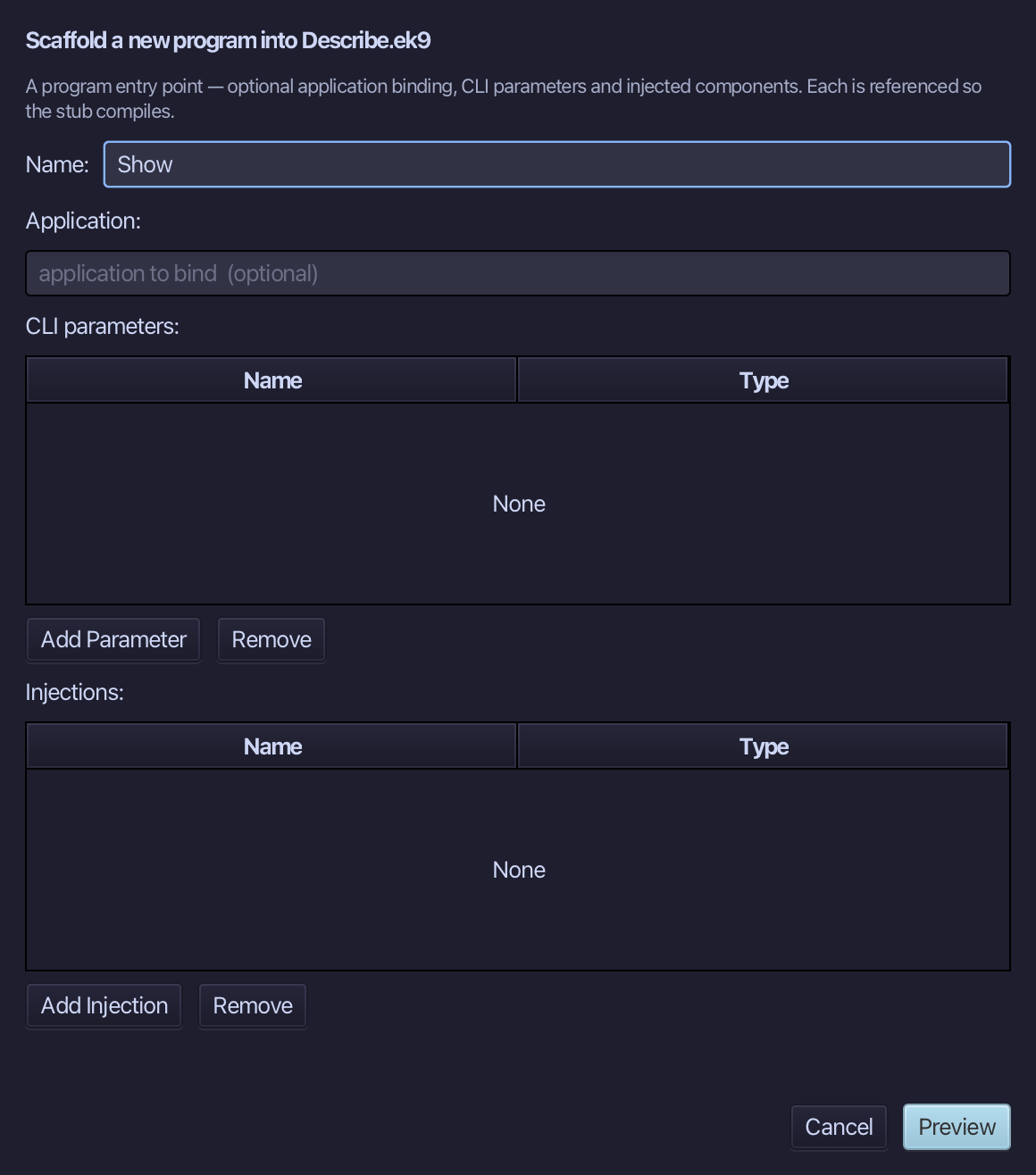
Show is the program's name. Type Show and choose Preview.
The preview shows Show about to be written. Choose Apply.
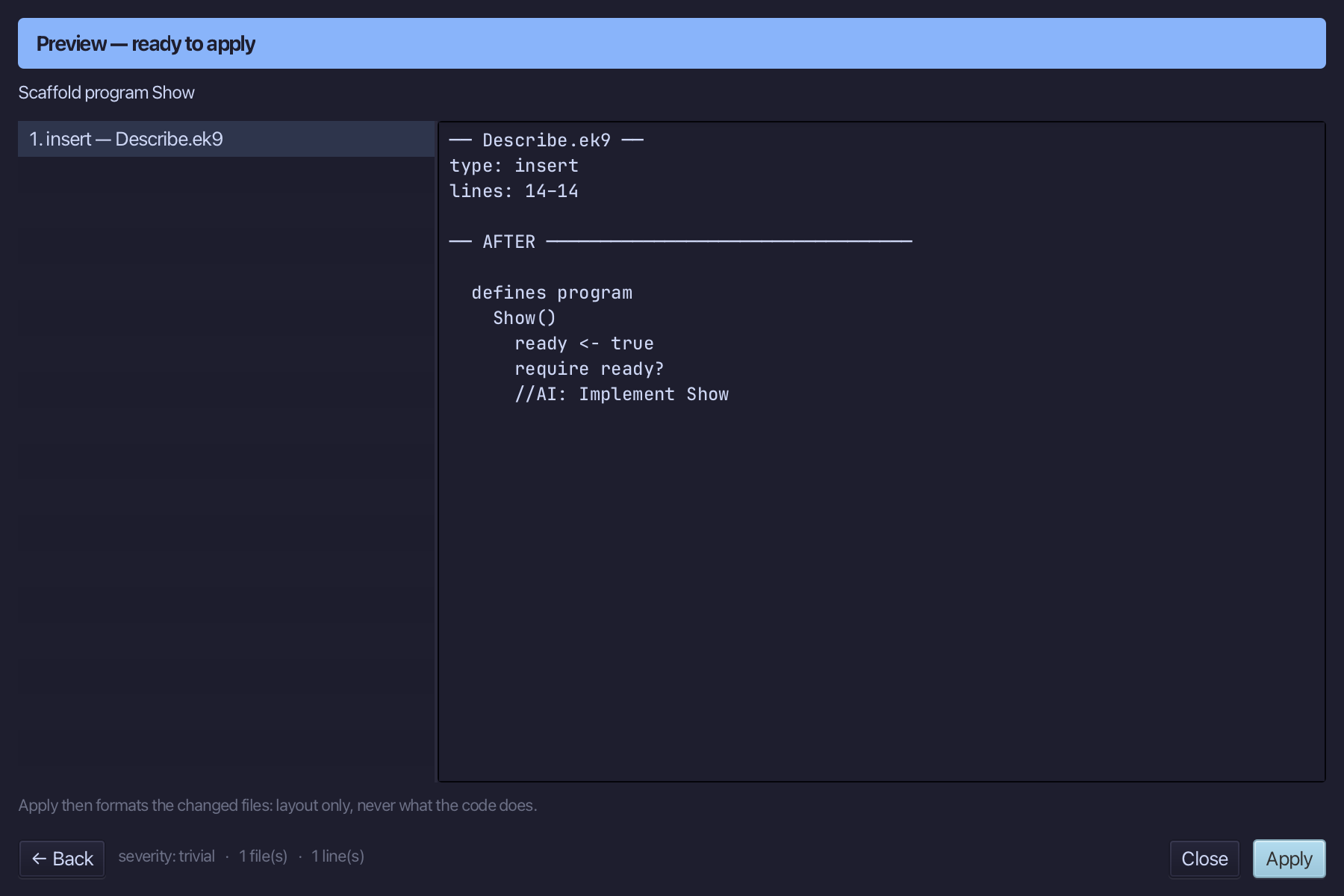
Select the Show() line and, above it, type the blank line the book opens the program with. Saves when typed.
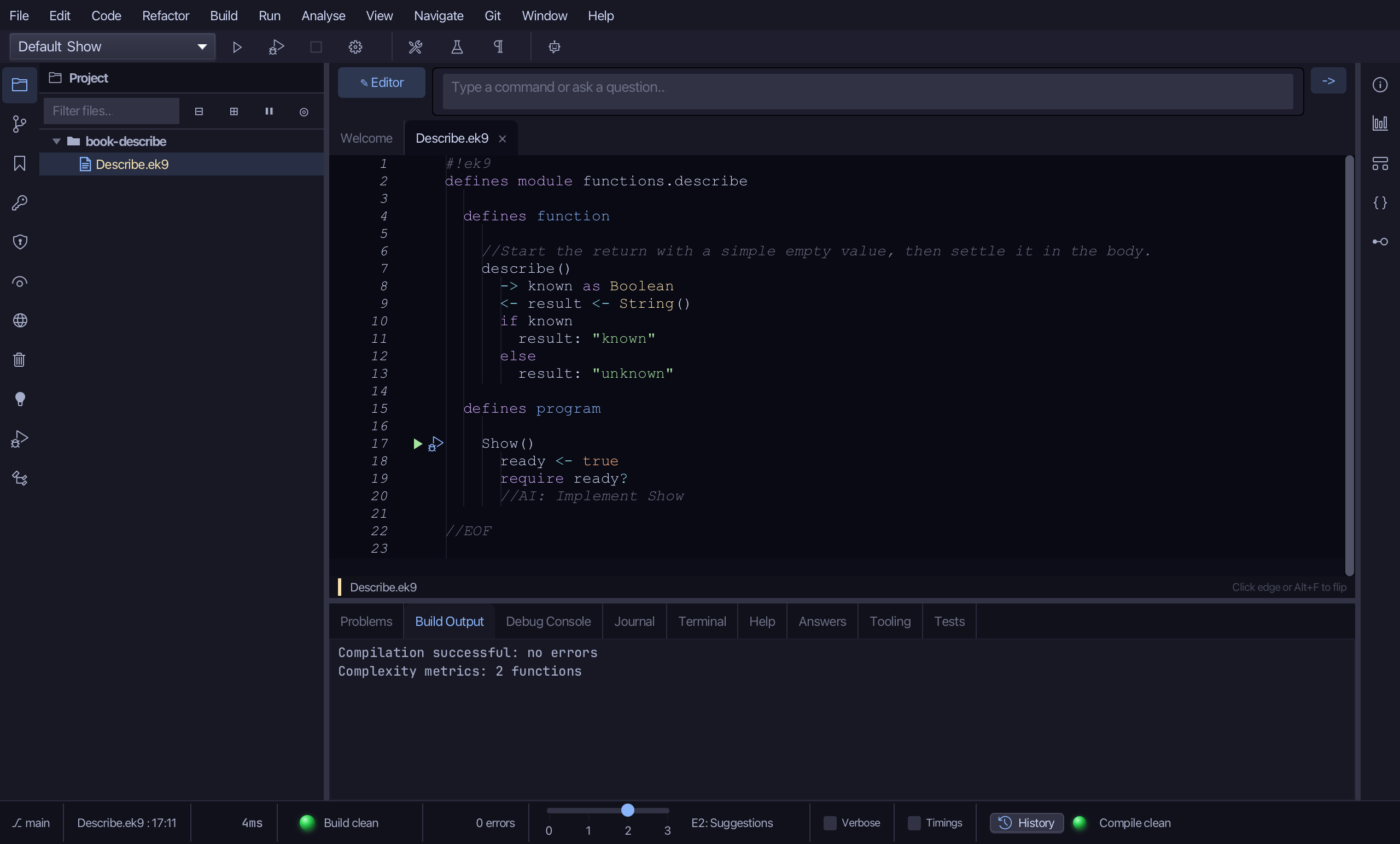
Select the stub, from ready <- true down to its //AI line, and type Show's body: a Stdout and describe called with true and with false. Saves when typed.
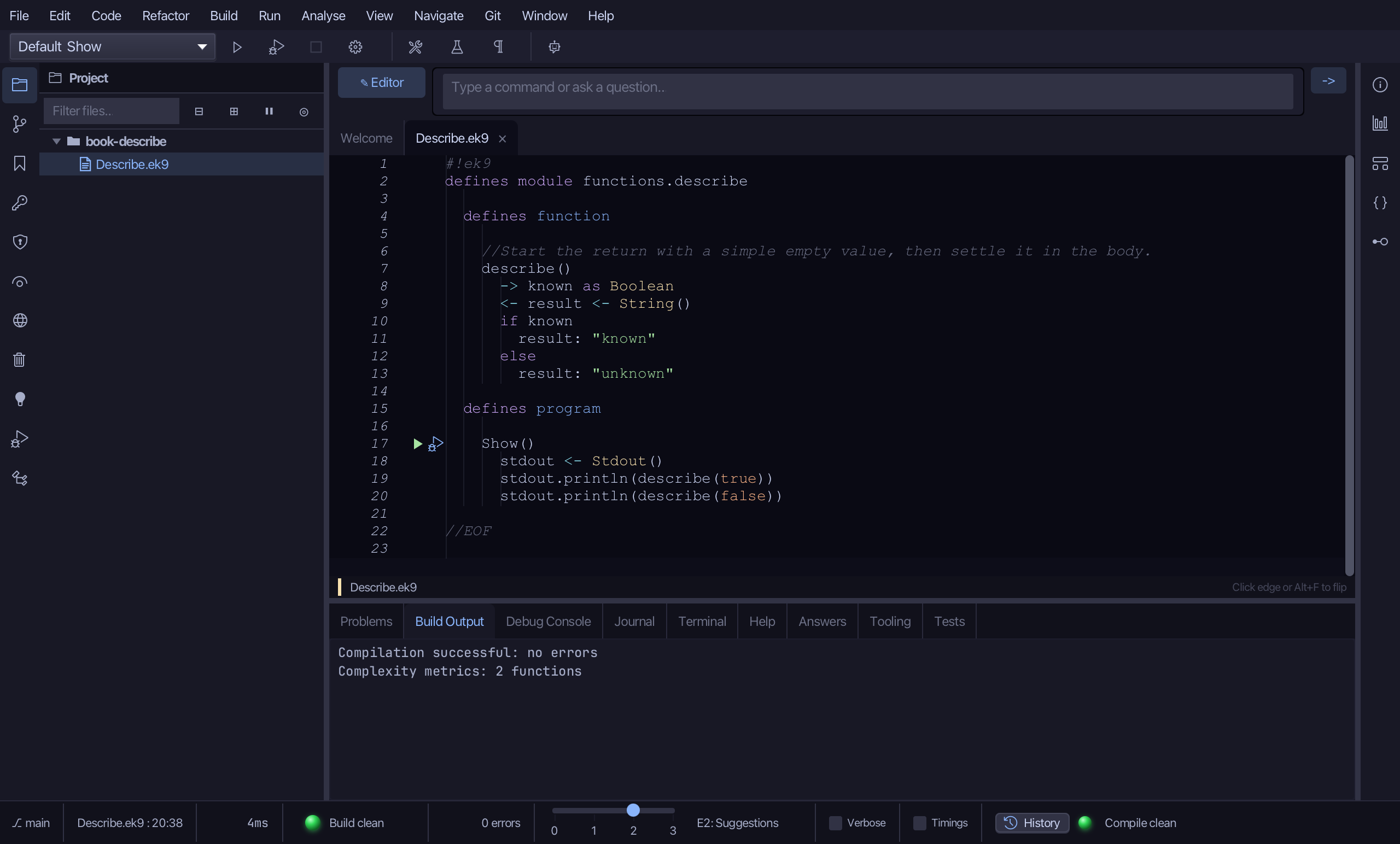
Step 4: Run it
Choose Run > Run Program…
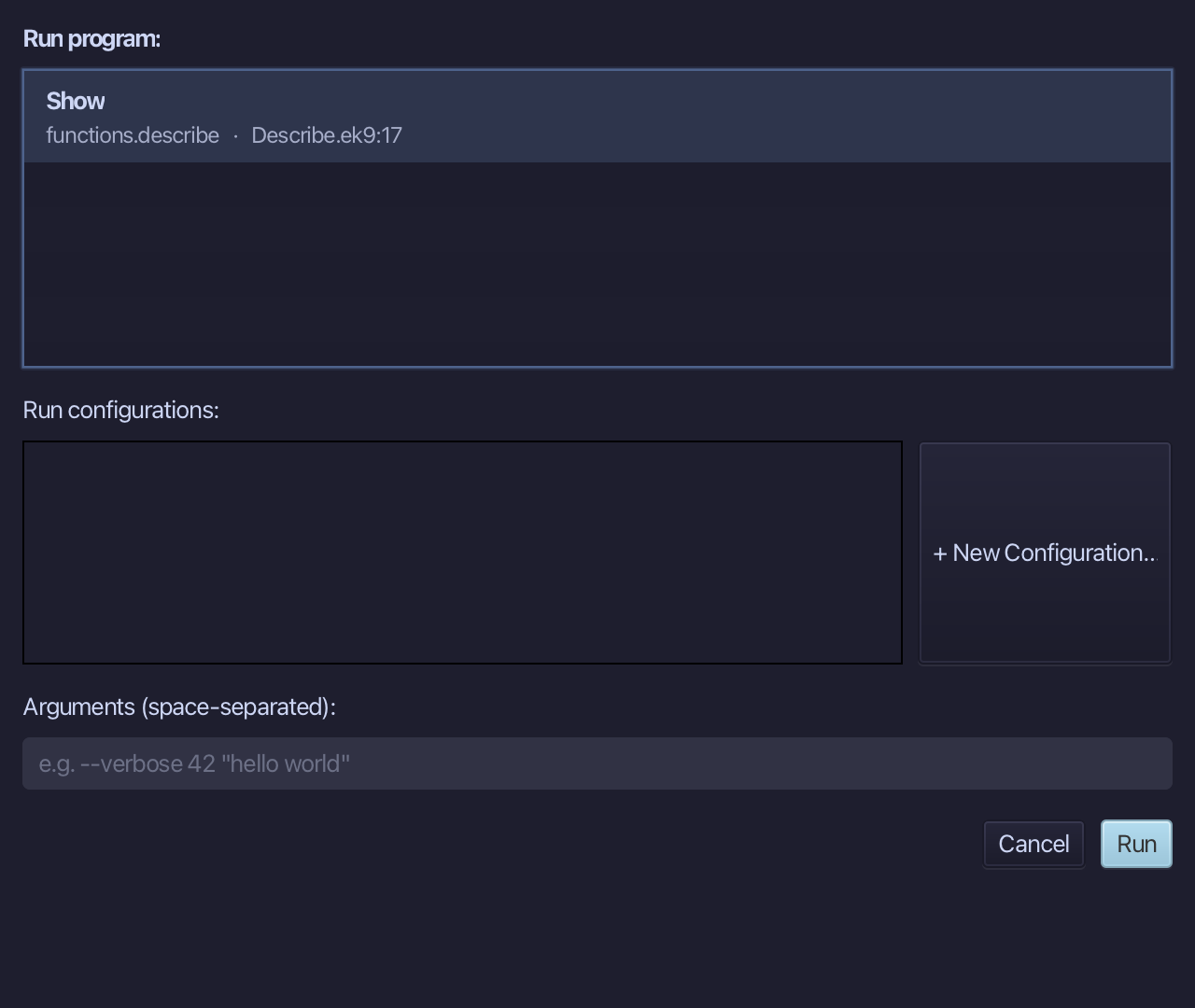
The project's only program is already chosen. Choose Run.
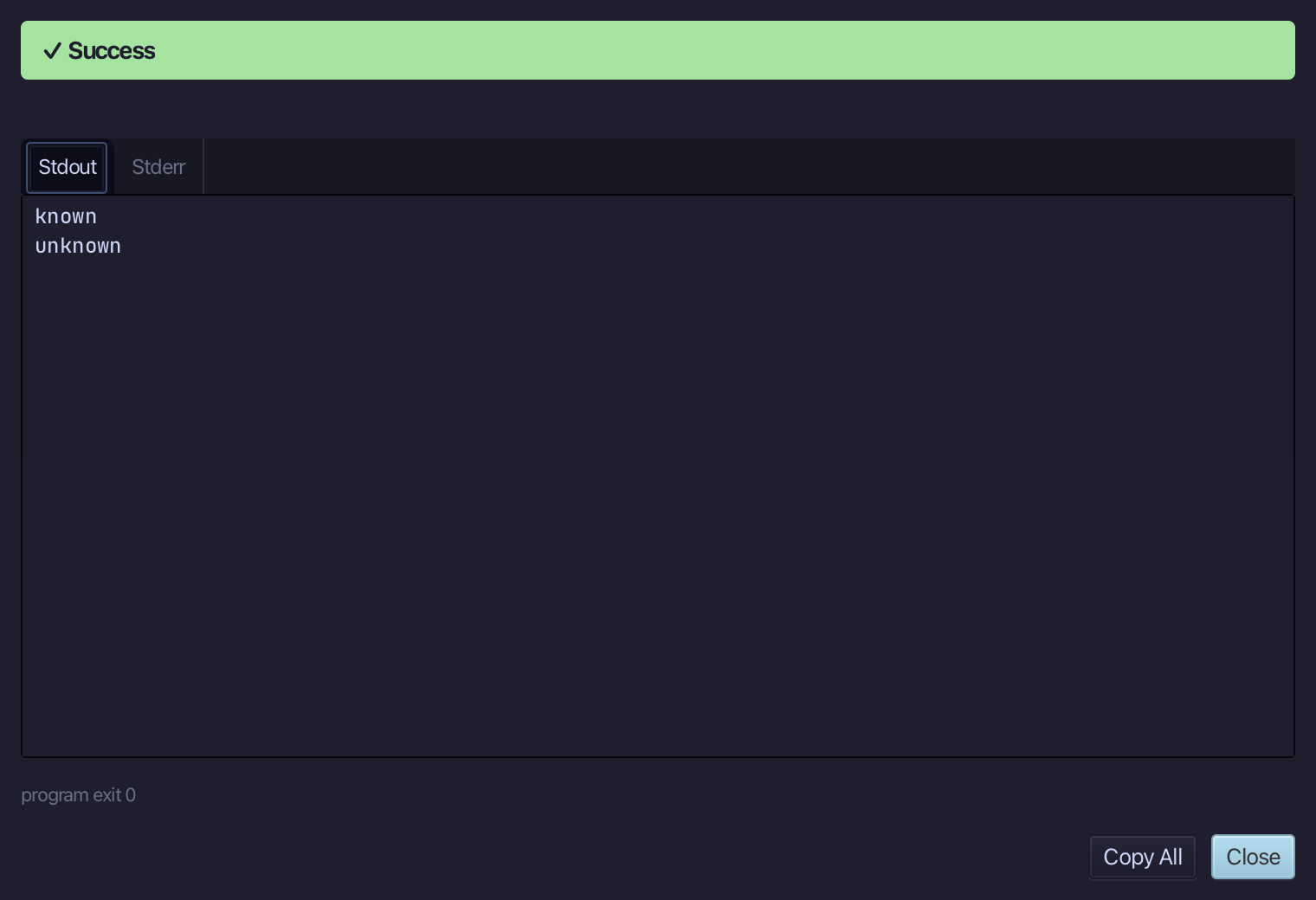
known, then unknown - describe(true) takes the if, describe(false) the else. Choose Close.
The result
Describe.ek9 now reads exactly as chapter 4 of Getting Started with EK9 shows it: a return that starts as an empty String and is given its real value by whichever branch runs. The signature was the tool's, Surround With ▸ if … else wrote the branch head and its else; you typed the return's name, the condition and the words. AI assistants use ek9_new_construct and ek9_surround_with.
Where this lesson comes from
- For AI assistants - the MCP tool
ek9_new_construct,ek9_surround_with,ek9_add_program.
In the EK9 reference: Functions in EK9