Chapter 31: the four comment forms, built
EK9 has four comment forms and no others. // runs to the end of the line and is the only one Volume 1 used; <!-- --> and <!- -!> are block forms; <?- -?> is the documentation form, for a concept or a reason - the things a compiler cannot check and a comment may state. C's /* */ is not one of them, deliberately. The IDE writes the function's signature and the program's shell; you type the comments. To play it in the IDE: Help > Lessons > EK9 in Depth…, or ek9 -ide -lesson depth-comments.
What you'll build
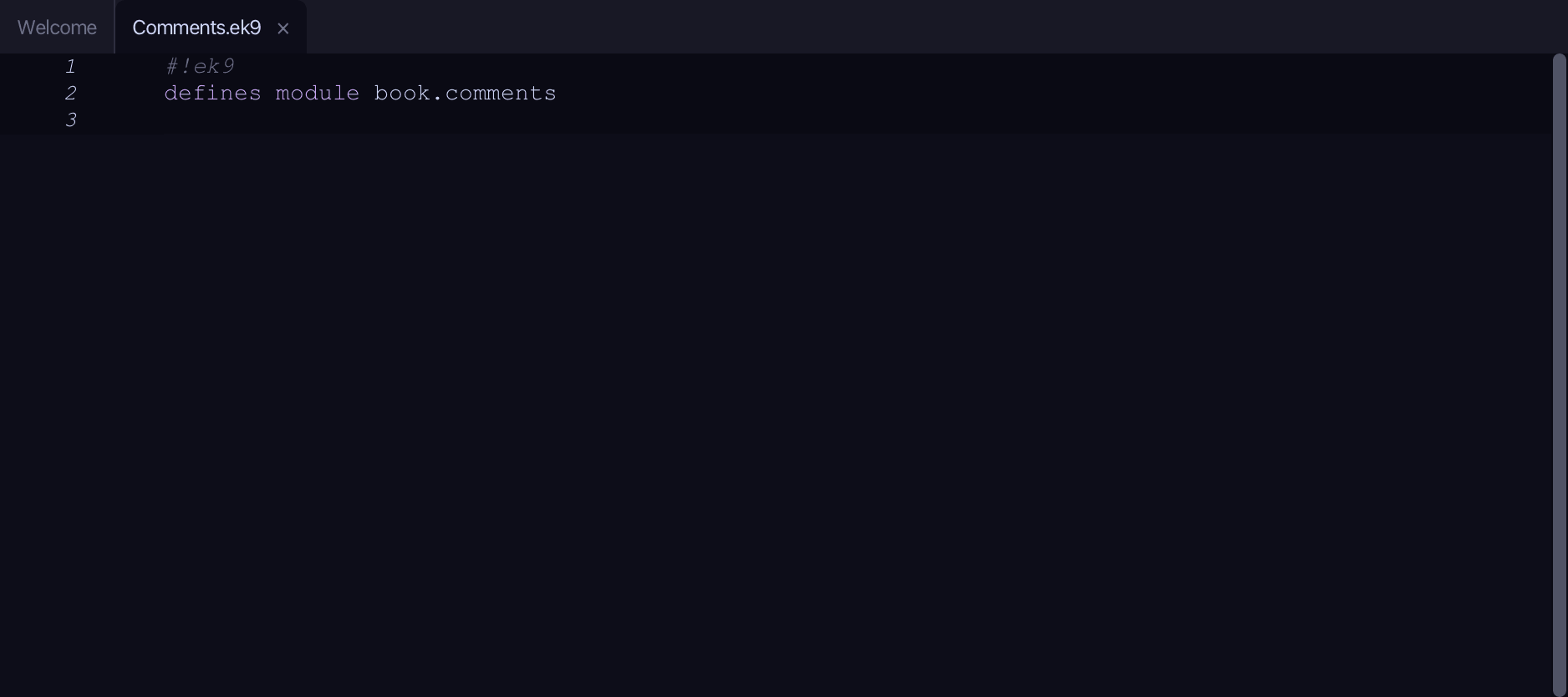
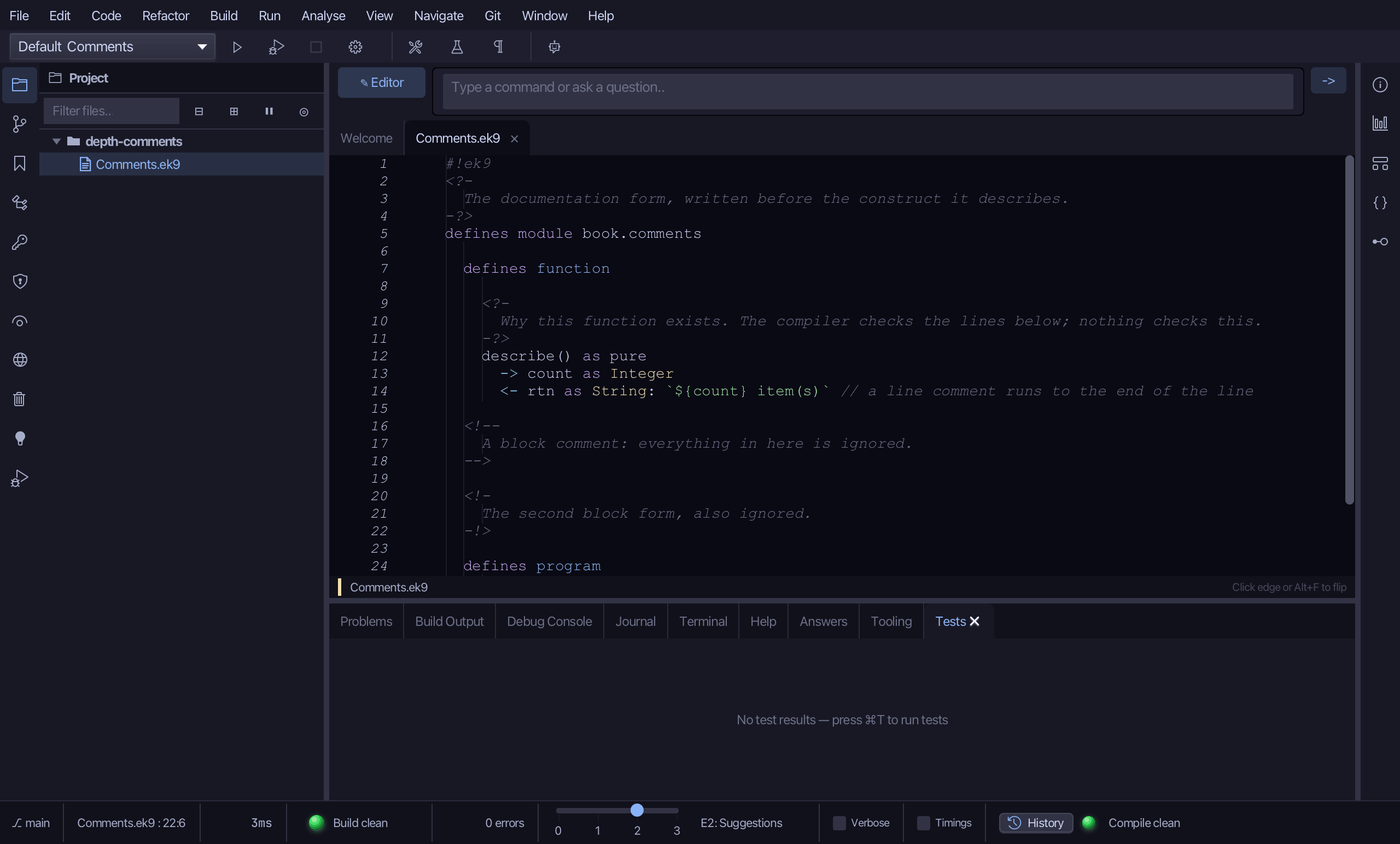
The lesson builds this program from a file holding only its module line - the finished file, as the book prints it.
#!ek9
<?-
  The documentation form, written before the construct it describes.
-?>
defines module book.comments

  defines function

    <?-
      Why this function exists. The compiler checks the lines below; nothing checks this.
    -?>
    describe() as pure
      -> count as Integer
      <- rtn as String: `${count} item(s)` // a line comment runs to the end of the line

  <!--
    A block comment: everything in here is ignored.
  -->

  <!-
    The second block form, also ignored.
  -!>

  defines program

    Comments()
      stdout <- Stdout()
      stdout.println(describe(3))
Step 1: describe — a documented function
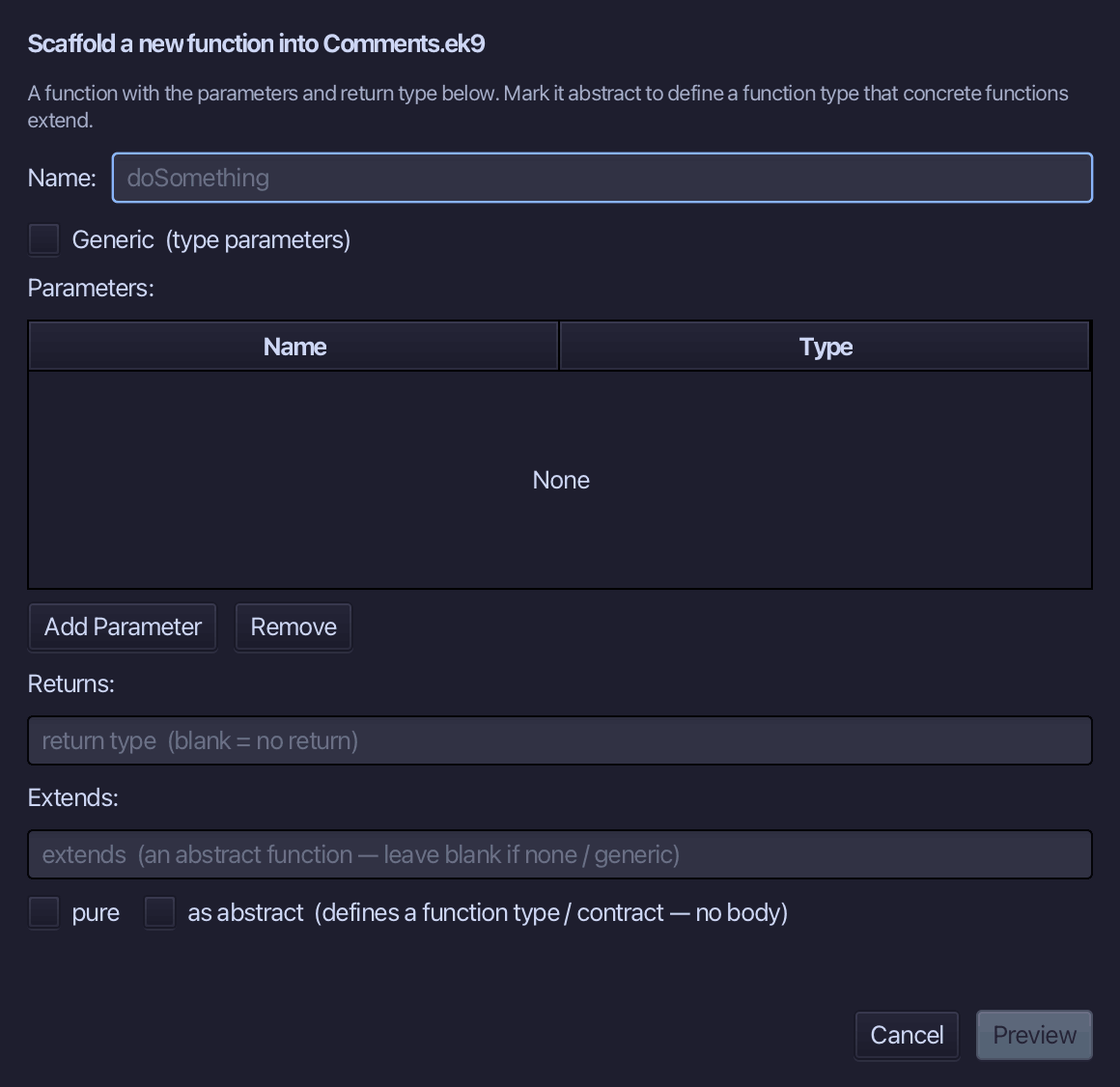
Choose Code > New Construct > Function…
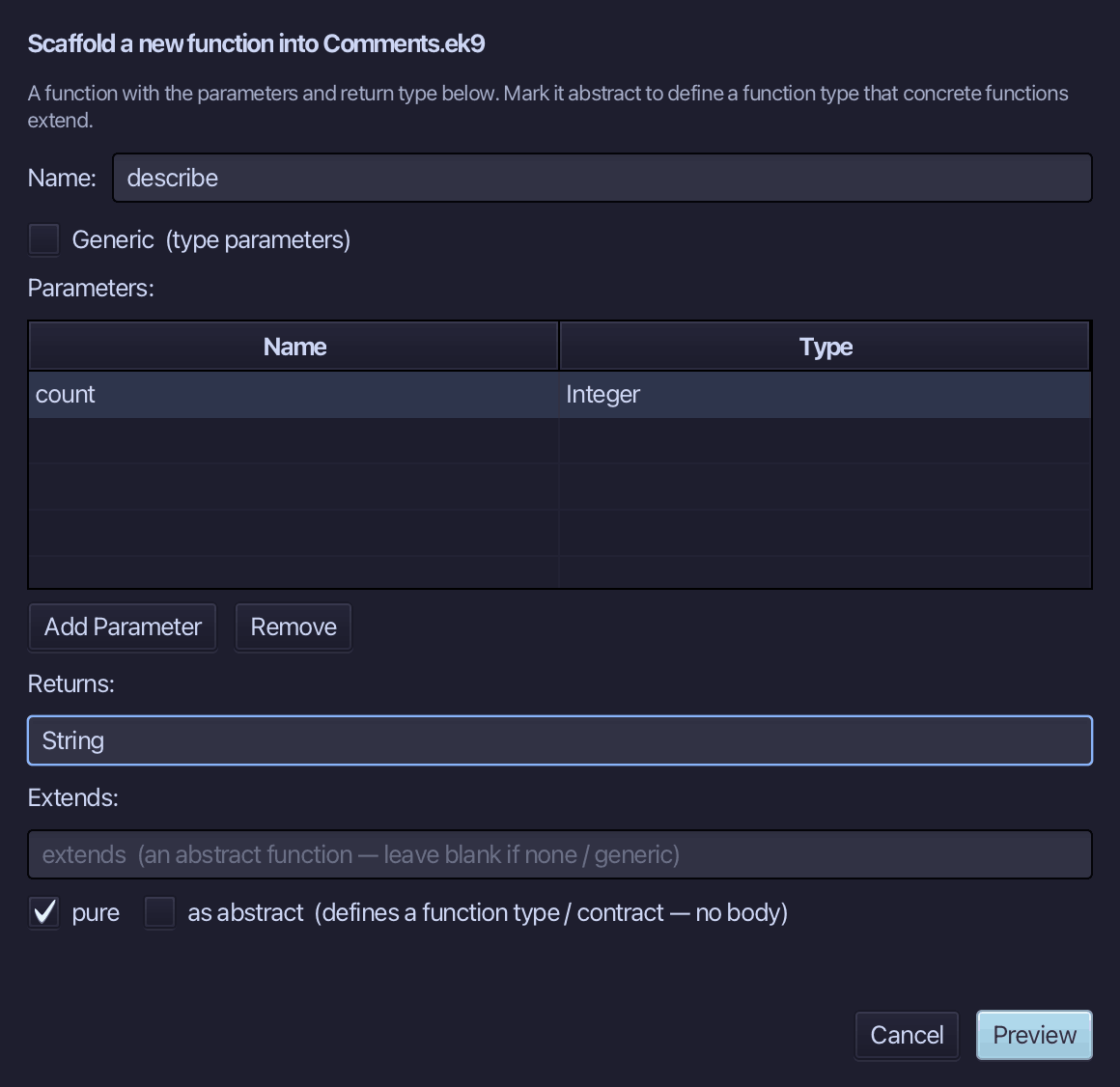
describe is the function's name. Add one parameter, count of type Integer, set Returns to String and tick pure. Choose Preview.
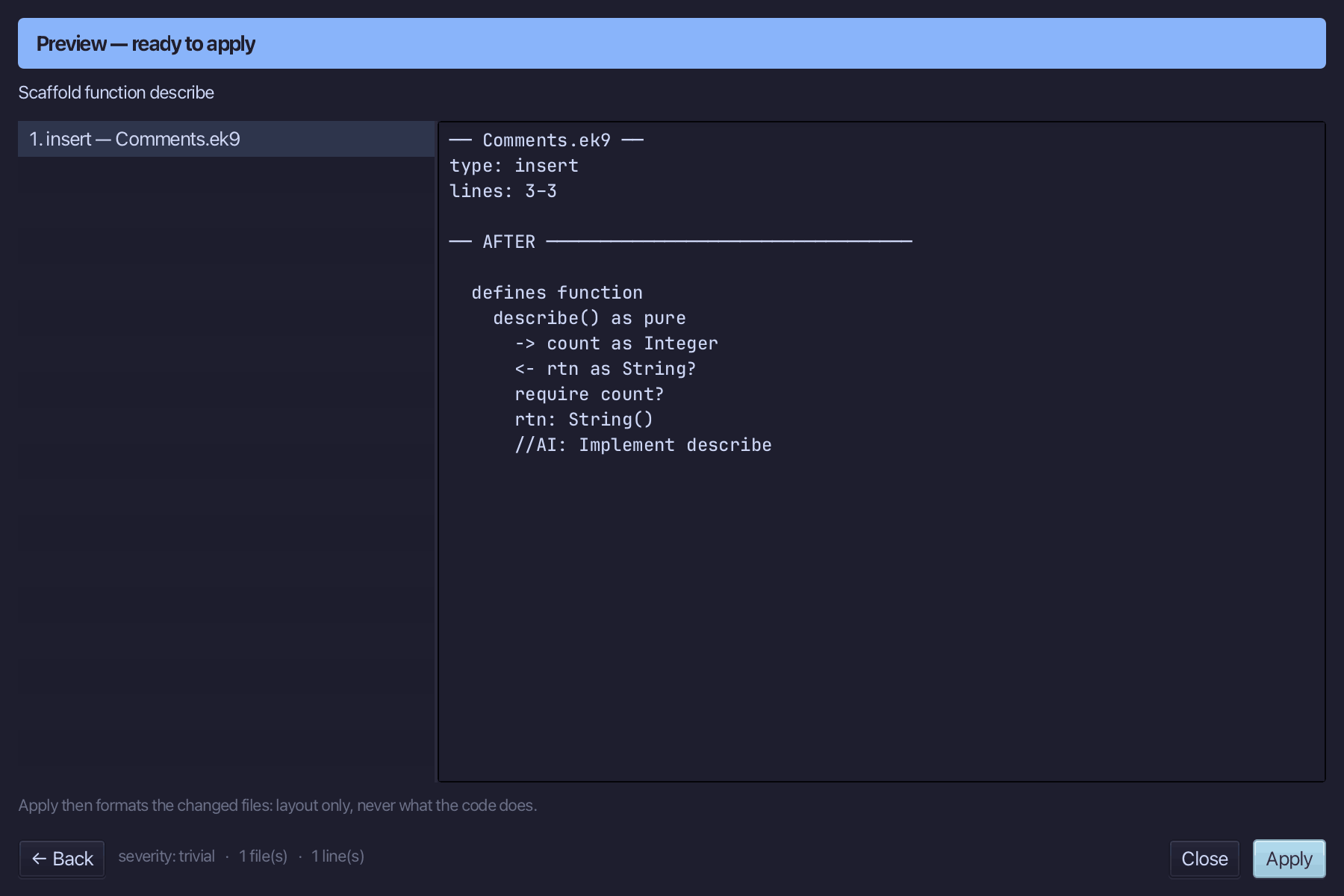
The preview shows describe about to be written. Choose Apply.
Select the describe() as pure line and, above it, type the comment the book puts there. Saves when typed.
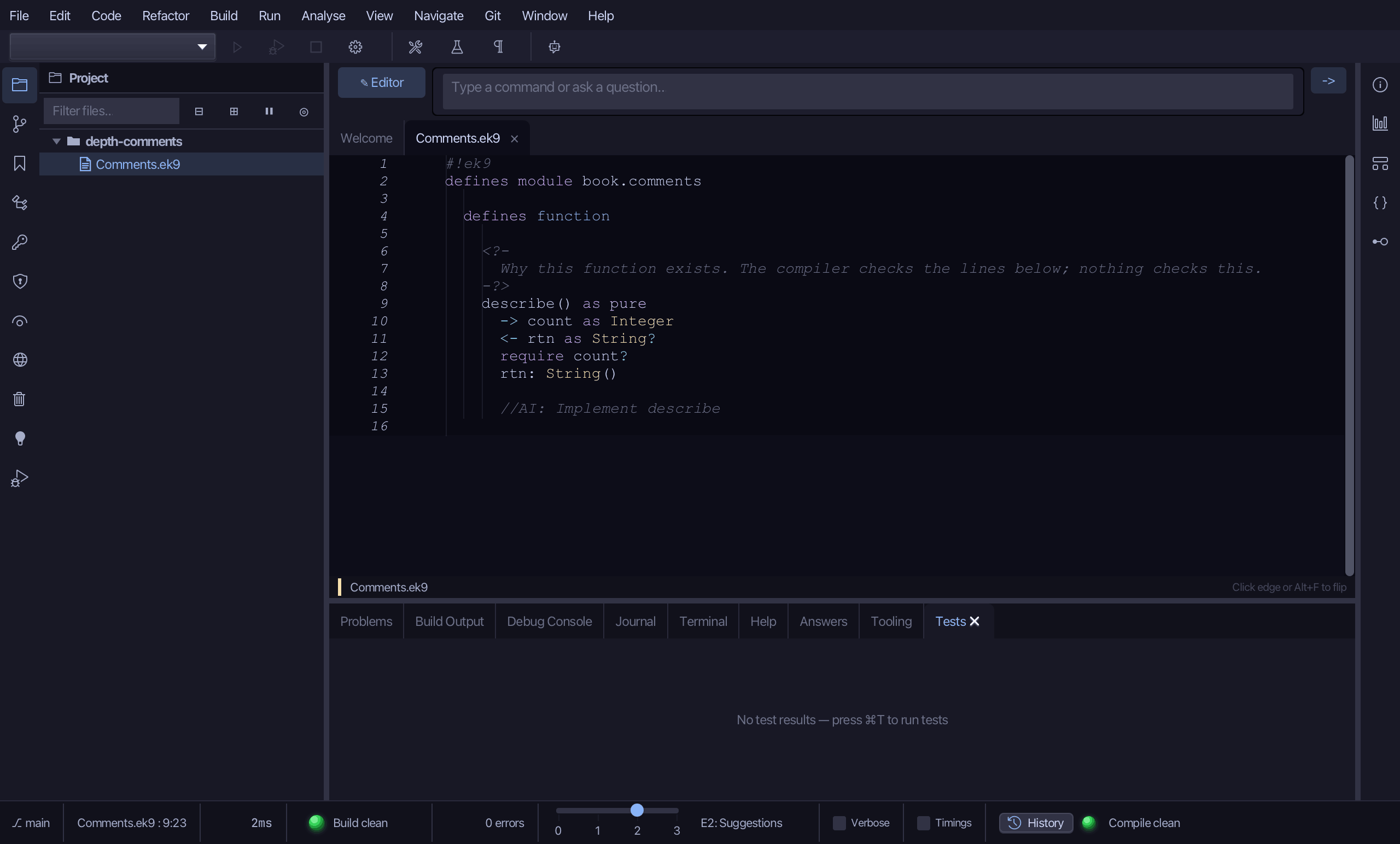
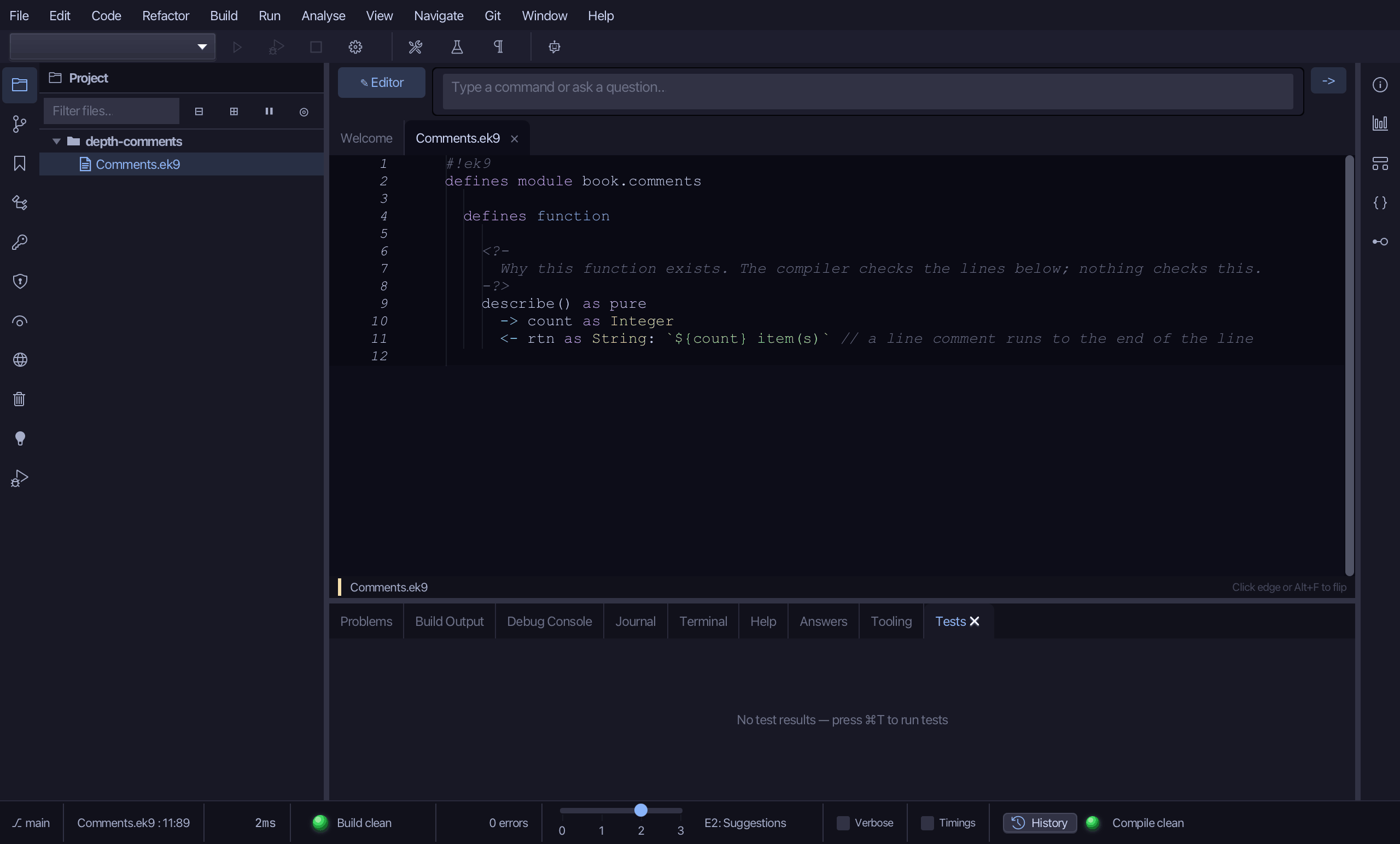
Select the stub, from <- rtn as String? down to its //AI line, and type describe's own return and work, as the book writes them. Saves when typed.
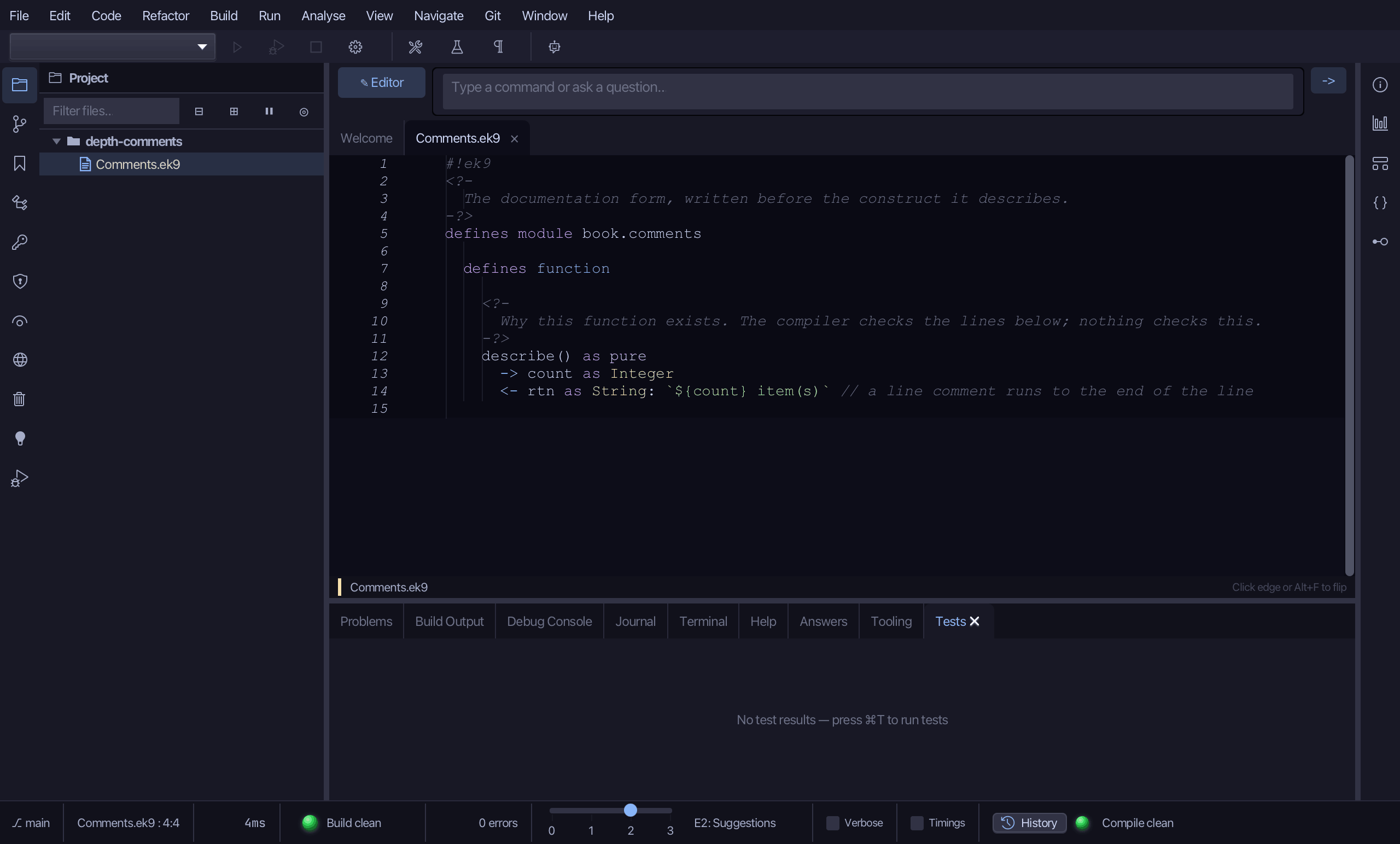
At the very top of the file, below #!ek9, type the documentation form: <?- -?> marks text as documentation for the construct that follows it - here the module. Saves when typed.
Step 2: The program
Choose Code > New Construct > Program…
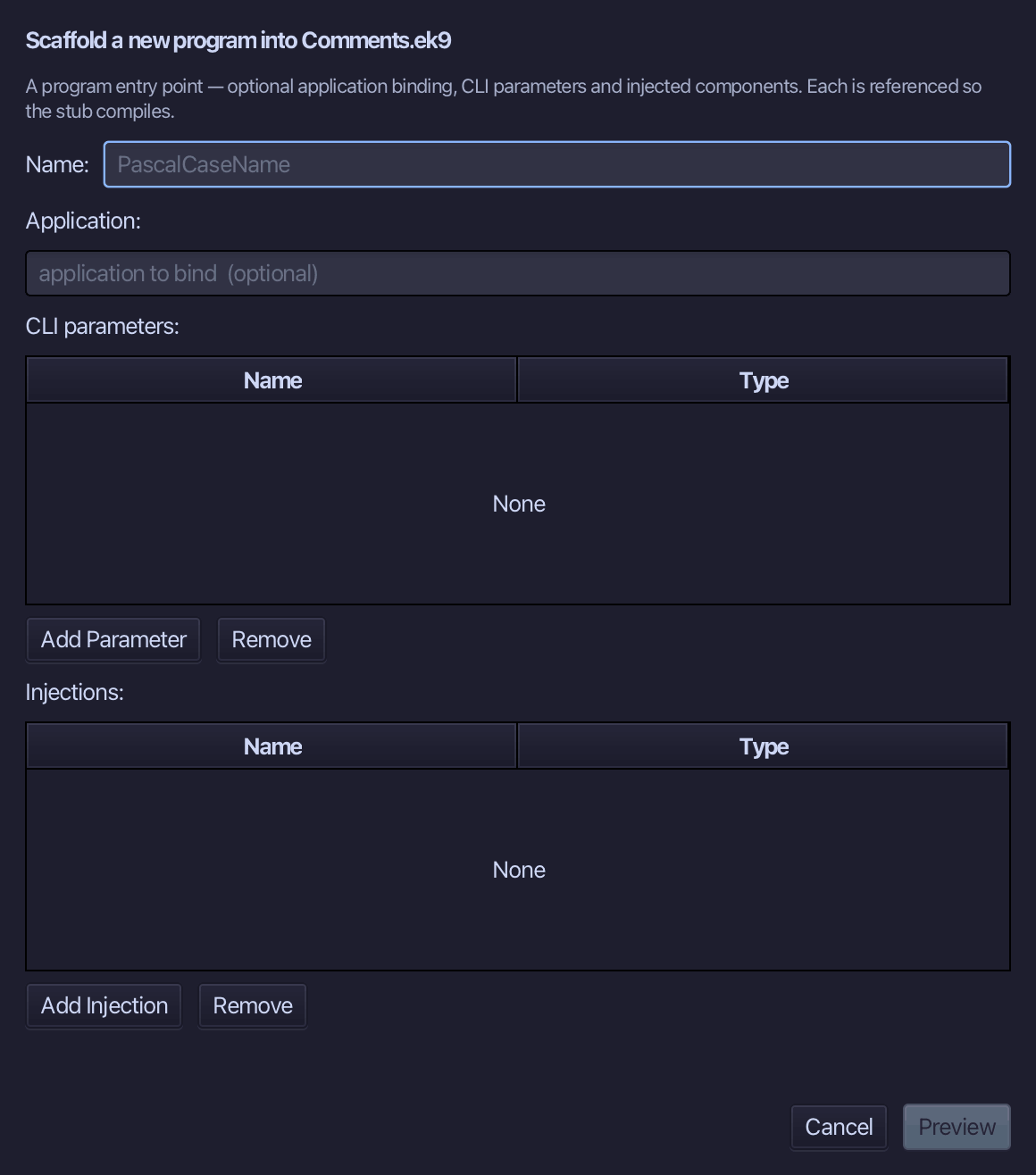
Comments is the program's name. Choose Preview.
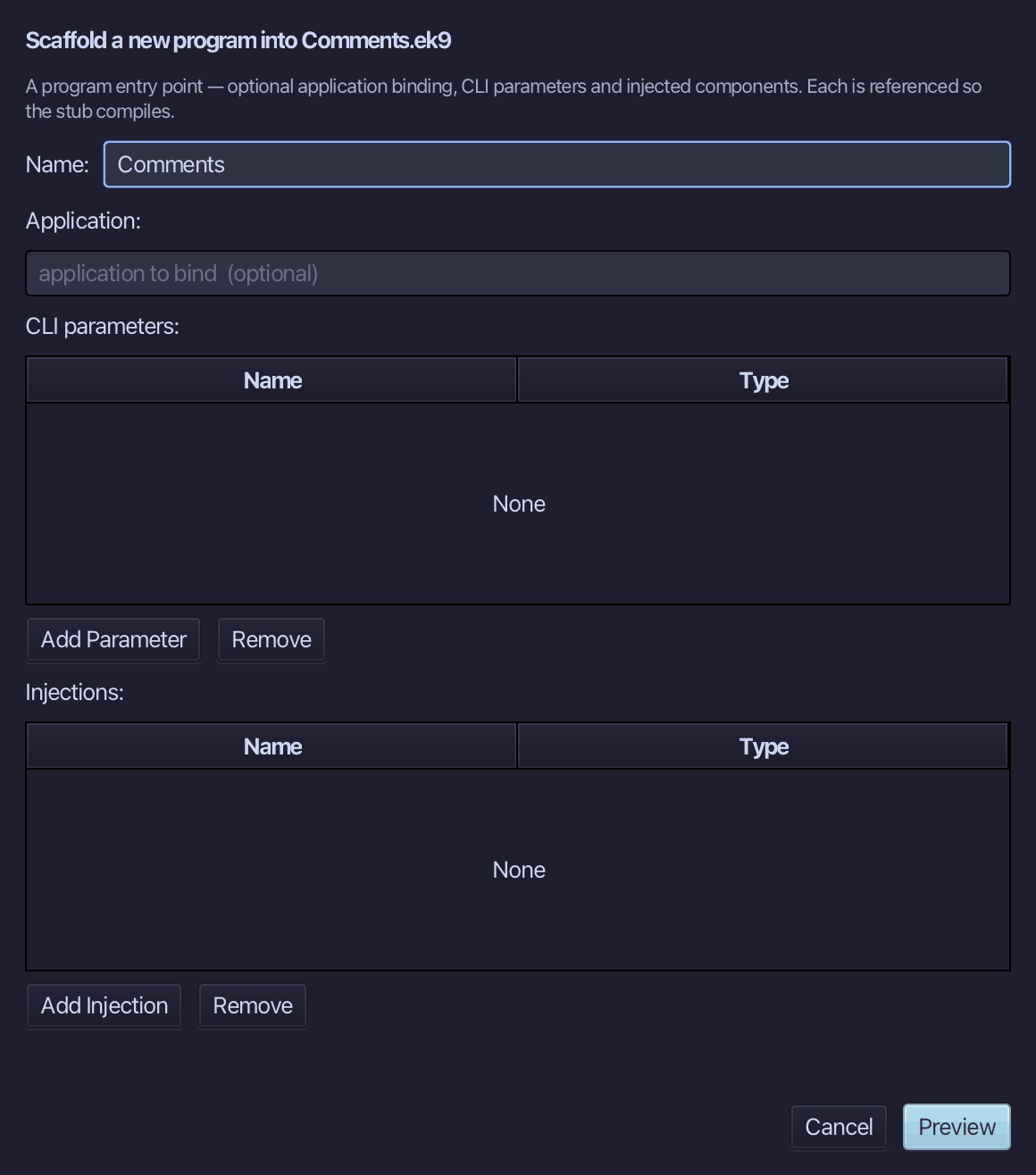
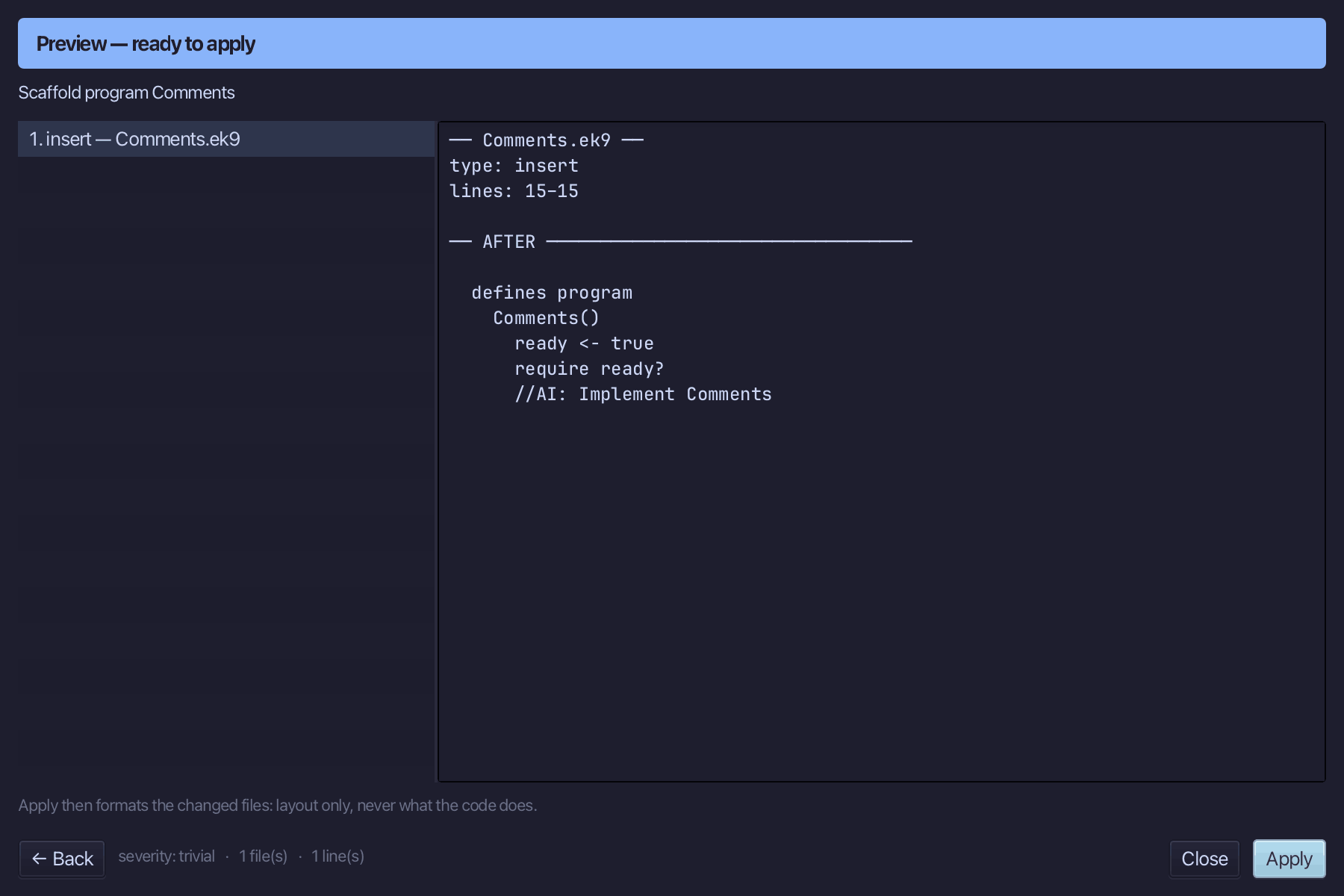
The preview shows Comments about to be written. Choose Apply.
Select the Comments() line and, above it, type the blank line the book opens the program with. Saves when typed.
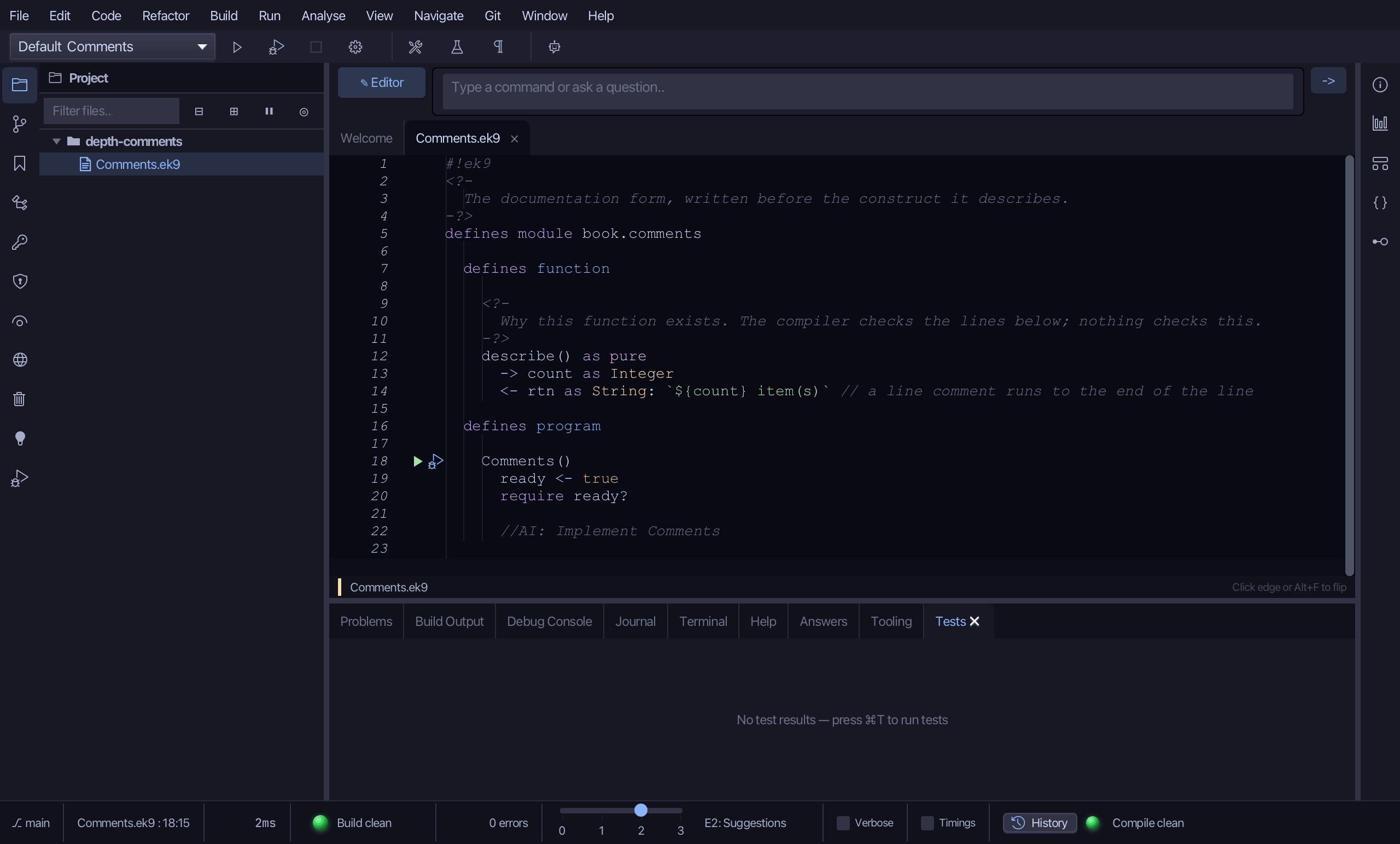
Select the stub, from ready <- true down to its //AI line, and type Comments's body exactly as the chapter shows it. Saves when typed.
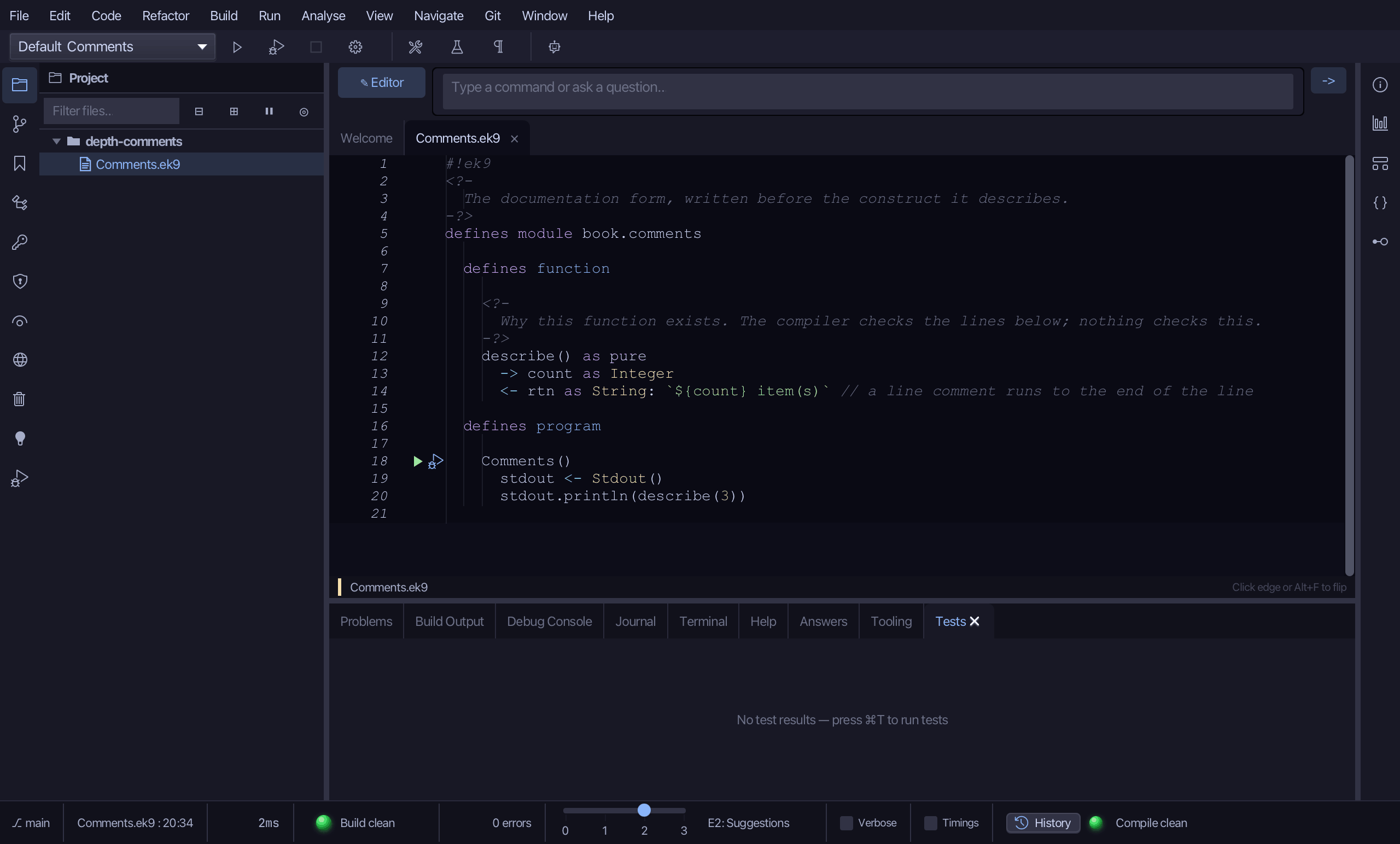
Below the function, type the two block forms: <!-- --> for people who think in HTML, and <!- -!>, the one EK9's own tooling uses to comment lines out. To the compiler all four forms are hidden text. Saves when typed.
Step 3: Run it
Choose Run > Run Program…
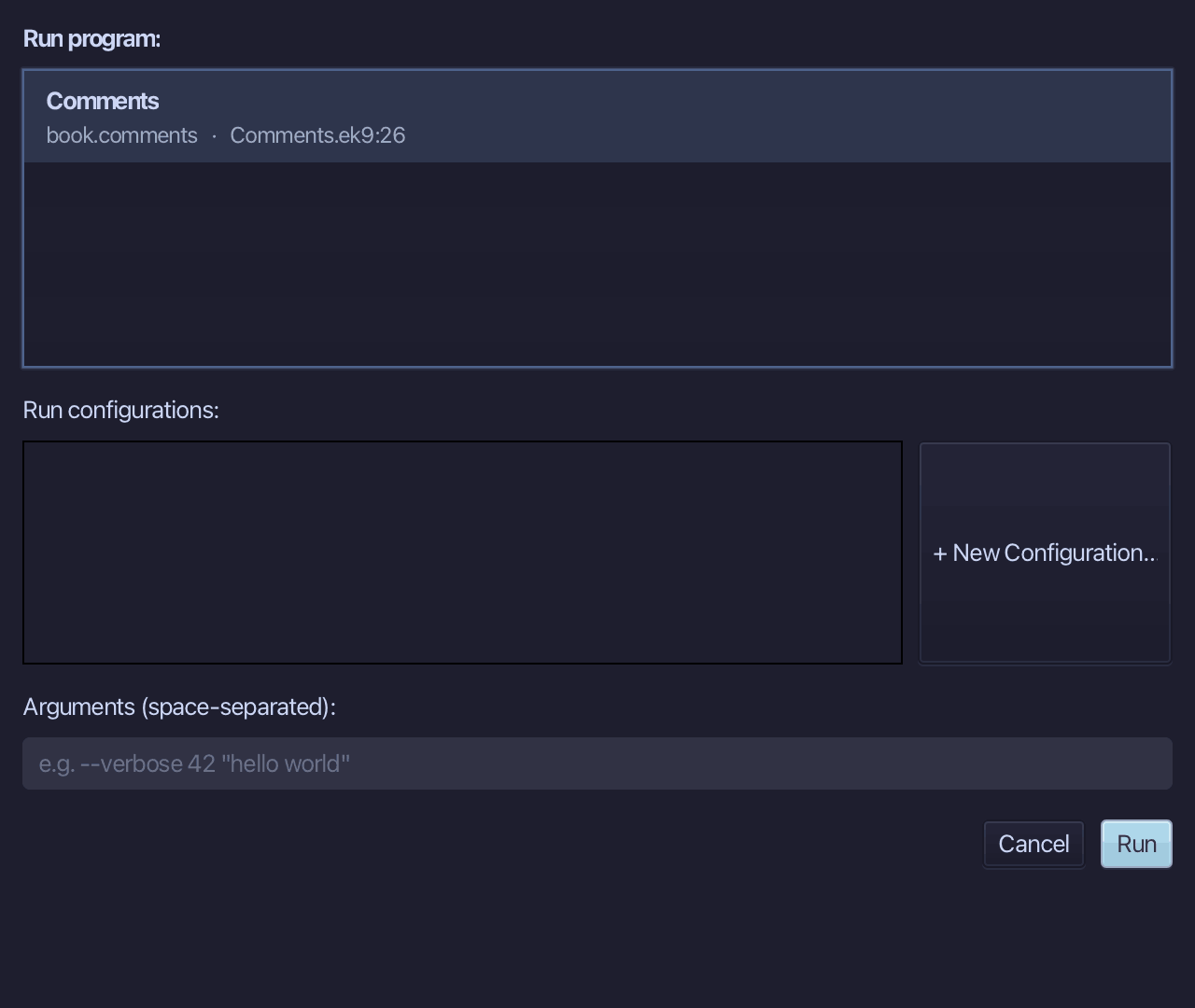
The project's only program is already chosen. Choose Run.
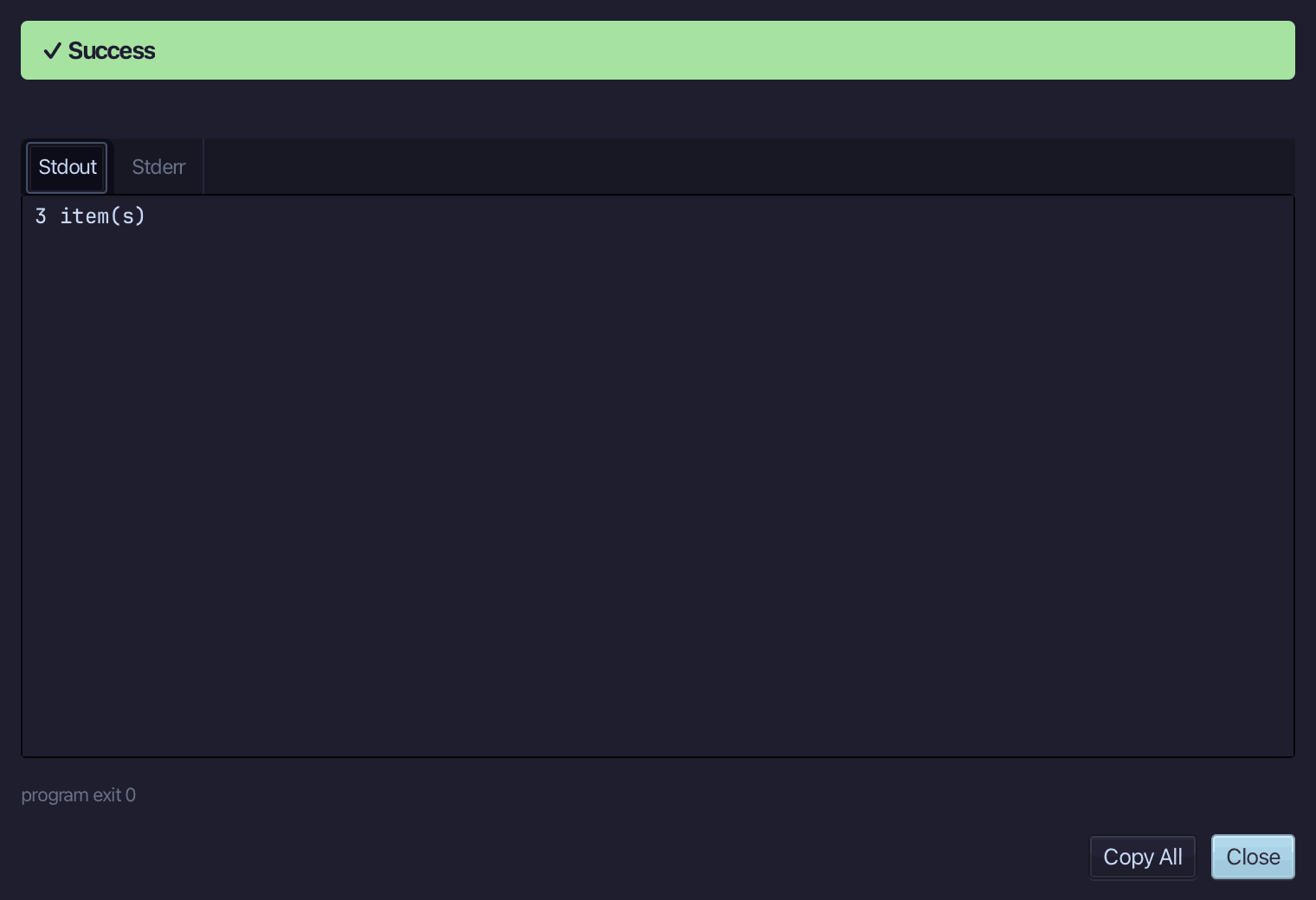
3 item(s). Choose Close.
The result
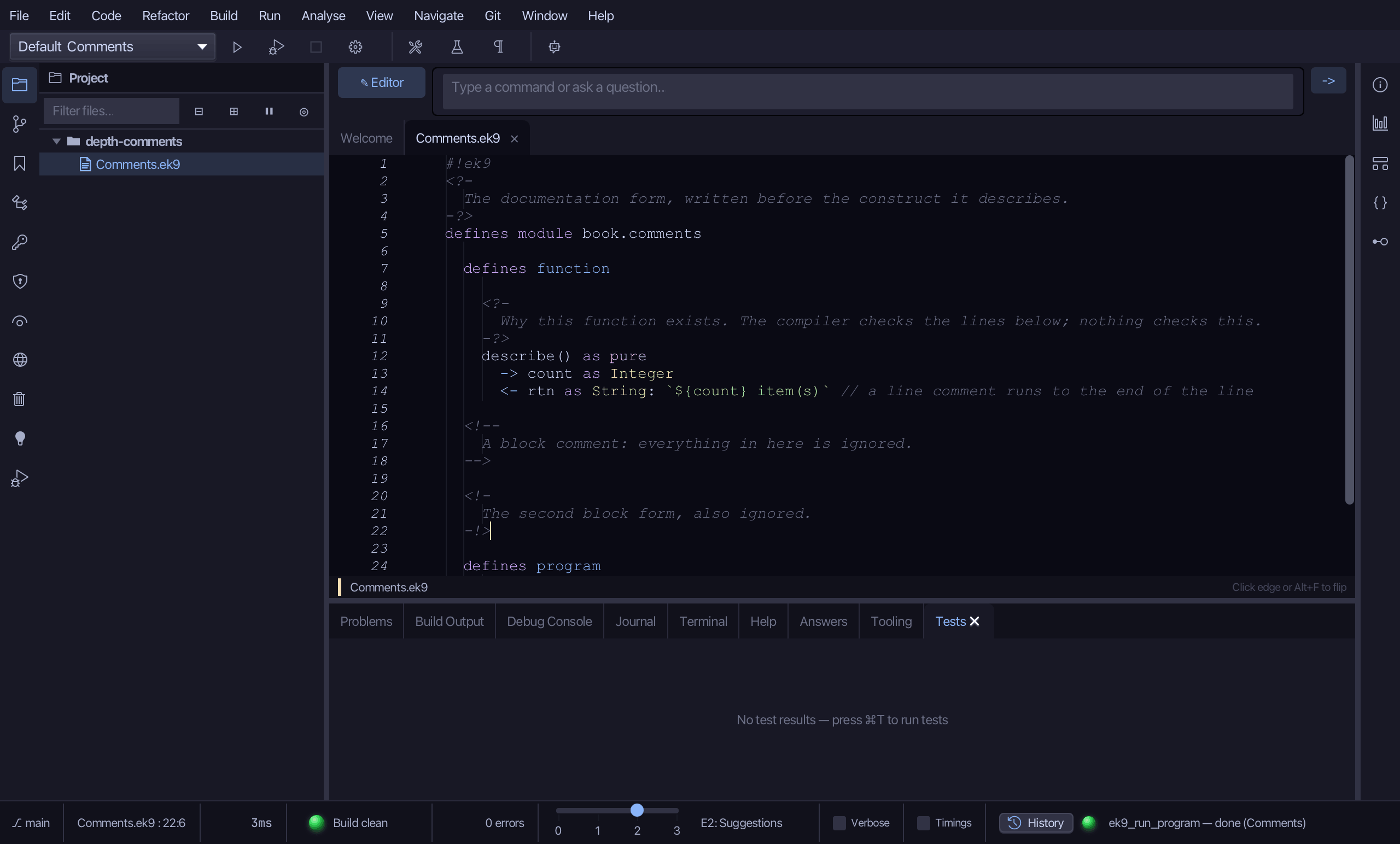
Comments.ek9 now reads exactly as chapter 31 of EK9 in Depth shows it - all four forms in one file. The documentation comments sit before the module and the function they describe; the rest the compiler never sees.
Where this lesson comes from
- Answers -
ek9 -qand the IDE's Answers tab: 914. - For AI assistants - the MCP tool
ek9_new_construct,ek9_add_program.