Chapter 39: three kinds of test, one runner, built
A green suite can be hollow: a test that asserts nothing passes, an assertion in a helper no test calls never runs, and coverage is a plugin someone must remember to configure. The EK9 runner is part of the compiler, and it refuses to call such a suite green. Here the pricing and checkout module is complete - read Shop.ek9: a component behind an interface, a class that injects it, and a few pure functions. The IDE makes every test's shell and the test's own stand-in; you type what each test claims. To play it in the IDE: Help > Lessons > EK9 in Depth…, or ek9 -ide -lesson depth-shop-tests.
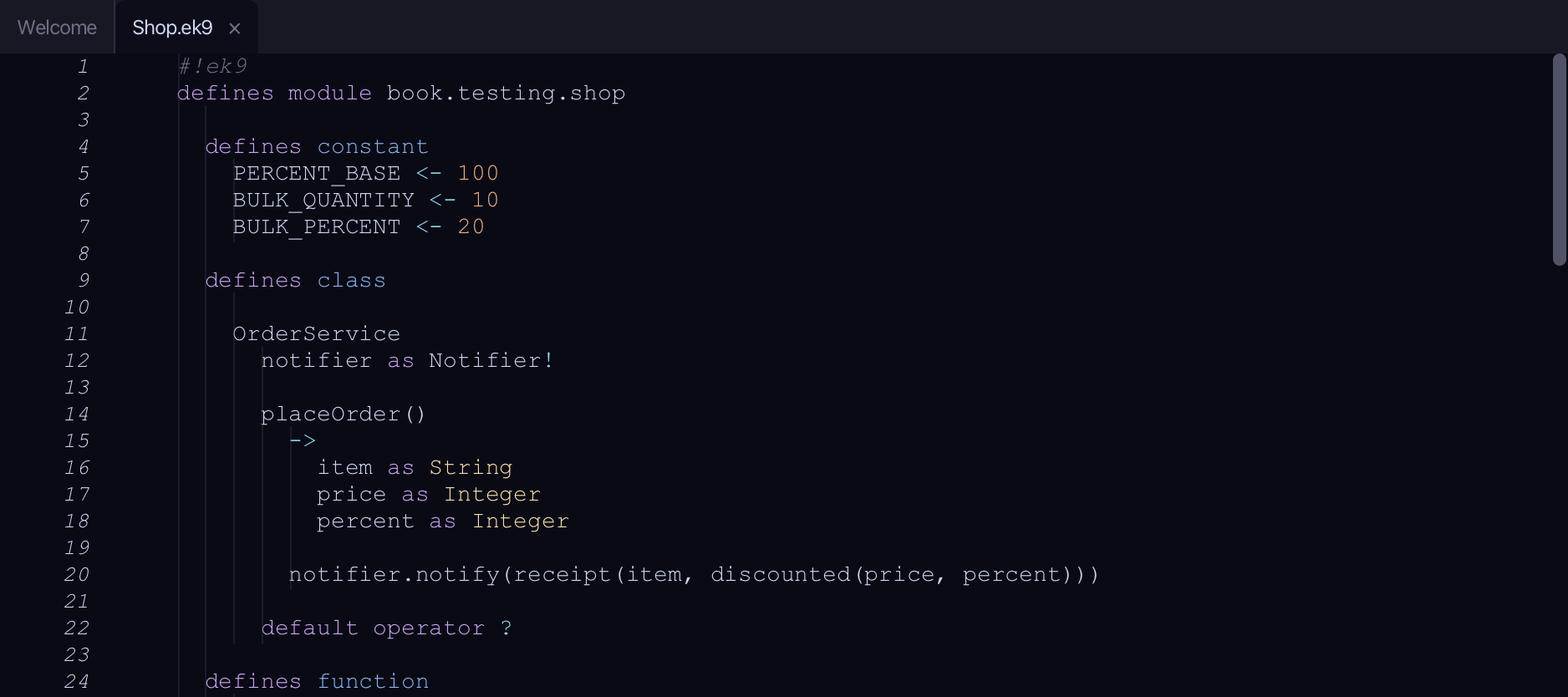
What you'll build
The lesson builds this program from a file holding only its module line - the finished file, as the book prints it.
shop/Shop.ek9
#!ek9
defines module book.testing.shop

  defines constant
    PERCENT_BASE <- 100
    BULK_QUANTITY <- 10
    BULK_PERCENT <- 20

  defines class

    OrderService
      notifier as Notifier!

      placeOrder()
        ->
          item as String
          price as Integer
          percent as Integer

        notifier.notify(receipt(item, discounted(price, percent)))

      default operator ?

  defines function

    discounted() as pure
      ->
        price as Integer
        percent as Integer
      <- rtn as Integer: Integer()

      if percent > PERCENT_BASE
        throw Exception(`a discount of ${percent} percent is more than the price`)
      rtn: price - price * percent / PERCENT_BASE

    bulkPrice() as pure
      ->
        quantity as Integer
        unitPrice as Integer
      <- rtn as Integer: quantity * unitPrice

      if quantity >= BULK_QUANTITY
        rtn: discounted(quantity * unitPrice, BULK_PERCENT)

    receipt() as pure
      ->
        item as String
        price as Integer
      <- rtn as String: `${item}: ${price}p`

  defines component

    Notifier as abstract
      notify() as abstract
        -> message as String

    ConsoleNotifier is Notifier
      override notify()
        -> message as String
        Stdout().println(message)

  defines application

    shopApp
      register ConsoleNotifier() as Notifier

  defines program

    Checkout() with application of shopApp
      orders <- OrderService()
      orders.placeOrder("kettle", 2500, 20)
      orders.placeOrder("mug", 400, 0)
shop/dev/ShopUnitTests.ek9
#!ek9
defines module book.testing.shop.unit

  references
    book.testing.shop::bulkPrice
    book.testing.shop::ConsoleNotifier
    book.testing.shop::discounted
    book.testing.shop::OrderService
    book.testing.shop::receipt
    book.testing.shop::shopApp

  defines program

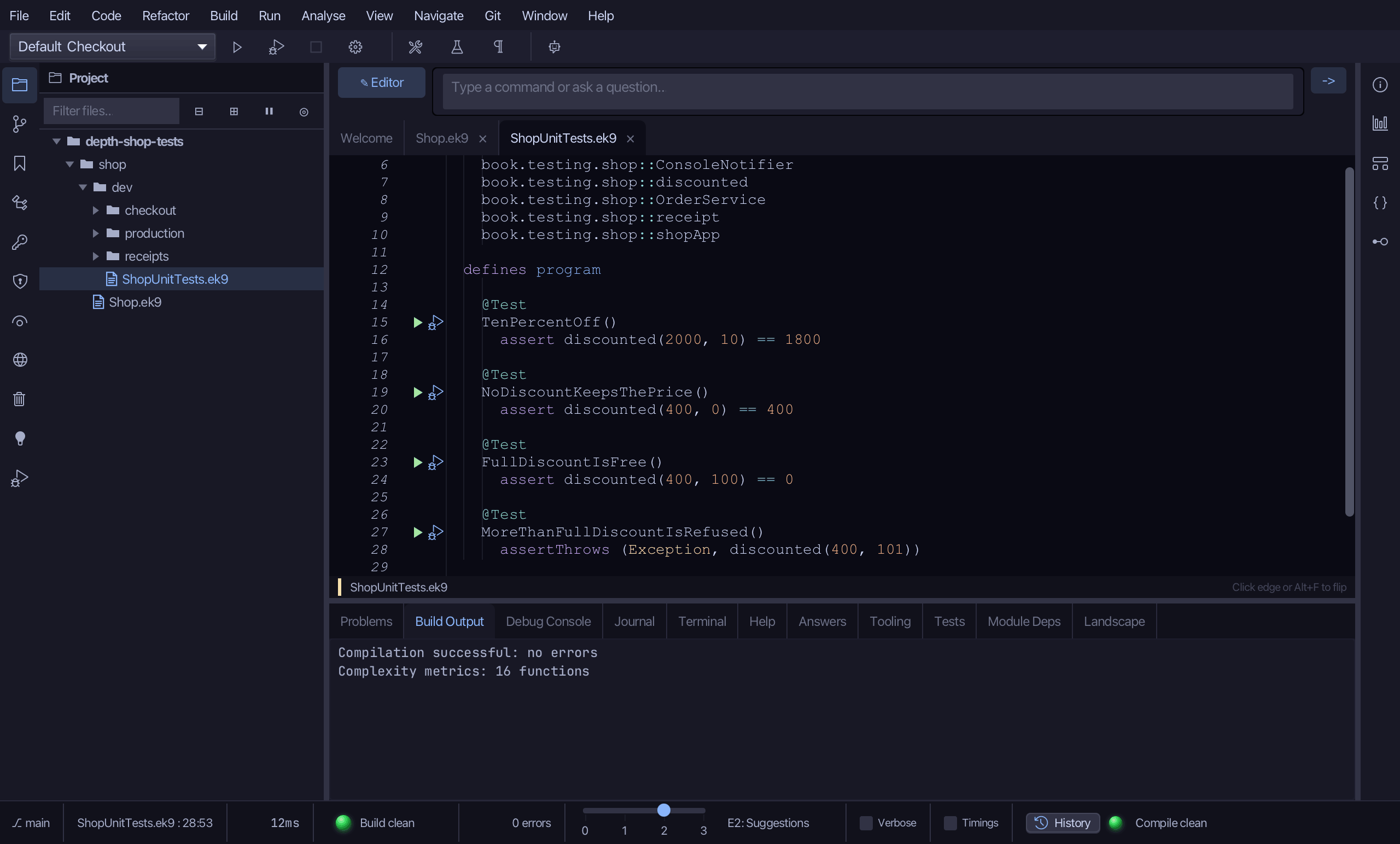
    @Test
    TenPercentOff()
      assert discounted(2000, 10) == 1800

    @Test
    NoDiscountKeepsThePrice()
      assert discounted(400, 0) == 400

    @Test
    FullDiscountIsFree()
      assert discounted(400, 100) == 0

    @Test
    MoreThanFullDiscountIsRefused()
      assertThrows (Exception, discounted(400, 101))

    @Test
    ReasonNamesThePercent()
      refused <- assertThrows (Exception, discounted(400, 150))
      assert refused.reason() == "a discount of 150 percent is more than the price"

    @Test
    SensibleDiscountThrowsNothing()
      assertDoesNotThrow (discounted(400, 50))

    @Test
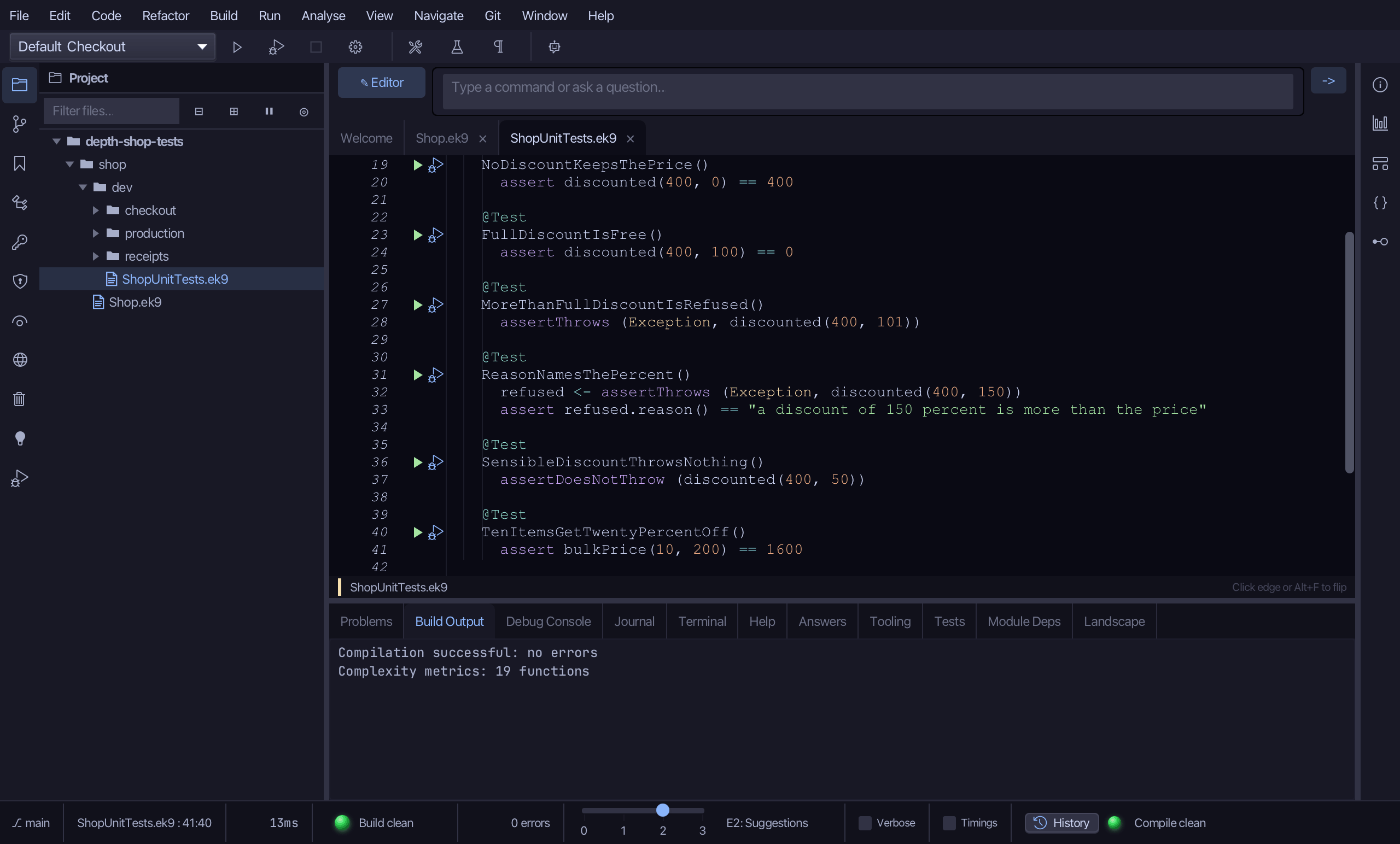
    TenItemsGetTwentyPercentOff()
      assert bulkPrice(10, 200) == 1600

    @Test
    NineItemsPayInFull()
      assert bulkPrice(9, 200) == 1800

    @Test
    ReceiptShowsItemAndPrice()
      assert receipt("mug", 400) == "mug: 400p"

    @Test
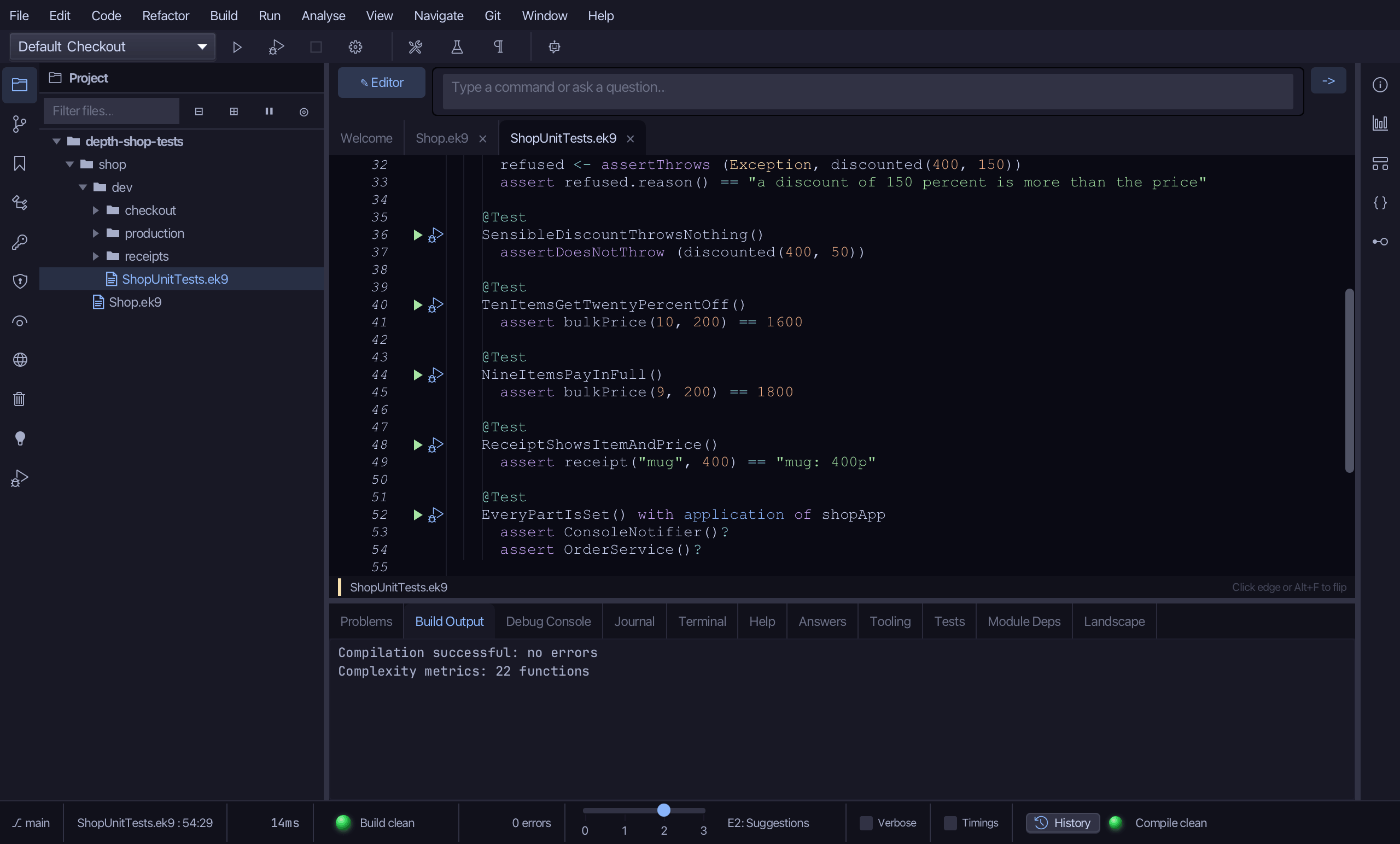
    EveryPartIsSet() with application of shopApp
      assert ConsoleNotifier()?
      assert OrderService()?
shop/dev/receipts/ReceiptTest.ek9
#!ek9
defines module book.testing.shop.receipts

  references
    book.testing.shop::discounted
    book.testing.shop::receipt

  defines program

    @Test
    ReceiptForArguments()
      ->
        item as String
        price as String
        percent as String

      stdout <- Stdout()
      stdout.println(receipt(item, discounted(Integer(price), Integer(percent))))
shop/dev/checkout/CheckoutOutputTest.ek9
#!ek9
defines module book.testing.shop.checkout

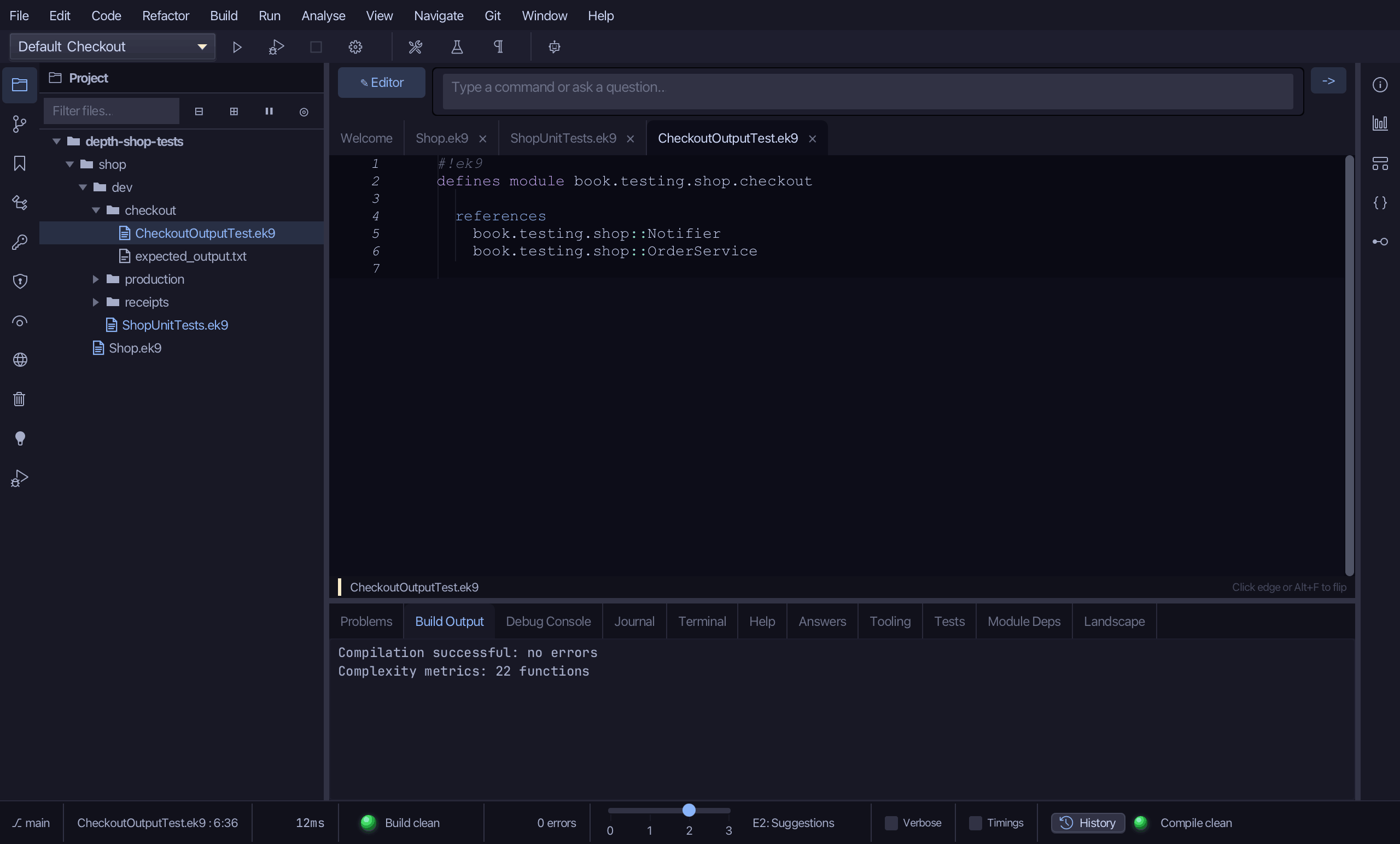
  references
    book.testing.shop::Notifier
    book.testing.shop::OrderService

  defines component

    TaggedNotifier is Notifier
      override notify()
        -> message as String
        Stdout().println(`[test] ${message}`)

  defines application

    taggedShop
      register TaggedNotifier() as Notifier

  defines program

    @Test
    CheckoutOutput() with application of taggedShop
      orders <- OrderService()
      orders.placeOrder("kettle", 2500, 20)
      orders.placeOrder("mug", 400, 0)
shop/dev/production/ProductionCheckoutTest.ek9
#!ek9
defines module book.testing.shop.production

  references
    book.testing.shop::OrderService
    book.testing.shop::shopApp

  defines program

    @Test
    ProductionCheckout() with application of shopApp
      orders <- OrderService()
      orders.placeOrder("kettle", 2500, 20)
      orders.placeOrder("mug", 400, 0)
shop/dev/checkout/expected_output.txt
[test] kettle: 2000p
[test] mug: 400p
shop/dev/production/expected_output.txt
kettle: 2000p
mug: 400p
shop/dev/receipts/commandline_arg_free.txt
mug
400
100
shop/dev/receipts/commandline_arg_sale.txt
kettle
2500
20
shop/dev/receipts/expected_case_free.txt
mug: 0p
shop/dev/receipts/expected_case_sale.txt
kettle: 2000p
Step 1: The program under test
Shop.ek9 prints two receipts, kettle: 2000p and mug: 400p. Notice discounted, which throws an Exception when the percentage is over a hundred, bulkPrice, and OrderService, which is handed a Notifier. A test is a program marked @Test in a file under dev/, and the runner recognises three kinds: assertion, black-box and parameterized.
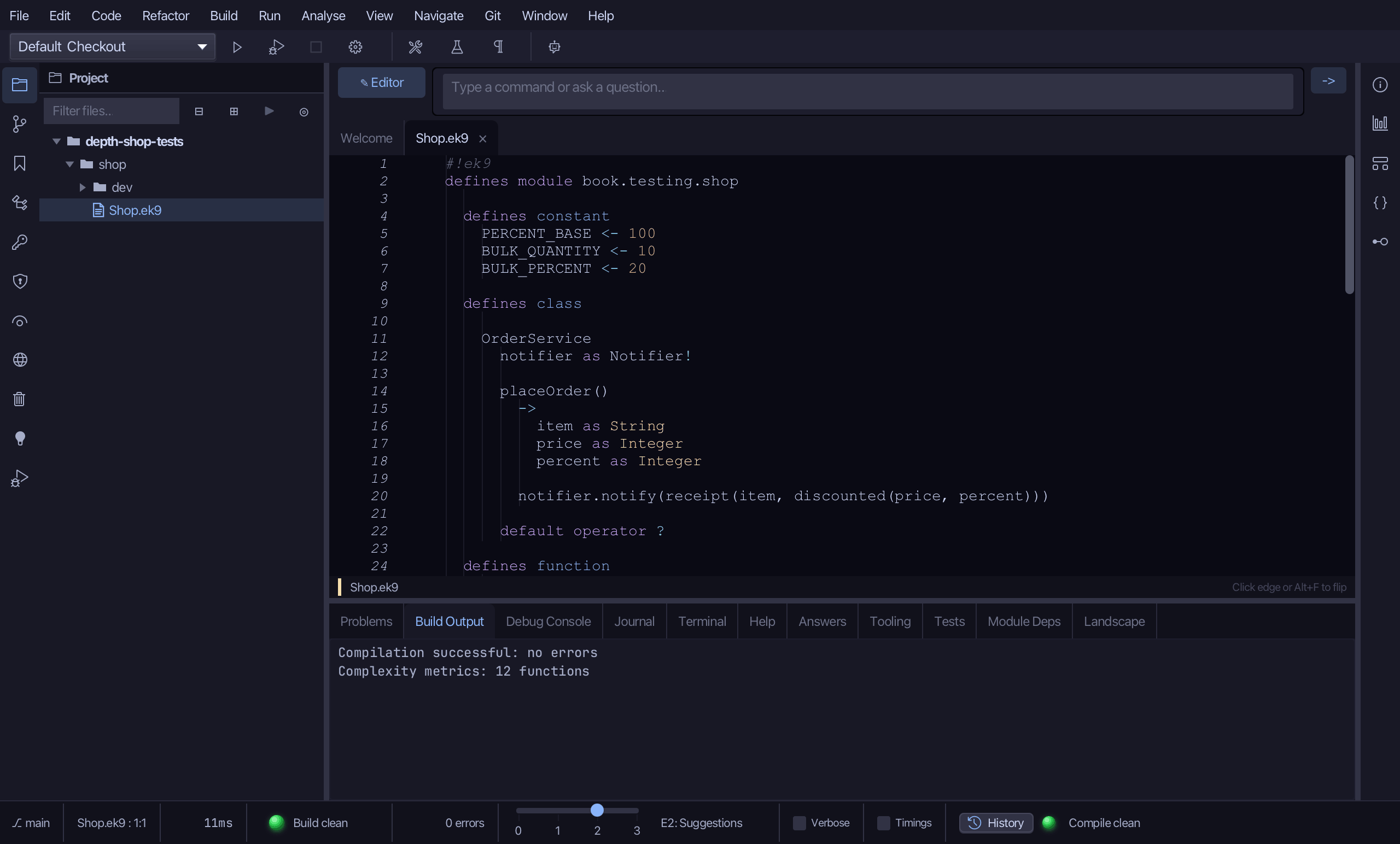
Step 2: Assertion tests — discounted
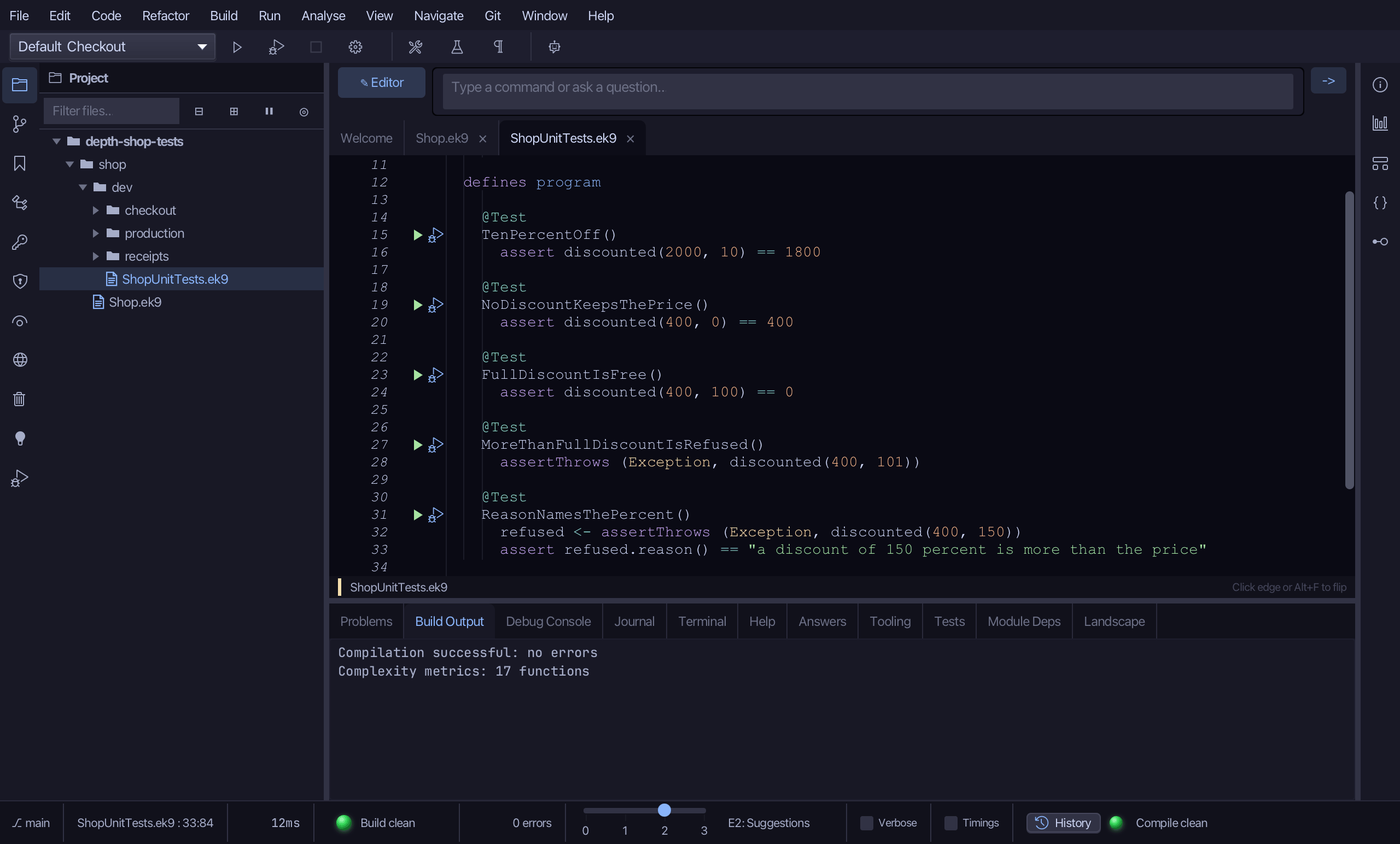
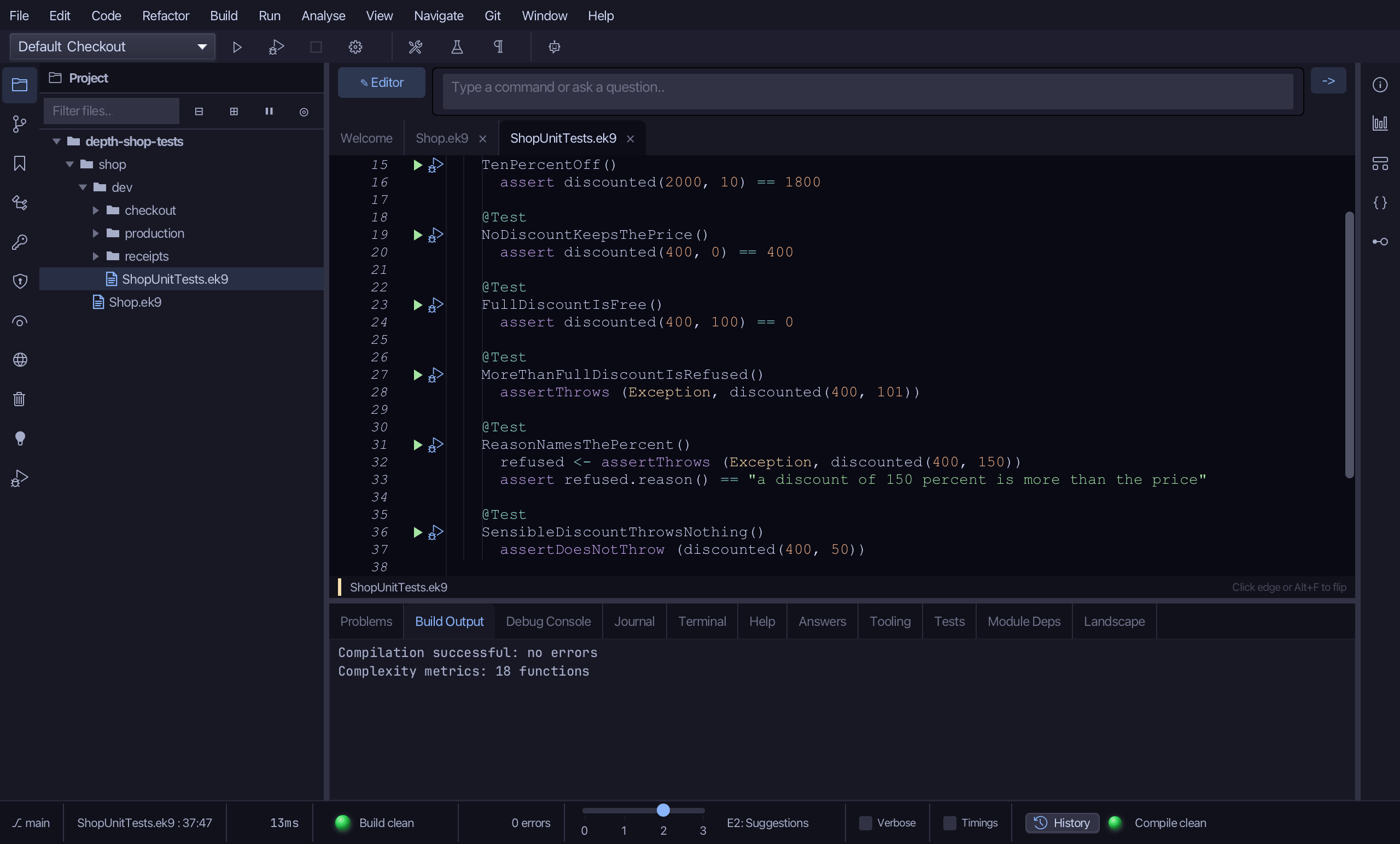
Open dev/ShopUnitTests.ek9 - it holds only its module line. This is the first kind: an assertion test states what must be true. assert is for tests as require is for production code.
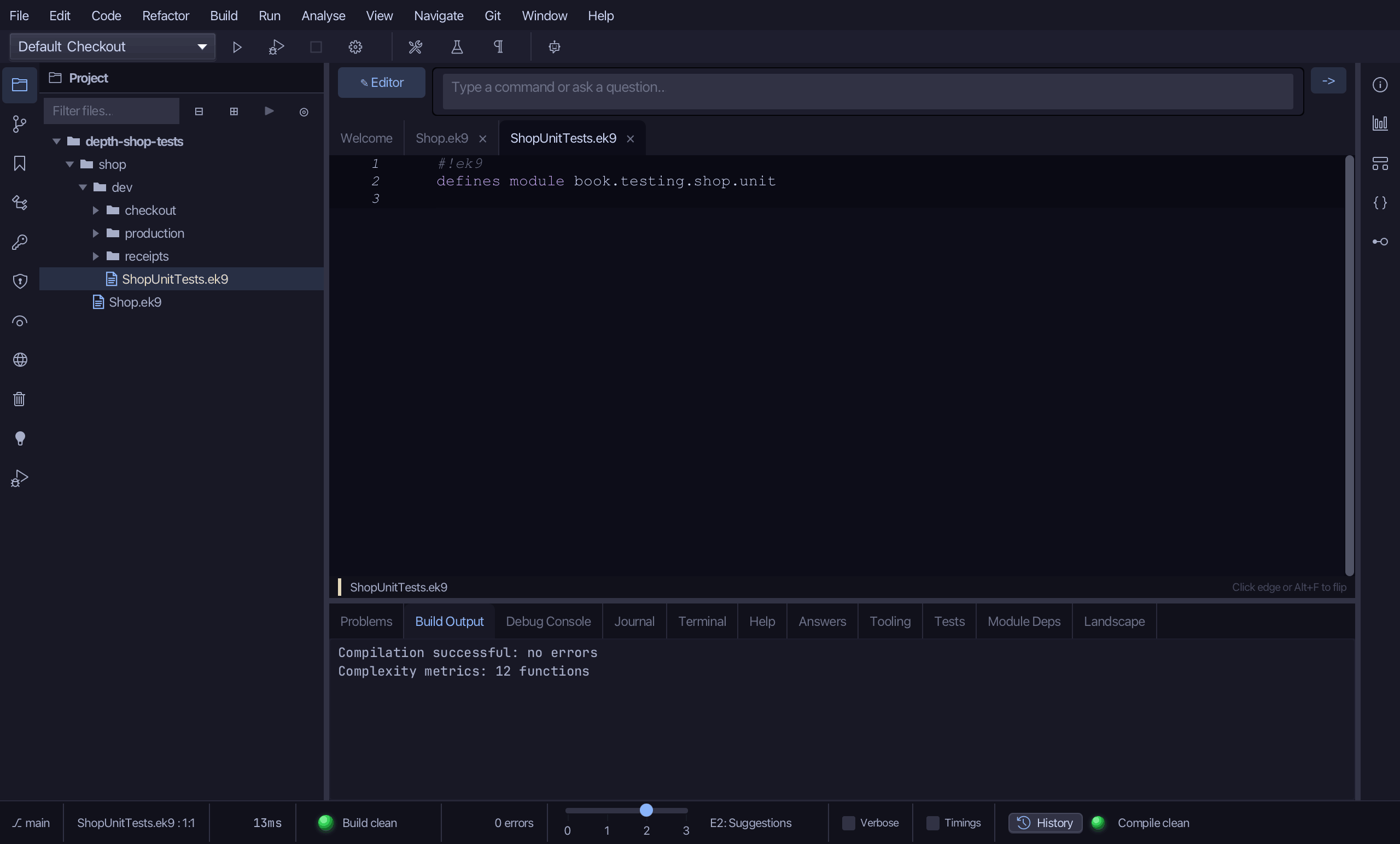
Select the module line, and below it type a references block bringing in what the tests use, in alphabetical order. Saves when typed.
Choose Code > New Construct > Test…
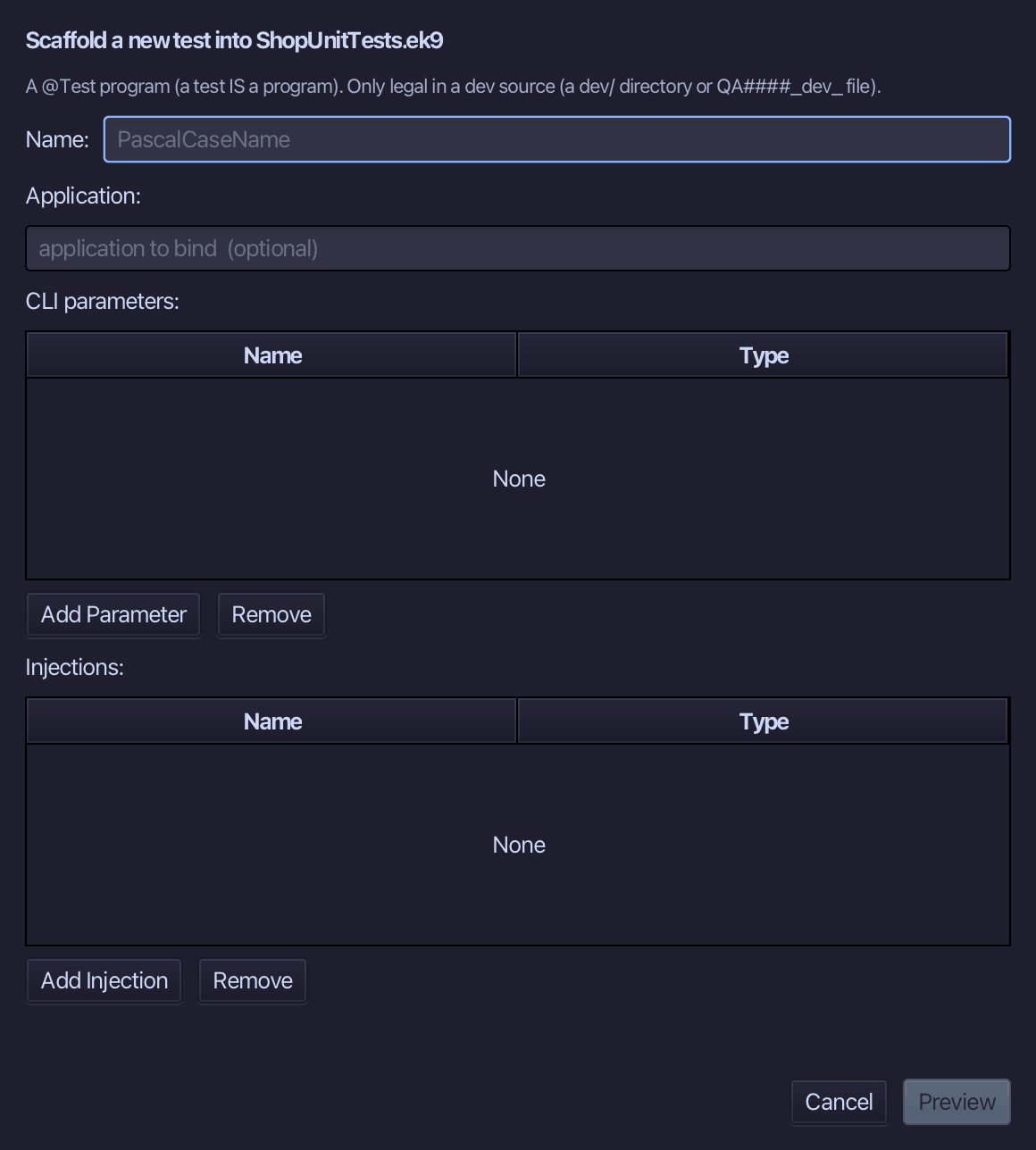
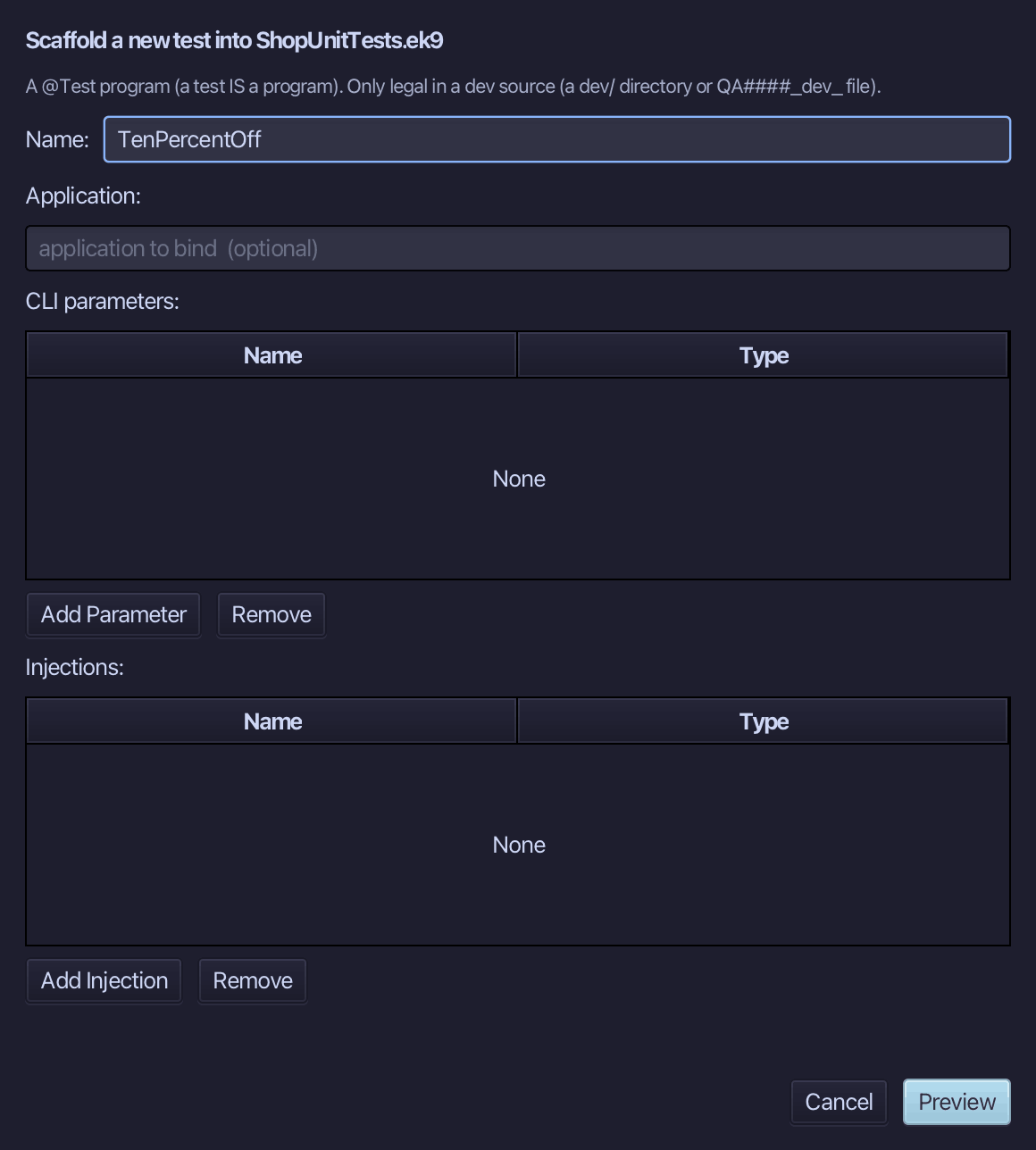
TenPercentOff is the test's name. Choose Preview.
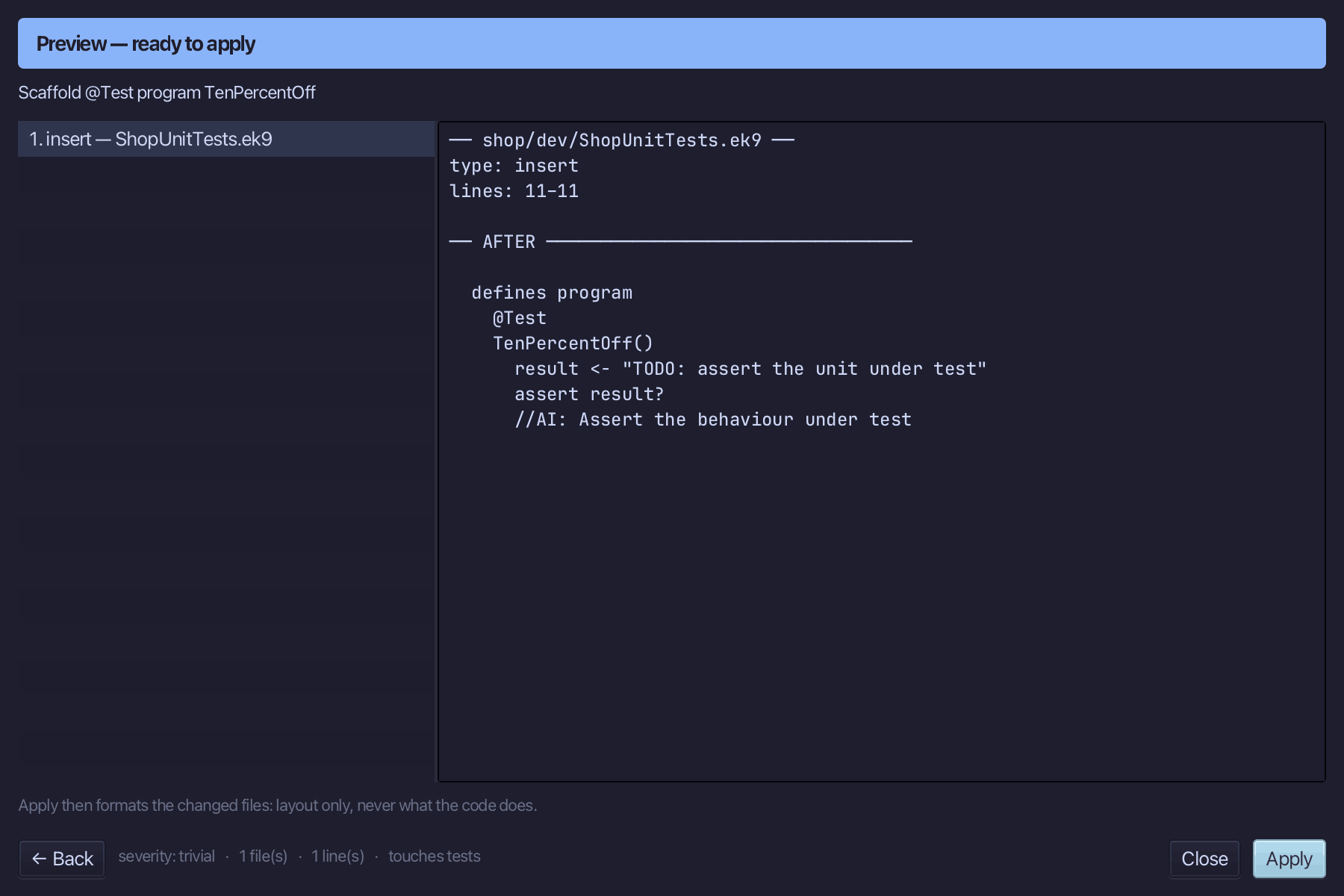
The preview shows TenPercentOff about to be written, marked @Test, with a placeholder assertion. Choose Apply.
Select the @Test line, and above it type the blank line every chapter example opens its first member with. Saves when typed.
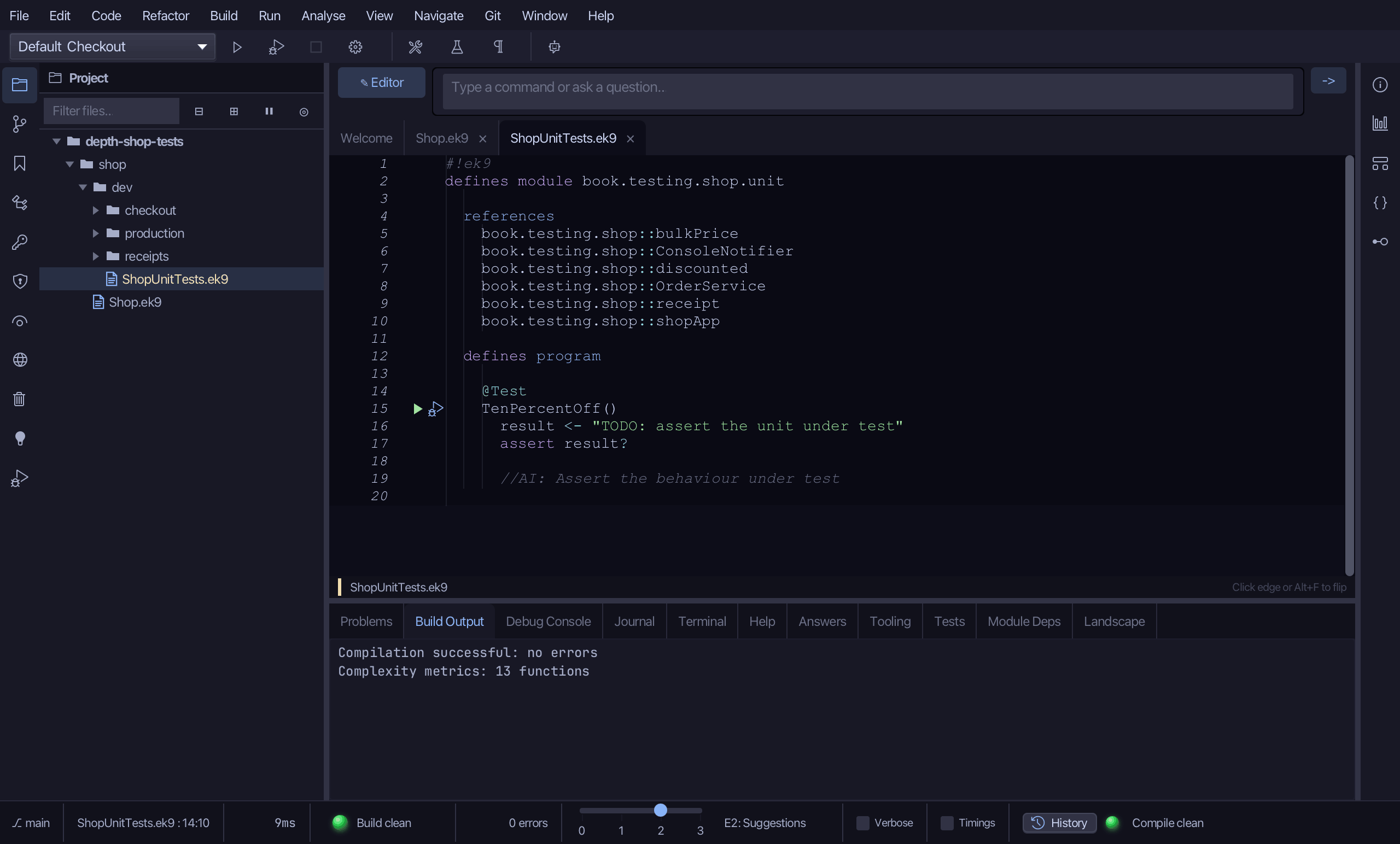
Select the stub, from result <- "TODO: assert the unit under test" down to its //AI line, and type the real claim: ten percent off 2000 is 1800. Saves when typed.
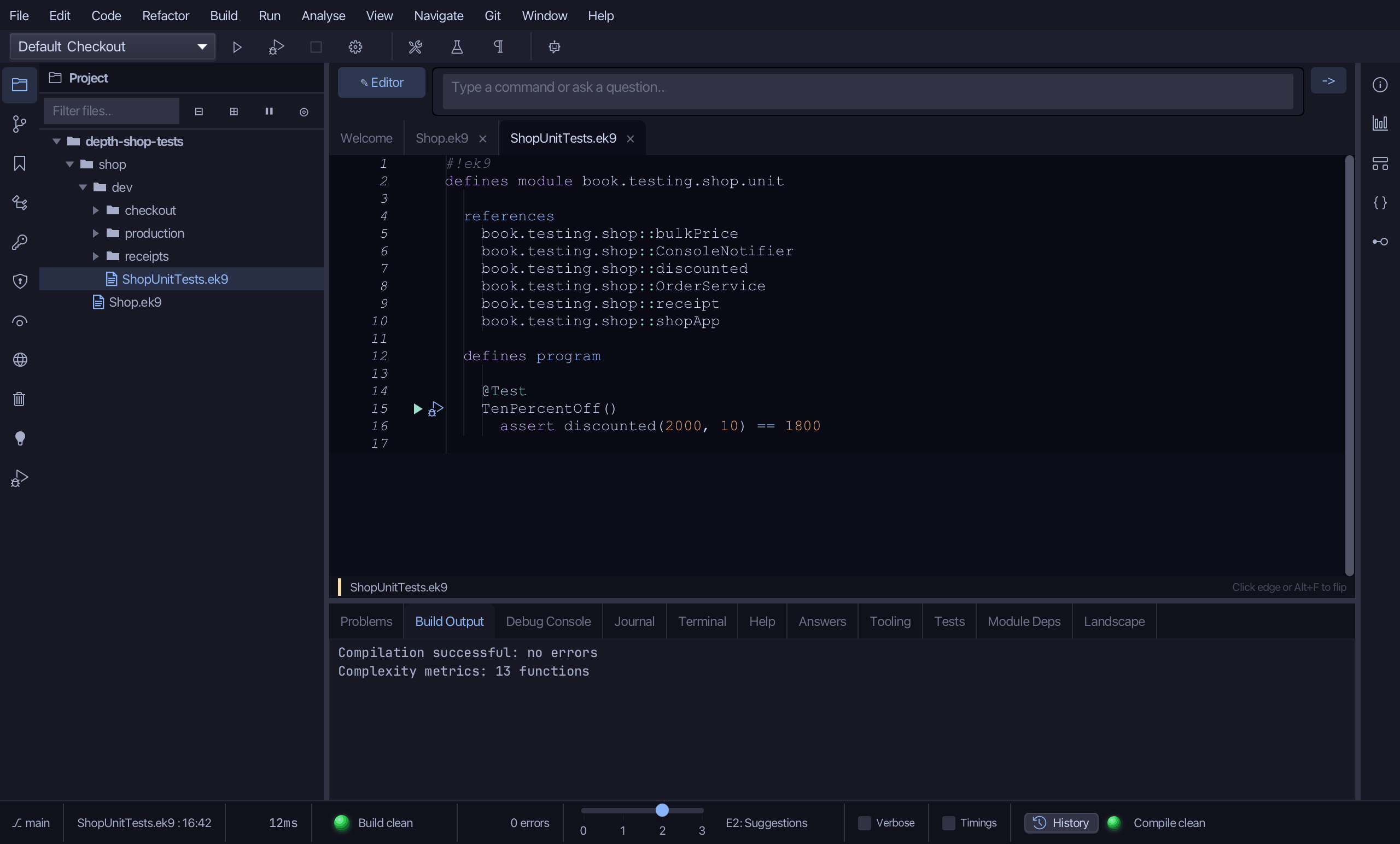
Choose Code > New Construct > Test…
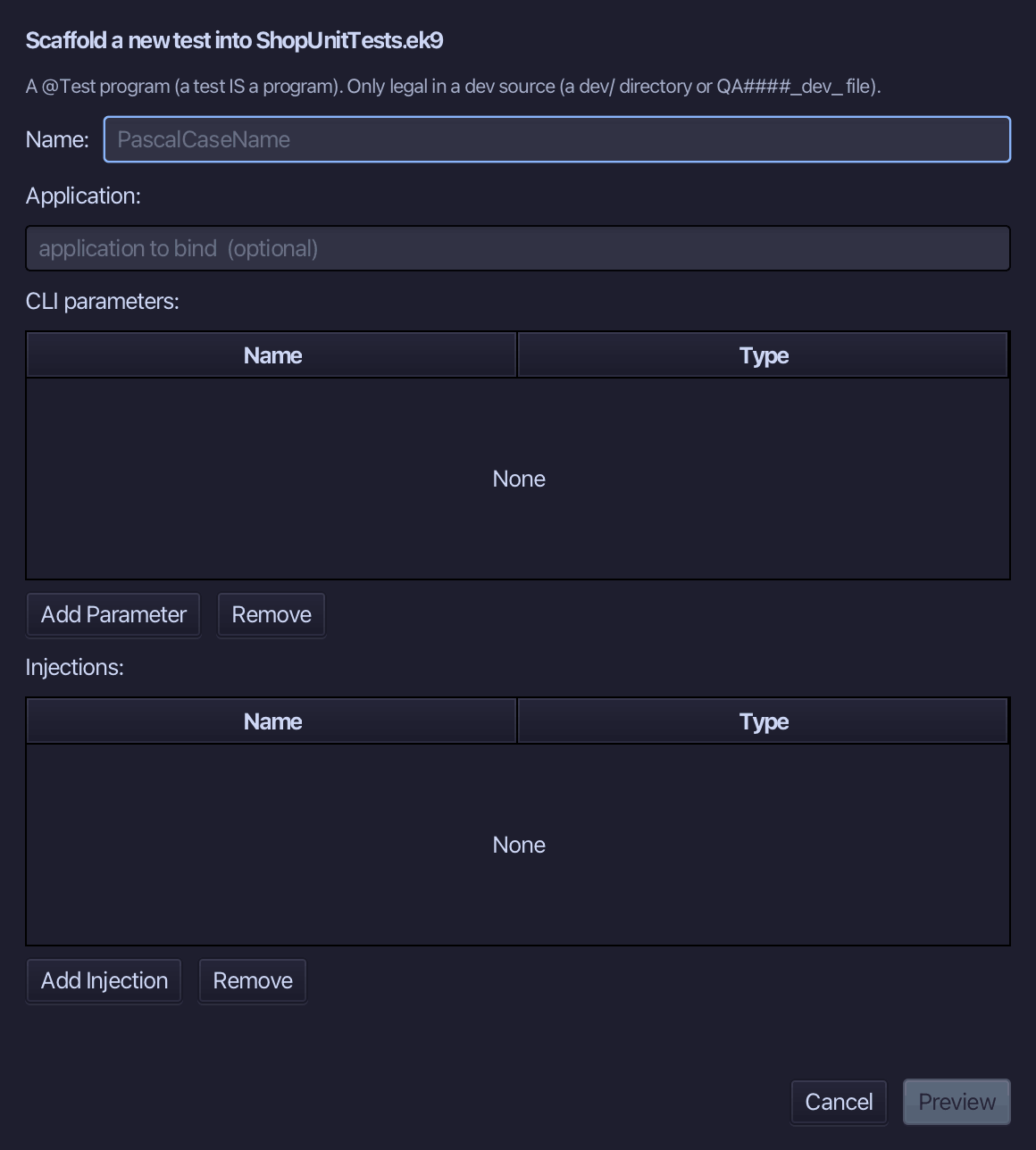
NoDiscountKeepsThePrice is the test's name. Choose Preview.
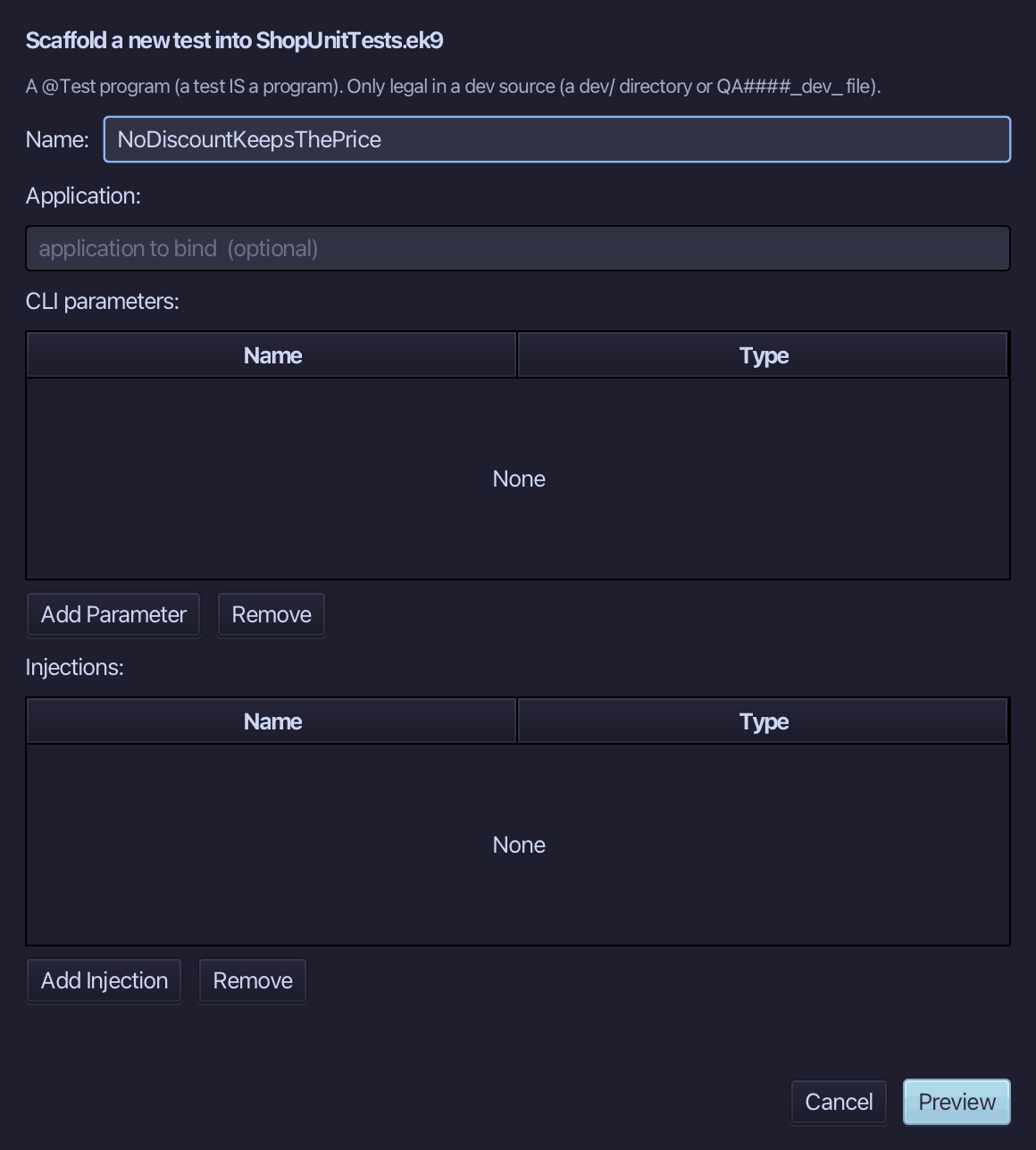
The preview shows NoDiscountKeepsThePrice about to be written, marked @Test, with a placeholder assertion. Choose Apply.
Select the stub, from result <- "TODO: assert the unit under test" down to its //AI line, and type the real claim: no discount leaves the price alone. Saves when typed.
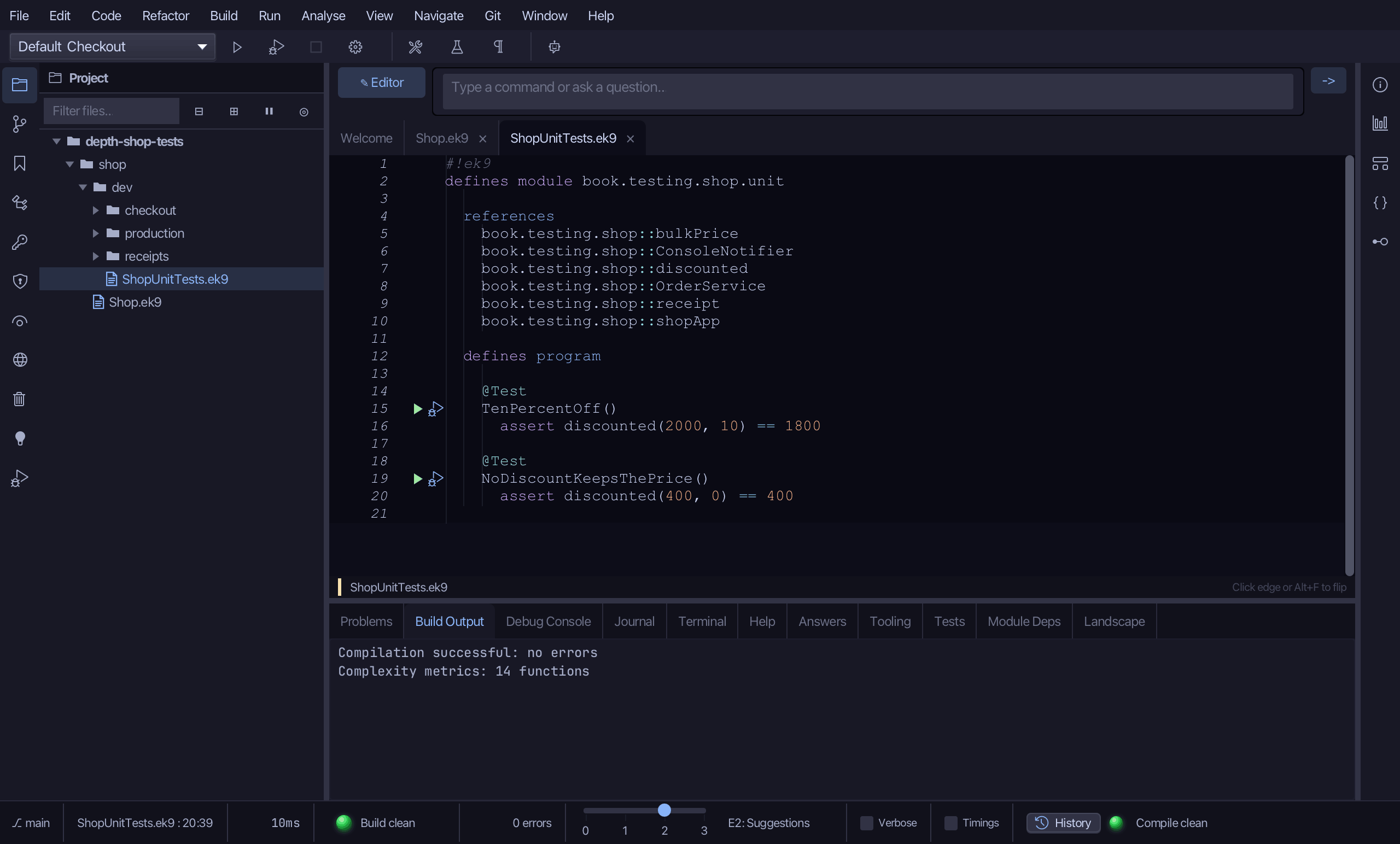
Choose Code > New Construct > Test…
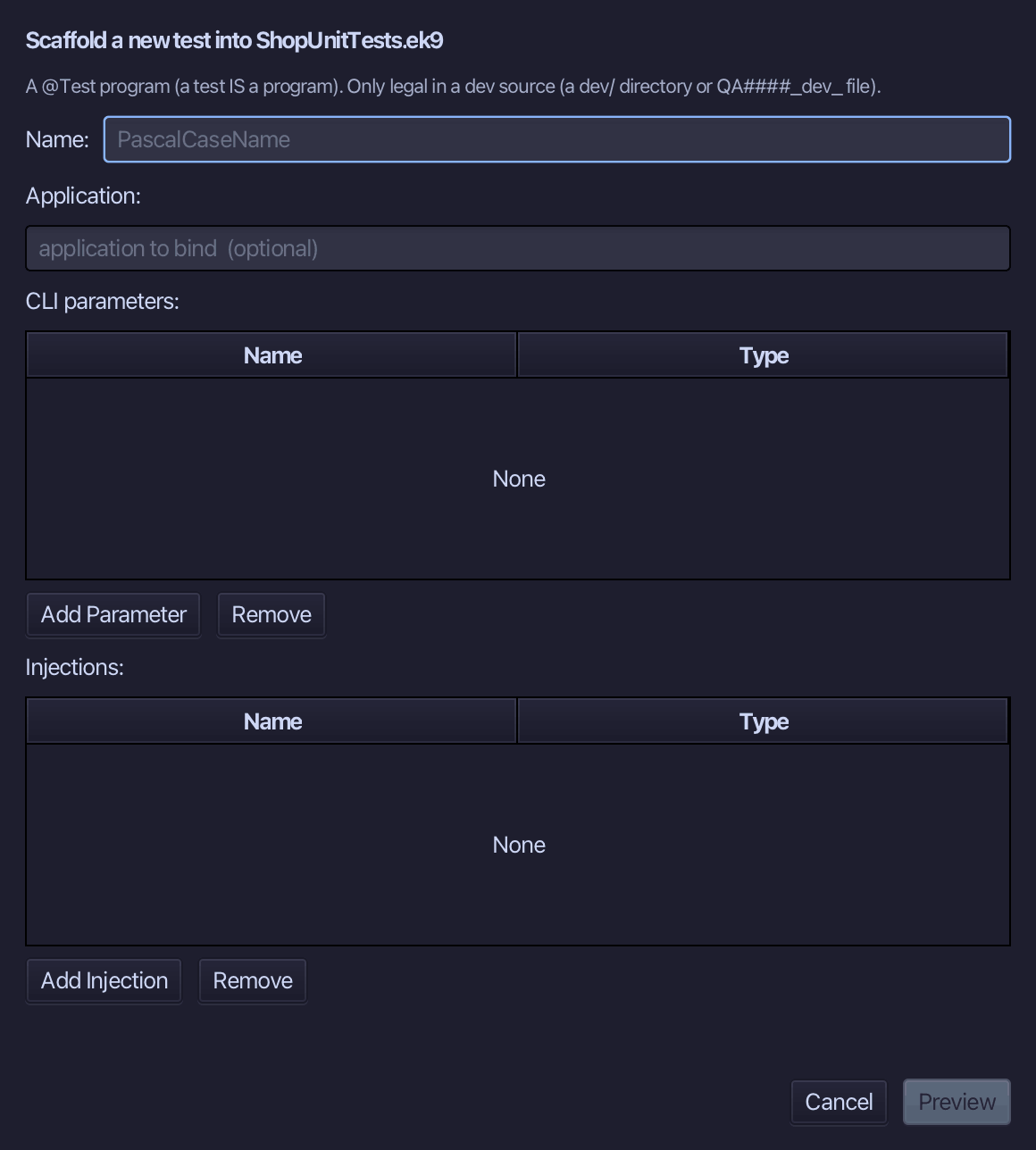
FullDiscountIsFree is the test's name. Choose Preview.
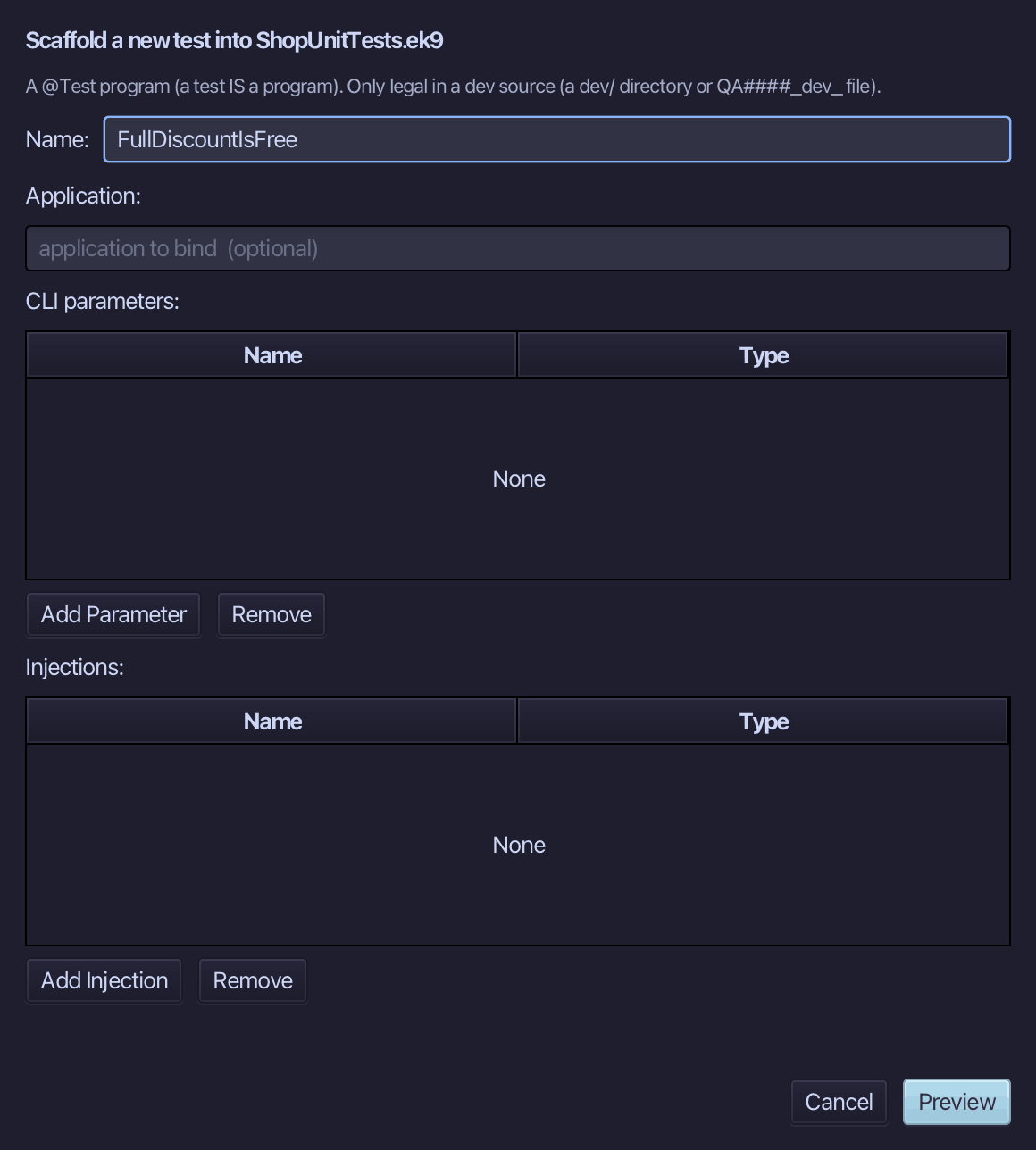
The preview shows FullDiscountIsFree about to be written, marked @Test, with a placeholder assertion. Choose Apply.
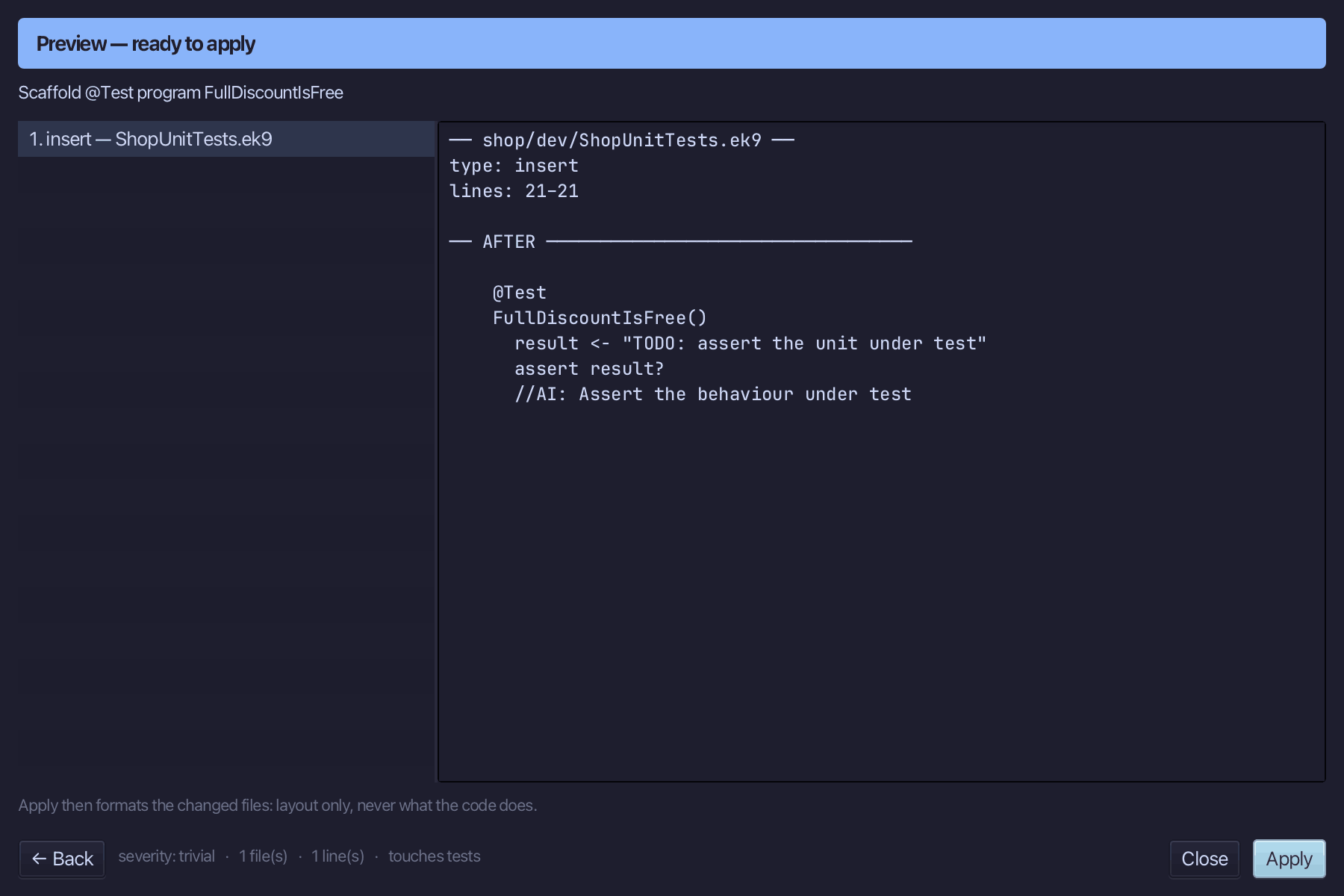
Select the stub, from result <- "TODO: assert the unit under test" down to its //AI line, and type the real claim: a full discount makes it free. Saves when typed.
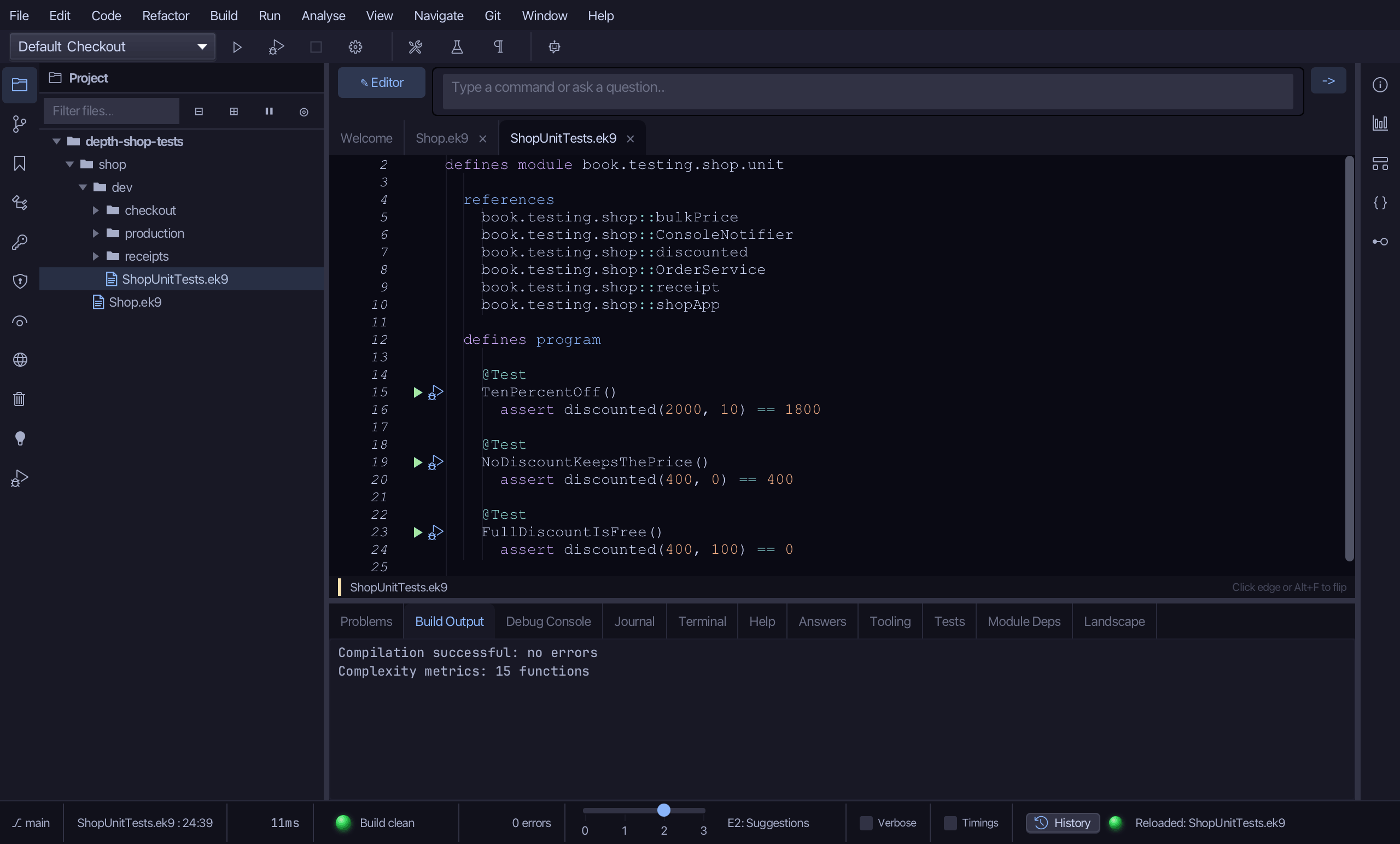
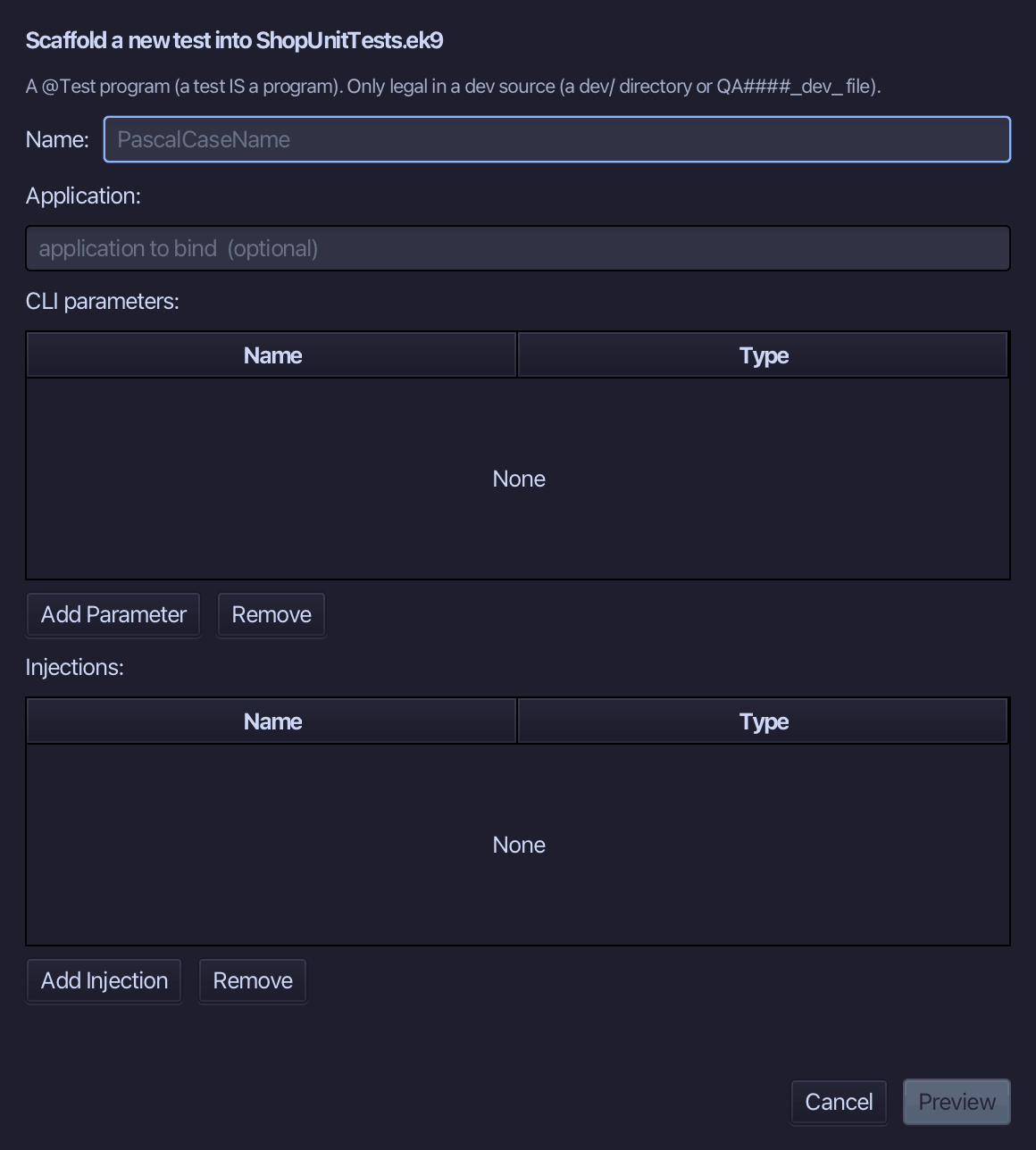
Choose Code > New Construct > Test…
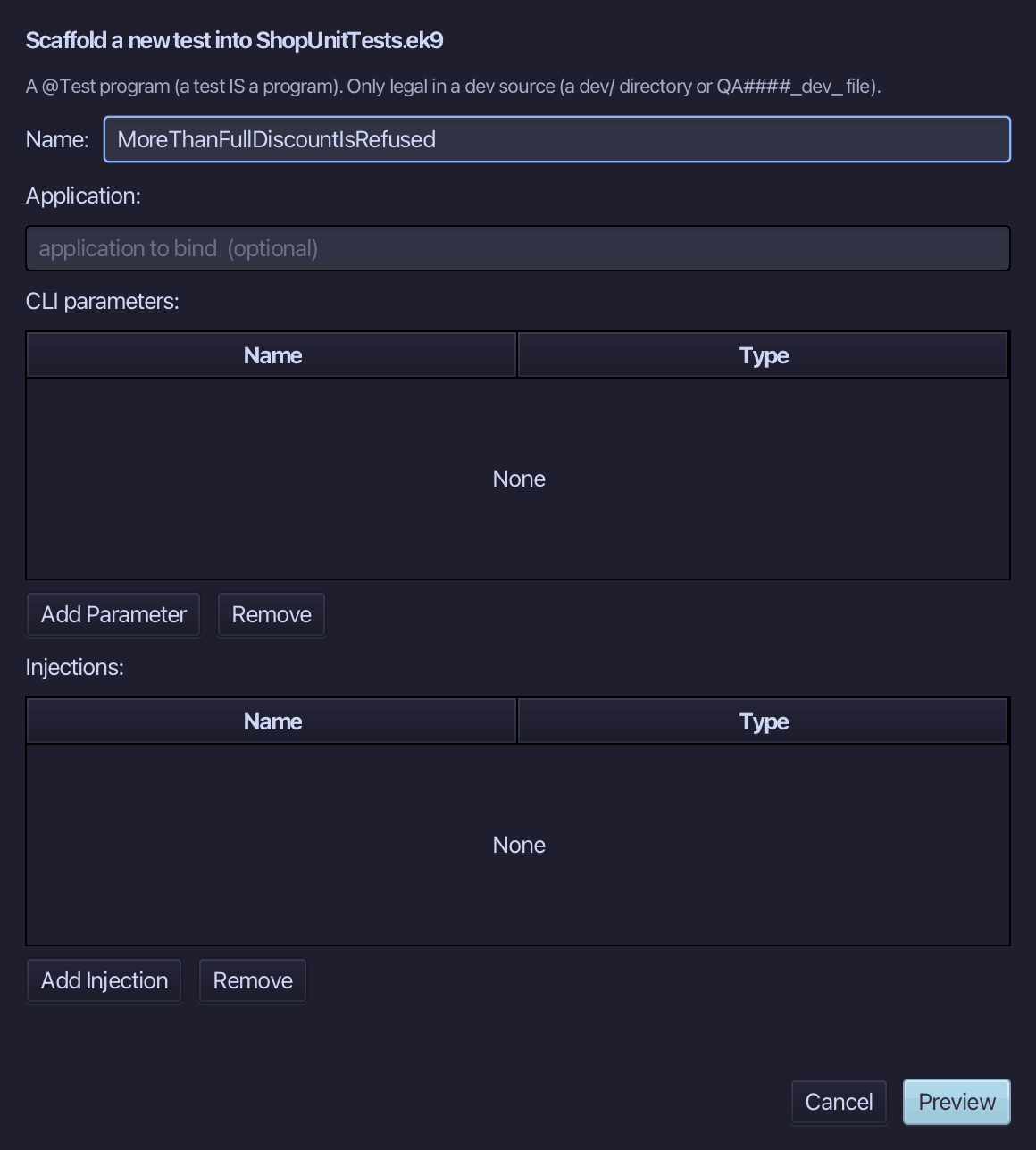
MoreThanFullDiscountIsRefused is the test's name. Choose Preview.
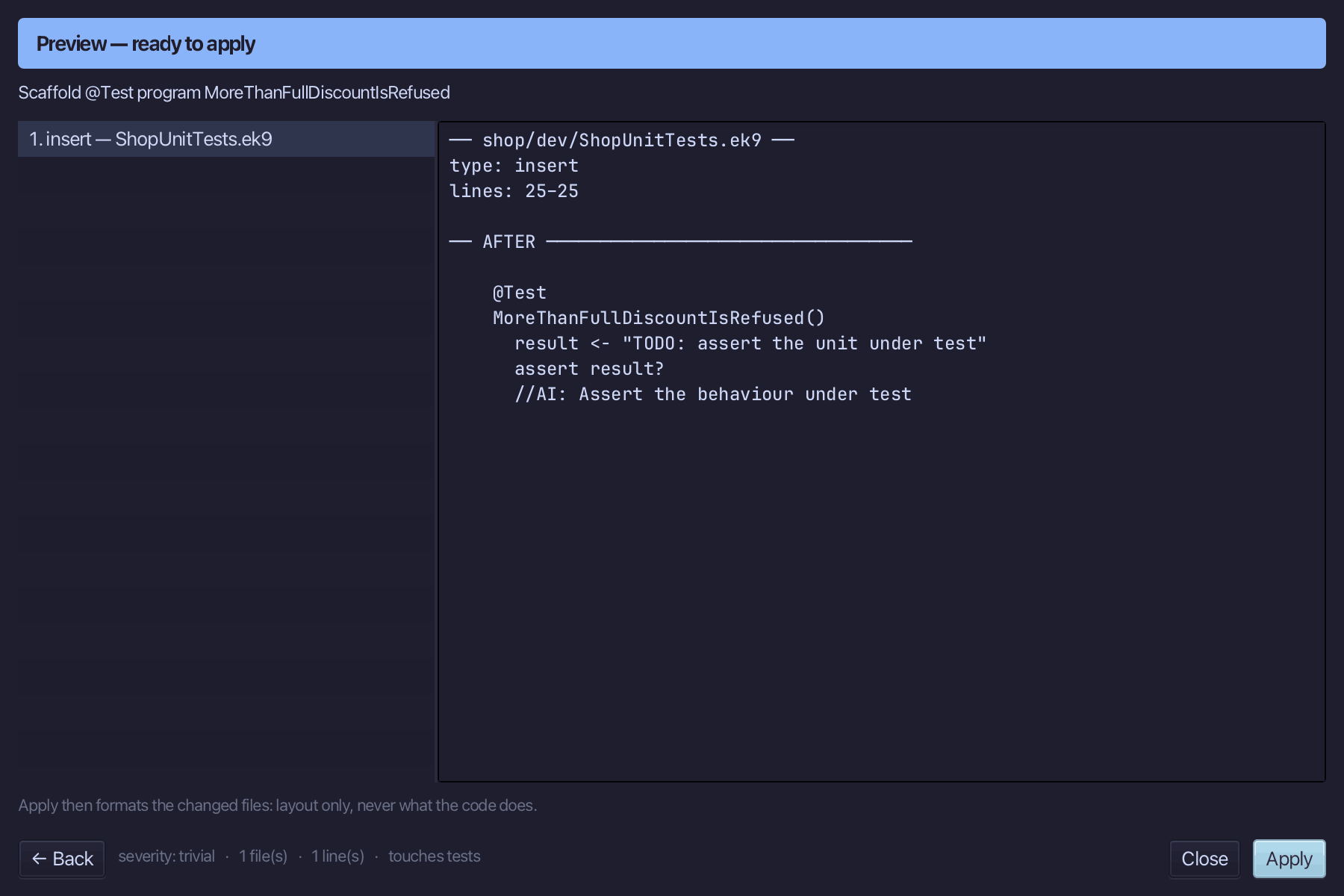
The preview shows MoreThanFullDiscountIsRefused about to be written, marked @Test, with a placeholder assertion. Choose Apply.
Select the stub, from result <- "TODO: assert the unit under test" down to its //AI line, and type the real claim: over a hundred percent is refused with an Exception - assertThrows names the type it expects. Saves when typed.
Choose Code > New Construct > Test…
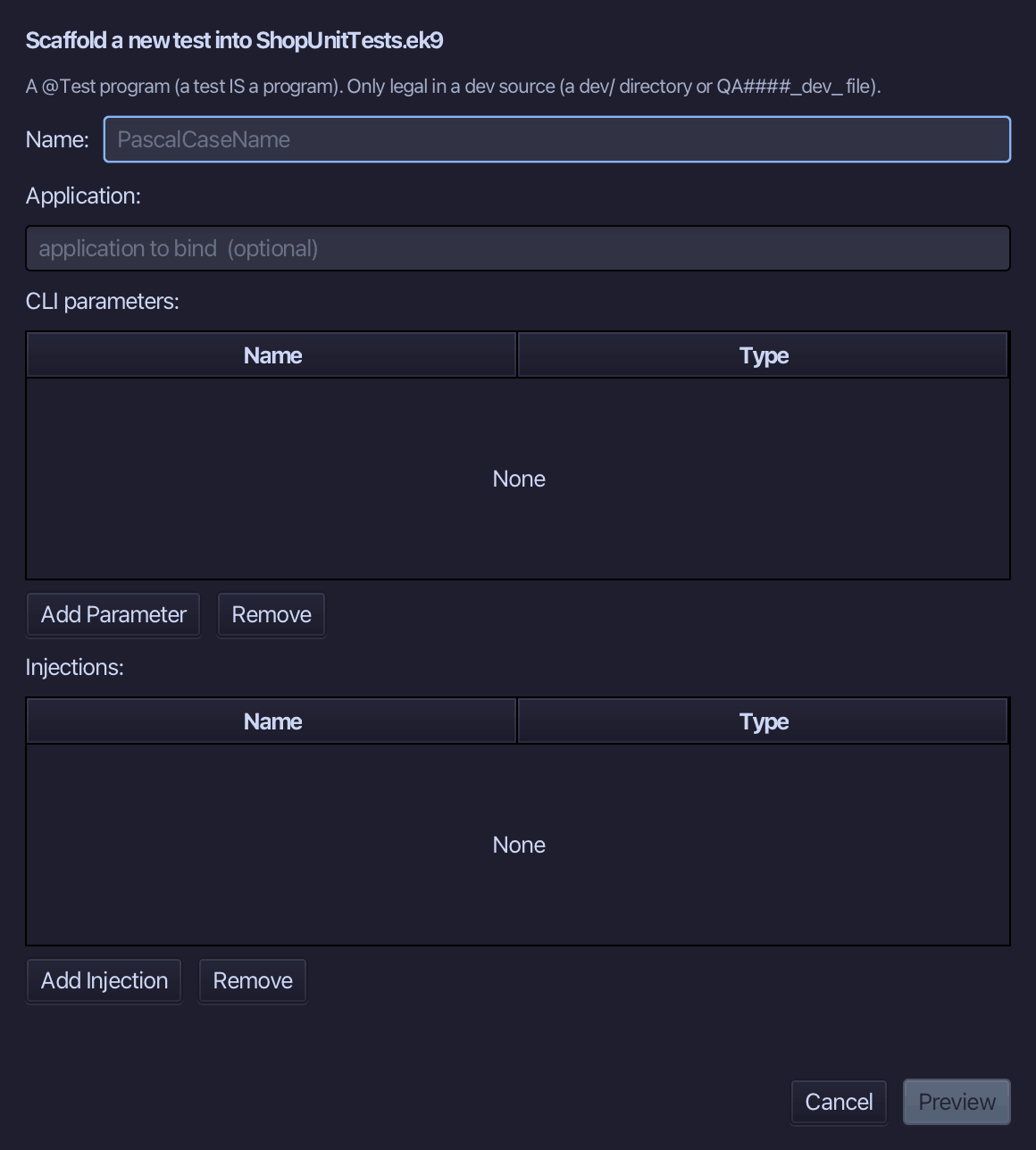
ReasonNamesThePercent is the test's name. Choose Preview.
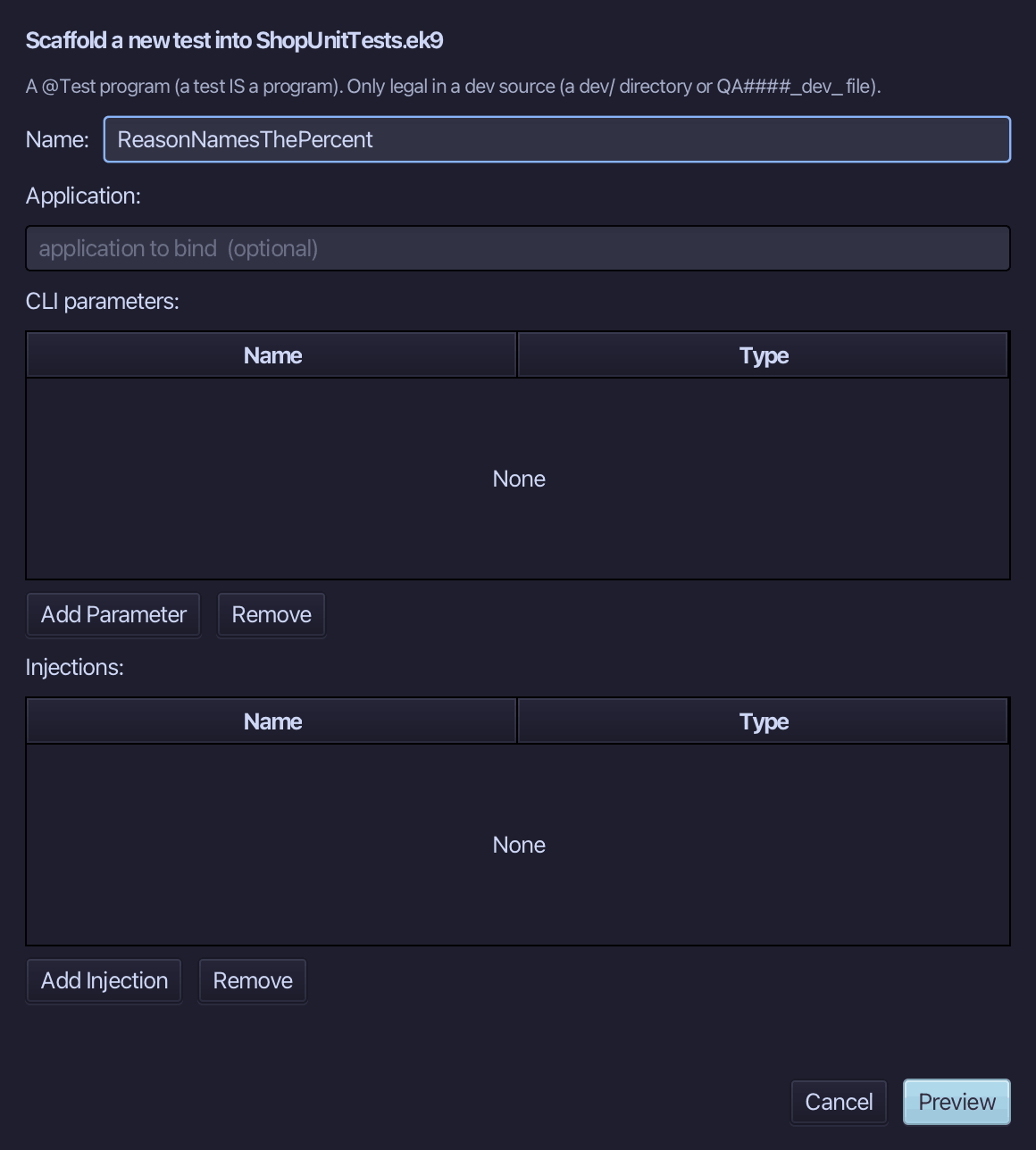
The preview shows ReasonNamesThePercent about to be written, marked @Test, with a placeholder assertion. Choose Apply.
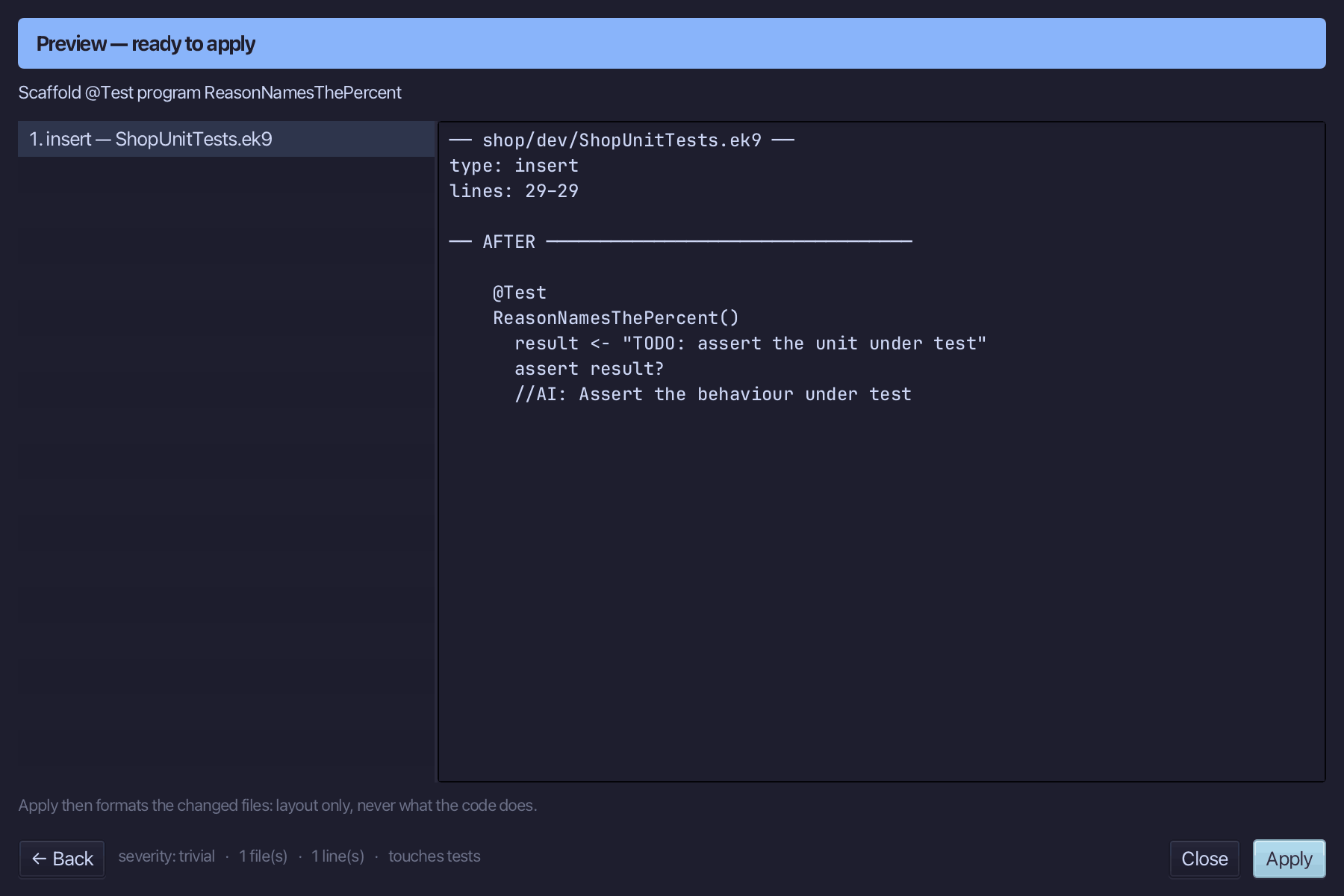
Select the stub, from result <- "TODO: assert the unit under test" down to its //AI line, and type the real claim: assertThrows hands back the Exception it caught, so the reason can be checked too. Saves when typed.
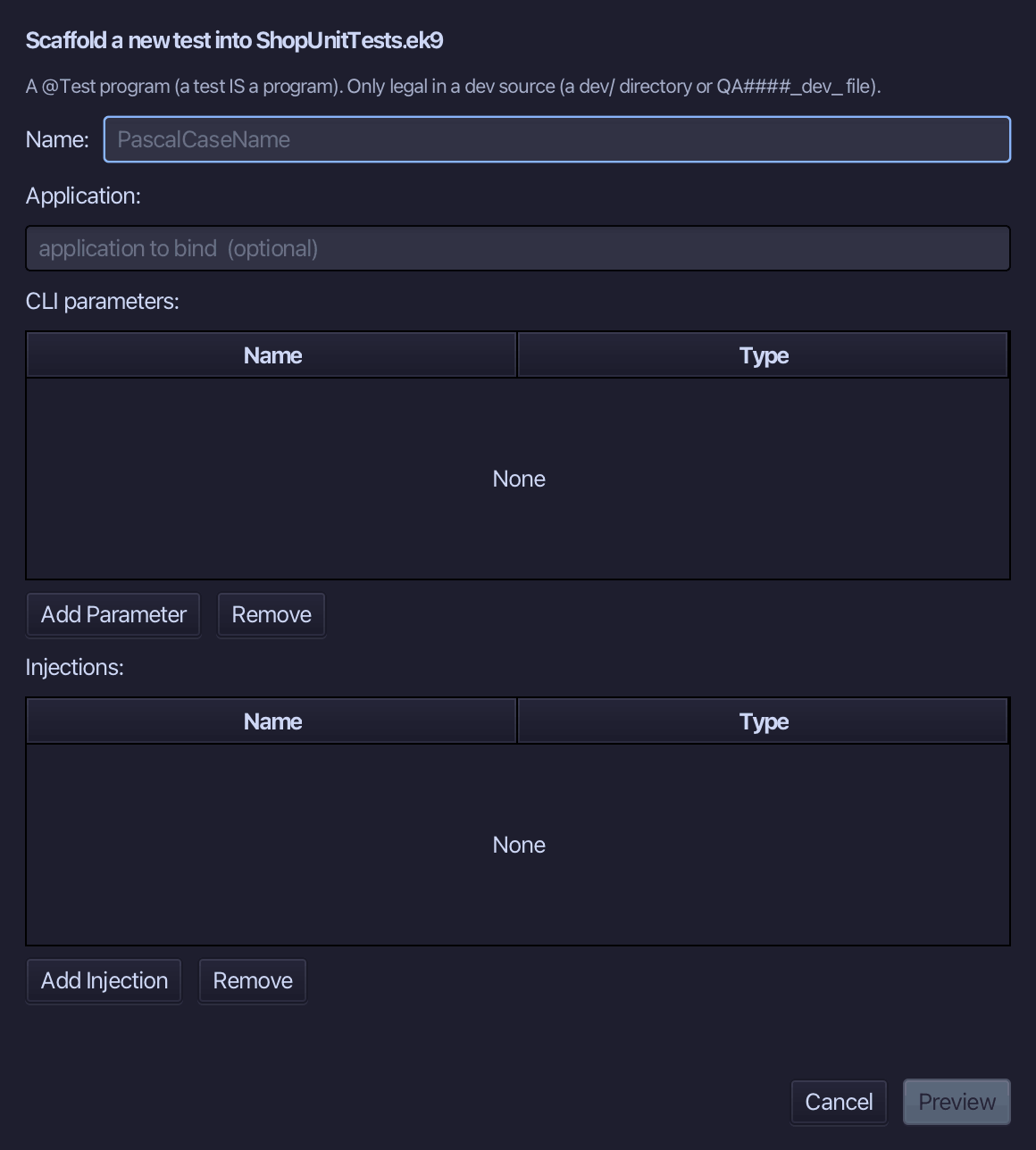
Choose Code > New Construct > Test…
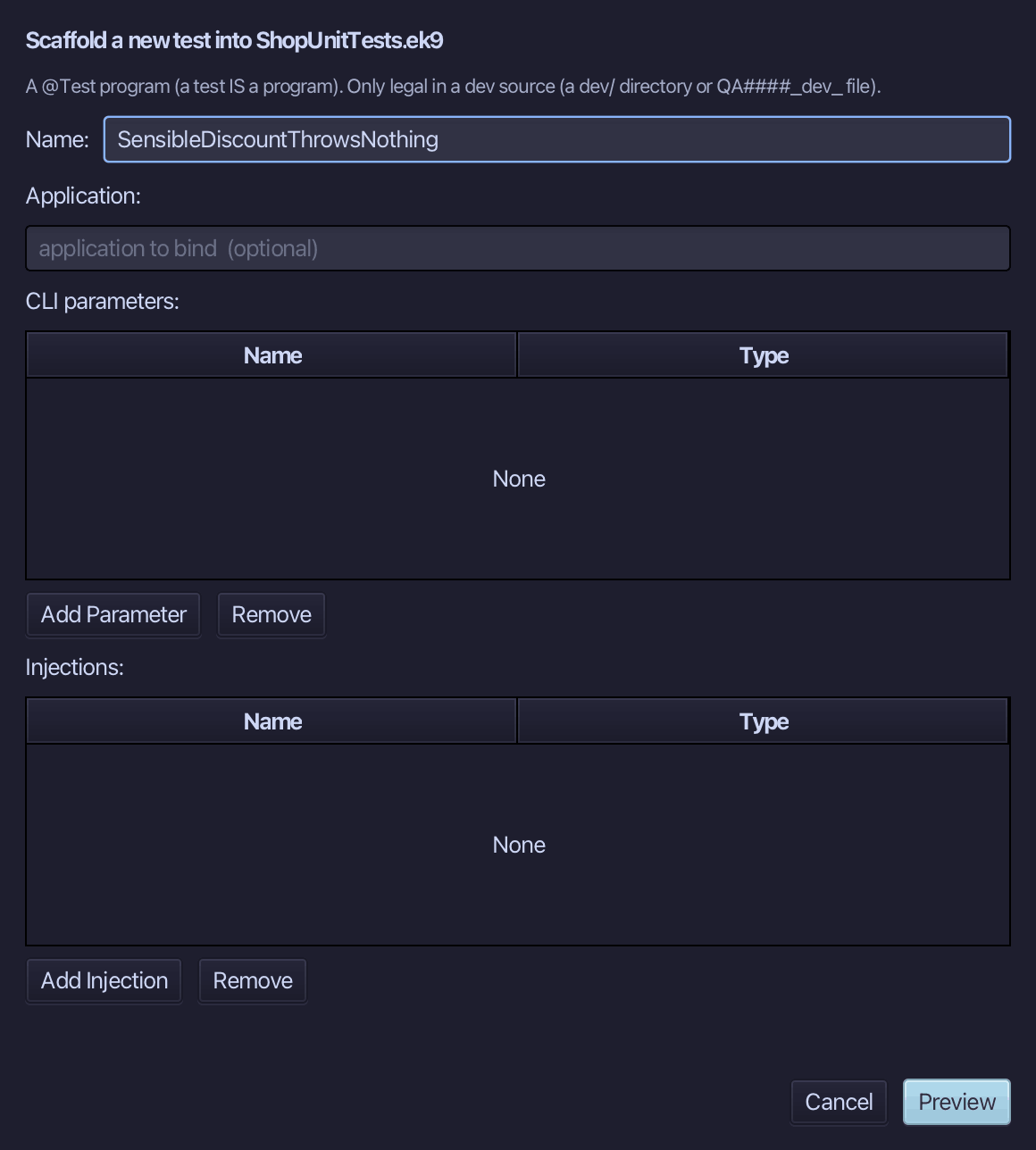
SensibleDiscountThrowsNothing is the test's name. Choose Preview.
The preview shows SensibleDiscountThrowsNothing about to be written, marked @Test, with a placeholder assertion. Choose Apply.
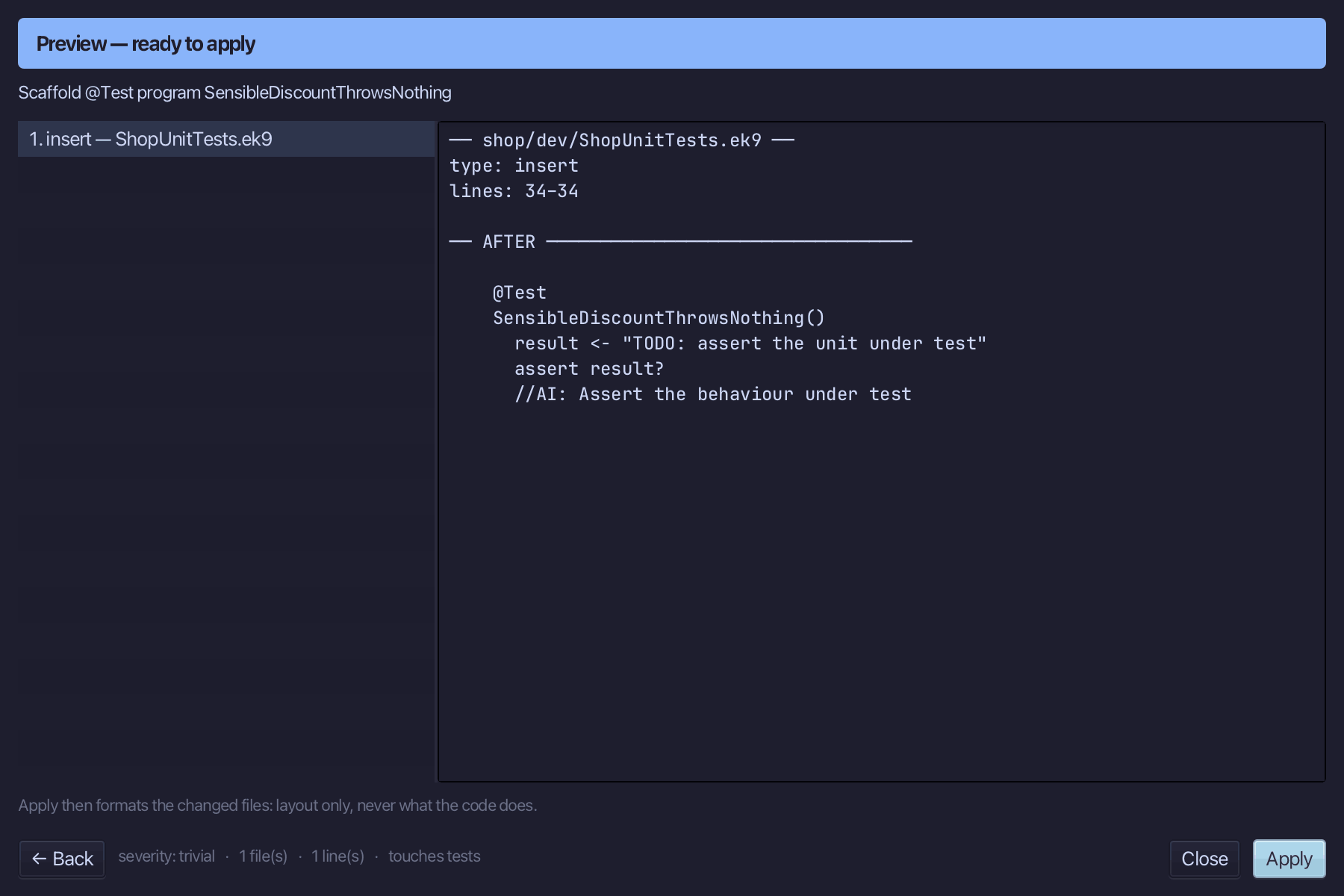
Select the stub, from result <- "TODO: assert the unit under test" down to its //AI line, and type the real claim: a sensible discount throws nothing. Saves when typed.
Step 3: Assertion tests — bulkPrice and receipt
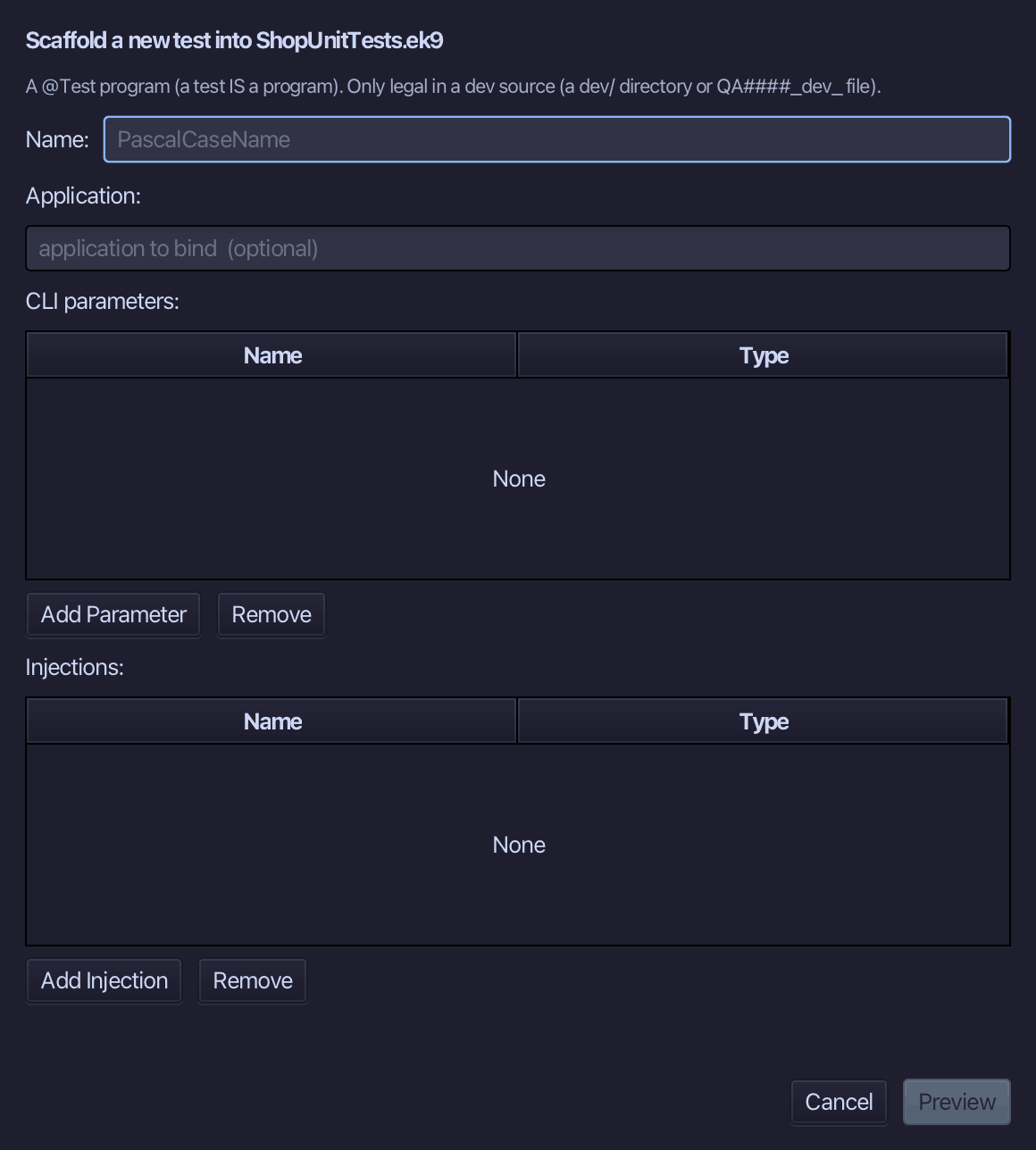
Choose Code > New Construct > Test…
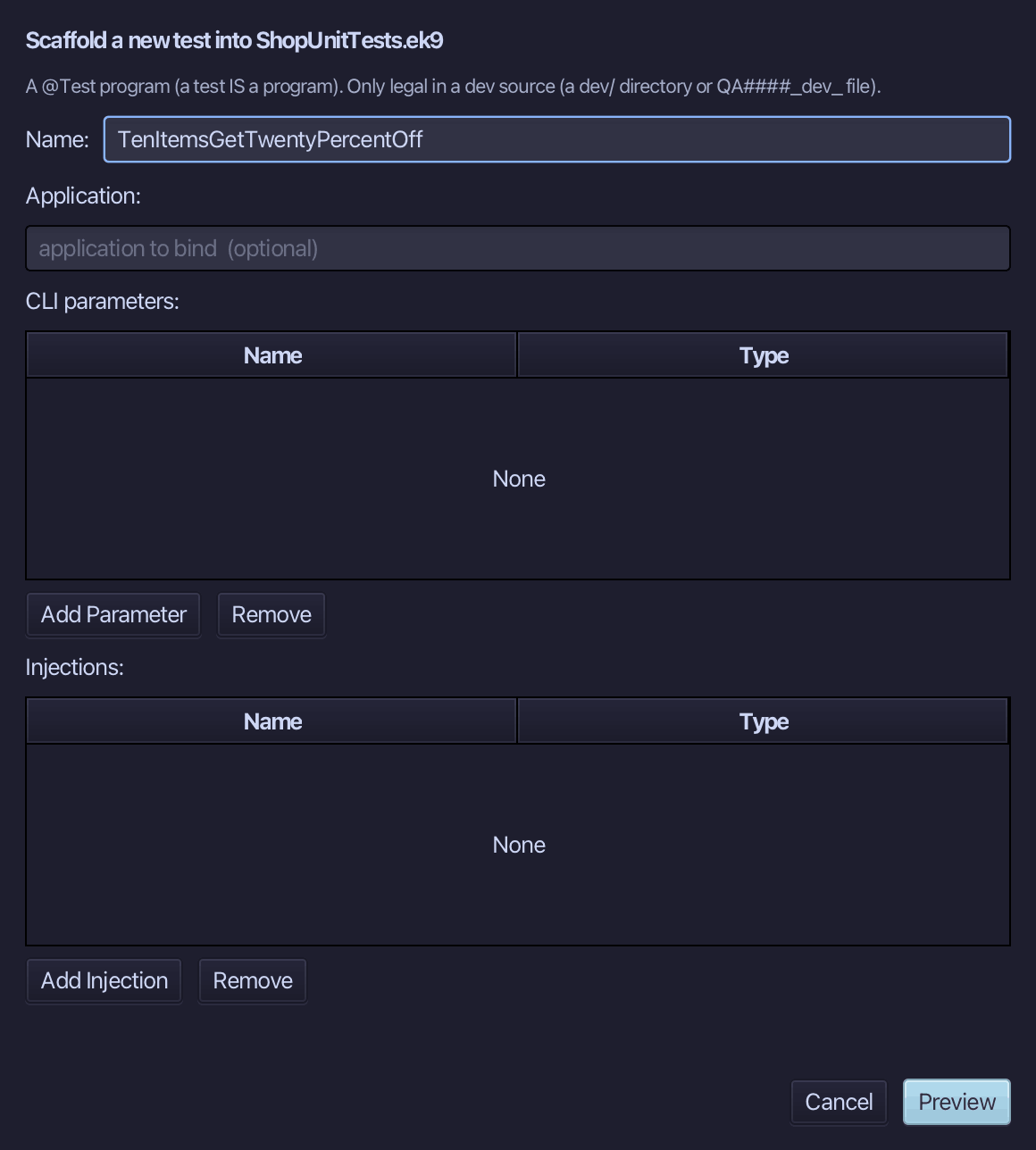
TenItemsGetTwentyPercentOff is the test's name. Choose Preview.
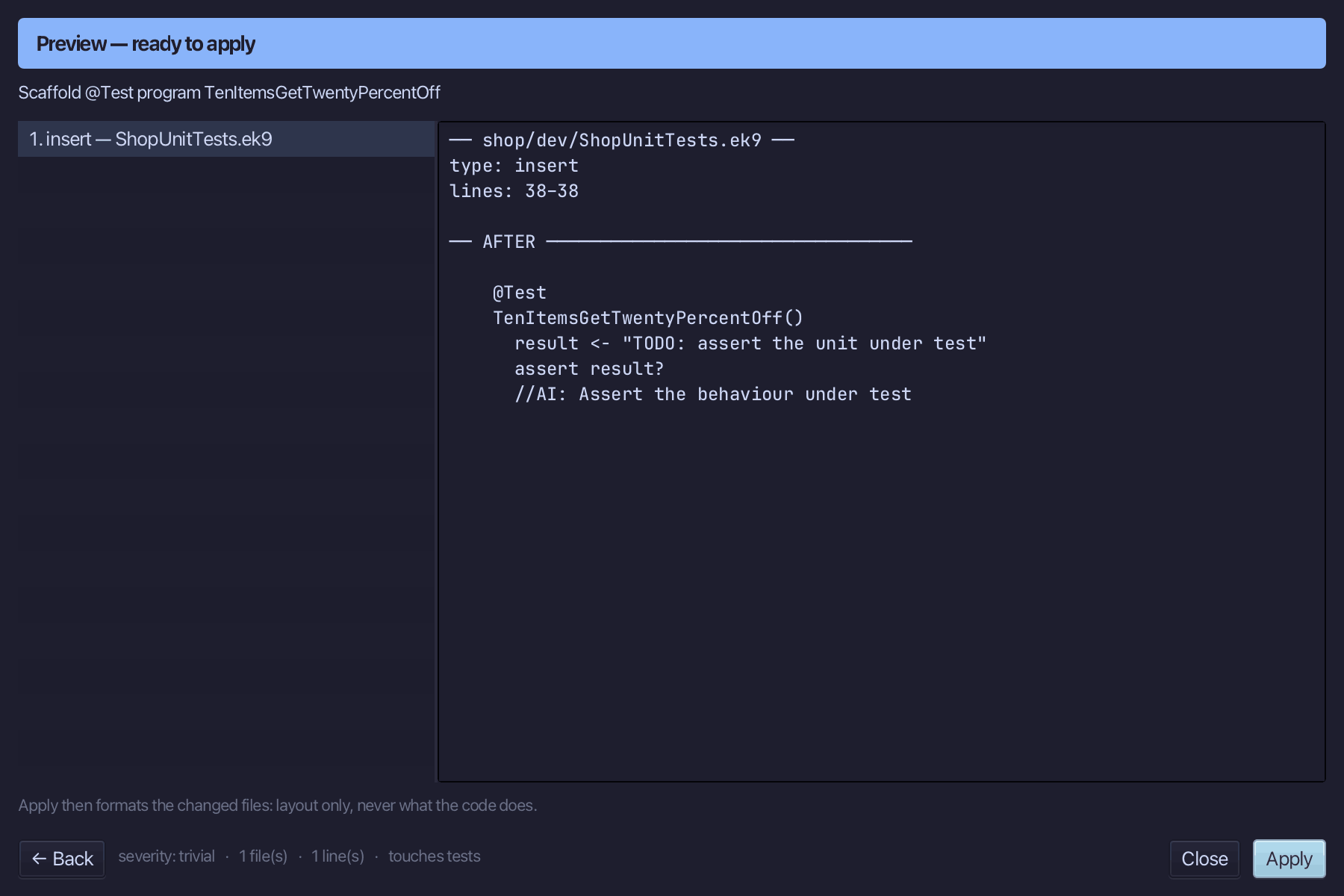
The preview shows TenItemsGetTwentyPercentOff about to be written, marked @Test, with a placeholder assertion. Choose Apply.
Select the stub, from result <- "TODO: assert the unit under test" down to its //AI line, and type the real claim: ten items take the bulk discount. Saves when typed.
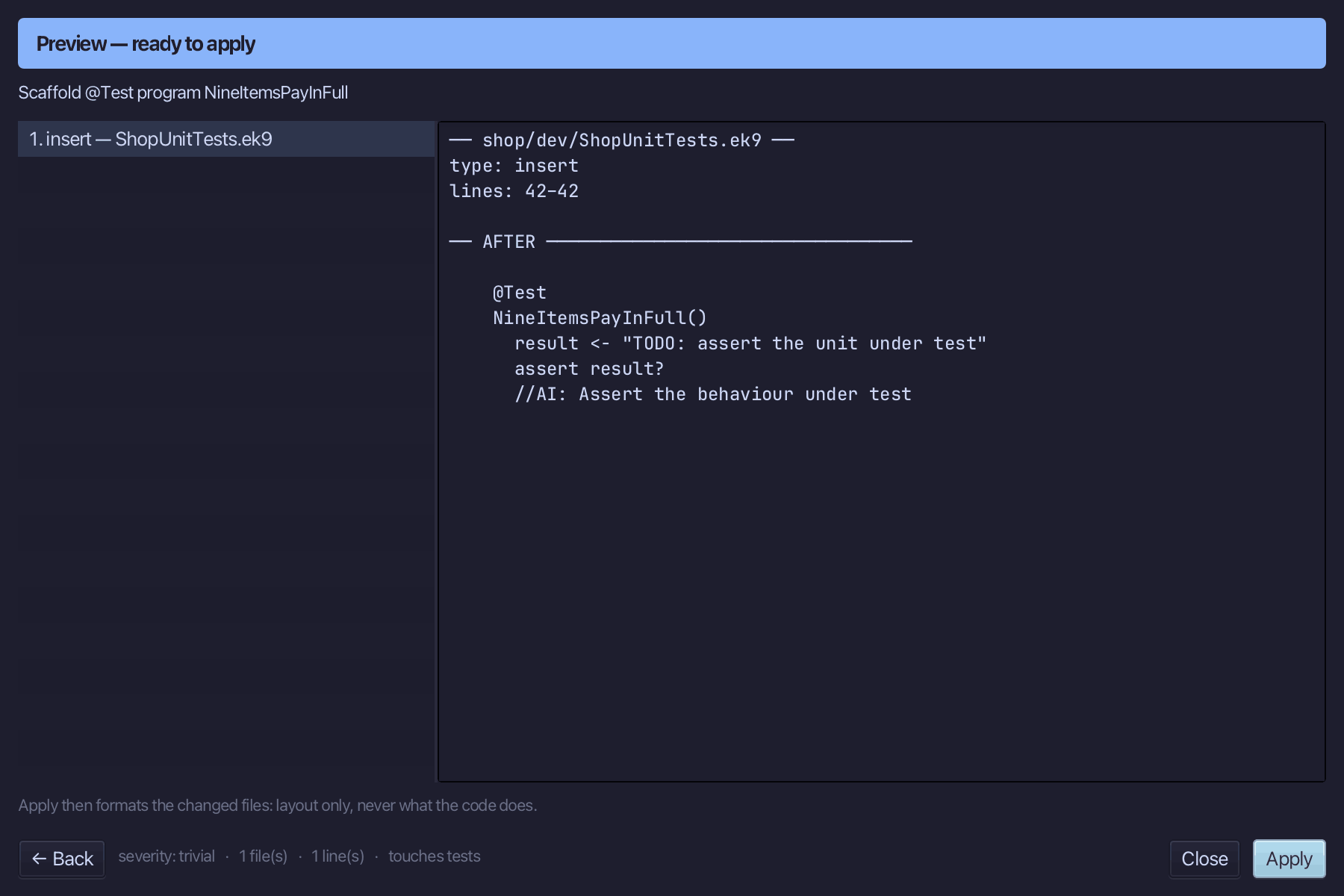
Choose Code > New Construct > Test…
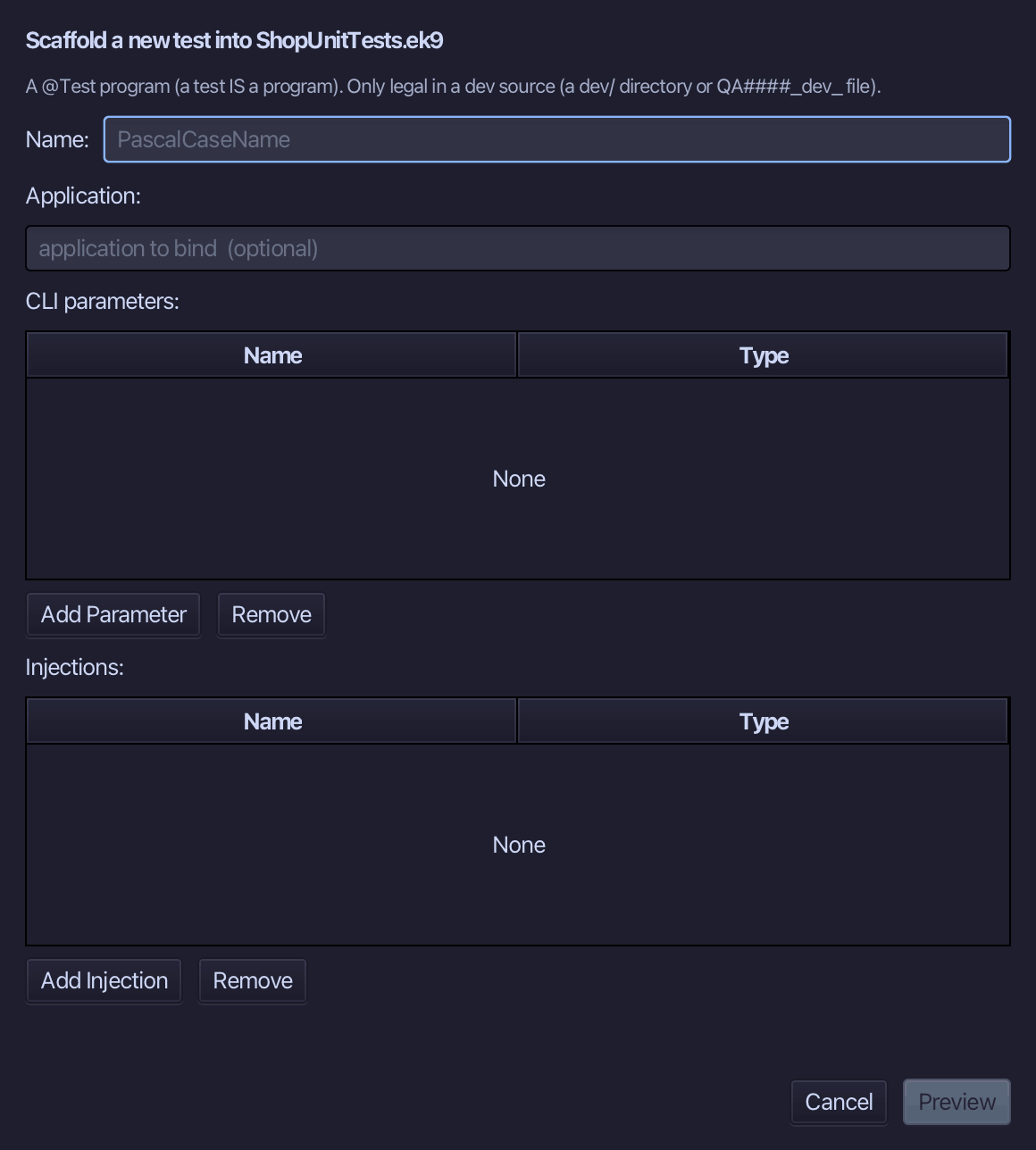
NineItemsPayInFull is the test's name. Choose Preview.
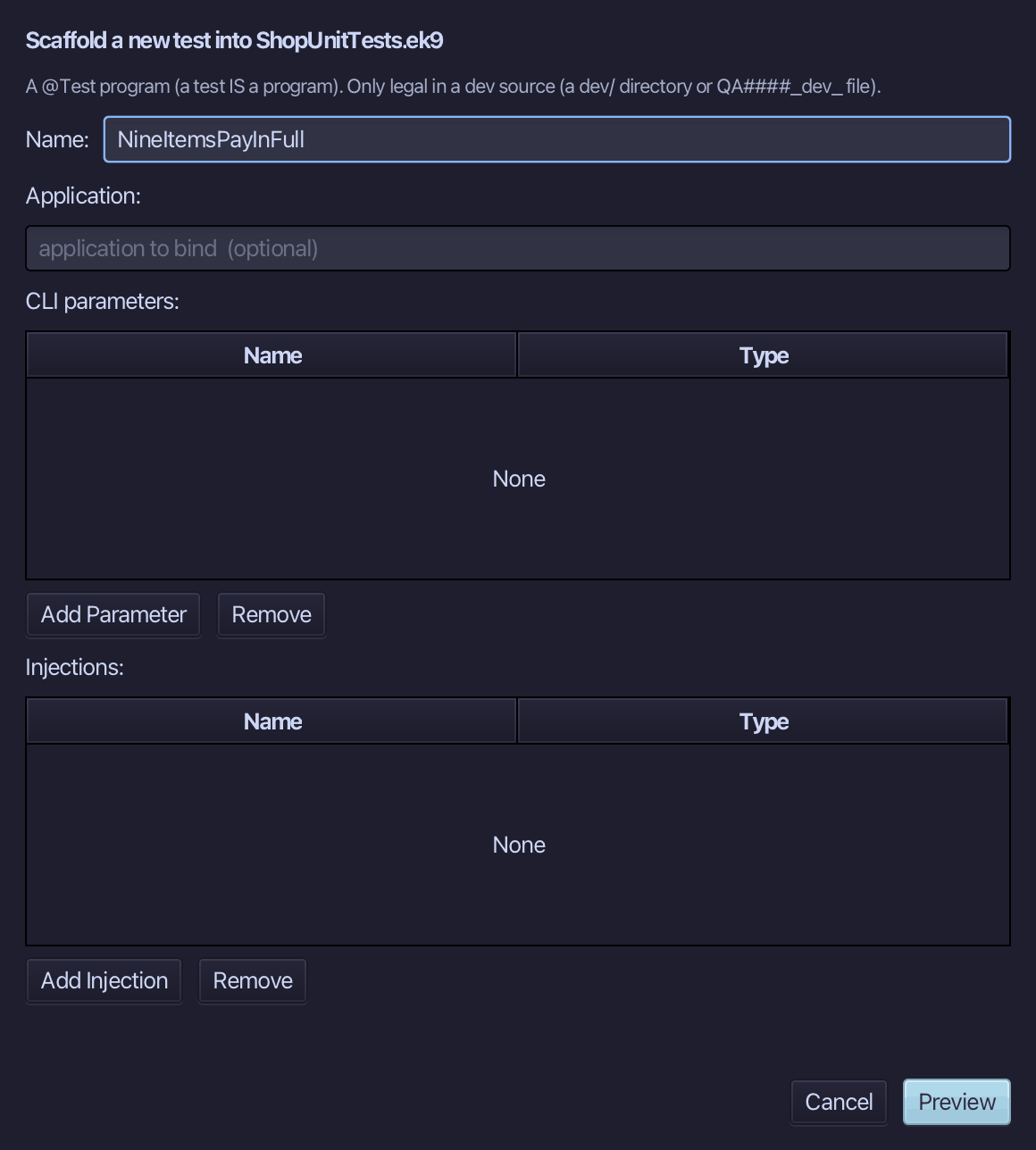
The preview shows NineItemsPayInFull about to be written, marked @Test, with a placeholder assertion. Choose Apply.
Select the stub, from result <- "TODO: assert the unit under test" down to its //AI line, and type the real claim: nine items do not. Saves when typed.
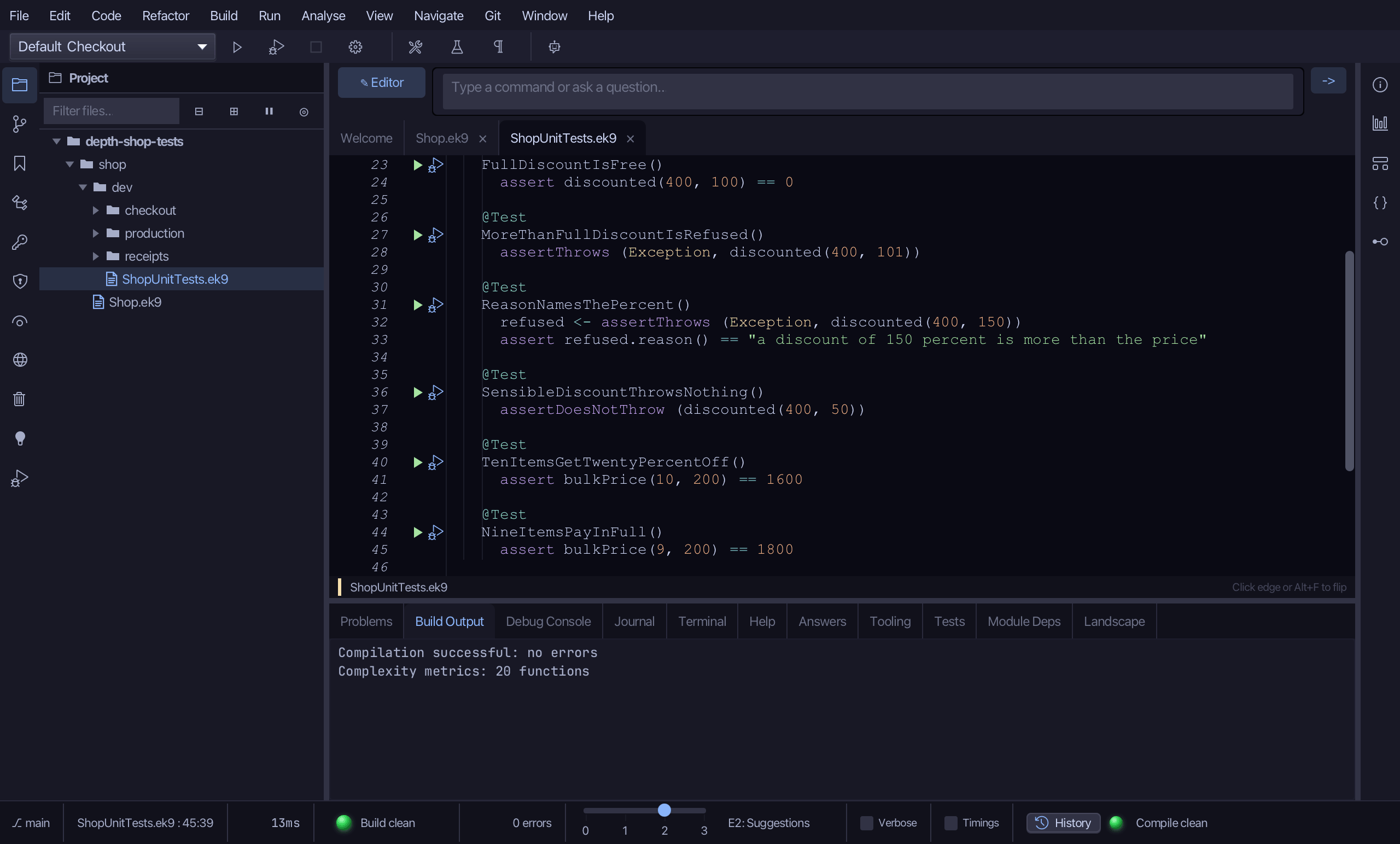
Choose Code > New Construct > Test…
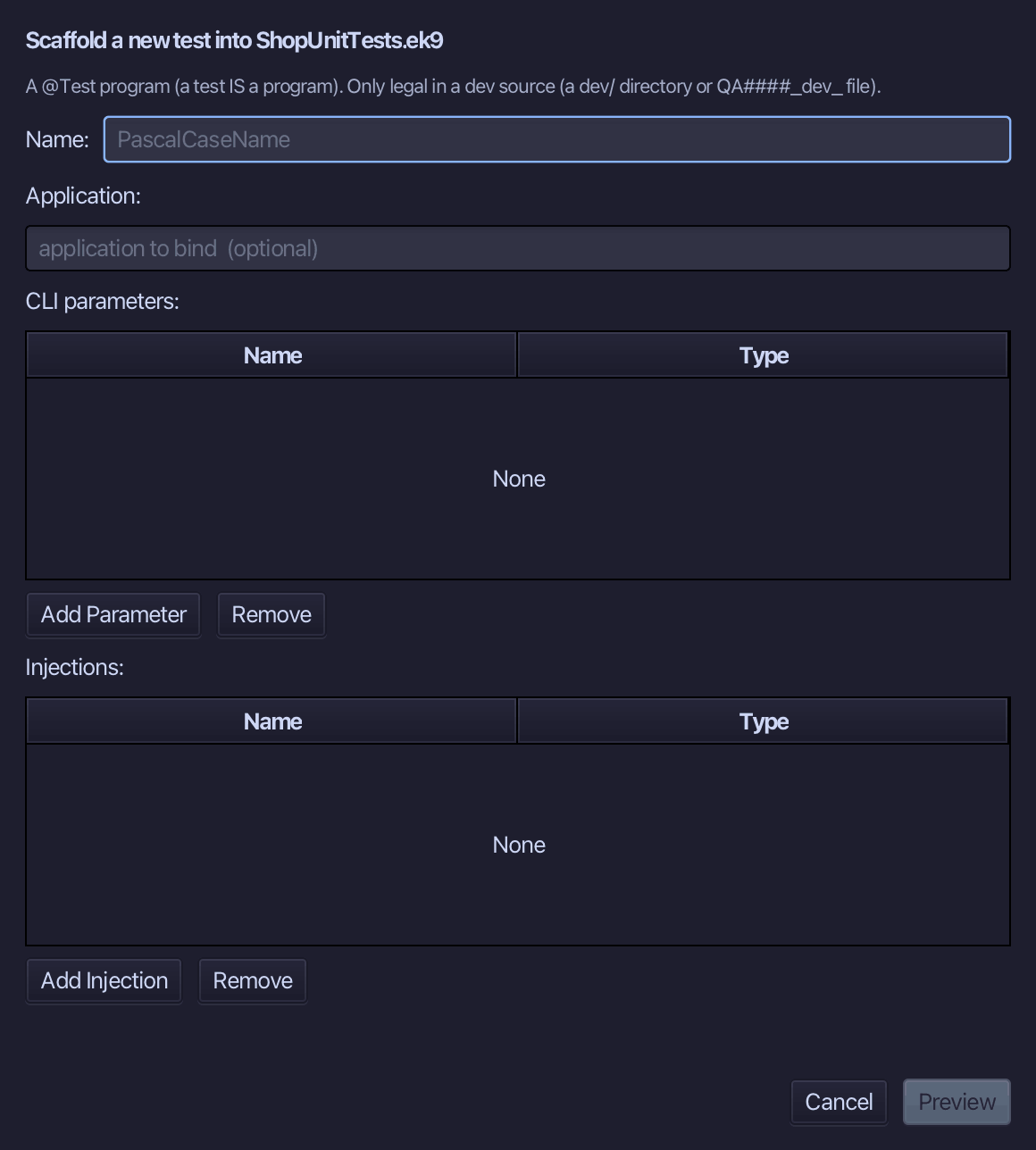
ReceiptShowsItemAndPrice is the test's name. Choose Preview.
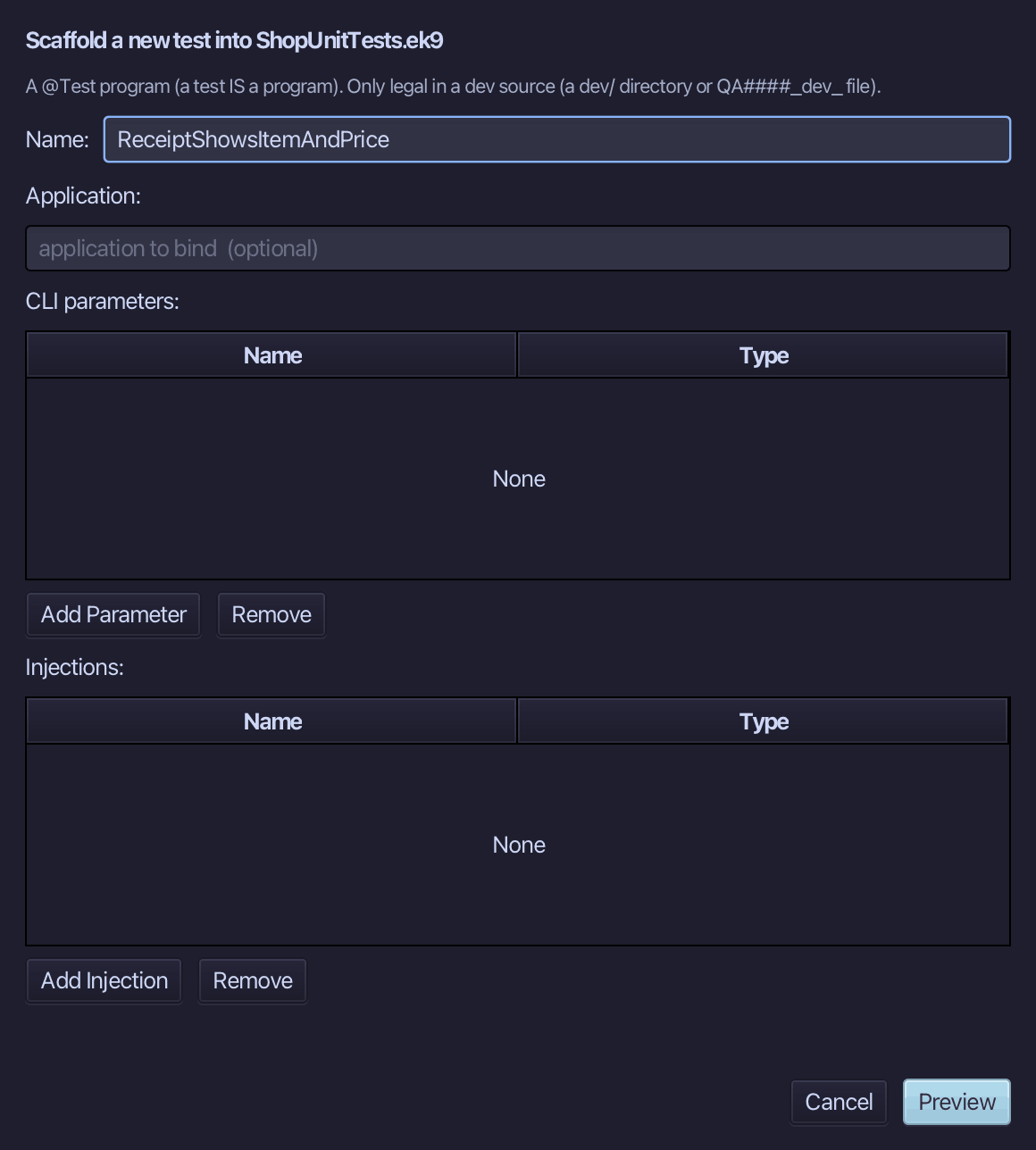
The preview shows ReceiptShowsItemAndPrice about to be written, marked @Test, with a placeholder assertion. Choose Apply.
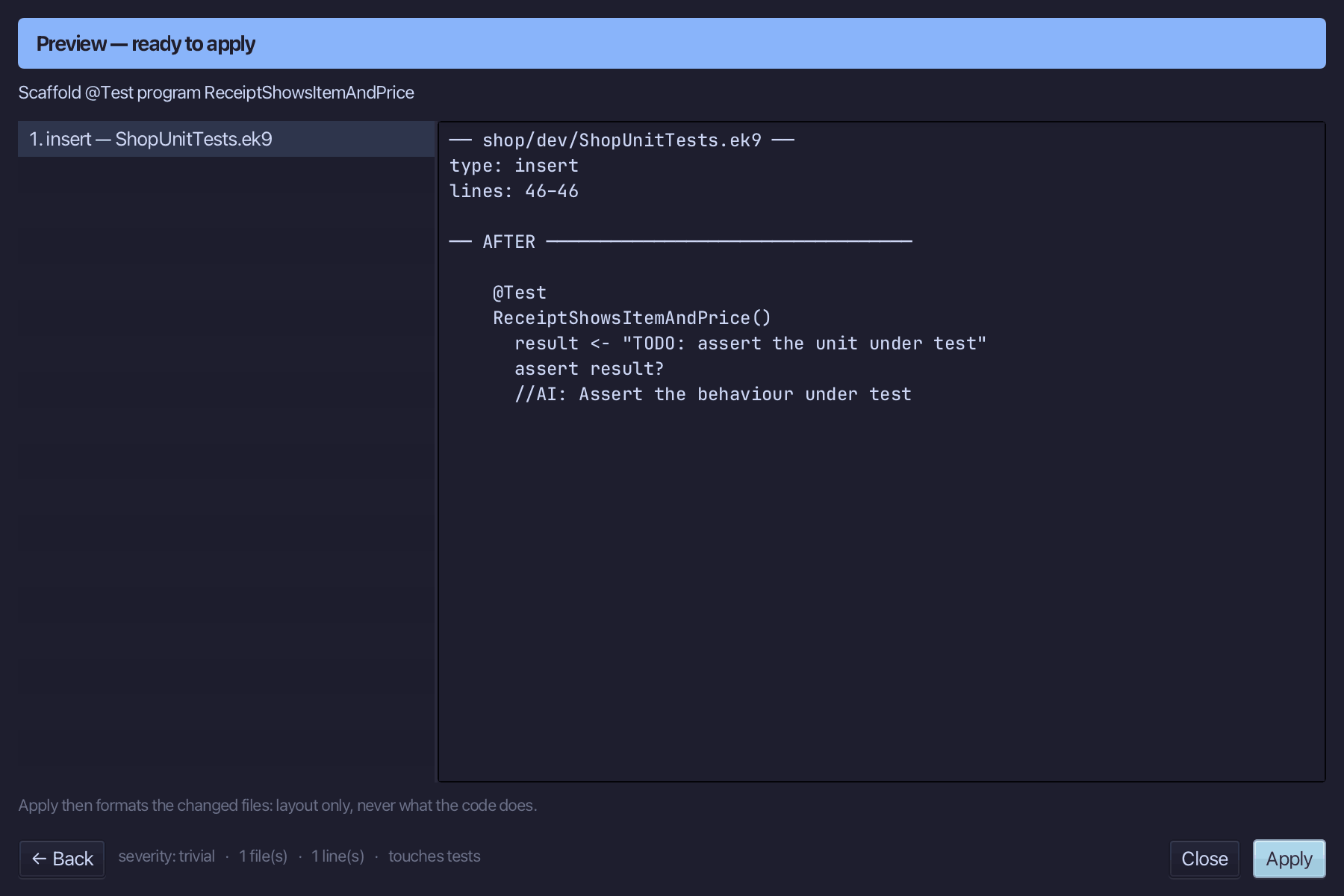
Select the stub, from result <- "TODO: assert the unit under test" down to its //AI line, and type the real claim: a receipt names the item and its price. Saves when typed.
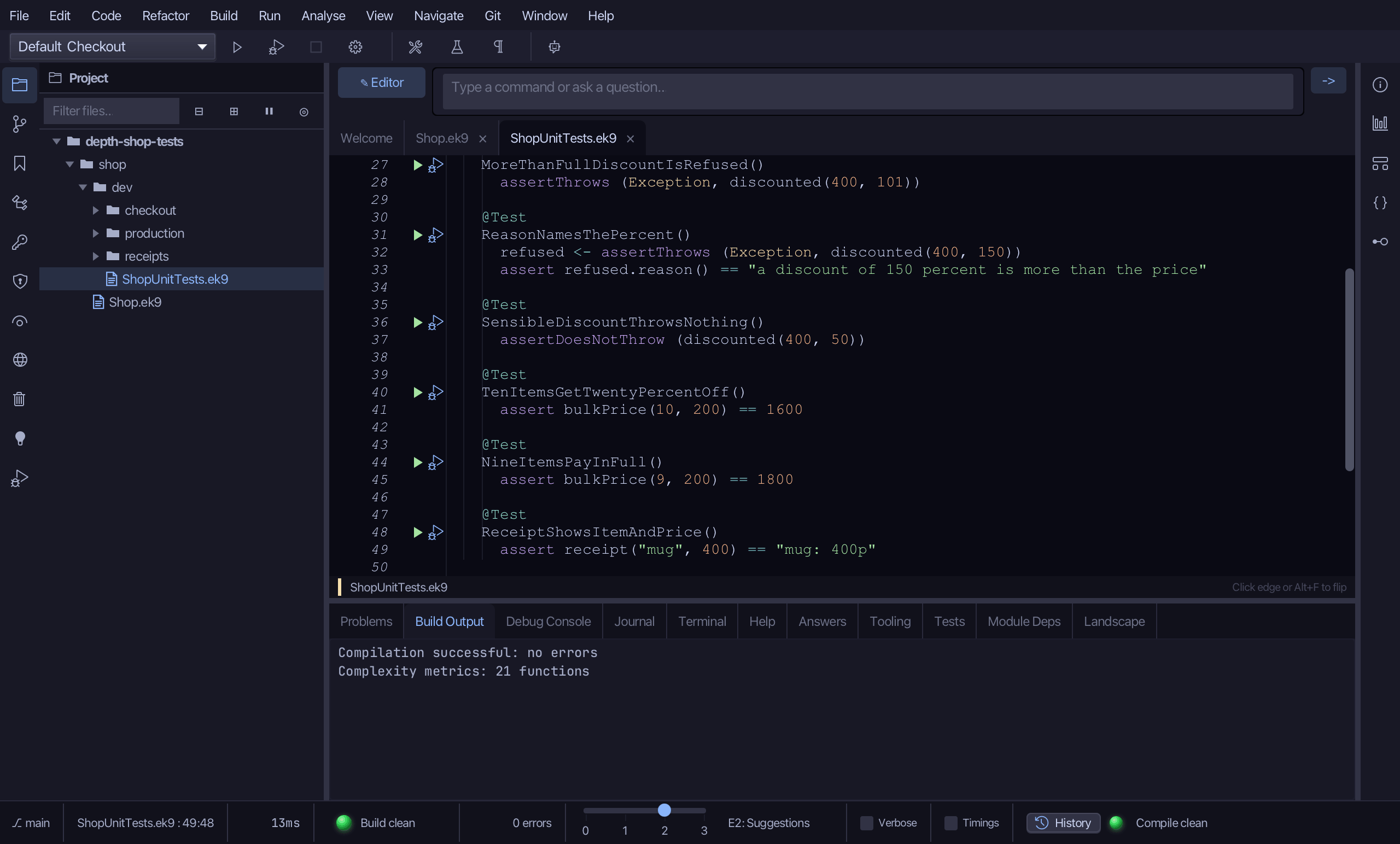
Step 4: An assertion test with the application
Choose Code > New Construct > Test…
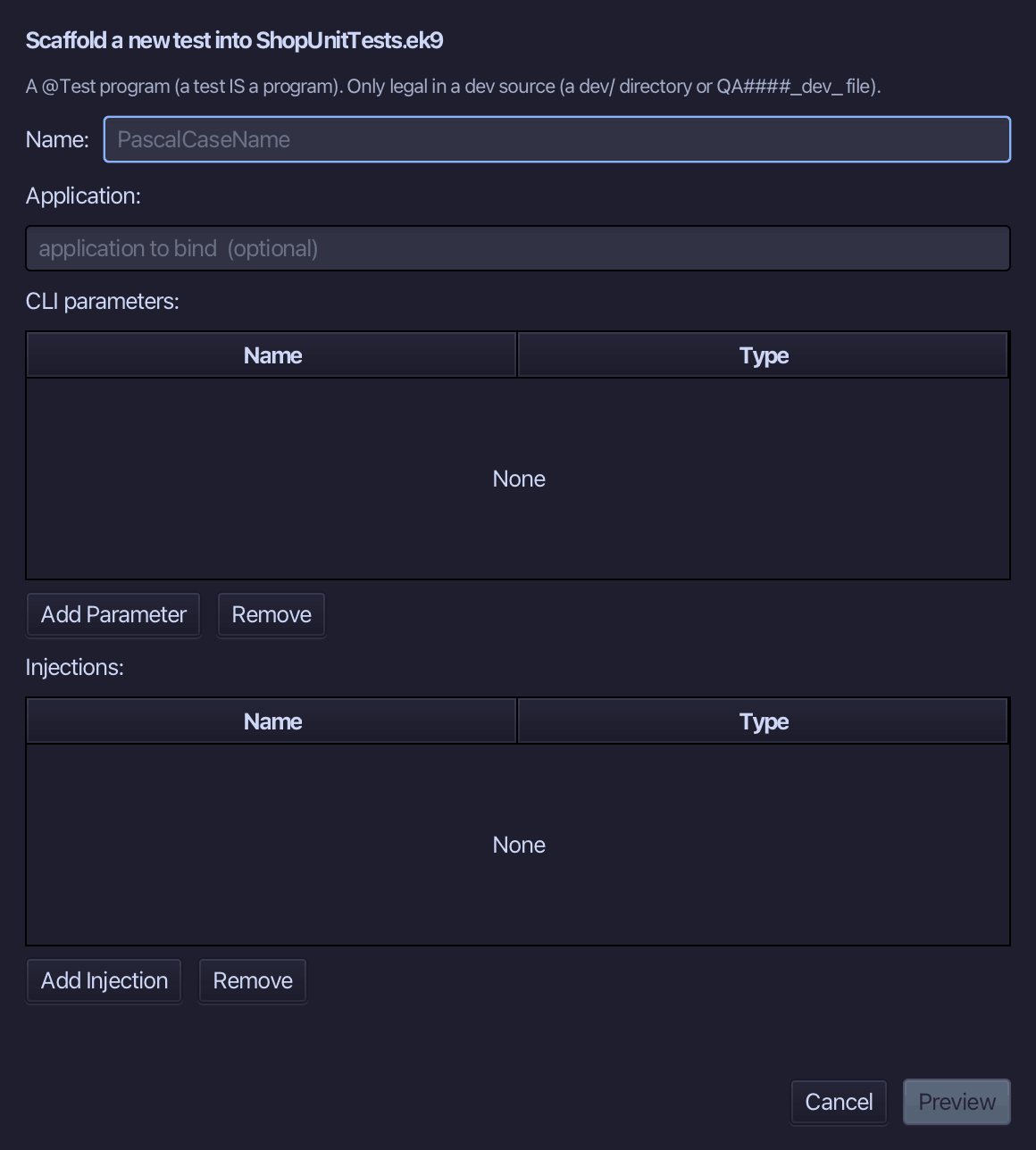
EveryPartIsSet is the test's name. A test that needs the application's wiring says so, with application of shopApp. Type shopApp into Application. Choose Preview.
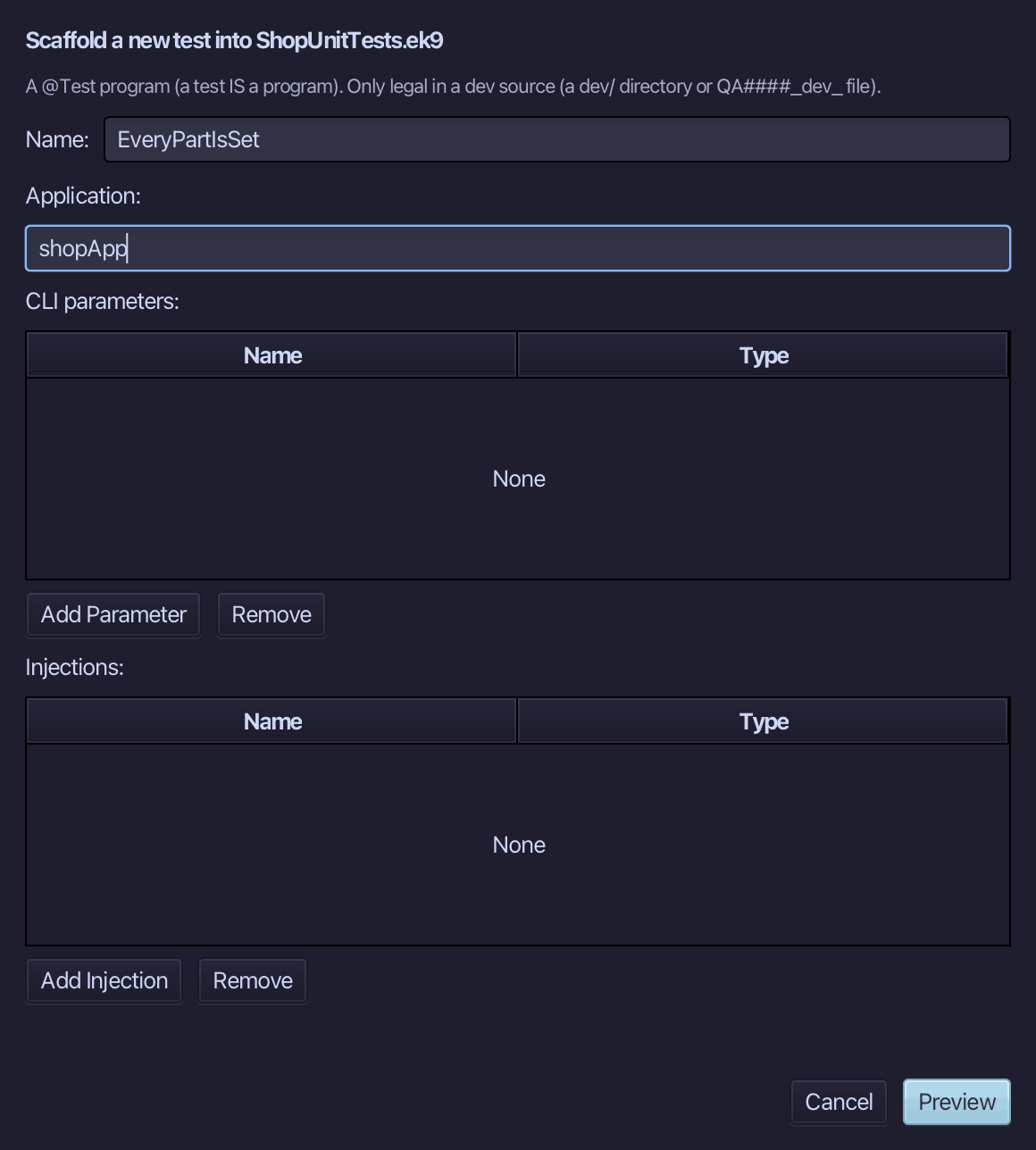
The preview shows EveryPartIsSet about to be written, marked @Test, with application of shopApp. Choose Apply.
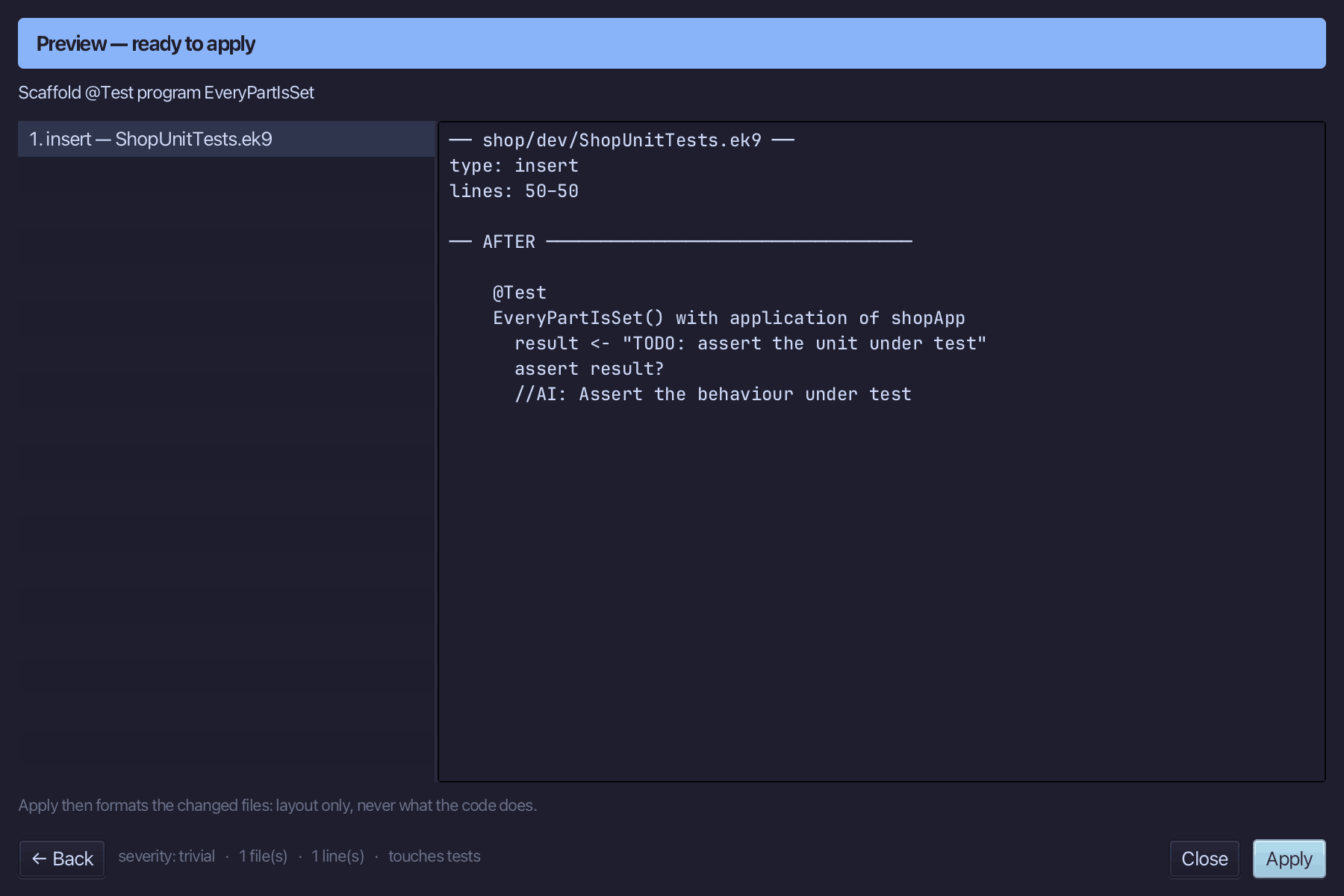
Select the stub, from result <- "TODO: assert the unit under test" down to its //AI line, and type the claim: the component and the class both answer ? as set. Saves when typed.
Step 5: A black-box test, with its own stand-in
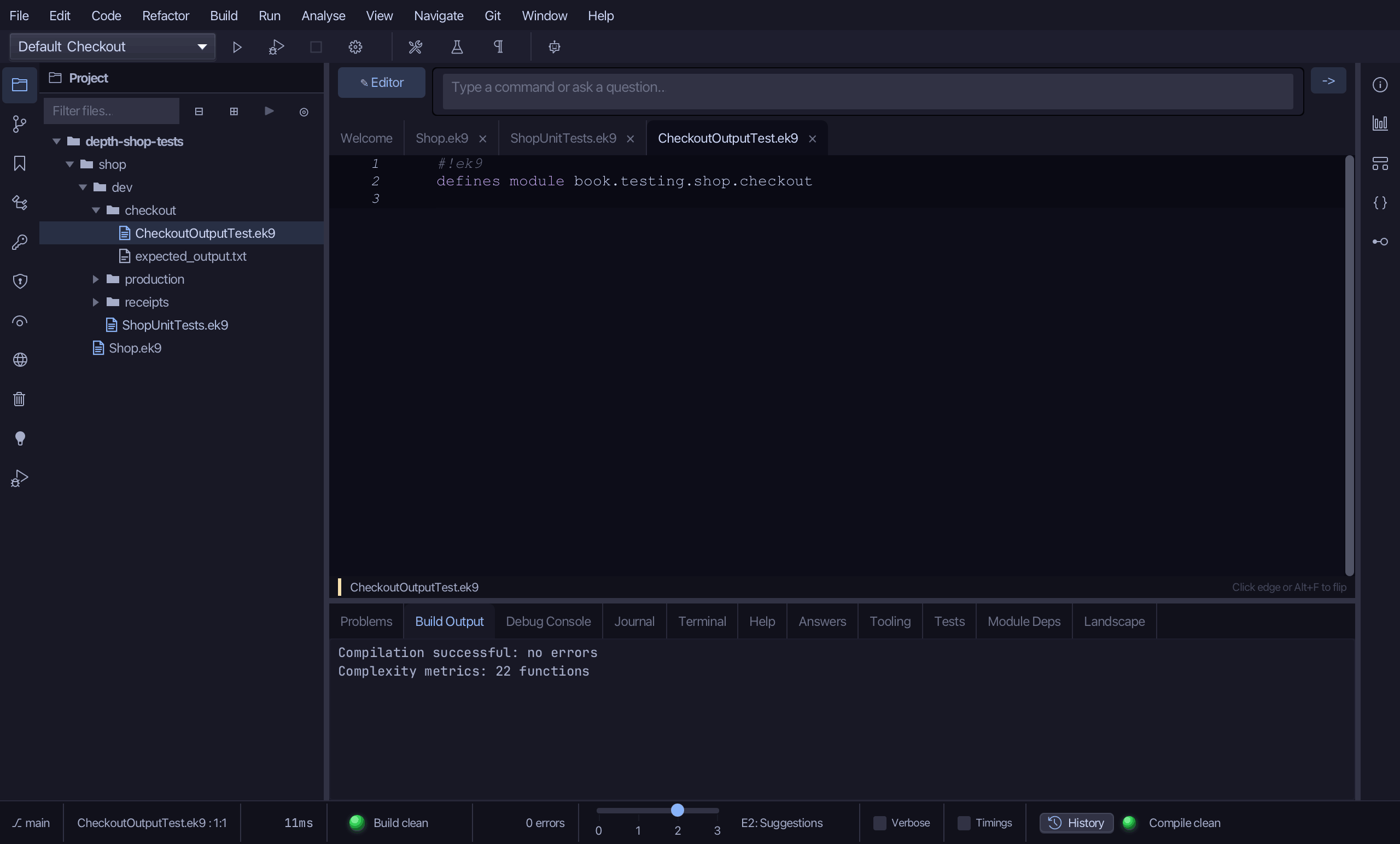
Open dev/checkout/CheckoutOutputTest.ek9. The second kind has no assertion: it prints, and the runner compares everything it printed with the expected_output.txt beside it. Where the program talks to the world, here through Notifier, the test brings its own stand-in and an application that registers it.
Select the module line, and below it type a references block bringing in Notifier and OrderService. Saves when typed.
Choose Code > New Construct > Component…
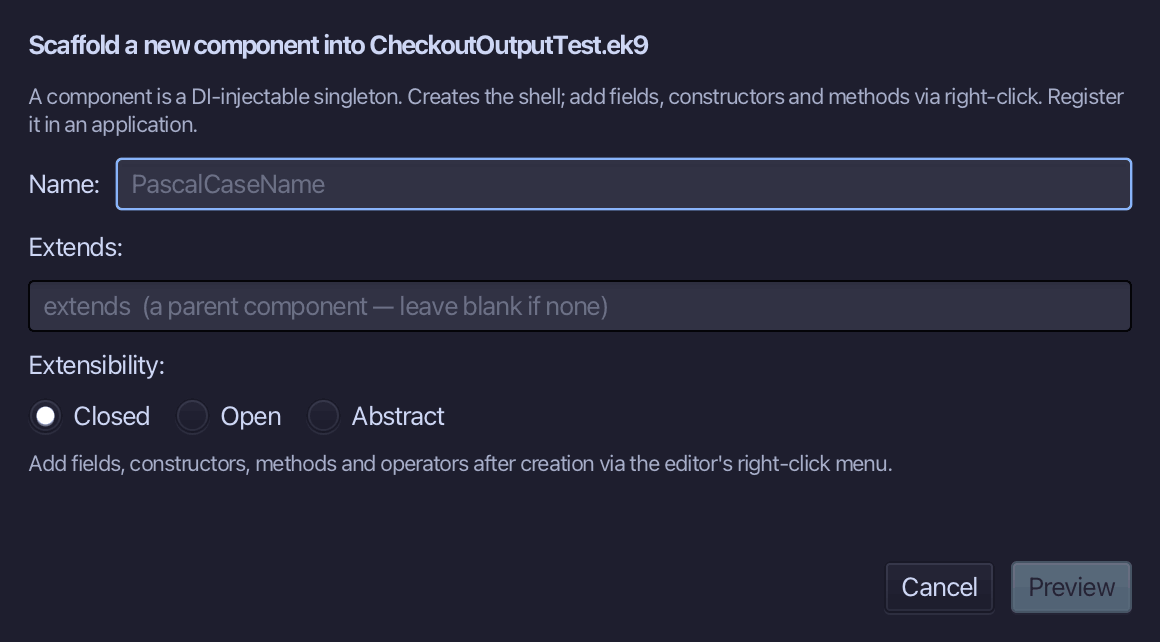
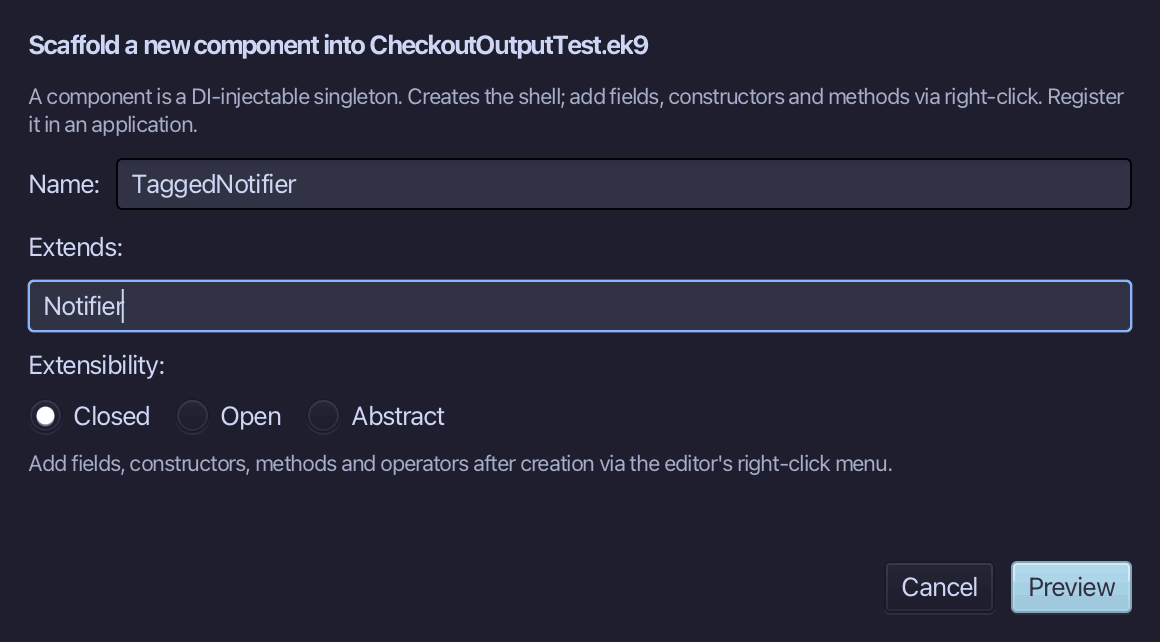
TaggedNotifier is the component's name. It is the whole of what a mocking framework would have done. Type Notifier into Extends. Choose Preview.
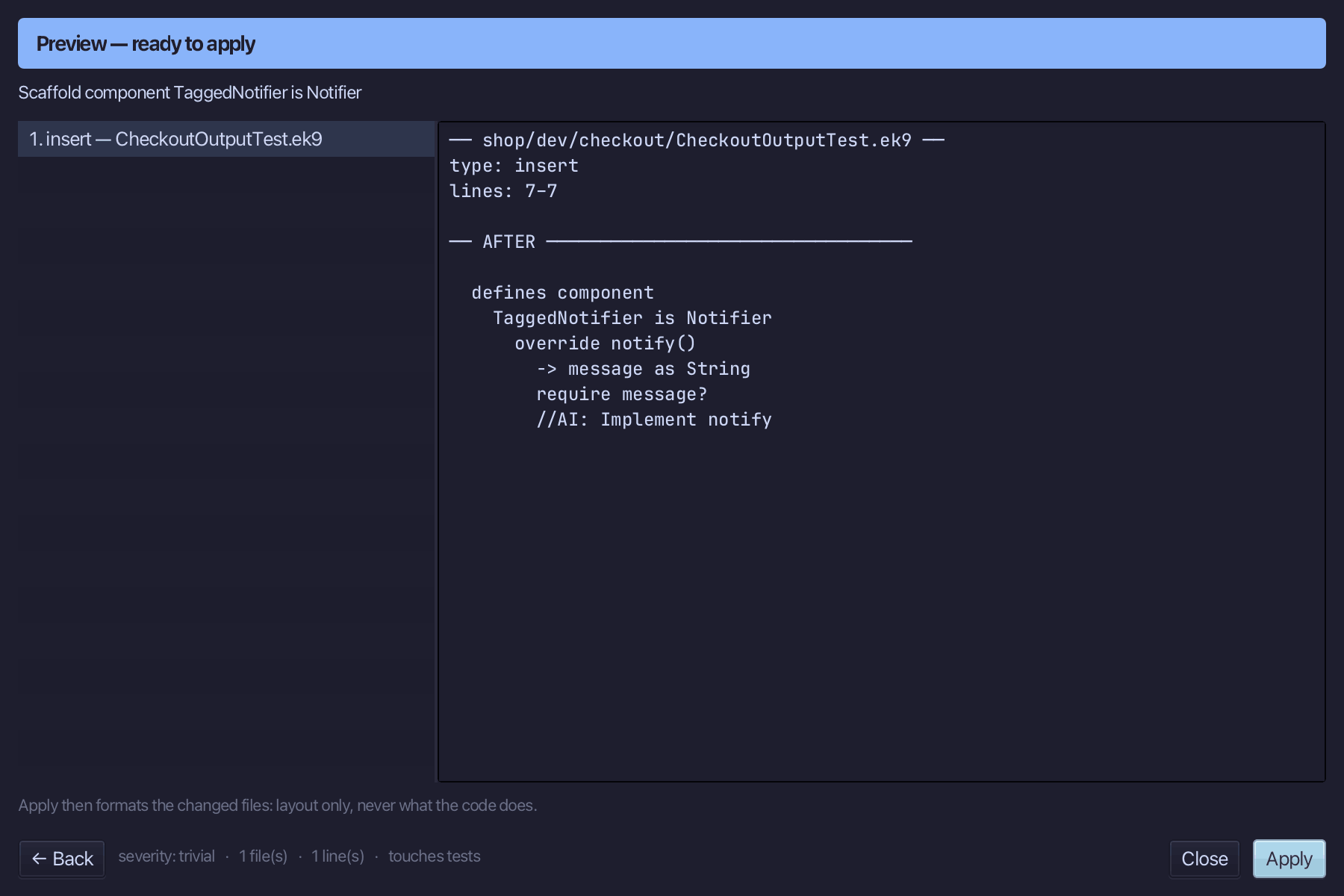
The preview shows TaggedNotifier is Notifier - and, because Notifier owes notify(), its override stub comes with it. Choose Apply.
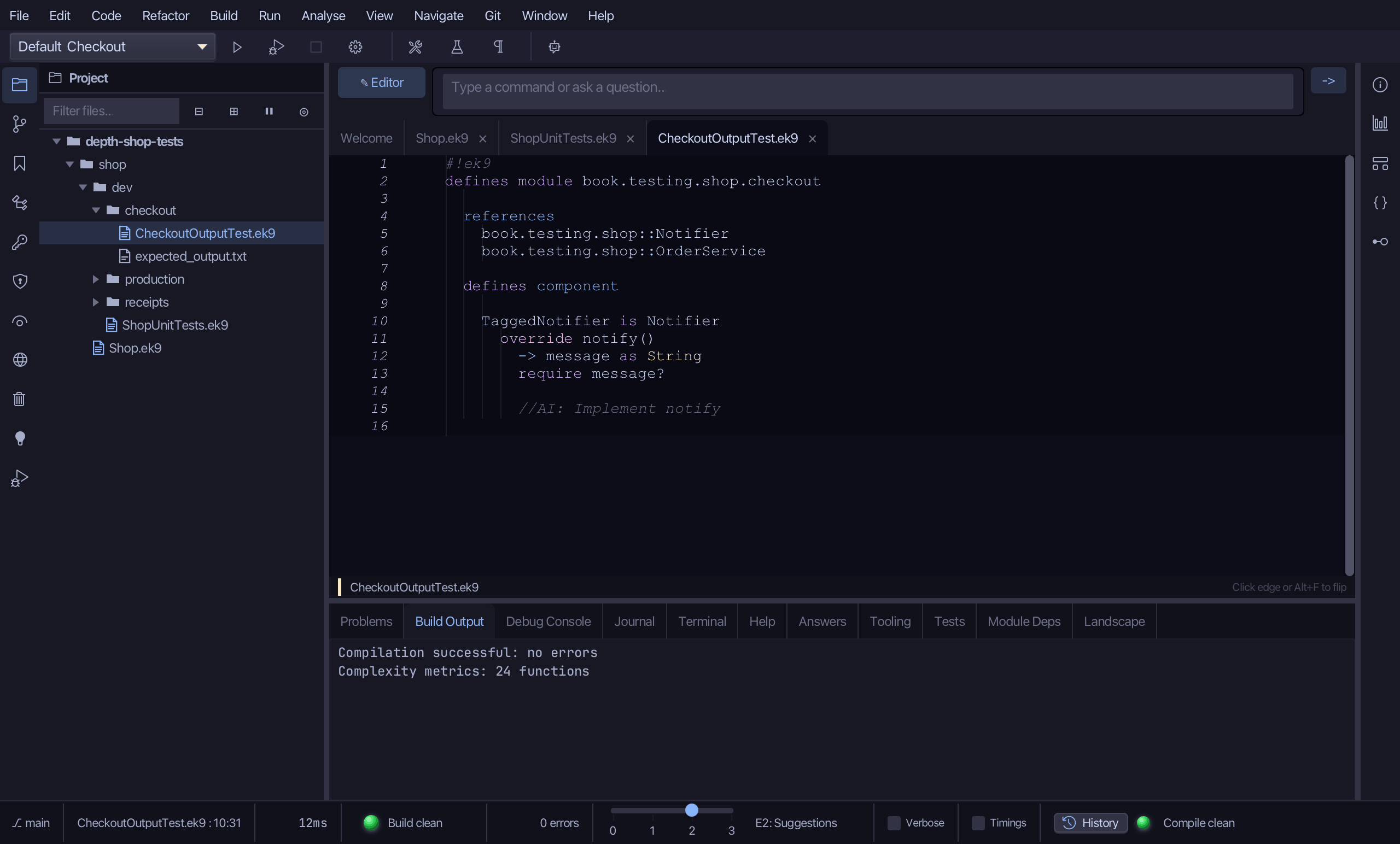
Select the TaggedNotifier line and, above it, type the blank line the book opens its first component with. Saves when typed.
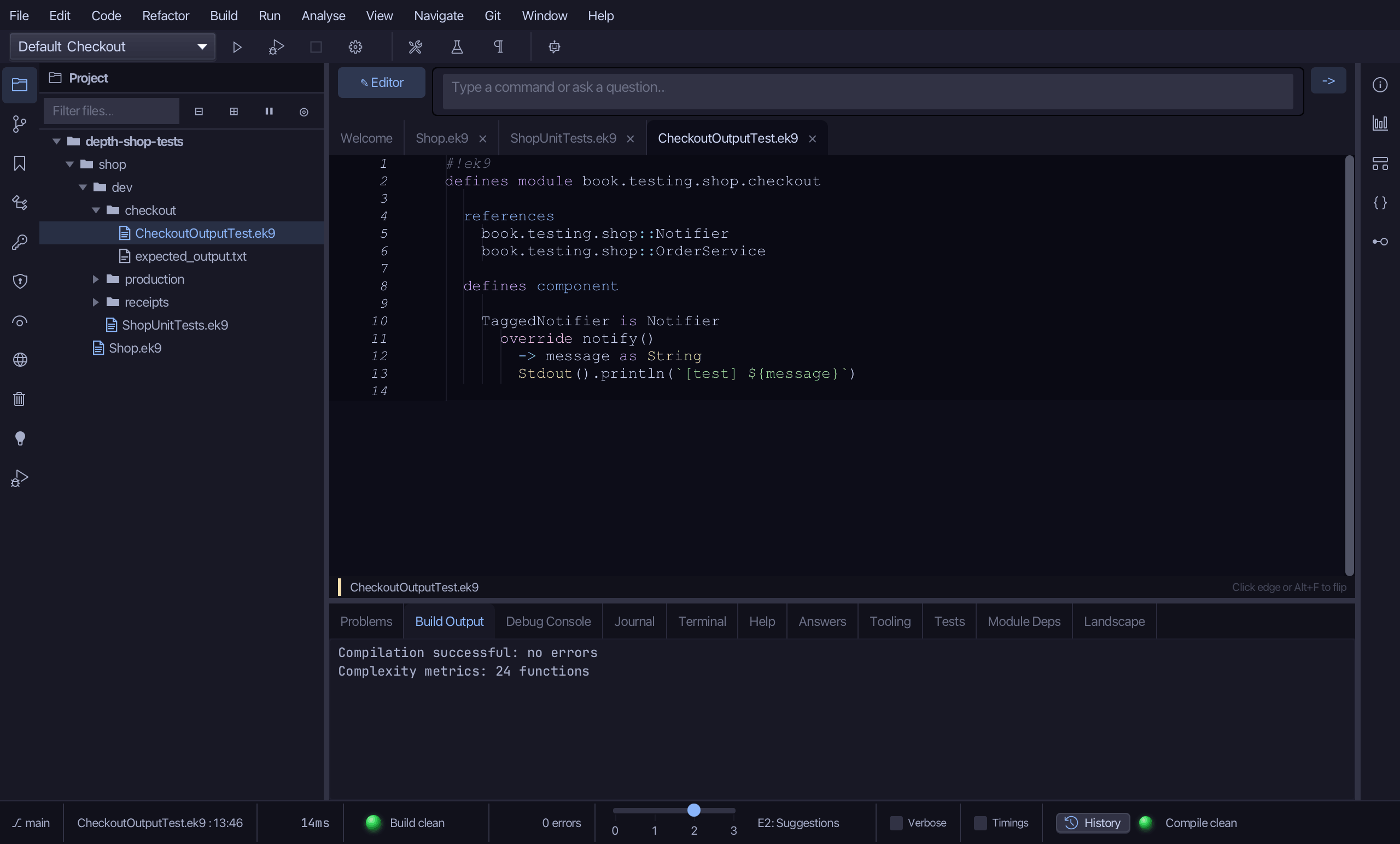
Select the stub, from require message? down to its //AI line, and type TaggedNotifier's answer: it prints the message with a [test] tag, so the expected output proves the stand-in was used. Saves when typed.
Choose Code > New Construct > Application…
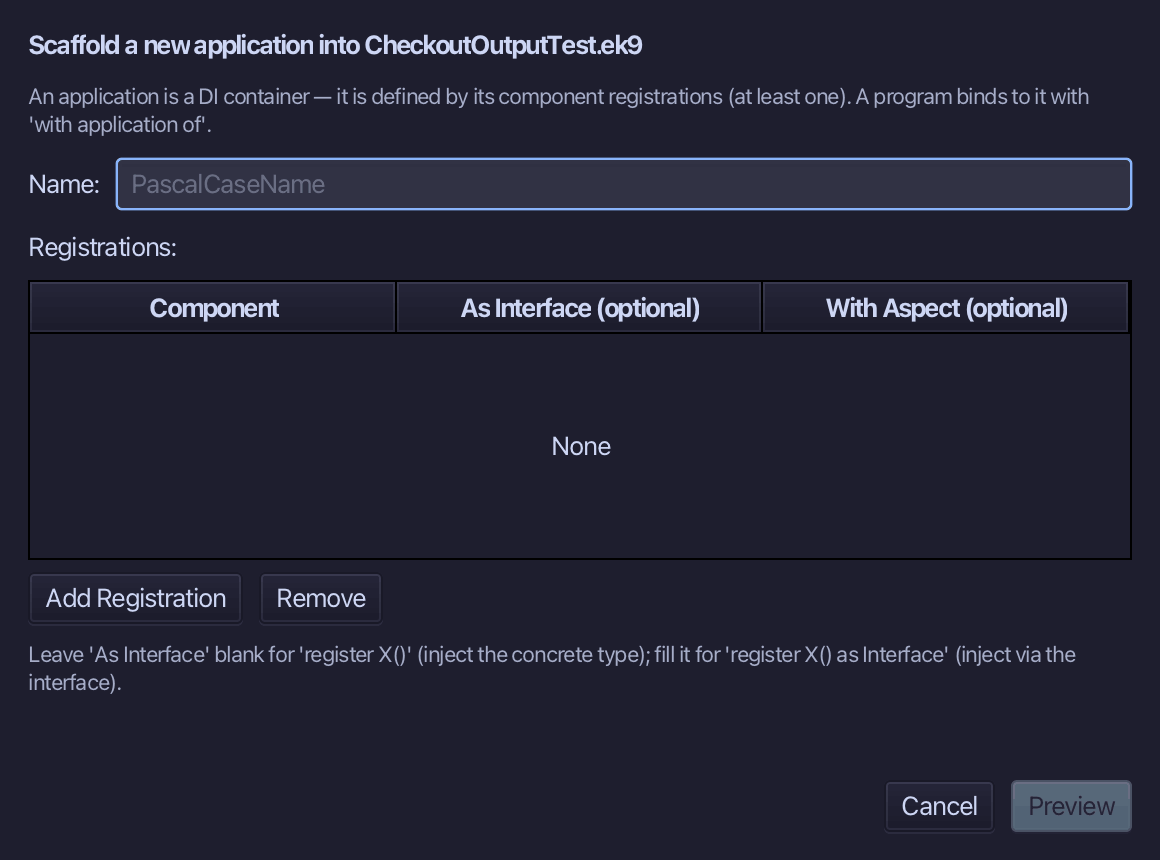
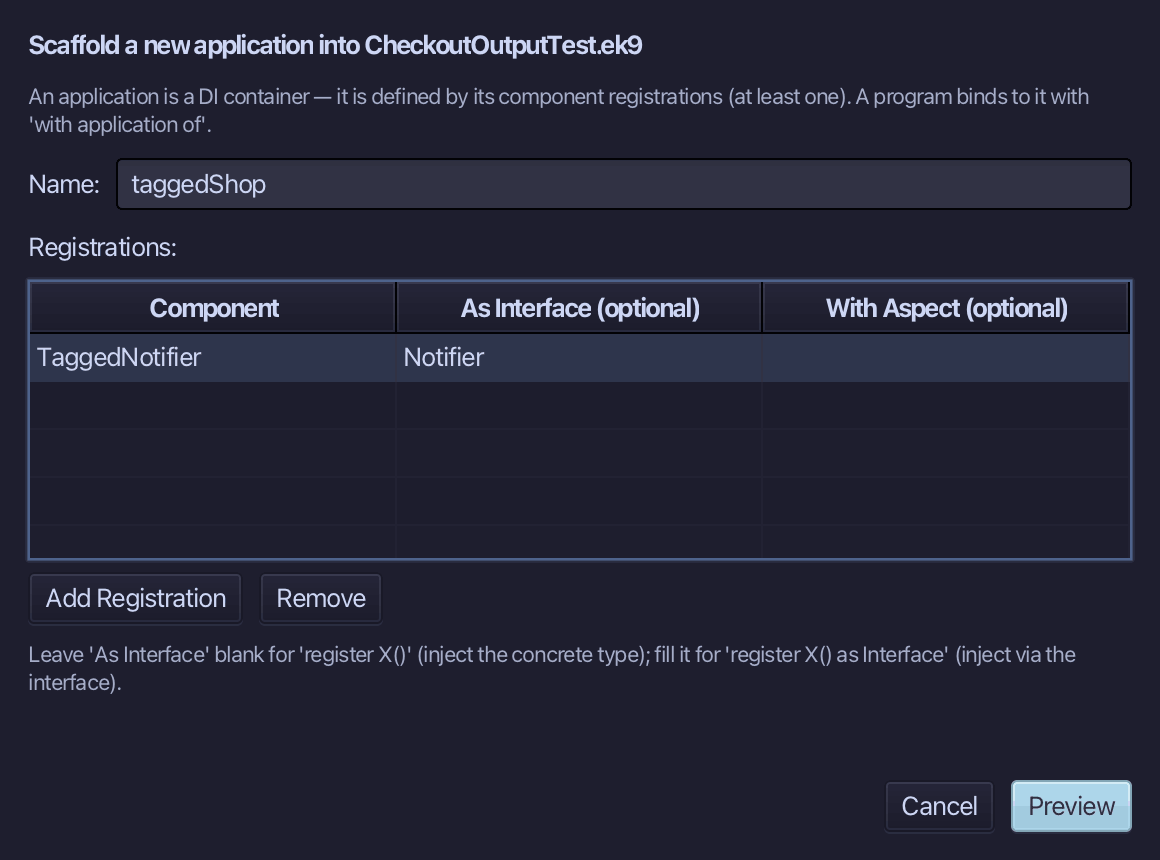
taggedShop is the application's name. It is the test's application. The Registrations table holds TaggedNotifier as Notifier. Choose Preview.
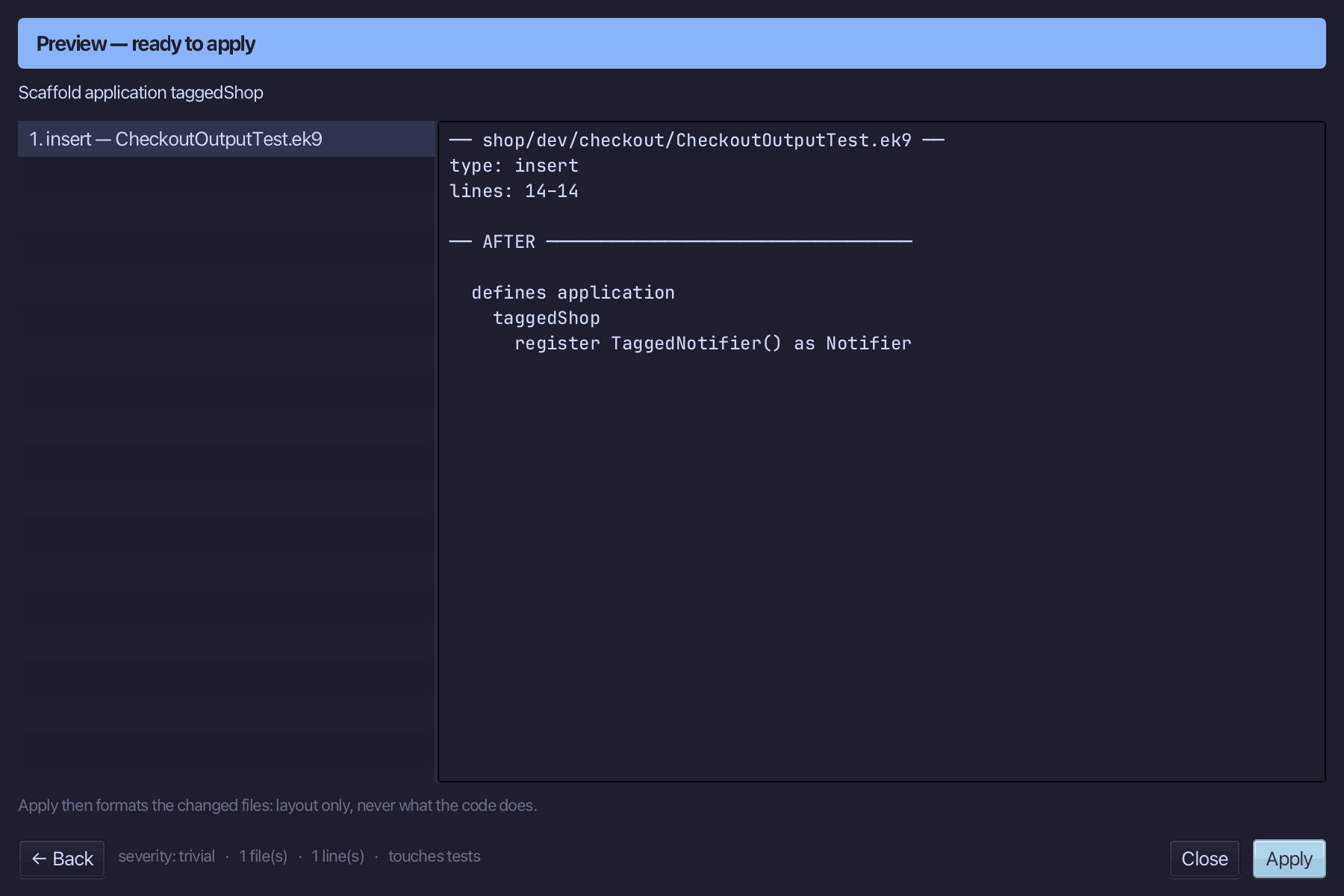
The preview shows taggedShop with its one register line. Choose Apply.
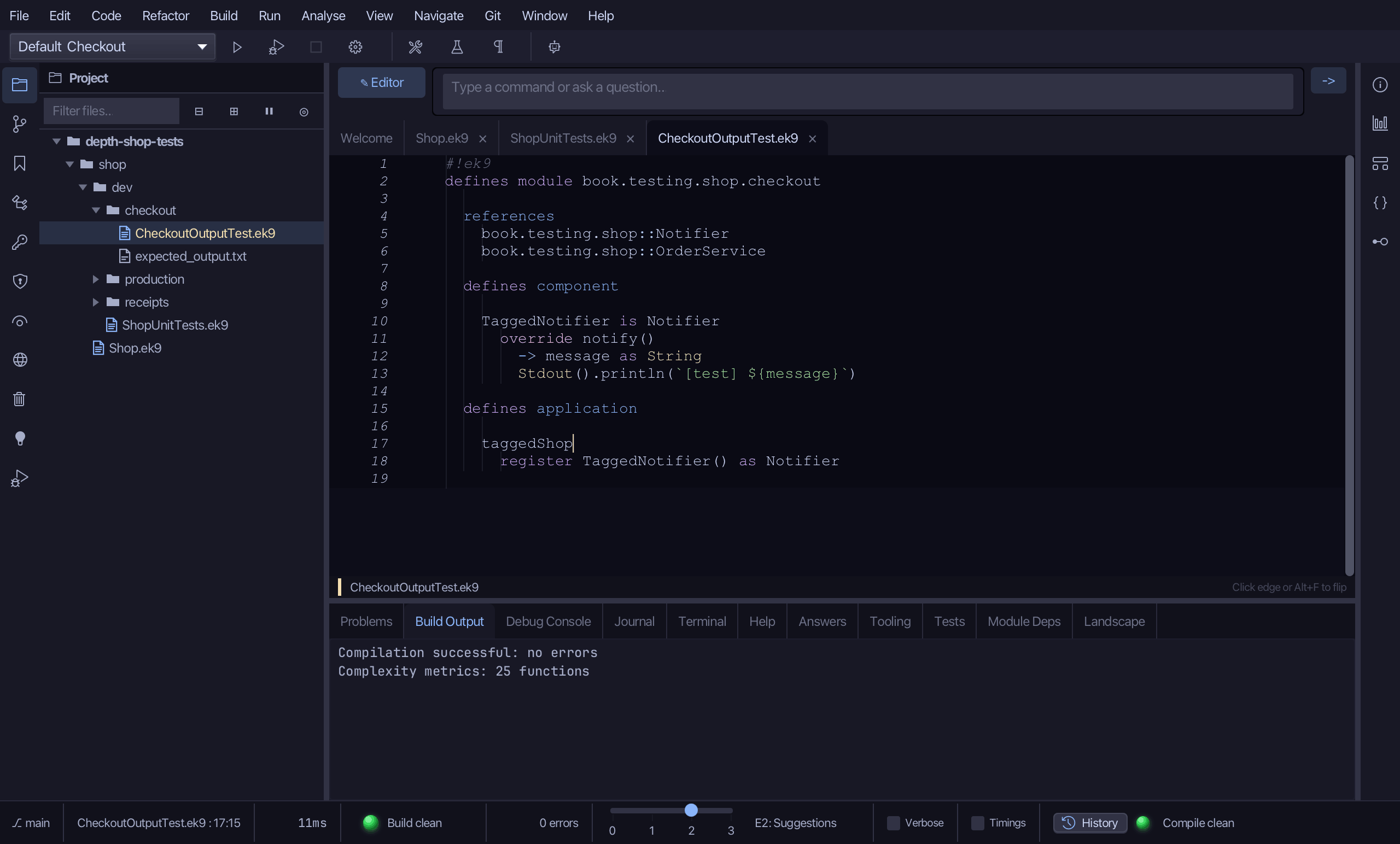
Select the taggedShop line and, above it, type the blank line the book opens its first application with. Saves when typed.
Choose Code > New Construct > Test…
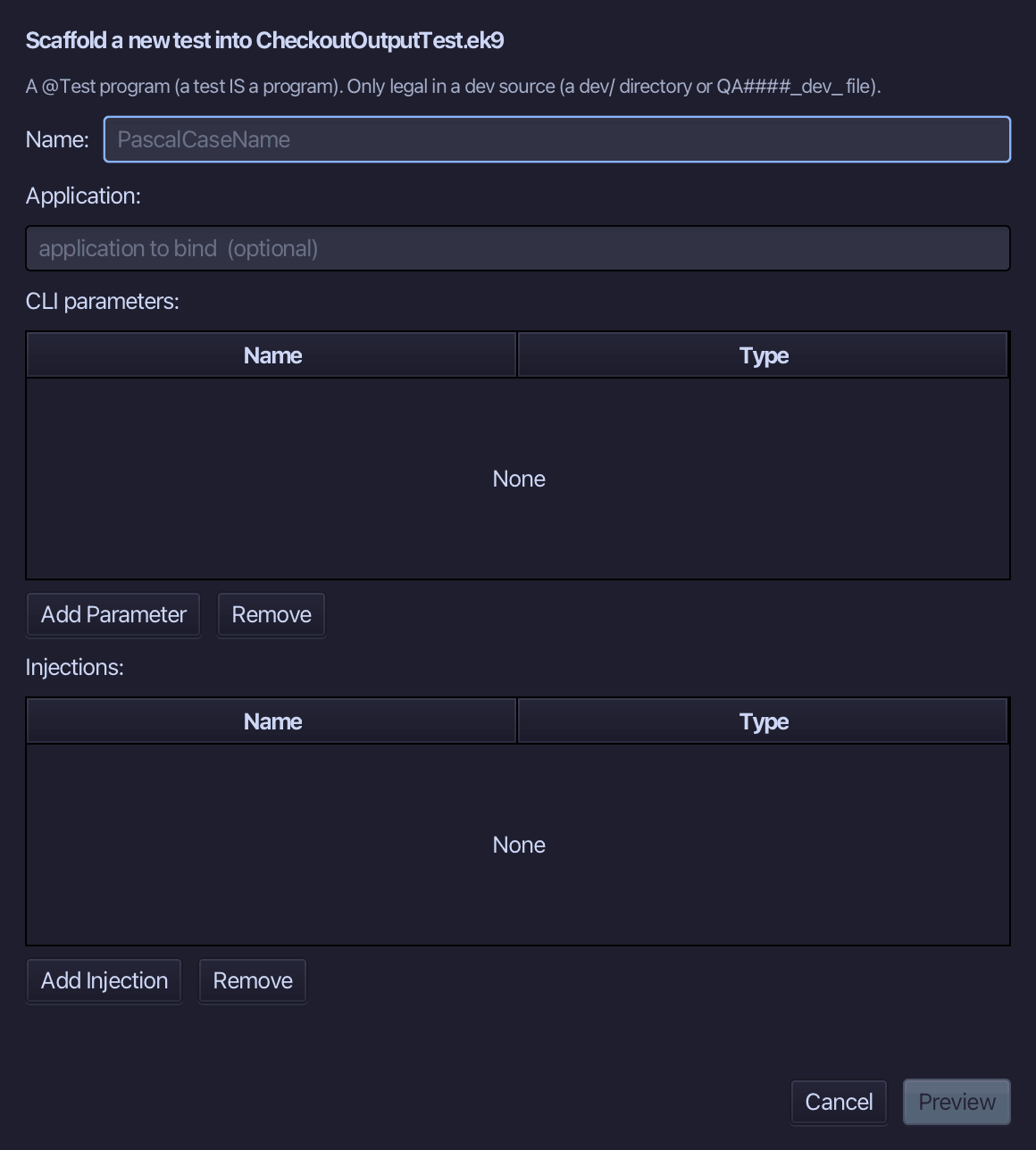
CheckoutOutput is the test's name. It runs with taggedShop - the stand-in, not the production wiring. Type taggedShop into Application. Choose Preview.
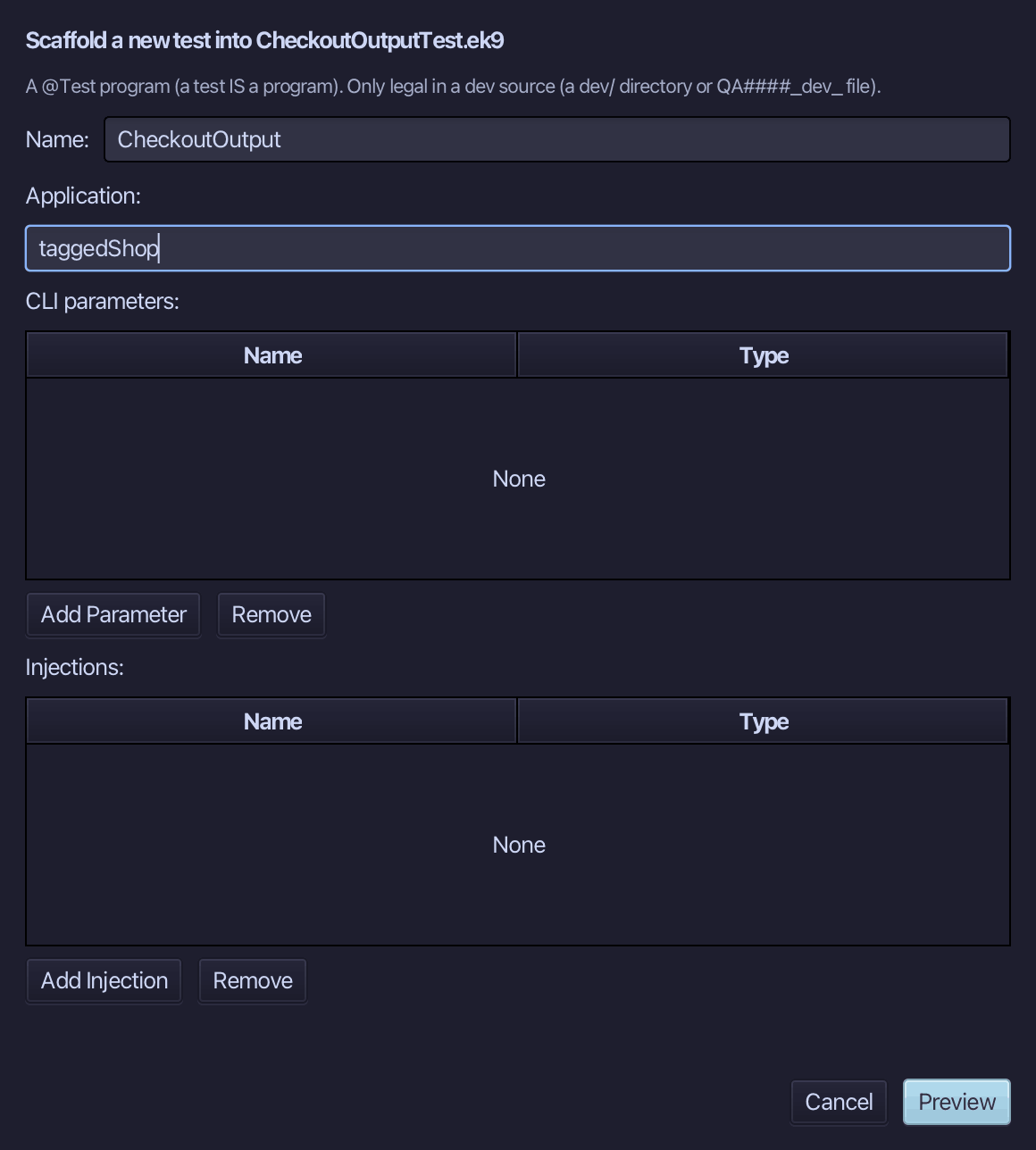
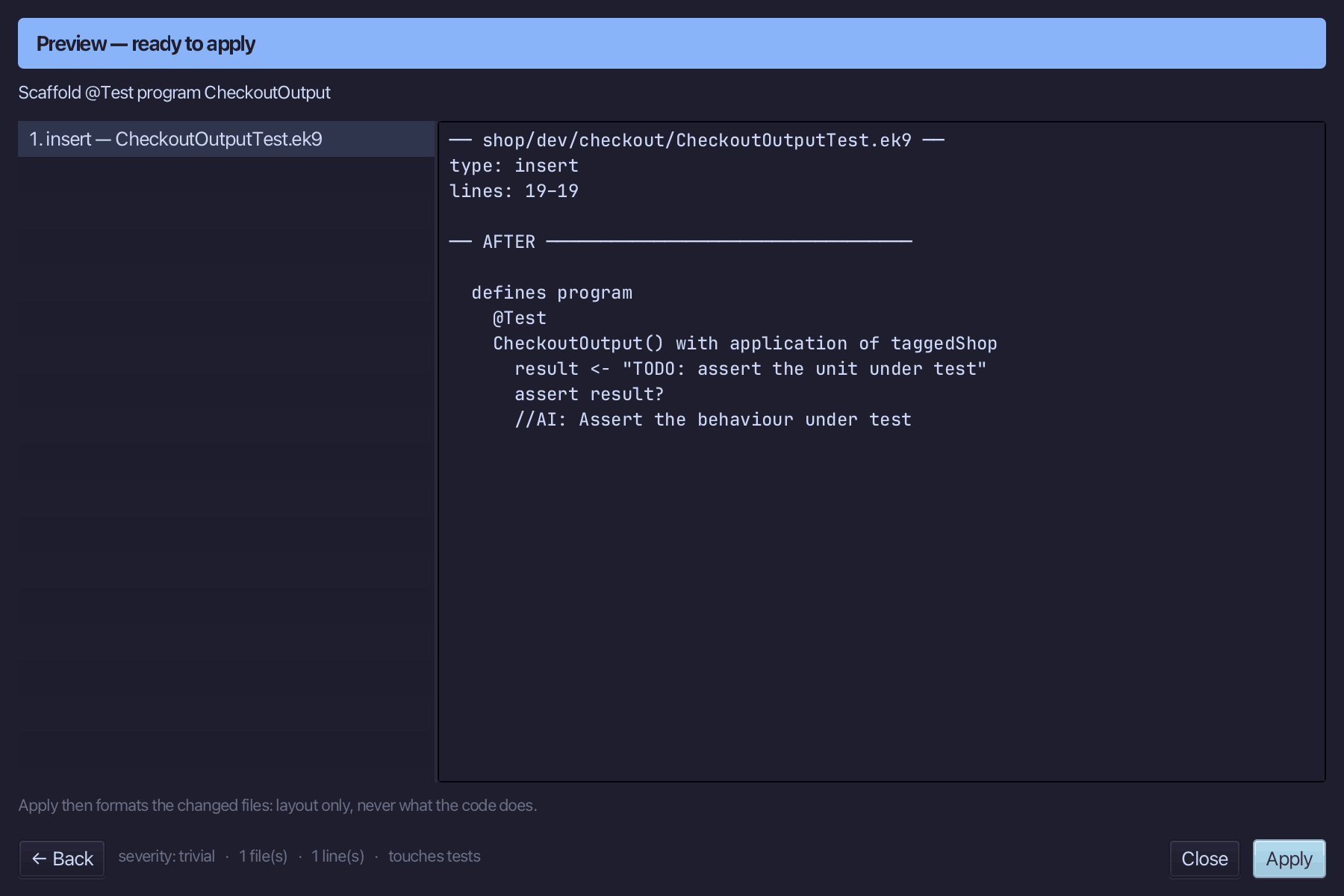
The preview shows CheckoutOutput about to be written, marked @Test, with application of taggedShop. Choose Apply.
Select the @Test line, and above it type the blank line every chapter example opens its first member with. Saves when typed.
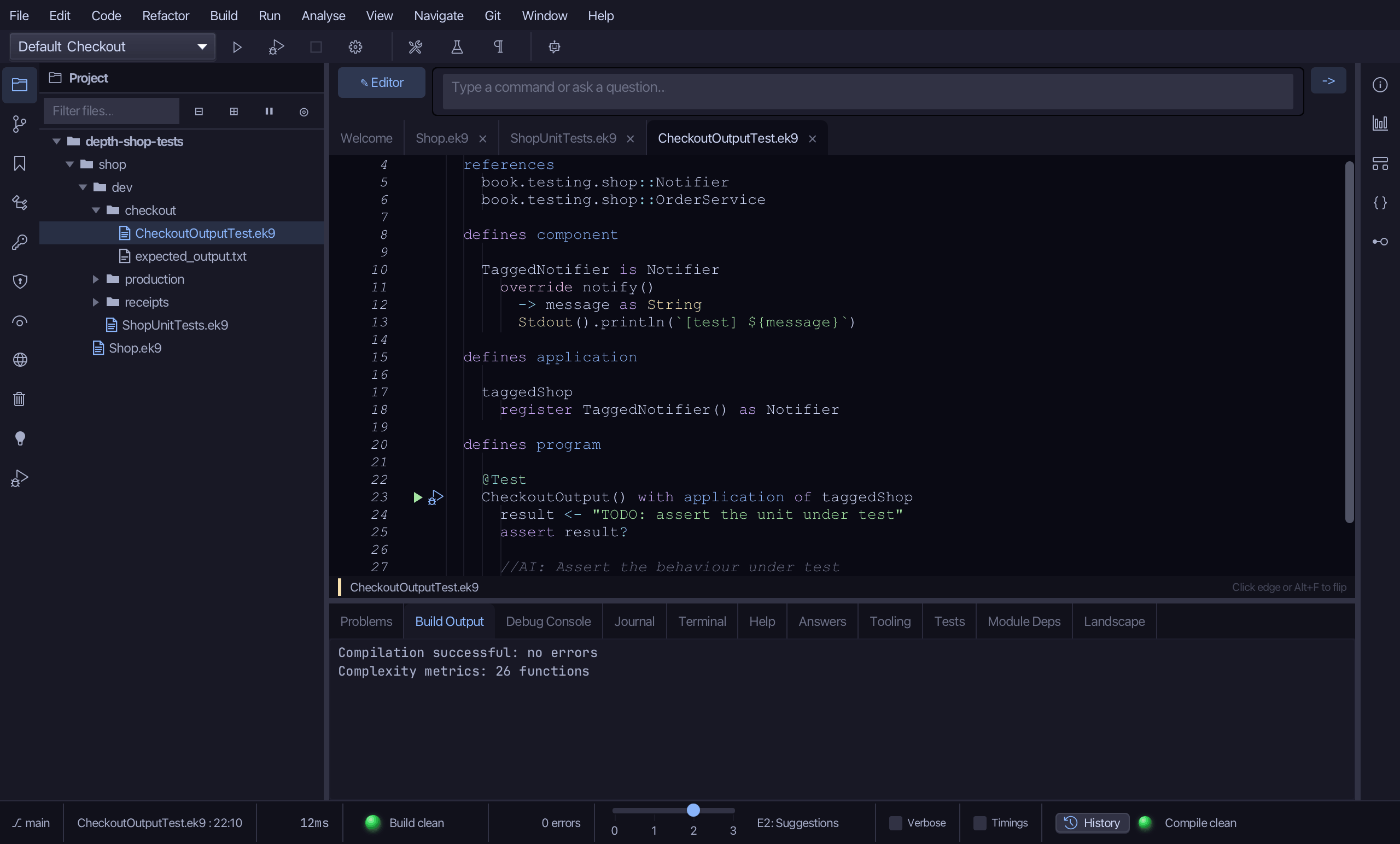
Select the stub, from result <- "TODO: assert the unit under test" down to its //AI line, and type the test: place the two orders. There is no assert - what it prints IS the assertion. Saves when typed.
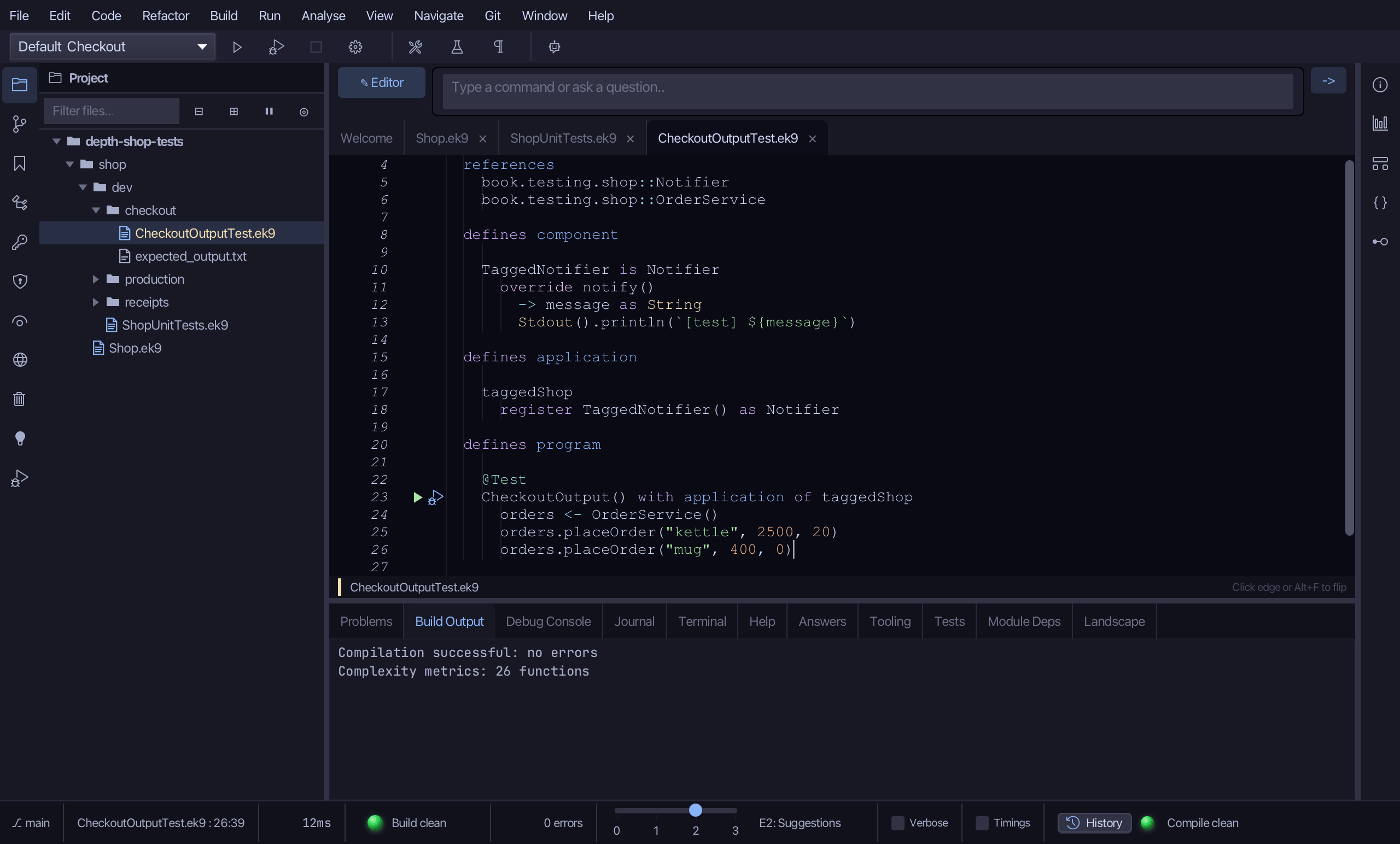
Beside it sits expected_output.txt: [test] kettle: 2000p and [test] mug: 400p. The runner compares everything the test printed with that file; with neither an assert nor an expected-output file the test would be E81007, a test that can check nothing.
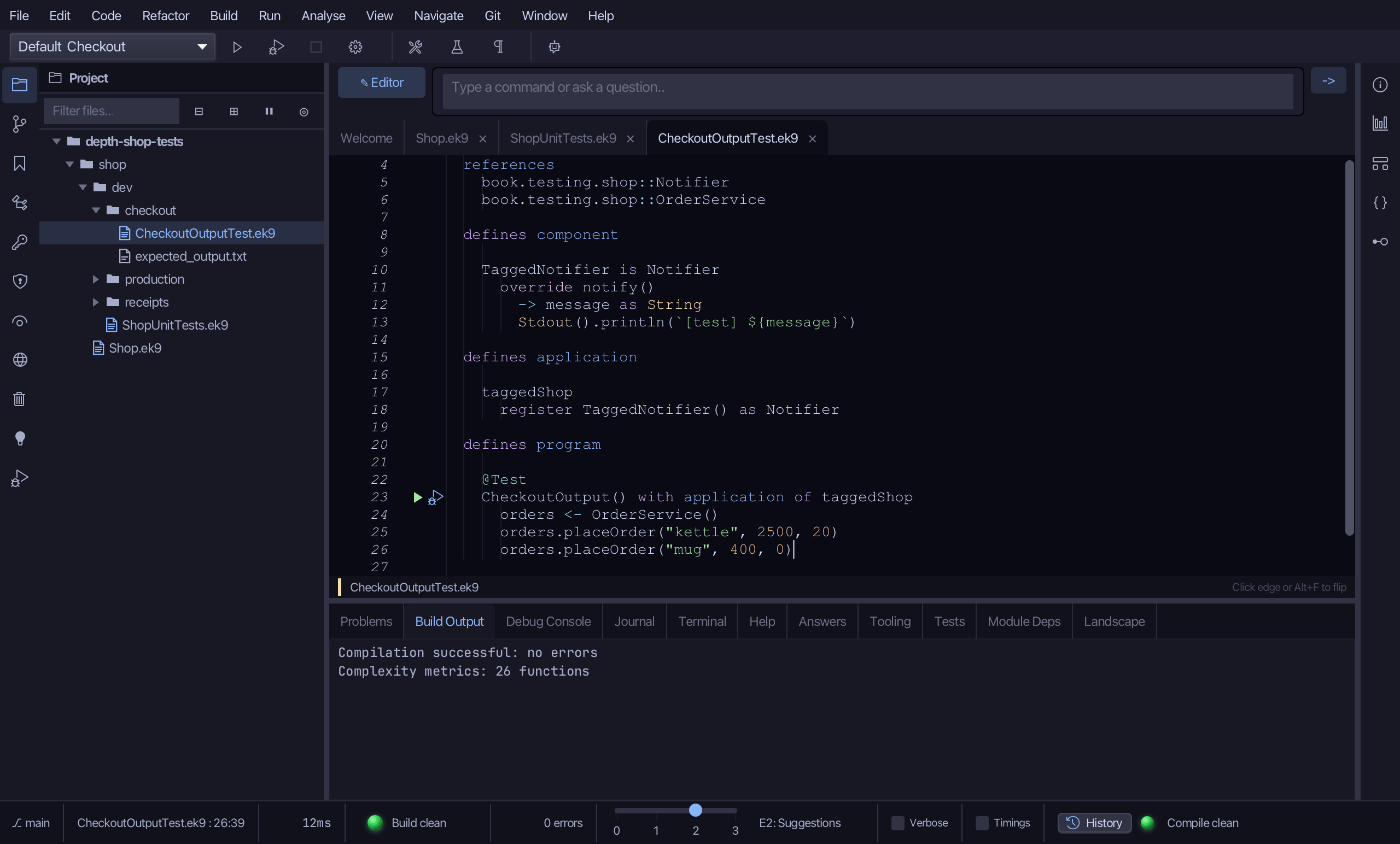
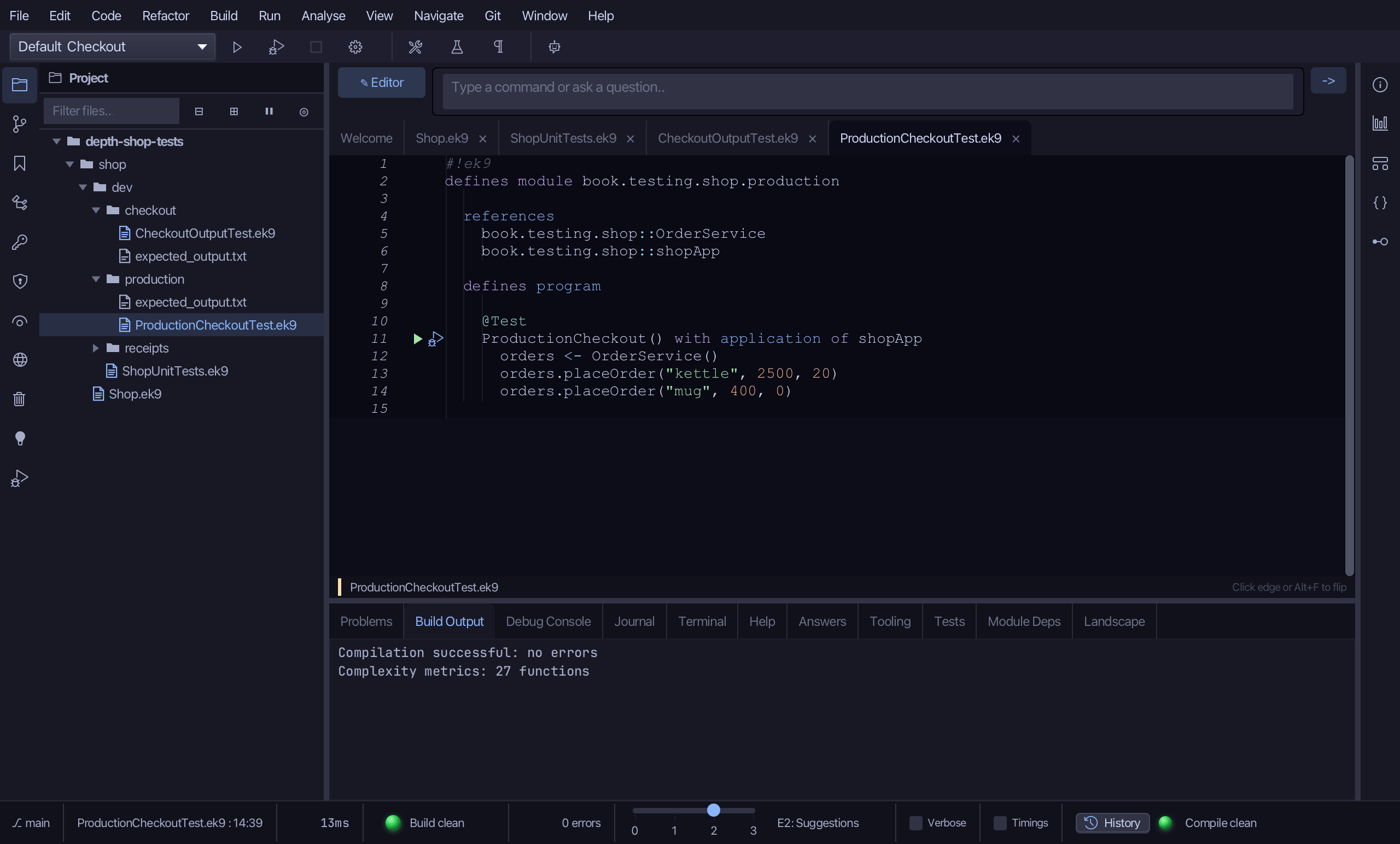
Open dev/production/ProductionCheckoutTest.ek9. The same checkout, against the production wiring: no stand-in this time.
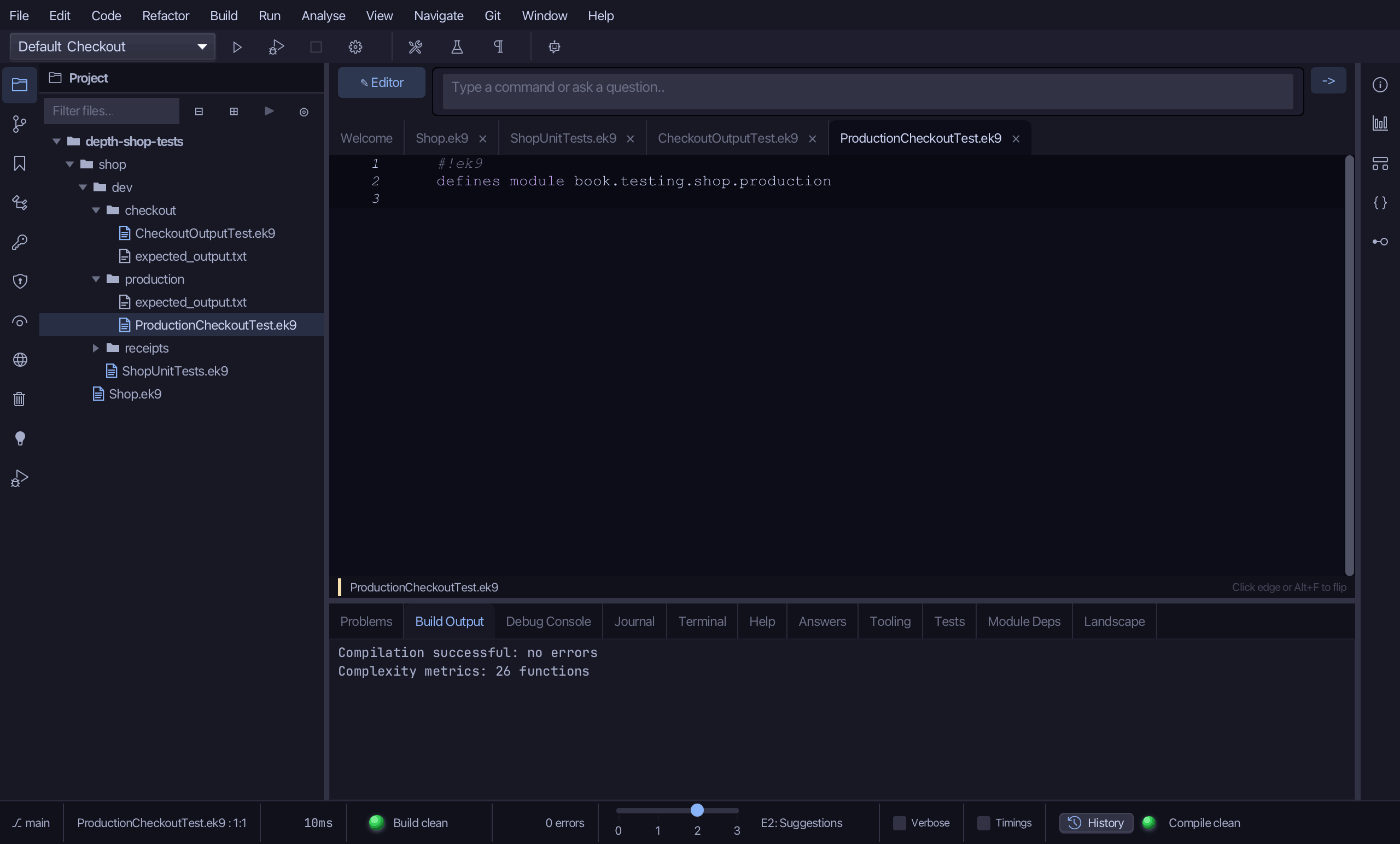
Select the module line, and below it type a references block bringing in OrderService and shopApp. Saves when typed.
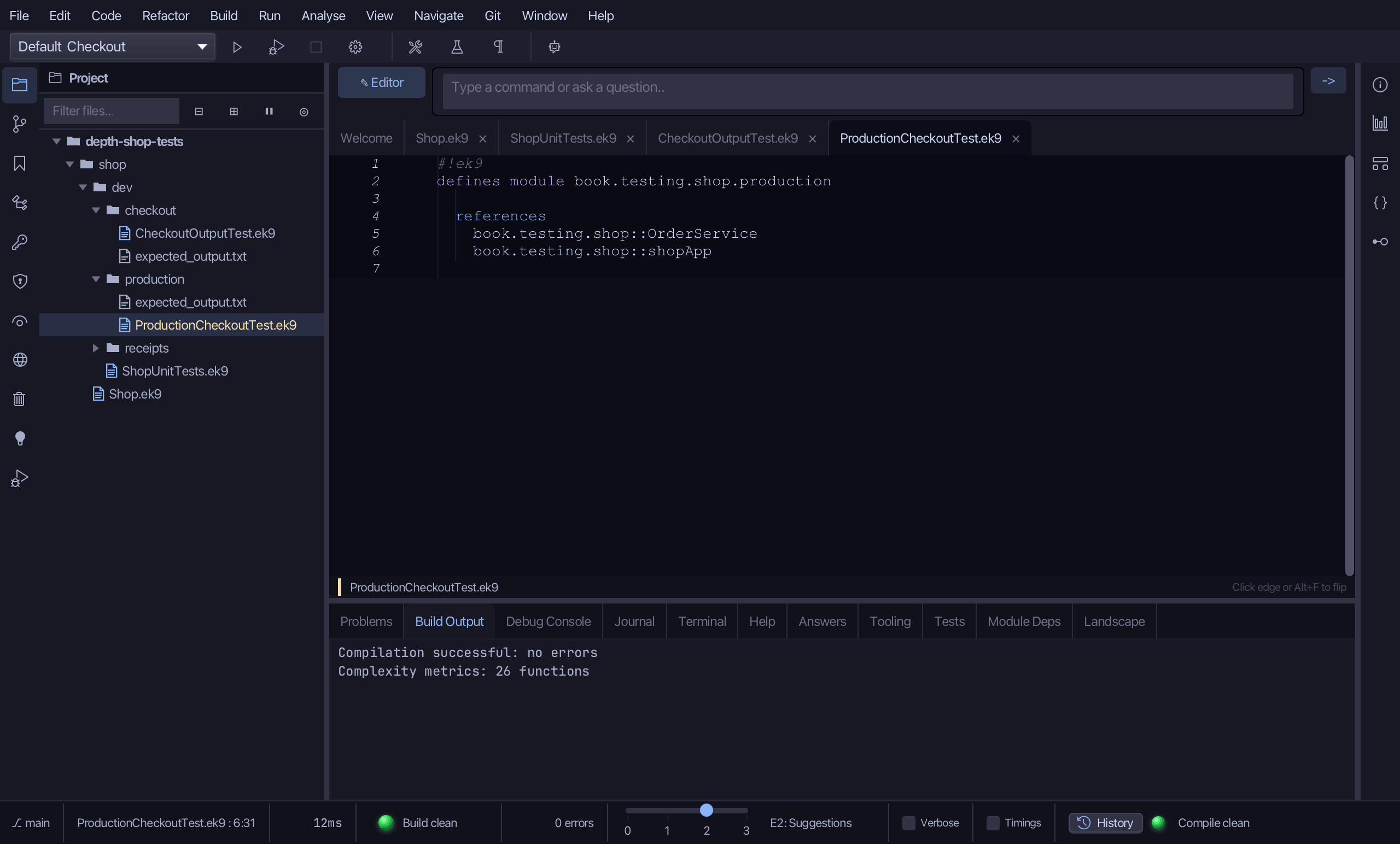
Choose Code > New Construct > Test…
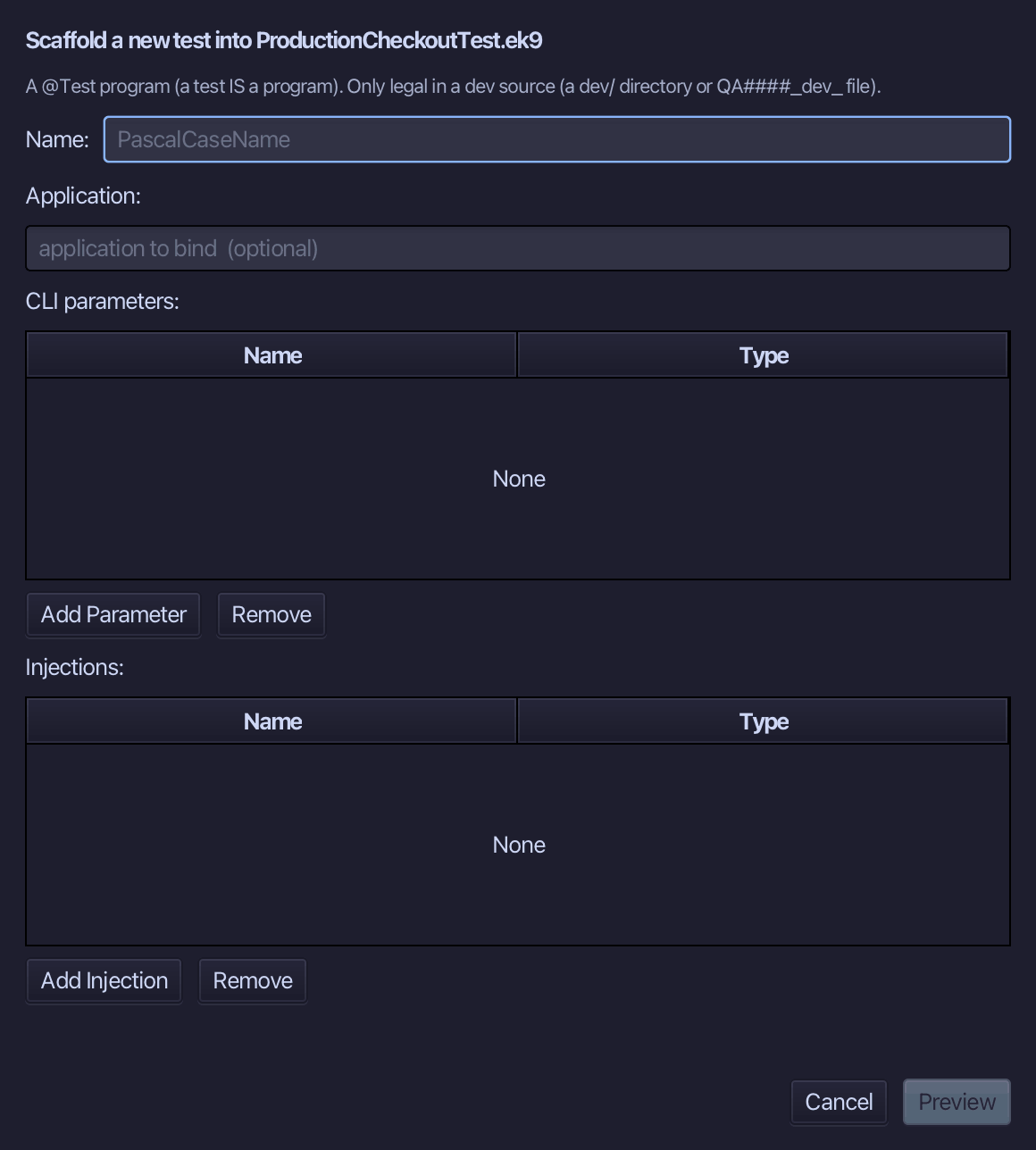
ProductionCheckout is the test's name. It runs with shopApp - the real ConsoleNotifier. Type shopApp into Application. Choose Preview.
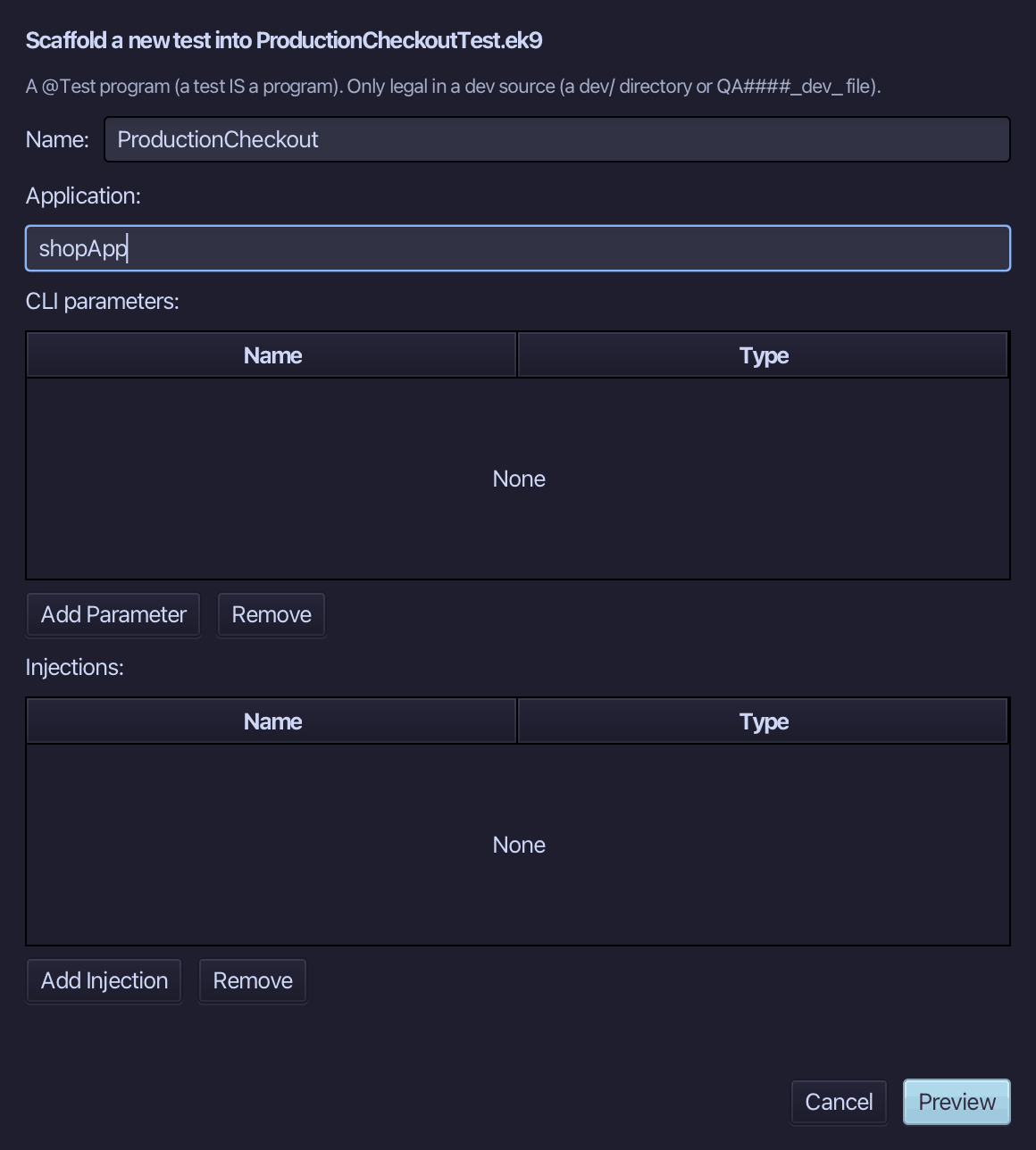
The preview shows ProductionCheckout about to be written, marked @Test, with application of shopApp. Choose Apply.
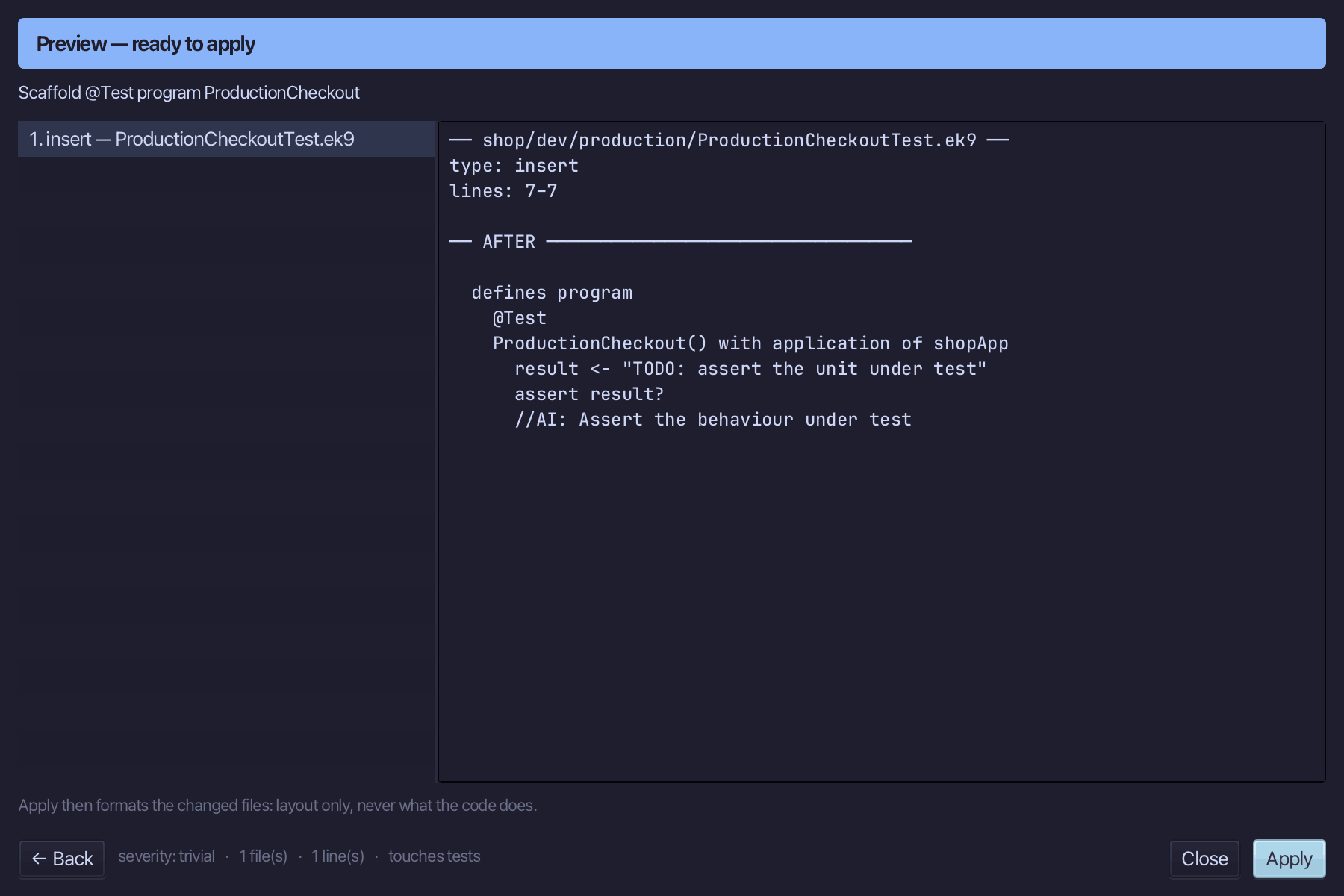
Select the @Test line, and above it type the blank line every chapter example opens its first member with. Saves when typed.
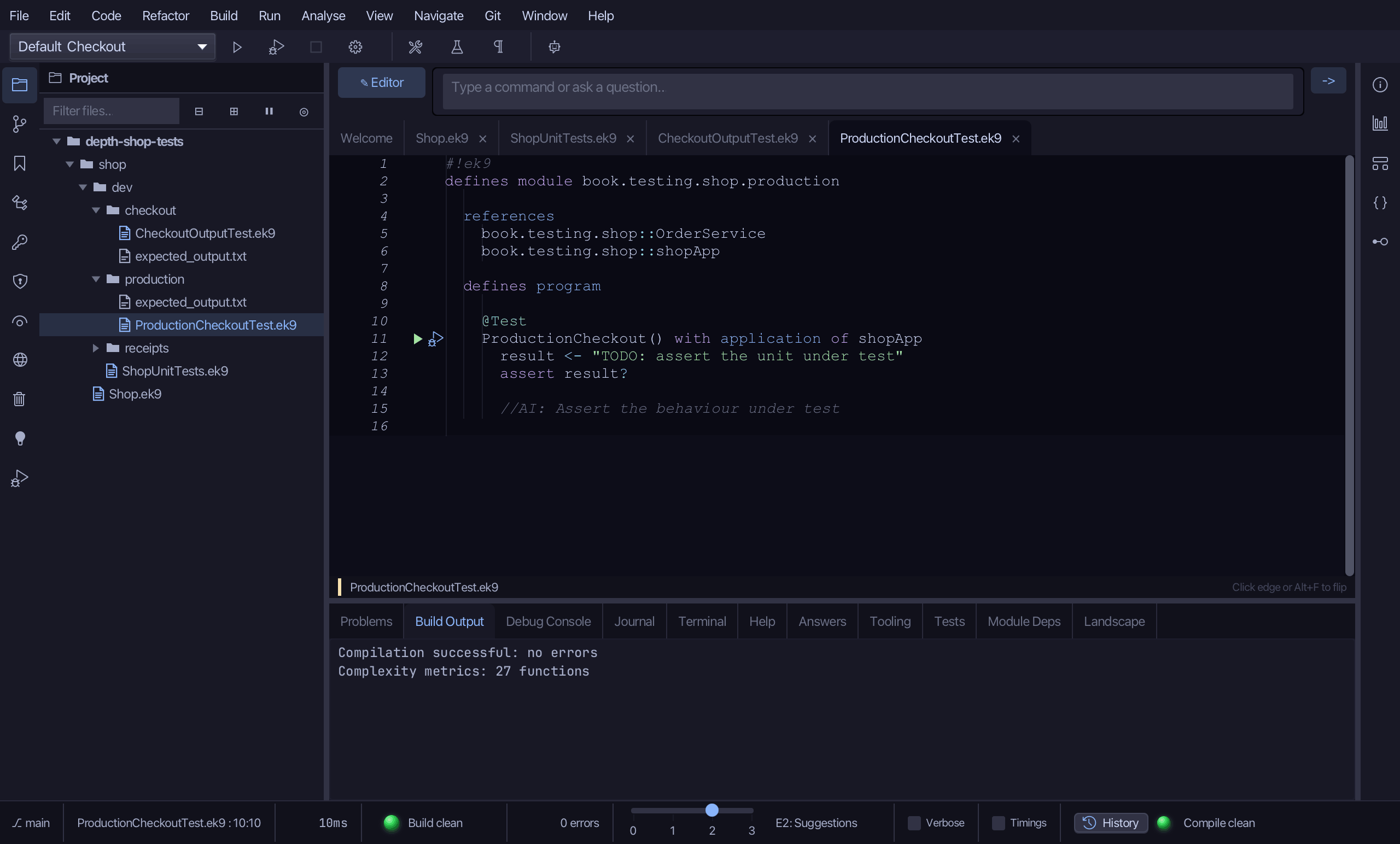
Select the stub, from result <- "TODO: assert the unit under test" down to its //AI line, and type the same two orders. Saves when typed.
Step 6: A parameterized test
Open dev/receipts/ReceiptTest.ek9. The third kind takes program arguments, and the runner runs it once per case: a commandline_arg_<case>.txt file supplies the arguments, one per line, and expected_case_<case>.txt pins that case's output. The table is files, not a data provider.
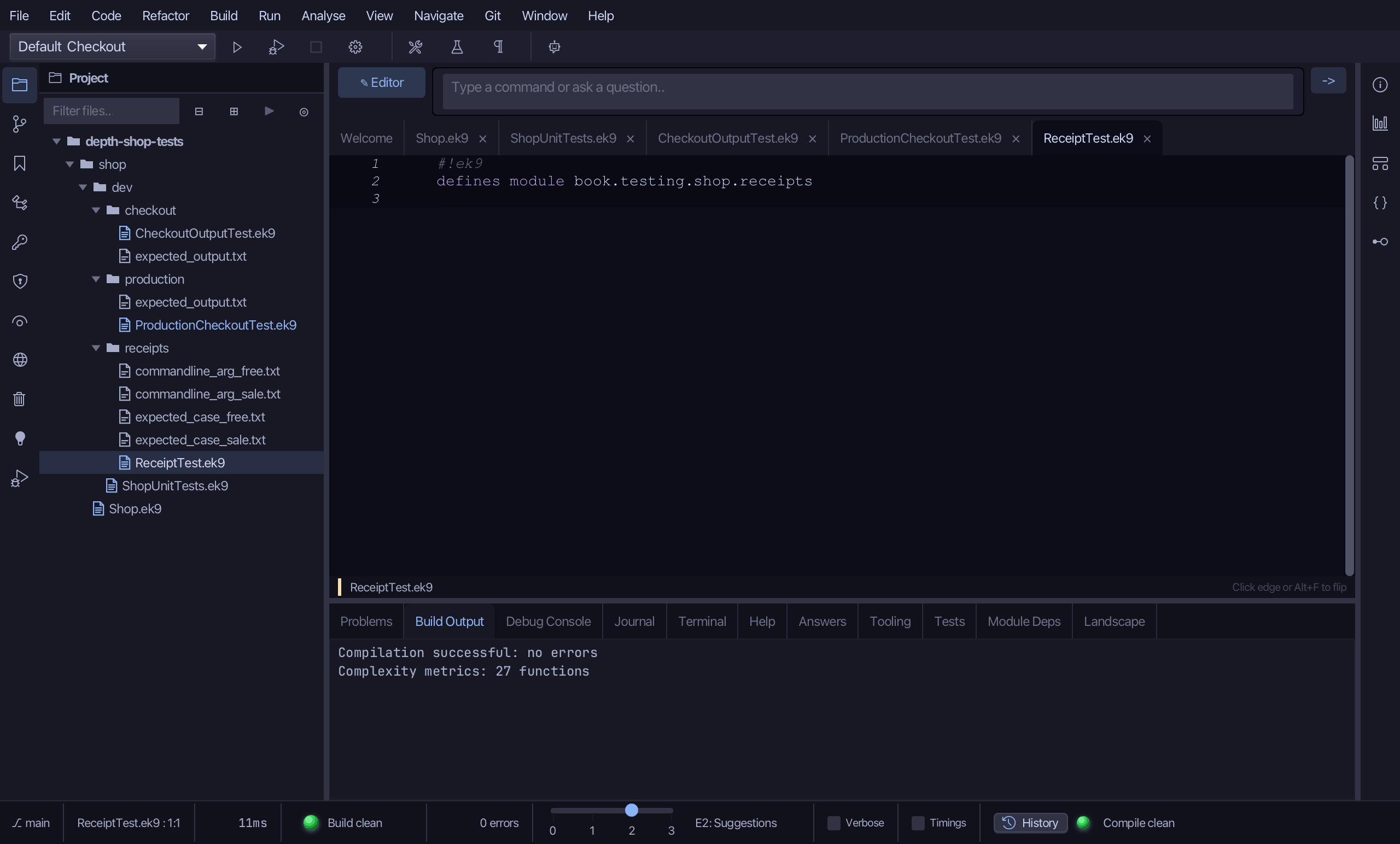
Select the module line, and below it type a references block bringing in discounted and receipt. Saves when typed.
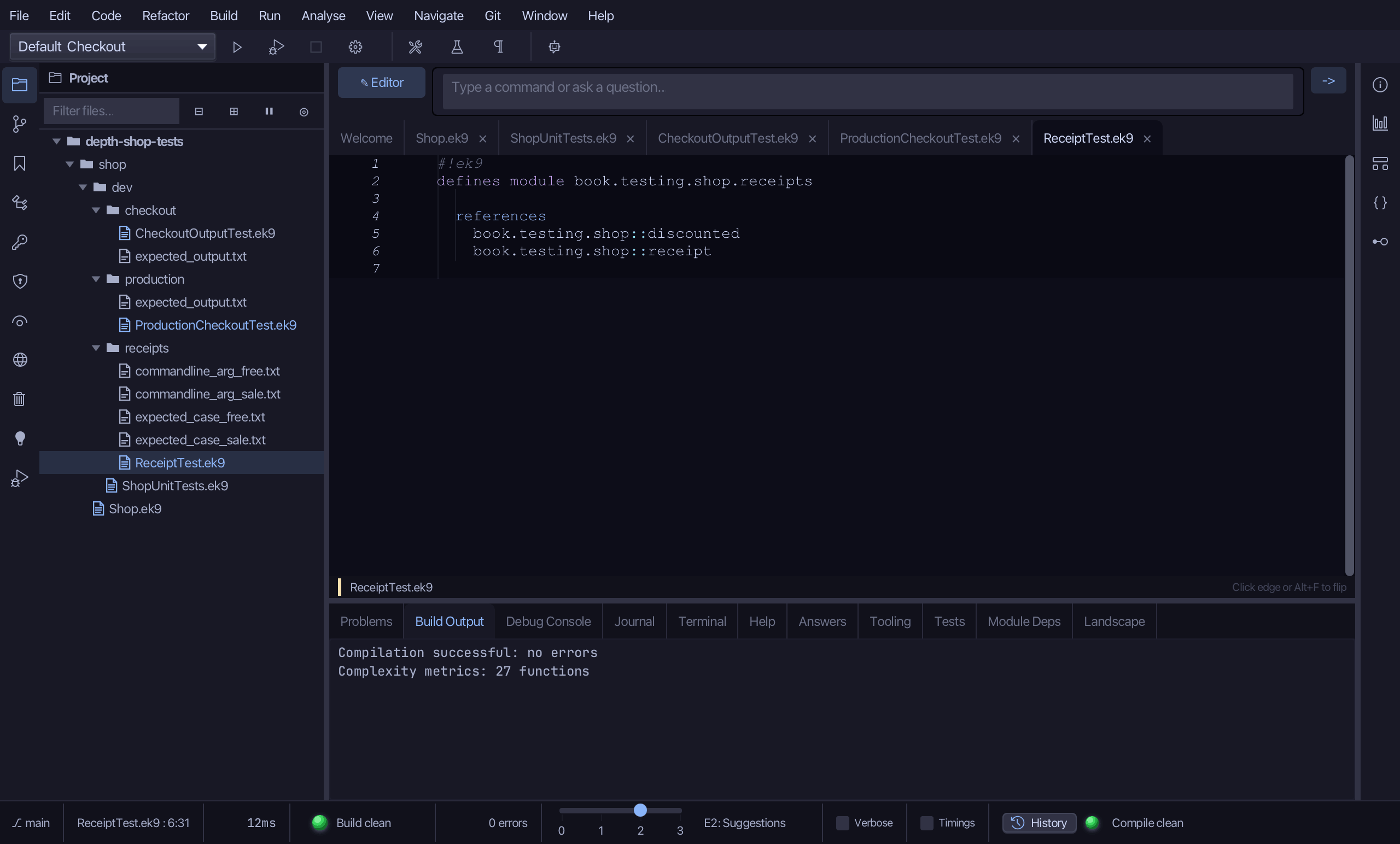
Choose Code > New Construct > Test…
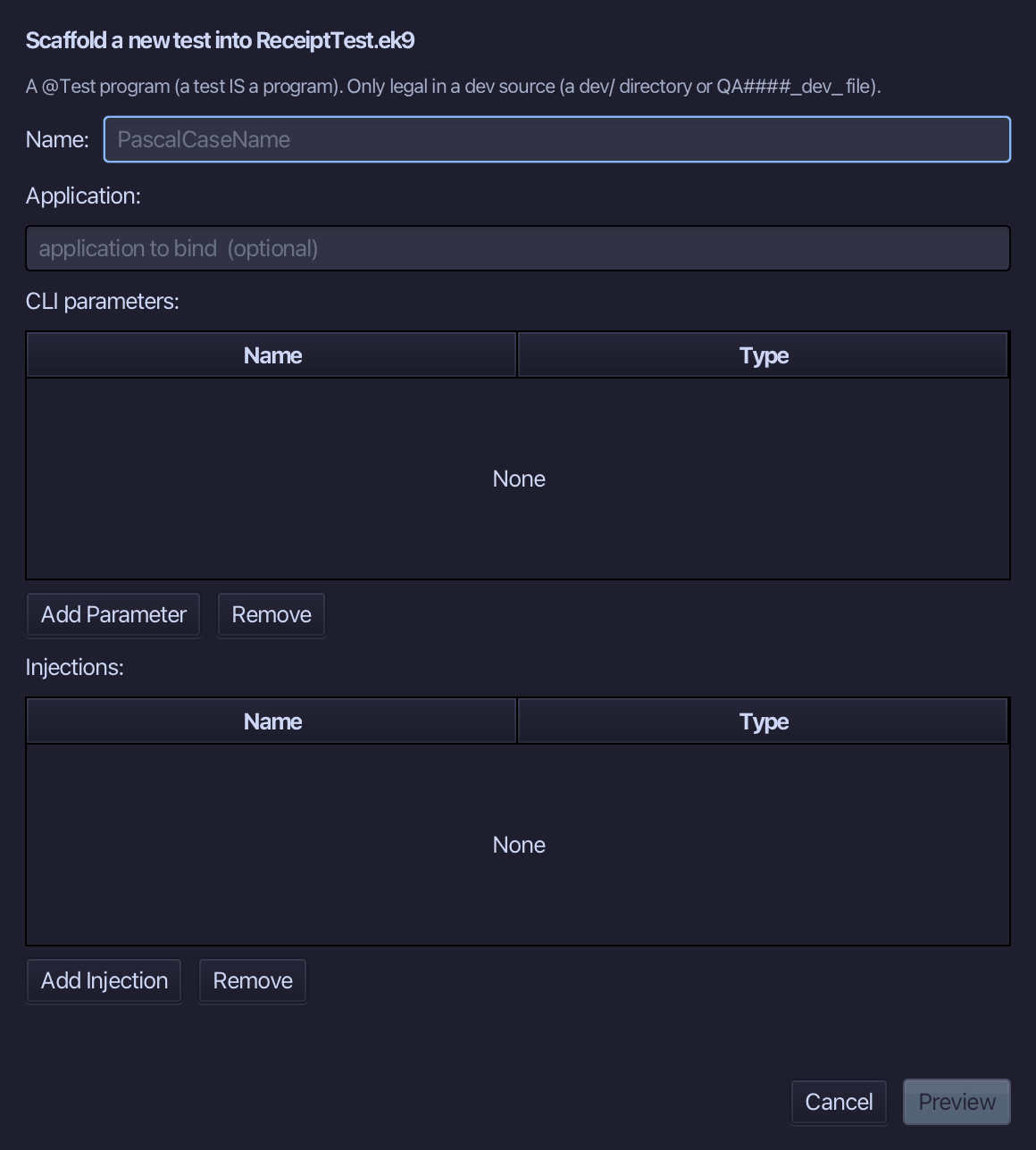
ReceiptForArguments is the test's name. Program arguments are text, and the test converts them. Add the parameters item of type String, price of type String and percent of type String. Choose Preview.
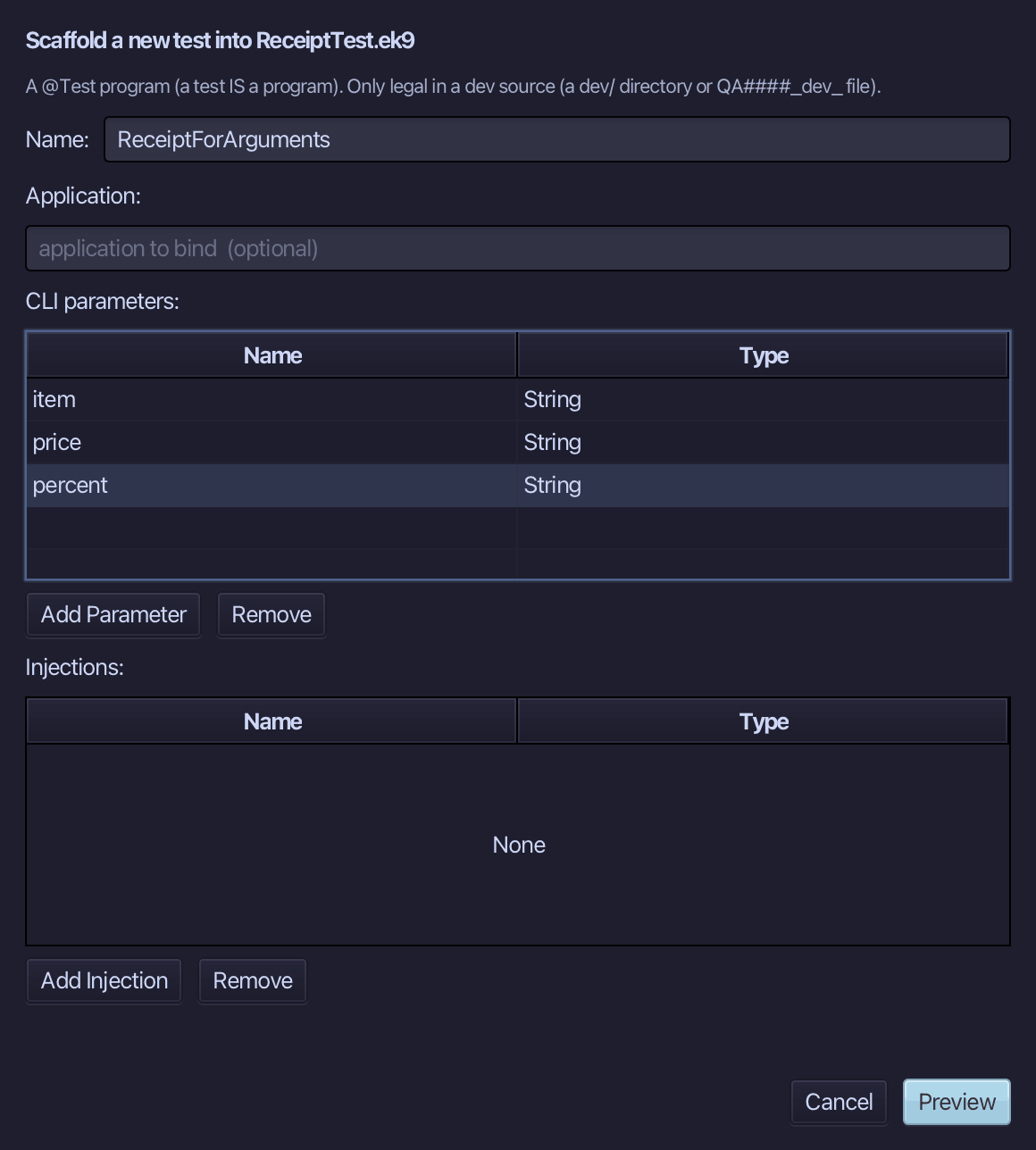
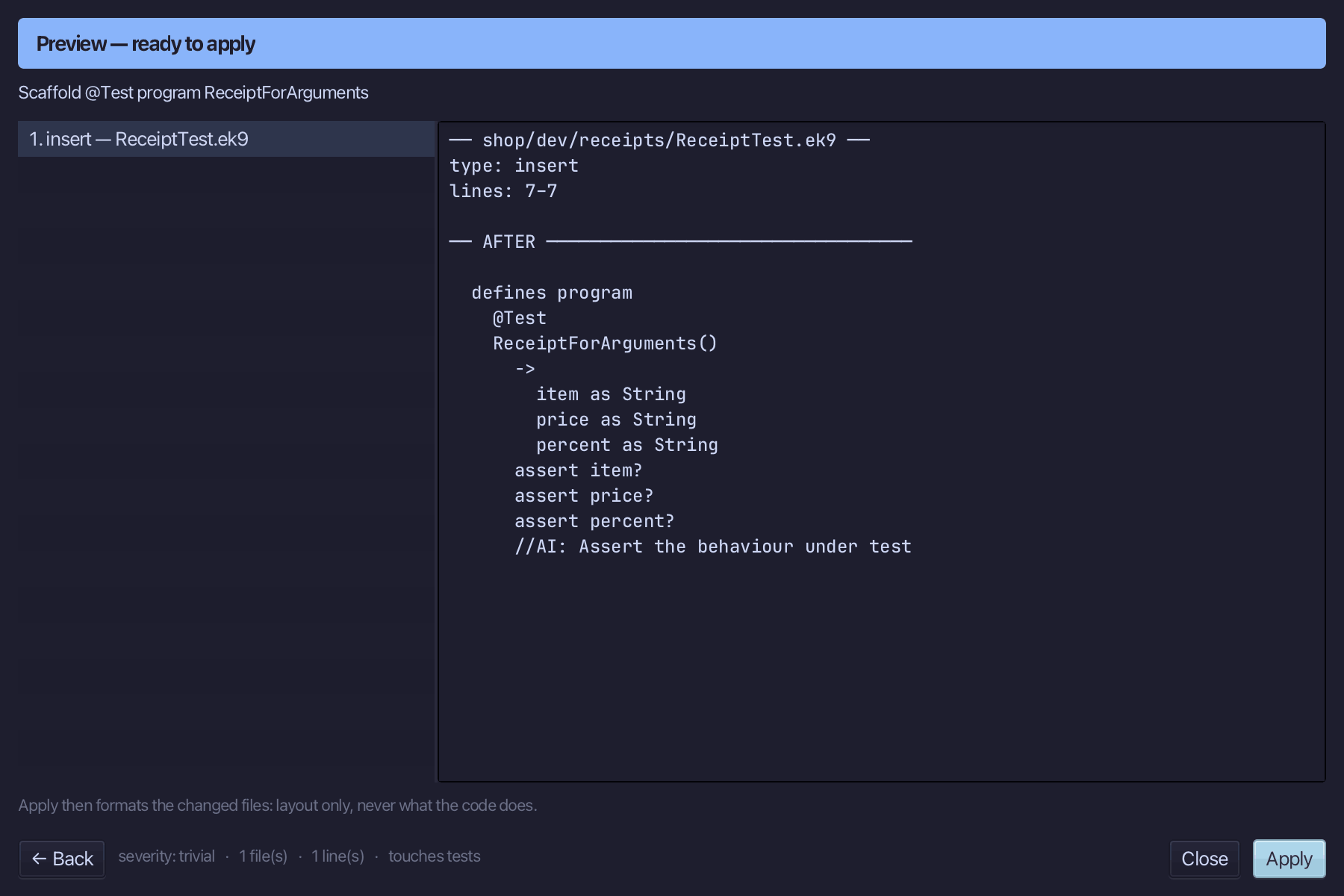
The preview shows ReceiptForArguments about to be written, marked @Test, with its three parameters. Choose Apply.
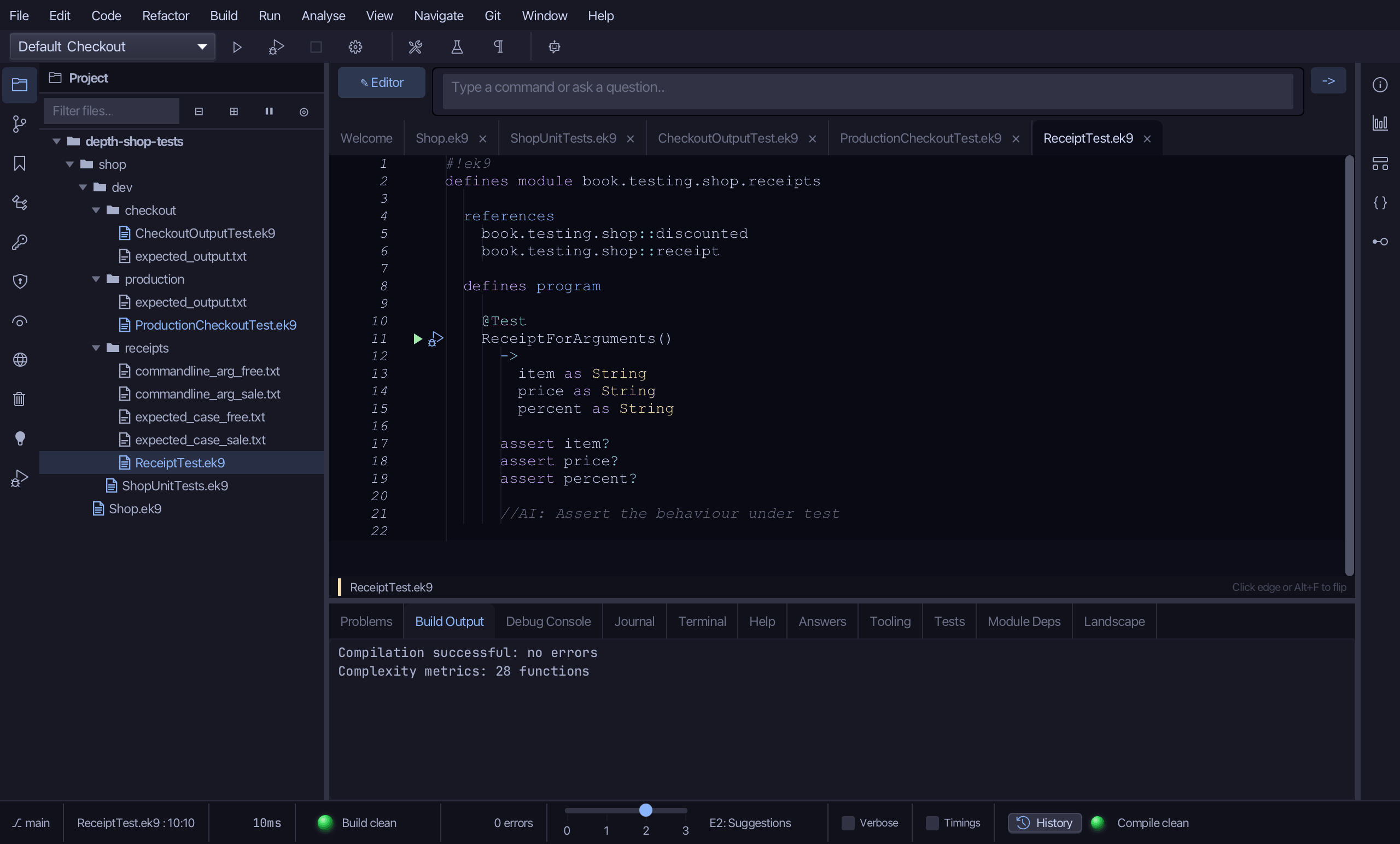
Select the @Test line, and above it type the blank line every chapter example opens its first member with. Saves when typed.
Select the stub, from assert item? down to its //AI line, and type the test: print the receipt for the arguments it was given. Saves when typed.
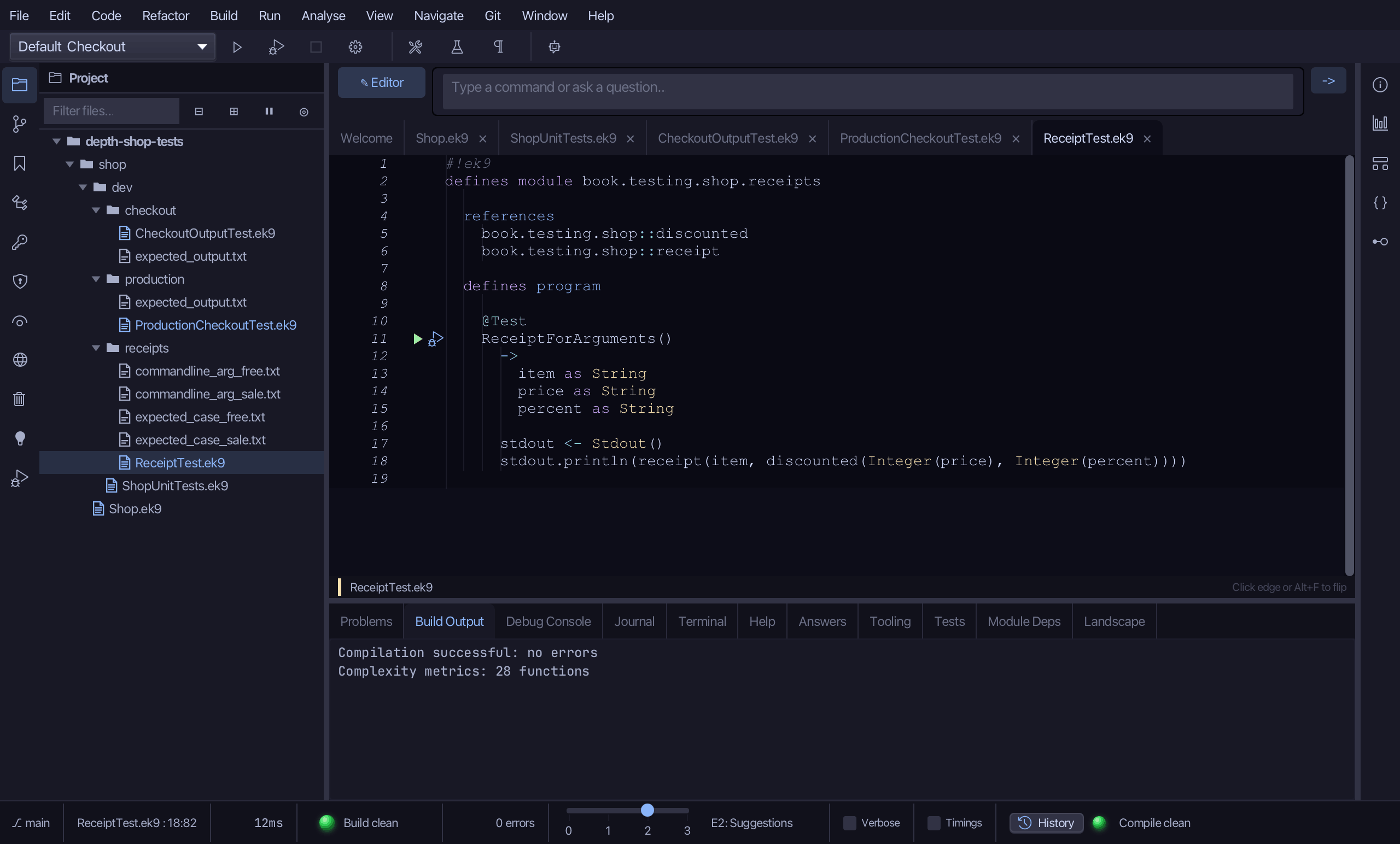
Two cases sit beside it: sale (kettle, 2500, 20, expecting kettle: 2000p) and free (mug, 400, 100, expecting mug: 0p). If you know Go's table-driven tests or golden files, these are the same ideas with a file convention instead of a library.
Step 7: One runner
Run ▸ Run Tests (⌘T) runs every test in the project, all three kinds together. Choose Run Tests.
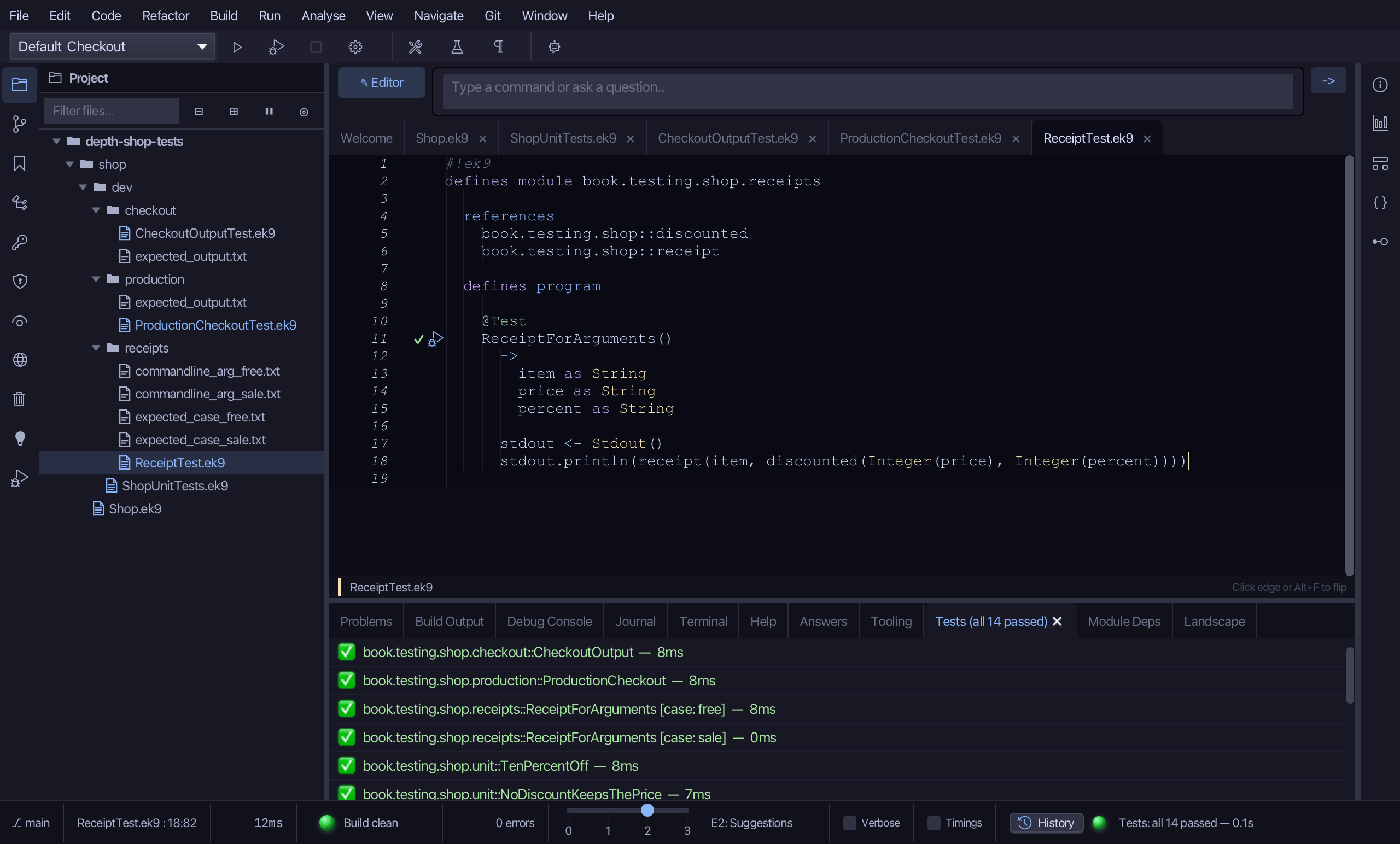
The Tests tab lists them alphabetically, not in source order, each labelled by kind: [Assert], [BlackBox] and [Param:free] / [Param:sale]. Thirteen programs, fourteen results, because the parameterized test ran once per case. Coverage is not an add-on here - ek9 -t collects it on every run, and below 80% the run ends with E83001 and exit 12 even if every test passed.
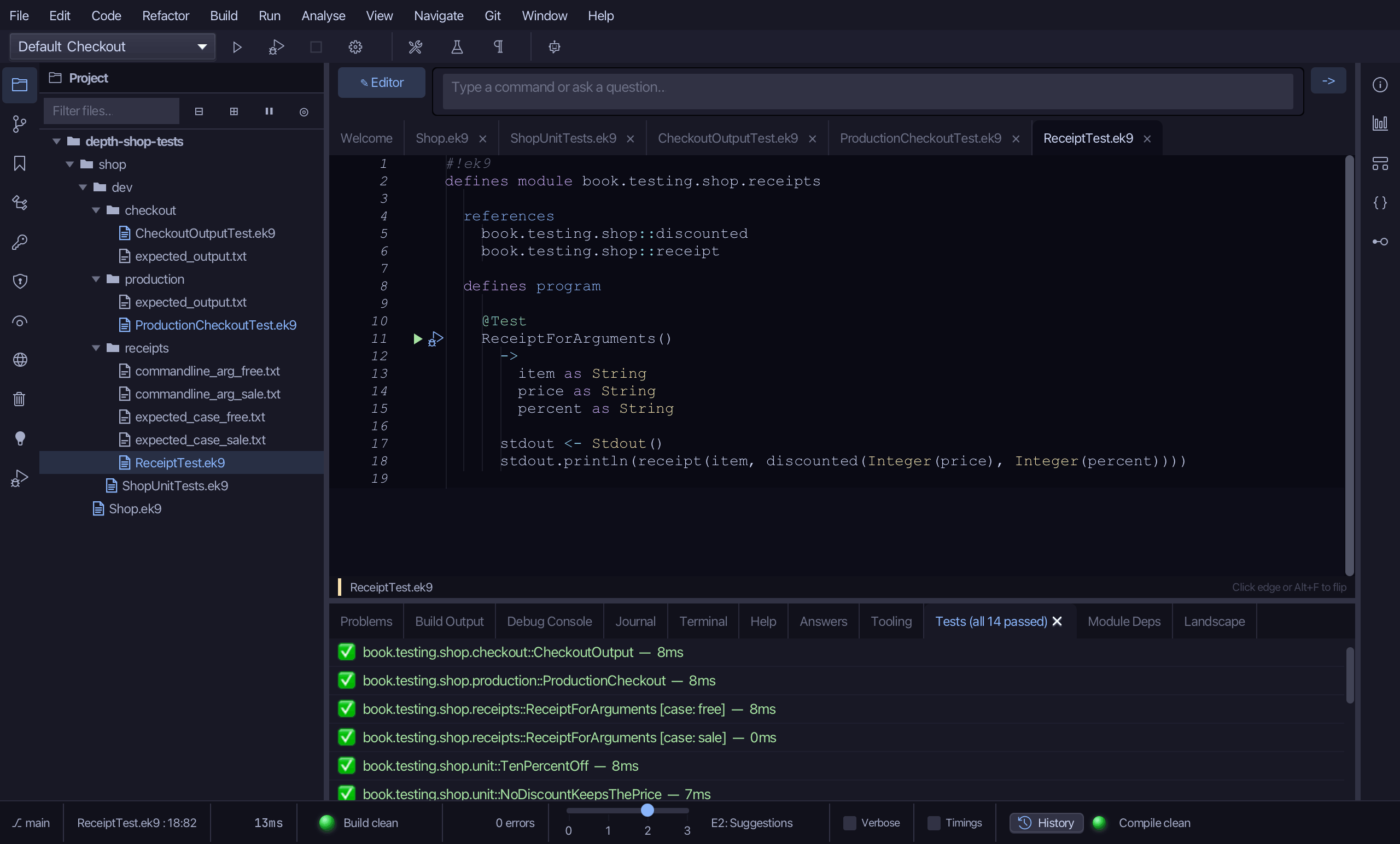
The result
The four test files now read exactly as chapter 39 of EK9 in Depth shows them, and the one runner ran all three kinds together: ten assertion tests, two black-box tests whose printed output is compared with expected_output.txt, and one parameterized test run once per case. There is no framework to add, no test class to extend, and no mocking library - TaggedNotifier is an ordinary component. The same tools - ek9_add_program with isTest, ek9_new_construct and ek9_add_application - are what an AI assistant calls to write them, and ek9_run_tests runs them.
Where this lesson comes from
- For AI assistants - the MCP tool
ek9_add_program,ek9_new_construct,ek9_add_application,ek9_run_tests.