The panels
The IDE's window has the editor in the middle, tool windows at its sides and a bottom panel of tabs - Problems, Build Output, Help and more. This lesson folds the panel away, opens a tool window, tears it off into a window of its own and brings it back. To play it in the IDE: Help > Lessons > Getting started…, or ek9 -ide -lesson the-panels.
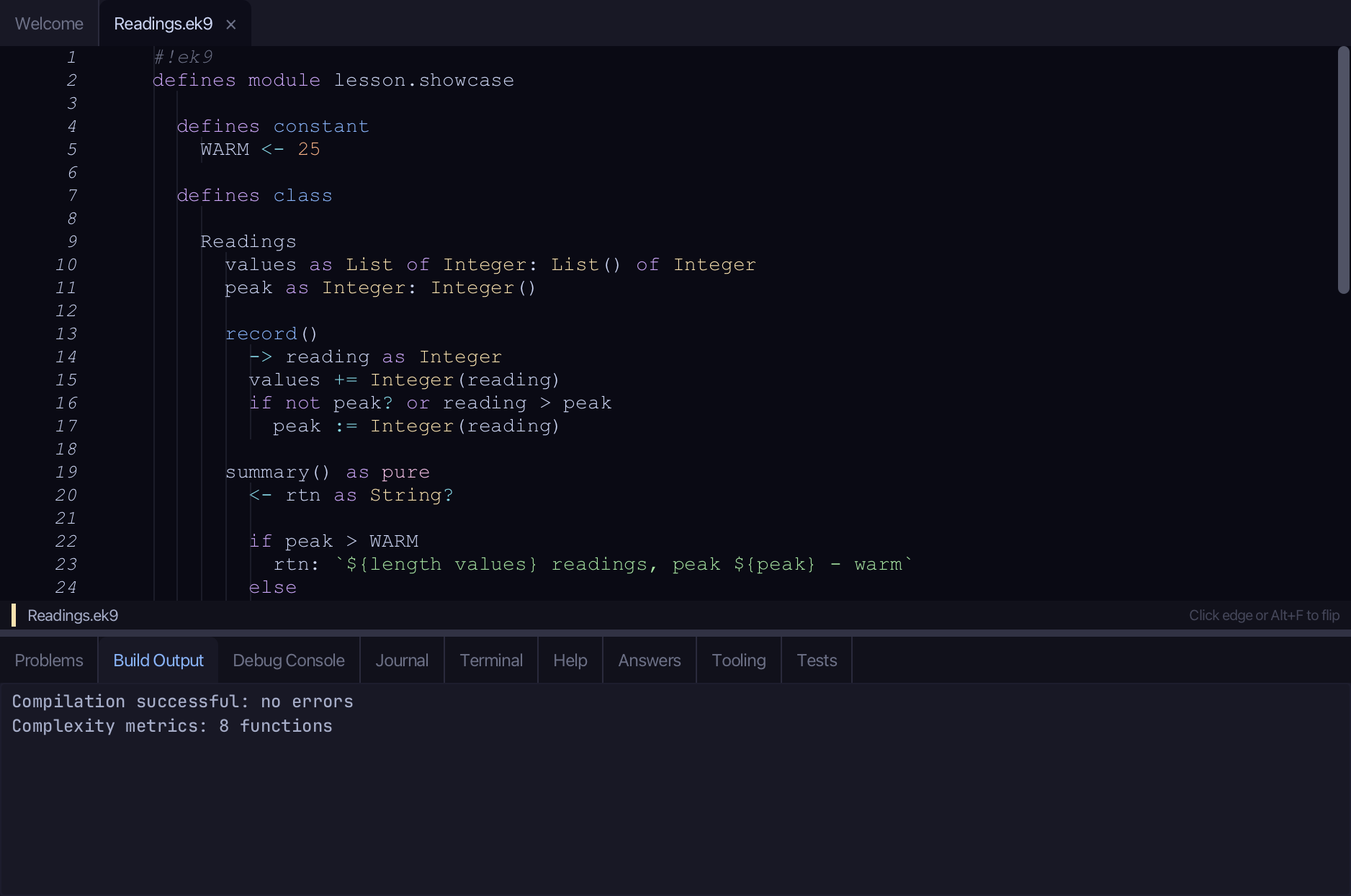
Start from
The code the lesson starts from: copy it into a file of your own and follow the steps.
#!ek9
defines module lesson.showcase

  defines constant
    WARM <- 25

  defines class

    Readings
      values as List of Integer: List() of Integer
      peak as Integer: Integer()

      record()
        -> reading as Integer
        values += Integer(reading)
        if not peak? or reading > peak
          peak := Integer(reading)

      summary() as pure
        <- rtn as String?

        if peak > WARM
          rtn: `${length values} readings, peak ${peak} - warm`
        else
          rtn: `${length values} readings, peak ${peak} - mild`

      warmReadings()
        <- rtn as List of Integer: cat values | filter by isWarm | collect as List of Integer

      operator $ as pure
        <- rtn as String: `Readings: ${length values}, peak ${peak}`

      default operator ?

  defines function

    isWarm() as pure
      -> reading as Integer
      <- rtn as Boolean: reading > WARM

  defines program

    ShowReadings()
      stdout <- Stdout()
      station <- Readings()
      station.record(18)
      station.record(27)
      station.record(30)

      stdout.println(station.summary())
      stdout.println(`Warm readings: ${station.warmReadings()}`)

//EOF
Step 1: The bottom panel
Choose View > Bottom Panes > Toggle Bottom Panel (Shift+Cmd+P). The panel folds away and the editor takes its room.
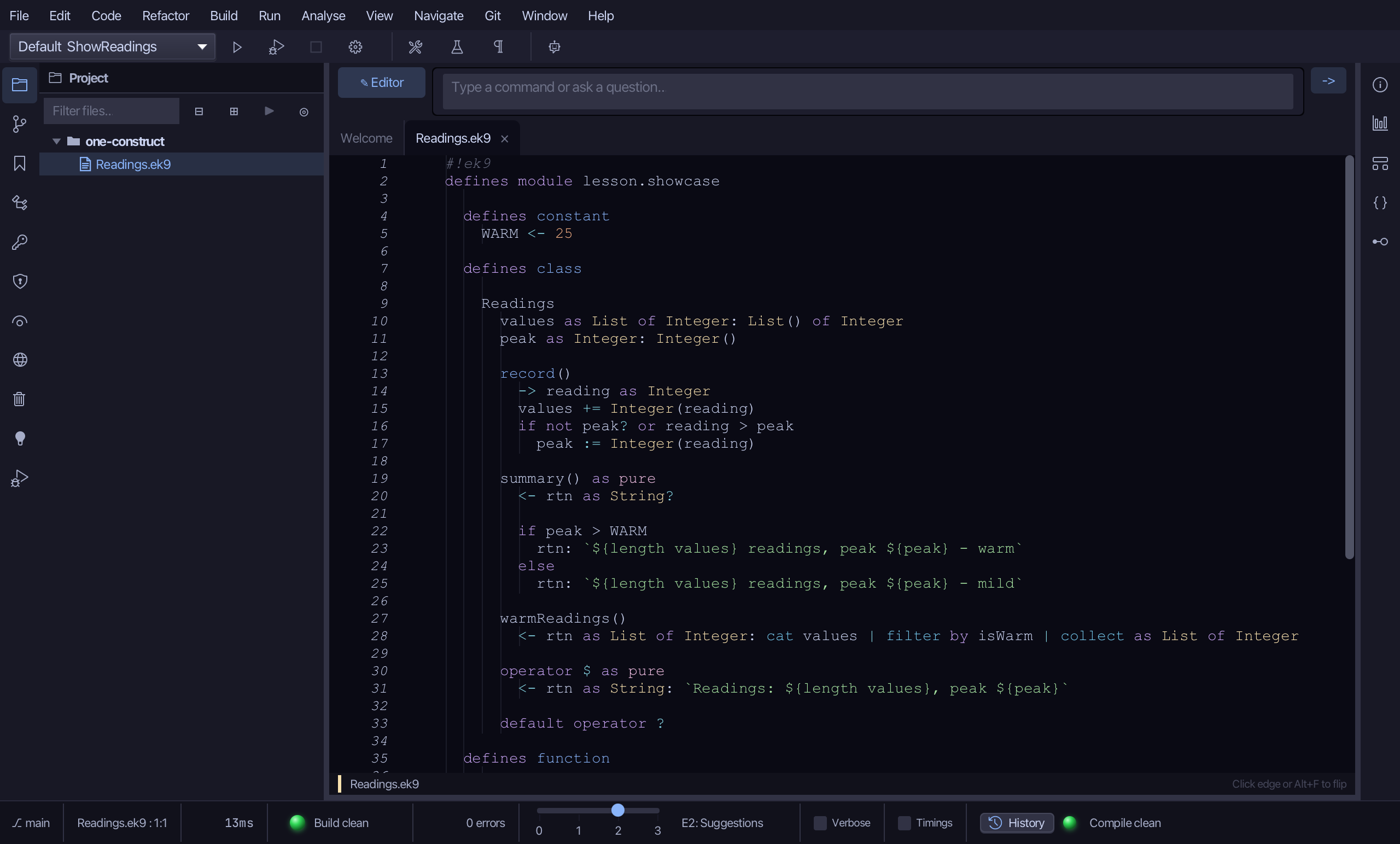
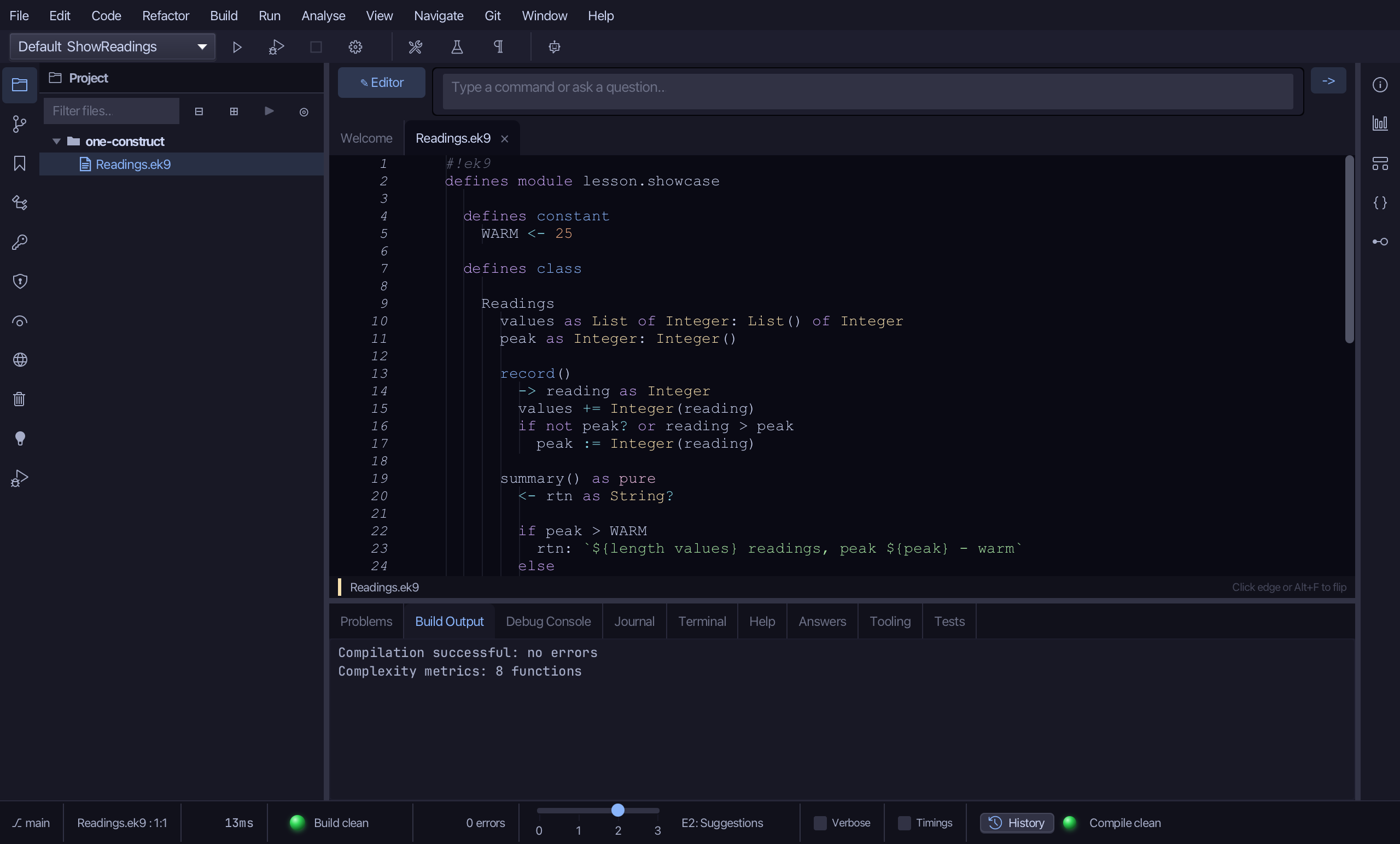
Choose it again. The panel opens, on the tab it was on.
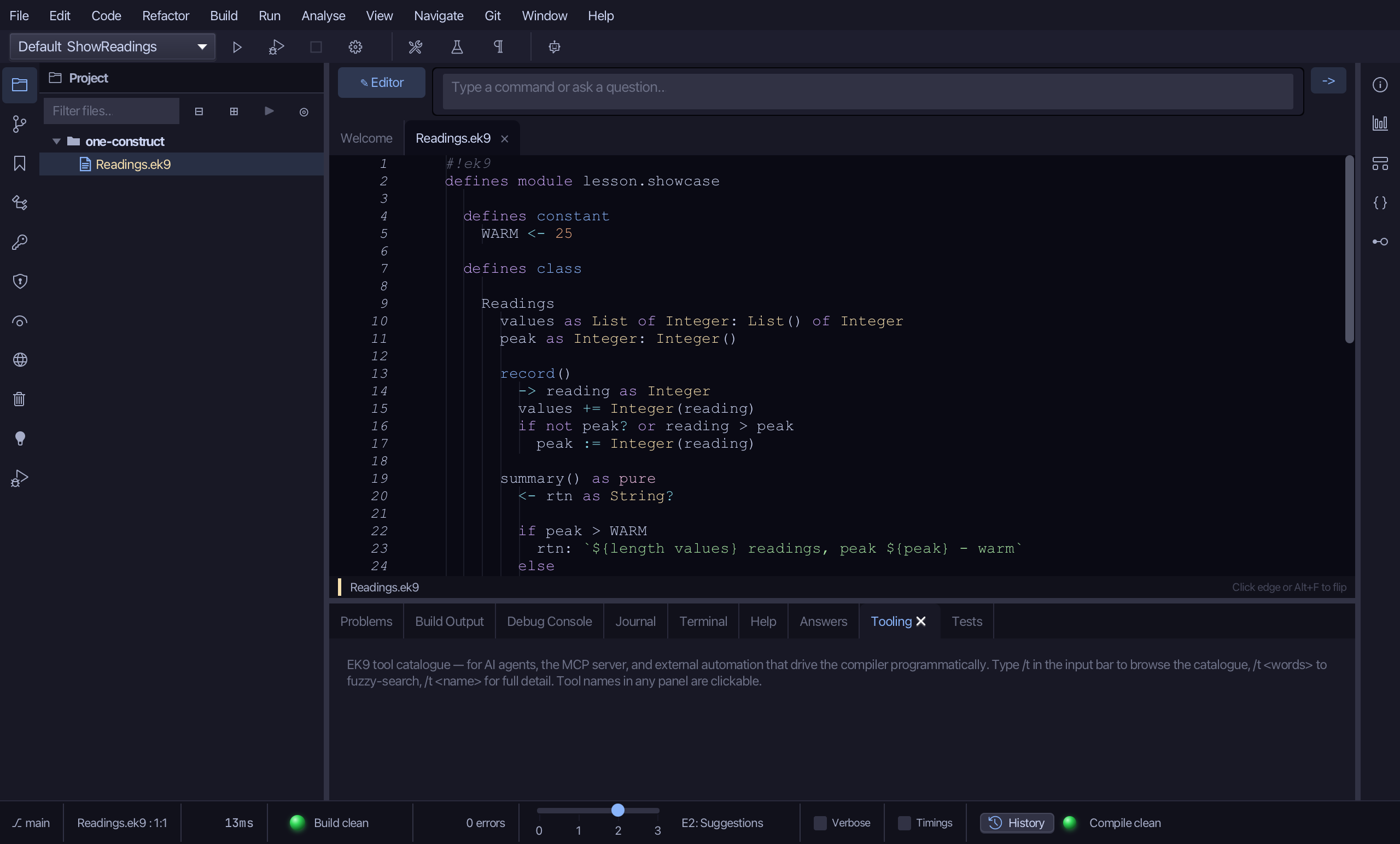
Choose View > Bottom Panes > Tooling. Every pane has an entry here, so one you closed with its X comes back.
Step 2: Tool windows
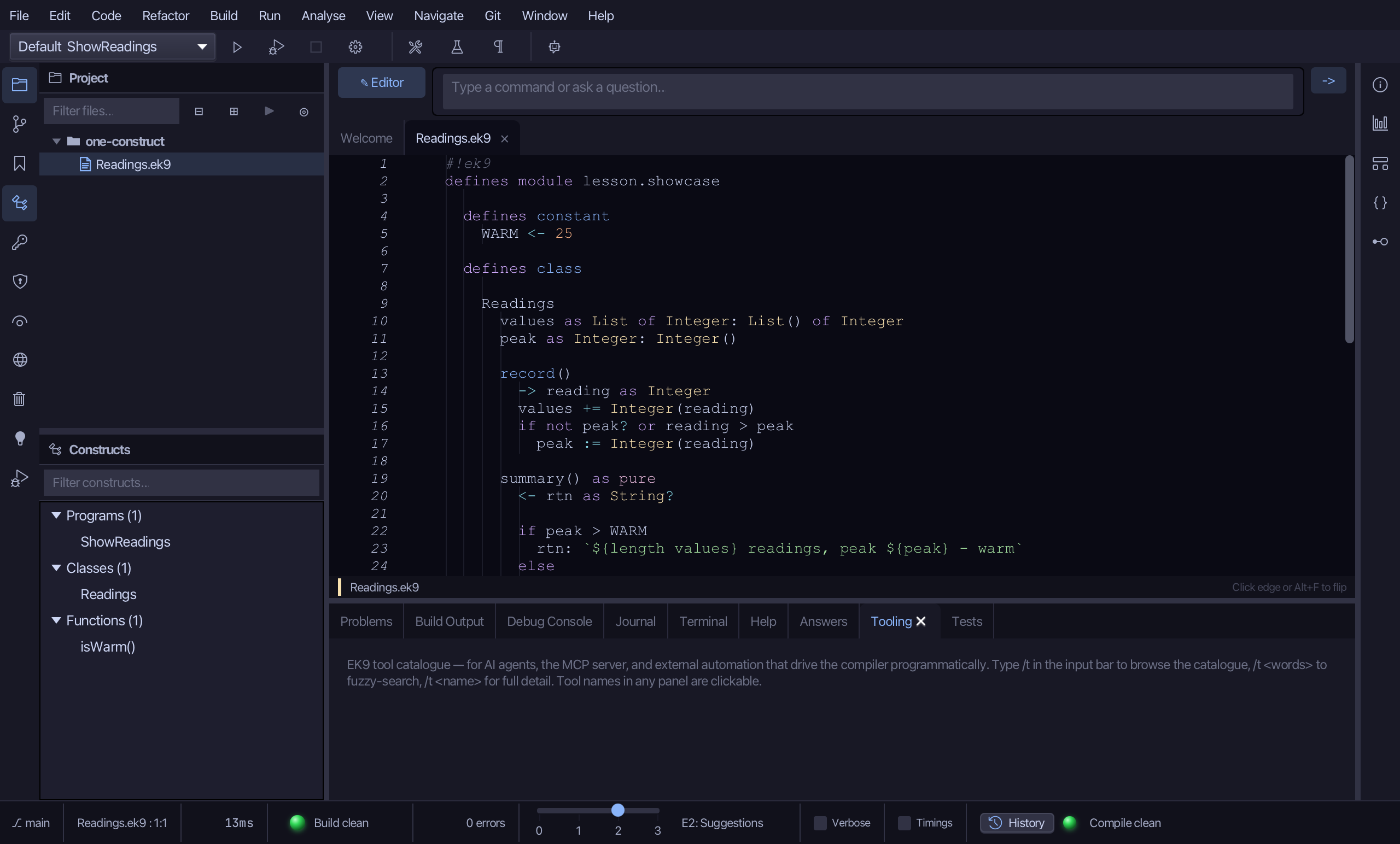
Choose View > Tool Windows > Constructs (Cmd+6). The Constructs window opens beside the editor and lists the project's constructs; its button on the activity bar, at the window's edge, lights.
Step 3: A window of its own
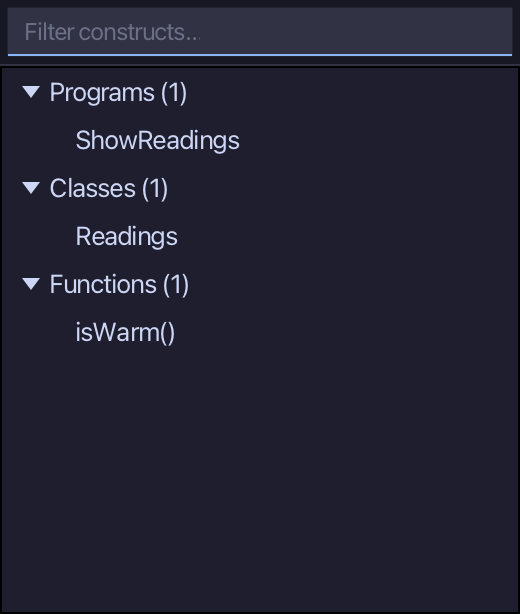
Right-click the Constructs button on the activity bar and choose Detach to Window. The pane moves into a window of its own.
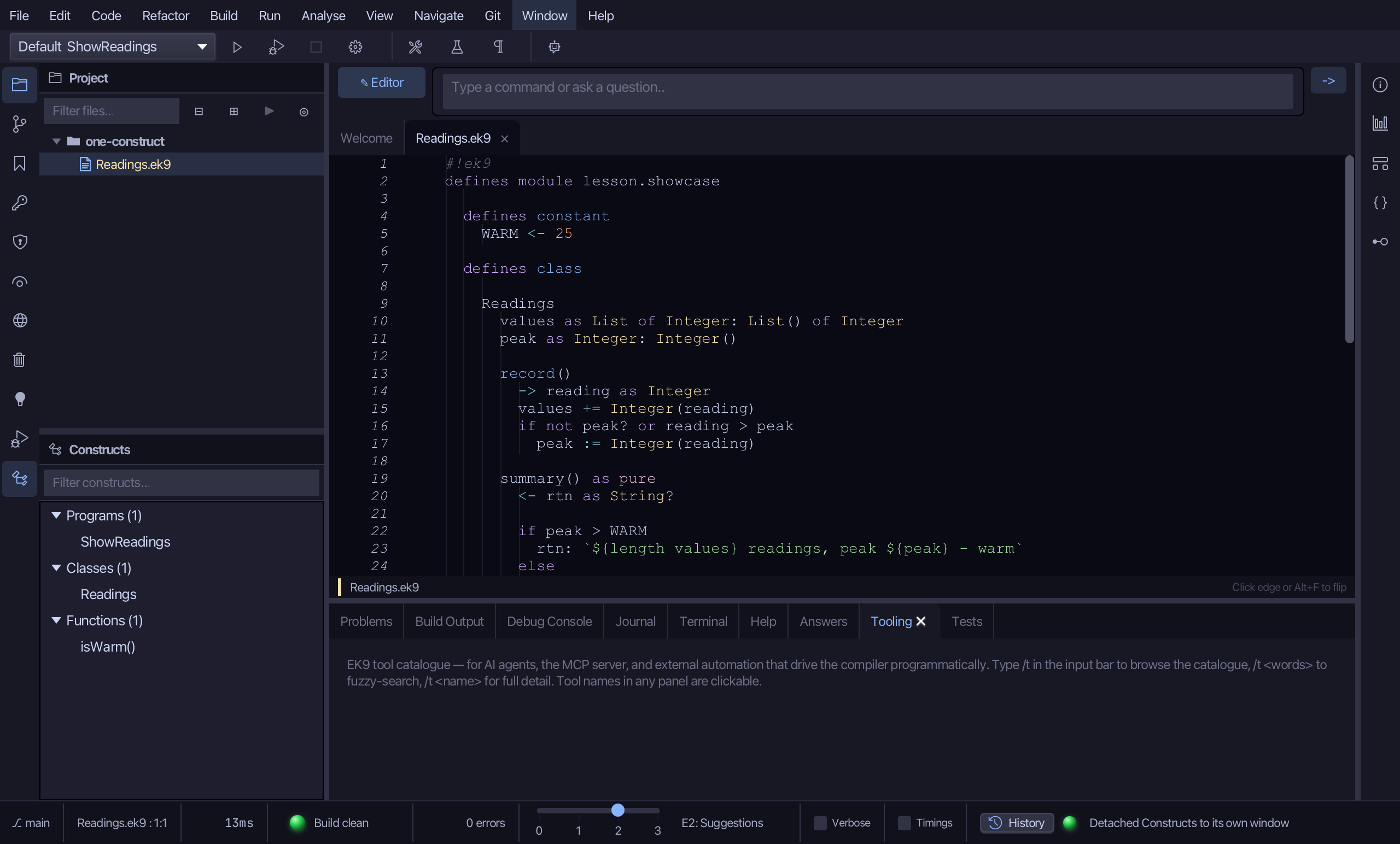
Choose Window > Redock All. Every detached window goes back where it came from.
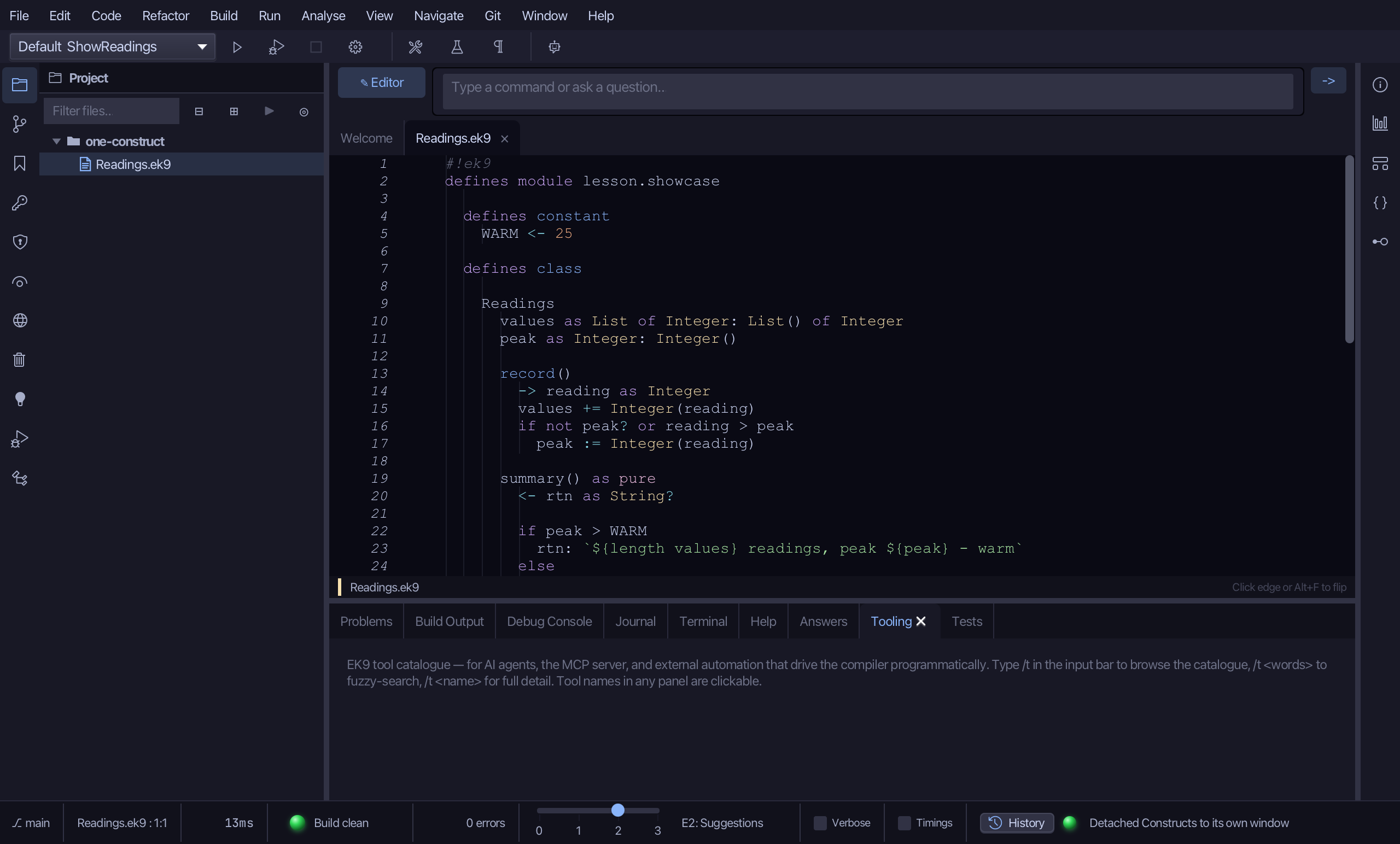
Choose View > Tool Windows > Constructs again to close it.
Step 4: View switches
Choose View > Toggles > Complexity Badges. The switches for how the editor looks are all here, ticked when on, each with its shortcut.
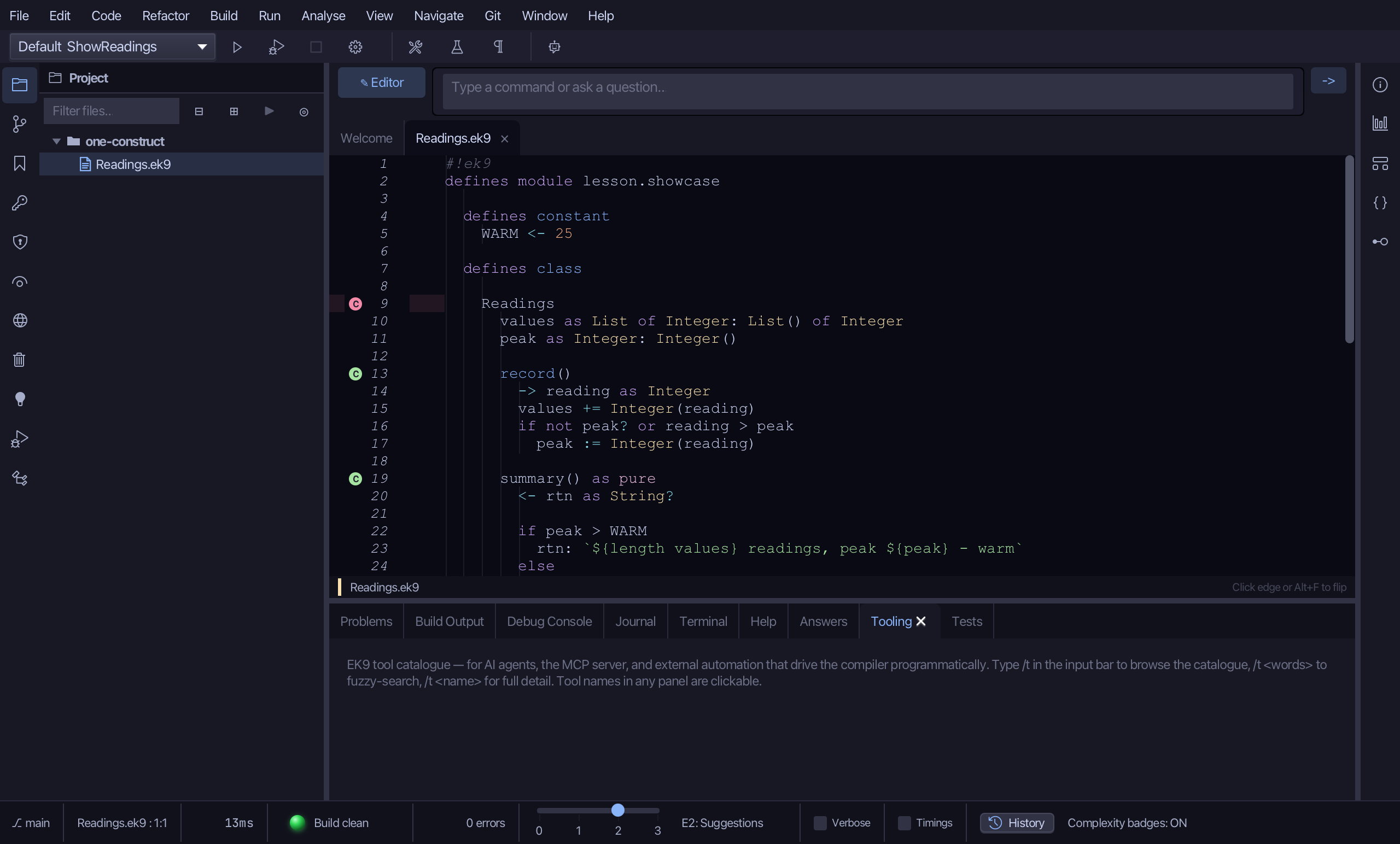
Choose it again to turn it off.
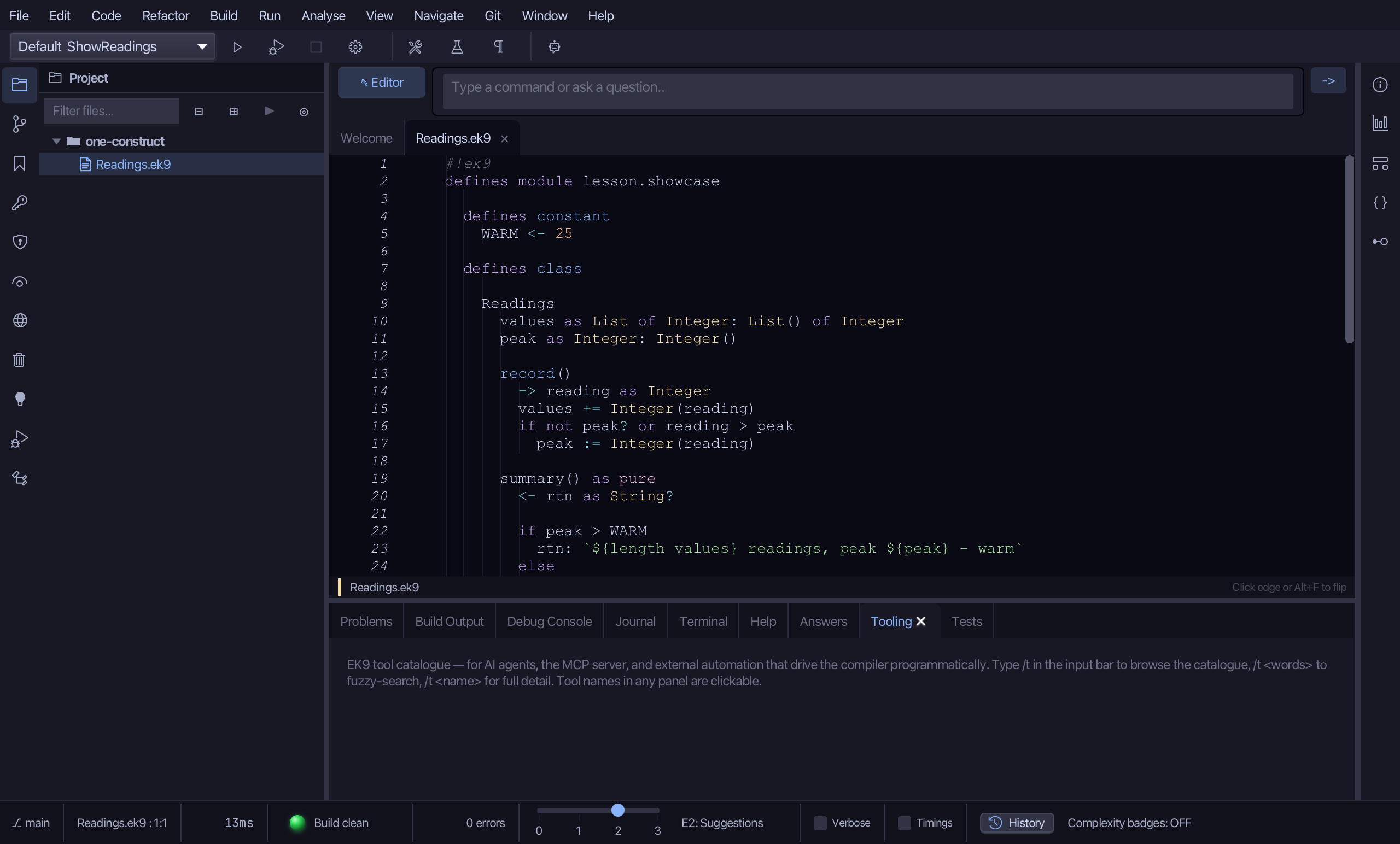
The result
The bottom panel folds away with Shift+Cmd+P and every pane in it comes back from View > Bottom Panes; the tool windows open from View > Tool Windows (Cmd+1 to Cmd+0) or their buttons on the activity bar; a window can be torn off with a right-click and brought home with Window > Redock All; and View > Toggles lists the switches for how the editor looks, each with its shortcut.