Chapter 37: two routes that could both match, built
Which route answers /words/search - the one with a variable or the one with the fixed path? Chapter 37's RouteOrder asks the question with two routes. This lesson builds the service and the program that serves it. To play it in the IDE: Help > Lessons > EK9 in Depth…, or ek9 -ide -lesson depth-route-order.
What you'll build
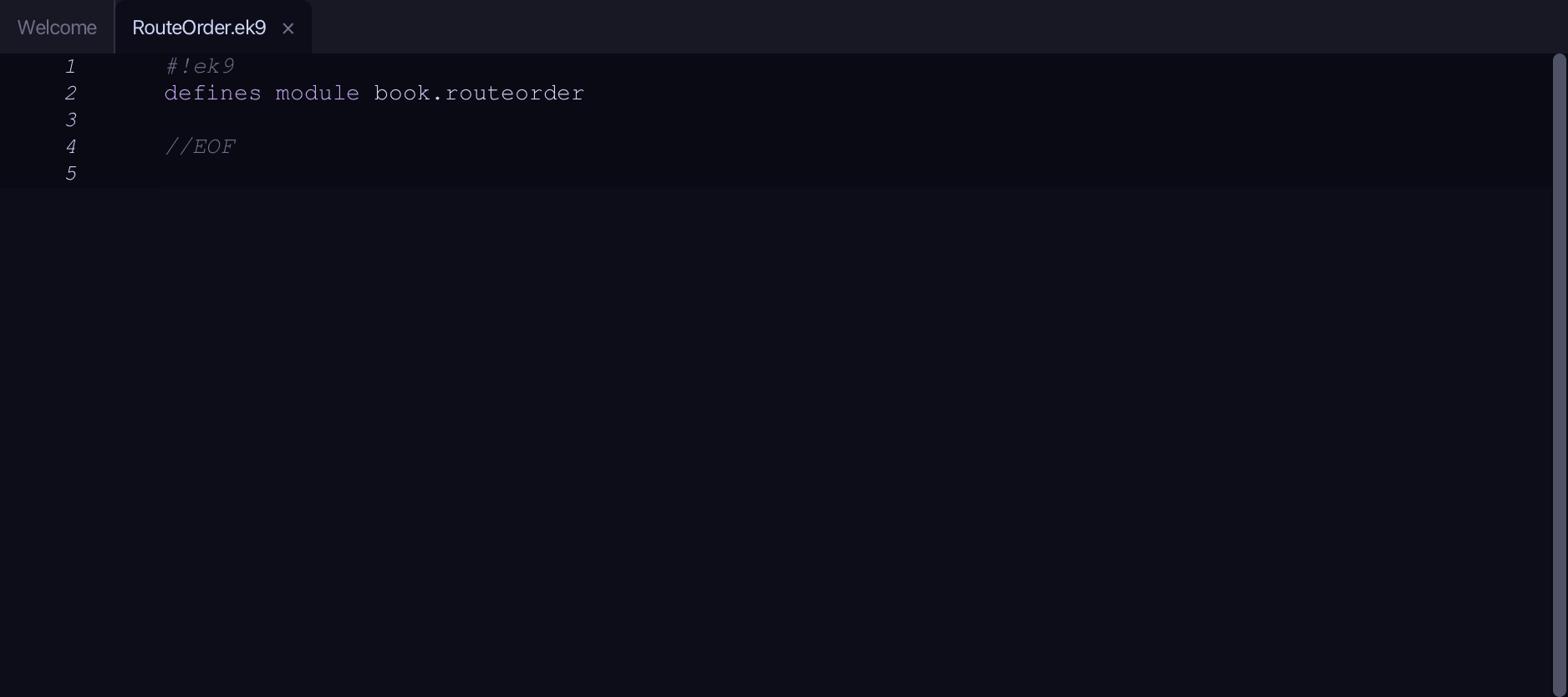
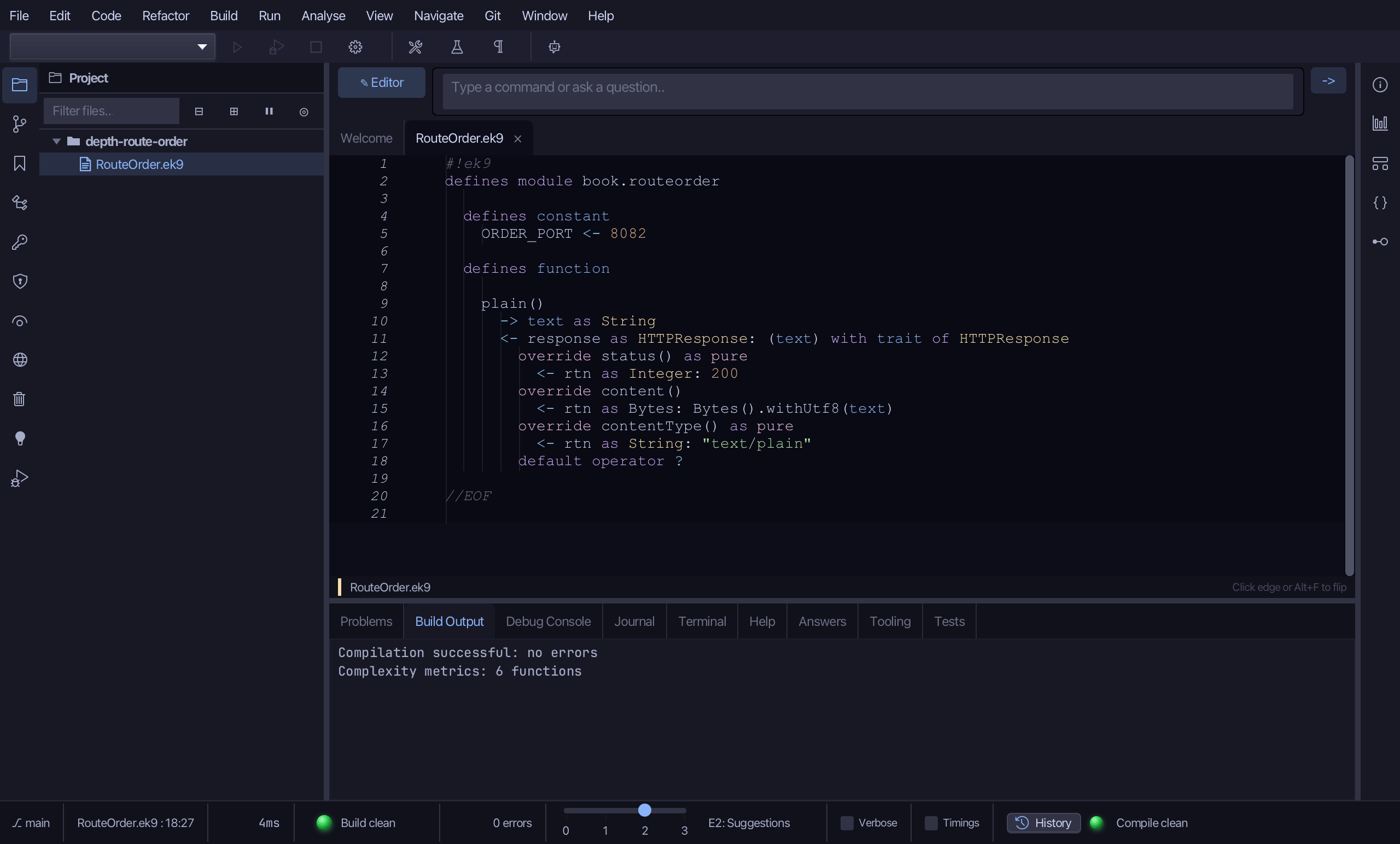
The lesson builds this program from a file holding only its module line - the finished file, as the book prints it.
#!ek9
defines module book.routeorder

  defines constant
    ORDER_PORT <- 8082

  defines function

    plain()
      -> text as String
      <- response as HTTPResponse: (text) with trait of HTTPResponse
        override status() as pure
          <- rtn as Integer: 200
        override content()
          <- rtn as Bytes: Bytes().withUtf8(text)
        override contentType() as pure
          <- rtn as String: "text/plain"
        default operator ?

  defines service

    Words for :/words open

      byNumber() as GET for :/{number}
        -> number as Integer :=: PATH "number"
        <- response as HTTPResponse: plain(`word number ${number}`)

      search() as GET for :/search
        -> query as String :=: QUERY "query"
        <- response as HTTPResponse: plain(`searching for ${query}`)

  defines application

    WordsApp
      register Words()

  defines program

    ServeWords() with application of WordsApp
      try
        -> server <- HTTP(NetworkProperties(port: ORDER_PORT, localOnly: true))
        server.serve()

//EOF
Step 1: A constant
Choose Code > New Construct > Constant…
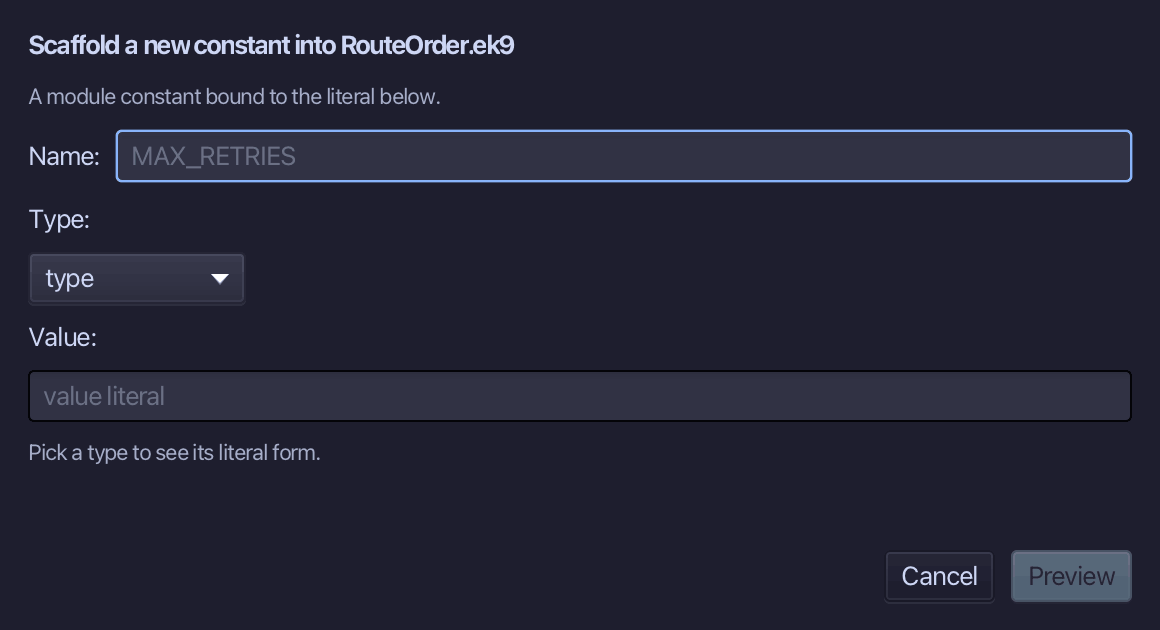
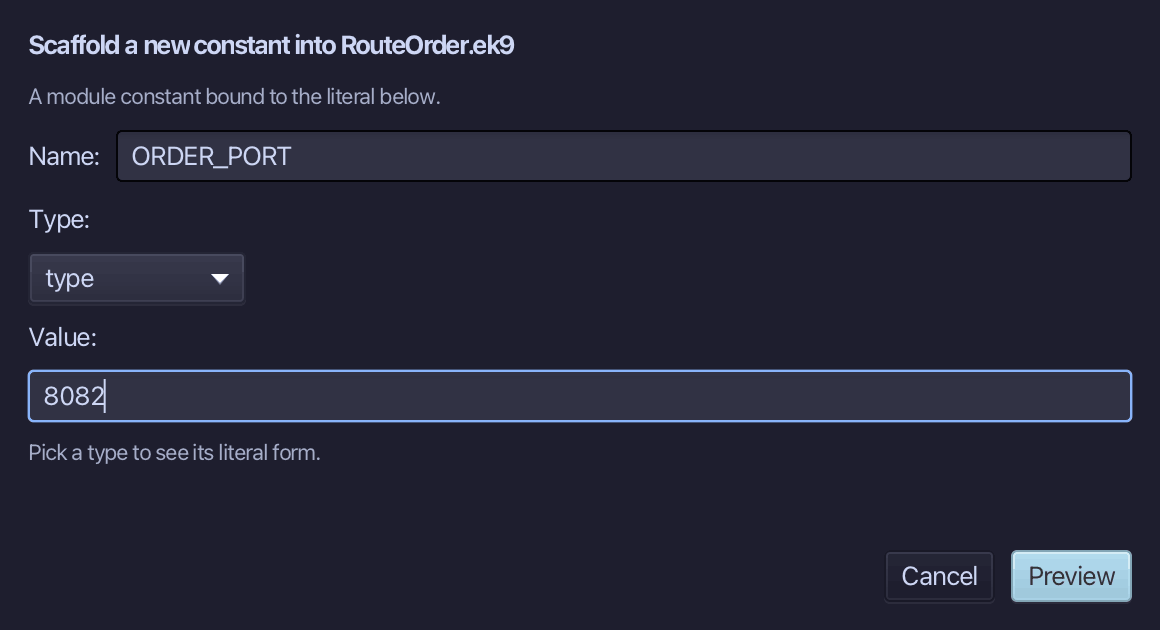
ORDER_PORT is the constant's name and 8082 its value - a literal in the Value field, from which the type is inferred. Type both and choose Preview.
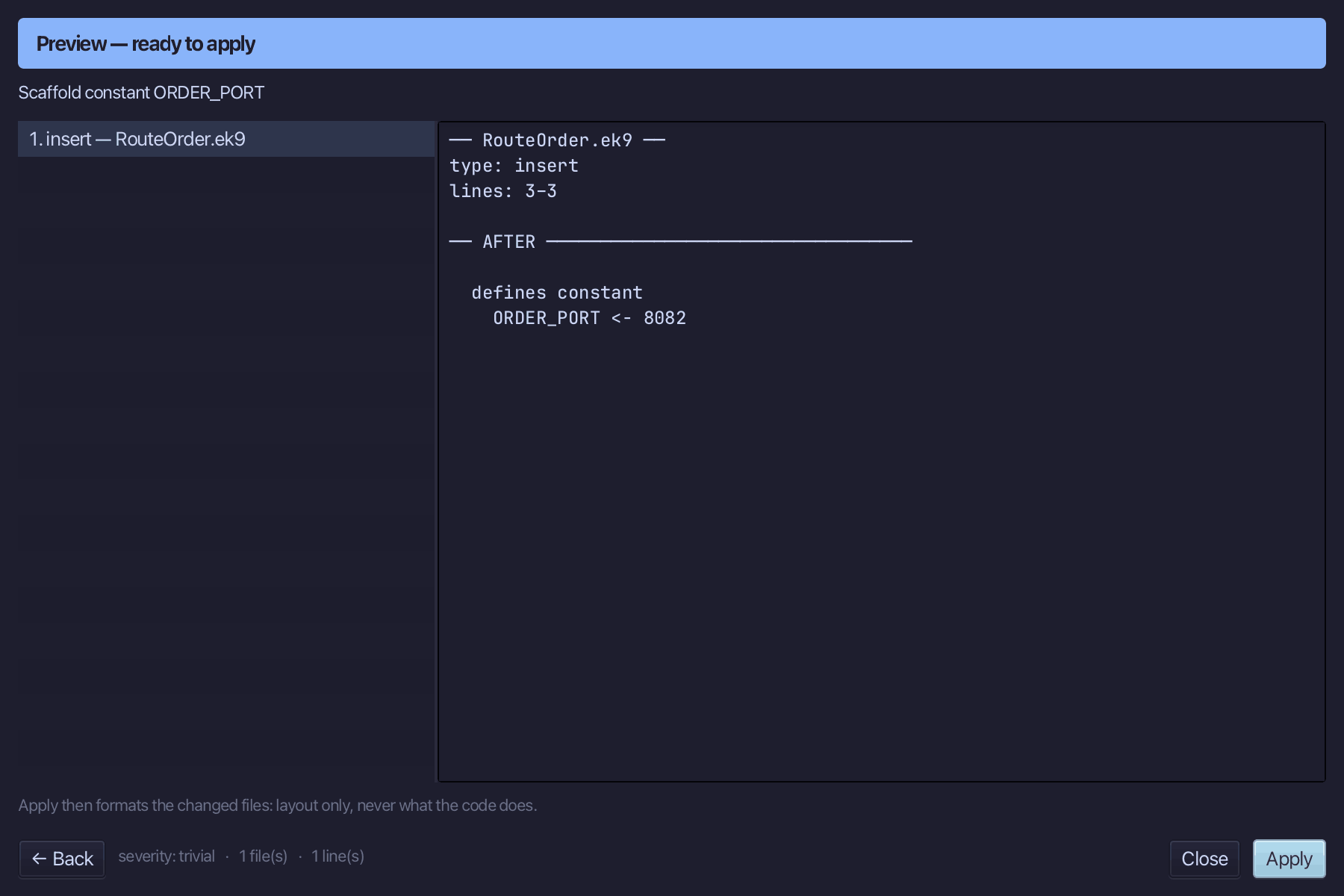
The preview shows ORDER_PORT about to be written. Choose Apply.
Step 2: plain — a function
Choose Code > New Construct > Function…
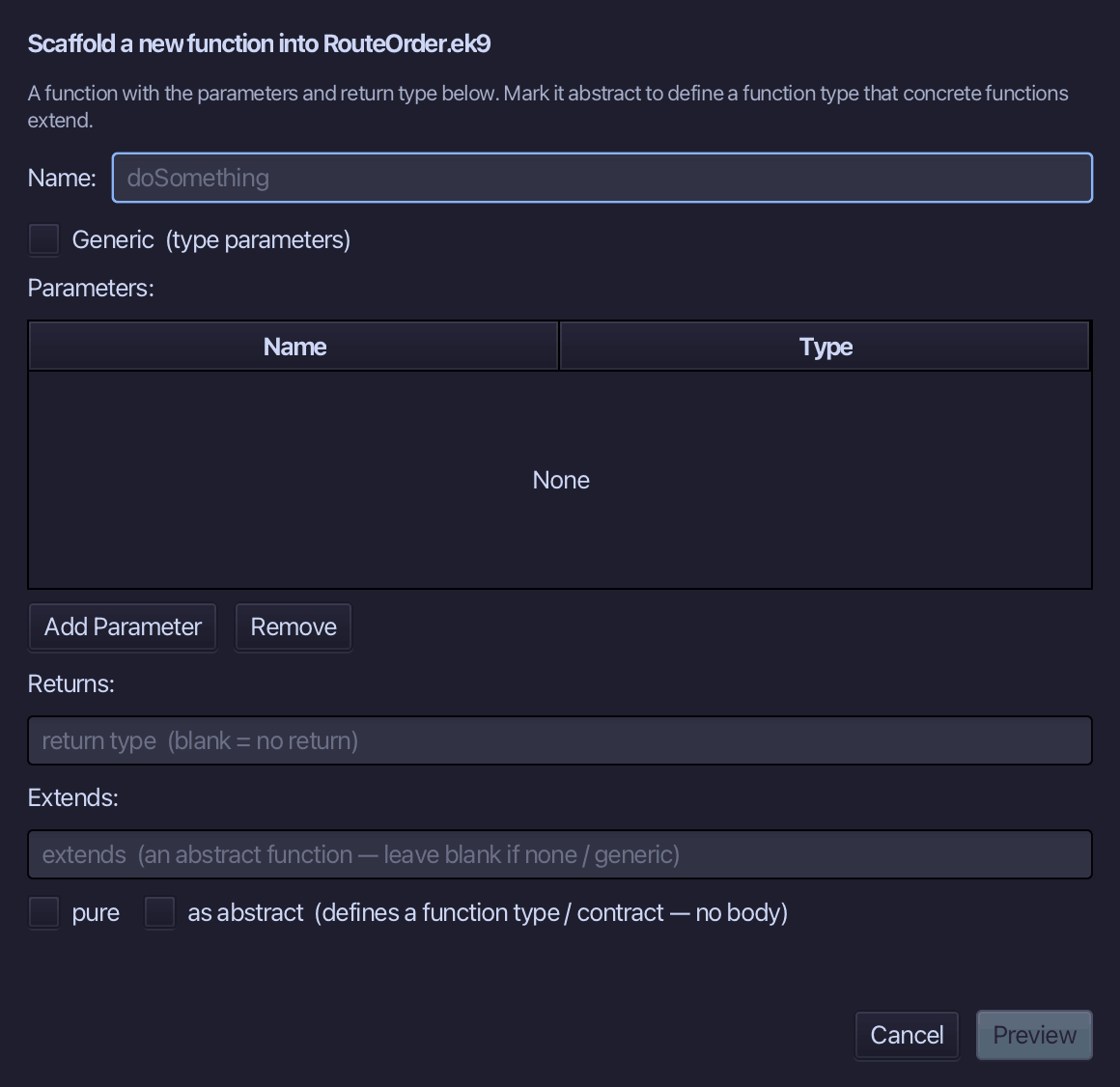
plain is the function's name. Add one parameter, text of type String, set Returns to String. Choose Preview.
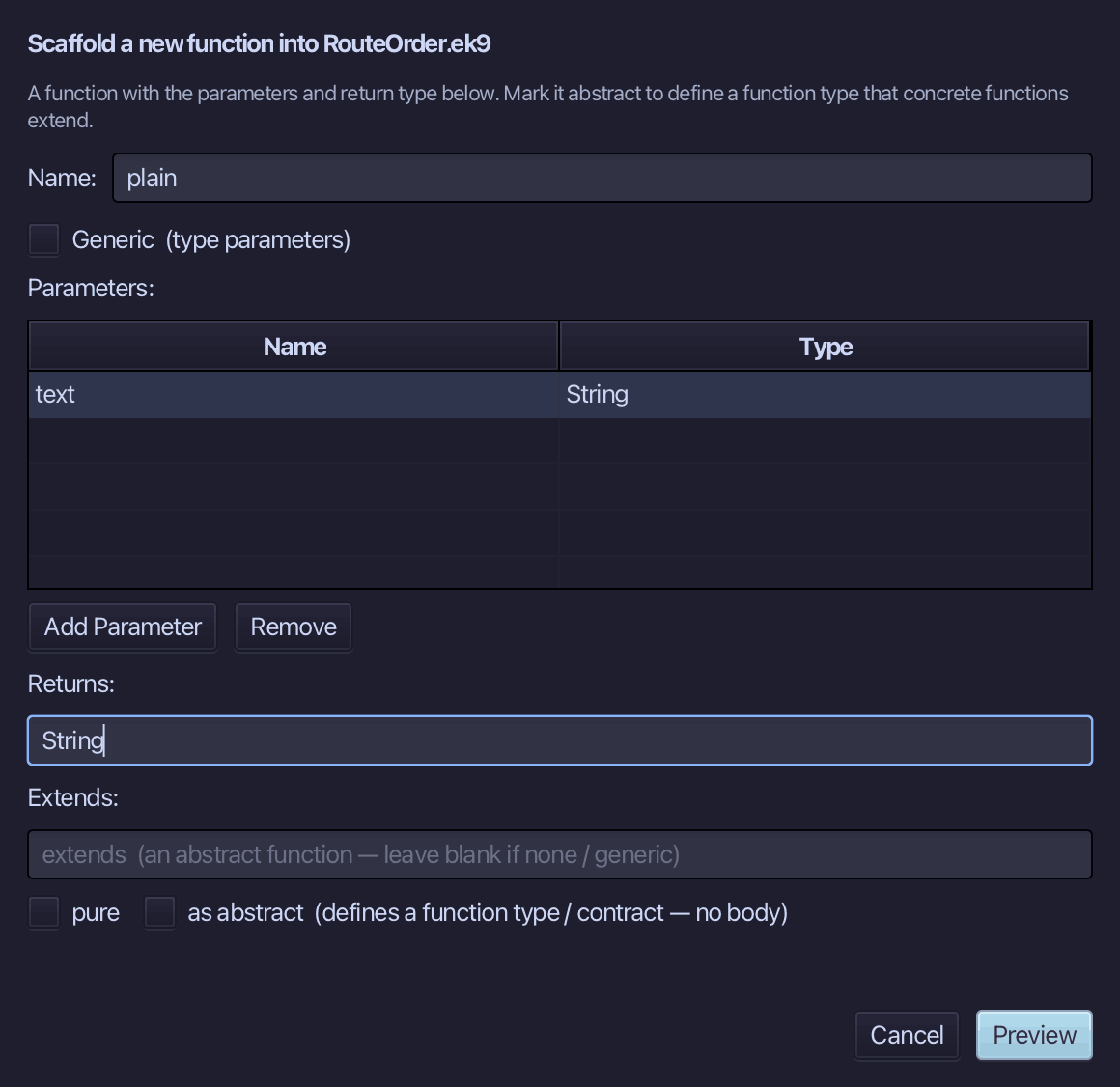
The preview shows plain about to be written. Choose Apply.
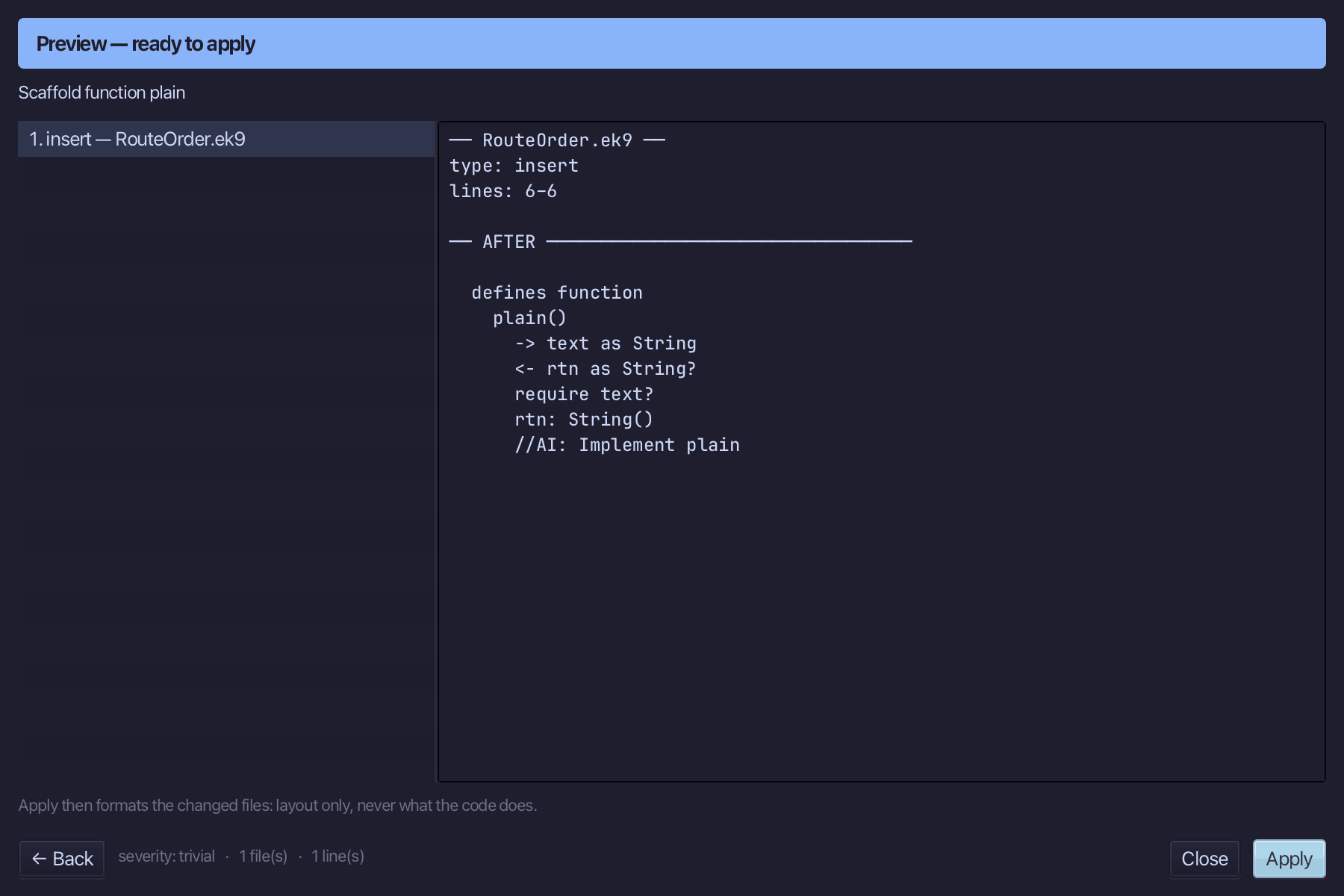
Select the plain() line and, above it, type the blank line the book opens its first function with. Saves when typed.
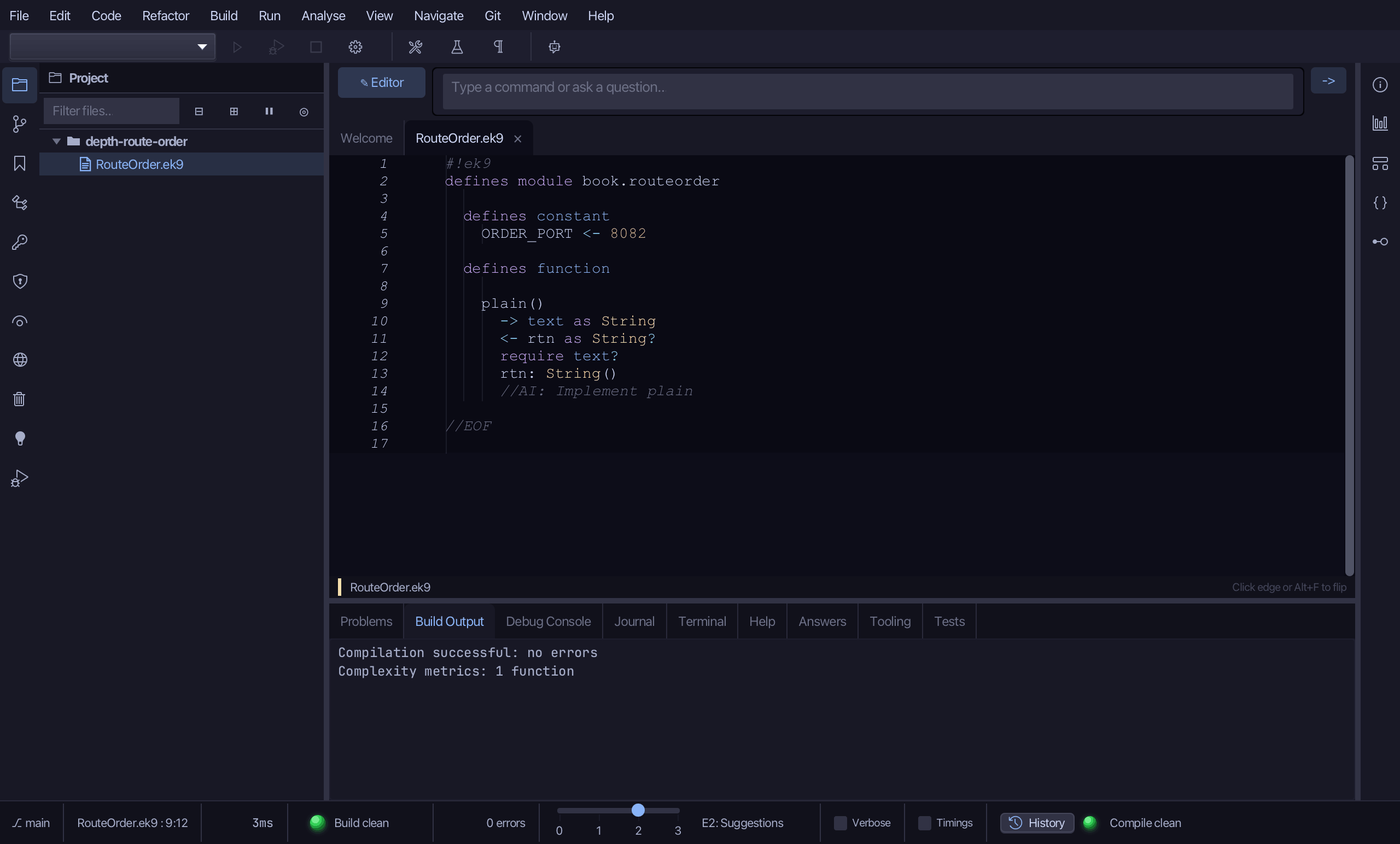
Select the stub, from <- rtn as String? down to its //AI line, and type plain's own return and work, as the book writes them. Saves when typed.
Step 3: Words — a service
Choose Code > New Construct > Service…
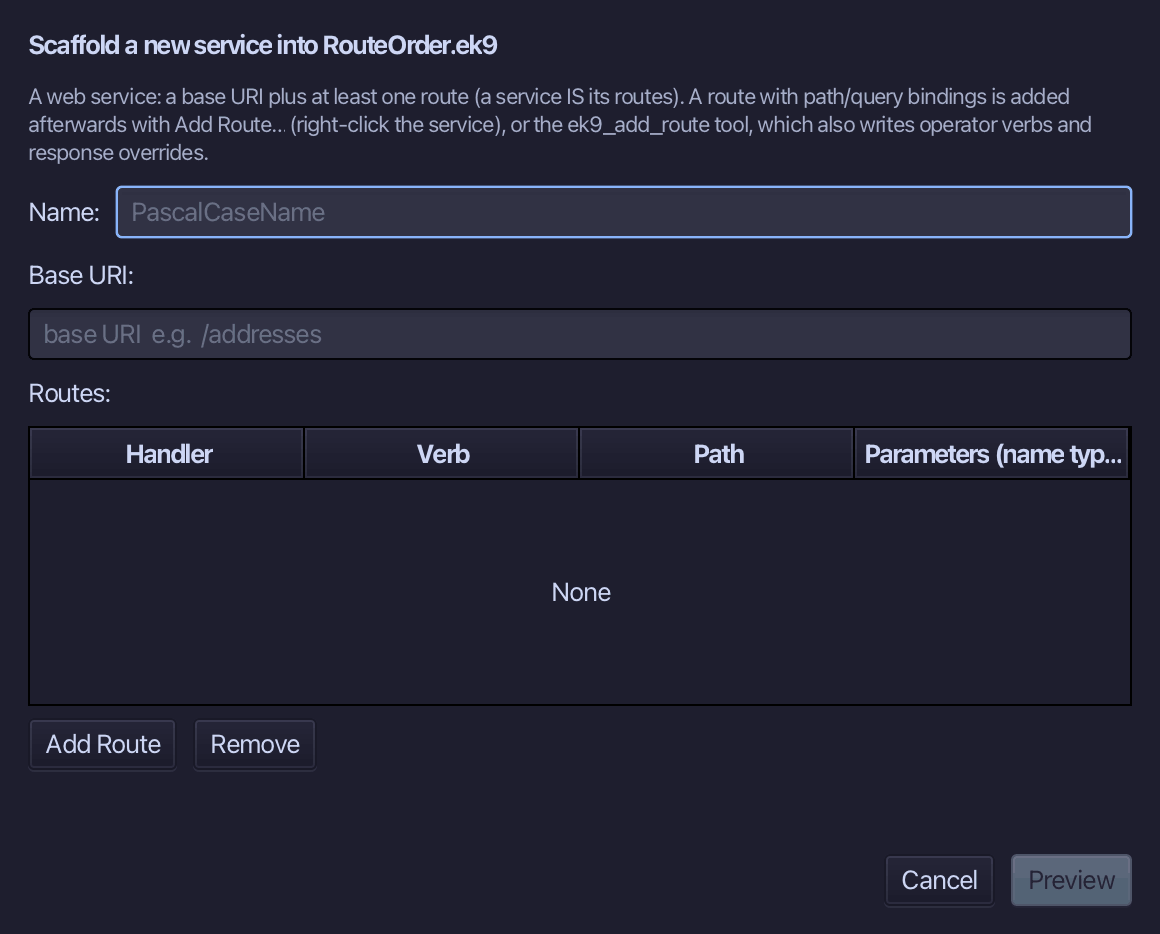
Words is the service's name and /words the base URI every route sits under. Two routes: one with a path variable, one with a fixed path. Both could match /words/search; the order is the question. The Routes table holds byNumber, GET /{number}, taking number Integer PATH number; search, GET /search, taking query String QUERY query. Choose Preview.
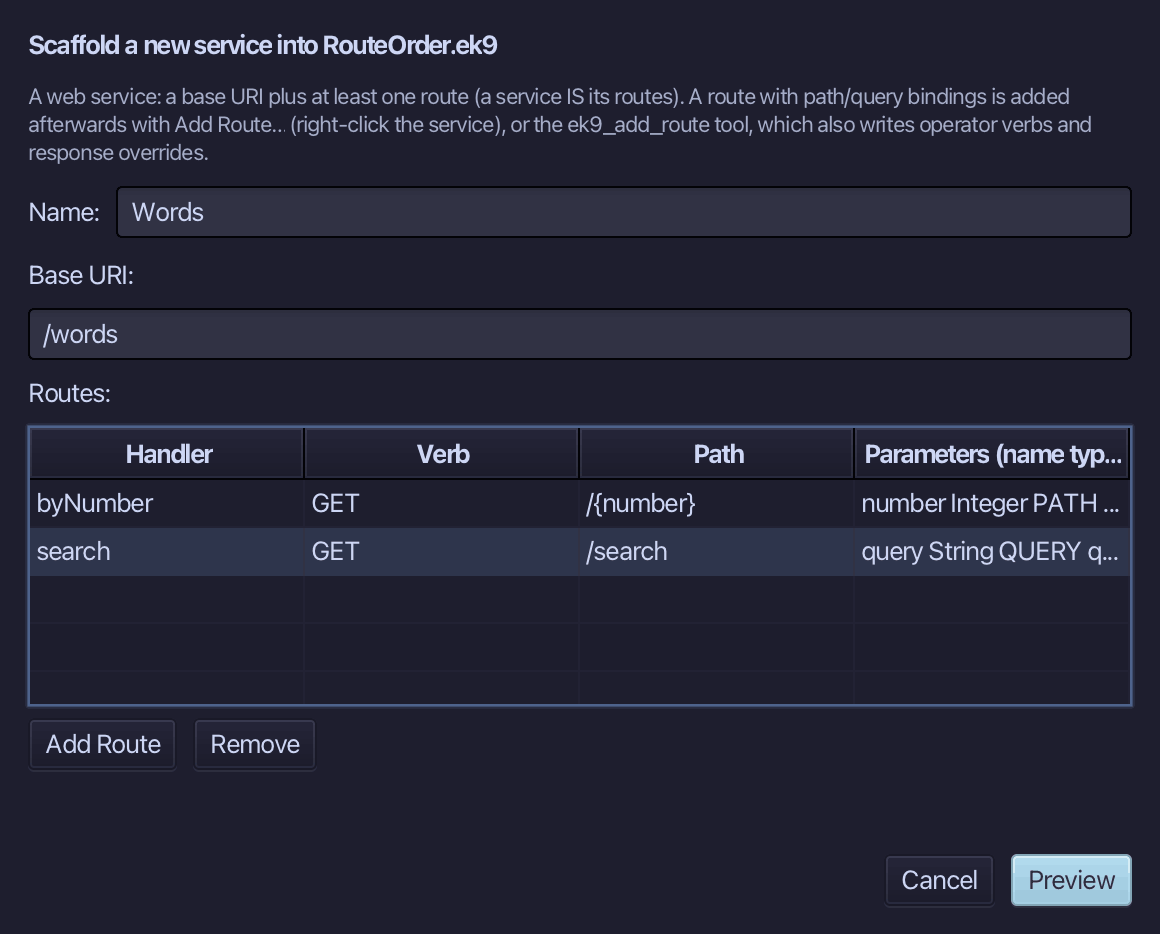
The preview shows Words about to be written, with its routes, each answering with an HTTPResponse the tool wrote. Choose Apply.
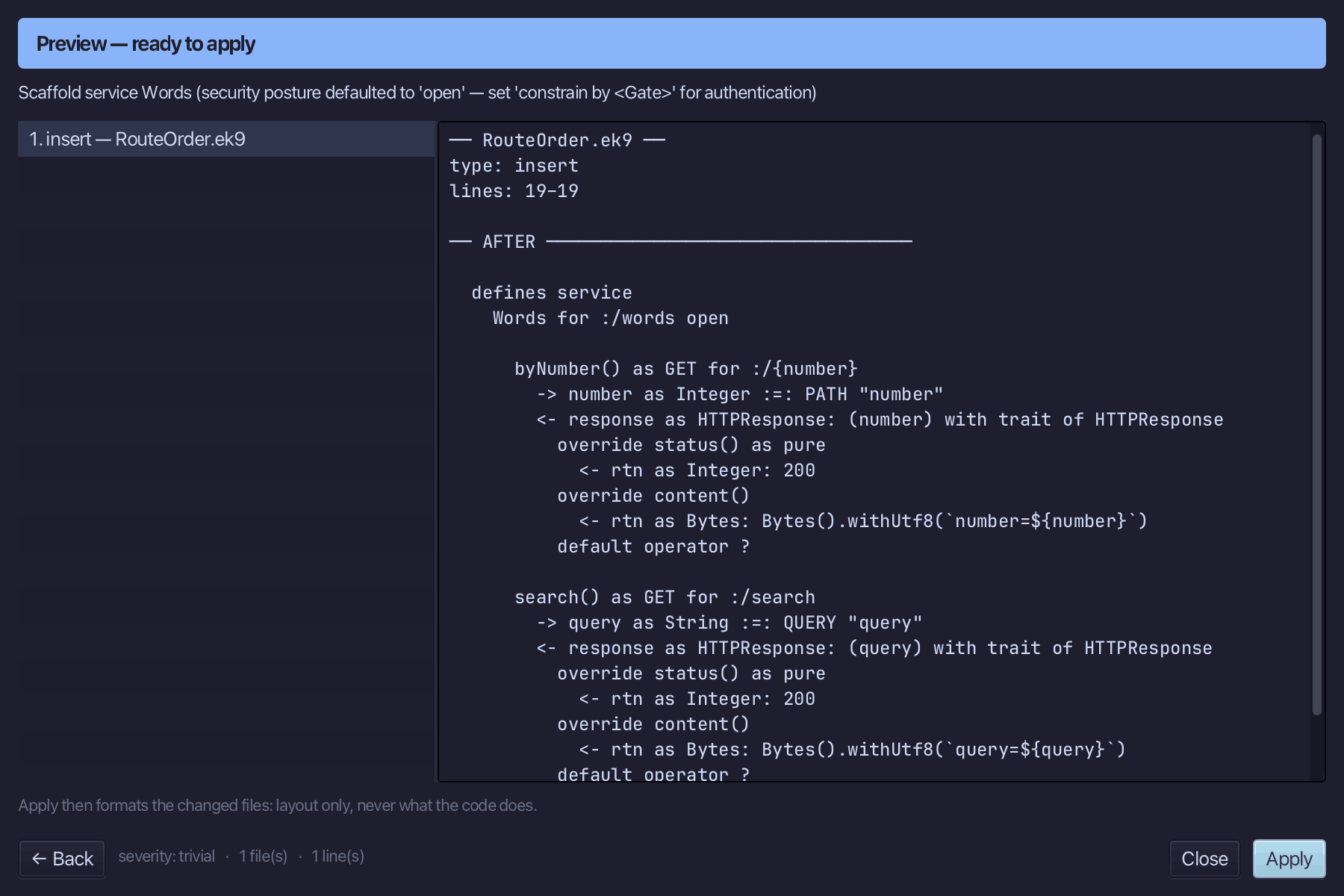
Select the Words line and, above it, type the blank line the book opens the block with. Saves when typed.
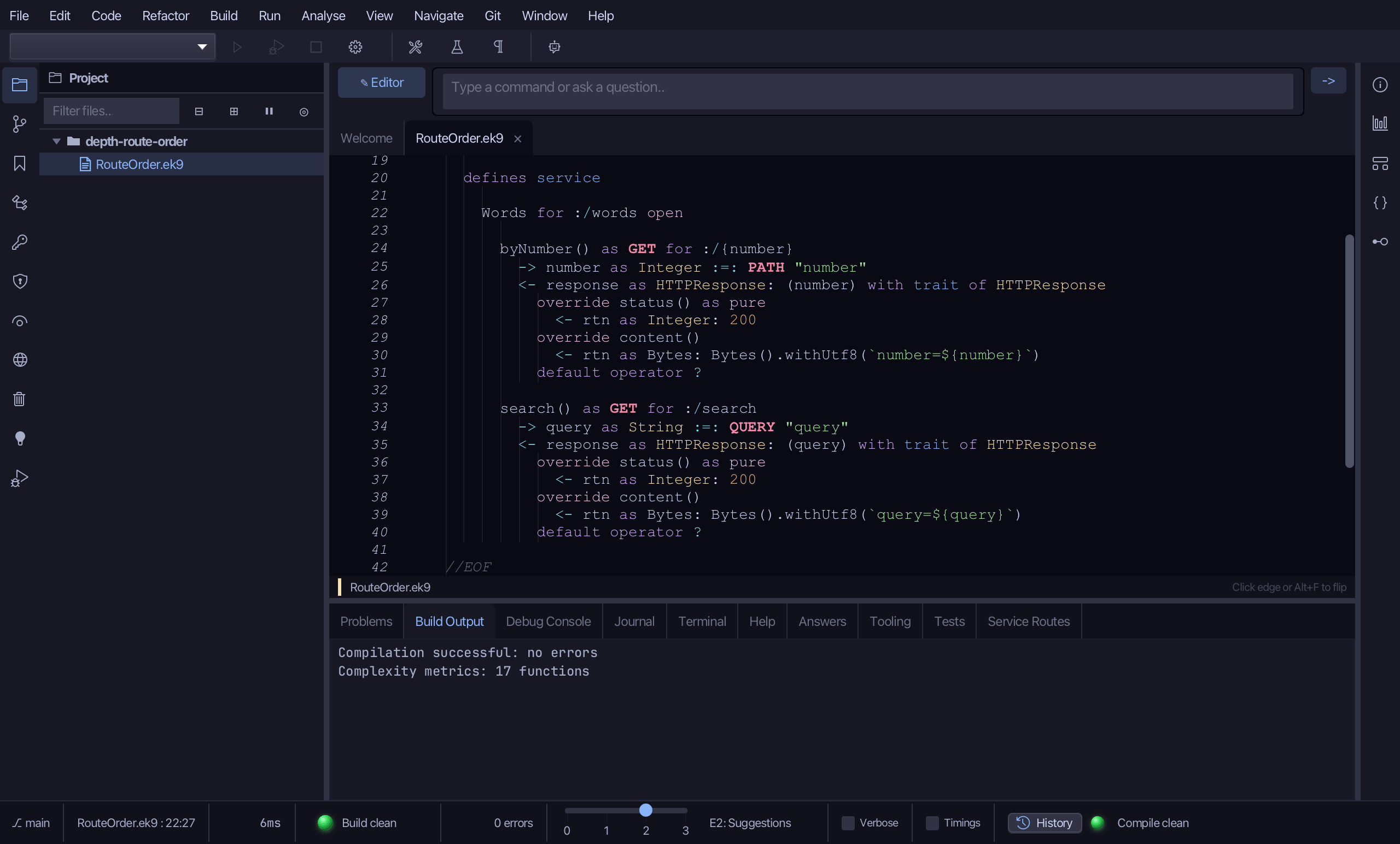
The tool wrote a response for each route; the book has both answer through a plain function you write next. Select byNumber's response, from its first line down to the default operator, and type the one line. Saves when typed.
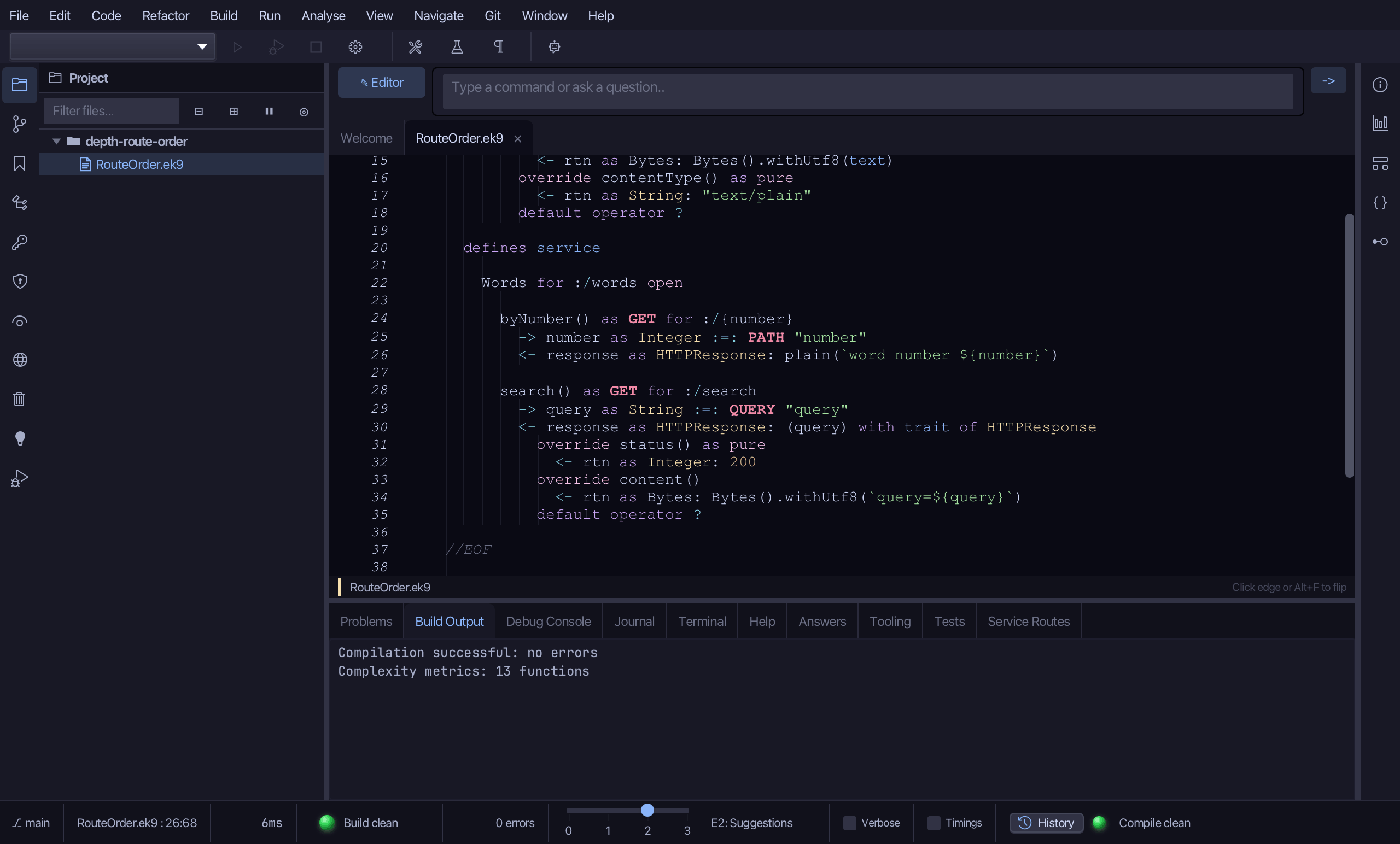
And the same for search. Saves when typed.
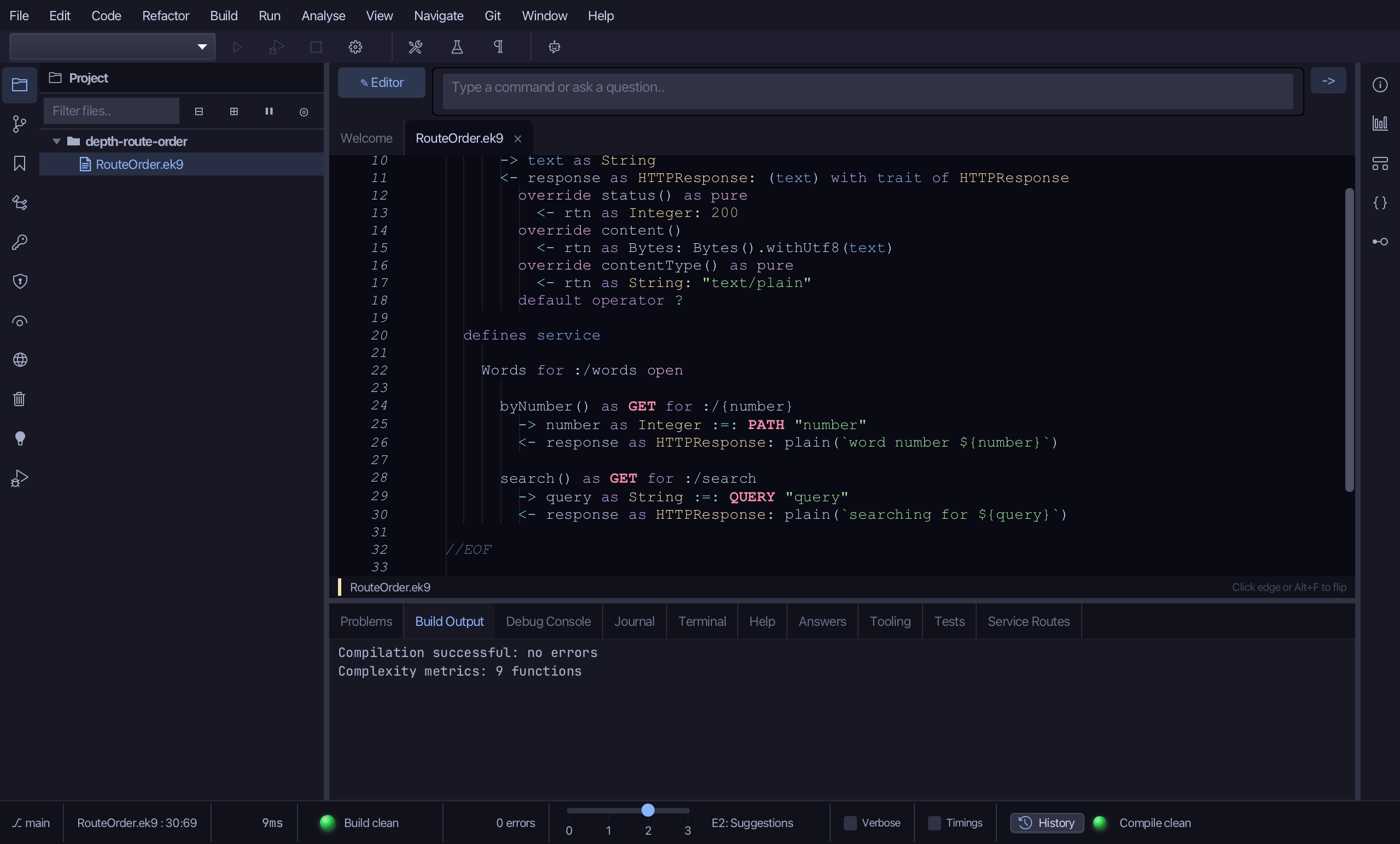
Step 4: WordsApp — an application
Choose Code > New Construct > Application…
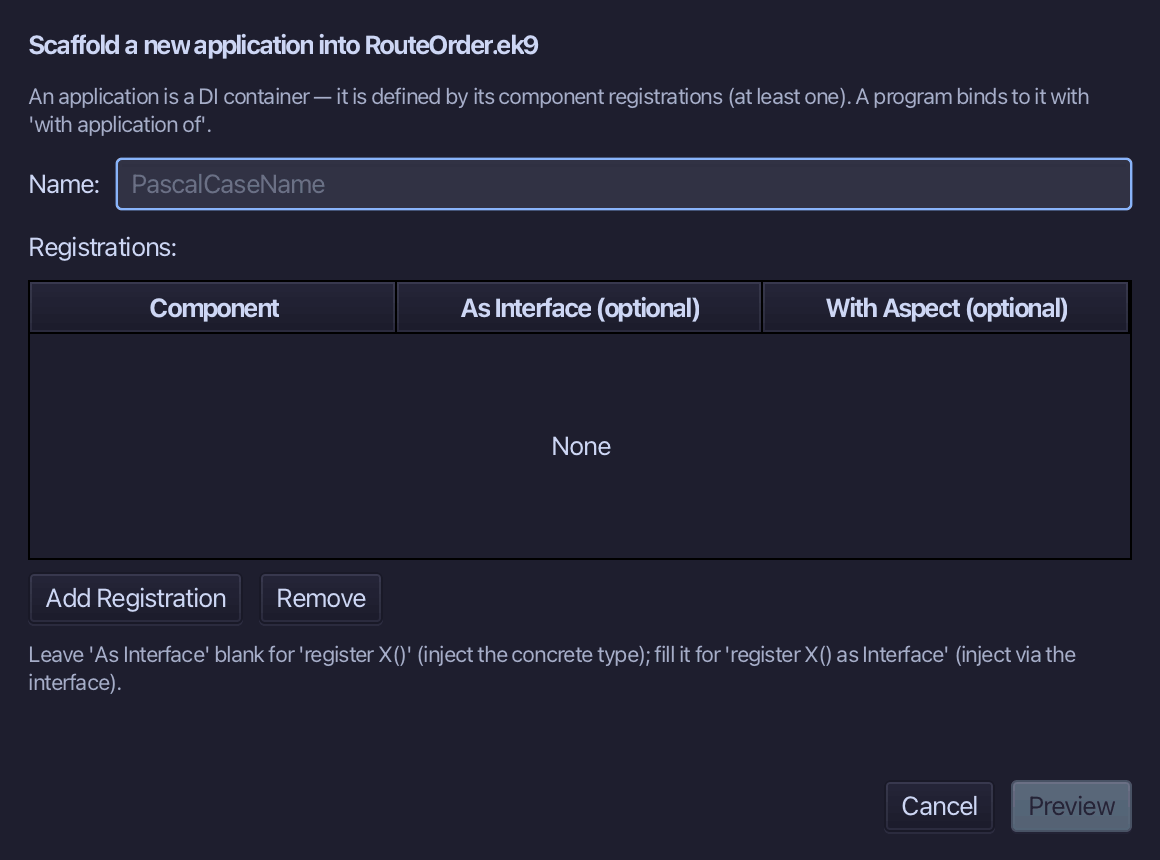
WordsApp is the application's name. It registers the service. The Registrations table holds Words. Choose Preview.
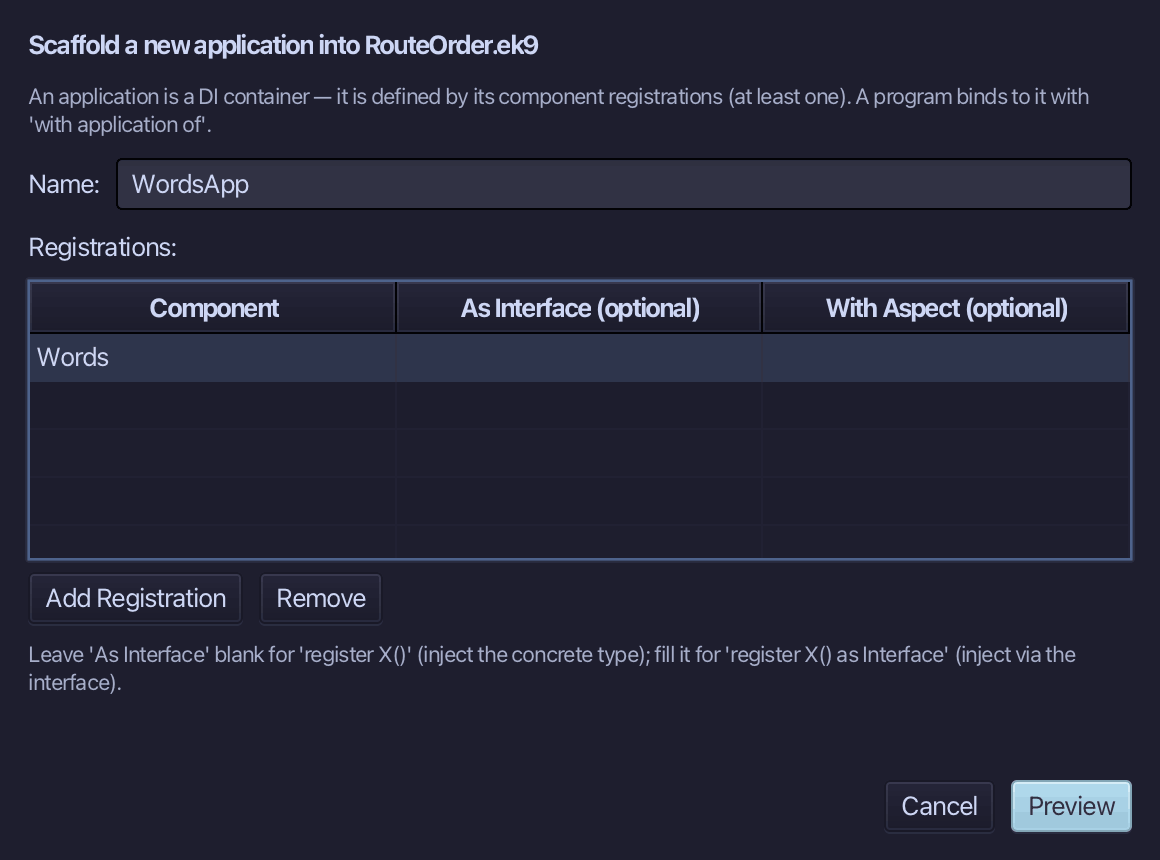
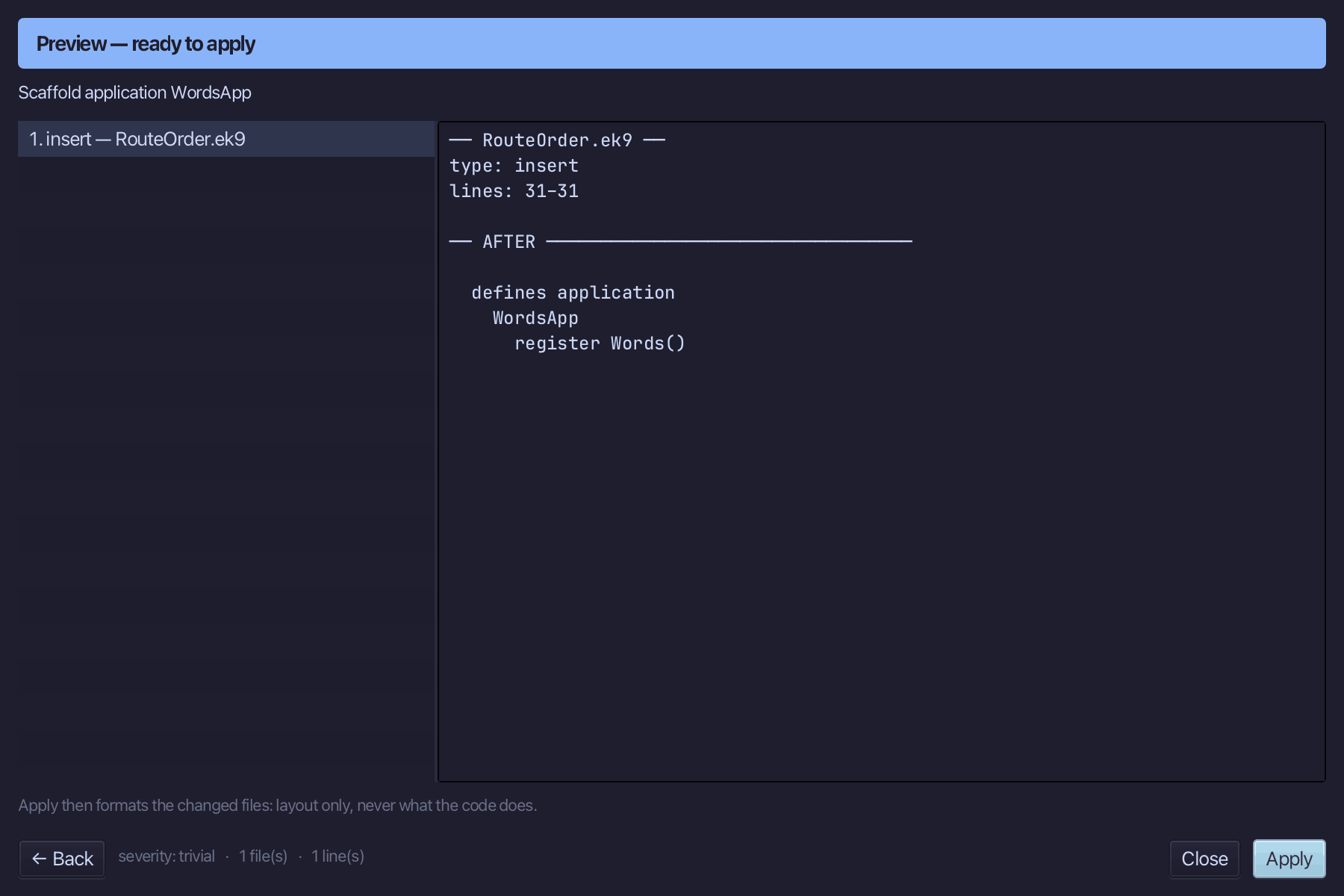
The preview shows WordsApp about to be written, with its register line. Choose Apply.
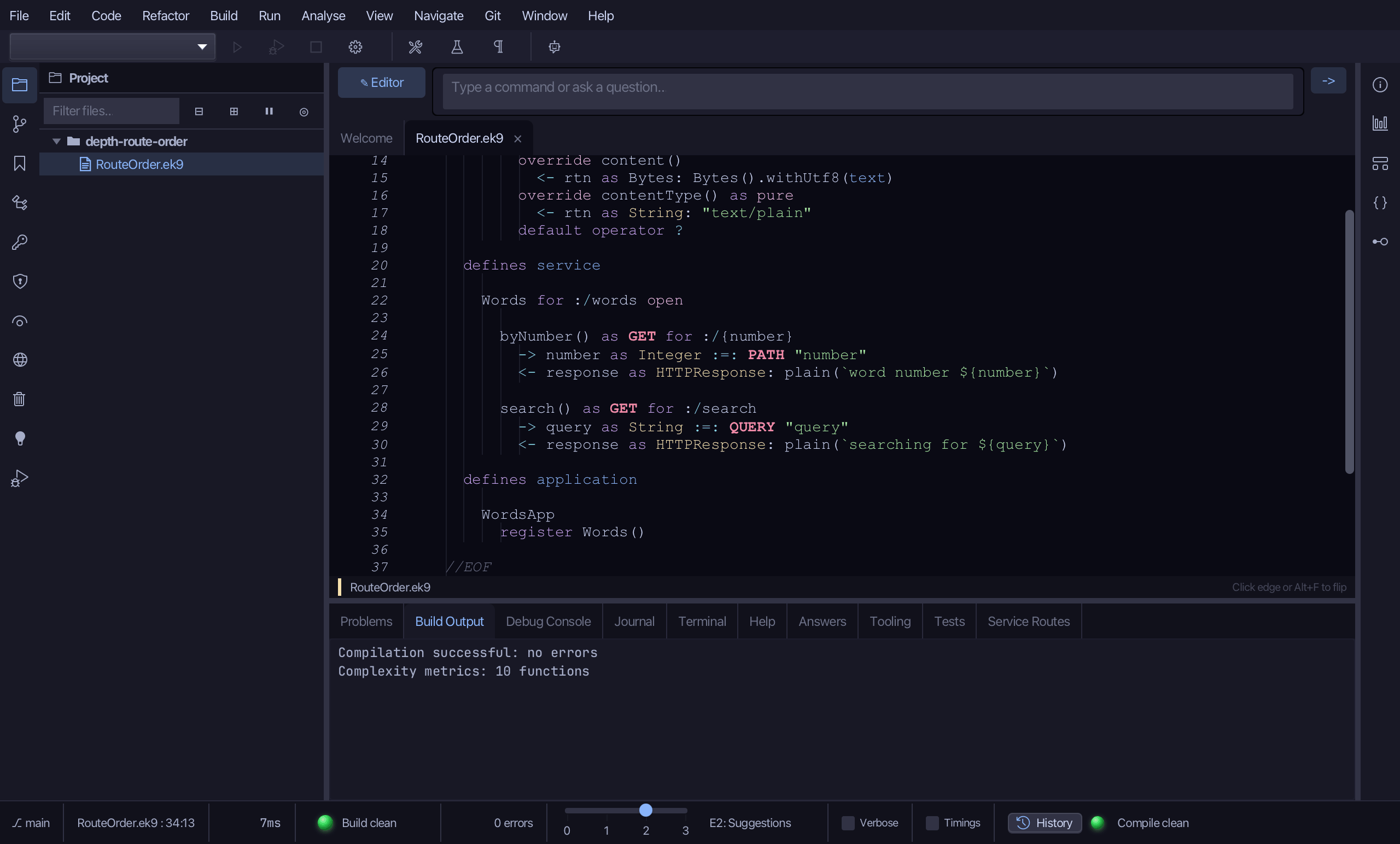
Select the WordsApp line and, above it, type the blank line the book opens the block with. Saves when typed.
Step 5: ServeWords — a program
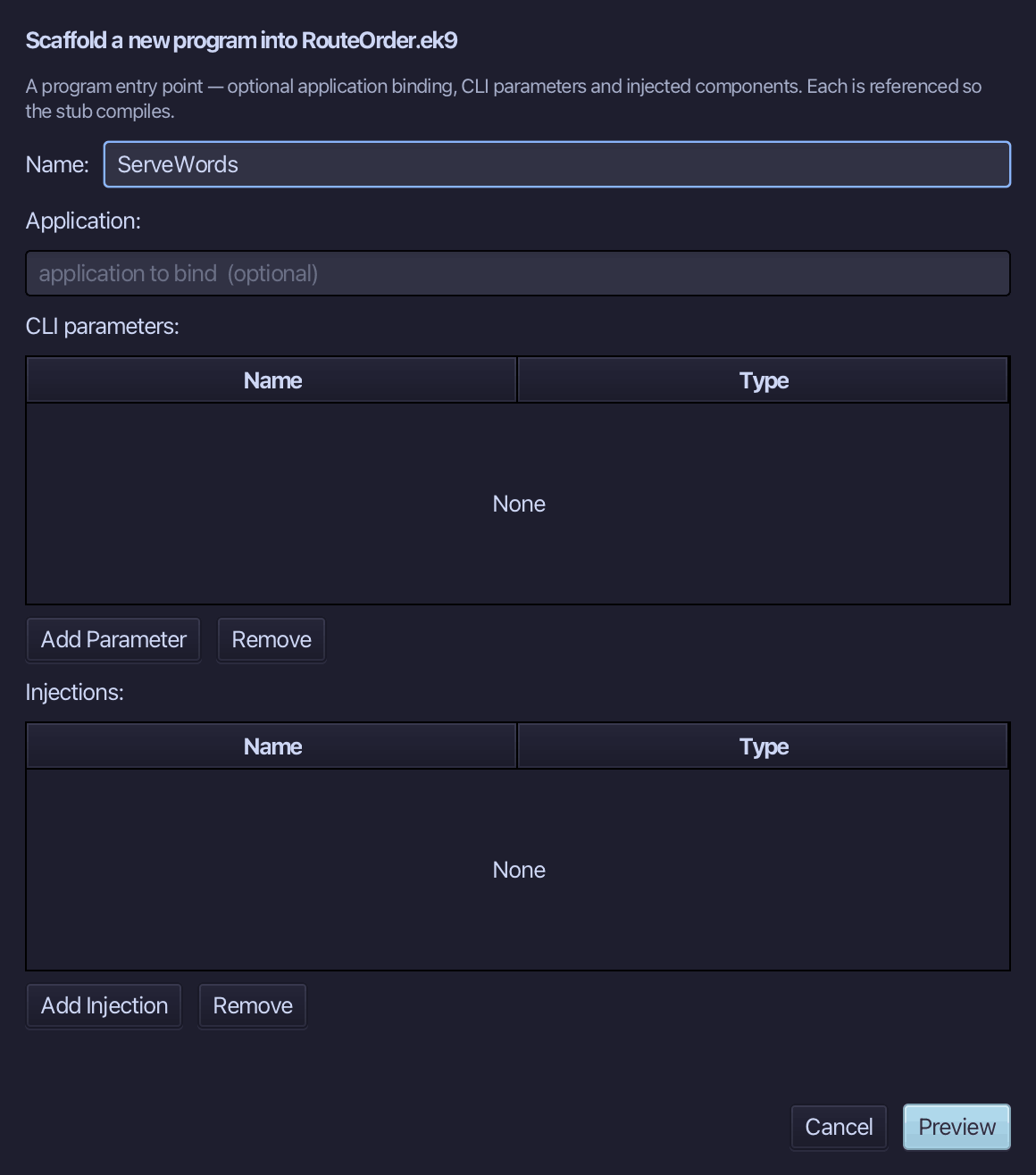
Choose Code > New Construct > Program…
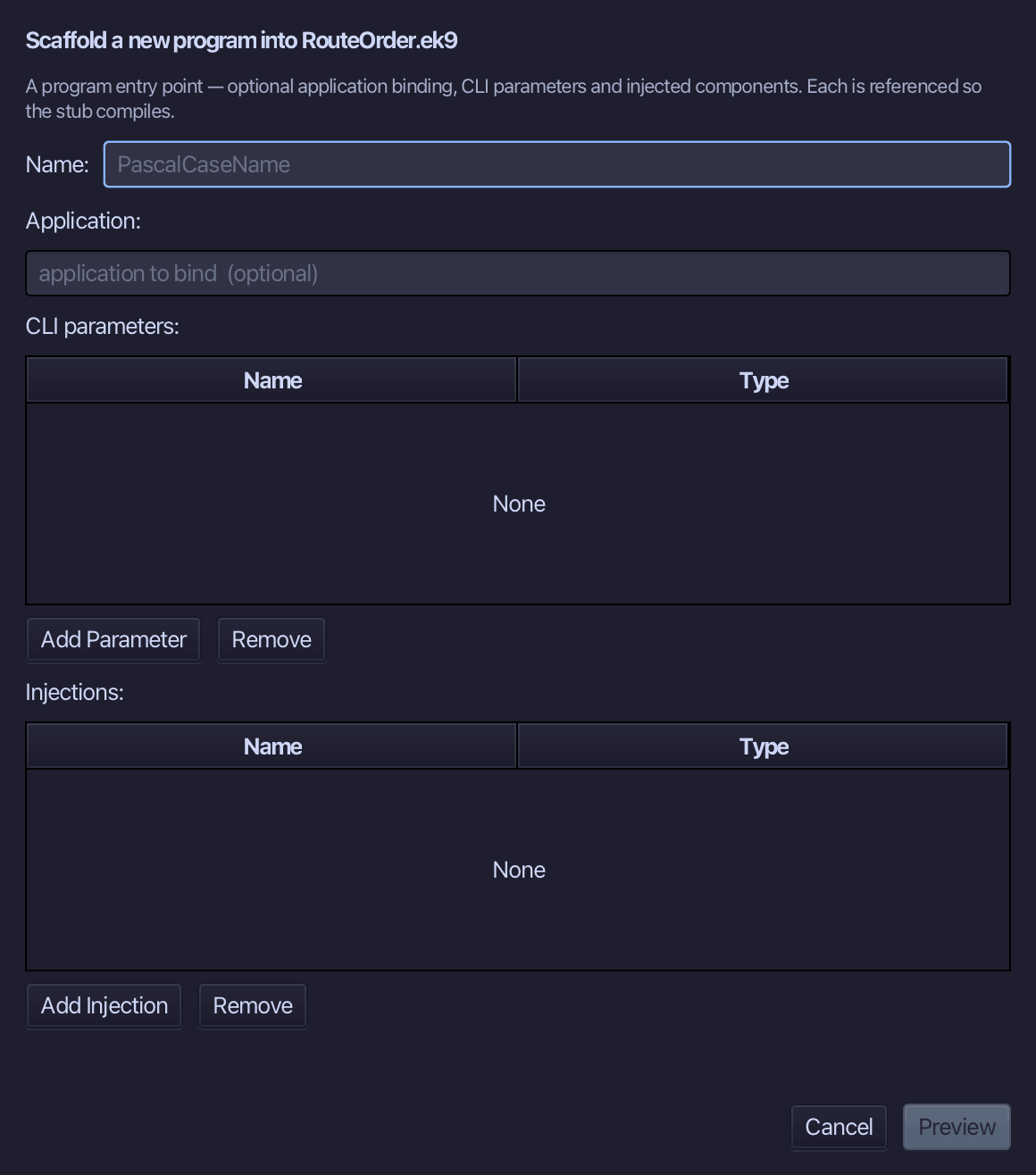
ServeWords is the program's name. Leave Application empty - a later step says why. Choose Preview.
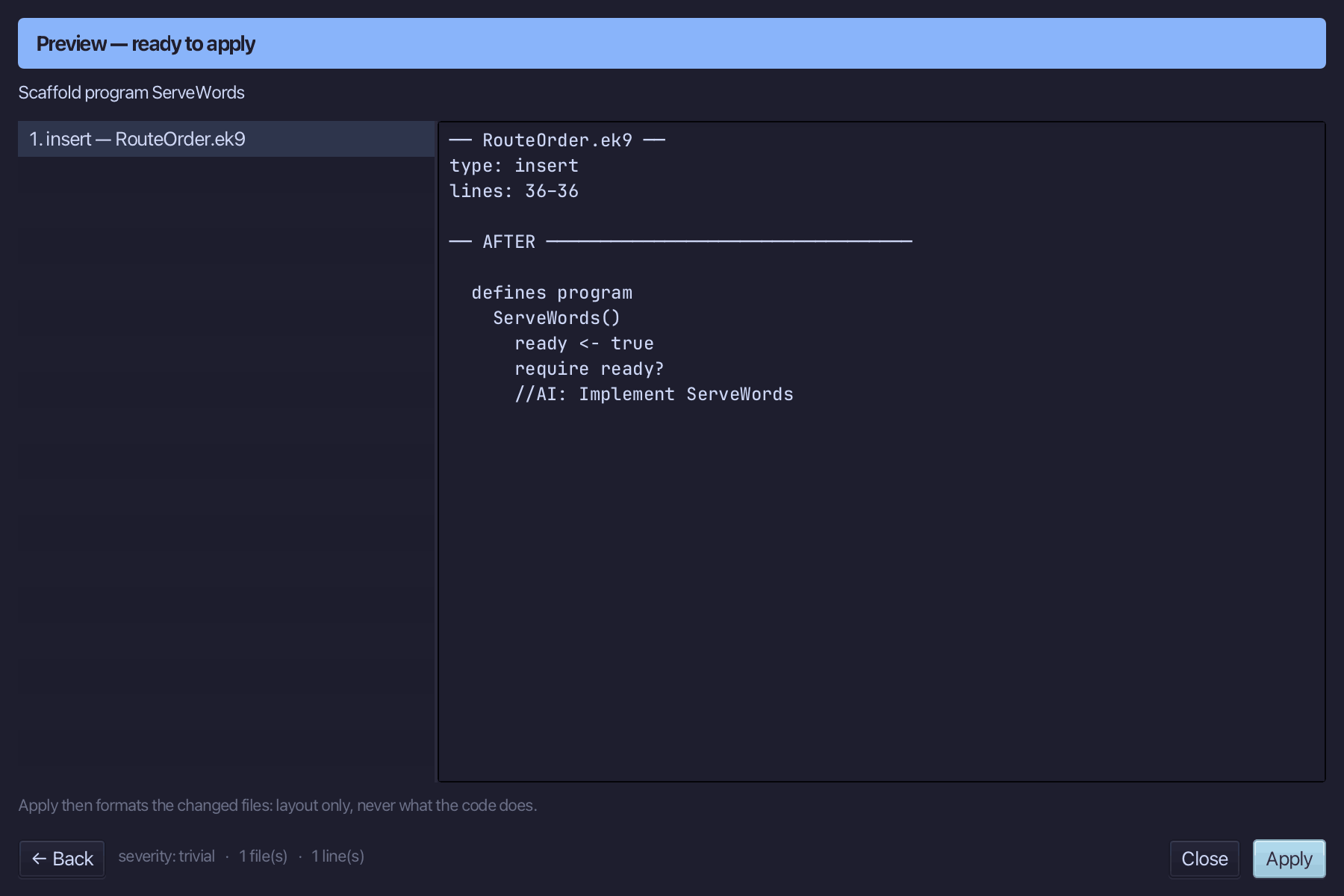
The preview shows ServeWords about to be written. Choose Apply.
Select the ServeWords line and, above it, type the blank line the book opens the block with. Saves when typed.
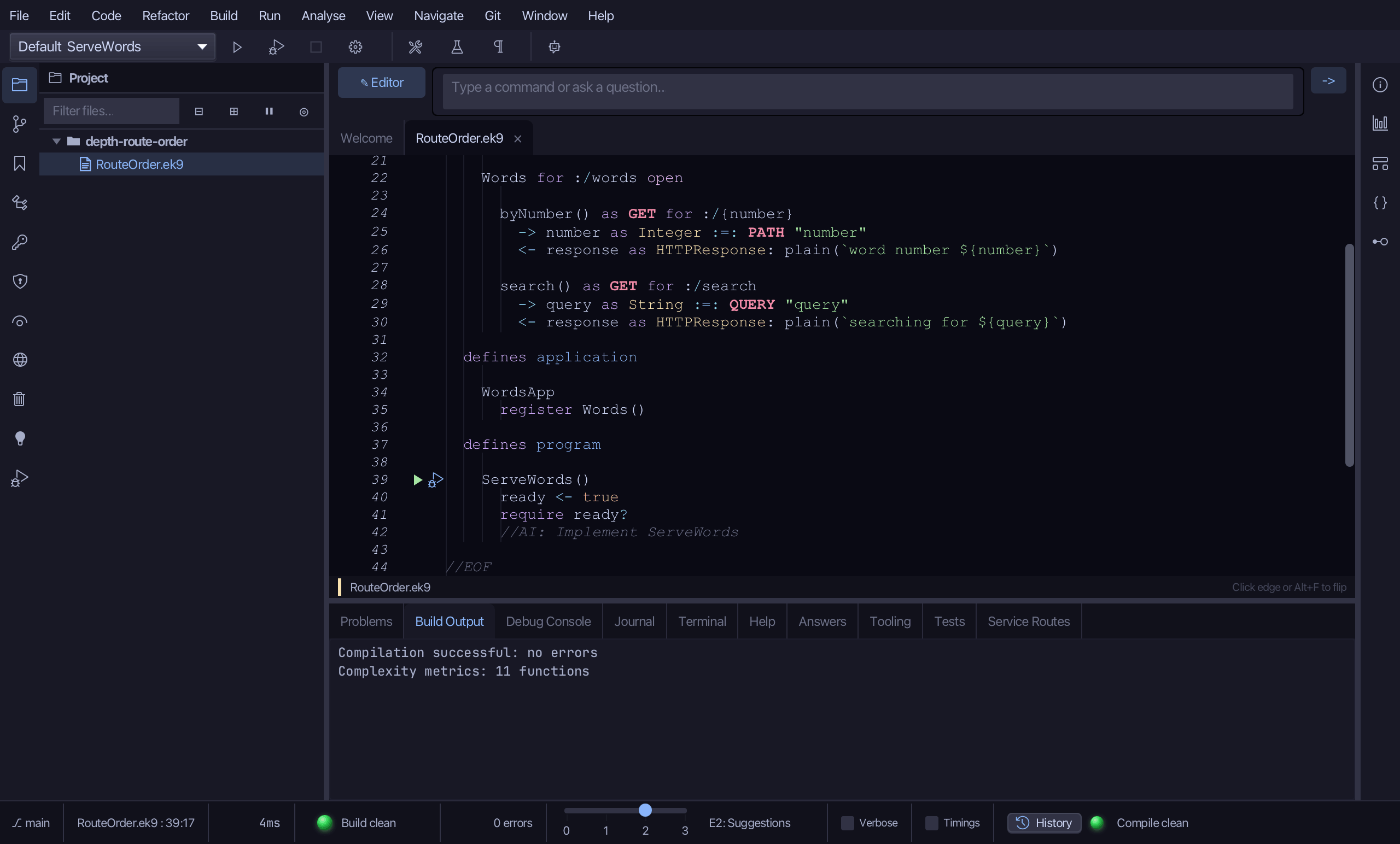
The tool cannot write a program bound to an application that registers a service - the program must create the HTTP server, which no stub can - so it wrote it unbound. Select the stub, from the program's header down to its //AI line, and type the header with its application and the body that serves, on this machine only. Saves when typed.
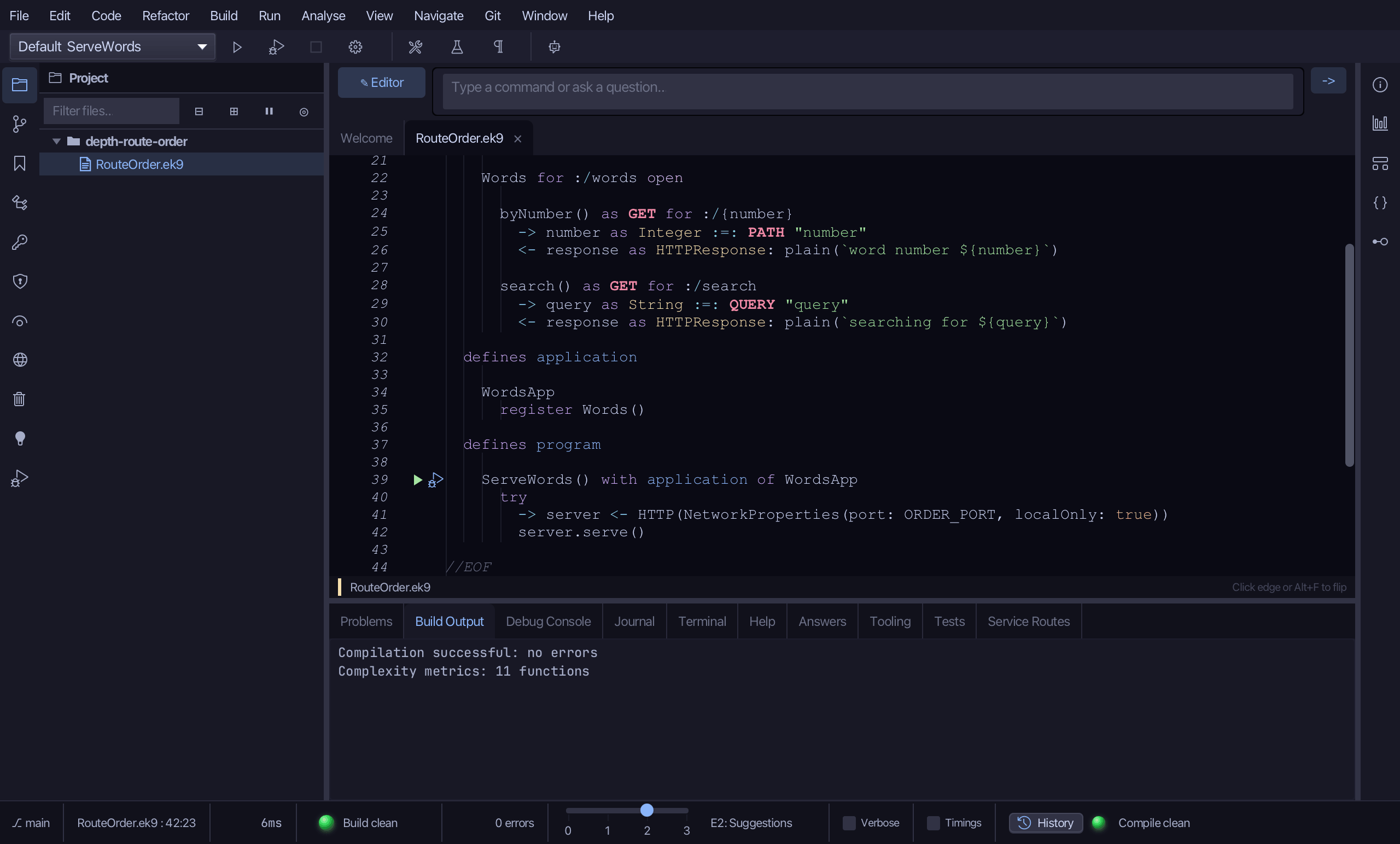
The result
RouteOrder.ek9 now reads exactly as chapter 37 of EK9 in Depth shows it: two routes answering through one small function. The program is built, not run: it serves until sent TERM.
Where this lesson comes from
- For AI assistants - the MCP tool
ek9_new_construct,ek9_add_application,ek9_add_program.