Chapter 3: a three-way test, folded
Chapter 3's Weather answers a temperature two ways: a jacket test on its own, and a three-way test - warm, cold or mild. This lesson writes the prints first, plain, and lets Surround With fold each under its test: an if for the jacket, an if … else whose else becomes the rest of the chain. To play it in the IDE: Help > Lessons > Getting Started with EK9…, or ek9 -ide -lesson book-weather.
What you'll build
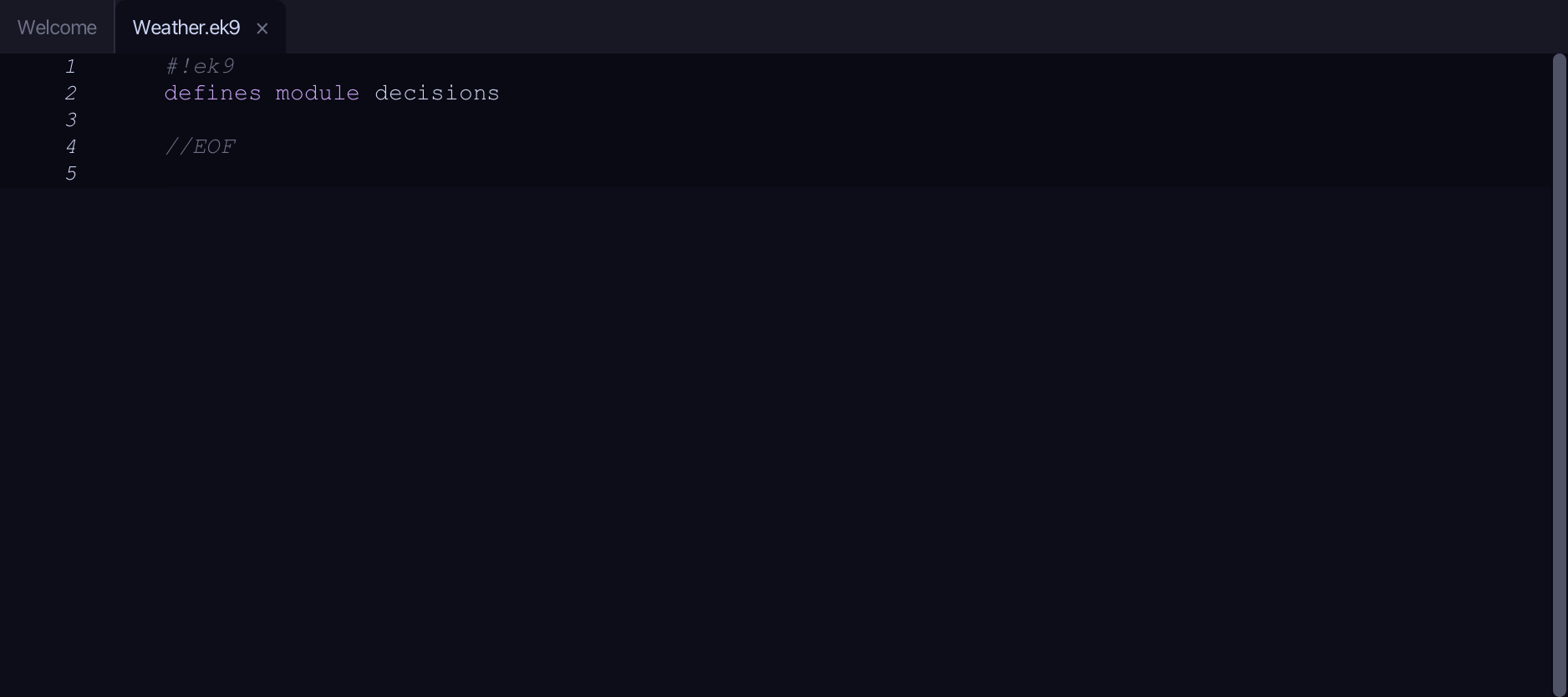
The lesson builds this program from a file holding only its module line - the finished file, as the book prints it.
#!ek9
defines module decisions

  defines program

    Weather()
      -> temperature as Integer

      stdout <- Stdout()

      //EK9 will not let you compare against a bare number, so we name it.
      //The name also says what 18 *means*.
      jacketBelow <- 18
      if temperature < jacketBelow
        stdout.println("Bring a jacket")

      warm <- 25
      cold <- 10
      if temperature > warm
        stdout.println("It is warm")
      else if temperature < cold
        stdout.println("It is cold")
      else
        stdout.println("It is mild")

//EOF
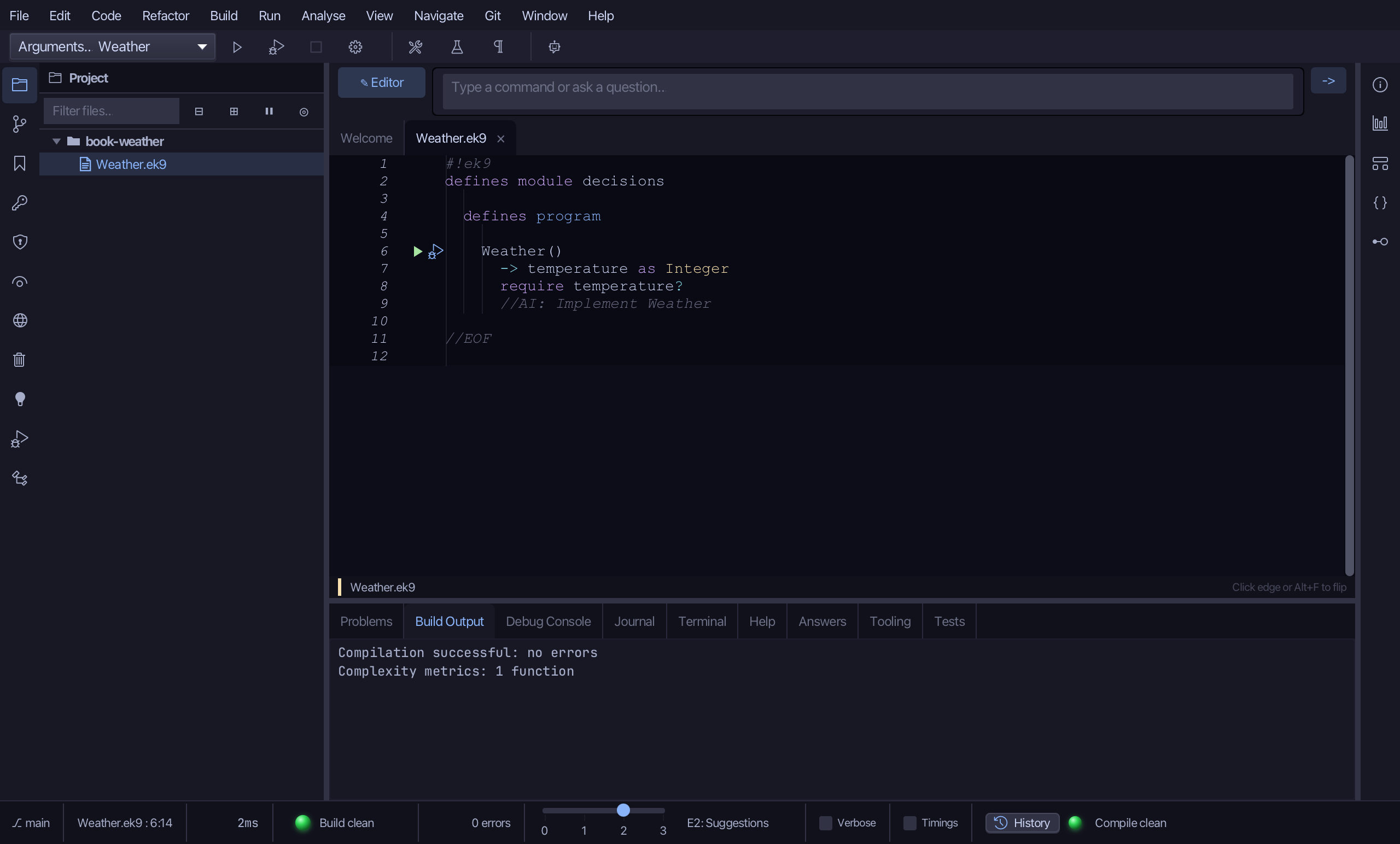
Step 1: A program with a parameter
Choose Code > New Construct > Program…
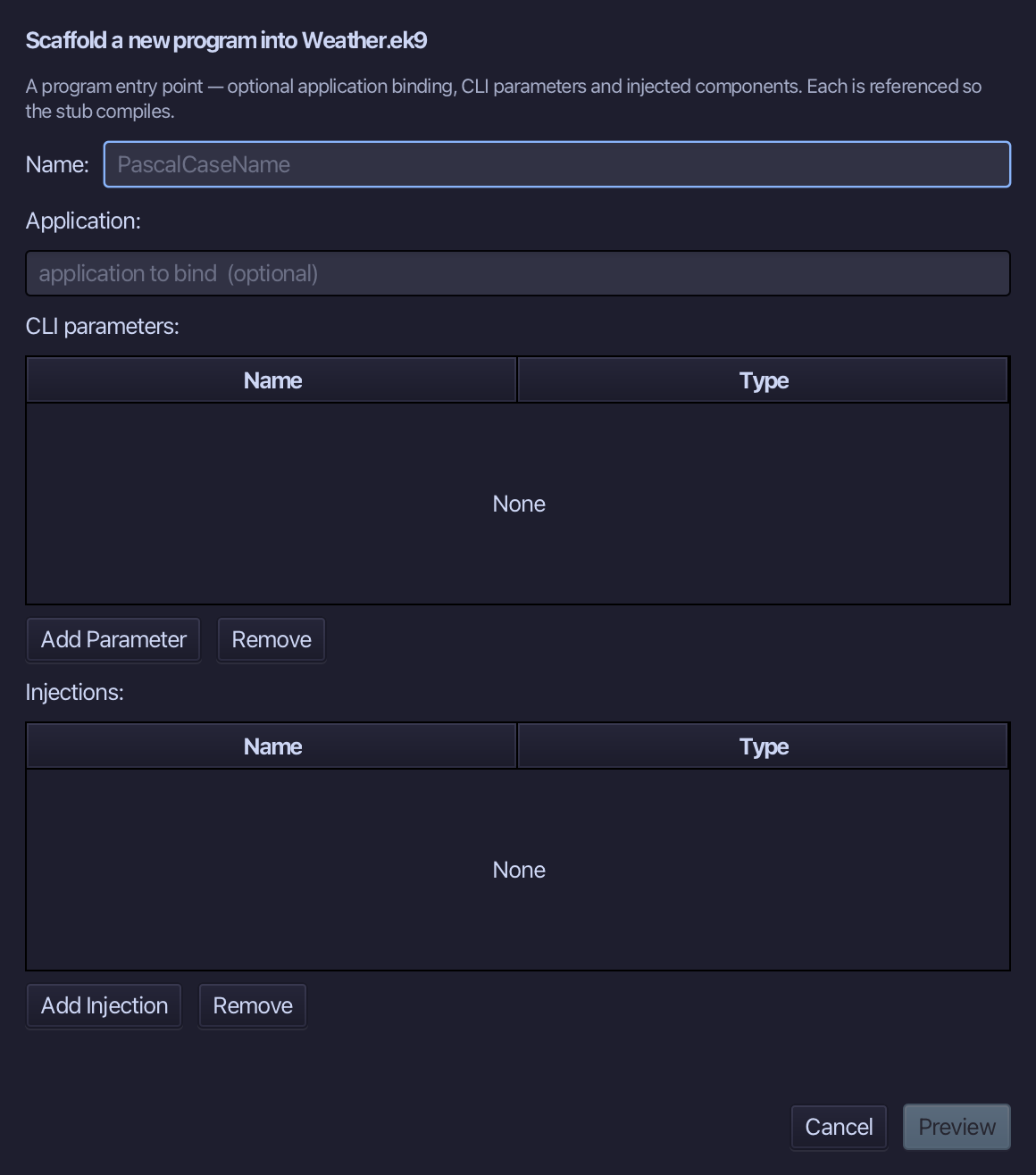
Weather is the program's name. Add one parameter, temperature of type Integer. Choose Preview.
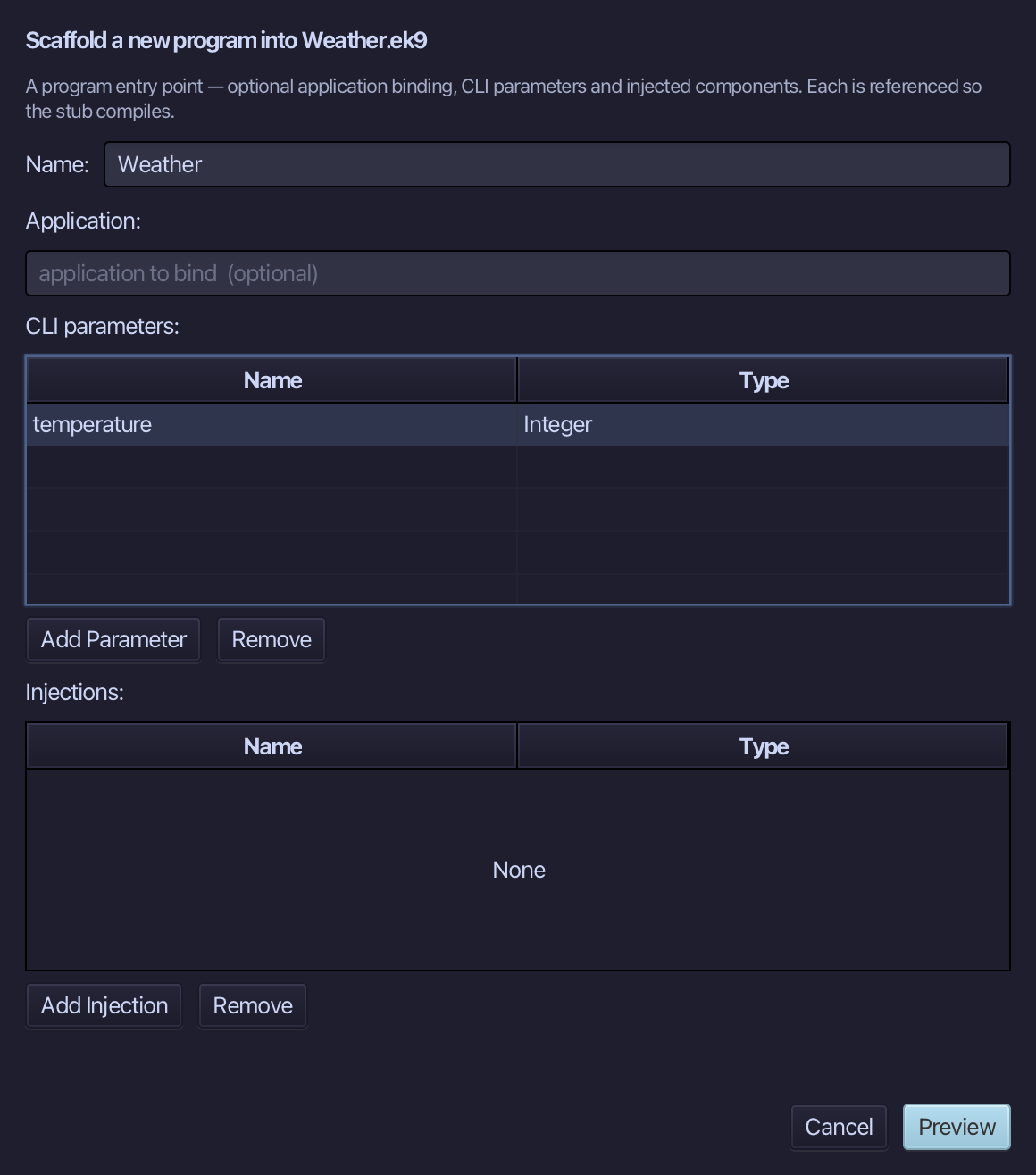
The preview shows Weather with its parameter. Choose Apply.
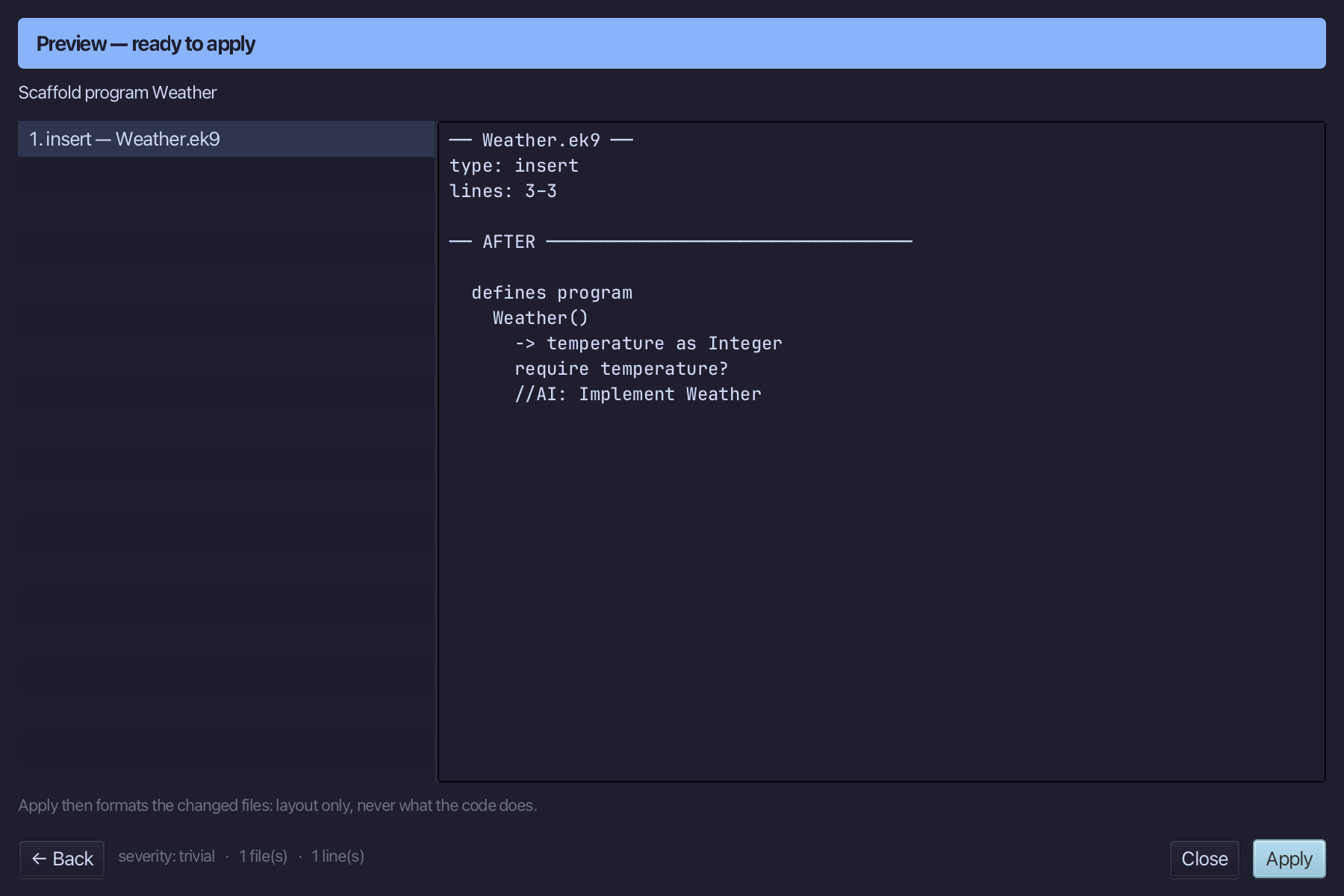
Select the Weather() line and, above it, type the blank line the book opens its program with. Saves when typed.
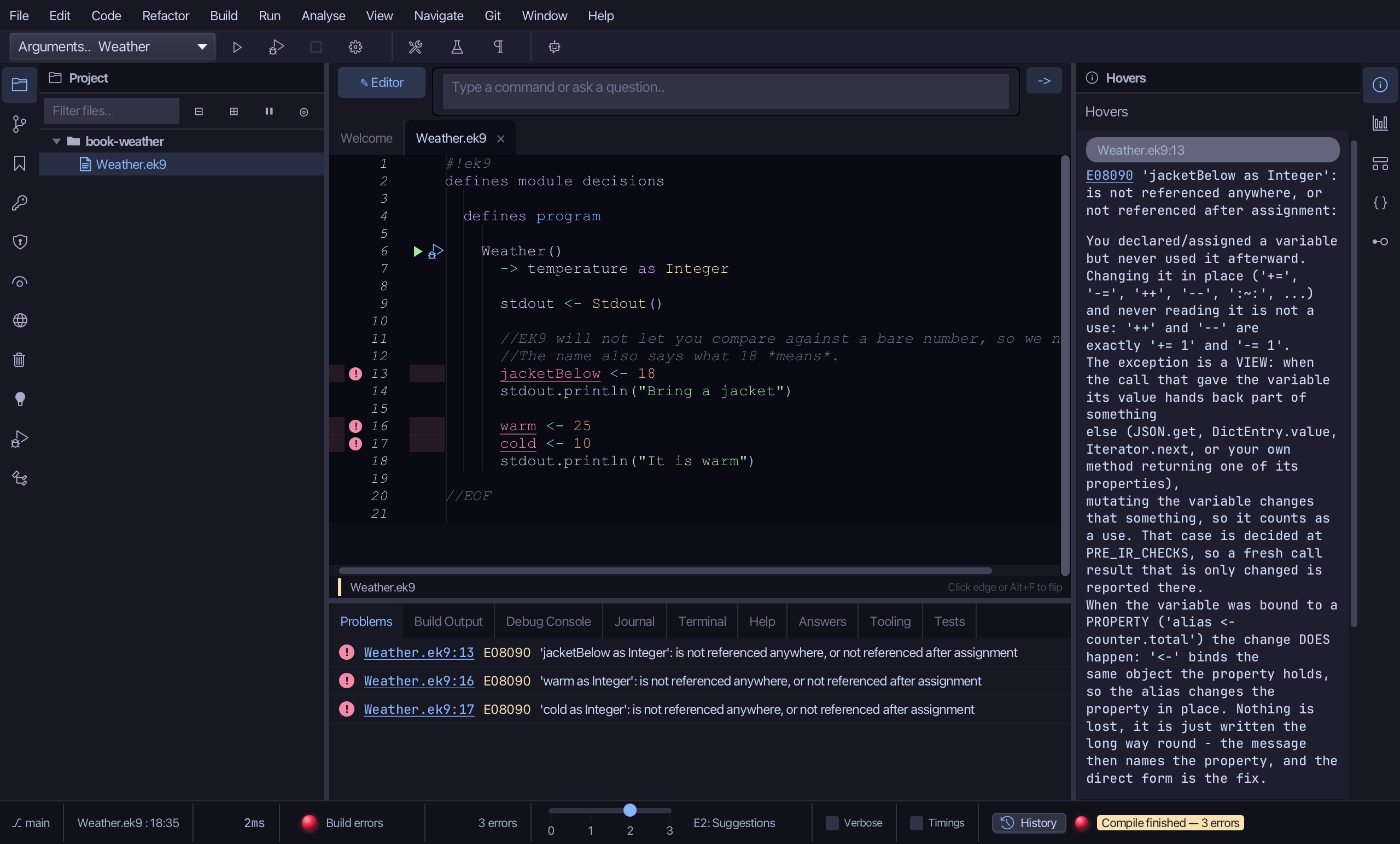
Step 2: A plain start
Select the stub, from require temperature? down to its //AI line, and type the plain start: the comment, the named marks and both prints, no test yet. Saves when typed.
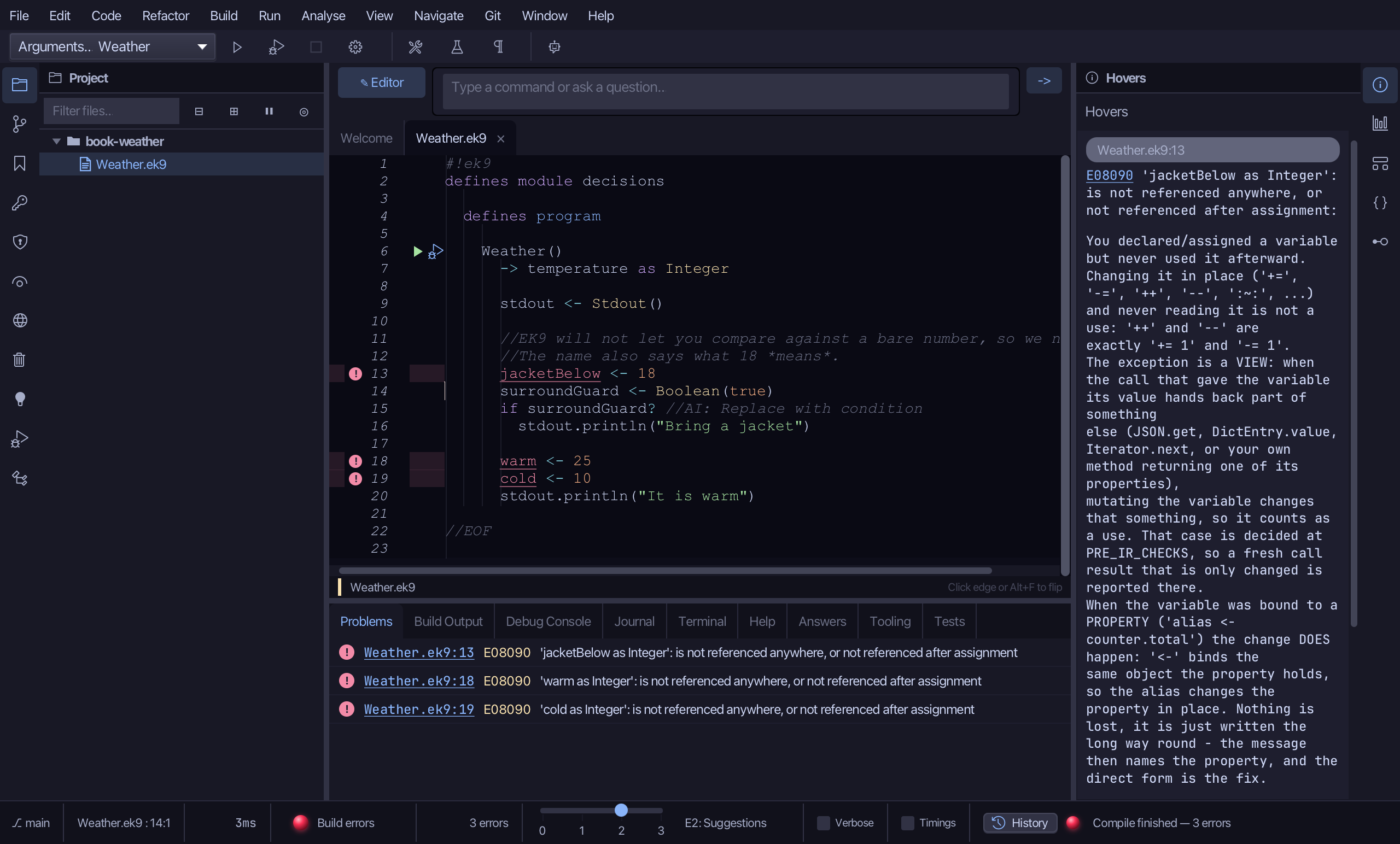
Step 3: A first test: Surround With ▸ if
Put the caret on the Bring a jacket print, right-click - or choose Refactor > Refactor This… - and choose Surround With ▸ if ....
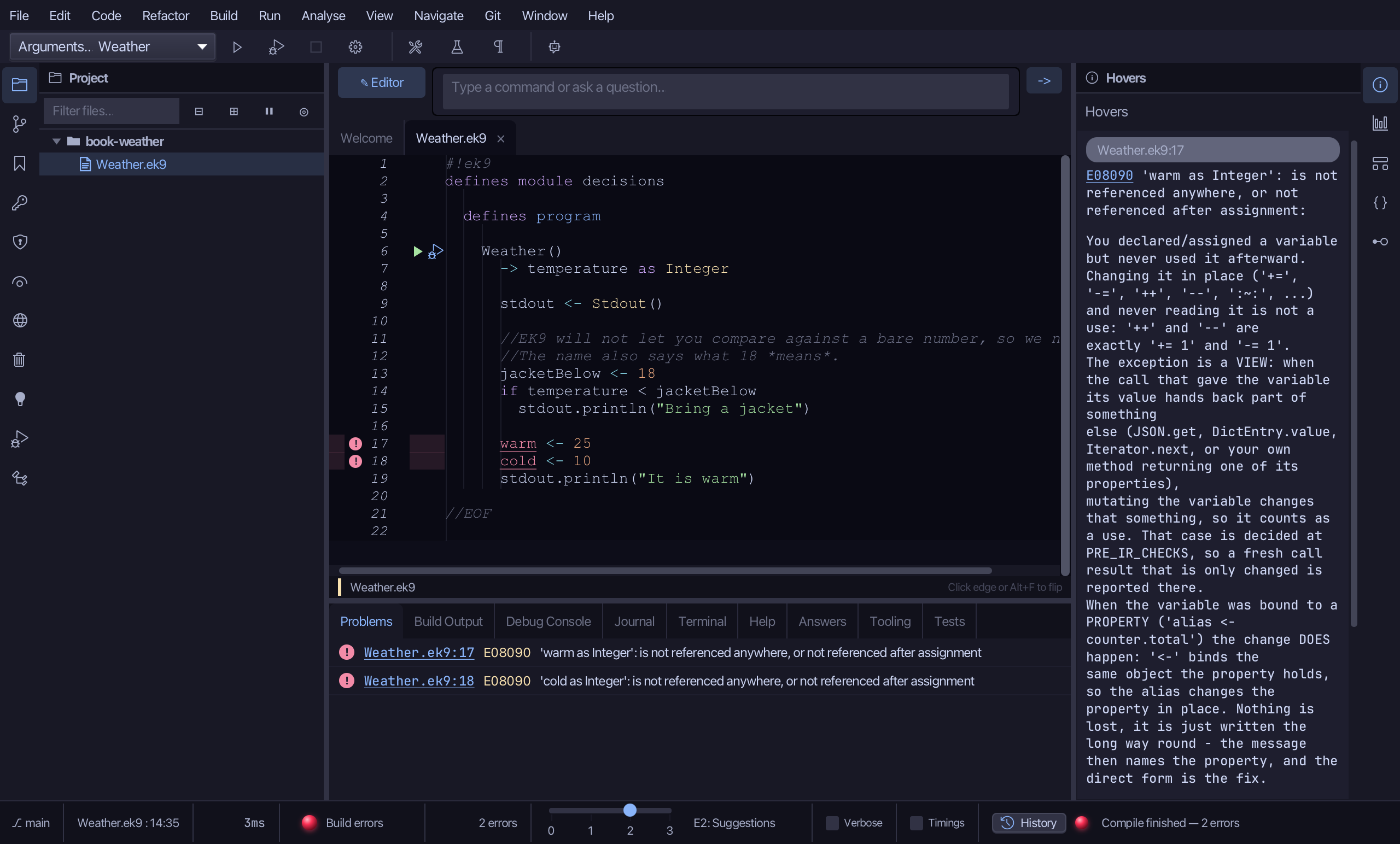
Select the stub, from surroundGuard <- Boolean(true) down to its //AI line, and type the real test: if temperature < jacketBelow. Saves when typed.
Step 4: A three-way test: Surround With ▸ if … else
Put the caret on the It is warm print, right-click - or choose Refactor > Refactor This… - and choose Surround With ▸ if ... else.
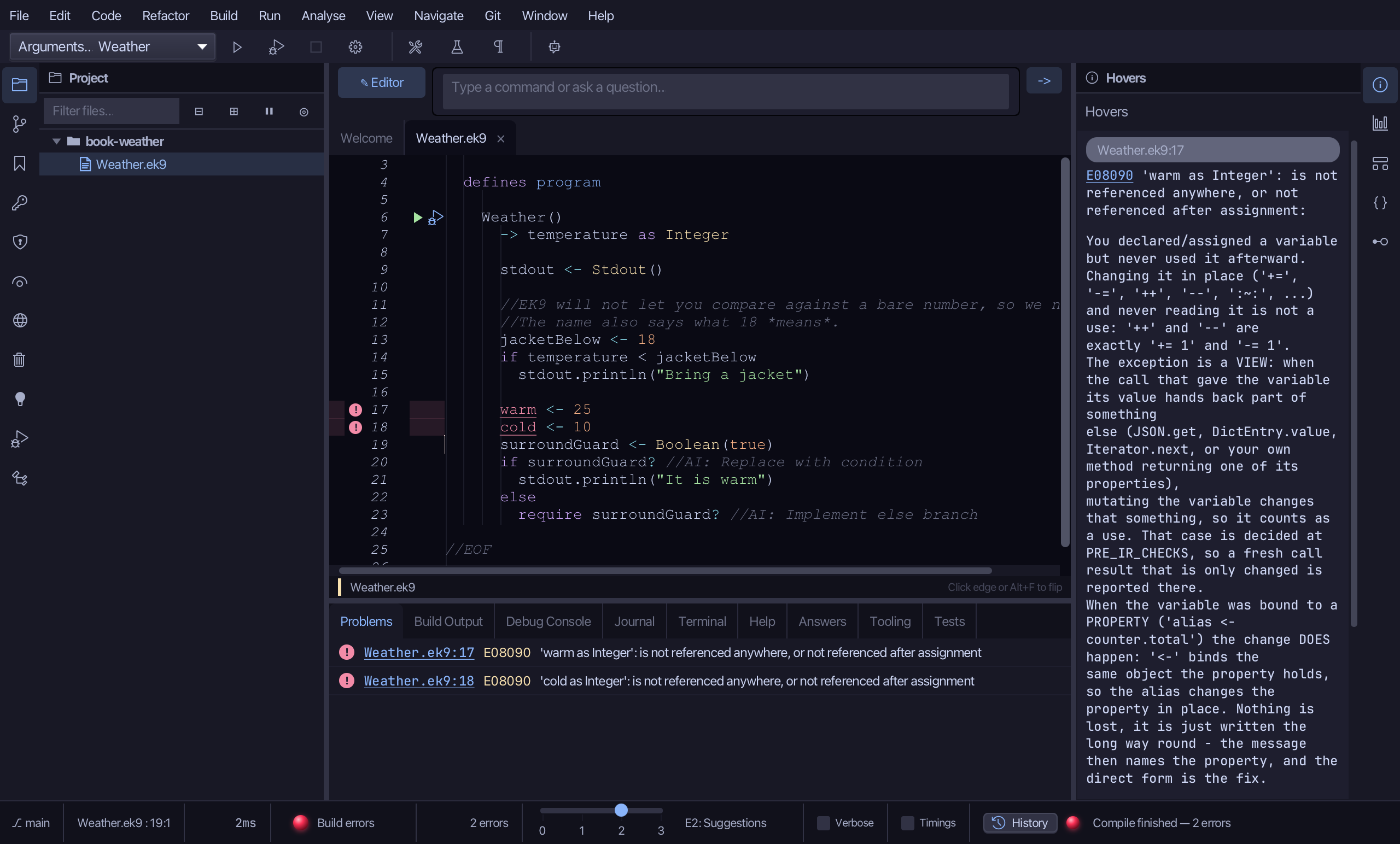
Select the stub, from surroundGuard <- Boolean(true) down to its //AI line, and type the first test: if temperature > warm. Saves when typed.
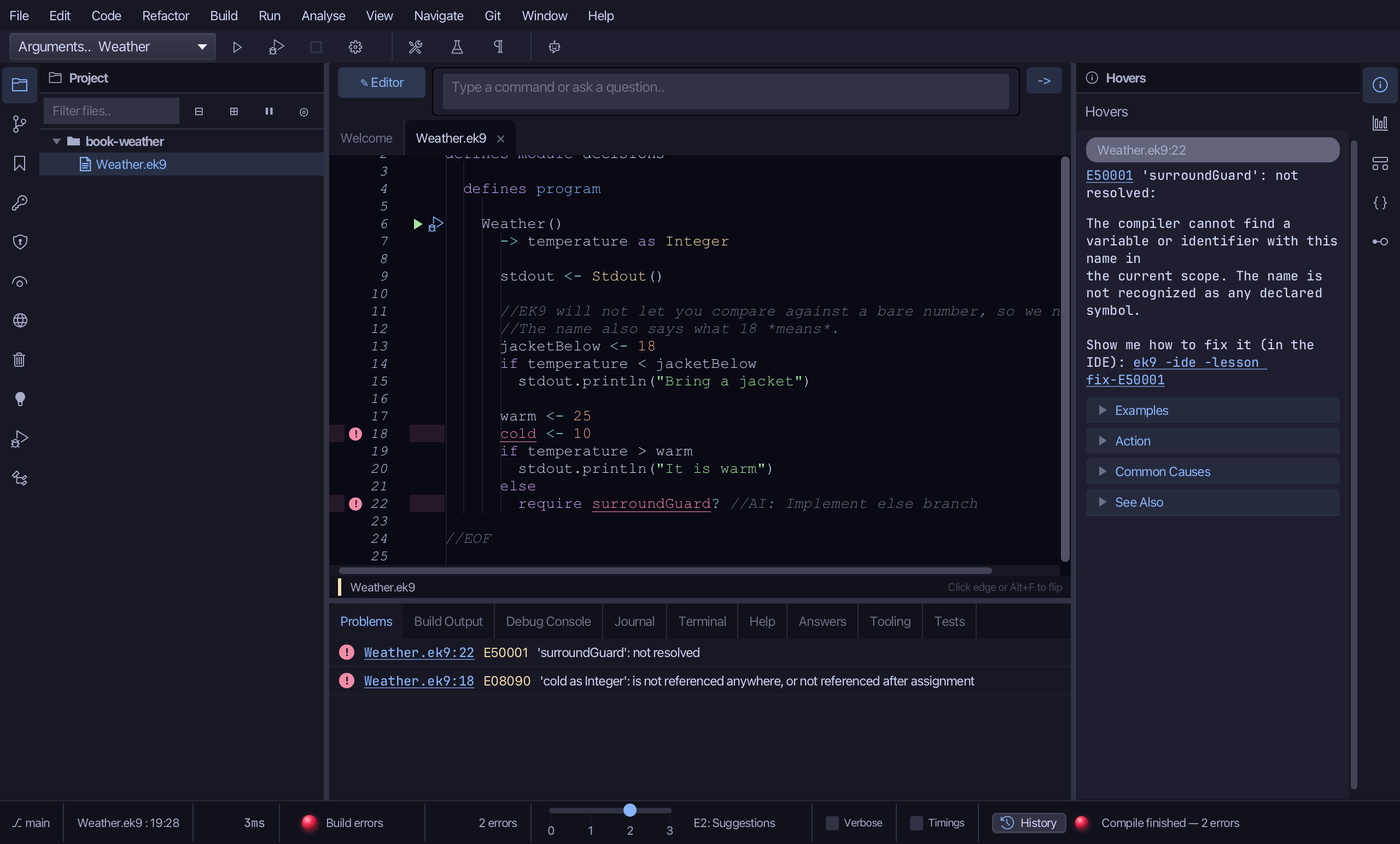
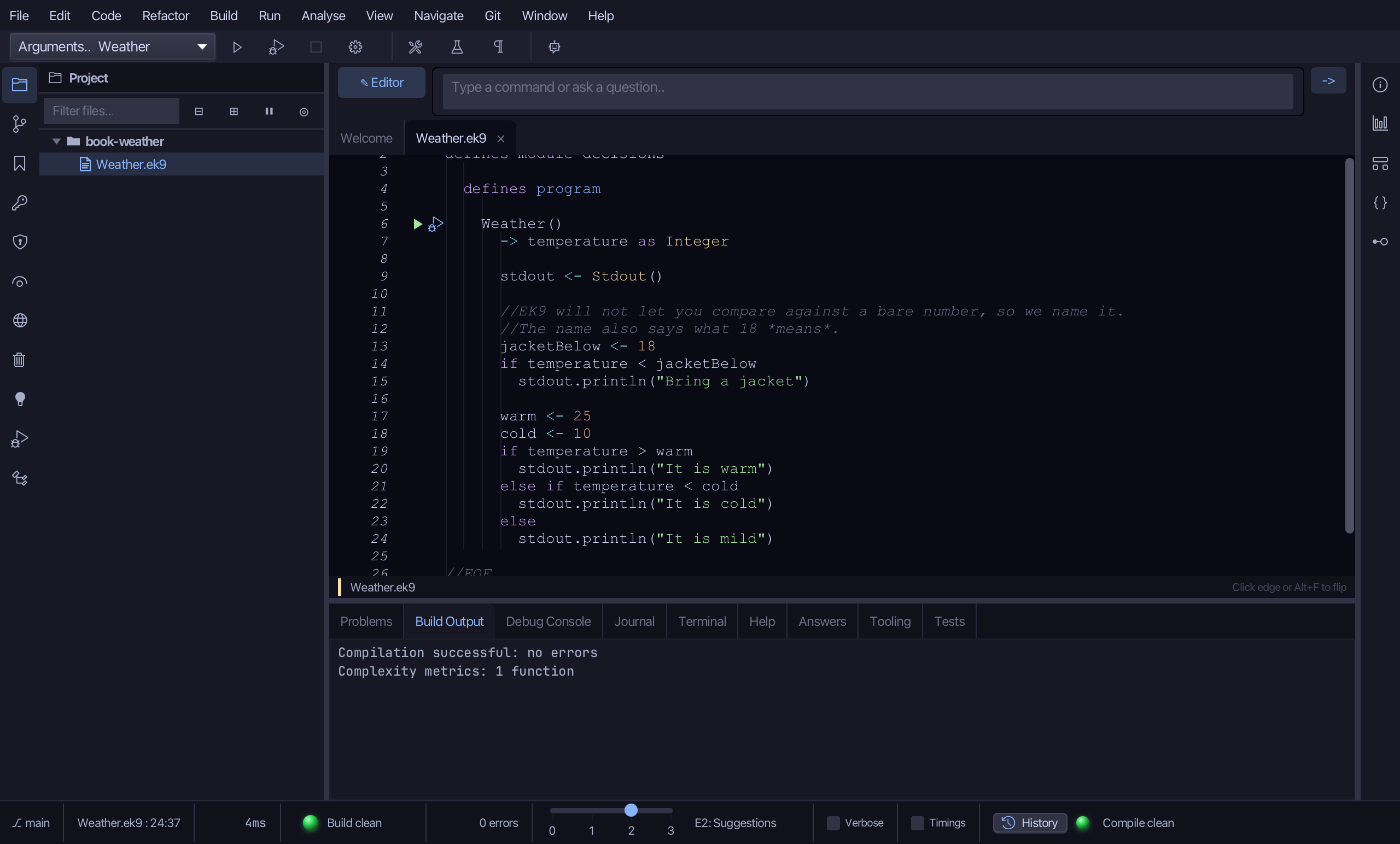
Select the else and its placeholder, and type the rest of the chain: an else if for cold, and an else for mild. Saves when typed.
Step 5: Run it
Choose Run > Run Program…
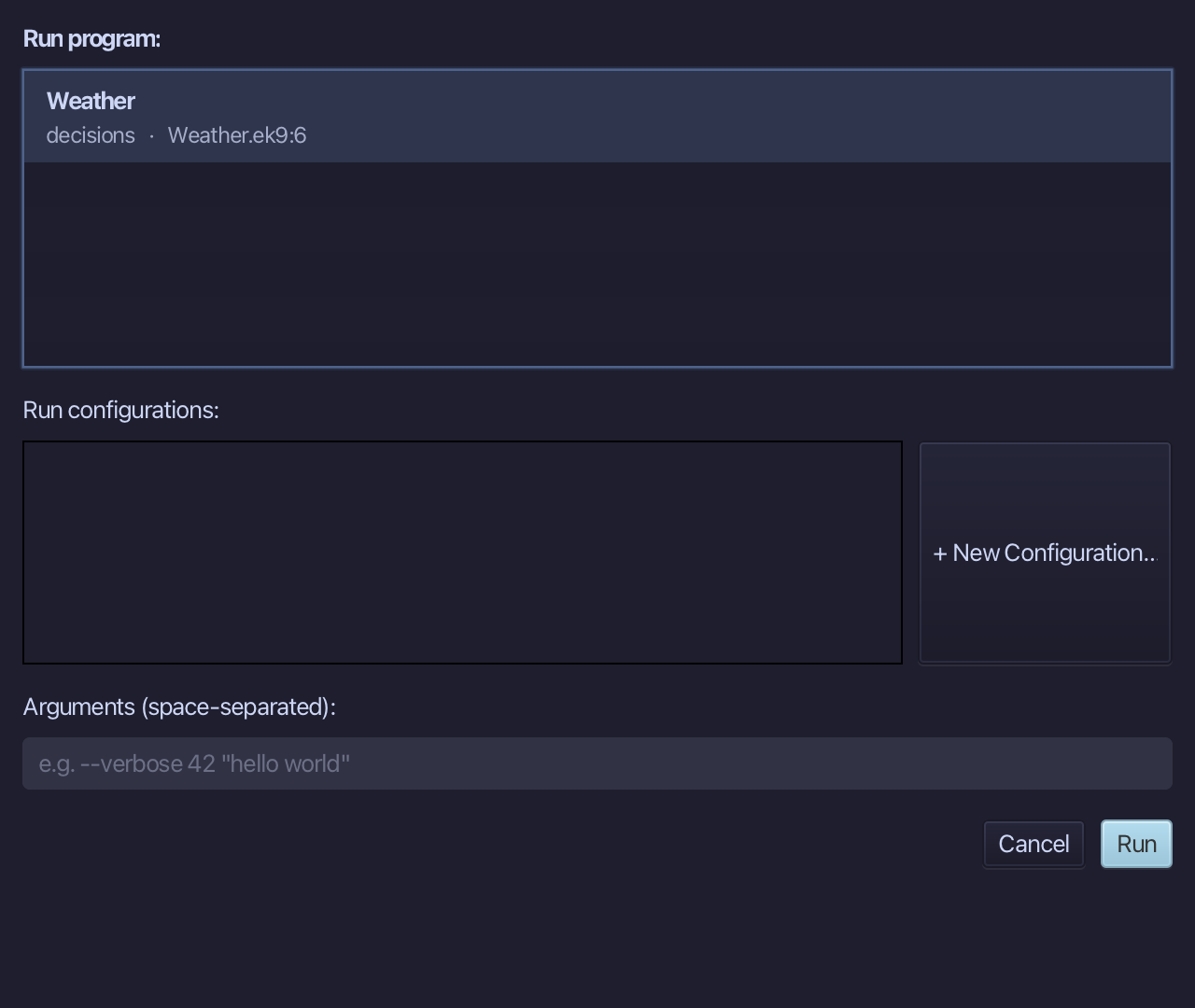
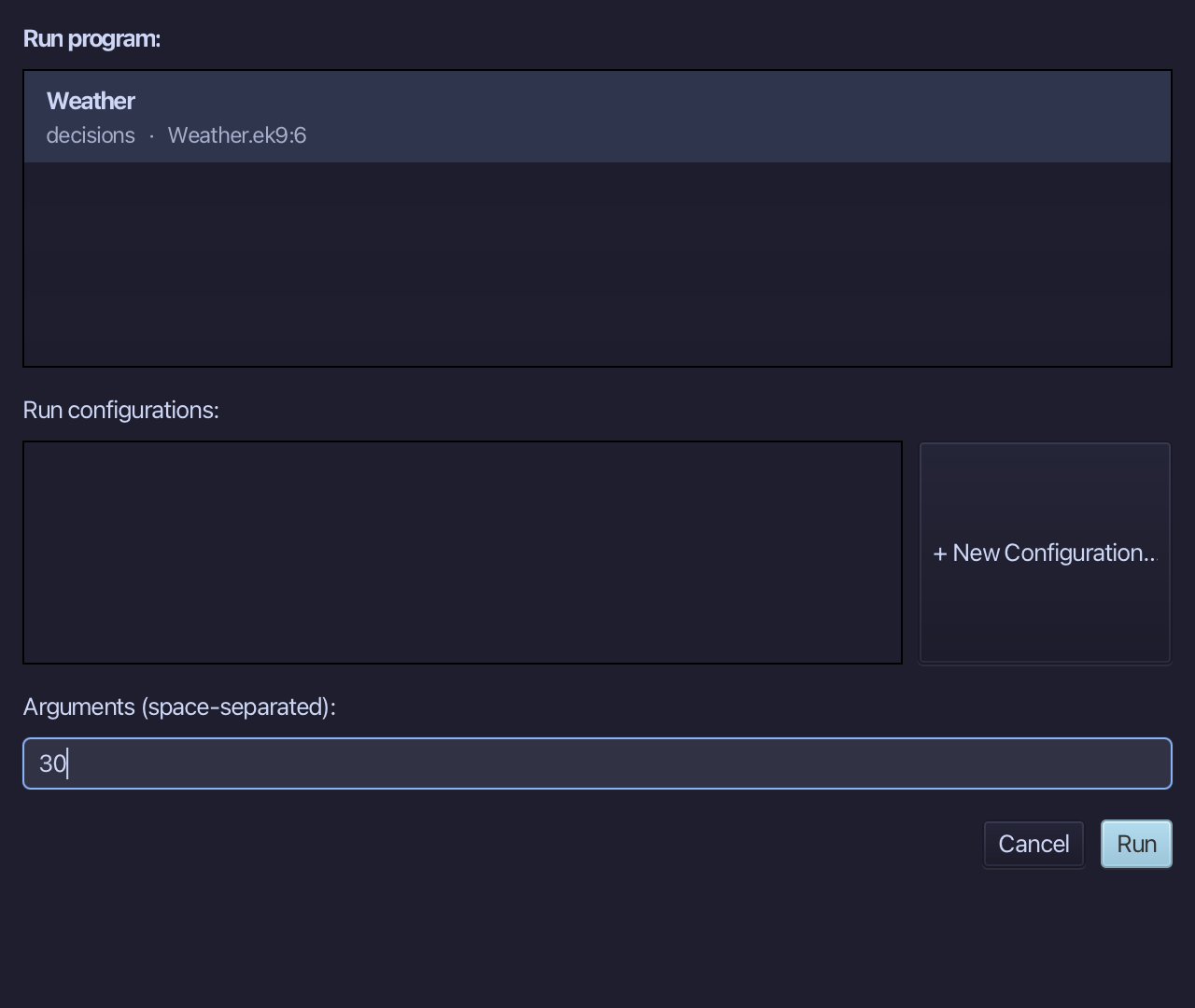
Type 30 into Arguments (space-separated), then choose Run.
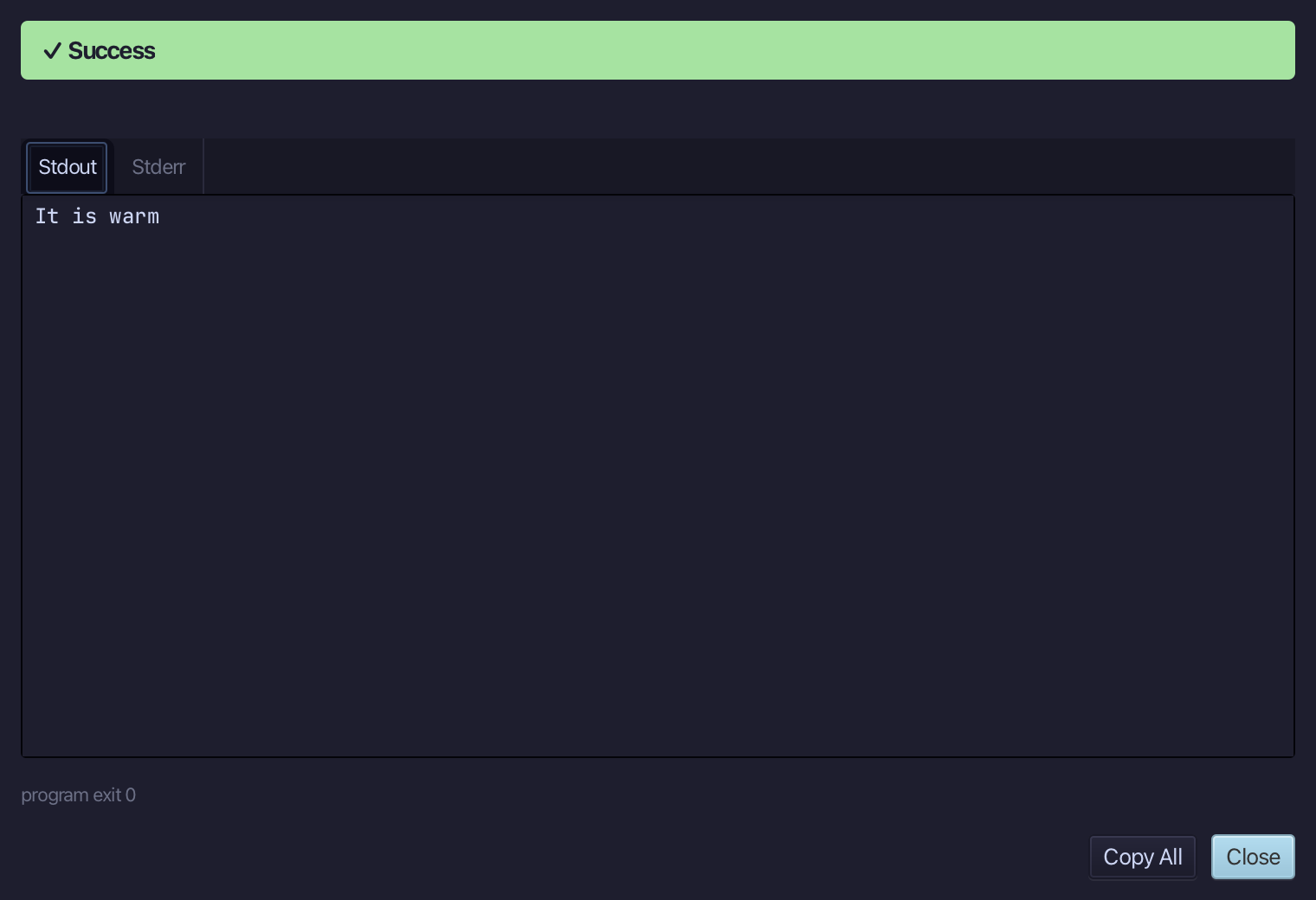
It is warm - 30 is above warm. A cooler 5 would print Bring a jacket and It is cold. Choose Close.
The result
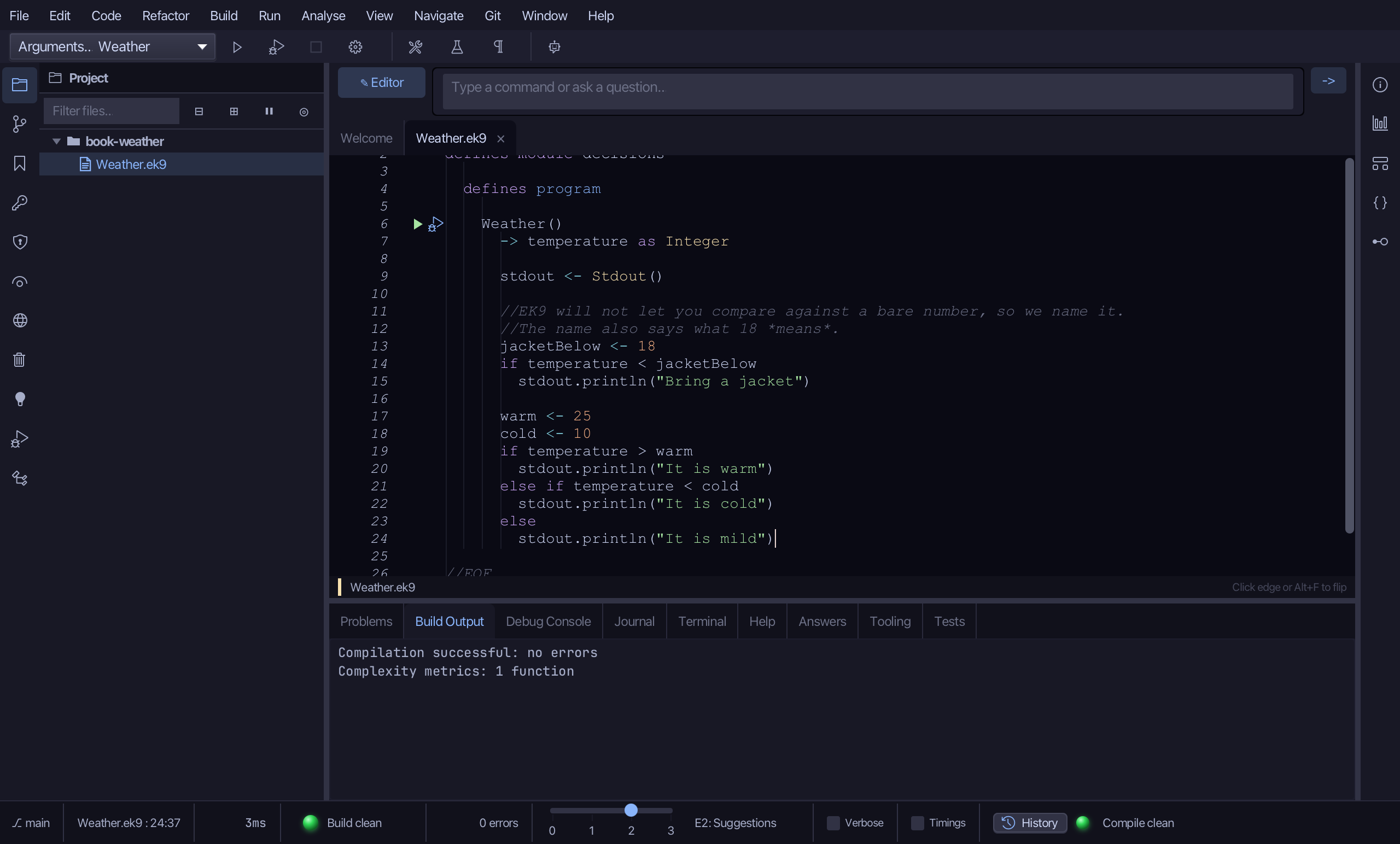
Weather.ek9 now reads exactly as chapter 3 of Getting Started with EK9 shows it: a jacket test, and a three-way warm / cold / mild test with named marks instead of bare numbers. Surround With ▸ if and ▸ if … else folded the plain prints under their heads; you typed the conditions and the else if / else tail the second template leaves as a placeholder. AI assistants use ek9_surround_with with surroundType if or if-else and condition.
Where this lesson comes from
- For AI assistants - the MCP tool
ek9_add_program,ek9_surround_with.
In the EK9 reference: Flow Control in EK9